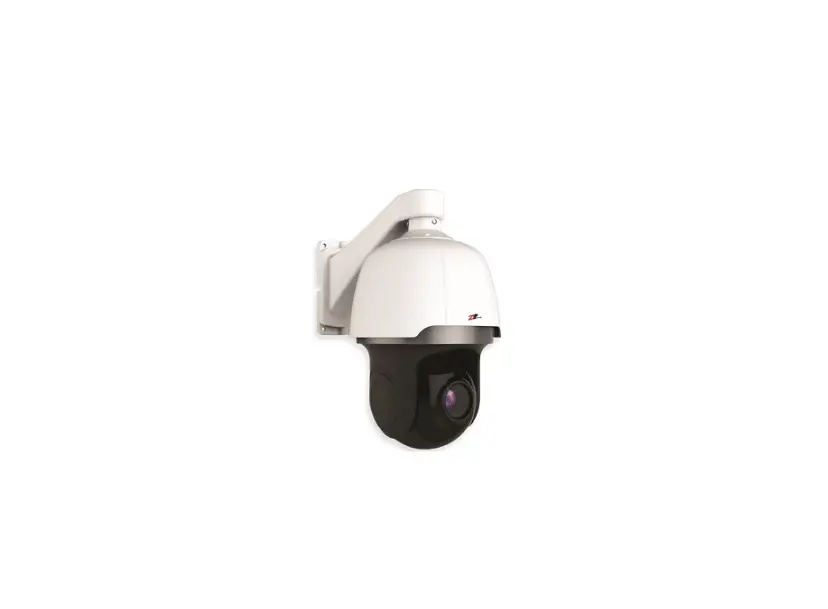
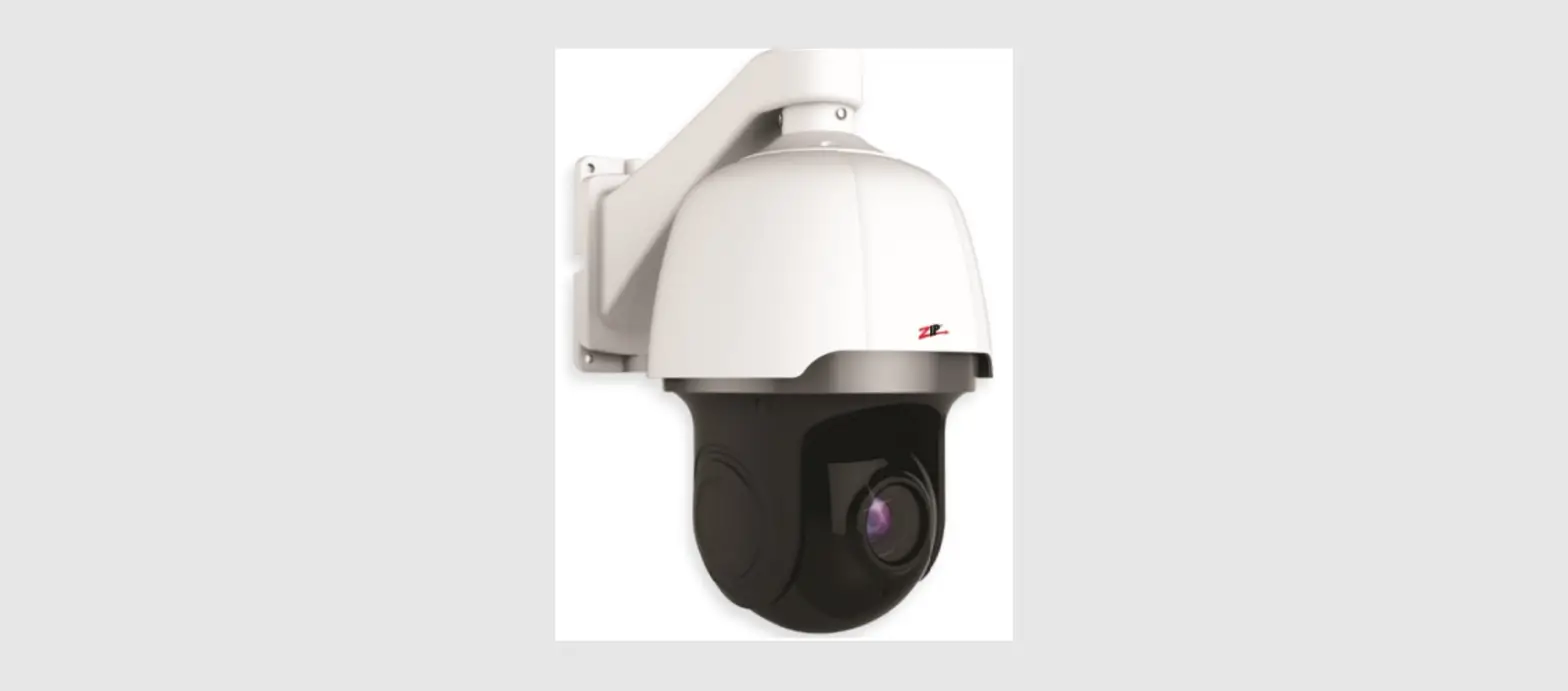
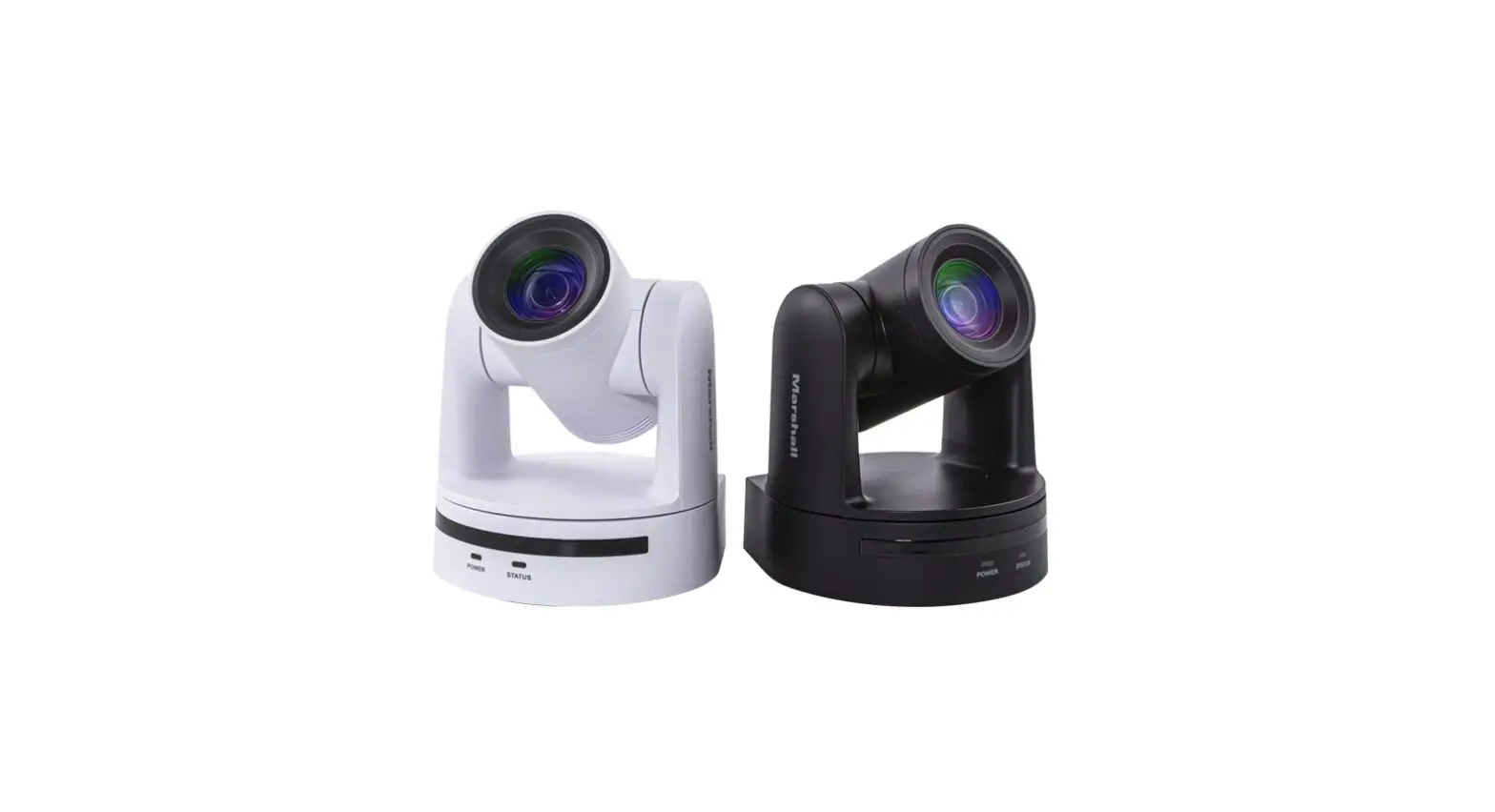
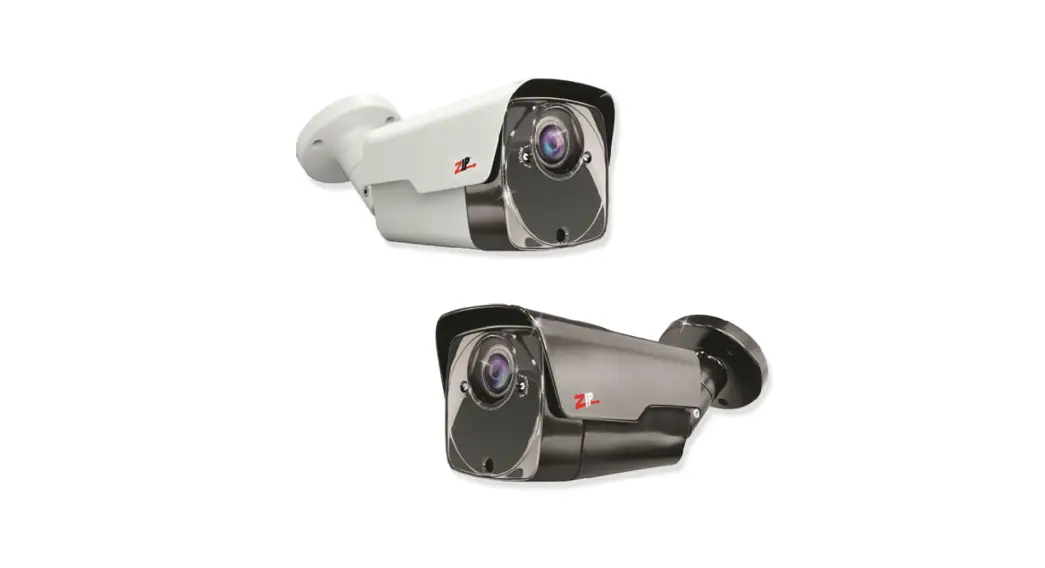
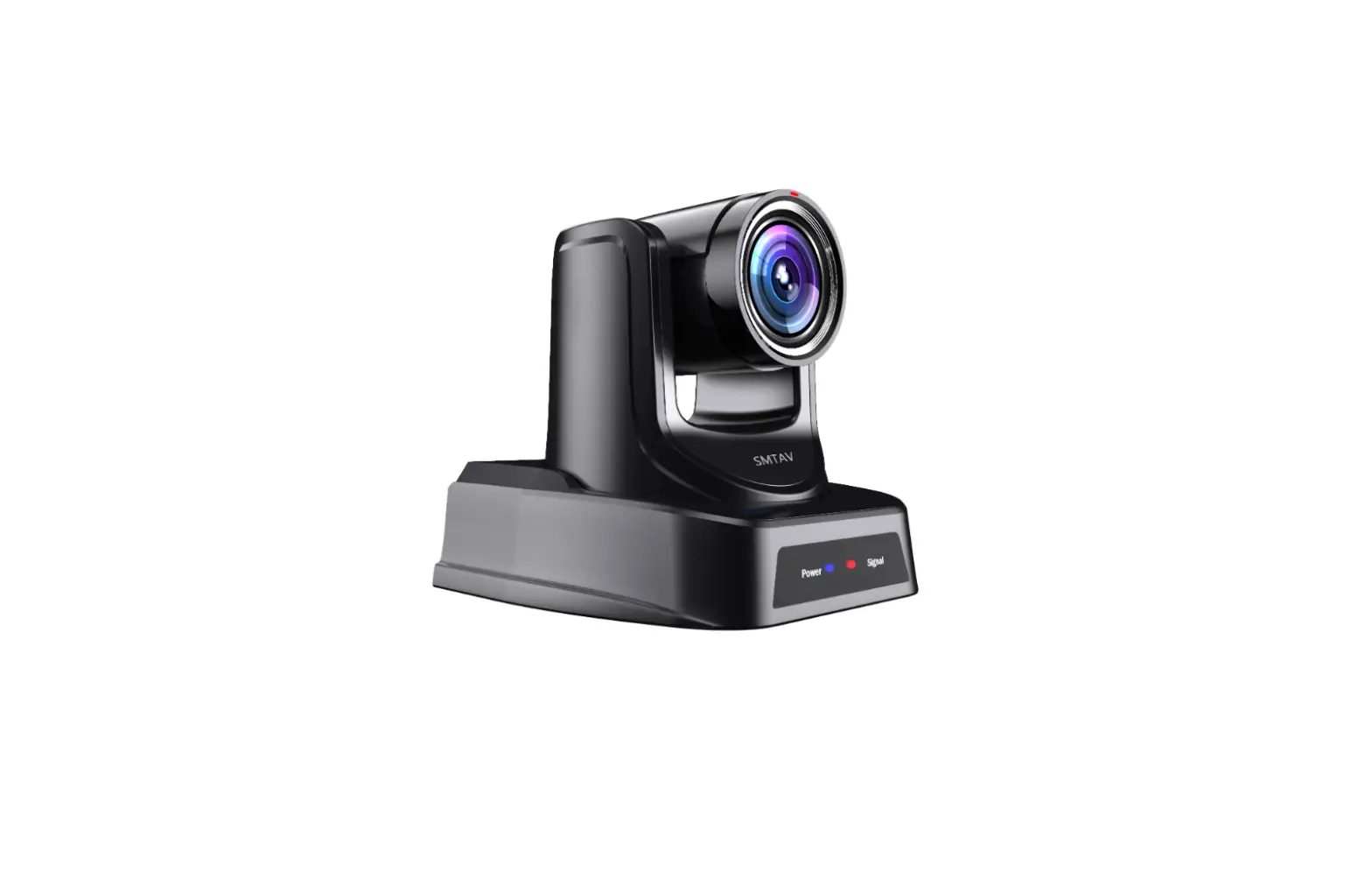
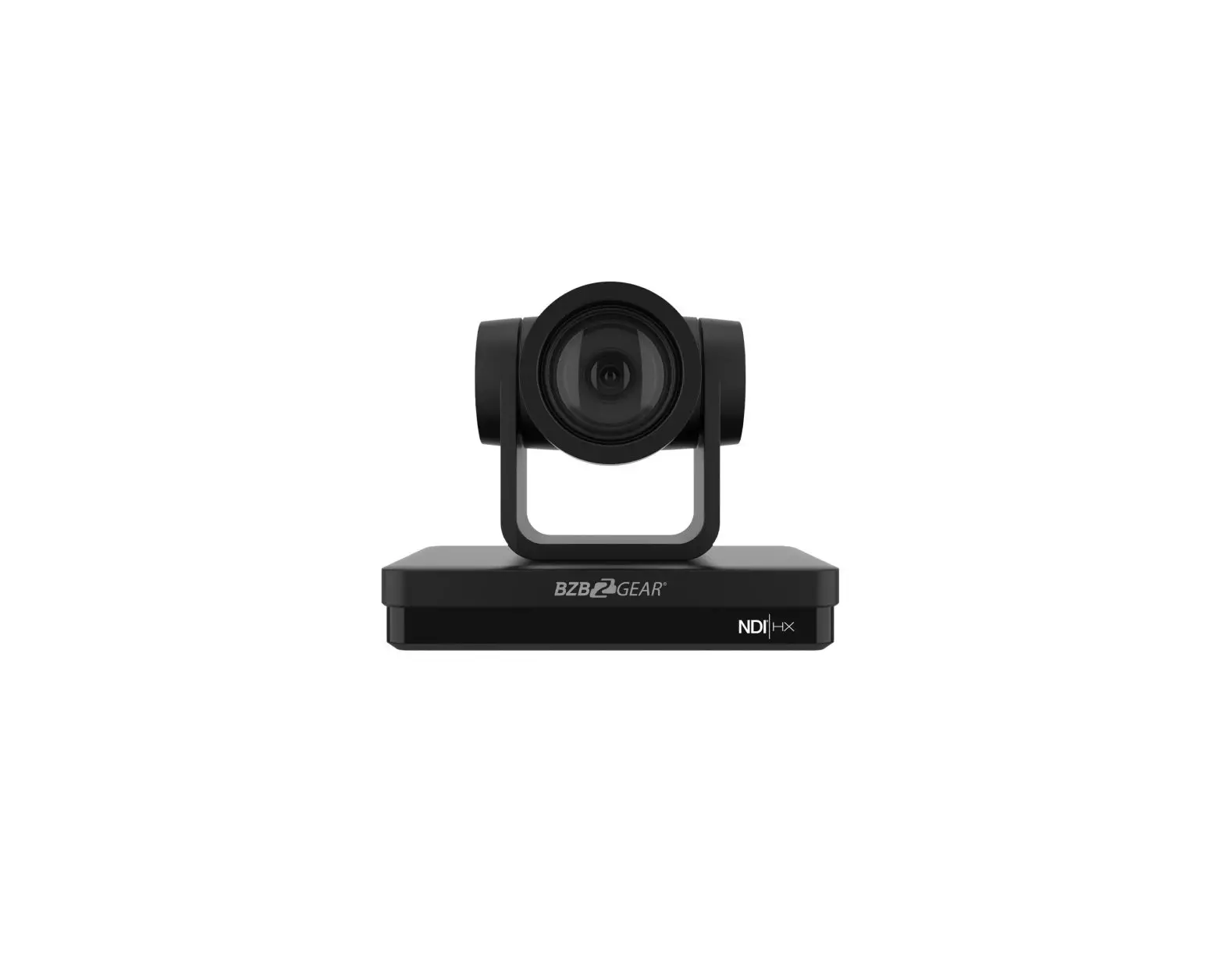
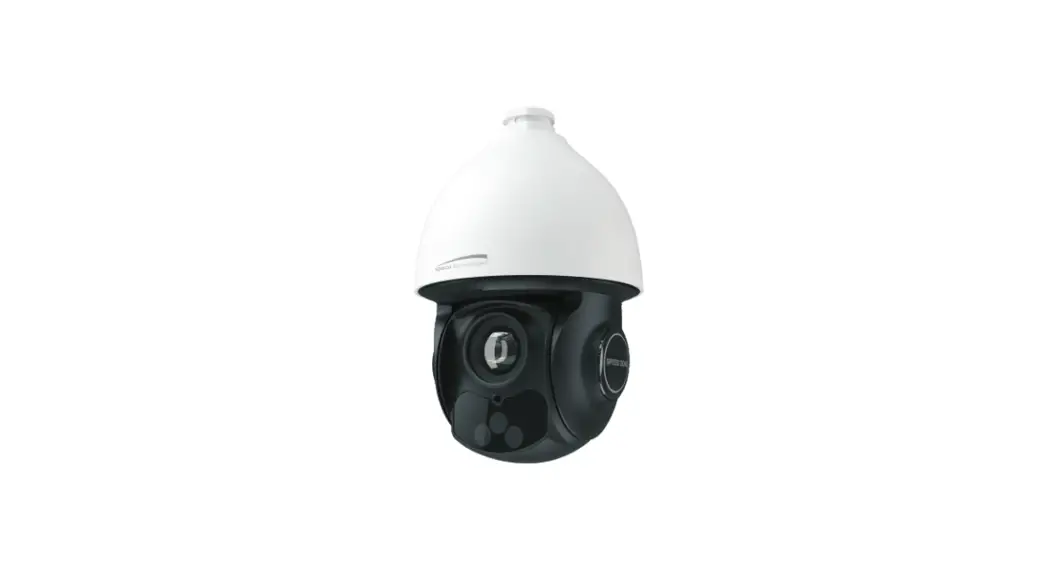
PTZM600 4 In 1 5MP 18X Zoom PTZ Camera
PTZM600 – Quick Start Guide
The PTZM600 is a high-clarity 4-in-1 5MP PTZ Camera that
incorporates an 18x zoom camera module. It has a variable IR range
of 60m and uses the Zip Coaxitron protocol for control. The default
video format is in TVI mode.
Product Usage Instructions
Connections
If you are using a ZIP SUPA or XTRA recorder, you may not
require RS485 cables for installation. The coaxitron communication
allows for control over the coax.
PTZ Control on a ZIP DVR
To access the PTZ Control, click on the image in Live view and
then click on the PTZ button at the bottom of the screen. Note that
other manufacturers may also use coaxitron communication, but it is
not standardized across all CCTV DVRs.
Installation
- If you are using a ZIP DVR with coaxitron, proceed to step 2.
If using RS485, refer to the Full Manual for instructions on
setting the dip switches. - Mark the hole positions on the wall using the mounting bracket
or measurements on the diagram. Then drill the holes and install
the wall plugs. - Feed the PTZ cable loom through the bracket and secure using
the short screws provided. - Connect cables for power, video (and RS485 if required) then
fit the PTZ to the wall using the screws provided. - Remove protective film from PTZ and use silicon sealant around
the base where the cable enters the bracket and in the entry cut
out which is not used. The connections for the camera need to be
installed in a waterproof box or similar.
Camera PTZ General Specifications
- Image Sensor Resolution: 5MP
- Lens Type: 4.7-84.6mm
- Viewing Angles: 249 (H) x 137 (W) x 197 (D)
- Illumination: TVS3000V
- IR Range: 60m
- Pan Range: Not specified
- Pan Speed: Not specified
- Tilt Speed: Not specified
- Tilt Range: Not specified
- Number of Presets: Not specified
- Number of Patrols / Tours: Not specified
- Number of Patterns: Not specified
- Auto Scans: Not specified
- Park Action: Not specified
- Power Supply: Not specified
- Power Consumption: Not specified
- Temperature & Humidity Electronic Protection: Not
specified - IP Rating: IP66
- Dimensions: 280 x 280 x 225mm
- Packaging Dimensions: Not specified
- Weight: 4.0KG
Note that all specifications are approximate, and System Q Ltd
reserves the right to change product specifications or features
without notice. Ensure to refer to the Full Instruction Manual for
detailed instructions on how to use the PTZM600.
4-in-41-i5nM-1P5PMTPZPCTaZmCearam1e8rXa 1Z8oXomZoom
Zip is a registered trademark of System Q Ltd
PTZM600 – Quick Start Guide
The 4-in-1 5MP PTZ Cameras incorporate a high-clarity 18x zoom camera module. The module used is a 4.7 84.6mm 5MP lens.
Full Instruction Manual
This unit has variable IR, as the PTZ is zoomed in, different infra-red LEDs are activated illuminating the changing angle of view. It has an IR range of 60m.
The PTZM600 default video format is in TVI mode so using the (Zip Coaxitron) protocol in the ZIP SUPA or XTRA DVR allows up the coax control, alleviating the necessity for RS485 connections.
www.systemq.com/PDF/ manual/xPTZM600.pdf
User Information
· The camera must not be exposed to conditions above the IP66 rating. · Take care when transporting, storing and installing the PTZ. · Always use and conform to current standards to install and use these. The RS-485 and video signal cables should
be kept way from high voltage equipment. Damage to units by lightning or mains voltage surges is not covered under the product warranty.(BS EN 62676-1-1) (BS EN 62676-4) (BS8418) · There are no user serviceable parts in the camera and opening or attempting to repair the product will void the warranty. · Do not touch the camera connections with wet hands. · The camera working temperature outdoor is -20°C ~ +60°C and humidity must be less than 90% (frostless). · Do not aim the camera directly towards the sun or an extreme light source. · Wipe dirt away with a damp micro-fibrecloth. If needed a soapy water can be used. · Do not install or use the camera if the cables, casing of the PTZ, or the power supply is damaged. · When this unit is in use, avoid direct eye contact with the infrared lights. · Do not fit in close proximity to any flammable materials.
Connections
· 2.1mm DC Socket – 12V 2A Power supply is provided with the PTZ. If using a different PSU ensure the camera is polarity sensitive so connections must be correctly made.
ZIP SUPA and XTRA recorders have “Coaxitron” so the RS485 cables may not be required (depending on your install).
· 4-in-1 BNC Output – Set to TVI as default. camera has a standard BNC connector for video output, the output can be changed to AHD, CVI or CVBS if required, see the full manual for more information.
· Ground, RS485 +VE / -VE – When using a PTZ keyboard or if the install requires RS485 communication then use these wires.
PTZ Control on a ZIP DVR
The ZIP DVRs have coaxitron (COAX 1) selected for each channel which is set as default.
To access the PTZ Control:-
Note: other manufacturers may also use coaxitron communication, however this is not standardised across all CCTV DVRs, we cannot comment on the ability or inability to access or use the PTZ and any third party DVR.
1. Click on the image in Live view 2. Click on the PTZ button at the
bottom of the screen
Document ref: PTZM600
SystemQ.com
© 2023 System Q Ltd
1
4-in-41-i5nM-1P5PMTPZPCTaZmCearam1e8rXa 1Z8oXomZoom
Zip is a registered trademark of System Q Ltd
1. If using a ZIP DVR with coaxitron then go to step 2.
If using RS485 then see the steps in the Full Manual for instructions on setting the dip switches.
2. Mark the hole positions using the mounting bracket or using the measurements on the diagram. Drill the holes and install the wall plugs.
3. Feed the PTZ cable loom through the bracket, then secure using the short screws provided.
4. Connect cables for power, video (and RS485 if required) then fit the PTZ to the wall using the screws provided.
5. Remove protective film from PTZ.
Use silicon sealant around the base, where the cable enters the bracket and in the entry cut out which is not used. The connections for the camera need to be installed in a waterproof box or similar.
Camera PTZ General
Image Sensor Resolution Lens Type View ing Angles Illumination S/N Digital Noise Reduction BLC Electronic shutter Optical Zoom IR Range Pan Range Pan Speed Tilt Speed Tilt Range Number of Presets Number of Patrols / Tours Number of Patterns Auto Scans Park Action Pow er Supply Pow er Consumption Temperature & Humidity Electronic Protection IP Rating Dimensions Packaging Dimensions Weight
1/ 2.8″ Progressive CMOS 5MP 2592 (H) x 1944 (V) 4.7mm-84.6mm (Wide-Tele) 54.8°~ 3.4°(Wide – Tele) color: 0.05Lux/F2, B/W: 0.005Lux/F2, 0Lux( IR) > 50dB( AGC OFF) 2D DNR On/ Off 1/25~ 1/10,000s 18x Zoom 60m 360º endless 0.6°~ 180°/S 3.5°~ 30°/S 0°~ 90°,auto flip 180° Maximum 220 and 32 per patrol tour Maximum 8, each patrol can add 32 presets Maximum 4, total record time more than 10mins 360 auto scan / AB auto scan Presets / patrols / patterns / AB scan 12V DC 2A Supplied 1.7A Max (20W)
(f ros tles s ) TVS3000V IP66 249 (H) x 137 (W) x 197 (D) 280 x 280 x 225mm 4.0KG
All specifications are approximate. System Q Ltd reserves the right to change product specifications or features without notice. Whilst every effort is made to ensure that these instructions are complete and accurate, System Q Ltd cannot be held responsible for any losses, no matter how they arise, from errors or omissions in these instructions, or the performance or non-performance of the equipment refered to.
Document ref: PTZM600
© 2023 System Q Ltd
This symbol indicates that equipment must not be mixed with general household waste. For treatment, recovery and recycling please return to your local designated
WEE/CG0783SS collection point as defined by your local council.
2
 Home - System Q Ltd - Systemq.com