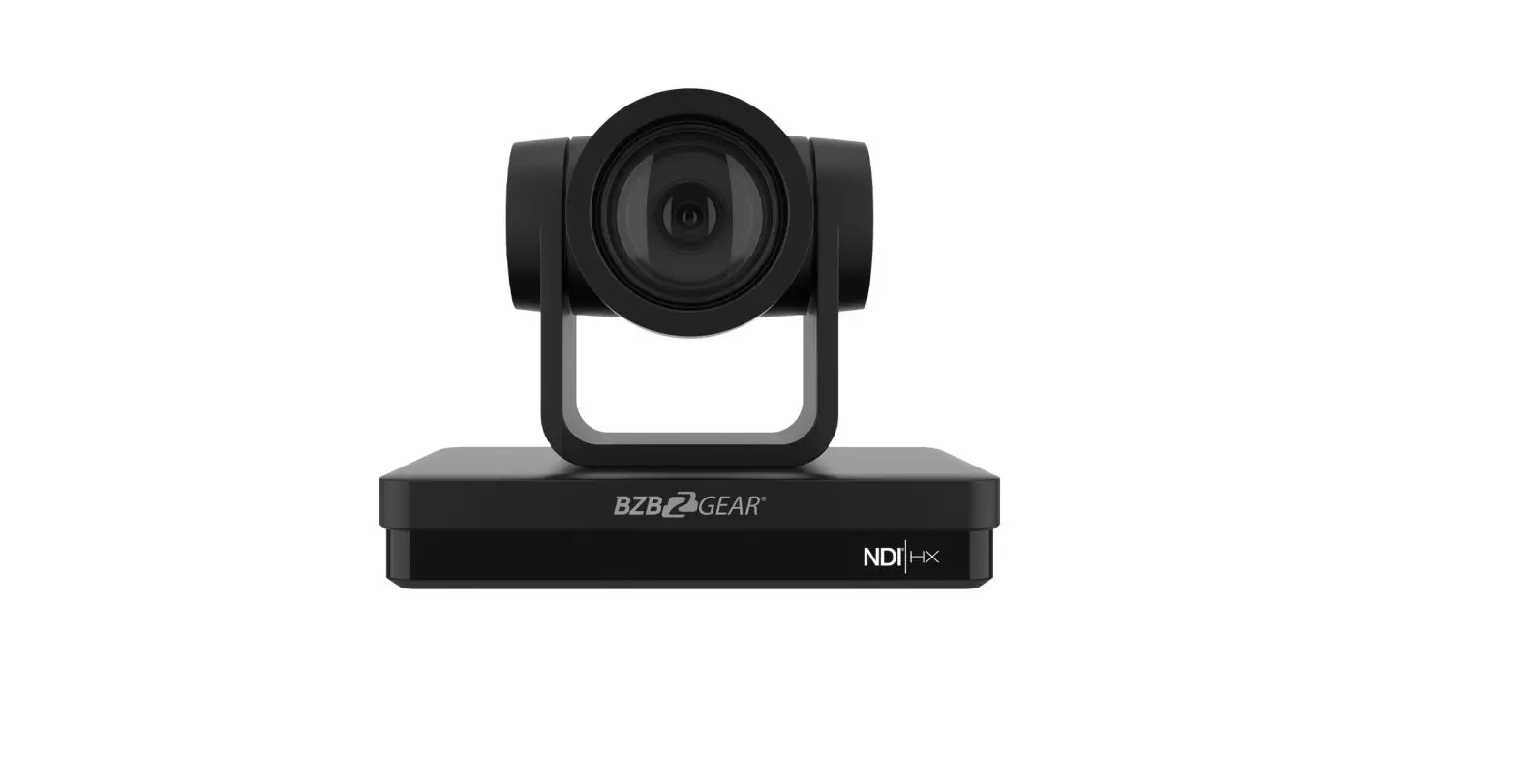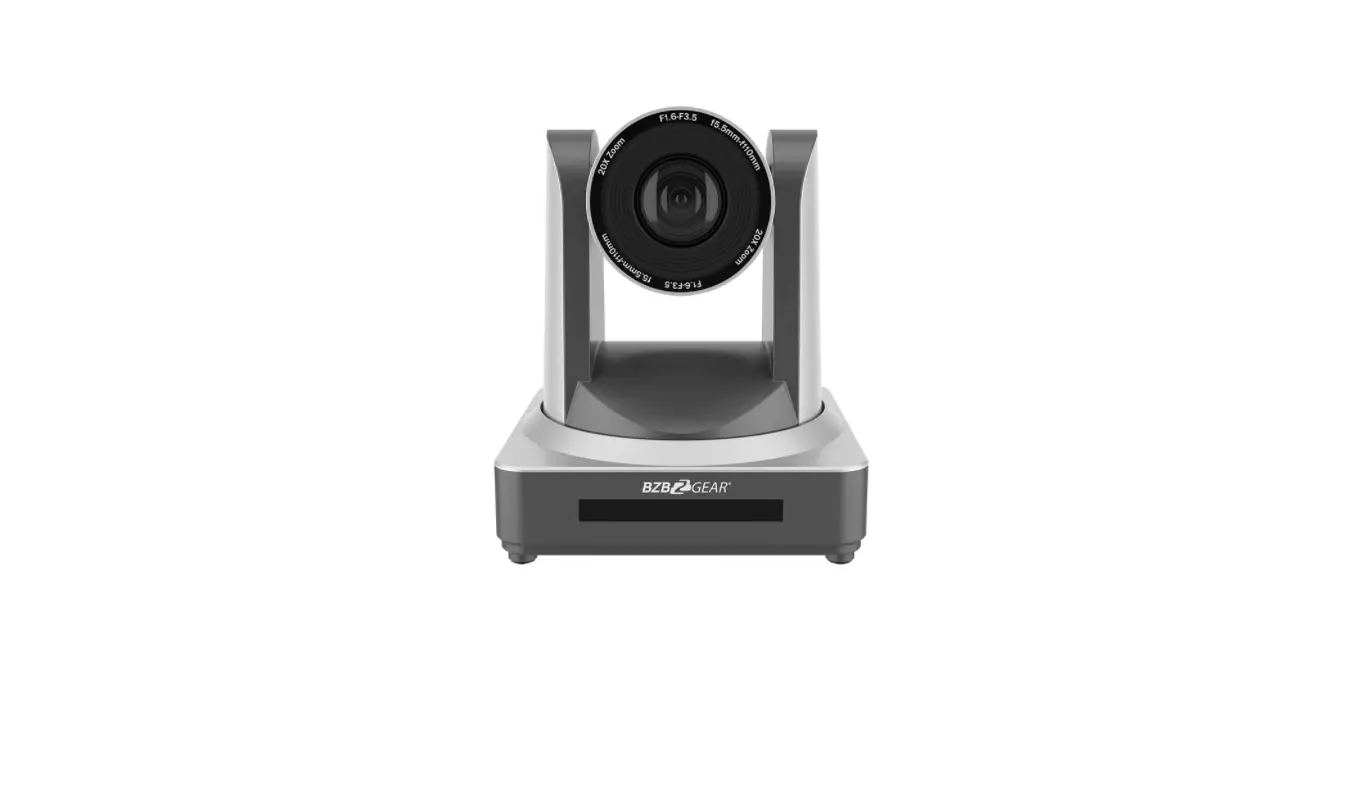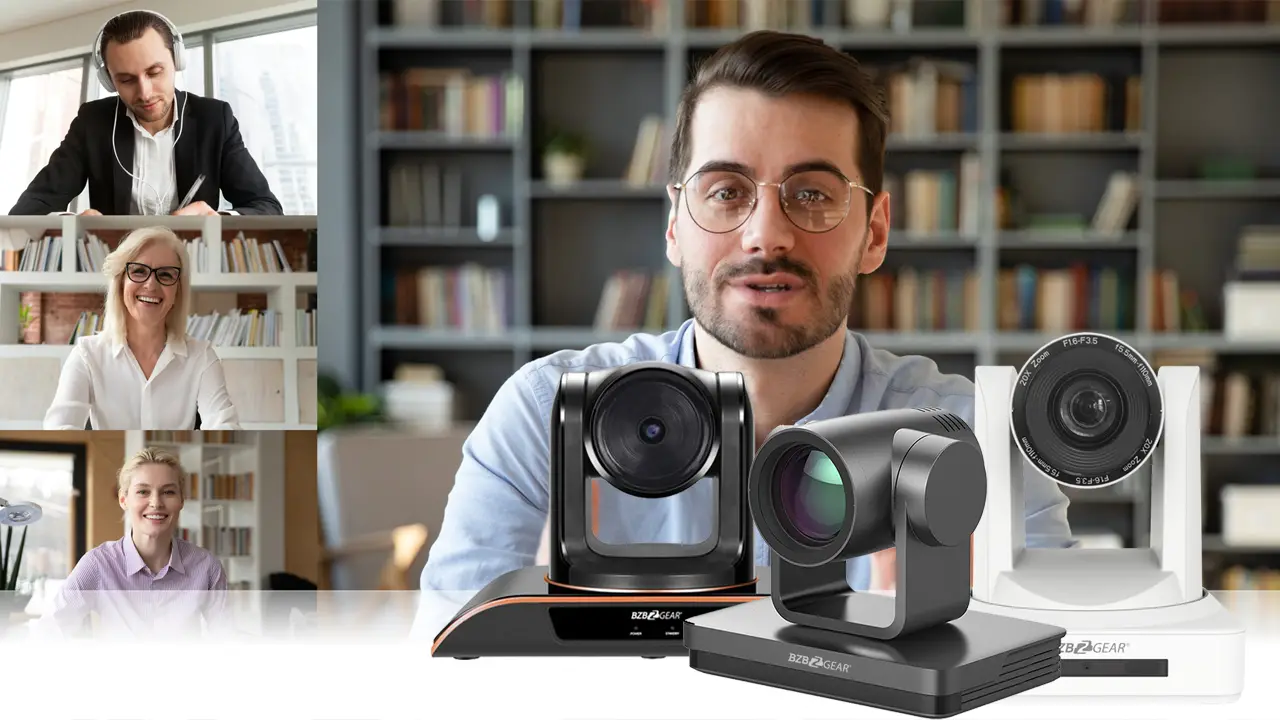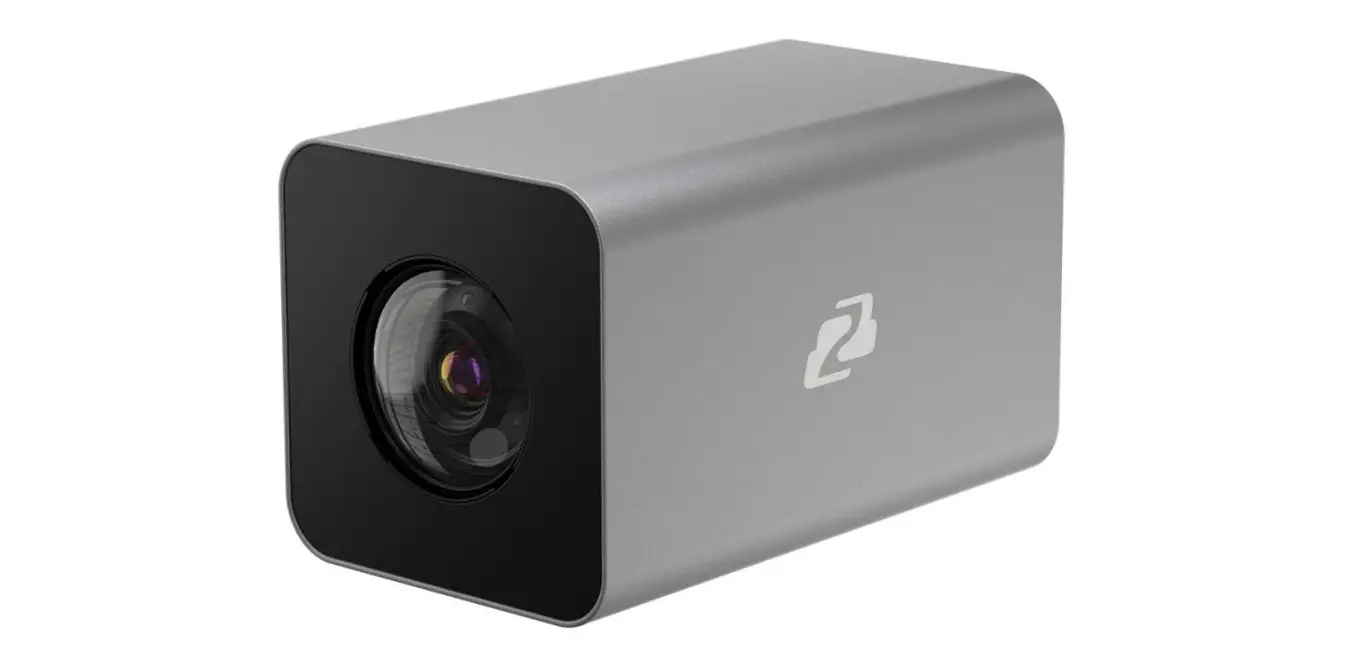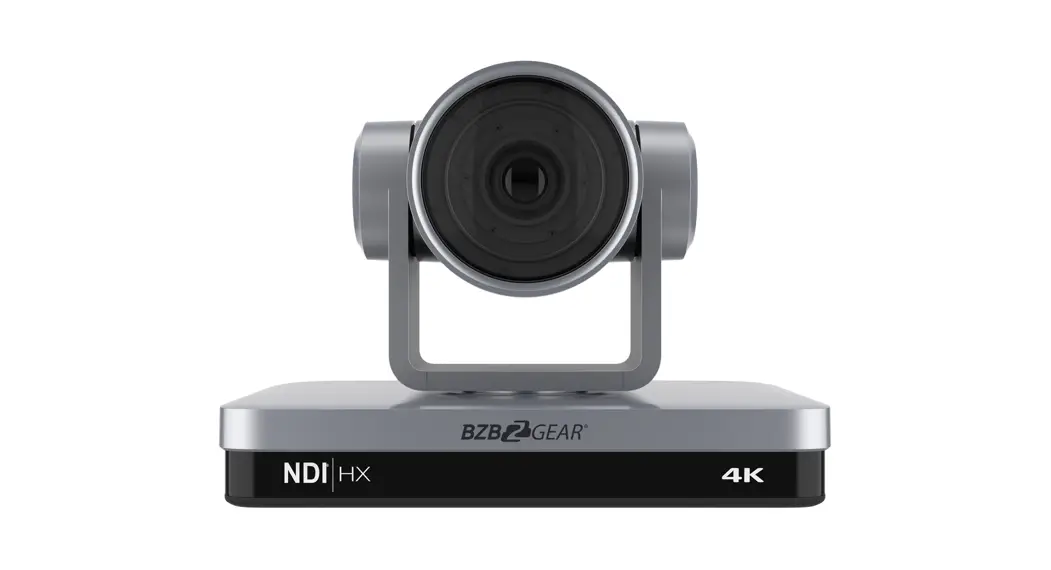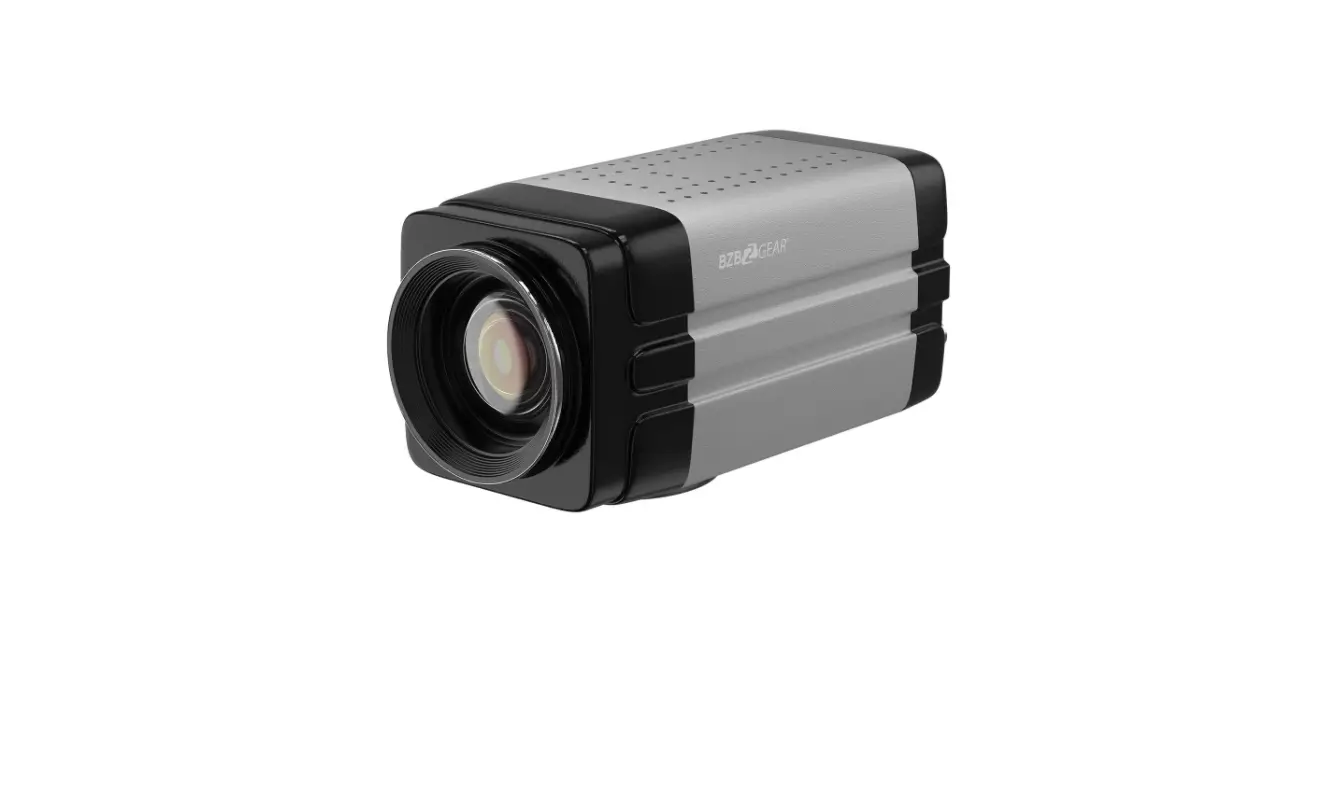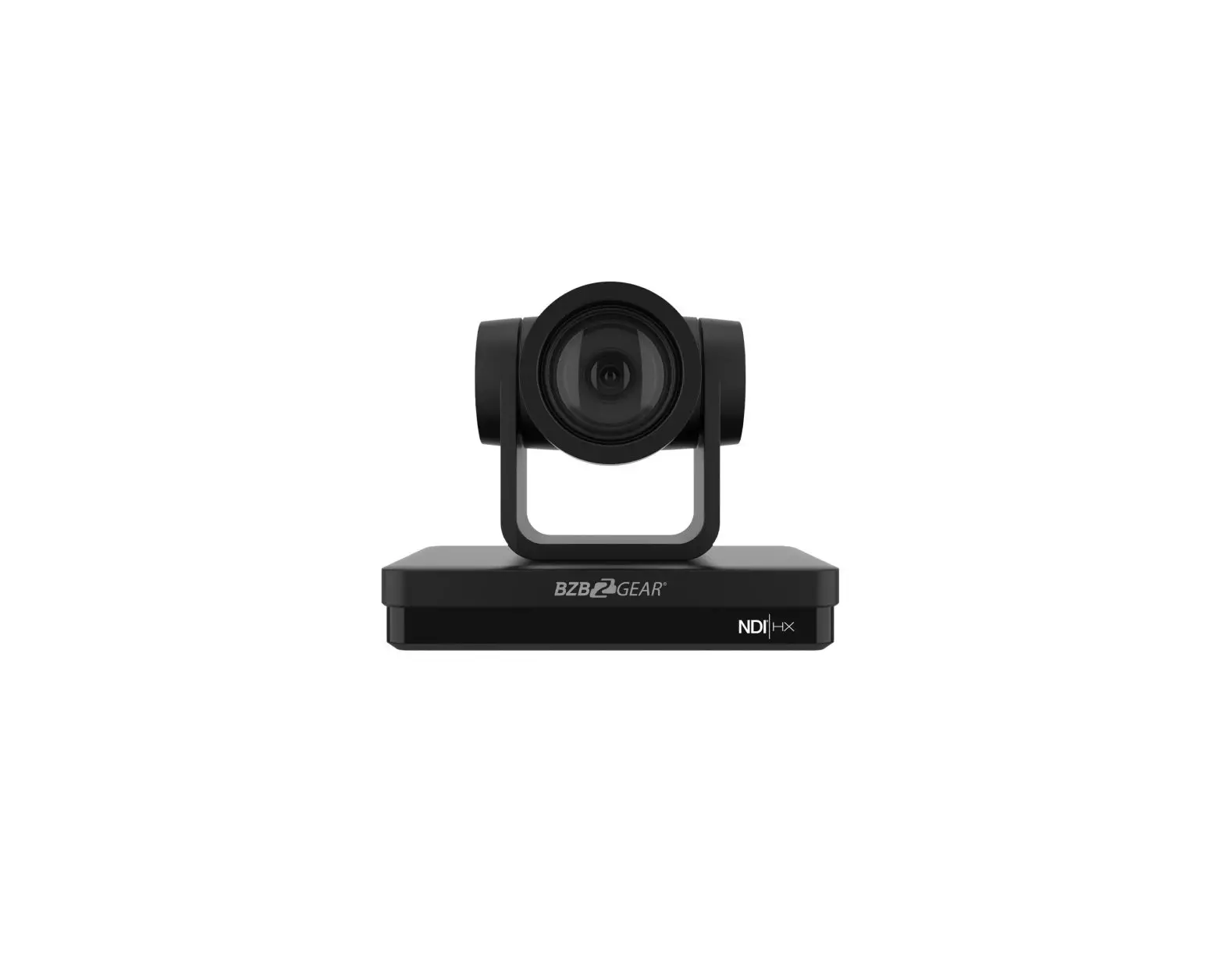
BZB GEAR BG-UPTZ Series Universal 20x PTZ Camera
BG-UPTZ Series
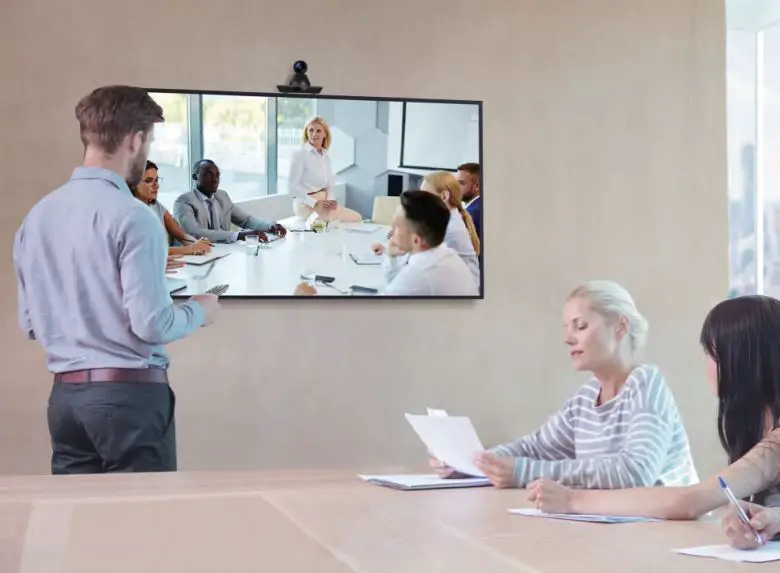
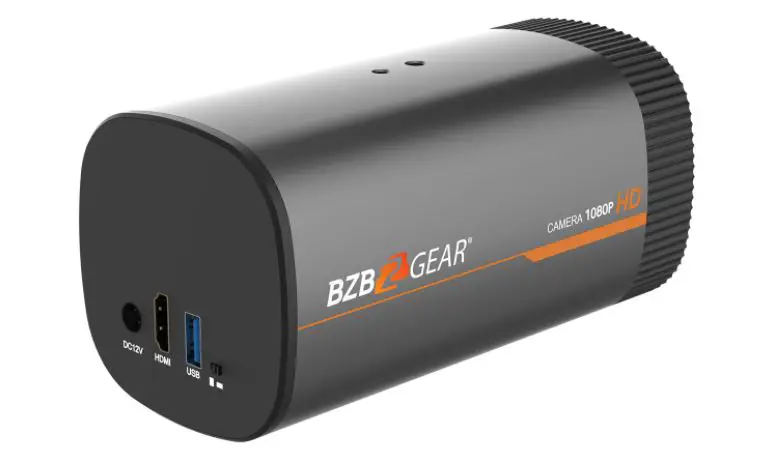
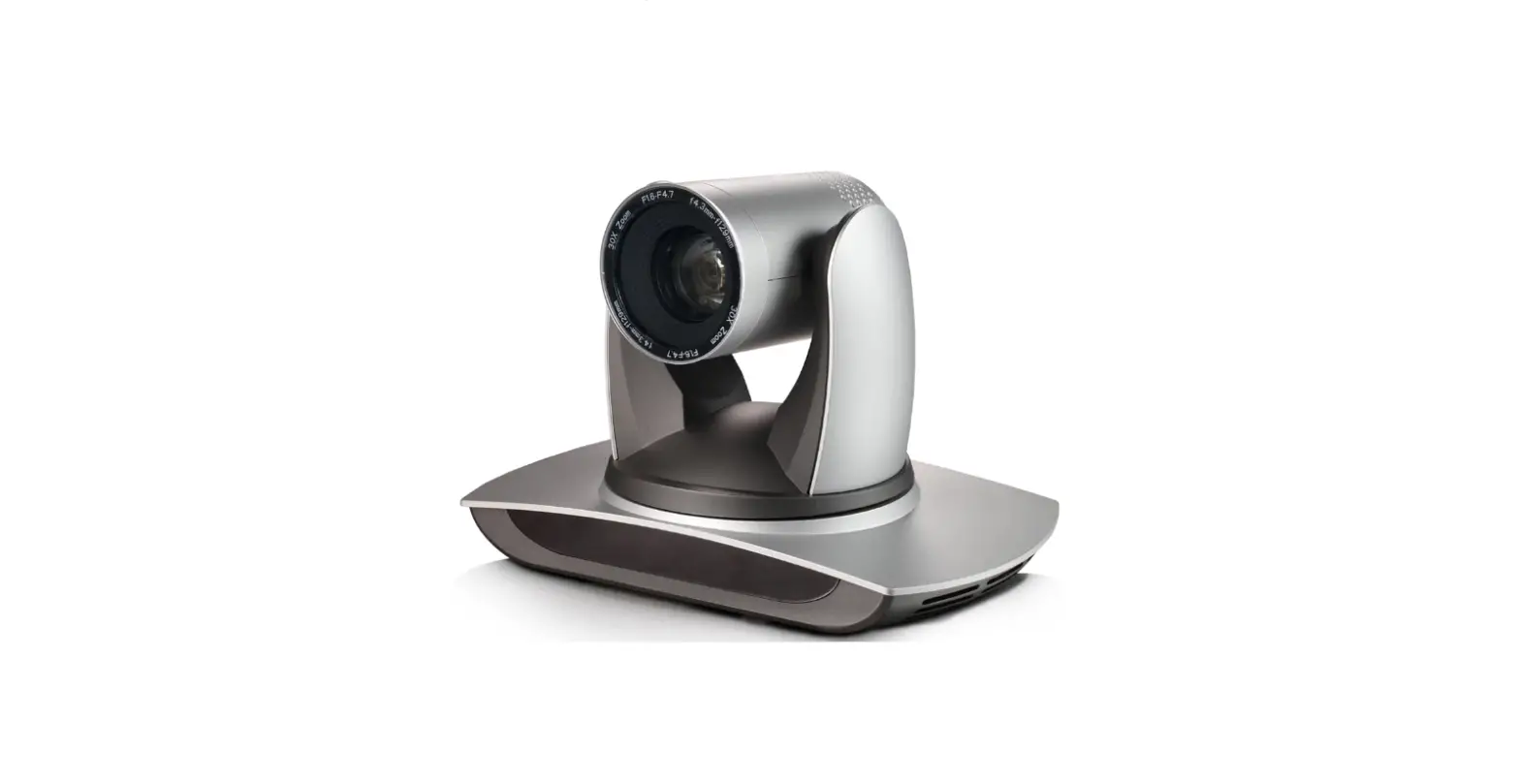
The BZBGEAR BG-UPTZ is an enterprise-grade IP Streaming PTZ camera featuring simultaneous video output from HDMI, SDI, USB, and IP streaming. High grade lenses deliver pristine image quality at resolutions up to 1080p @ 60 Hz. Exceptional mechanical craftsmanship and high-grade components result in responsive and quiet operation. The latest compression algorithms and a diverse array of video outputs give you the ability to use these cameras with nearly any setup. This camera is ideally suited for a broad range of applications -from classrooms and boardrooms to houses of worship and live productions.
Package Contents
- 1 x BG-UPTZ
- 1 x 12V/1.5A Power Supply
- 1 x User Manual
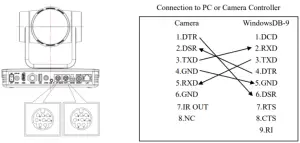
- 1 x RS232 Control Cable
- 1 x IR Remote Control
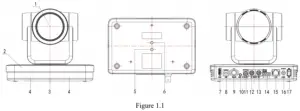
- Camem Lens
- Camera Base
- Remote Control Receivng Indicator
- Infrared Receiver
- Tripod Screw Hole
- Screw Hole for Tripod
- HDM Output
- USB 3.0 Output
- SDI Output
- Audio Input lnterface (Line-in)
- Rotary DIP Switch
- RS232 Control Interface (input)
- RS232 Control Interface (output)
- RS422 Interface (Compatible with RS485)
- Network Interface (LAN)
- DCl2V Input Power Supply Socket
- Power Switch
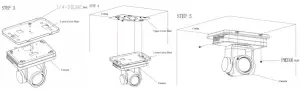
Mounting Instructions
Wall Mounting
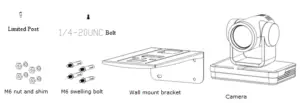
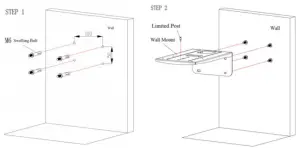
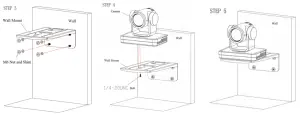
Ceiling Mounting
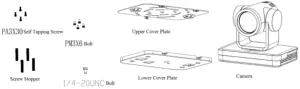
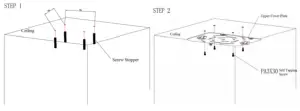
RS-232 Interface
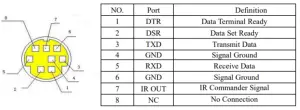
RS-232 Interface Definition

RS232 Mini- DIN 8 port Definition
WebGUI
The BG-UPTZ camera includes a built-in WebGUI allowing for control and management of advanced features. Use the following instructions to access the WebGUI.
- Launch a web browser and enter the IP address of the unit (default 192.168.5.163).
- The BZBGEAR login page will appear.
- Enter your login information (by default Username = admin Password = admin).
- Select the Login button.
Problems connecting to your camera?
Check out our Knowledge Base at https://bzbgear.com/knowledge-base/ for more information and stepby-step guide.
| My camera has no picture | Power switch is off, bad connection, incompatible resolution, camera lens is obstructed |
|
| My IR remote control doesn’t work | The camera’s IR sensor is blocked, batteries are dead, sunlight is interfering with the IR signal |
|
| I cannot access the camera’s WebGUI | The camera is not connected to the network |
|
| I have no image from my USB connection | Your USB device is not being discovered |
|
https://bzbgear.com/support/ | 1.888.499.9906 | [email protected]