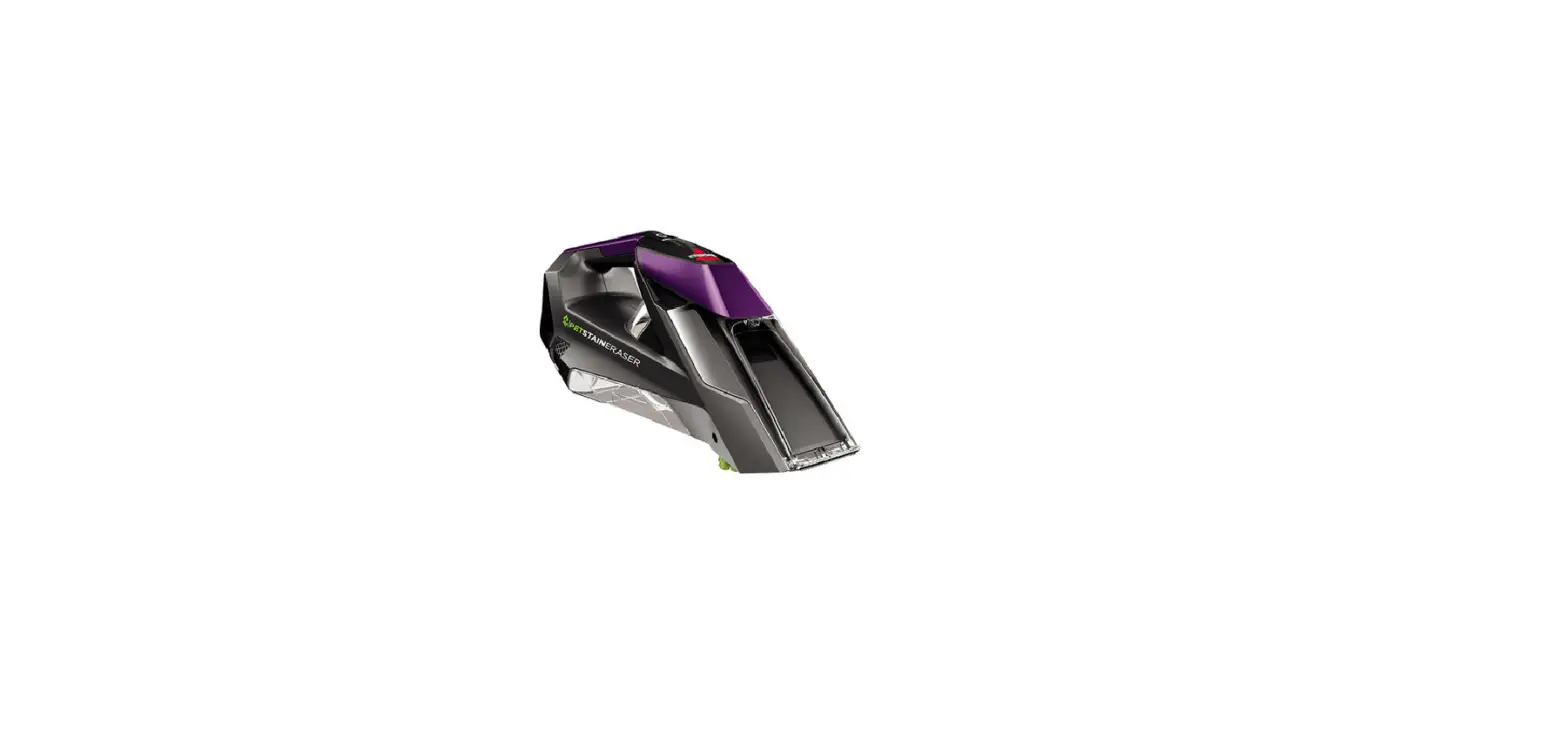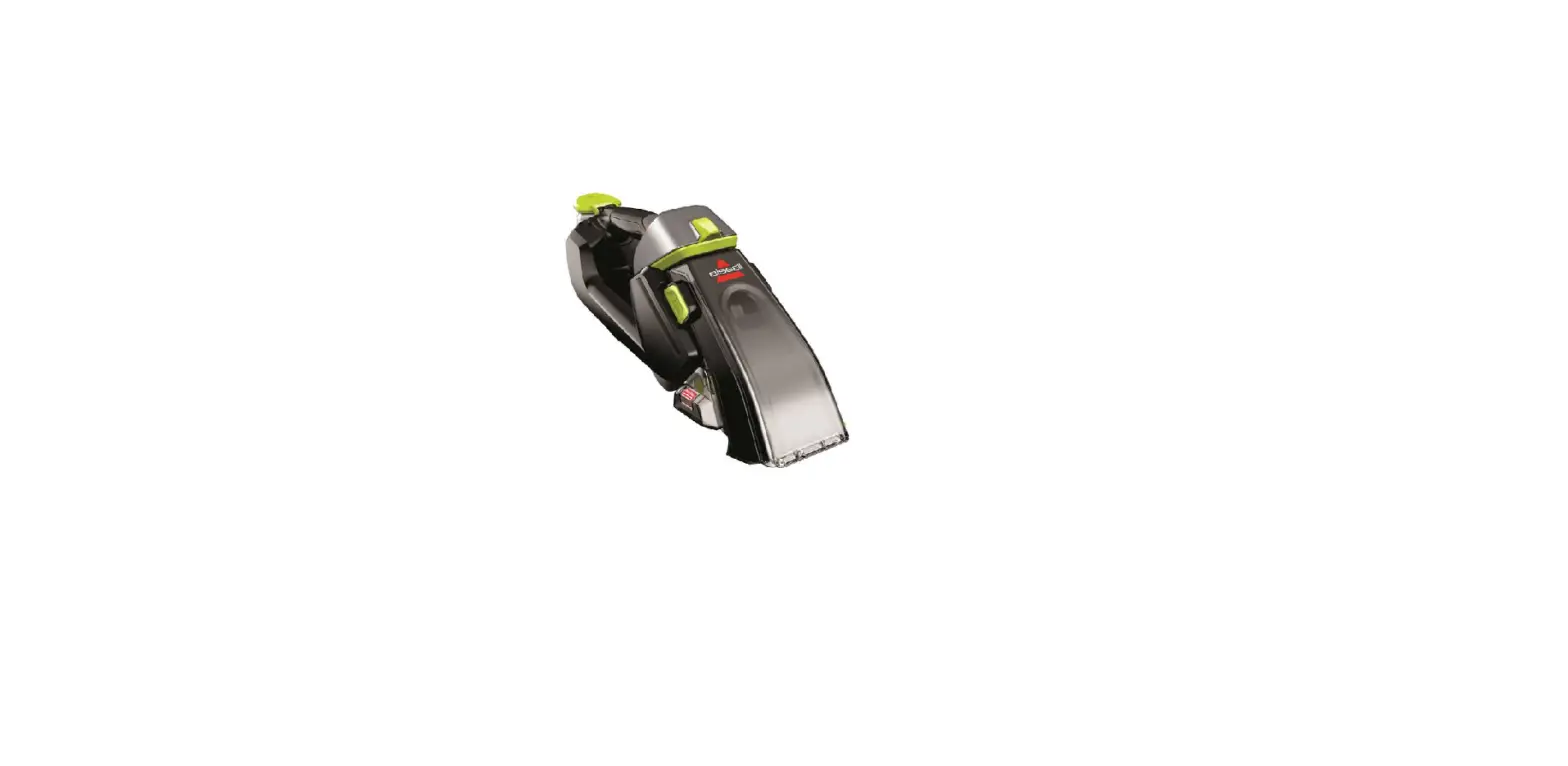
If you are experiencing No/Low Suction, follow these steps to resolve:
- Turn machine off
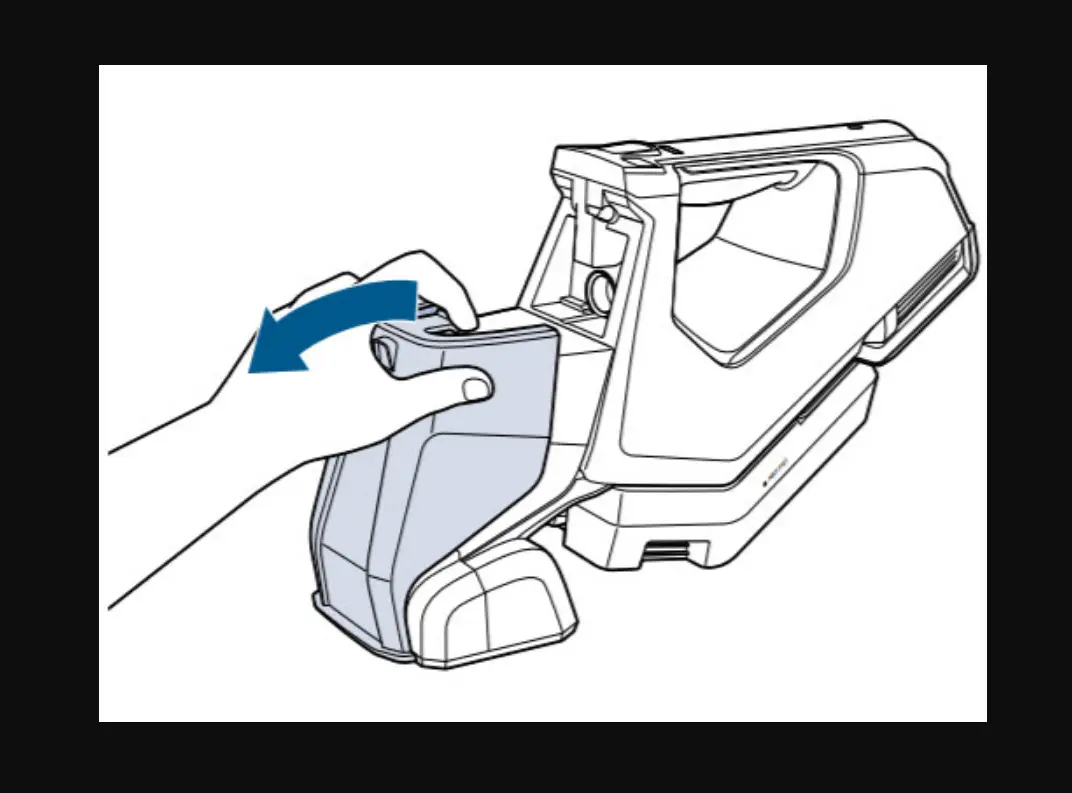
- Remove Formula Tank by grabbing both sides and pulling outward
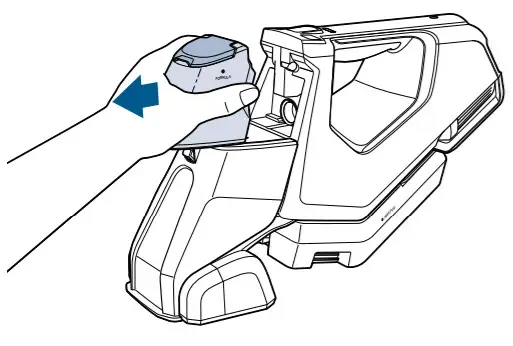
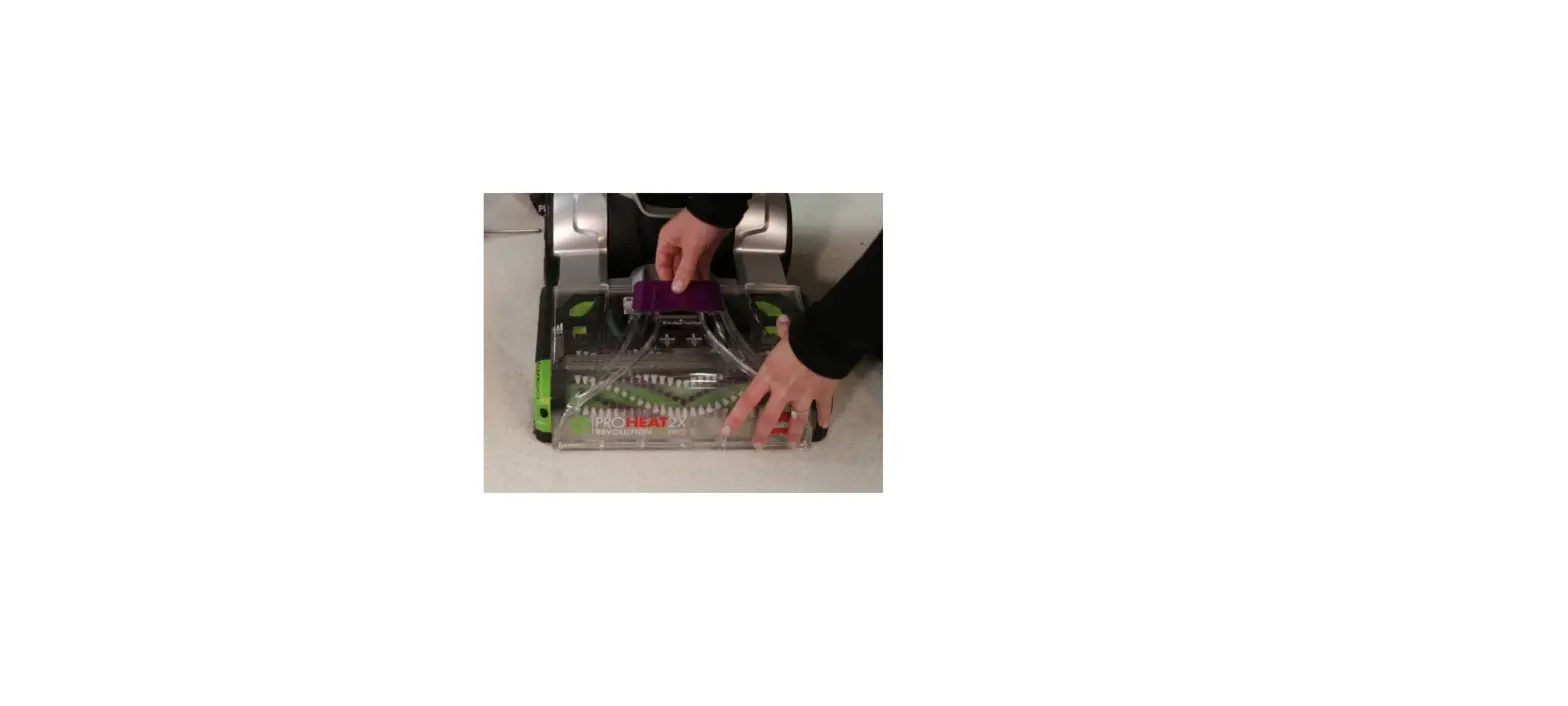
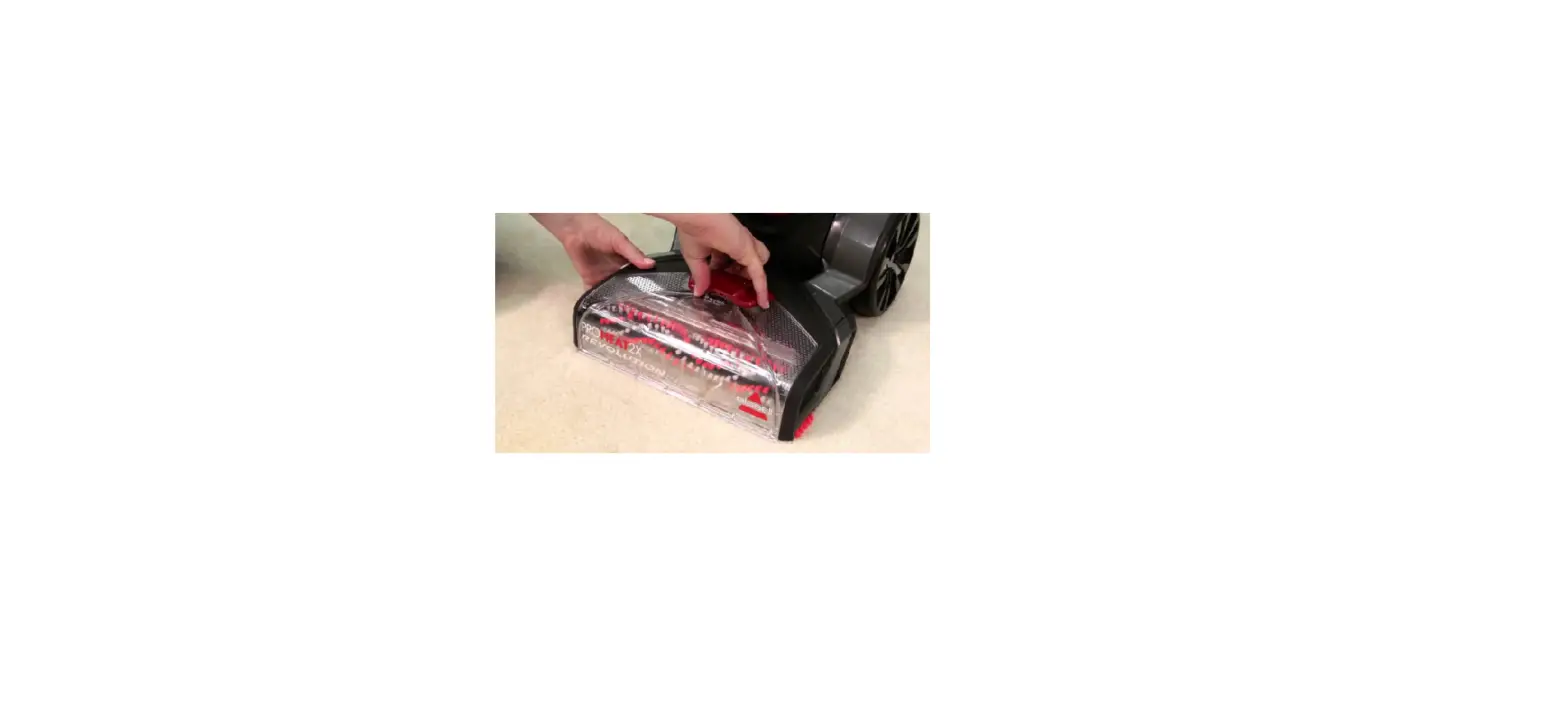
- Remove Suction Lens by raising latch at the top and pulling outward
- Check Suction Lens and black gasket in Suction Lens for any damage or deformity
- If damaged, a new Suction Lens should be ordered > Go to Parts & Supplies
- Check Suction Lens and black gasket in Suction Lens for any damage or deformity
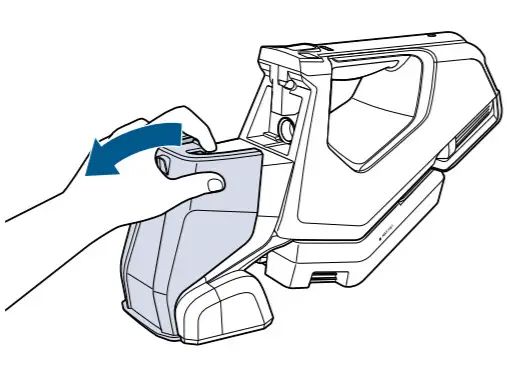
- Rinse Suction Lens under water, wipe any debris from the front of the machine
- Let dry
- Put Suction Lens back onto machine
- Attach front lip to front of the machine by the brush roll, rotate Lens towards machine until it clicks into place
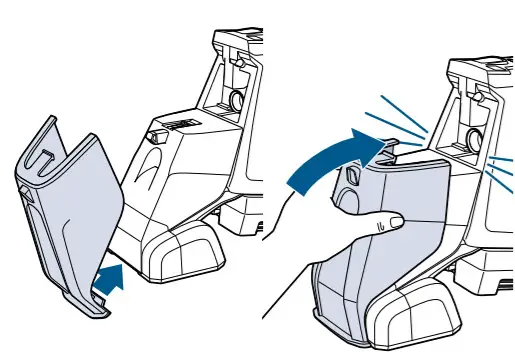
- Ensure Lens is attached properly

- Put Formula Tank back onto machine until it clicks into place
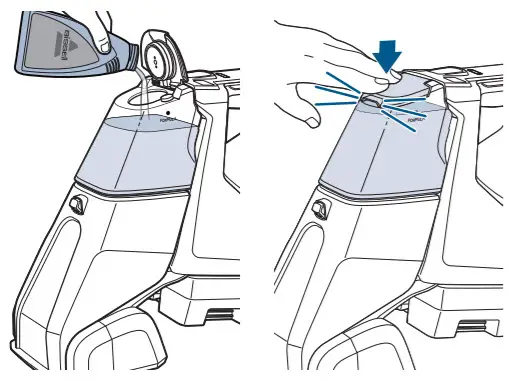
- Fill Formula Tank if needed
- Make sure cap clicks securely into place when closing
- Turn machine on and perform a few cleaning strokes with the spray button pressed and released to test for suction
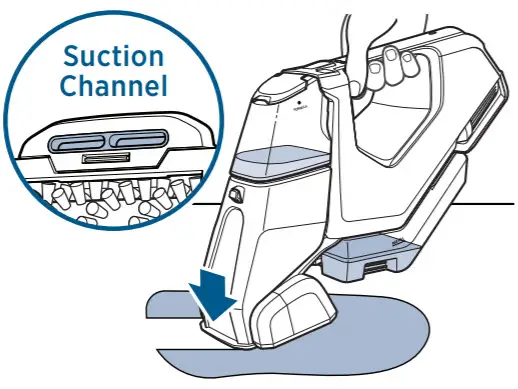
- While performing dry cleaning strokes with the spray button released, tilt machine slightly forward
- Make sure suction lens is engaging with the carpet while cleaning
- While performing dry cleaning strokes with the spray button released, tilt machine slightly forward
- Has this resolved the issue?
- Yes > Great! Glad we can get you back to cleaning!
- No > Go to No Suction Dirty Water Tank