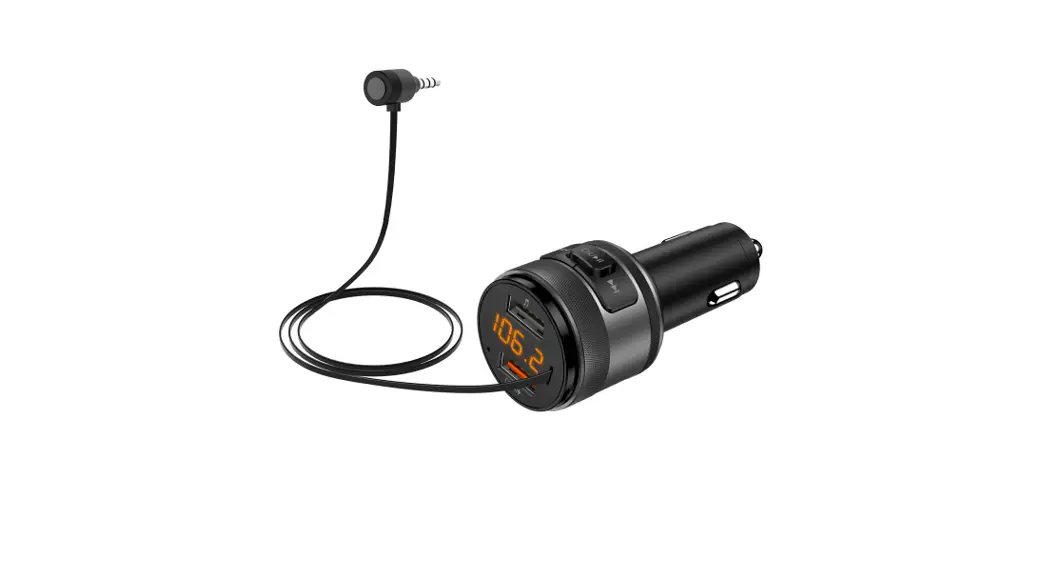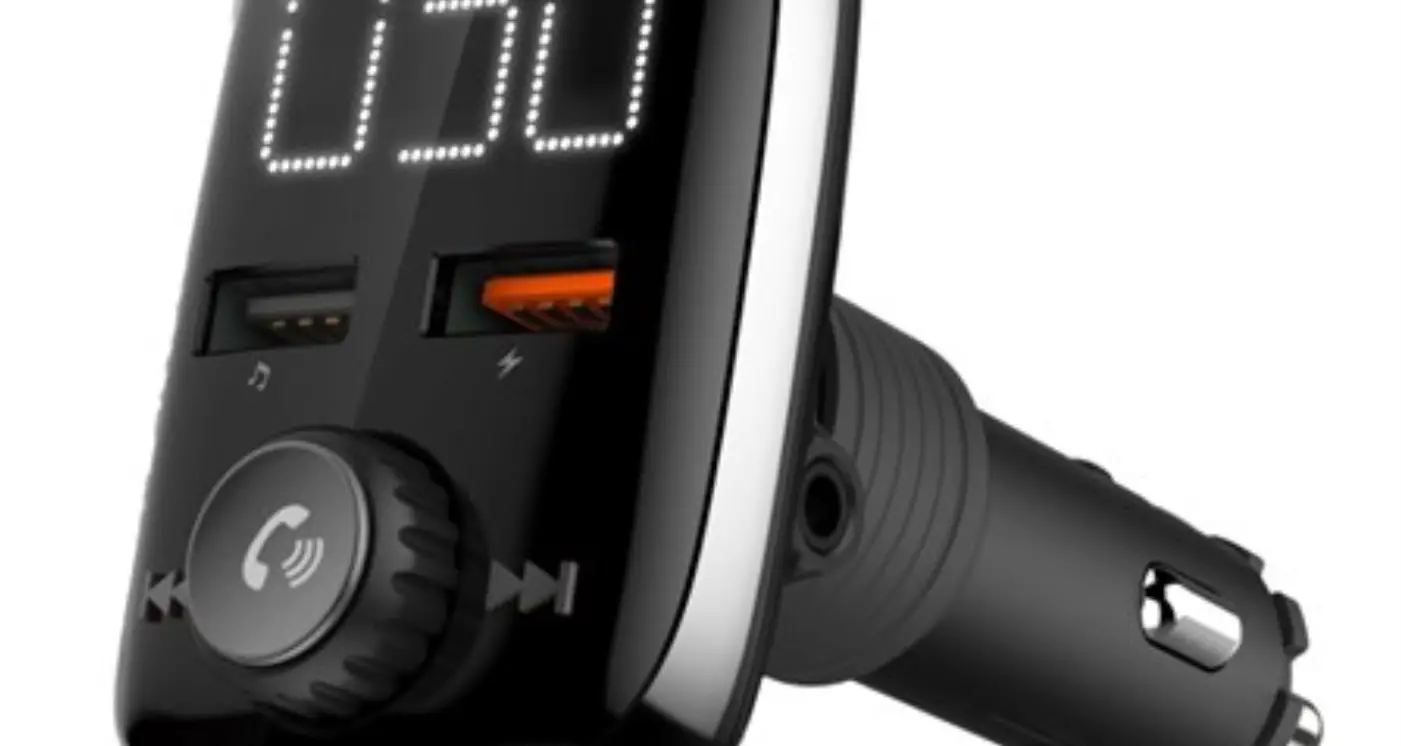

peiying URZ0465-2 Car FM transmitter Bluetooth function
SAFETY INSTRUCTIONS
Read this instruction manual carefully before use, and keep it for future reference. Producer does not claim liability for inappropriate use and handling.
- Protect this product from moisture, humidity, water and any other liquid. Avoid using/storing it in extreme temperatures. Do not expose it to direct sunlight and sources of heat.
- Use only authorized accessories.
- Do not use this device if it has been damaged or its operation is abnormal.
- Do not attempt to repair this device yourself. In case of damage, contact with an authorized service point for check-up/repair.
- ALWAYS disconnect the device from power supply before cleaning.
- Clean this device with soft, slightly damp cloth. Do not use any abrasives or chemical agents to clean this product.
PRODUCT DESCRIPTION
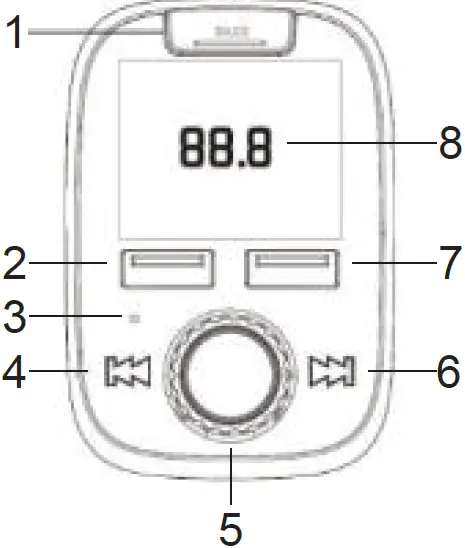
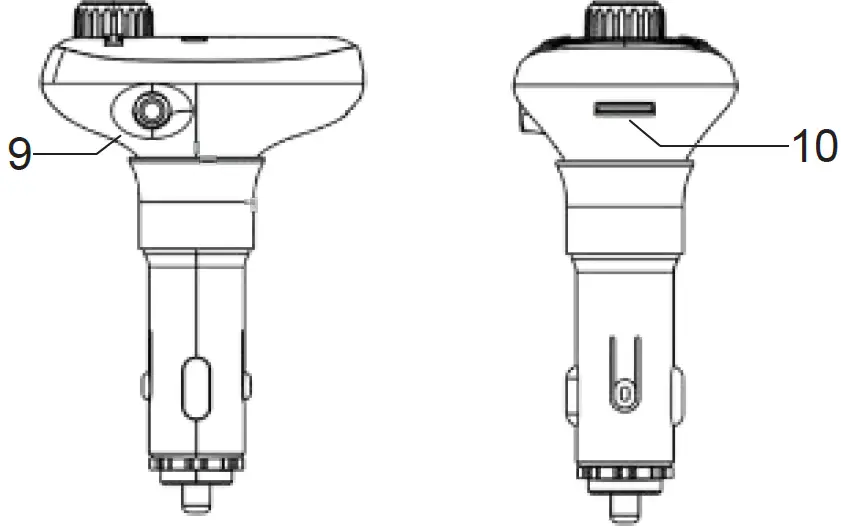
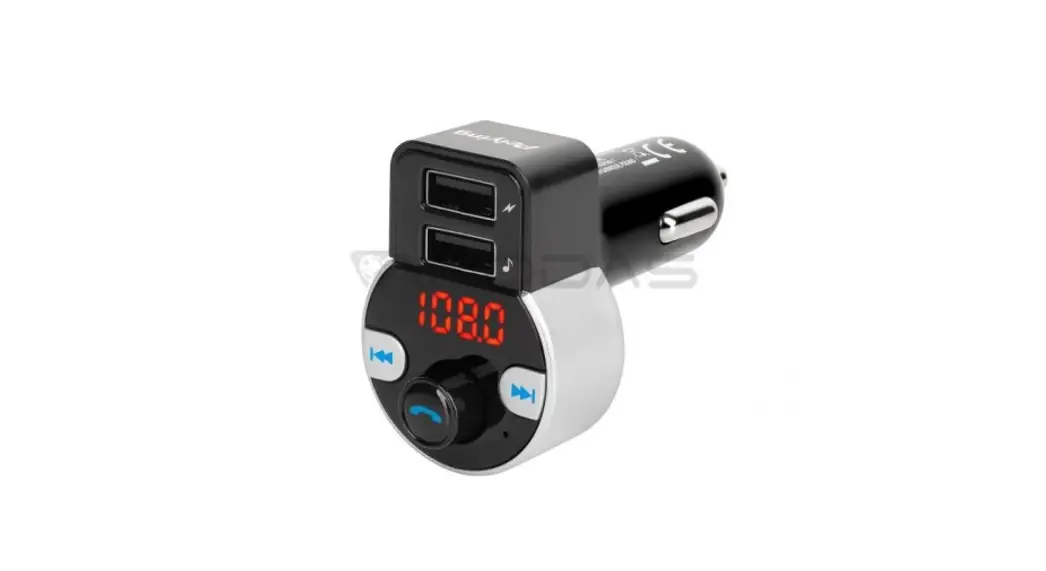
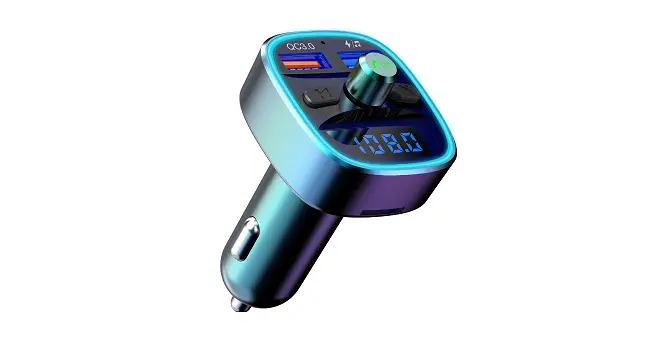
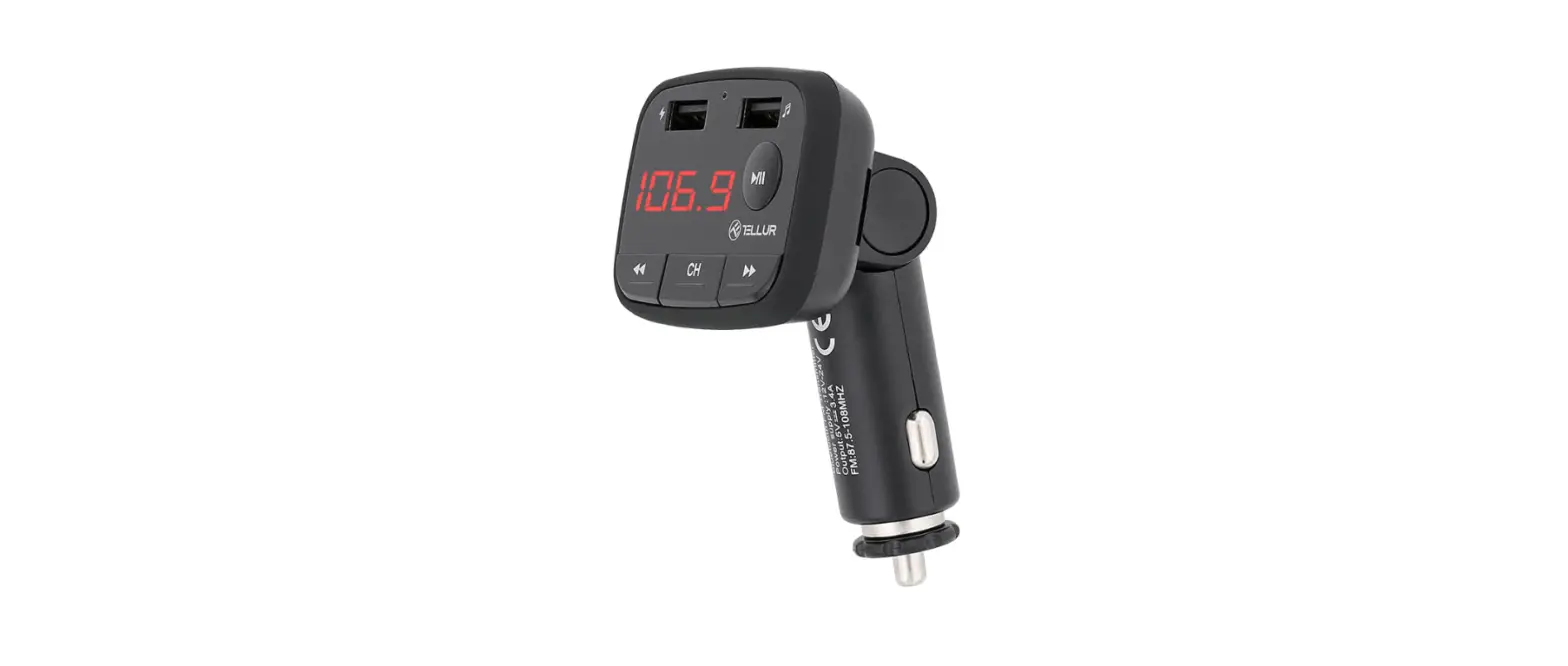
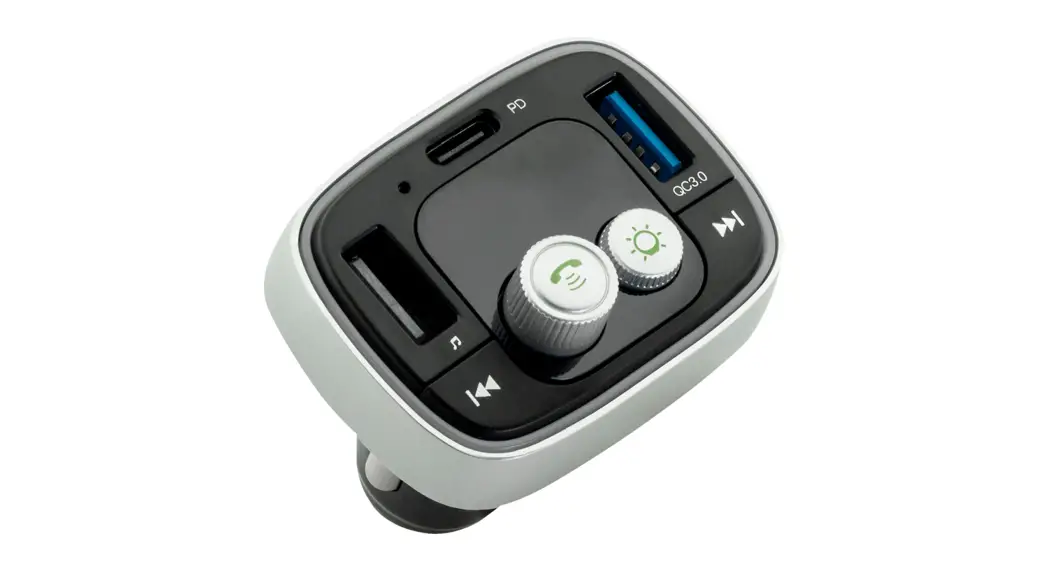
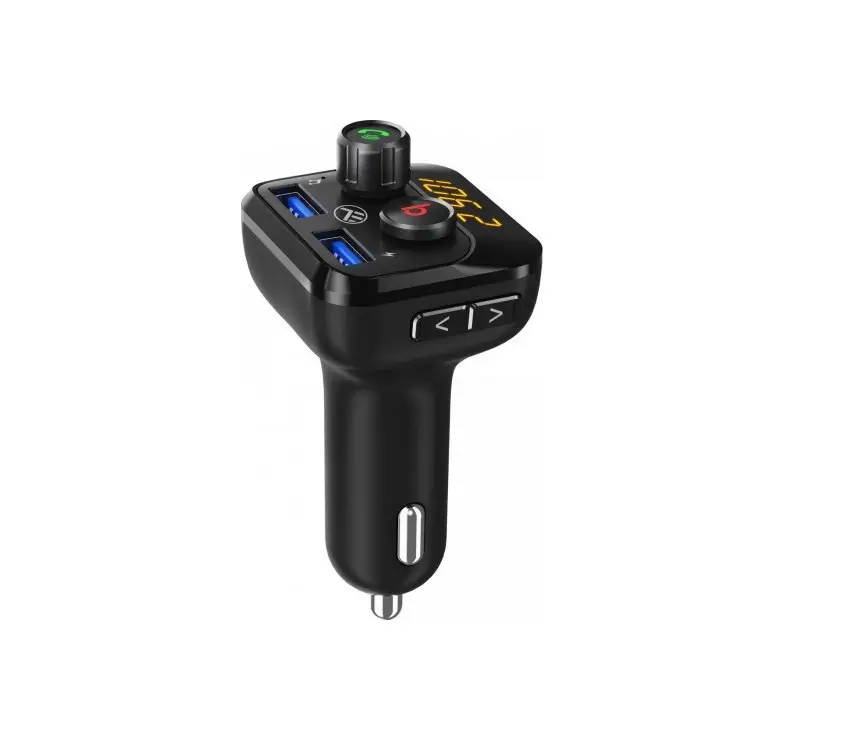
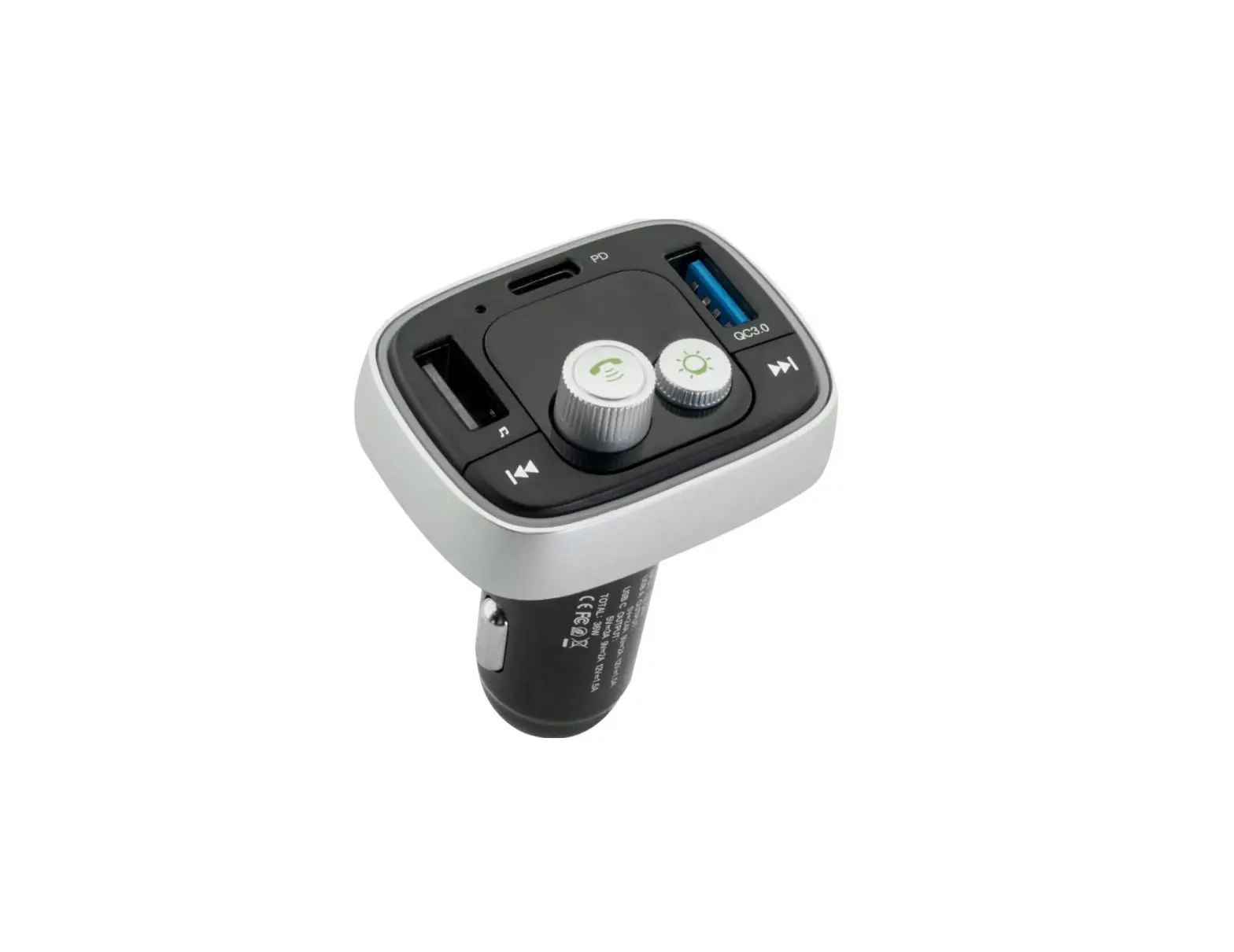
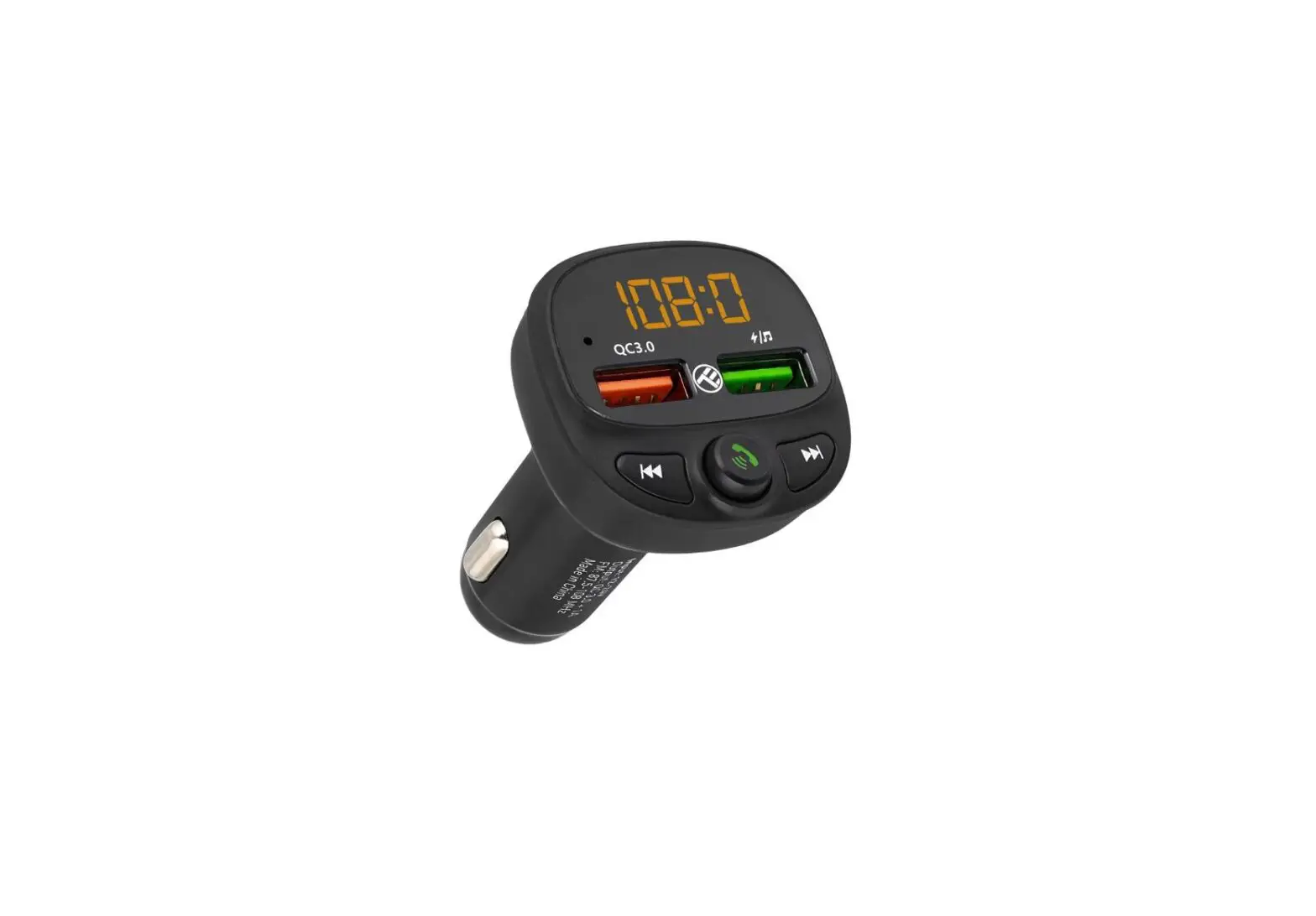
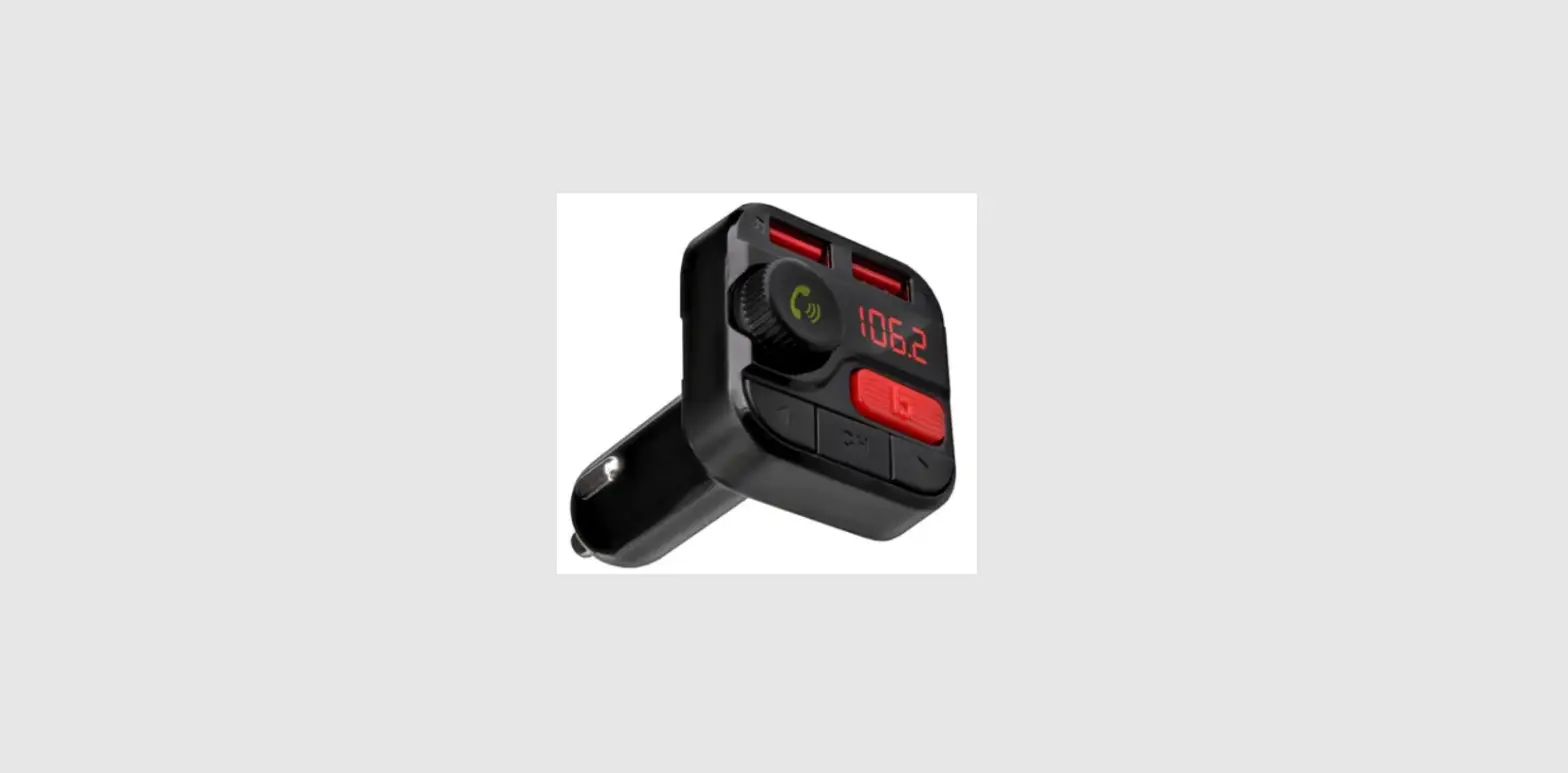
- BASS function button
- USB port 1 (charging and music streaming)
- Microphone
- Previous track
- Multifunction knob (call management, music control, volume adjustment, frequency setting)
- Next track
- USB port 2 (charging)
- LED display
- AUX IN / OUT
- MicroSD card slot
OPERATION
| Function | FM transmitter | Remote control | ||
| Answer/end a call | Press | knob | Press ton |
but- |
| Reject a call | Press and hold knob for 3 seconds | – | ||
| Redial last number | Press twice | knob | – | |
| Play / Pause | Press | knob | Press ton |
but- |
| Adjust volume | Rotate the knob right to in- crease volume Rotate the knob left to decrease volume | Press VOL+ button to increase volume Press VOL– button to de- crease volume |
| Set frequency | Press and hold knob for 3 seconds until digits on the di- splay start flashing; rotate the knob right/left to increase / decrease the frequency | Press CH+ / CH- button to increase / de- crease the frequency; use the number keys to select the desired frequency and confirm by pressing CH+ button |
| Select a track | Press and button to go to the previous / next track | Press and button to go to the previous / next track |
| BASS function button | Press the BASS button on the unit. | Press the button to turn on / off the |
| BASS function. | ||
| Select Equalizer | Supported by | Press EQ but- |
| mode | the remote | ton repeatedly |
| control only | to select EQ | |
| mode (Classical | ||
| , Jazz, Pop, | ||
| Rock, Vocal) | ||
| Switch folder | Supported by | Press Folder+ / |
| the remote | Folder– button | |
| control only | to switch to the | |
| next / previous | ||
| folder |
FM TRANSMITTER
- Plug the FM transmitter into your vehicle’s cigarette lighter or power socket.
- Tune your radio to a desired FM frequency, then match the same frequency of the FM transmitter. To do this, first press and hold for about 3 seconds until the frequency starts flashing. Then rotate the knob to set the desired frequency.
- Insert a USB flash drive to a USB port 1 or insert a microSD card into microSD card slot. The device will play and transmit music files automatically.
Notes:
- Only USB port 1 can serve as a USB flash drive reader.
- The maximum capacity of the USB flash drive and microSD card is 32 GB.
BLUETOOTH
- Enable Bluetooth function on the external device and search for new Bluetooth devices.
- Select and connect with this device (URZ0465-2). Enter password “0000” if necessary.
- When there is an incoming call in the music playing mode, the device will automatically switch to the call.
CHARGING
- Make sure the FM transmitter is connected to the cigarette lighter socket in your vehicle.
- Insert one end of the USB cable (not included) into micro USB port of the mobile phone; insert the other end into USB port 2 of the FM transmitter.
- Charging starts automatically.
SPECIFICATIONS
- Bluetooth 5.0
- Bluetooth range: up to 7 m
- Bluetooth profiles: AVRCP, HFP, A2DP
- 2x USB ports:
USB 1 – charging and music streaming
USB 2 – charging
- AUX IN / OUT
microSD card slot (max 32 GB)
Music format: MP3, WMA, WAC, FLAC
LED display: 1,56”
BASS function
Built-in microphone
Call management
- Output voltage:
USB 1 – 5 V / 1 A
USB 2 – 5 V / 3 A (QC 3.0)
- Frequency range: 87,6 – 107,9 MHz
- Maximum output power: 4 dBm
- Frequency stability: ±10 ppm
- Power supply: 12 – 24 V
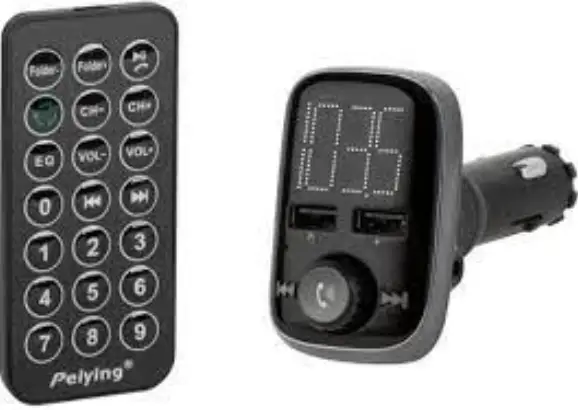
- In set: remote control, 3,5 mm jack cable, user manual
Lechpol Electronics Sp. z o.o. Sp.k. hereby declares that Car FM transmitter with Bluetooth function URZ0465-2 is consistent with directive 2014/53/UE. Full text of the EU Declaration of Conformity is available at following Internet address: www.lechpol.pl
Correct Disposal of This Product (Waste Electrical & Electronic Equipment)
(Applicable in the European Union and other European countries with separate collection systems) This marking shown on the product or its literature, indicates that it should not be disposed with other household wastes at the end of its working life. To prevent possible harm to the environment or human health from uncontrolled waste disposal, please separate this from other types of wastes and recycle it responsibly to promote the sustainable reuse of material resources. Household users should contact either the retailer where they purchased this product, or their local government office, for details of where and how they can take this item for environmentally safe recycling. Business users should contact their supplier and check the terms and conditions of the purchase contract. This product should not be mixed with other commercial wastes for disposal.
Made in China for Lechpol Electronics Leszek Sp.k., ul. Garwolińska 1, 08-400 Miętne.
 Lechpol Electronics Leszek - producent i dystrybutor produktów elektronicznych!
 Rebel Electro - Co weekend SuperOkazje