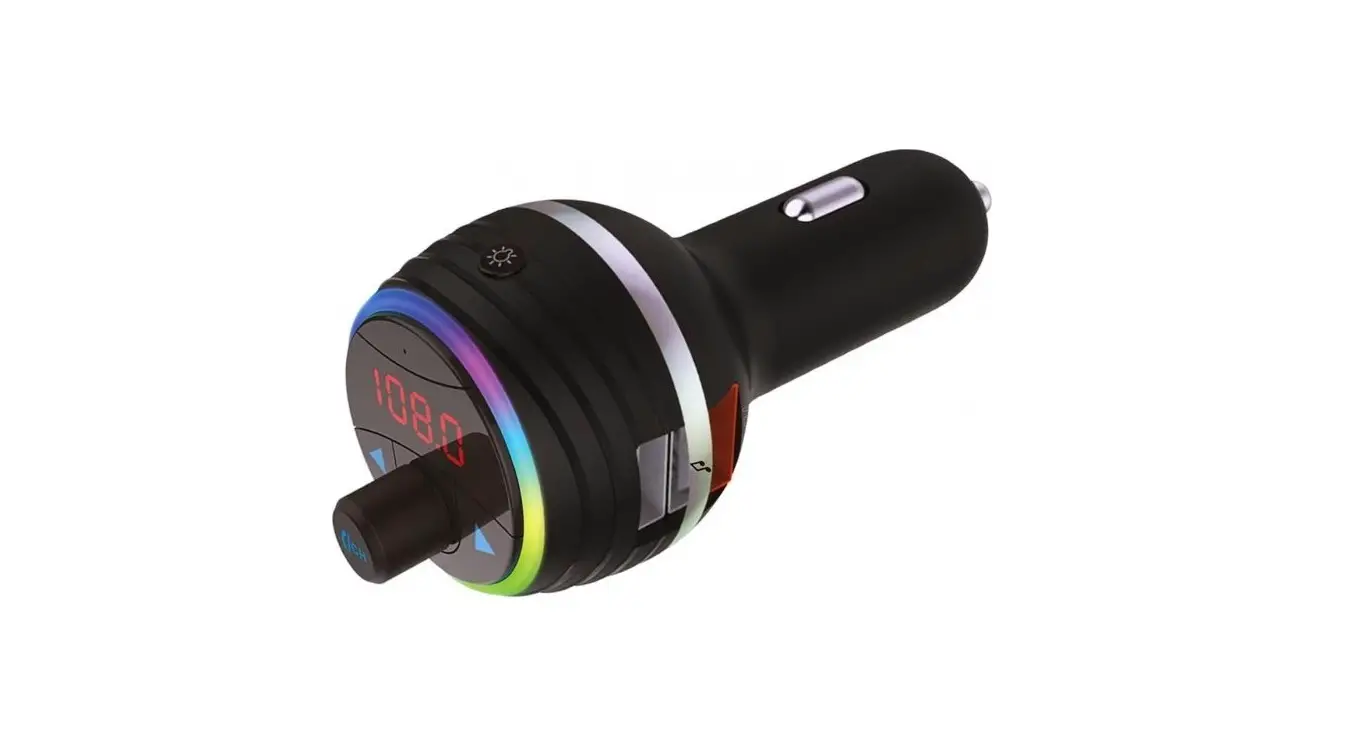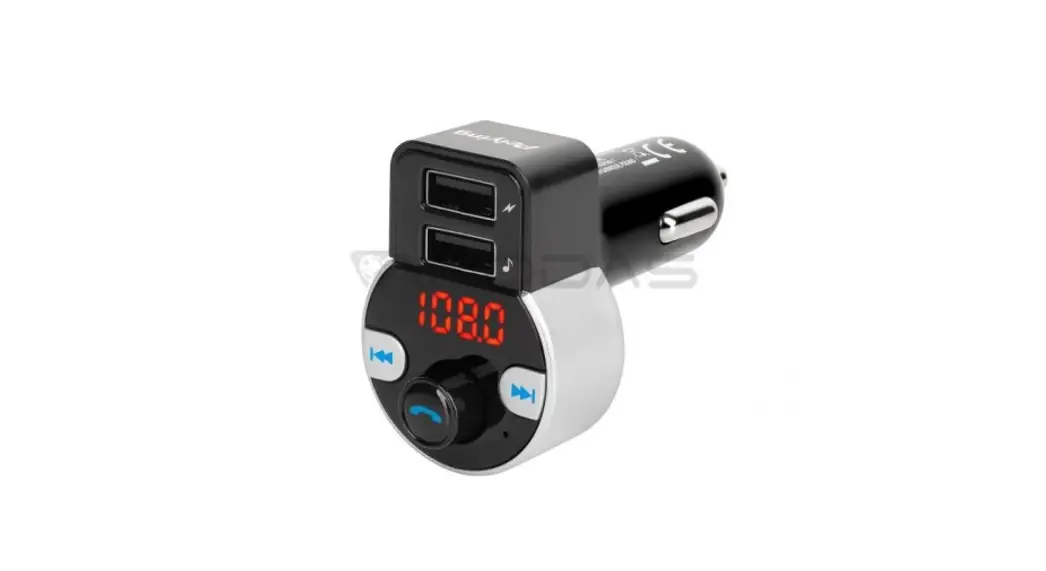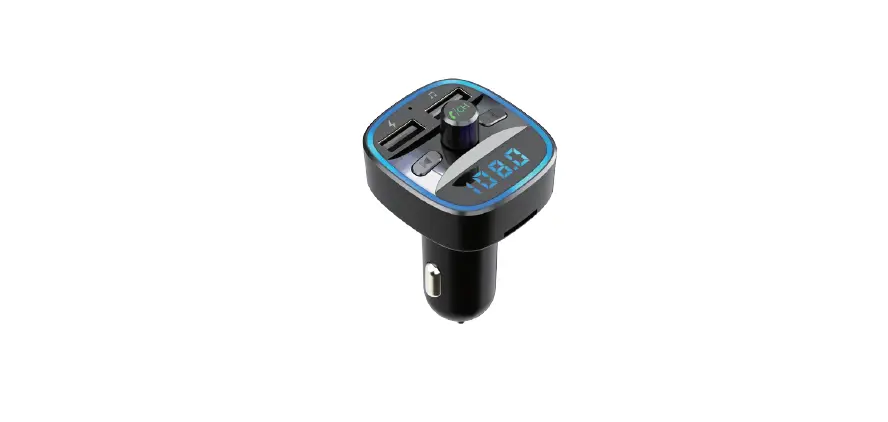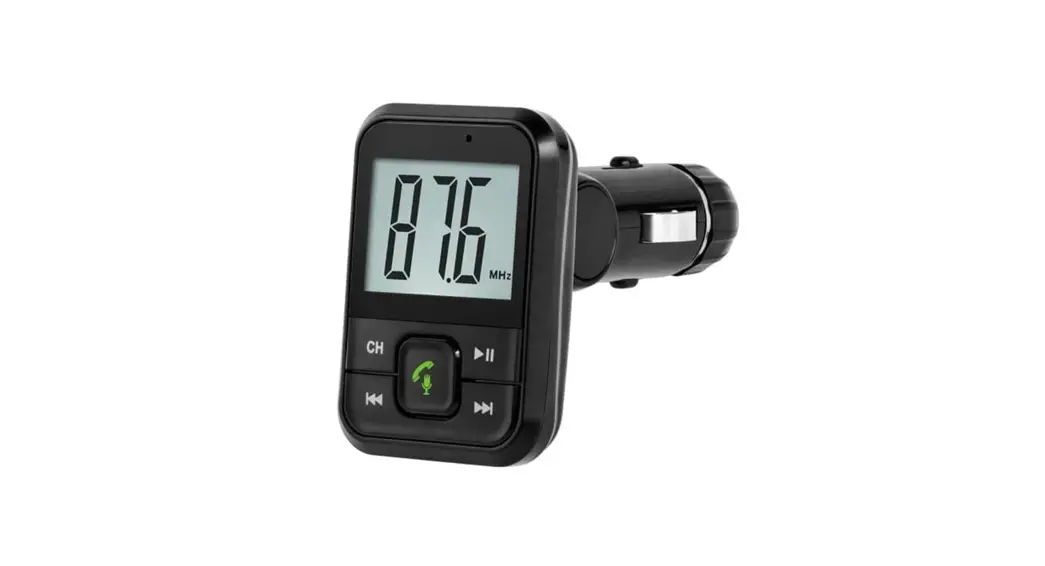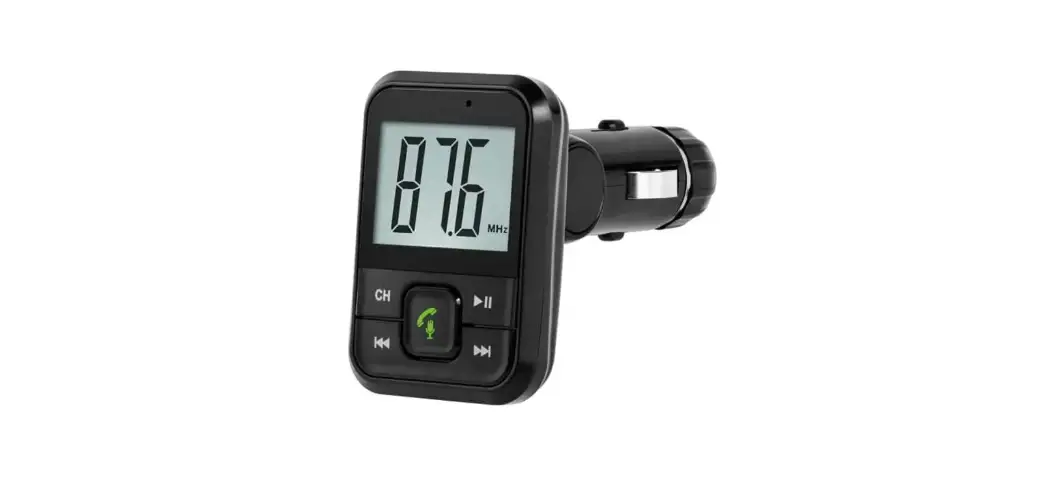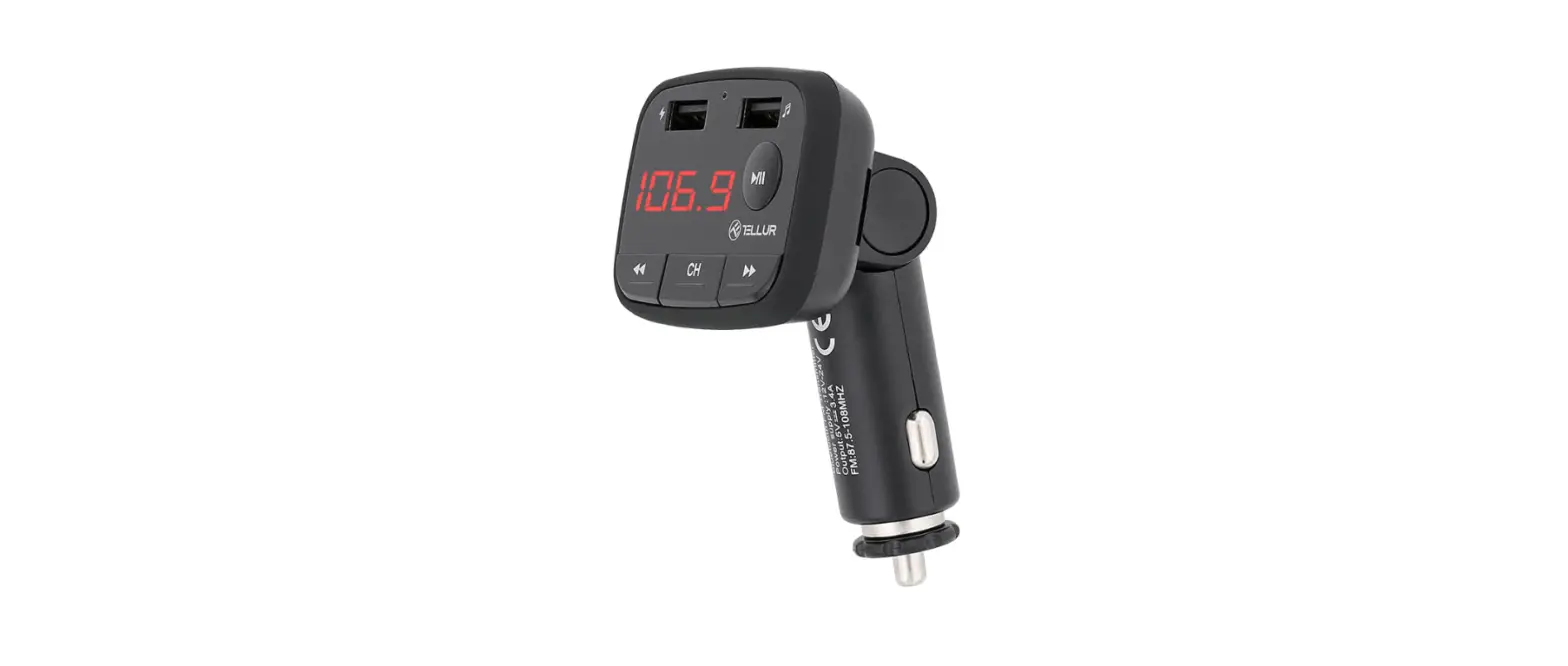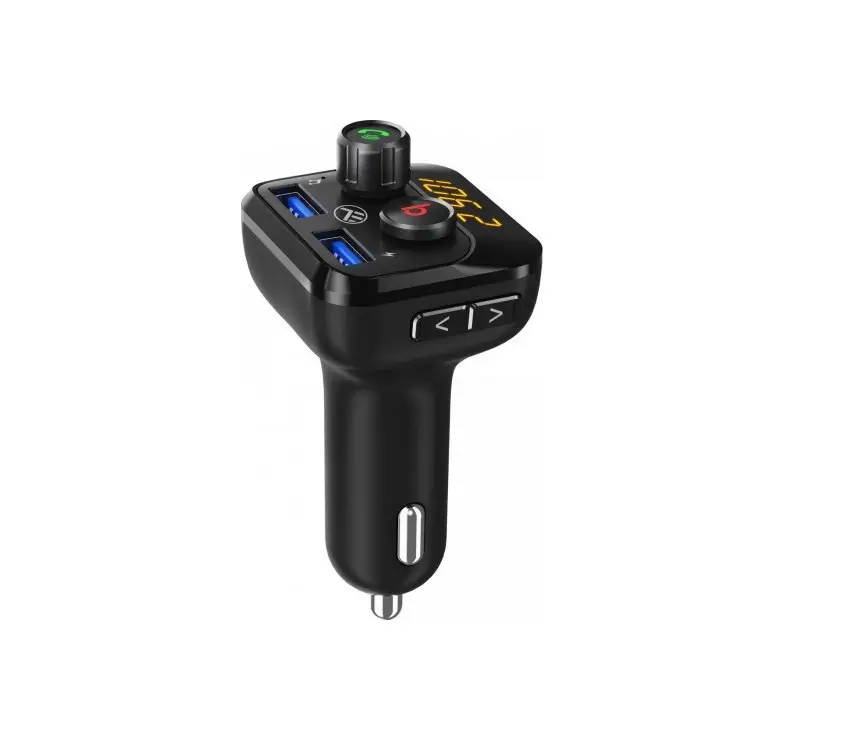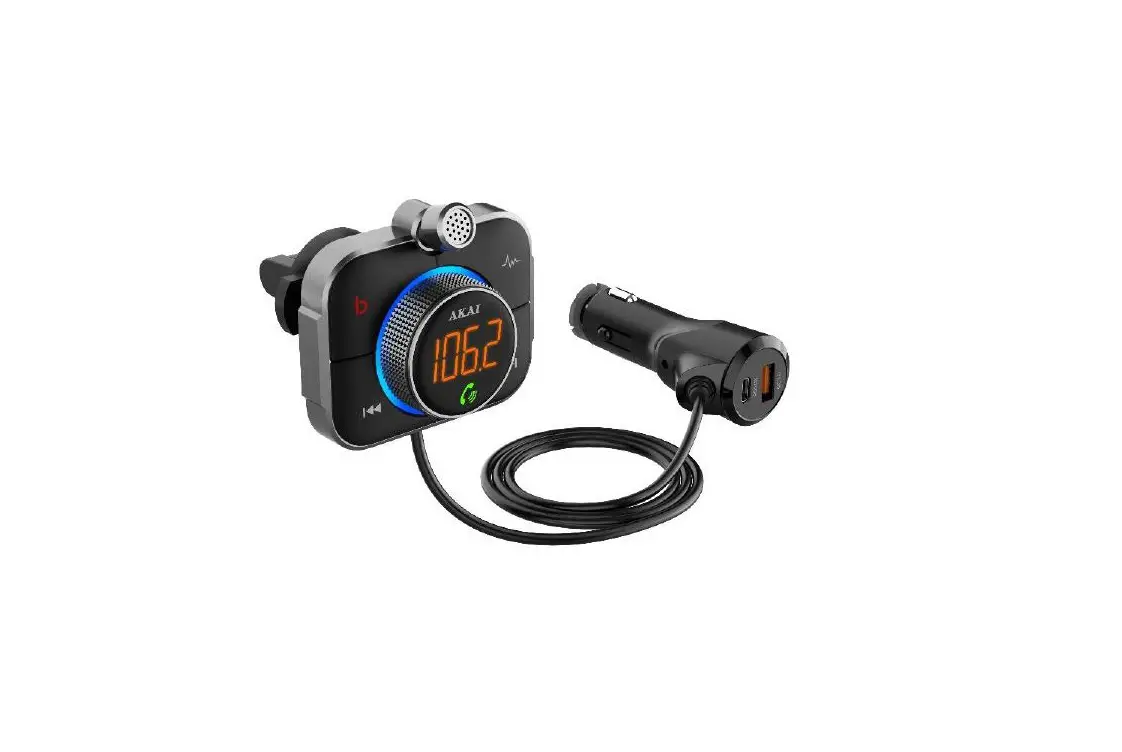

Owner’s Manual
FMBTIS
Safety Instructions
- Please read this manual carefully before using
- Keep these instructions
- Do not disassemble
- Do not expose directly to sunlight or open flame
- Pay attention to the road and do not operate this product while driving
Introduction
Features:
- Input 12-24V
- 77 inch TFT color display
- FM transmitter: 88.1-107.9 MHz range
- Bluetooth hands-free calls
- Stream music from a smartphone to car audio system via FM transmission
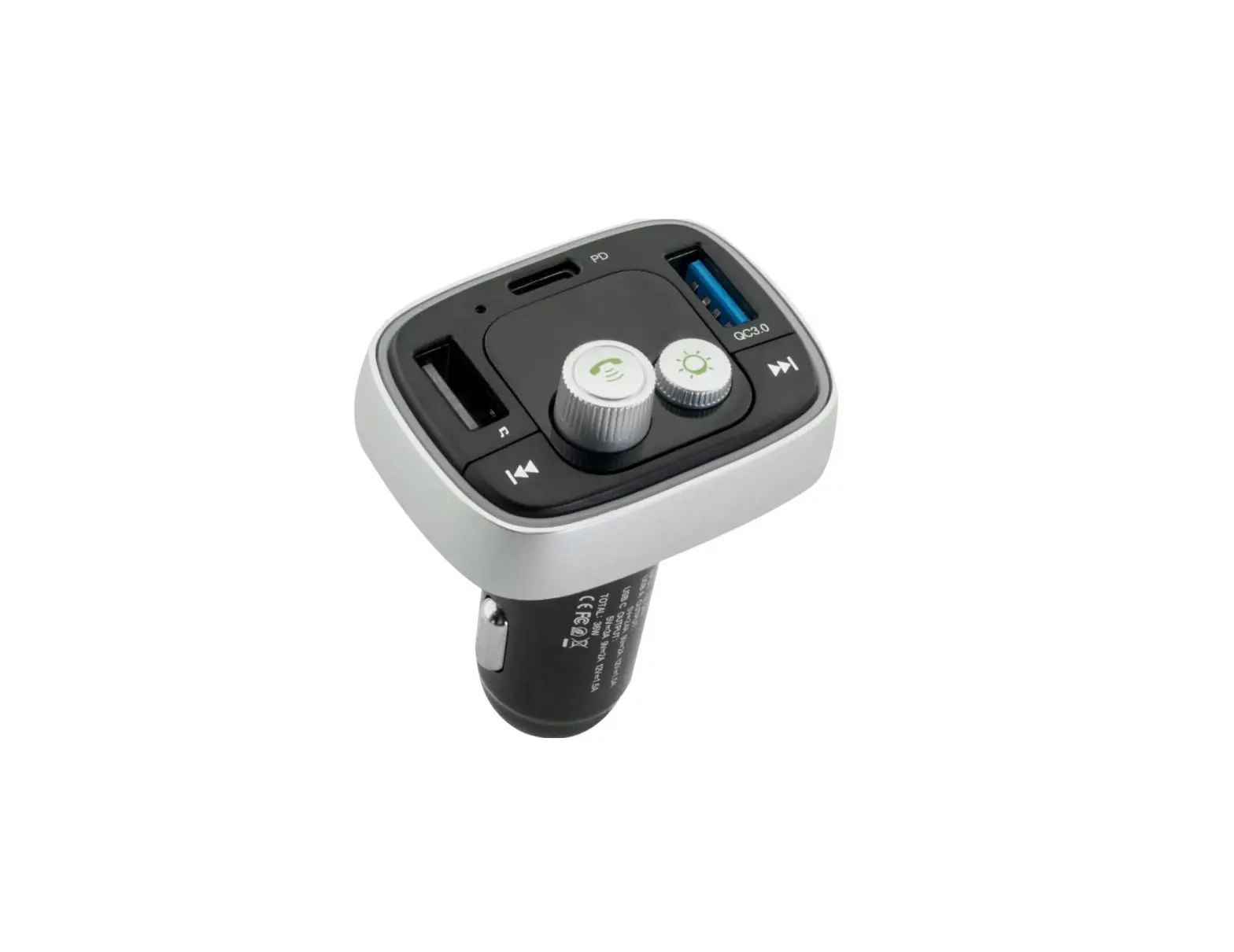
- USB charge ports:
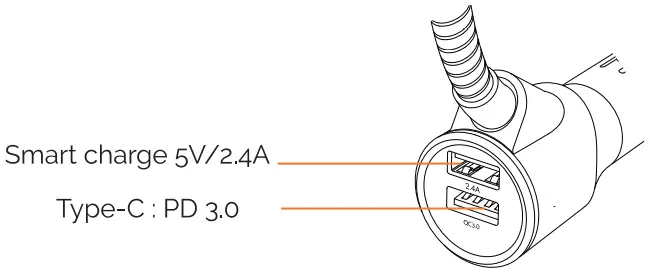
- Type-C: PD o Suitable for iPhonet8W quick charging
- 5V/2,4A: Max 2.4A/5V smart charging
- Supports SD card streaming
- USB flash drive
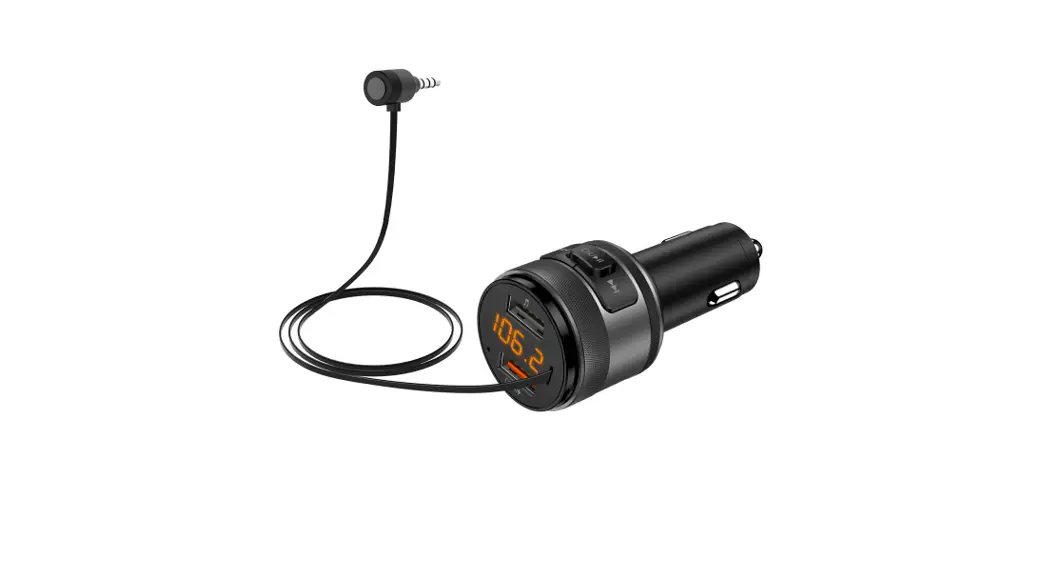
- Supports 3.5mm AUX-In and AUX-output
- Car battery monitor
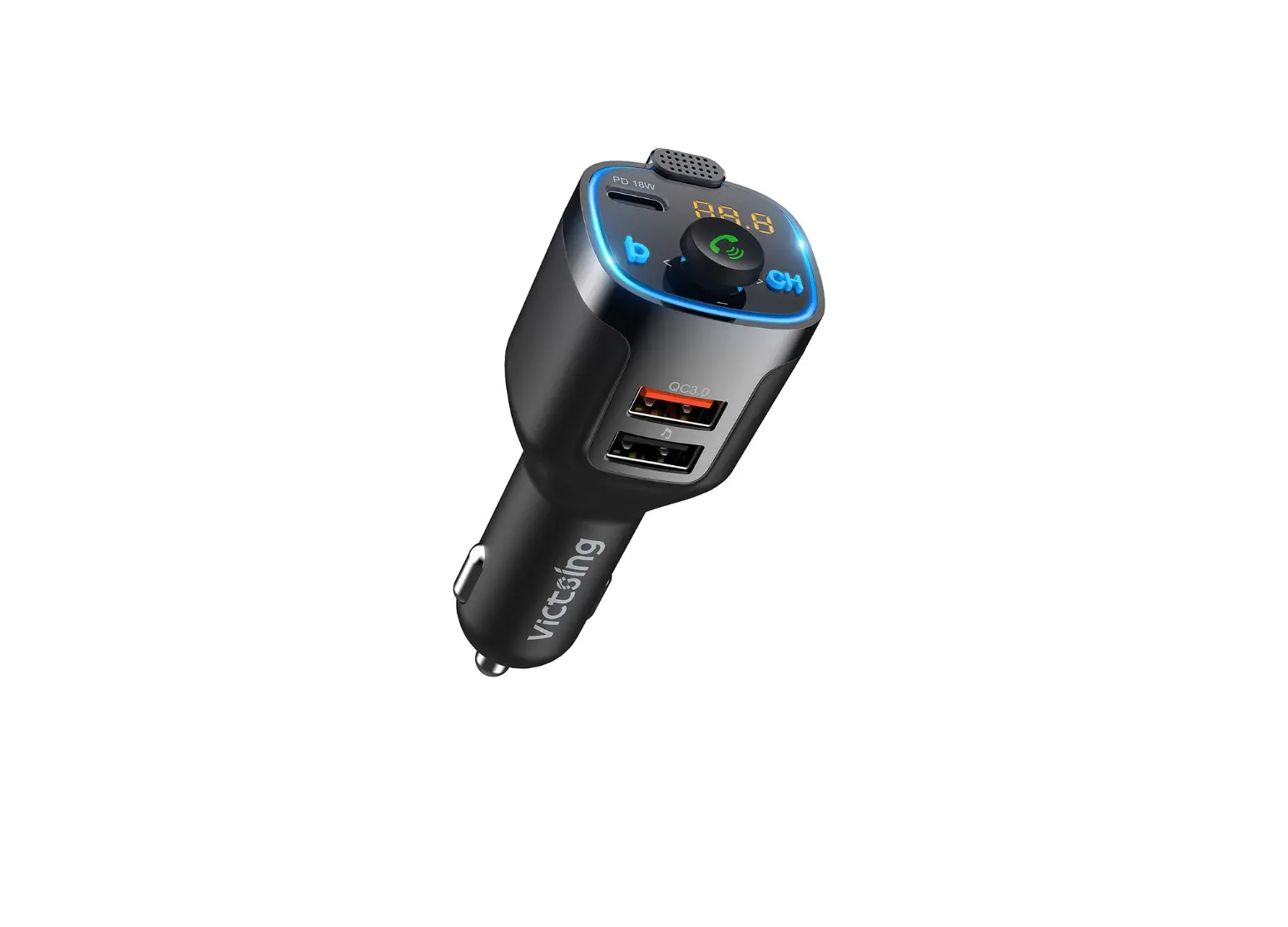
FMBTIS
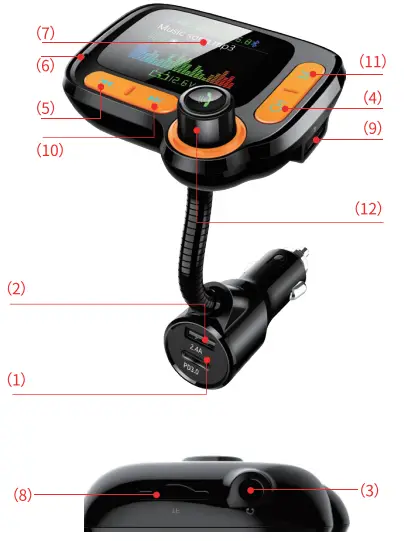
- PD3.o charging port.
- 5V/2.4A smart charging port.
- AUX port
- CH: press and enter into FM frequency change mode.
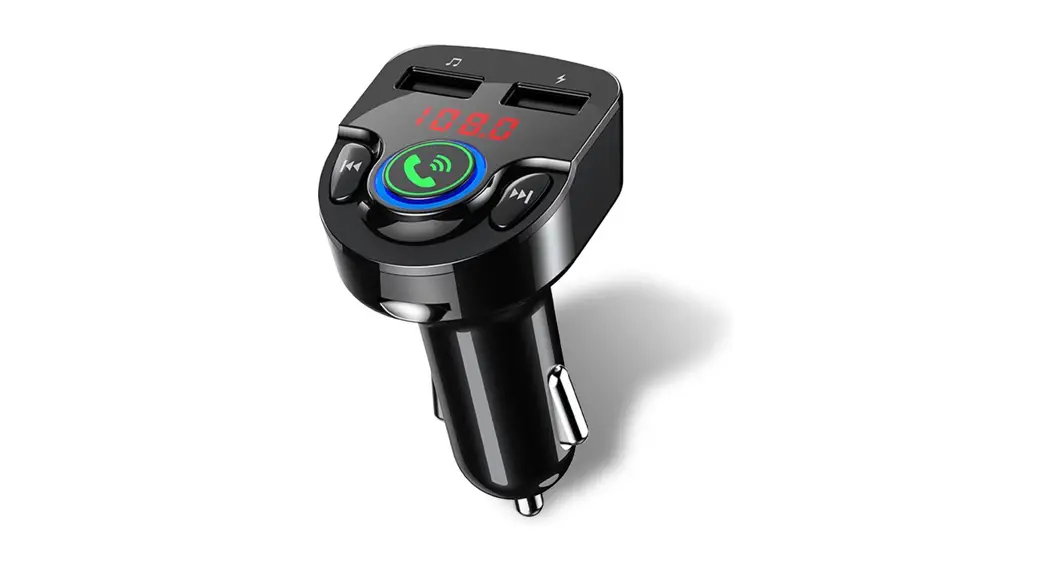
- Previous song.
- Microphone.
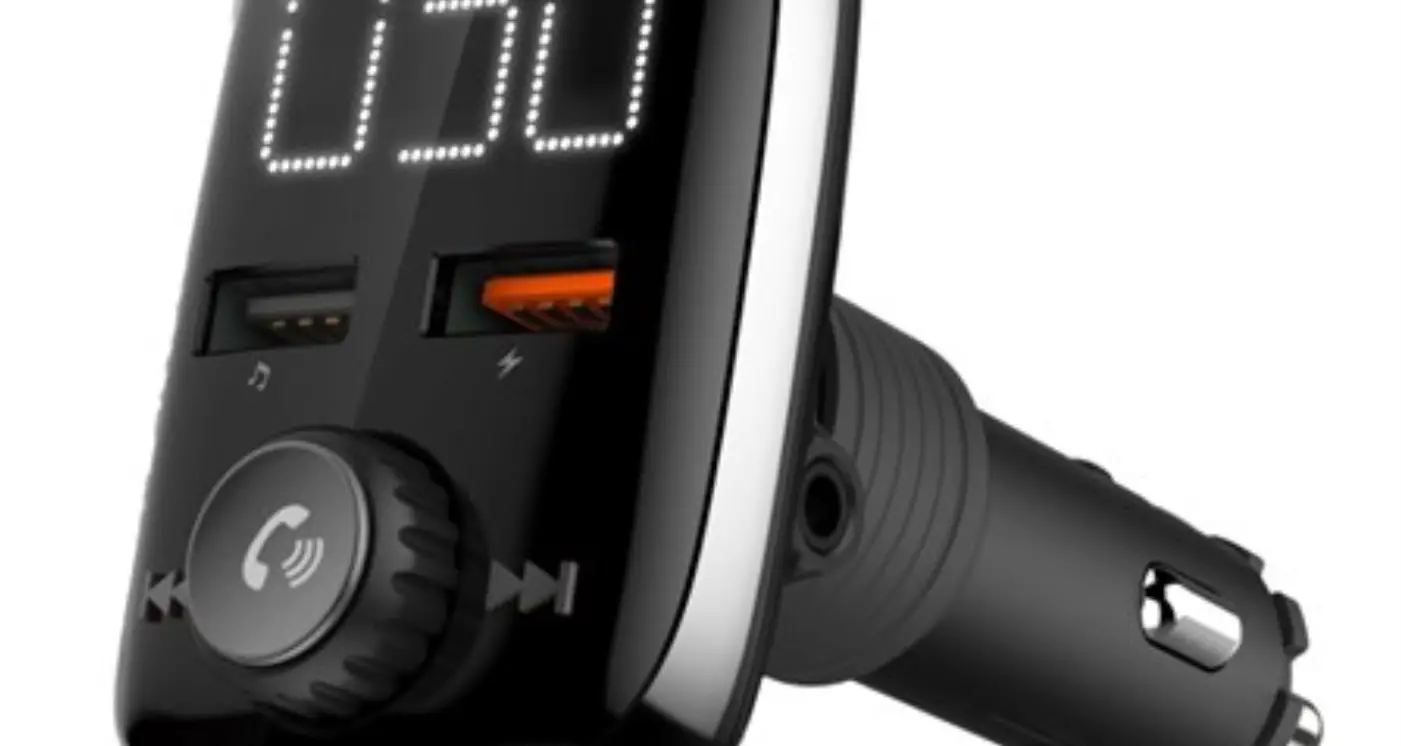
- TFT colorful display
- TF card slot.
- USB flash drive port too.
- Next song.
- menu button.
- Multifunction Knob button:
change frequency / Volume /
+&-/Answer&End Calls
How to Setup
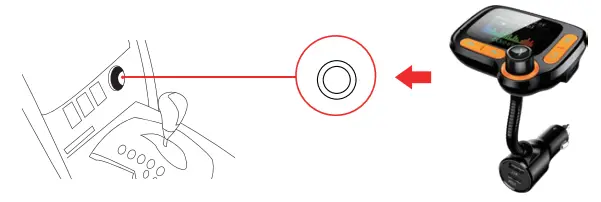
- Plug FMBTIS into your car cigarette lighter socket. If the FM Transmitter doesn’t automatically power up. simply push the multifunction control button (12) to turn it on.

- The LED screen will illuminate when power is on.

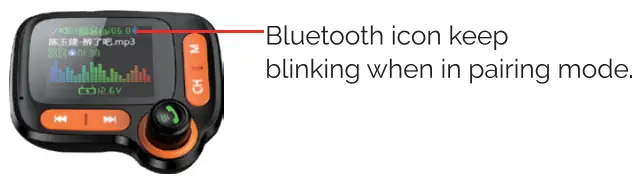
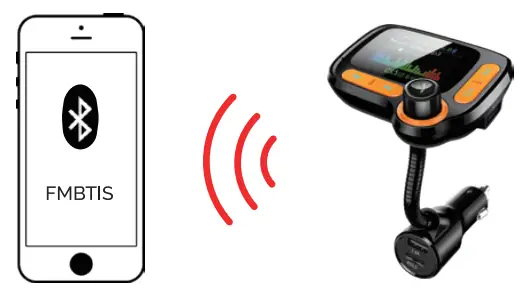
The bluetooth icon will blink, signaling it is in pairing mode. Go to your smartphone’s Bluetooth settings and select FMBTIS to connect. Once your device is paired, you will hear the prompt ‘Bluetooth connected successfully.’

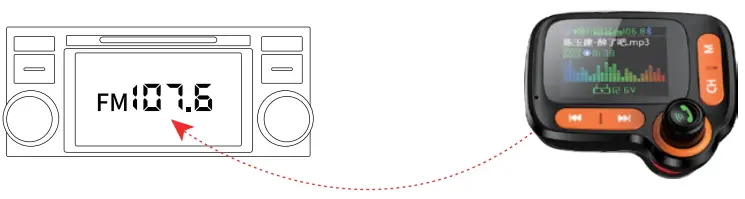
- Turn on your car’s FM radio, and find a vacant (only static noise) channel Adjust the frequency on FMBTIS to match the frequency on your car radio.

- To adjust the FM transmitter frequency Press the “CI-I” button until the frequency display starts blinking, turn the
 ‘ multifunction control button to adjust the FM frequency to match the frequency on your car radio.
Play music
Play music on your phone
After Setup steps 1-6. you can start playing audio on your smartphone. the music will stream using Bluetooth from your phone via FM transmission to your car speakers using your car’s radio.
| Play/Pause | Press  |
| Previous / Next track | Press  |
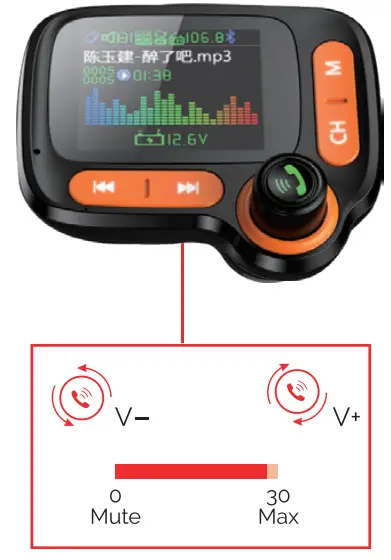
| Volume | Rotate |
Volume display mode
Turn multifunctional control button to adjust the volume
Play music from SD cards
Insert the SD card into the card port. FMBTIS will start playing automatically.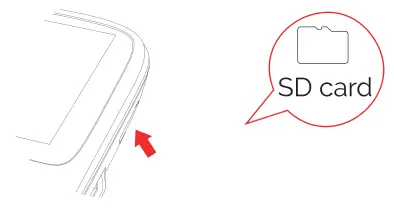 Screen functions
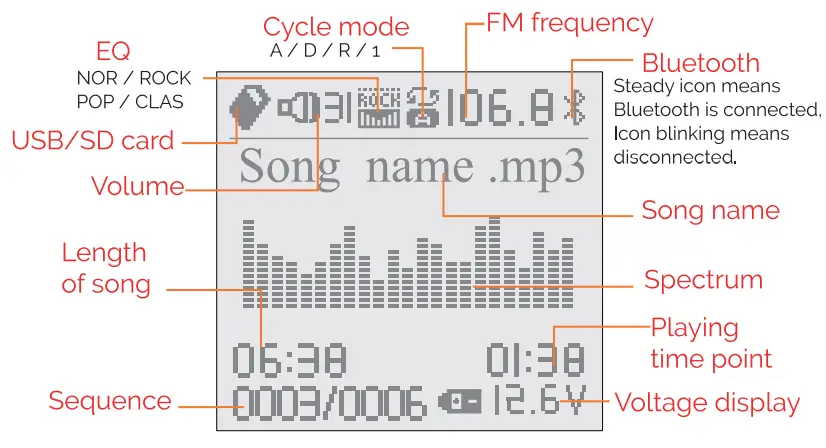
| Play/Pause | Press Control Knob |
| Previous / Next track | Press |
| Volume | Turn Control Knob |
| NOR | Nature |
| ROCK | Rock |
| POP | Popular |
| CLAS | Classic |
| A | Play all in order |
| D | Directory play |
| R | Random play / Shuffle |
| 1 | Repeat play |
Menu Settings
Under SD card / USB playing status, press and holt! ‘M” button until the directory list shows up:
| 1. Voltage : | Check car battery voltage |
| 2. Language: | For different language options (if there |
| are preset languages) | |
| a Cycle mode : | 4 Playing modes |
| 4. EQ setting : | 4 EQ optionaL |
| 5. Contrast : | Screen contrast |
| 6. Card folder: | Sim card (USG flash drive) folder selection |
Power ON/OFF
Long press to power on the screen, and long press again to turn off screen
Press to navigate the directory and press “” to enter into the directory.
Press to navigate subdirectory, select by pressing “”
Stream your smartphone’s music using your car’s AUX port:
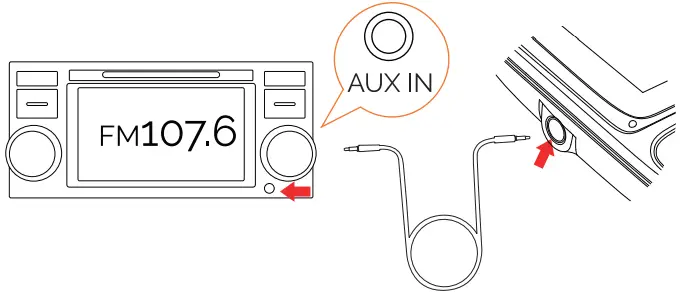
If you can’t find empty channels on your car’s radio, you can use a 3.5mm AUX cable to connect FMBTIS to your car’s AUX input port. Make sure you adjust your car radio to the AUX setting. Your phone’s audio will now play through your car’s speakers. (AUX cable not included).
Hands-Free Call
Once your phone is paired to FMBTIS you’ll be able to answer calls. hands-free!
| Answer an incoming call | Press |
| Reject an incoming call | Press and hold |
| To end a call | Press |
| Recall last Inca–nine/outgoing call | Quickly press twice |
| Switch to phone call mode | Press  to switch to phone mode when receiving a call to switch to phone mode when receiving a call |
Charging Your Device
FMBTIS wireless FM transmitter features two USB ports: Type-C: PD 3.o Suitable for iPhone 18W quick charging 5V/2.4A smart charging port: provides allowed max input current to your devices.
Specifications
DC input : 12-24V
Type-C: 5V/2.4A with intelligent current input management
Bluetooth: V5.0
Audio format: MP3 WMA. FACL. APE. WAV FM transmission distance : >2M
USB capacity support : <64GB
Working temperature range: -20°C to 40°C
Storage temperature range: -40°C to 85°C
NOTE: This equipment has been tested and found to comply with the Omits for a Class B digital device pursuant to part 15 of the FCC Rules. These Omit are designed to provide reasonable protection against harmful interference in a residential installation. This equipment generates uses and can radiate radio frequency energy and, if not installed and used in accordance with the instructions, may cause harmful interference to radio communications. However, there is no guarantee that interference will not occur in a particular installation. If this equipment does cause harmful interference to radio or television reception, which can be determined by turning the equipment off and on, the user is encouraged to try to correct the interference by one or more of the following measures :
- Reorient or relocate the receiving antenna.
- Increase the separation between the equipment and
- Connect the equipment into an outlet on a circuit different from that to which the receiver is connected
- Consult the dealer or an experienced radio/TV technician for help Changes or modifications expressly approved by the party responsible for compliance could void the user’s authority to operate the equipment. This device complies with Part 5 cm f the FCC Rules. Operation is subject to the following two conditions:
(1)this device may not cause harmful interference, and
(2) this device must accept any interference received. including interference that may cause undesired. operation.