Peiying URZ0483 Car Fm Transmitter With Bluetooth Function Owner’s Manual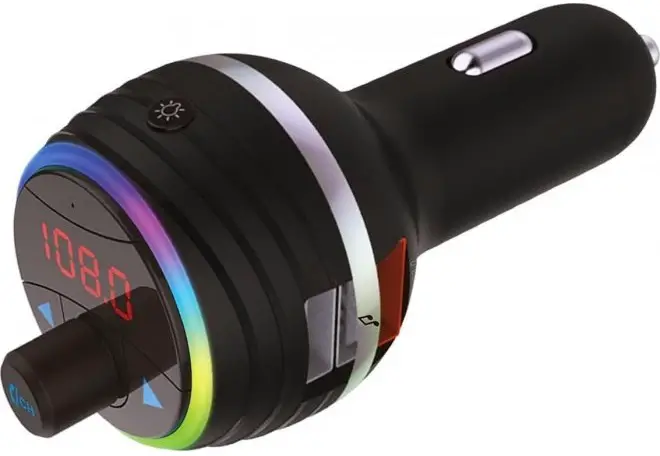
SAFETY INSTRUCTIONS
Read this instruction manual carefully before use, and keep it for future reference. Producer does not claim liability for inappropriate use and handling.
- Protect this product from moisture, humidity, water and any other liquid. Avoid using/ storing it in extreme temperatures. Do not expose it to direct sunlight and sources of heat.
- Use only authorized accessories.
- Do not use this device if it has been damaged or its operation is abnormal.
- Do not attempt to repair this device yourself. In case of damage, contact with an authorized service point for check-up/repair.
- ALWAYS disconnect the device from power supply before cleaning.
- Clean this device with soft, slightly damp cloth. Do not use any abrasives or chemical agents to clean this product.
PRODUCT DESCRIPTION
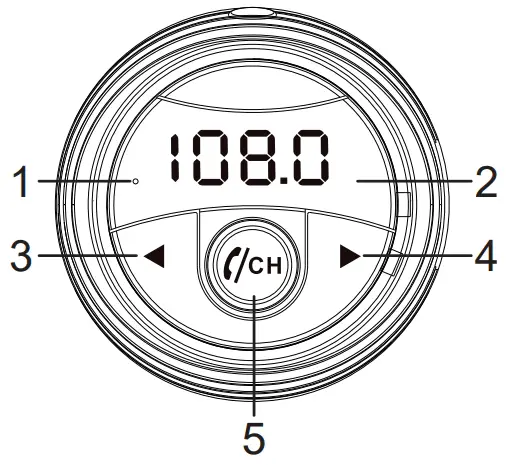
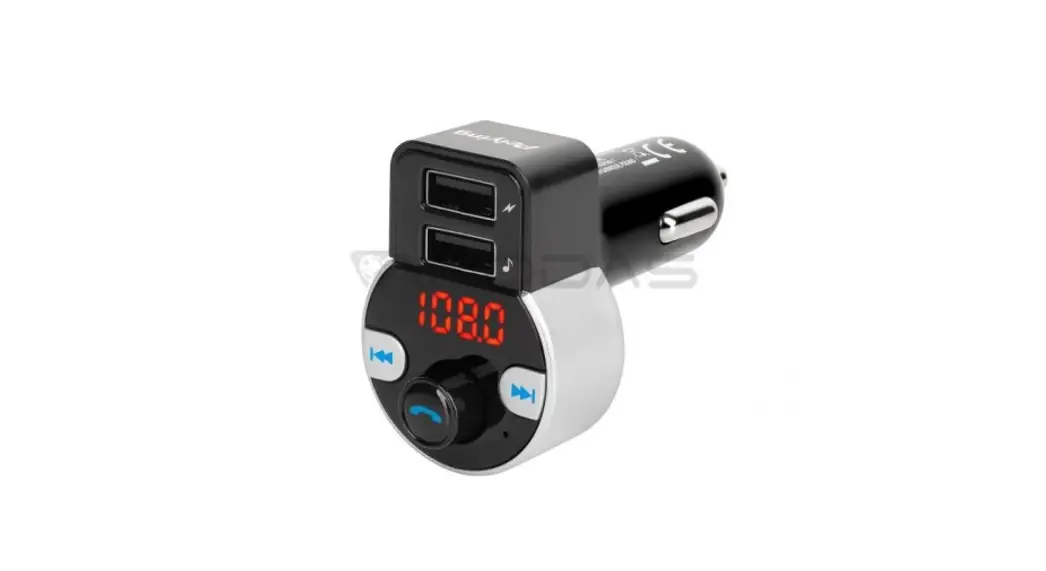
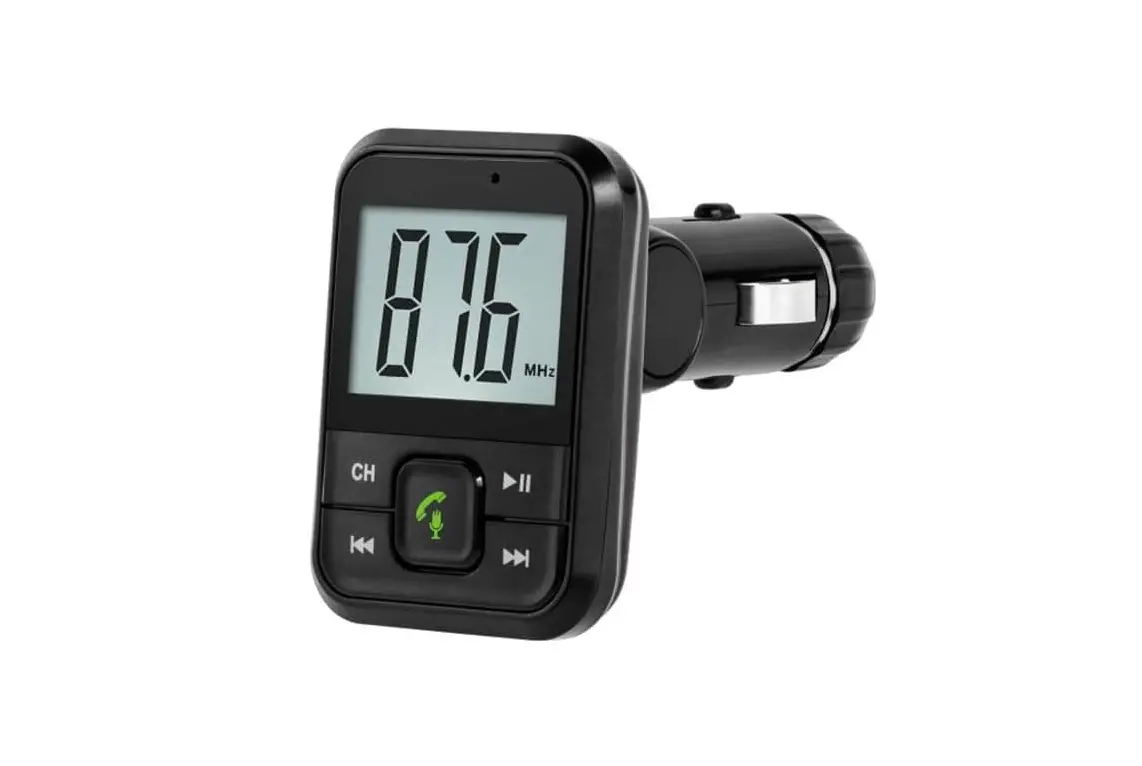
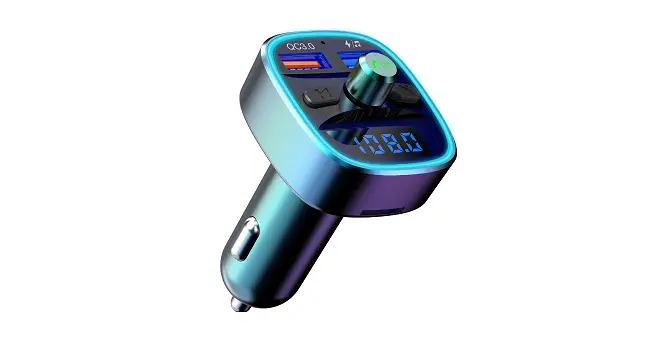
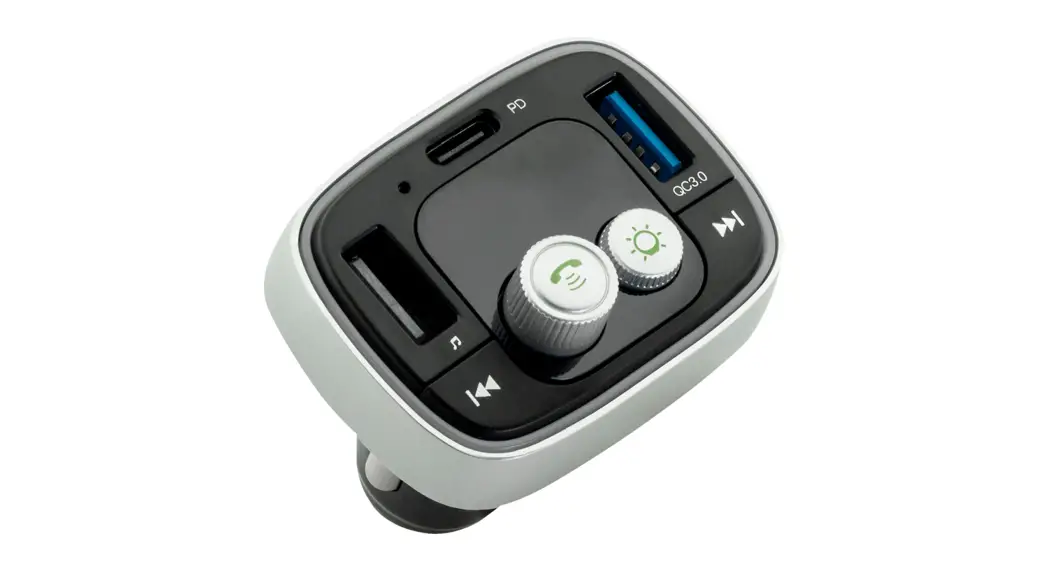
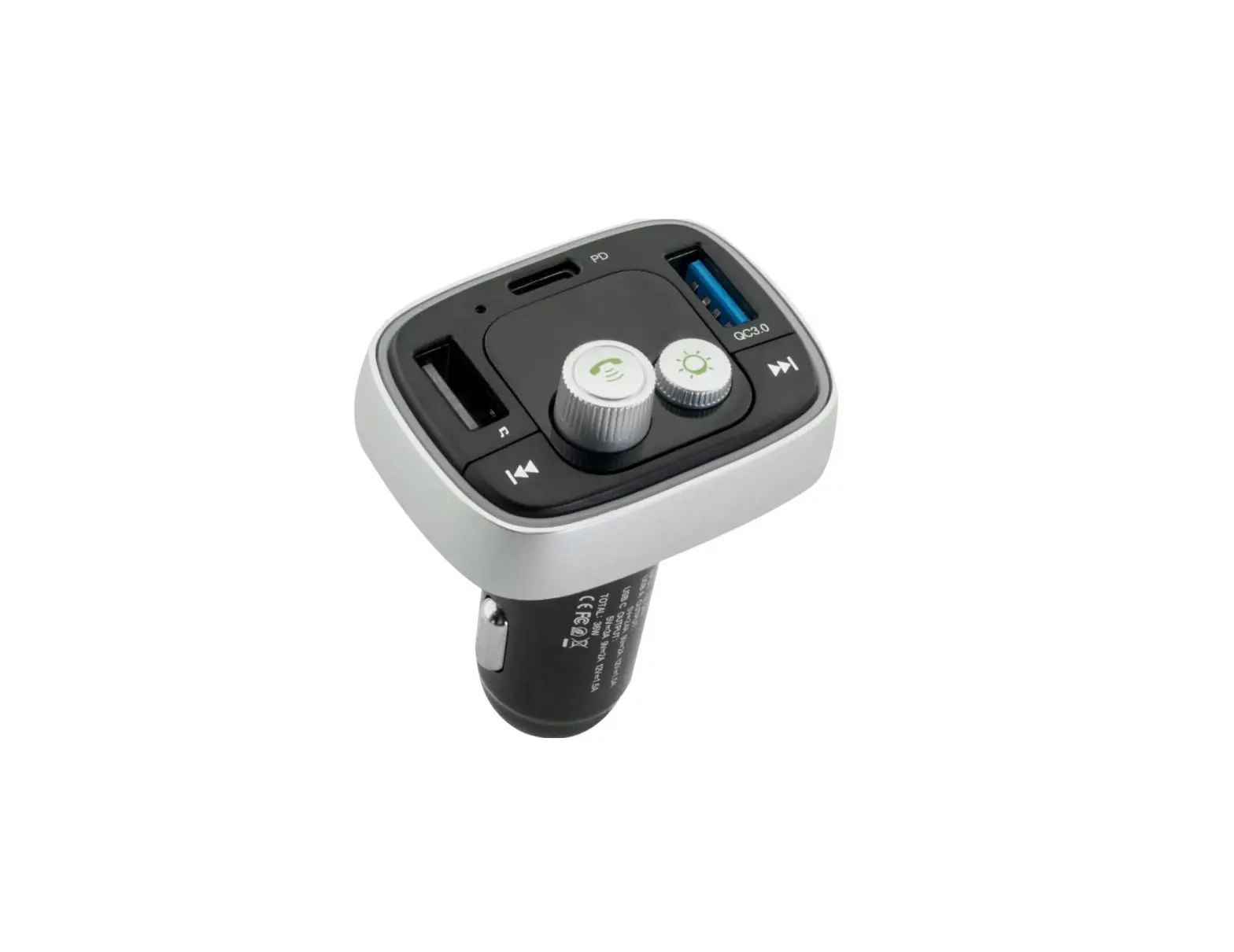
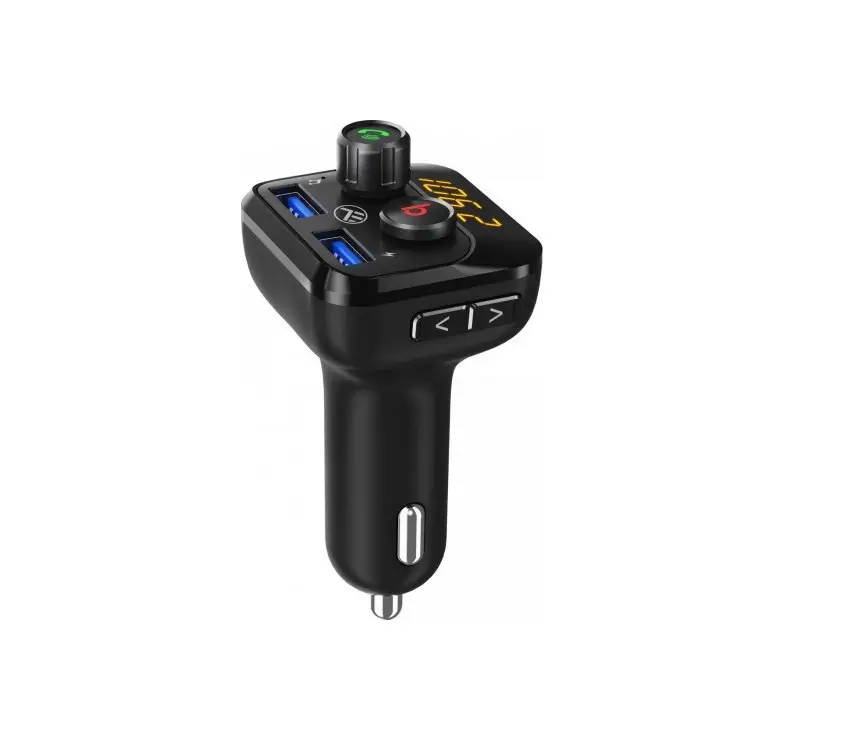
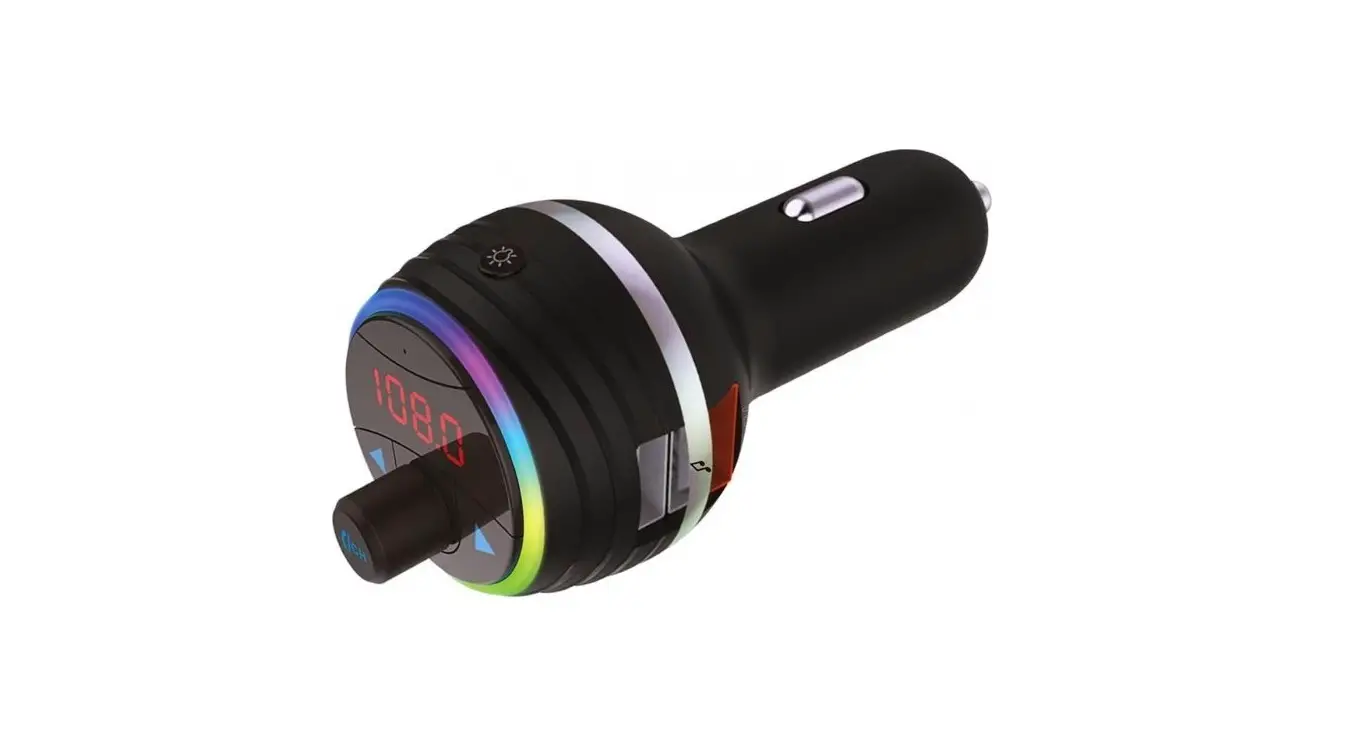
- Built in microphone
- LED display
- Previous track
- Next track/mode switch
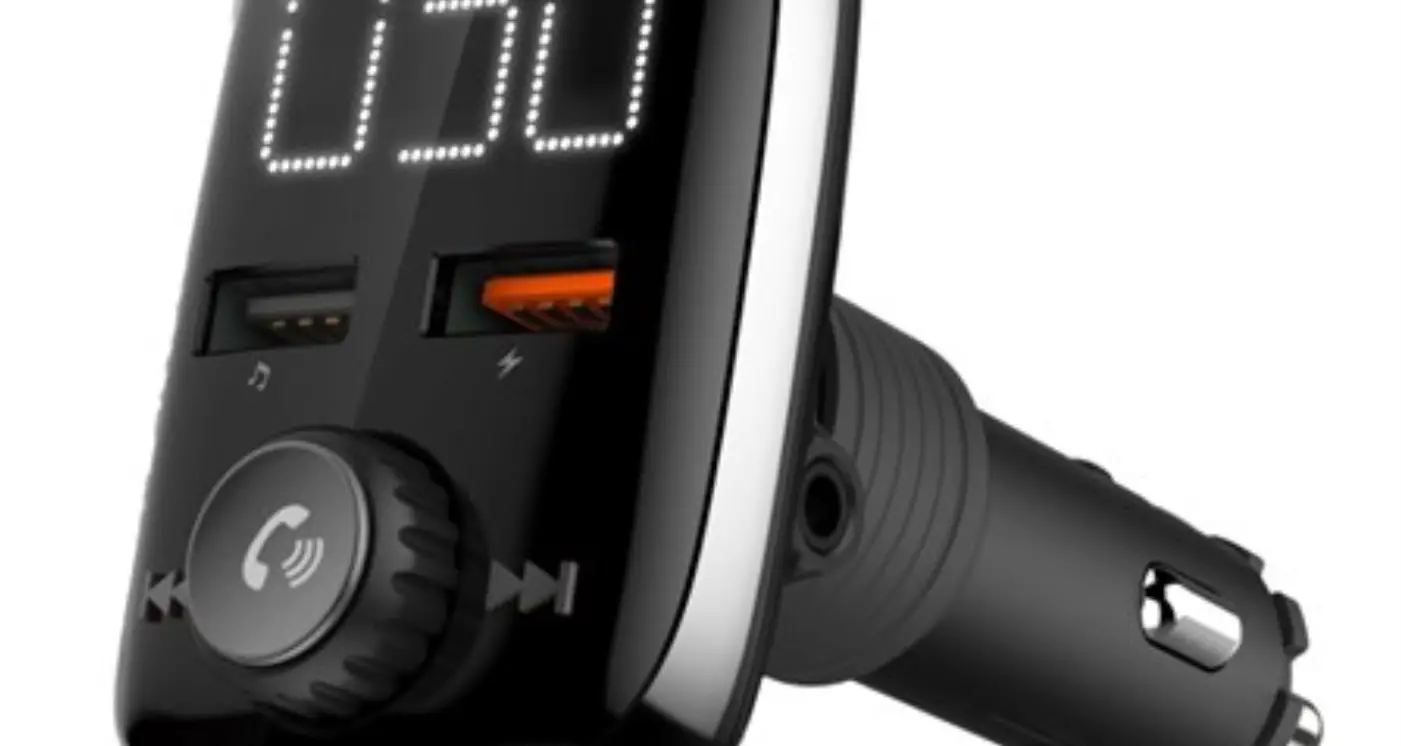
- Call management/play/pause/volume control/ FM mode
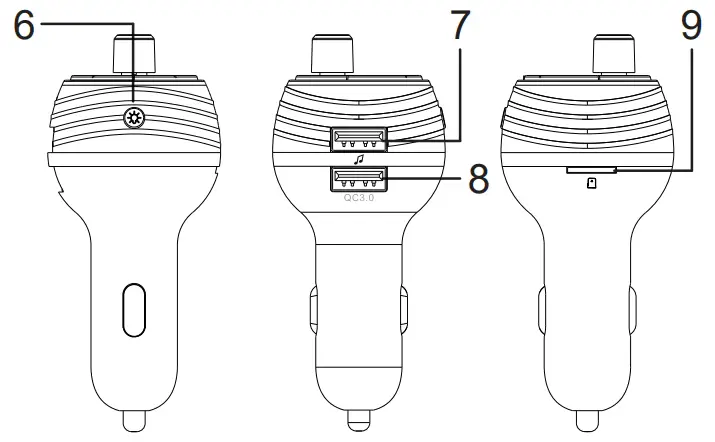
- Backlight color switch button
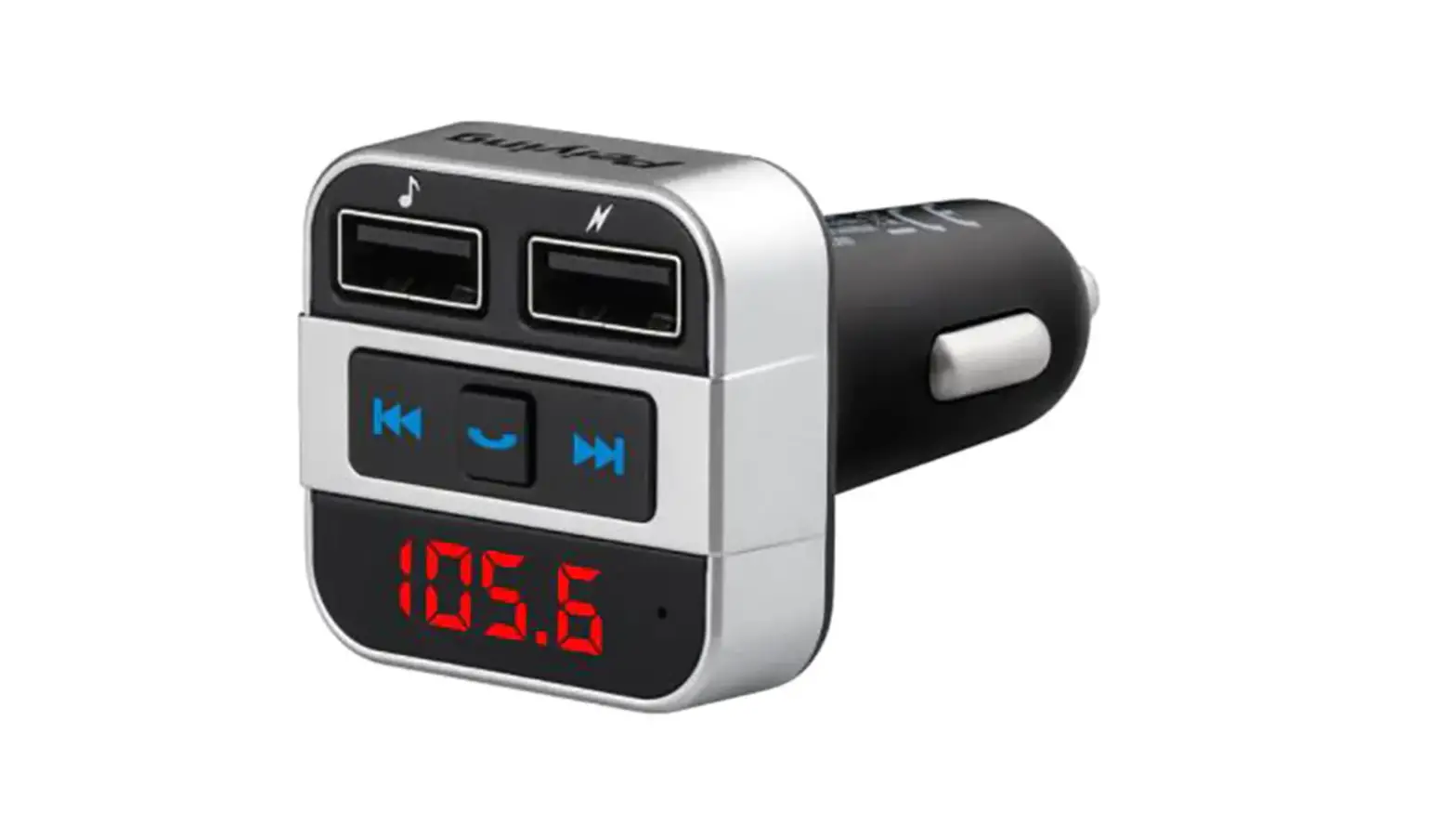
- USB port 1 (charging and music streaming)
- USB port 2 (charging)
- microSD card slot
OPERATION
Function | FM transmitter |
| Answer/end a call | Press the  knob knob |
| Reject a call | Press the knob twice |
| Redial last number | Press the knob twice |
| Play/Pause | Press the knob |
| Adjust volume | Rotate the knob to adjust volume |
| Set frequency | Press and hold the knob until digits on the display start flashing; rotate the knob to adjust the frequency |
| Select a track | Press  and ► button to go to the previous/ next track and ► button to go to the previous/ next track |
| Select mode | Press and hold the ► button to switch between available modes (microSD card, USB, Bluetooth) |
| Backlight color | Press the  button to change backlight color button to change backlight color |
FM TRANSMITTER
- Plug the FM transmitter into your vehicle’s cigarette lighter or power socket.
- Tune your radio to a desired FM frequency, then match the same frequency of the FM transmitter. To do this, first press and hold the knob until the frequency starts flashing. Then rotate the knob to set the desired frequency.
- Insert a USB flash drive to a USB port 1 or insert a microSD card into microSD card slot. The device will play and transmit music files automatically.
Notes:
- Only USB port 1 can serve as a USB flash drive reader.
- The maximum capacity of the USB flash drive and microSD card is 64 GB.
BLUETOOTH
- Enable Bluetooth function on the external device and search for new Bluetooth devices.
- Select and connect with this device (URZ0483). Enter password “0000” if necessary.
- When there is an incoming call in the music playing mode, the device will automatically switch to the call.
CHARGING
- Make sure the FM transmitter is connected to the cigarette lighter socket in your vehicle.
- Insert one end of the USB cable into microUSB port of the mobile device; insert the other end into USB port 1 or 2 of the FM transmitter.
- Charging starts automatically
SPECIFICATION
- Bluetooth: 5.0
- Bluetooth range: up to 10 m
- Bluetooth profiles: A2DP, AVRCP, HFP
- 2x USB ports:
- USB 1 – charging and music streaming (max 64 GB)
- USB 2 – charging
- SD card slot (max. 64 GB)
- Music format: MP3, WMA, WAV, FLAC
- LCD display
- Built-in microphone
- Call management
- 6 backlight colors
- Frequency range: 87,5 – 108 MHz
- Maximum output power: 4 dBm
- Frequency stability: +/- 10 ppm
- Output voltage:
USB 1 – 5 V / 2,4 A
USB 2 (QC 3.0) – 5 V / 3 A; 9 V / 2 A; 12 V / 1,5 A - Power supply: 12 – 24 V
Lechpol Electronics Sp. z o.o. Sp.k. hereby declares that Car FM transmitter with Bluetooth function URZ0483 is consistent with directive 2014/53/UE. Full text of the EU Declaration of Conformity is available at following Internet address: www.lechpol.eu.
Correct Disposal of This Product (Waste Electrical & Electronic Equipment)

It is forbidden to place equipment waste marked with the symbol of a crossed-out trash bin together with other waste. This equipment is subject to collection and recycling. The harmful substances it contains can cause environmental pollution and pose a threat to human health.
Made in China for LECHPOL ELECTRONICS Sp. z o.o. Sp.k.,
ul. Garwolińska 1, 08-400 Miętne.

 Lechpol Electronics Leszek - producent i dystrybutor produktów elektronicznych!