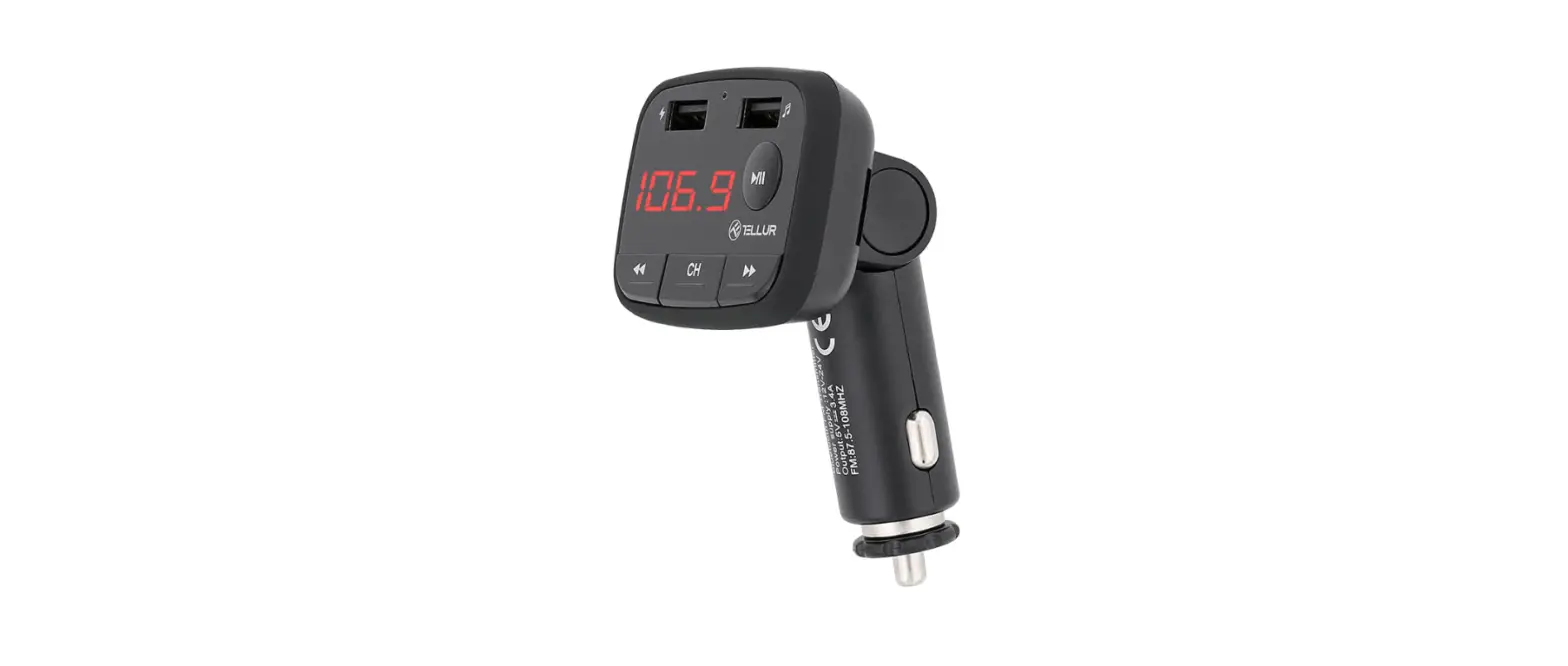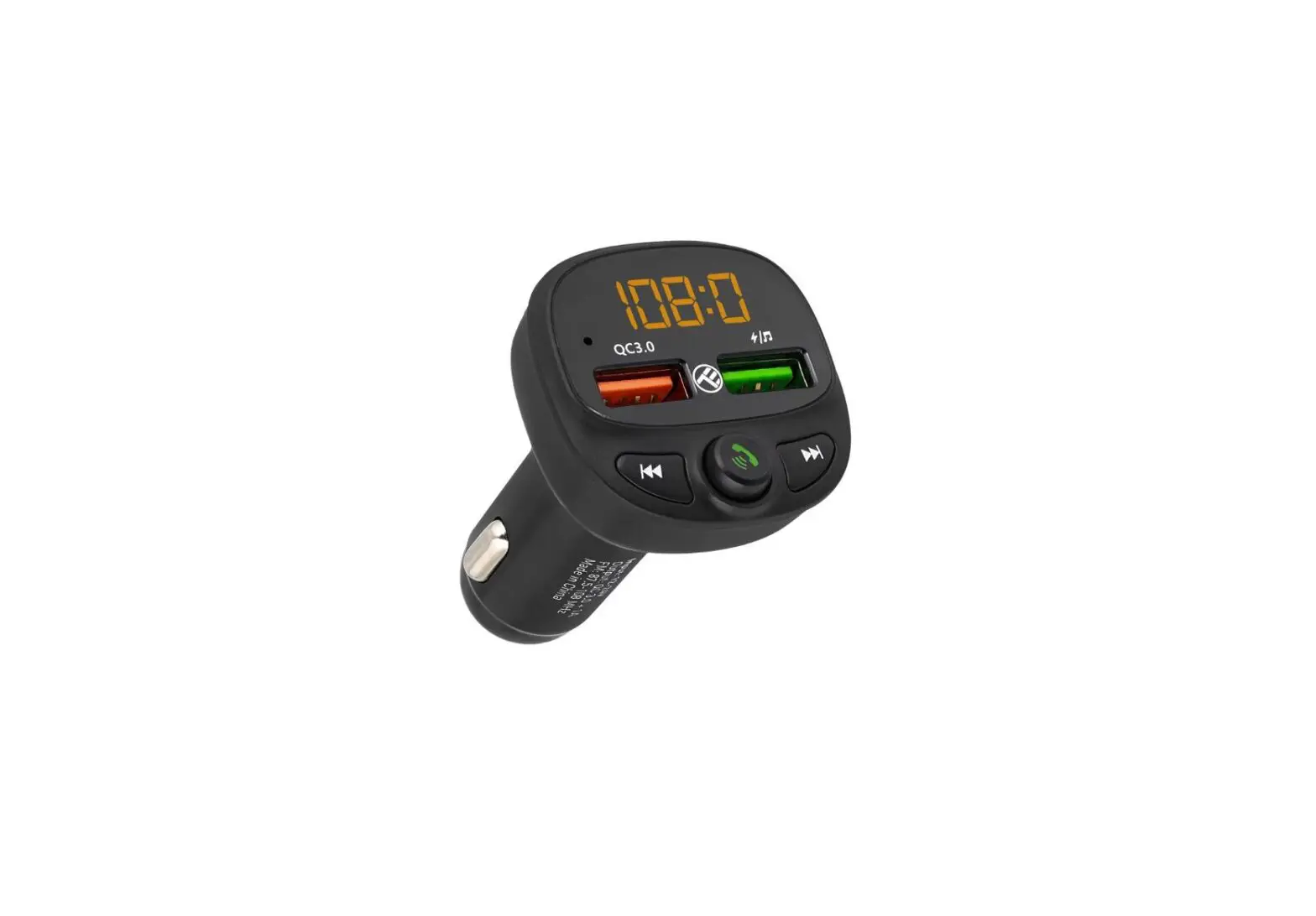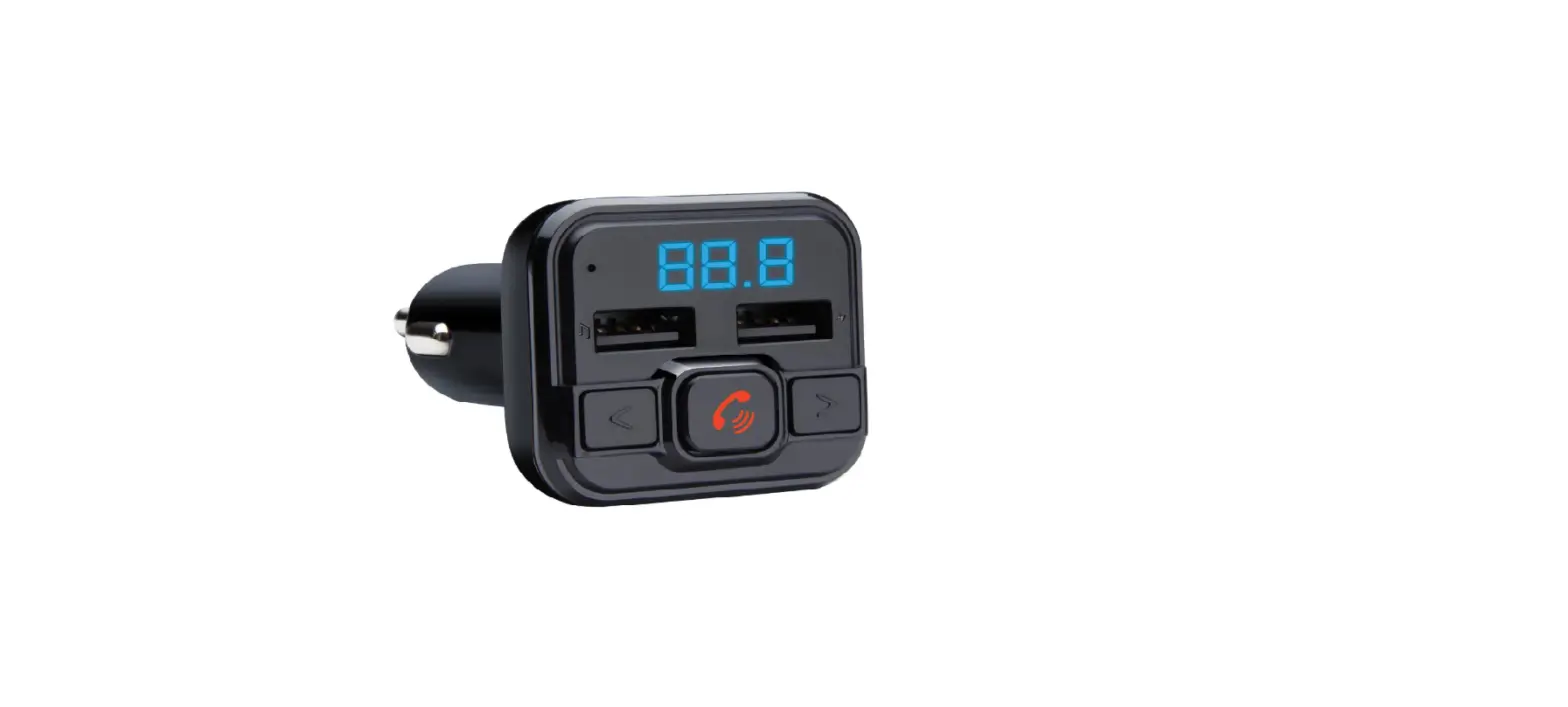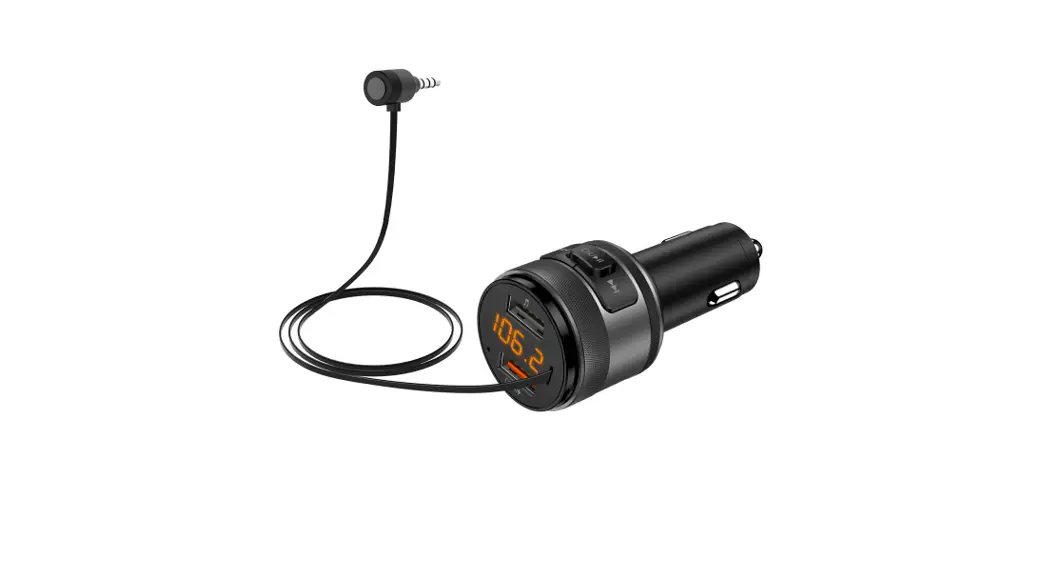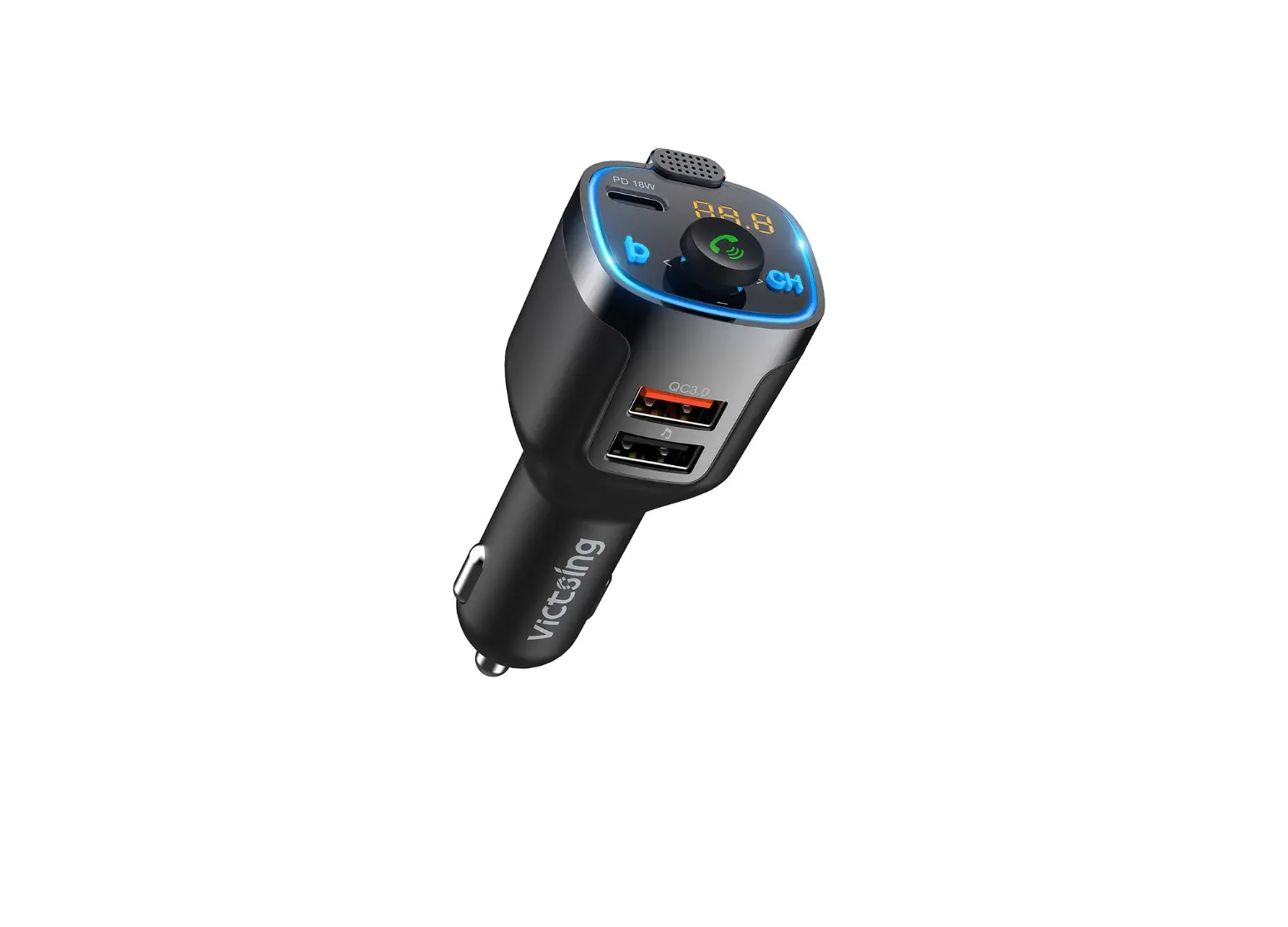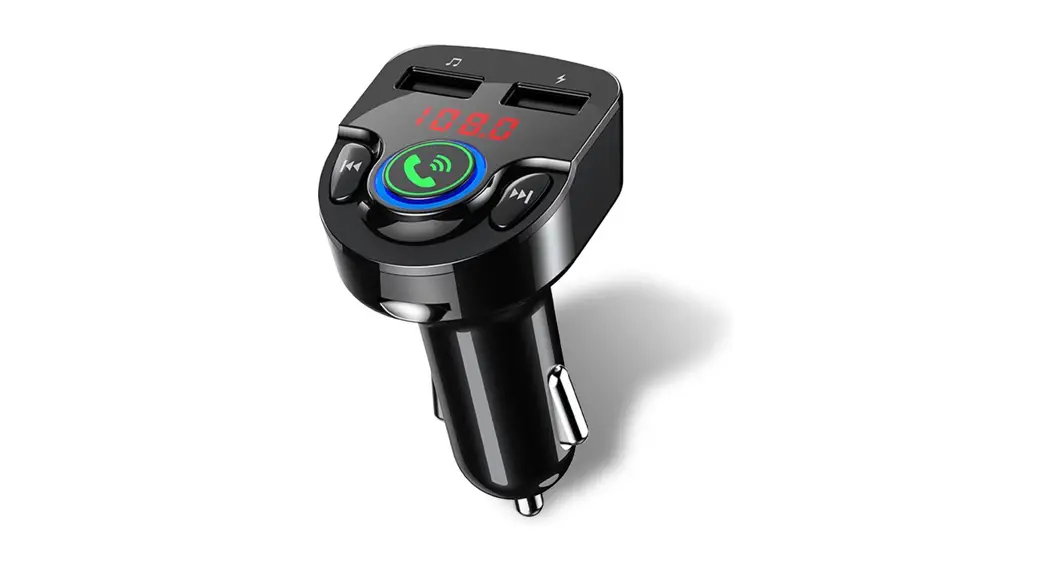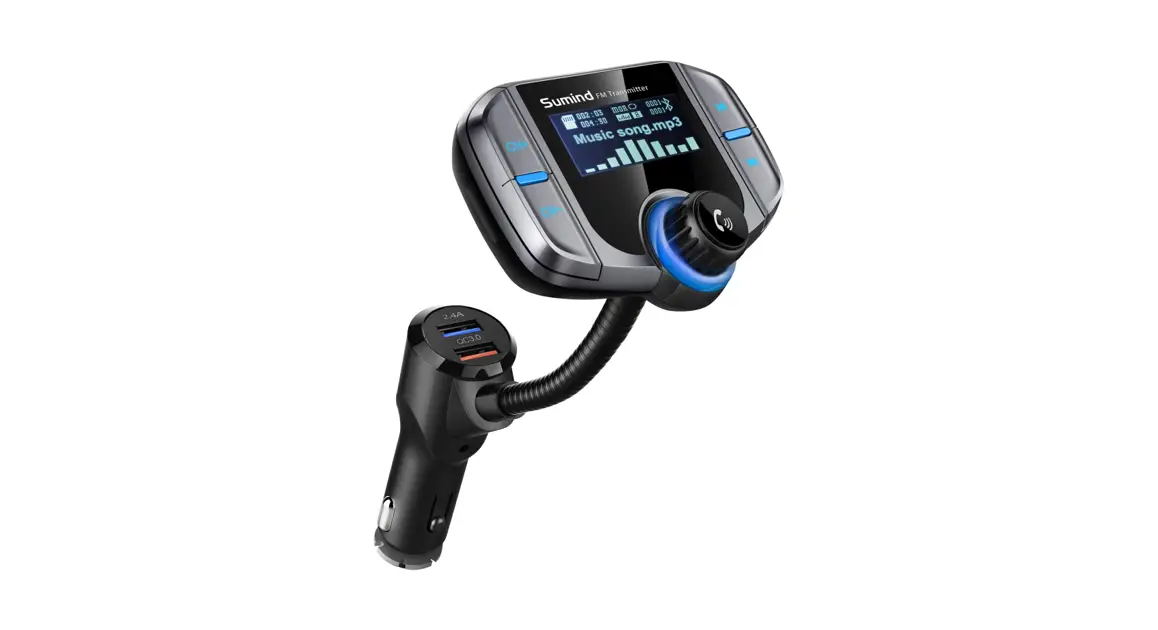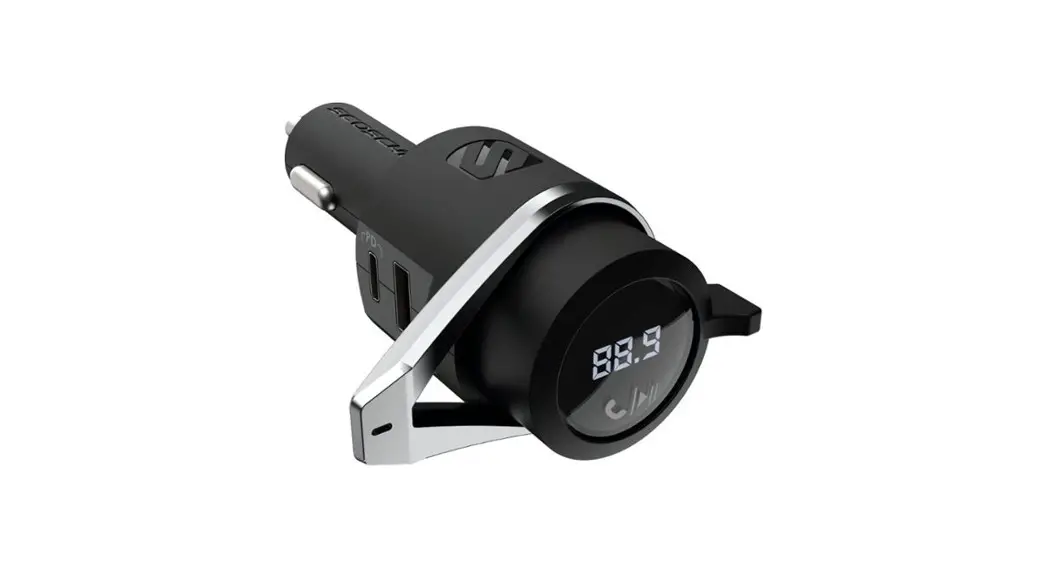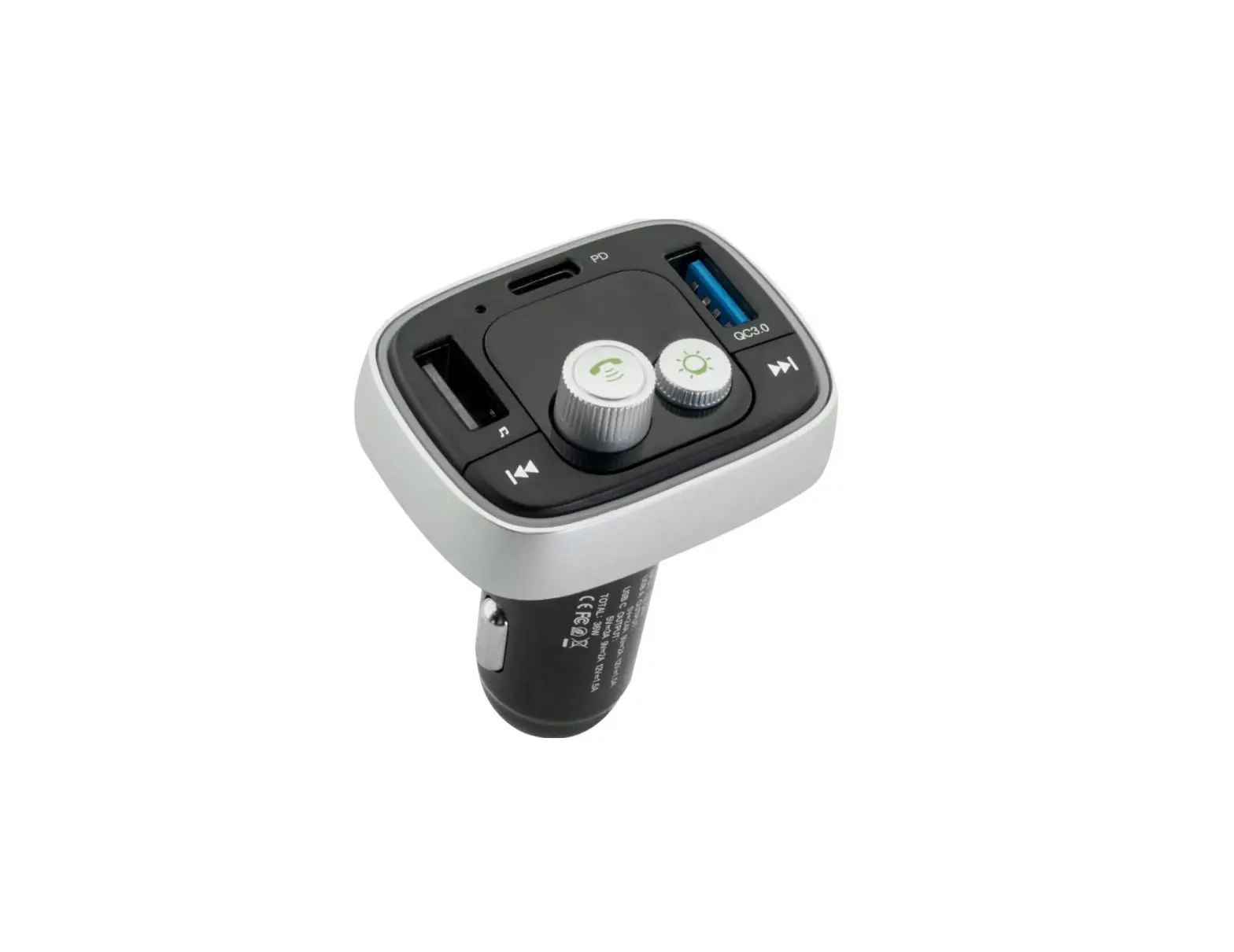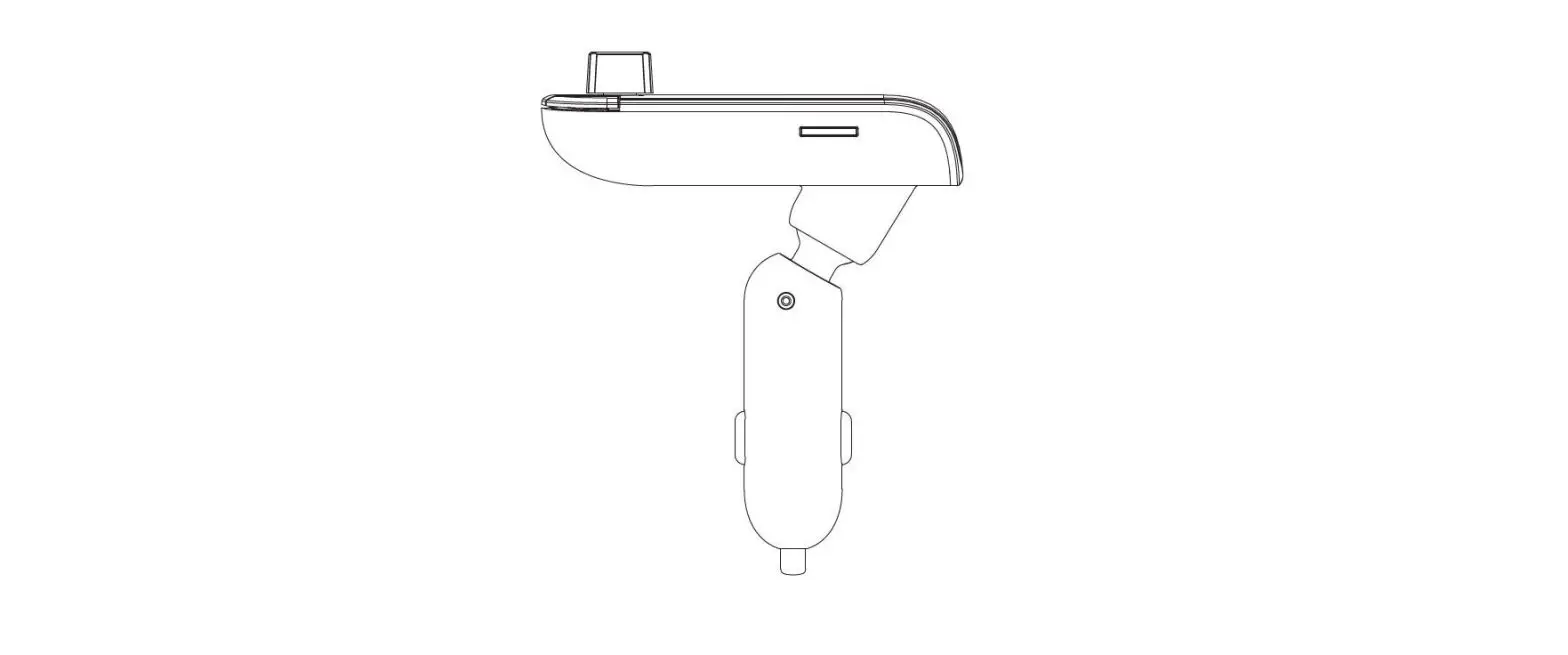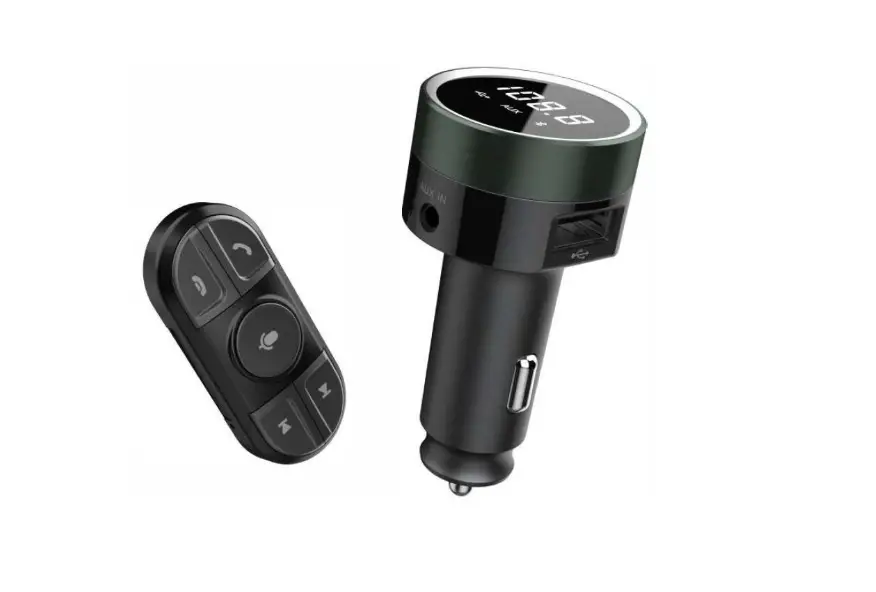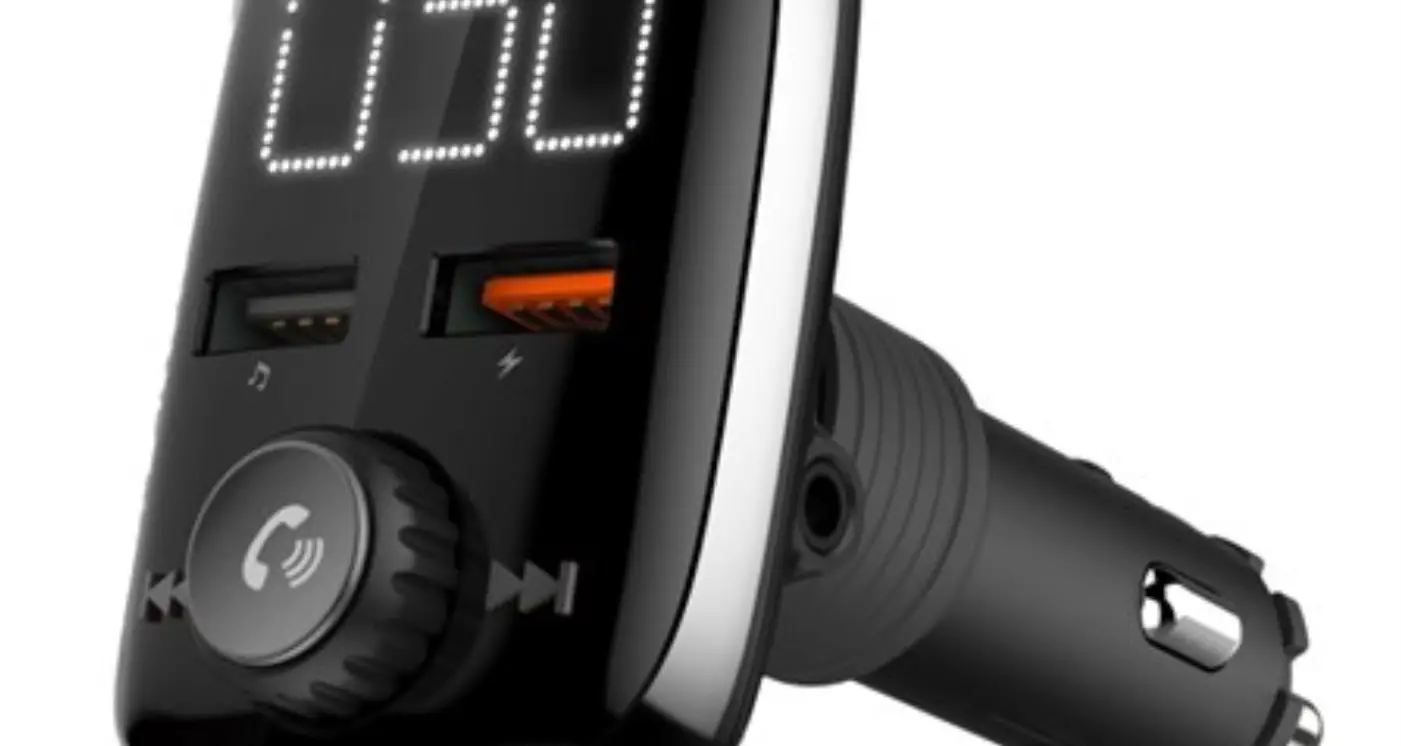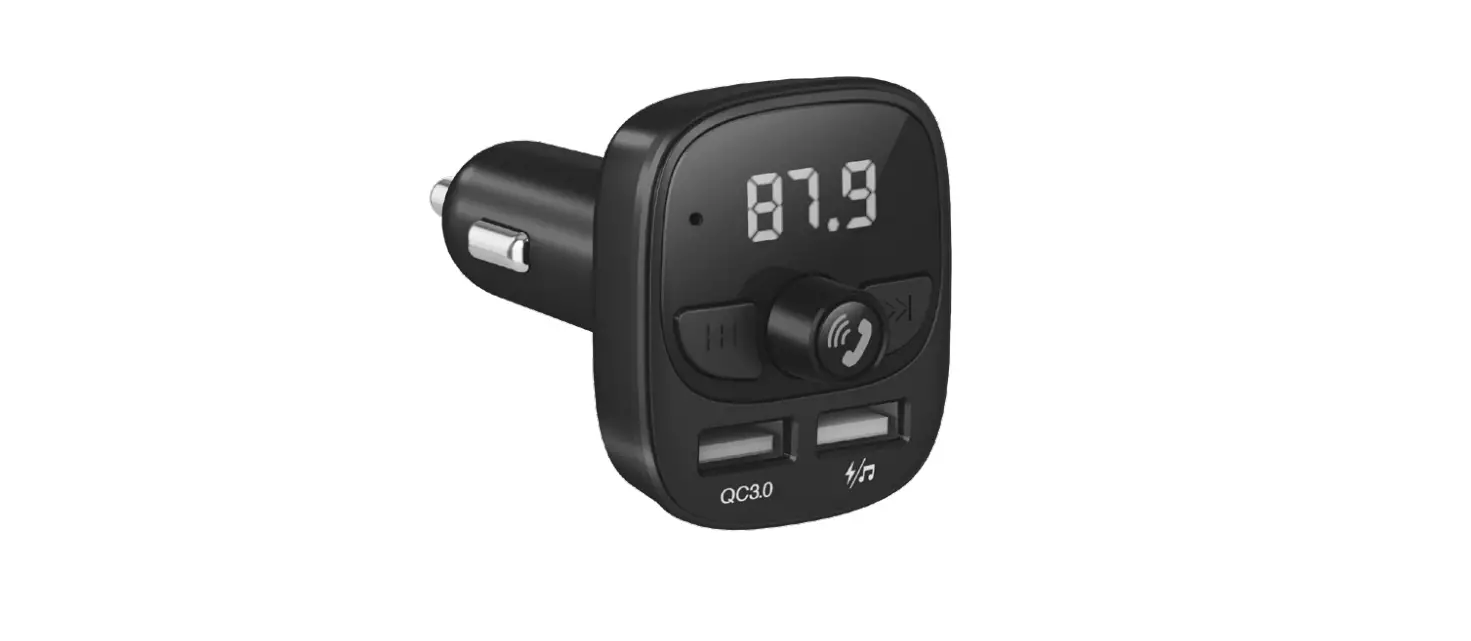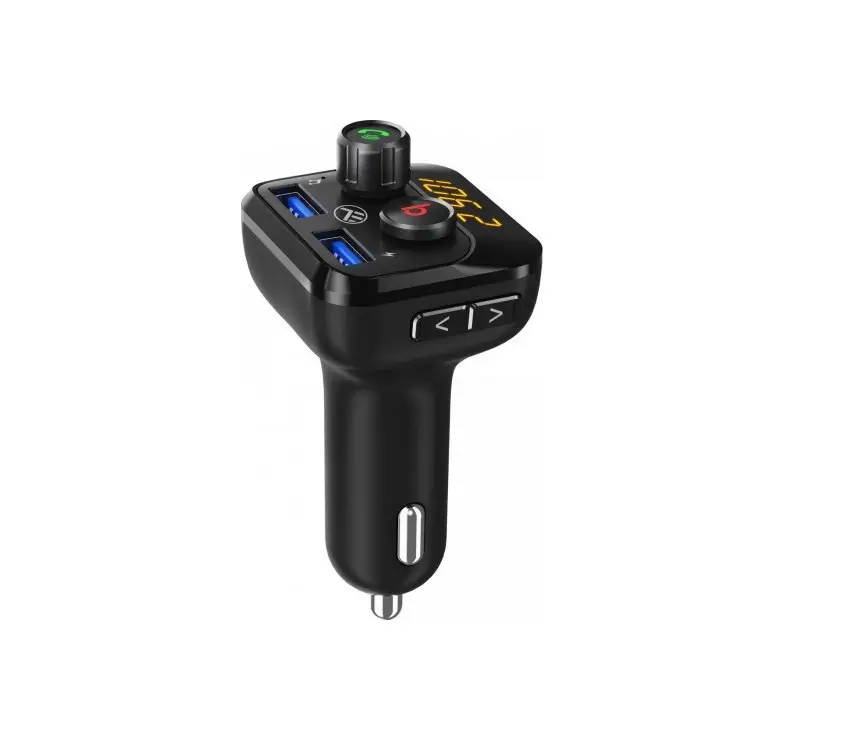
TELLUR Bluetooth FM Transmitter B8 User Manual
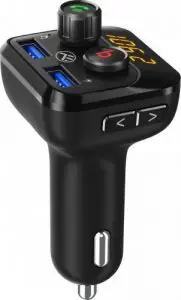
Package Includes:
- FMT-B8 Bluetooth Car FM Transmitter
- User Manual
Specification
| Material | ABS |
| Bluetooth Version | 5.0 |
| Power Supply | 12-24 V |
| Display | Yes (Displays the Frequency and volume) |
| Microphone | Yes (Support hands free talking function) |
| Frequency of Transmission | FM 87.5 MHz-108.0 MHz |
| Music Format | MP3/WMA/WAV/FLAC |
| Music Play | Bluetooth, Micro SD and USB |
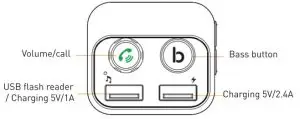
| USB1 | For charging external devices (5V/2.4A) |
| USB2 | Playing music from U-Disk (5V/1A) |
| Micro SD & USB 2 | Max 32GB |
| Other Functions | Bass button to add more bass and enjoy a more powerful music |
| Power off memory | Memorize FM Frequency and current song |
| Available color | Black |
| Product dimensions | 43.2 x 38.7 x 85.3 mm |
| Product Weight | 33.8 g |
Features:
- Transmits phone calls from Bluetooth mobile phones to the car’s audio system.
- Bass button amplifies bass for more powerful ow notes.
- Streams music from Bluetooth devices through an FM frequency to the car’s audio system.
- Switches from music playing to hands-free mode automatically for incoming calls.
- Built-in microphone.
- Dual USB output 5 V/3.4 A for device recharging.
- Streams music from USB flash drivers and micro SD cards.
- 206 FM channels. from 87.5 – 108 MHz.
- LED display.
- Voice prompts.
- Over current ,short circuit and overheating protection.
Precautions:
Please read all safety instructions carefully before using this product as improper use can damage the product .To ensure a long life cycle. never use the product in the following conditions:
- Moist environments or underwater.
- High temperature environments or near heating devices.
- Under a strong.direct sunlight.
- With improper cables.
- Do not disassemble the product as this will cause toss of warranty.
Operating Instructions
Short Press
- Answer Call
- Hang off call
- In music playing mode-pause or replay the music.


Double Press:
Radial last called number.
Long Press:
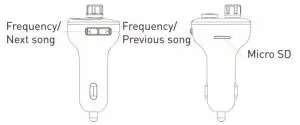
- Press and hold till frequency keeps flashing, then rotate clockwise to increase the frequency and counterclockwise to decrease the frequency.
- Reject incoming call.
- During hand-free talking-switch to private call.
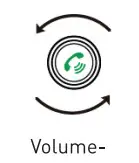
Rotate clockwise and hold to increase volume.
Rotate counter clockwise and hold to decrease volume.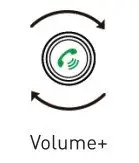
Using FM Transmitter Function:
- Plug the FMT-B8 into your vehicle’s cigarette lighter or power port.
- Set your car’s radio on FM and find a free/unoccupied FM frequency. Adjust the FM frequency on the FMT-B8 Bluetooth transmitter to match the FM frequency of the car’s radio.
- Insert a microSD card or USB flash drive into the microSD slot/left USB sot. The FMT-B8 will play the stored files automatically.
Using Bluetooth Function:
- Please follow these steps to pair your mobile phone with the FMT-B8: activate Bluetooth on your mobile phone and search for available devices. Select “Teller FMT B8” from the list and pair the devices (if requested,input password “0000”).
- In music playing mode, the FMT- B8 will automatically switch to ta king mode for incoming calls. While playing music,if there’s an incoming call.the FMT-B8 will switch to call mode automatically.
Bluetooth Calling
- Press
 to answer incoming call.
 - Press to hang off a call.
- Press twice to redial the last number automatically.
- During a call, long press to switch to a private conversation.
- When making a call, you can dial the phone number from your mobile phone, but once the call is connected to the FMT-B8, you can use the hands-free function to enjoy your conversation.
 to answer incoming call.
Using USB Charging Function:
When the FMT-B8 is plugged in your car’s socket, recharge your mobile phone by connecting it to the transmitter’s USB charging port using an USB.
Please Note:
Maximum output of the right USB (marked with  ) is 2.4A
Minimum output of the left USB (marked with  ) is 1A.
To read Mp3/WMA/WAV/FLAC files, use the left USB Port.
Bass Music:
In music playing mode, press the  button to add more bass to your music. Press the button again to disable the bass booster function.
Disposal and Recycling Information
The crossed-out wheeled-bin symbol on your product. battery. literature or packaging reminds you that all electronic products and batteries must be taken to separate waste collection points at the end of their working lives: they must not be disposed of in the normal waste stream with household garbage. It is the responsibility of the user to dispose of the equipment using a designated collection point or service for separate recycling of electrical and electronic equipment waste (WEEE) and batteries according to local laws. Proper collection and recycling of your equipment helps ensure EEE waste is recycled in a manner that conserves valuable e materials and protects human health and the environment Improper handling, accidental breakage. damage,and/or improper recycling at the end of its life may be harmful for health and environment.