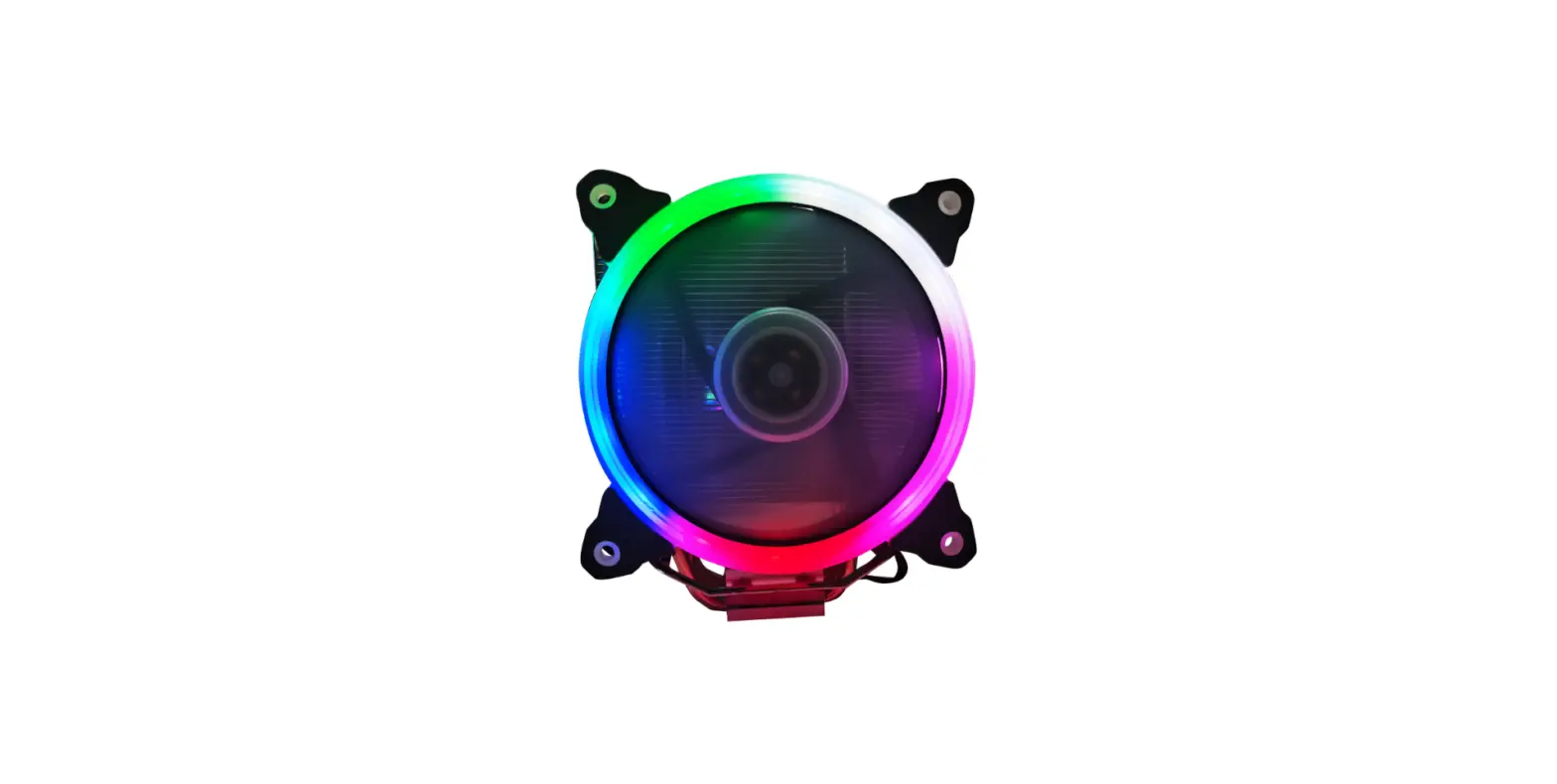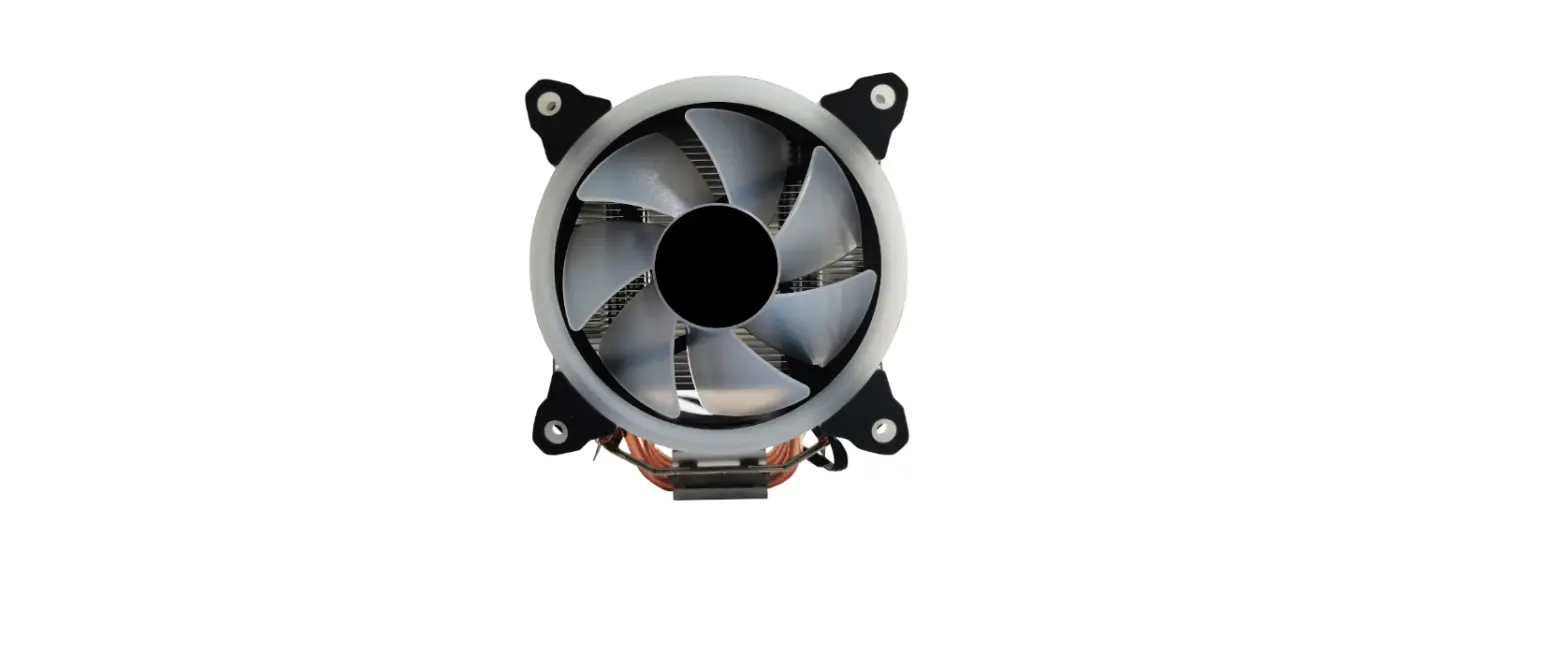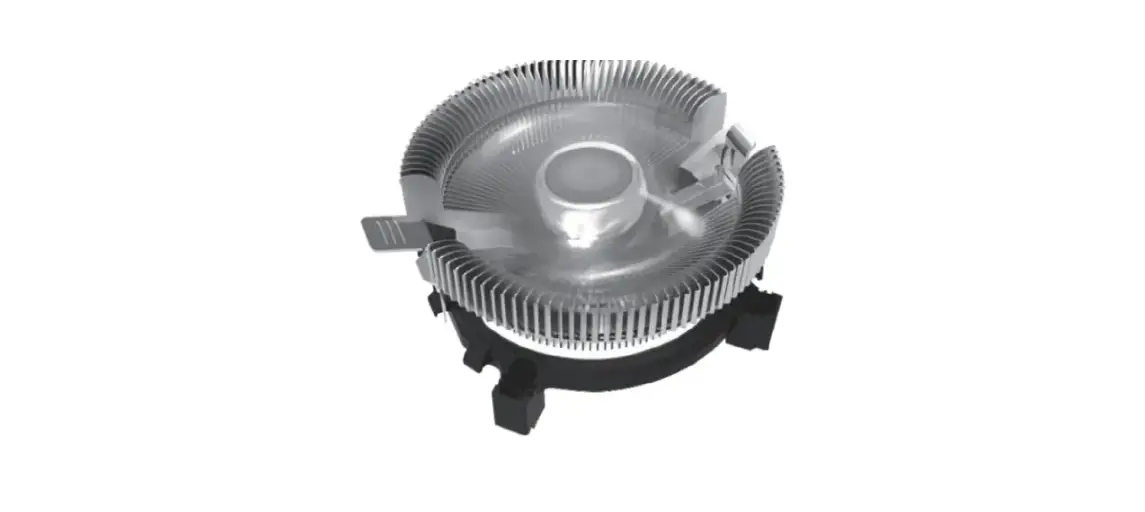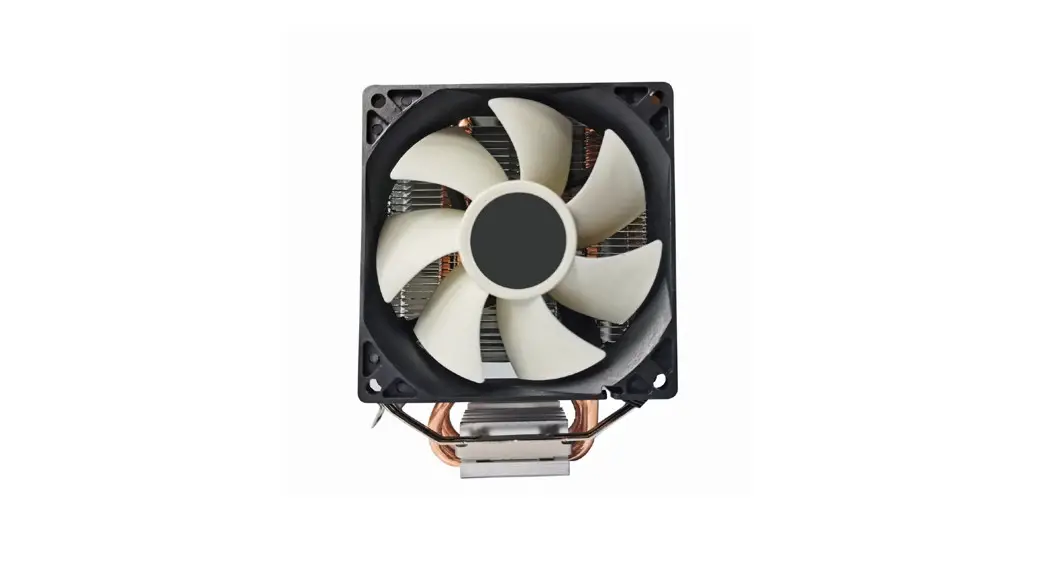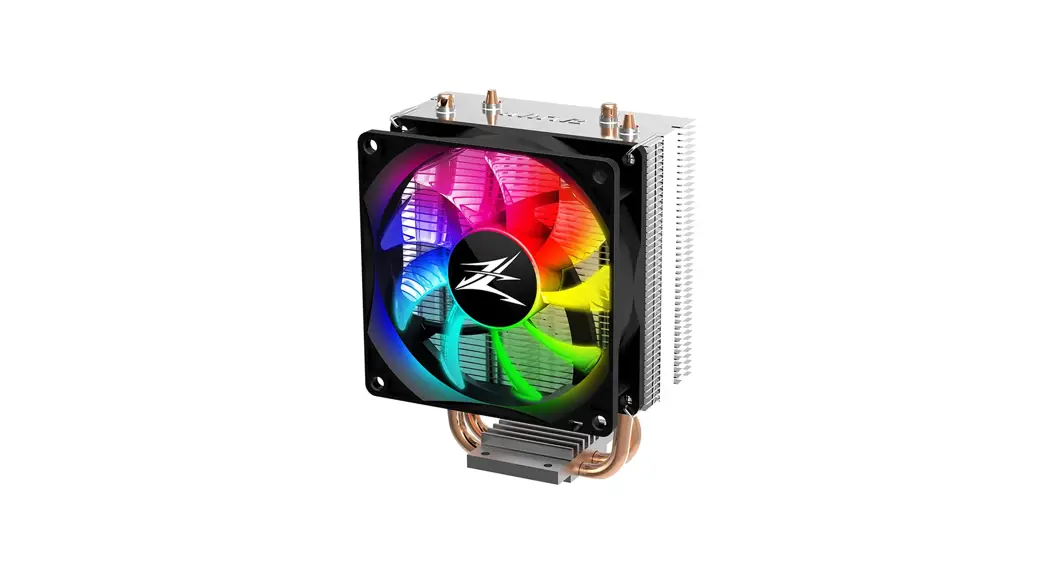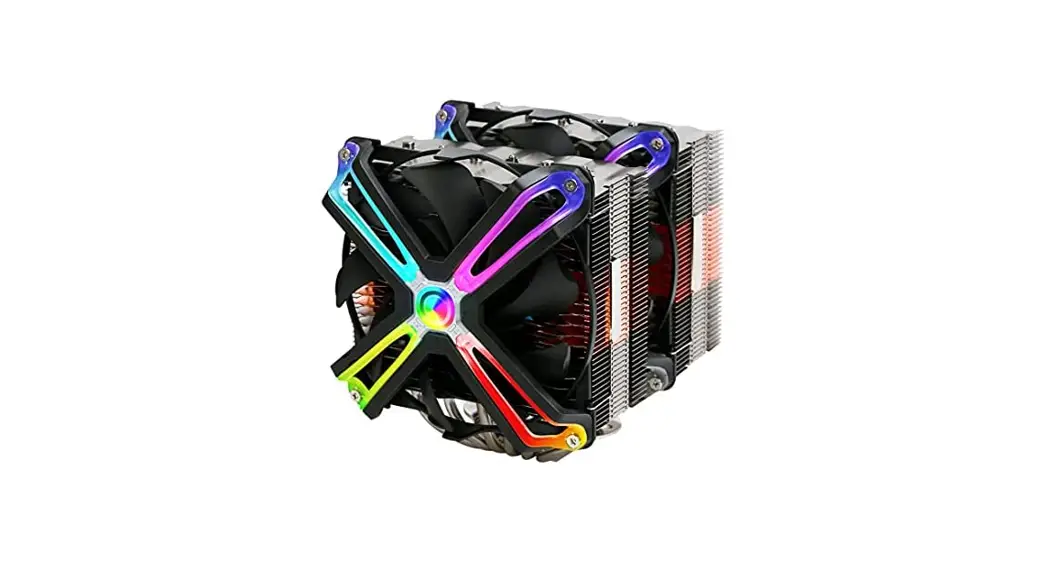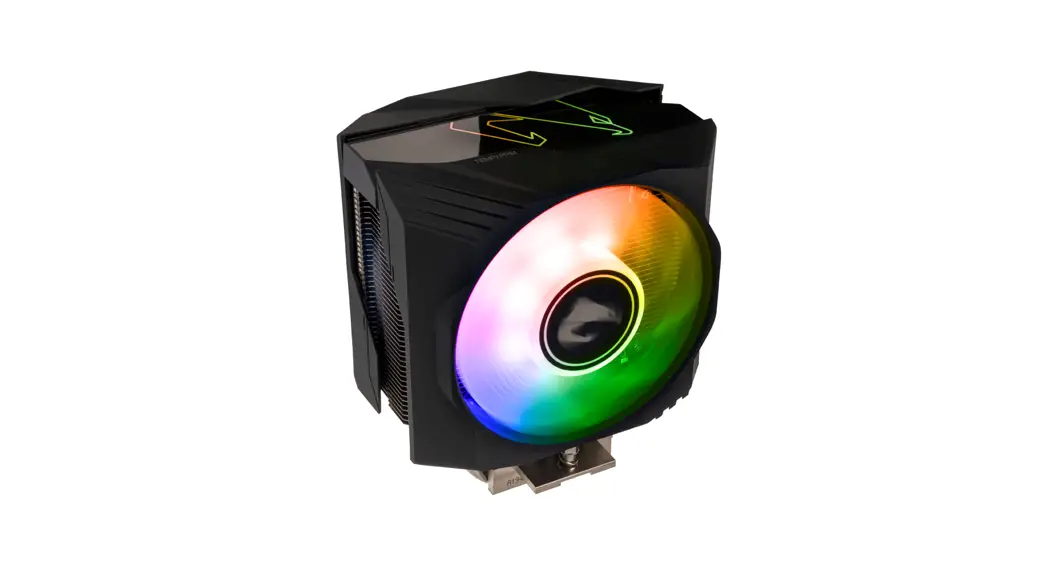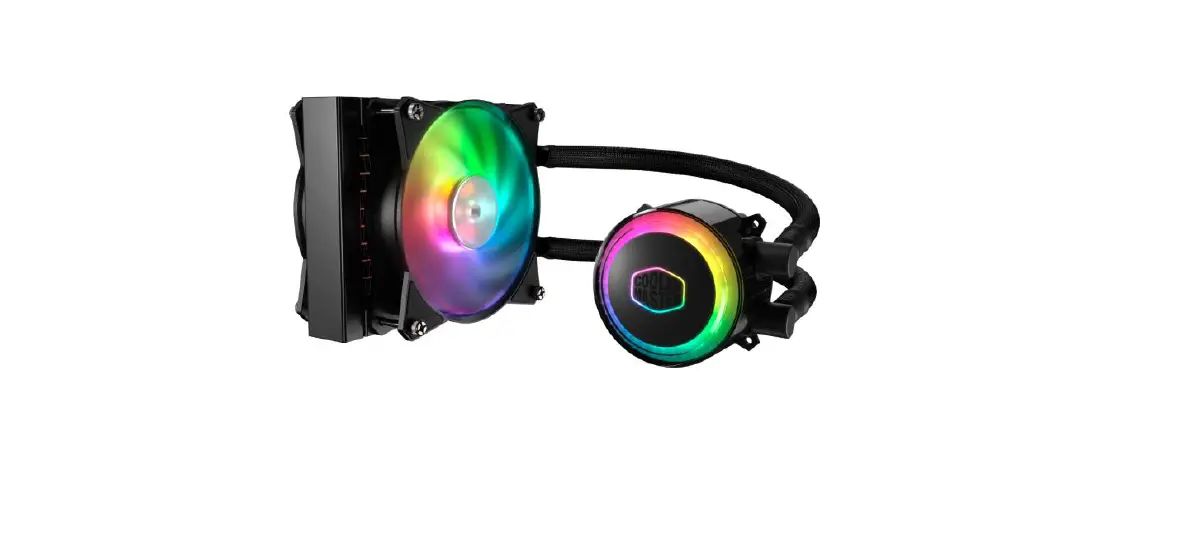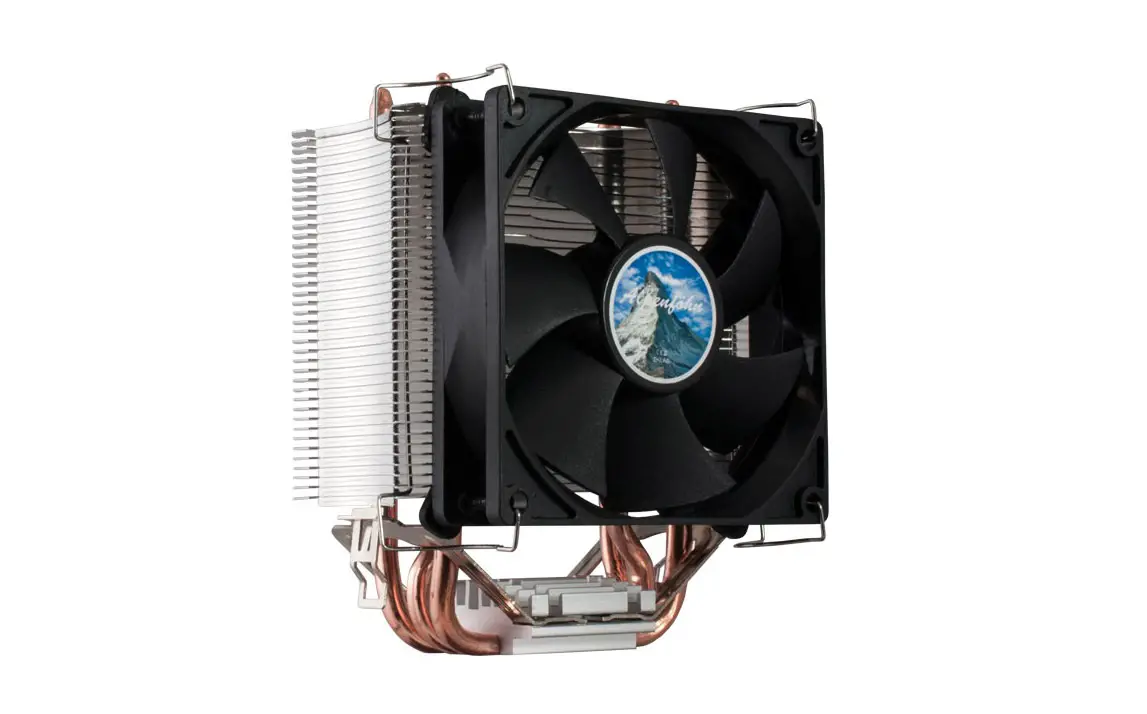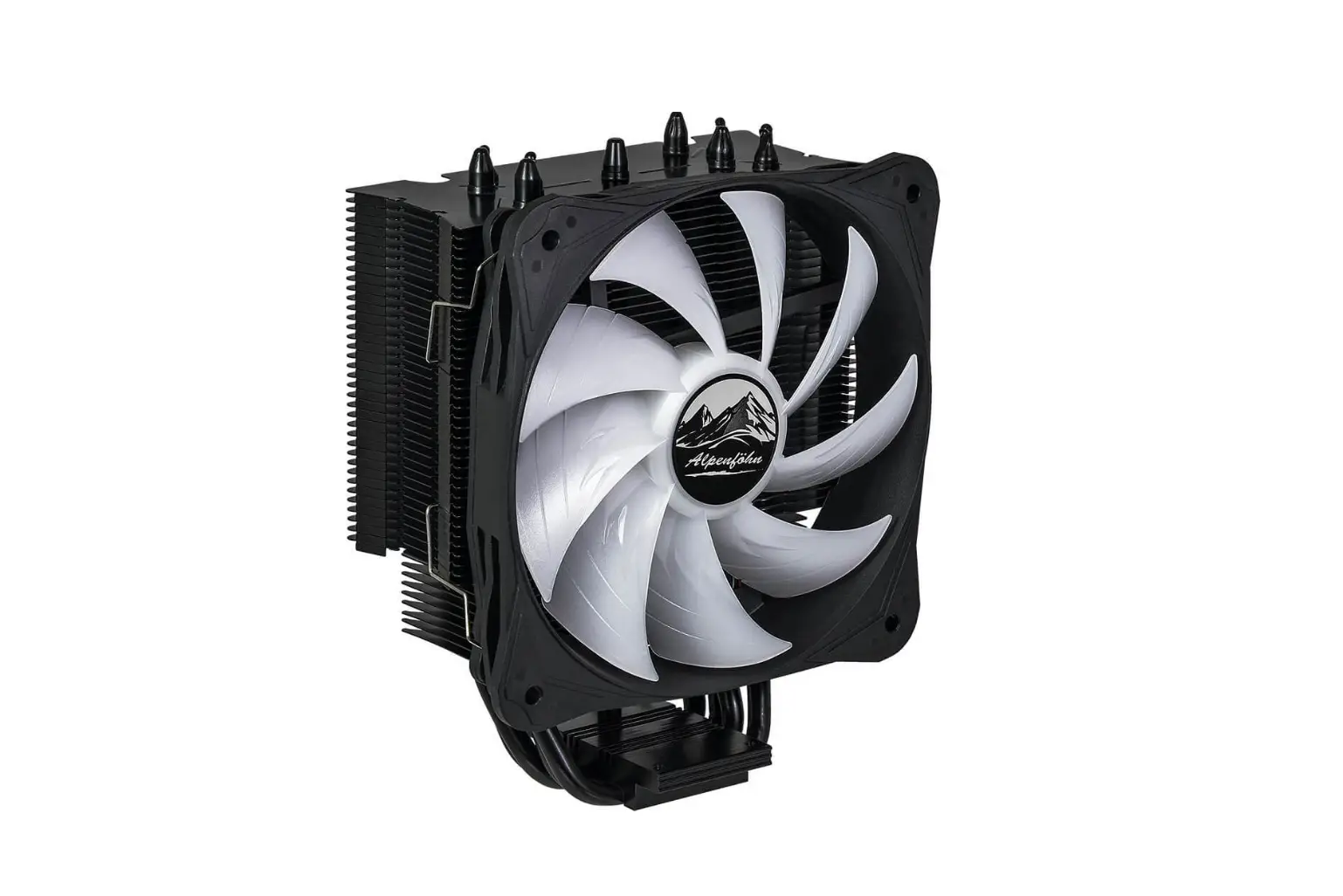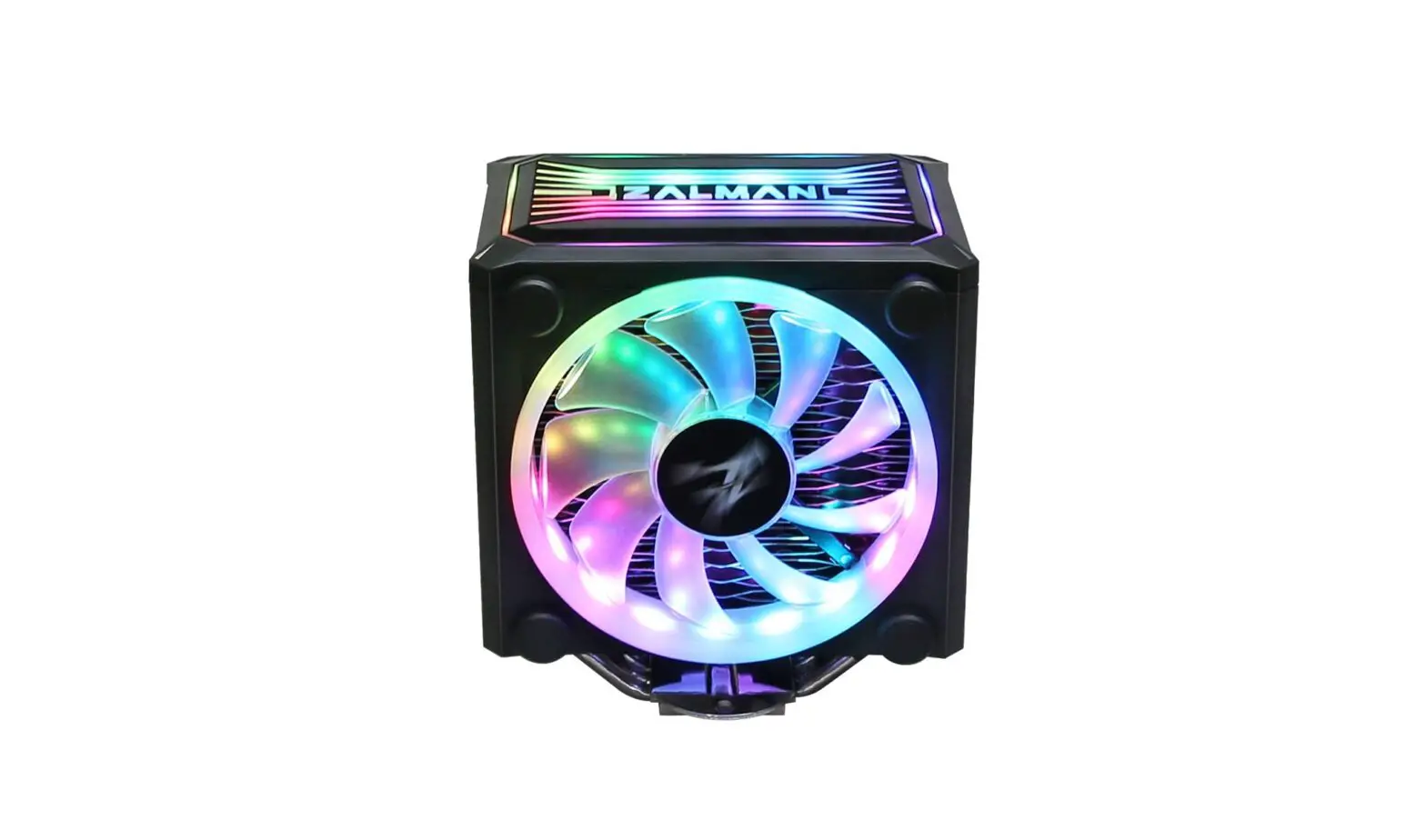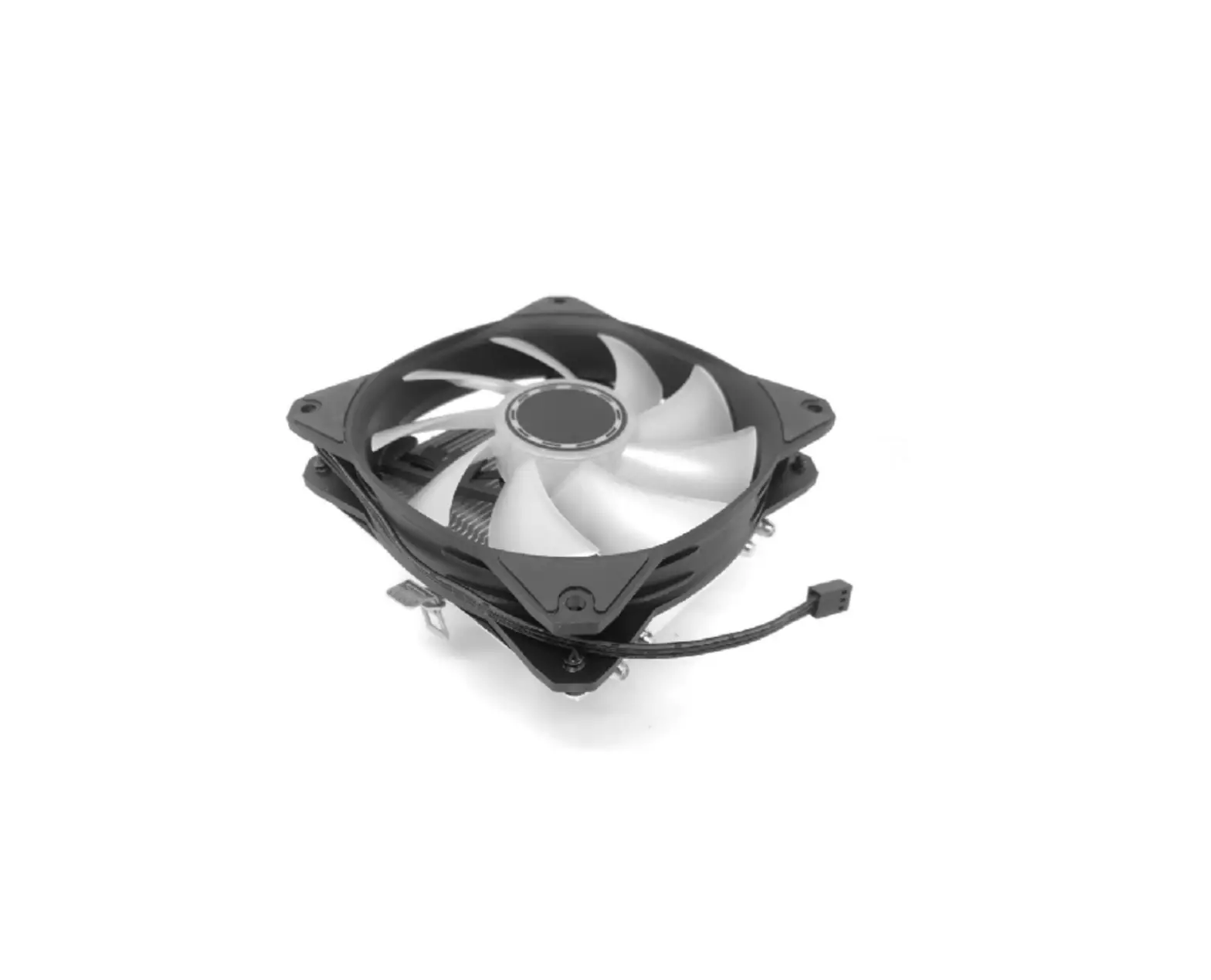
gembird CPU-HURACAN-ARGB-X140 CPU Cooling Fan 12 cm 100 W Multicolor LED 4 Pin
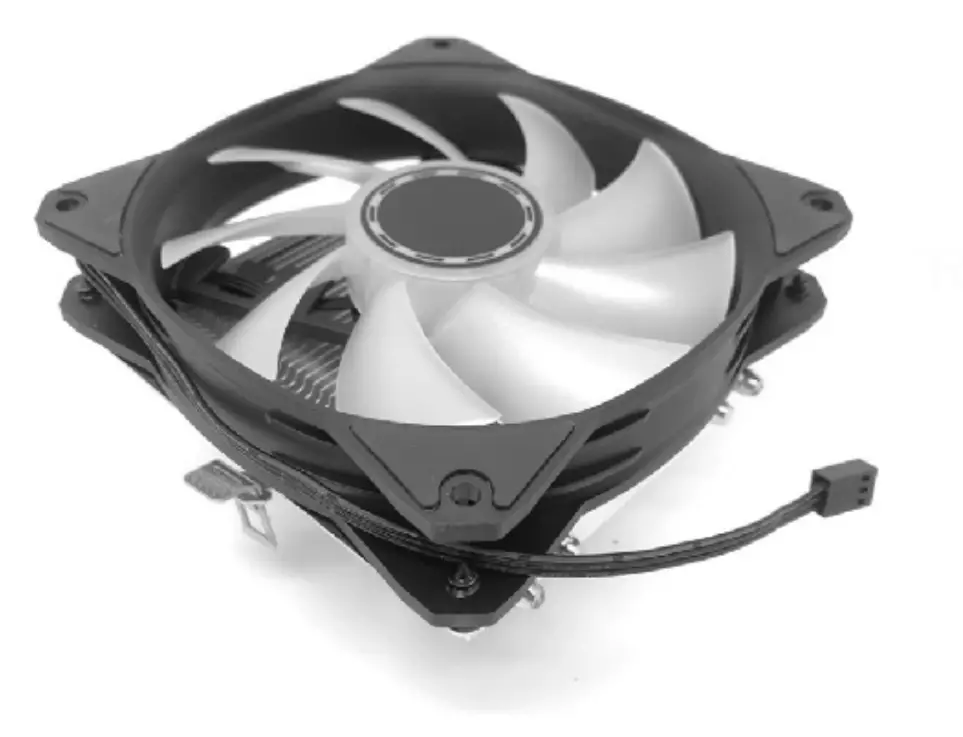
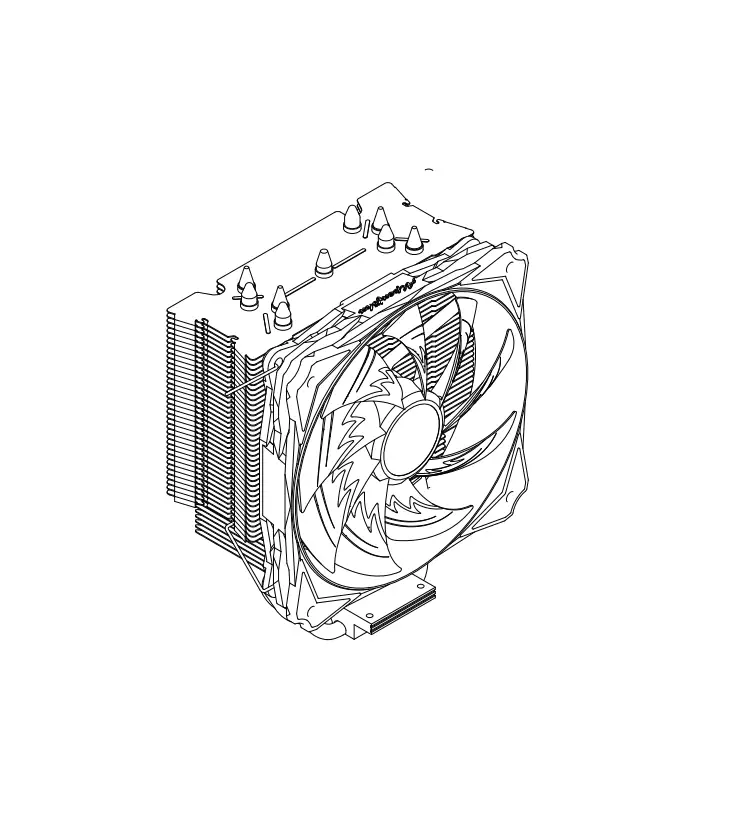
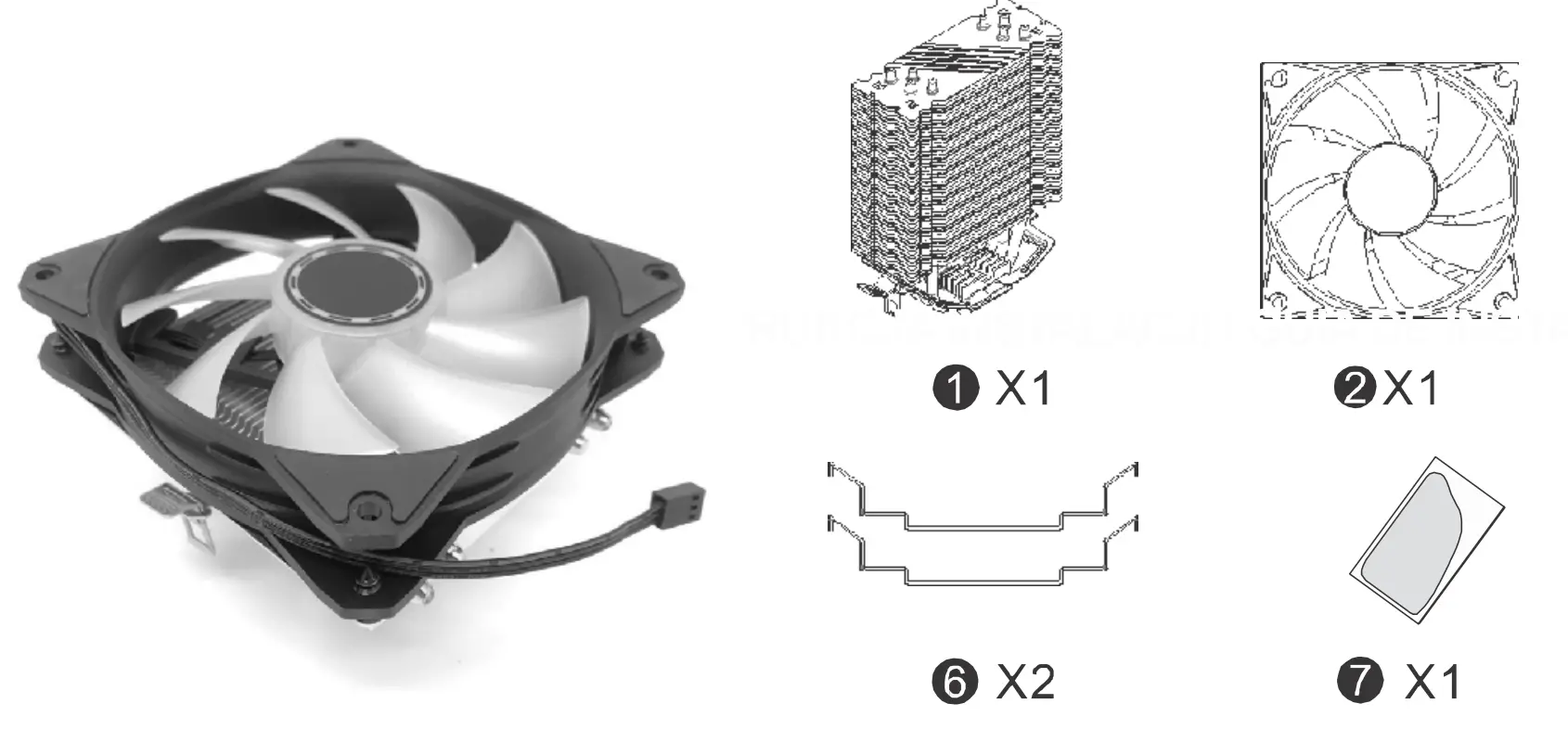
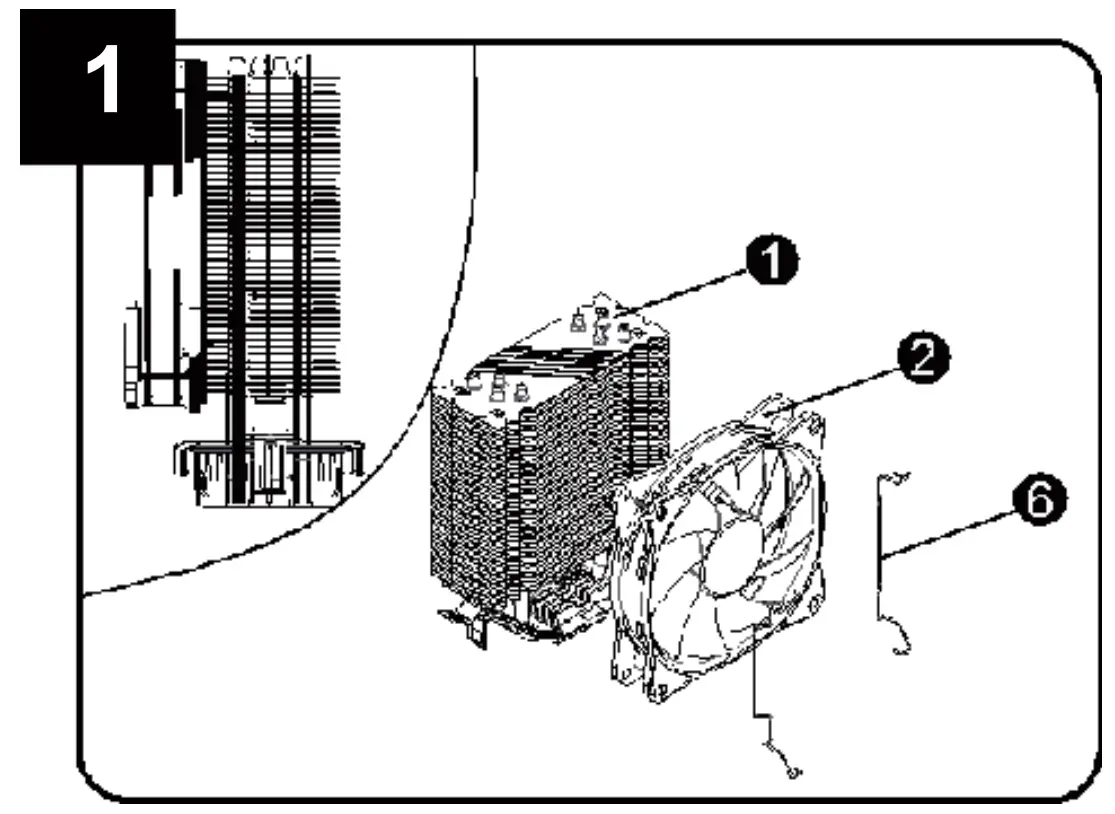
COMPONENTS
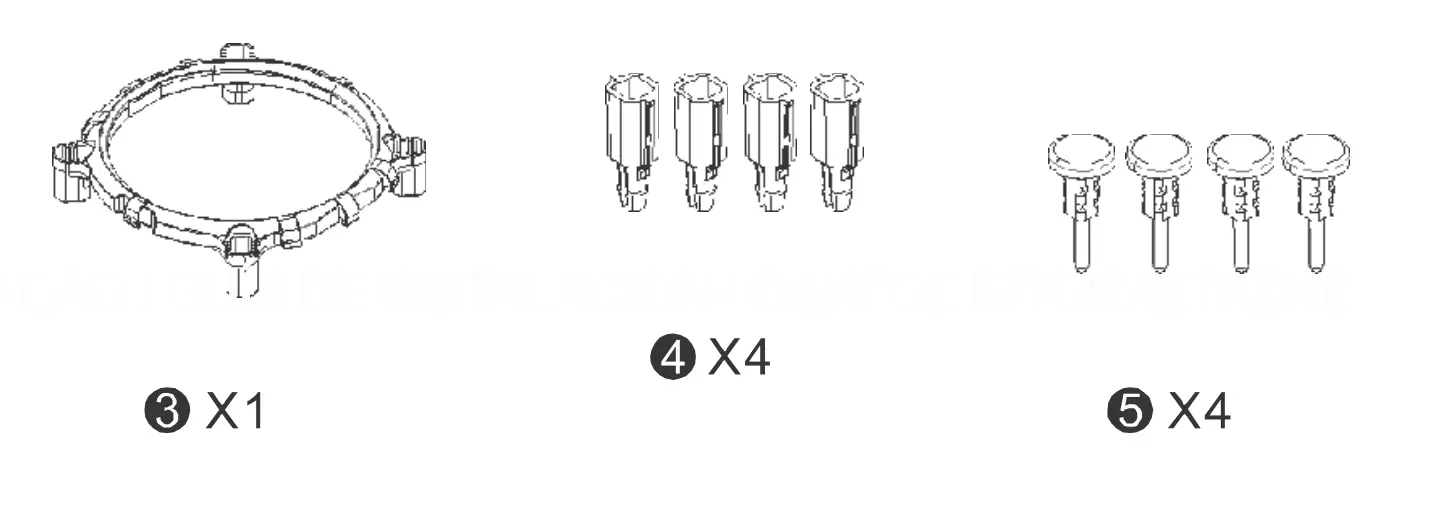
INSTALLATION GUIDE
For Intel
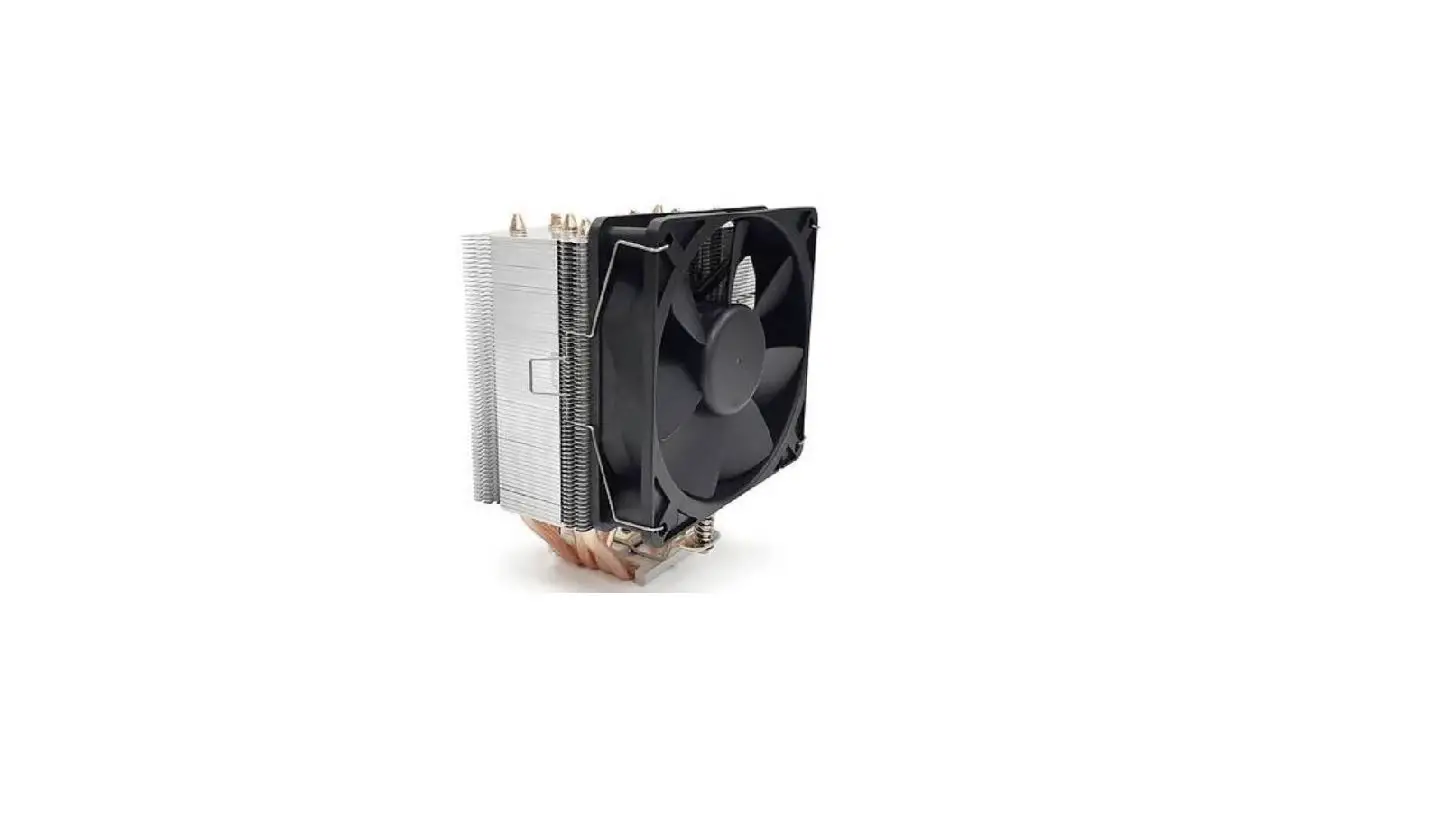
- Attach the fan to the heat sink with a 1 wire clip.

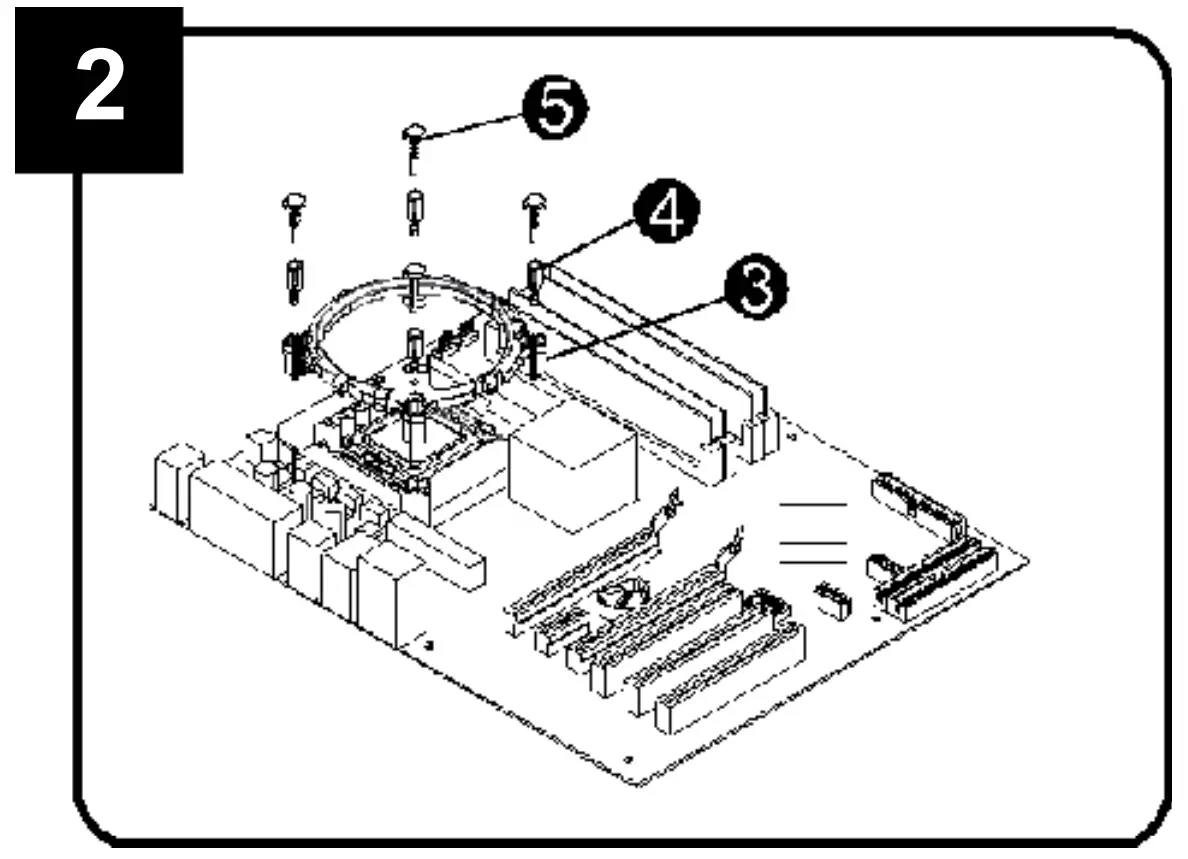
- Align the multifunction mounting plate with the mounting plate opening next to the processor socket on the system board

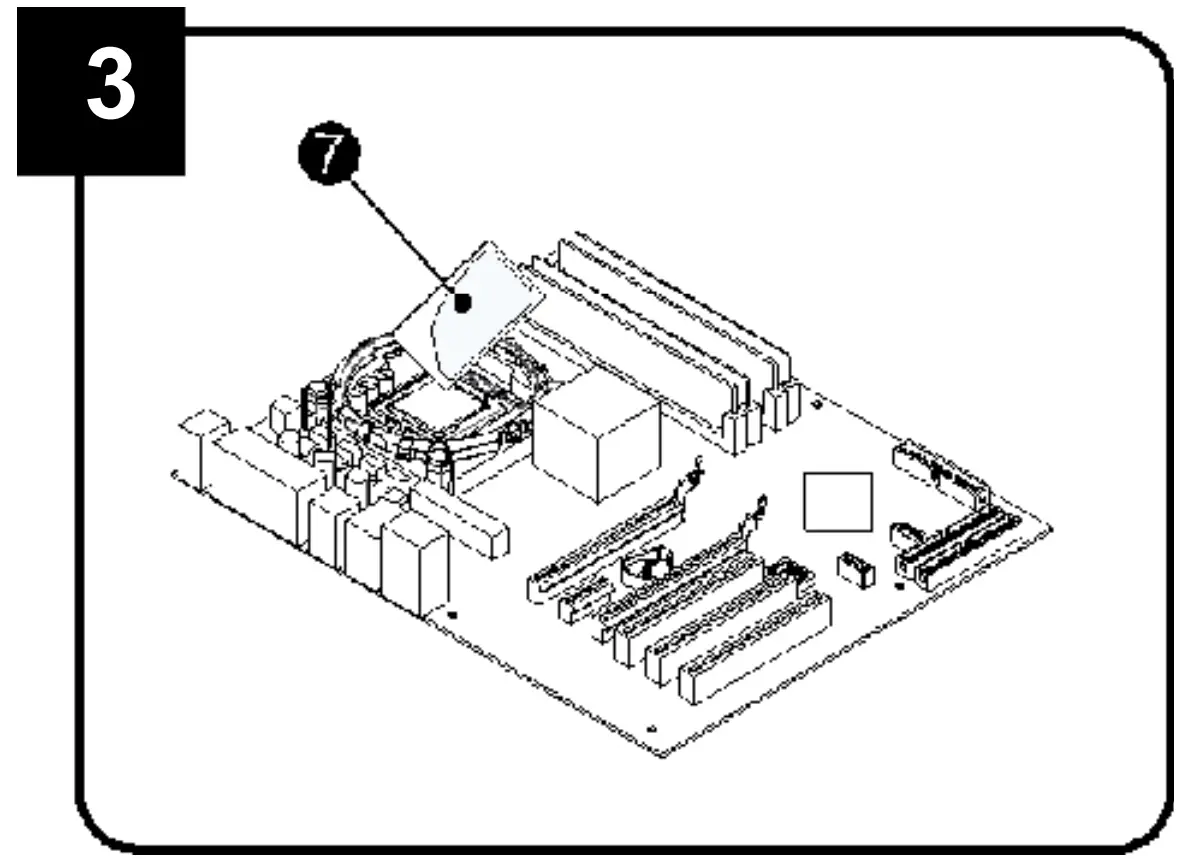
- Apply heat conductive paste evenly on the processor
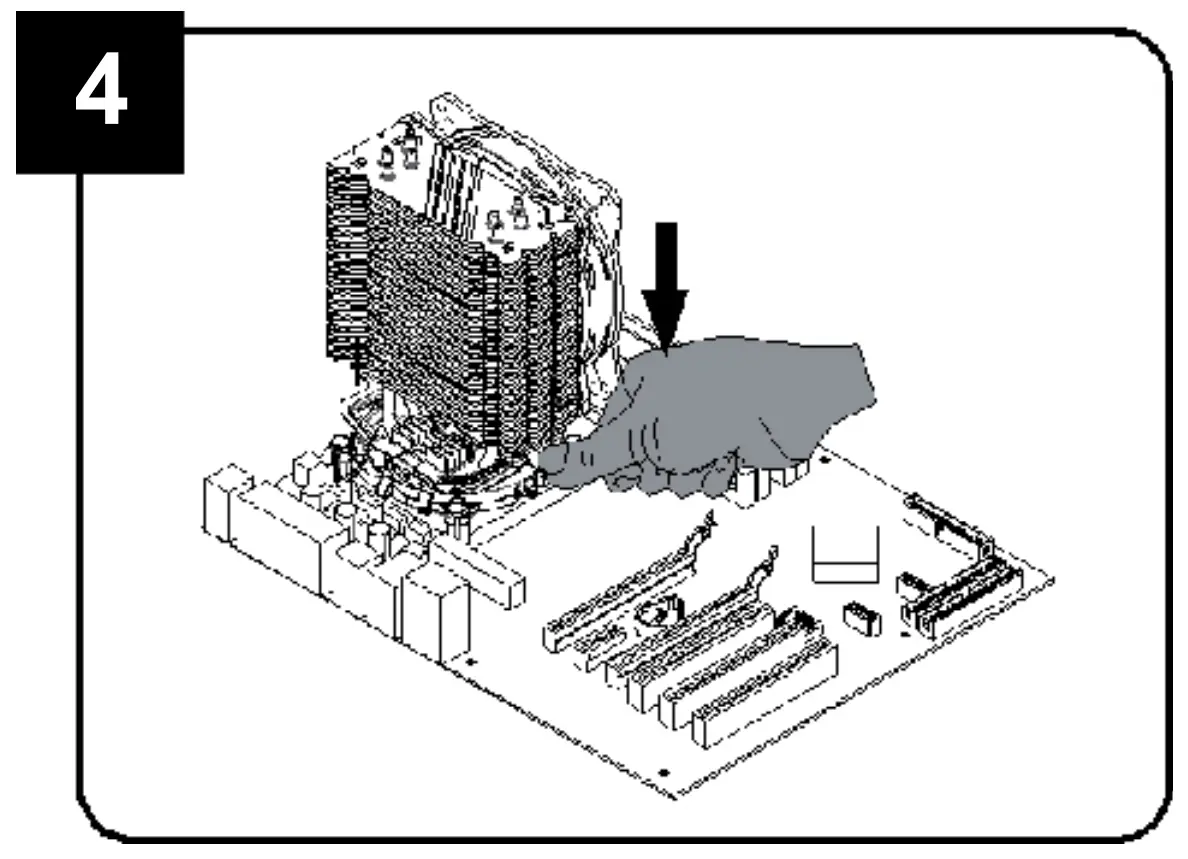
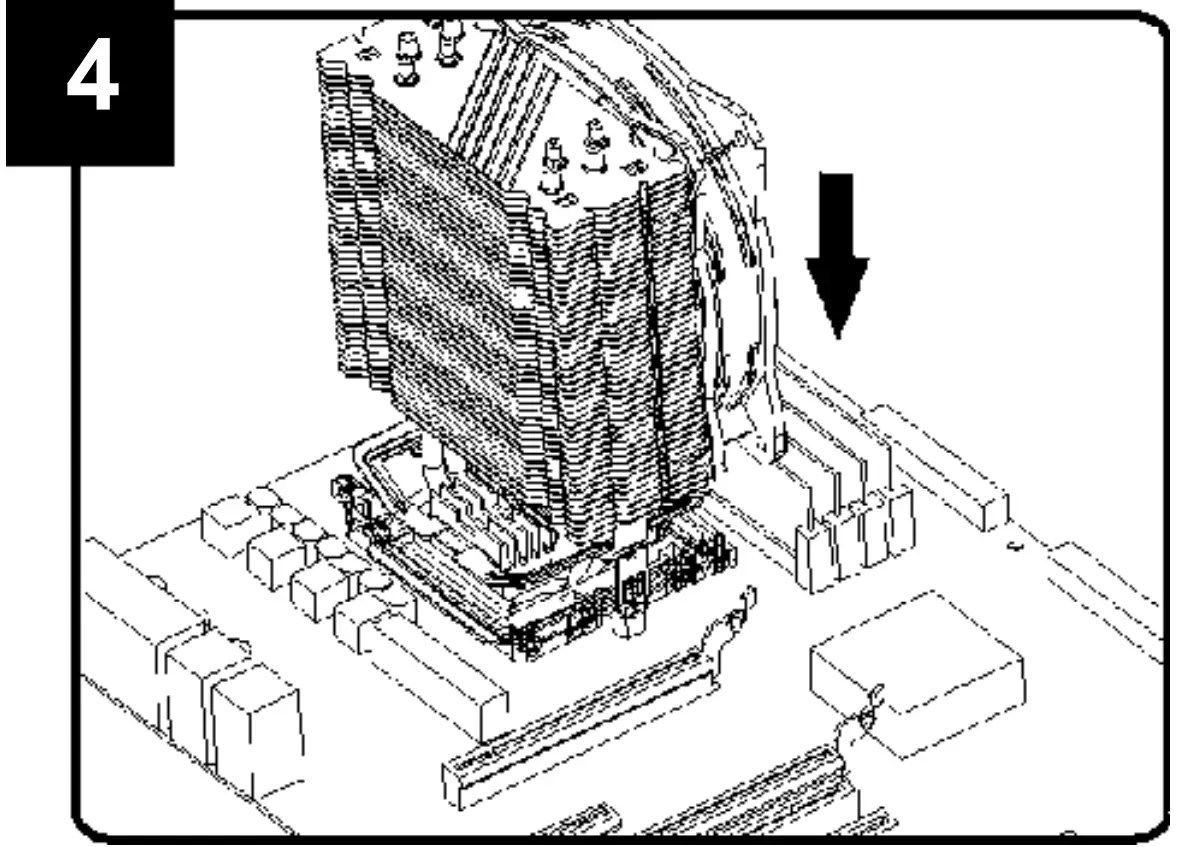
- Attach the hooks on both sides of the radiator to the Intel bracket
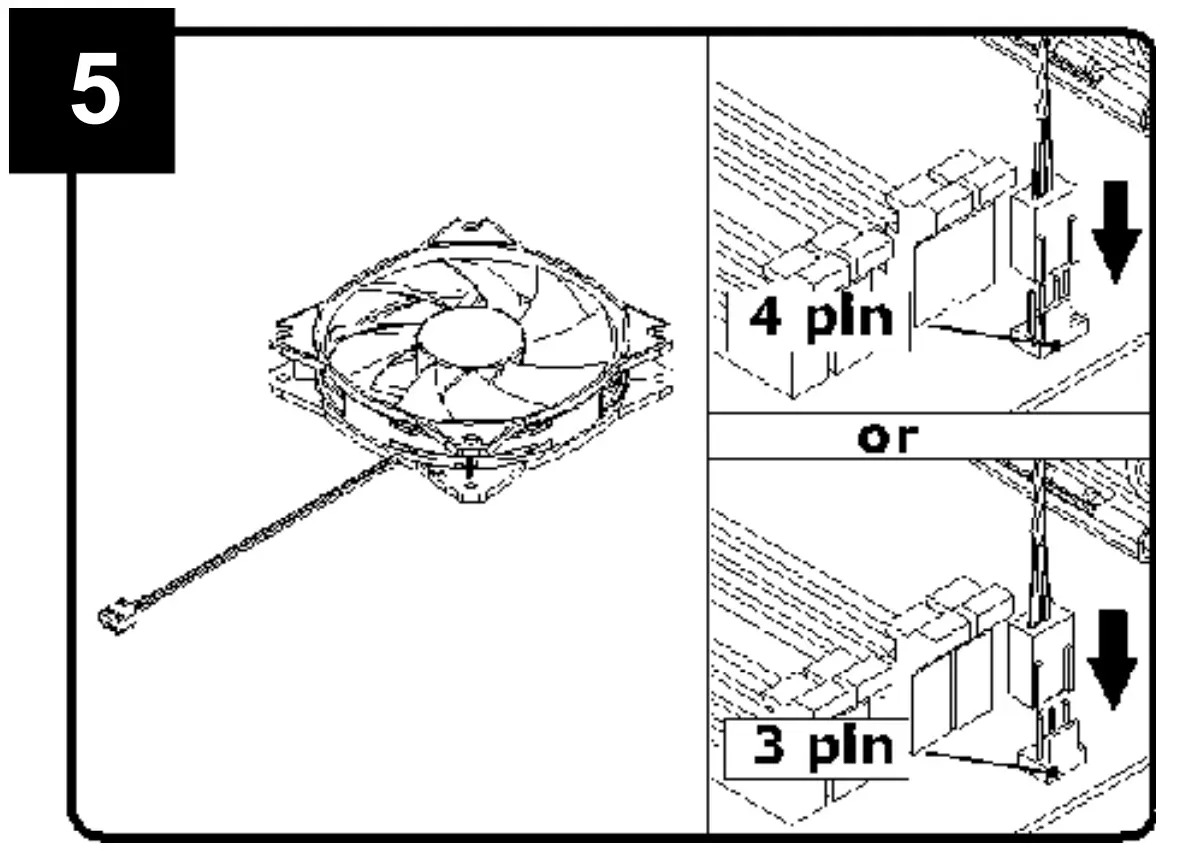
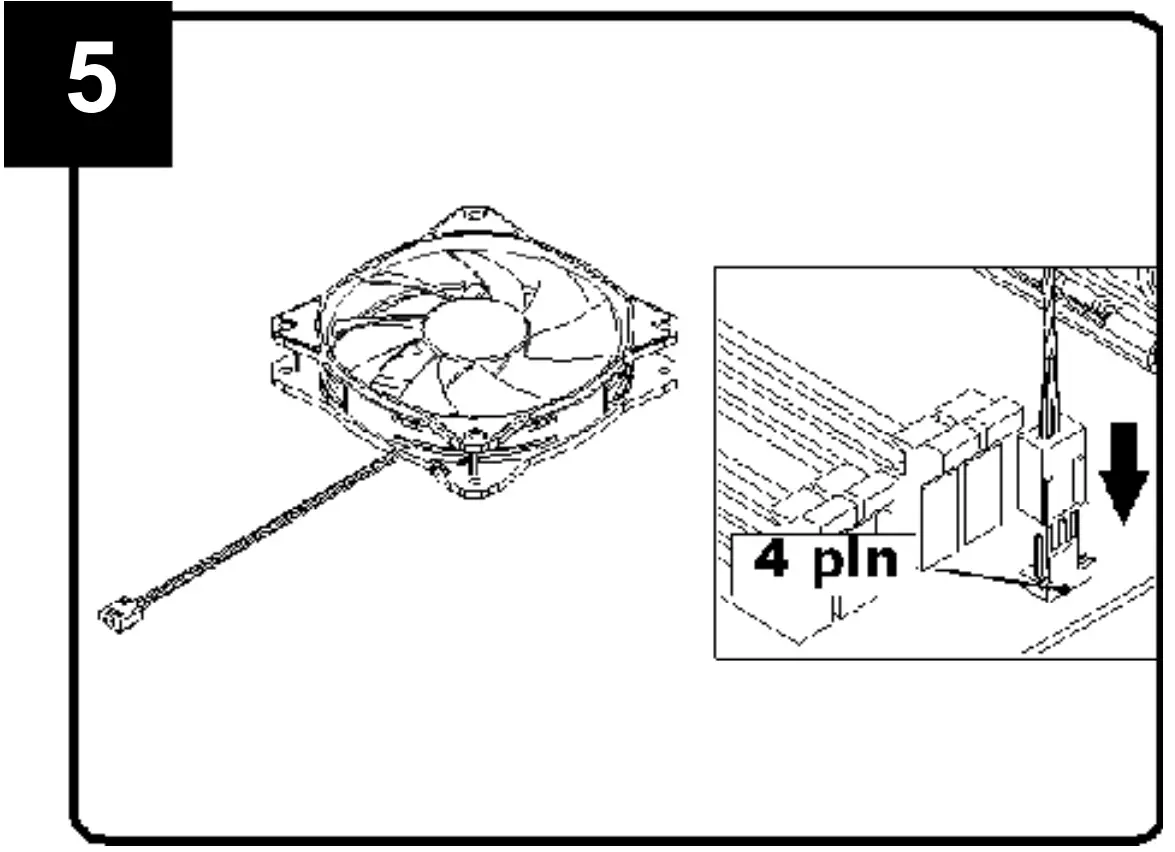
- Connect the power cable to the processor fan.
For AMD
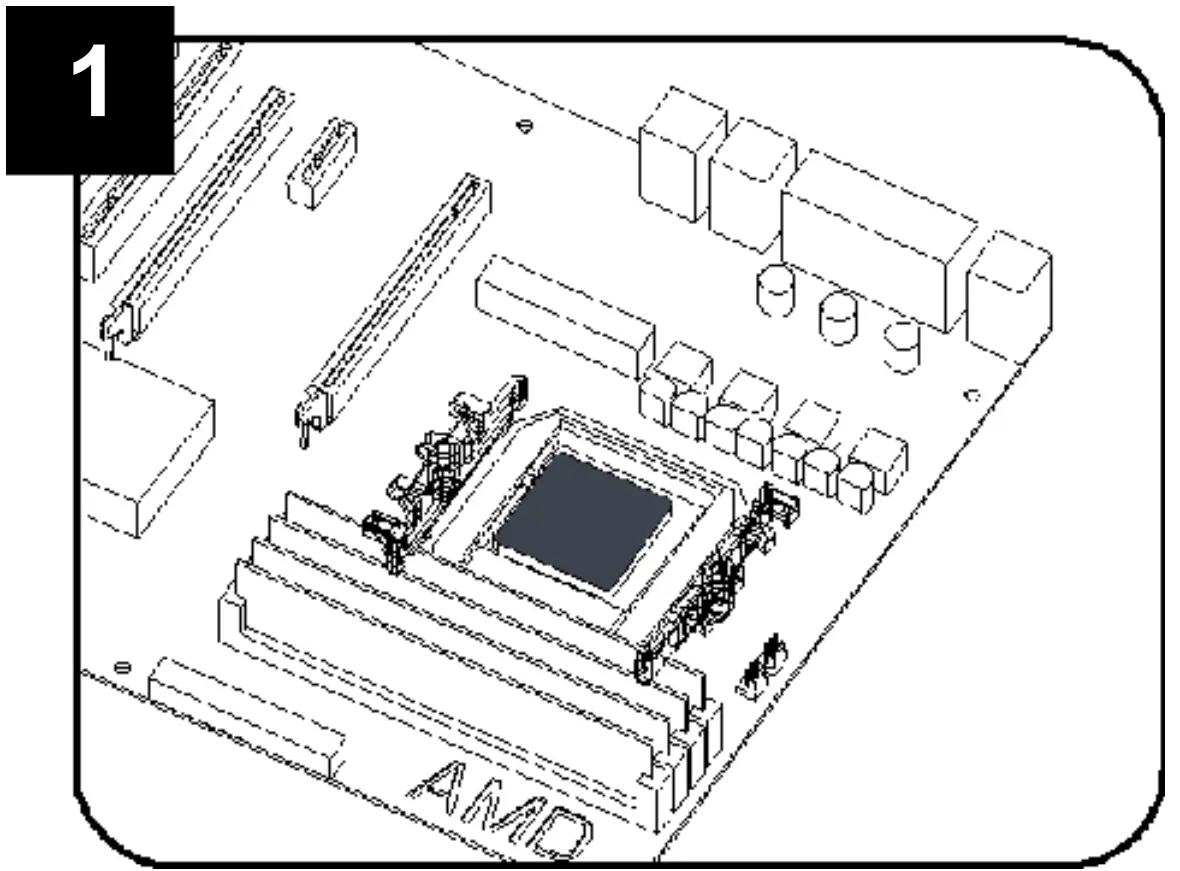
- Install the processor, then install the bracket on the AMD motherboard. (Any questionsplease contact the motherboard supplier).

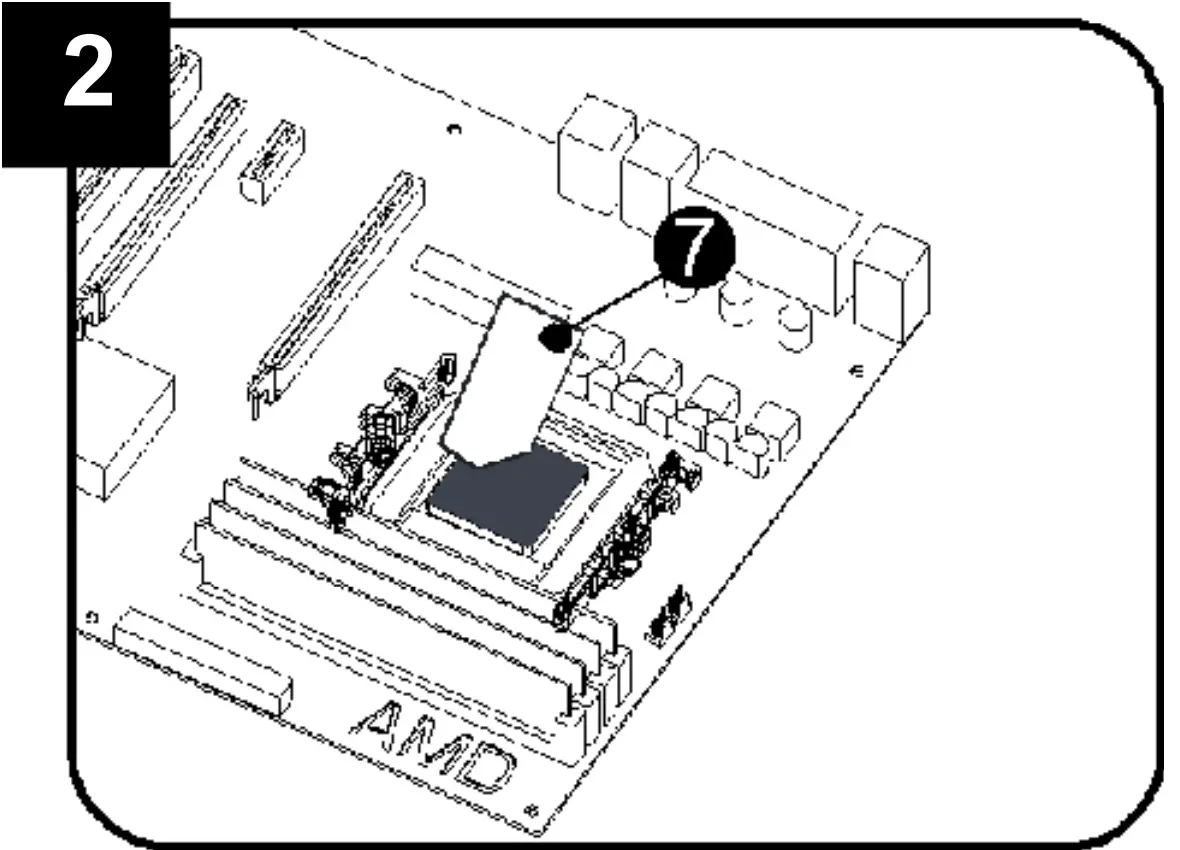
- Apply heat conductive paste evenly on theprocessor.

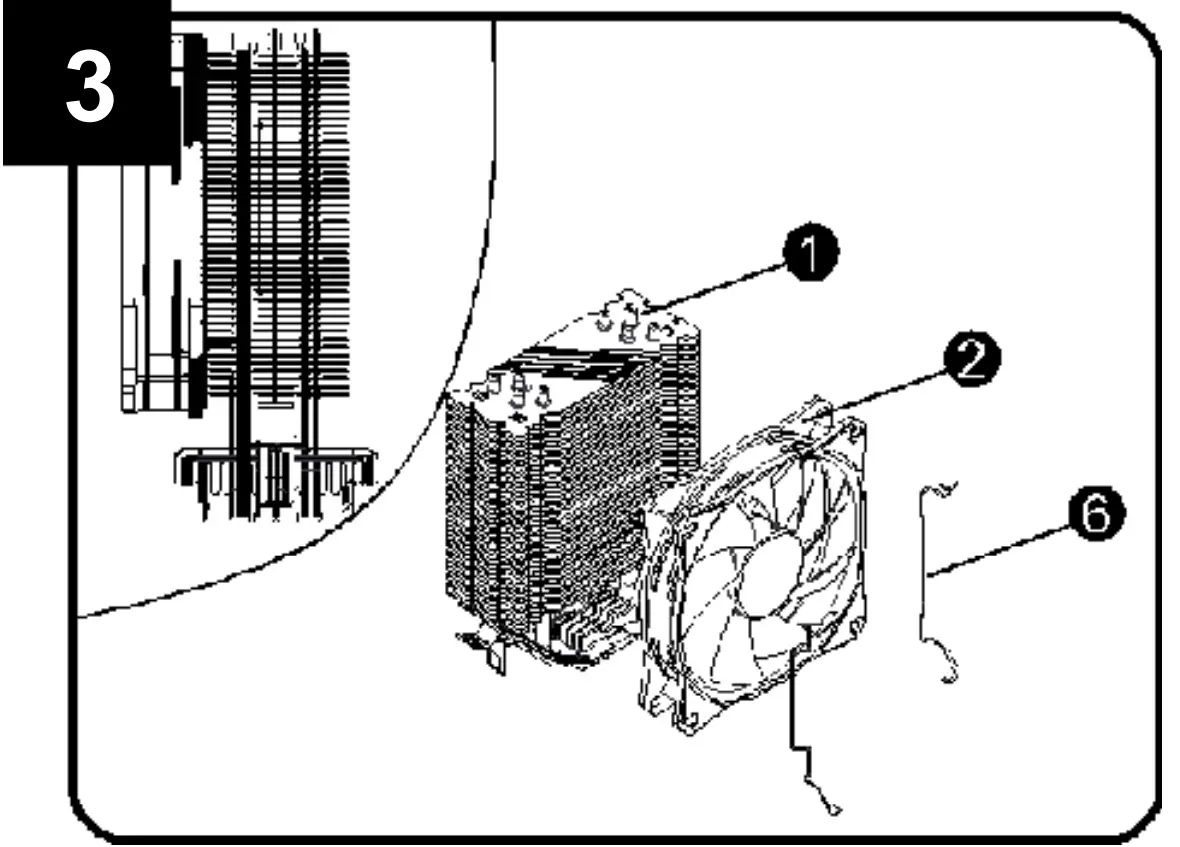
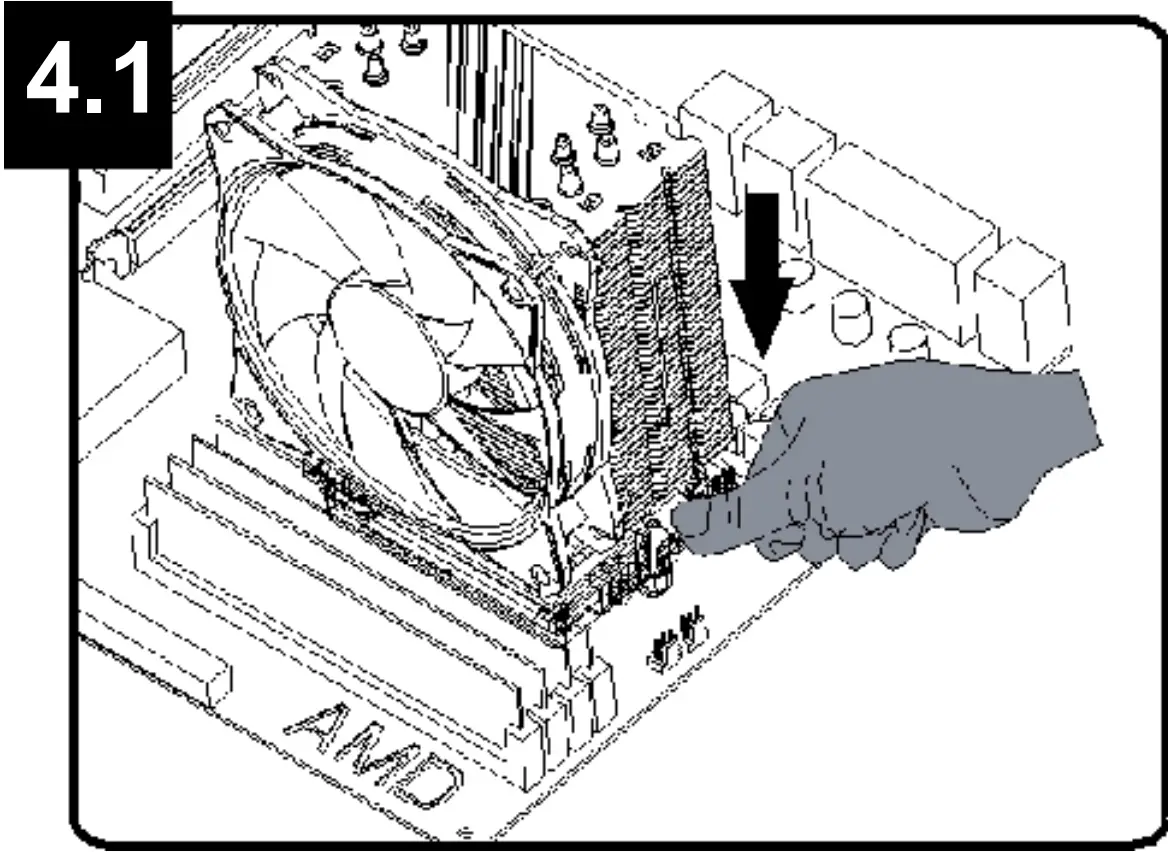
- Fasten the radiator fan with a wire buckle.

- Attach the hooks on both sides of the radiator tothe AMD bracket.

- Connect the power cable to the “CPU-FAN” interface.
Declaration of conformity
This product is tested and complies with the essential requirements of the laws of member states concerningEMC(2014/30/EU), RoHS (2011/65/EU). The CE declaration can be found under www.gmb.nl/certificates
 Waste disposal: The crossed out wheelie bin symbol means that this product shall not be disposed of with normal householdwaste. Electronic and Electrical Equipment not included in the selective sorting process are potentially dangerous for the environment and human health due to the presence of hazardous substances. Please dispose of responsibly at an approved waste or recyclingfacility.