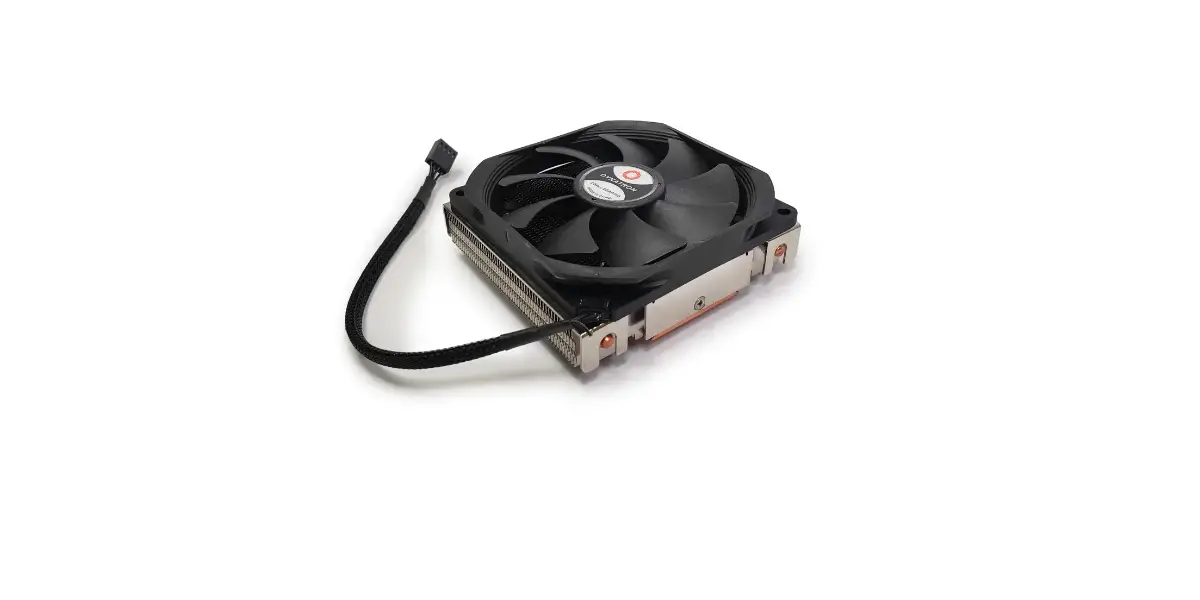

Dynatron Lga 20xx U9 Multi Socket Cpu Cooler Fan Installation Guide

Dynatron Lga 20xx U9 Multi Socket Cpu Cooler Fan Installation Guide

DYNATRON-logo

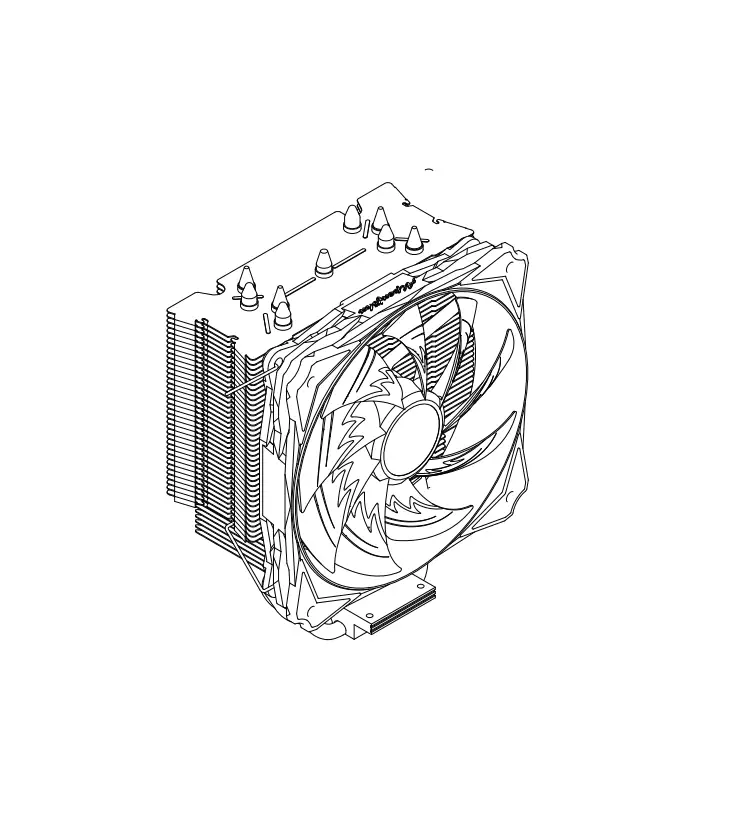
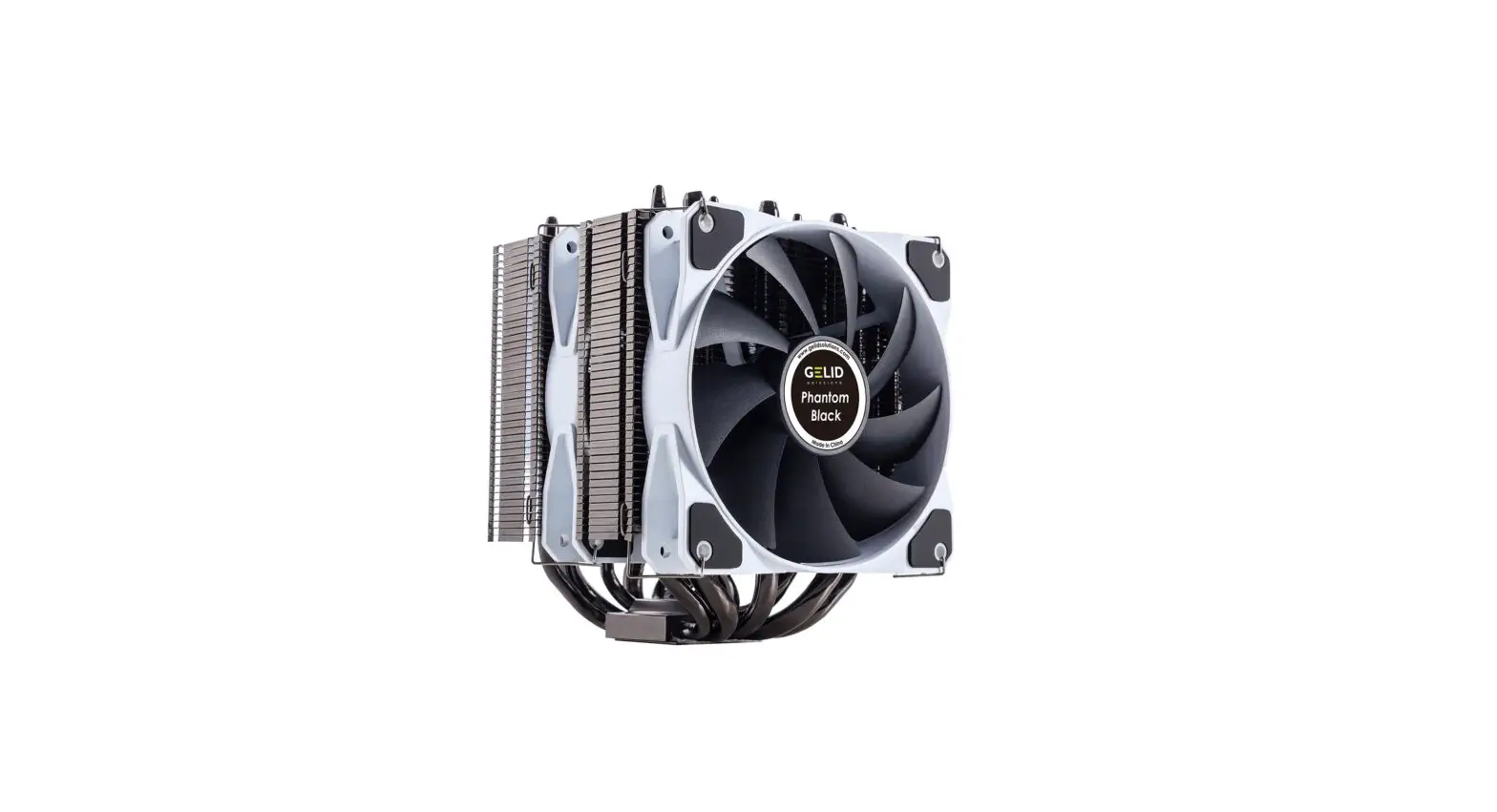
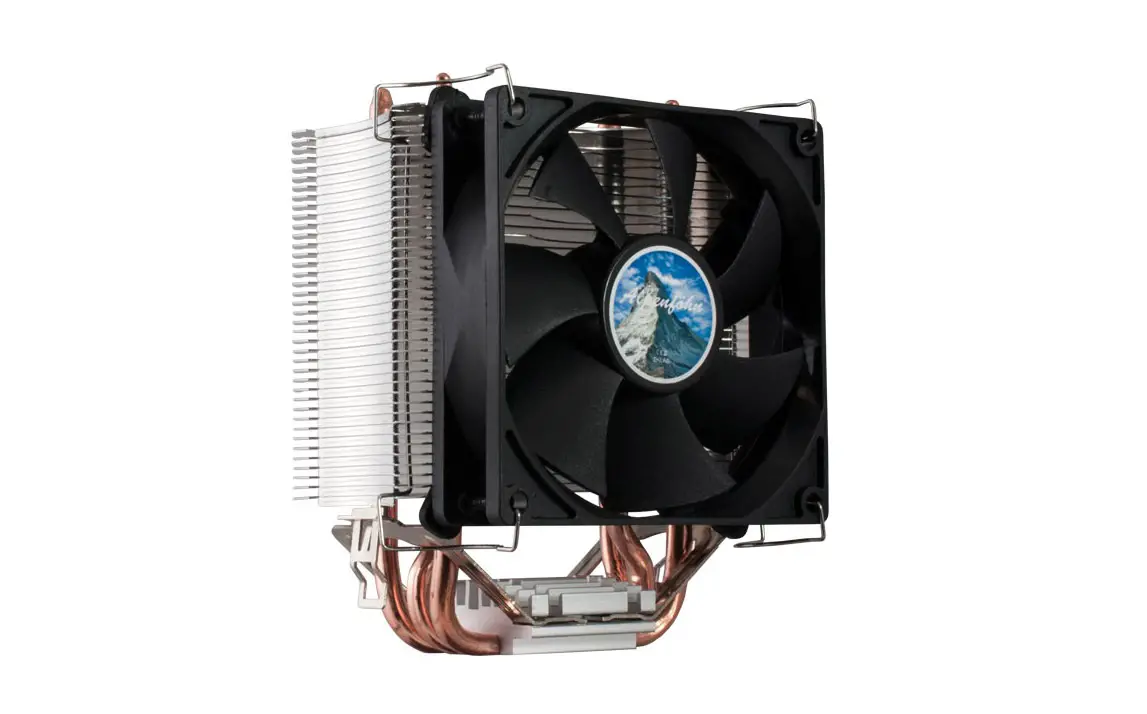
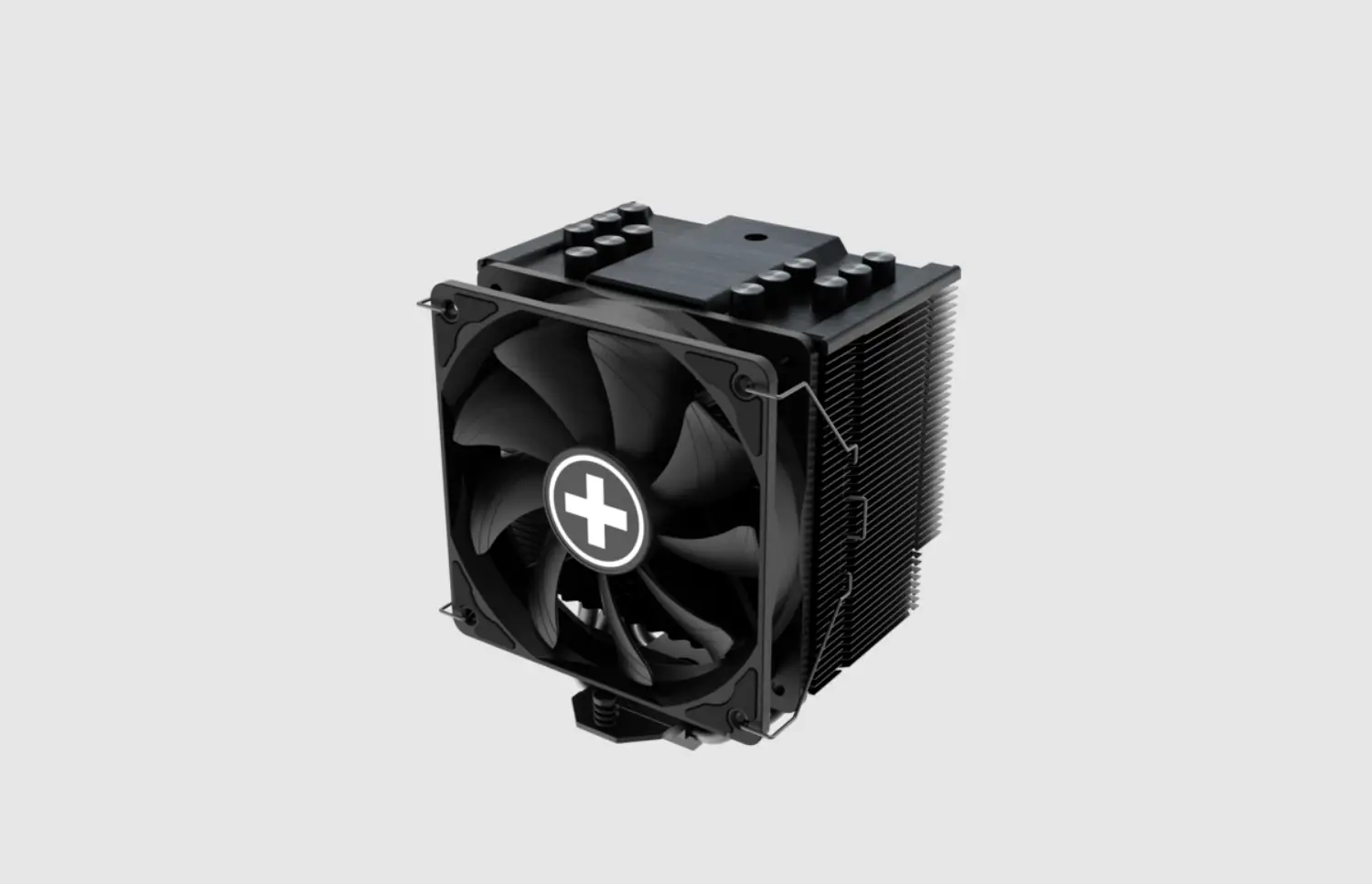
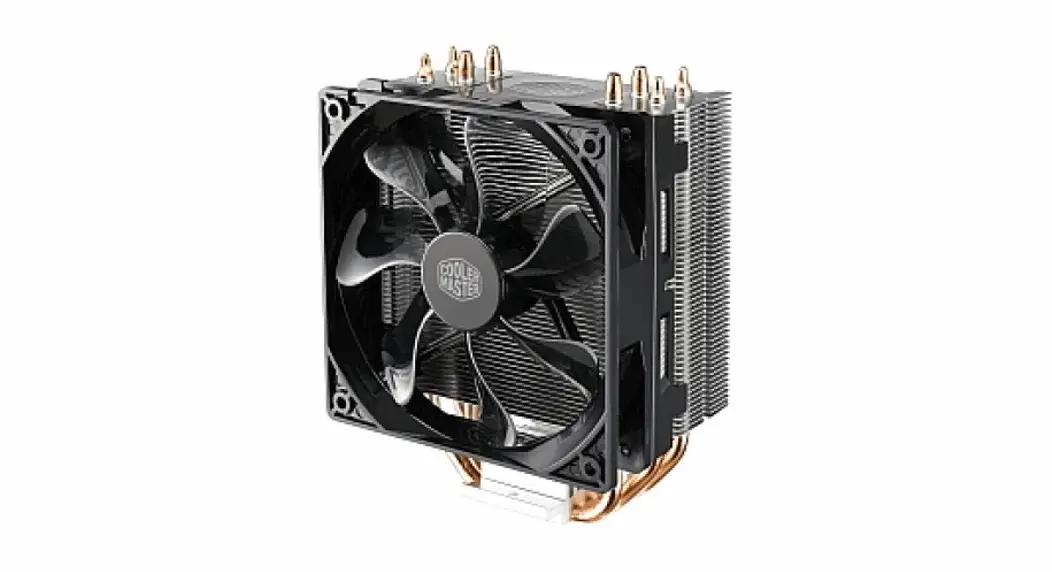
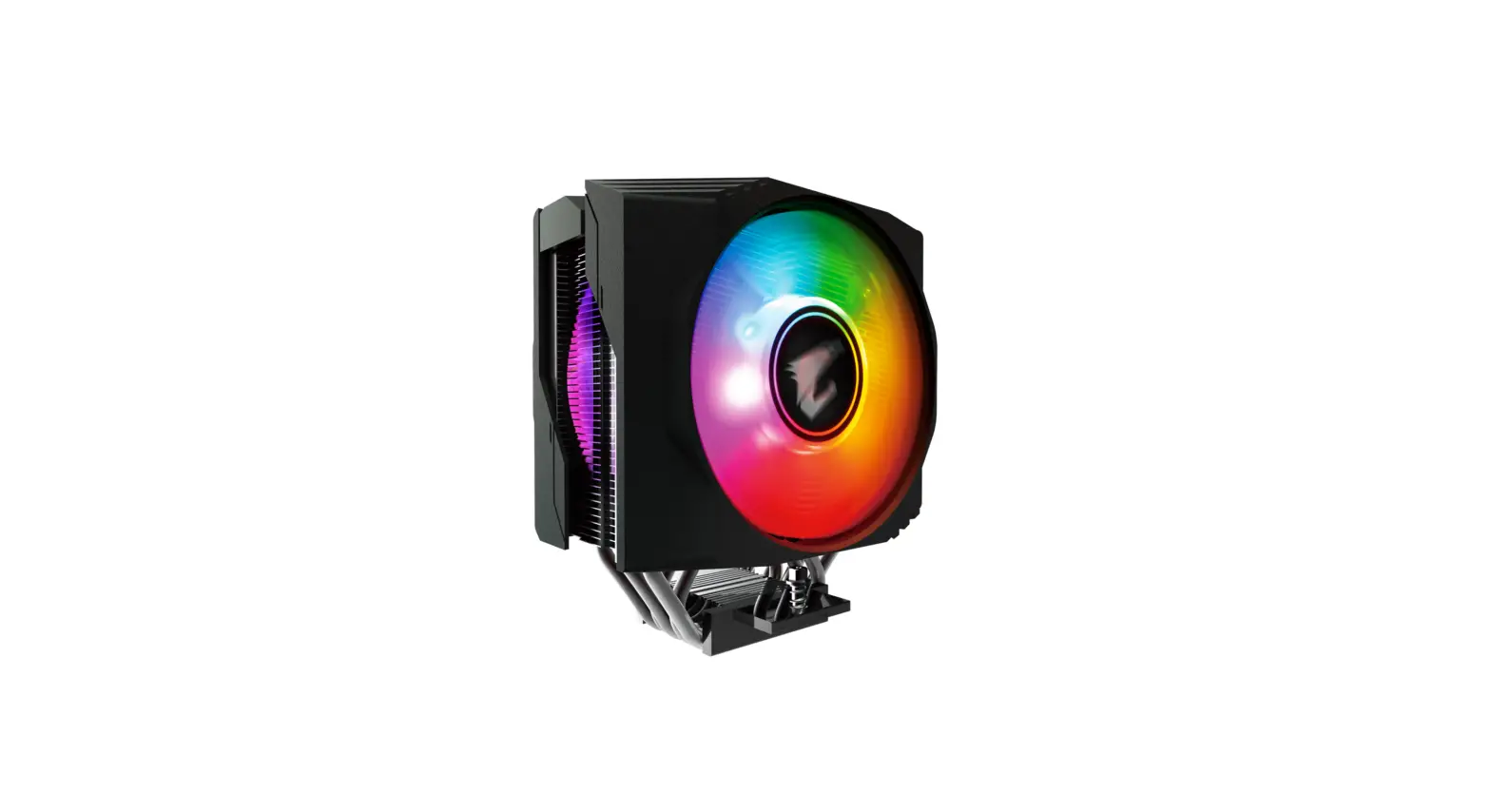
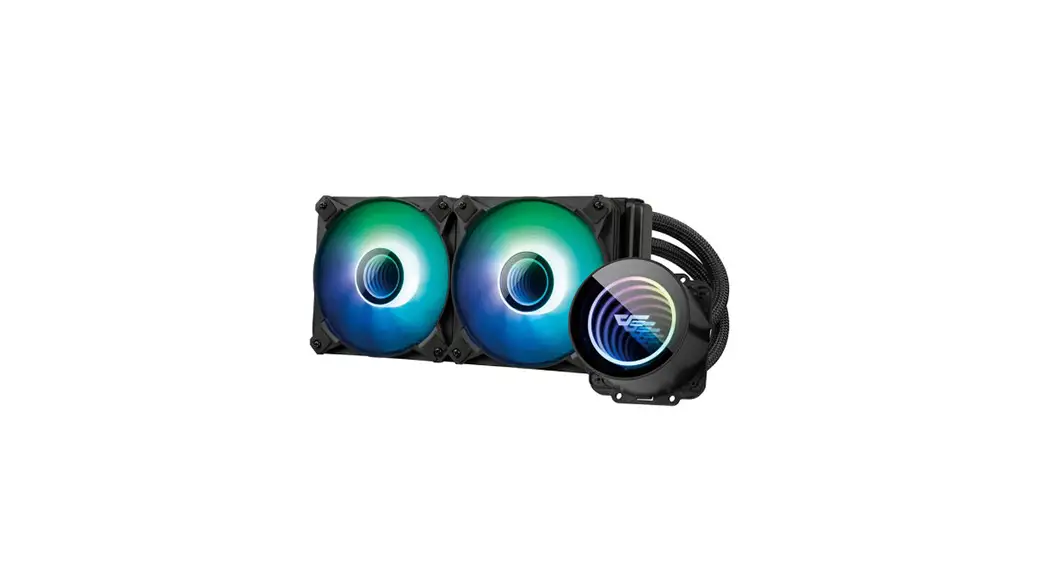
DYNATRON LGA 20XX U9 Multi Socket Cpu Cooler Fan
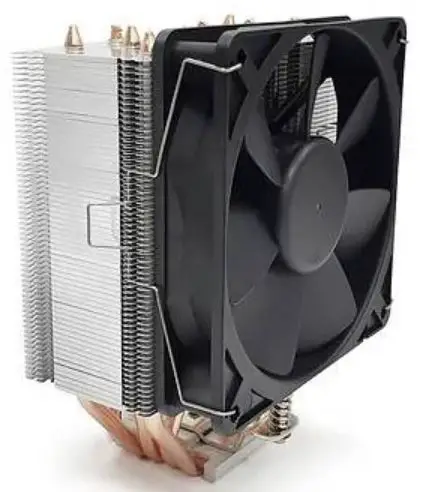
DYNATRON-LGA-20XX-U9-Multi-Socket-Cpu-Cooler-Fan-product

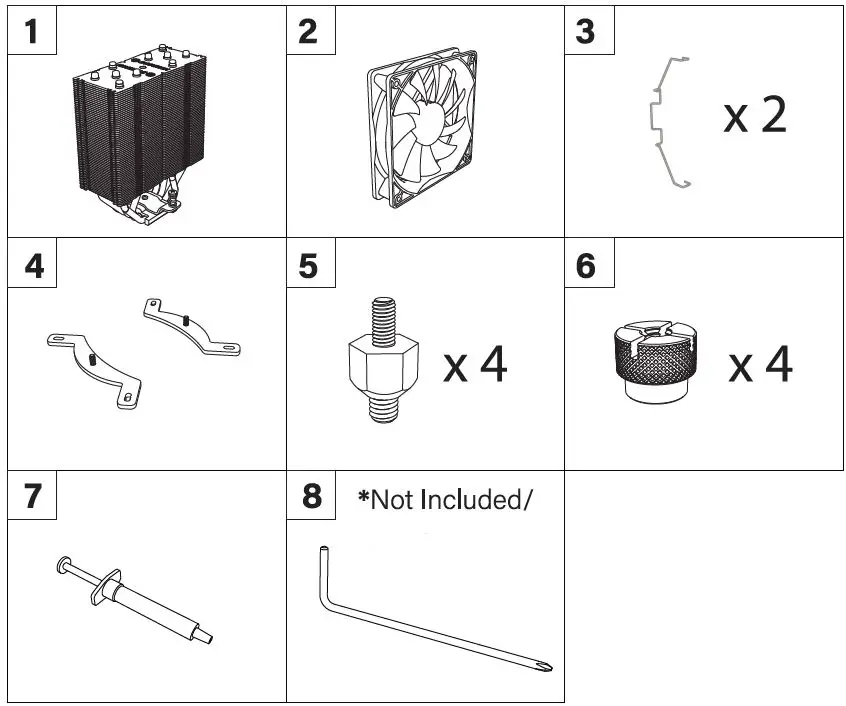
Intel Components & Tool

DYNATRON-LGA-20XX-U9-Multi-Socket-Cpu-Cooler-Fan-fig-1

  1. Cooler
  2. Fan
  3. Fan Clip
  4. Intel Retention Bracket Pair
  5. 20XX screw
  6. 6. Thumb screw
  7.  Thermal grease
  8. Philips Head Screw Driver (Not Included)

Intel LGA 20XX Installation

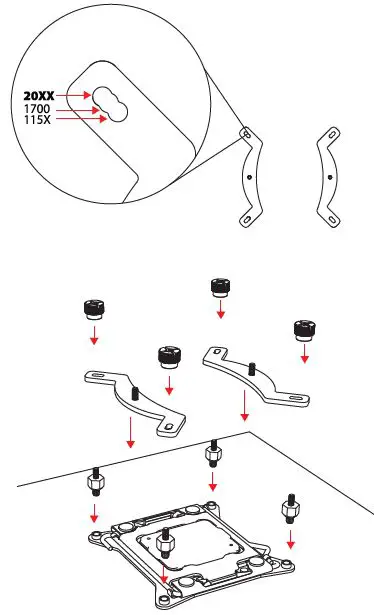
  • Step 1DYNATRON-LGA-20XX-U9-Multi-Socket-Cpu-Cooler-Fan-fig-2
    • Install the 20XX screw, Intel bracket, and the thumb screw
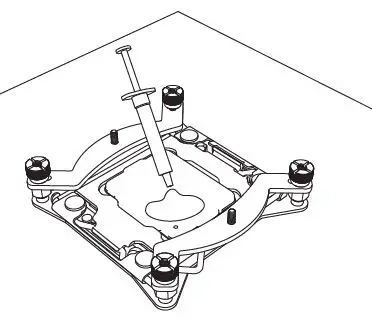
  • Step 2DYNATRON-LGA-20XX-U9-Multi-Socket-Cpu-Cooler-Fan-fig-3
    • Apply the thermal grease
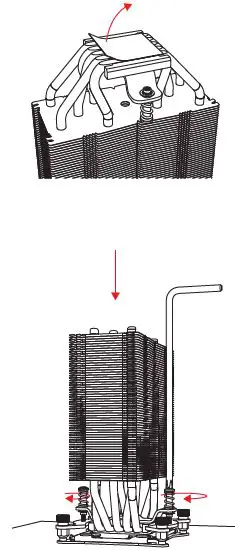
  • Step 3DYNATRON-LGA-20XX-U9-Multi-Socket-Cpu-Cooler-Fan-fig-4
    • Remove the protector and install the cooler onto the motherboard
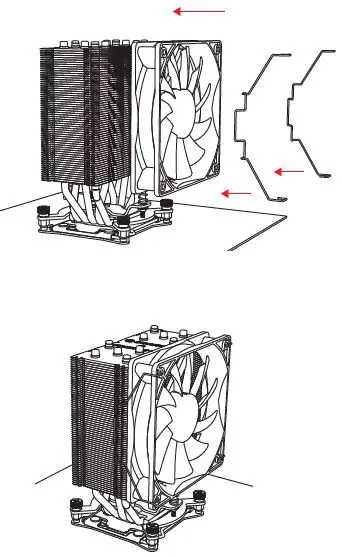
  • Step 4DYNATRON-LGA-20XX-U9-Multi-Socket-Cpu-Cooler-Fan-fig-5
    • Use the fan clip, install the fan onto the cooler
  • Step 5DYNATRON-LGA-20XX-U9-Multi-Socket-Cpu-Cooler-Fan-fig-6
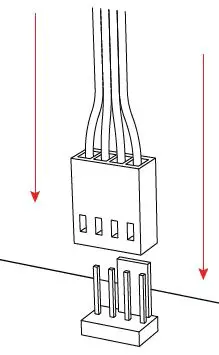
    • Connect the 4Pin fan connector to the motherboard
www.dynatron.co

© 2022 by Dynatron Corporation.
Documents / Resouces

Download manual
Here you can download full pdf version of manual, it may contain additional safety instructions, warranty information, FCC rules, etc.


Related Manuals