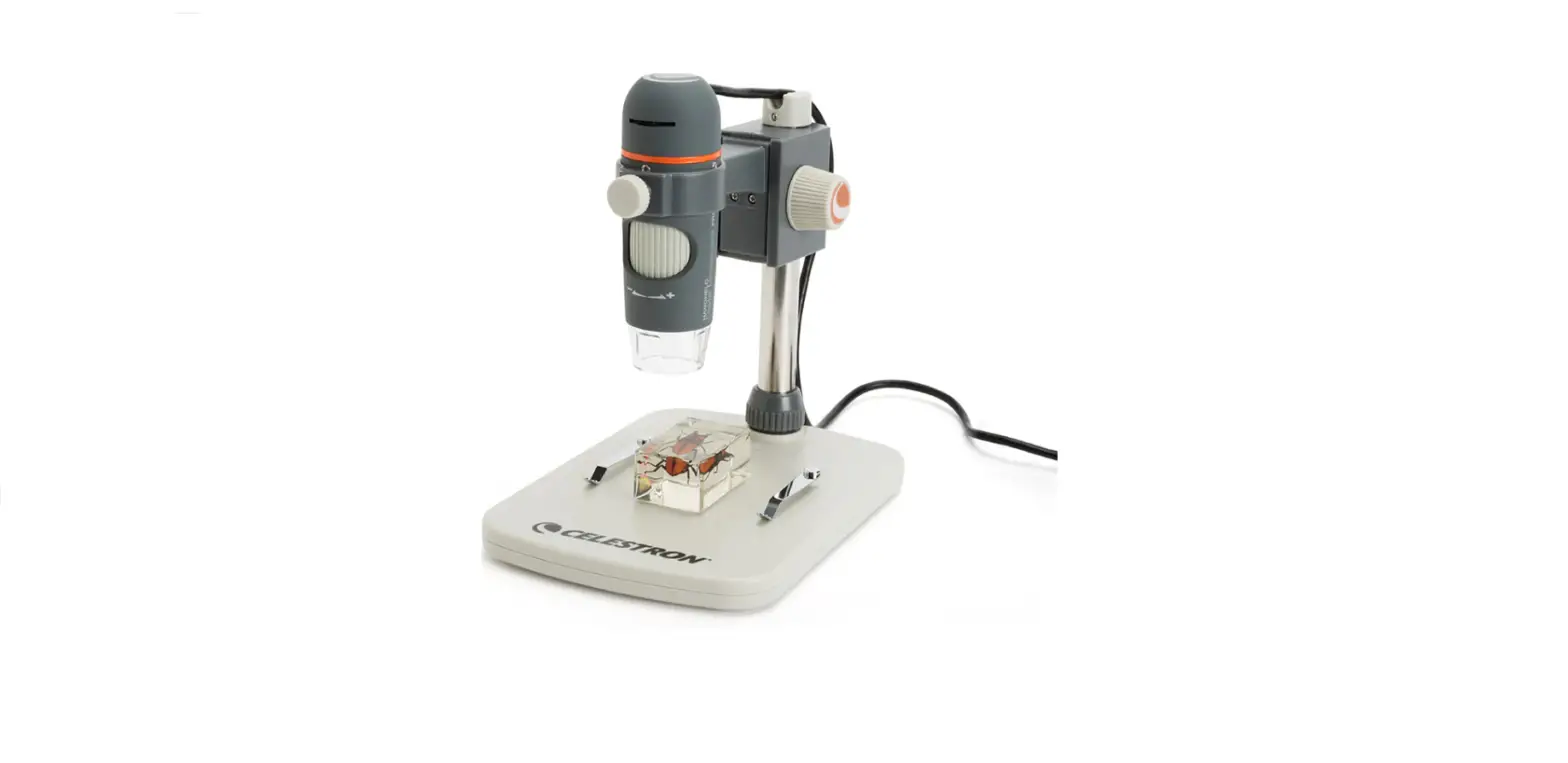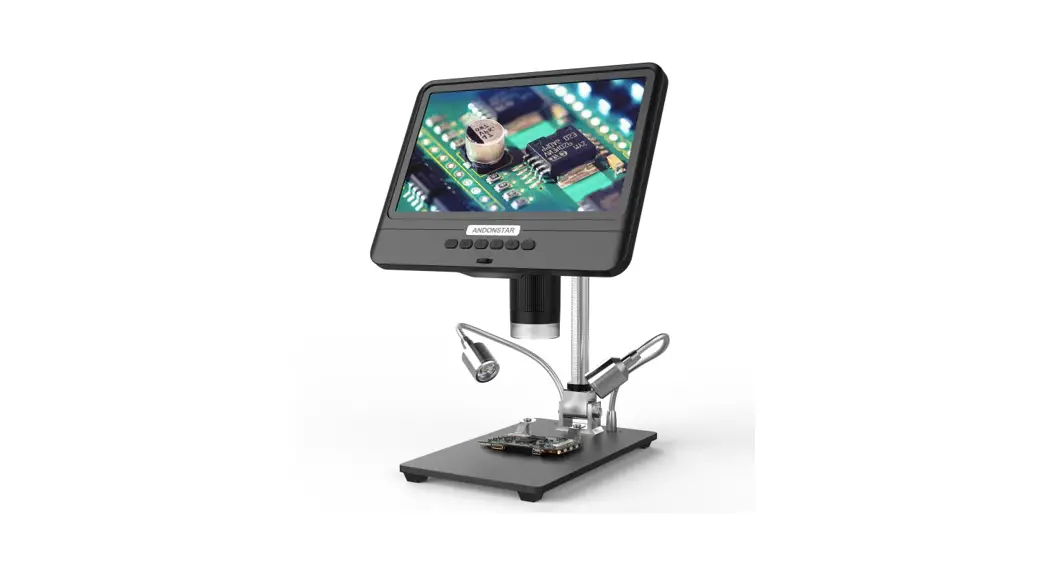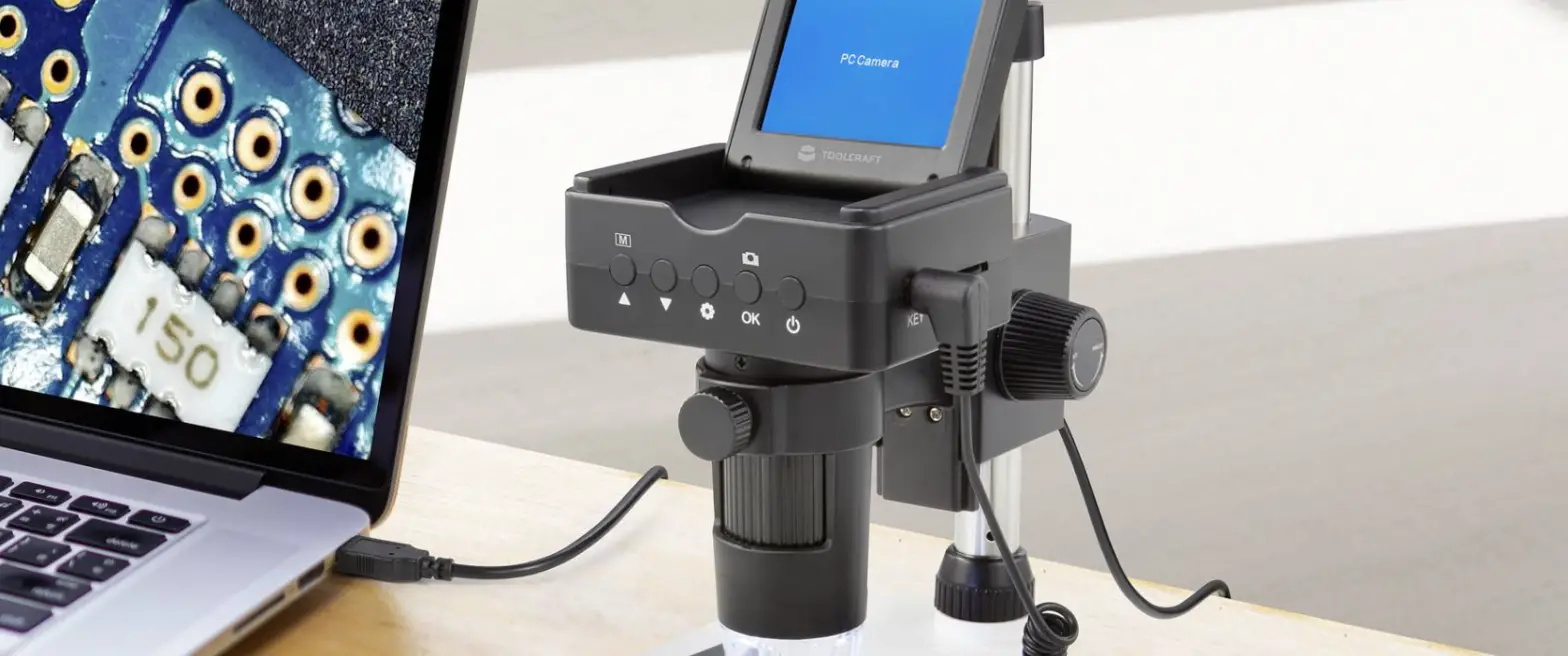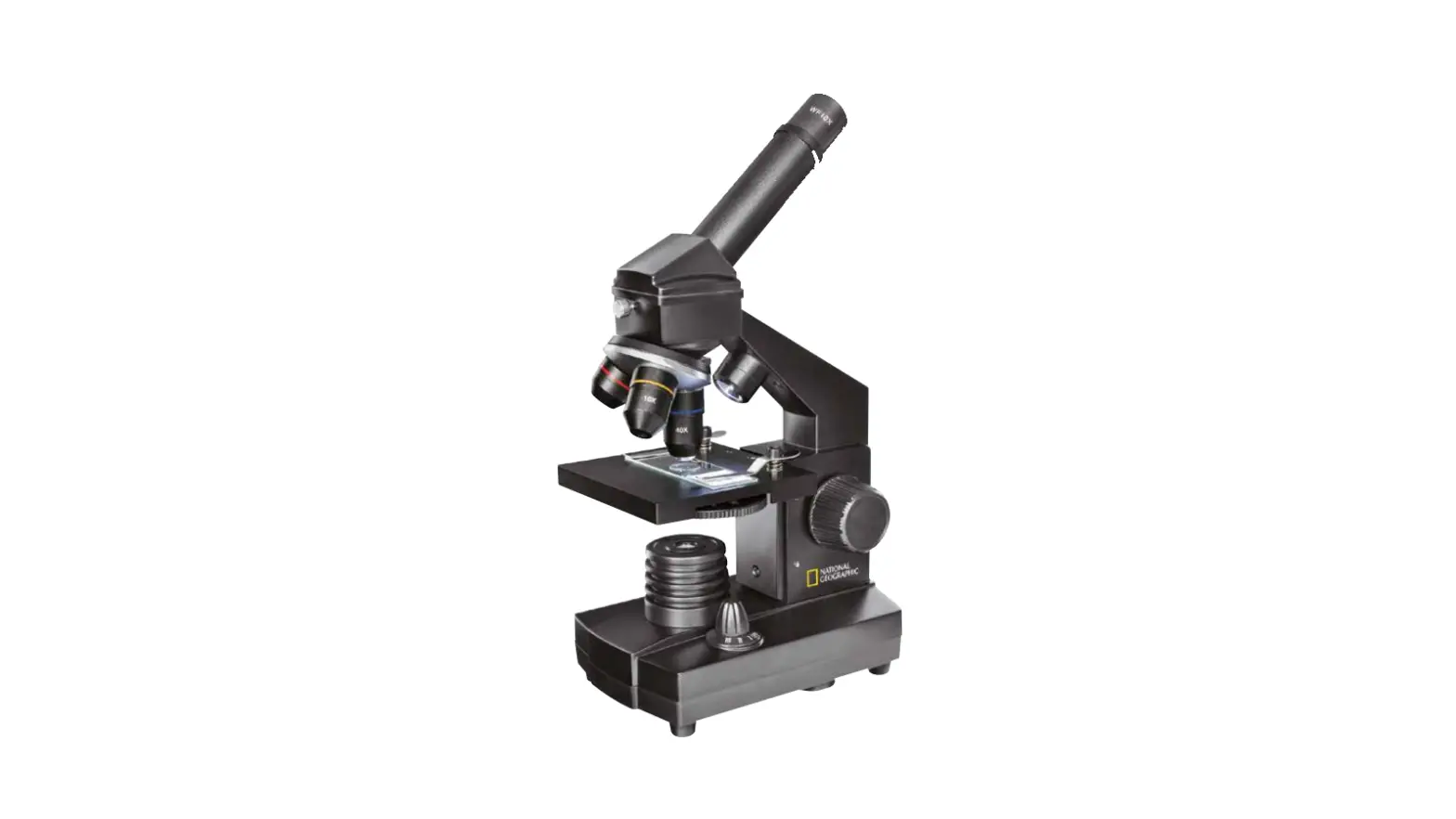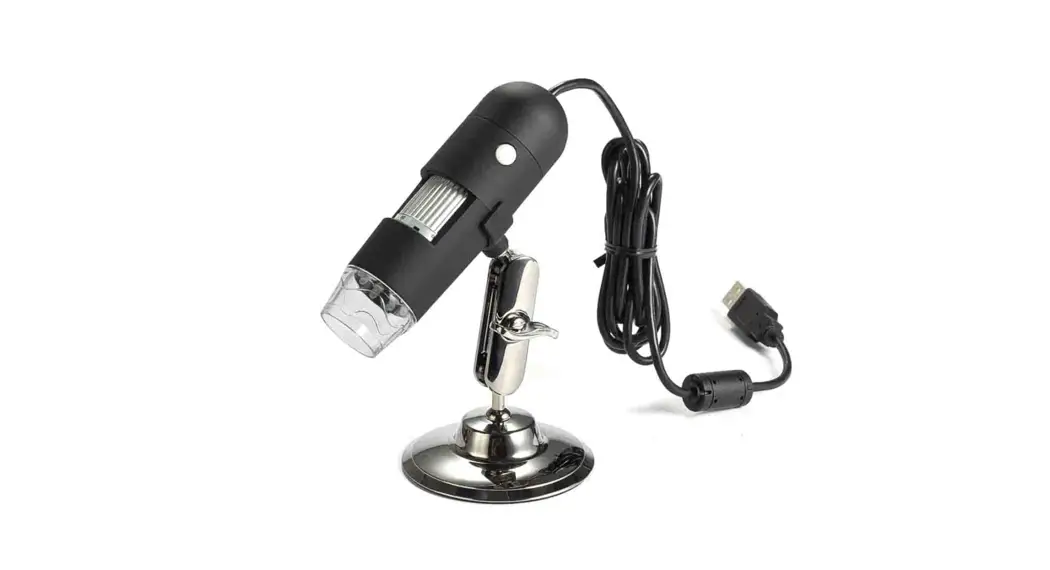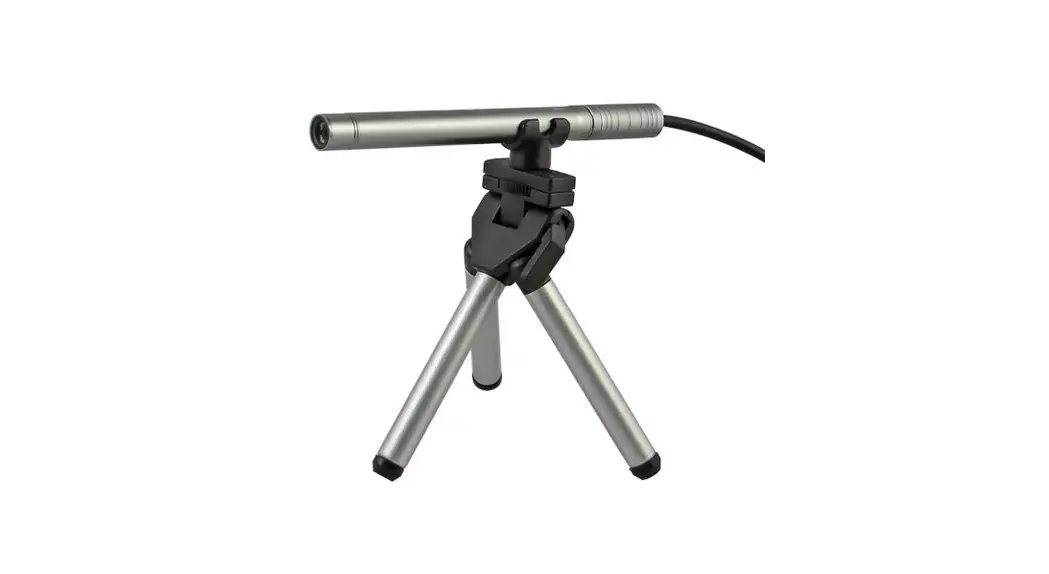
 B003+ Handheld USB Digital Microscope
User Guide
 Safety Precautions
 Safety Precautions
- To avoid electrostatic damage, do not touch the lens with a finger.
- Do not attempt to disassemble this product by yourself. Opening the covers may expose you to dangerous voltage points or other risks.
- When hands are wet, do not plug in or remove the adaptor or other connectors.
- Do not clean the products with ethyl alcohol or another organic solvent.
- Please use a lens brush or soft cloth to wipe clean.
- Avoid touching the lens with your fingers.
- Temperature: 0°C ~ 40°C; Humidity: 45% ~ 85%.
- If liquid entered, immediately turn off the power. Please send to a service center for repair. Do not use a blow dry.
Introduction
Thank you for purchasing Supereyes Handheld Digital Microscope. With this unit, you will see a unique and “bigger” world. Handheld Digital Microscope is easy to use. It’s easy to zoom in on stamps, coins, paper currency, plants, insects, rocks and minerals, hair, skin, teeth, textile, and so much more. Prior to the first use, we recommend reading this manual to get the best out of this unit.
Computer System Requirement
- Windows XP SP2 or above, Mac OS X 10.5 or above, Linux
- CPU: Pentium 233MHz and above
- Memory: 256MB
- Interface: USB 2.0
- HDD storage space: 600MB and above
Technical Specifications
| Image sensor | 2.0 Mega Pixels |
| Magnification factor | 1/10 ” 300 times (continuous zoom capability) |
| Focus range | Omm — 00 |
| Focus type | Manual |
| Photo capture resolution | 1600 X 1200, 640 x 480, 320 x 240 |
| Photo format | JPGE, BMP |
| Video capture resolution | 640 x480 |
| Video format | High compression WMV, maximum 11 hours long |
| Display speed | Max 30f/s |
| Light Sources | LED illumination (adjustable by control wheel) |
| Interface | USB 2.0 |
| Power source | 5V DC from the USB port |
| Operating System | Windows XP SP2 or above, Mac OS x 10.5 or above, Linux |
| OSD language | English, Chinese, Japanese |
| Software Bundle | Supereyes’ software with measurement and calibration function |
| Max Size | 011mm x 126 mm |
Package Information
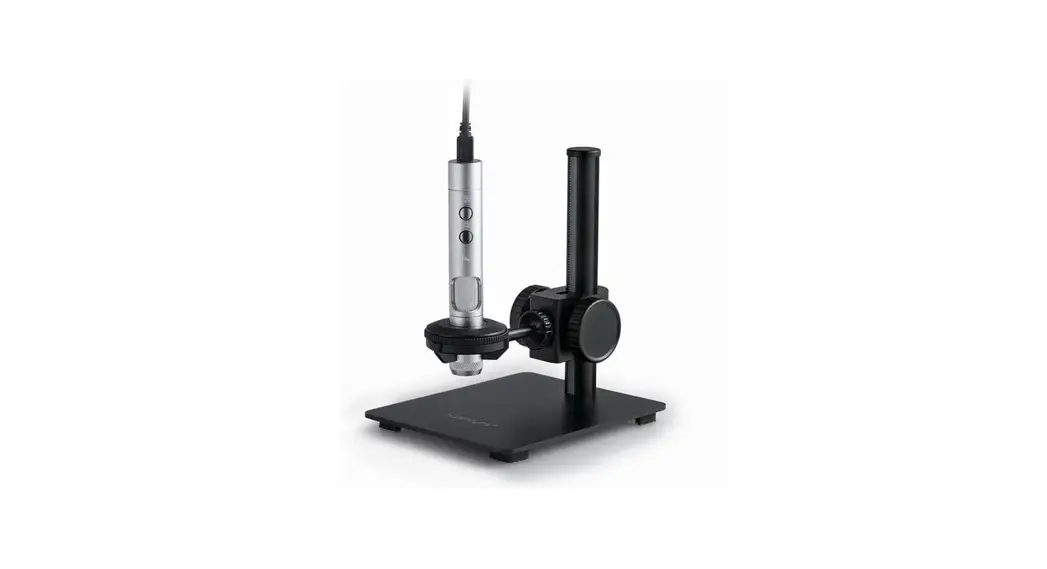
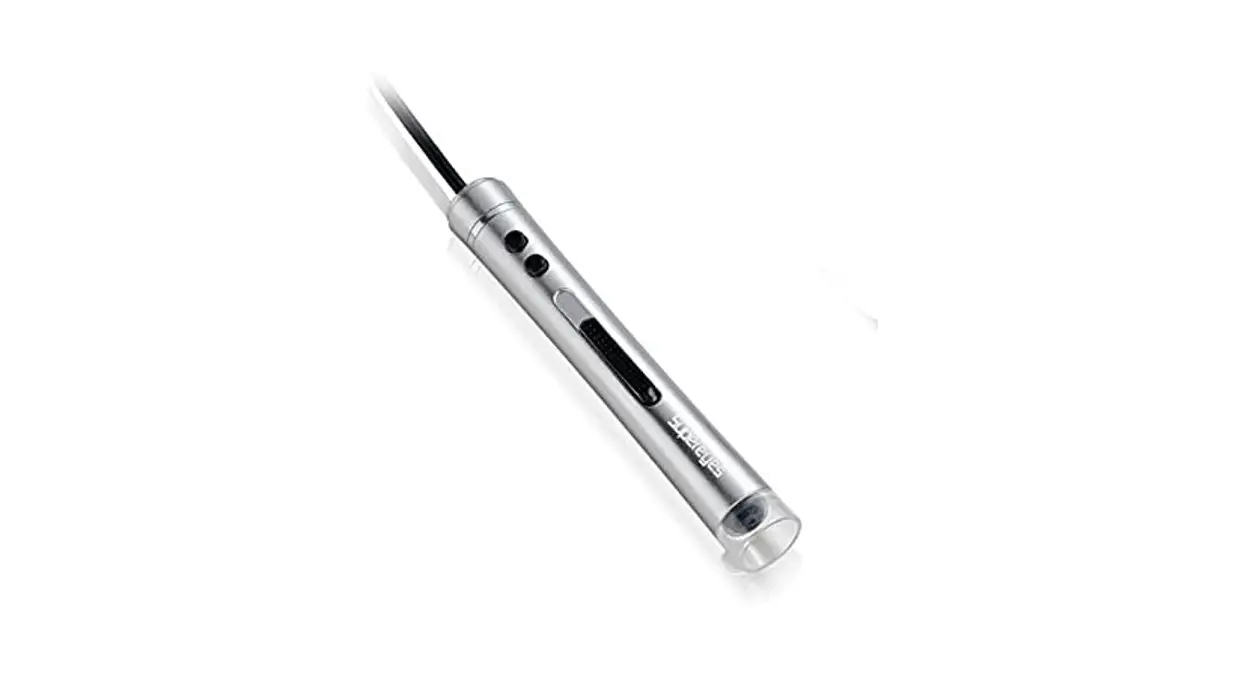
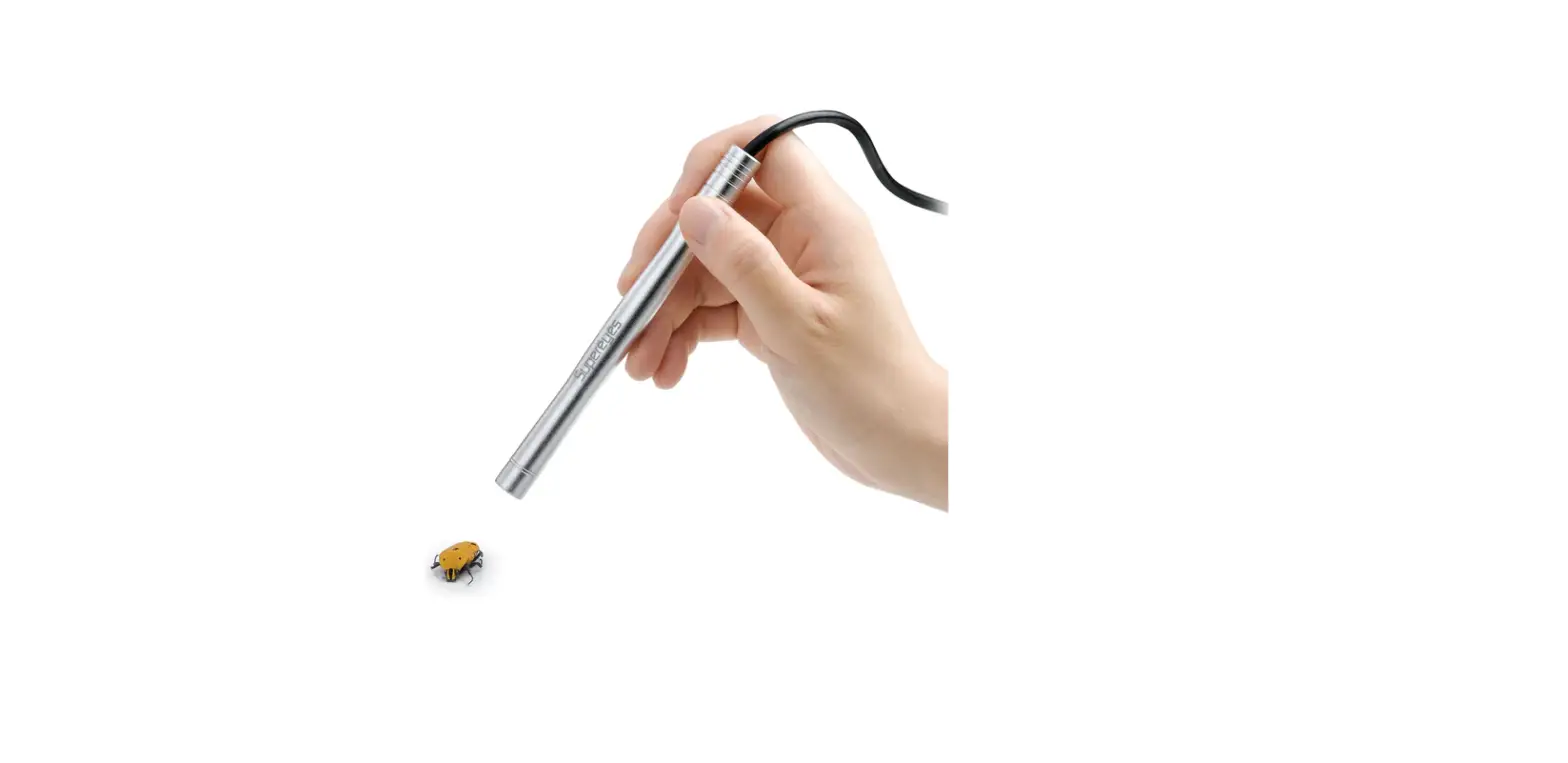
- The body of the digital microscope.
- CD for Supereyes Software and driver.
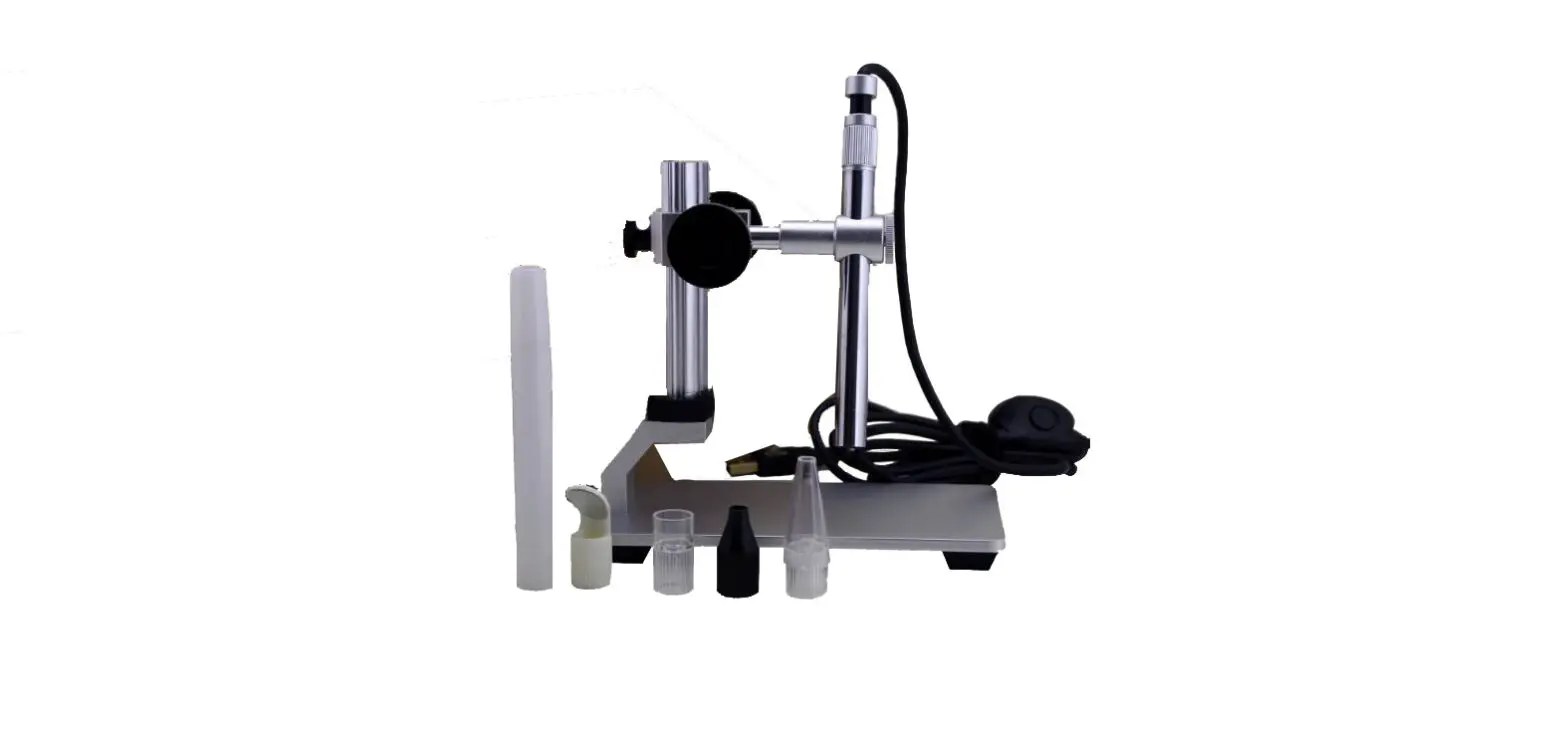
- Tripod (optional for B005, B005+, B003+, B010 and etc.).
- Adjustable stand (optional).
- Health kit accessories (optional).
Installation and use
- Plug the USB cable into a PC or Mac.
For Mac OS 10.5 or above, please use Photo Booth or Facetime to open the microscope;
For Windows XP SP1 or below, please install the driver first.
For Windows XP SP2 or above, no driver is needed. - Install the Supereyes software.
Put Supereyes CD into CD‐ROM (if you have any problems with CD, please go to www.supereyes.cc to download software).
Click Supereyes Vx.x.Setup.exe on the CD to install the software.
Note: this unit is plug-and-play. Other web camera software, such as MSN or Google online chat, could open it. - Start Microscope in Supereyes software (suggested). Please refer to the Supereyes Software User Manual.
- If needed, please fix the body of the microscope into the clip of the tripod (for more accurate operation, please choose a professional microscope adjustable stand), and adjust the lens to the object inspected.
- Choose a suitable distance between the microscope and the objects, and then adjust the focus.
- Adjust the LED light by touch button (not for all models) or control wheel.
Trouble Shooting
| Trouble vision | Possible Reason | Solution | |
| 1 | Blank screen | LED is closed; The preview is closed; No suitable devices; Incorrect connection with PC. | Open LED; Open preview; Choose suitably devices; Connect the USB again. |
| 2 | Vague picture, discoloration, slow speed | Dirty lens; Incorrect focus; Incorrect connection with PC; The Configuration of the PC is too low; | Clean by Lens paper; Adjust focus; Connect USB again; Choose a new PC; |
| 3 | Picture distortion | Incorrect connection with PC; Trouble inside of microscope. | Connect USB again; Contact to repair. |
| 4 | Flicker picture (Wireless model) | Bad frequency | Choose the suitable frequency. |
| 5 | Cannot recognize | Incorrect connection with PC; Trouble inside of microscope. | Connect USB again; Contact to repair. |
Technical Support
Visit the Supereyes website www.supereyes.cc to find solutions to common problems and video tutorials. You can download drivers and documents under Technical Support. Please email [email protected] if you need help.
Disclaimer
The manufacturer and distributor of this product shall not take responsibility for the damages caused by the improper use of this product or other artificial damages.
The content of this User Guide is based on the current specification of this product.
The manufacturer D&F Corp shall not take responsibility for any inconsistent in the specification of the product for the purpose of improvements and other reasons.
Meanwhile, D&F Corp does not have the obligation for updating the content and any information of this manual momentarily.
 Follow us
Facebook: http://www.facebook.com/pages/Supereyes/127271414107804
Twitter: https://twitter.com/SupereyesWorld
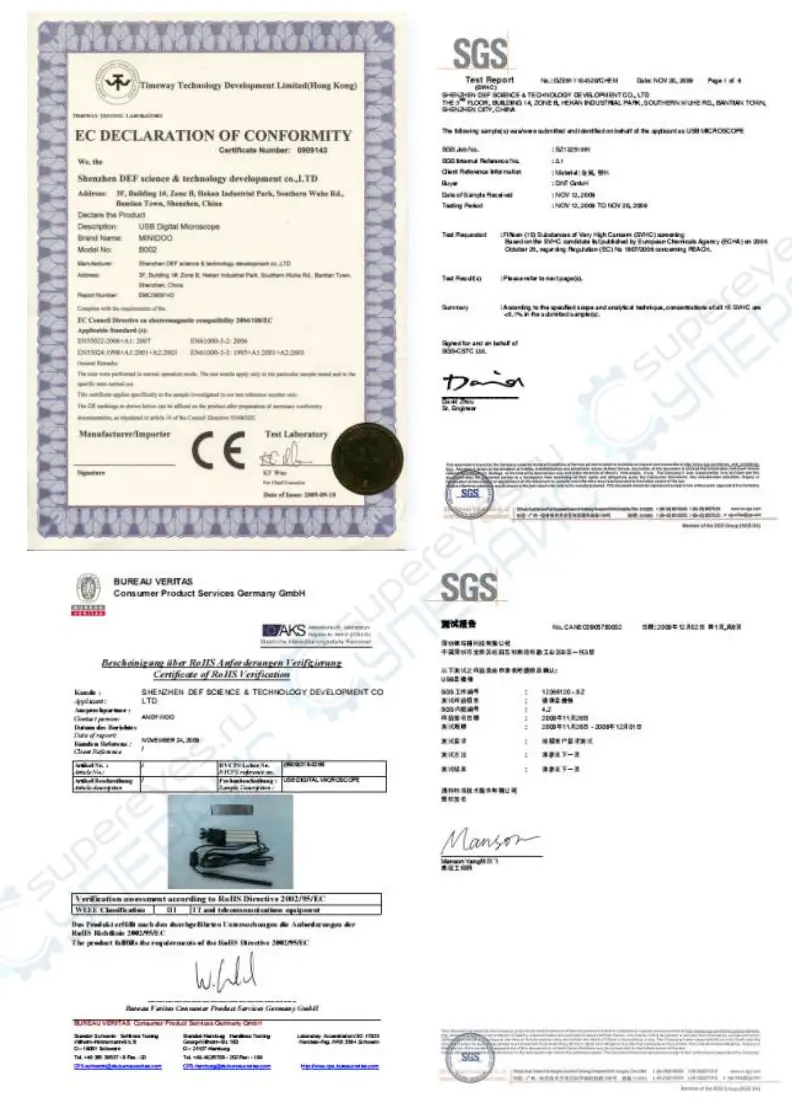
Certifications
 超眼 Supereyes 专注显微镜、内窥镜的设计制造