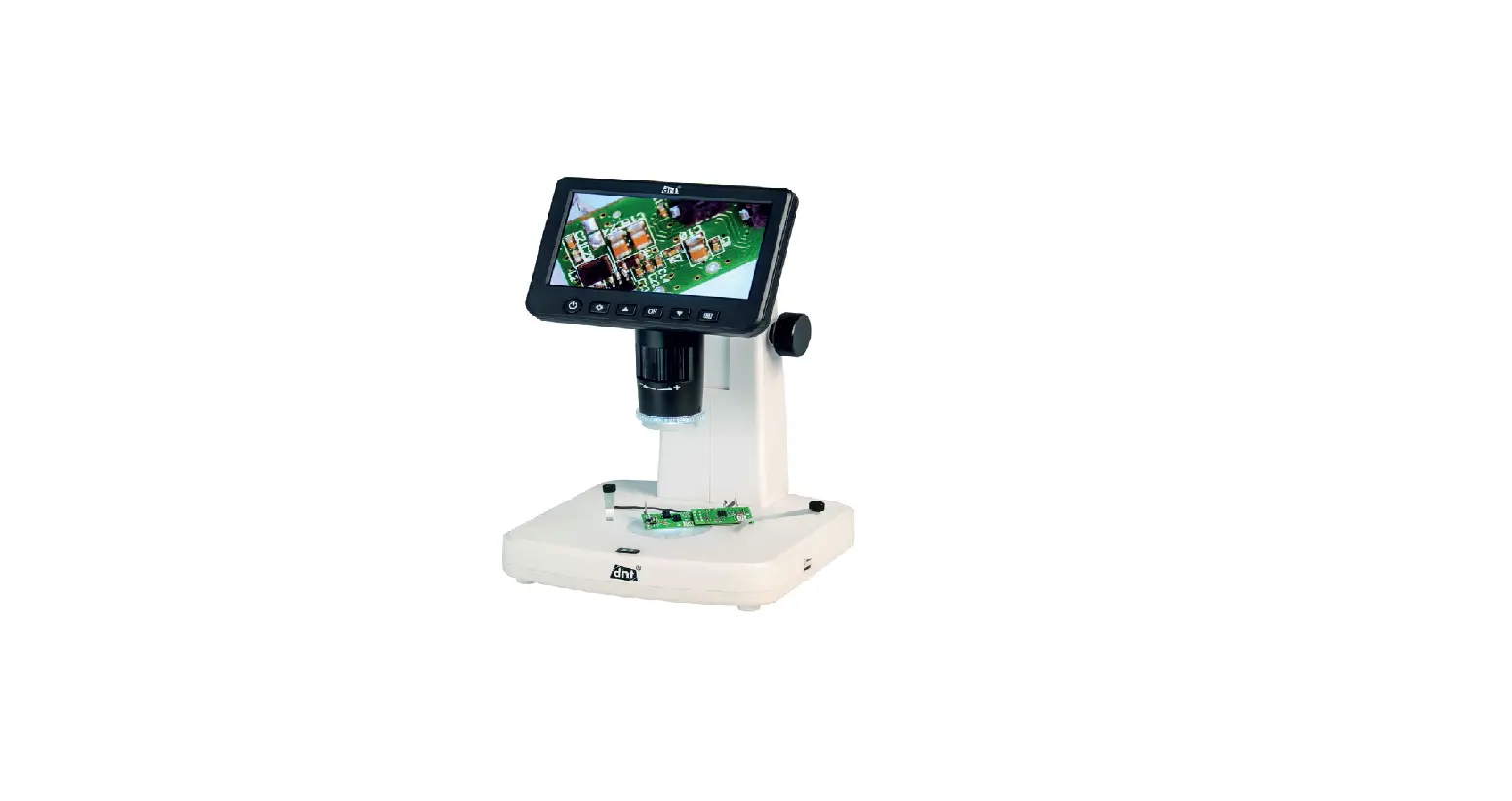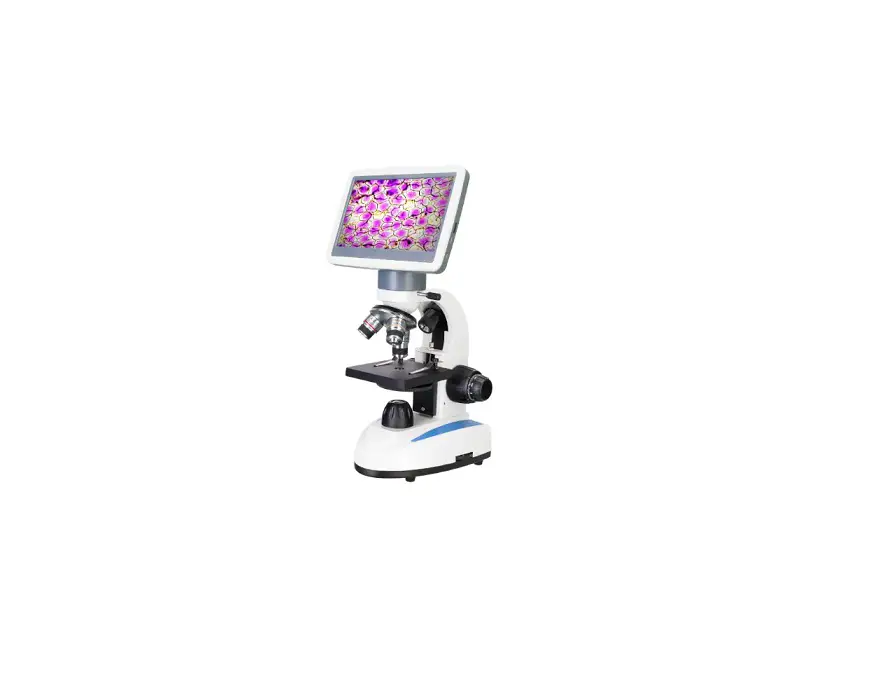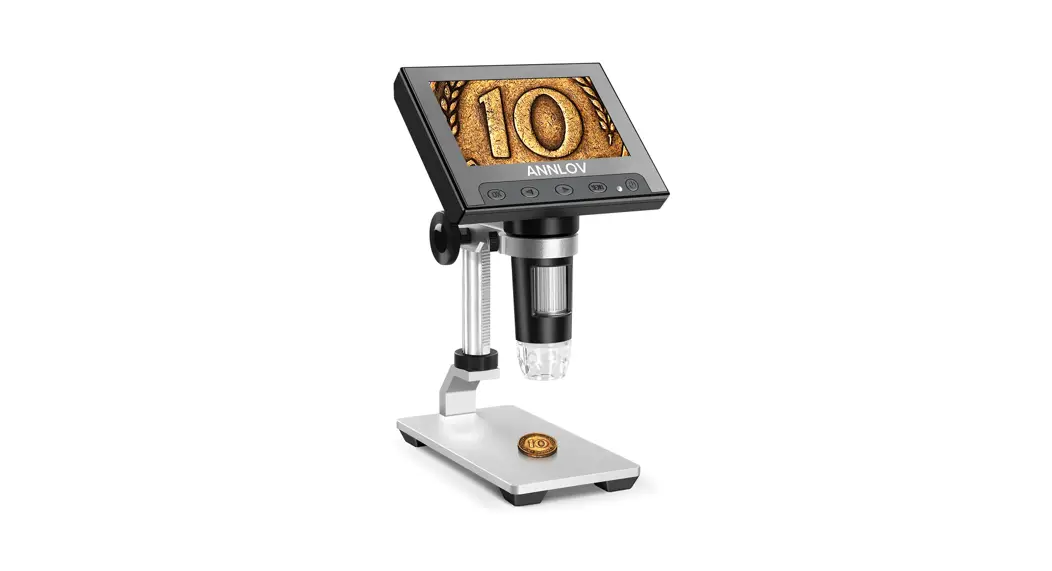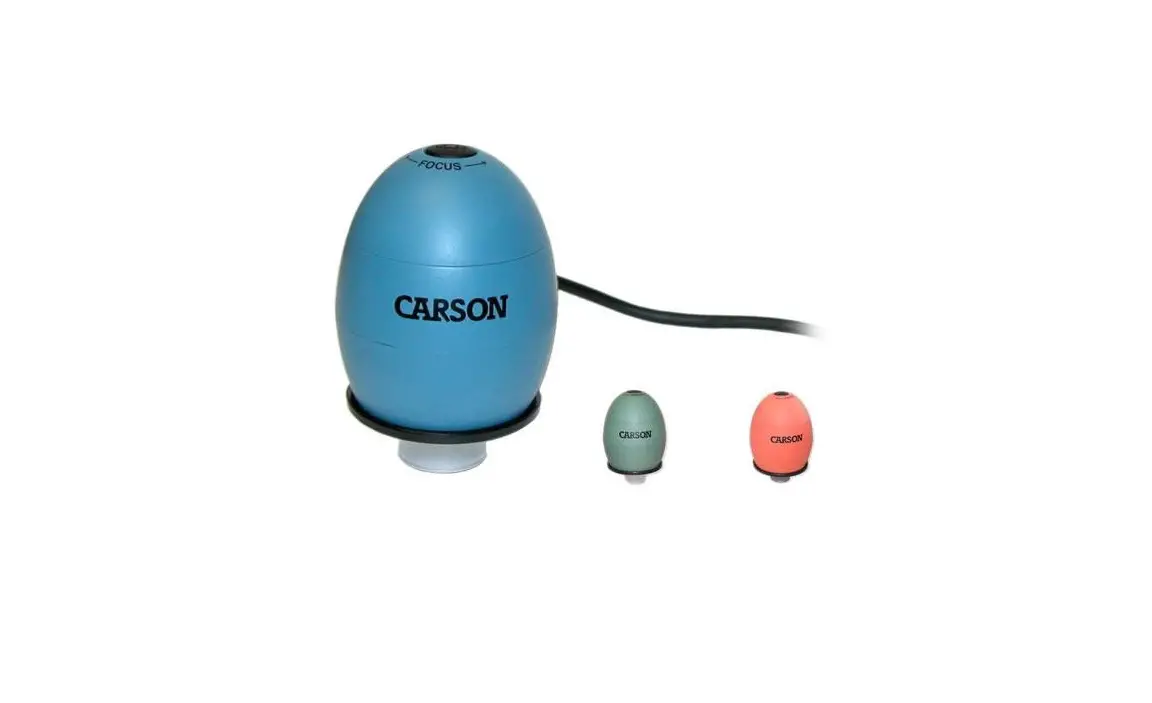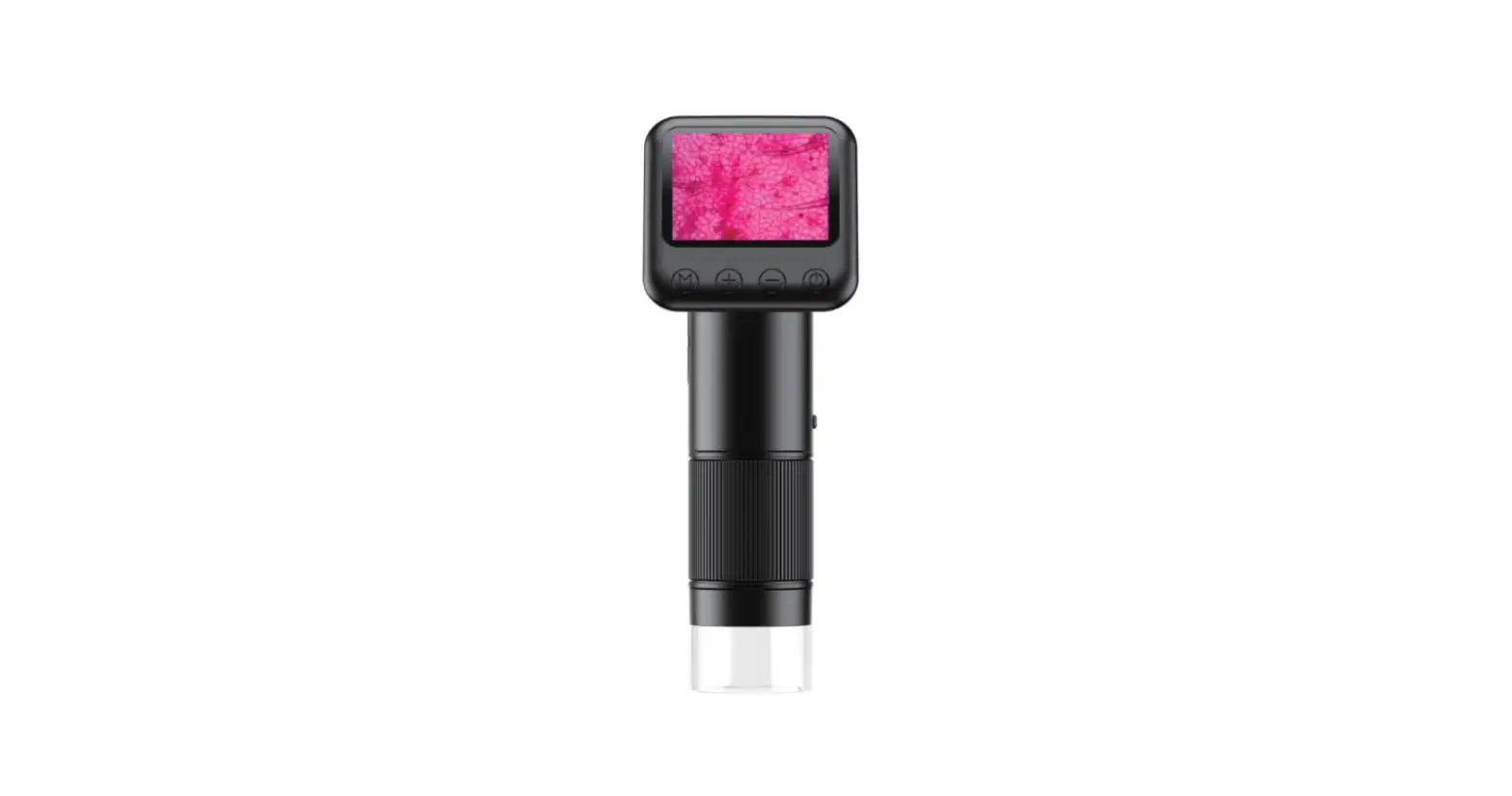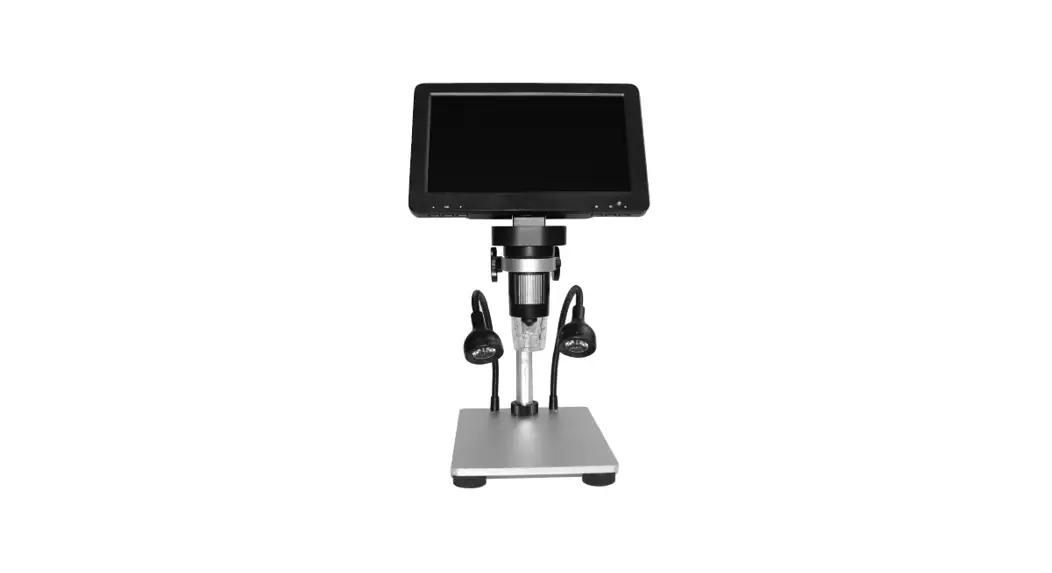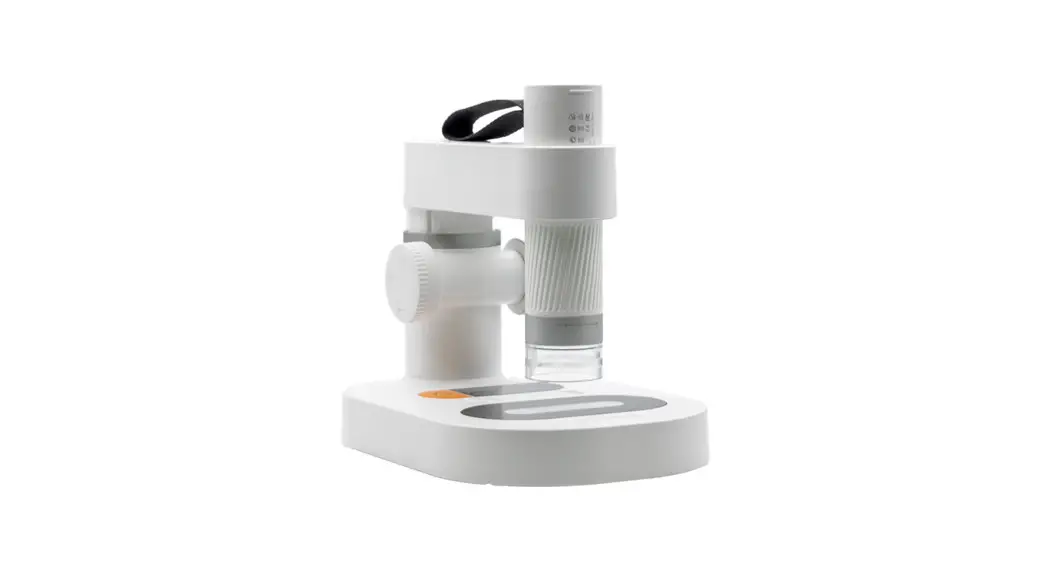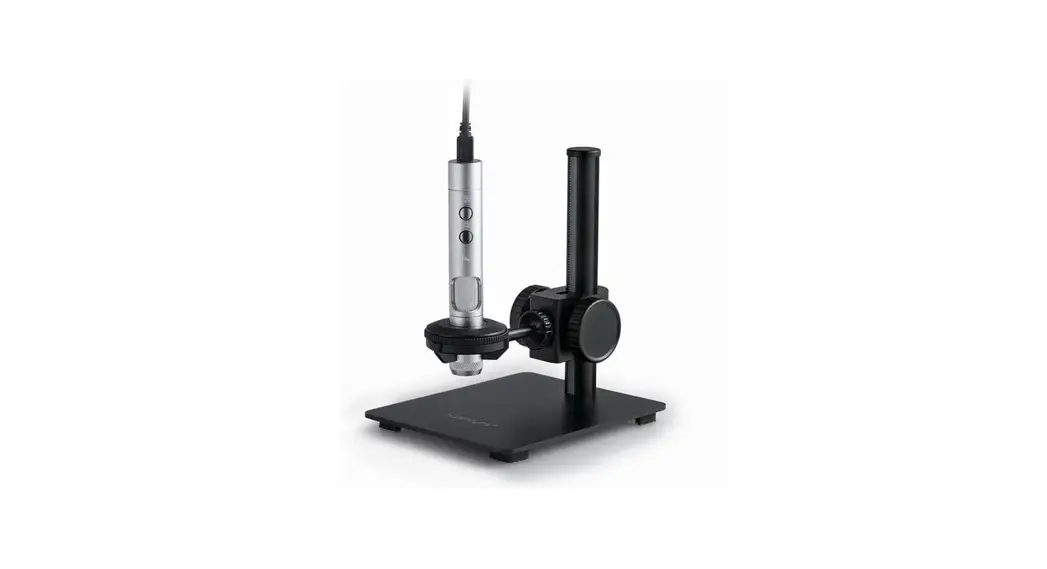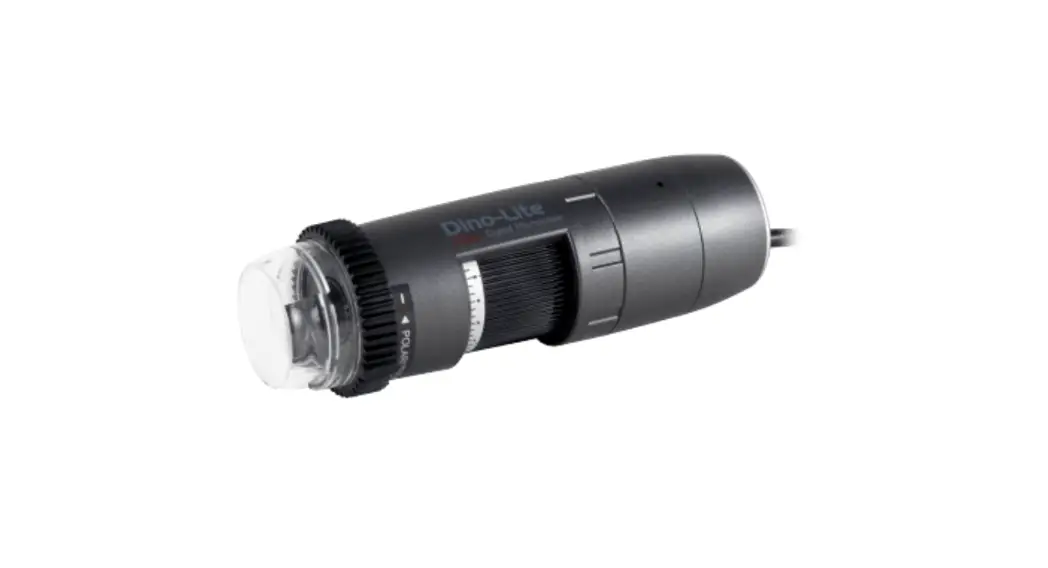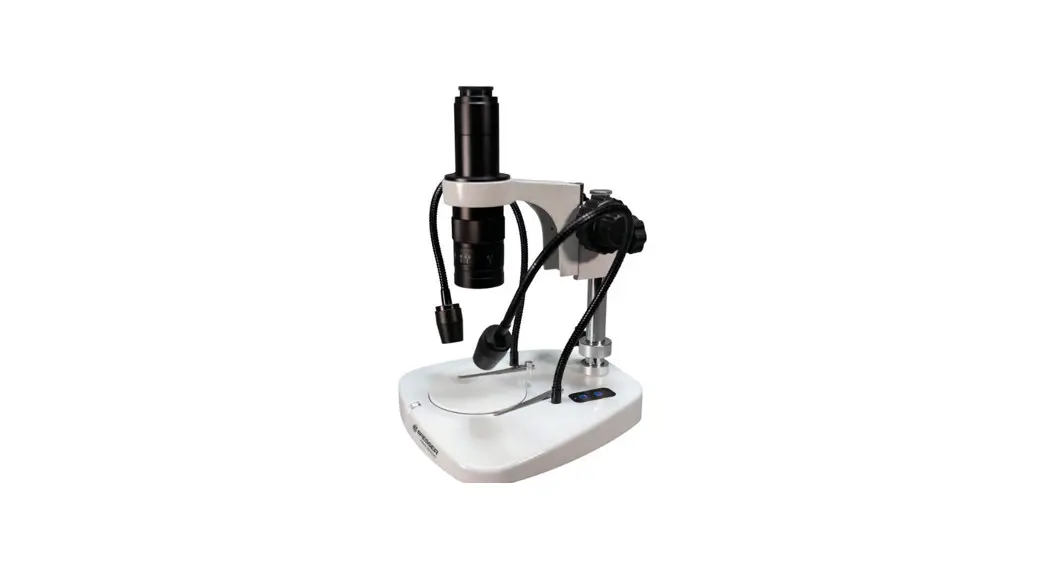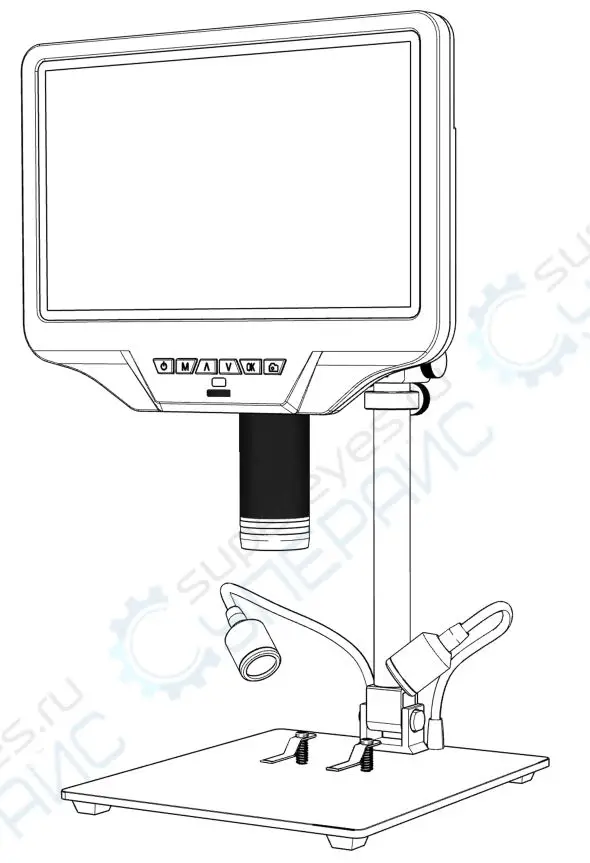
 DM022D Digital Microscope
User Guide
PC Software and User Guide:
Download PC Software ‘DigiCapture Pro’ and ‘User Guide’ from www.download-toproview.com or scan below QR code. Also available from the attached CD.
 http://www.download-toproview.com/
App (TopScope Pro) : iOS:
Search and install ‘TopScope Pro’ from App Store.
 https://apps.apple.com/cn/app/topscope-pro/id1605729220
Android :
Search and install ‘TopScope Pro’ from play.google.com/store or download ‘APK’ from www.download-toproview.com. Also available from the attached CD.
Android
 https://play.google.com/store/apps/details?id=com.toproview.TopScope.Pro
APK(Scan browser)
 http://www.download-toproview.com/upload/files/TopScope%20Pro.apk
How to connect the WiFi Microscope:
- Turn on the WiFi setting on your iOS/Android Device, find ‘WiFi_Microscope_xxx’ from the WiFi Device list.
- Enter Password (the default password to connect the device is 123456789)
Notice: More details are found in the ‘User Guide’.