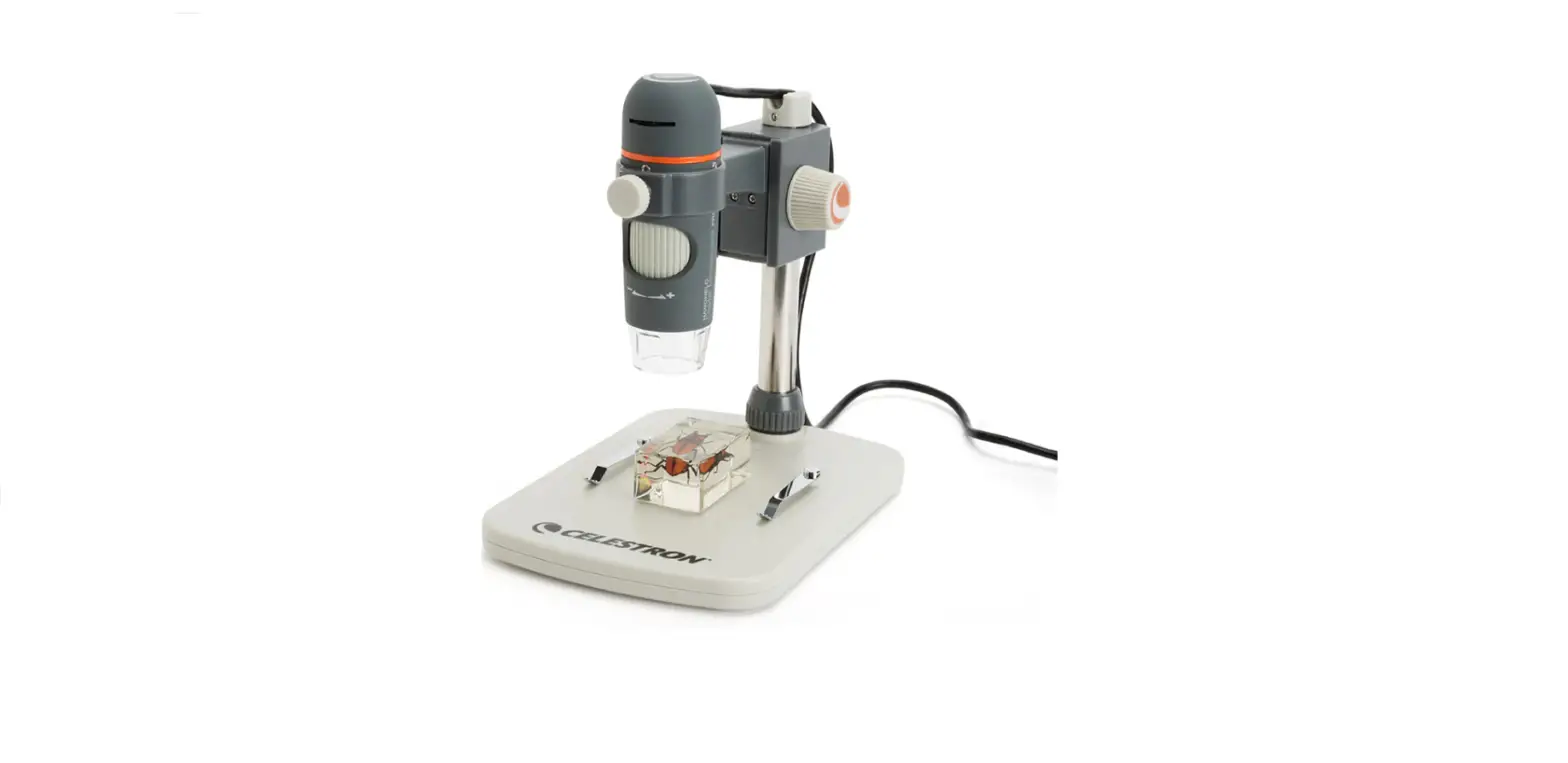

CELESTRON 44308 QSG Handheld Digital Microscope PRO
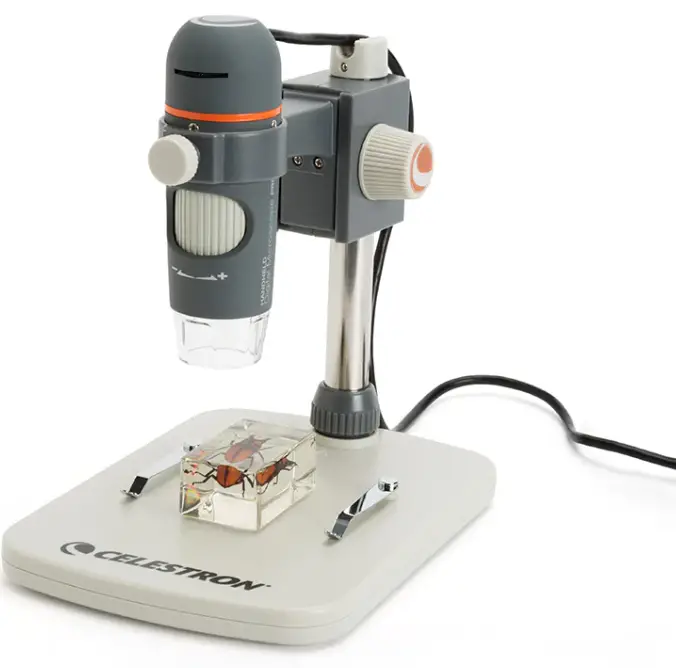
Instructions
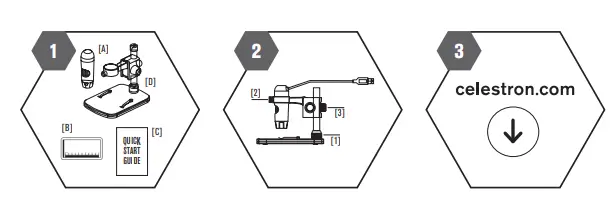
WHAT YOU HAVE
- 1 x USB Digital Microscope
- 1 x Calibration Ruler
- 1 x Quick Start Guide
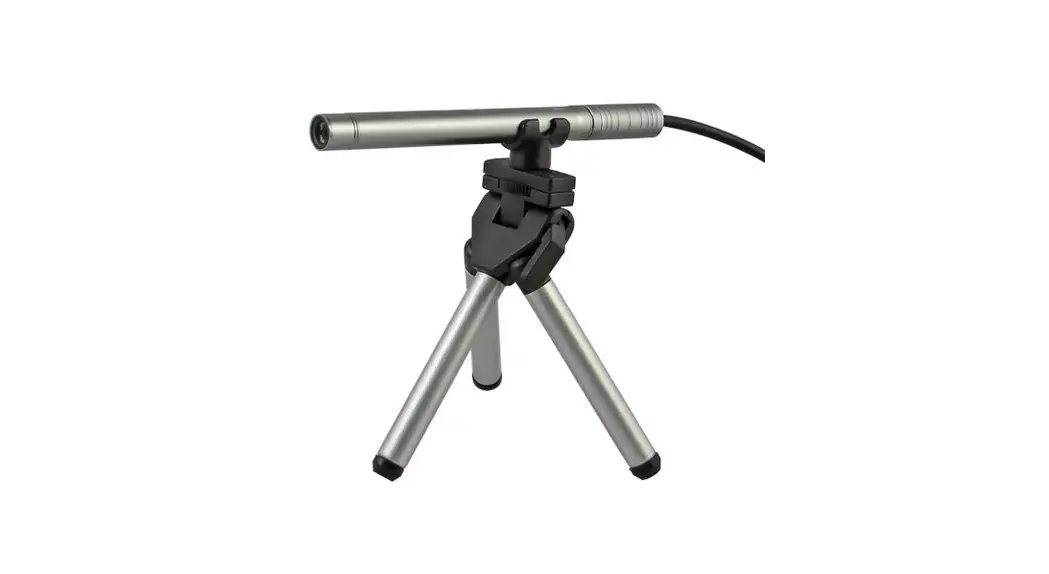
- 1 x Portable Stand
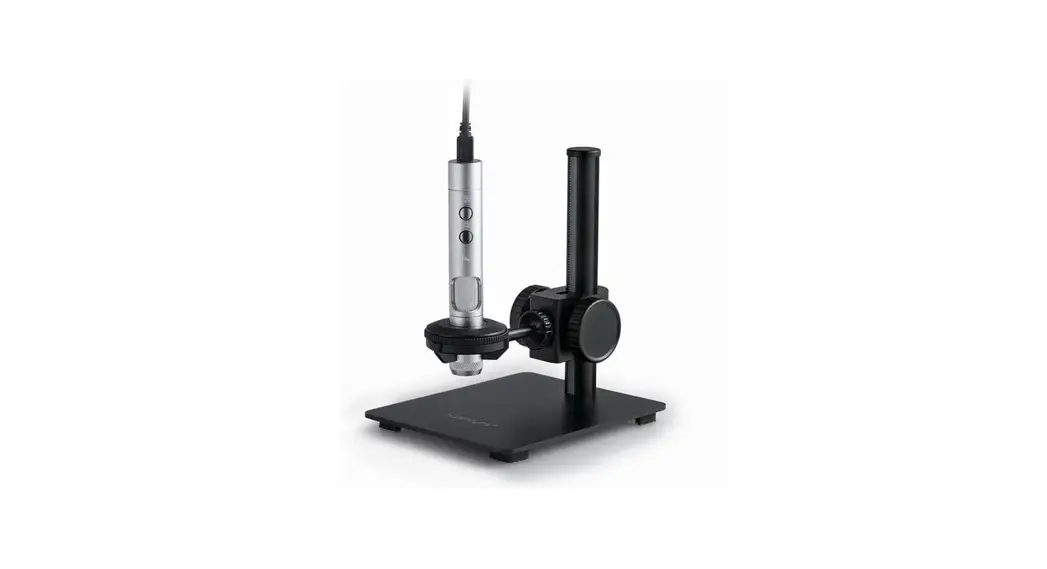
SETUP THE MICROSCOPE AND STAND
- Put the metal pole through Coupler [1]
- Put the metal pole into the opening on stage
- Thread Coupler [1] to fi x the pole on the stage
- Place microscope into the ring on the stand
- Rotate Lock Nut [2] clockwise to fi x the microscope in the ring
- Adjust the upper part of the stand to get a proper height. Rotate Lock Nut [3] clockwise to lock in position
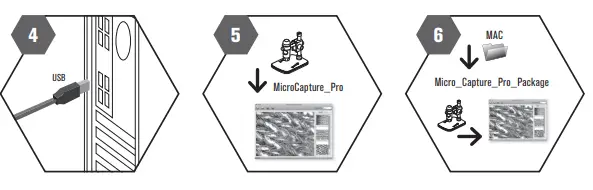
INSTALL MICROCAPTURE PRO SOFTWARE
- CONNECT YOUR HANDHELD DIGITAL MICROSCOPE PRO VIA USB PORT
- START MICROCAPTURE PRO AND USE THE MICROSCOPE
Contact Us
- Tel.: 08145/80890
- [email protected]
- celestron.com