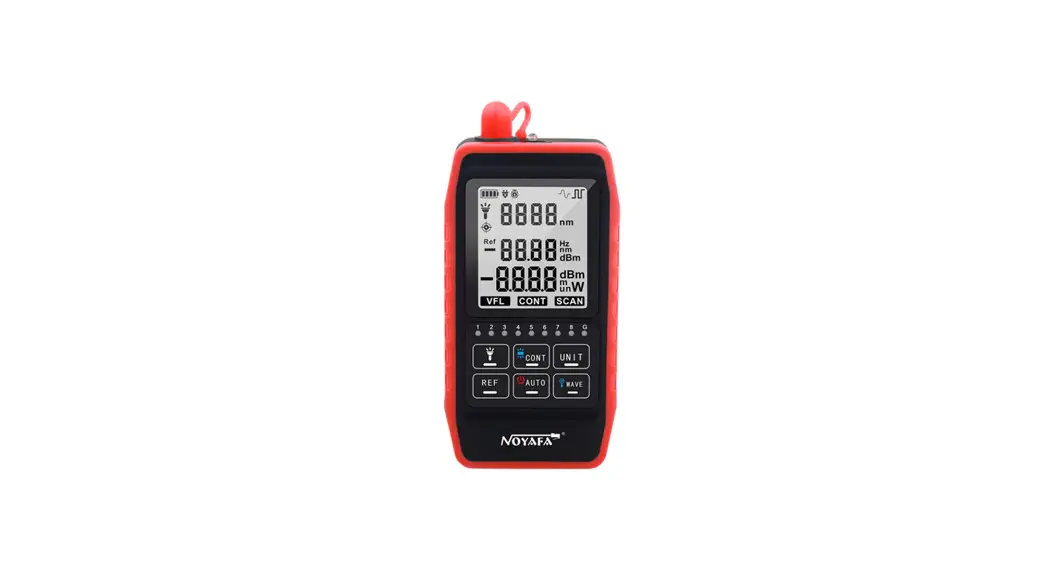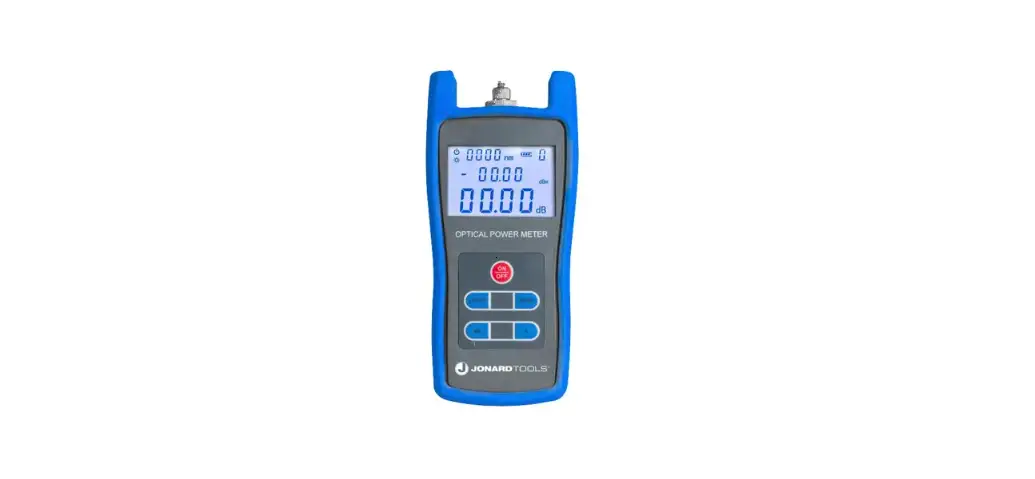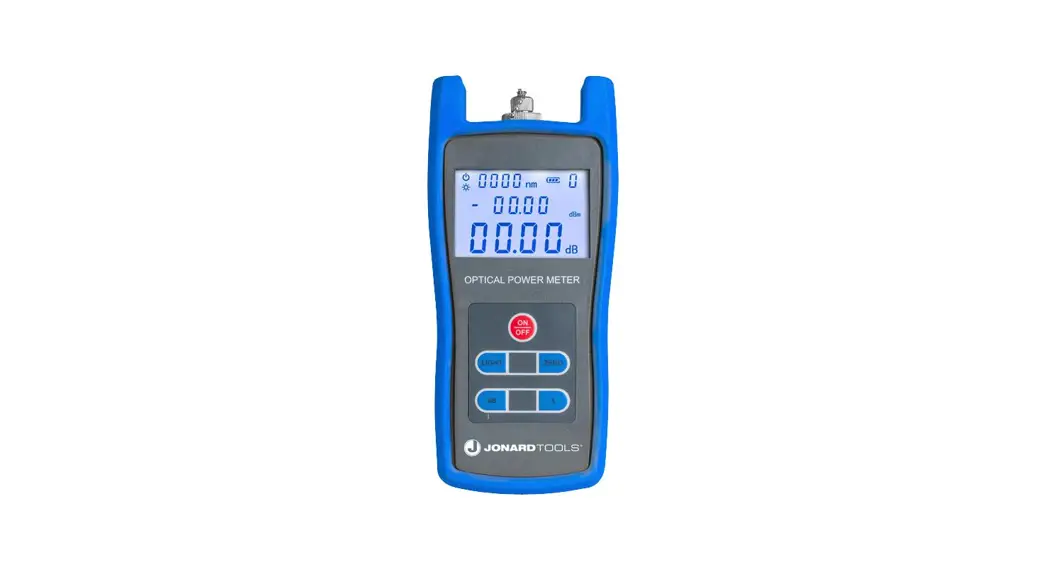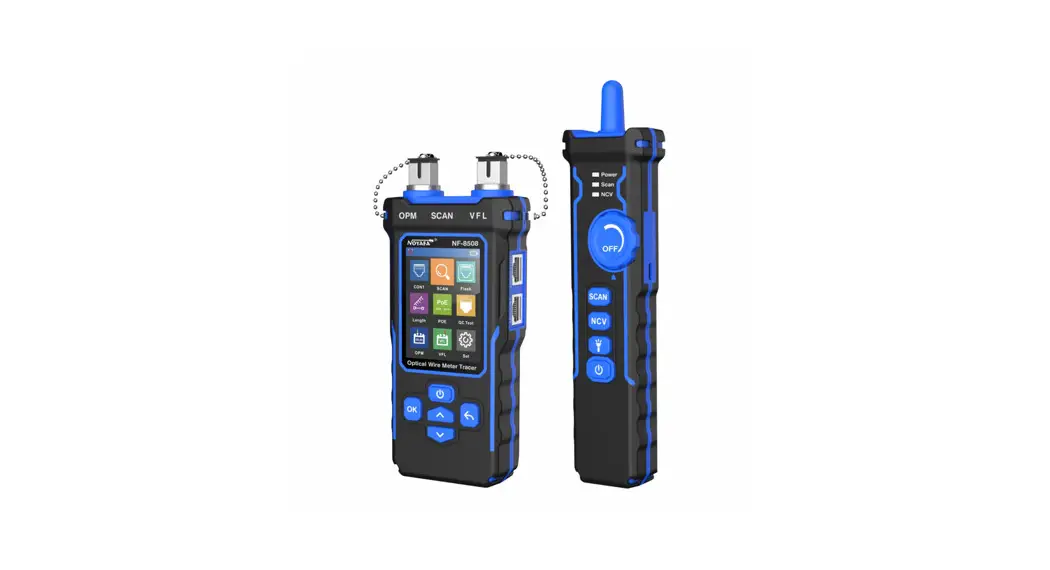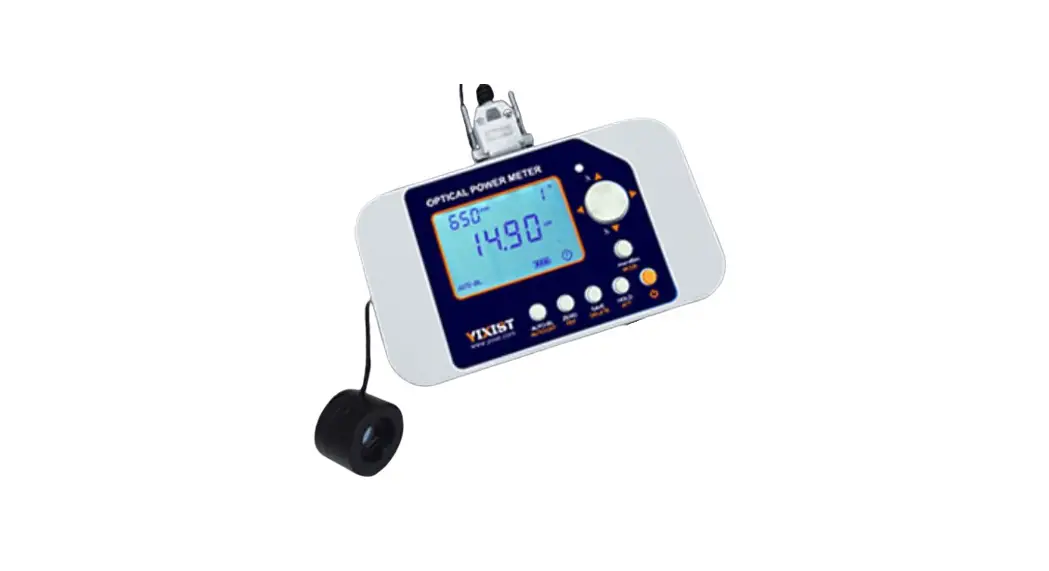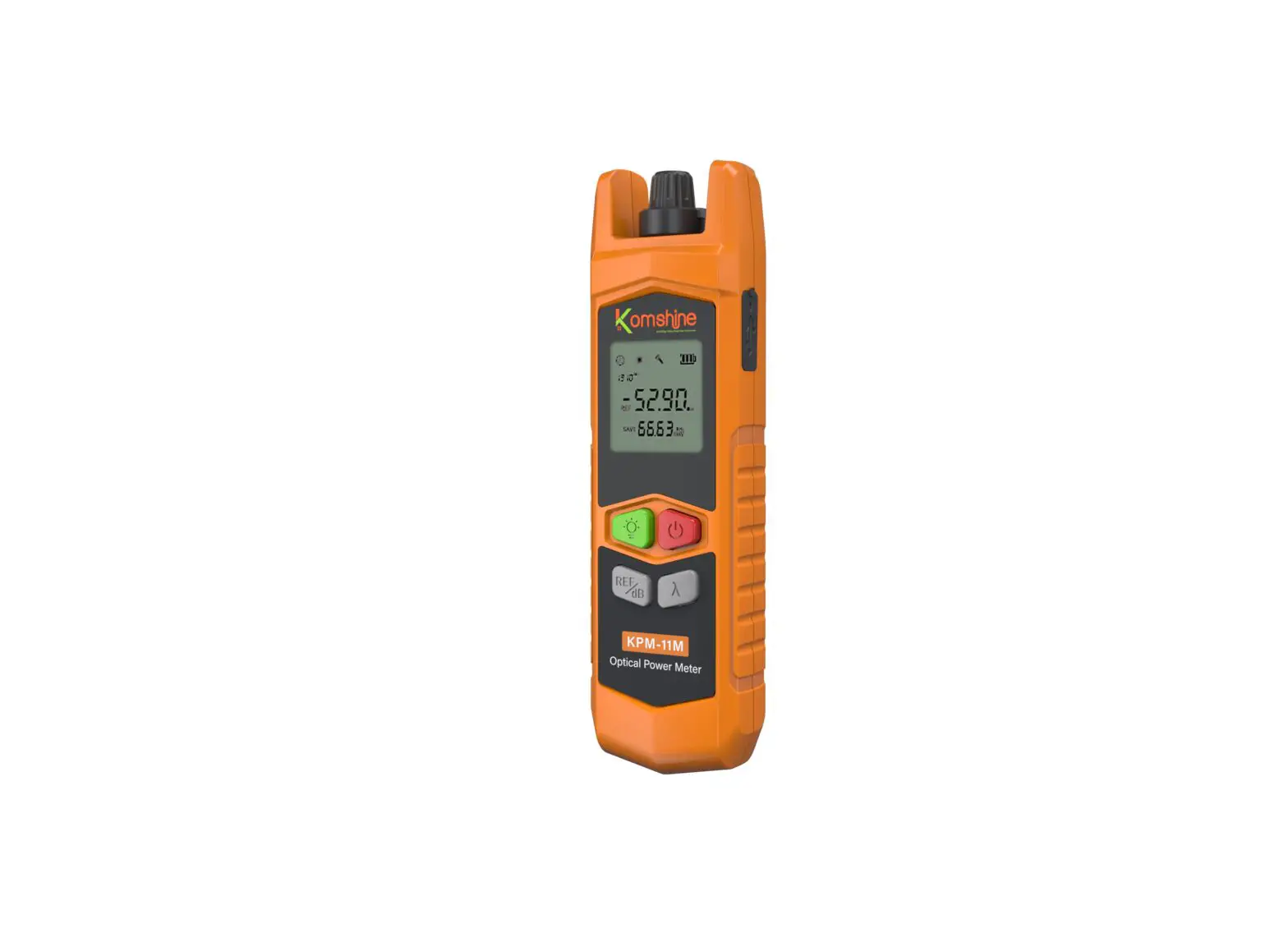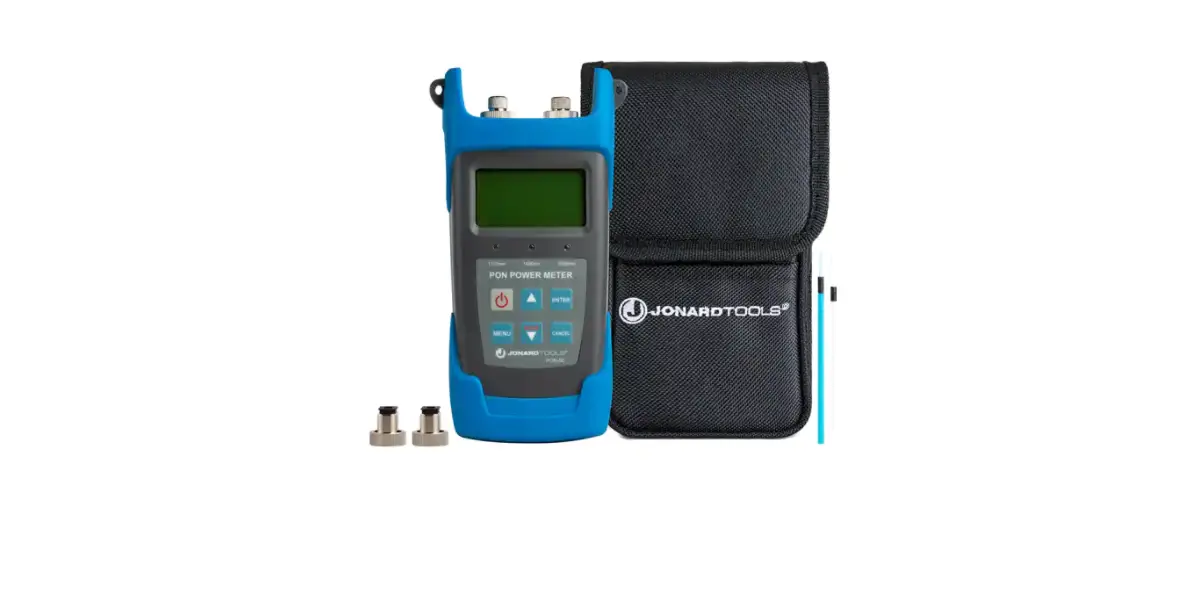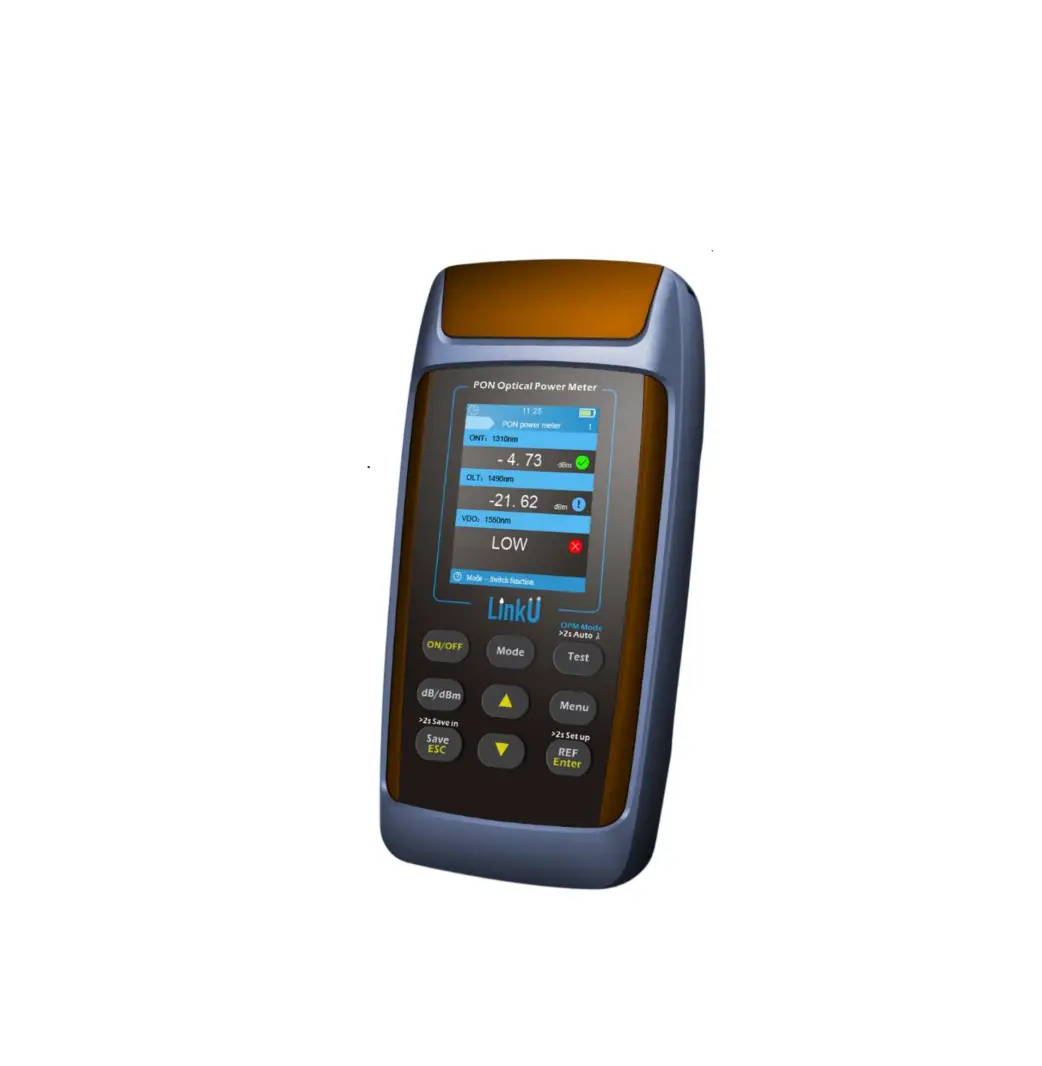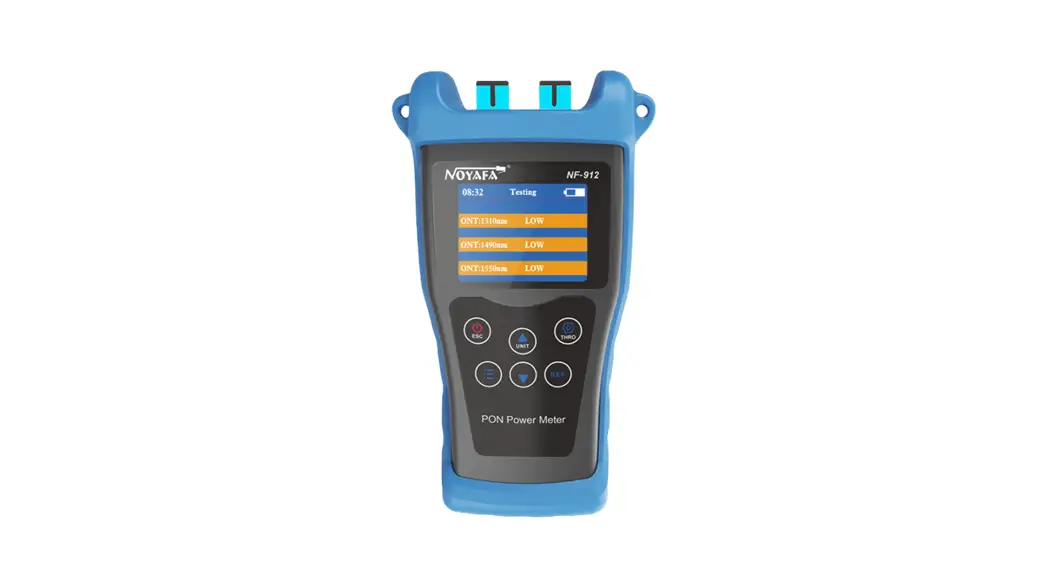
 NF-912 PON Optical Power Meter
User Manual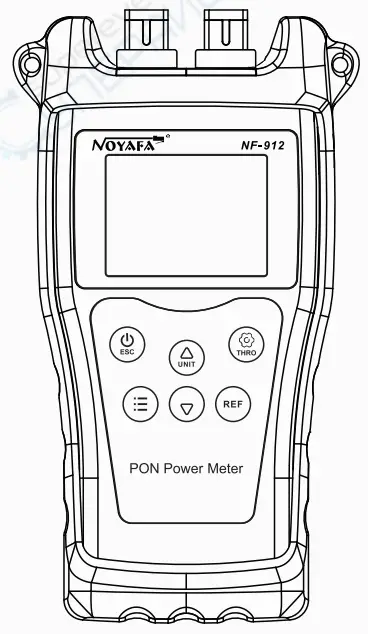
SHENZHEN NOYAFA TECHNOLOGY CO., LTD
 Please read before using or repairing this equipment And understand the safety considerations. )
Thank you for buying NOYAFA handheld laser rangefinder series products!
Safety regulations
Please read the safety regulations and operation instructions carefully before using the instrument for the first time.
- Do not turn on or repair the instrument by yourself in any way, and illegal modification or modification is strictly prohibited. To change the performance of the laser transmitter of the instrument, please take good care of the instrument and do not place it in a place accessible to children. It is strictly forbidden to illuminate your own or other people’s eyes and other parts of the body with an instrument laser, and it is strictly forbidden to illuminate the laser on the surface of a highly reflective object.
- The electromagnetic radiation of the instrument may cause interference to other equipment and devices, please do not use this instrument near aircraft or medical equipment, and do not use the instrument in a flammable and explosive environment. There are any quality problems with the instrument. Or if you have any questions about the use of the instrument, please contact the local dealer or instrument manufacturer in time, and we will solve them for you as soon as possible.
- Please dispose of the discarded instruments in accordance with the laws of your place.
Overview
The NF-912 PON optical power meter is designed through a specially designed optical path and electricity.-Path structure to realize the special requirements of signal optical power measurement in the PON system. In other words, it is necessary to meet the simultaneous test and online measurement of three kinds of optical signal wavelengths on the line. With the burst test function of testing and 1310nm signals, Thus it is convenient to install, manage and maintain the PON system.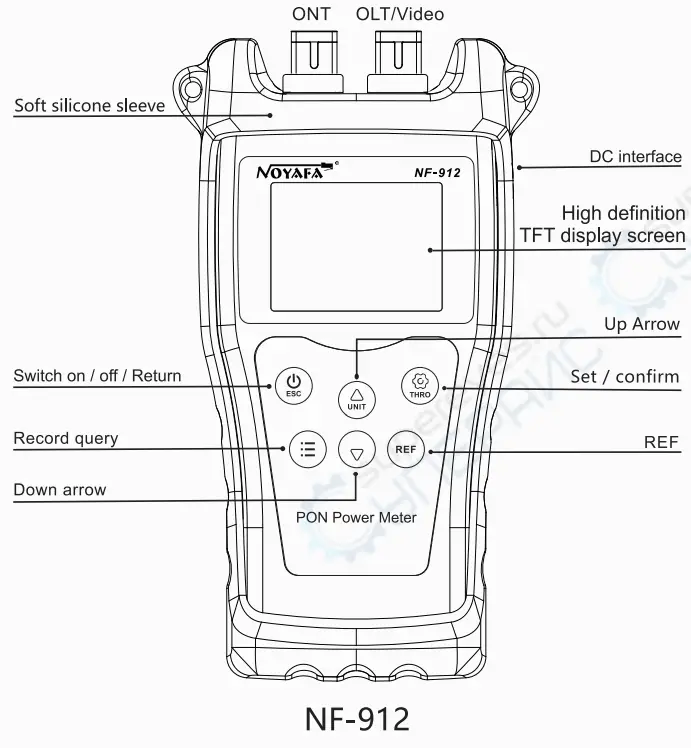
Method of use
- Switch press
 for about 2 seconds to switch on and off manually
- Unit switching: short press
 to switch optical power units in the measurement interface, which can be switched to dBm, dB,Wx
- Record saving: press
 to save the record in the measurement interface
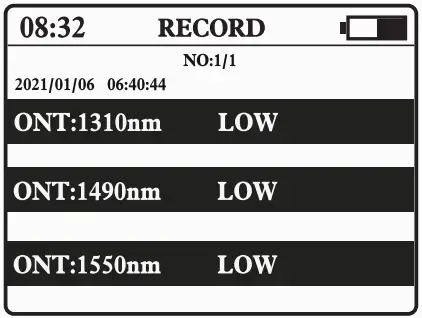
- Record view: press in the measurement interface to enter the record view interface

- Record deletion: press
 to delete all records in the record interface
- View REF: in the measurement interface, press
 to enter the REF view interface
- Save REF: in the measurement interface long press to save the REF value

- System language: select “system language” in the settings menu interface and press

- System time: select “date time” in the setting menu interface and press to select the year, month, day, and hour. Then press or
 to adjust the value.
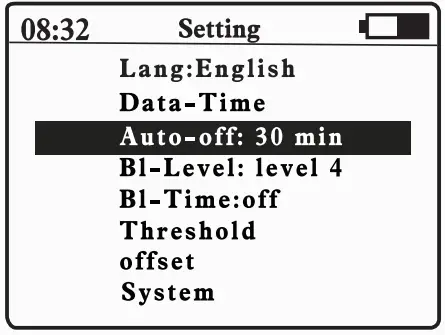
- Automatic shutdown: in the settings menu interface, select “automatic shutdown” short press , you can select “off, 15 minutes 30 minutes, 1 hour, 2 hours”

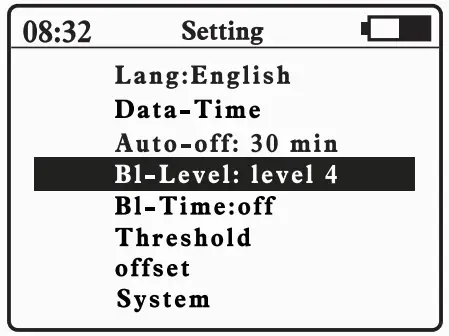
- Backlight brightness: select “backlight brightness” short press in the setting menu interface, select brightness gear 1, 2, 3, 4

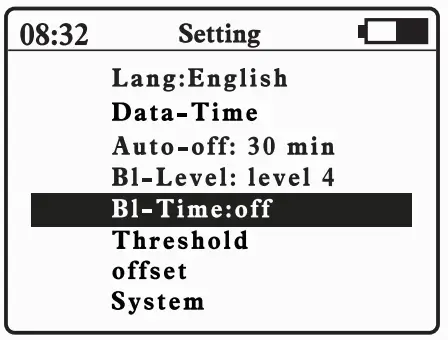
- Backlight delay: select backlight delay in the setting menu interface by pressing for a short time. You can choose “dose, 15 seconds, 30 seconds, one minute.”

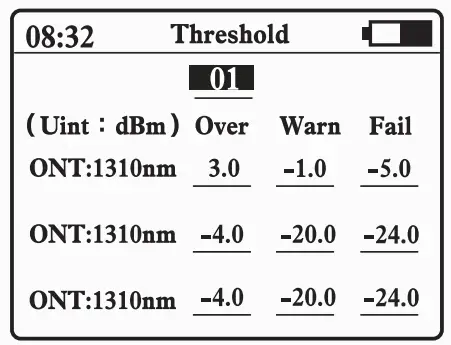
- Threshold setting: select “threshold” setting short press to enter, long press to select different adjustment ratio, first short press or to select different objects, then short press to confirm the selection, you can see that the underline is displayed in red, then press or to adjust the value, and then press to save the exit value after adjusting the value, at this time the underline is displayed as a cyan opening and closing valve, and the valve function is turned on or off by pressing for a long time in the measuring interface

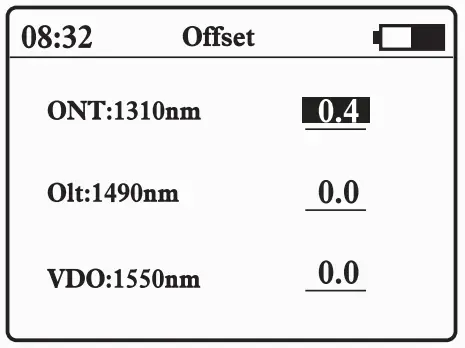
- Offset settings: select backlight delay in the settings menu interface by pressing enter, select, and adjust values by or

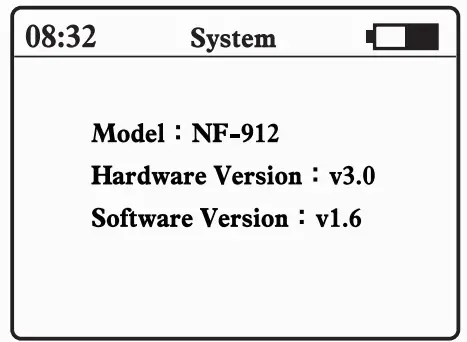
- System information: select system Information on the setup menu interface and press to enter

 for about 2 seconds to switch on and off manually
 to switch optical power units in the measurement interface, which can be switched to dBm, dB,Wx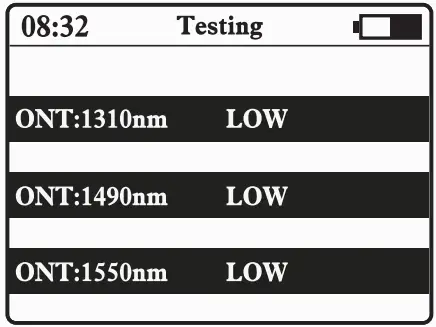
 to save the record in the measurement interface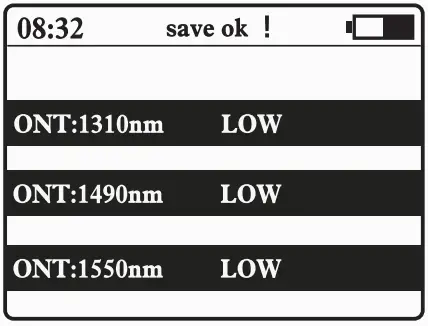
 to delete all records in the record interface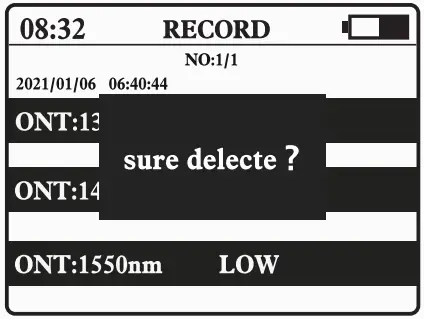
 to enter the REF view interface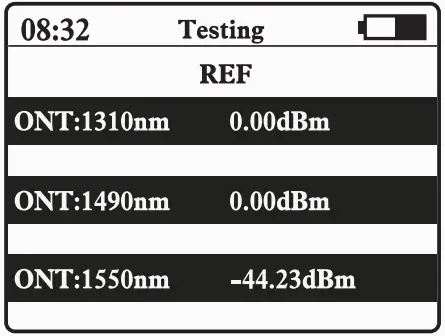
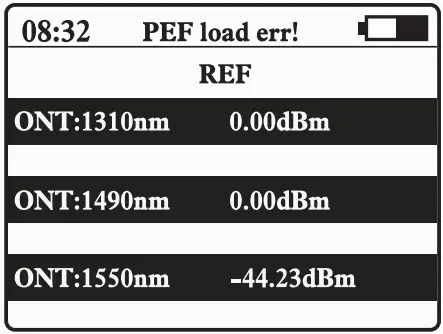
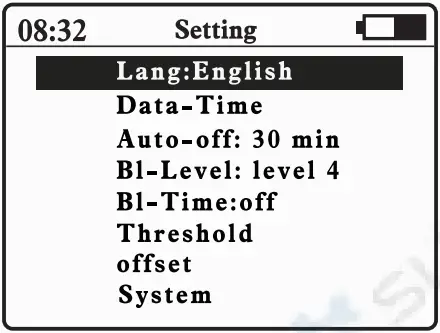
 to adjust the value.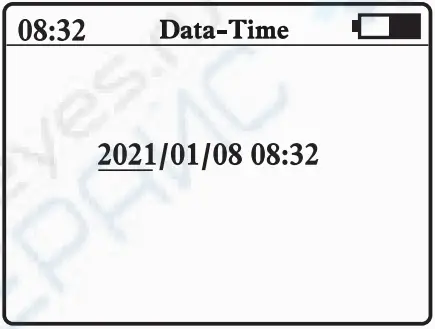
Scope of application
At present, FTTx/PON (fiber to home, fiber to building, fiber to resident, etc.) network construction is becoming a hot spot in the construction of global access networks. The power meter is suitable for measuring optical fiber-to-home networks. The specific measurement power meter outputs three kinds of wavelength laser (1310nm 1490nm 1550nm) from a single port, in which 1330nm measures the uplink transmission direction, 1490 and 1550 can measure the downlink direction test.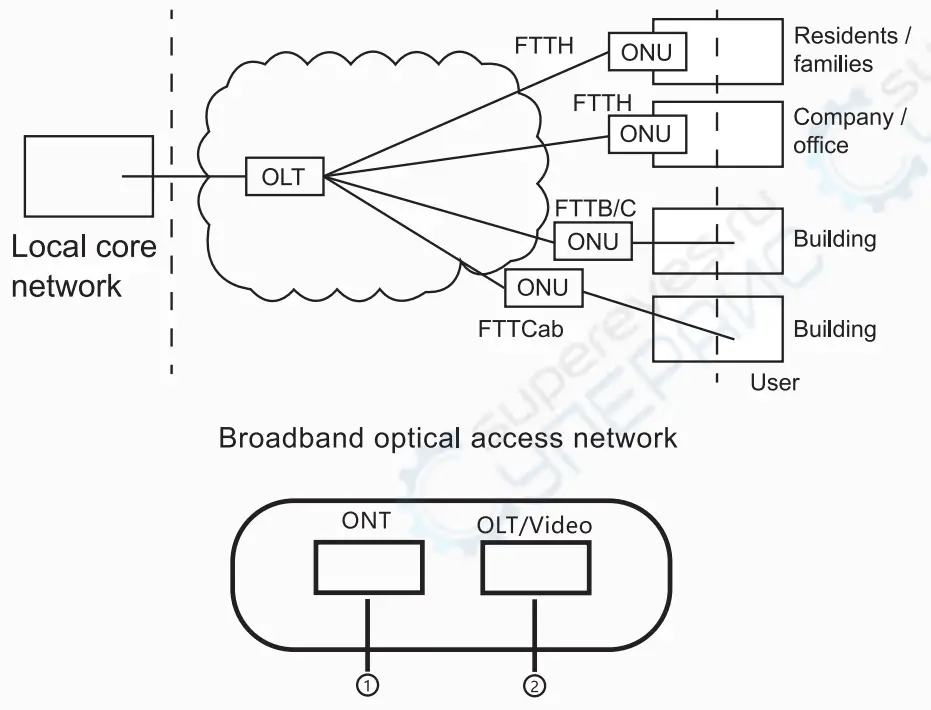
- 0NT Uplink signal probe (1310nm)
- OLTNideo Downlink signal probe (1490/1550nm)
Detailed parameters
| Type | NF-912 | ||
| Calibration wavelength | 1310 Uplink test | 1490 Downlink Test | 1550 Dovrnlink Tes1 |
| Passband (nm) | 1260- 1360 | 1480-1500 | 1535- 1570 |
| Detection range (dBm) | -35-+10 | -50–+10 | -50-+10 |
| Isolation 1310nm (dB) | – | > 40 | > 40 |
| Isolation 1490nm (dB) | > 40 | > 40 | |
| Isolation 1550nm (dB) | > 40 | > 40 | |
| Precision (dB) | ±0.5 | ||
| Linearity | ±2% | ||
| Fiber optic adapter | Optical fiber SC interface | ||
| Detector type | Yes | ||
| Battery type | 3.7V/1440mAH lithium battery | ||
| Battery life (H) | >50 | ||
| Use temperature | -10%-+50°C, <90%RH | ||
| Storage temperature | -20%-+60°C, <90%RH | ||
| Product size (mm) | 182’105.50 | ||
Battery charging
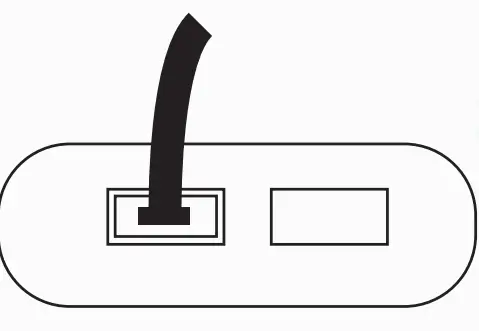
When the power icon in the upper right corner of the host screen appears low power or does not boot properly, it is usually caused by insufficient battery voltage and needs to be plugged in a power adapter to charge the battery.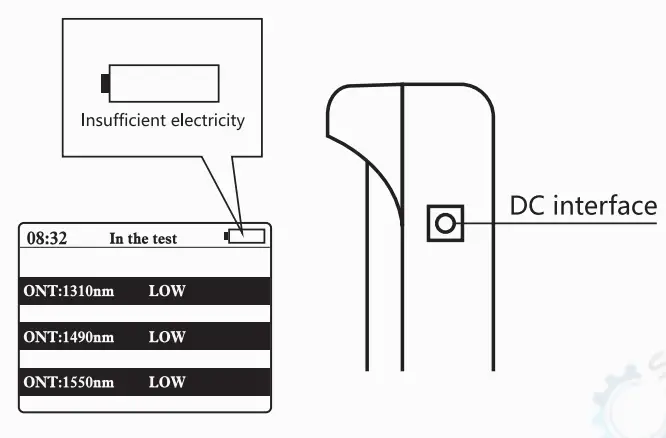
Matters needing attention
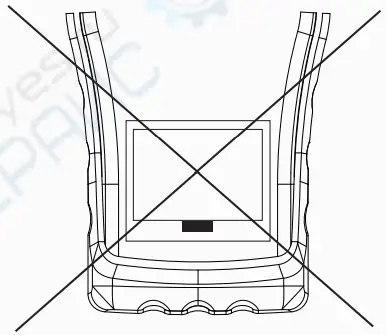
- Do not push too hard in the operation of the optical fiber SC interface, insert or unplug the interface into or out of the SC single flange of the main engine, should plug and pull smoothly

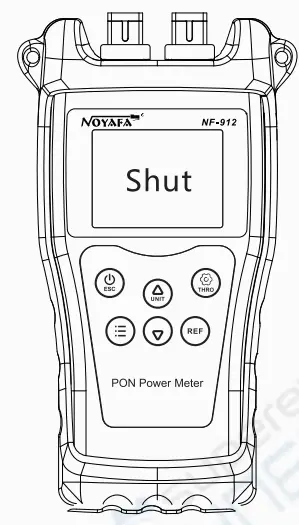
- After the instrument test, please turn it off in time so as not to affect the battery life

- Do not open the rear cover of the main engine on your own, need to be repaired or calibrated on time, please send it back to the production plant or agent.

List of products
- Instruction manual 1
- Product inspection certificate 1
- product warranty card 1
- instrument set 1
- charging line 1