Contents hide

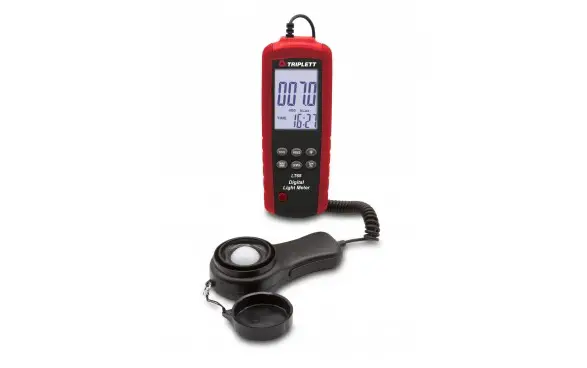
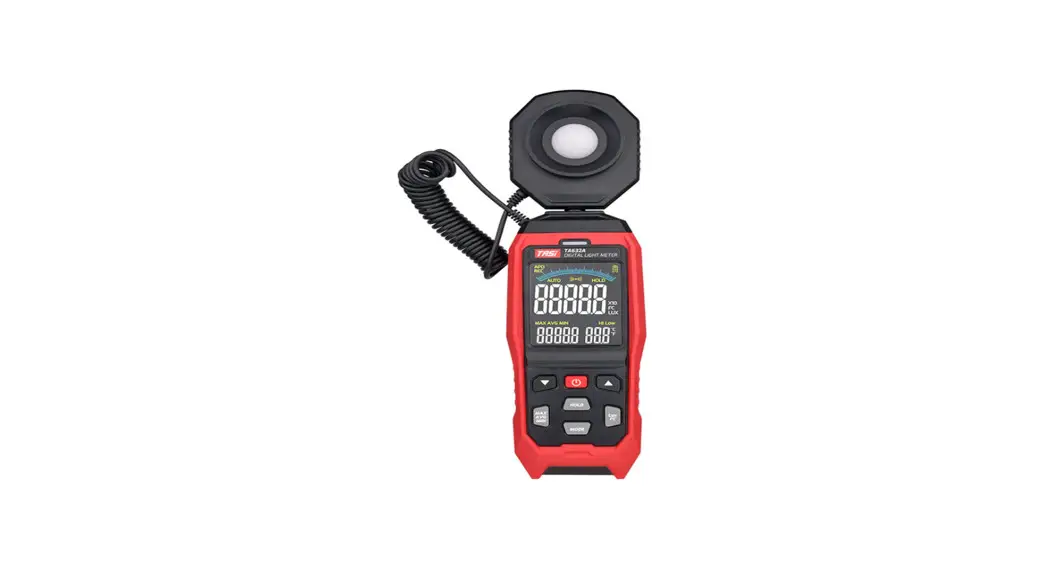
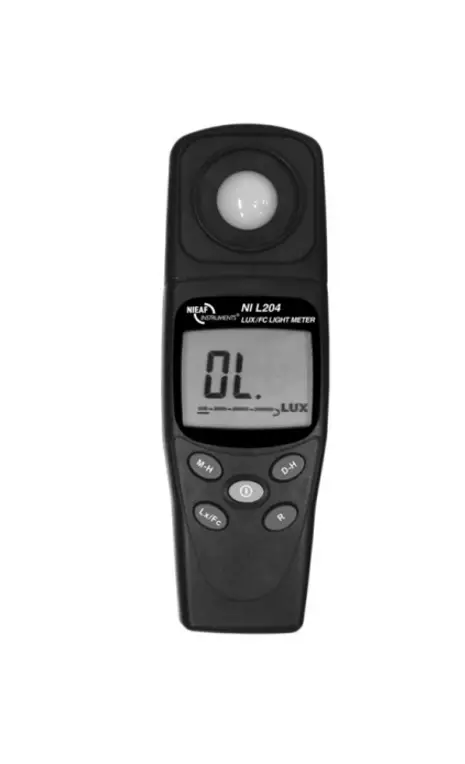
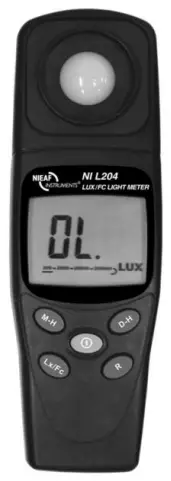
NIEAF SMITT NI L204 Digital Light Meter
DESCRIPTION
Measures light from visible luminaries equipped with fluorescent, metal halide, high-pressure sodium and incandescent sources.
SAFETY PRECAUTION
CAUTION
Take extreme care for the following conditions while measuring
- Do not operate the meter under the environment with explosive gas (material), combustible gas (material) steam or filled with dust.
- In order to avoid reading incorrect data, please replace the battery immediately when the symbol
 ” appears on the LCD.
 - In order to avoid the damage caused by contamination or static electricity, do not touch the circuit board before you take any adequate action.
- Operating Environment: Indoors use. This instrument has been designed for being used in an environment of pollution degree 2.
- Operation Altitude: Up to 2000M.
- Operating Temperature & Humidity: -10℃ ~ 50℃, 0%~ 80%RH.
- Storage Temperature & Humidity: -10℃ ~ 50℃, 0%~ 70%RH.
- EMC:EN61326(1997)+A1(1998)+A2(2001)
PREFACE
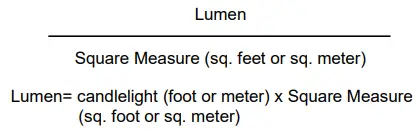
- An square area received the flux of light is known as illumination. In both United Kingdom and America the illumination’s unit is known as foot candles light, but in Europe it is known as meter candlelight.
- 1 foot candles light is the illumination falls on a squre area that 1 foot long vertically away from a 1 candlelight light source. It is written as 1 Fc=1 Lm/ft.
- 1 meter-candlelight is the illumination falls on a squre area that 1 meter long vertically away from a 1 candlelight light source. It is called Lux, i.e. a 1 square meter area receive the flux of light is called 1 lumen.
- 1 foo tcandle=10.764 Lux, therefore, foot (meter) candlelight =

FEATURES
- Overload Indication: LCD will show “OL” in the left highest position.
- Low battery Indication.
- Sampling Rate: 2.5 times per second for digital display.
- Spectral response close to CIE luminous spectral efficiency.
- Cosine Angular corrected.
- According to JIS C 1609:1993 and CNS 5119 general A class Specifications.
- Measuring lights source include all visible.
- Measuring intensities of illumination in Lux or foot candles.
- Data hold.
- Zero adjustment.
- Large integrated circuit design.
SPECIFICATIONS
| Display | 2000 count, large LCD display, easier to read. | |
| Sensor | Silicon photodiode and filter | |
| Measuring Range | 200,2000,20000,200000 Lux | |
| Accuracy | ±3% (Calibrated to standard incandescent lamp 2856oK) ±8% (other visible light source) | |
| Angle deviation from cosine characteristics | 30 ○ | ±2% |
| 60 ○ | ±6% | |
| 80 ○ | ±25% | |
| Power Supply | 9V battery x 1pc | |
| Battery life | About 200 hours | |
| Dimensions | Meter: 38 (H) x 55(W) x 172(L) mm | |
| Weight | 250 g (include battery) | |
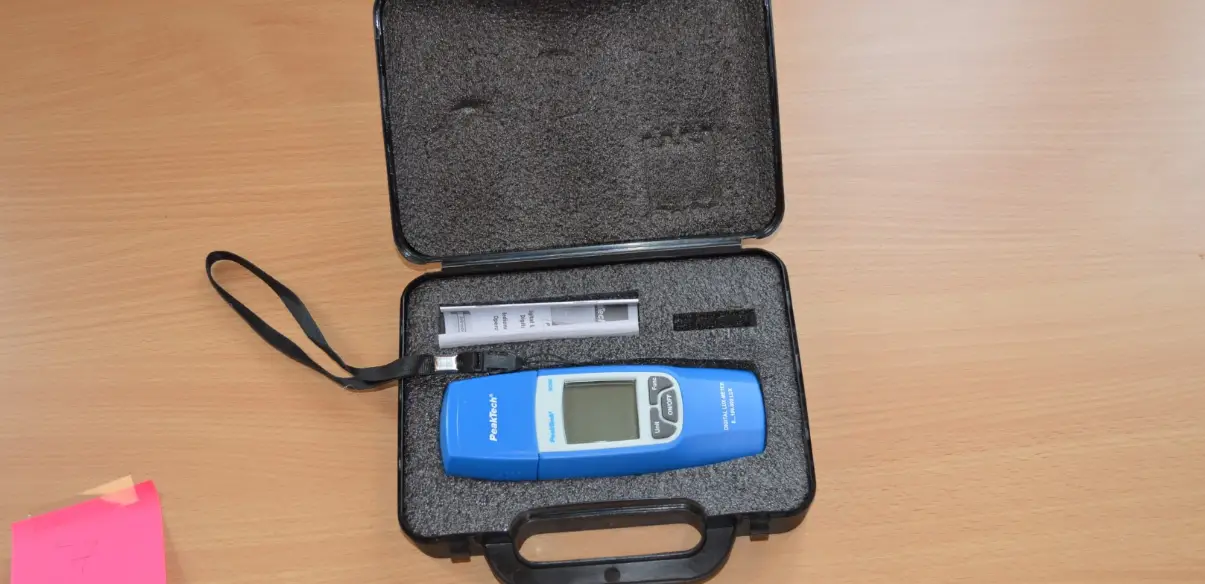
| Accessories | User’s manual,carrying case,9V battery | |
OPERATION PROCEDURE
- Open the carrying case.
- Press the “☉” button.
- Remove the cover of the light sensor, Put the light sensor at the position where the testing of source of light is to be conducted, auto testing will then be conducted by the meter, read the testing value after the reading indicated becomes stable.
- When “OL” is shown at the highest position at the left lateral side, overload is indicated, then please choose another range that is located at a comparatively higher position.
- If you want to keep the reading value on the LCD permanently after testing, press the “D-H” Key whereby the reading value will be locked permanently up. Press the “D-H” Key once again when you want to remove the previous locking.
- After testing, put the cover of the light sensor back to its former position, and turn off the switch.
- After testing is completed, the indication value should be 000 no matter what its range would be after putting the cover of the light receiver back to its former position. Please adjust 0 ADJ to enable LCD to indicate 000 if zero cannot be recover. If zero still cannot be recovered, it means that the meter should be calibrated or could be defective.
INSTRUMENT DESCRIPTION
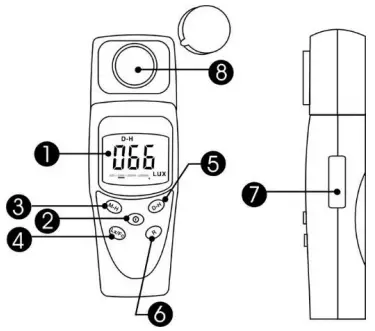
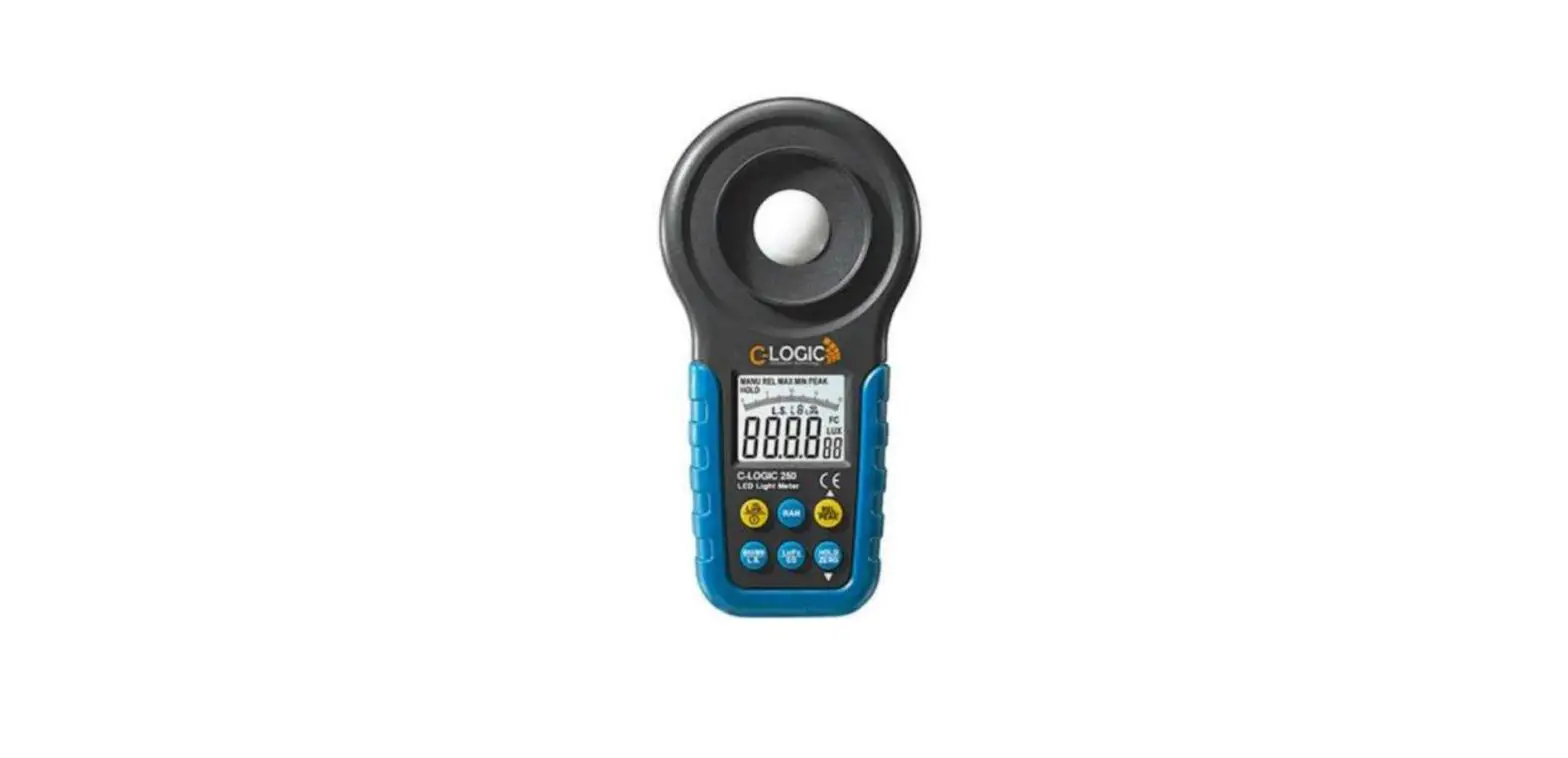
- LCD Display
- Power button
- Max button
- Lux/Fc button
- Data hold button
- Range button
- Zero adjustment
- Photo detector
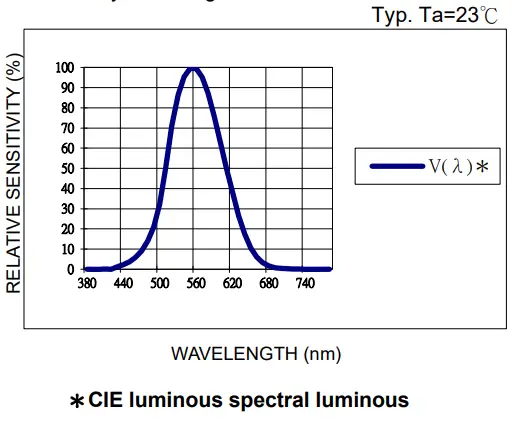
RELATIVE SPECTRAL RESPONSIVITY
Peak sensitivity wavelength:550nm
ATTENTION
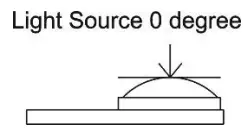
- The mark set for referencing the testing of source of light is located at the right top end (0 degree) of the light sensor ball plane.
- When the meter is not in use, please keep the cover of the light sensor in its place to avoid the photo diode from wearing out.
- When it is not in use for a long time, please take the batteries away. And avoid keeping it in a place of high temperature and humidity.

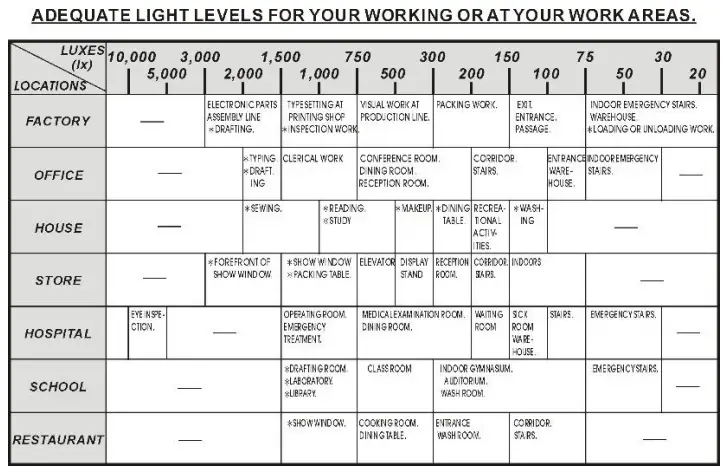
RECOMMENDED LEVELS OF ILLUMINATION
BATTERY REPLACEMENT
WARNING
If the symbol  appears on the LCD, please replace the battery immediately
- Remove the battery cover
- Replace the battery.
- Install the battery cover.
Service and Calibration
- Wabtec Netherlands B.V.
- Support department
- Banksstraat 1
- 6718 XE Ede
- T: 088 600 4590 (Kalibratie afdeling)
- E: [email protected]
- I: www.nieaf-smitt.nl/support
 Mors Smitt - Installatieportfolio