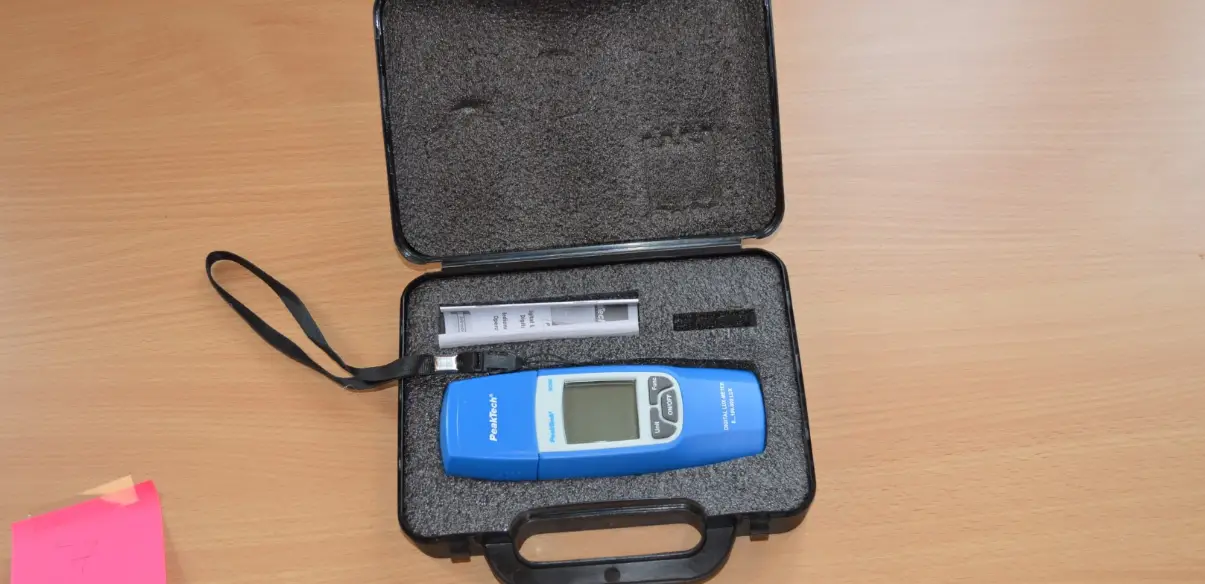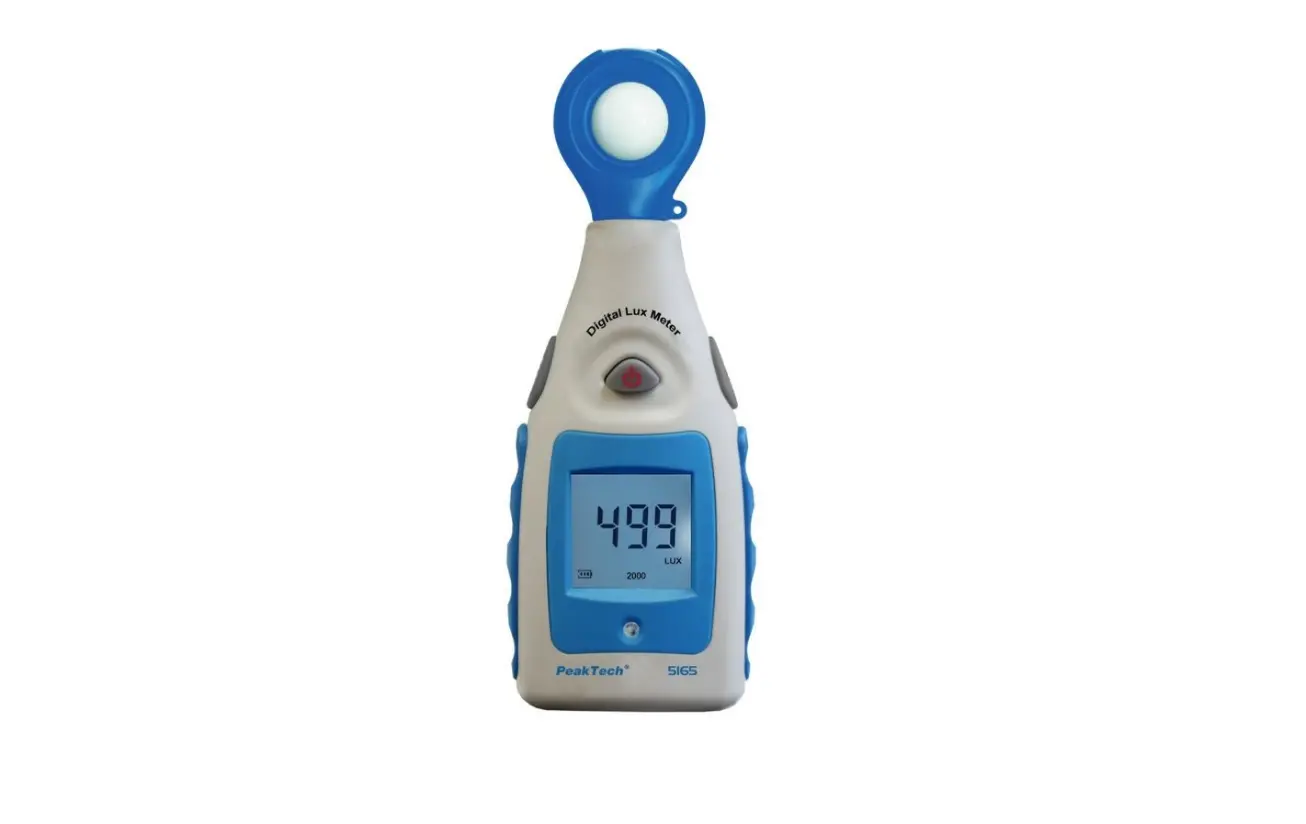

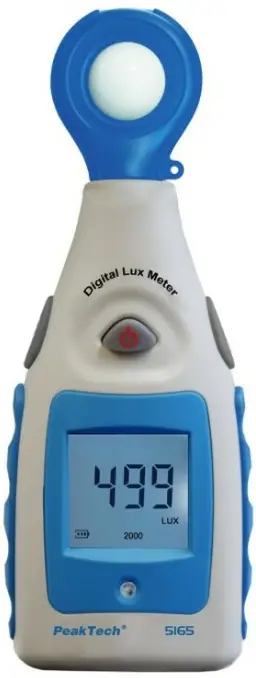
PeakTech 5165 Digital Lux Meter
Safety precautions
This product complies with the requirements of the following directives of the European Union for CE conformity: 2014/30/EU (electromagnetic compatibility), 2011/65/EU (RoHS).
We herewith confirm that this product meets the essential protection standards, which are given in directions of council for adaptation of the administration regulations for UK of Electromagentic Compatibility Regulations 2016 and the Electrical Equipment (safety) regulations 2016.
The following safety precautions must be observed before operation. Damages resulting from failure to observe these safety precautions are exempt from any legal claims whatever:
- Comply with the warning labels and other info on the equipment.
- Do not subject the equipment to direct sunlight or extreme temperatures, humidity or dampness.
- Do not subject the equipment to shocks or strong vibrations.
- Allow the equipment to stabilize at room temperature before taking up measurement (important for exact measurements).
- Replace the battery as soon as the battery indicator “BAT” appears. With a low battery, the meter might produce false reading that can lead to electric shock and personal
injury. - Fetch out the battery when the meter will not be used for long period.
- Periodically wipe the cabinet with a damp cloth and mid detergent. Do not use abrasives or solvents.
- Do not operate the meter before the cabinet has been closed and screwed safely as terminal can carry voltage.
- Do not store the meter in a place of explosive, inflammable substances.
- Do not modify the meter in any way.
- Opening the equipment and service- and repair work must only be performed by qualified service personnel.
Cleaning the cabinet
Clean only with a damp, soft cloth and a commercially available mild householder cleanser. Ensure that no water gets inside the equipment to prevent possible shorts and damage to the equipment.
Introduction
This newly developed instrument measures the current humidity, as well as the current air temperature installed a set of sensors for fast and accurate evaluation of the measurement results.
Features
- 3 1/2-digit 10mm LCD display (max. 1999)
- Automatic backlight
- Lux measurements up to 200,000 lux
- FC (lm / ft²) measurements up to 20000 FC
- Fast measurement rate of 1.5 measurements/second
- Rugged and compact housing design
- Data hold
Specifications
| Display | LCD with automatic backlight | |
| Measurement Range | 2000 Lux 2000 to 20000 Lux 20000 to 200000 Lux | |
| Resolution: | 1 Lux (2000) 10 Lux (20000) 100 Lux (200000) | |
| Sample rate | 1.5 x Second, typically | |
| Accuracy | < 10k Lux | +/- 4 % rdg. |
| > 10k Lux | +/- 5 % full Scale | |
| calibrated to standard incandescent lamp at color temperature 2.856 K | ||
| Low Battery Indication | Symbol  shown in the display shown in the display | |
| Auto Power Off | After 10 Minutes | |
| DATA-HOLD | Holds measurement value in display | |
| Power Supply | 9V battery, 6F22 or equivalent | |
| Operating Environment | 0°C ~ 50°C; <80% RH | |
| Storage Environment | -10°C ~ 50°C; <70% RH | |
| Size (WxHxD) | 55 x 155 x 35mm | |
| Weight | 120g | |
Panel Description
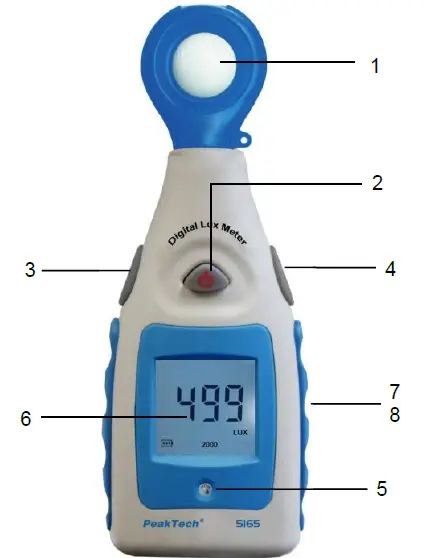
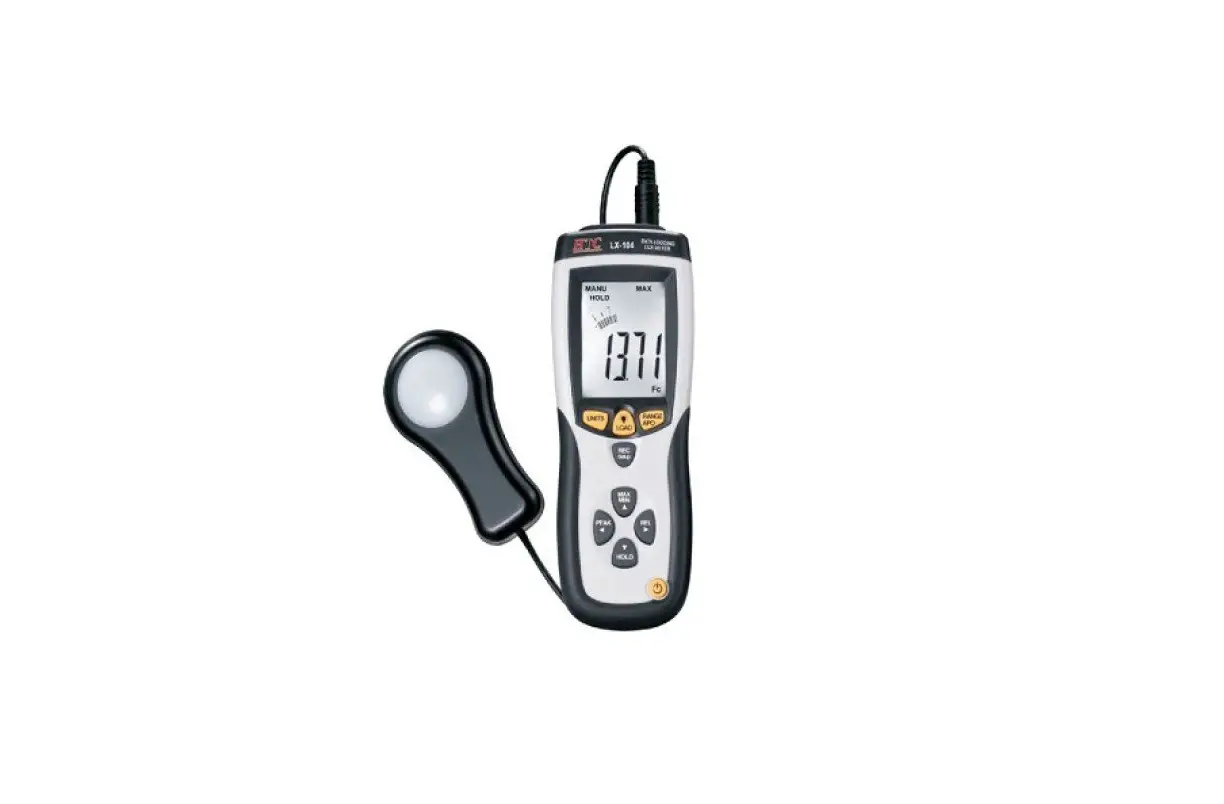
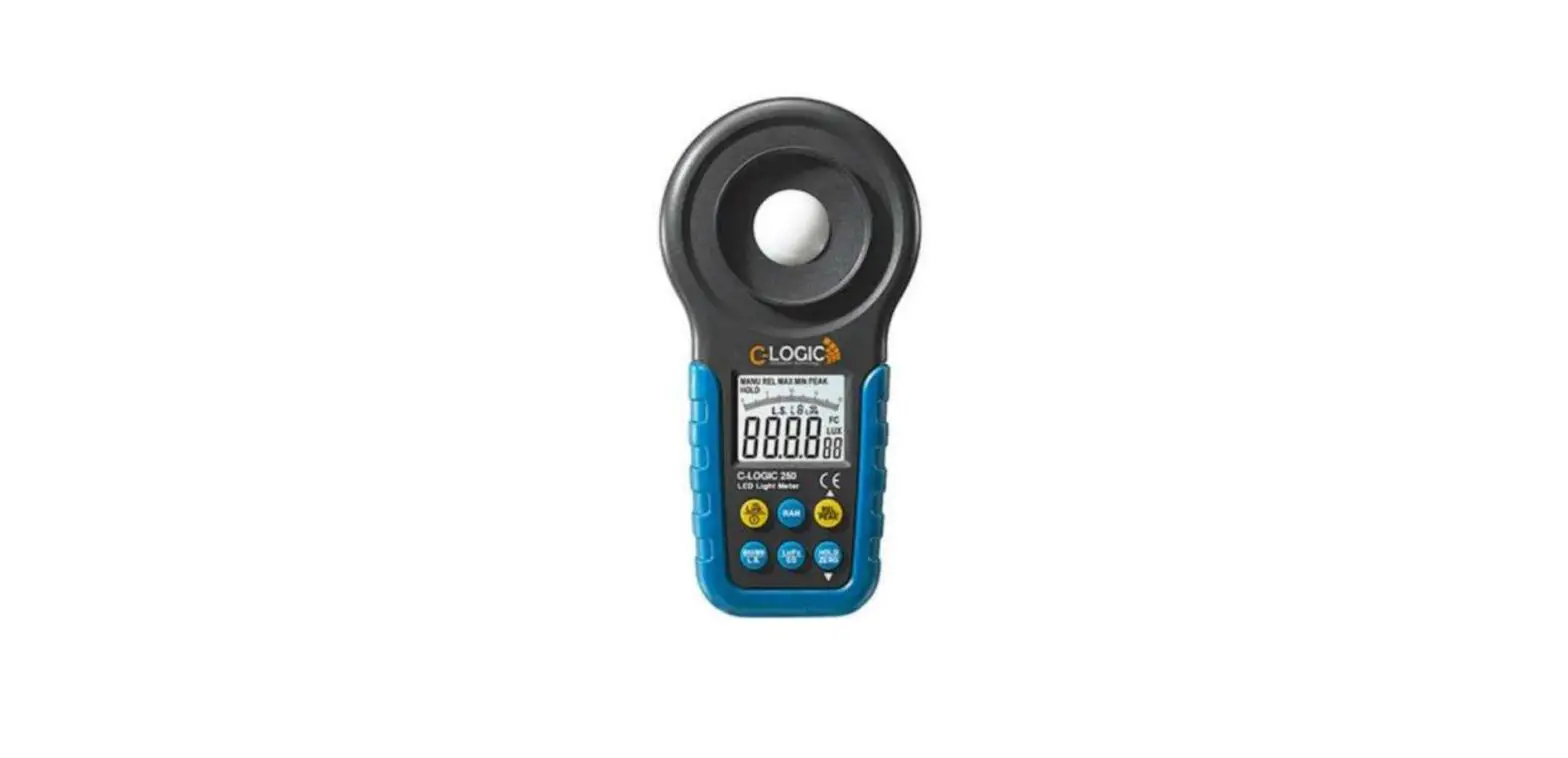
- Light Sensor / Photo Diode
- ON – Power switch
- Range Switch
- MAX/MIN, HOLD-Switch
- Brightness sensor (backlight)
- Measured value display
- Battery compartment (rear)
- Thread for tripod (rear)
Display Symbols
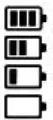 | This icon indicates the battery-charge status. An empty battery must be replaced as soon as possible and affect the measurement results negatively |
| HOLD | Data-Hold: Keeps the current value in display |
| MAX | Display keeps highest maximum value |
| MIN | Display keeps the lowest minimum value |
| 200 2000 20000 200000 | Selected measurement range |
| LUX | Measurement unit of the luminosity in Lux |
| FC | Measurement unit of the luminosity in Lumen / Square Feet (lm/ft²) |
Operating Instruction
- Press the “ON” button once to turn on the unit.
- Select the desired measurement range with the option key (3) on the device’s side.
The three possible measurement ranges are:
| Range | Display | resolution |
| 0 … 2000 | LUX | 1 Lux |
| 20000 | x10 LUX | 10 Lux |
| 200000 | x100 LUX | 100 Lux |
After the desired measuring range is selected, you can start your measurements. If the indicating overflow “I” appears, the luminosity is higher than the selected measuring range. If necessary, switch the measuring range again until a measurement is displayed.
Measurement in lm/ft²
- Press and hold the “Range” button while pressing the “ON” button once to switch the device on and change to lm/ft² at the same time.
- Select the measuring range with the RANGE-key (3) on the side of the unit.
The three possible measurement ranges are:
| Range | Display | Resolution |
| 0 … 200 | FC | 0.1 FC |
| 2000 | x10 FC | 1 FC |
| 20000 | x100 FC | 10 FC |
Note: 1 lm/ft² is approx. 10.764 Lux
After the desired measuring range is selected, you can start your measurements. If the indicating overflow “I” appears, the luminosity is higher than the selected measuring range. If necessary, switch the measuring range again until a measurement is displayed.
To switch back to the LUX mode, turn the power off again, hold down the RANGE button again and turn the unit back on by simultaneously pressing the ON key.
Performing Measurement
General:
- To “freeze” the current reading, press “MAX / MIN – HOLD” button. The display stops updating the measured values and displays the “HOLD” symbol.
- Press the “MAX / MIN – HOLD” button again to switch to the maximum value mode. The meter is now renewed only if the current measured value exceeds the highest previous reading.
- Press the “MAX / MIN – HOLD” button again to switch to the minimum value mode. The meter is now renewed only if the current measured value is lower than the previous reading.
- Press the button again to switch back to the normal measurement mode.
Automatic Power Off
If the device is no longer used it automatically turns off after 10 minutes.
Backlight
This unit features an automatic backlight, which activates when the light sensor on the front panel detects low light conditions.
Battery Replacement
If the sign “ ” appears on the LCD display, it indicates that the battery should be replaced.
Remove the back cover and open the battery compartment. Replace the exhausted battery with new battery.
Batteries, which are used up dispose duly. Used up batteries are hazardous and must be given in the – for this being supposed – collective container.
NOTE
- Keep the instrument dry.
- Keep the probes clean.
- Keep the instrument and battery out of reach of infant and child.
- When the symbol
 appears, the battery is low and should be replaced immediately. When you install battery, ensure the polarity connections are correct. If you will not use the instrument in a long period of time, remove the battery.
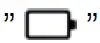 appears, the battery is low and should be replaced immediately. When you install battery, ensure the polarity connections are correct. If you will not use the instrument in a long period of time, remove the battery.
Notification about the Battery Regulation
The delivery of many devices includes batteries, which for example serve to operate the remote control. There also could be batteries or accumulators built into the device itself. In connection with the sale of these batteries or accumulators, we are obliged under the Battery Regulations to notify our customers of the following:
Please dispose of old batteries at a council collection point or return them to a local shop at no cost. The disposal in domestic refuse is strictly forbidden according to the Battery Regulations. You can return used batteries obtained from us at no charge at the address on the last side in this manual or by posting with sufficient stamps.
Contaminated batteries shall be marked with a symbol consisting of a crossed-out refuse bin and the chemical symbol (Cd, Hg or Pb) of the heavy metal which is responsible for the classification as pollutant:
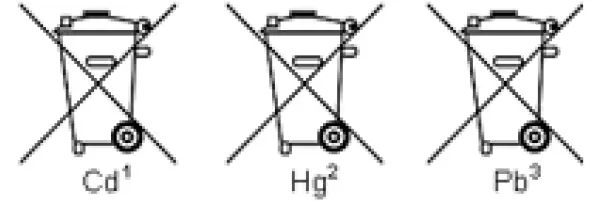
- “Cd” means cadmium.
- “Hg” means mercury.
- “Pb” stands for lead.
All rights, also for translation, reprinting and copy of this manual or parts are reserved.
Reproductions of all kinds (photocopy, microfilm or other) only by written permission of the publisher.
This manual is according the latest technical knowing. Technical alterations reserved.
Misprints and errors are reserved.
We herewith confirm that the unit is calibrated by the factory according to the specifications as per the technical specifications.
We recommend to calibrate the unit again, after one year.
© PeakTech® 05/2022 MP./Ehr.
PeakTech Prüf- und Messtechnik GmbH
– Gerstenstieg 4 – DE-22926 Ahrensburg / Germany
+49-(0) 4102- 97398 80
+49-(0) 4102- 97398 99
[email protected]
www.peaktech.de
 Home
Home