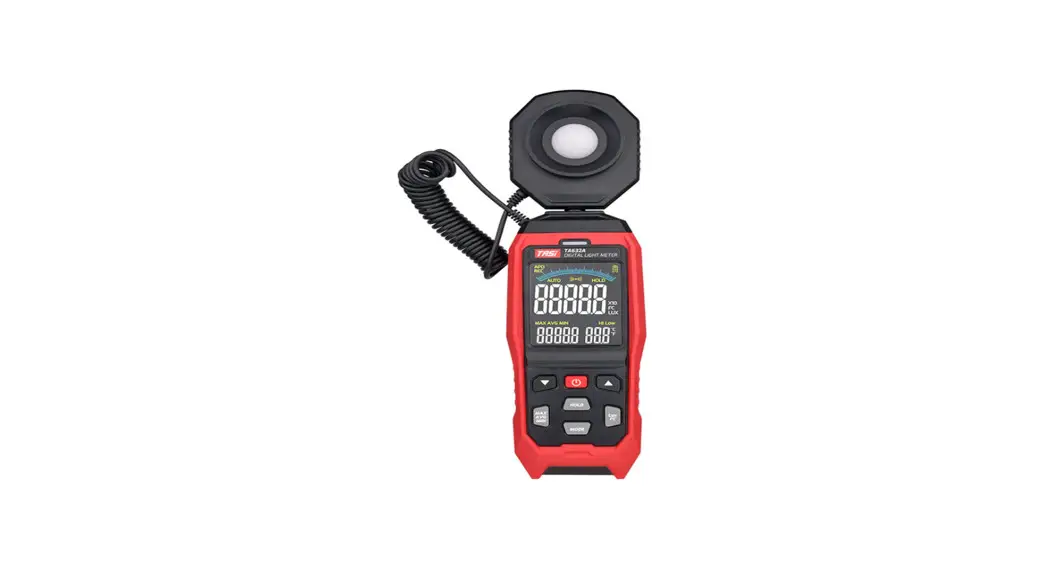
 TA632A/B
Digital light Meter
Instruction Manual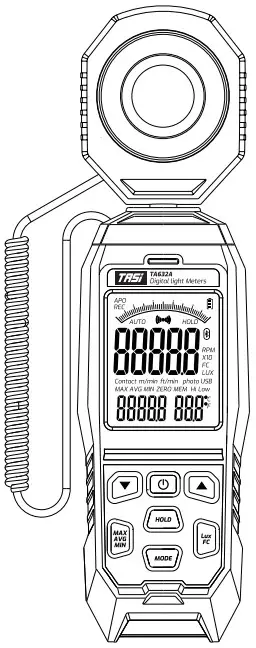
TA632A Digital Light Meter
© Suzhou TASI Electronics Co.Ltd.
All rights reserved
Pack #.PB01-0144
Thank you very much for your patronage and choosing our products. Before you use this product please read this manual carefully as it wit! familiarize you with the correct operating procedure of our TASI product.
Summary
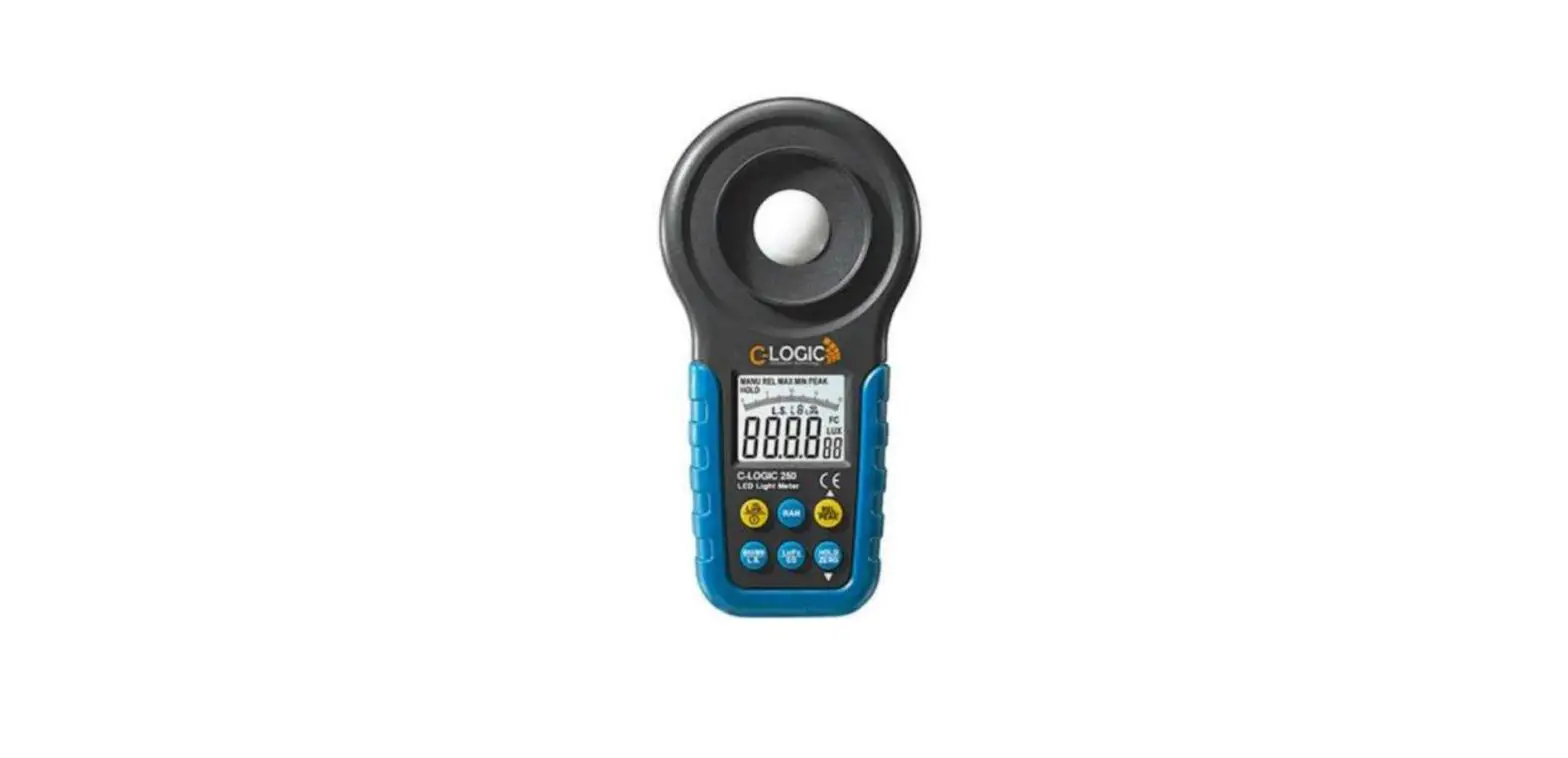
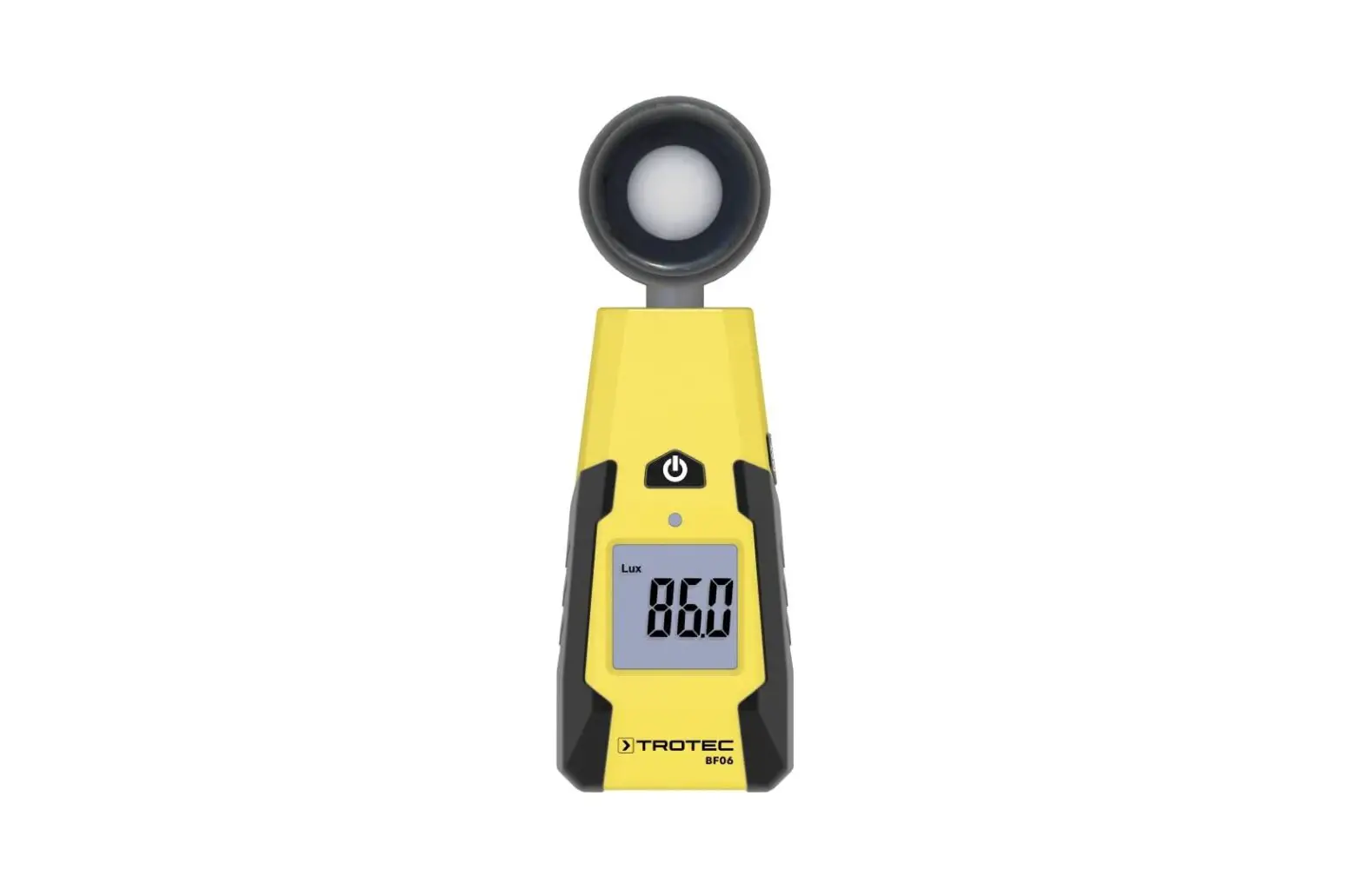
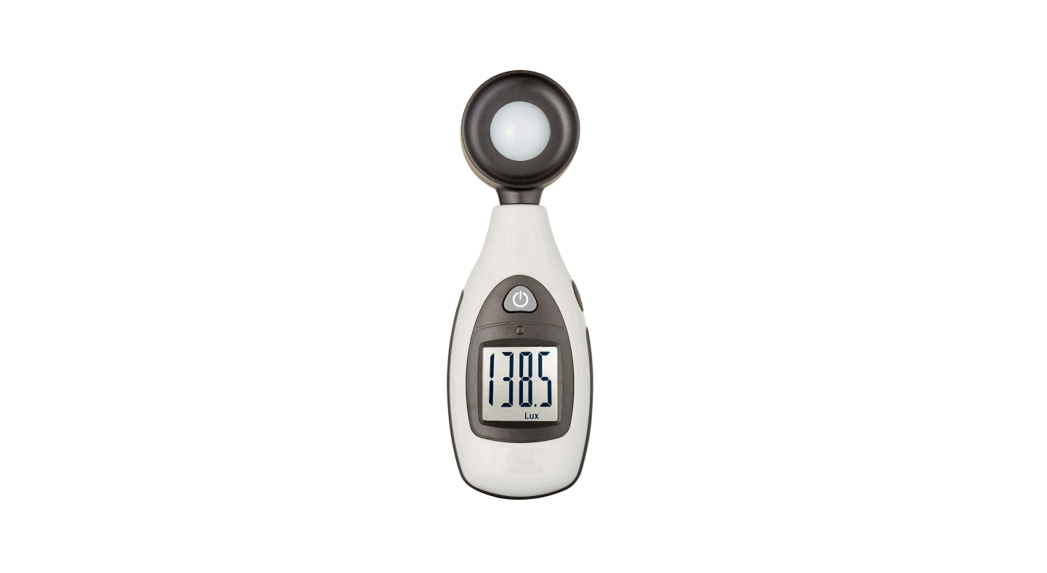
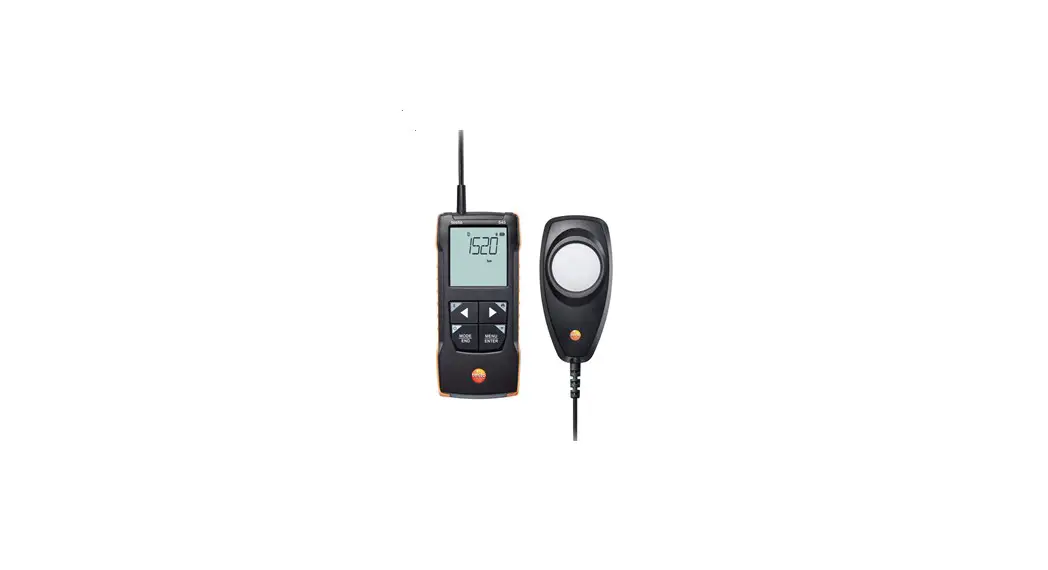
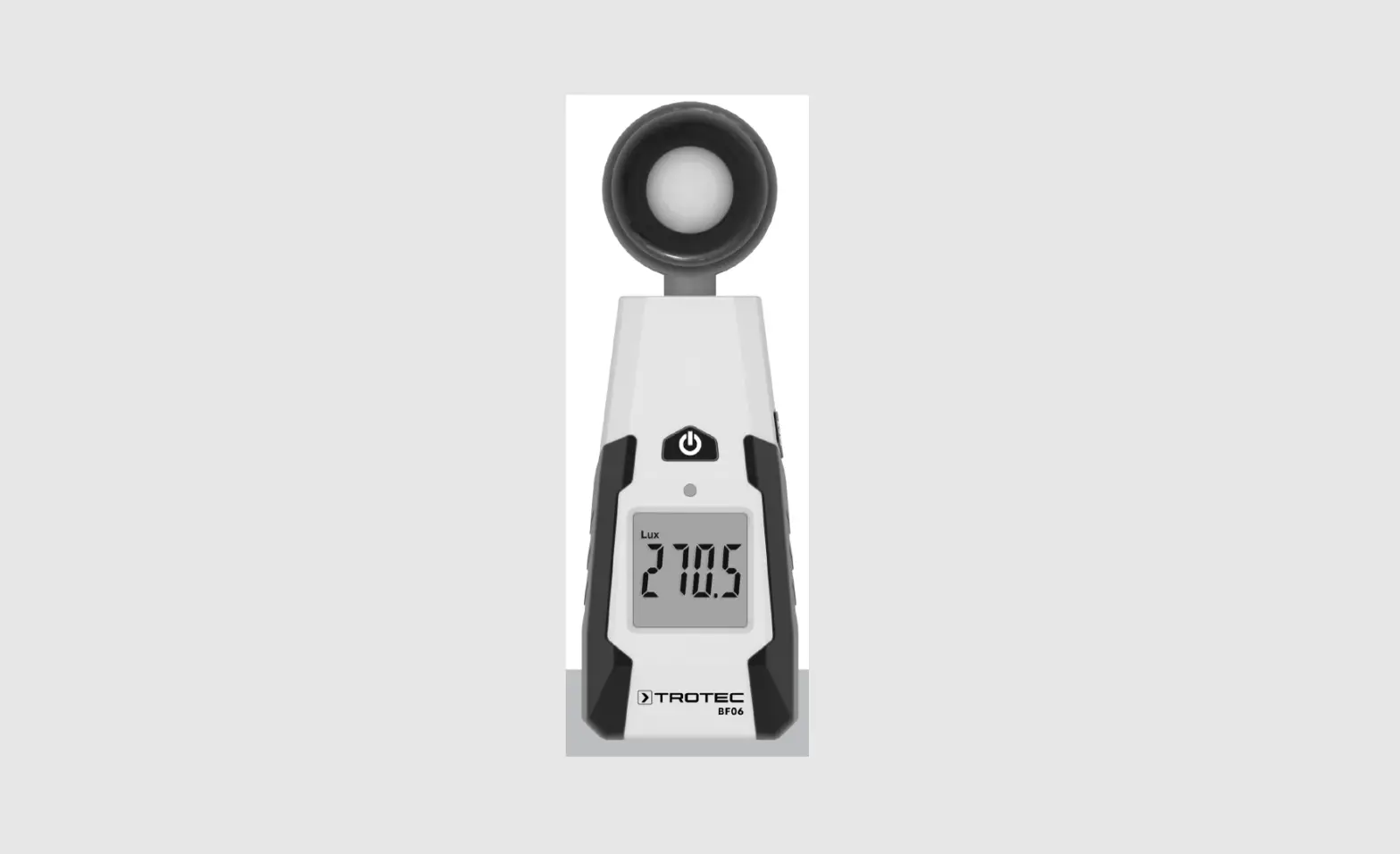
TA623 series is a professional digital light meter with the VA color display which is used to measure the brightness of visible light. With wide measurement range up to 200000 LUX, 0.UX or 0.IFC high display resolution, data lock, illuminance unit switching. and it also has the maximum, minimum and average values recording function. It is widely used in brightness measurement in various occasions such as warehouses, factories, hospitals, schools, airports. homes.efc
Safety Matters
Please check the meter and the accessories before use, be aware of any damage or abnormality. If ony damage or display problem found, please stop using the meter and contact the maintenance center or dealer.
 Do not store or use in high temperature, high humidity, flammable, explosive and strong electromagnet environment One tux is the light received on the surface of a candle with a vertical intensity of 1meters and an area of square meters. One FC is the light received on the surface of inch square foot at a distance of 1 feet from a candle with a light intensity.
Trouble Shooting
If your instrument does not work properly, the following methods can help you quickly solve general problems. If the failure is still not eliminated, please contact the maintenance center or dealer.
| Failure | Inspection position and method |
| No display | Press the power button |
| The battery is dead, replace the battery | |
| 0 value | The protective cover is not removed |
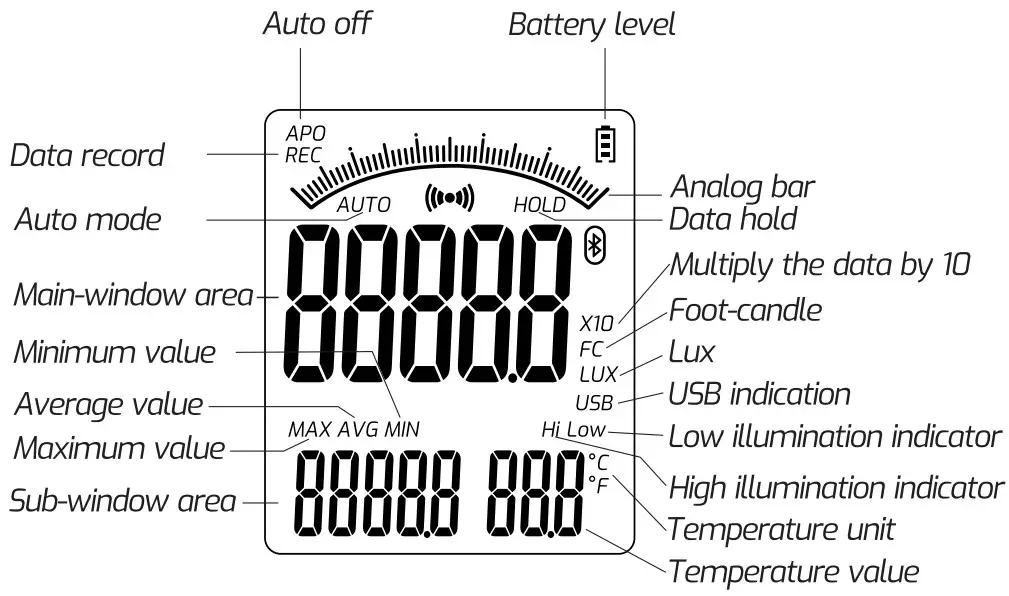
Panel Introduction
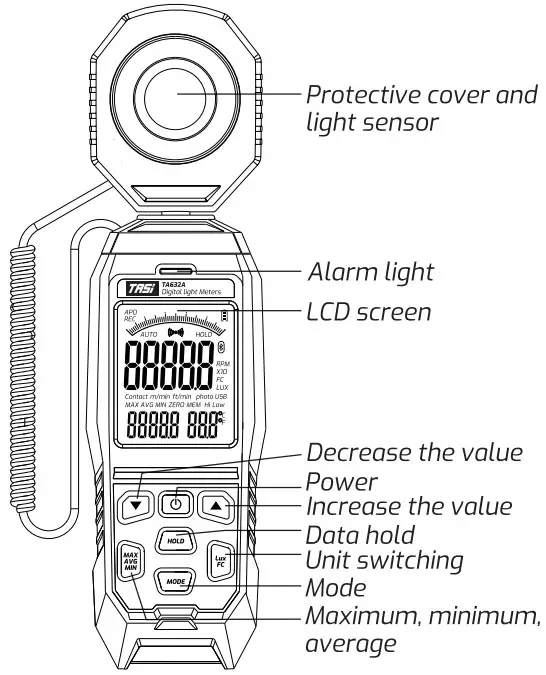
Display
Specifications
| Illuminance | Range | 999.9/99999/19999 x10 LUX 99.9/999.9/19999 FC |
| Accuracy | ±(3%+5Lux)(calibrated under the standard incandescent lamp at color temperature 2856°K) ±(6%+5Lux)other visible light cosine angle deviation feature. 30° ±2% 60° ±6% 80° ±25% | |
| Resolution | LUX.<1000:0.1LUX; ?1000:1 LUX FC:<100:0.1FC: <1000:0.1FC;a1000:1FC | |
| Light sensor | Silicon photo-diode and spectral response filter | |
| Operating environment | Temperature: -1050°C Humidity:<BCPARH Altitude: <2000m | |
| Storage environment | Temperature: -1050°C Humidity:<70°ARH (remove the battery) | |
| Sampling rate | Approx. B times/s | |
| Incident angle | 120° | |
| Repeated test deviation | ±2% | |
| Spectral range | 400-700 nm | |
| Auto off | 15 minutes | |
| Data upload | Only TA632B has this function | |
| Size | 256 x 67x 35mm | |
| Weight | 250g (not including battery) | |
| Power | 3 x 1.5V AA(LR06)battery | |
Selecting Light Source
Short press the MODE button 3 times, the sub-window oreo shows L. enter the light source selection mode, to make sure the temperature position shows OFF and the light source selection is off, then press the power button of this time, turn on the light source selection switch, the temperature position shows ON. the light source serial number varies from LO to L9 when pressing the  or
or  key. after selecting the light source type, press and hold the MODE button to enter the normal measurement mode; the sub-window oreo displays the light source serial number. and then you can perform different light source measurement.
Self-defined Light Source Coefficient
- Short press the MODE button 3 times, the sub-window area shows L. enter the light source selection mode, to make sure the temperature position shows OFF and the light source selection is off, then press the power button at this time, turn on the light source selection switch. the temperature position shows ON. the light source serial number varies from LO to L9 when pressing the
 or
or  key. then choose one from L7, L8 and L9.
 - Press HOLD button, the light source coefficient flickering on the display, indicating that it enters the coefficient setting mode. Then press the o or v key to increase or decrease the coefficient value, long press the or key to increase or decrease the coefficient value quickly, and press HOLD to save the coefficient.
- After completed the setting, long press the MODE button to confirm and exit, and then perform different light source measurement.
L0—>Standord light source:1.000
L1—>White LED:0.990
L2—>Red LED: 0.516
L3—”Yellow LED: 0.815
L4—>Green LED: 1.216
L 5—>Blue LED:1.475
L6—>Purple LED: 1.148
L7–L9—>Self-defined light: 1.000 (default)
POWER: Power button, long press to turn-on and lightly to turn-off, (use as switch on and off under MODE menu).: Under the MODE menu. uses for adding data. long-press to increase.: Under the MODE menu, uses for deducting data, long press to decrease.
HOLD: Data lock, tap to turn data lock on and off.
LUX/FC: Unit switching.
MAX AVG MIN: Short-press to cycle among the maximum value, average value, minimum value, and real-time value.
MODE: Menu button, press the 1st time to enter the HI alarm setting. press POWER to turn-on the HI alarm switch, the default is OFF when the power is turned on. Switched it to ON symbol, then press the and keys to increase or decrease the alarm threshold. Short press MODE to enter next screen, long press to exit the setting menu.
Press the 2nd time to enter the LOW alarm setting. press POWER to turn-on the HI alarm switch. the default is OFF when the power is turned on. Switched it to ON symbol, then press the and keys to increase or decrease the alarm threshold. Short press MODE to enter next screen, long press to exit the setting menu. Press the 3rd time to enter the L0-L9 lighting source selection mode, press POWER to turn on the light switch. the default is OFF when the power is turned on. Switched it to ON symbol, the press the and keys to select the serial number of the light source,Short press MODE to enter next screen, long press to exit the setting menu.
Press the 4th time to enter the SEC delay measurement mode, default value are 0 seconds, 10 seconds. 20 seconds, 30 seconds, 40 seconds, 50 seconds, 60 seconds. Press POWER to turn on the delay switch, the default is OFF when the power is turned on. Switched it to ON symbol, then press the and keys to increase or decrease the delay time. Short press MODE to enter next screen, long press to exit the setting menu.
Press the 5th time to enter the temperature unit
switching. and press the and keys to switch between Celsius and Fahrenheit. Short press Mode to exit the setting.
Note: According to the HI alarm, LOW alarm. light source selection L0-L9 and SEC delay measurement setting requirements, only one can be opened. When several setting menu were opened, the first one will be selected to perform based on the menu order
Measurement Method
- Press the Power button to turn on the meter.
- Remove protective cover, and put the light sensor at the position to be measured.
- Read the measured value on the LCD display.
- Refer to the function description of each button, press the function button to enter each measurement function.
- Measuring done, close the protective cover and press the power button to turn it off.
Auto Shutdown and Cancel Auto Shutdown
- The auto shutdown function switched on by default when turned on the meter, and the screen showed the APO symbol. Only if you stop using it for 15 minutes wilt it trigger the automatic shutdown mode.
- If you need to cancel the automatic shutdown function, press the HOLD+Power Button to turning on the instrument, the automatic shutdown function is canceled when the APO symbol is not displayed. The auto shutdown function can be restored as tong as restart the meter.
- When the meter turns on the auto shutdown function, the display screen shows the APO symbol, APO symbol will disappear once canceled the auto shutdown function.
Battery Replacement
- When low battery oppeared, the battery level shows empty, indicating that the battery needs to be replaced
- Replace the 3pcs AA batteries by removing the battery compartment cover, please pay attention to the battery polarity when placing the battery into the compartment.
- Ensure that the comportment cover is securely fastened when finished.
Maintenance
- Do not measure under high temperature and high humidity.
- Please keep the light sensor dean when using it.
- The tight source measurement reference standard is located at the top of the light-receiving sphere.
- The sensitivity of the light sensor will be affected due
to the usage conditions and time. Regular calibrated is
needed to maintain the accuracy. - Please remove the battery if not used for a long time.
- If our device does not work property, and the repair requirements was confirmed by the manufacturer or dealer. The user should provide a text failure description and packing list and the packaging should be welt cushioned and protected.
Recommended Illumination in Different Locations
1fc=10.76 lux
School
| Illuminance (LUX) | Locations |
| 1500∼300 | Laboratory Computer room, Drafting room |
| 750∼200 | Classroom, Conference room, Library |
| 300∼150 | Hall, Rest room, Stairs, Big classroom |
| 150∼75 | Corridor, Elevator, Toilet |
| 75∼30 | Warehouse, Garage, Escope stairs |
Office Building
| Illuminance (LUX) | Locations |
| 2000∼1500 | Design house |
| 1500∼750 | Hall channels(doy), Punch, Typing |
| 750∼300 | Office, Computer room, Meeting room |
| 300∼150 | Stacks, Playroom, Lounge, Guard room, Toilet |
| 150∼75 | Teo room, Dressing room |
| 75∼30 | Escape stairs |
Home
| Illuminance (LUX) | Locations |
| 2000∼1500 | Handcraft, Tailor |
| 1000∼750 | Writing, Homework |
| 750∼300 | Reading, Makeup, Desk, Nursing, Phone |
| 300∼150 | Laundry tray |
| 150∼70 | Closet, Bedroom, Bathroom, Stairs, Hallway |
| 75∼30 | Door plate, Mail box, Doorbell button, Balcony |
Factory
| Illuminance (LUX) | Locations |
| 3000∼1500 | Ultra precision machining and inspection,Drawing |
| 1500∼750 | Design, Analysis, Assembly |
| 750∼300 | Packaging, Surface work . |
| 300∼150 | Dyeing, Costing, Electrical room . |
| 150∼75 | Exit, Corridor, Channel, Stairs, Toilet |
| 75∼30 | Warehouse, Garage, Escape stairs |
Hospital
| Illuminance (LUX) | Locations |
| 10000 ∼ 5000 | Special inspection |
| 1500 ∼ 750 | Operating room |
| 750 ∼ 300 | Anatomical room. Office. Conference room |
| 300 ∼ 150 | Word. Drug room, Corridor |
| 150∼75 | Dressing room. X-ray room |
| 75 ∼ 30 | Dark room(photos). Escape stairs |
Hotel Restaurant Club
| Illuminance (LUX) | Locations |
| 1500∼750 | The front desk |
| 750∼300 | The banquet hall, Meeting room, Park, Kitcher |
| 300∼150 | Dining-room, Toilet |
| 150∼75 | Playroom, Stairs, Bathroom, Changing room |
| 75∼30 | Warehouse |
Special Statement
- Used batteries must be disposed in accordance with the local laws and regulations
- The company reserves the right to update and modify the design of the product specifications and manual contents are subject to change without prior notice.
Ptease scan the OR code to download the driver software” http://qr19.cn/EtTnYF
 Product: Digital Light Meter
Model: TA632A/B
Manufacture place: MADE IN CHINA
Suzhou TASI Electronics Co.Ltd.
Add 5th floor building 5. No. 317, Mudong Rood, Wuzhong
District. Suzhou City. jiangsu Province.China
Tel: +86-512-68057436
http://www.china.com