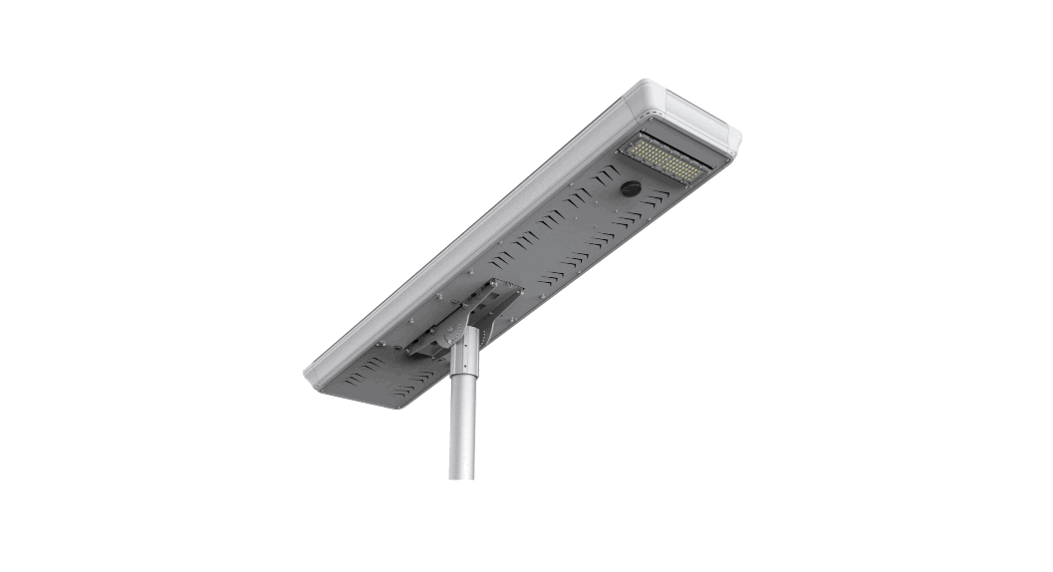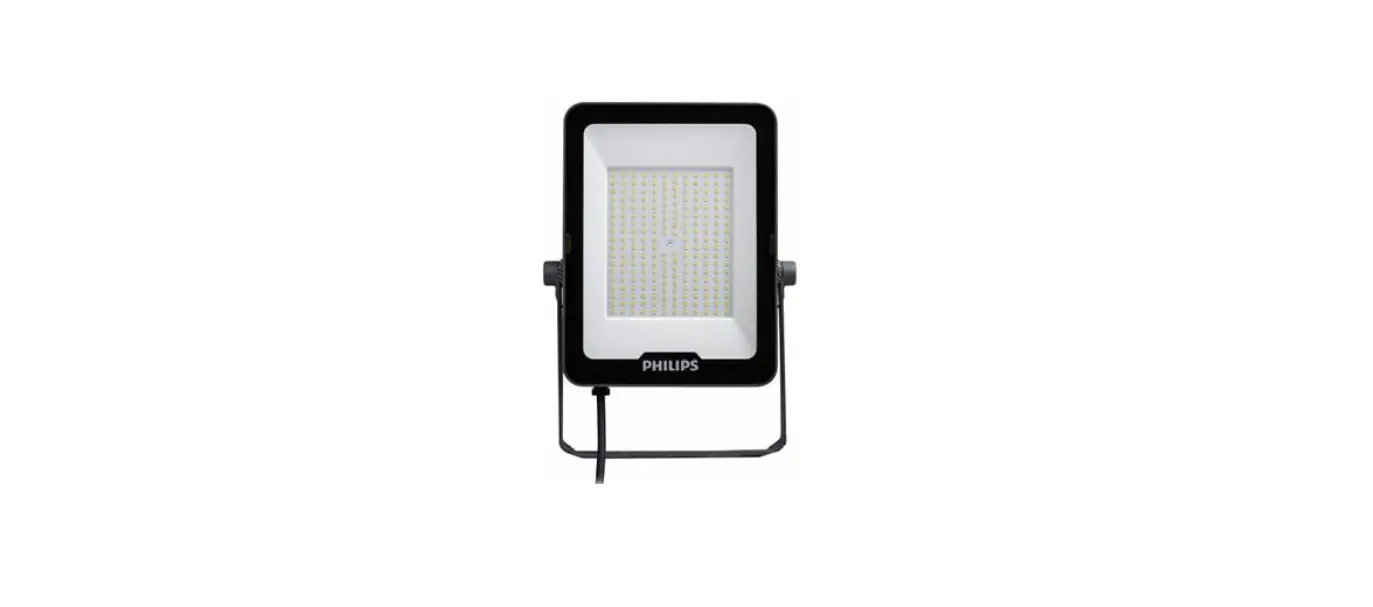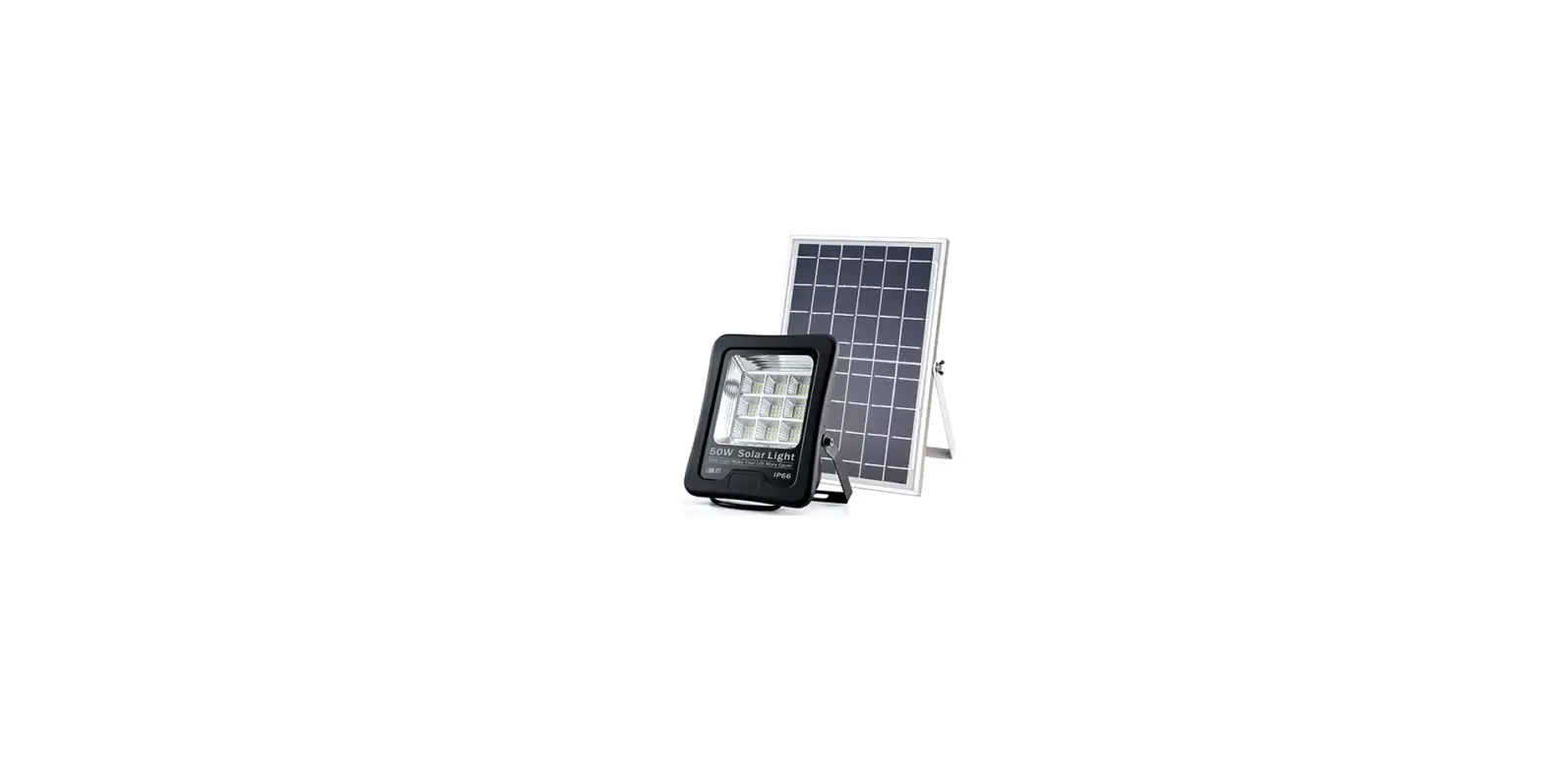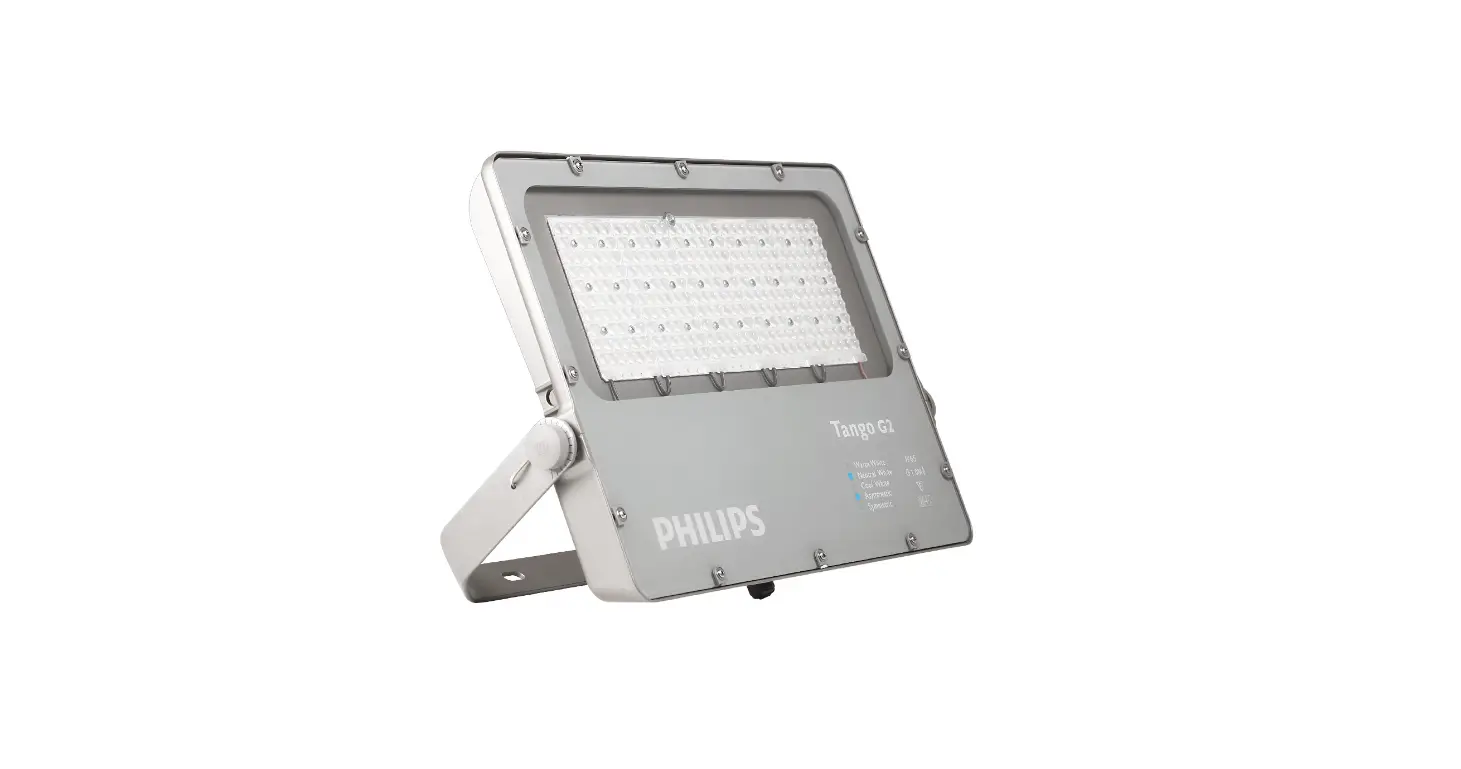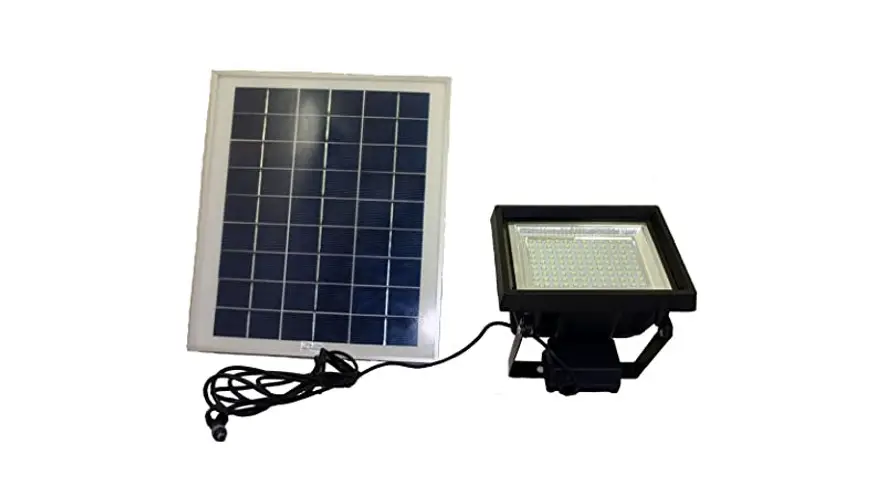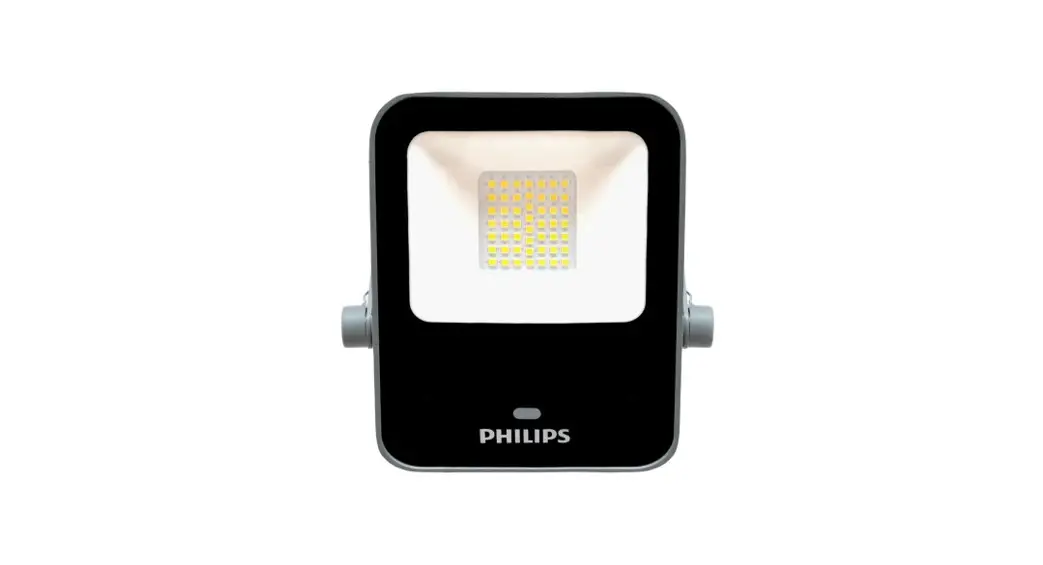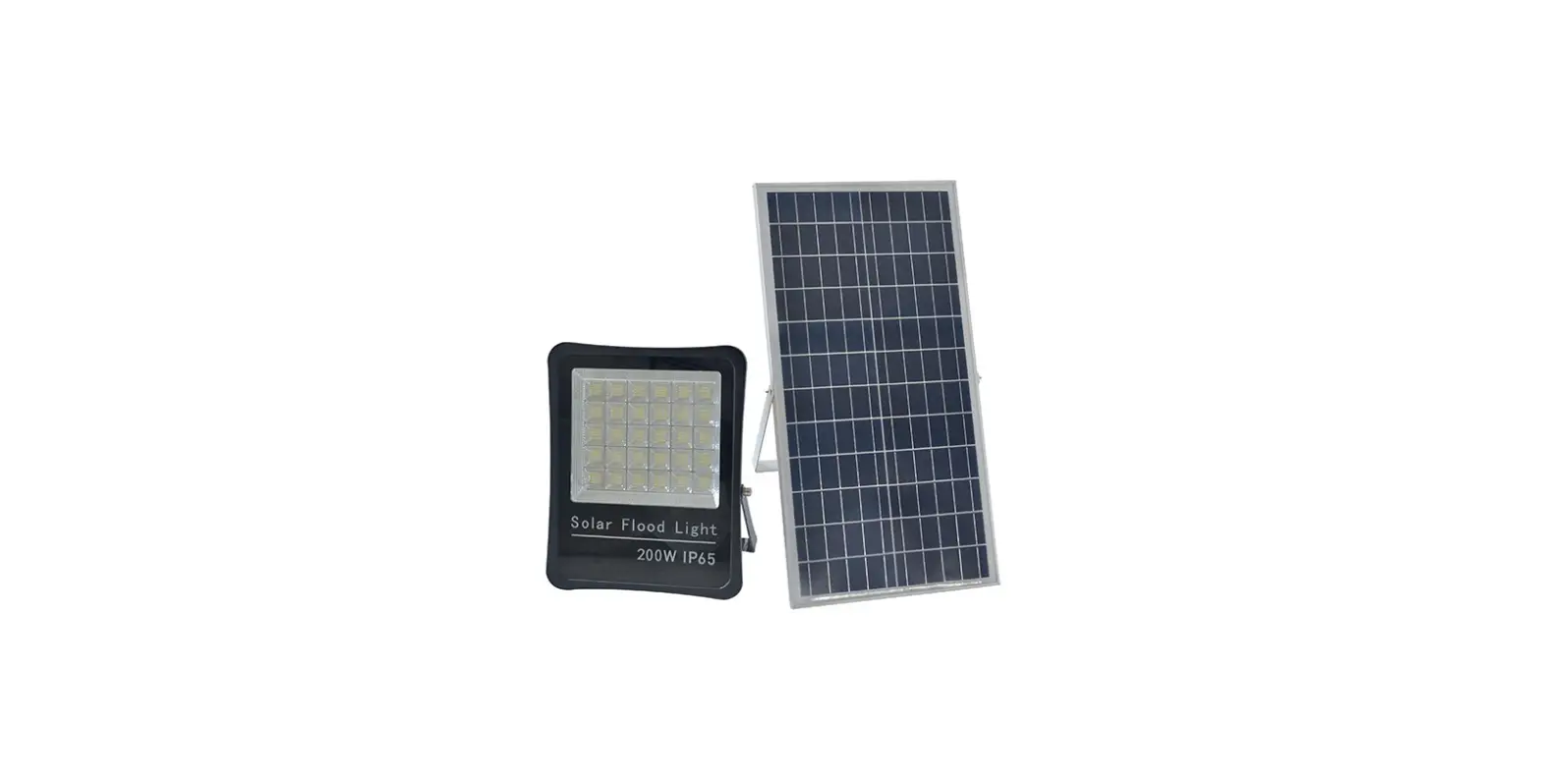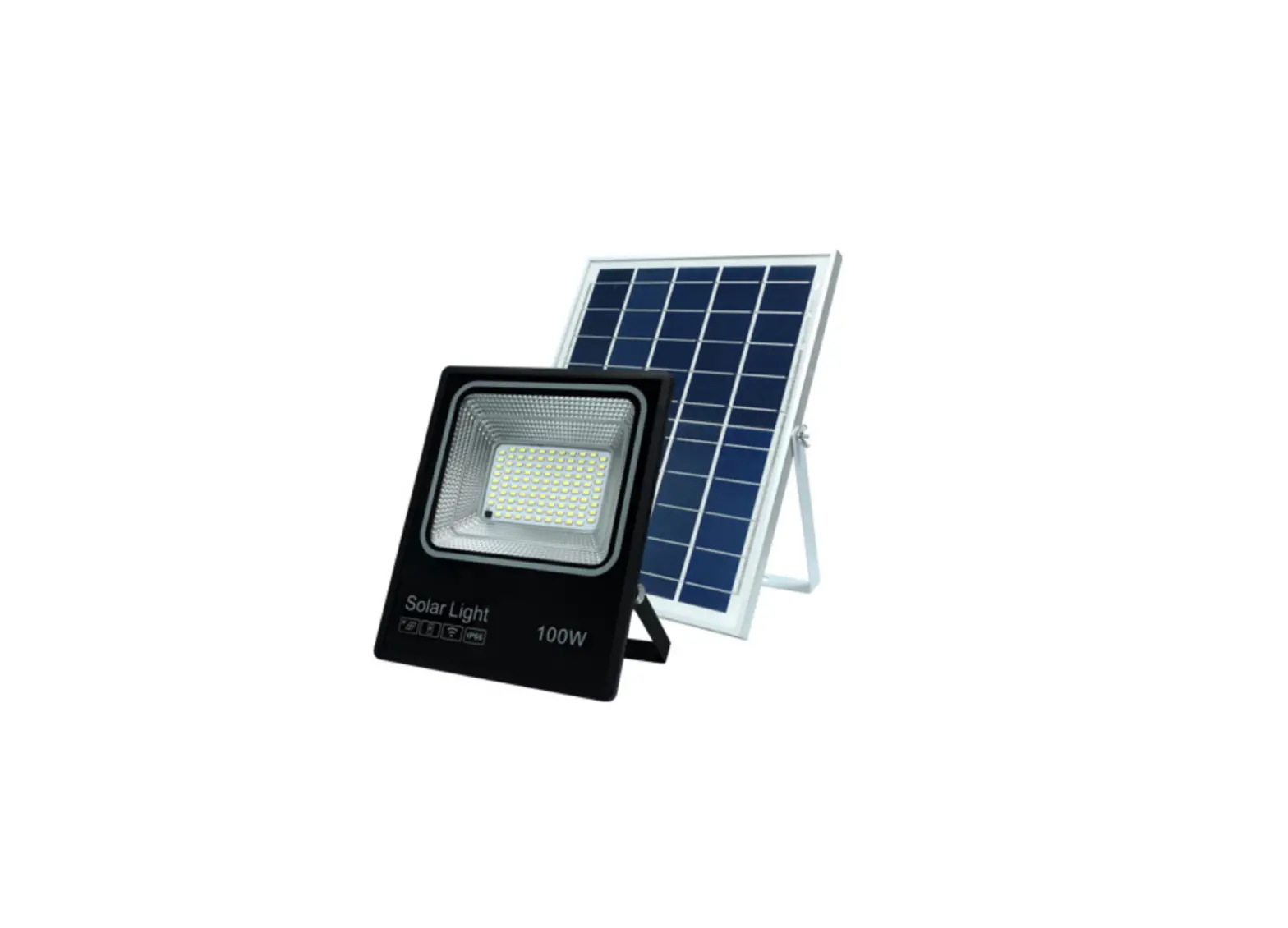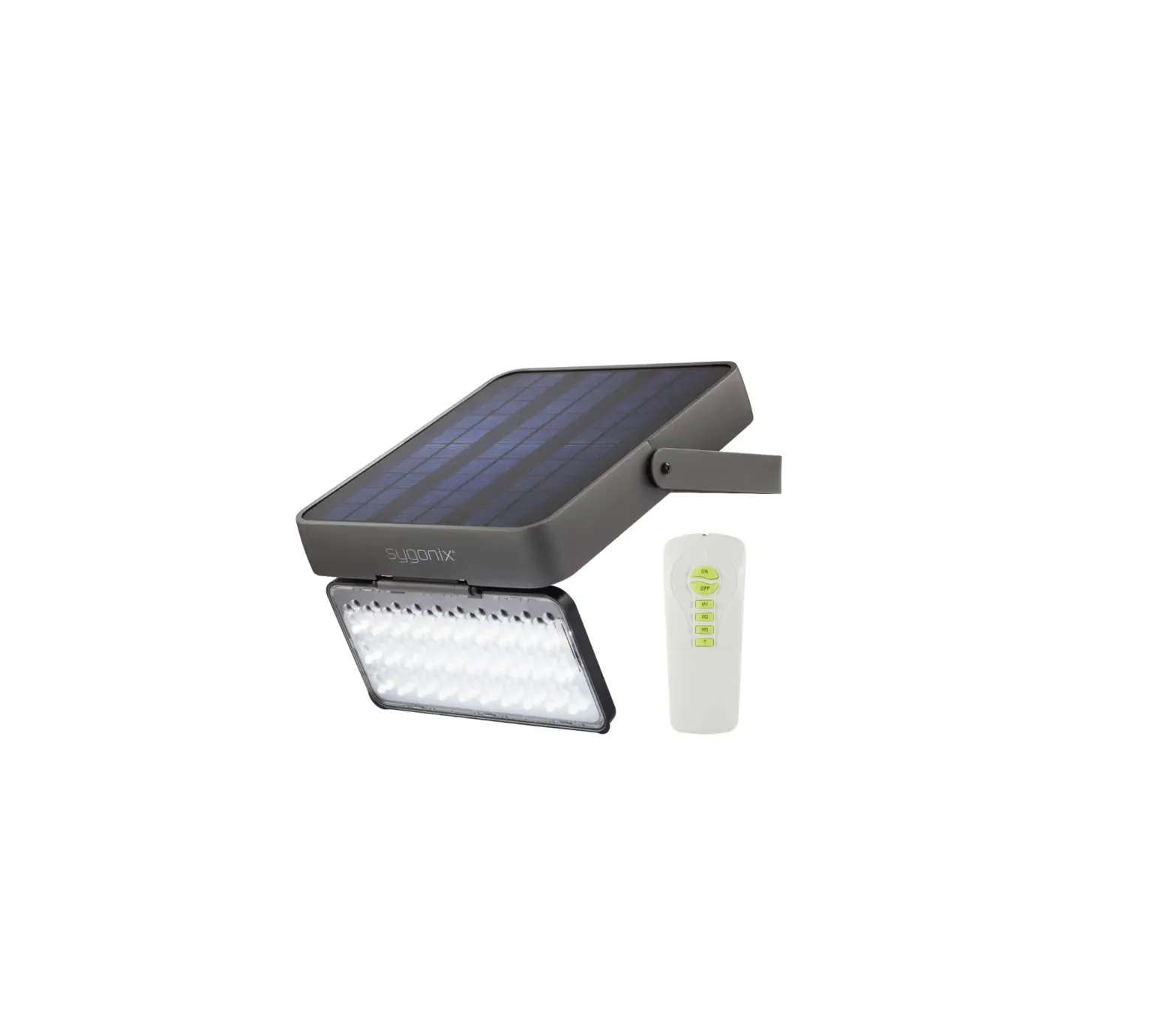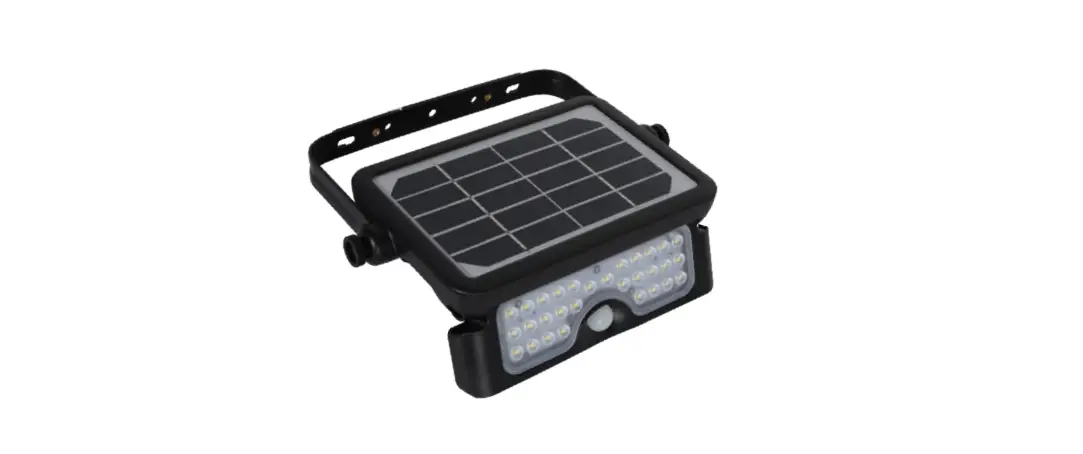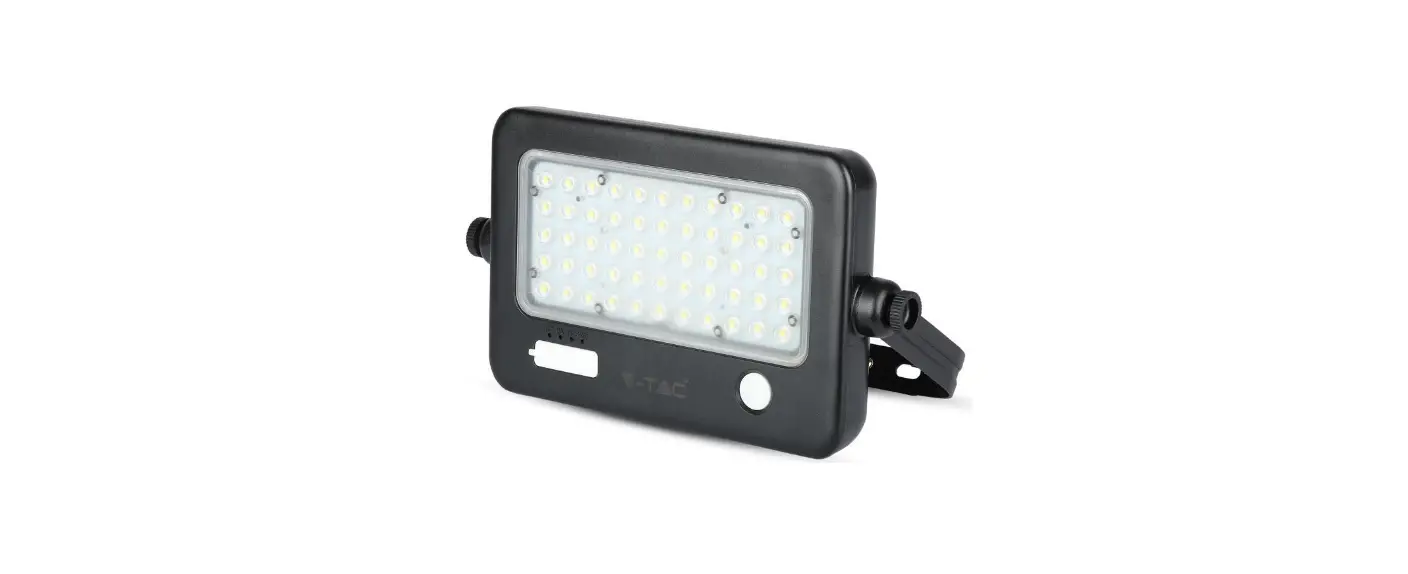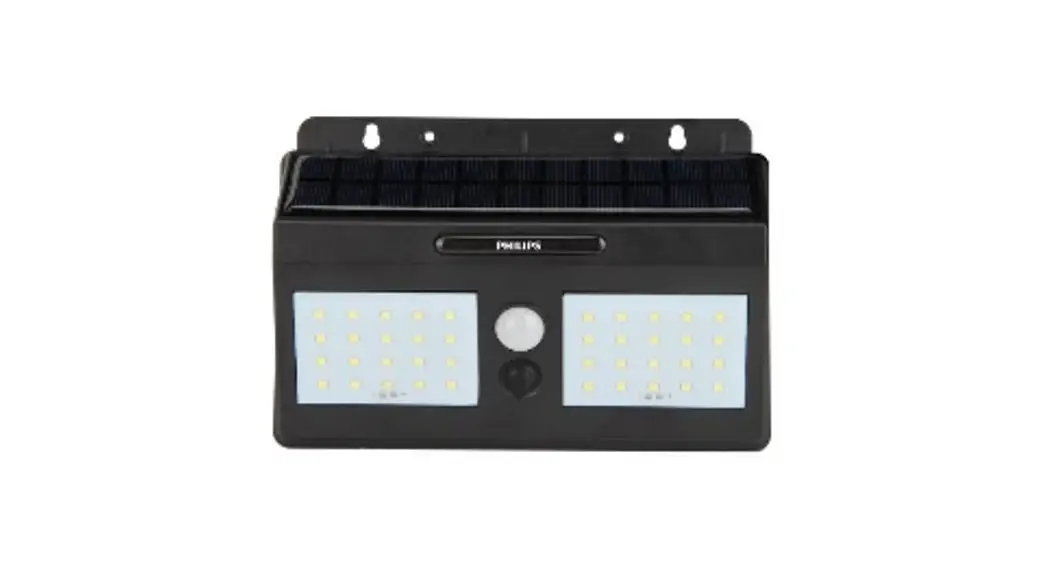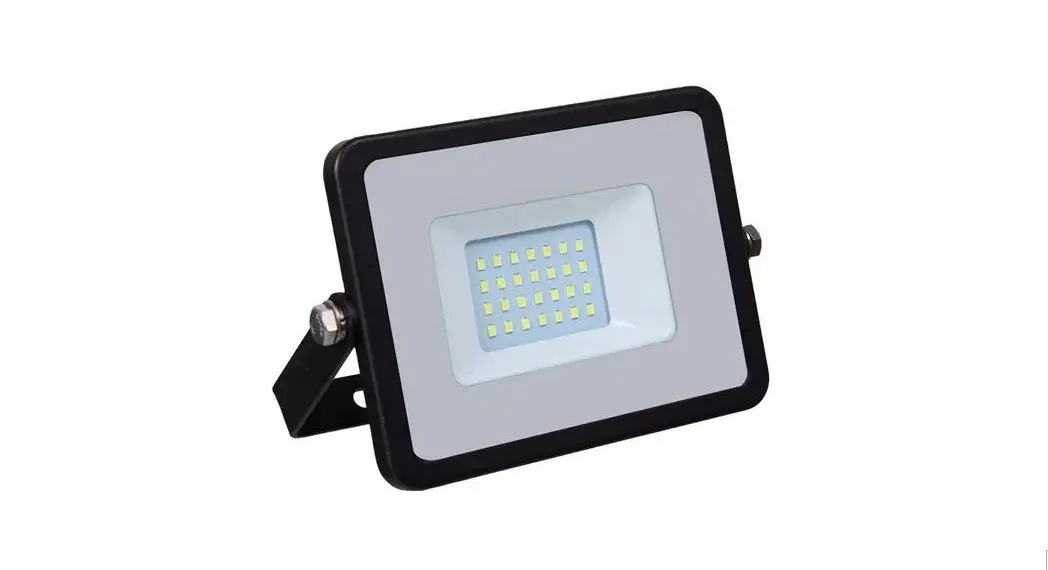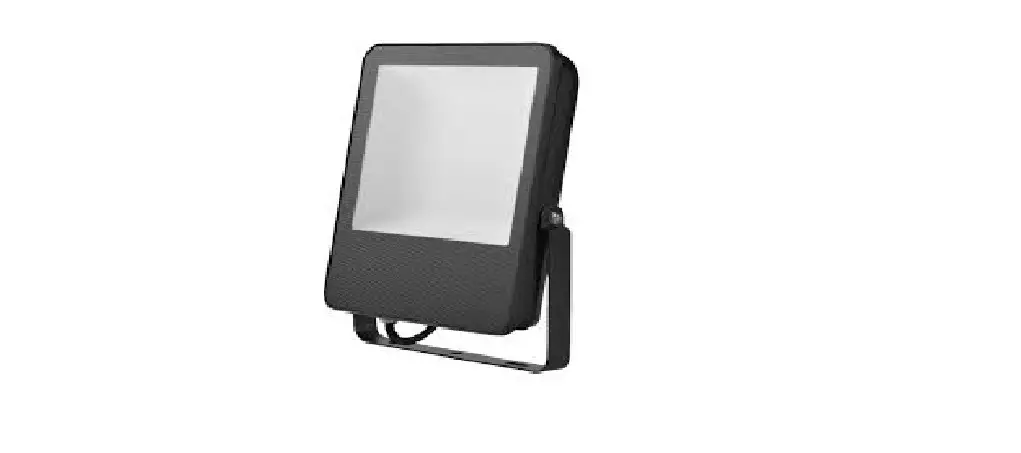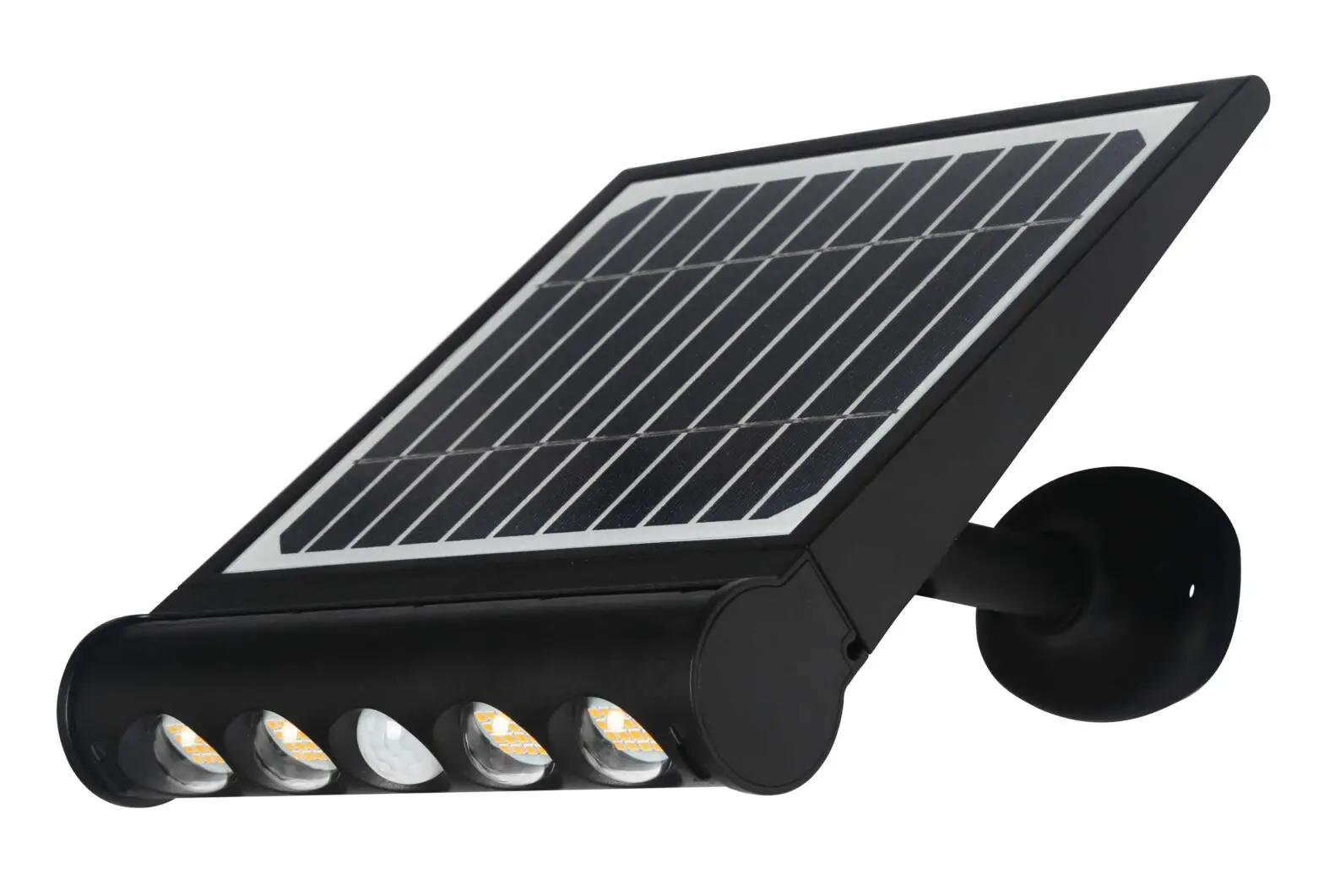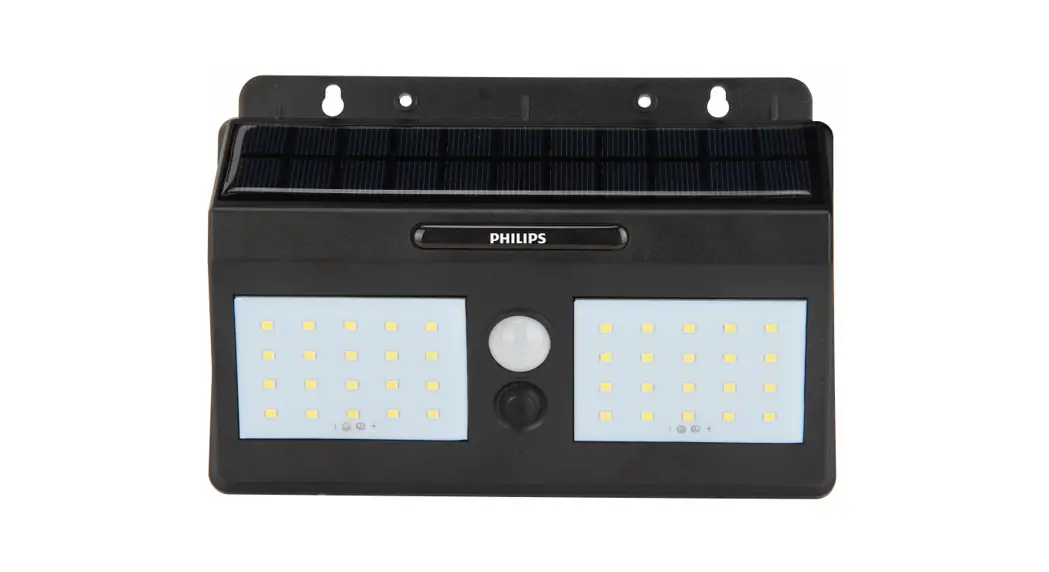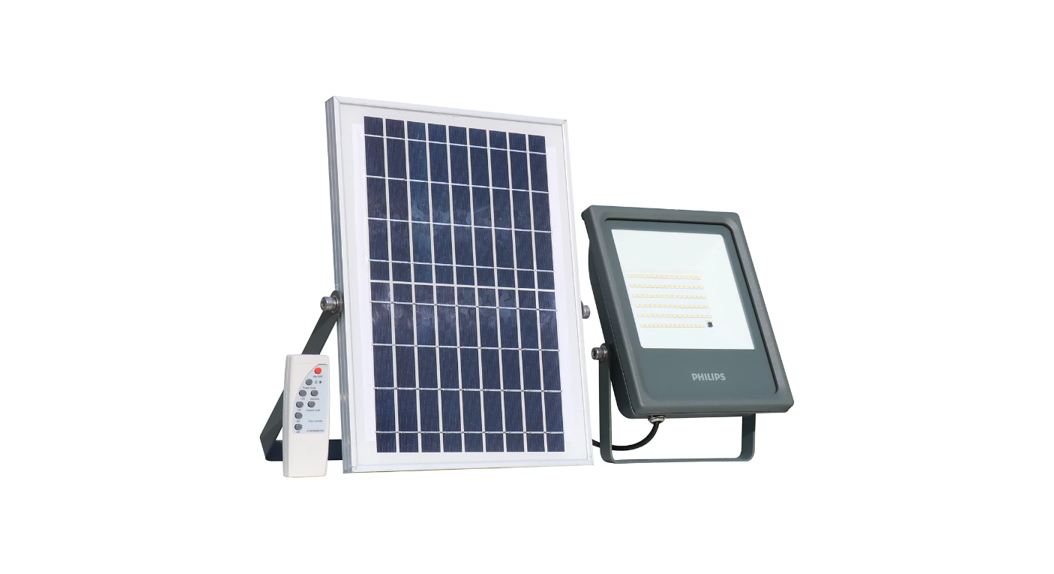
 Smart Bright Solar Flood Light
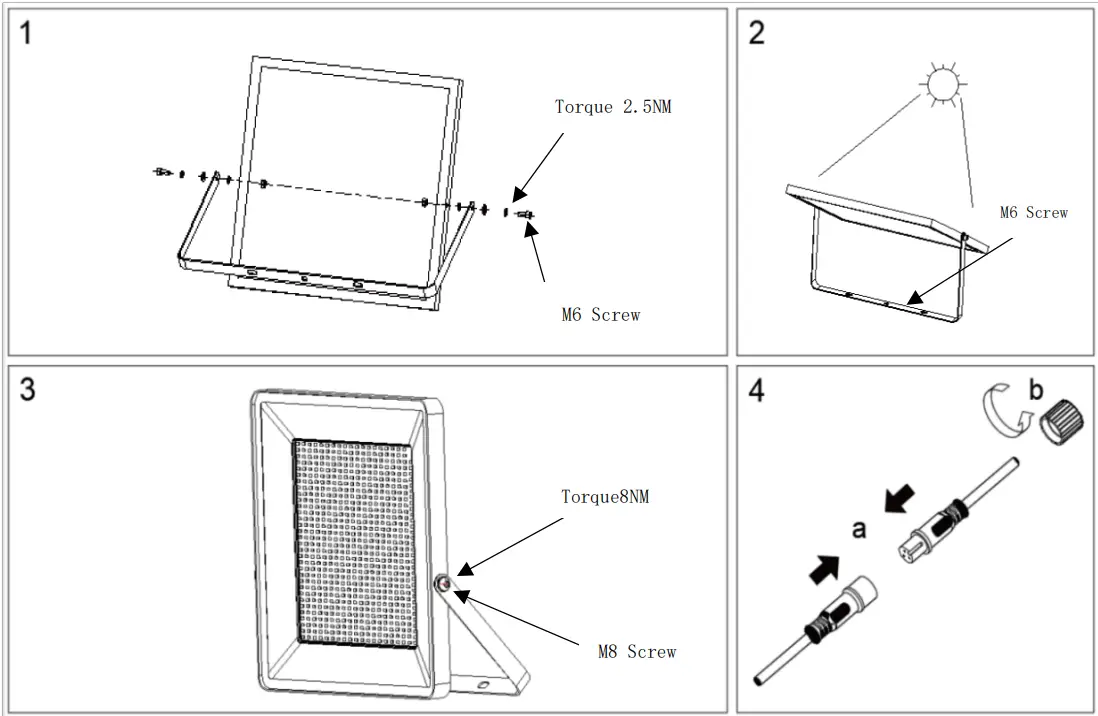
BVP080 Mounting instruction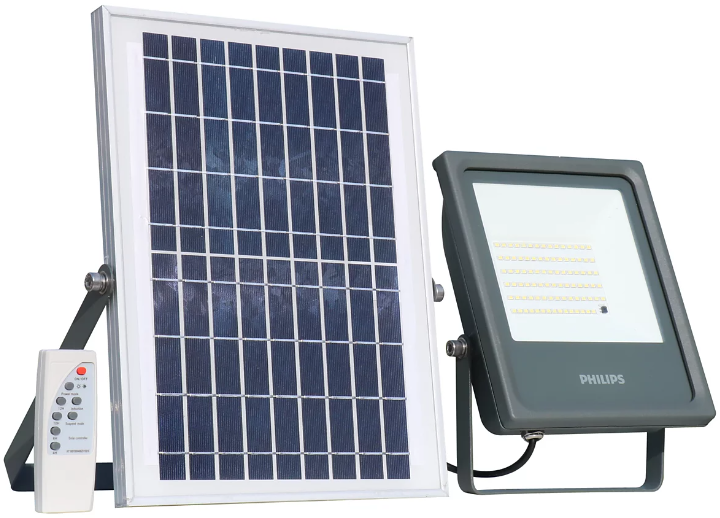

BVP080 Smart Bright Solar Flood Light
| Type Number | Flux(Im) | Battery type | Battery parameter | PV parameter | Remote type | Remote distance | CCT | Ta | Weight | luminous area |
| BVP080 LED 10/757 060 G2 | 1000Im | Lithium iron phosphate | 3.2V/6AH | 7W/5V | infrared | ≤ 8m | 5700K | 0-45ºC | 2.02Kg | 0.029m² |
| BVP080 LED20/757 100 G2 | 2000Im | Lithium iron phosphate | 3.2V/ 12AH | 13W/5V | infrared | ≤ 8m | 5700K | 0-45ºC | 2.57Kg | 0.029m² |
| BVP080 LED30/757 150 G2 | 3000Im | Lithium iron phosphate | 9.6V/6AH | 20W/ 15V | infrared | ≤ 8m | 5700K | 0-45ºC | 4.25Kg | 0.073m² |
| BVP080 LED48/757 200 G2 | 4800Im | Lithium iron phosphate | 9.6V/12AH | 32W/15V | infrared | ≤ 8m | 5700K | 0-45ºC | 5.24Kg | 0.073m² |
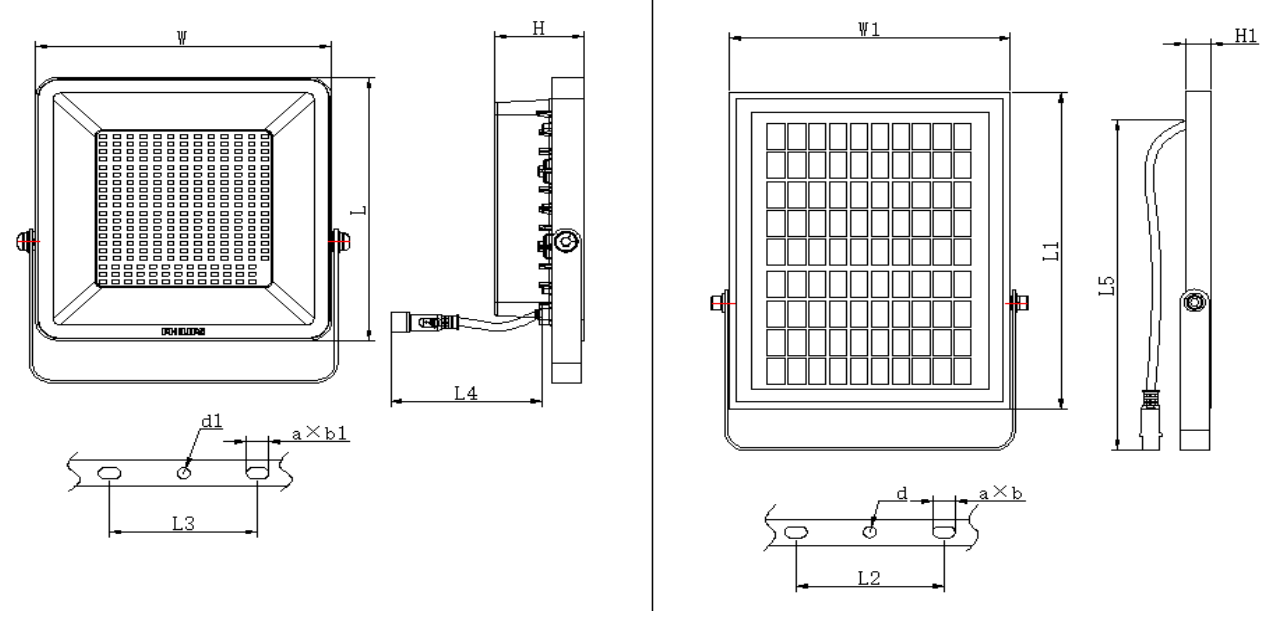
| TYPE | W | L | H | W1 | Ll | H1 | L4 |
| 10001m | 200 | 200 | 60.4 | 190 | 240 | 17 | 200 |
| 20001m | 200 | 200 | 60.4 | 240 | 350 | 17 | 200 |
| 30001m | 300 | 300 | 63.5 | 350 | 350 | 17 | 200 |
| 48001m | 300 | 300 | 63.5 | 350 | 500 | 17 | 200 |
| TYPE | L2 | d | a Xb | L3 | dl | a X bl | L5 |
| 10001m | 100 | 9. | 15x 8.5 | 100 | 8.5 | 15X8.5 | 4800 |
| 20001m | 100 | 9. | 15X8. 5 | 100 | 8.5 | 15x 8. 5 | 4800 |
| 30001m | 180 | 9. | 15X 8.5 | 180 | 8.5 | 15X8.5 | 4800 |
| 48001m | 180 | 9. | 15X8.5 | 180 | 8.5 | 15×8.5 | 4800 |
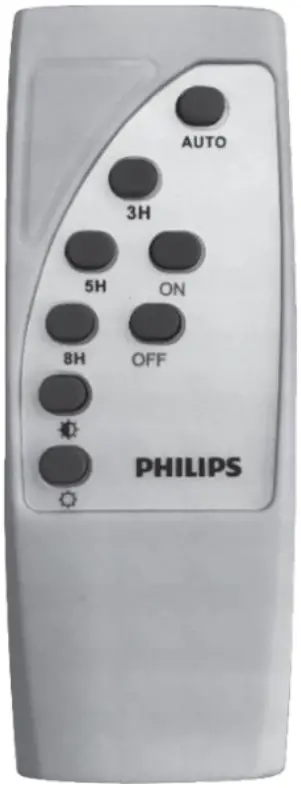
Auto(Wake up):, Luminaire will light on dusk to dawn(max 12Hours) per default lighting profile
3H: Luminaire will light on 3 hours per default lighting profile and then turn off
5H: Luminaire will light on 5 hours per default lighting profile and then turn off
8H: Luminaire will light on 8 hours per default lighting profile and then turn off
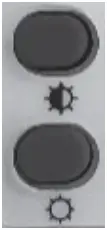 Dim Down: Light output from 100% to 10%, every step 10%
(Note: It will exit dim mode after 2Hours for previous Auto mode)
Dim Up: Light output from 10% to 100%, every step 10%
On/OFF(For Indoor Use Purpose): Luminaire Light On/OFF per remote controller, light on with 100% light output
Notes :
- Before using the product connect solar panel cable to luminaire to active luminaire with factory default working mode Auto, and then use the functions of the remote control
- To go into Sleep mode (Stay for storage purpose), press OFF key, wake up by press Auto key
- LED indication on luminaire: Green on (Charging), Green Flash(Battery Low Capacity,<30%)
Application NOTES:
- Install the solar panel on open roof or wall facing towards Sun. The tilt angle can be adjusted.
- There shall not be any light source over the solar panel at night, as it may interfere with the operations of solar flood light.
- Charge the product under Sunlight for 8 hours before first use.
- After installation, the working modes can be set from infrared remote controller.
- This product does not need any external electrical connection. It works 100% on solar energy.
- Detection of duck/dawn is based on light intensity falling on solar panel.
- The battery backup will reduce if the ambient temperature is < 0 degree Celsius.
- When battery low capacity (<30%), light output will dim down to 15% to extend running time.
- The light source of this luminaire is not replaceable; when the light source reaches its end of life the whole luminaire shall be replace.
- The products can be stored up to 6 months. In case it is required to store more than 6 months, it is must to re-charge the product in bright daylight. Otherwise, it may affect the battery lifetime performance.
- Lighting profile from dusk to dawn(Max 12Hours) ,applicable for 3H/5H/8H working mode.
- The operating position is universal.
- Suitable for indoor and outdoor use.
| Period 1 | Period 2 | Period 3 | Period 4 | Period 5 | Period 6 |
| 20% Light output for 1hr | 100% Light output for 30min | 40% Light output for 1hr | 20% Light output for 1.5hr | 10% Light output for 2hr | 5% Light output for 6hr |
Philips and the Philips shield emblem are registered trademarks of KoninkllJke Philips N.V.
Signify (China) Investment Co., Ltd.
Bolding No. 9. Lane 888, TianIln Road, Minhang District, Shanghai, China
Postal code: 200233