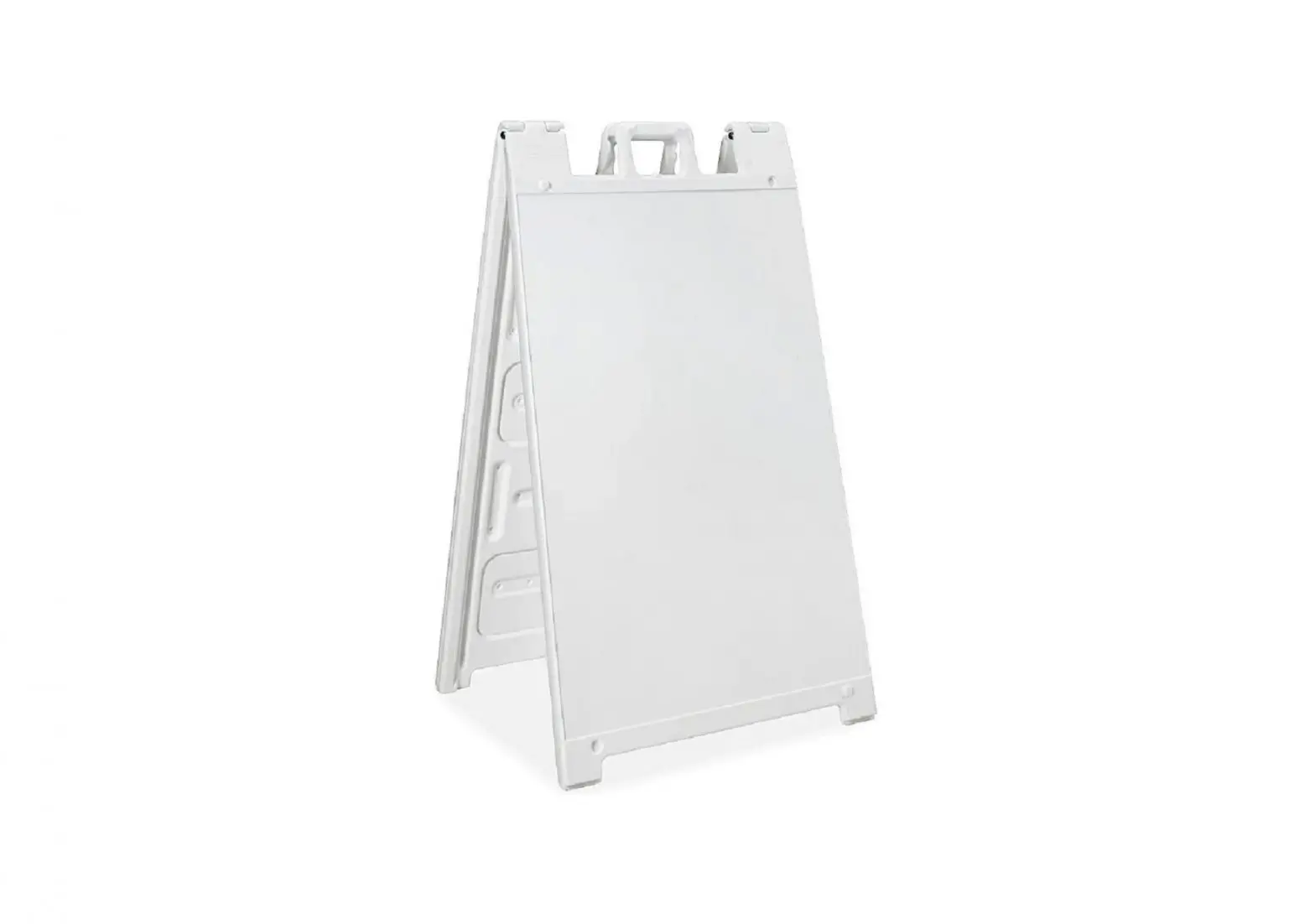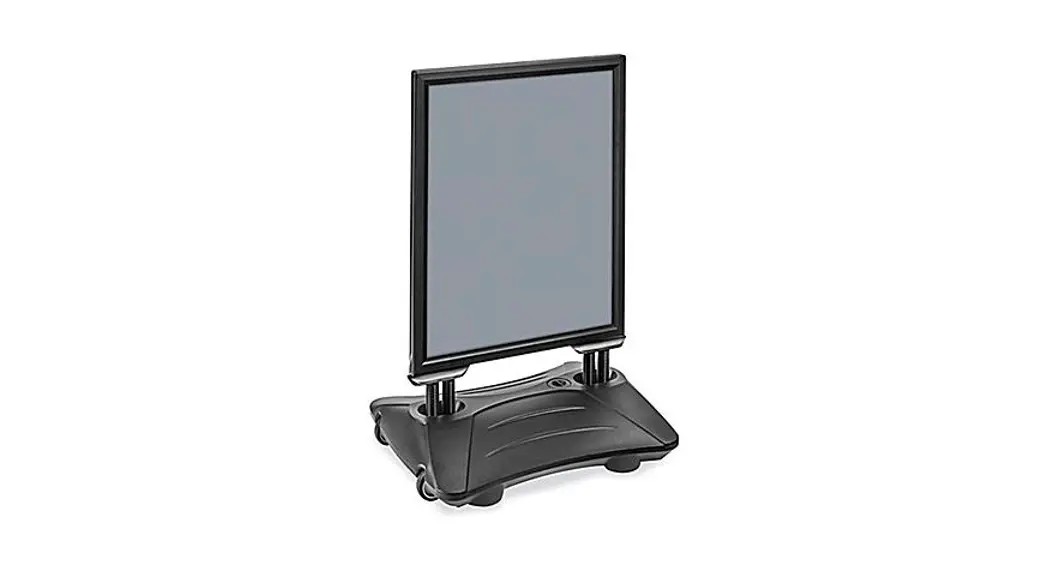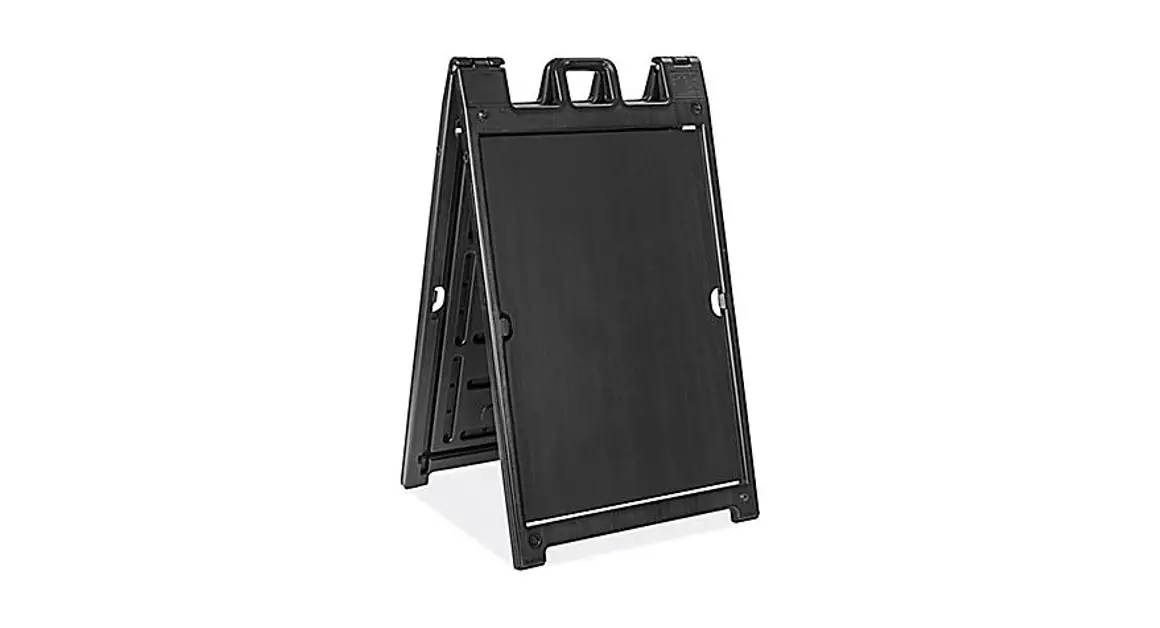

Uline H-7902 Deluxe Plastic A-frame Sign Instructions

Uline H-7902 Deluxe Plastic A-frame Sign Instructions

ULINE LogoH-7902 DELUXE PLASTIC A-FRAME SIGN
1-800-295-5510
uline.comULINE H-7902 Deluxe Plastic A-Frame -
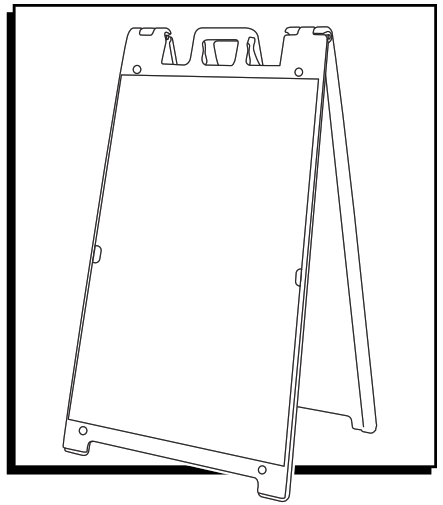
SIGN INSERTION

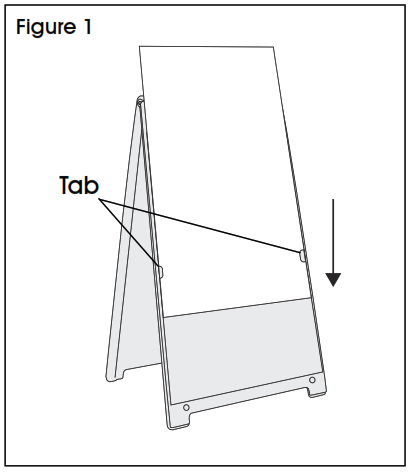
  1. Slide sign down through tabs. (See Figure 1)
    ULINE H-7902 Deluxe Plastic A-Frame - fig 1
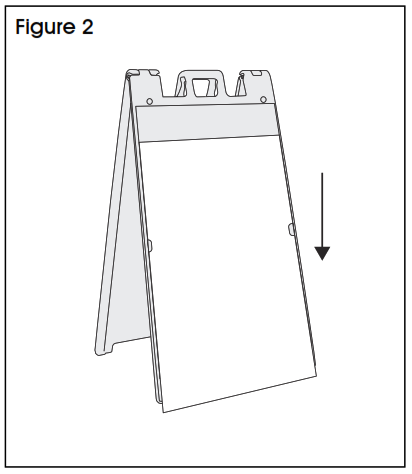
  2. Pull sign in front of the bottom slot until the sign hits the ground. (See Figure 2)
    ULINE H-7902 Deluxe Plastic A-Frame - fig 2
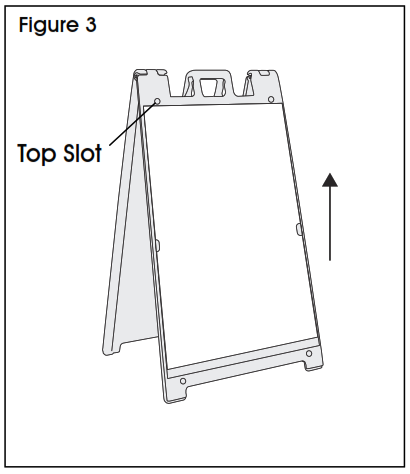
  3. Push sign up into the top slot. (See Figure 3)
    ULINE H-7902 Deluxe Plastic A-Frame - fig 3
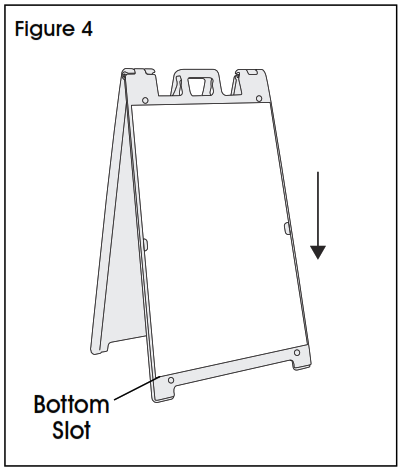
  4. Pull sign down into the bottom slot. (See Figure 4)
    ULINE H-7902 Deluxe Plastic A-Frame - fig 4

Documents / Resouces

Download manual
Here you can download full pdf version of manual, it may contain additional safety instructions, warranty information, FCC rules, etc.


Related Manuals