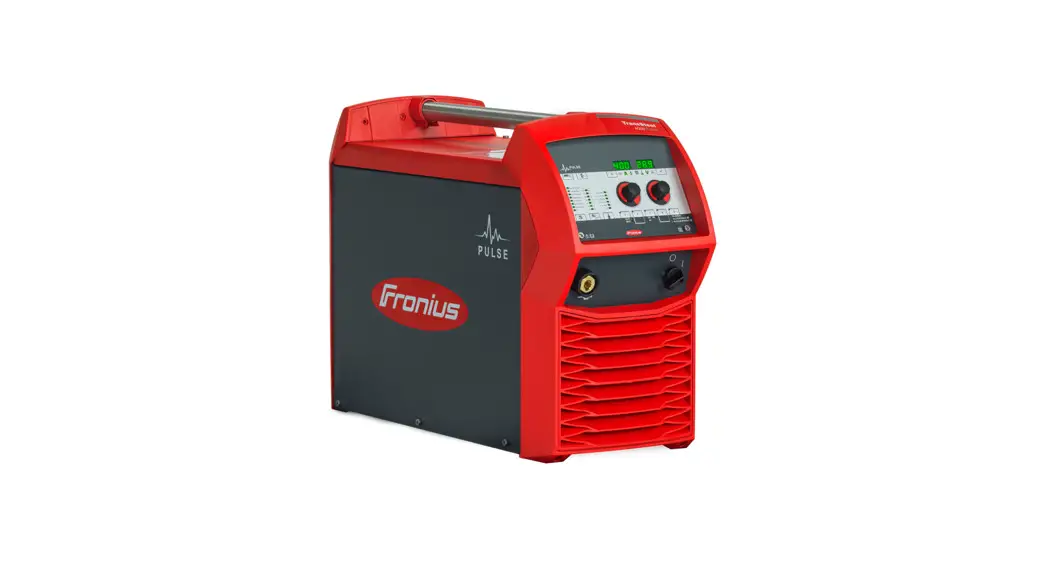
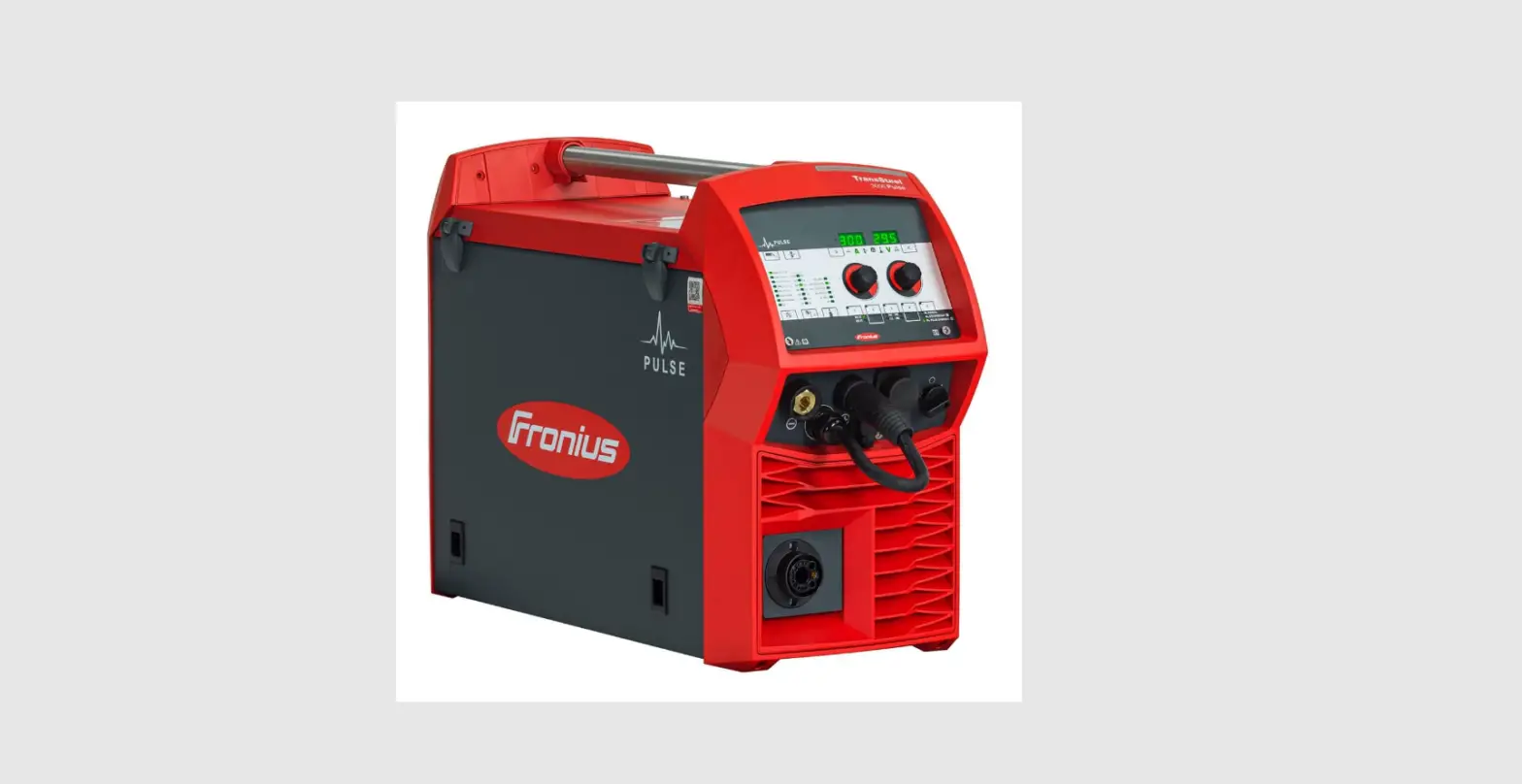
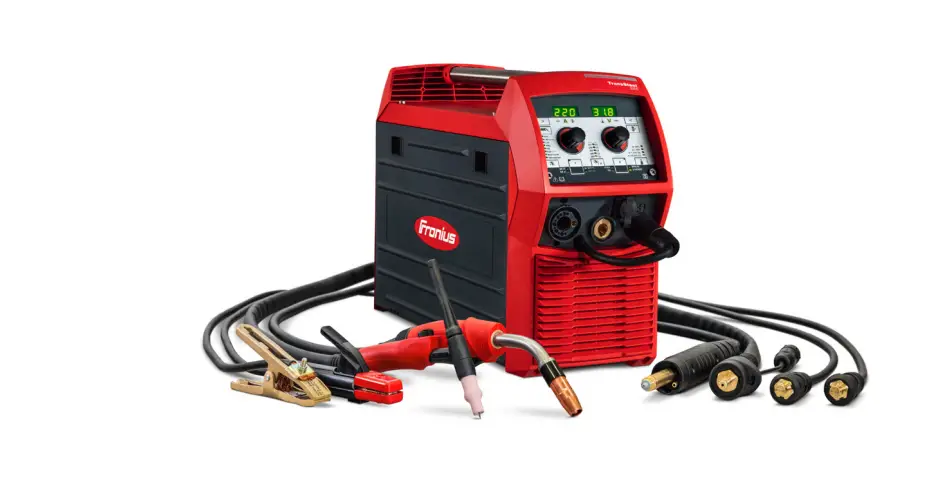
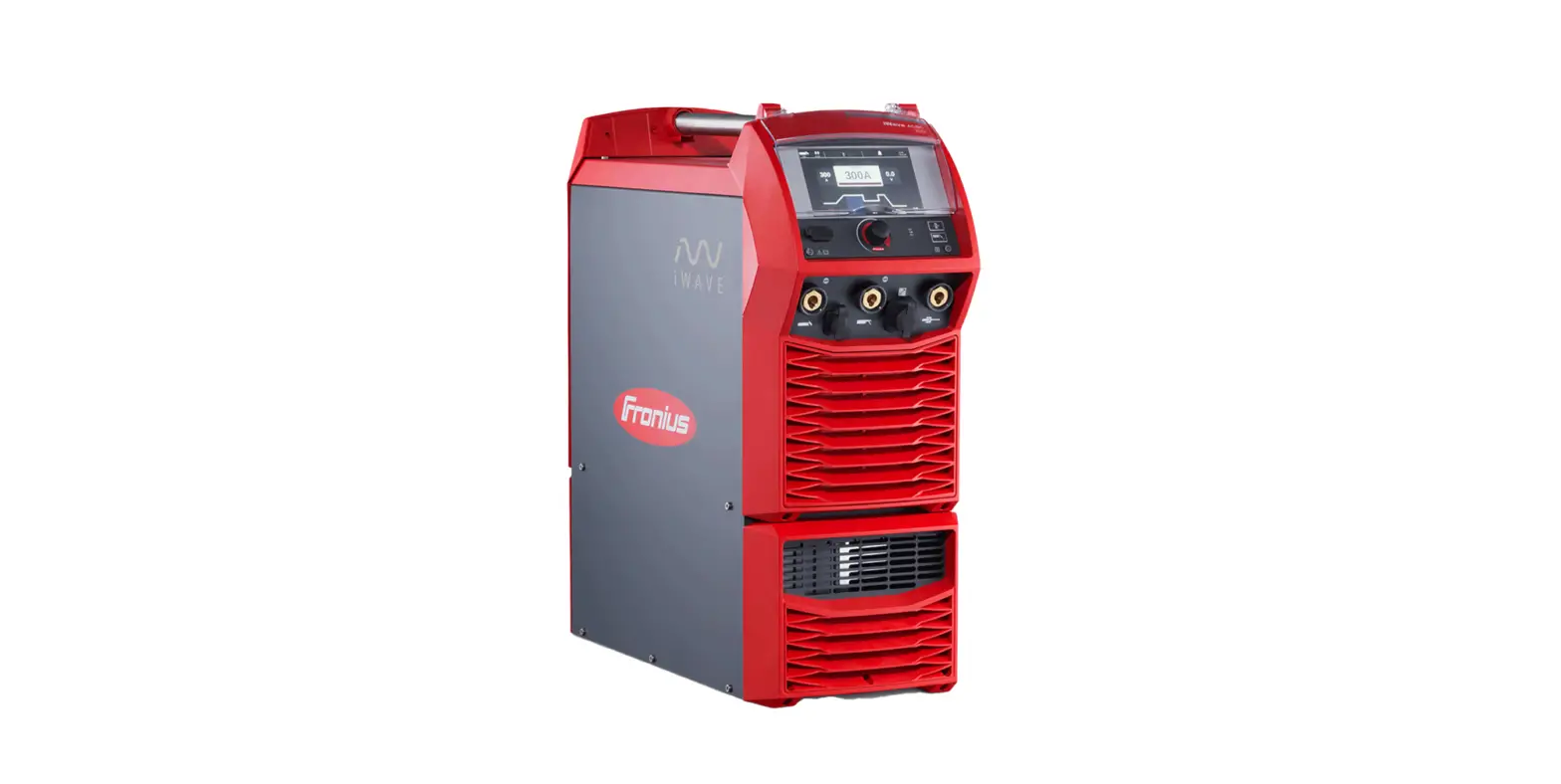
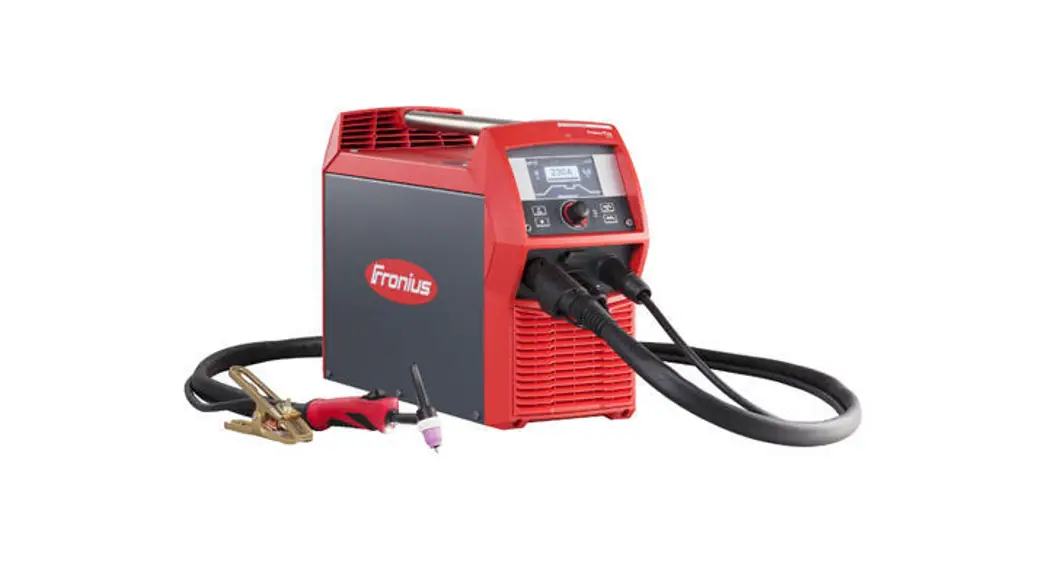
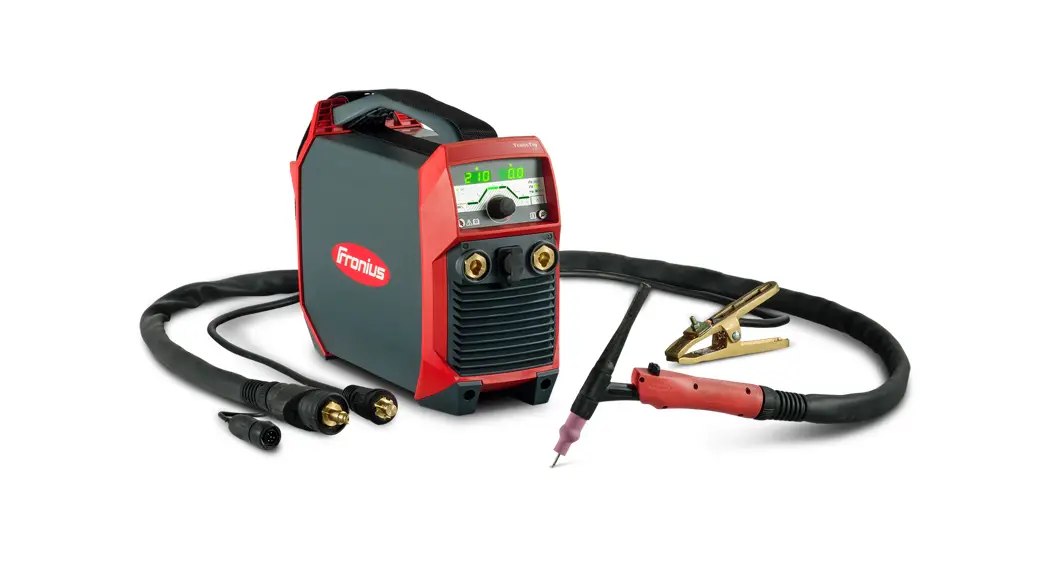
TransSteel 4000-5000 Pulse MIG Welding Machine
Product Information: TransSteel 4000/5000 Pulse
The TransSteel 4000/5000 Pulse is a welding power source that
offers synergic welding capabilities. It can be used for manual
metal arc welding and MIG/MAG welding with a variety of filler
metals and shielding gases. The device has several operating modes
and adjustable parameters that allow for precise control over the
welding process. For a complete description of the device, refer to
the Operating Instructions.
Product Usage Instructions:
- Safety: Before working with the device, ensure
that you have read and understood all the documents provided in
hard copy and online. This document does not describe all the
functions of the device. - Set the welding process: Choose between
MANUAL, STD SYNERGIC, PULSE SYNERGIC modes. - Set the operating mode: Choose the appropriate
gas mixture and operating mode for your application. The parameters
for the welding power can be set individually. When setting a
welding power parameter, the remaining parameters are set
automatically. - Set the filler metal and shielding gas: Choose
the appropriate filler metal and shielding gas for your application
from the list provided. - Set the welding power: Set the welding power
according to the sheet thickness and correction parameters. - Set the correction parameters: Set the
correction parameters for kJ, arc length correction, welding
current, welding voltage, wire speed, pulse/dynamic correction by
selecting and setting desired parameters. - Accessing Setup menu: Press and hold ‘+’ and
‘2’ to access the setup menu for MIG/MAG Synergic, MIG/MAG Manual,
or Rod electrode modes. - Exiting Setup menu: Press ‘+’ to exit the
setup menu.
Note: The device also offers several operating modes such as
2-step mode, 4-step mode, and special 4-step mode. Additionally, it
allows for measuring the welding circuit resistance,
activating/deactivating the key lock, and settings for spot welding
and stitch welding.
TransSteel 4000/5000 Pulse
Quick Guide to Synergic Welding
SAFETY Before working with the device, ensure that you have read and understood all the documents provided in hard copy and online. This document does not describe all the functions of the device. For a complete description of the device, refer to the Operating Instructions.
1 Set the welding process
MANUAL STD SYNERGIC PULSE SYNERGIC
3 Set the operating mode
25%CO2 C 2-8% O2 D Ar 100% E
SP F
2T 4T
The parameters for the welding power can be set individually.
When setting a welding power parameter, the remaining parameters are set automatically.
Manual metal arc welding
2 Set the filler metal and shielding gas
1 Steel/ER 70-120
2 CrNi/Stainless .030 0,8
3 CuSi /ER CuSi-A .035 0,9
CO2 100% A
4 AlMg/ER 5 xxx .040 1,0 Ar + 2-12% CO2 B
5 AlSi/ER 4 xxx .045 1,2 Ar + 13-25%CO2 C
6 Metal Cored .052 1,4
Ar + 2-8% O2 D
7 Self-shielded 1/16 1,6
Ar 100% E
8 SP
SP SP
SP F
1
2
3
i Operating Instructions
https://manuals.fronius.com/ html/4204260353
2-step mode: for short weld seams, tacking work
4-step mode: for longer weld seams, high level of comfort
Special 4-step mode: in addition to 4-step mode, offers settings for starting and final current
Settings for spot welding and stitch welding
Measuring the welding circuit resistance r According to the Operating Instructions of the power source
Activating/deactivating the key lock
4 Set the welding power
Sheet thickness
5 Set the correction parameters
kJ
Arc length correction
Welding current
Welding voltage
Wire speed
Pulse/dynamic correction
select desired parameter
select desired parameter
+
set desired parameter
set desired parameter
42,0426,0370,EA
002-05092022
Description of Setup Parameters
MIG/MAG Synergic Setup menu Accessing the setup menu:
+
2
1
1 Press and hold 2 Press
1st menu level Gas pre-flow time Gas post-flow time Slope (2-step, special 4-step) Starting current (2-step, special 4-step) Final current (2-step, special 4-step) Starting current duration (2-step) Final current duration (2-step) Feeder inching speed Burnback effect Length of wire fed before the safety cut-out trips Spot welding time / interval welding time Interval pause time Interval Frequency (SynchroPulse) Delta wire feed (SynchroPulse) Upper arc length correction (SynchroPulse) Reset power source to factory settings 2nd menu level Country-specific setting (metric/imperial) Synergic characteristics (EUr/US) Cooling unit control Cooling unit monitoring Welding circuit resistance Welding circuit inductivity Electrical energy of the arc Arc length correction EasyJob Trigger
MIG/MAG Manual Setup menu Accessing the setup menu:
+
2
1
1 Press and hold 2 Press
1st menu level Gas pre-flow time Gas post-flow time Feeder inching speed Burnback effect Ignition current Length of wire fed before the safety cut-out trips Spot welding time / interval welding time Interval pause time Interval Reset power source to factory settings 2nd menu level Country-specific setting (metric/imperial) Cooling unit control Cooling unit monitoring Welding circuit resistance Welding circuit inductivity Electrical energy of the arc EasyJob Trigger
Exiting the Setup menu
+
Rod electrode Setup menu Accessing the setup menu:
+
2
1
1 Press and hold 2 Press
1st menu level HotStart current Hot current time Anti-stick Reset power source to factory settings 2nd menu level Country-specific setting (metric/imperial) Welding circuit resistance Welding circuit inductivity
EasyJobs
Retrieve
1x
Save
Delete
 Download Search - Fronius