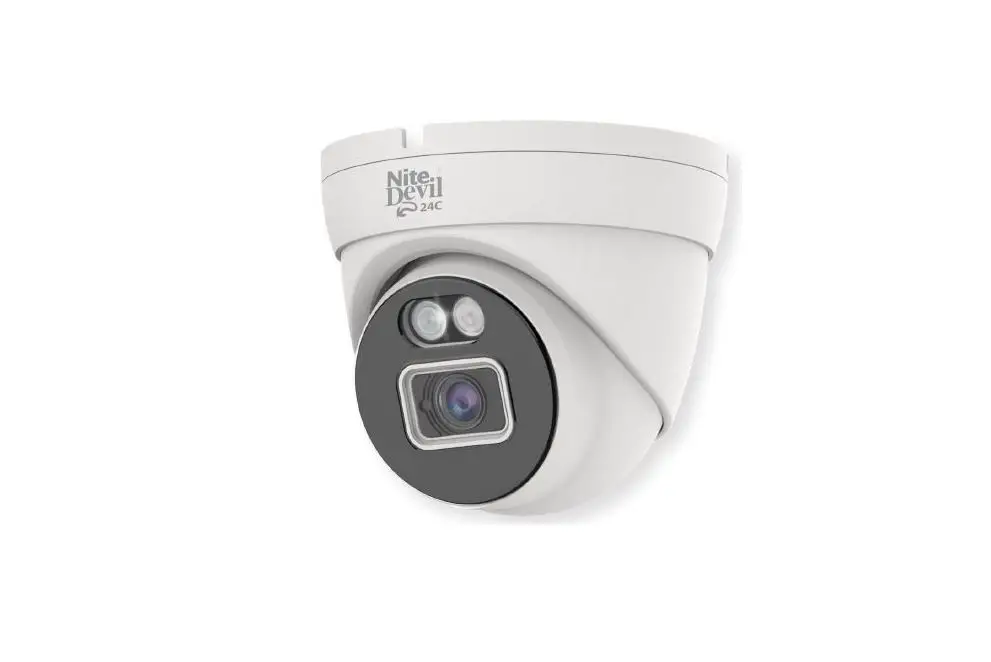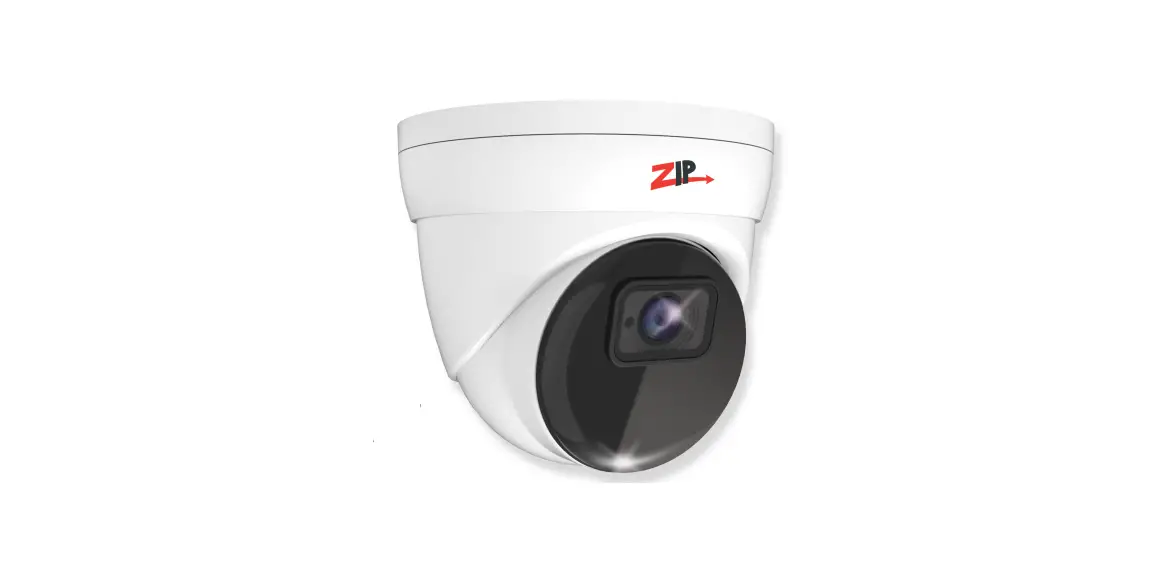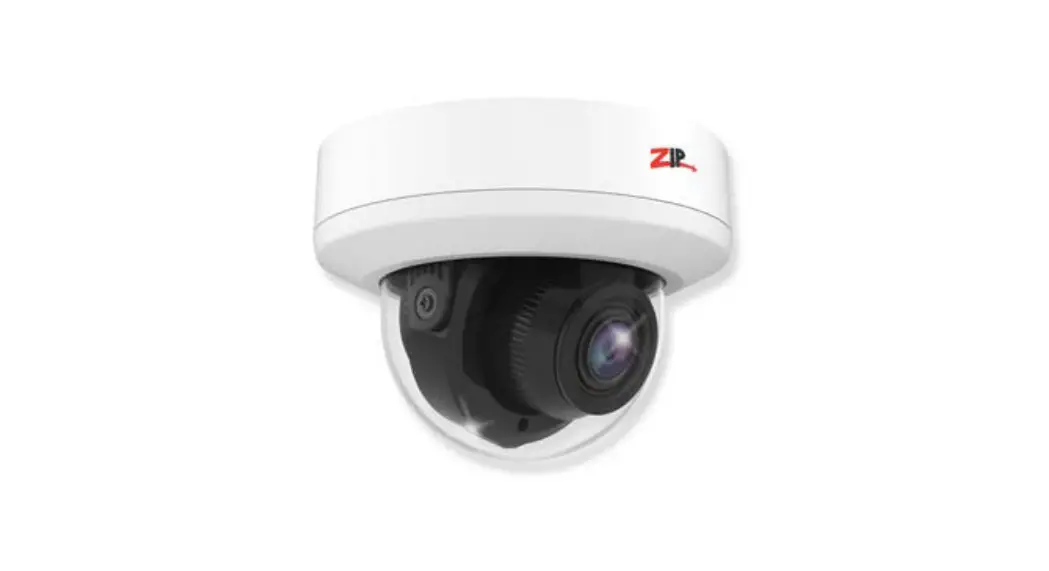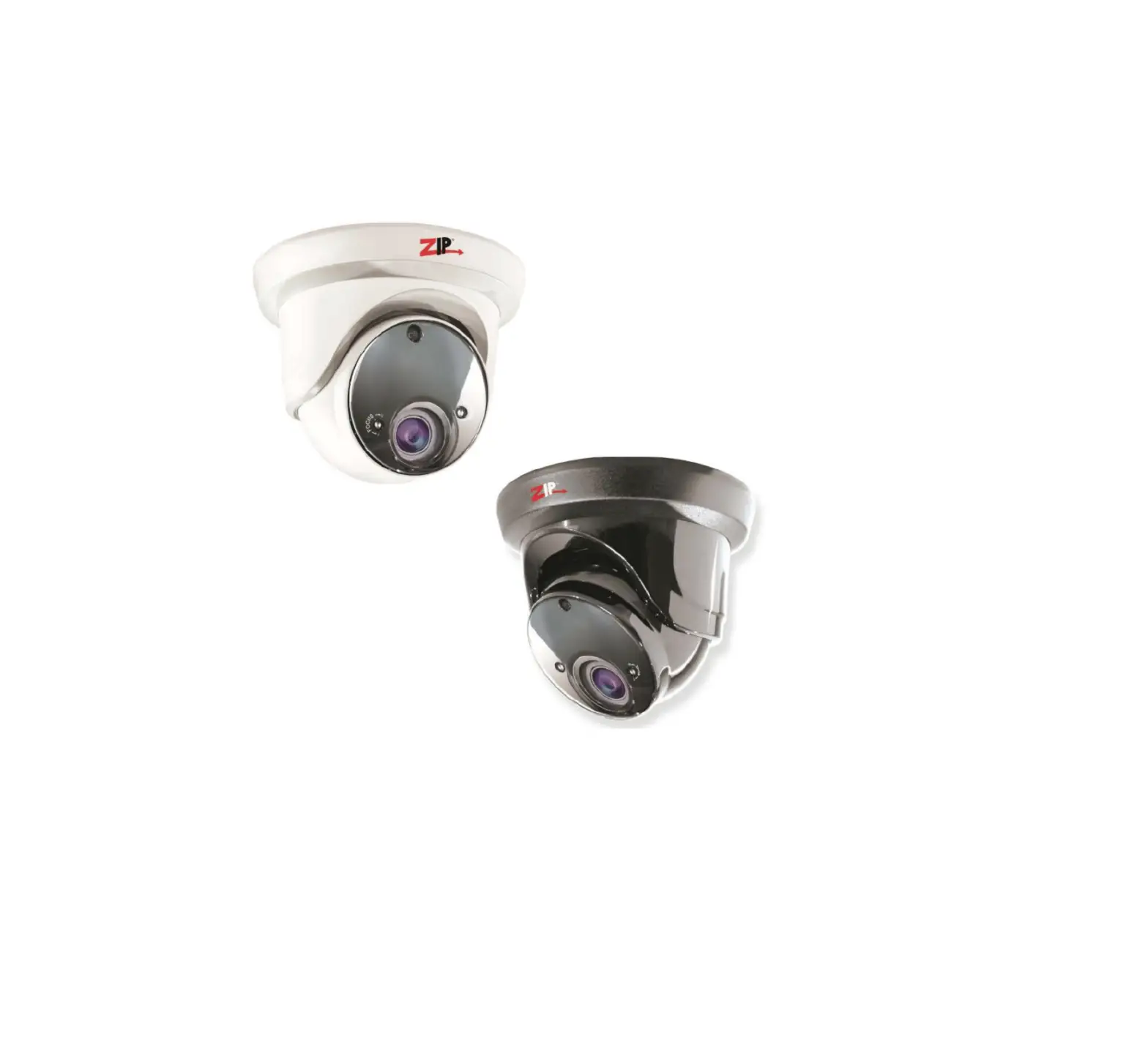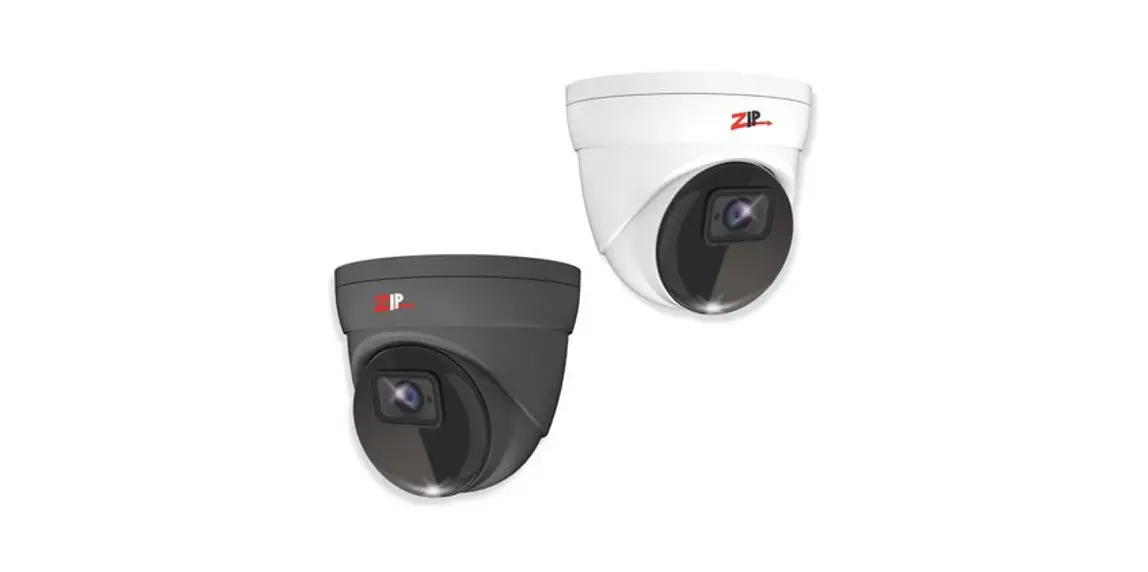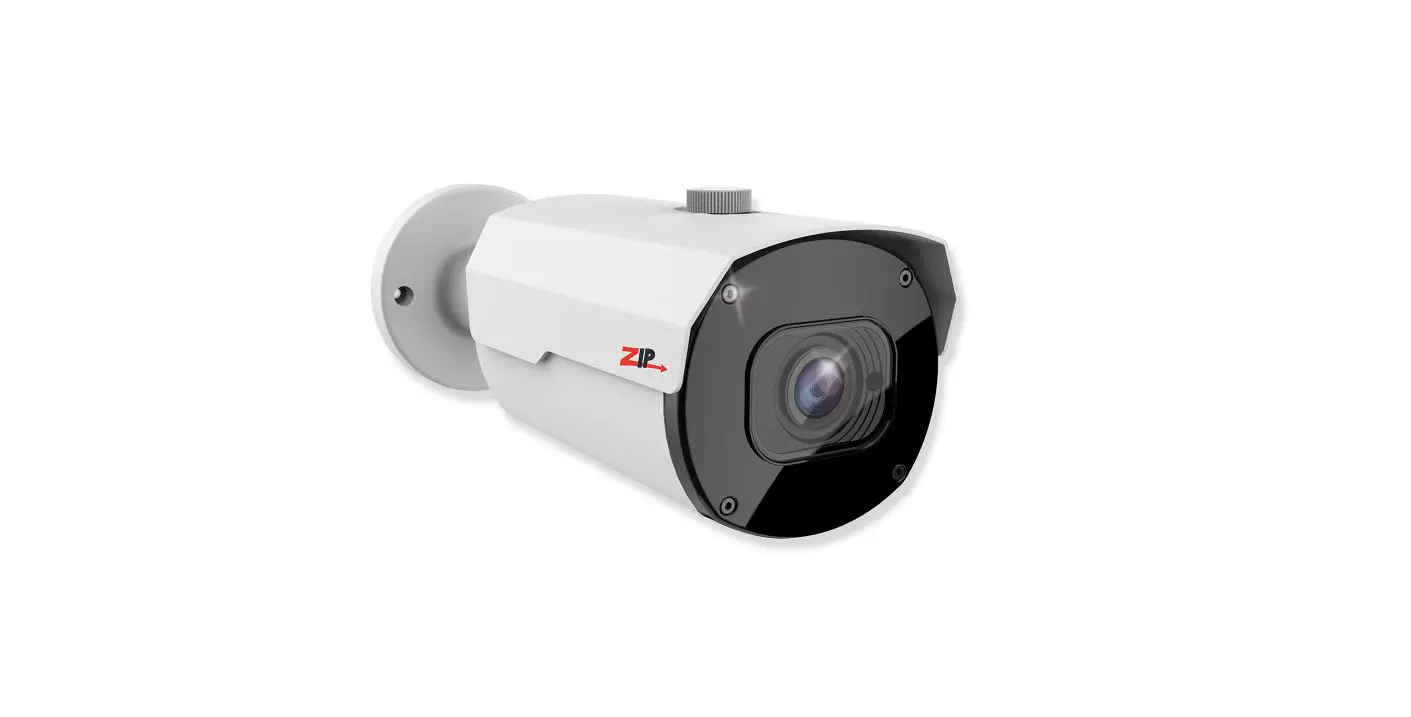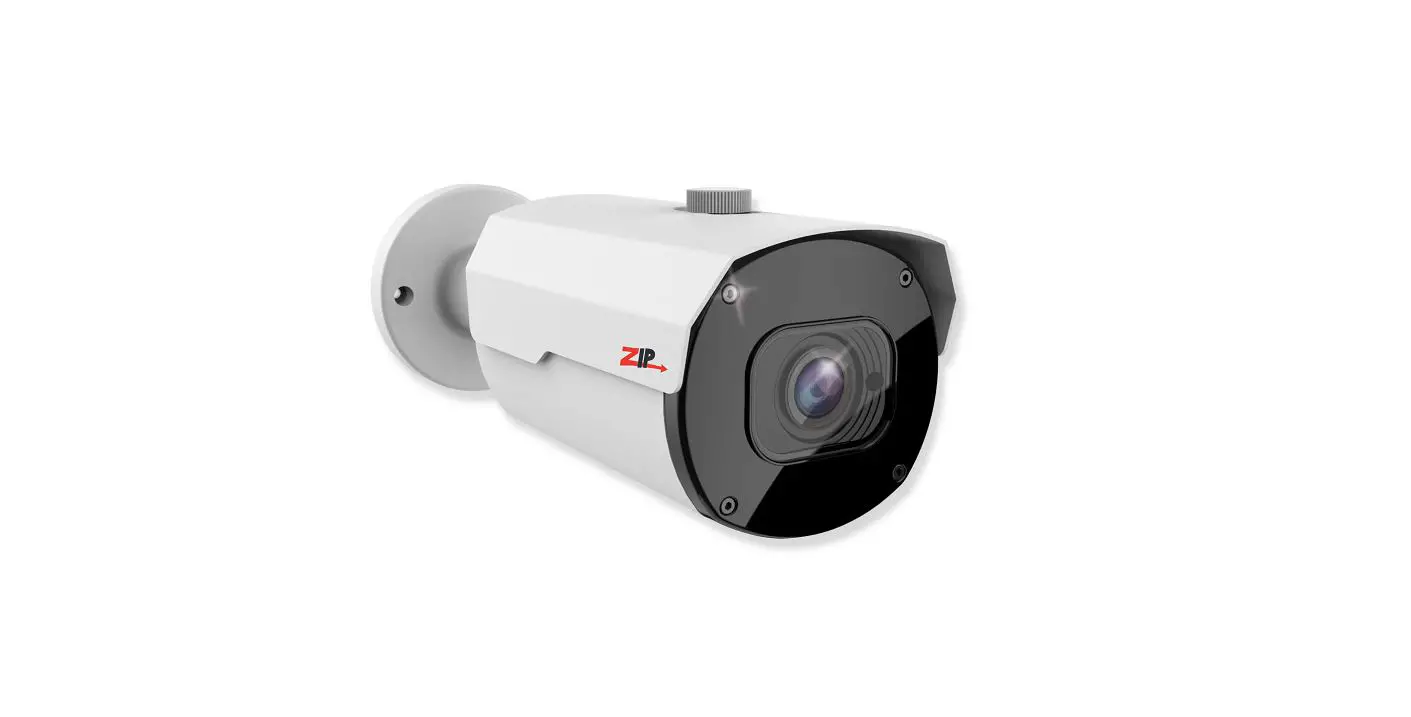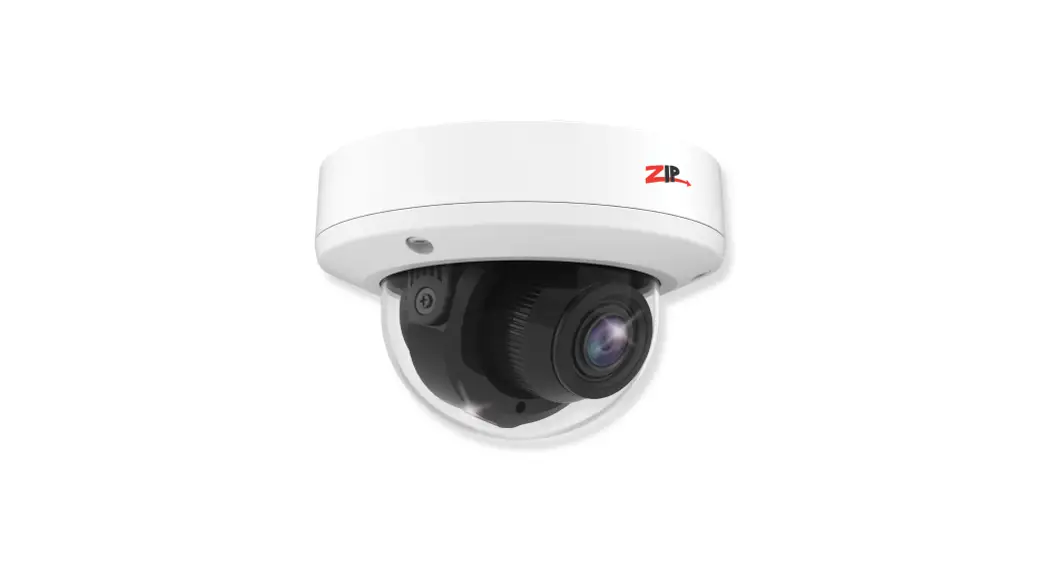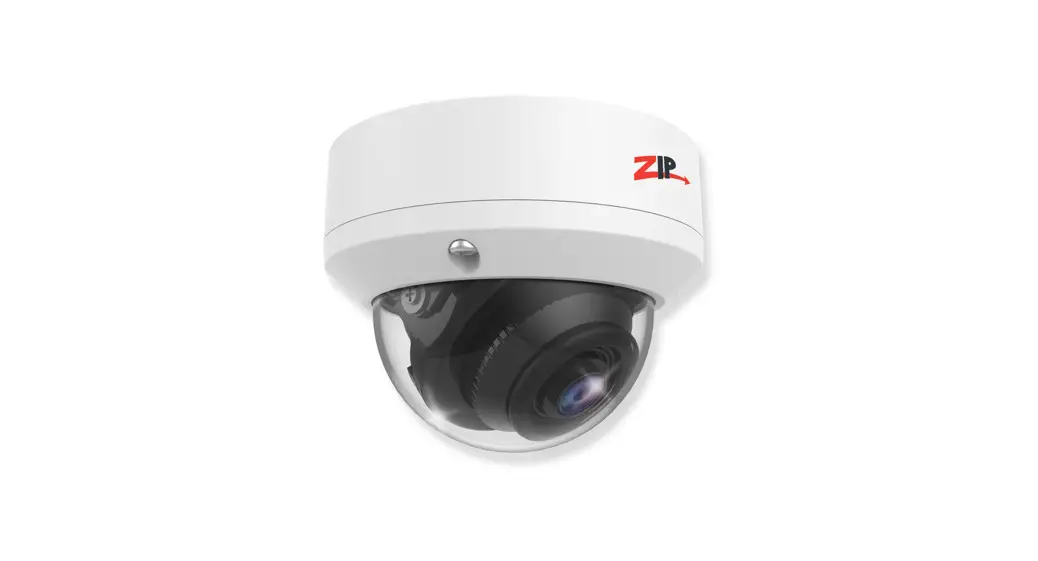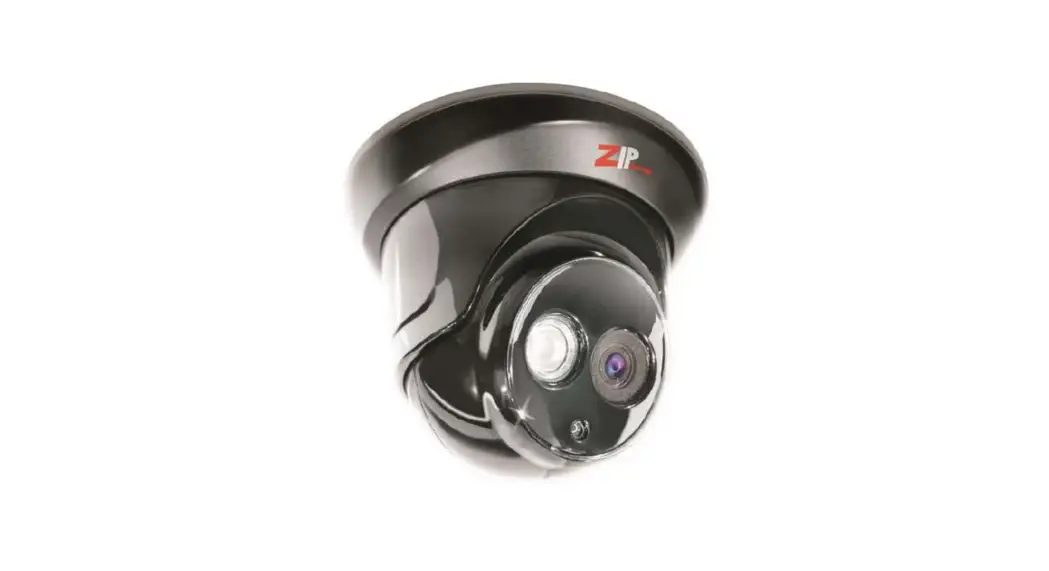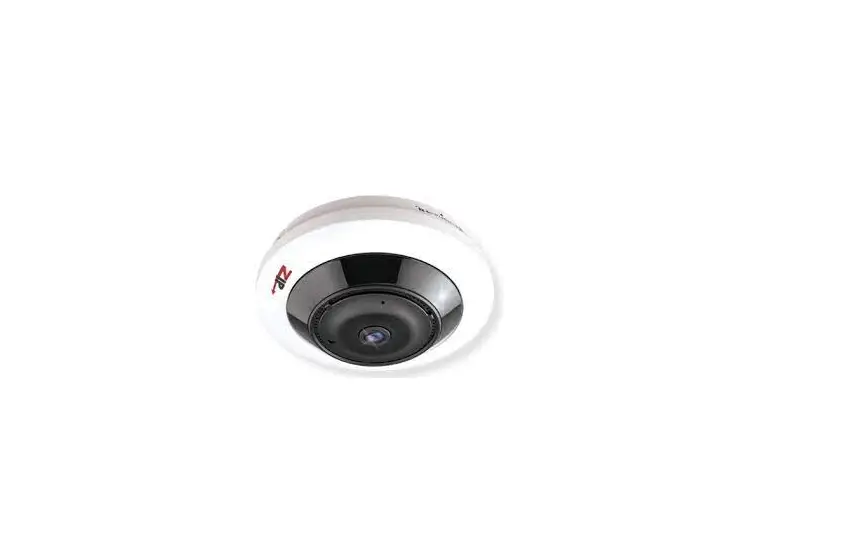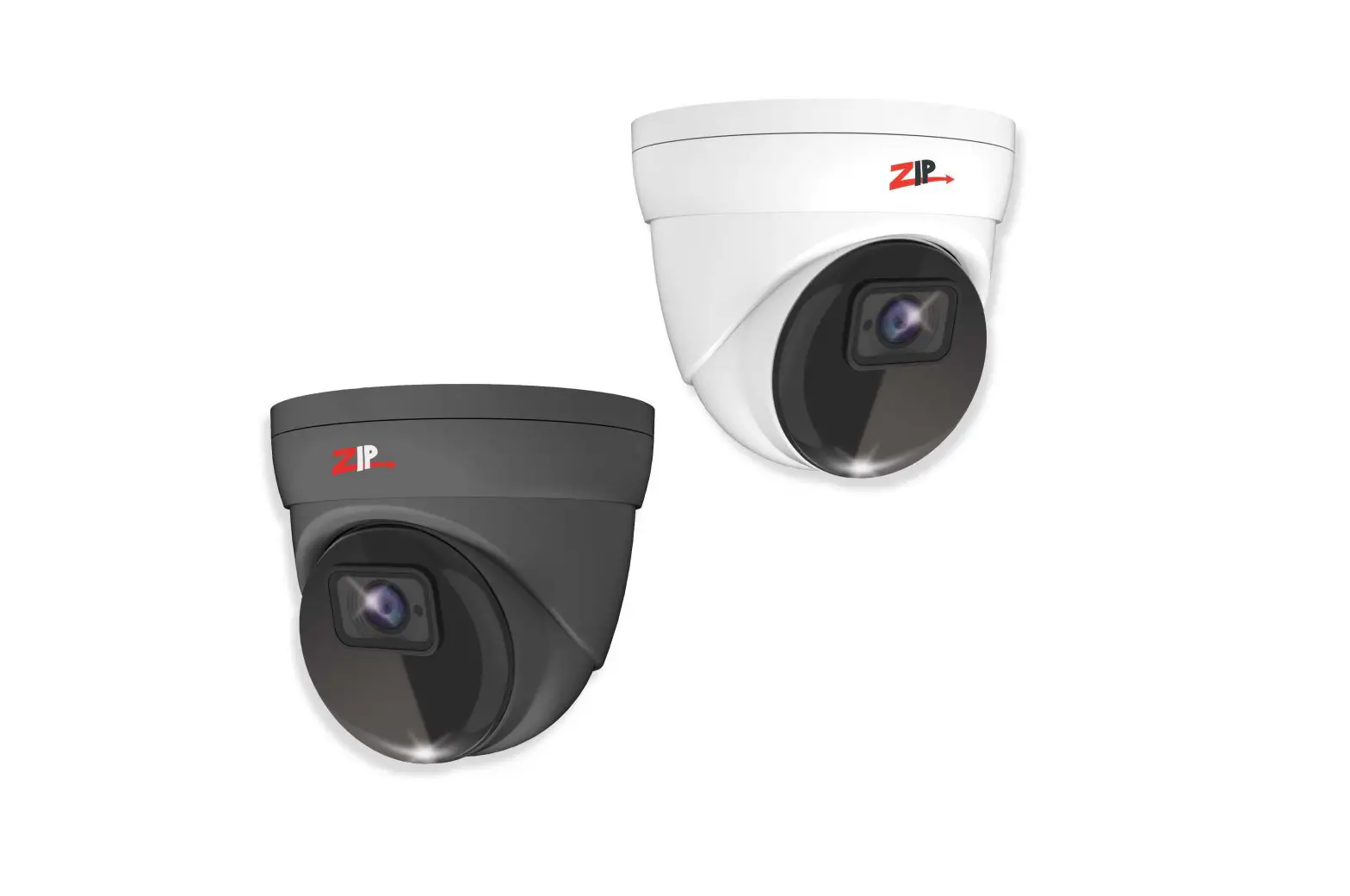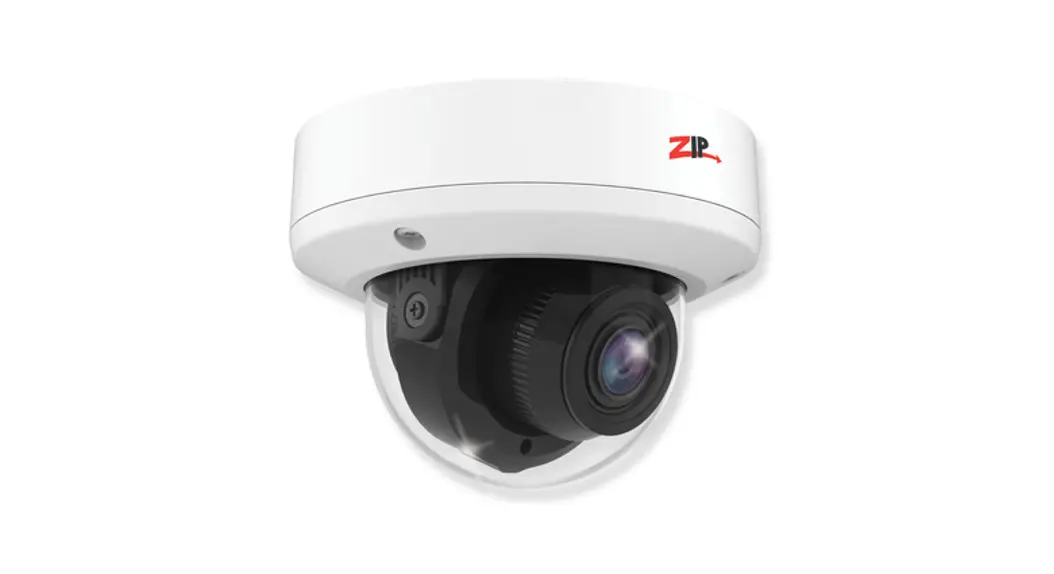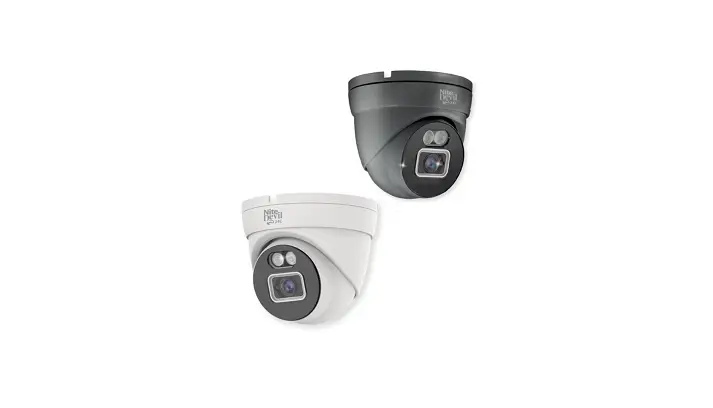

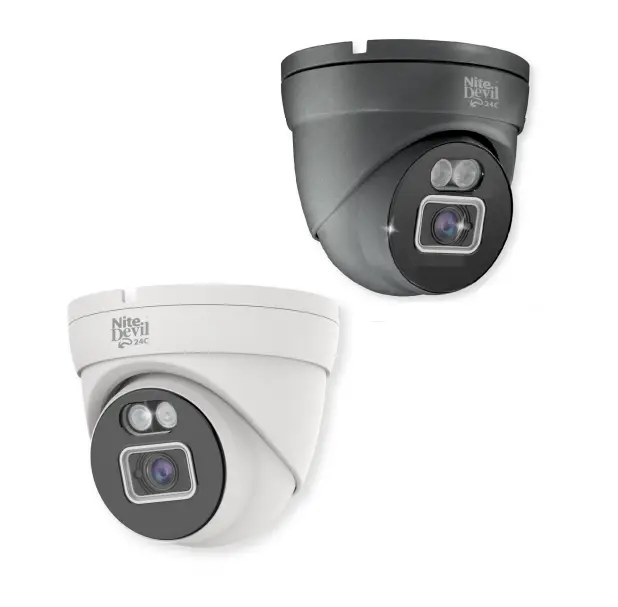
ZIP IPCND705 3.6mm IP NiteDevil 24C Mini Eyeball
INSTRUCTION
The all new NiteDevil 24C can stay in full colour around the clock using the minimal amount of natural light to produce superb full colour images. Up to 30m IR range (true day/night filter) and up to 25m white light range, 5MP resolution, built in PoE, H265 and H264 codec.
Powering the camera
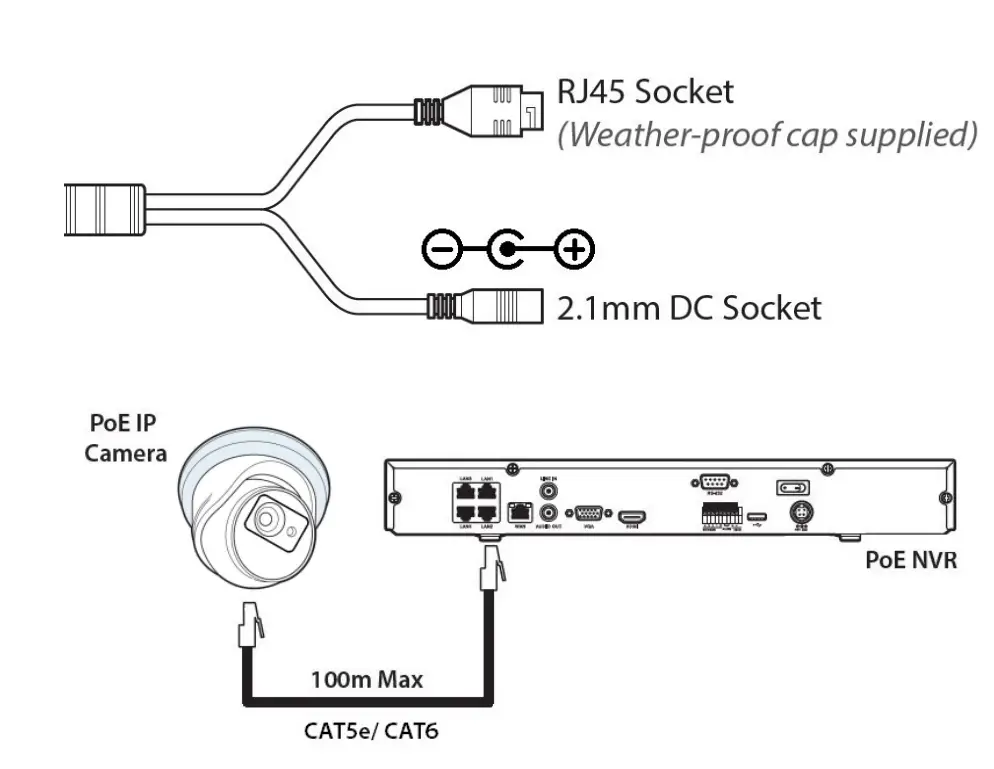
- Option 1 – Power the camera from 12V DC (via the 2.1mm DC Socket), the current consumption is 400mA. The camera is polarity sensitive so connections must be correctly made.
- Option 2 – Power the camera using a PoE 48V RJ45 Socket When connecting ZIP PoE NVR plug the camera directly into the NVRs built in PoE switch. The camera should automatically become visible after being connected for approximately 1 minute.
If using a separate PoE switch or an IPmitter (wireless bridge), the camera needsto be manually configured, scan the QR code to the left for the “how to guide.
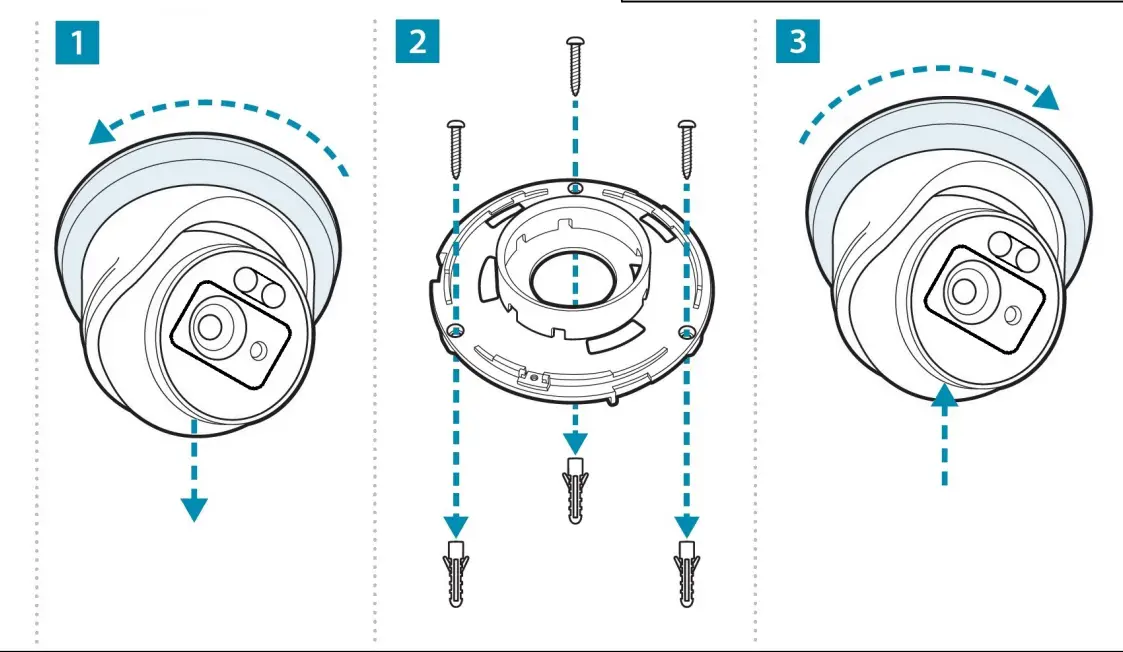
INSTALLATION
Use the ZipFinder tool to search for ZIP IP cameras on a network via a Windows PC.
Default login details are:
| Default IP | 192.168.10.1 |
| User Name | admin |
| Password | 777777 |
SPECIFICATION
| Resolution | 5MP (2880 x 1620) |
| Lens Type | Wide Angle 3.6mm Fixed |
| Video Compression | H264 / H265 |
| Bit Rate | 8Kbps ~ 8Mbps |
| Shutter | 1/5 ~ 1/20000s |
| Min. Illumination | Colour 24/7 |
| Day/Night Function | Auto or Scheduled |
| Microphone | Built-in |
| IR LEDs | 2x High Power |
| IR Range | Up to 30m |
| White Light | 2x High Power |
| White Light Range | Up to 25m |
| Gain Control | Auto |
| Video Connection | RJ45 Socket |
| Onvif | Yes |
| Protocol | TCP/IP, HTTP, DHCP, DNS, DDNS, RTP/RTSP |
| Other Protocols | SMTP, NTP, UPnP, SNMP, HTTPS, FTP |
| White Balance | Auto / Manual |
| Input Voltage | 12V DC (400mA) / PoE 48V |
| Consumption | 5W Max |
| Power Connection | 12V – 2.1mm DC Socket / PoE – RJ45 |
| IP Rating | IP66 |
| Build | Metal |
| Dimensions | 100mm x (H) 90mm |