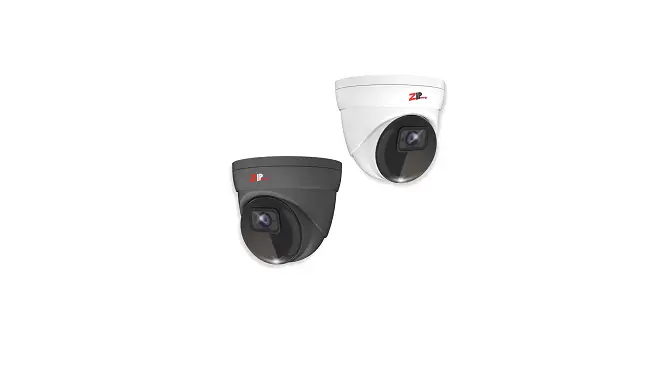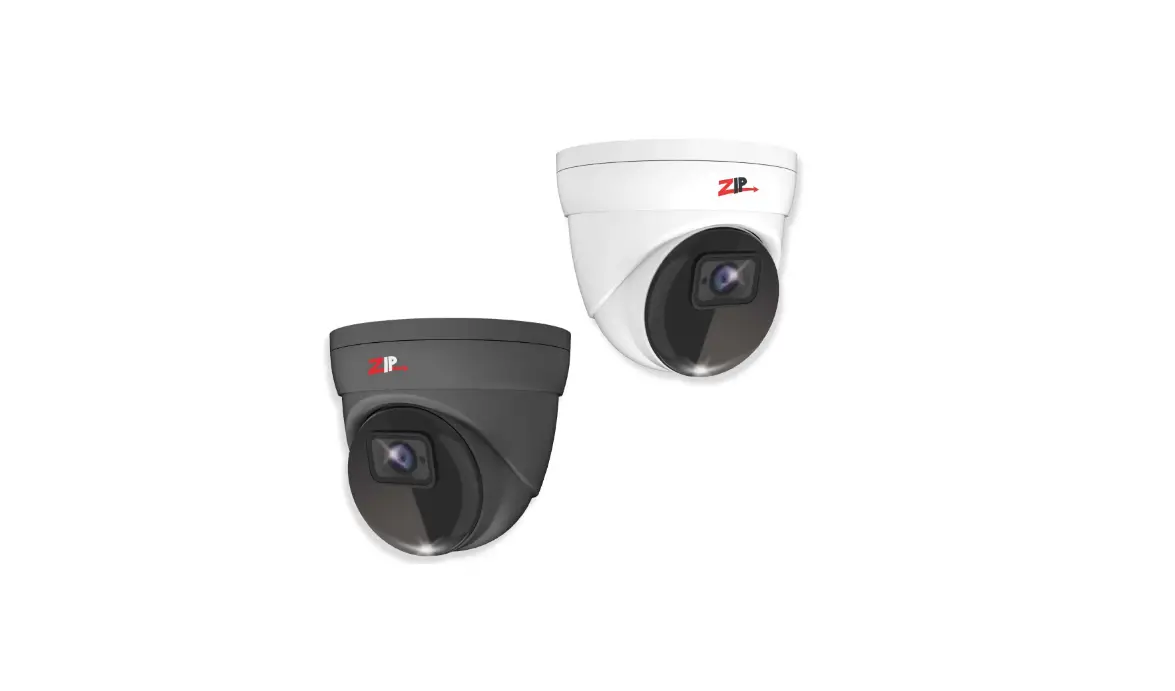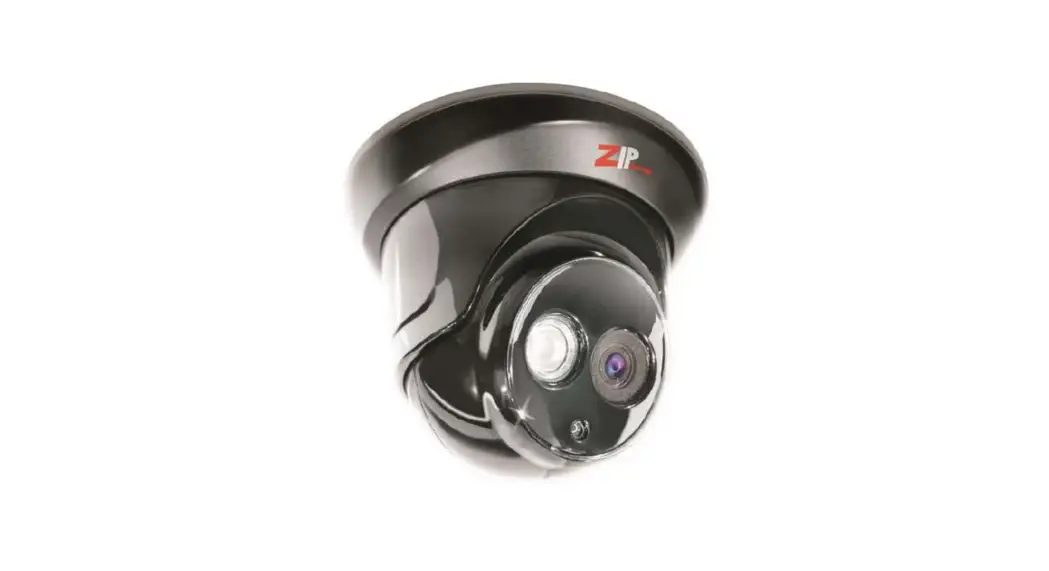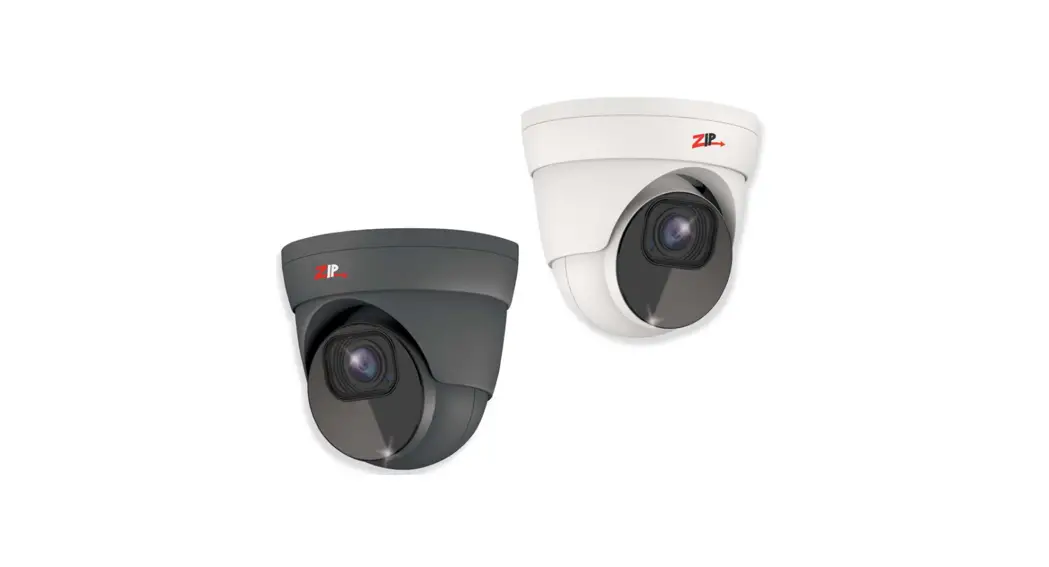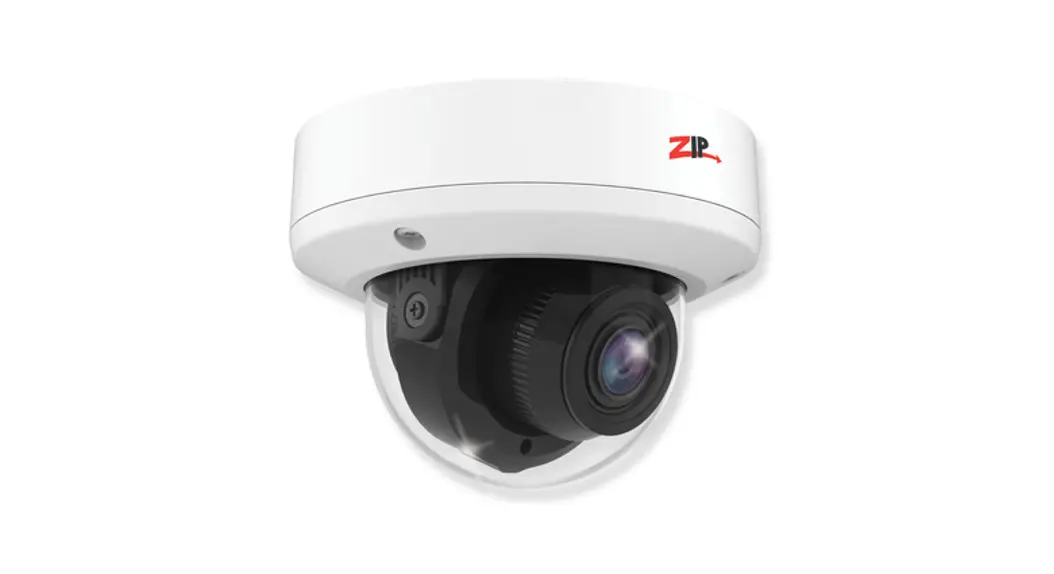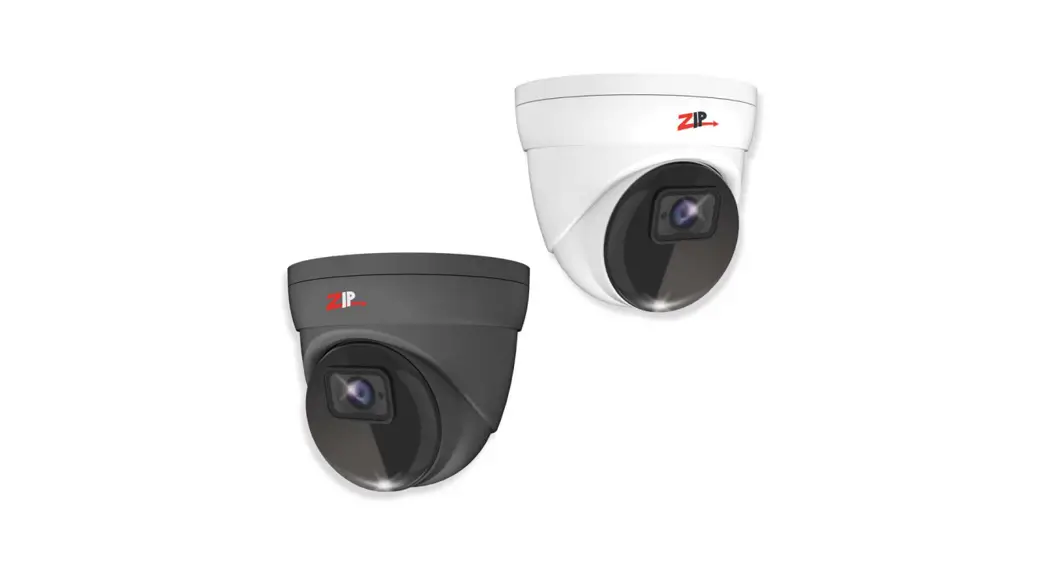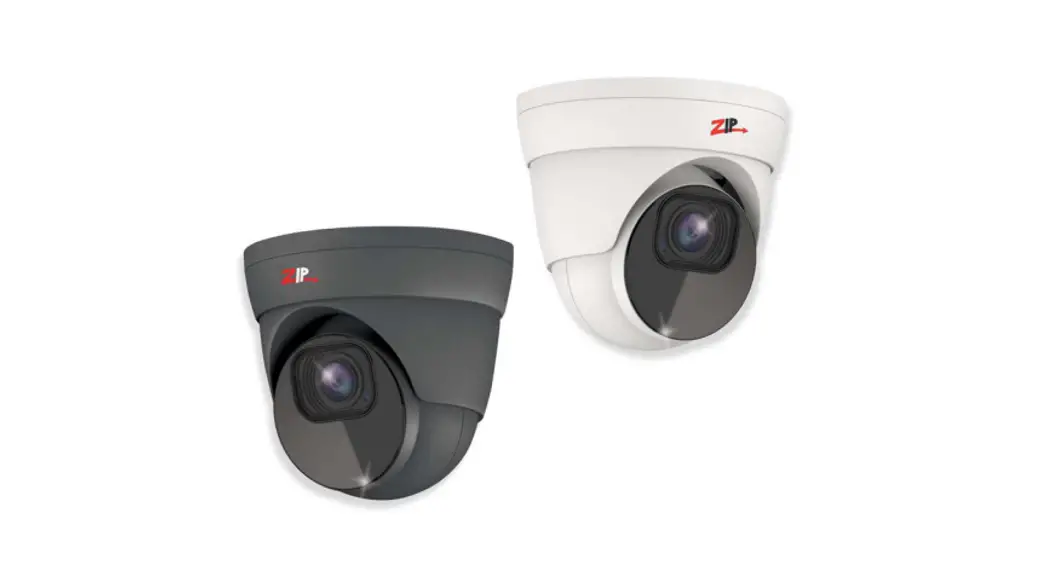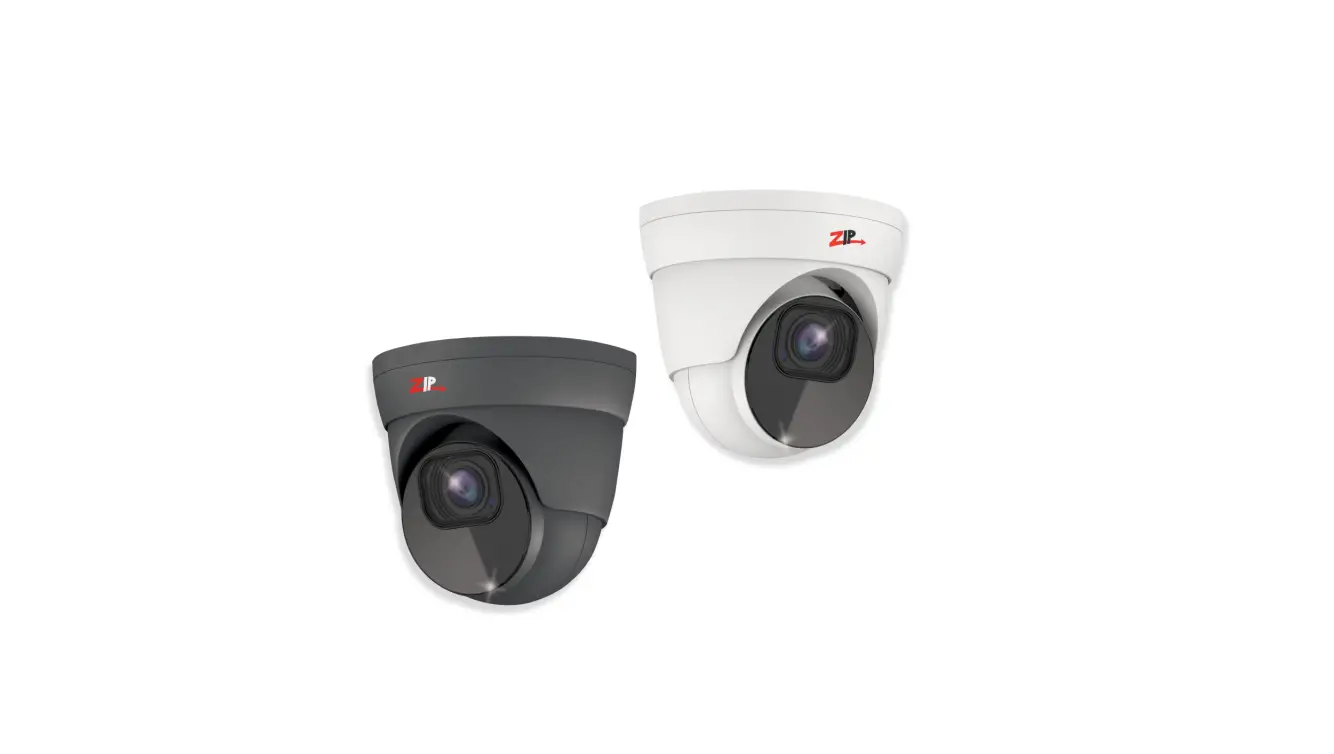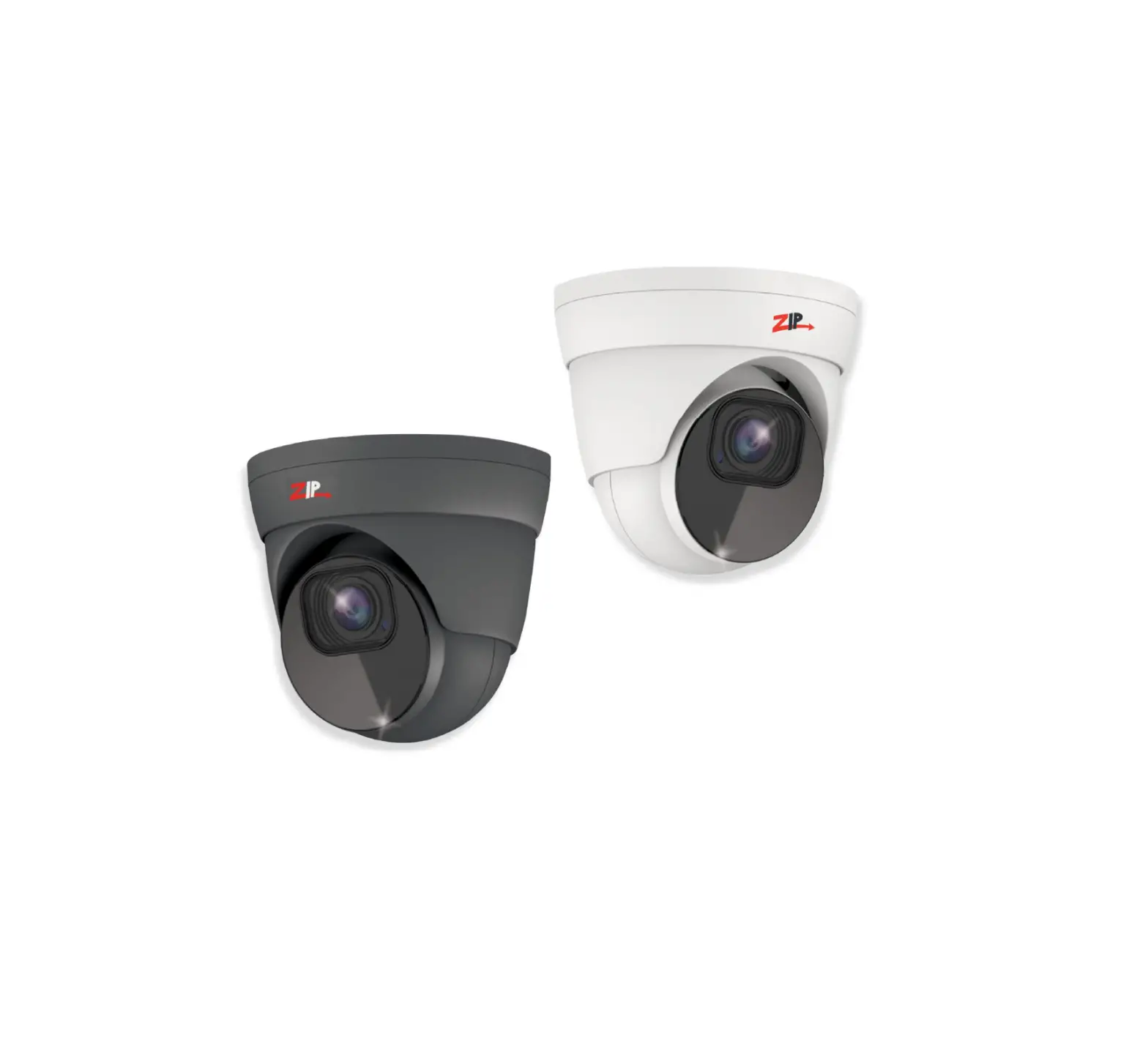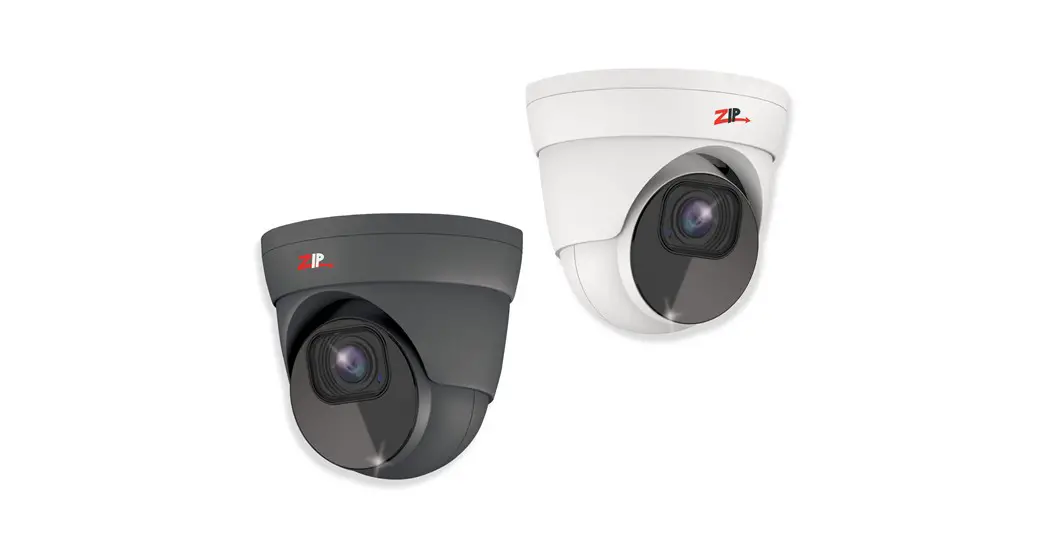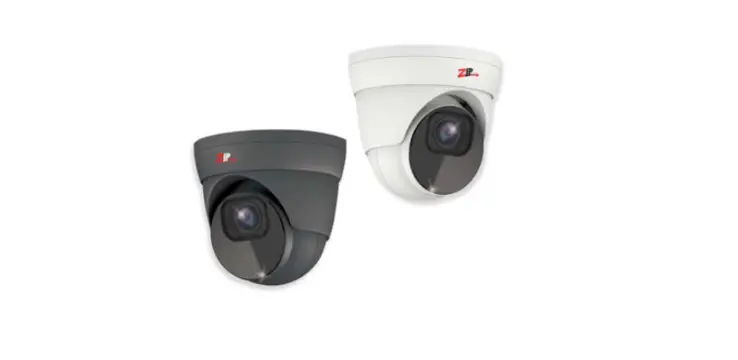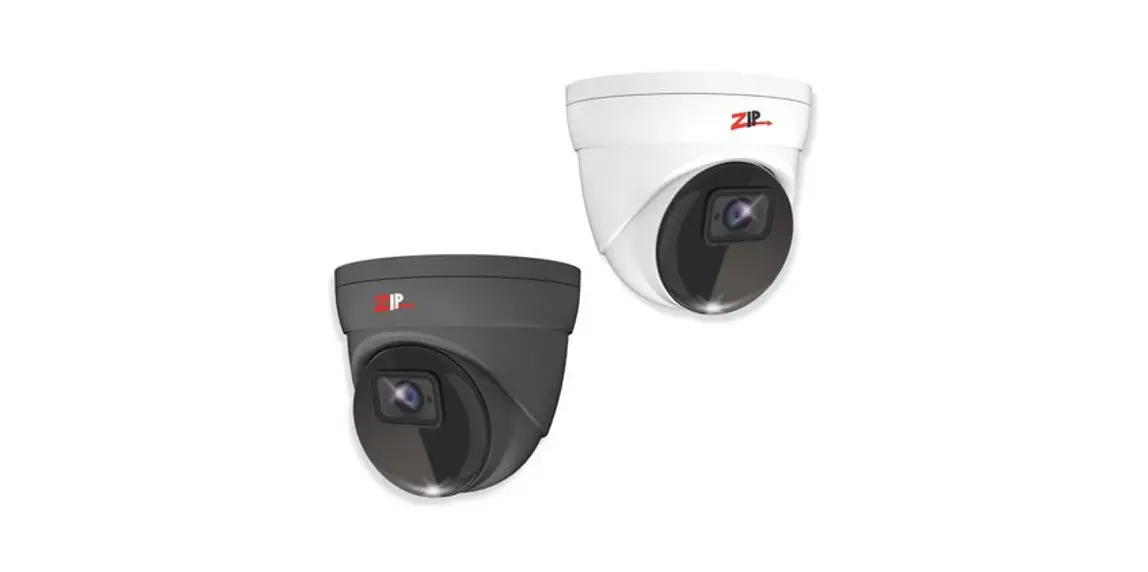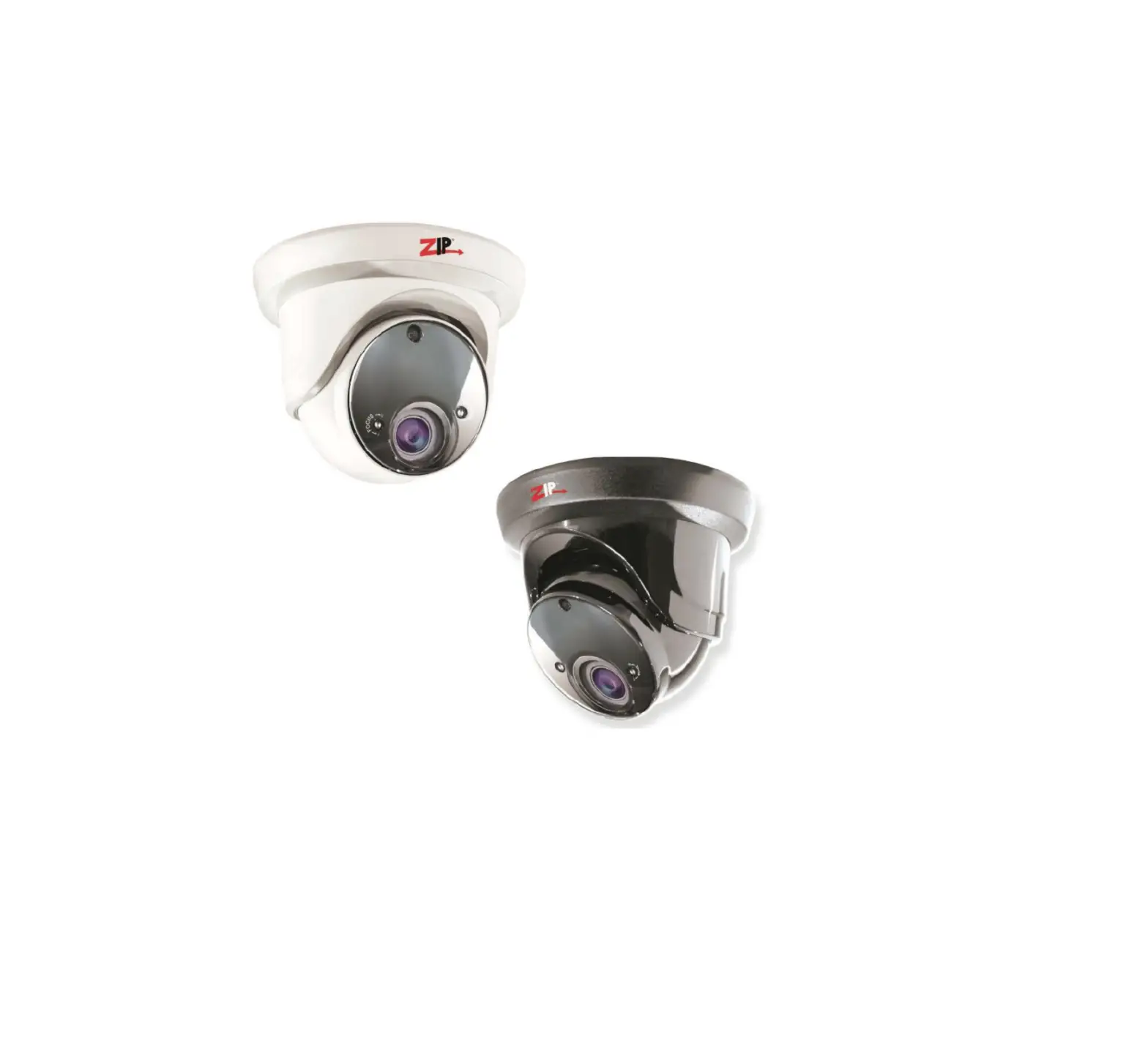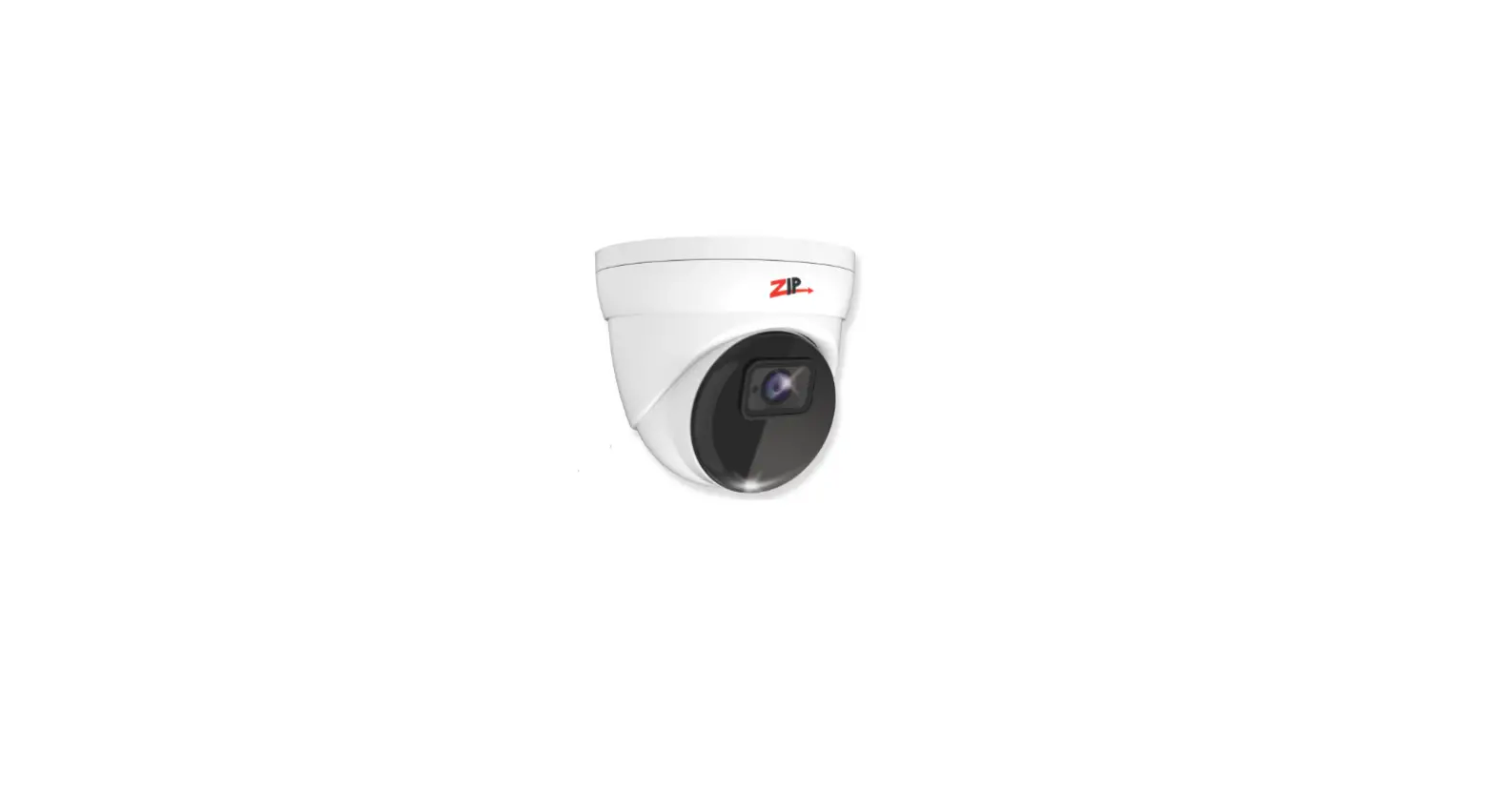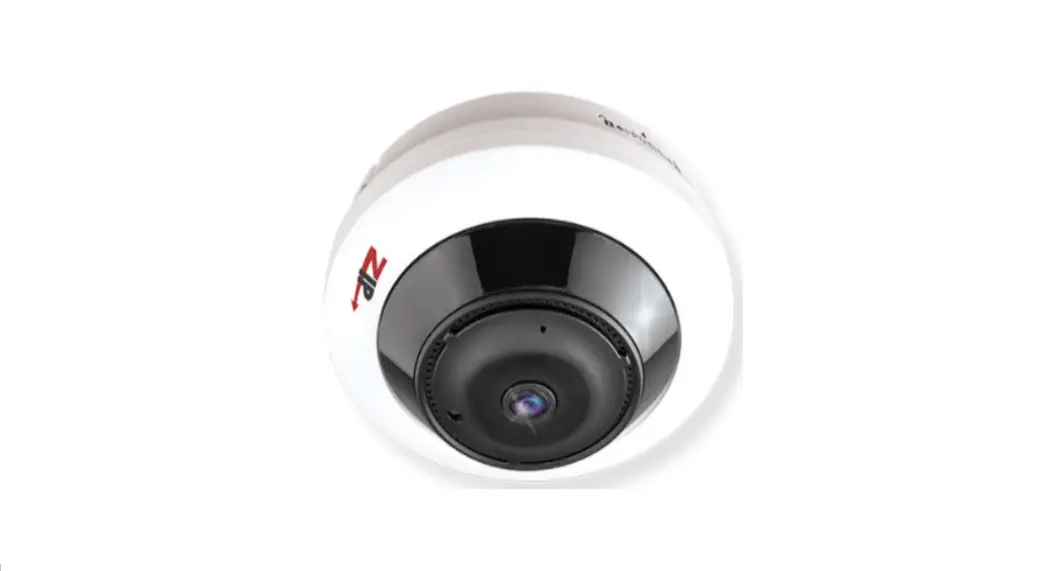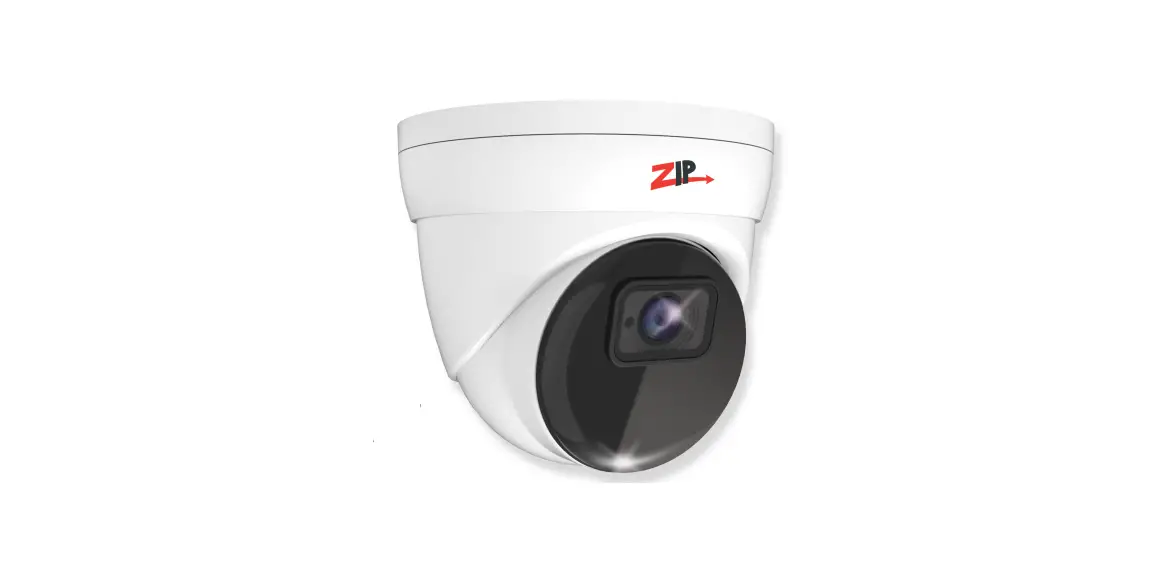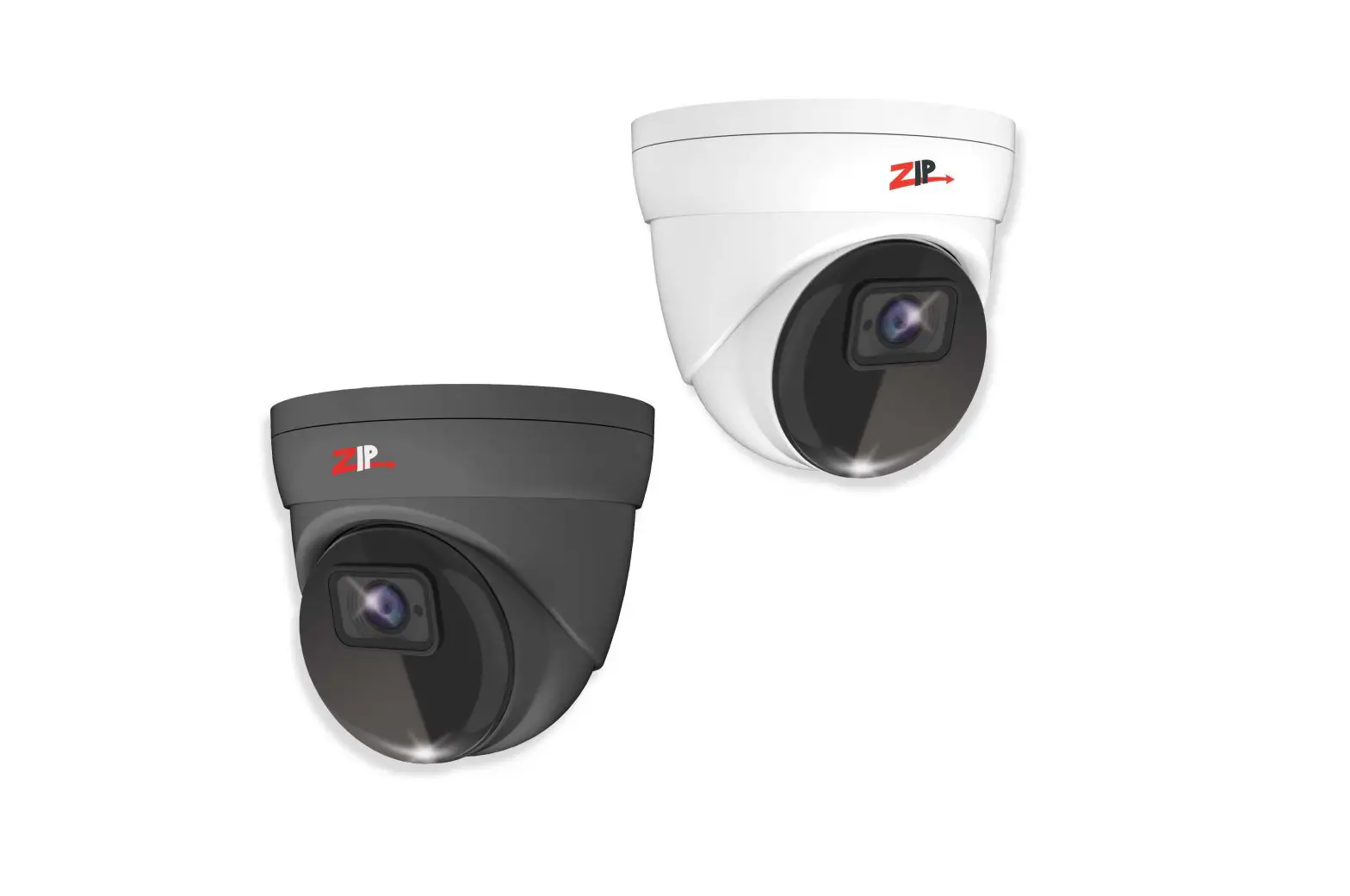

Zip SEE852 2MP Mini Eyeball 3.6mm Fixed Lens Camera 
INTRODUCTION
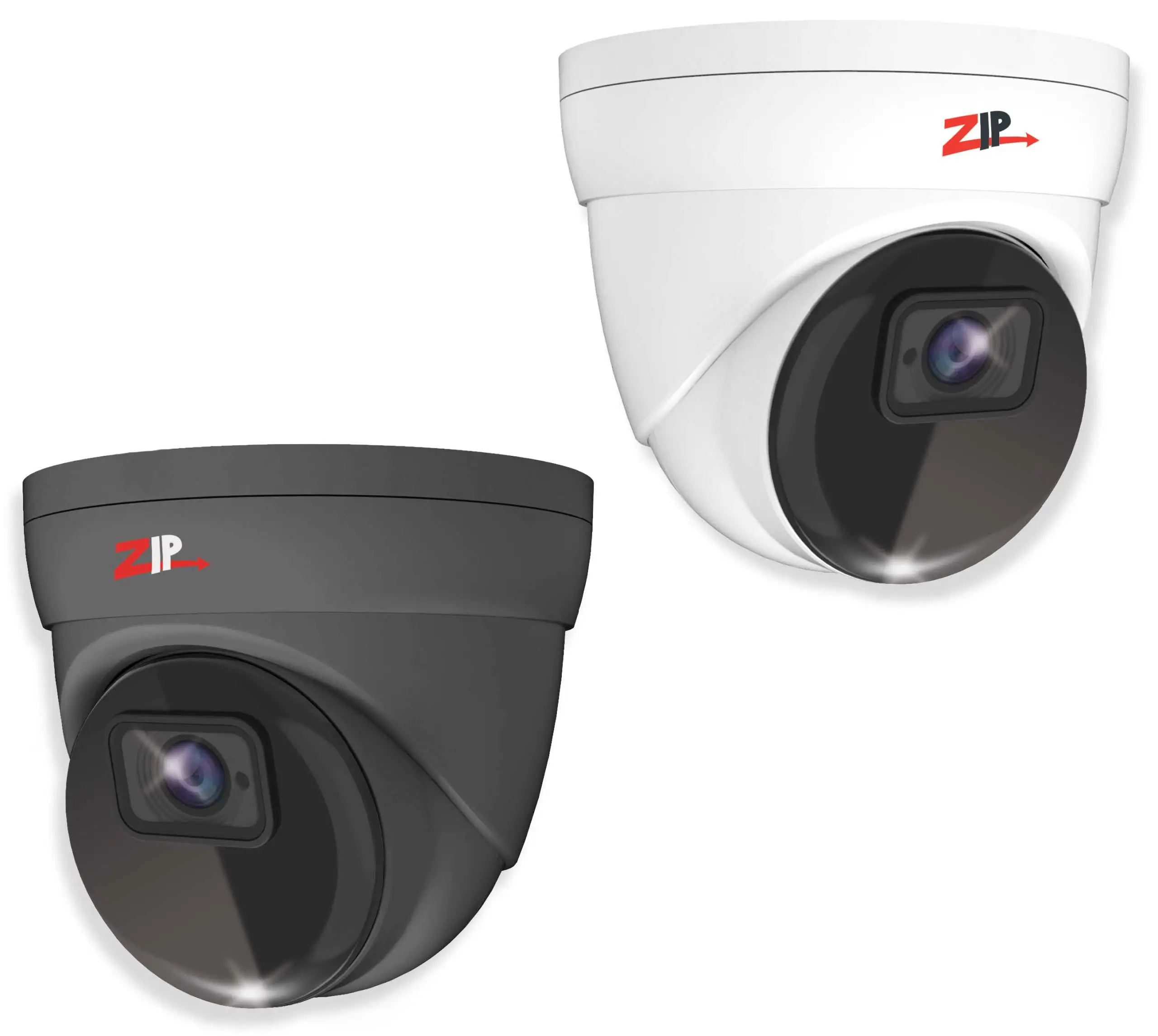
The SEE852 mini eyeball has a tough metal exterior, ideal for both outdoor and indoor uses with multi-format output modes including; TVI, AHD, CVI, and CVBS. IR range up to 30m (true day/night filter).
Powering the camera
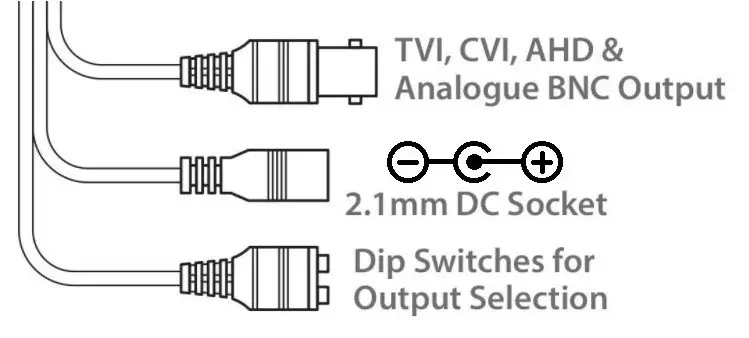
The camera has a 2.1mm socket which requires 12V DC and the current consumption is 300mA, so use a regulated power supply rated at 500mA or above. The camera is polarity sensitive so connections must be correctly made. The camera has a standard BNC connector for the 4-in-1 video output. By default, the output is set to HD-TVI 2MP which will work with the ZipLite, ZipSupa, and ZipXtreme DVRs, however, the output can be changed to AHD, CVI, or CVBS if required.

Via a DVR with a monitor & mouse direct to access the Cameras menu via coalition:-
- Click on the image in Live view
- Click on the PTZ button at the bottom of the screen
- Click on the IRIS + button to display the menu
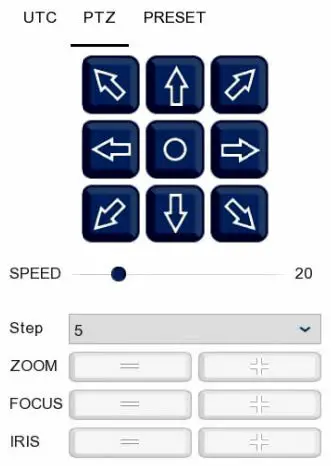
- Use the directional arrows to move up and down through the menu.
- Use the directional arrows left and right to change the option.
- Use IRIS + to select and enter that menu option.
| Resolution | 2MP |
| Lens Type | 3.6mm Fixed |
| Image Output | 1 Volt Peak-Peak 75 ohm |
| Min. Illumination | 0 Lux IR On |
| Day/Night | Mechanical (True Day-Night) |
| IR Range | 30m |
| Input Voltage | 12V DC |
| Current Consumption | 300mA (IR On) |
| IP Rating | IP66 |
| Video Connection | BNC Socket |
| Power Connection | 2.1mm DC Socket |
| Finish | White/ Grey |
| Build | Metal |
| Dimensions | 100mm (Diameter) x 90 mm (Height) |