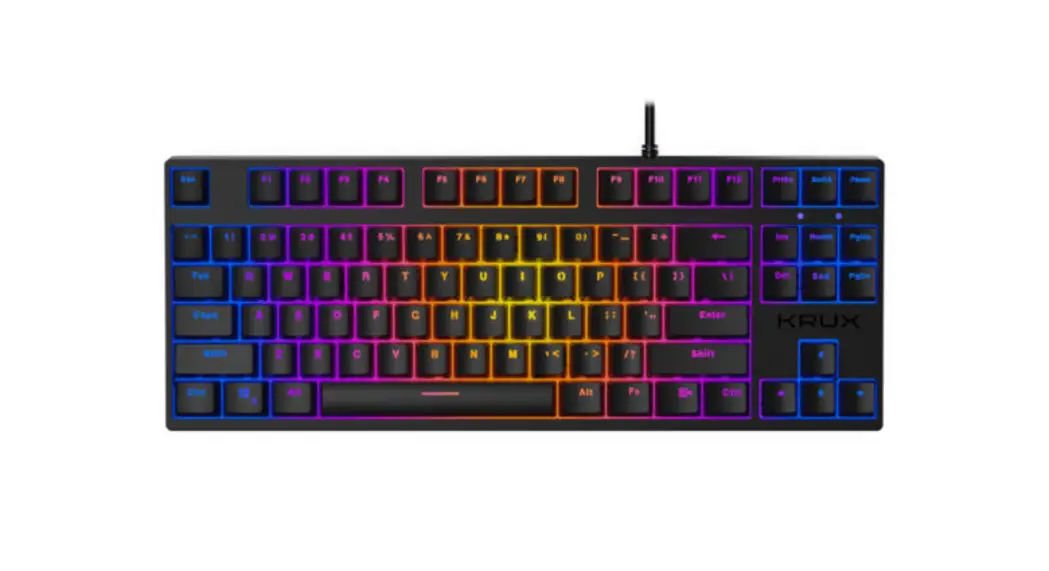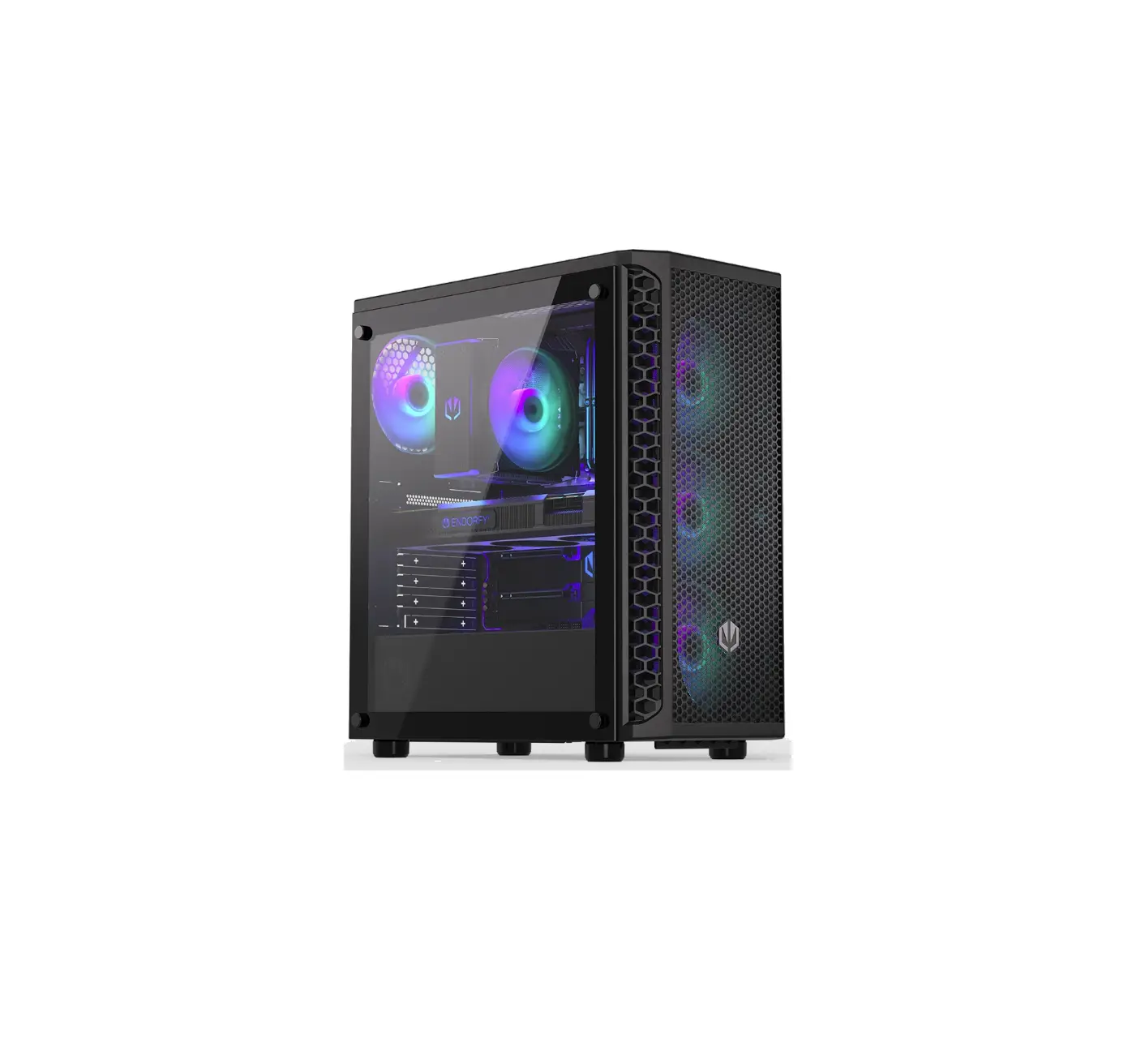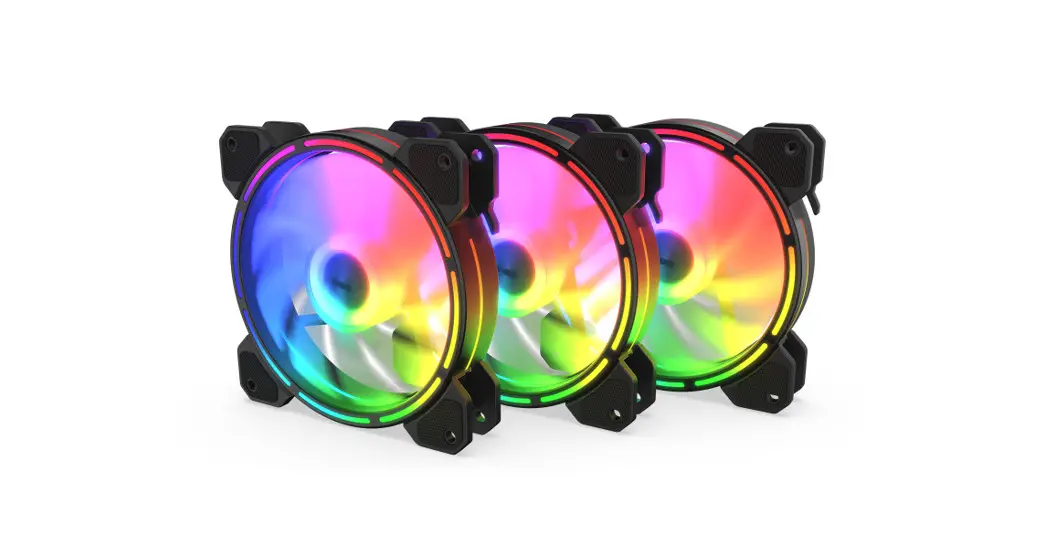
 KRX0068 Lunar 3×120 ARGB Kit
Instruction Manual
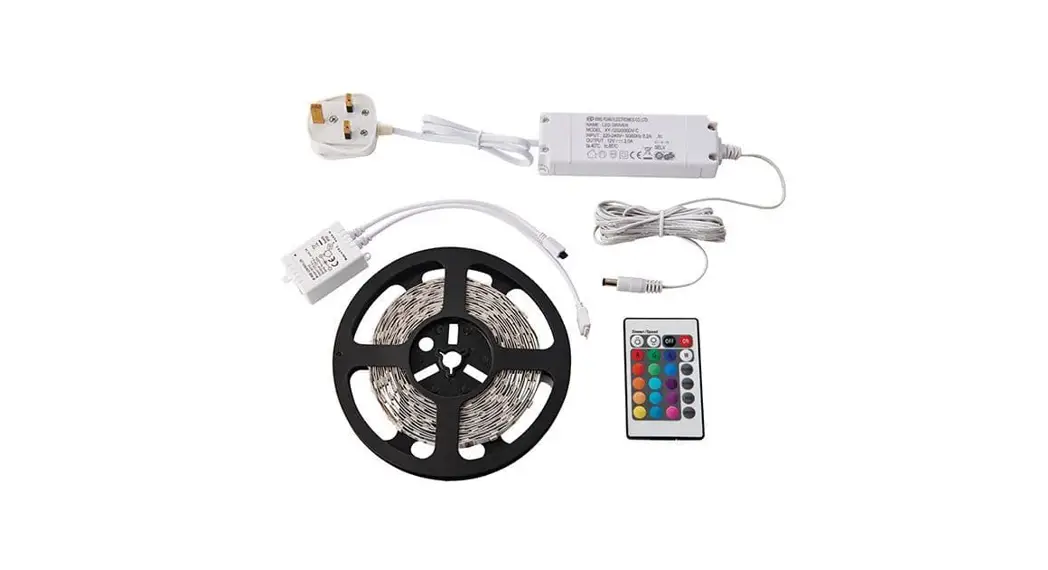
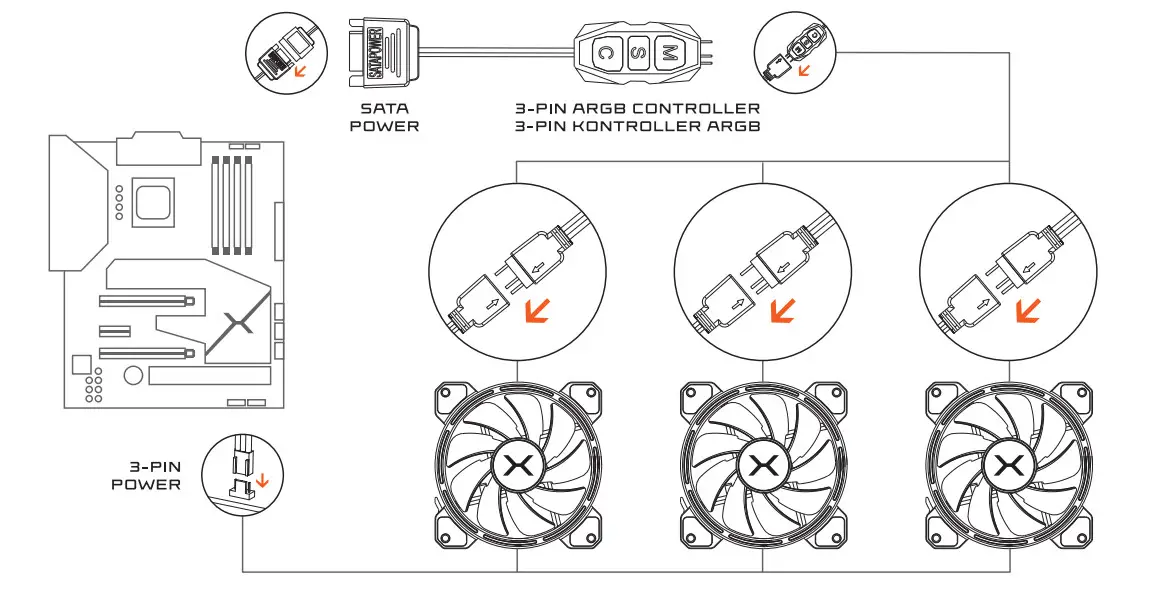
SETLFP ARGE CONTROLLERR
SETLFP TO MOTHERBOARD
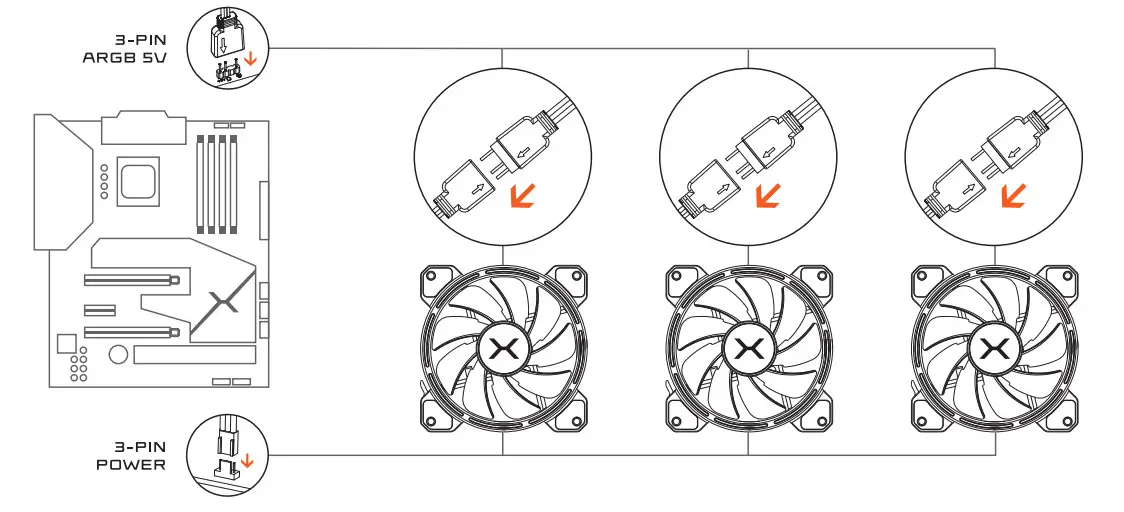
WARNING:
5VDC ADDRESSABLE RGE PRODUCTS WILL BE COMPLETELY DJAMAGEL WHEN LSEE IN 1EULJC RGB PLUG.
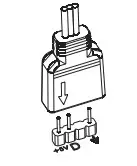
X -3-PIN ARGE CONTROLLER
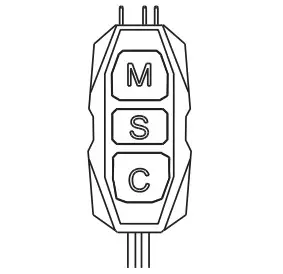
M key single click to swish modes.
S key single click to switch to the next speed level 6 speed levels].
S key 3 seconds long press to turn on/off the light.
C key single click to switch color.
C key 6 seconds long press to adjust brightness level [6 brightness levels].
X- RGB REMOTE CONTROLLER
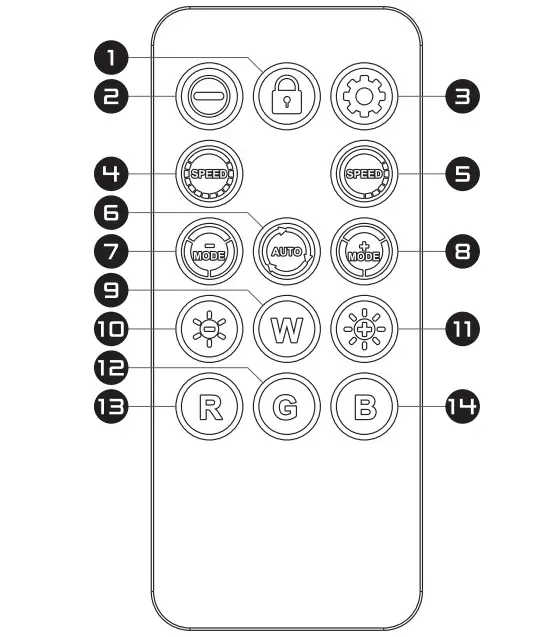
- Click to lock the current mode, and save it as default.
Press and hold for S seconds within 30 seconds of power-on to match/unmatch the remote control and controller. - Click to turn on/off lights.
- Set the number of light beads by clicking: 33 light beads by default, and reduce 3 light beads by clicking each time, decreasing the cycle.
- Click to reduce the speed of the lights. Click to increase the speed of the lights.
E. Single click: /Automatically cyclically demonstrate all modes, the duration of each mode is 10 seconds. - Click to change to the next light color.
- Click and press for 2 seconds: change to next light effect.
- Click to change to the previous light color.
- Click and press for 2 seconds: change to the previous light effect.
- Single color: white.
- Decrease the brightness of the light.
- Enhance the brightness of the light.
- Single color: green.
- Single color: red.
- Single color: blue.
2-year manufacturer warranty
Use and warranty limitations
- The product should be used according to its intended purpose. Incorrect use can damage the product and endanger the life of the user;
- Excessive humidity, dust, and other contaminations can result in product damage which is not covered by the warranty;
- The warranty does not cover mechanical damage to the product;
- Avoid exposure to rapid changes in ambient Should they occur, wait approx. 3D minutes before using the product until the temperature is leveled;
- You can find the Warranty Terms and Conditions in “Support” at https://krux.tech/
ENTITY RESPONSIBLE / POOMIOT 00POWIEOZIALNY: COOLING SP Z D.D.