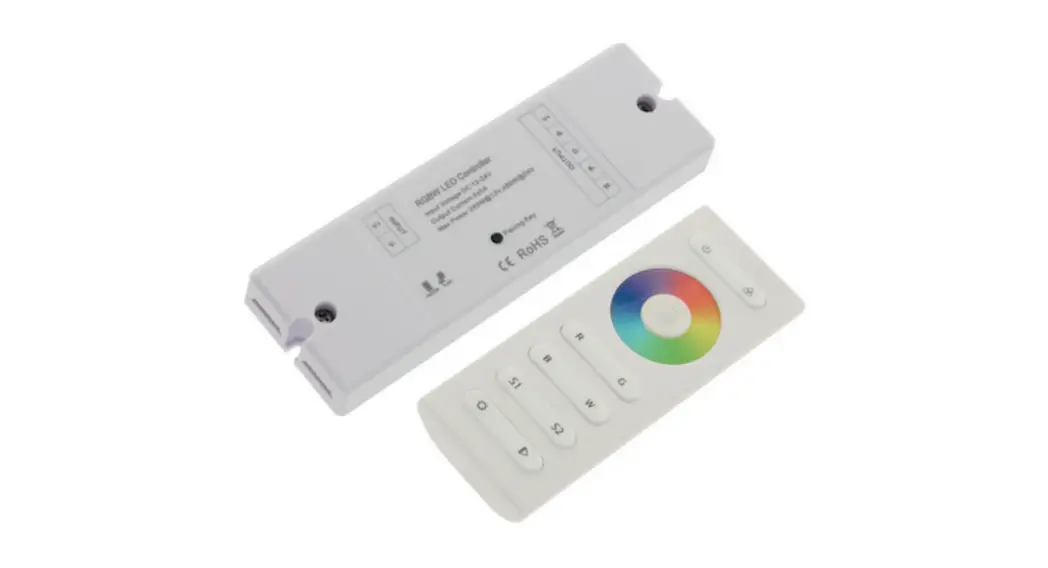
RGBW LED Controller
Product Information
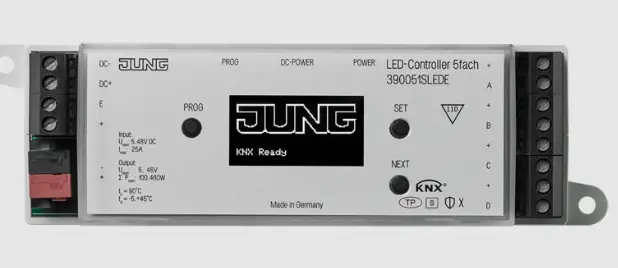
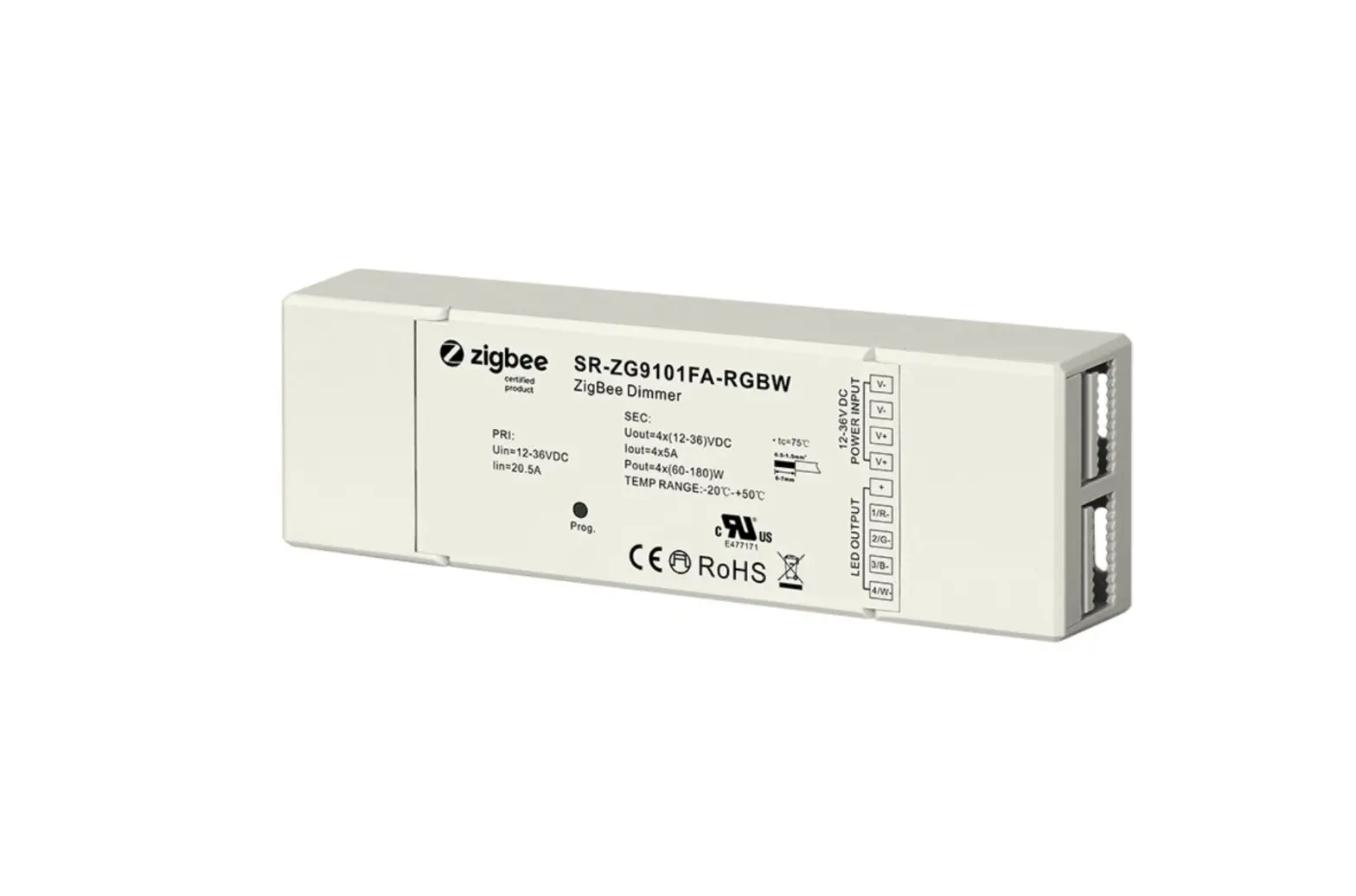
The KNX LED Controller is a device that allows you to control
LED lighting systems. It is designed to work with a DC power input
of 12/24/36V and provides 4 channels of output. The controller
features a manual button for easy operation and a program button
for programming purposes. It is compatible with the KNX BUS
system.
Technical Data
- Power supply: 21-30V DC, via the KNX/EIB bus
- Output: 12-36V DC
- Connections: Using screw connection terminal
- Type of protection: IP 20, EN 60 529
- Temperature: Operation: 0°C to 50°C, Storage: -20°C to 60°C,
Transport: -20°C to 60°C - Humidity: 20% to 85% RH (non-condensing)
Wiring Diagram
For proper installation, please refer to the provided wiring
diagram.

Product Usage Instructions
- Prior to installation, make sure to read all the instructions
in the user manual. - Connect the DC power input (12/24/36V) to the appropriate
terminals on the KNX LED Controller. - Use screw connection terminals to connect the controller to the
LED lighting system. - To assign a physical address, follow the instructions in the
user manual. - Ensure that the application layer is running normally by
checking the indicator on the controller. - To check the output status per channel, observe the LEDs on the
controller. A lit LED indicates that the channel has output, while
an unlit LED means that the channel does not have output. - For switching operations, perform a short operation on the
manual button. For relative dimming, perform a long operation on
the manual button.
For more detailed information on programming and advanced usage,
please refer to the user manual.
KNX LED Controller
v.1.1
Important: Read All Instructions Prior to Installation
Function introduction DC 12/24/36V power input
W- B- G- R-
4 channels output
Manual button
OT. OV.
KNX LED Controller
R GBW
Prog.
Program button
KNX BUS
Technical data Power supply
Output
Connections
Operation and display
Type of protection Temperature Ambient
Wiring diagram
Bus Operating voltage Input voltage Rated current Rated power Load voltage Safety EIB/KNX Inputs/outputs 4 channels
Button and red LED Green LED flashing
LEDs for Output
Manual buttons
OT. LED OV. LED IP 20 , EN 60 529 Operation Storage Transport Humidity
21-30V DC, via the KNX/EIB bus
12-36V DC
12-36V DC
12-36V DC
5Ax4CH
350mAx4CH
700mAx4CH
4x(60-180)W 4x(4.2-12.6)W 4x(8.4-25.2)W
12-36V DC
12-36V DC
12-36V DC
Short-circuit ,over voltage and over temperature protection
EIB bus connection terminal
Using screw connection terminal
For assigning the physical address Indicate the application layer running normally
Indicate output status per channel, LED on mean the channel has output, LED off mean the channel has not output.
Switch via a short operation, relative dimming via a long operation
Indicate over-temperature, >70 °C Indicate over voltage, >40V DC
-5 °C…+45°C -25 °C…+55°C -25 °C…+70°C <93%, except dewing
Size:90.1x72x66.4
KNX BUS
The dimmer with LED constant voltage drive can drive LED directly, has four channels, each channel is
independent.
The output can connect with some big power dimmable LED lights. These LEDs can be switched, dimmed,
recall scene or other operations via the bus.
The devices adopt PUSH terminals to achieve electrical connection; the connection to the EIB/KNX bus is
established via a bus connecting terminal. The input need connect a 12V-36V DC operation voltage. The
following list provides a functional overview:
Switching the LED light
Staircase lighting function
Relative dimming
Bus recovery (or reset) function
Absolute dimming Status report, error report
Preset value and modify preset value functions Switch/relative dimming via manual buttons
Setting 15 scenes
The above function of parameters to configure and use are described in the chapter 5. The device has own
database file. There is added a manual operation function in the normal dimming mode, it is invalid in the
staircase lighting mode. Switch via a short operation of manual buttons, relative dimming via a long operation,
and in the case of the bus voltage fail the manual operation is invalid.
INPUT
AC Power 50/60Hz
L N
12V/24V/36V
CV PSU
V –
OUTPUT
V+
G
W- B- G- R-
V+ V+ W- W-
B-
B-
G-
G-
R-
R-
OT. OV.
KNX LED Controller
R GBW
Prog.
KNX BUS
Connect with RGBW LED Strip
KNX BUS+ KNX BUS-
Application Programming
Introduction
It is able to set different parameters to every output channel, and control various targets by modifying the setup of the internal parameters.
Switch
The output can be switched ON or OFF by 1 bit data. It is able to set the brightness value as the last one or a defined one (1%-100%) when switching on the luminaries. It is able to set a delay time (changing time) to dim UP the luminaries or dim UP gradually in the default period. When receiving the OFF message, the dimmer will be switched off immediately, or dim DOWN gradually after a delay time (changing time) or in the default changing period.
Relative dimming
4 data bits control: the relative dimming command means it is possible to dim UP or DOWN to the needed brightness value during the set brightness threshold range. It is only valid to dim UP when the brightness value is smaller than the low threshold value and dim DOWN when the brightness value is greater than the high threshold value. It is also able to set whether to switch on the luminaries by the message “dim UP to a certain value” when the output is 0 by this function. The relative dimming is used to control the relative changes of the brightness by 4 data bits: the lowest 3 bits are controlling-bit and the highest bit is—– “1” means dim UP, “0” means dim DOWN.
Explanation of setting relative dimming: (1-7: dim DOWN; 0-8 remain unchanged (stop dimming); 9-15 dim UP)
Parameter
0
1
2
3
4
5
6
7
Dim DOWN
Unchange/ stop dimming
255
128
64
32
16
8
4
Parameter
8
9
10
11
12
13
14
15
Dim UP
Unchange/ stop dimming
255
128
64
32
16
8
4
Absolute dimming
8 data bits control: it is able to dim to the needed brightness value by changing the brightness parameters. The setting of the parameters is similar as relative dimming with the brightness value range: one low threshold value and one high threshold value. And it is not allowed to change the brightness value beyond the set range, the max. range is from 0 to 255. This function offers the possibility to dim UP or DOWN to 0 gradually to the target value by setting the delay time or the default time.
The high and low threshold value limits the total output of the dimmer; any brightness value beyond the range is not valid.
When the output is 0, it is able to set switching off the luminaries or remaining to a lower brightness value; and also in this status it is optional to switch on the luminaries by receiving the message “absolute dimming”.
Status Report
1 data bit: the dimmer offers the possibility whether sending the latest brightness value report of the controlled target and the changed report of the switch status to the BUS.
Scene
8 data bits control: the dimmer offers 15 (1-15) scenes for selection. It is possible to set ONE brightness value and the gradual change time of ON for each scene. After setting, it is easy to call any favorite scene. 1 in the highest bit of the scene command it means “saving” command, to save the current brightness value to the relevant scene.
Preset Value
The dimmer can preset scene, the object directly through 1bit data to transfer the preset scene or through 1bit data to let favorite scene to replace original preset scene. There are two preset values per output, there are two brightness values can be transfer for each preset value. Such as in theater, we need a relatively bright lighting effect when coming in, we can through transfer the first brightness value to be achieved this effect, when the movie starts playing, we need a relatively dark lighting effect, we can through transfer the second brightness value to be achieved. We can return to the previous brightness value when the movie ended.
Staircase Lighting Function
The dimmer offers the function of staircase lighting control besides the normal lighting control. The staircase lighting function serves to switch off the lighting directly until dimming DOWN to 20% of the brightness value after a set period. It is able to set the brightness of the luminaries, the duration of the light ON, the time to dim down to 20% separately. In this function, it uses 1 data bit control the targets directly by setting a permanent fixed value to the output of the staircase luminaries.
The steps of staircase lighting control: the staircase luminaries will be switched on for a certain time (this time can be set) if the controlled target receives the message of “1”; these luminaries will be switched on again when receiving another message “1” during this period. The luminaries will be switched off when they are dimmed down to 20% of the brightness value (the dim down time can be set) after this period, or switch off the luminaries by sending message “0” to the controlled target. The luminaries will be off after dimming down to 20% when receiving the message “0” (the same dimming down time as above). When enabling the function “On reception switch OBJ=0 switch off”, it is able to use the function “switch off” to turn off the output in the status of “permanent on”, or change the status from “switch on” to “permanent on” (message “1” means ON, “0” means OFF).
Reset
When the BUS is power off, all the outputs are switched off; the current brightness value will be saved to the memory of the dimmer. When the BUS voltage is recovered, the brightness status may be the last brightness value, or the preset brightness value.
When the BUS is power off, it may have the following situation occurring: In the normal mode, 2 optional behaviors after the BUS voltage recovery are: the last brightness value before power off, or the set value.
In the staircase lighting mode, the behavior after the BUS voltage recovery is: ON or OFF. No output when it is OFF; start the behavior “switch=1” when it is ON.