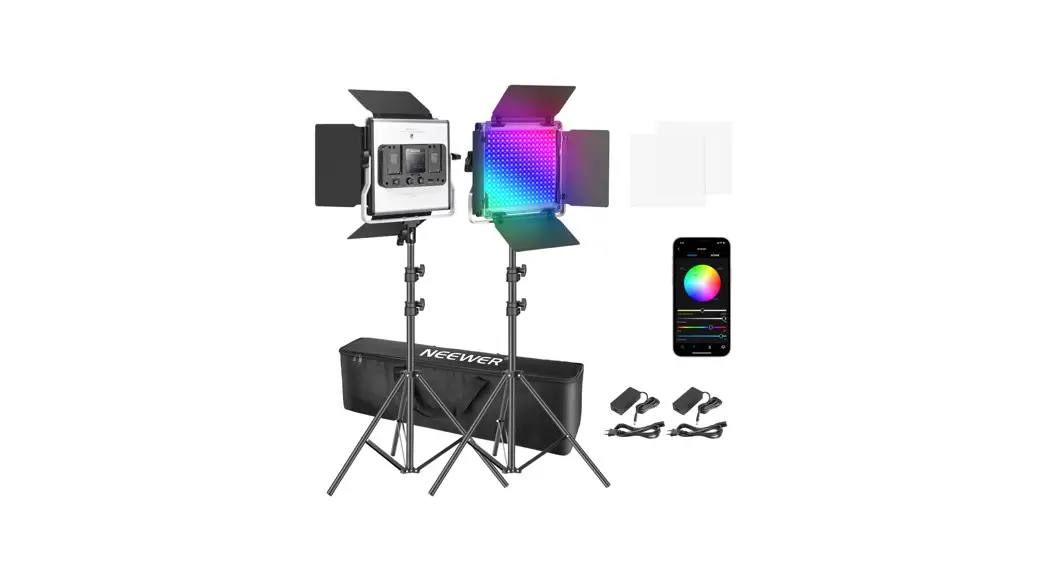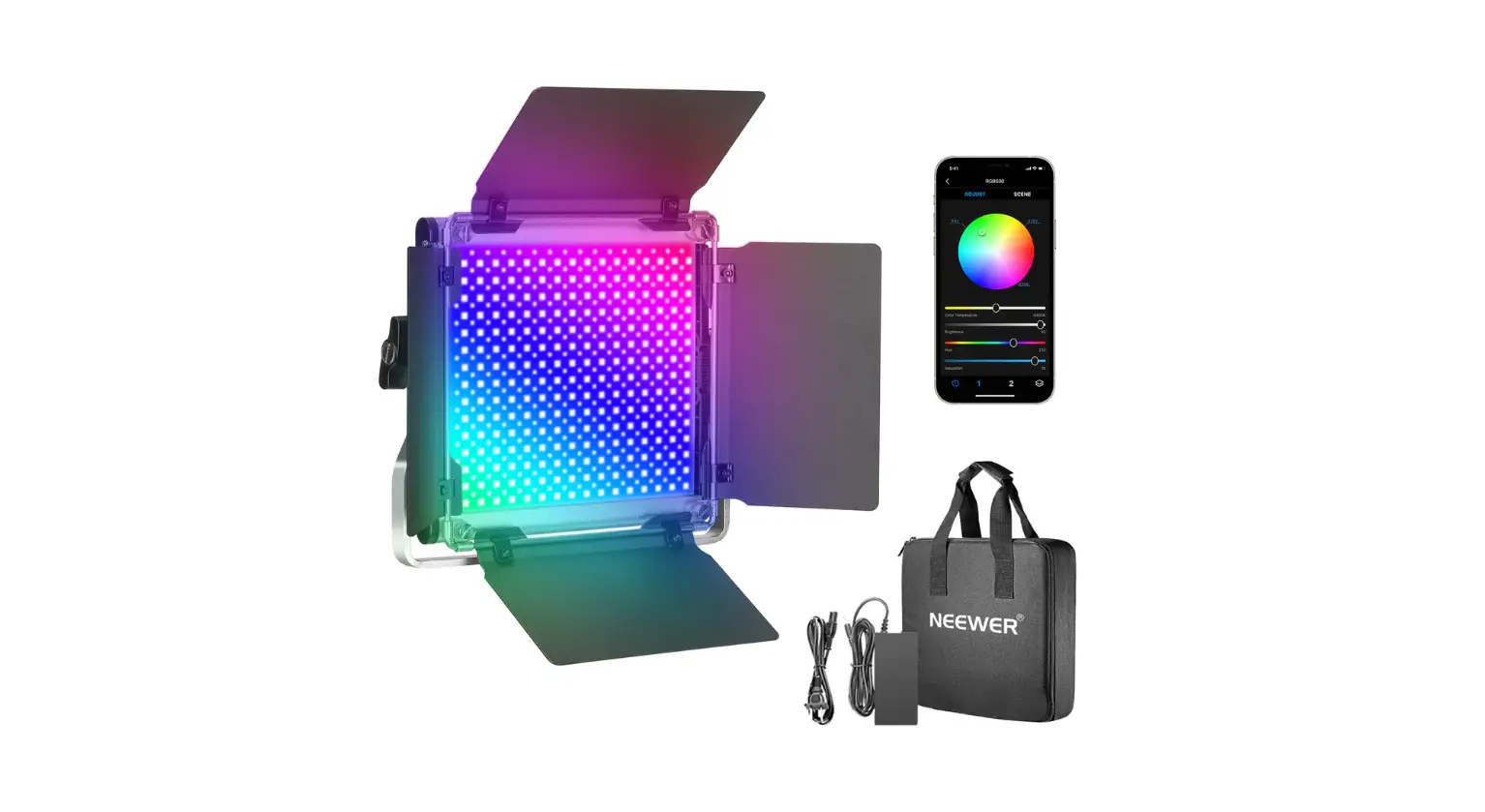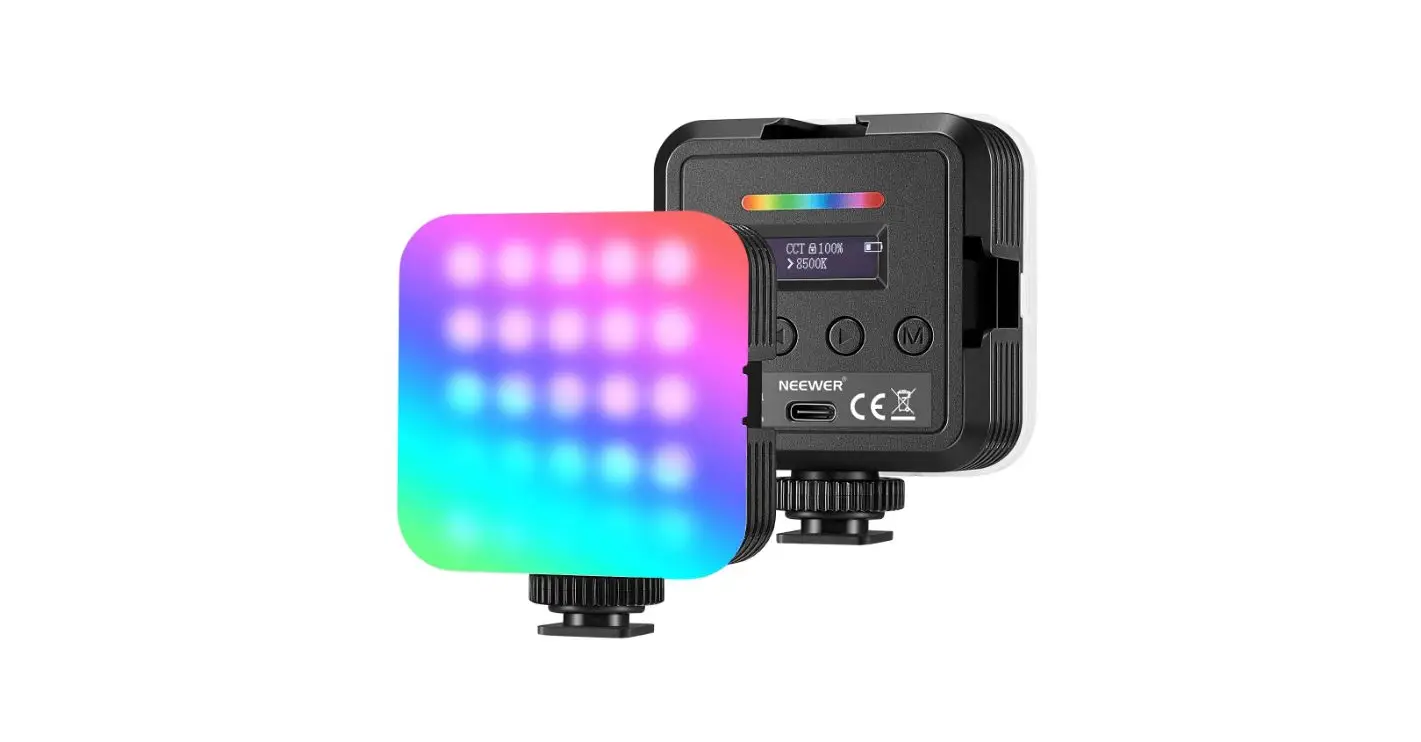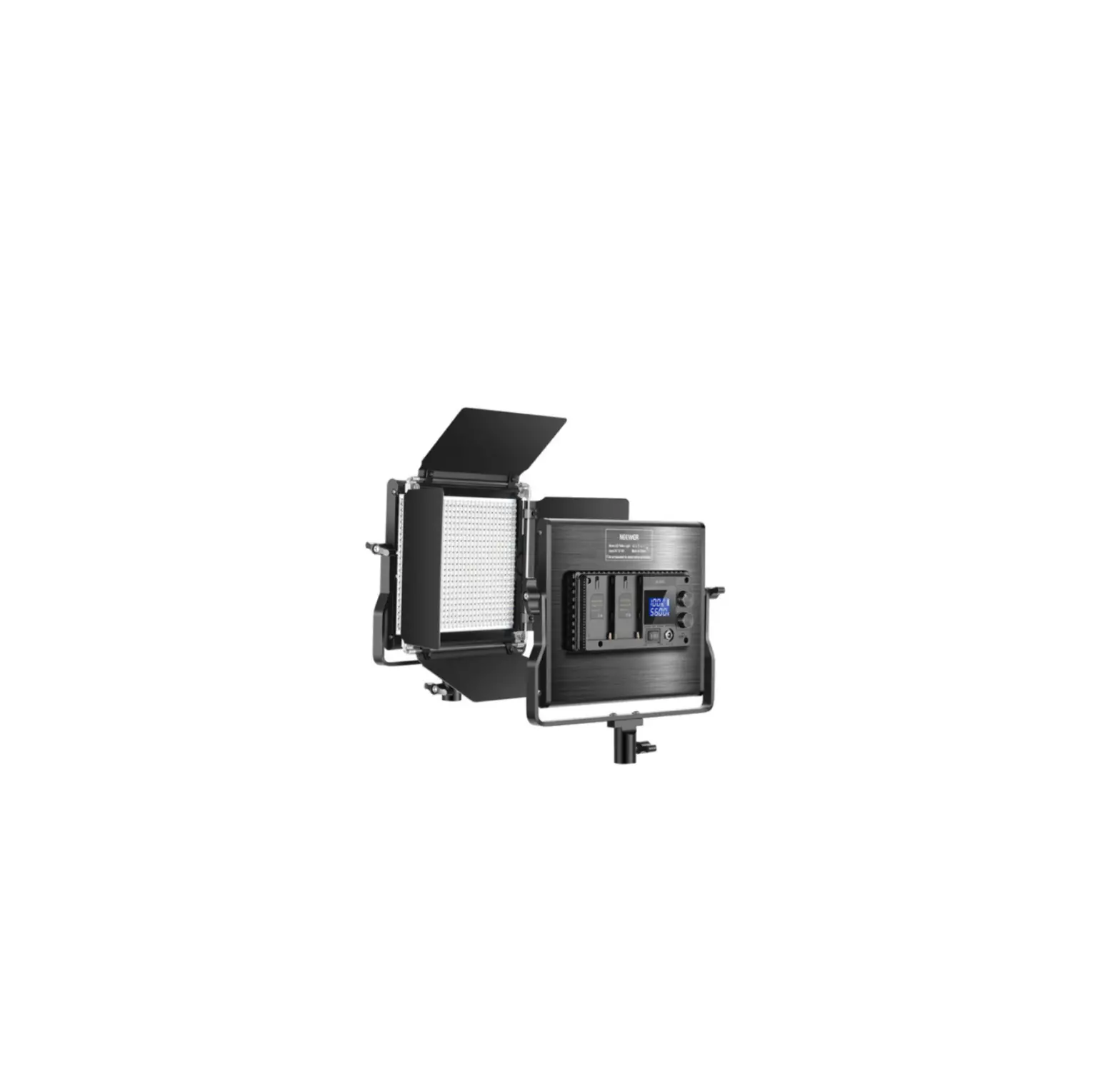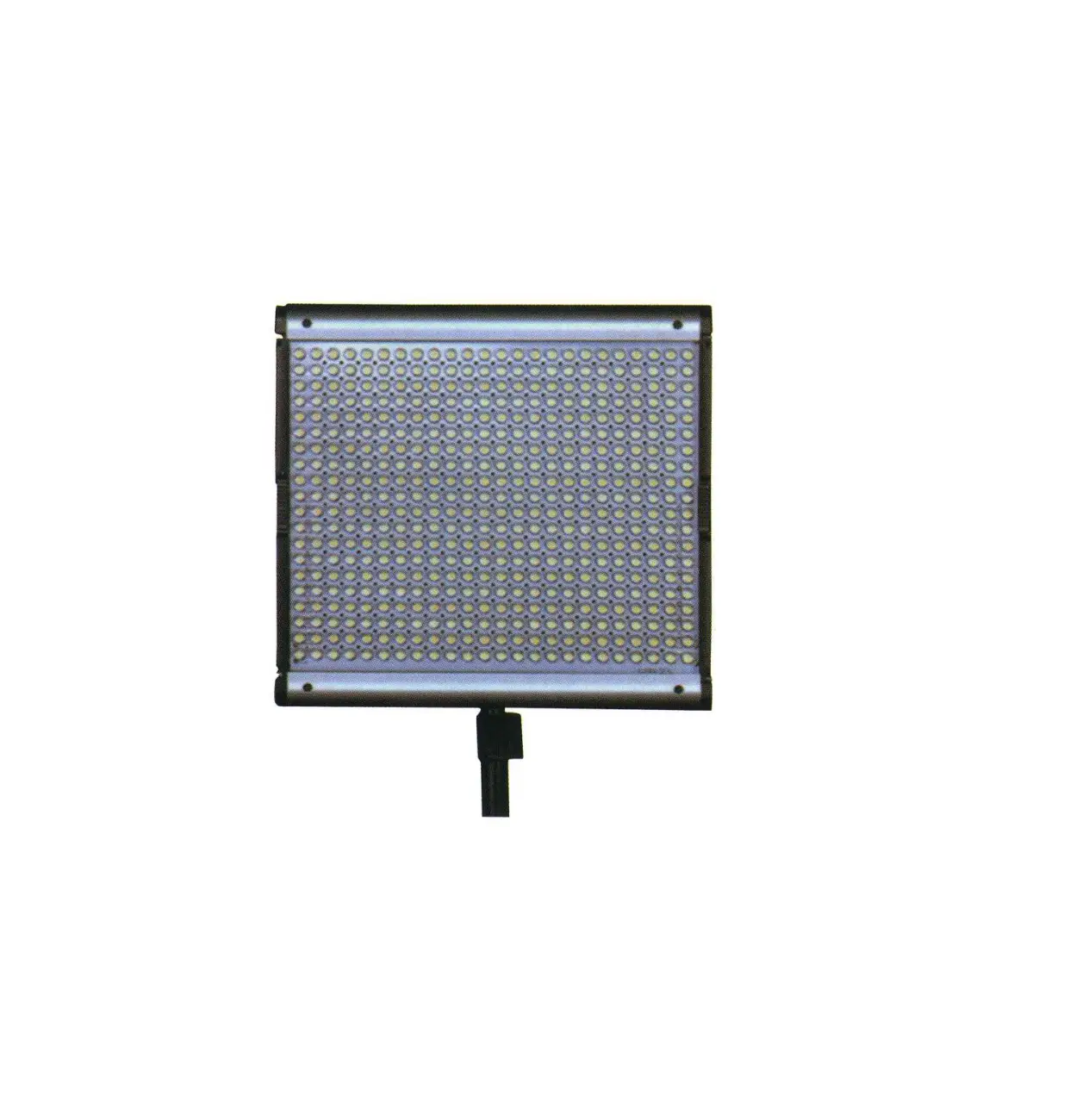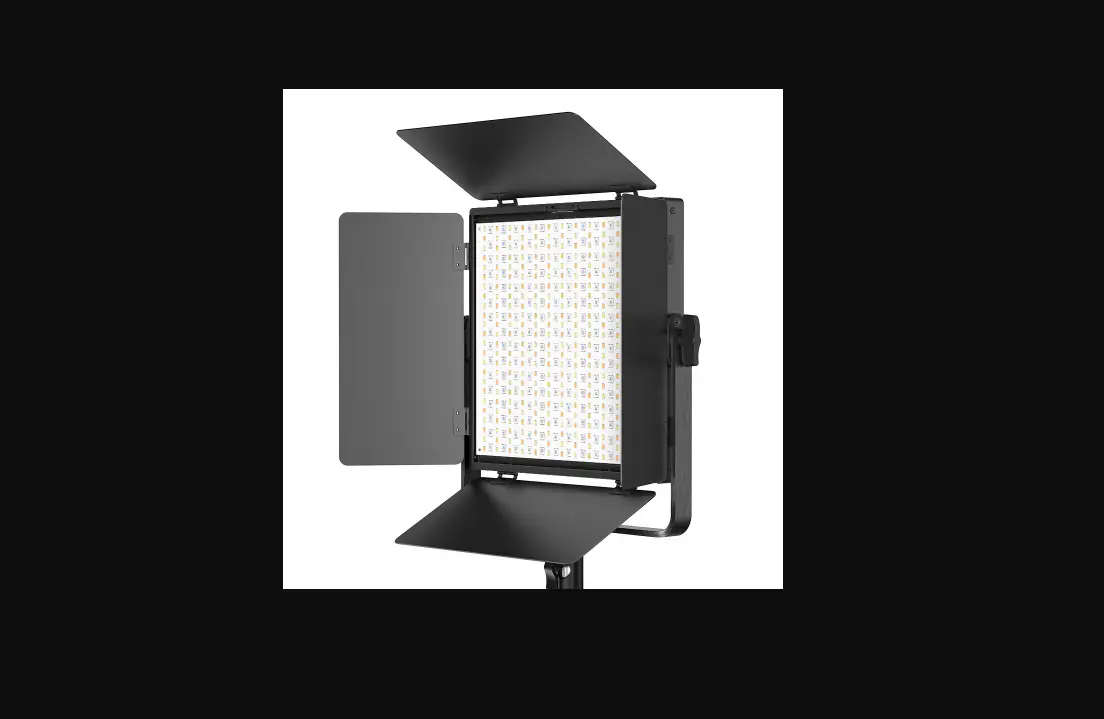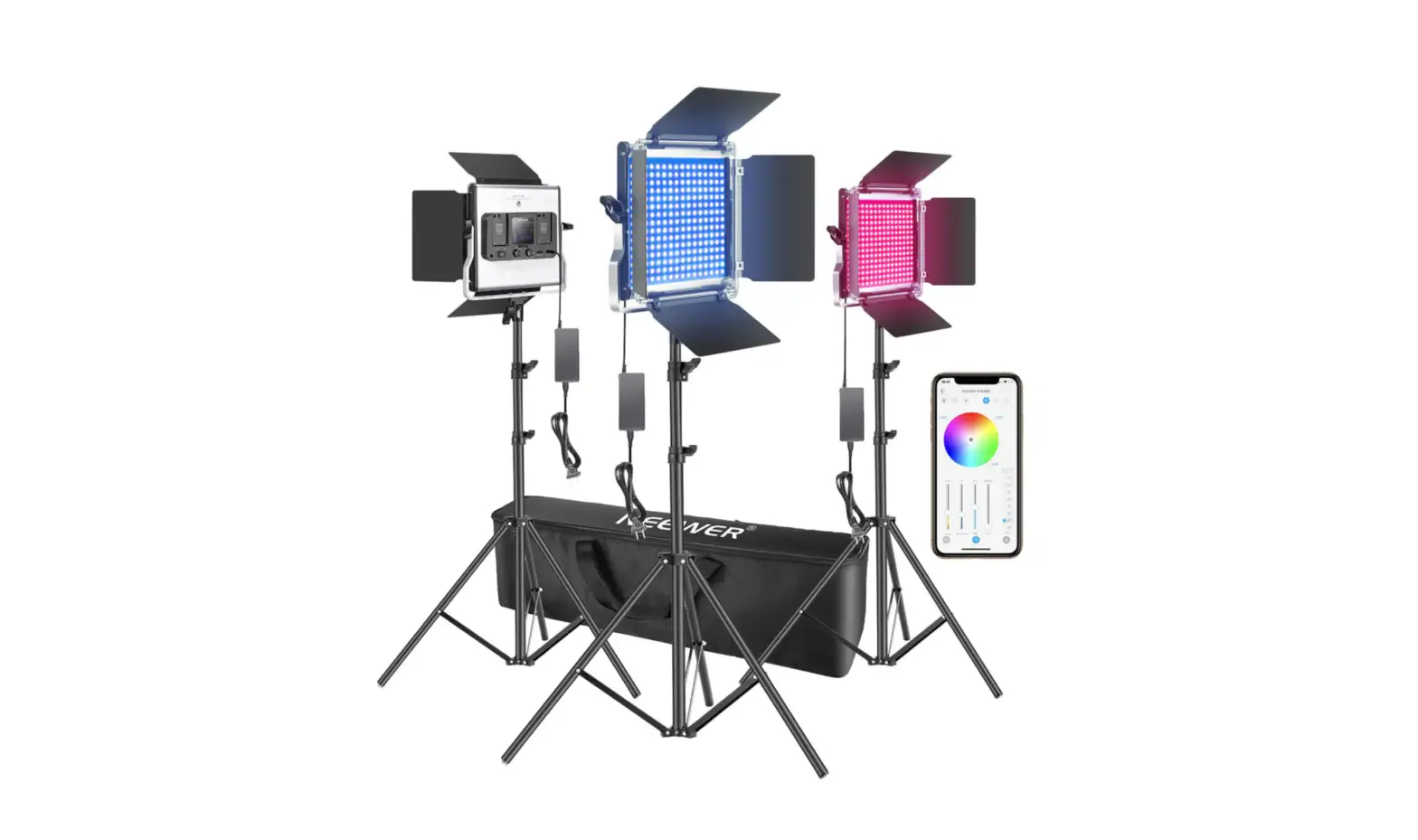
RGB660 Smart Metal LED Light
FCC Statement: This device complies with part 15 of the FCC Rules. Operation is subject to the following two conditions: (1) This device may not cause harmful interference, and (2) this device must accept any interference received, including interference that may cause undesired operation. This equipment has been tested and found to comply with the limits for a Class B digital device, pursuant to part 15 of the FCC Rules. These limits are designed to provide reasonable protection against harmful interference in a residential installation. This equipment generates uses and can radiate radio frequency energy and, if not installed and used in accordance with the instructions, may cause harmful interference to radio communications. However, there is no guarantee that interference will not occur in a particular installation. If this equipment does cause harmful interference to radio or television reception, which can be determined by turning the equipment off and on, the user is encouraged to try to correct the interference by one or more of the following measures: -Reorient or relocate the receiving antenna. -Increase the separation between theequipment and receiver. -Connect the equipment into an outlet on a circuit different from that to which the receiver is connected. -Consult the dealer or an experienced radio/TV technician for help. This equipment complies with FCC radiation exposure limits set forth for an uncontrolled environment. This equipment should be installed and operated with minimum distance 20cm between the radiator & your body.
IC warning statements: – English: This device complies with Industry Canada licence-exempt RSS standard(s). Operation is subject to the following two conditions: (1) This device may not cause interference, and (2) This device must accept any interference, including interference that may cause undesired operation of the device.
– French: Le présentappareilestconforme aux CNR d’Industrie Canada applicables aux appareils radio exempts de licence. L’exploitationestautorisée aux deux conditions suivantes: (1) l’appareil ne doit pas produire de brouillage, et (2) l’utilisateur de l’appareildoit accepter tout brouillageradioélectriquesubi, mêmesi le brouillageest susceptible d’encompromettre le fonctionnement.
OfficialHomePage
Theactualproductmaydifferfromthepictureinthismanualincolorandappearance. www.neewer.com
SmartMetalLEDLight InstructionManual
AboutThisManual
ThankyouforpurchasingN E E W E R ®R GB660MetalLEDLight .
Themanualwillcoverthefollowing:
thebasicoperationproceduresandfunctionsofthelight. theapplicationenvironmentandsafetyuseofthelight. theinstallationoftheaccessoriesofthelight.
TableofContents
1.PackageContents
1
2.Applications
2
3.Functions
3
4.PowerSupply
7
5.Modes
8
6.Quick-startGuidance
10
7.ControltheLEDLightviatheApp
11
8.DeleteorDisconnectaDevice
14
9.InstallationProcedures
15
10.SafetyNotes
19
11.Caution
20
12.ProductParameters
20
13.WarrantyPolicy
21
14.TrademarkandStatement
22
15.ContactUs
22
1.PackageContents
2.Applications
PartyLighting
PortraitPhotography
Uponreceivingthepackage,pleasecheckwhetheralltheitemsareincluded. I ft h e rei sa n ym i s s i n go rb ro ke ni te m s ,p l ea s eco n ta ctN e e w e rCu sto m e rS e r v i ce ([email protected]).
1
Video&FilmProduction
MoreCreative PhotographyApplications
AppControl RGBFullColorOutput
MultipleControl
Bi-colorwithCool andWarmLight
2
3.Functions
HeatDissipationPlate
ControlPanel
B atte r yC o m pa r t m e n t NEEWER
NEEWER
LeftKnob Mode/ChannelButton RightKnob AngelAdjustmentKnob
TripodSecuringKnob
Mode/ChannelButton QuicklypresstheMode/ChannelButtontoswitchfromCCT,HIS,toScenemode.LongPress theMode/ChannelbuttonforthreesecondsinordertoentertheChannelSettings. OnceinChannelSettings,turntheLeftorRightknobtochangethechannel. LeftKnob QuicklypresstheLeftKnobtoswitchscenes,thenrotatetheknobtoadjust parameters.
3
PowerSwitch
OFF
MIN HSI MAX
MIN BRR MAX
MODE
DC12-15V
Screen PowerPort
Display
ColorTemperature StandbyMode Bluetooth Intensity B atte r yLe v e l
4
Scene
Hue,SaturationandIntensity Channel
Saturation HueAngle AvailableScenes
3.Functions
HeatDissipationPlate
ControlPanel
B atte r yC o m pa r t m e n t NEEWER
NEEWER
LeftKnob Mode/ChannelButton RightKnob AngelAdjustmentKnob
TripodSecuringKnob
Mode/ChannelButton QuicklypresstheMode/ChannelButtontoswitchfromCCT,HIS,toScenemode.LongPress theMode/ChannelbuttonforthreesecondsinordertoentertheChannelSettings. OnceinChannelSettings,turntheLeftorRightknobtochangethechannel. LeftKnob QuicklypresstheLeftKnobtoswitchscenes,thenrotatetheknobtoadjust parameters.
3
PowerSwitch
OFF
MIN HSI MAX
MIN BRR MAX
MODE
DC12-15V
Screen PowerPort
Display
ColorTemperature StandbyMode Bluetooth Intensity B atte r yLe v e l
4
Scene
Hue,SaturationandIntensity Channel
Saturation HueAngle AvailableScenes
NEEWERAppGuide
8:00
R100
RGB Light
ABC G100
Scene
ColorDisk
ColorTemperature Hue
Saturation Intensity
PowerButton
360
100
100
5600k
Hues Saturation
BRR
1
CCT
B100
ALL 8 7 6 5 4 3 2 1
CH.
2
Channel ParameterGroup
TheAppcansavetwogroupsofdefaultsettings.Youcanchoosedifferentgrouptoautomatically restoretheLEDlighttothecorrespondingsettingssavedunderthegroup.
5
AvailableScenesareasfollows:
ABC ABC ABC
ABC ABC ABC
SquadCar Ambulance FireEngine
Party Firework1 Firework2
ABC ABC ABC
Lightning1 Lightning2 Screen
6
4.PowerSupply
ViaDCadapter
NEEWER
OFF
MIN HSI MAX
MIN BRR MAX
MODE
DC12-15V
Viabatteries
NEEWER
B atte r yC o m pa r t m e n tPo s i t i o n
NEEWER NP-f550
NEEWER NP-f970
CompatibleBatteries
5.Modes Channel
NEEWER
OFF
MIN HSI MAX
MIN BRR MAX
MODE
DC12-15V
Poweronthelight,thenlongpressthe “MODE/CH.”buttonforthreesecondsuntil thesymbol” CH.0″showsflickeringonthe display.Next,turntheLeftorRightKnobto switchchannelsbetween0and8.
Note:Channelnumber” 0″onthelightservesasbackupchannelandwillonlyworkwhenthe”ALL” buttonisclickedintheApp.
ColorTemperature
NEEWER
OFF
MIN HSI MAX
MIN BRR MAX
MODE
DC12-15V
Quickpressthe” MODE/CH.”buttonuntil thesymbol” CCT”showsonthedisplay. Next,youcanrotatetheLeftKnobtochange colortemperaturefrom3200Kto5600K.Turn theRightKnobtoadjustlightintensityfrom 0%to100%.
7
8
Hue
NEEWER
OFF
MIN HSI MAX
MIN BRR MAX
MODE
DC12-15V
Quickpressthe” MODE/CH.”buttonuntilthe symbol” HST”showsonthedisplay.Next, rotatetheLeftKnobtoadjustthehueangle ofthelight(0°~360°).
UndertheHSTmode,quickpresstheLeftKnobtoswitchbetweenthehueandsaturationsettings. ThehueandsaturationlevelcanbeadjustedbylongpressingtheKnob.
Thesaturationvaluerangesfrom0to100(100for).
Scene
NEEWER
OFF
MIN HSI MAX
MIN BRR MAX
MODE
DC12-15V
Quickpressthe” MODE/CH.”buttonuntilthe word” SCENE”appearsonthedisplay.Next, youcanpressorrotateLeftKnobtoswitch scenes.TurntheRightKnobtoadjustlight intensityfrom0%to100%.
9
6.Quick-startGuidance
Android
PleasescantheQRcodeonthelefttodownload andinstalltheNEEWERapponyoursmartphone withAndroidoriOSsystem.
IOS
DownloadandinstalltheNeewer Apponyourphone.Thenregister and/orlogin.
Turnonthelightandwaituntilthe Bluetoothsymbol””appearson thescreen.
Clickthe””symbolontheApp toconnectyourdevice.Whenthe deviceisconnected,theBluetooth icon””willconstantlylightup, whichsuggeststhattheringlight canbecontrolledontheapp.
MyDevice
NEEWER
LEDVideoLight
100 CH. %
IftheBluetoothconnectionfails,theBluetoothiconwillconstantlyblinktosuggestthe needtorecheckifthedeviceison.
10
Hue
NEEWER
OFF
MIN HSI MAX
MIN BRR MAX
MODE
DC12-15V
Quickpressthe” MODE/CH.”buttonuntilthe symbol” HST”showsonthedisplay.Next, rotatetheLeftKnobtoadjustthehueangle ofthelight(0°~360°).
UndertheHSTmode,quickpresstheLeftKnobtoswitchbetweenthehueandsaturationsettings. ThehueandsaturationlevelcanbeadjustedbylongpressingtheKnob.
Thesaturationvaluerangesfrom0to100(100for).
Scene
NEEWER
OFF
MIN HSI MAX
MIN BRR MAX
MODE
DC12-15V
Quickpressthe” MODE/CH.”buttonuntilthe word” SCENE”appearsonthedisplay.Next, youcanpressorrotateLeftKnobtoswitch scenes.TurntheRightKnobtoadjustlight intensityfrom0%to100%.
9
6.Quick-startGuidance
Android
PleasescantheQRcodeonthelefttodownload andinstalltheNEEWERapponyoursmartphone withAndroidoriOSsystem.
IOS
DownloadandinstalltheNeewer Apponyourphone.Thenregister and/orlogin.
Turnonthelightandwaituntilthe Bluetoothsymbol””appearson thescreen.
Clickthe””symbolontheApp toconnectyourdevice.Whenthe deviceisconnected,theBluetooth icon””willconstantlylightup, whichsuggeststhattheringlight canbecontrolledontheapp.
MyDevice
NEEWER
LEDVideoLight
100 CH. %
IftheBluetoothconnectionfails,theBluetoothiconwillconstantlyblinktosuggestthe needtorecheckifthedeviceison.
10
7.ControltheLEDLightviatheApp
Demo:controlasingleLEDlight
NEEWER
NEEWER
Demo:controlmultipleLEDlightsrespectively
MIN HSI MAX
MIN BRR MAX
MODE
DC12-15V
Poweronthelight,thenpress the” MODE/CH.”buttonfor2 secondsuntilthesymbol” CH.0″ showsflickeringonthedisplay.
8:00 R100
RGB Light ABC G100
360
100
100
5600k
Hues Saturation
BRR
1
CCT
B100
ALL 8 7 6 5 4 3 2 1 CH.
2
MIN HSI MAX
MIN BRR MAX
MODE
DC12-15V
When” CH.0″symbolshows flickering,turntheLeftorRight knobonthelighttoswitchchannels from0to8(demo:Channel3).
RGBLight
01 02 03 04 05 06 07 08
ALL
Slidethecontrolbarsshownintheleft picturetocontroltheLEDlight.
11
SetthechannelofLEDlightA asanynumberfrom1to8 (demo:”1″).
SetthechannelofLEDlightB asanynumberfrom1to8 (demo:”2″).
SetthechannelofLEDlightC asanynumberfrom1to8 (demo:”3″).
8:00 R100
RGB Light ABC G100
360
100
100
5600k
Hues Saturation
BRR
1
CCT
B100
ALL 8 7 6 5 4 3 2 1 CH.
2
RGBLight
01 02 03 04
05 06 07 08
ALL
Choosethechannelnumber(demo:1/2/3) ontheApptocontrolthecorresponding LEDlightsetinthesamechannel.
12
Demo:controlmultipleLEDlightsaltogether
SetthechannelofLEDlightA asanynumberfrom1to8 (demo:”3″).
SetthechannelofLEDlightB asanynumberfrom1to8 (demo:”6″).
SetthechannelofLEDlightC asanynumberfrom1to8 (demo:”8″).
8:00 R100
RGB Light ABC G100
360
100
100
5600k
Hues Saturation
BRR
1
CCT
B100
ALL 8 7 6 5 4 3 2 1 CH.
2
RGBLight
01 02 03 04
05 06 07 08
ALL
Ifyouclickthe”ALL”button,all channelswillbeselected.Thenyoucan controlmultipleLEDlightsaltogetherby slidingthecontrolbars.
13
8.DeleteorDisconnectaDevice
Disconnectadevice
neewer
Enterthe”NEEWER”App.
Deleteadevice
NEEWER-SNL***
Tips Areyousuretodisconnect thedevice
Cancel
OK
Pressthelighticonforone seconduntiltheconfirmation windowpopsup.Clickthe”OK” buttontodisconnectthedevice.
ProductDescription RemoveEquipment ChangePassword
Enterthe”PersonalCenter” andclick”DeleteDevice”.
Checkall
Delete
Tips Areyousuretodeletethe selecteditem
Cancel
OK
Selectthedevicetobedeleted andclick”Delete”.
14
9.InstallationProcedures
Installthediffuser
Pleaserefertothediagramtolocatethefollowingfilterparts:
1
2
1 DiffuserClasp 2 Diffuser
Installthebarndoor
1 2
1 Screw 2 ScrewNut
Placethefour2screwnuts intothescrewholesofthelight bodyandturnthemclockwise onebyoneuntiltheyaretight.
Withthelightfacingtowardyou,insertthe 2diffuserintolightbodyfromitsrightside untilitreachesthemetalslotontheleft.Then, pullupthe1diffuserclaspsonbothsidesto holditinplace.
Unfoldthebarndoor.
15
16
Putthebarndoorontopofthe lightandmakesurethescrew holesatitsfourcornersare alignedtothe2screwnuts.
NEEWER
Insertthefour2screwsinto the1screwnutsandtwist clockwisetotightenthemone byone.
Closeupthebarndoorsonthe foursides.
Connectthelighttoastandandadjustthebarndoor
Turnthesecuringknobofthe standcounterclockwiseuntil itisloosened.
NEEWER
Insertthestandintotheconnector ofthelightandturnthesecuring knobclockwiseuntilitistight.
17
Turnthesecuringknobonthe bothsidesofthelightuntilthe lightbodyisloosened.
NEEWER
NEEWER
Tightenthetwo-sideknobsby twistingthemclockwise.
18
NEEWER
NEEWER
Adjustthelightbodytoyour desiredposition.
NEEWER
Pullupthebarndoorsonthe foursidestofitdifferentlighting anglesorblocklights.
10.SafetyNotes
Pleasedonotusethelightinthe rainorinahumidenvironment.
Pleaseputthecablesawayin caseoftrippinghazard.
Wheninuse,pleasedonottouch theHeatDissipationPlateincase o fb u r ni n j u r y.
Pleasedonotusechemicalsor liquidstocleantheLEDlight.
19
11.Caution
Pleasedonotstareatthelightdirectlywhileitisinuse,ortheremightberiskofvisualimpairment. Pleasedonotcovertheheatdissipationholesontheproductwithclothorotheritems,orthere mightberiskofproductdamage. Pleasedonottouchthelightwithwethandsincaseofsafetyhazard. Pleasedonotdismantleormodifythecircuitoftheitem(unlessprofessionallycertified). Pleasedonotexposetheitemtothesunforalongtime. Pleaseturnofftheproductwhenit’snotinuse. Failuretocomplywiththeoperationproceduresandwarningslistedinthismanualwillvoidthe warranty.
12.ProductParameters
Model LEDquantity Bluetoothrange CRI Color ColorTemperature Lumen(Diffuserincluded)
ColorTemperature InputVoltage Power Size
RGB660 660PCS
>15M 95
RGB+Cold/WarmColor
0.5M4800LUX 1M1500LUX
3200-5600K(±100) INDC12-15V 40W
232*200*50mm
20
13.WarrantyPolicy WarrantyPeriod
YoucanregisteryourNEEWER®productforitsfree1-yearwarrantyat www.neewer.com.Thanks Yourquestionsorsuggestionarehighlyvaluedandappreciated.Pleasefeelfreeto contactus,andwewilldoourbesttofullysatisfyyou.E-MAIL:[email protected]
Reminder:Pleasekeepthepackageboxforatleast15daysbecauseitisnecessarytousethepackageboxto protecttheproductduringtransportation.
WarrantyRestrictions
ThefollowingconditionsareNOTcoveredbytheNEEWER®Warranty: (1)Theproducthasexpiredtheone-yearwarrantyperiod; (2)Theproductismalfunctionedordamagedbecausetheuserdidnotfollowthe SmartMetalLEDLighttouse,adjust,oroperatetheproduct; (3)Theproductismalfunctionedordamagedduetorain,hailstorm,fumigation, medicine,chemicalsornaturalwastage;andduetoforcemajeure(includebutnot limitedtoearthquake,Typhoon,fire,flood,violentcrime); (4)Theusermodify,dismantle,repairtheproductanditspartswithoutpermission; (5)TheuserdamagedthepartsofSmartMetalLEDLightbyusingnon-originalaccessories, orchangedthecircuit,lineconfigurationwithoutpermission; (6)Theproductismalfunctionedordamagedbycollisionorfall-offduetotheuser; (7)WarrantyCard,After-saleServiceCard,invoiceoritemNodoesnotconformtothe product; (8)Anuserchangesthewarrantyservicedateoftheproductanditspartswithout permission; (9)Thepanelandmainpartsarebeyondmaintenancerange;Thesecuritylabelonthe productismissingordamaged; (10)TheSmartMetalLEDLightisusedasacommercialproduct;
21
14.TrademarkandStatement
NEEWER®isaregisteredtrademarkofNEEWER®TechnologyCompany,Ltd, whichisprotectedbylaw. NEEWER®companyreservesallrightsforthis trademark. NEEWER®hascontinuouslydevoteditselftodevelopingandimproving photographyandmusicproducts.Weholditourmissiontopursueexcellence andimprovecustomerexperience.
15.ContactUs
Pleasefeelfreetocontactusifyouhaveanyproblemoradviceabouttheproduct. Yourfeedbackwillbehighlyvaluedandourteamissincerelyatyourservice.
EmailAddress:[email protected] (multilanguageservice:English,Chinese, German,Spanish,ItalianandFrench) After-saleService:EntertheNEEWERAppPersonalCenterSuggestion ComplaintDetails (Fillintheproductmodel,purchasedate,Amazonorder numberandyourfeedback) Submit. ContactUs:001732-623-9777
22
 Neewer: Photographic Equipment and Accessories – neewer.com plus minus cross arrow-left arrow-right arrow-bottom cart dropdown-arrow next previous heart search tick facebook fancy google-plus instagram pinterest tumblr twitter vimeo rss youtube lock video-