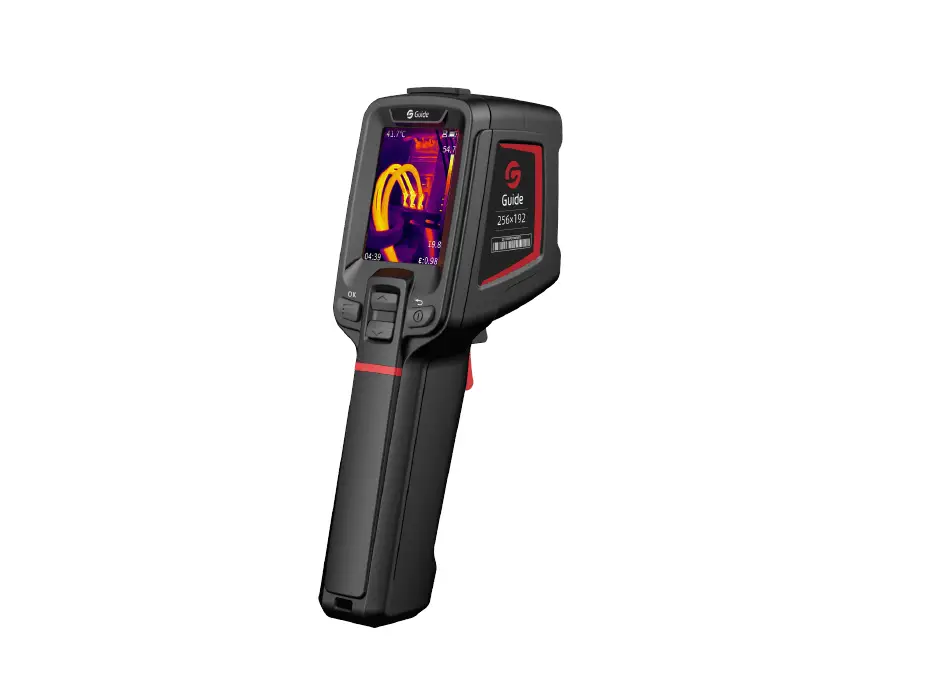
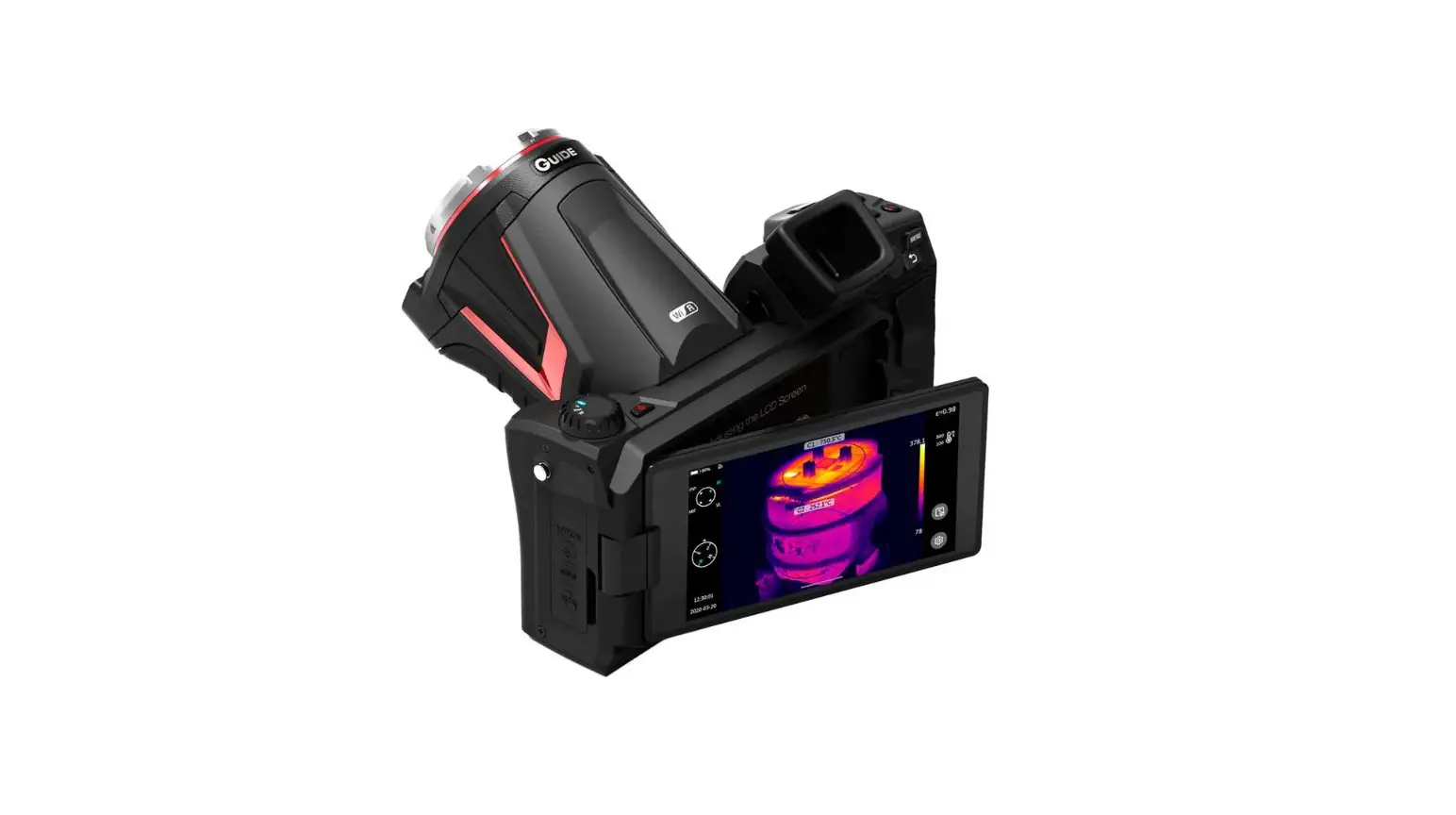
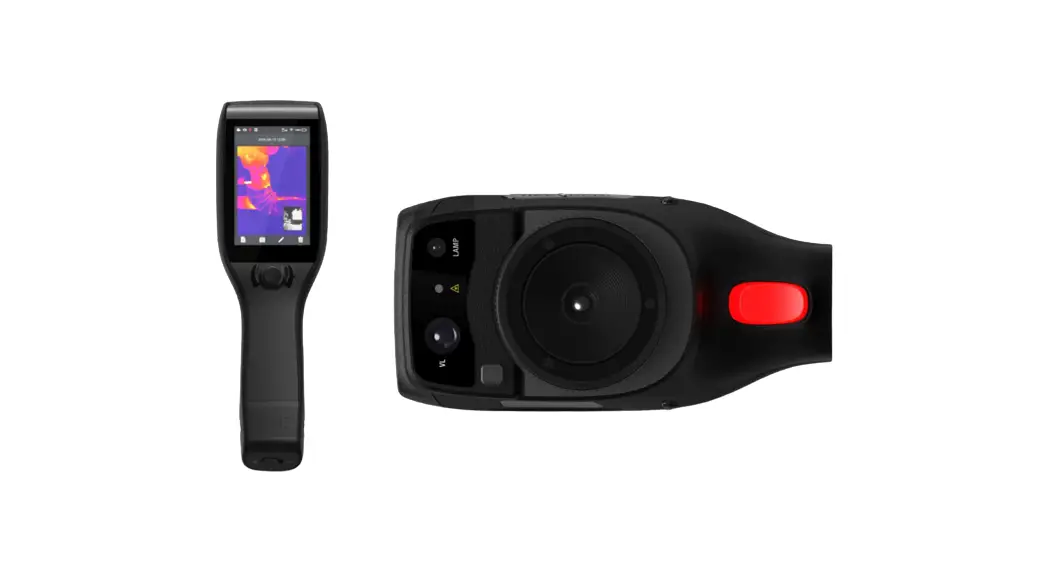
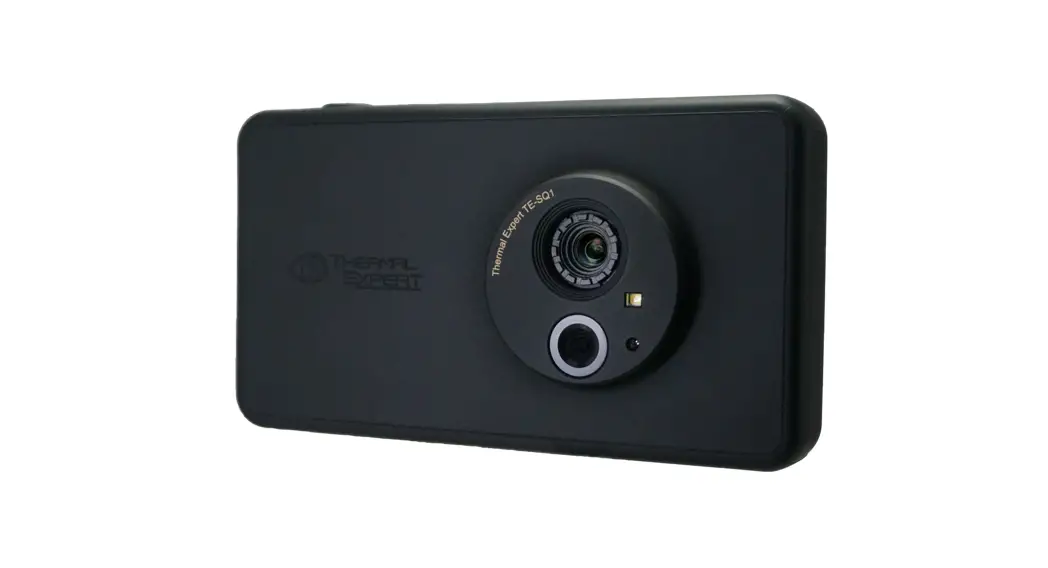
PC230 Thermal Camera
Product Information: – Product Name: Thermal Camera – Version: 3.0
– Quick Start Guide: Included Product Usage Instructions: 1. Please
refer to the actual product for accurate information as this manual
may be inconsistent with the product due to enhancements or version
changes. 2. Content: a. Section 01 b. Section 02 c. Section 03 d.
Section 04 e. Section 05 f. Section 06 g. Section 07 h. Section 08
i. Section 09 j. Section 10 3. Section 01: a. Subsection 1 b.
Subsection 2 4. Section 02: a. Subsection 1 b. Subsection 2 c.
Subsection 3 d. Subsection 4 e. Subsection 5 f. Subsection 6 g.
Subsection 7 h. Subsection 8 i. Subsection 9 j. Subsection 10 k.
Subsection 11 l. Subsection 12 m. Subsection 13 n. Subsection 14 5.
Section 03: a. Subsection 1 b. Subsection 2 6. Section 04: a.
Subsection 1 7. Section 05: a. Subsection 1 8. Section 06: a.
Subsection 1 b. Subsection 2 9. Section 07: a. Subsection 1 – A-S-M
b. Subsection 2 – STS c. Subsection 3 – T d. Subsection 4 – T e.
Subsection 5 – / f. Subsection 6 – IRMIFPIP g. Subsection 7 – A A
SM 10. Section 08: a. Subsection 1 b. Subsection 2 c. Subsection 3
d. Subsection 4 11. Section 09: a. Subsection 1 b. Subsection 2 c.
Subsection 3 d. Subsection 4 12. Section 10: a. Subsection 1 b.
Subsection 2 13. IMPORTANT! – This manual covers multiple
thermographic cameras, and some functions and instructions may not
be applicable to certain models. 14. NOTES: – Please follow these
rules at all times: a. Keep the device stable during use and avoid
violent shaking. b. Do not use or store the device in an
environment with a temperature beyond the permitted range. c. Do
not expose the device directly to high-intensity heat. 15. LITHIUM
BATTERY STORAGE AND OPERATING INSTRUCTIONS: – Instructions on
lithium battery storage: a. Lithium-ion batteries should be stored
in a cool, dry place. b. The battery should be fully charged and
discharged once every three months and charged to 70% of its
capacity. c. Do not transport the battery when the ambient
temperature is higher than 65. – Instructions for use of lithium
battery: a. Use a dedicated charger or charge in the whole device.
b. Do not mix the cell with primary batteries or batteries of
different capacities, models, and varieties. c. Do not use smelly,
hot, deformed, discolored battery, or a battery with any other
abnormal phenomenon. d. If the battery is in use or charging,
immediately take it out of the electrical appliance or charger and
stop using it. e. Charge the battery according to the methods
described in this manual and follow the charging steps and warnings
to avoid battery heating, damage, or personal injury. 16. PRODUCT
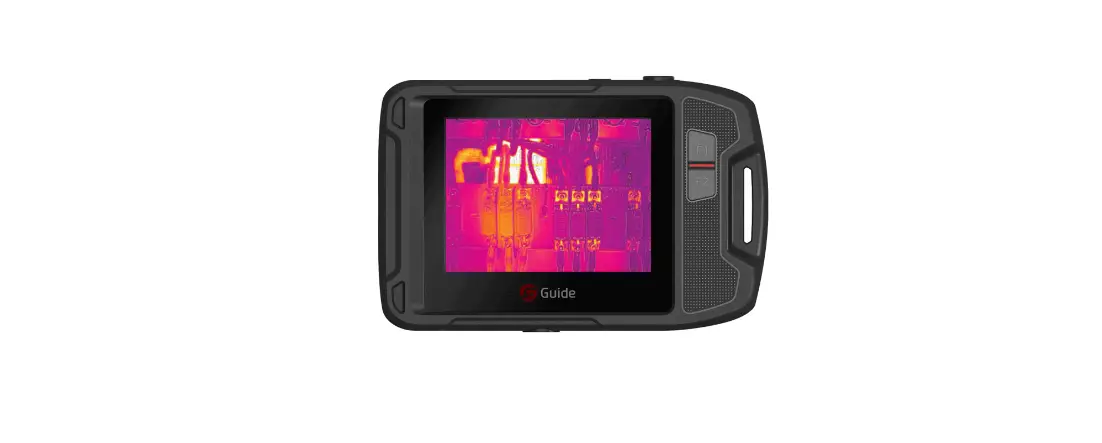
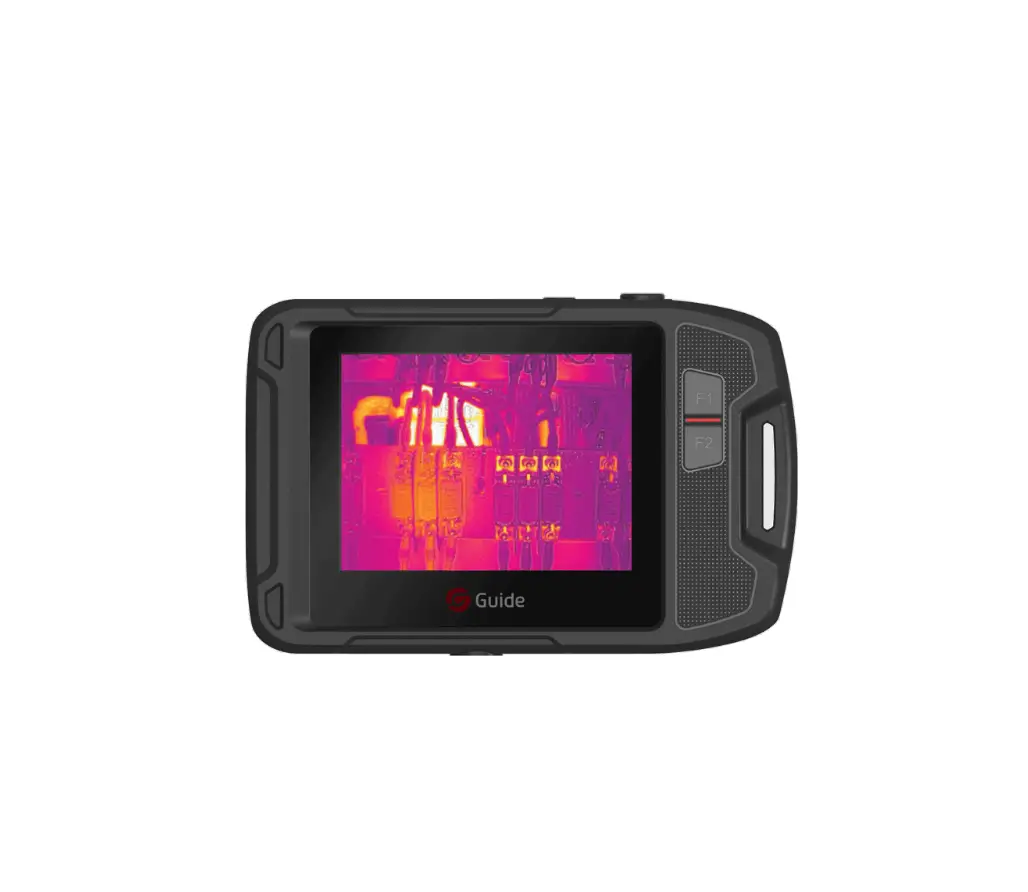
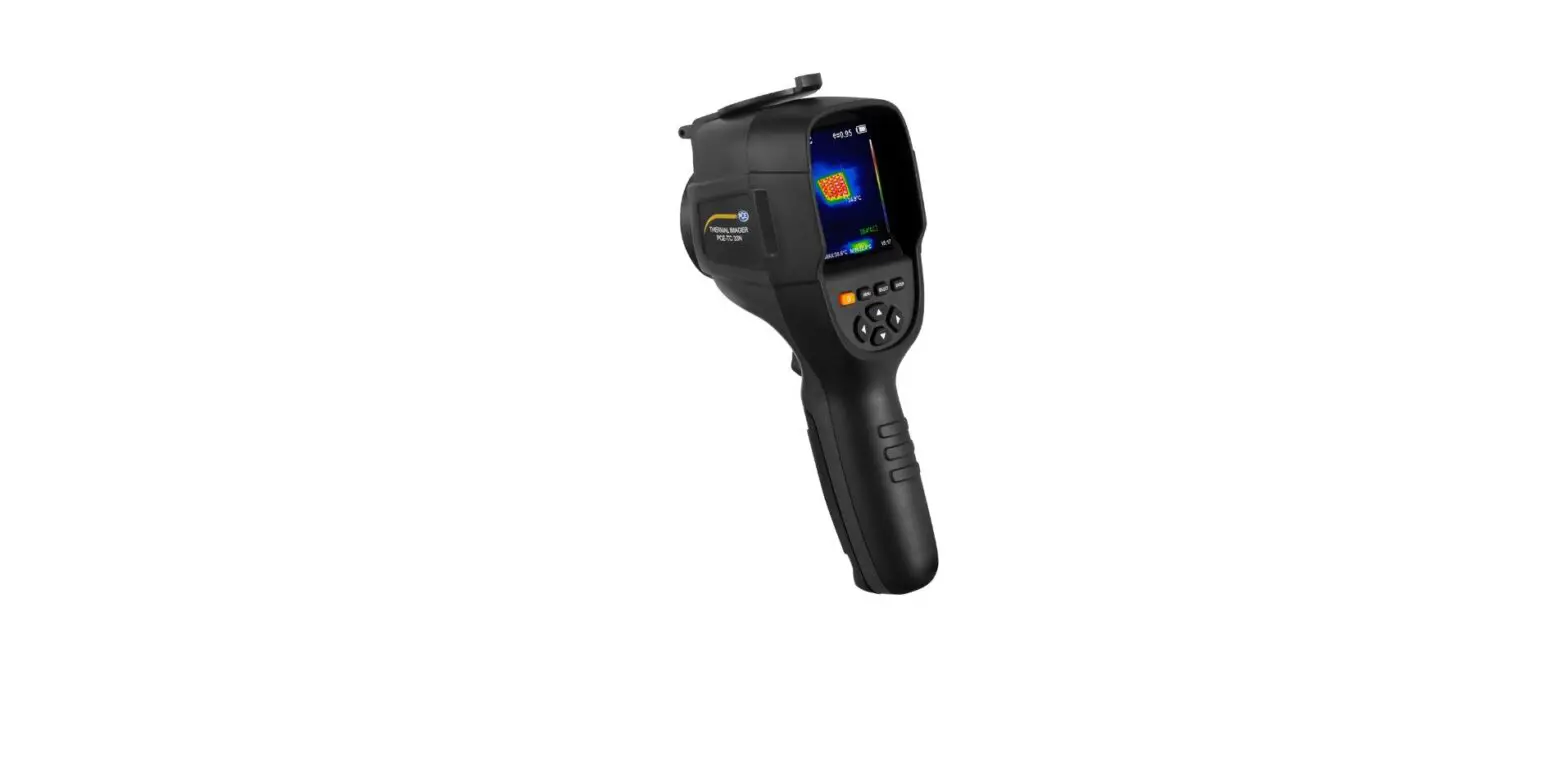
INTRODUCTION: – This product is a hand-held temperature measurement
infrared thermographic camera. – It has 49,152 effective infrared
pixels and is equipped with laser, lighting, and visible light. –
It can be connected to an external PC and TF card to meet the needs
of different occasions. 17. LIST OF ITEMS: – Thermal camera
(including battery) – Quick Start Guide – Data download card – USB
cable – Wristband – Adapter – TF card 18. PRODUCT COMPONENTS: –
Visible lens – Infrared lens – Laser lamp – Focus trigger – Tripod
mount
VER.3.0
Thermal Camera Quick Start Guide
This manual may be inconsistent with the product due to product enhancements or version changes, please refer to the actual product.
– Content –
01 ……………………………………………………………………. 1 02 ……………………………………………………………………. 1 03 ………………………………………………… 2 04 ……………………………………………………………………. 4 05 ……………………………………………………………………. 4 06 ……………………………………………………………………. 5 07 ……………………………………………………………………. 6 08 …………………………………………………………… 11
01 Important!………………………………………………………………. 12 02 Notes ……………………………………………………………………… 12 03 Lithium battery storage and operating instructions……. 13 04 Product introduction……………………………………………….. 16 05 List of Items…………………………………………………………….. 17 06 Product Components ………………………………………………. 18 07 Operation Instructions …………………………………………….. 19 08 FAQs……………………………………………………………………….. 25
01
02
1 2.
3.
4.
5. 6. 7. 8. 9. TF 10.
11.
12.
·
·
1
03
1.
-10~45 ,65±20RH 2. 3.7V~3.9V4.2V *30%-70% 3. 323±565±20 RH 4. ,3170% 5. 65 1. 2. 0~45 3. -20~60 4. 3 3.7V~3.9V
2
· 1 3
·
1.
2. 3. 4. 5. 6. 7. 8. 9. 10. 11. 12. 13. 14.
3
04
49152 PCTF
05
1
1
1
USB
1
1
1
TF
1
USB
TF 4
06
Type-C TF
5
07
“” ” “” ”
1. ” ”
2. ”
”
3. ” ”
4. ” ”
5. ”
“”/””
“” “””” ”
6
IRMIFPIP””
” “A A SM
7
1. ” “” ”
A-S-M
2. STS”
”
”
“T
” “T
3. MTmaxTmin
M”
”
” “TmaxTmin ” “TmaxTmin”
“TminTmax” ” TmaxTmin 4. A
5. ” ”
“/” MIFPIP
1. 2.
3. 4.
8
1. ” ”
2. “”” ”
3. ” “OFFON
4. ”
”
USB USBU–USB” ” U 1. USB 2. USB-TypeCUSBU 3.
4. usb PC 1. PC”Potplayer” 2. USB-TypeCUSB 3. “Potplayer”””
SD 1. -“/””” 2. 3. -SD”/”””
SD 4. SD
9
0.85 0.96
0.75
0.14
0.96
0.09
0.06
0.95
0.98
0.96
PVC
0.93
0.86 0.8 0.97 0.78 0.81 0.8 0.75 0.9 0.95 0.93
10
08
10
5~10
11
01 IMPORTANT!
This manual is a general manual covering multiple thermographic cameras in a product line, which means that some functions and instructions are not applicable to certain model of thermographic camera.
02 NOTES
Please strictly observe the following rules at all times: 1. Keep the device as stable as possible during use and avoid
violent shaking. 2. Do not use or store the device in an environment with the
temperature beyond the permitted range. 3. Do not expose the device directly to high-intensity heat
radiation source, such as sun, laser, and spot welding machine. 4. Do not expose the device to dust or moisture. When used in an environment with water, avoid splashing water on the device. The lens shall be covered when the device is not in use. 5. When the device is not used, please place the device and all accessories in the special packing box. 6. Do not block the holes on the device. 7. Do not knock, throw or vibrate the device and accessories to avoid damage. 8. Do not disassemble the device, which may cause damage to the device and lose the warranty right. 9. Avoid using TF card for other purposes. 10. Do not use the device in an environment exceeding the
12
operating temperature of the device, which may damage the device. 11. Do not use soluble or similar liquids on device and cables, which may cause damage to the device. 12. Please observe the following rules when wiping the device: · Non-optical surface: if necessary, wipe the non-optical surface of the thermographic camera with a clean and soft cloth. · Optical surface: when using the thermographic camera, please avoid soiling the optical surface of the lens, especially avoid touching the lens with your hands, because the optical coating on the glass surface may be corroded due to sweat on the hands. When the optical lens surface is contaminated, use special lens cloth to carefully clean it.
03 LITHIUM BATTERY STORAGE AND OPERATING INSTRUCTIONS
Instructions on lithium battery storage 1. Lithium ion batteries shall be stored in a cool, dry and
ventilated environment, away from water source, fire source and high temperature. The storage temperature of the battery must be within the range of – 10 ~ 45, and the humidity must be 65 ± 20% RH. 2. Storage voltage and power: the voltage is 3.7V ~ 3.9v (4.2V lithium battery standard voltage system, multi-series combination * corresponding multiple); Power: 30% – 70%. 3. For long-term storage (more than 3 months), the battery must be placed in an environment with temperature of 23 ± 5 and humidity of 65 ± 20% RH.
13
4. The battery shall be stored according to the storage requirements, and shall be fully charged and discharged once every three months and charged to 70% of the capacity.
5. Do not transport the battery when the ambient temperature is higher than 65.
Instructions for use of lithium battery 1. Use dedicated charger or charge in the whole device. Do not
use modified or damaged charger. The use of high current or high voltage charging may cause problems in the charge and discharge performance, mechanical performance and safety performance of the cell, and may cause heating, leakage or bulging. 2. The battery must be charged within the ambient temperature range of 0 ~ 45 . Exceeding this temperature range will reduce the performance and service life of the battery, and there will be problems such as leakage or bulging. 3. The battery must be discharged within the ambient temperature range of – 20 ~ 60 . 4. If the battery is not used for long term (more than 3 months), it may be in over discharge state due to self-discharge characteristics. In order to prevent over-discharge, the battery shall be charged regularly and its voltage shall be maintained between 3.7V and 3.9v. Over-discharge will lead to the loss of cell performance and battery function. If the voltage is lower than the protection plate for a long time, the cell will be deeply discharged to the cell damage. For batteries or battery packs not loaded into the device, it is recommended to charge the battery every 1 month and
14
complete full charging and discharging process of the battery every 3 months; For the battery or battery pack loaded into the device, considering the possible static discharge of the device, the battery shall be charged regularly according to the requirements of the operation manual to prevent battery damage due to power loss. Warning 1. Do not charge the battery near fire sources or under extremely hot conditions! Do not use or store batteries near heat sources such as fires or heaters! If the battery leaks or emits an odor, it shall be removed from the place close to the open fire immediately. 2. When the battery has problems such as bulging and liquid leakage, stop using the battery immediately! 3. Do not put the battery in water or get it wet! 4. Do not put the battery into the fire or heat the battery! 5. Do not connect the battery directly to the wall socket or vehicle cigarette lighter socket! 6. Do not short circuit the positive and negative terminals of the cell with wires or other metal objects, and do not transport or store the battery with necklaces, hairpins or other metal objects! 7. Do not pierce the battery case with nails or other sharp objects, and do not hit or step on the battery! 8. Do not knock, throw or vibrate the battery mechanically! 9. Do not disassemble the battery in any way! 10. Do not place the battery in the microwave oven or pressure vessel!
15
11. Do not mix the cell with primary batteries (such as dry batteries) or batteries of different capacities, models and varieties!
12. Do not use smelly, hot, deformed, discolored battery and battery with any other abnormal phenomenon.
13. If the battery is in use or charging, it shall be taken out of the electrical appliance or charger immediately and stop using!
14. Charge the battery according to the methods described in this manual, and follow the charging steps and warnings. Incorrect charging can lead to battery heating, damage and even personal injury.
04 PRODUCT INTRODUCTION
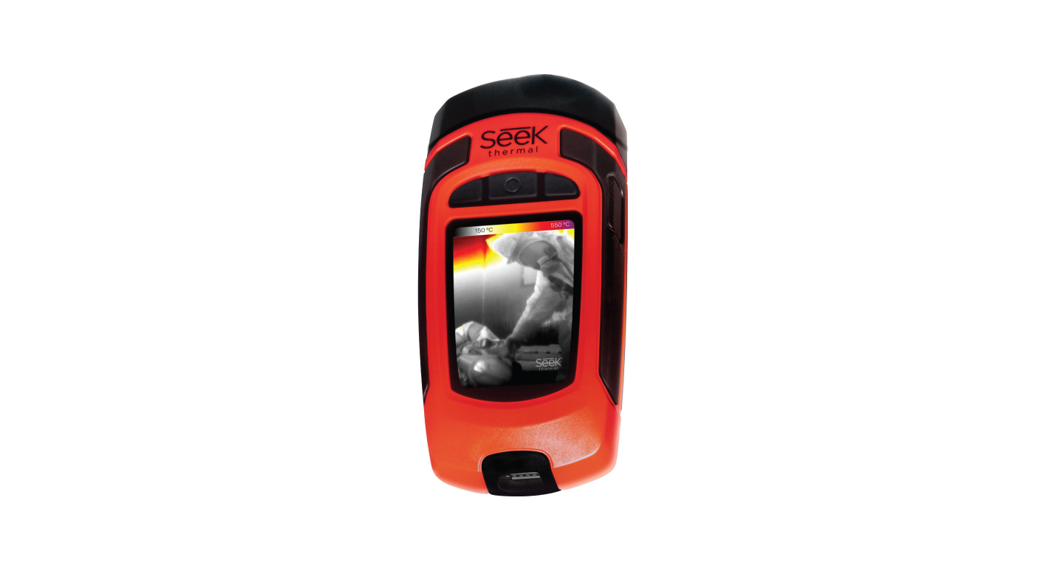
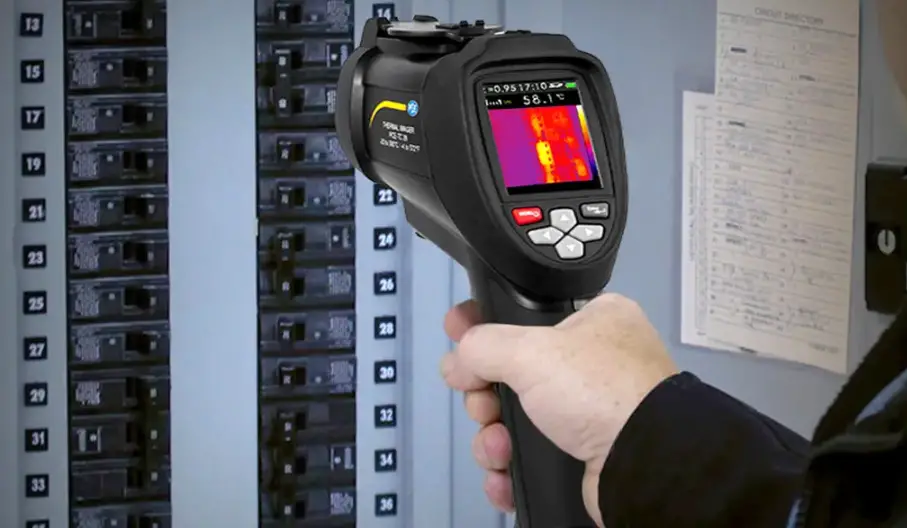
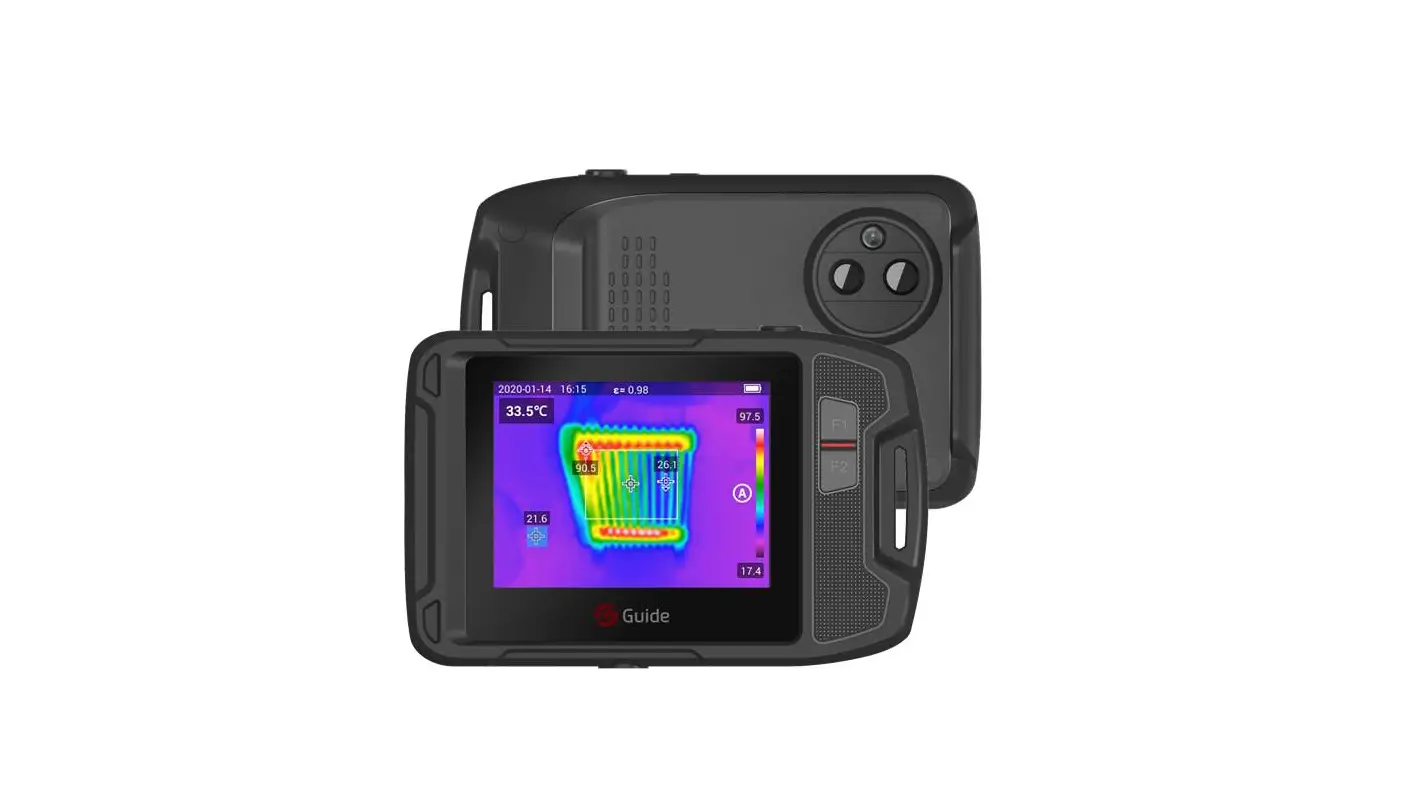
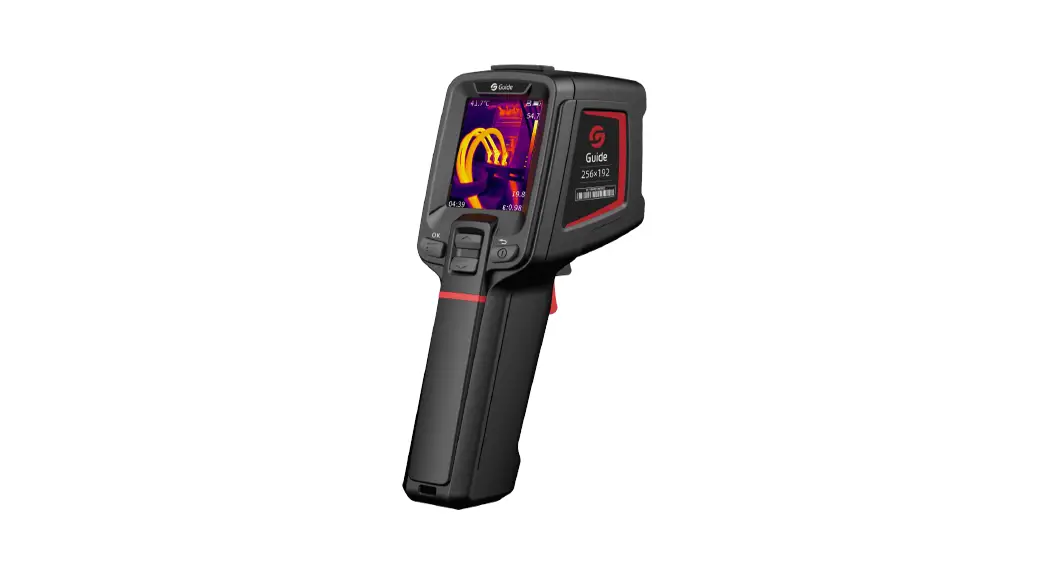
This product is a hand-held temperature measurement infrared thermographic camera. It has 49,152 effective infrared pixels, and is equipped with laser, lighting and visible light. It can be connected to external PC and TF card to meet the needs of different occasions.
16
05 LIST OF ITEMS
Thermal camera (including battery) 1 Quick Start Guide 1 Data download card 1
USB cable
1
Wristband
1
Adaptateur Adapter 1
TF card
1
Quick Start Guide Data download card USB cable Wristband
Thermal camera (including battery)
TF card
17
Adapter
06 PRODUCT COMPONENTS
Visible lens Infrared lens Laser Lamp
Focus Trigger
Tripod mount
Type-C TF card
LCD Up
Menu
Power
Down
18
07 OPERATION INSTRUCTIONS
Take photos and view
In the real-time observation interface, short press the “trigger
button” to obtain the picture, press
to save the image or
press to abandon the image according to the prompt of the
current interface.
View and delete images
1. Short press to enter the menu interface.
2. Select the image bar by pressing
.
3. Short press to enter the image file interface.
4. Short press
to view the image. Press up and down
buttons to switch the image.
5. In the image preview interface, short press
to delete
images.
19
Auto focusing In the real-time measuring mode (IR, MIF or PIP), short-press the “Trigger Up” button to start the focusing function to display the AF frame on the screen until the image is at its sharpest, and then the AF frame disappears and the focusing is completed.
Dimming mode In the real-time measuring mode, long press the”Menu”button until [A] appears on the upper left of the screen to enter the dimming mode setting. The device supports three dimming modes: Automatic Dimming(A), Semi-automatic Dimming(S) and Manual Dimming(M).
20
1. Long press the”Menu”button to enter the dimming mode setting,
and then press the”Menu”button to switch the A,S,M mode in
turn.
2. S refers to Semi-automatic Dimming Mode, which can adjust the
T value. In S mode, press”Up/Down”button
to select
the value you want to adjust. When the up arrow is selected, press
the”Menu”button to increase the T value. When the down
arrow is selected, press the”Menu”button
to decrease the
T value.
3. M refers to Manual Dimming Mode, which can adjust Tmax and
Tmin values. In M mode, press “Up/Down” button
to select the value you want to adjust. When the up arrow is
selected, press the”Menu”button to increase the Tmax and
Tmin values. When the down arrow is selected, press the”Menu”
button to decrease the Tmax and Tmin values. When the left
arrow is selected, press the”Menu”button to increase Tmin
value and decrease Tmax value at the same time. When the right
arrow is selected, press the”Menu”button to increase Tmax
value and decrease Tmin value at the same time.
4. A refers to Automatic Mode. In this mode, the value is determined
according to the real-time scene. And it cannot be adjusted
manually.
5. Press”Return”button to save and exit.
Image mode
In the observation mode, select the image mode through
of the remote control. The device supports four image modes, namely
infrared mode, visible light mode, MIF mode and PIP mode.
21
Temperature measurement parameters As the temperature measuring parameters may affect the accuracy of measuring results, the parameters need to be set in advance before measuring. 1. Temperature measuring range: select the appropriate temperature
measuring range according to the temperature of the measured object. 2. Emissivity: it can be adjusted according to the emissivity of the measured object. The emissivity of common objects in this device can also be customized. 3. Reflected temperature: the impact of the ambient temperature of the currently measured object on the object temperature. 4. Distance to the object: adjust the distance parameter of the device according to the distance to the measured object to make the temperature measuring more accurate.
High and low temperature alarm 1. Long-press the “Menu” button to enter the menu interface. 2. Select the “Alarm” option and long-press the “Menu” button to
enter the setting interface. 3. Short-press the “Menu” button to turn OFF to ON. 4. Press the “Up/Down” button to select high temperature or low
temperature, and then adjust the alarm threshold to realize the alarm function.
USB mode There are two USB modes: USB flash drive mode and projection mode.
22
Enter the Setting menu-USB mode, and press the “Menu” button to switch the mode. USB flash drive mode: used for file export. 1. Open the USB cover on the top of the device. 2. Use USB-TypeC data cable to connect with the computer, and
select USB flash drive mode. 3. Enter the disk folder of the computer, select the images to be
exported, copy them to the computer, and view the image files through the analysis software. 4. After copying, disconnect the USB cable from the computer. Projection mode: projection of third-party program on PC. 1. Install a third-party program on the PC, such as “Potplayer”. 2. Use USB-TypeC data cable to connect with the computer, and select the projection mode. Click the “Potplayer” drop-down box. Select “Camera” for projection.
Reset and format the SD card
1. Enter the Setting menu – Reset, and press
to confirm the
reset.
2. This function will restore the device to the factory settings. Please
be careful.
3. Enter the Setting menu – Format SD card, and press to confirm
the formatting.
4. This function will clear the SD card. Please be careful.
23
Emissivity of common objects
Materials Wood
Emissivity 0.85
Materials Black paper
Water
0.96
Brick
0.75
Stainless steel 0.14
Adhesive tape 0.96
Aluminum plate 0.09
Copper plate
0.06
Black aluminum 0.95
Human skin
0.98
Asphalt
0.96
PVC plastic
0.93
Polycarbonate Concrete Copper oxide Cast iron Rust Gypsum Paint Rubber Soil
Emissivity 0.86
0.8 0.97 0.78 0.81 0.8 0.75 0.9 0.95 0.93
24
08 FAQS
Fault Start failure
Infrared image is not clear Visible light image is not clear
Inaccurate temperature measurement
Cause
Measures
Low battery
Start the device after charging for 10 minutes
The plug of the external power supply is not plugged in place
Unplug, reconnect and push it into place
Battery life has expired
Replace the battery with a new one
The lens is covered with water vapor or contaminated
Clean the lens with dedicated device
The environment is too dark
Take proper lighting measures
Water vapor or contamination in the front end of visible light
Clean the visible light front end with dedicated device
The parameters related to temperature measurement are not set correctly
Change the parameter settings or restore the default parameter values directly
Measure temperature immediately after startup
To ensure the accuracy of temperature measurement, we recommend to start temperature measurement after 5 ~ 10 minutes when the device is turned on
No calibration for a long time
For accurate temperature measurement results, we recommend to calibrate the thermographic camera once a year
25
Notice:or any technical improvement, we will specify in the latest user manual.