
 Quick Start Guide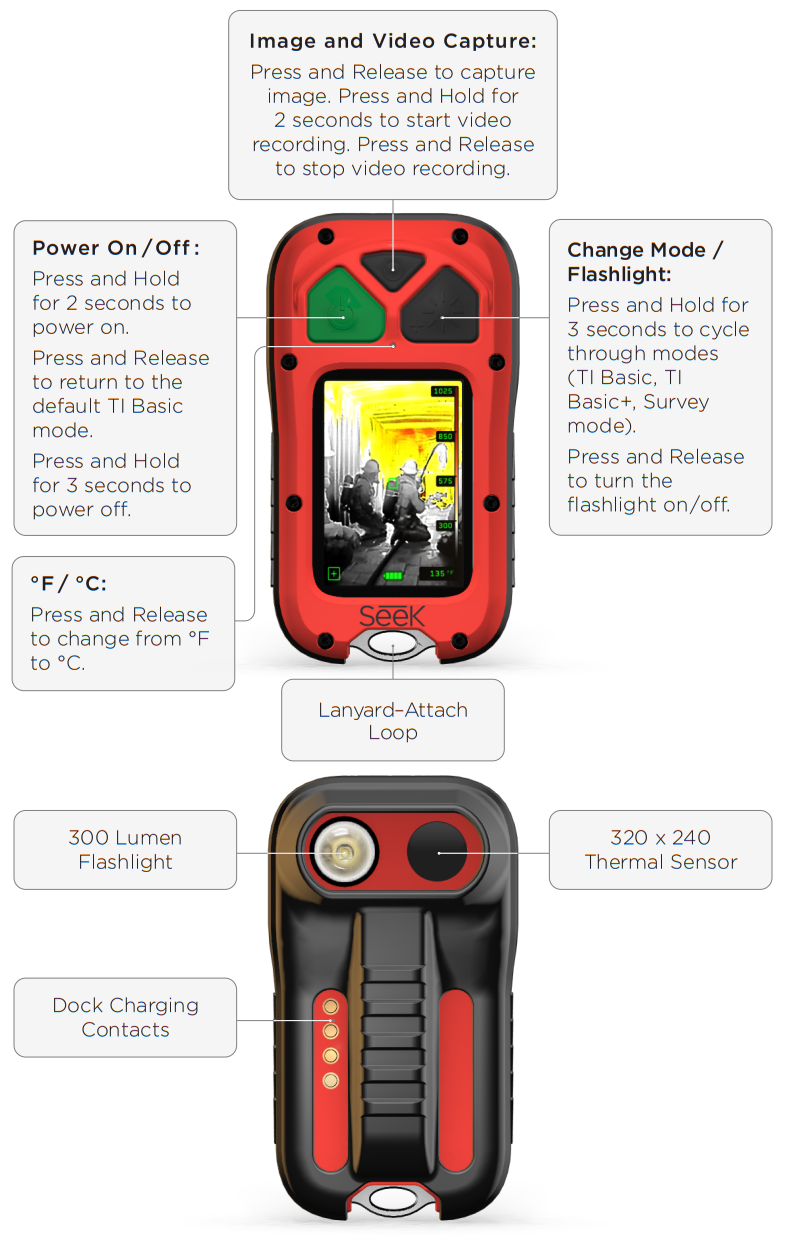
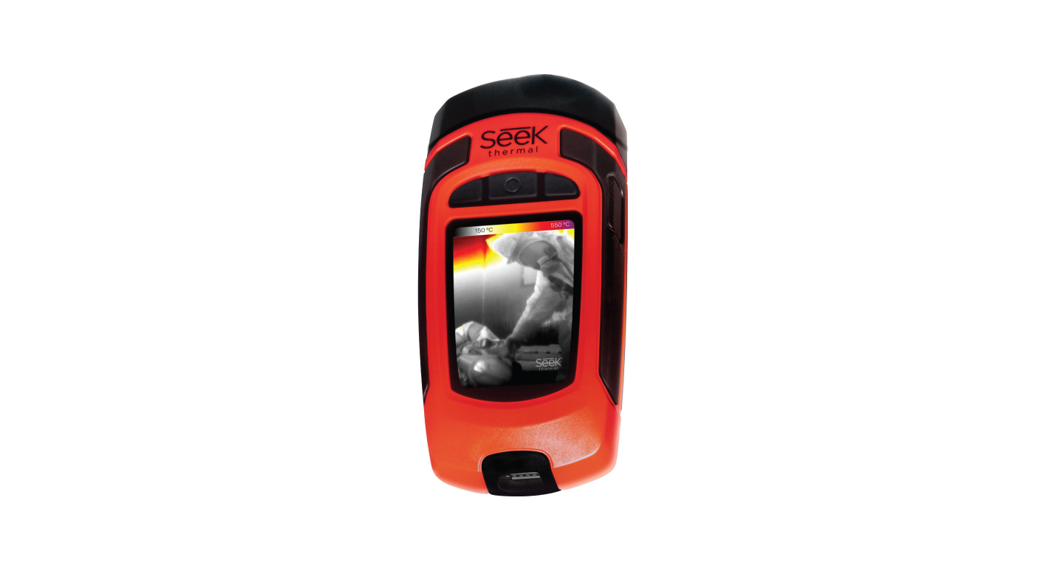
FirePRO 300 Personal Thermal Camera
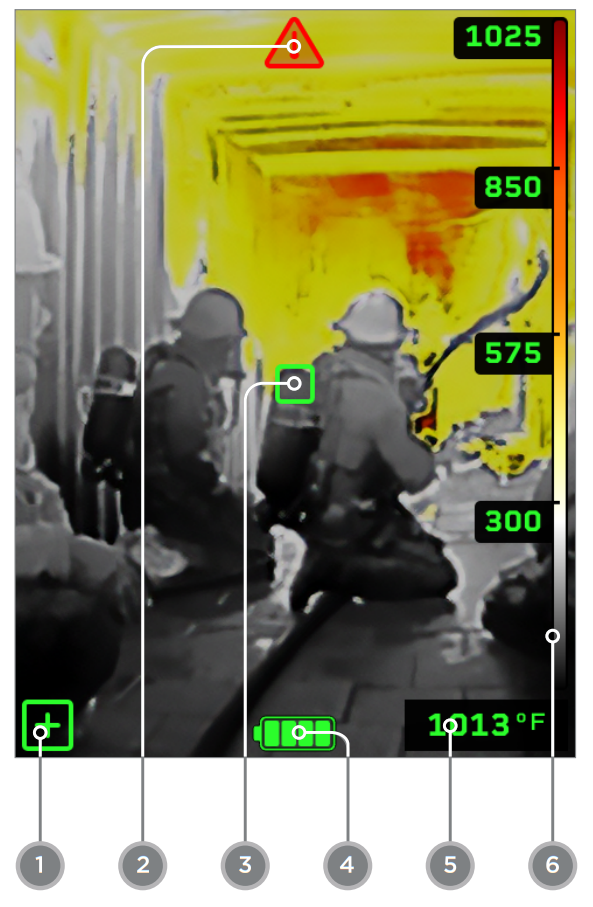
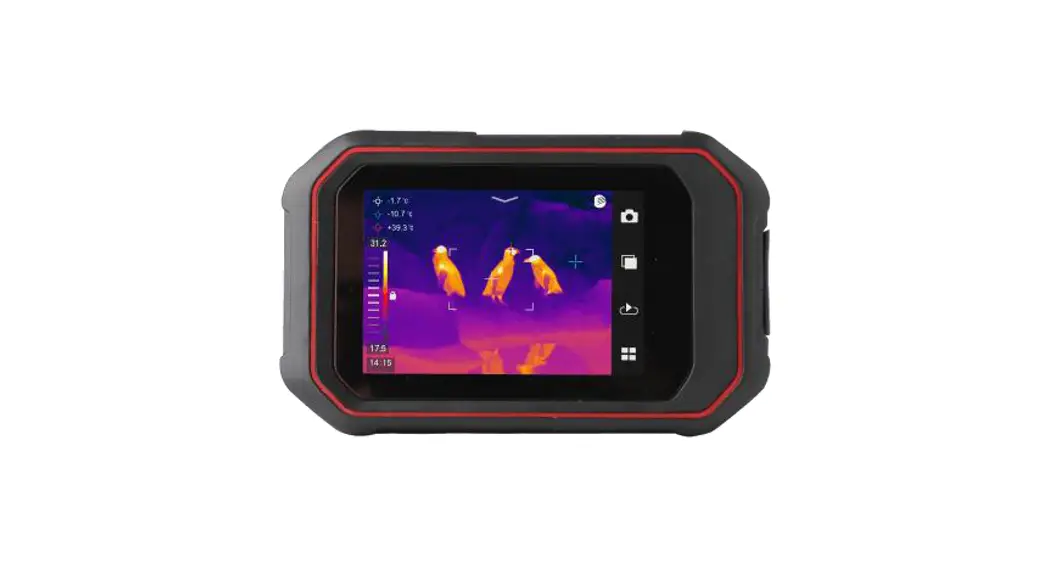
On-Screen Device icons:
- Mode indicator (TI Basic+andSurvey)
- Overtemp indicator
- Spot temperature reticle (when TI Basic+ or Survey mode is enabled)
- Battery charge status
- Spot temperature reading (when TI Basic+ or Survey mode is enabled)
- Temperature color bar
Battery Status:
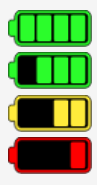 | | > 75% charge remaining | > 55% charge remaining | > 25% charge remaining | < 25% charge remaining (>5min remaing when flashing) |
 |  |
https://qrcodes.pro/hIeRyh | https://qrcodes.pro/pG9t9Q |
Cleaning Instructions and Care: Clean the lenses and display using a lint-free cloth and commercial lens cleaning solution. Clean the camera housing using mild soap and warm water.
DO NOT USE SOLVENTS WHEN CLEANING THE PRODUCT
Imagery for illustration purposes only. Specifications subject to change without notice. Please visit support.thermal.com for the latest specifications
thermal.com
PN 4839 Rev 2
 Seek Thermal | Affordable Infrared Thermal Imaging Cameras - Affordable Infrared Thermal Cameras