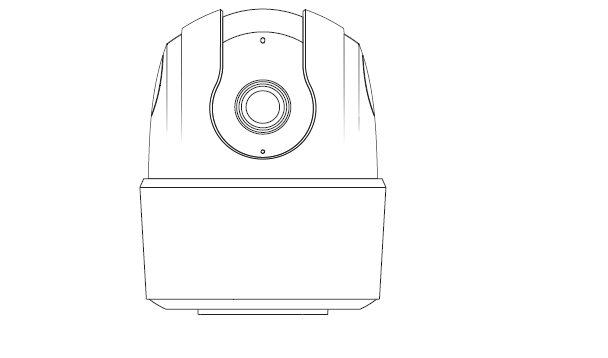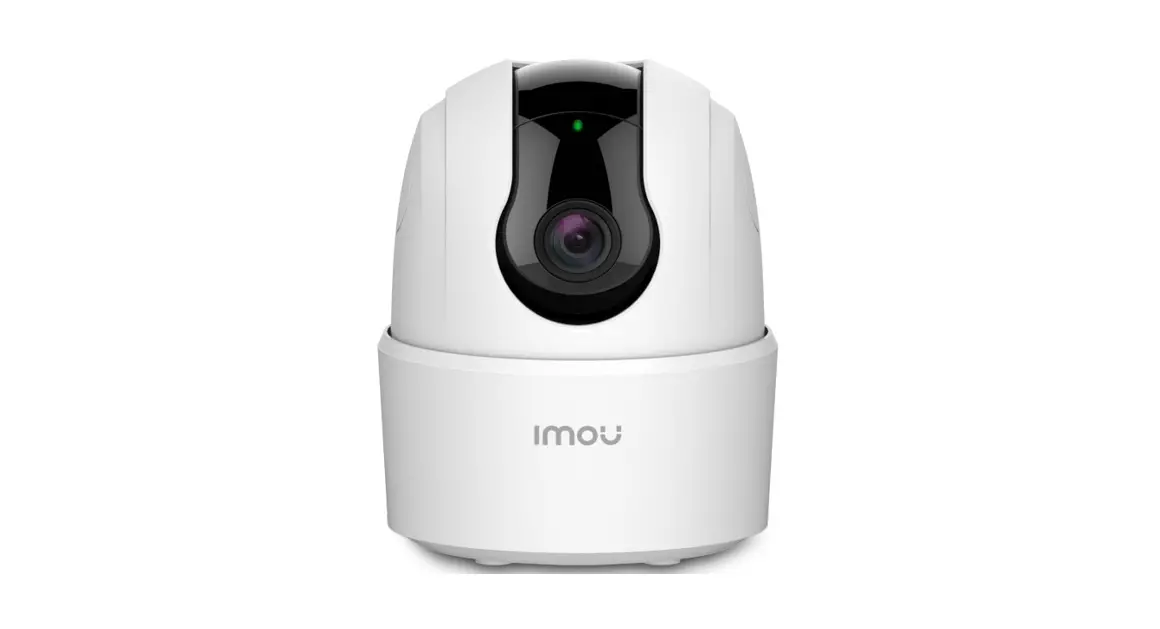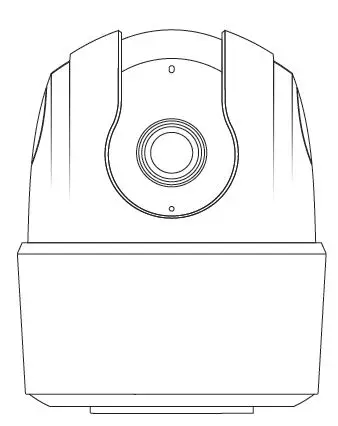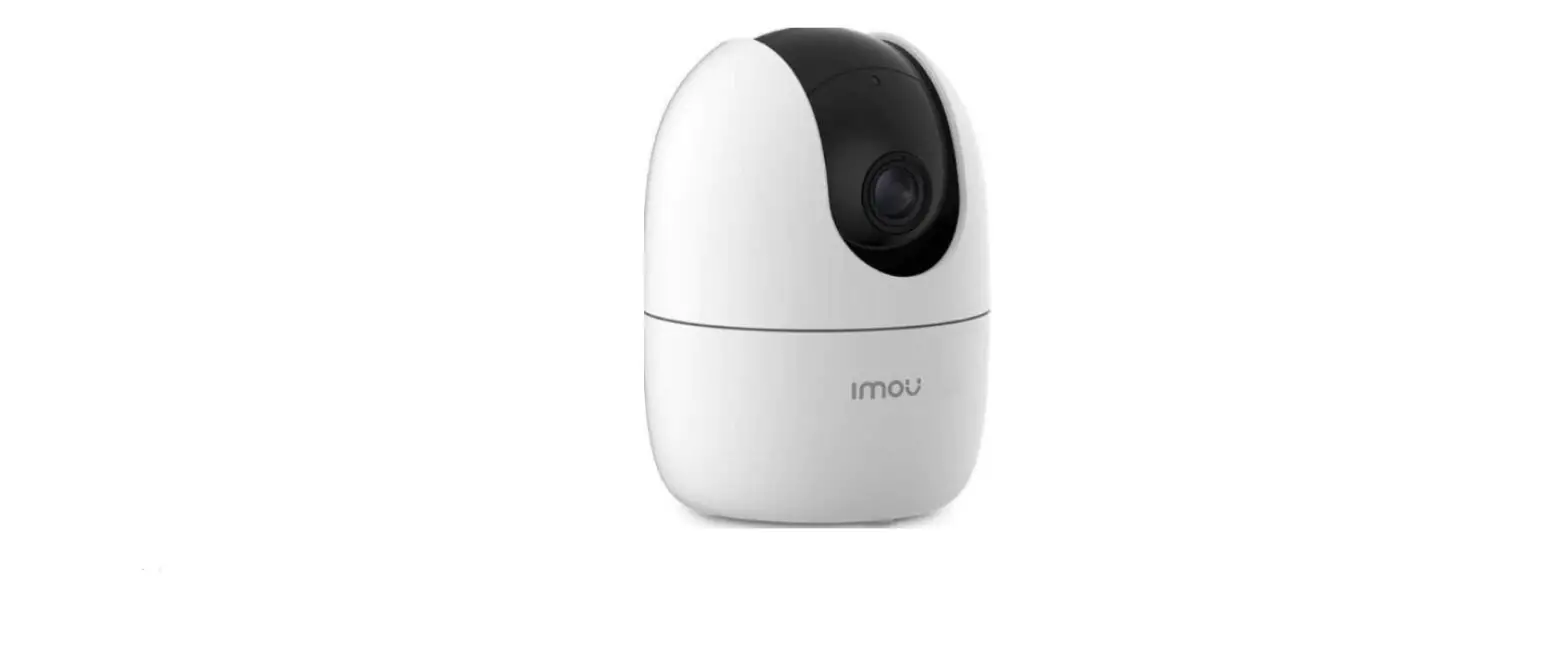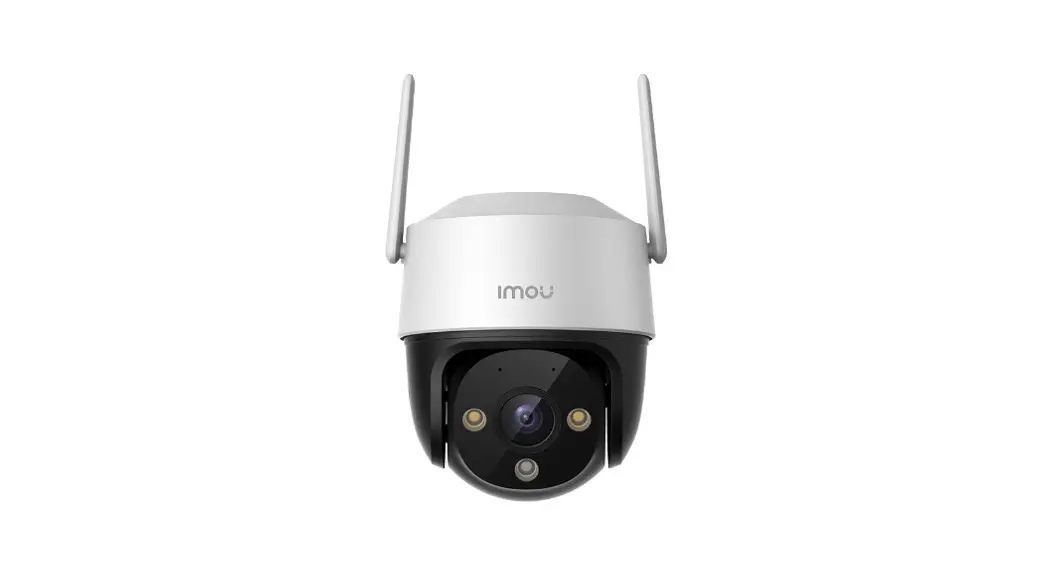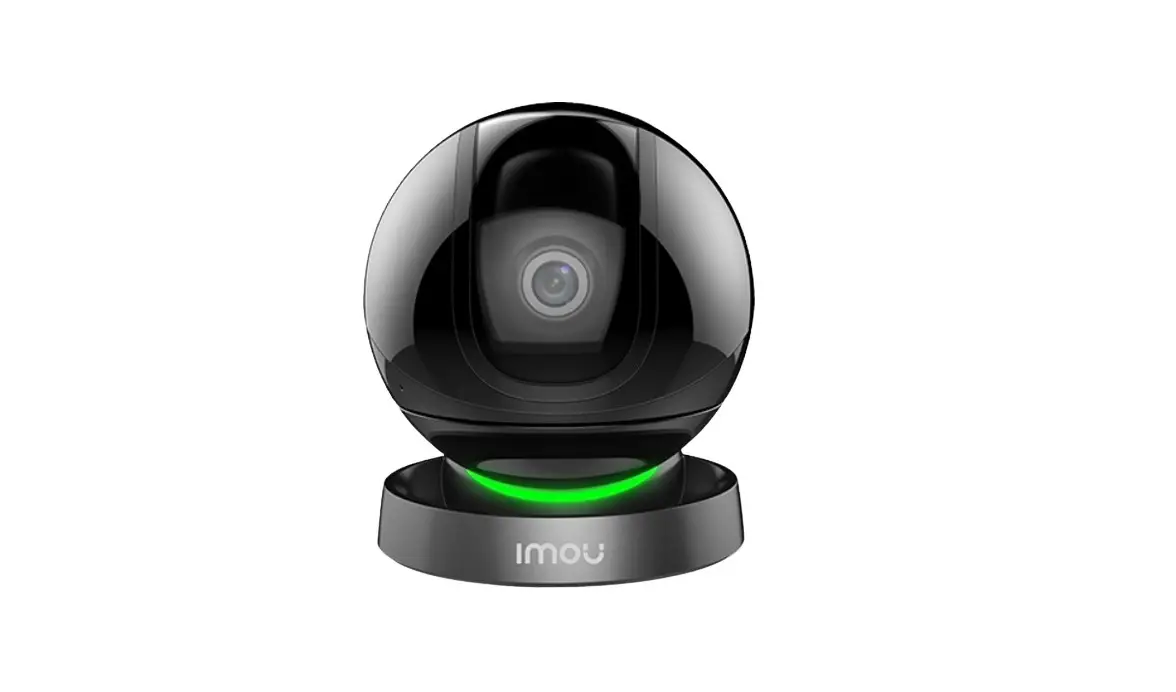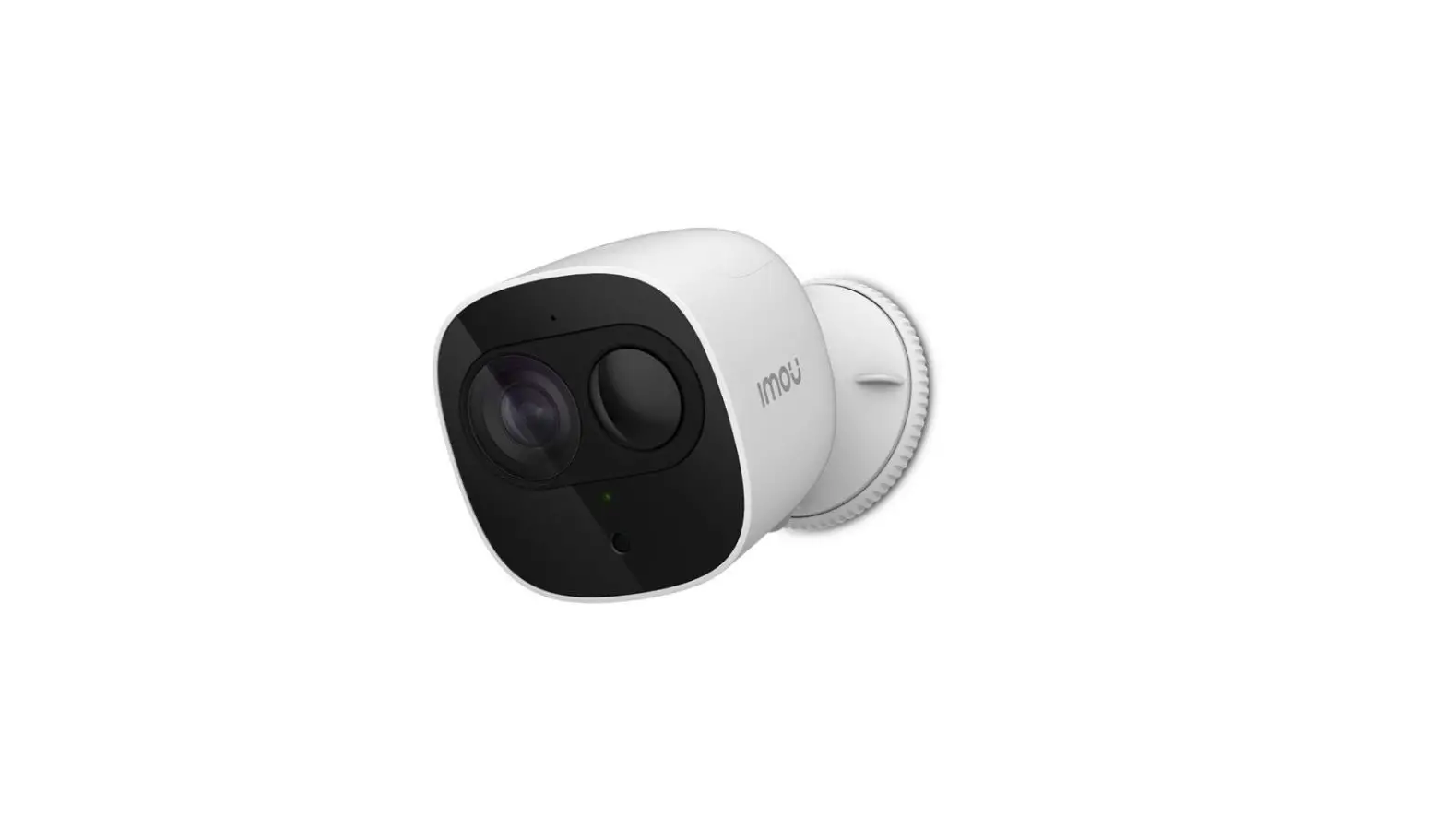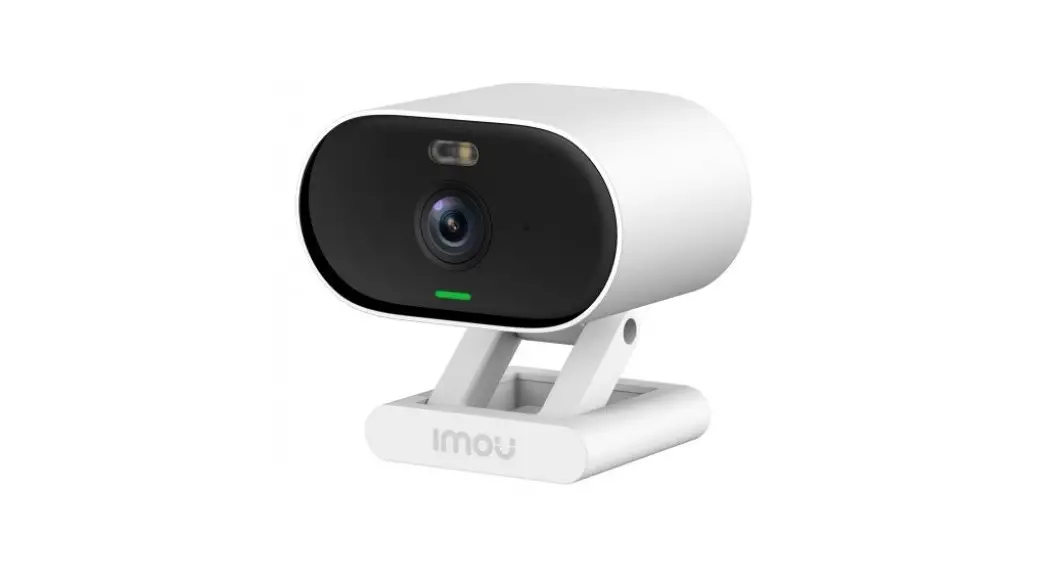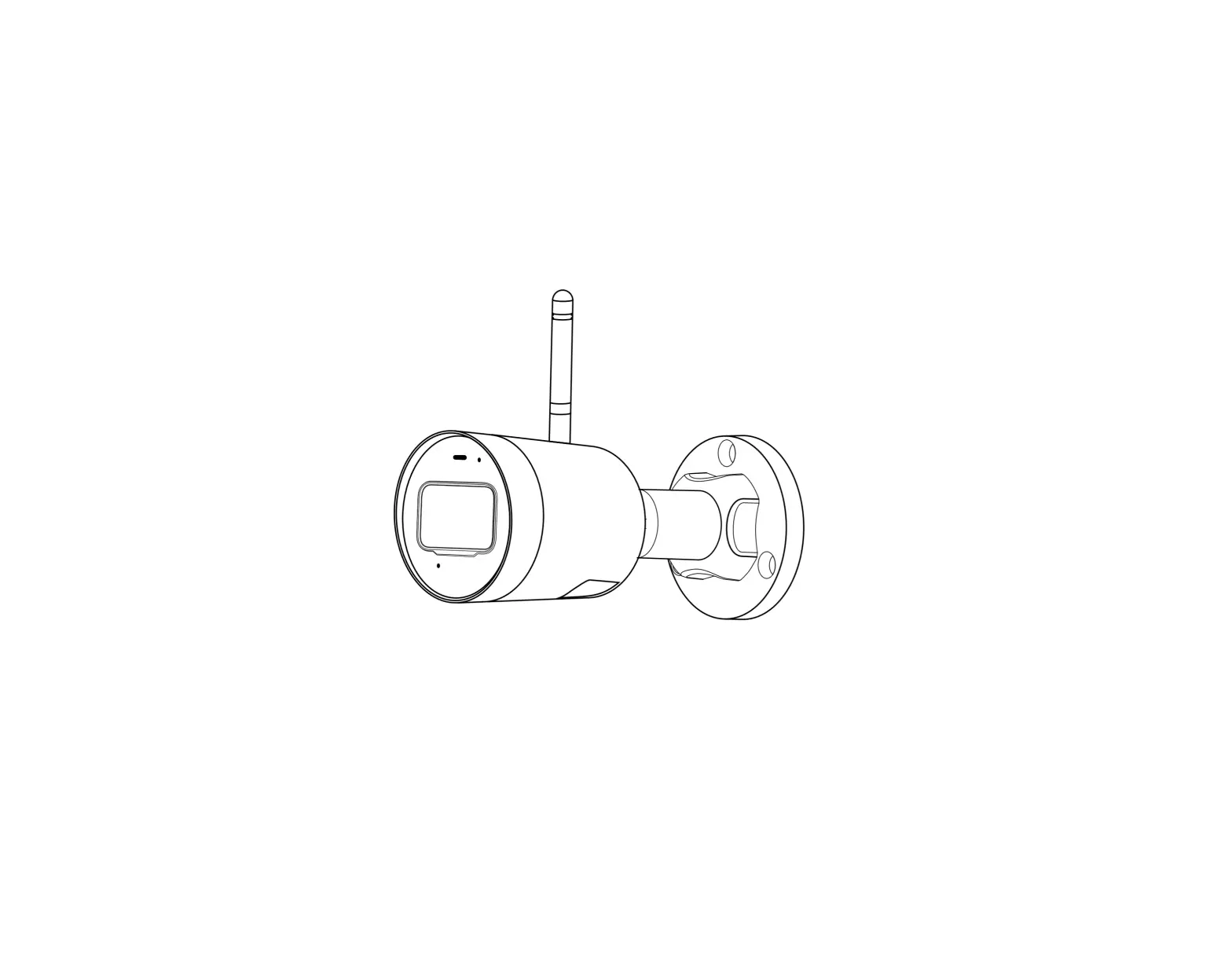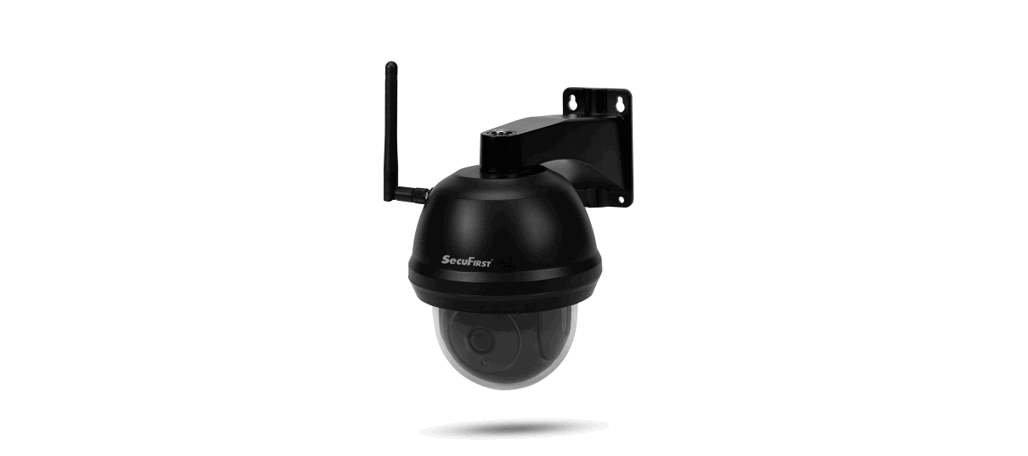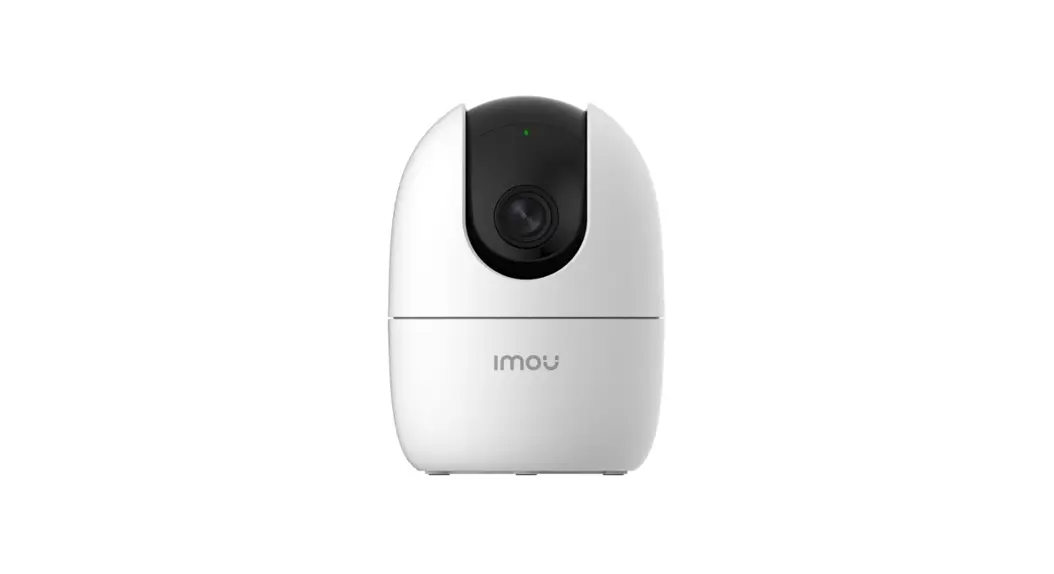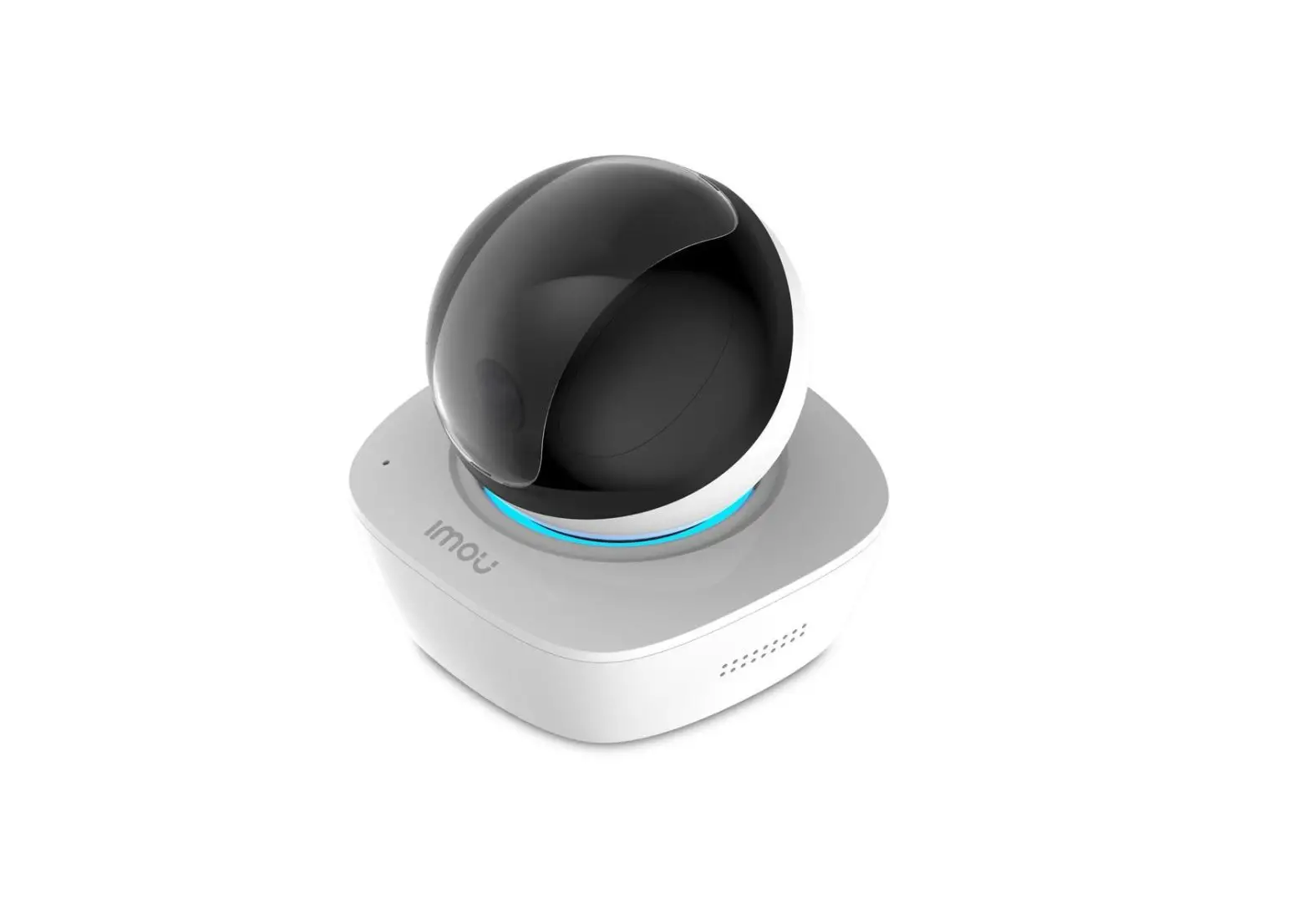
IMOU IPC-A46ZP Ranger Pro Z 4MP WiFi PTZ IP Camera User Guide
Thank you for choosing IMOU.
We are devoted to providing you easy smart home products. If you have problems using the product, please contact our service team before returning your product.
Our service mail: [email protected]
Frequently asked questions can be found at imoulife.com/support/help
Packing List
- Camera x1

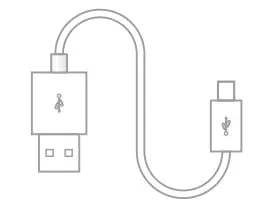
- Power Cablex1

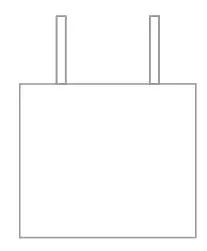
- Power Adapter x1

- Quick Start Guide x1

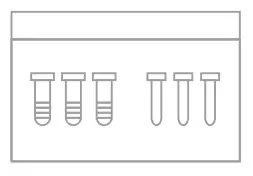
- Screw Package x1

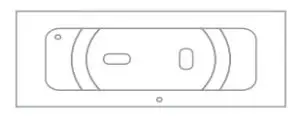
- Positioning Mapx1

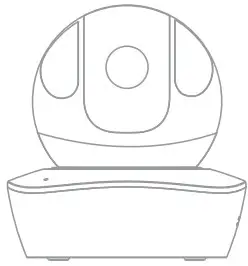

Camera Introduction
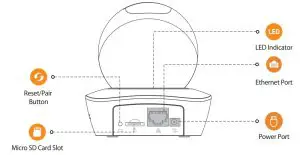
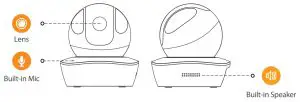
Note: Press and hold the reset button for 10 s to reset the camera.
The pattern ofthe LED indicator is included in the following table.
| Indicator light status | Device Status |
| Spinning red | Booting Device malfunction Failed to boot up |
| Spinning green | Booting completed Waiting for Wi-Fi configuration |
| Flashing yellow | WiFi connection process Device has been configured with WiFi, but it failed to work normally |
| Flashing green | WPS pairing |
| Blue light stably on | Wi-Fi connection succeeded Operate normally |
| Flashing blue | Device upgrade |
| Flashing red | SD card malfunction |




 Tips
Tips
 Tips
Tips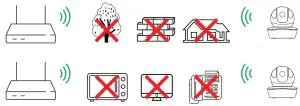
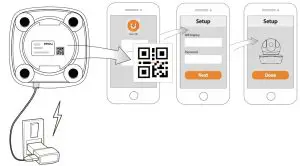
To ensure the best possible wireless performance, please make sure there are no obstacles and electromagnetic interference between the camera and router.
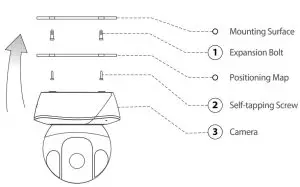
Ceiling Mounting (Optional)

Troubleshooting
Problem | Solution |
| Cannot set up camera |
|
| The app says “Failed to bind” | The camera is already connected to Wi-Fi, but the router is:
|
| No picture / signal |
|
| Picture is not clear |
|
| No audio |
|
| Camera stuck downwards |
|
| Phone is not reading QR code |
|
 Imou | Enjoy Smart Life
 免费女人高潮抽搐潮喷视频_成年男女免费视频网站_国产已婚妇女精油推拿按摩_国厂精品114福利电影免费
 Imou | Enjoy Smart Life