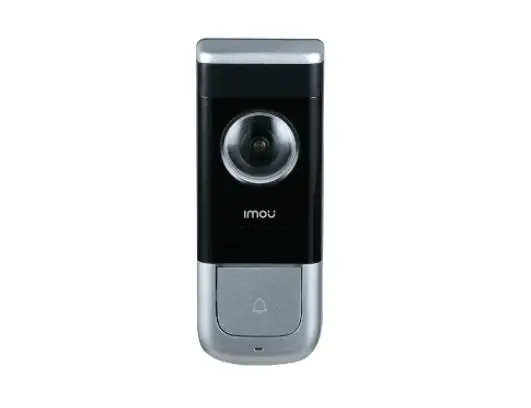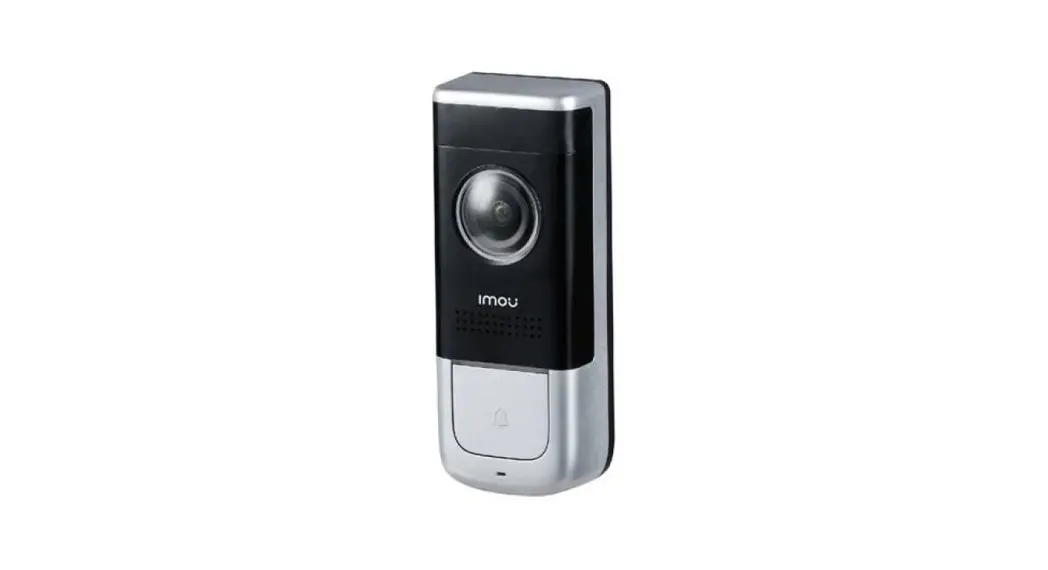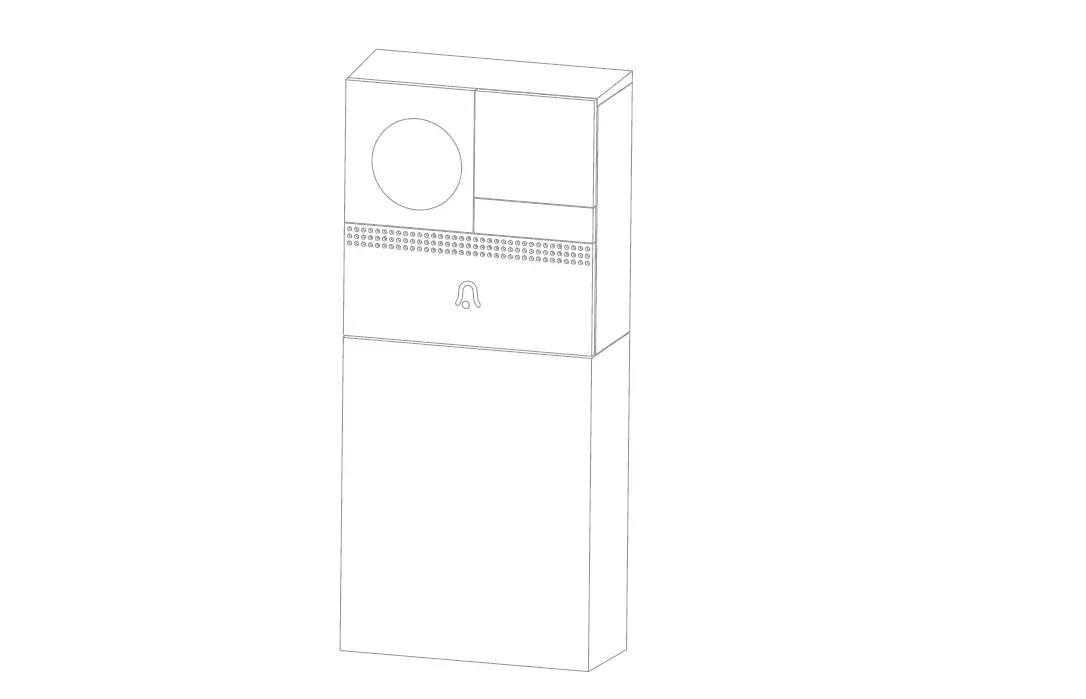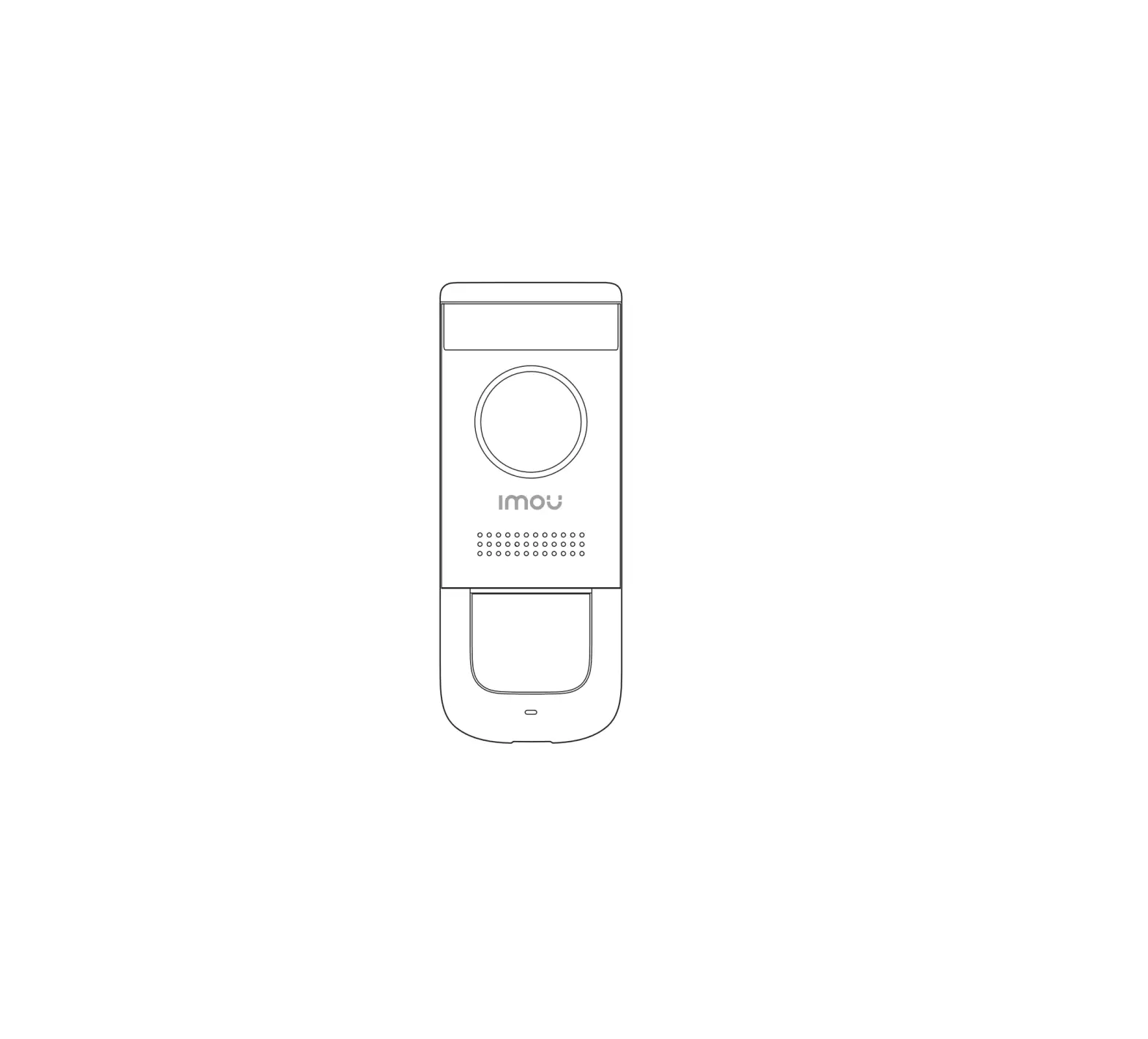
IMOU DB11 Wired Doorbell
Welcome
Thank you for choosing IMOU. We are devoted to providing you easy smart home products. If you have problems using the product, please contact our service team before returning your product. Our service mail: [email protected]
Frequently asked questions can be found at imoulife.com/support/help

Packing List
|
|
|
|
|
| ||
|
|
|
|
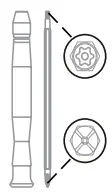 Screwdriver x1
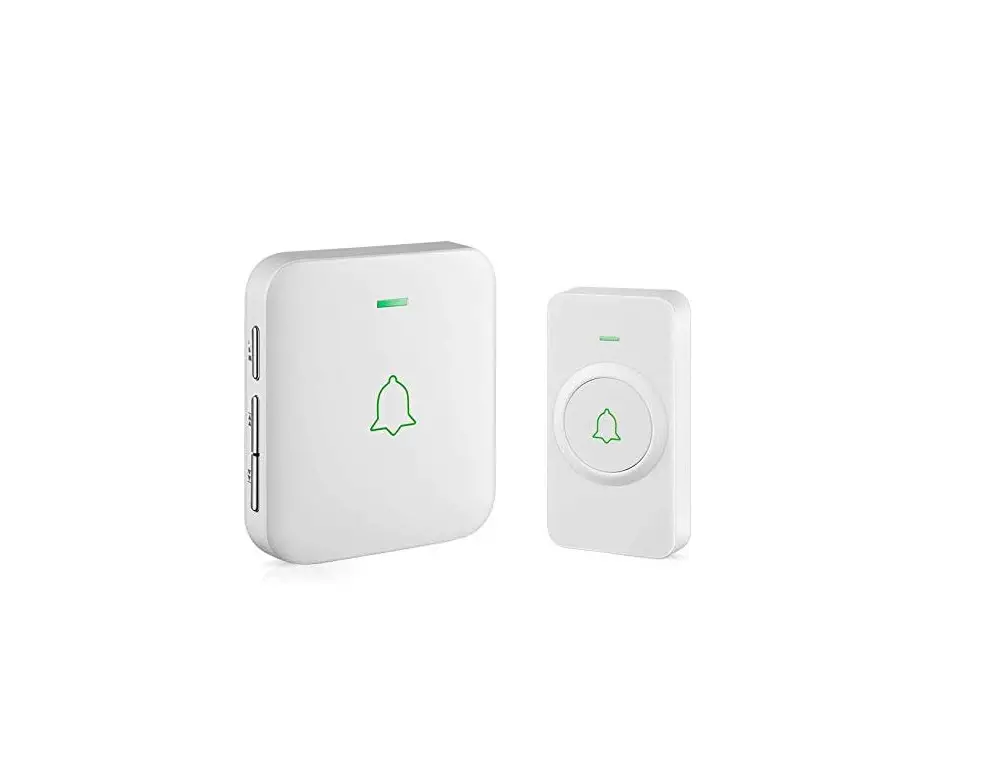
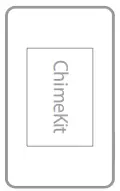 Chime Kit x1
 Quick Start Guide x1
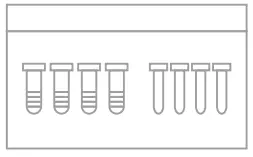 Screw Package x1
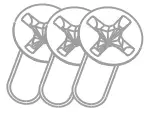 Door Frame Screws x3
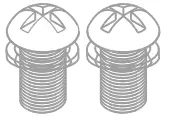 Power Port Screws x
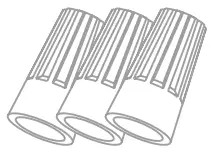 Wire Caps x3
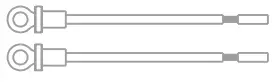 Doorbell Cable x2
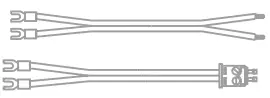 Chime Cables x2
Product Overview
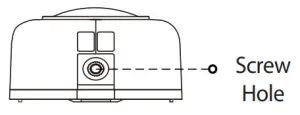
Front Panel
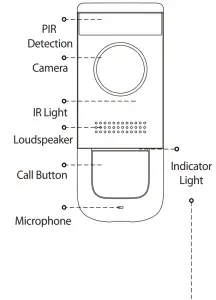
| Behavior | During Setup | After Setup |
| Blue Spinning | Hotspot active | Calling |
| Blue Solid | Power on | Talking |
| Blue Flashing | Ready for setup | Abnormal network |
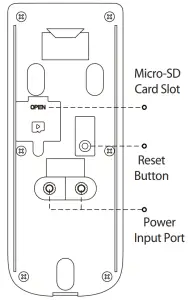
Rear Panel
Preparation
Before beginning setup, there are some essential preparations to make.
- Turn off the power Running to your existing doorbell and chime box at the breaker.
- Remove your existing doorbell and disconnect wiring.
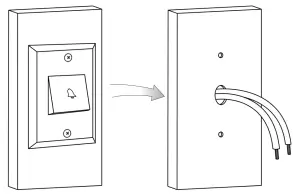
 Tips
Tips
Bend the power cables so they do not fall through the hole in the wall. Remove the metal mounting plate from the back of the doorbell.
Secure the mounting bracket
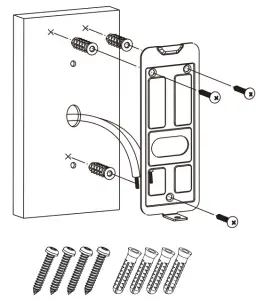
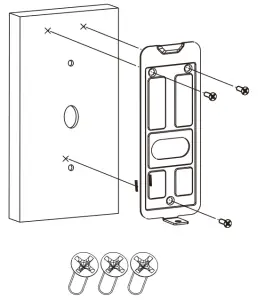
Next, use the mounting bracket to mark holes for mounting. Use the mounting accessories specified below depending on mounting location.
installing on brick
installing on a metal door
Note: For both installations, ensure the power cables from the wall fit comfortably thtougl the hole in the mounting bracet.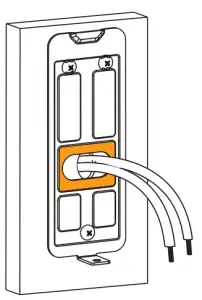 |
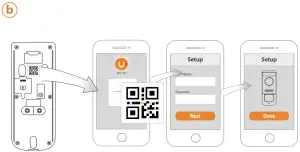
Add Doorbell to Imou Life App
 | ||
 |  |  |
 | ||
Tip
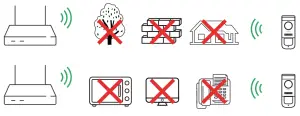
To ensure the best possible wireless performance, please make sure there are no obstacles and electromagnetic interference between the Doorbell and router.
Wiring the doorbell
Next, you will complete the wiring for your new doorbell.
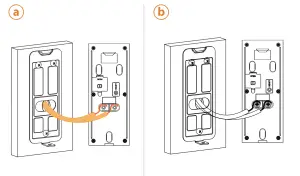
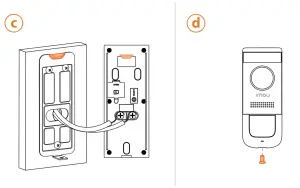
| Note: If the power cables in the wall are not long enough, use the optional power cable connectors and wire caps. |
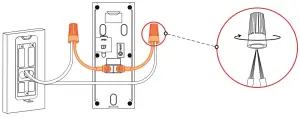
Ensure there is enough space to fit the cable connetors and wire caps into the hole in your wall or dor frame.

Troubleshooting
Question | Answer |
| The device cannot boot up? |
|
| Connection is overtime? |
|
| The device is not online? |
|
| There is no message when PIR motion detection is triggered? |
|
| How to restore factory settings? |
|
Safety Tips and Warnings
The following description is the correct application method of the device. Please read the manual carefully before use, in order to prevent danger and property loss. Strictly conform to the manual during application and keep it properly after reading.

Caution
- Please don’t place and install the device in an area exposed to direct sunlight or near heat generating device.
- Please don’t install the device in a humid, dusty or fuliginous area. Please keep its horizontal installation, or install it at stable places, and prevent it from falling.
- Please don’t drip or splash liquids onto the device; don’t put on the device anything filled with liquids, in order to prevent liquids from flowing into the device.
- Please install the device at well-ventilated places; don’t block its ventilation opening.
- Use the device only within rated input and output range.
- Please don’t dismantle the device arbitrarily.
- Please transport, use and store the device within allowed humidity and temperature range.
- Products with category I structure shall be connected to grid power output socket, which is equipped with protective grounding.
Disclaimers
- This doorbell includes an Auto Mechanical IR Cut Filter. When the camera changes between Day/Night viewing modes, an audible clicking noise may be heard from the doorbell. This clicking is normal, and indicates that the camera filter is working.
F @imouglobal
E [email protected]
W www.imoulife.com

 Imou | Enjoy Smart Life
 Imou | Enjoy Smart Life