 User Guide
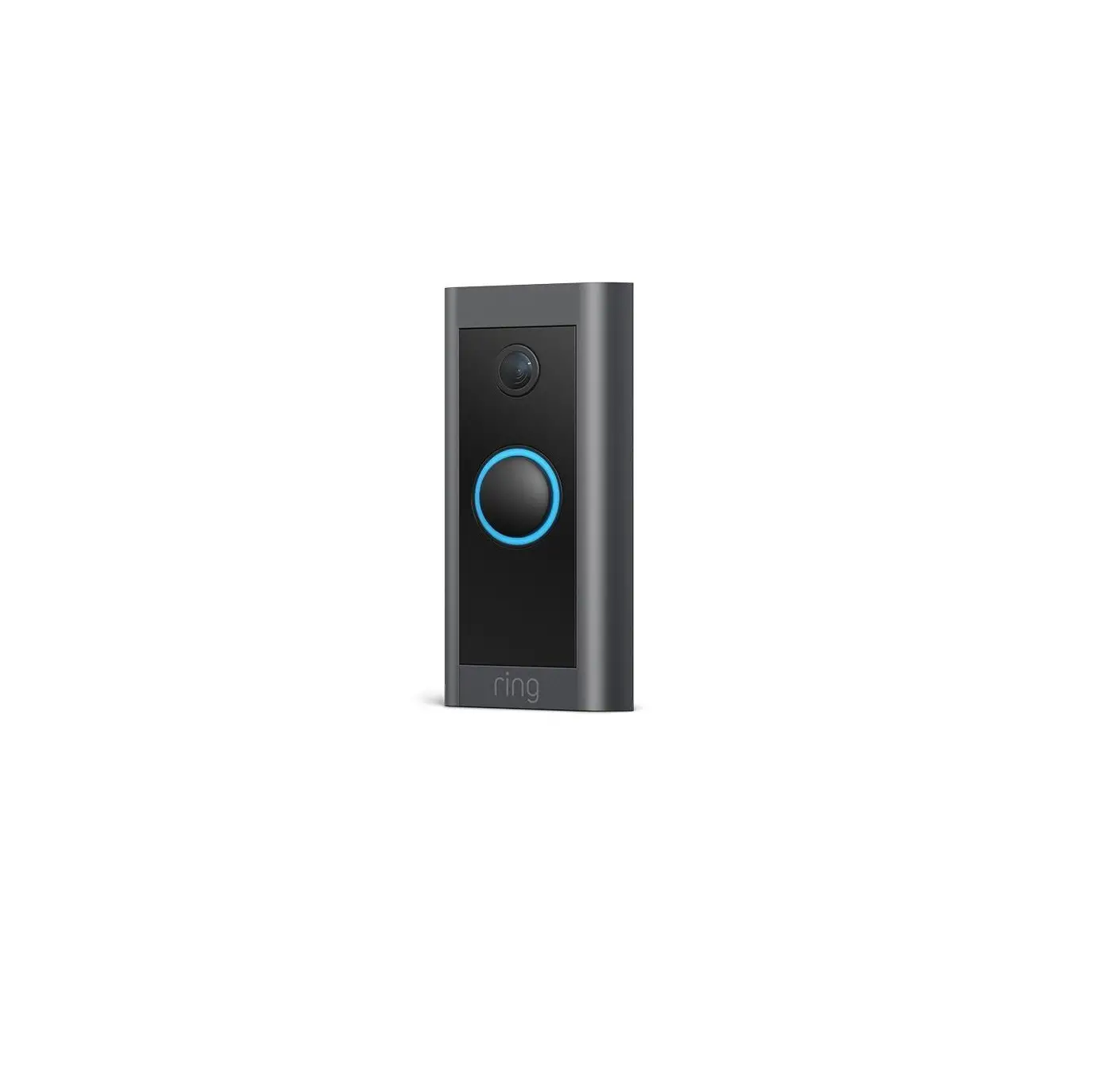
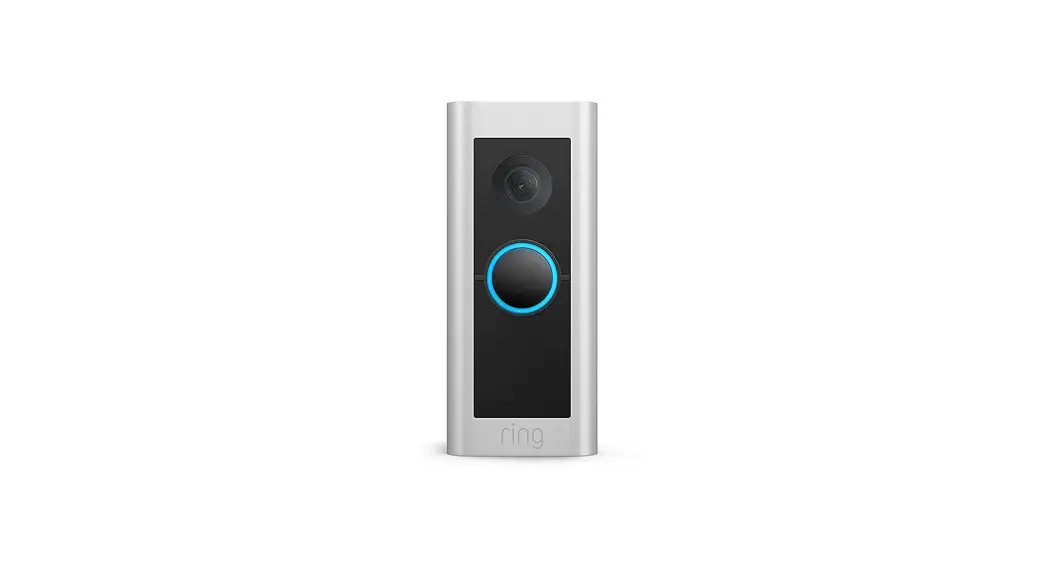
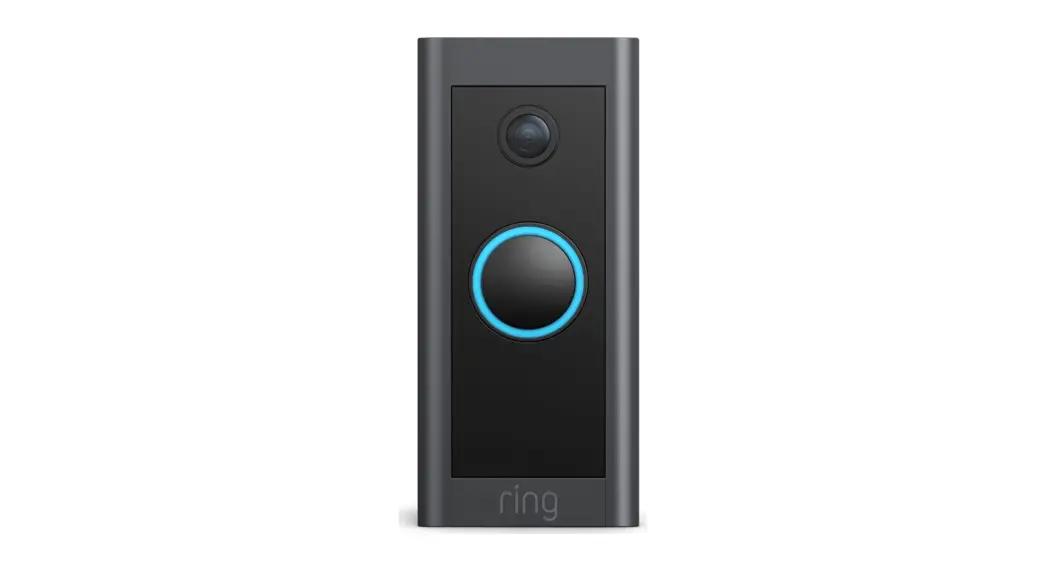
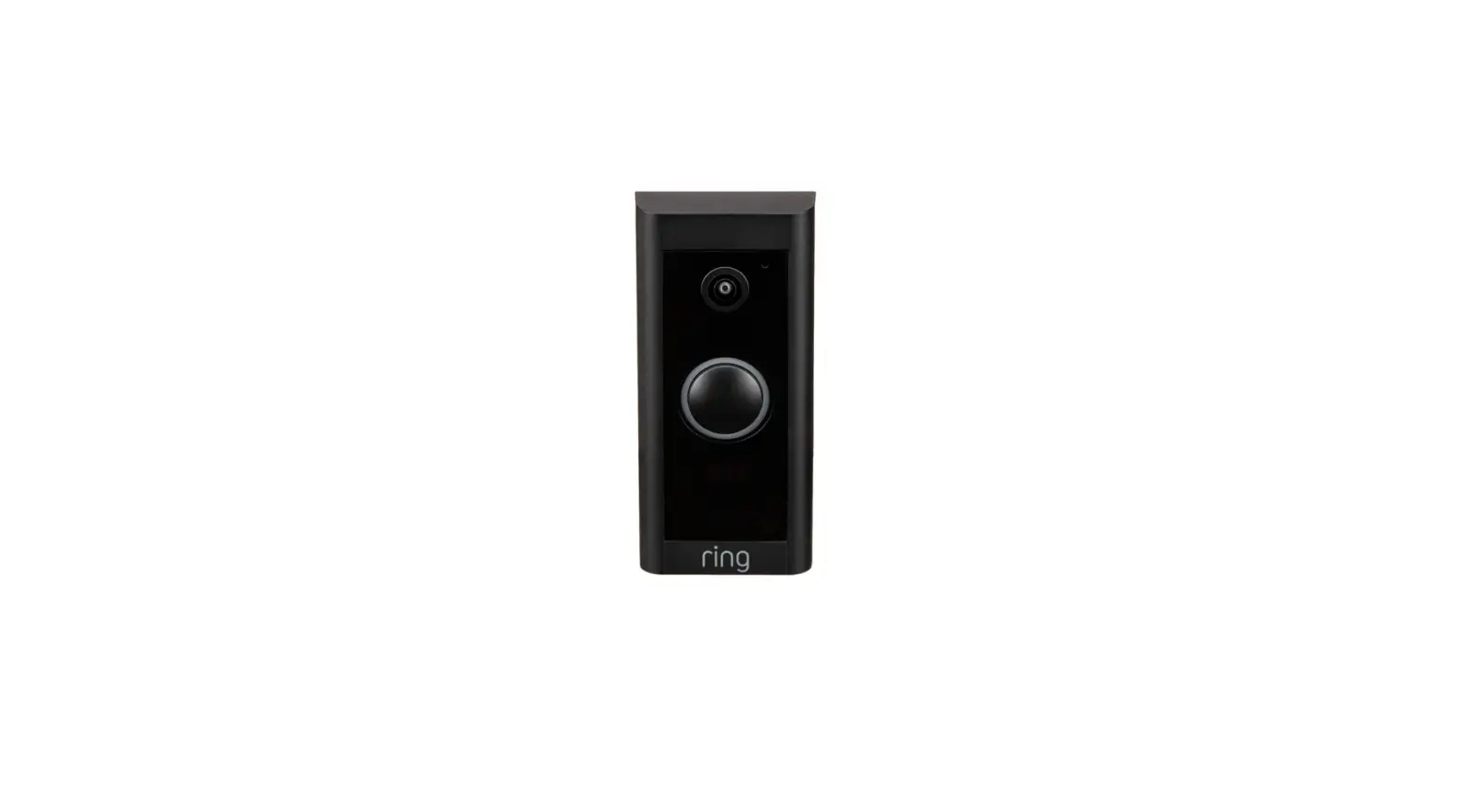
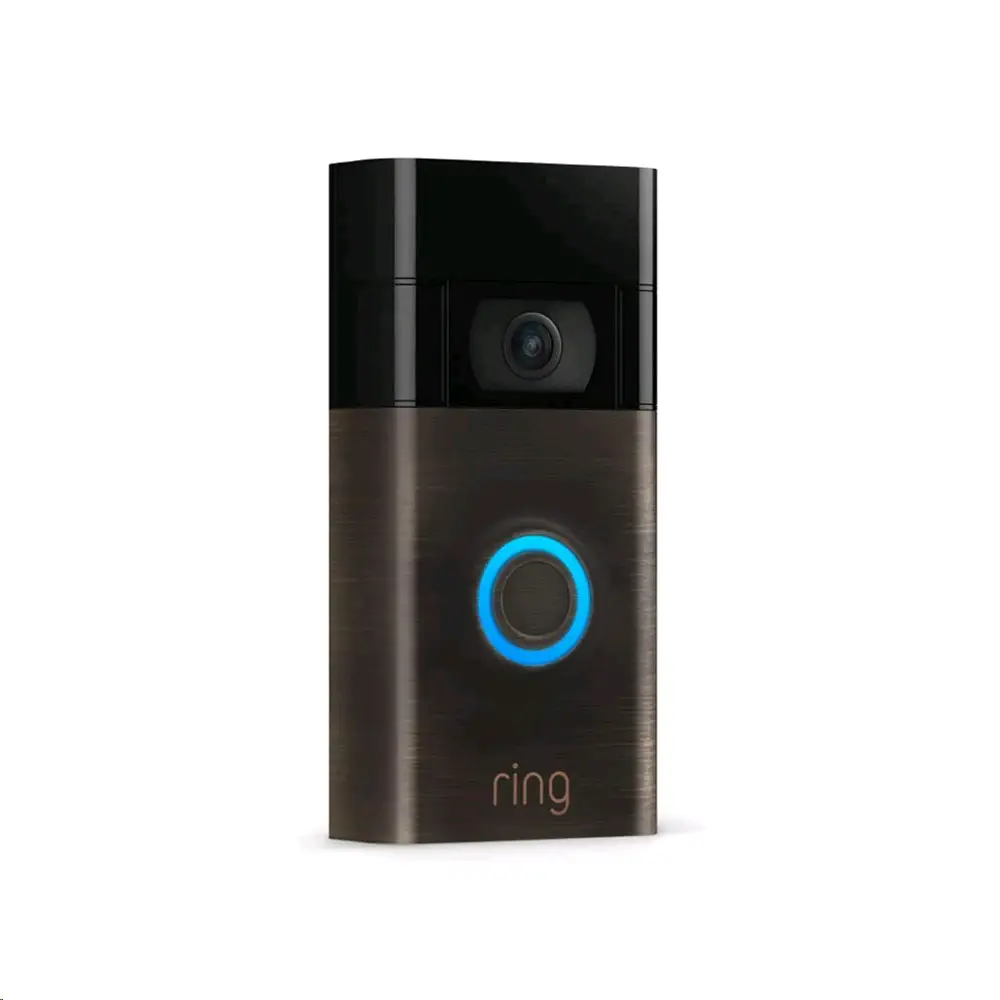
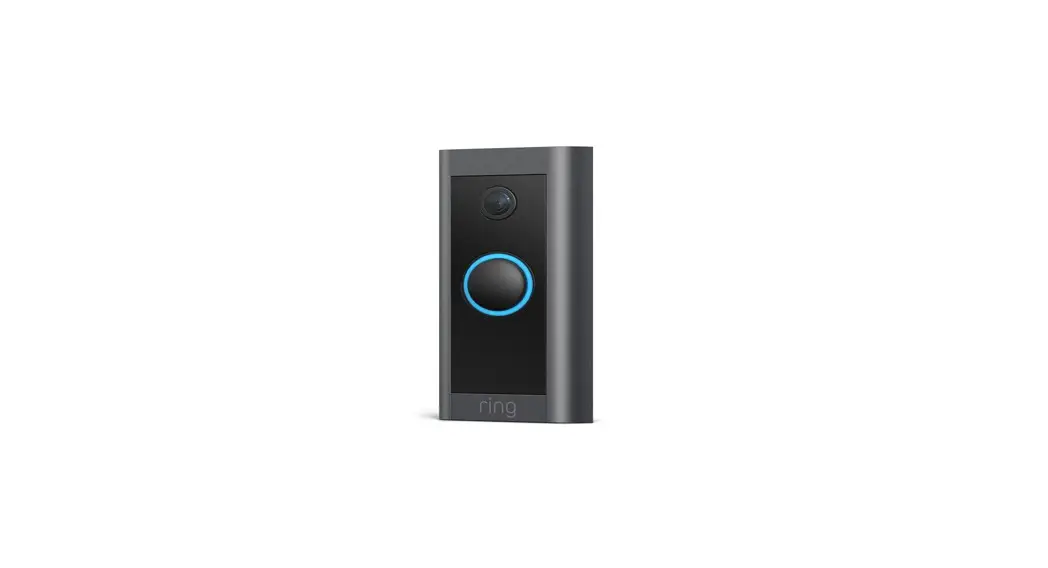
Doorbell Wired

Included hardware.
| Bag | Hardware |
| A | 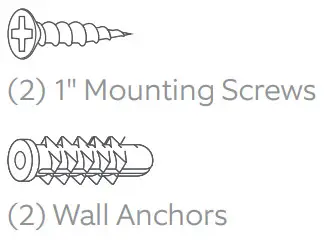 |
| B |  |
| C | 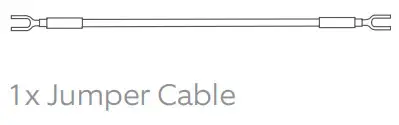 |
Find your doorbell chime.
Your Doorbell Wired is designed to replace an existing doorbell button and gets its power from the doorbell system.
Ring your existing doorbell and listen for the chime. If it rings, we know your existing doorbell system is working.
Follow the sound to find your chime and make a mental note of the location. We’ll return to your chime soon. Don’t have an existing doorbell? You can power your Doorbell Wired directly using our Plug-in Adapter. Visit ring.com/accessories to learn more.
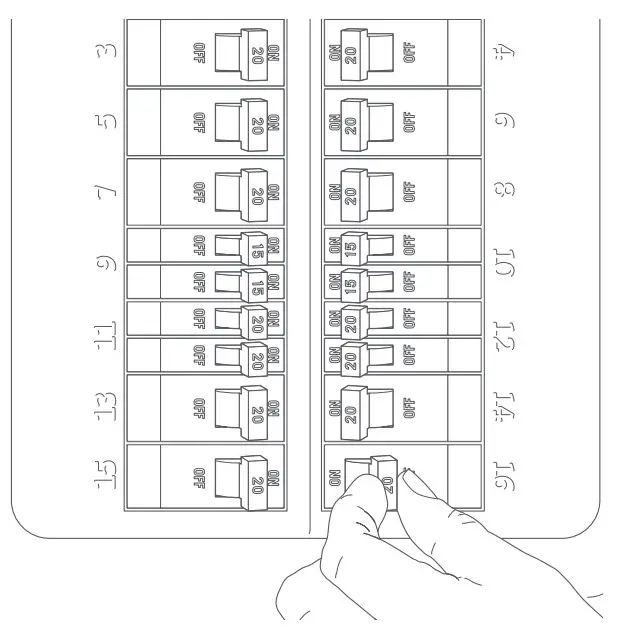
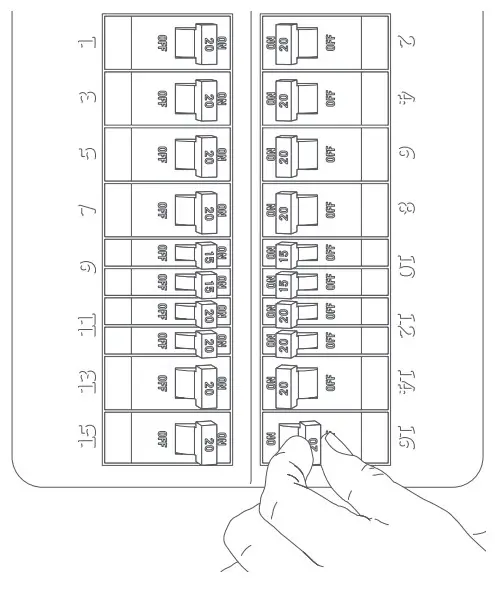
Turn off power at the breaker.
This is essential to keeping you and your new Ring Doorbell safe.
If you’re not sure which breaker controls your doorbell chime, turn off the master breaker for your home, or contact an electrician. CAUTION!
You’ll be working with electrical wires during the installation process. If you are uncomfortable or inexperienced with doing so, consult with a licensed electrician.
Grab the included Jumper Cable.
The Jumper Cable bypasses and disables your existing doorbell chime, and must be installed before you install your Ring Doorbell.
Your Doorbell Wired is compatible with doorbell systems supplying 10–24 volts AC, at 50 or 60Hz, 40VAmax. The AC connector is the class 2 energy source.

Remove the cover from your doorbell chime.
After you’ve located your doorbell chime and turned off the power at the breaker, remove the cover from your chime and set it aside for now.
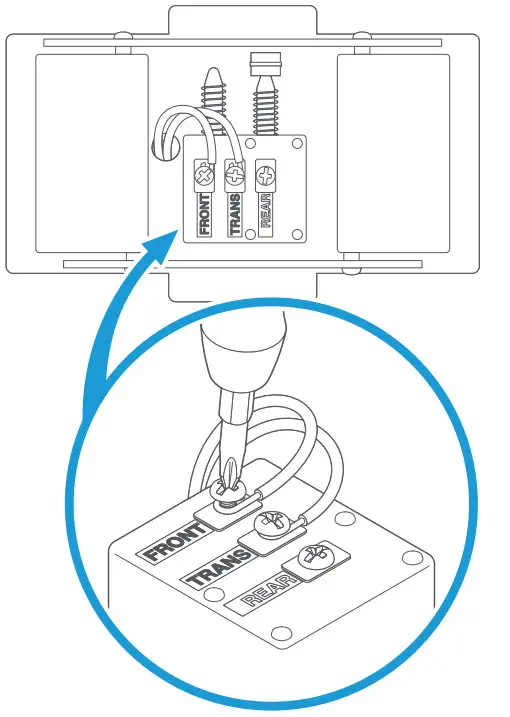
Loosen the “Front” and “Trans” terminal screws.
Make sure to keep the existing doorbell wires in place.
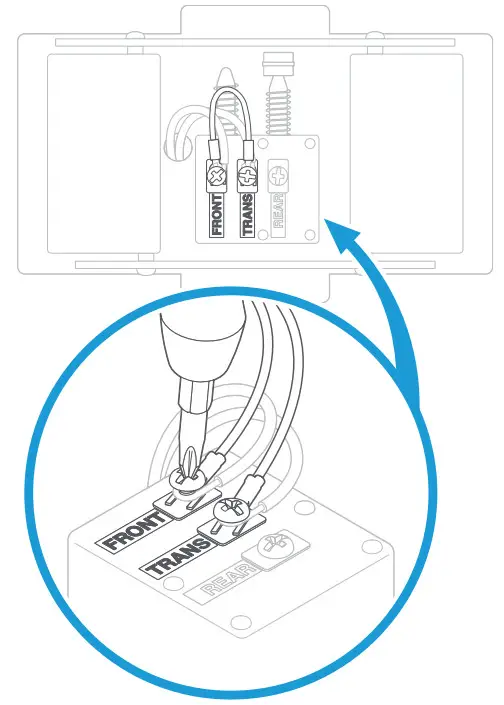
Connect the Jumper Cable.
Connect one end of the Jumper Cable to the “Front” terminal, and the other to the “Trans” terminal. It doesn’t matter which wire you connect to which terminal.
Then re-tighten the terminal screws.
Remove your doorbell from the wall.
Disconnect the wires. Make sure they don’t fall back inside your wall so you can access them later.
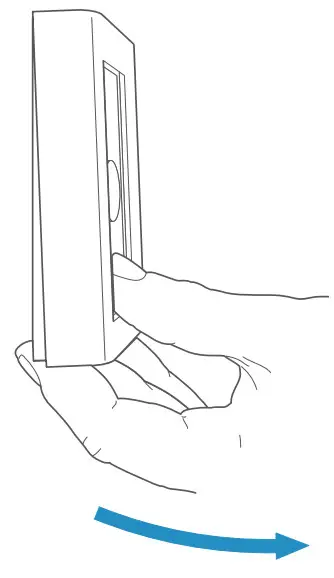
Remove the faceplate.
Grasp the bottom of the faceplate and pull to remove.
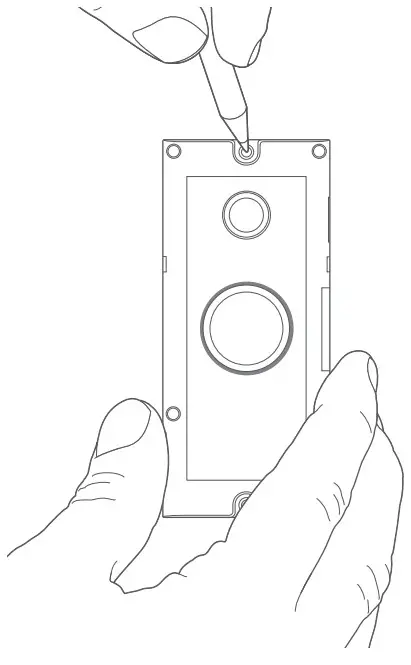
Mark the screw holes.
Using your Ring Doorbell as a template, mark the location of the two mounting holes on your wall.
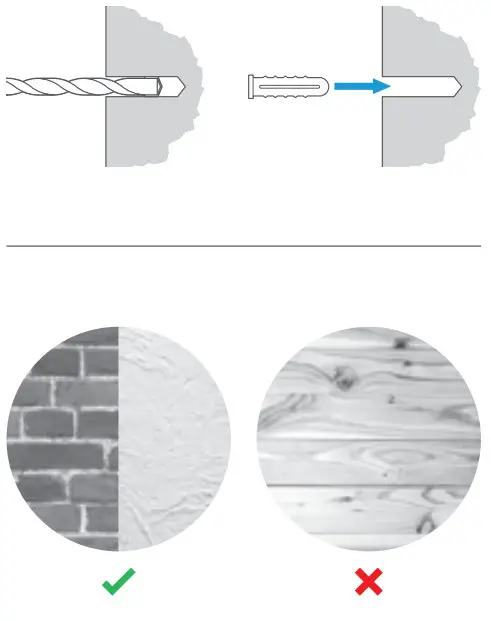
Install the anchors. (optional)
On stucco, brick, or concrete, use a ¼” masonry bit to drill holes in your wall, then insert the included wall anchors. (If you’re installing on wood or siding, you can skip this step.)
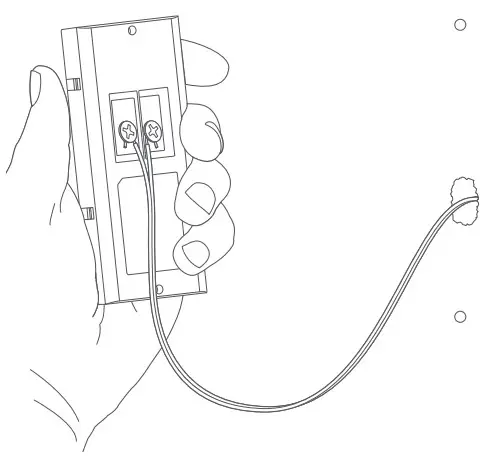
Connect the doorbell wires.
Loop one doorbell wire around each of the screw terminals on the rear of your Ring Doorbell then tighten the terminals to secure.
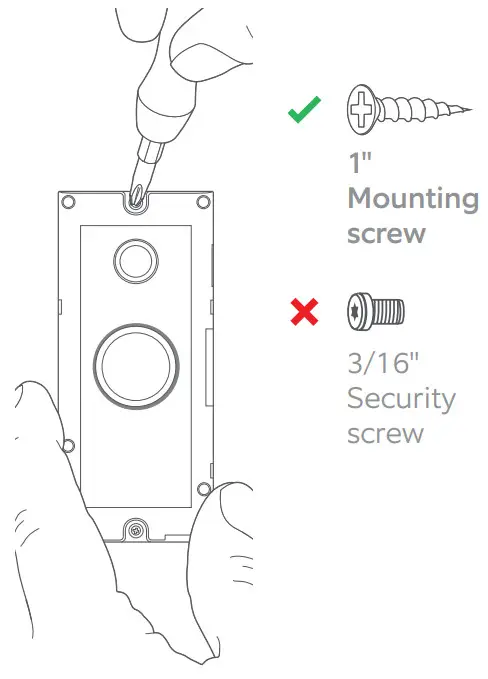
Screw in your Ring Doorbell.
Mount your Ring Doorbell with the two included mounting screws.
Be sure to feed any excess wiring back into the wall first.DO NOT USE any screw other than the included mounting screws when securing your Ring Doorbell.
Restore power at the breaker.
It may take a moment for your Ring Doorbell to power on. You’ll know it’s ready once it lights up and speaks to you.
Download the Ring App.
The Ring App walks you through setting up and managing your Ring Doorbell.
Search for “Ring” in one of the app stores below, or visit ring.com/app

Set up your Ring Doorbell.
In the Ring app, select Set Up a Device and follow the in-app instructions.
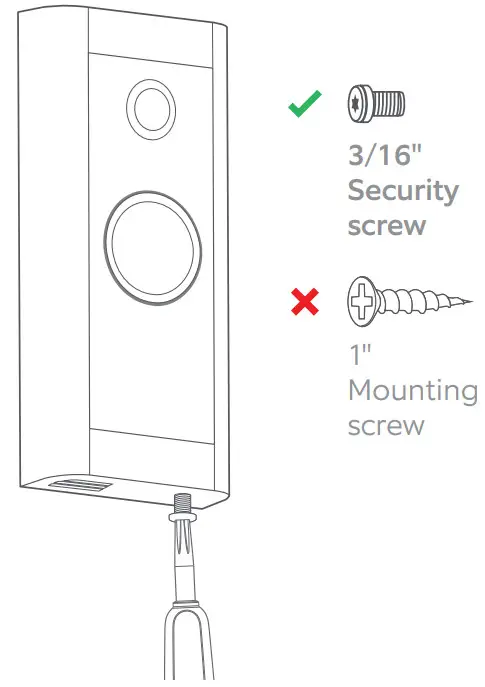
Secure your Ring Doorbell.
Re-attach the faceplate, then use the included screwdriver to drive the small security crew into the bottom of your Ring Doorbell.CAUTION!
If you use the wrong screws to secure the Video Doorbell, you could damage the battery during installation, create a fire hazard, and be seriously injured.
For additional help, visit
ring.com/help
Or give us a call:
US 1 800 656 1918
Canada 1 855 300 7289
Worldwide +1 310 929 7085
For a list of all our customer support numbers, visit ring.com/callus
For information on our warranty, theft protection, and Ring Protect Plans, see ring.com/legal
© 2020 Ring LLC or its affiliates. Ring and all related marks are trademarks of Ring LLC or its affiliates.
 Ring: Security Systems, Cameras, Alarms, and Smart Home Automation | Ring