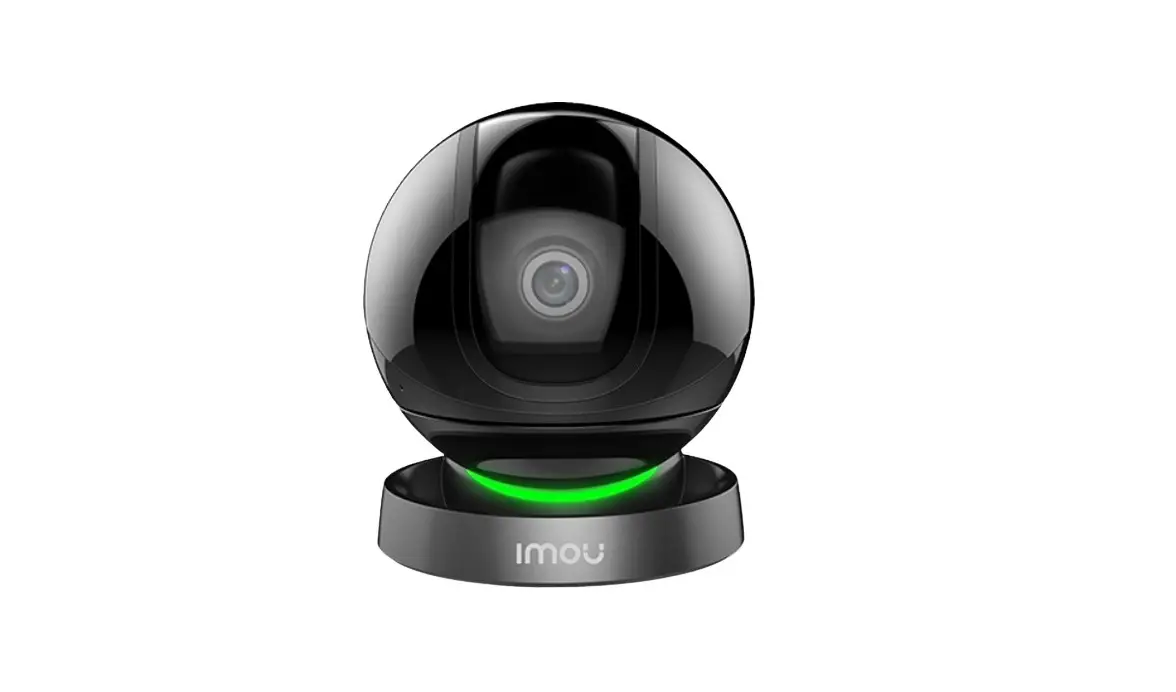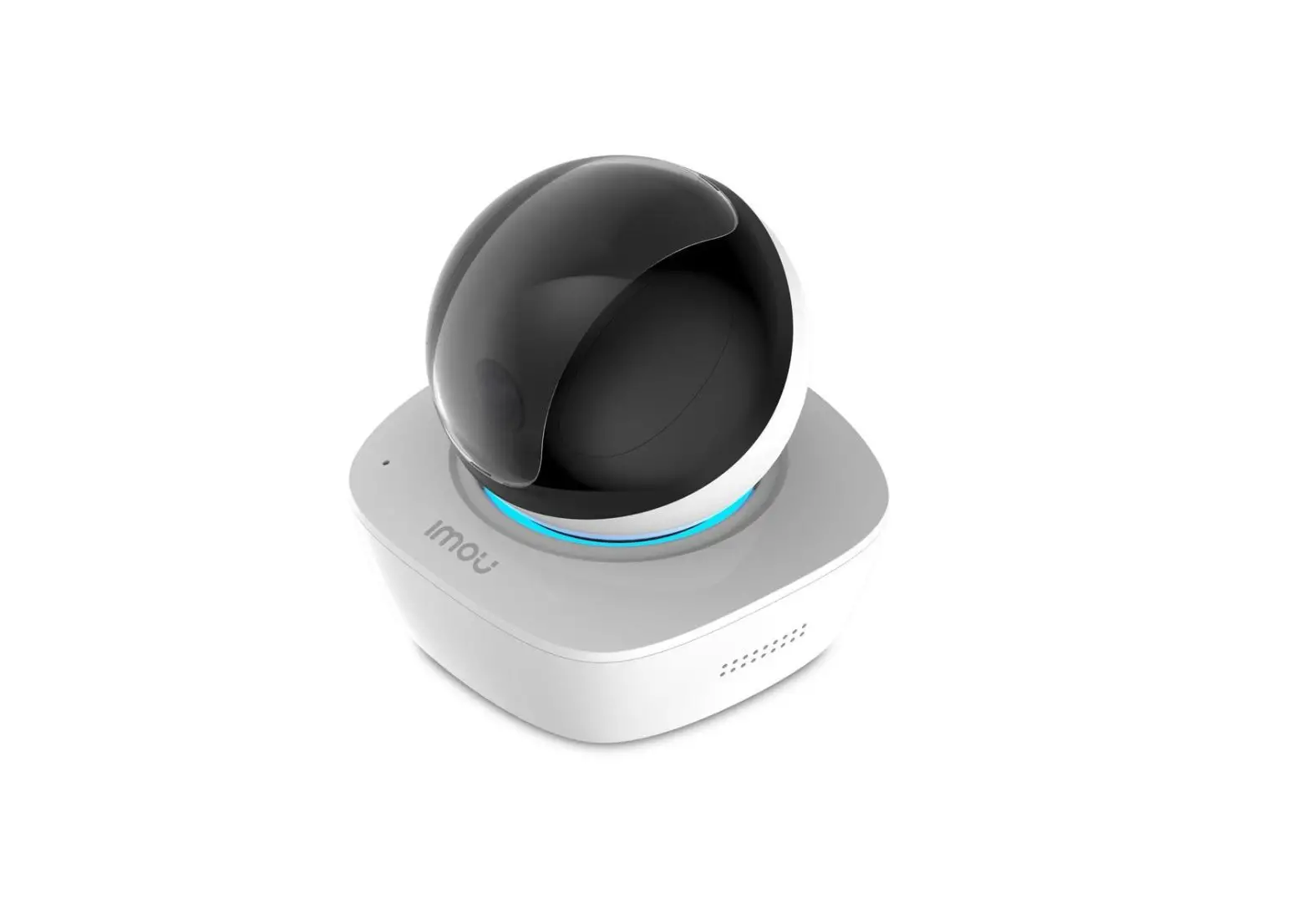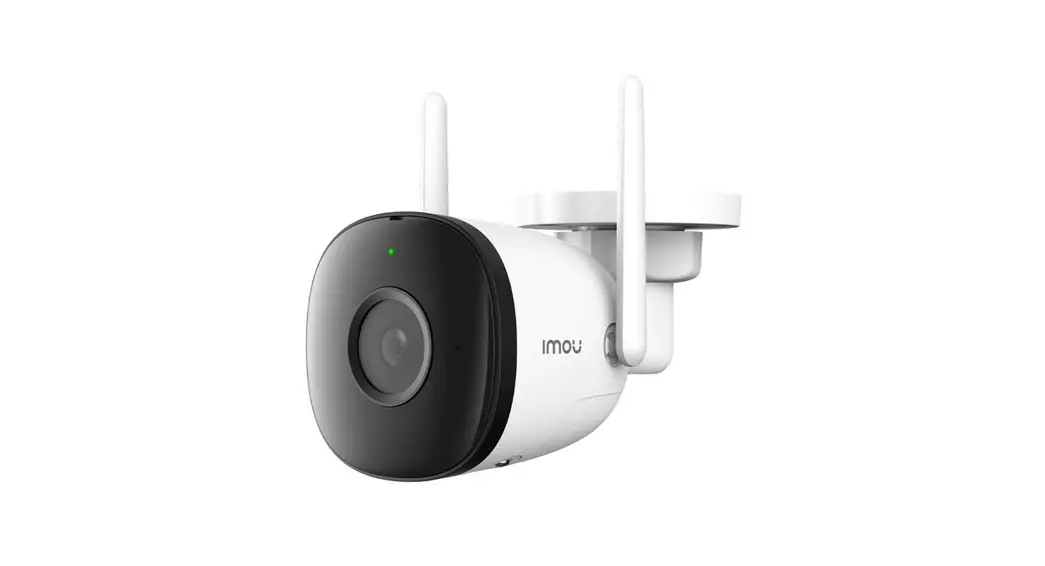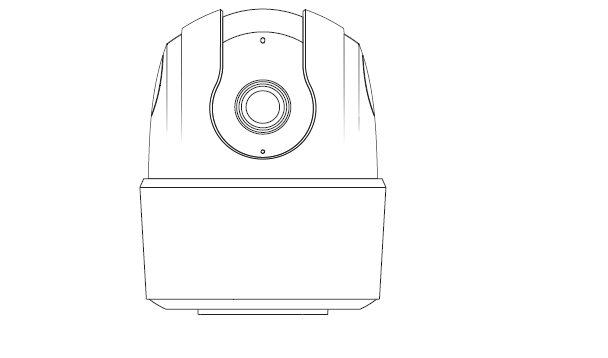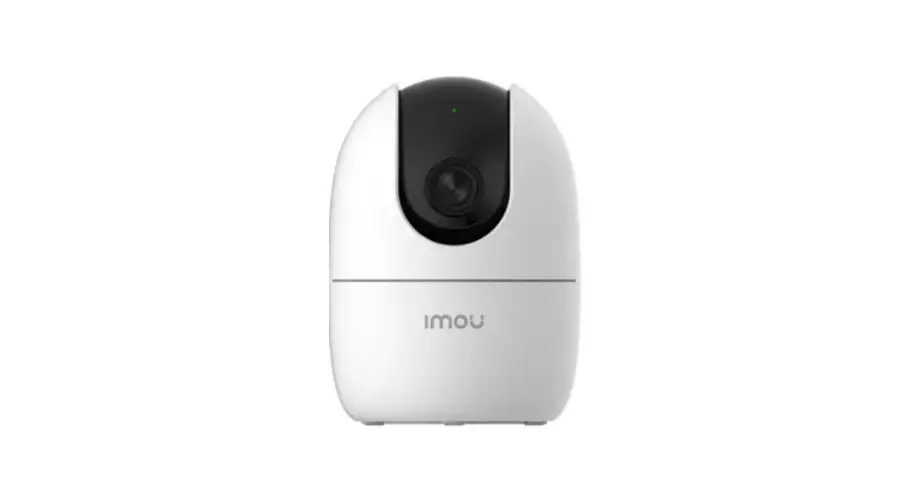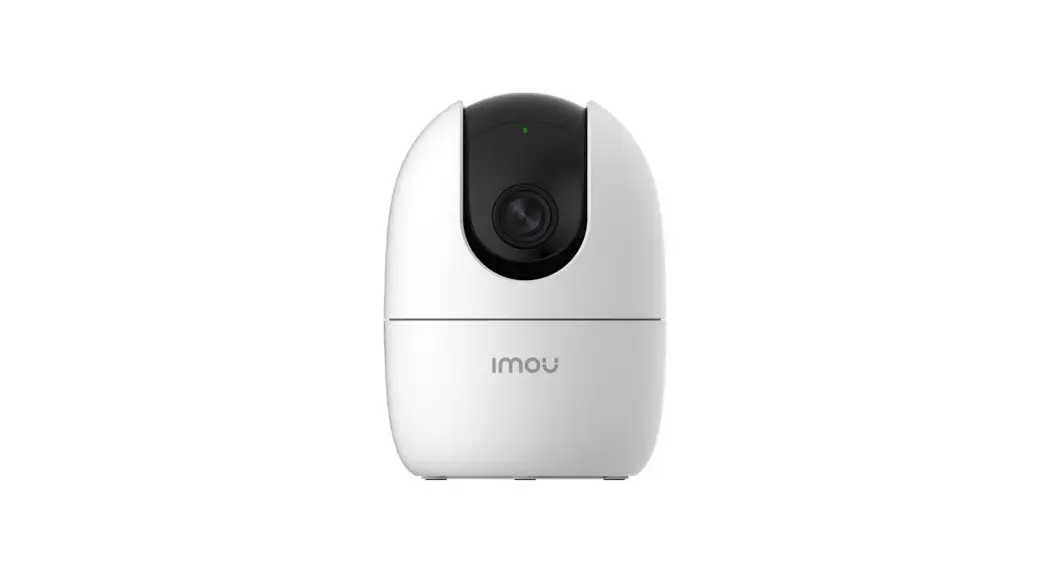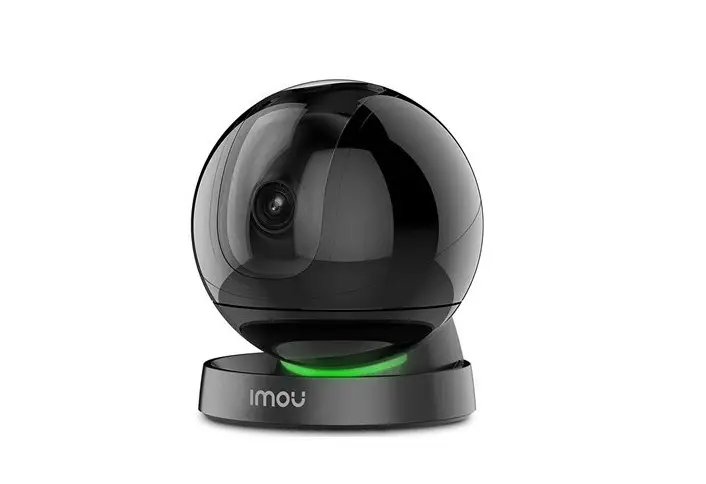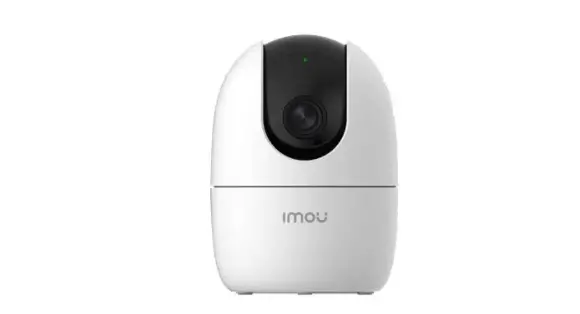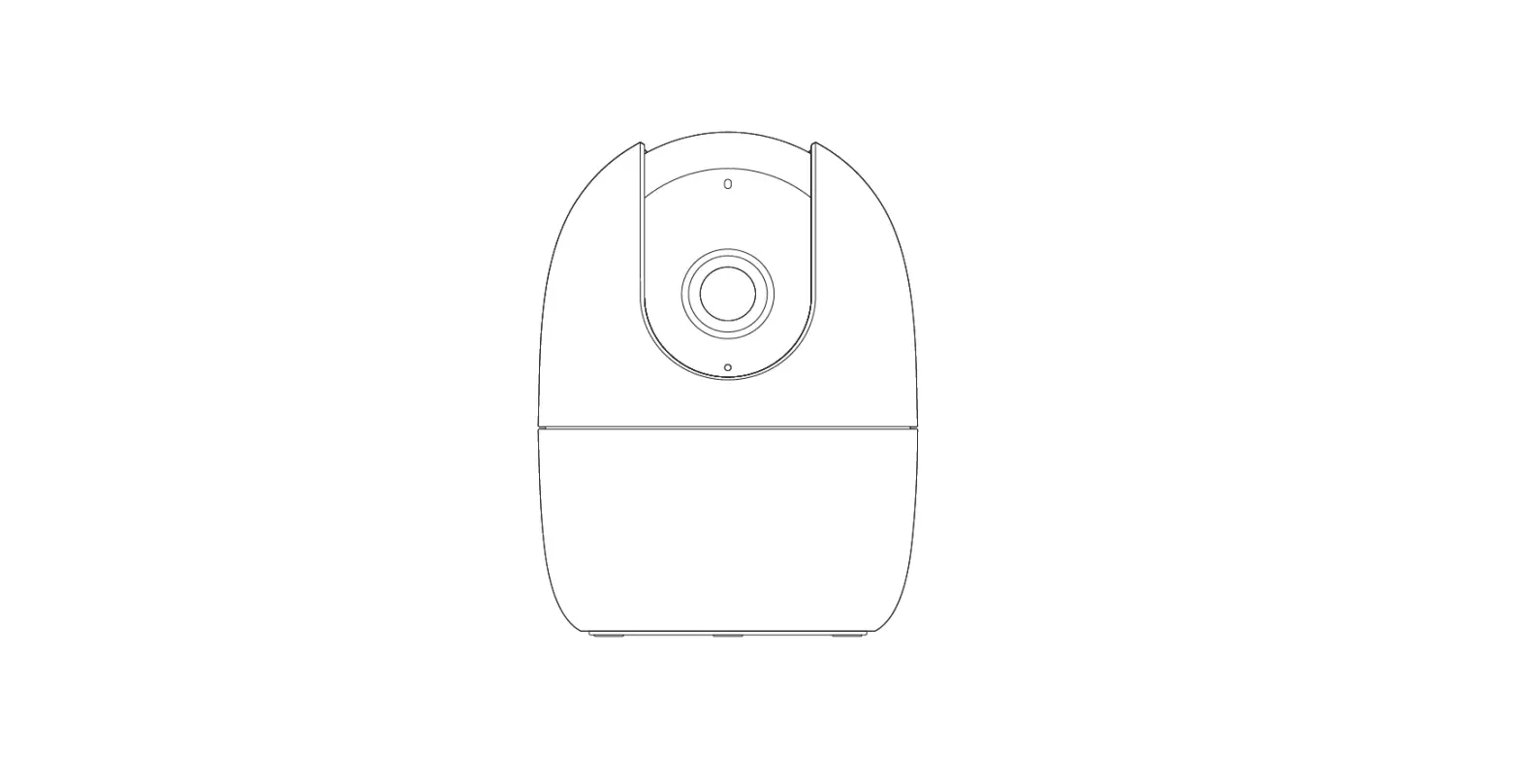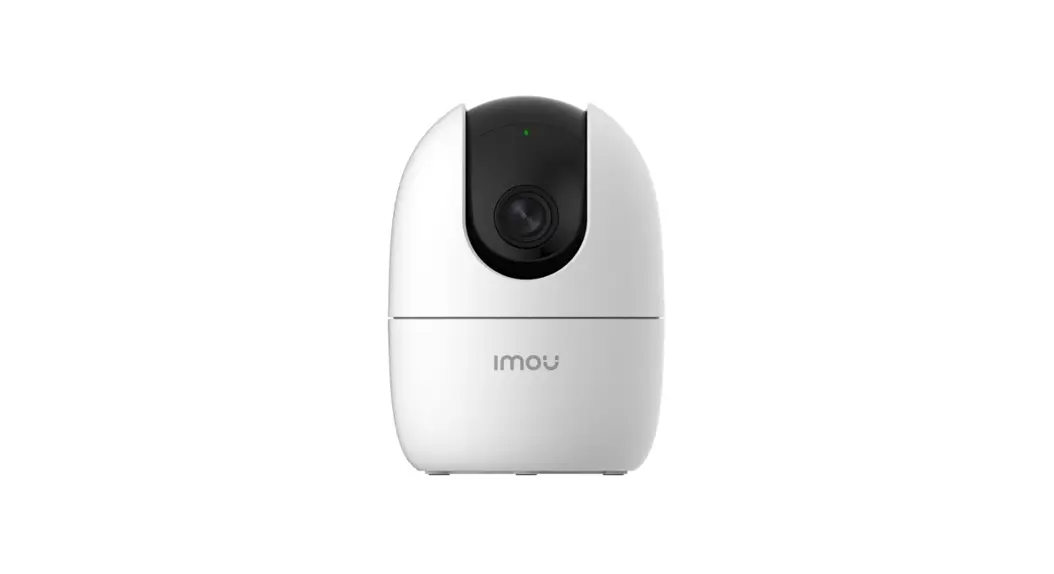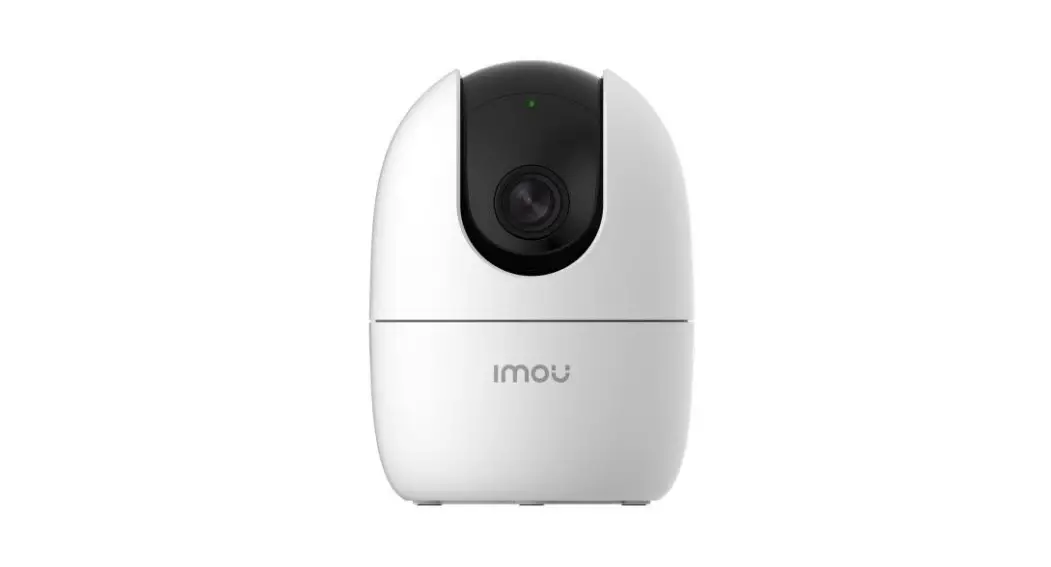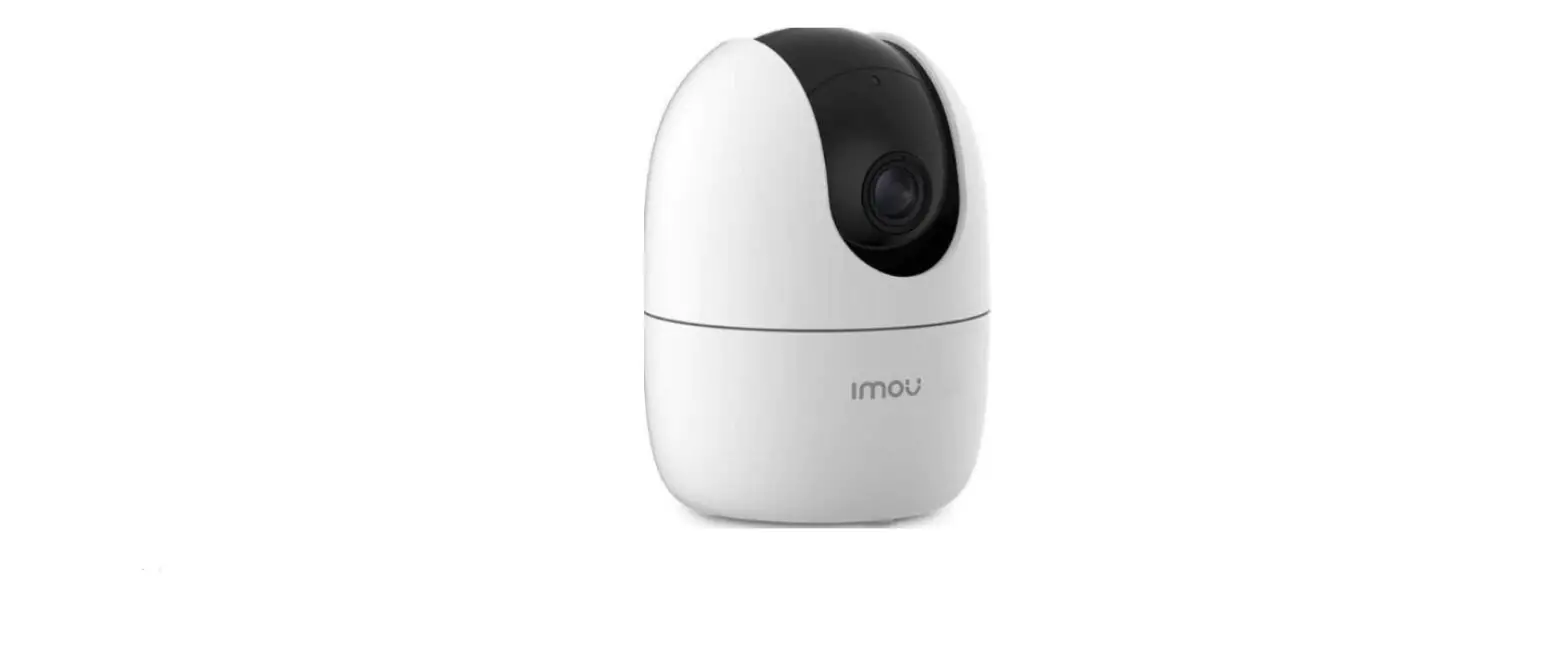
 Imou IPC-A22EP-B Ranger 2 camera
 Imou IPC-A22EP-B Ranger 2 camera
How to initialize your Imou Ranger 2 camera?
Please note this manual is only for below camera: IPC-A22EP-B
WiFi setting process
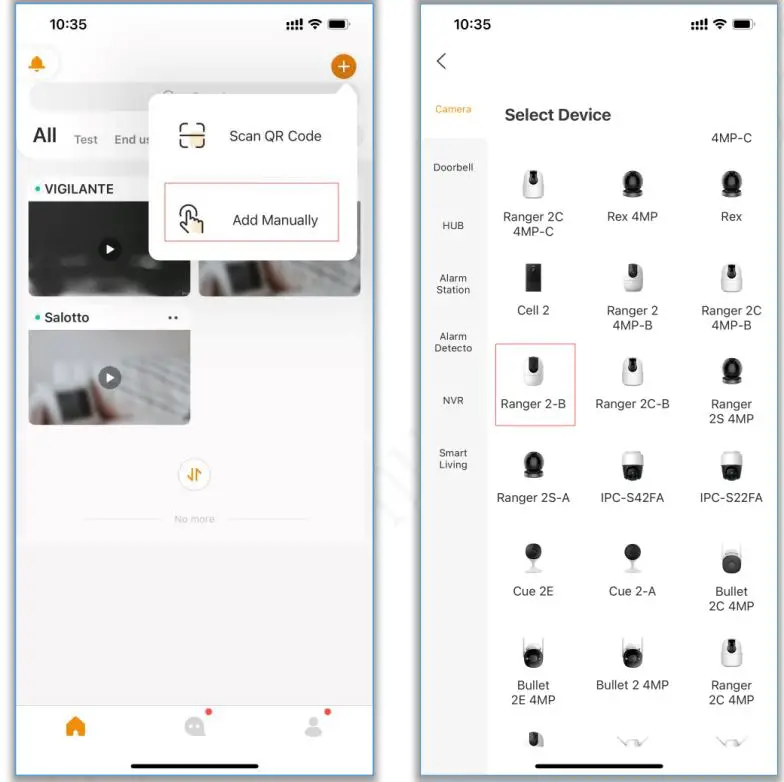
- launch imou life app and click “+”, tap “add manually” and choose the correct model: Ranger 2-

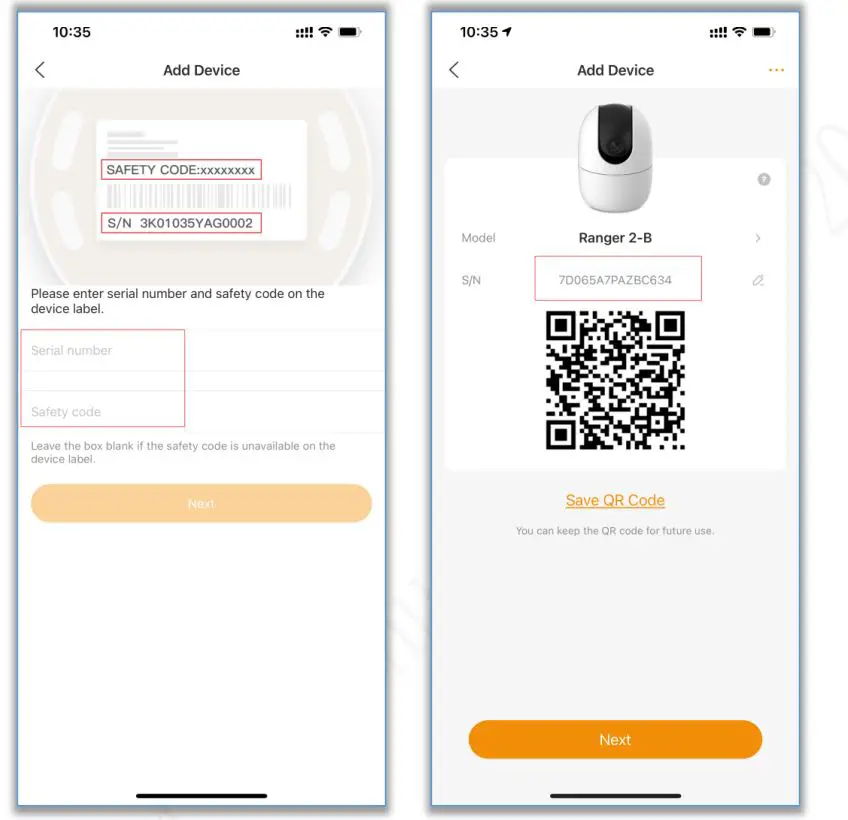
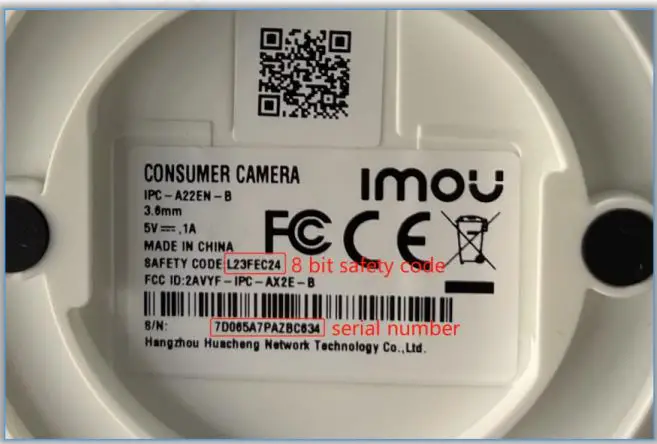
- enter the device serial number and 8 bit safety code, these information can be found from the label on the bottom of the device, then please double check the serial number in the next step.


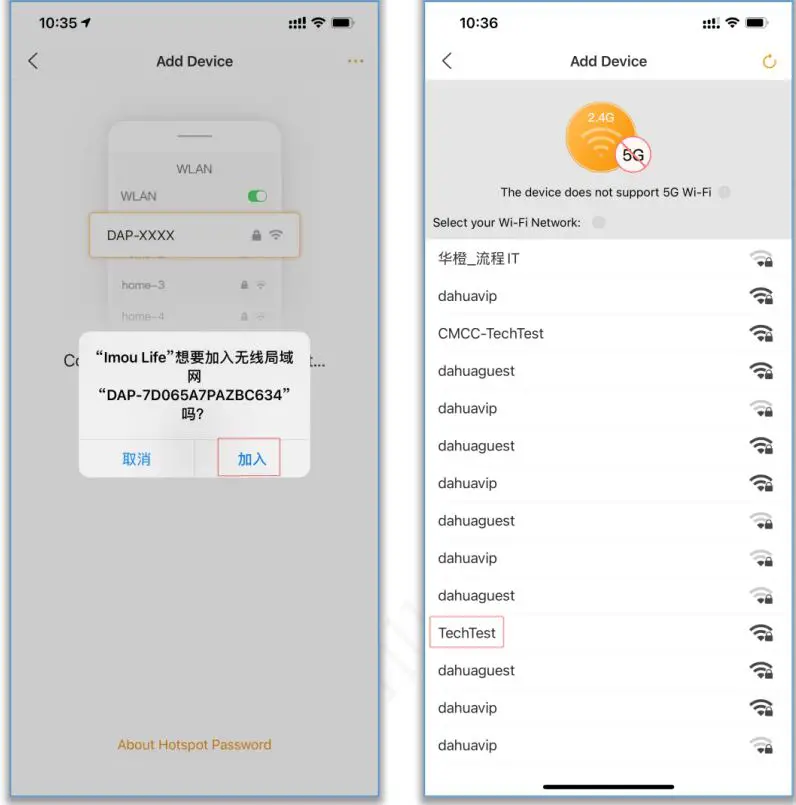
- follow the hint and connect your mobile phone to the device hotspot (DAP-XXXXXXXXX), it will search all wifi signals around this camera, please select your home wifi signal.

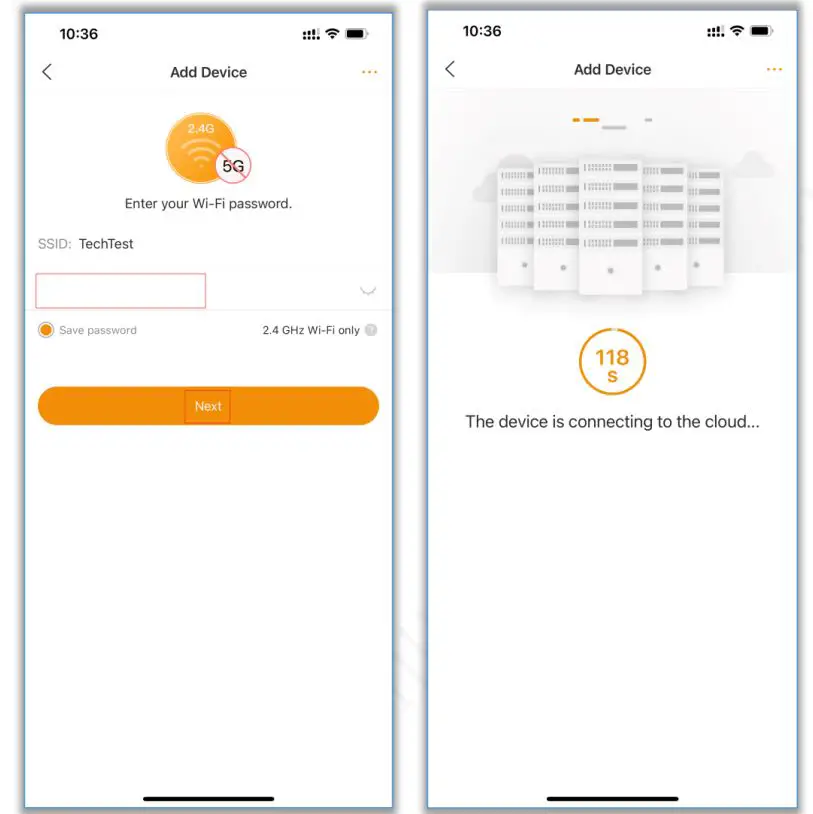
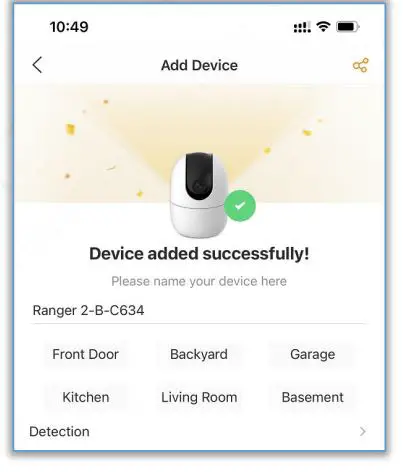
- enter your wifi password, and click “next”, then this camera will connect to imou cloud, finally bind to your imou account.