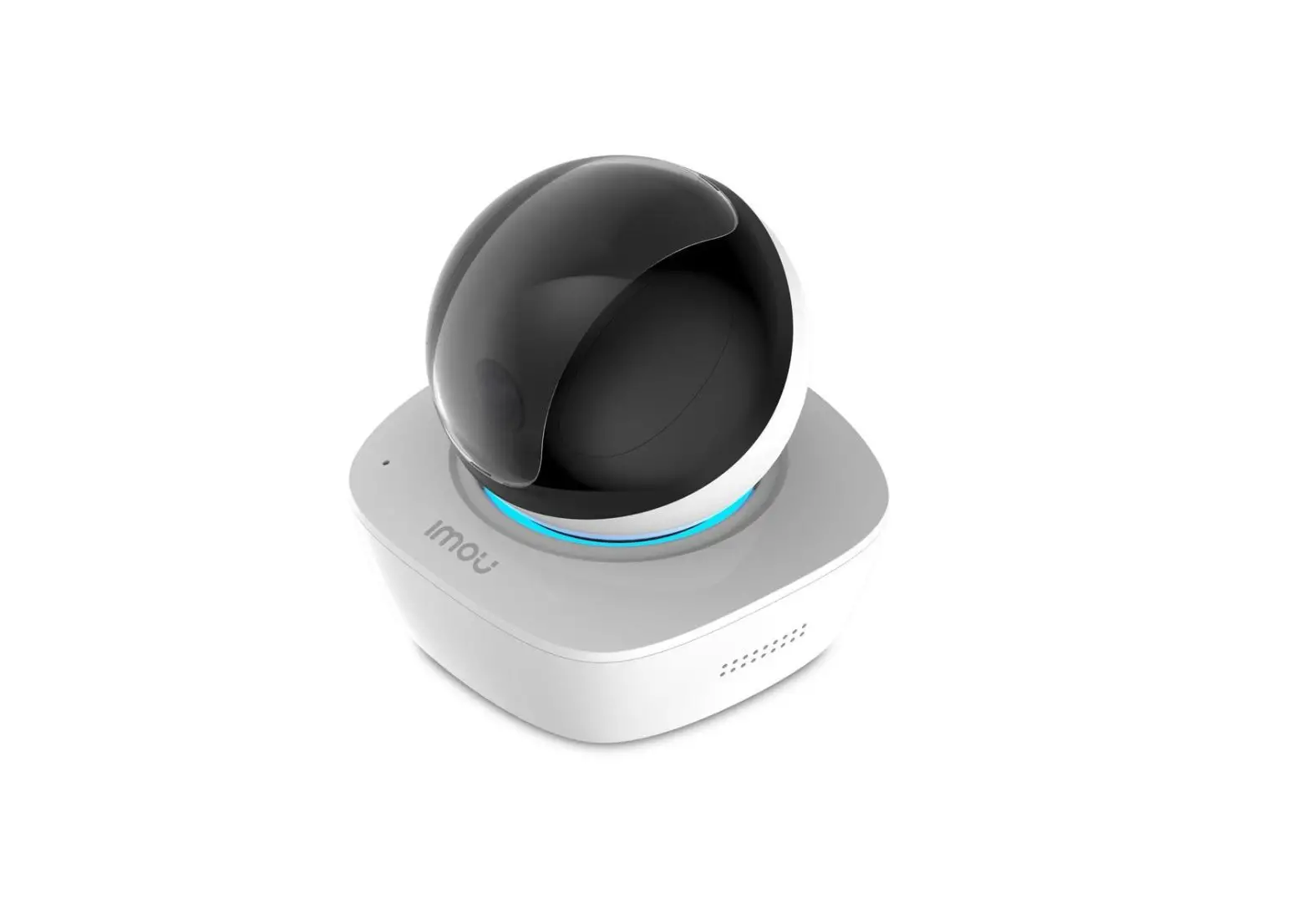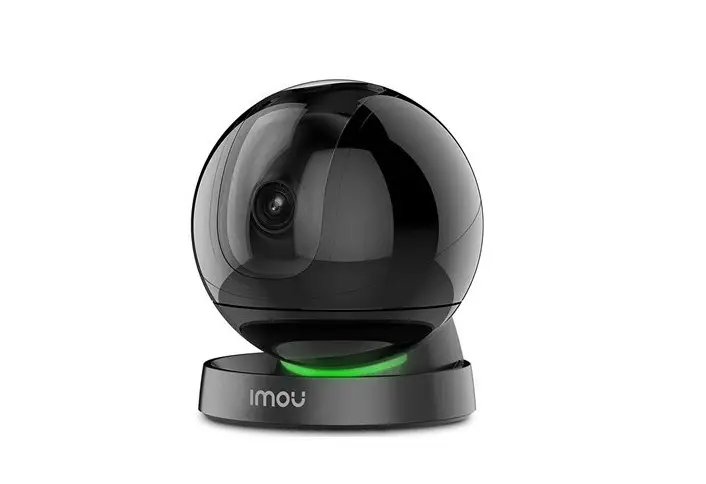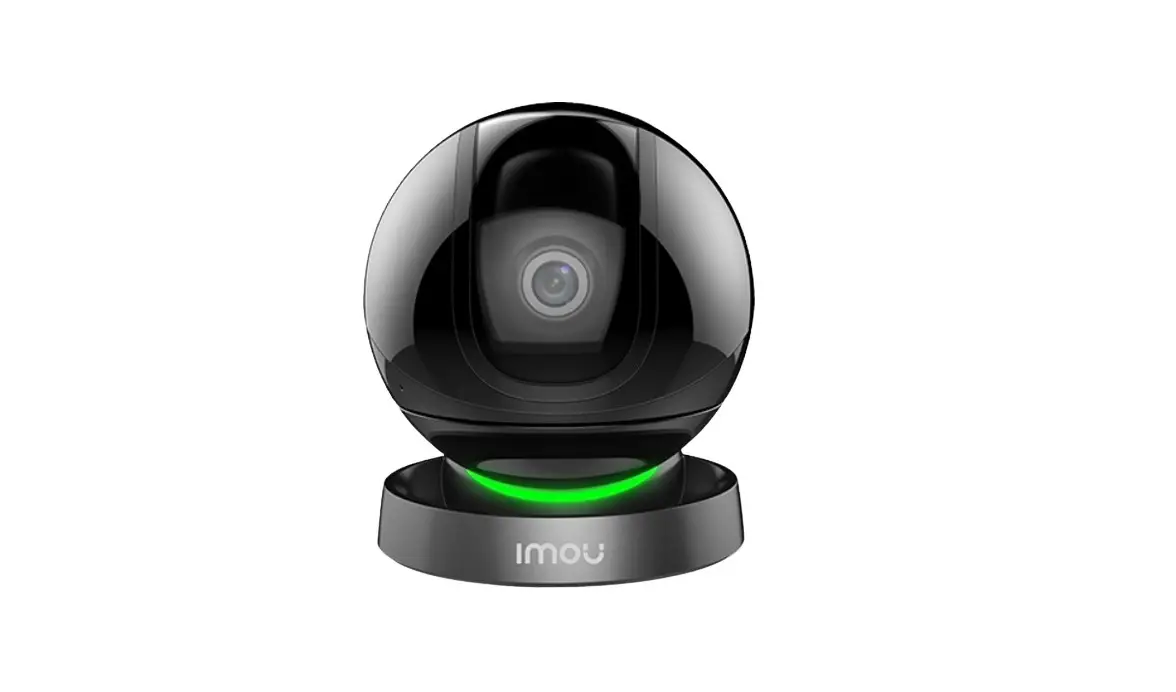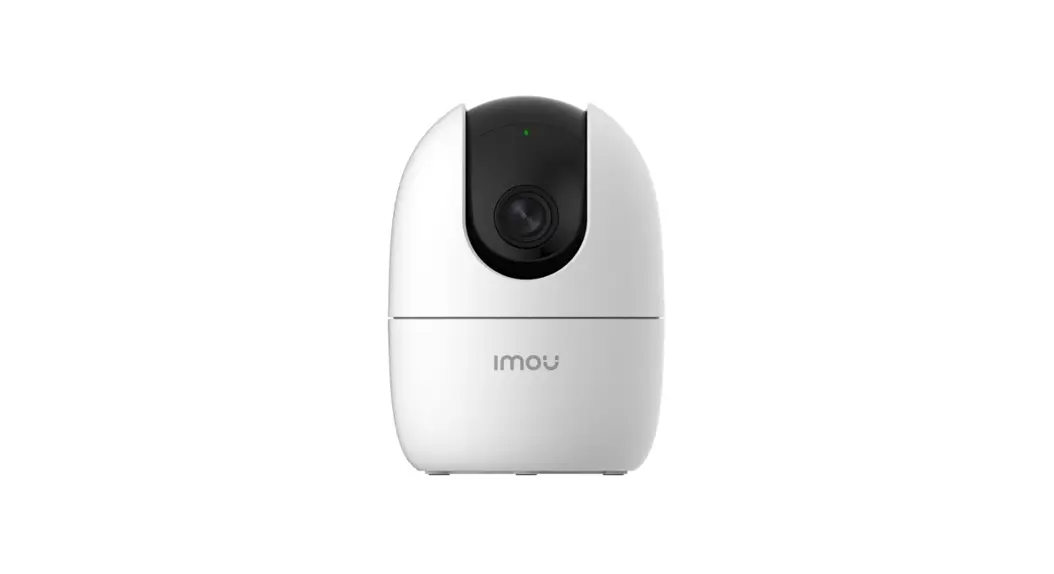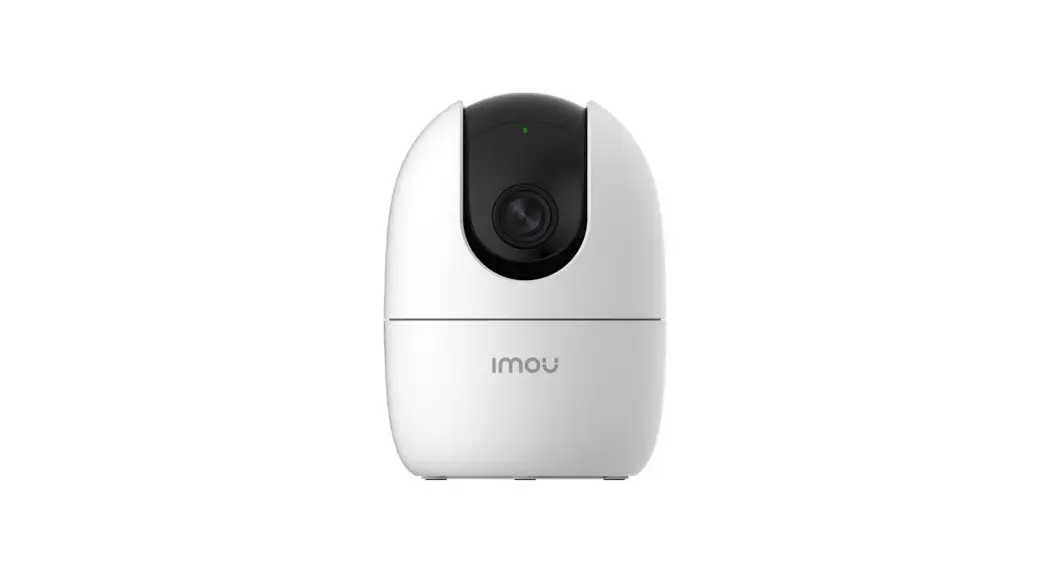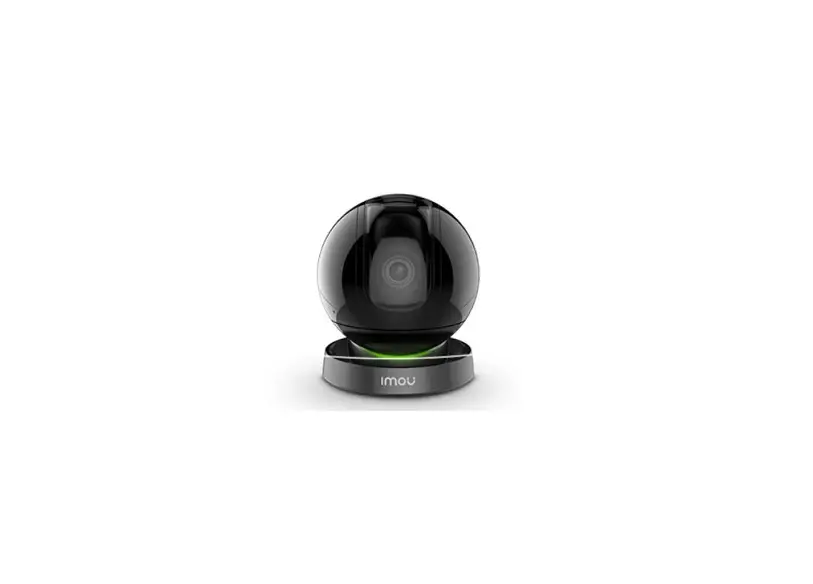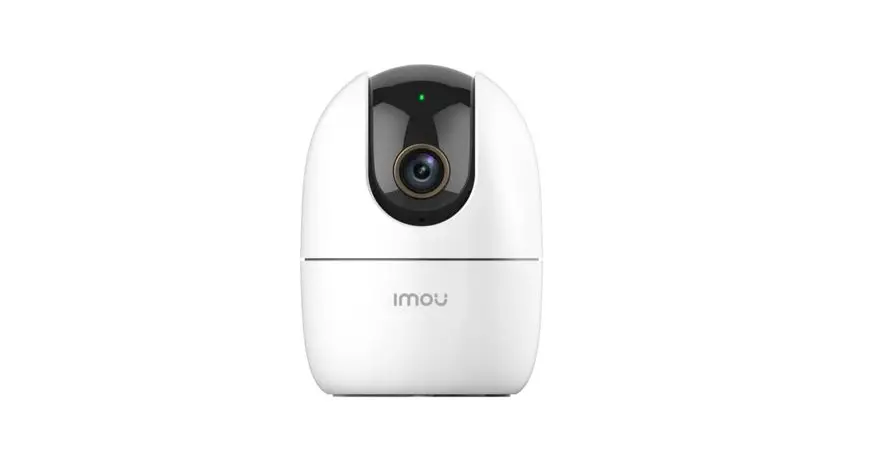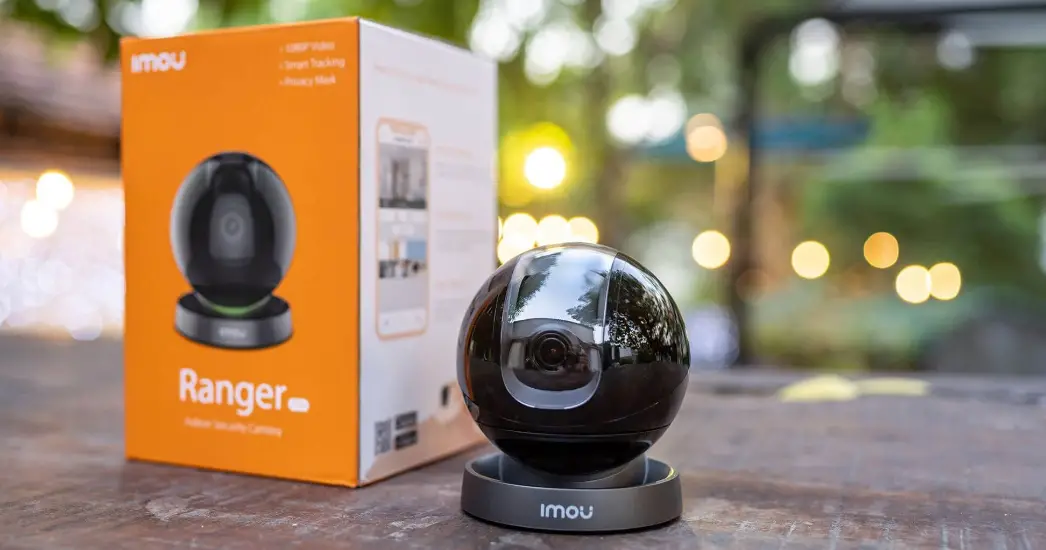

IMOU IPC-A26HP IPC-A26HP Ranger Pro 1080p Wi0Fi Camera
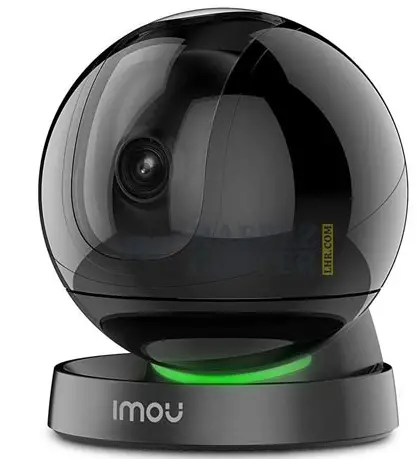
IMOU IPC-A26HP Ranger Pro User Guide
Home » imou » IMOU IPC-A26HP Ranger Pro User Guide
IMOU IPC-A26HP Ranger Pro User Guide
Thank you for choosing IMOU.
We are devoted to providing you easy smart home products. If you have problems using the product, please contact our service team before returning your product.
Our service mail: s[email protected]
Frequently asked questions can be found at imoulife.com/support/help
Package content
- Camera ×1

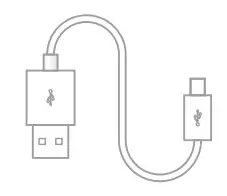
- Power Cable ×1

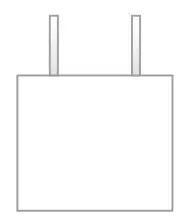
- Power Adapter ×1

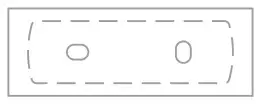
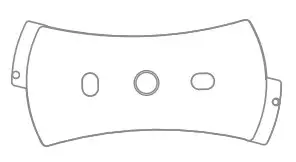
- Positioning Map ×1

- Quick Start Guide ×1

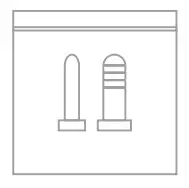
- Screw Package ×1

- Mounting Plate ×1

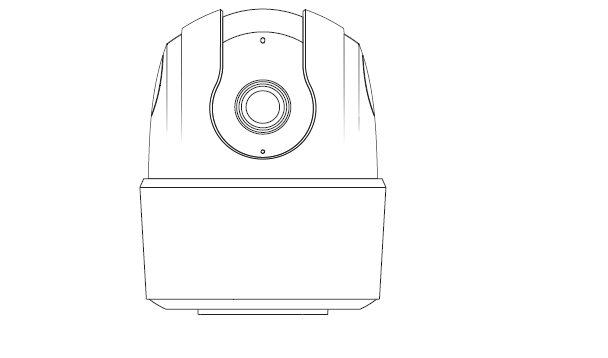
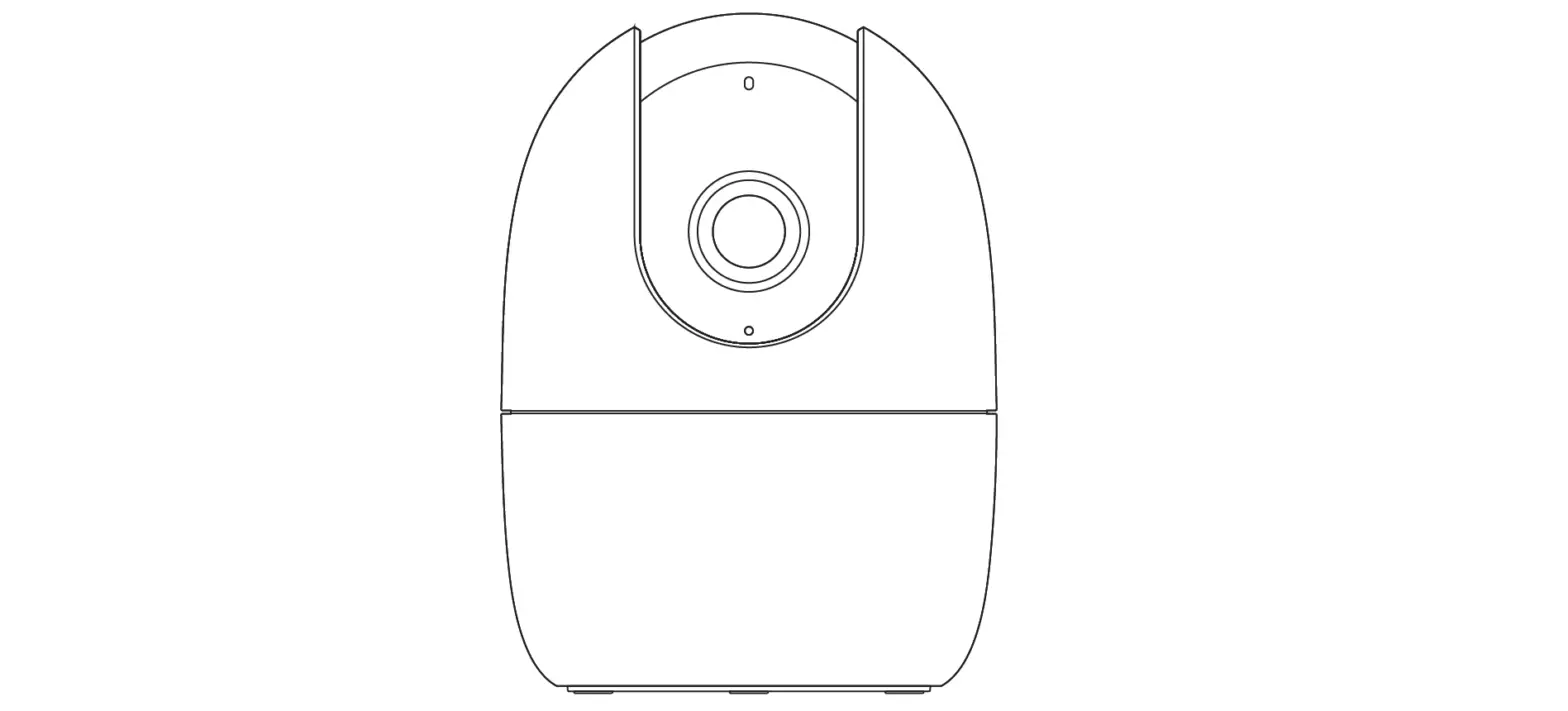
- Camera introduction


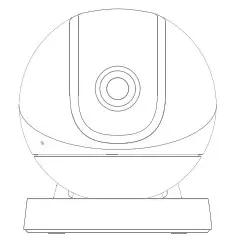
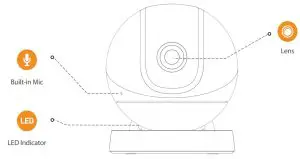
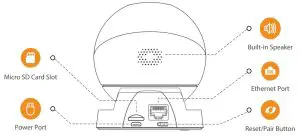
Note: Press the reset/pair button to enter pairing mode.
Press and hold the reset/pair button for 10 seconds to reset the camera.
The pattern of the LED indicator is included in the following table.
| LED Status | Device Status |
| Off | Powered off/LED turned off Rebooting after reset |
| Red light on | Booting Device malfunction |
| Green light flashing | Waiting for network |
| Green light on | Operating properly |
| Red light flashing | Network connection failed |
| Green and red light flashin alternately | Firmware updating |


Tips
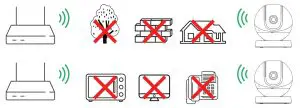
To ensure the best possible wireless performance, please make sure there are no obstacles and electromagnetic interference between the camera and router.
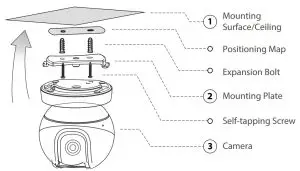
Ceiling Mounting (Optional)

Troubleshooting
| Problem | Solution |
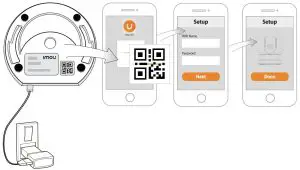
| Cannot set up camera | Ensure your mobile device and the camera are within range of your Wi-Fi route r. Ensure the LED indicator on the camera isflashing green before beginning setu p. |
| The APP says “Failed to co nfigure device network” | Reset your Camera and connect it again. Some cameras only support 2.4GHz, while some routers have dual band, 2.4G /5G. Make sure you are connecting 2.4GHz only. |
| The app says “Failed to bin d” | The camera is already connected to Wi-Fi, but the router is: Not connected to Interne Poor network status The Wi-Fi signal is not stable due to obstacles or electronic interference |
| No picture / signal | Ensure the LED indicator on the camera is flashing steady green. See ‘LED St atus’ section for details if otherwise. Ensure the camera is properly connected to power using the included USB power adapter. Try repositioning the camera, router, or both to improve signal strength. |
| Picture is not clear | Check the camera lens for dirt, dust, spider webs. Clean the lens with a soft, cl ean cloth. Remove the vinyl cover on the camera lens. |
| No audio | Ensure audio function on camera is turned on. Ensure audio is turned up on viewing device. |
| Human detection not worki ng | Ensure you have enabled “Human Detection” in the Device Settings screen of t he Imou LifeApp. |
| Camera stuck downwards | Turn off Camera Shielding in Device Settings on the Imou Life app. |
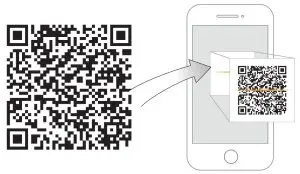
| Phone is not reading QR c ode | Clean the camera lens of your Smartphone Ensure that there is enough light on the QR code Don’t hold the QR code too close to the camera |
Documents / Resources
IMOU IPC-A26HP Ranger Pro [pdf] User Guide
IPC-A26HP, Ranger Pro
References
- Imou | Enjoy Smart Life
- Imou | Enjoy Smart Life
Related Posts
imou Turret User Guide
IMOU Turret User Guide www.imoulife.com Welcome Thank you for choosing IMOU. We are devoted to providing you easy…
Pro Tools Reference Guide
Pro Tools Reference Guide – Download [optimized] Pro Tools Reference Guide – Download
Tbi Pro TBI ZapLIke Pro 360 User Guide
TBI ZapLIke Pro 360 Quick Start Guide If you have any questions, feel free to contact us by…
manualsee.com, home privacy
imou Bullet WiFi Camera User Guide
imou Bullet WiFi Camera Welcome Thank you for choosing IMOU. We are devoted to providing you easy smart…
 Imou | Enjoy Smart Life
 MouLife.com is for sale | HugeDomains
 Imou | Enjoy Smart Life