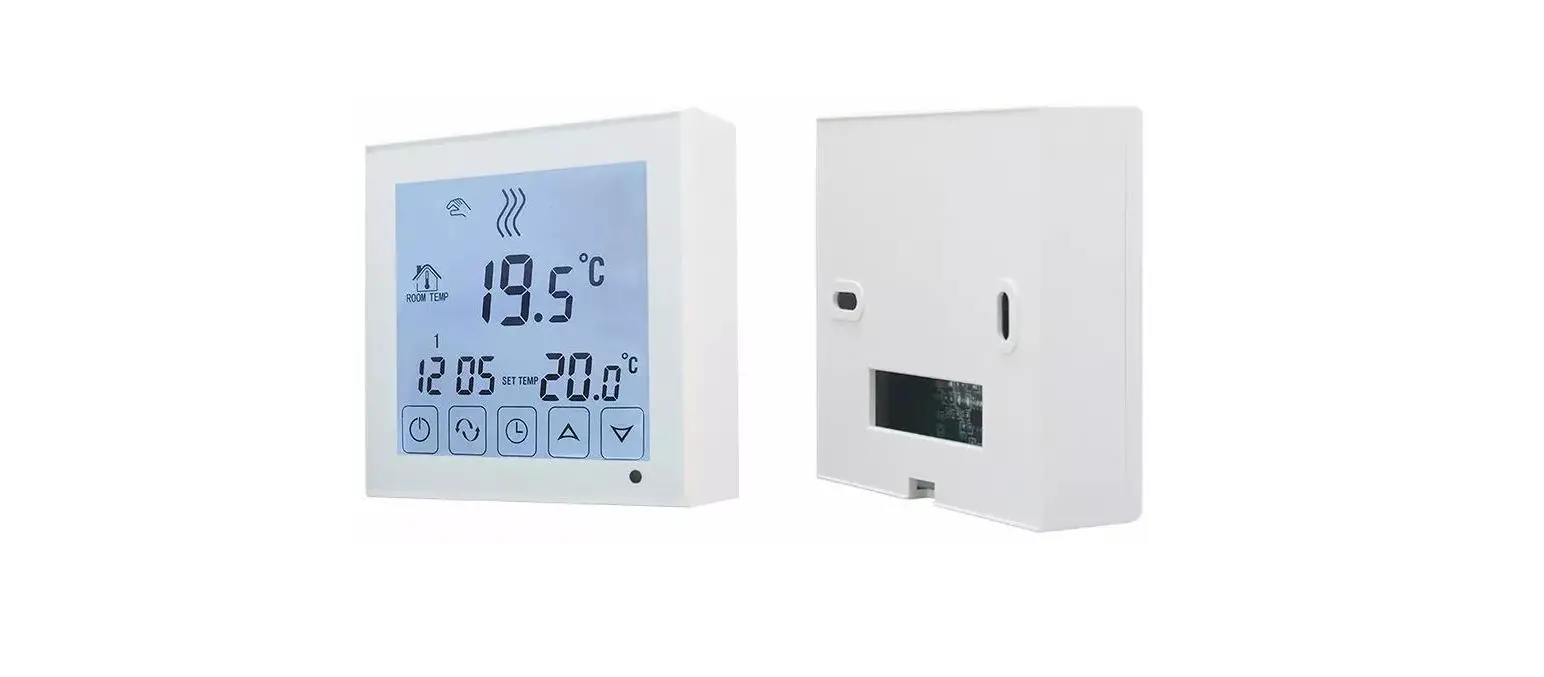
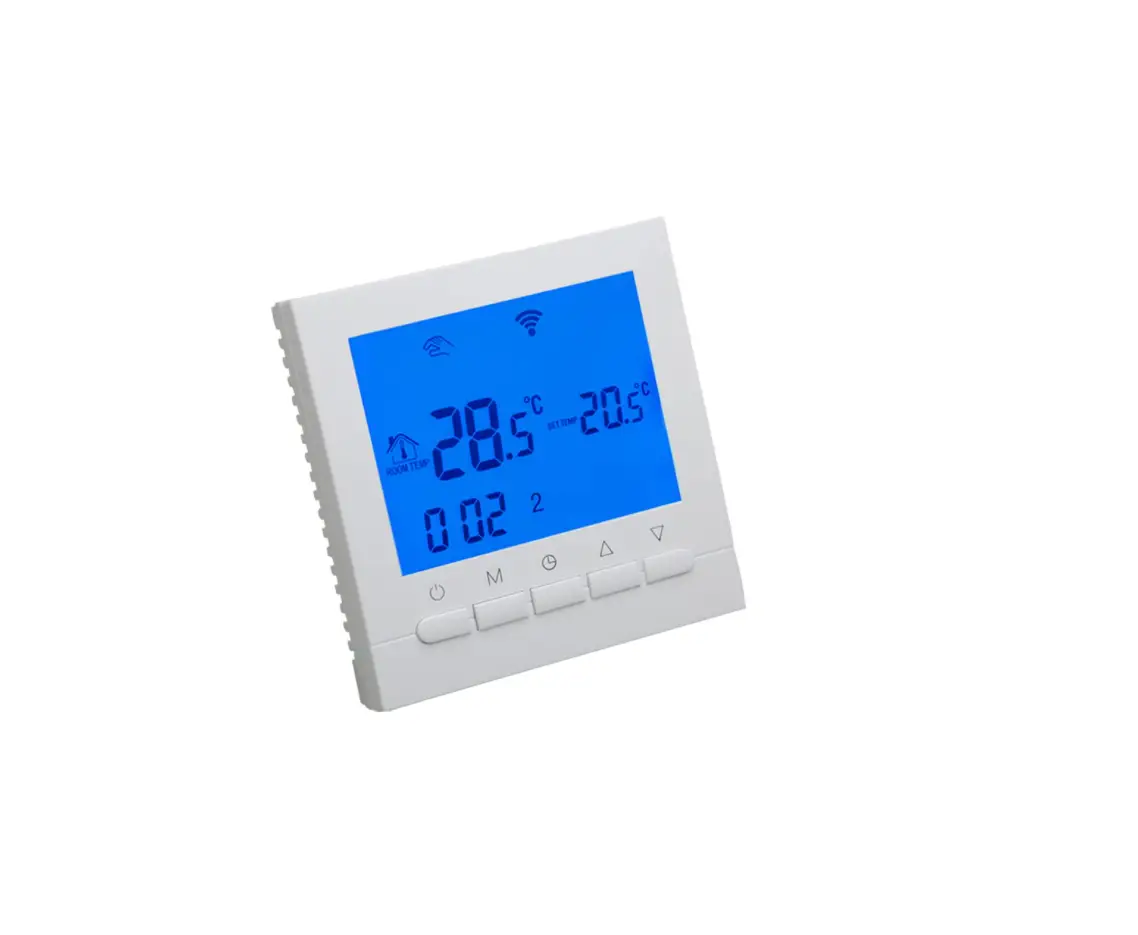
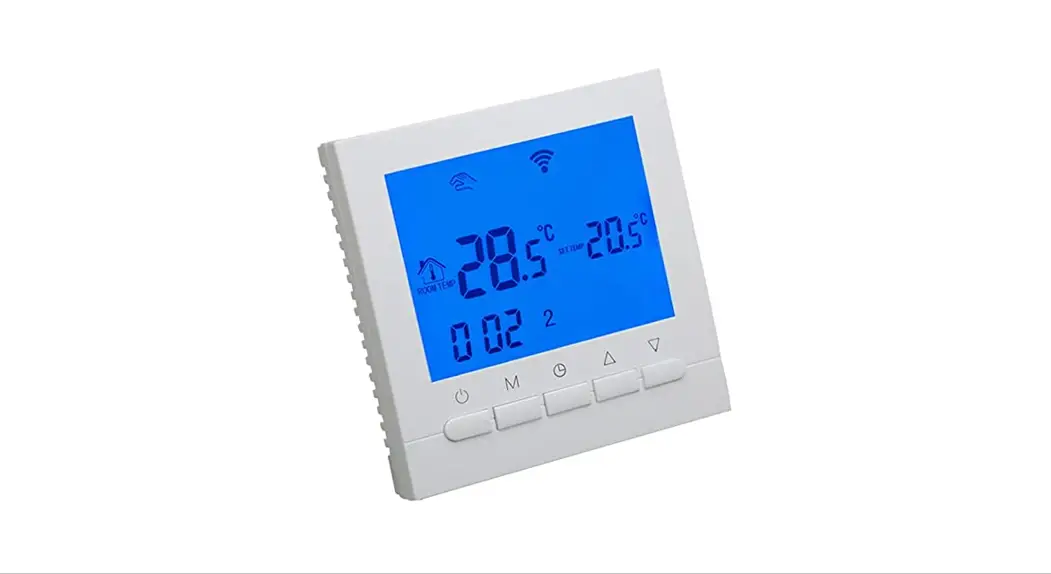
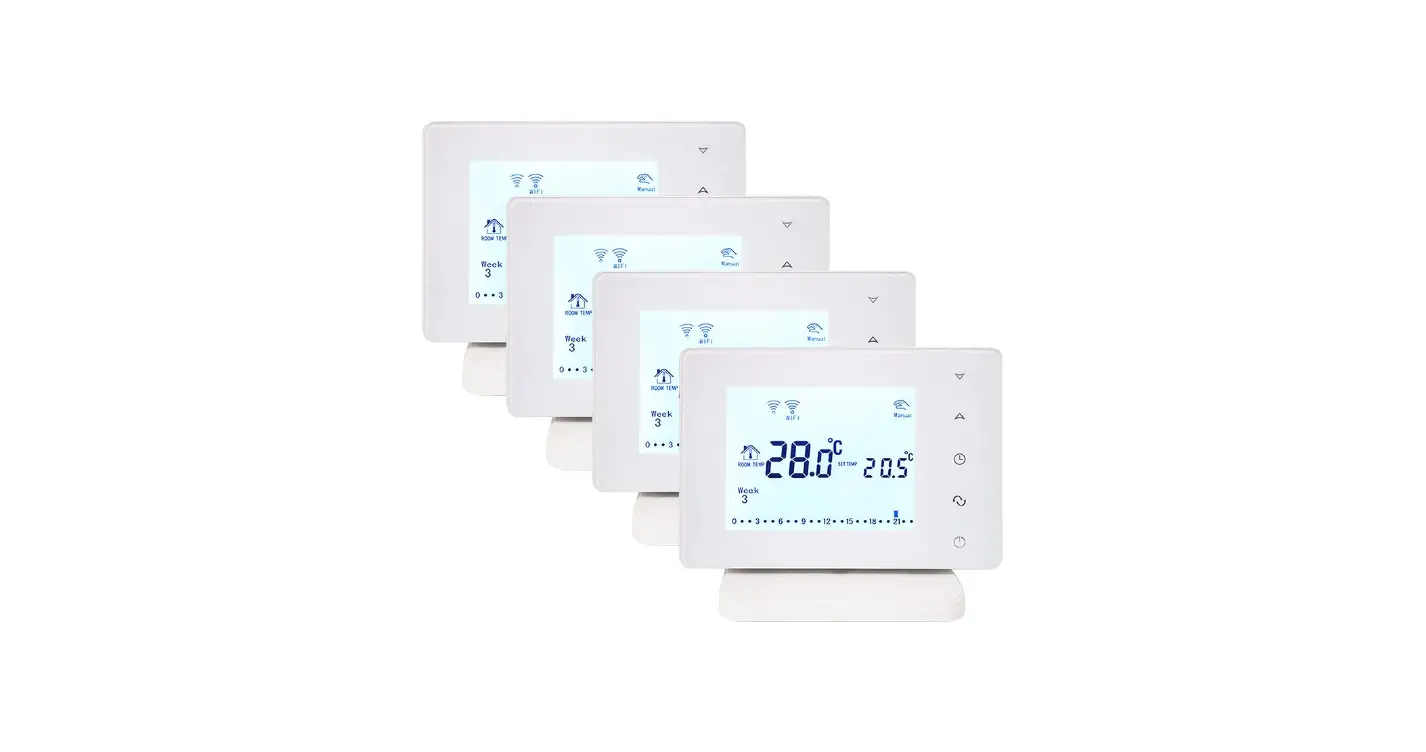
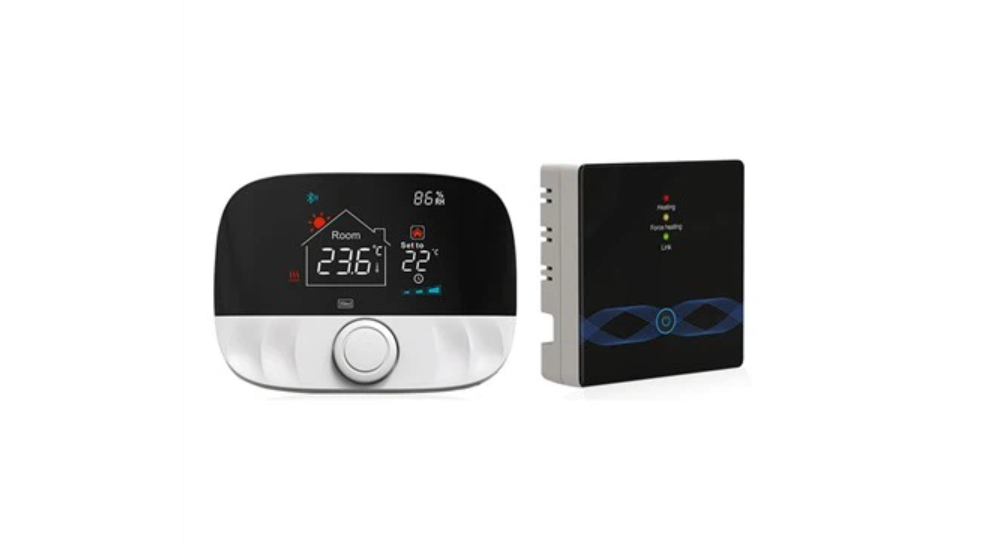
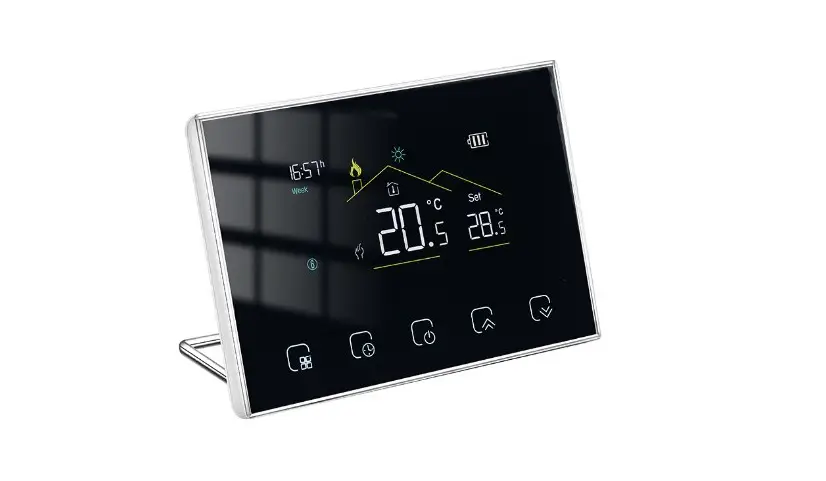
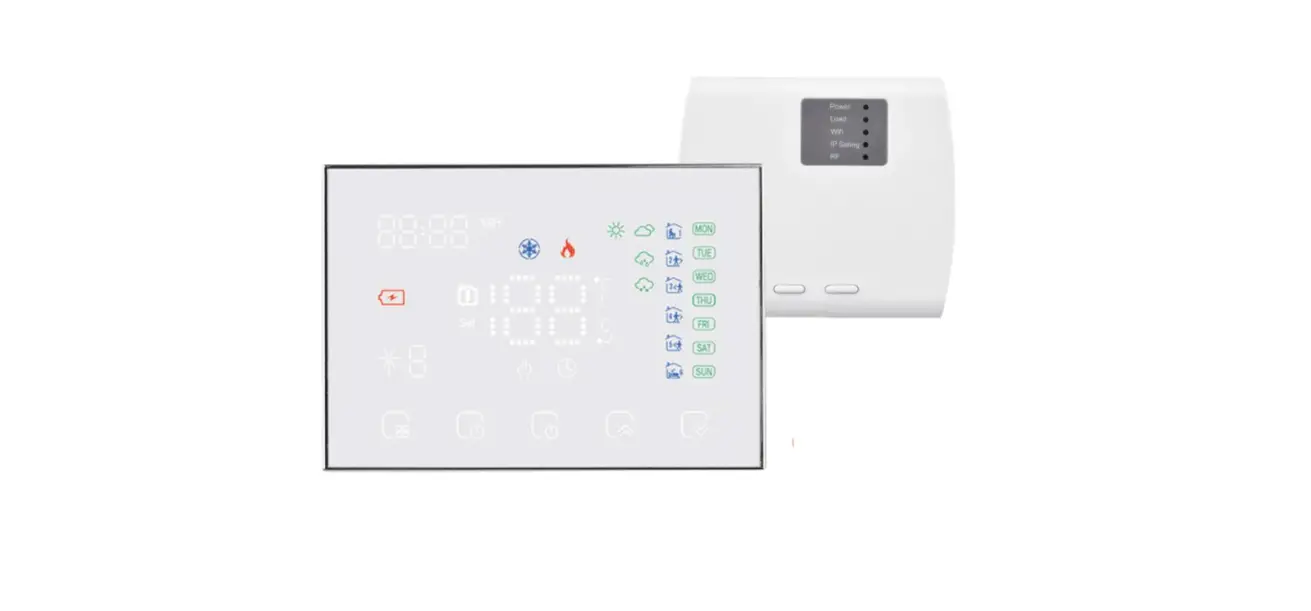
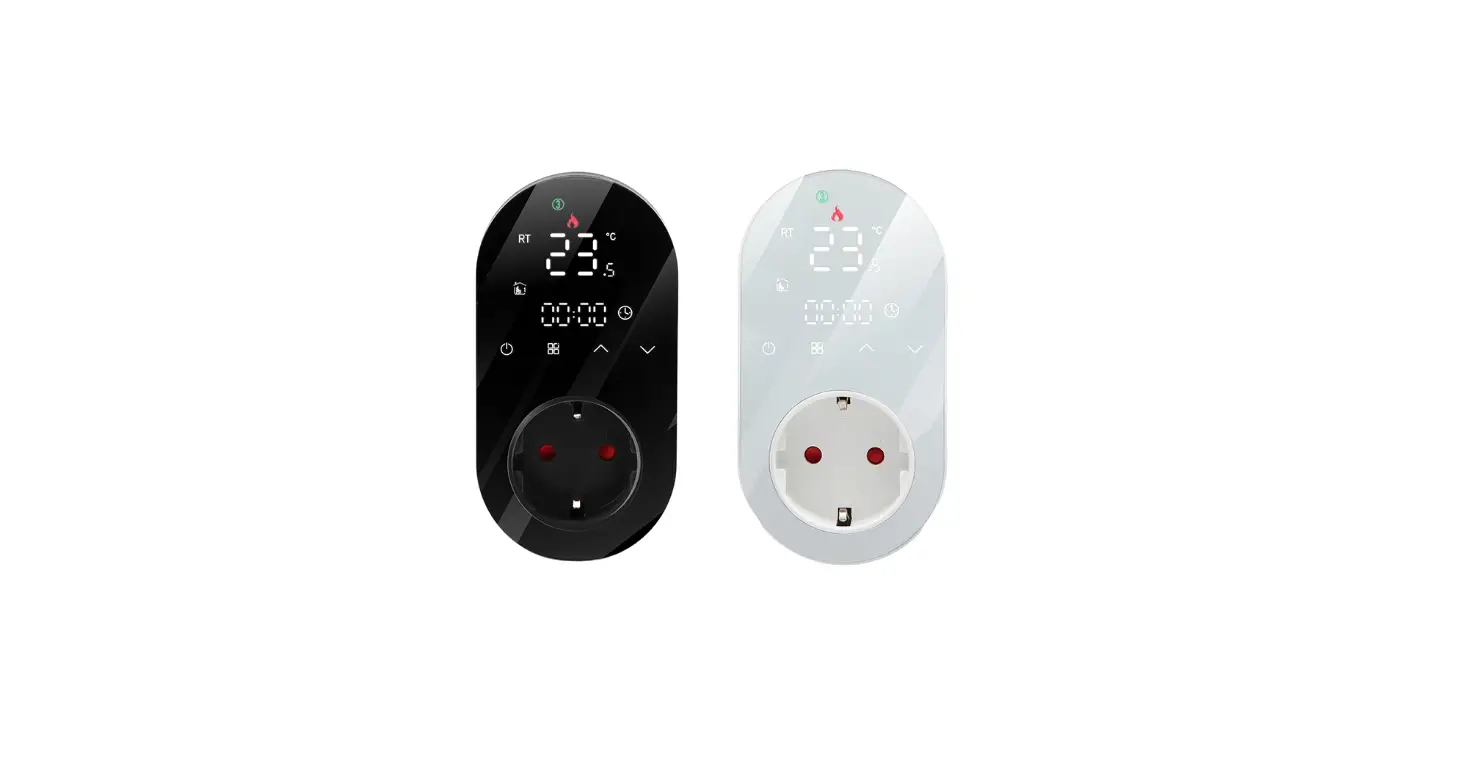
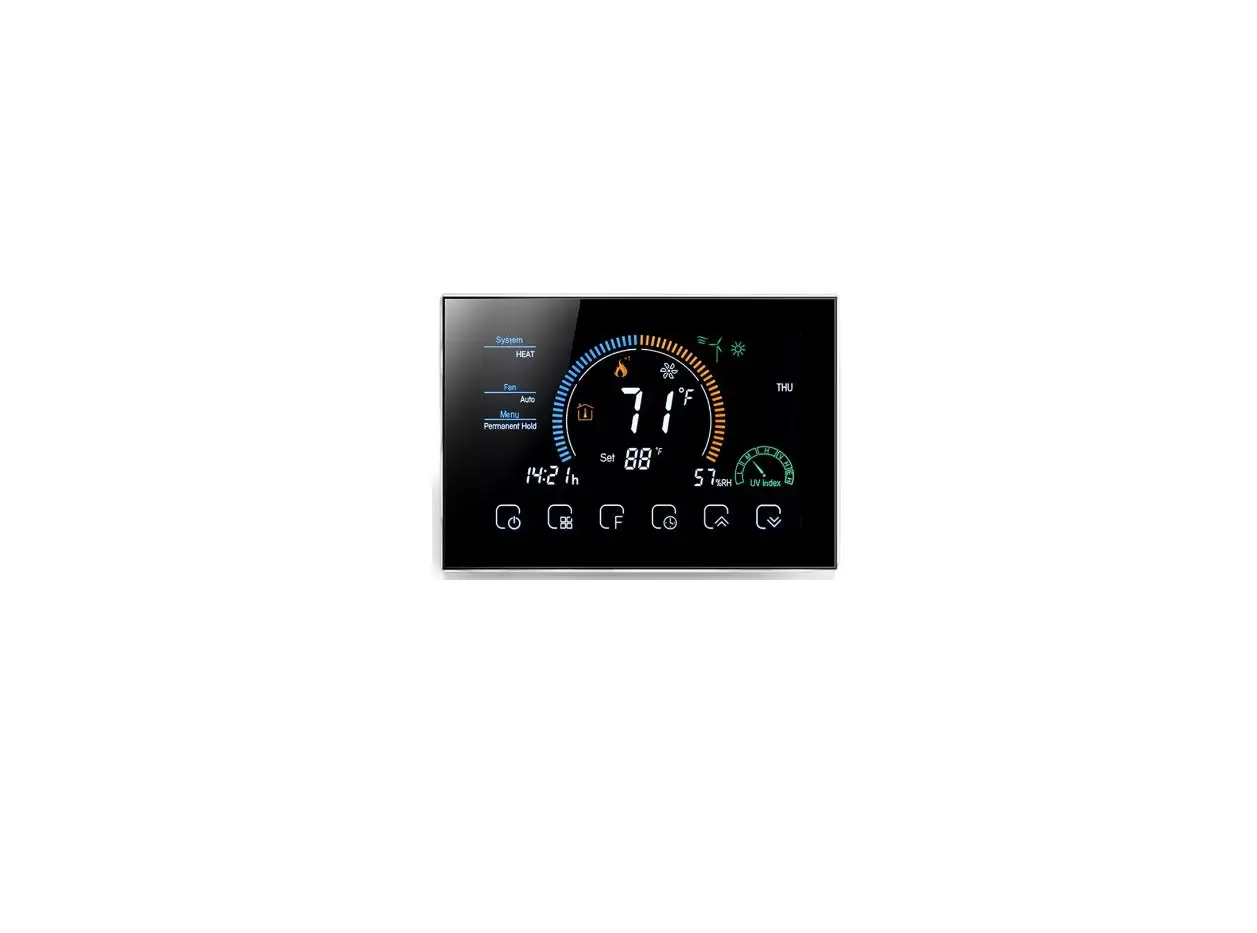
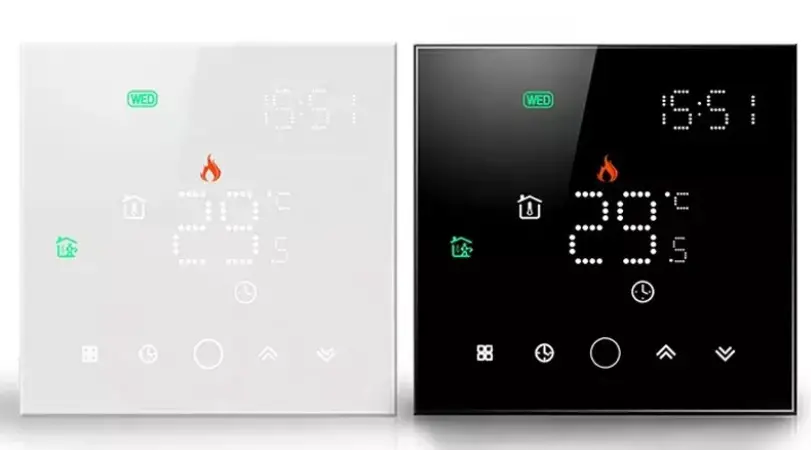
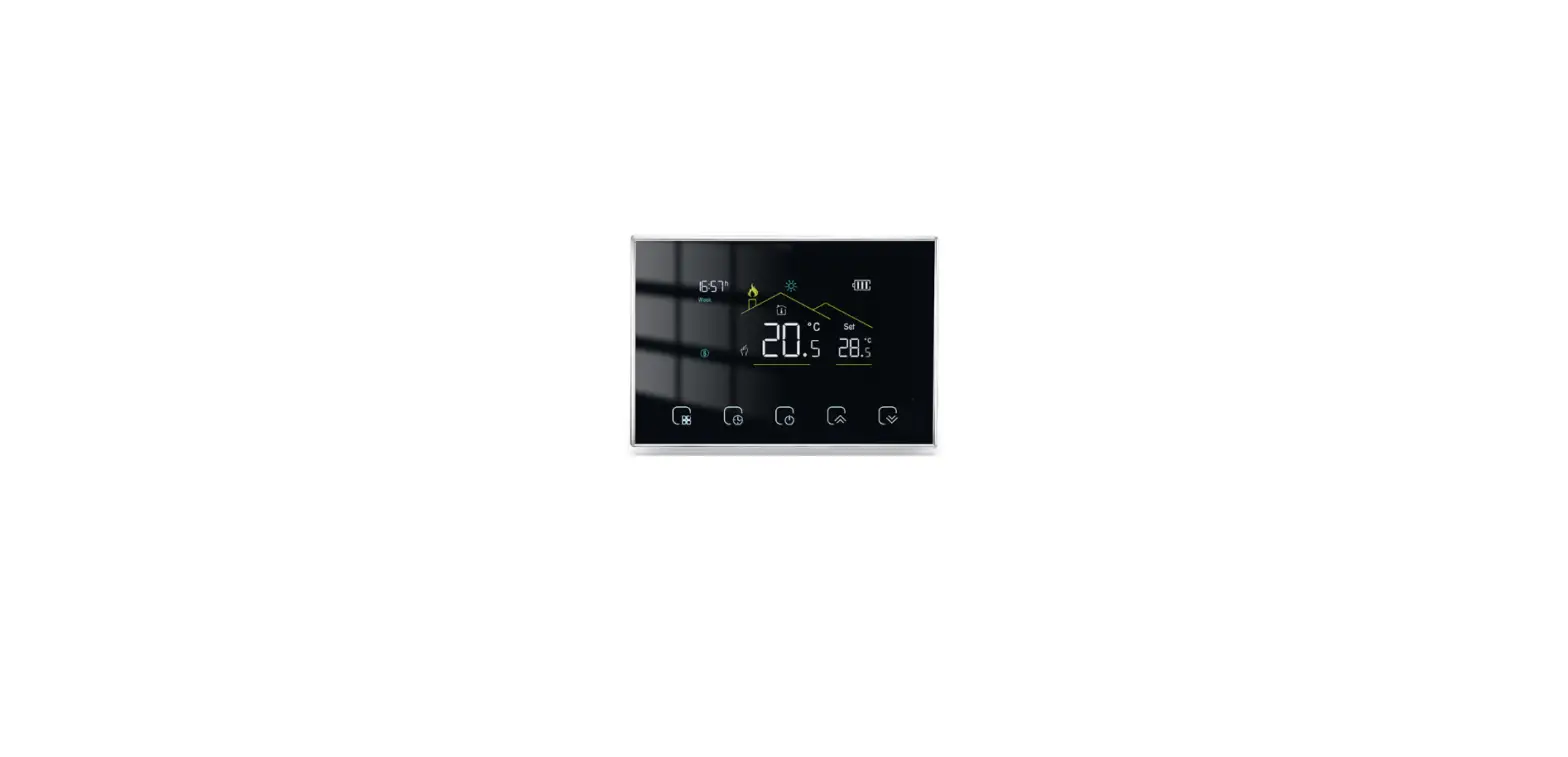
BOT-R6X Wireless Gas Boiler Thermostat
Product Information
- Product Name: BOT-R6X Wireless Gas Boiler Thermostat
- Product Type: Intelligent digital thermostat
- Compatibility: Suitable for the floor heating system
- Description: The BOT-R6X Wireless Gas Boiler Thermostat is a
temperature controller designed for controlling the working state
of the electric valve in a floor heating system. It compares the
ambient temperature with the set temperature and adjusts the
ambient temperature to provide comfort and energy-saving.
Product Usage Instructions
- Lock Button Function: To lock the thermostat,
press and hold the lock button for 5 seconds. The lock icon will be
displayed on the right side of the screen, indicating that the lock
key is activated. - Cryogenic Protection Function: To enable
cryogenic protection, go to the advanced options menu and select
“ON”. When the room temperature drops below 5 degrees, the
thermostat will automatically turn on the heating. Once the indoor
temperature reaches 5 degrees, the thermostat will automatically
turn off the heating.
Electrical Specification
Self-consumed: [Electrical specification information not
provided in the given text]
BOT-R6X Wireless Gas Boiler Thermostat
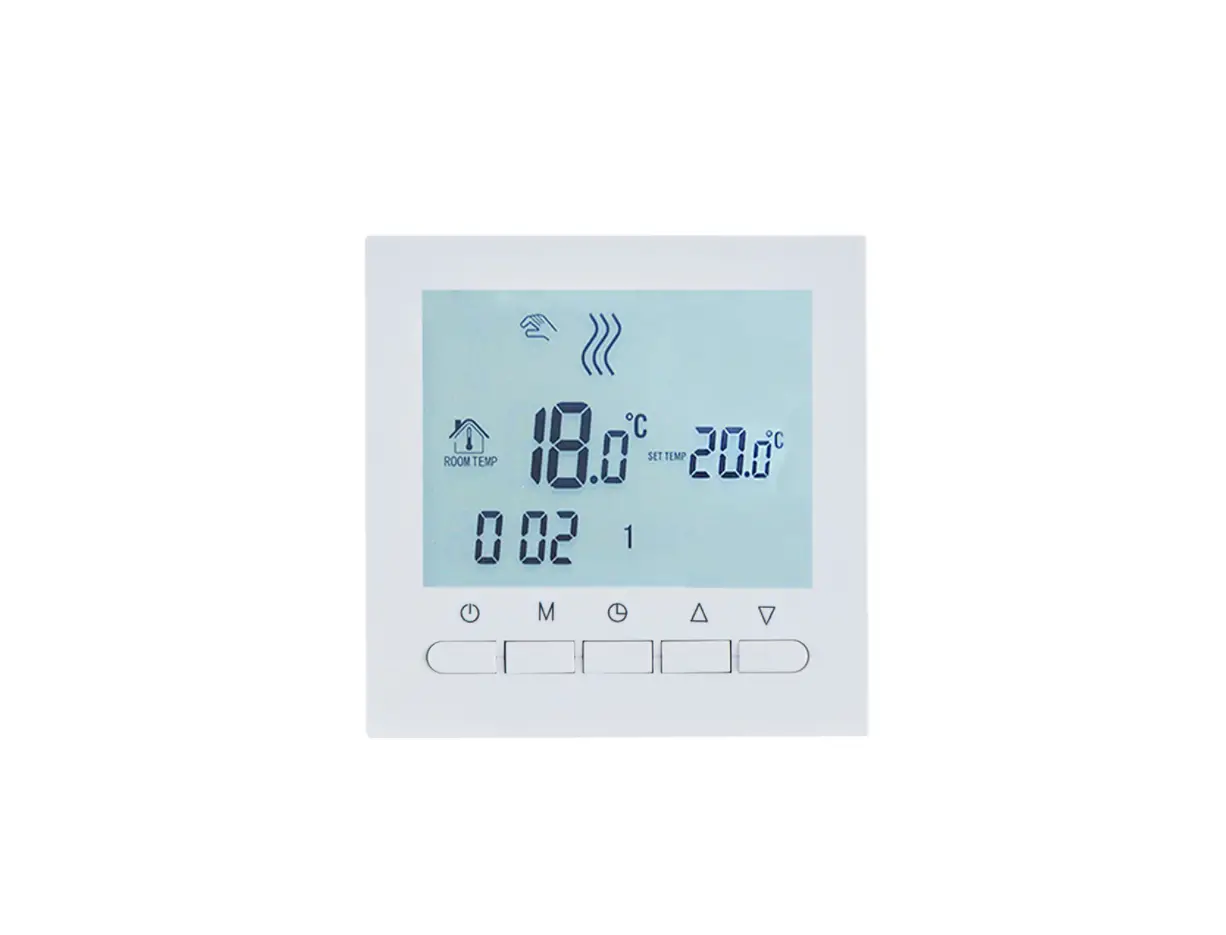
BOT-R6W Wired Gas Boiler Thermostat
Wiring diagram
M
Apply
Intelligent digital thermostat is a temperature controller,which suitable for the floor heating system. Through the comparison of the ambient temperature and the set temperature,the working state of the electric valve of the floor heating system is controlled in order to adjust the ambient temperature, comfort and energy-saving.
Operation instruction
Turn on / off key press the switch key to turn on once; press to shut down again and close all valves at the same time. M mode conversion key in the power-on state, press M to switch the working mode, The liquld crystal display represents the manual mode and the display represents the automatic mode. When the adjustment key is turned on,press adjustment of the number Clock adjustment:in the power-on state,press the M key for 5 seconds,press the Mkey to switch the time and week after the icon flashes.press power or to save exit
Lock button function:long press in boot state and 5 seconds panel enter lock kay state right side of display screen.the icon of the lock indicates that the lock key was successful. Cryogenic protection function Advanced options enter the third option,select ON,the thermostat is turned off,when the room temperature is below 5
The thermostat automatically turns on heating,and when the indoortemperature rises to 5 degrees,the thermostat automatically turns off the heating
Electrical specification
1.Temperature sensor NTC 2.Temperature precision: ±1°
3.Self-consumed:<170uW 4.Voltage:three 1.5V batteries
5.Load current:3A (negative) 6.Protection grade:H20
NC COM NO
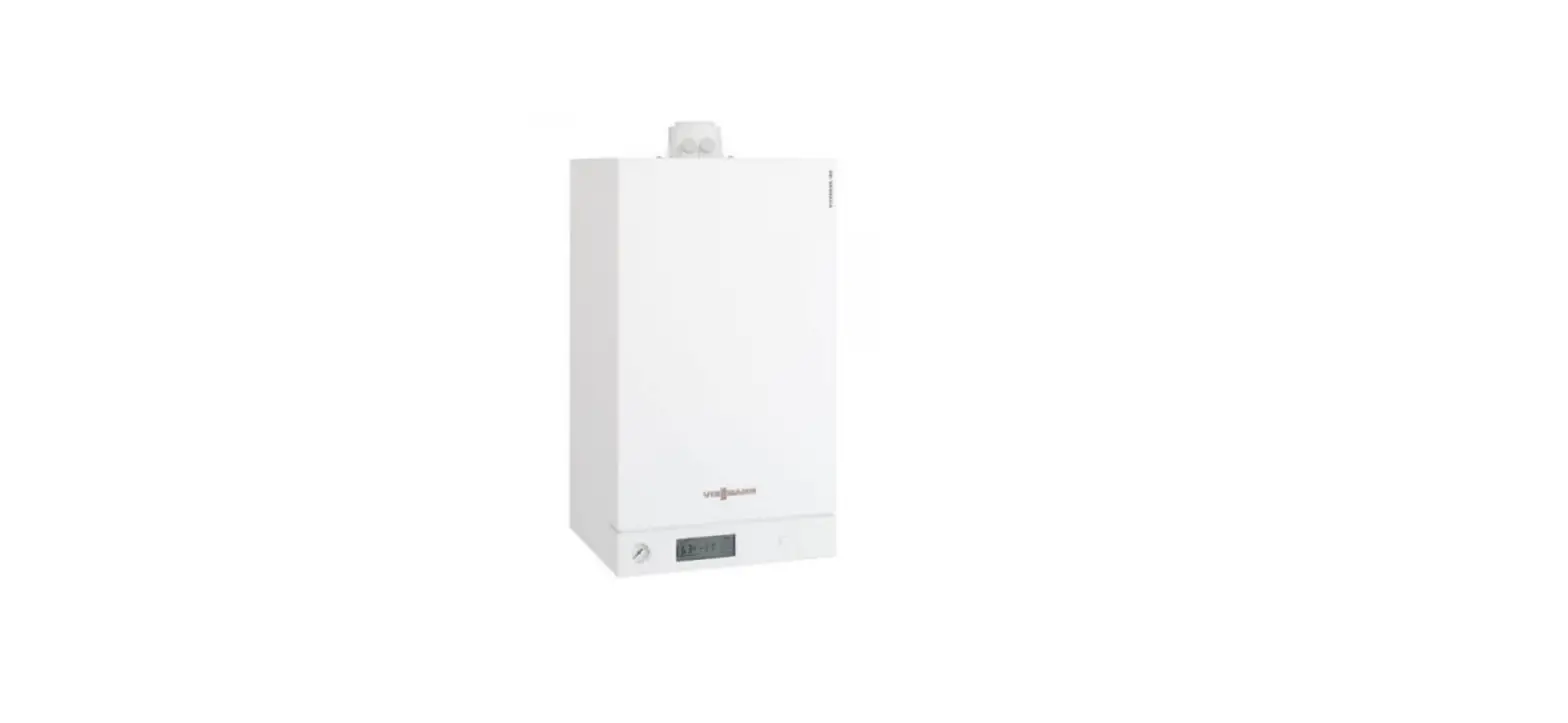
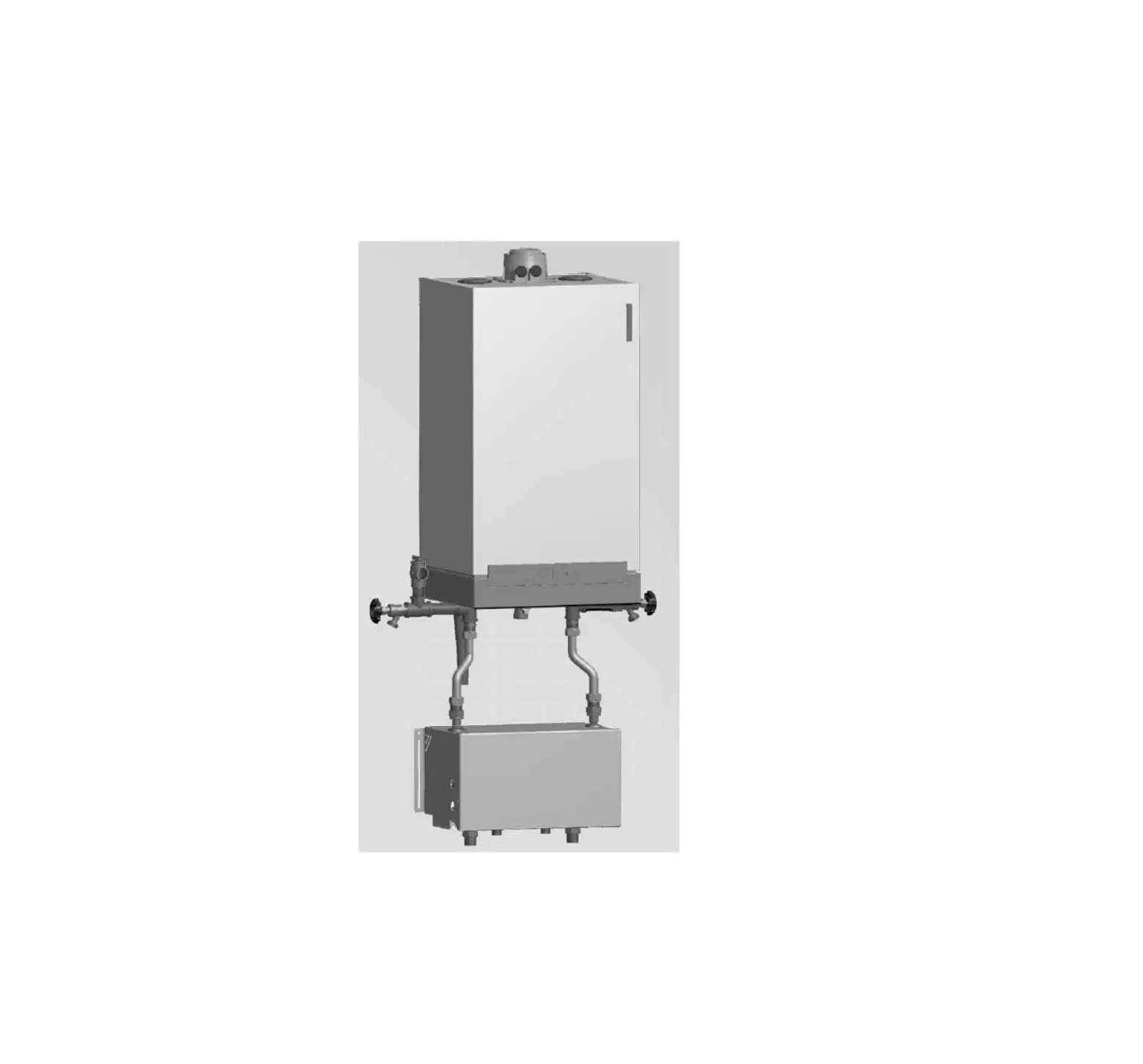
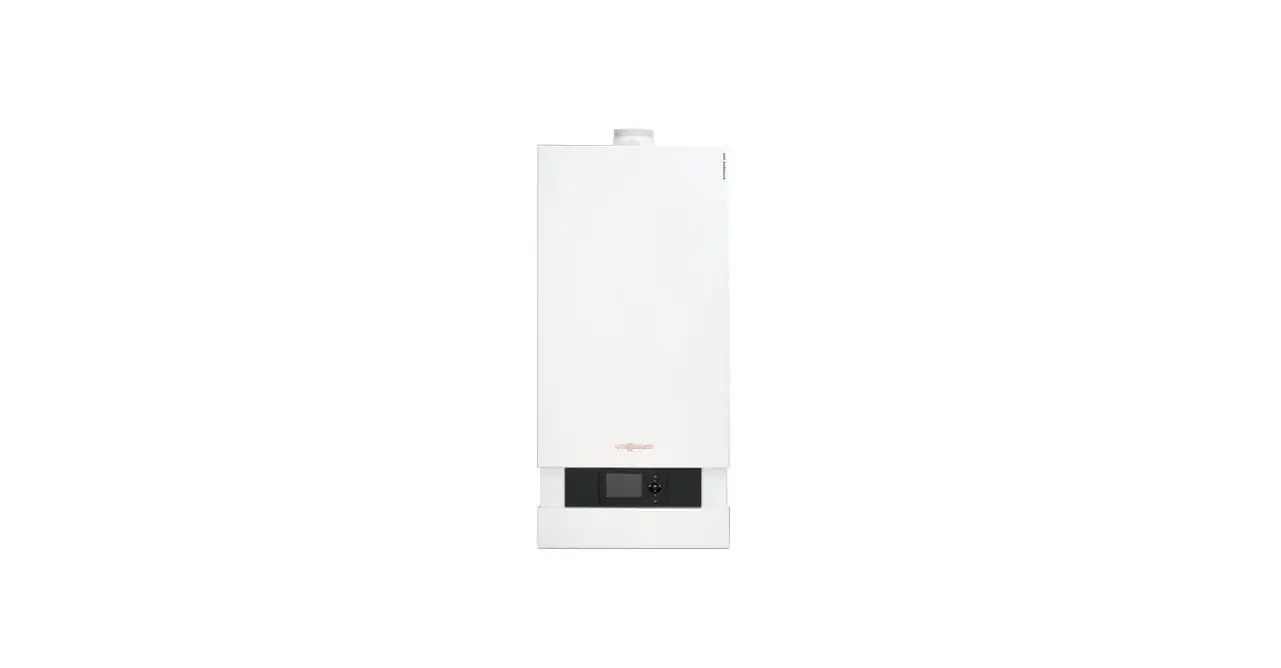
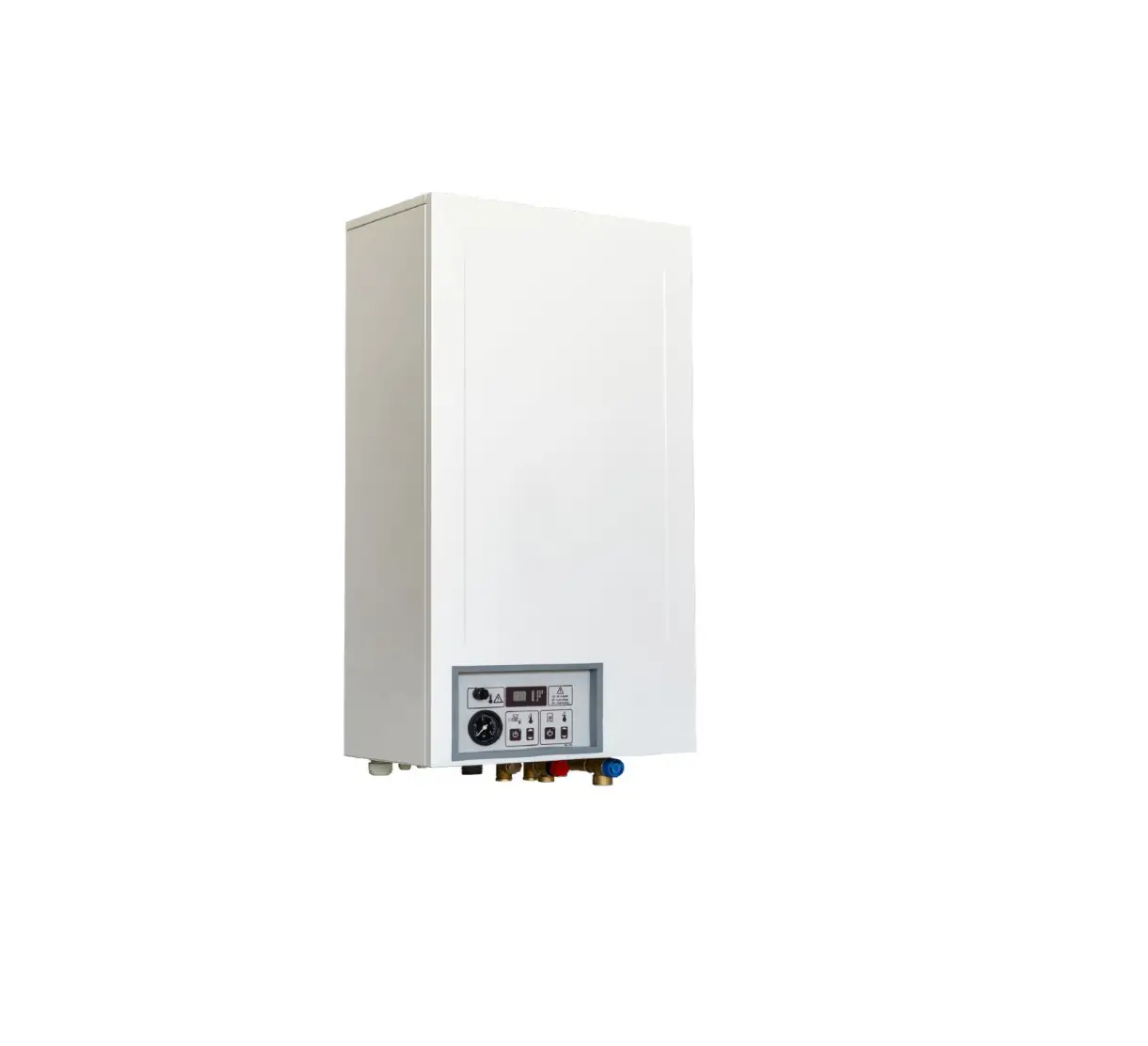
Note:Passive linkage of wall-mounted furnace com and no
Note:due to the strong power design of some circuits of this product it needs to be installed by professionals.
Programming mode operation
In the case of power on,press M and key for 5 seconds to enter programming mode,then press M to switch parameters. the first time to enter the programming mode is to adjust the hour of time,press M to adjust for minutes,and then press M to adjust the temperature.The adjustment method of each period is the same as that of the first period.press exit.
Press the button
Option
Icon
time
Adjust The default Adjust the
the time
value
temperature
16
16
Weekdays
M
16
16
Day Off
16
Parameters setting
In the shutdown state,press M and for 5 seconds at the same time to enter the parameter setting interface,at this time: press M cycle to select the parameters you need to set, and press key to adjust the parameters.Press chase out. The schedule of parameters is as follows:
Parameter term
Parameter name
Temperature compensation
Switch deviation setting
Turn off anti-freezing function start and stop
Choose a day off Set the upper limit of the temperature
Restore factory settings
The default value
0
Functional meaning The temperature compensation range is -9.9~9.9
The Starting range of temperature difference is 0.5~9.5
FF
OFF:Turn off antifreeze function
ON:Turn on antifreezing function
2
0:Non-stop 01: Take a break 02:Weekends
60
Set the upper temperature range 35~95
Long press three secondsdisplay restore factory setting
Installation method
1.Install expansion screw sleeve with pitch 59mm on the wall.
59 3 -3 .5
2.Separate the upper cover and the lower cover with a screwdriver,according to the direction of the alignment. The wire passes through the back cover to the slot and leaves about 20cm long according to the actual situation
3.Fix the bottom shell to the wal,and finally fix the wire.Cover the front shell on the bottom shell.
Check step
The intelligent touch screen thermostat is installed where it is easy for the user to watch the screen and adjust the temperature setting point.And make the thermostat located in a place that can represent the overall ambent temperature of the room.Avoid installing thermostats near cold and heat sources,such as vents,heaters,outdoors or places where the sun shine.
Common failure
phenomenon
Cant not turn it on
LCD garbled code
Show normal and no output There is an error in the temperature
Treatment method
1.Check whether the battery is installed upside down 2.Check whether the boot button is valid
Whether the rear shell installation is deformed, it can be loosened and reinstalled.
1.Check whether the connection between the main control board and the power board is damaged 2.Check if the output has the wrong connection.
Display through the first calibration panel of the advanced option.