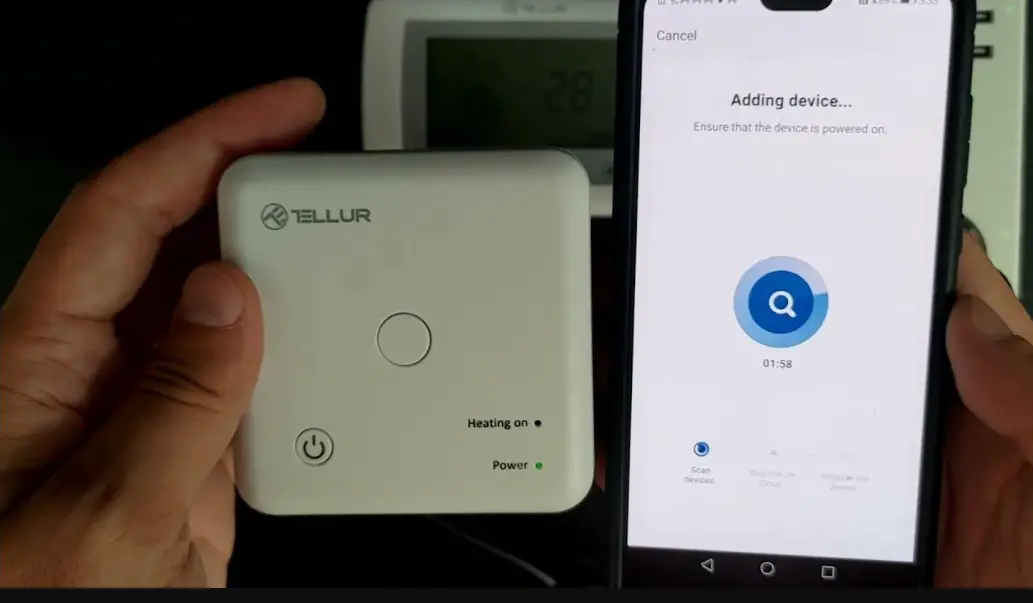
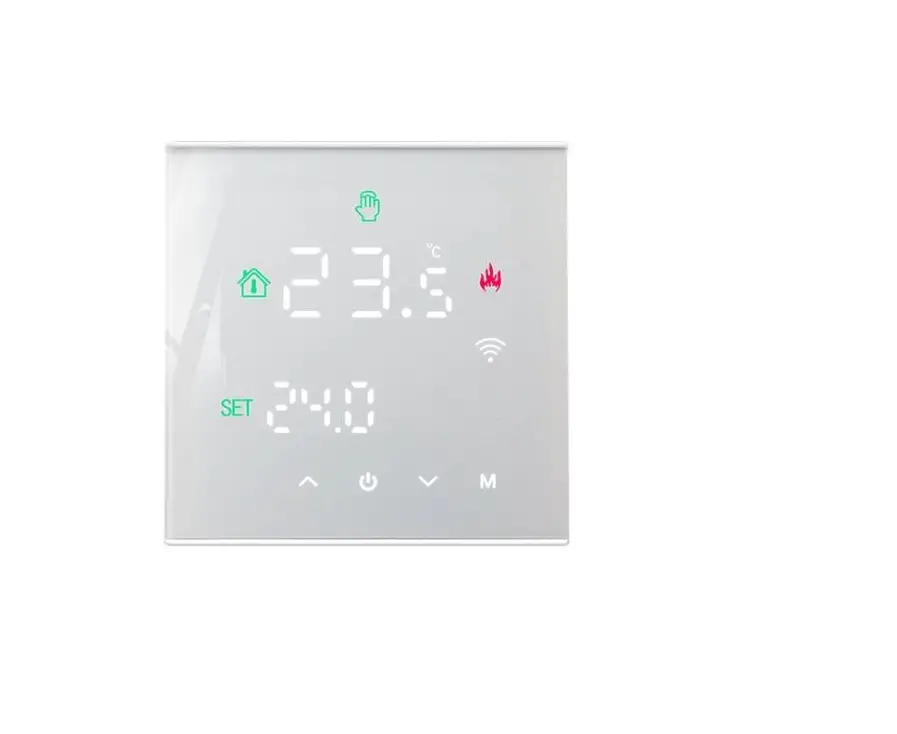
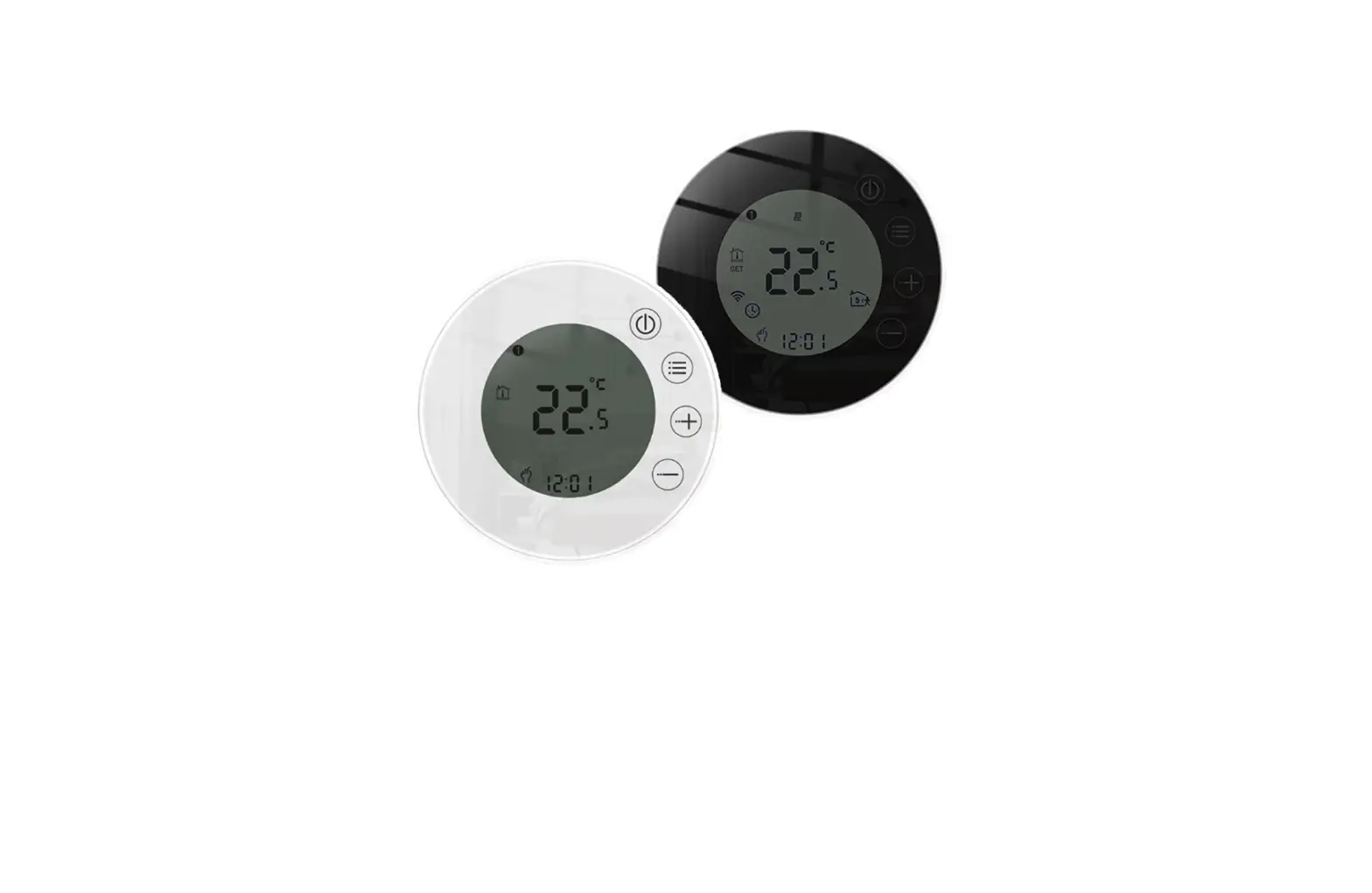
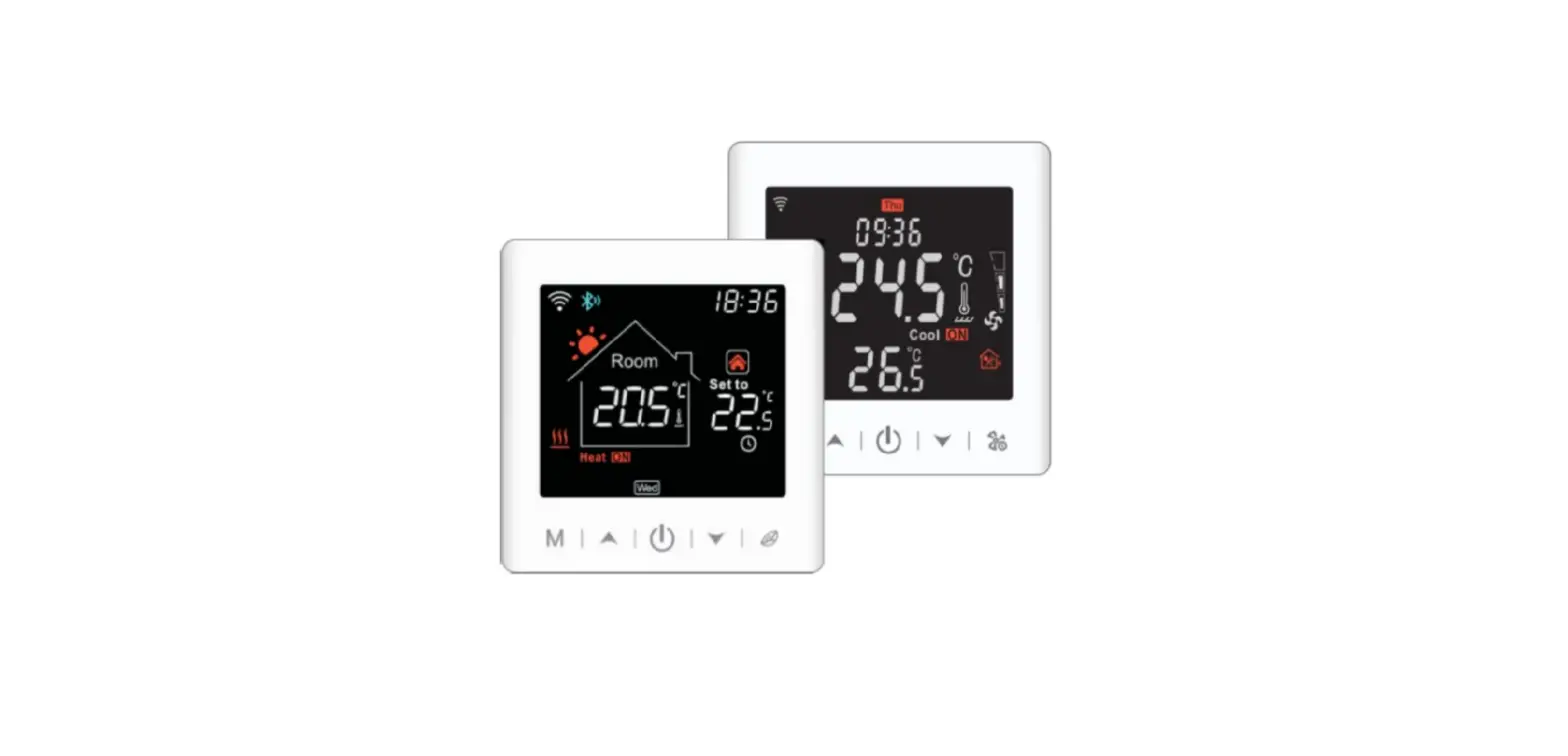
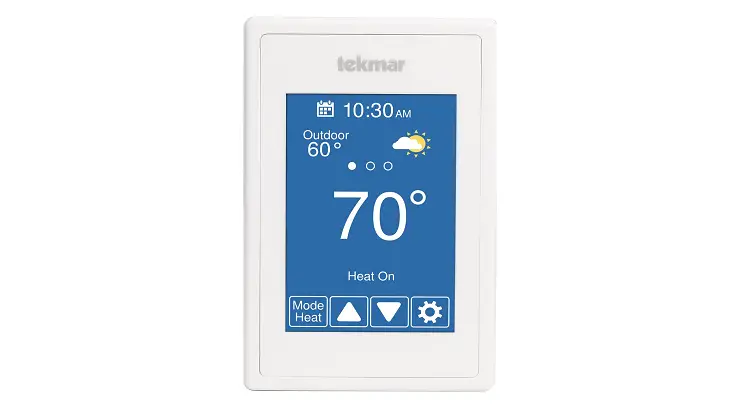
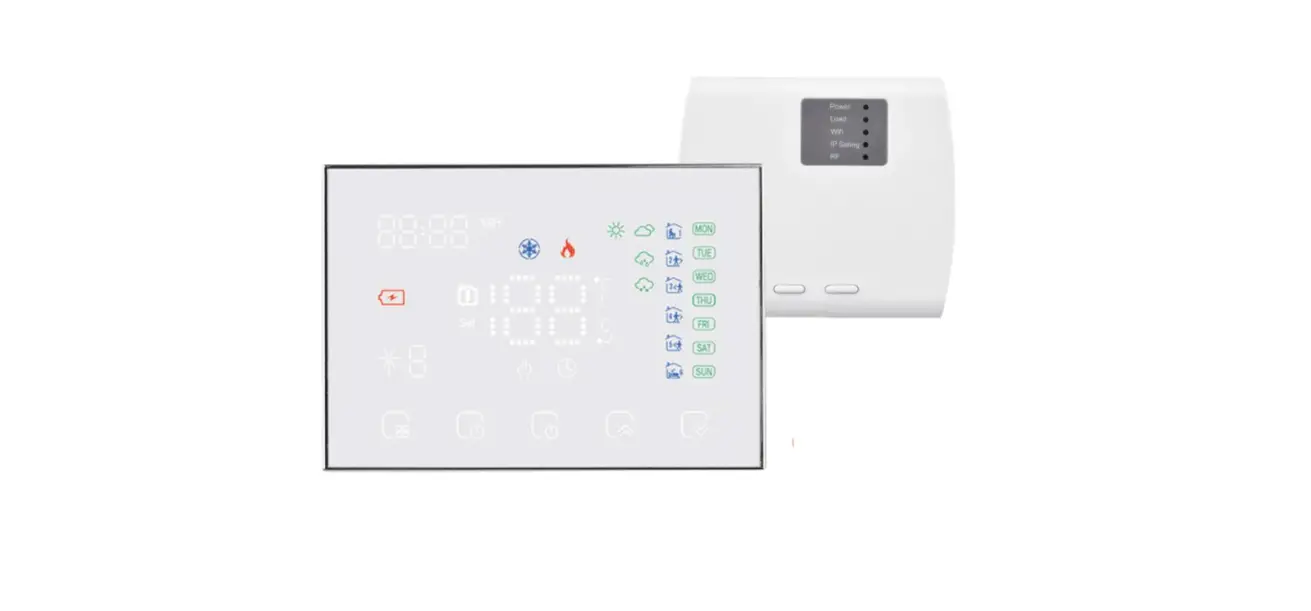
TS4 Series Wi-Fi Thermostats
Product Information
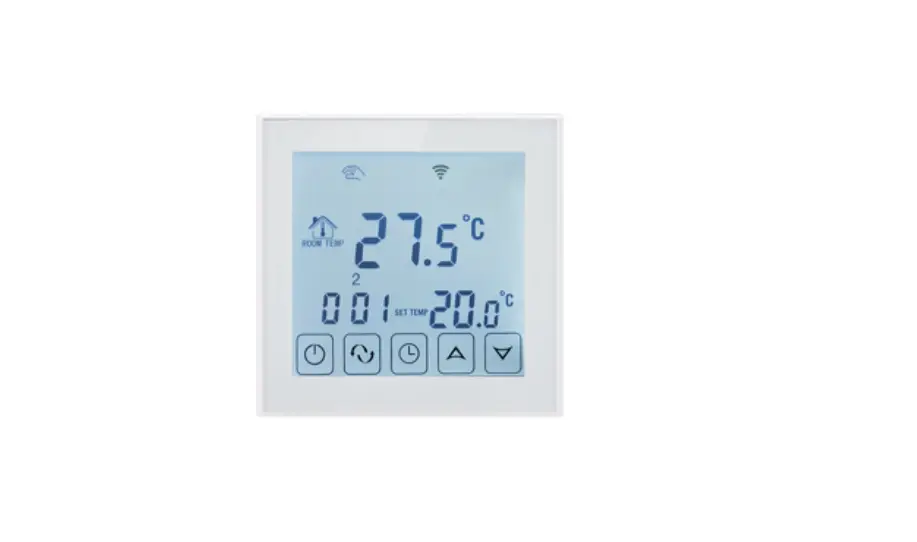
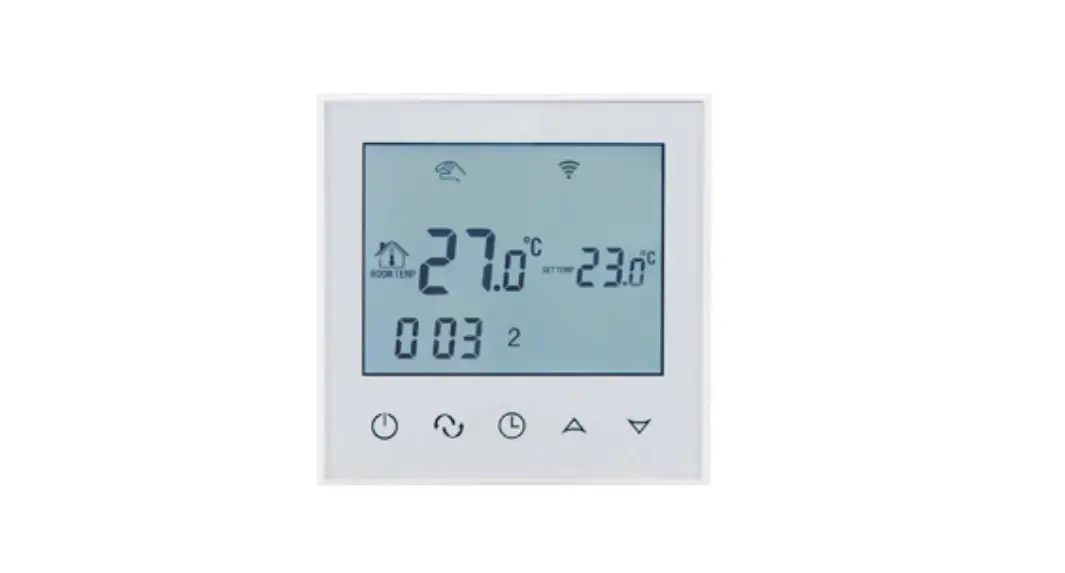
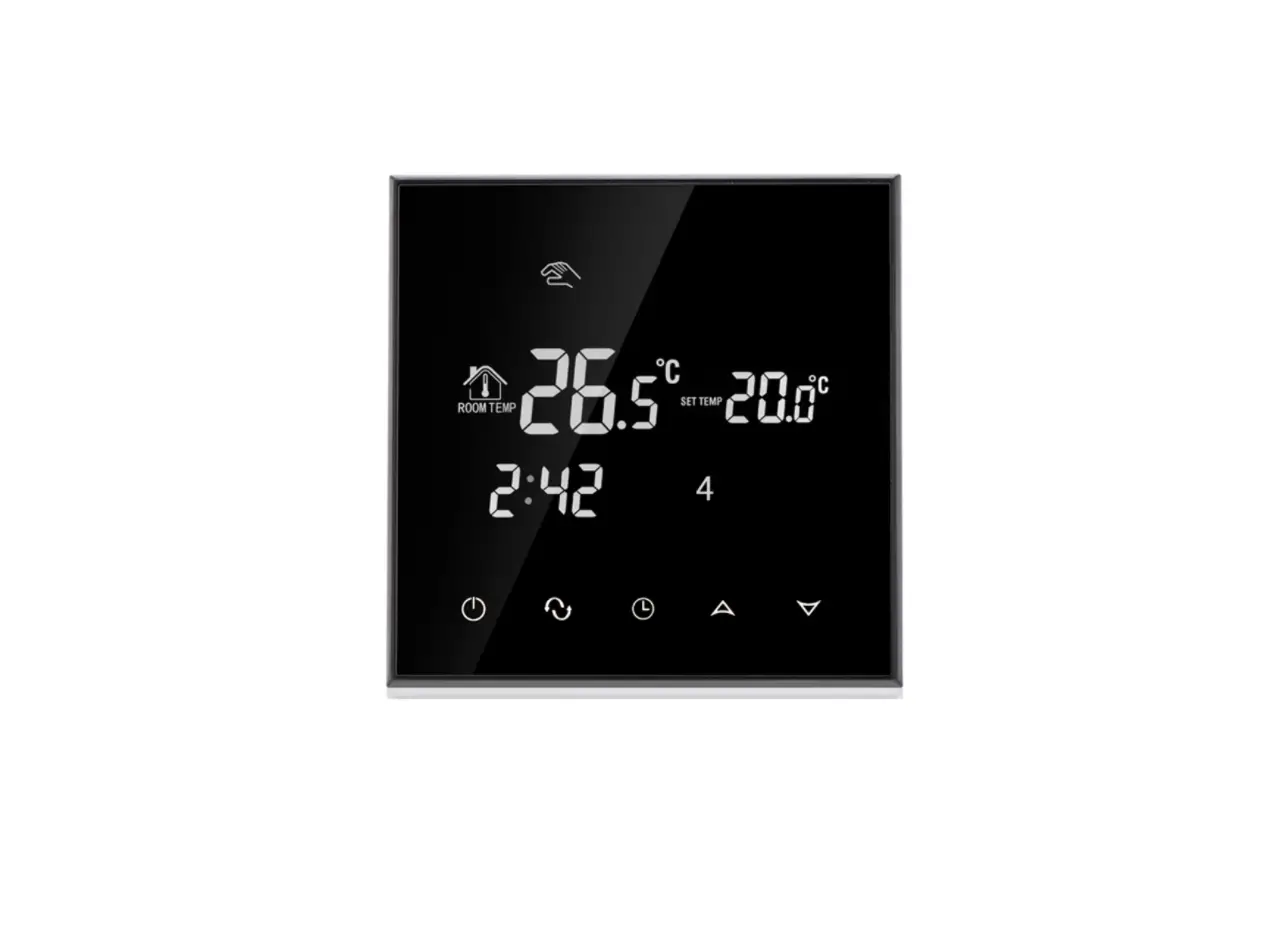
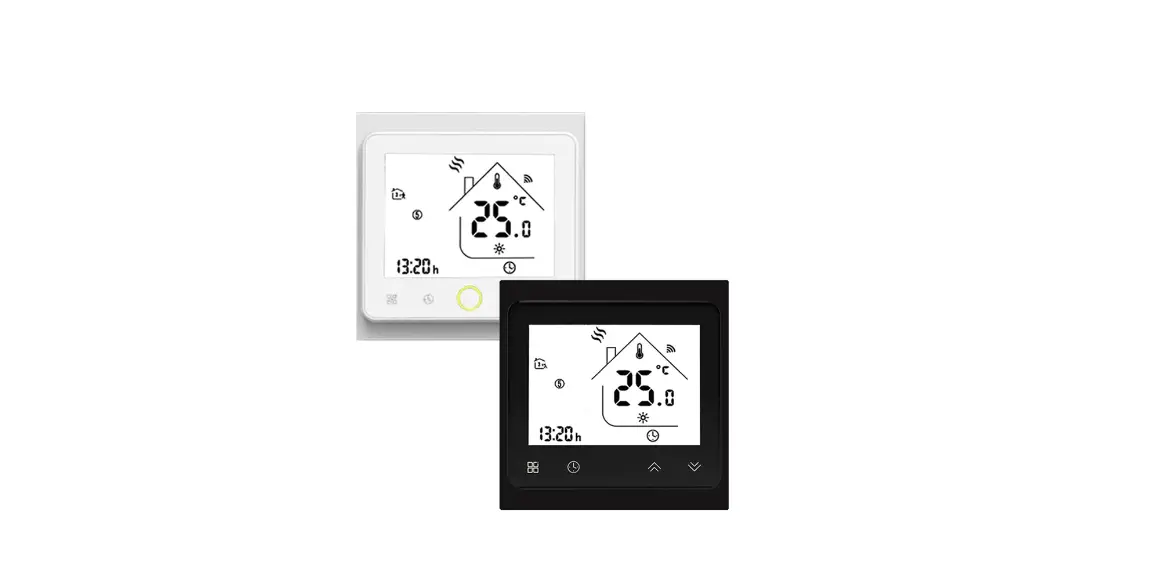
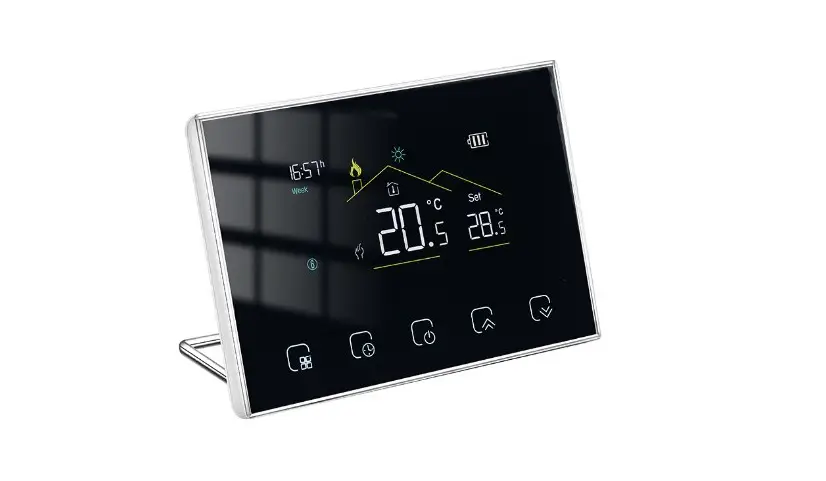
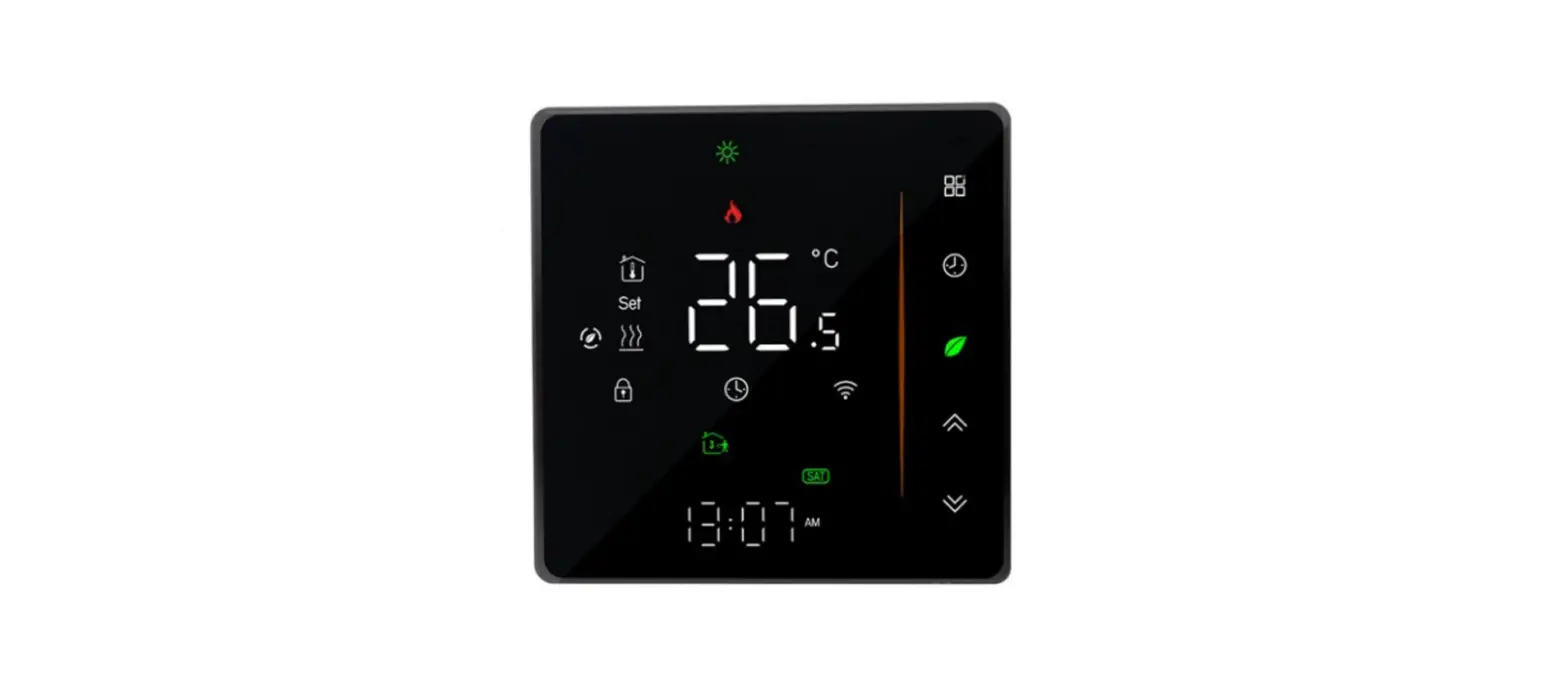
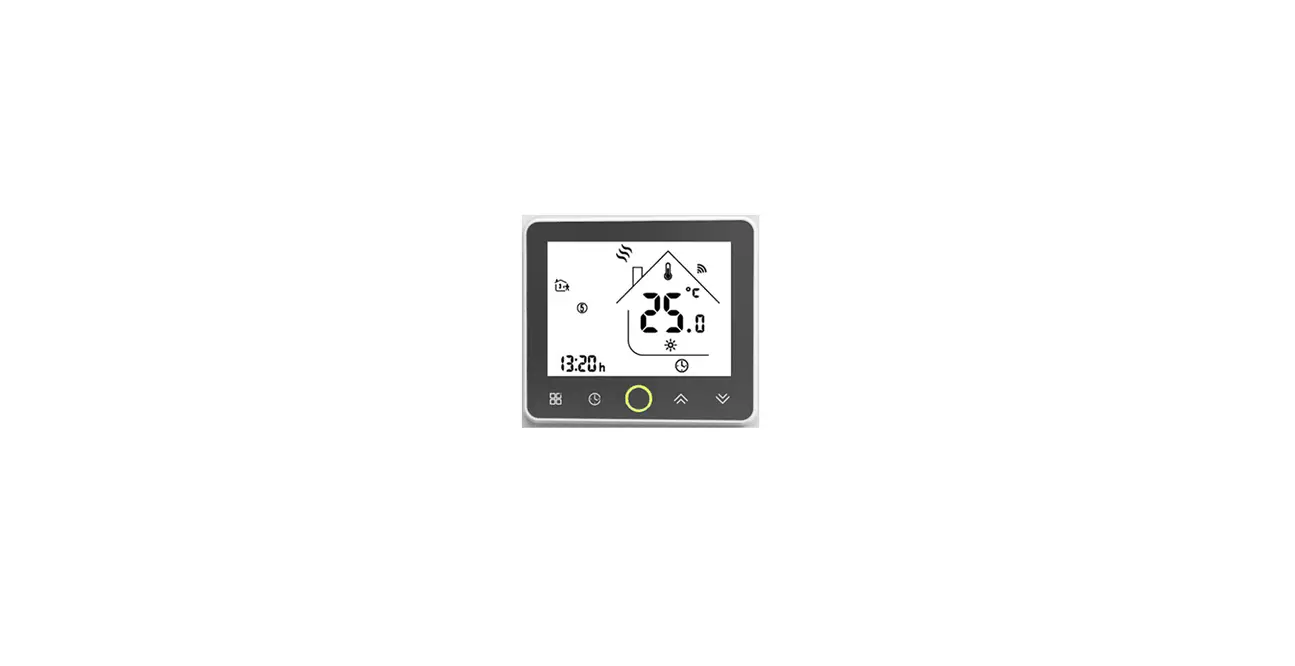
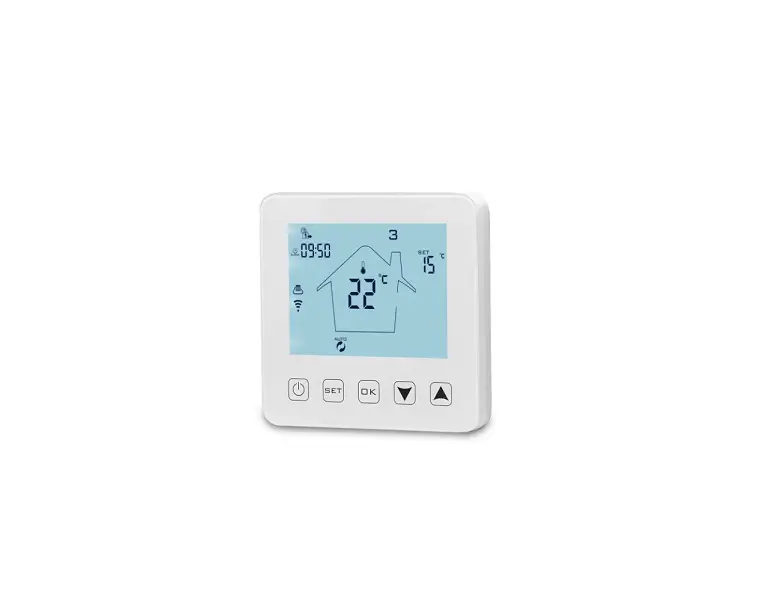
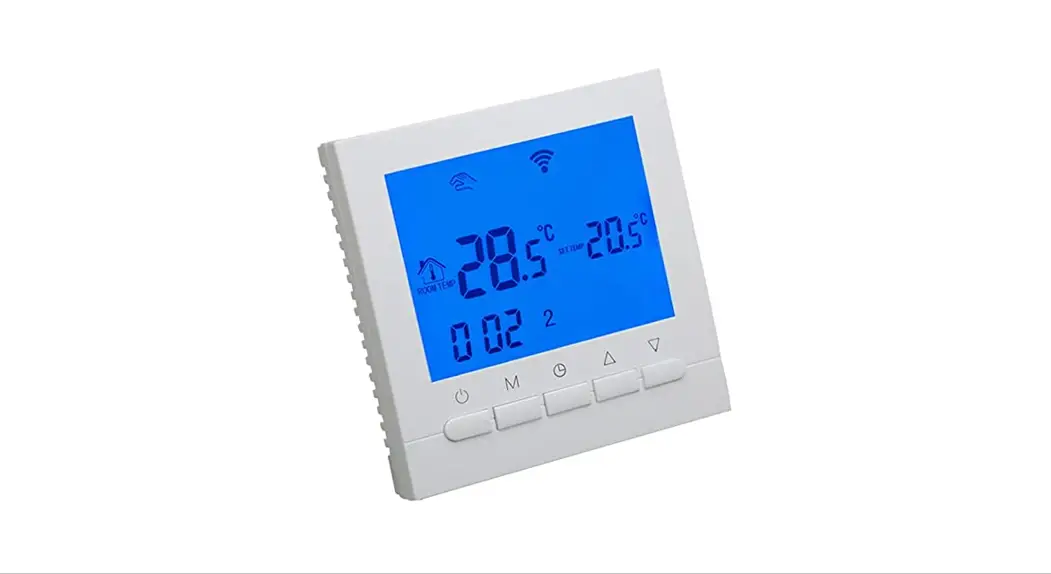
The TS4 Series WiFi Touch Screen Thermostat is a versatile
thermostat designed for controlling various heating systems. It
comes in three models: WP for water heating, EP for electric
heating, and WPB for gas boiler systems.
Key Features:
- WiFi-enabled thermostat for convenient control
- Touch screen interface for easy operation
- Advanced option settings for customization
- Compatible with different heating systems
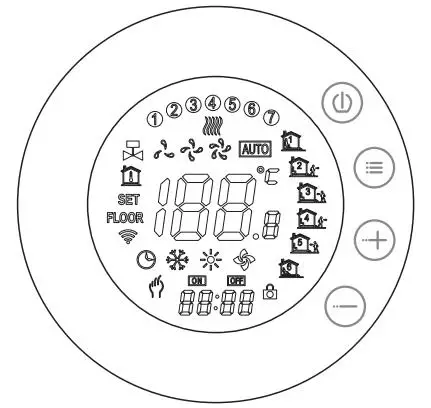
Icon Description:
The thermostat features various icons that indicate different
functions or settings. Refer to the user manual for a detailed
description of each icon and its corresponding meaning.
About WiFi Connection:
The WiFi functionality allows you to connect the thermostat to
your home network, enabling remote control and access through a
dedicated mobile app. Follow the instructions in the user manual to
set up the WiFi connection properly.
Product Usage Instructions
- Mounting Steps:
- Select a suitable location for mounting the thermostat.
- Ensure proper wiring and connections according to the specific
heating system (water heating, electric heating, or gas
boiler). - Securely attach the thermostat to the chosen location using
screws or adhesive, following the provided guidelines.
- Operation Guide:
Refer to the user manual for detailed instructions on operating
the thermostat. The touch screen interface allows you to adjust
temperature settings, set schedules, and access advanced
options. - Advanced Option Setting:
The thermostat provides advanced option settings for
customization. These settings may include features like temperature
calibration, display preferences, and system-specific
configurations. Consult the user manual for step-by-step
instructions on accessing and adjusting these options. - WiFi Connection:
Follow the instructions provided in the user manual to connect
the thermostat to your home WiFi network. This enables remote
control and access through the dedicated mobile app.
TS4 SERIES WIFI TOUCH SCREEN THERMOSTAT
User Instructions
WP
EP
WPB
Note: WP for water heating; EP for electric heating; WPB for gas boiler
Mounting steps
Icon description
Operation Guide Advanced Option Setting About WIFI connection