VIKING LIGHTING VK400 Cyclops Extremely Powerful LED Blinder Instructions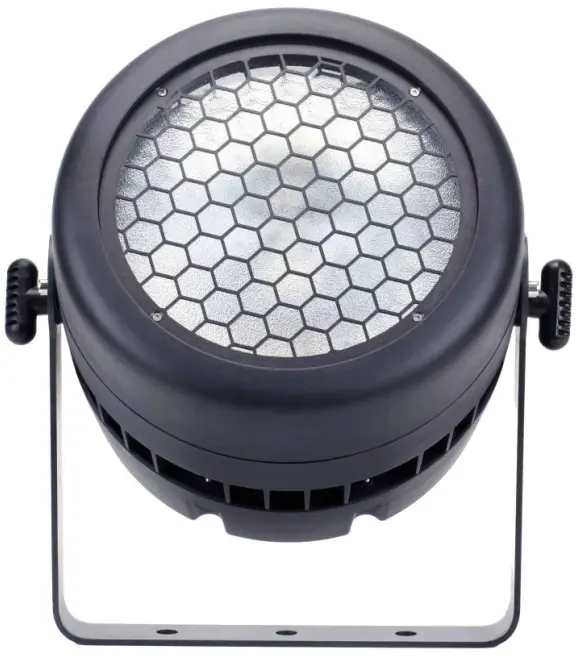
Introduction
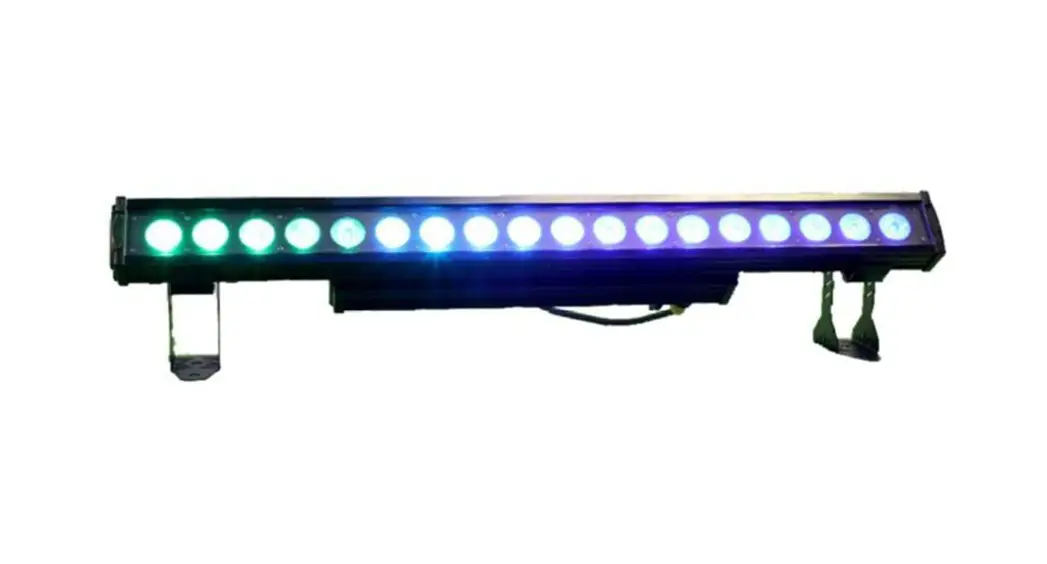
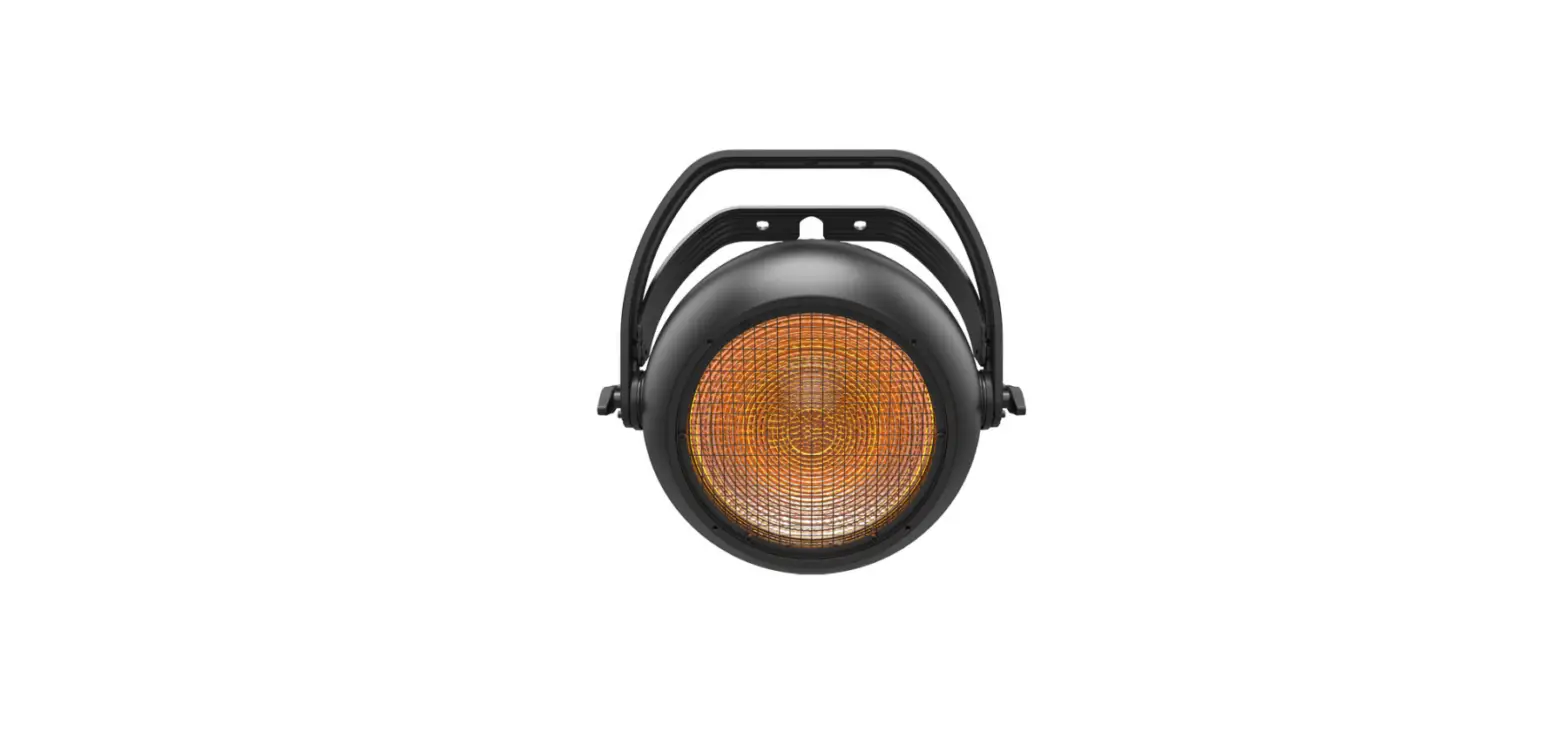
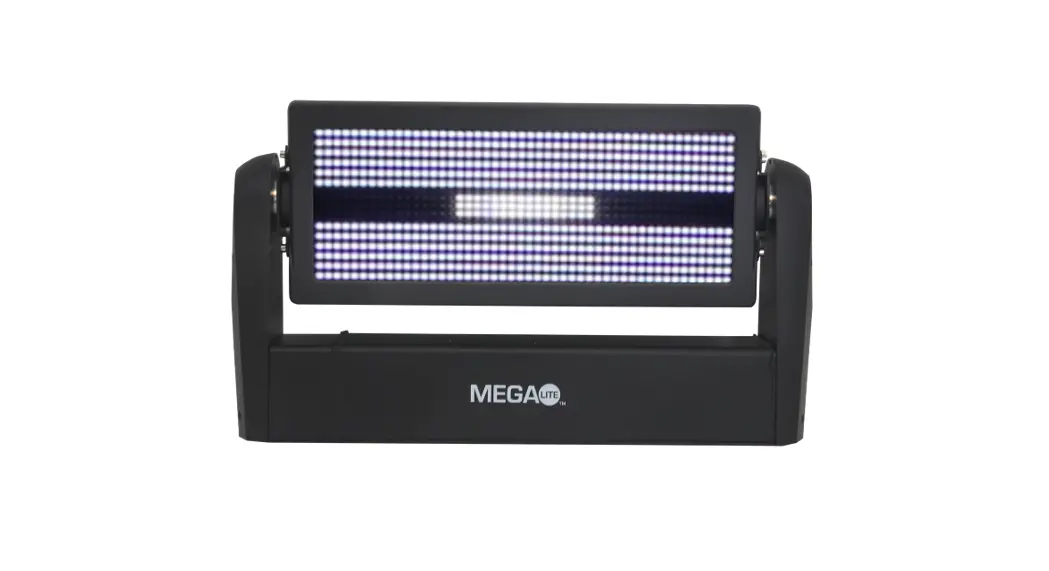
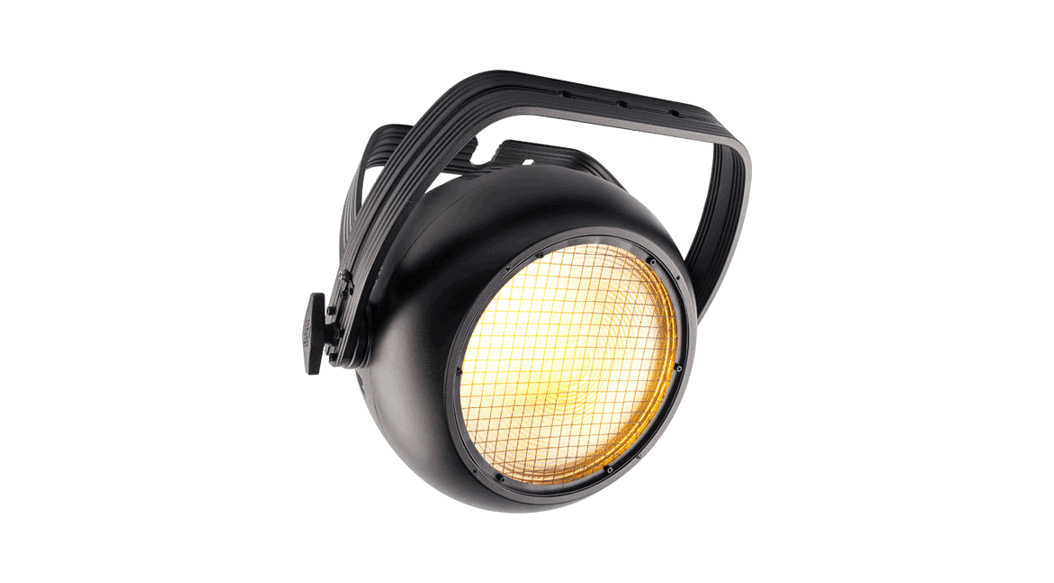
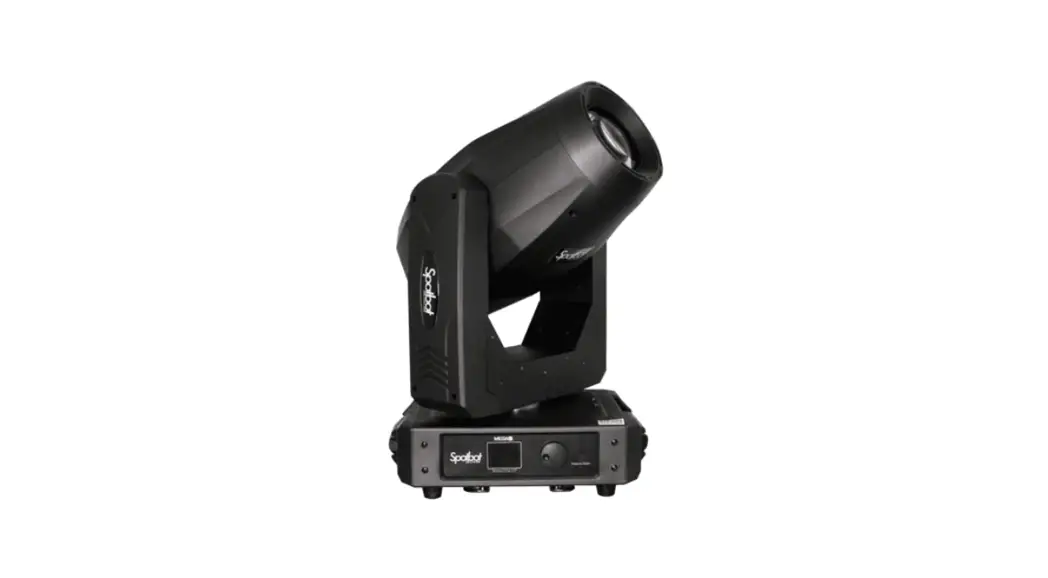
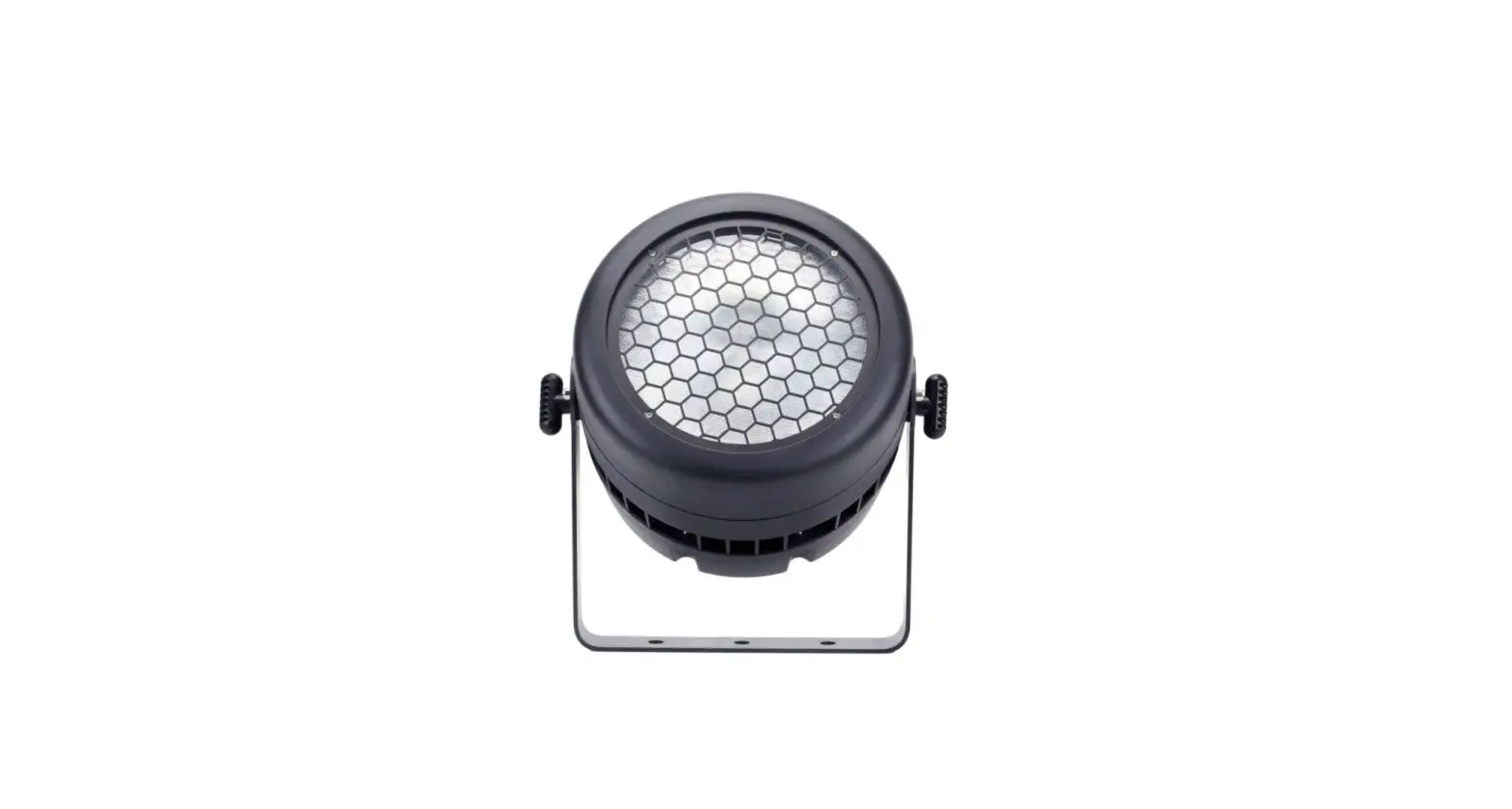
The VK400 Cyclops is a high powered IP65 audience blinder with RGB backlight and a powerful 400w White/Amber LED blinder.
Mains is connected via Truecon Male and female IP65 connectors and with data on 3 pin XLR Connectors.
It can be controlled by DMX, Standalone, and built in programs from the LCD Menu display.
To set features on the LCD display use MENU to select the option and UP and DOWN to scroll through the available options, and ESC to go backwards and return to the previous menu feature. Press Mode to confirm selection and store it (A padlock graphic will appear next to selected option to confirm saved.
When LCD is Showing large DMX address, press and hold MENU for a few seconds to allow access to the menu features
Menu | Feature | Value |
| 1 DMX Address | Set DMX Address of fixture | 001-503 |
| 2 Auto Show | Automatic Show | 1-5 |
| Speed (of Auto Show) | 0-100 | |
| 3 Static | Control of fixture as static | |
| Red | 0-255 | |
| Green | 0-255 | |
| Blue | 0-255 | |
| White | 0-255 | |
| Amber Shift | 0-255 | |
| 4 Lock Screen | Lock LCD screen changes | YES |
| 5 Information | Version | Software version |
| Temperature | Fixture Internal Temp | |
| 6 Config Set | DMX Channel | 6, 7, 9, 10 channel mode setting |
| Dimmer Curve | 1-4 | |
| Frequency Set | 600,12000,2000,4000,25000 Hz | |
| Dimm Speed | 1-4 | |
| Back Light (Time LCD remains Lit) | 10 20 30 sec or ON | |
| Master / Salve | Master or Slave | |
| Run Mode | DMX / Auto Show / Static | |
| Language | English / Chinese | |
| Contrast (LCD Display) | 1-31 (Dim/Bright) | |
| Factory Set (Factory reset) | YES & press MODE |
How to set unit
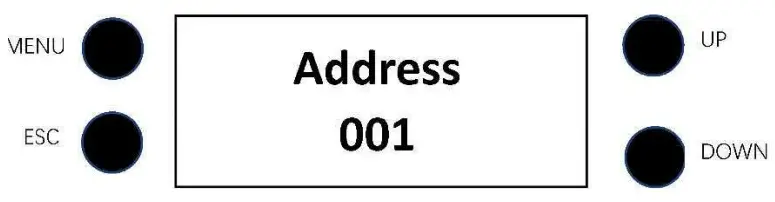
Function Display:
Shows the various menus & the selected functions
Button:
- MENU: To select option
- ESC: To go backwards through options
- UP: To go to previous function
- DOWN: To go to next function
Fixture DMX Profiles
6 Channel | 7 Channel | 9 Channel | 10 Channel | Value | Function |
| 1 | 1 | 1 | 1 | 000-255 | Master Dimmer 0 – 100% |
| 2 | 2 | 000-255 | Dimmer – Fine 0 – 100% | ||
| 2 | 3 | 2 | 3 | White | |
| 000-250 | White 0 – 100% | ||||
| 251-255 | White BLINDER – Super Bright Blinder Fx | ||||
| 3 | 4 | 3 | 4 | Amber | |
| 000-000 | Amber – On | ||||
| 001-255 | Amber – Off | ||||
| 4 | 5 | 4 | 5 | 000-255 | Red 0 – 100% |
| 5 | 6 | 5 | 6 | 000-255 | Green 0 – 100% |
| 6 | 7 | 6 | 7 | 000-255 | Blue 0 – 100% |
| 7 | 8 | 000-010 | Strobe OFF (Shutter open) | ||
| 011-207 | Strobe from slow to fast (0.3-25Hz) | ||||
| 208-223 | Random Strobe 1 | ||||
| 224-239 | Random Strobe 2 | ||||
| 240-255 | Random Strobe 3 | ||||
| 8 | 9 | Special Effect FX1 | |||
| 000-010 | No Function | ||||
| 011-080 | Macro 1 from slow to fast | ||||
| 0081-160 | Macro 2 from slow to fast | ||||
| 161-240 | Macro 3 from slow to fast | ||||
| 241 255 | No Function | ||||
| 9 | 10 | Special Effect FX2 (future expansion) | |||
| 000-255 | No Function |