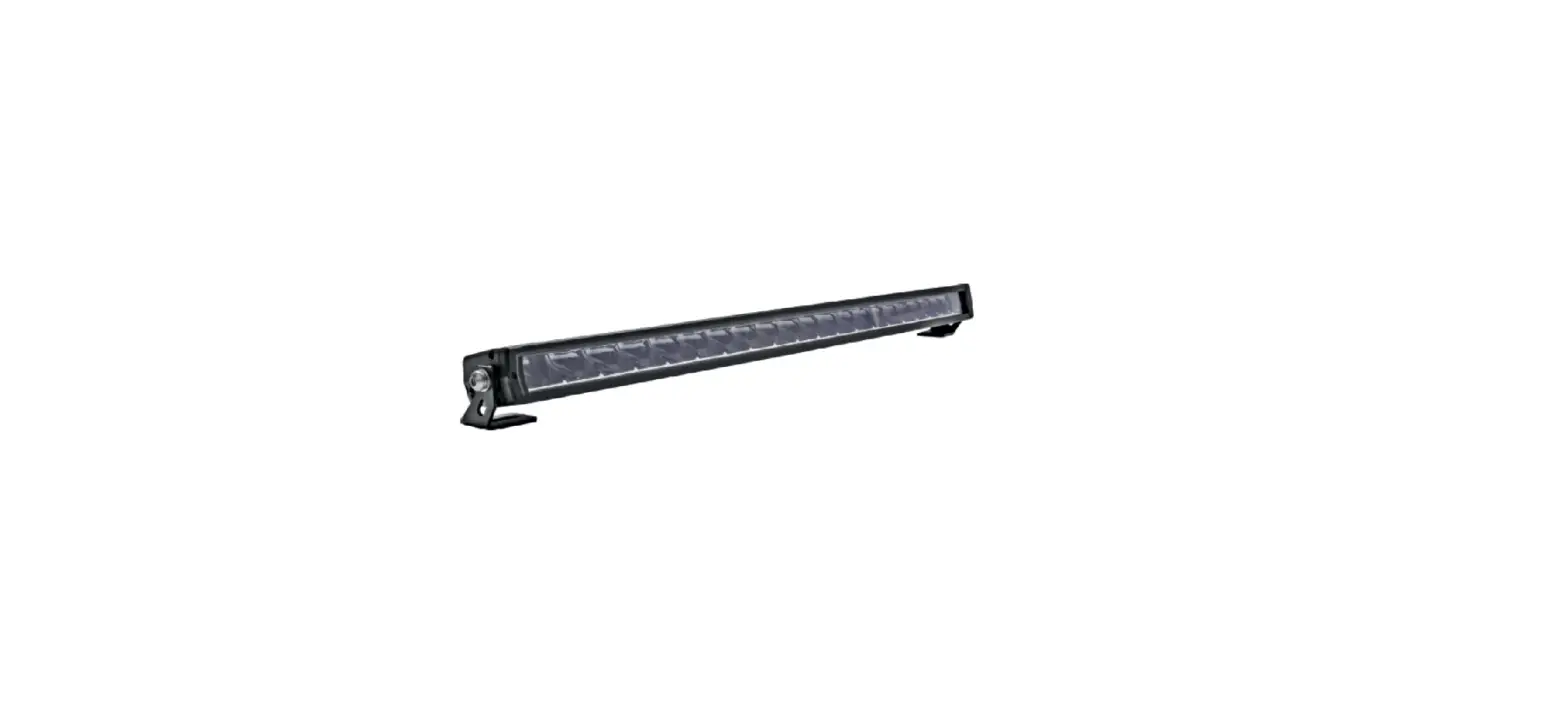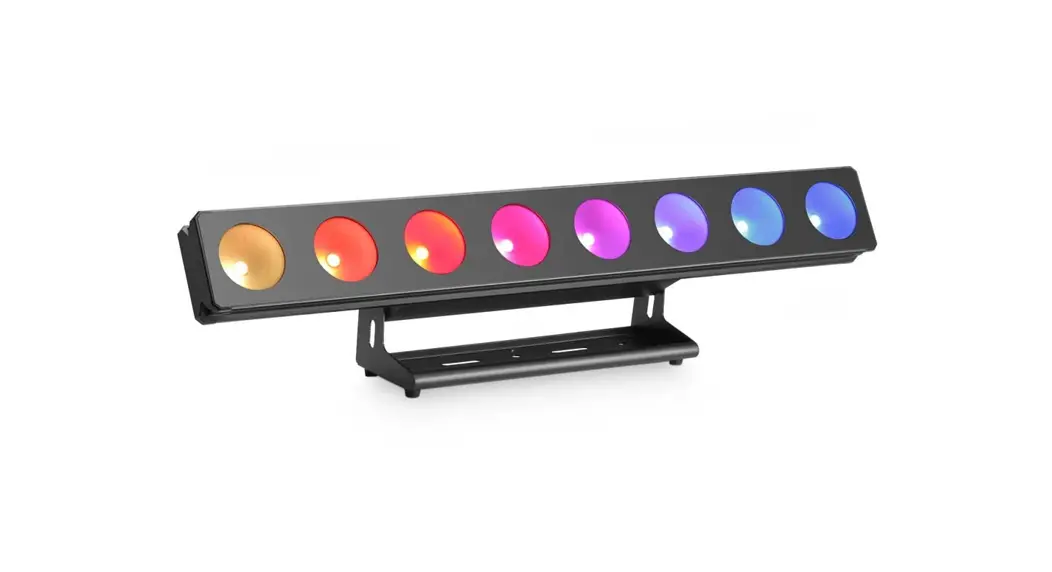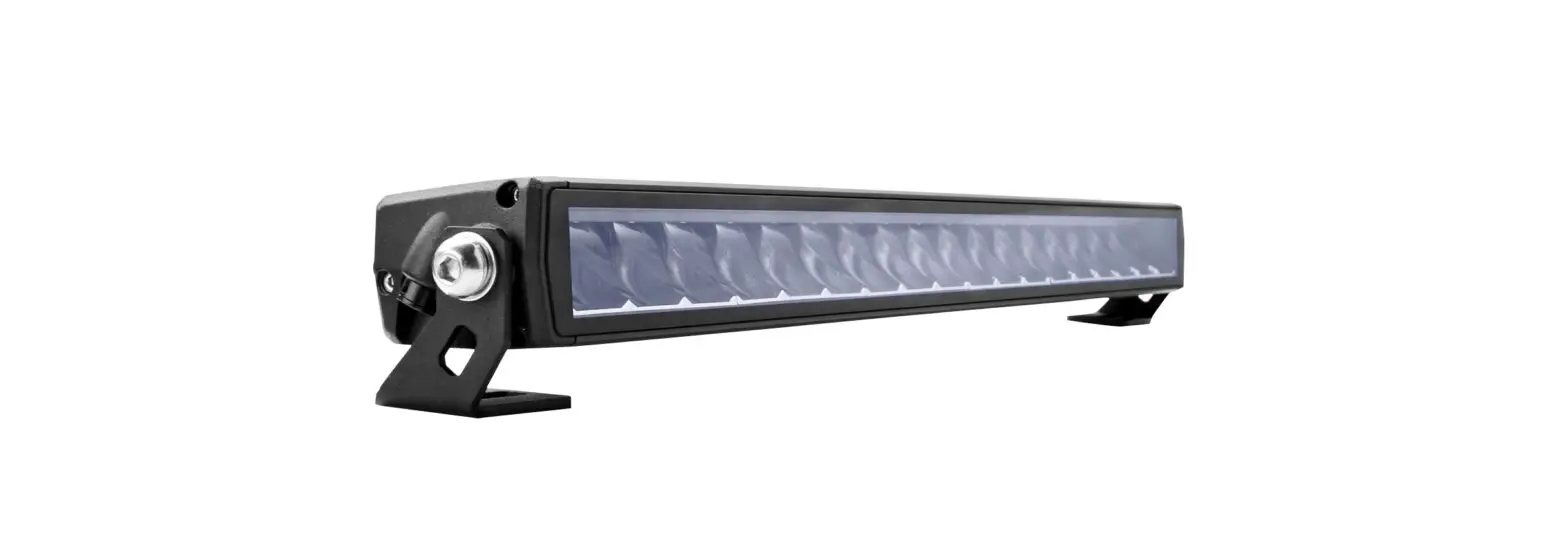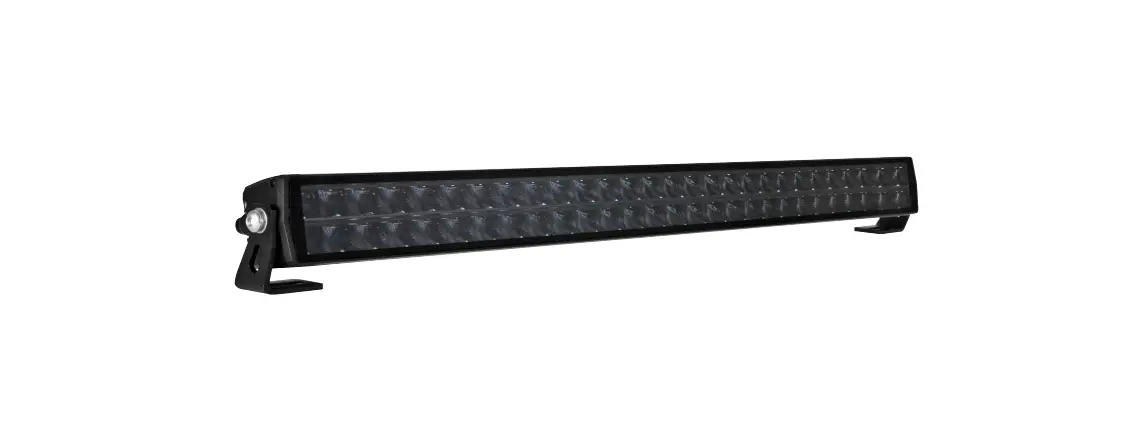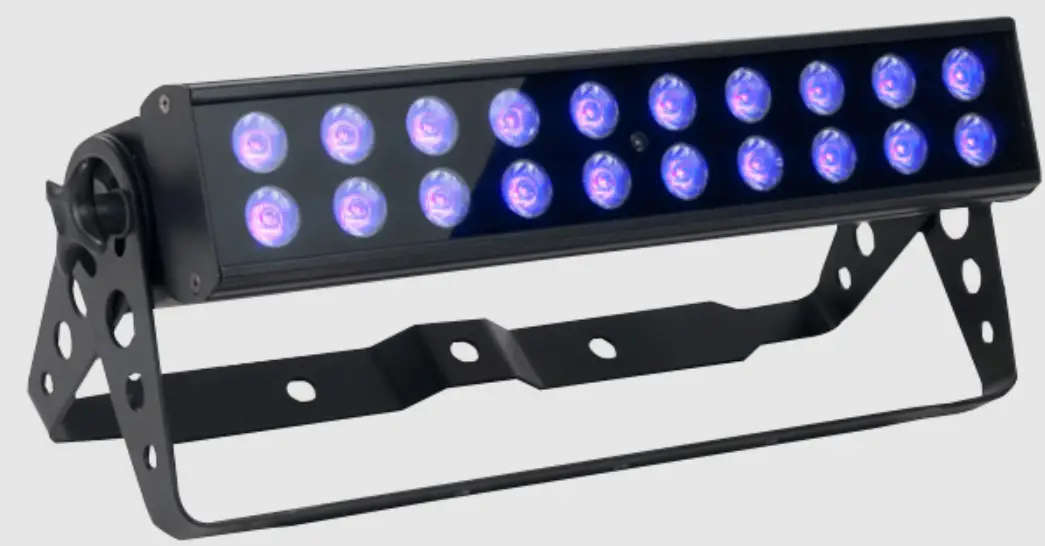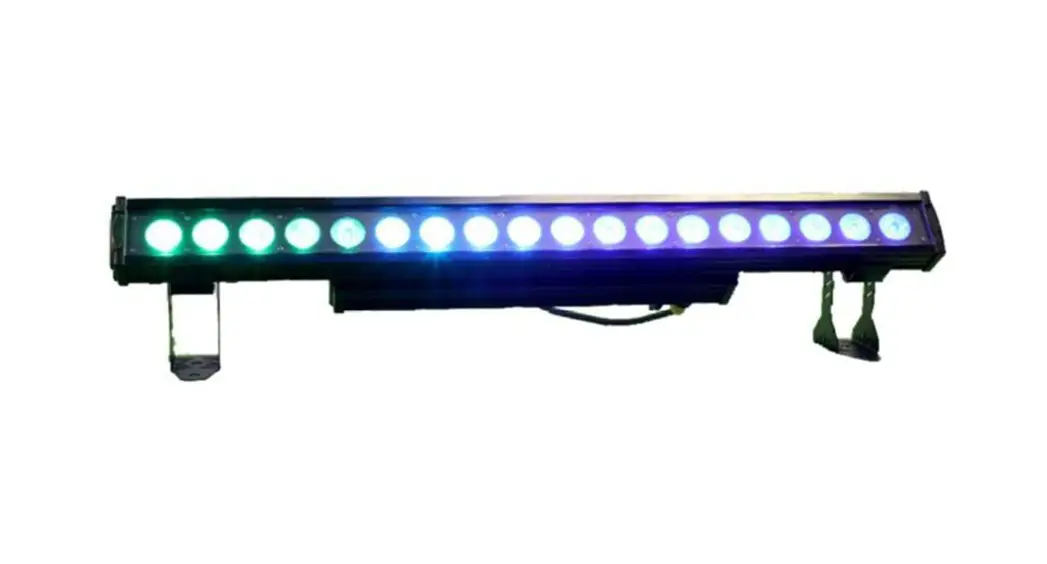

VK 1815 Pixel Dot
Instructions
| Menu | Value | Function |
| A001 | 001-512 | Dmx Address |
| 29ch/1lch/119h/109h | Number of Dmx Channels required | Dmx Mode |
| CCOO | 01-99 (value changes speed) | Colour snap Chase |
| Ed00 | 01-99 (value changes speed) | Colour gradient chase & pulse |
| Er00 | 01-99 (value changes speed) | Colour run fx 1 |
| Po00 | 01-99 (value changes speed) | Colour run fx 2 |
| TrO0 | 01-21 (value changes effect prog) | Run fic |
| TUO0 | 01-99 (value changes effect prog) | Run fic Speed Control |
| BE50 | 01-08 (value changes effect prog) | |
| R200 | 0-255 | Brightness of RED Led |
| G200 | 0-255 | Brightness of GREEN Led |
| B200 | 0-255 | Brightness of BLUE Led |
| W200 | 0-255 | Brightness of WHITE Led |
| Y200 | 0-255 | Brightness of AMBER Led |
| P200 | 0-255 | Brightness of UV Led |
| IDO1 | 01-14 | Unit ID |
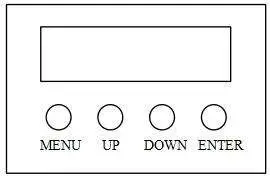 | [MENU] Main menu to select or return to the previous menu [UP] Menu selection or parameter increase [DOWN] Menu selection or parameter decrease [ENTER] OK / enter or select sub menu |
Please NOTE:
To use the unit on DMX, first enter start address on the Control Panel, for example a start address of 1 would read A001 or a start address of 34 would read A034. It is vital that this is showing on the Red Control panel display otherwise the unit is in manual mode and will not respond to DMX. Furthermore having set the number you MUST press ENTER to store the address otherwise when the unit is powered off and on again it will not recall its address – this also applies to all manual modes – ie select G255 will set the brightness of the green LEDs to full, but you MUST press ENTER to save this value for recall next time power is applied.
11 Channel Mode
| Channel | Value | Function |
| 1 Dimmer | 0-255 | Master Dimmer : 0 to full |
| 2 Strobe | 0-255 | Master Strobe : slow to fast |
| 3 Built in Programs | 0-25 | No Effect ; colour select on Ch6- II |
| 26-35 | All Led off | |
| 36-45 (Speed-Ch5 brightness-Ch I) | Snap colour flow (Select colour Ch6-I 1) | |
| 46-55 (Speed-Ch5 brightness-Chl) | Fade colour flow (Select colour Ch6-11) | |
| 56-65 (Brightness-Ch I) | Static all LED on (Select colour Ch5) | |
| 66-75 (Speed-Ch5 brightness-Ch I) | Snap change all led colour | |
| 76-85 (Speed-Ch5 brightness-Chl) | Fade change all led colour | |
| 86-95 (Speed-Ch5 brightness-Chl) | Running Fxl | |
| 96-105 (Speed-Ch5 brightness-Ch I) | Running Fx2 | |
| 106-115 (Speed-Ch5 brightness-Chl) | Running Fx3 | |
| 116-125 (Speed-Ch5 brightness-Ch I ) | Running Fx4 | |
| 126-135 (Speed-Ch5 brightness-Chl) | Running Fx5 | |
| 136-145 (Speed-Ch5 brightness-Chl) | Running Fx6 | |
| 146-155 (Speed-Ch5 brightness-Ch I ) | Running Fx7 | |
| 156-165 (Speed-Ch5 brightness-Chl) | Running Fx8 select colours Ch6-I 1 | |
| 166-175 (Speed-Ch5 brightness-Chl) | Running Fx9 select colours Ch6-I 1 | |
| 176-185 (Speed-Ch5 brightness-Chl) | Running Fx10 select colours Ch6-1 | |
| 186-195 (Speed-Ch5 brightness-Chl) | Running Fx11 select colours Ch6-11 | |
| 196-205 (Speed-Ch5 brightness-Ch I ) | Running Fx12 select colours Ch6-1 I | |
| 206-215 (Speed-Ch5 brightness-Ch I ) | Running Fx13 select colours Ch6-1 I | |
| 216-225 (Speed-Ch5 brightness-Ch I) | Running Fx14 select colours Ch6-1 I | |
| 236-245 (Speed-Ch5 brightness-Ch I ) | Running Fx15 select colours Ch6-1 I | |
| 246-255 (Set sensitivity in main menu BE50) | Sound activated program (set BE>0) | |
| 4 FX Background Programs | 0-30 | No Function |
| 31-45 (Speed-Ch5 brightness-Chl) | Run Fx 1 – background Ch6-11 | |
| 46-60 (Speed-Ch5 brightness-Chl) | Run Fx 2 – background Ch6-11 | |
| 61-74 (Speed-Ch5 brightness-Chl) | Run Fx 3 – background Ch6-11 | |
| 75-89 (Speed-Ch5 brightness-Chl) | Run Fx 4 – background Ch6-11 | |
| 90-104 (Speed-Ch5 brightness-ChI) | Run Fx 5 – background Ch6-11 | |
| 105-119 (Speed-Ch5 brightness-Chl) | Run Fx 6 – background Ch6-11 | |
| 120-134 (Speed-Ch5 brightness-Chl) | Run Fx 7 – background Ch6-11 | |
| 135-149 (Speed-Ch5 brightness-ChI) | Run Fx 8 – background Ch6-11 | |
| 150-164 (Speed-Ch5 brightness-ChI) | Run Fx 9 – background Ch6-11 | |
| 165-179 (Speed-Ch5 brightness-Chl) | Run Fx 10 – background Ch6-11 | |
| 180-194 (Speed-Ch5 brightness-ChI) | Run Fx 11 – background Ch6-11 | |
| 195-209 (Speed-Ch5 brightness-Chl) | Run Fx 12 – background Ch6-11 | |
| 210-224 (Speed-Ch5 brightness-Chl) | Run Fx 13 – background Ch6-11 | |
| 225-239 (Speed-Ch5 brightness-ChI) | Run Fx 14 – background Ch6-11 | |
| 240-255 (Speed-Ch5 brightness-ChI) | Run Fx 15 – background Ch6-11 | |
| 5 Speed | 000-255 | Program speed/colour Slow – Fast |
| 6 RED | 000-255 | Red Master Dimmer |
| 7 GREEN | 000-255 | Green Master Dimmer |
| 8 BLUE | 000-255 | Blue Master Dimmer |
| 9 WHITE | 000-255 | White Master Dimmer |
| 10 AMBER | 000-255 | Amber Master Dimmer |
| 11 UV | 000-255 | UV Master Dimmer |
108 Channel Mode+
Full Pixel Mapping but without built in programs on DMX
| Channel | Value | Function |
| 1 RED 1 | 0-255 | 1st LED |
| 2 GREEN 1 | 0-255 | |
| 3 BLUE 1 | 0-255 | |
| 4 WHITE 1 | 0-255 | |
| 5 AMBER 1 | 0-255 | |
| 6 UV 1 | 0-255 | |
| 7 RED 2 | 0-255 | 2nd LED |
| 8 GREEN 2 | 0-255 | |
| 9 BLUE 2 | 0-255 | |
| 10 WHITE 2 | 0-255 | |
| 11 AMBER 2 | 0-255 | |
| 12 UV 2 ………. | 0-255 | Ete |
| ……………In groups 6 channels of (RGBWA &UV) | ||
| 107 AMBER 18 | 0-255 | |
| 108 UV 18 | 0-255 | |
119 Channel Mode
Suitable for using built in programs on DMX as well as pixel mapping
Channels 1-11 as per 11 Channel Mode
Thereafter each 6 channels:
| RED 1 GREEN 1 BLUE 1 WHITE 1 AMBER 1 UV 1 | RED 2 GREEN 2 BLUE 2 WHITE 2 AMBER 2 UV2 |
Etc….. till UV18
Please NOTE:
29 Channel Mode
Suitable for using built in programs on DMX as well as pixel mapping with small channel count
Channels 1-11 as per 11 Channel Mode
Thereafter ch12-29 controls each led 1-18 individually, each channel selecting colour of the pixel dot
| 12 LED 1 13 LED 2 14 LED 3……… | 28 LED 17 29 LED 18 |
Sound Activation
In Stand Alone Mode option BE00 in Menu must be set to a sensitivity level greater than zero – a setting of BE99 makes the unit most sensitive to sound. At BE00 setting Sound Activation is set to OFF,In DMX mode the unit needs to be set to 11 channel mode to access sound activation on Channel 3 – this channel bust be set to a DMX level of 246 or above in order to be sound activated
DMX Signal
The Menu must Display A001 (ie the start DMX address) for the unit to work on DMX signals from a controller. If there is no DMX signal being received by the unit the Display will flash the DMX address and will only remain permanently on once a DMX signal is being received by the light.
Temperature of Unit
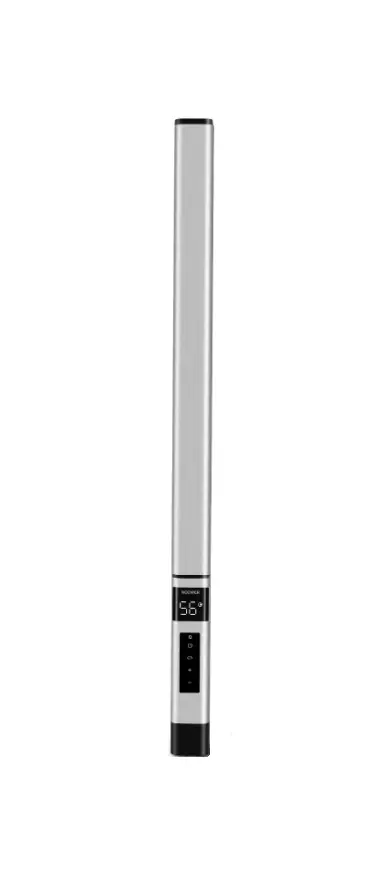
To display the temperature of the unit press and hold down the ENTER button on any menu option other than A001 (DMX start address) and the unit will display it (ie 25°C)whilst the button is depressed.