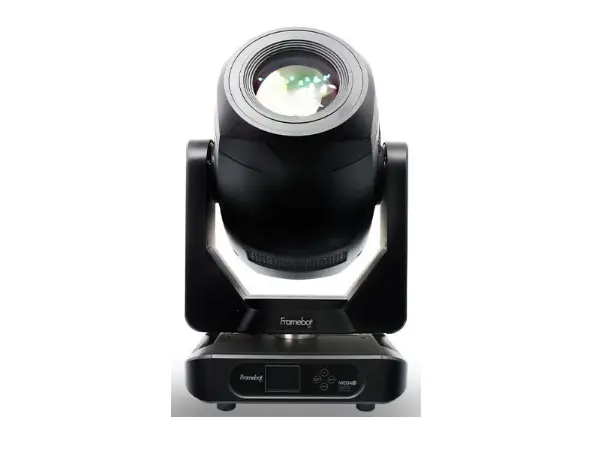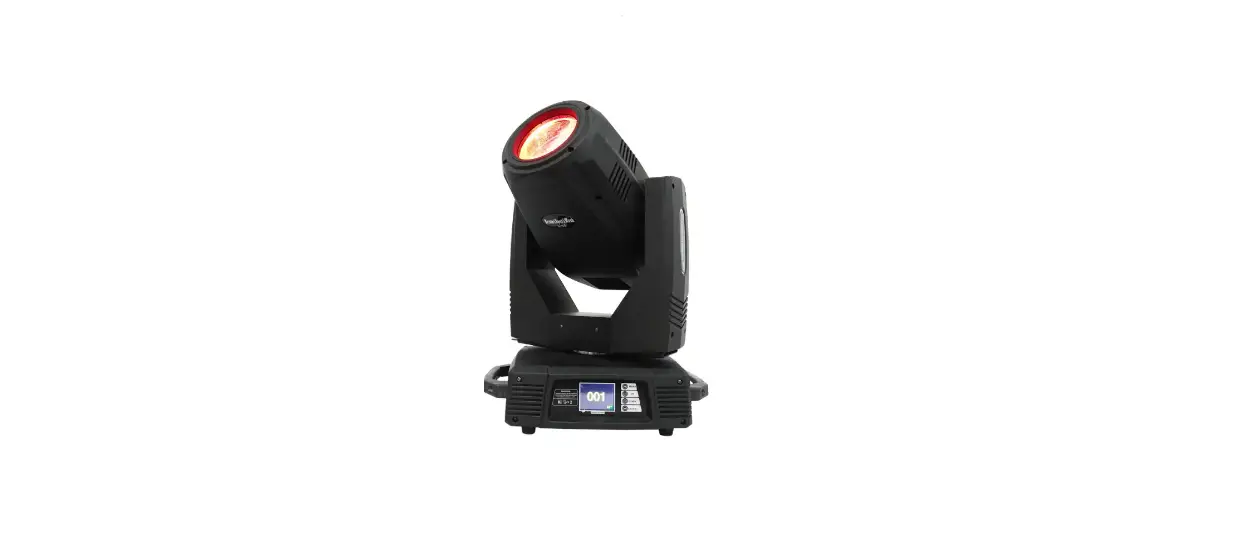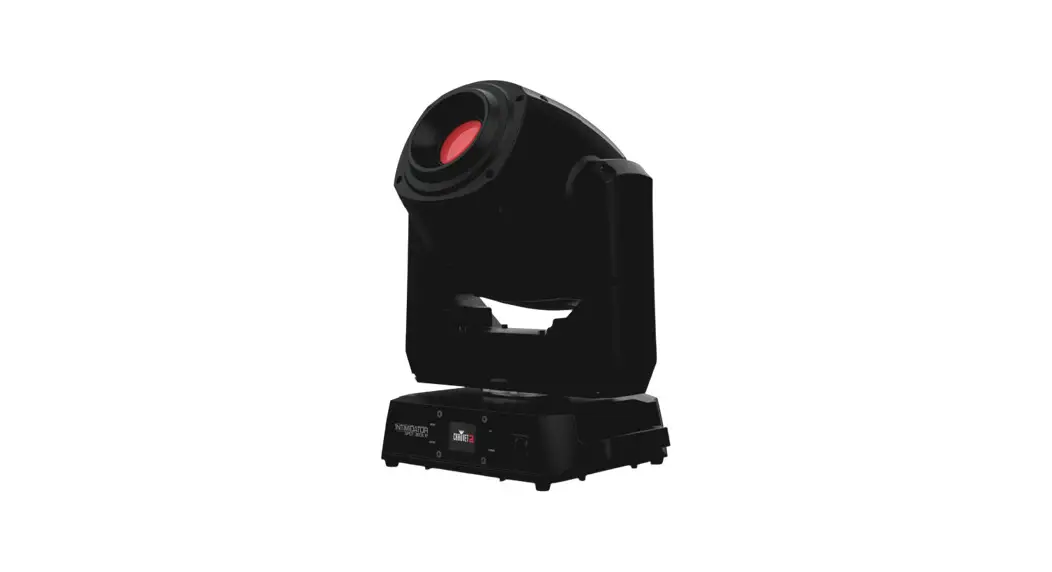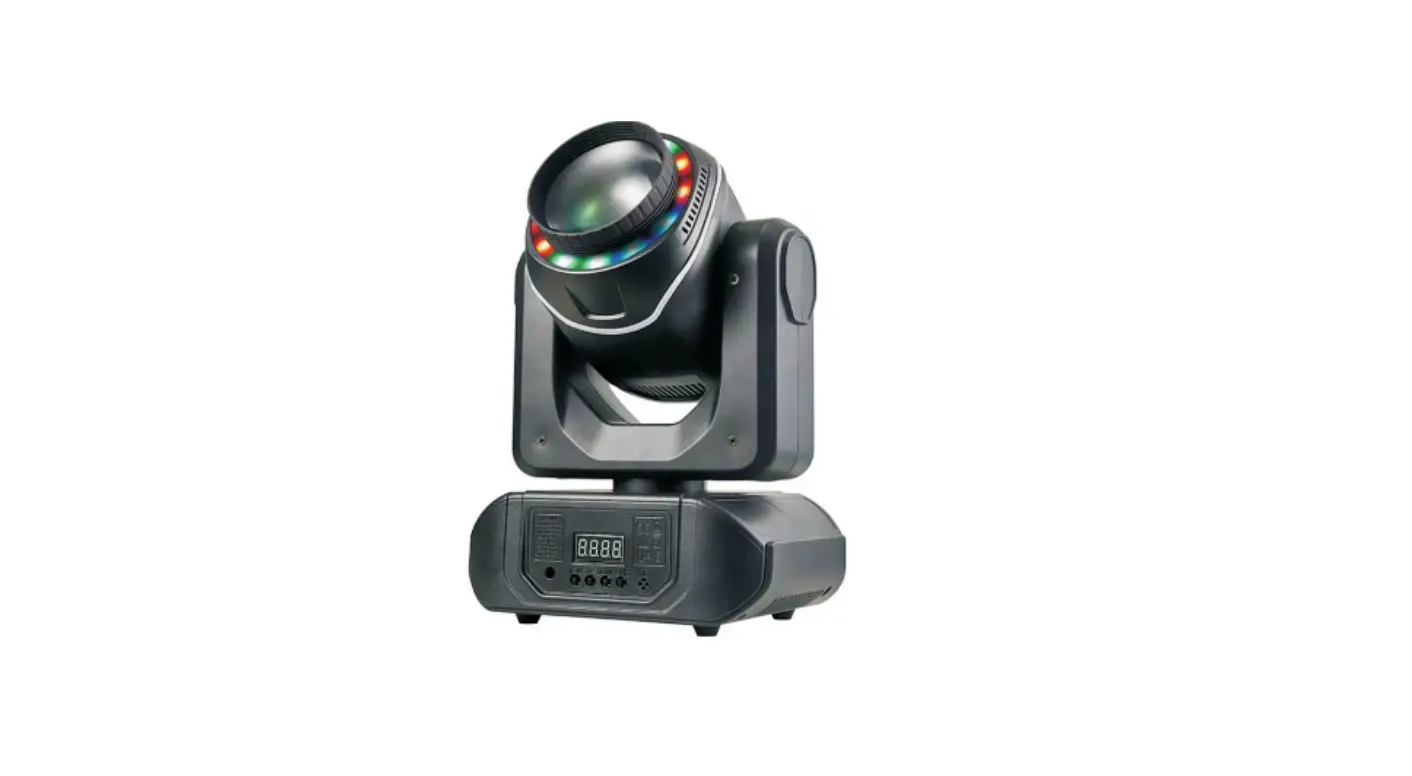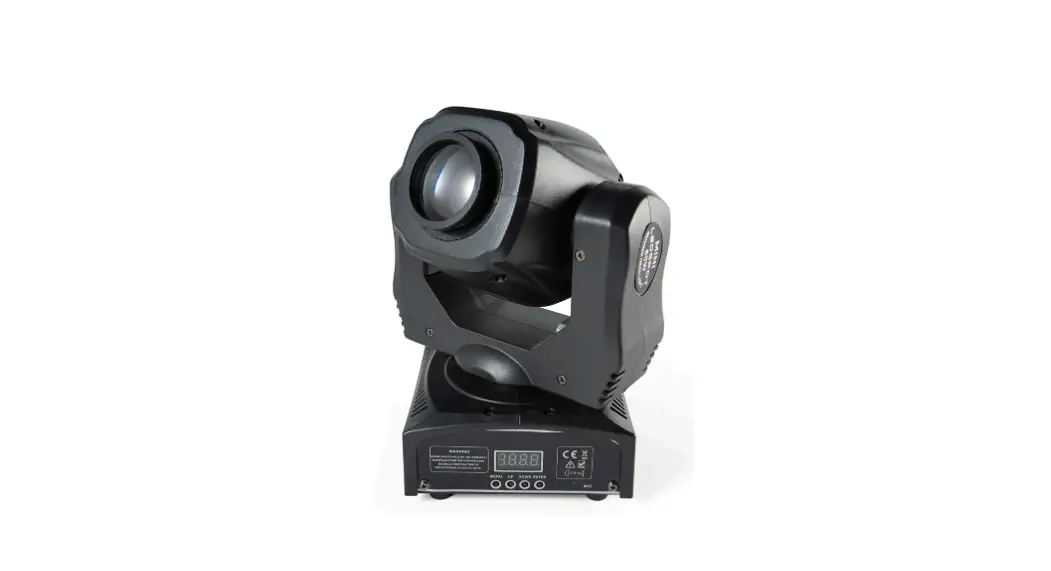
Wansheng 6in1 LED Moving Head User Manual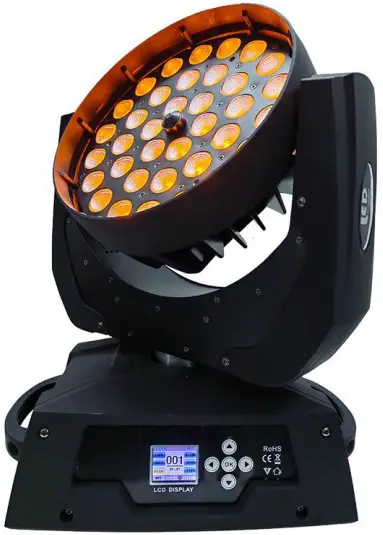
Product Features
- Menu language switch, the menu can be convenient to switch the Chinese or English.
- Master and slave, when the DMX signal is disconnected, any one lamp can be used as a host, driven by other lamps.
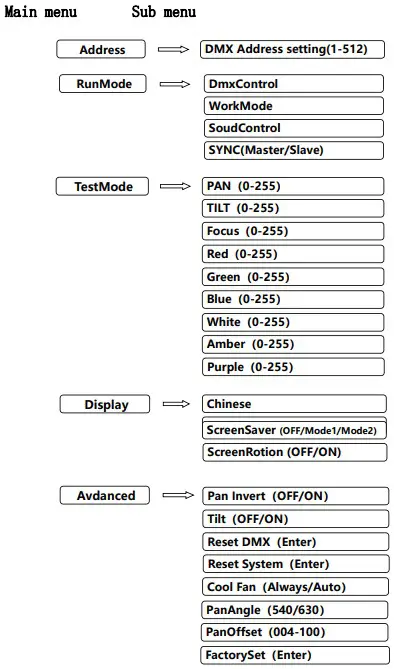
Main Menu
When the interface is the main menu, click on the icon to enter the menu to set up the sub menu.
Sub Menu
The sub menu is provided with address setting, running mode, test mode, display settings, advanced settings, system information and other modules.
- Address, set up after you need to press “confirm” save address code, press”return”back to the main menu.
- Run Mode, used to show the running mode, the same time can only run one mode.
- DMX Control, that is, console mode, this mode is used to control the lamp with console.
- WorkMode, enter this mode, lamp will be according to the automatic operation of the internal program.
- Soud Control, in this mode, the sound control lamp accept.
- SYNC,, Master slave selection, used to set the lamp to the master or slave, and the factory is set to the slave.
TestMode, the test mode is a special mode, only after entering the test mode can be called, after the exit of the interface before the operation mode, the test mode which can adjust the X axis motor, Y axis motor and focus motor position, as well as RGBWAP six color brightness.
- Display settings
- Chinese, used to set up the Chinese display.
- English,used to set up the English display.
- ScreenSaver, used to set the screen saver, mode1 Screensaver displays a black screen, mode2 screen display mode for operation mode.
- Screen Rotation, when the lamp is upside down, 180 degree flip for setting a display.
- Advanced settings
- Pan Invert, Setting PAN’s Rotation direction: ON-forward OFF-reverse.
- Tilt Invert,TILT rotation direction: ON-forward OFF reverse.
- Reset DMX,clear channel DMX data.
- Reset System: manually reset motor.
- Cool Fan, Setting cooling fan working mode: ALWAYS- normally work;
AUTO-Intelligent Control. - PanAngle, Setting PAN’s Rotation rate: [540] or [630]
- PanOffset,Setting PAN’S initial offset position: 0-128.
- FactorySet, set the parameter settings for the factory parameter
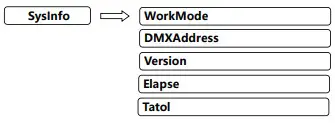
- SysInfo, show the system information:
- WorkMode, Show the current working mode.
- DMXAddress, Show the current address.
- Version, Show the version of the lamp.
- Elapse, Working hours from start the lamp this time.
- Tatol, Cumulative hours of operation
Channel table
| CH | Value | Function | |
| CH1 | PAN | 000-255 | Pan 540° or Pan 630° |
| CH2 | TILT | 000-255 | TILT 260° |
| CH3 | FOCUS | 000-255 | FOCUS |
| CH4 | Strobe / Reset | 000-009 | On ( Not Strobe) |
| 010-059 | Strobe slow – fast | ||
| 060-064 | On ( Not Strobe) | ||
| 065-114 | Random Strobe slow – fast | ||
| 115-119 | On ( Not Strobe) | ||
| 120-169 | Gradual ON Strobe slow – fast | ||
| 170-174 | On ( Not Strobe) | ||
| 175-224 | Gradual Dark Strobe slow – fast | ||
| 225-234 | On ( Not Strobe) | ||
| 235-244 | Not Strobe, close, Reset (After 3sec.) | ||
| 245-255 | On ( Not Strobe) | ||
| CH5 | Color (Control CH6-CH12) | 000-002 | Light OFF |
| 003-005 | RGBWAP | ||
| 006-008 | R | ||
| 009-011 | G | ||
| 012-014 | B | ||
| 015-017 | W | ||
| 018-019 | A | ||
| 020-021 | P | ||
| 022-023 | RG | ||
| 024-026 | RB | ||
| 027-029 | RA | ||
| 030-032 | GB | ||
| 033-035 | GA | ||
| 036-038 | BA | ||
| 039-041 | RGB | ||
| 042-044 | RGA | ||
| 045-047 | RGBW | ||
| 048-049 | RGBWA | ||
| 050-083 | R ON、G Gradual ON、B OFF、W OFF、A Gradual OFF、P ON | ||
| 084-117 | R Gradual OFF、G ON、B OFF、W OFF、A OFF、P ON | ||
| 118-151 | R OFF、G ON、BGradual ON、W OFF、A Gradual ON、P | ||
| 152-185 | R OFF、G Gradual OFF、B ON、W OFF、A ON、P OFF | ||
| 186-218 | R Gradual ON、G OFF、B ON、W OFF、A Gradual OFF、P OFF | ||
| 219-252 | R ON、G OFF、B Gradual OFF、W OFF、A OFF、P Gradual ON | ||
| 253-255 | RGBWAP | ||
| CH6 | Dimmer | 000-255 | 0%-100% Dimmer, Dark to Light |
| CH7 | RED | 000-256 | RED 0%-100% Dimmer, Dark to Light |
| CH8 | Green | 000-257 | Green 0%-100% Dimmer, Dark to Light |
| CH9 | Blue | 000-258 | Blue 0%-100% Dimmer, Dark to Light |
| CH10 | White | 000-259 | White 0%-100% Dimmer, Dark to Light |
| CH11 | Amber | 000-259 | Amber 0%-100% Dimmer, Dark to Light |
| CH12 | Purple | 000-259 | Purple 0%-100% Dimmer, Dark to Light |
| CH13 | RAINBOW Effect | 000-005 | Color is decide by CH5 |
| 006-127 | RGBWA Graduated, Speed adjustment, from slow to fast | ||
| 128-255 | RGBWA change color, Speed adjustment, from slow to fast | ||
| CH14 | X Fine | 000-255 | PAN fine adjustment 3.6° |
| CH15 | Y Fine | 000-255 | Tilt fine adjustment 3.6° |
| CH16 | Motor Speed | 000-255 | Motor from fast to slow scan |
| CH17 | RUNNING MODE
(Single-test-mode) |
000-049 | DMX Mode |
| 050-099 | X Auto(Just for single test) | ||
| 100-149 | Y Auto (Just for single test) | ||
| 150-199 | X、Y Auto at the same time(Just for single test) | ||
| 200-255 | Sound Activity(Just for single test) |