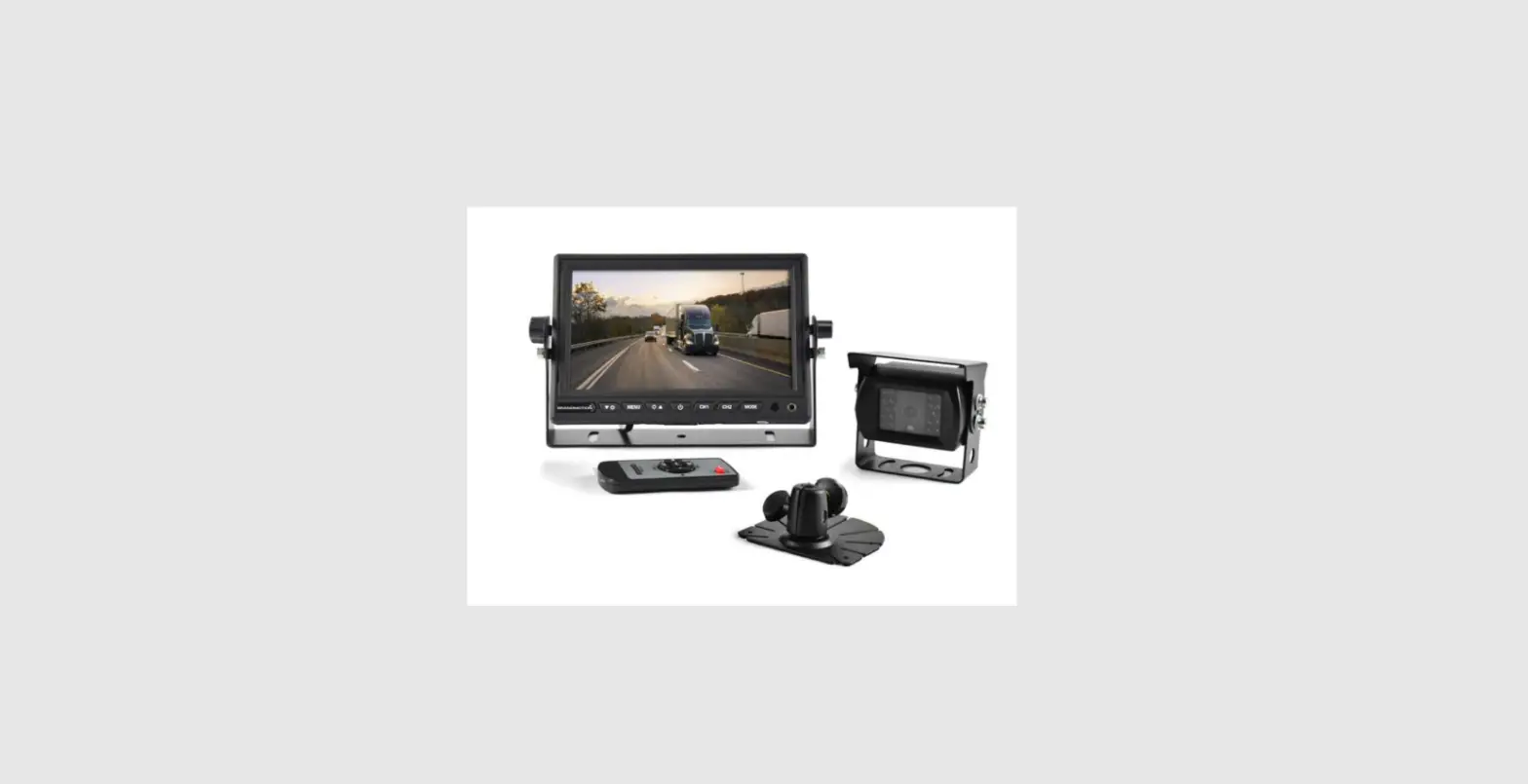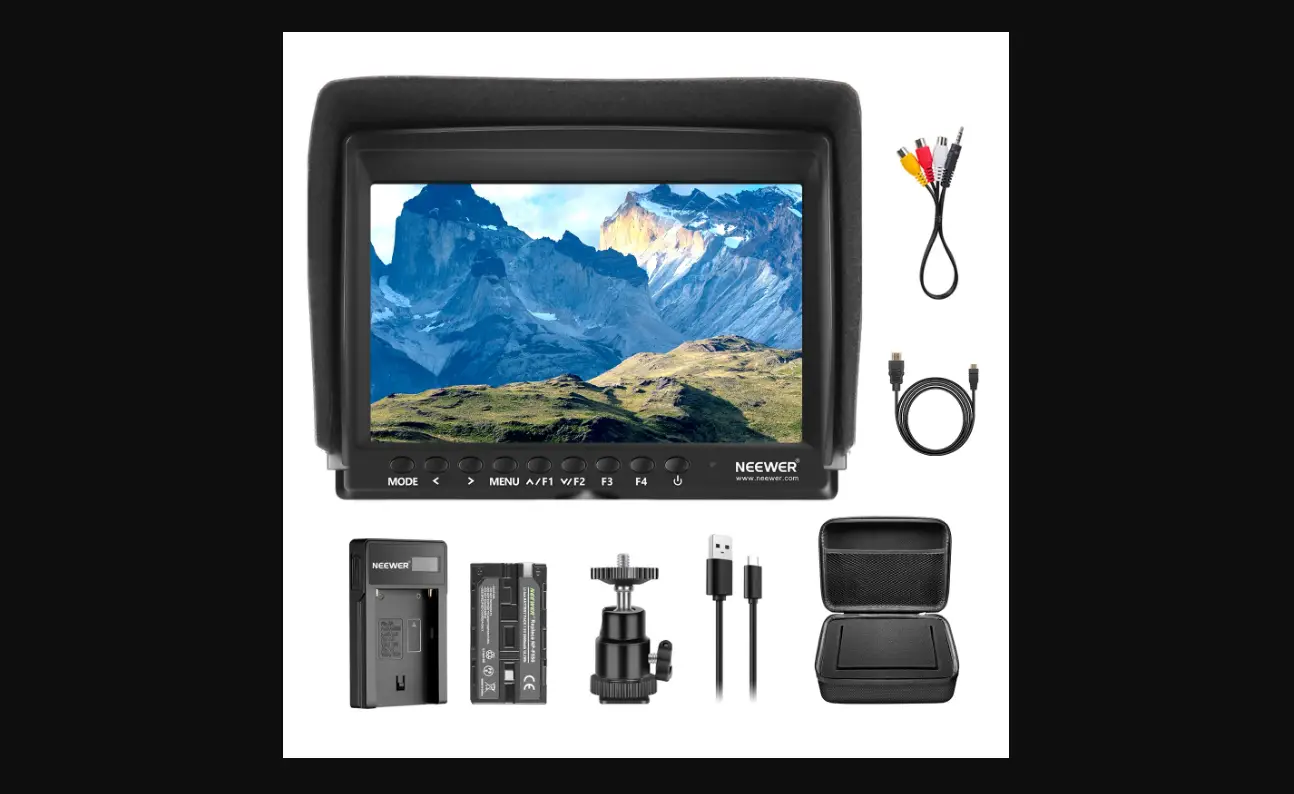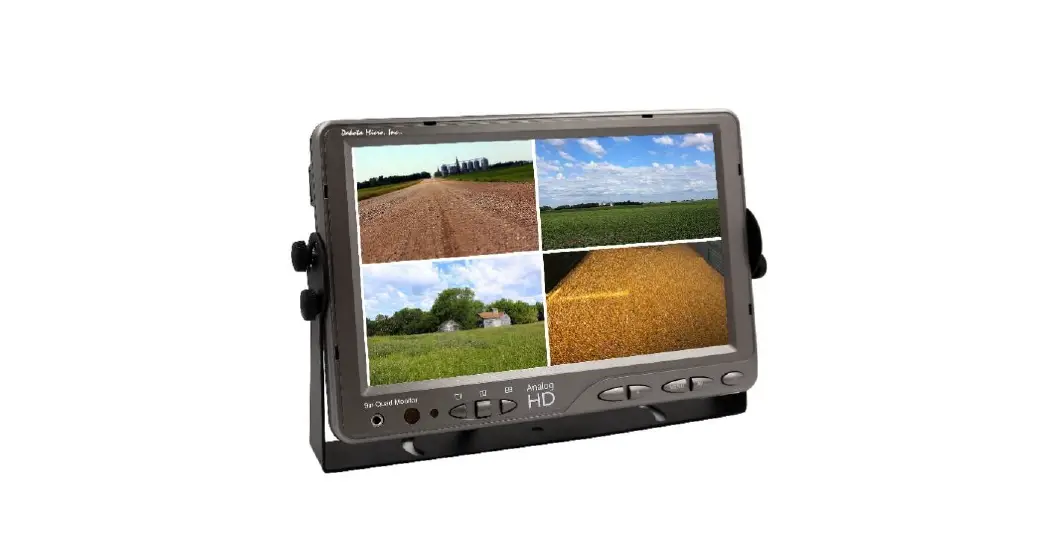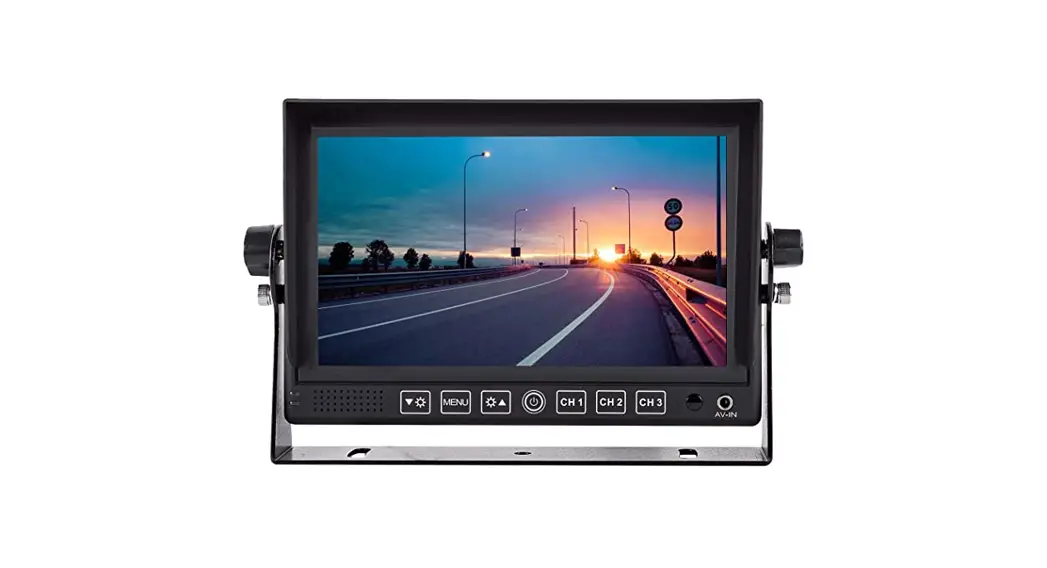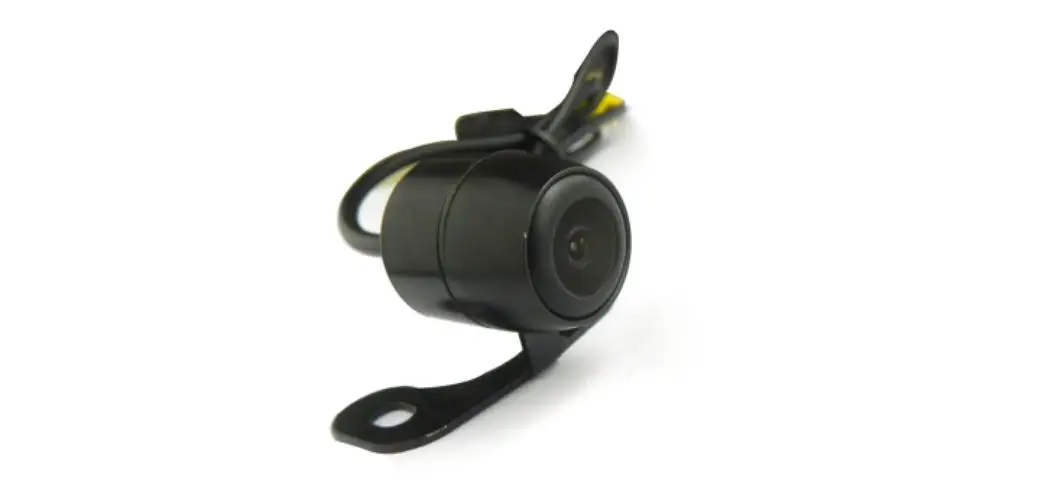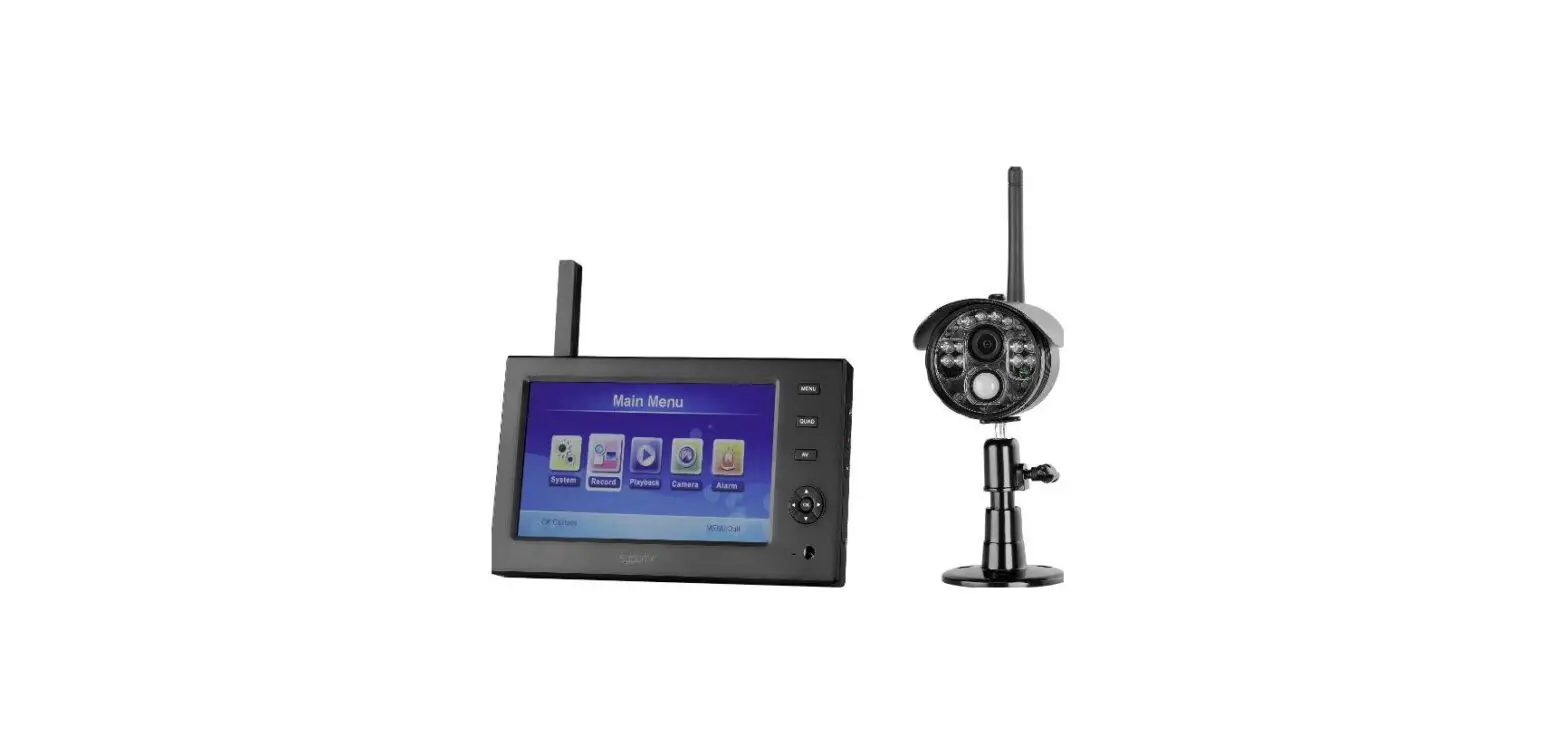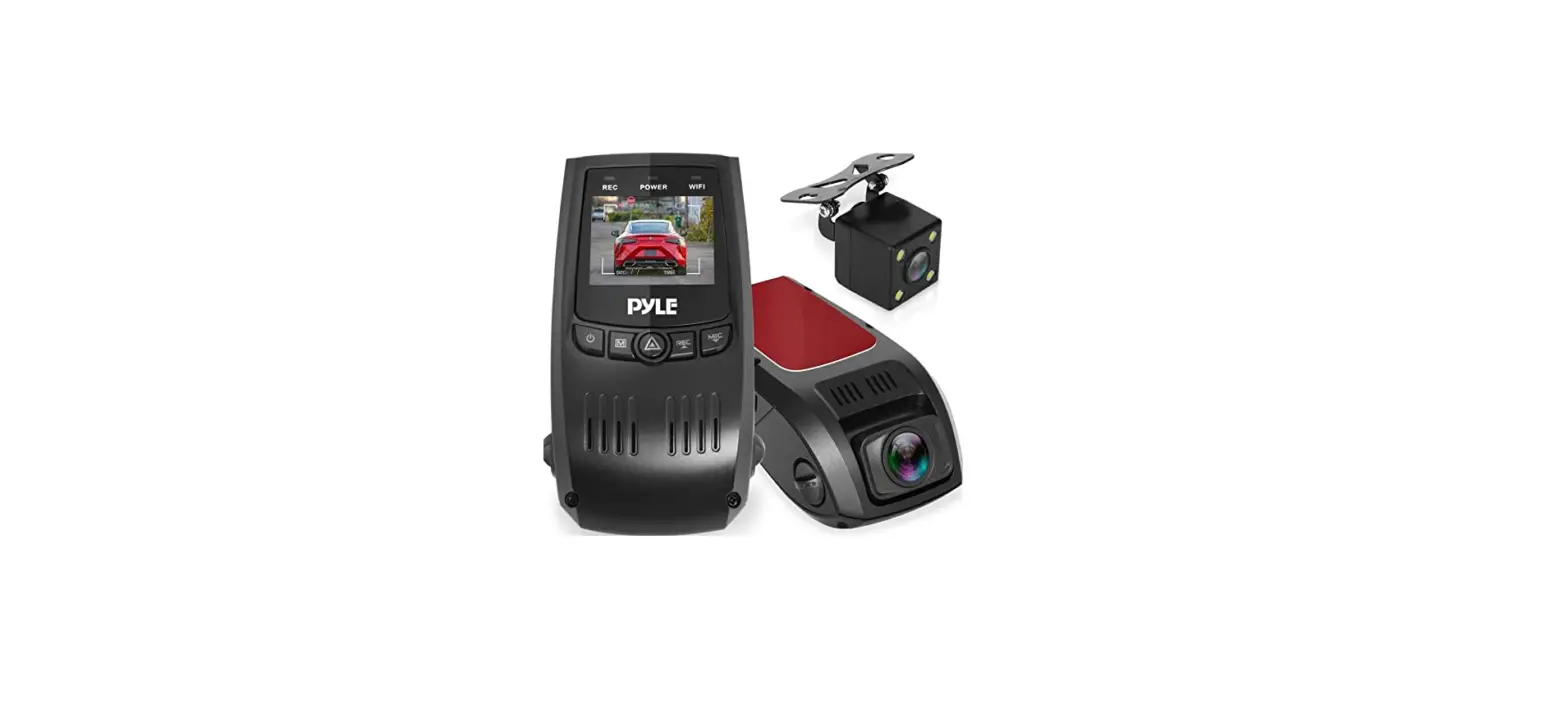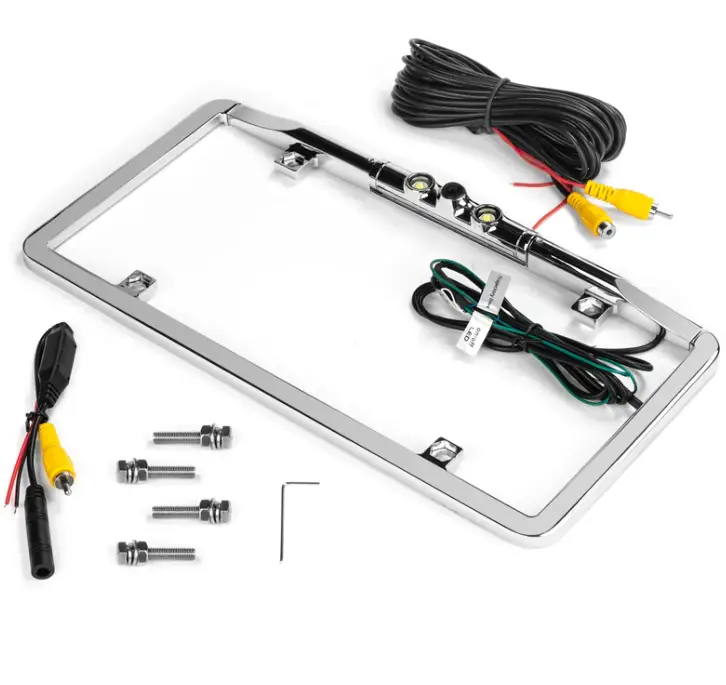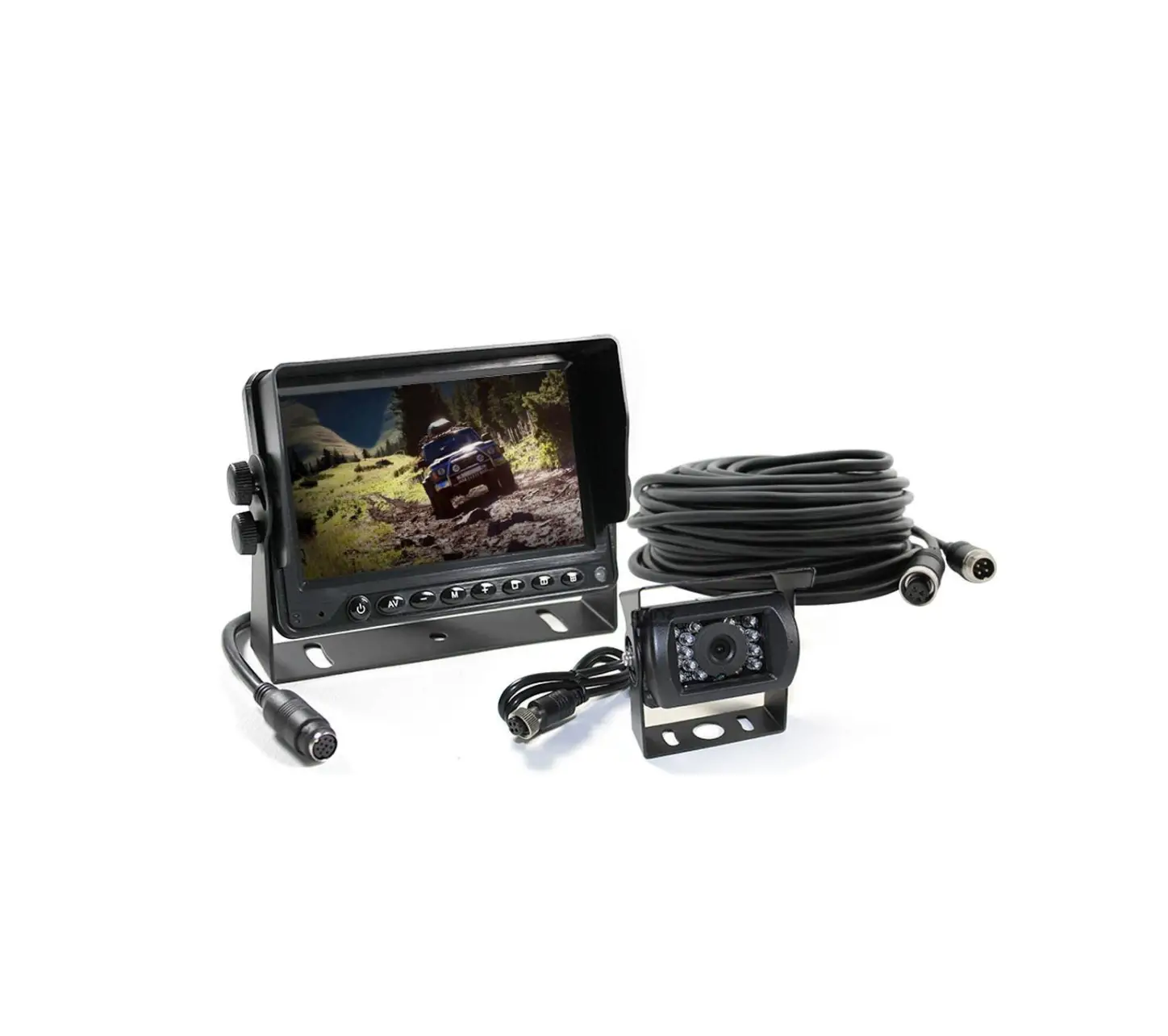

ELINZ M7AHDRV108010M 7 Inch AHD Car Monitor CCD 4PIN Reversing Camera
Before operating the Monitor, please read this manual thoroughly and retain it for future reference.
www.elinz.com.au / [email protected] / 1300881773
KEY DESCRIPTION
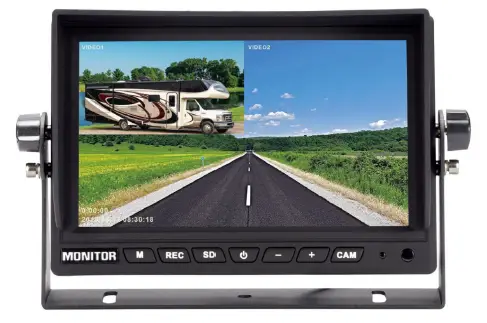
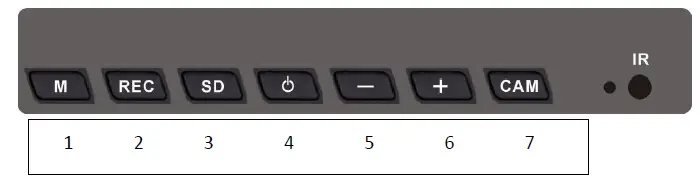
- “M” Short press to open the display menu screen, which is also the confirmation button;
- “REC” Record or cancel recording/return; return to the previous menu function setting/exit menu function setting;
- “SD” Short press to enter the video playback menu;
- Power button: The power button controls the display switch machine;
- “-”After the minus key, press “M” to enter the menu screen, press “-” to go to the left;
- “+”Press “M” to enter the menu screen, press “+” to go to the right;
- “CAM” The split interface cyclically switches between different multi-picture mode displays (equivalent to the remote control VIDEO SELECT button);
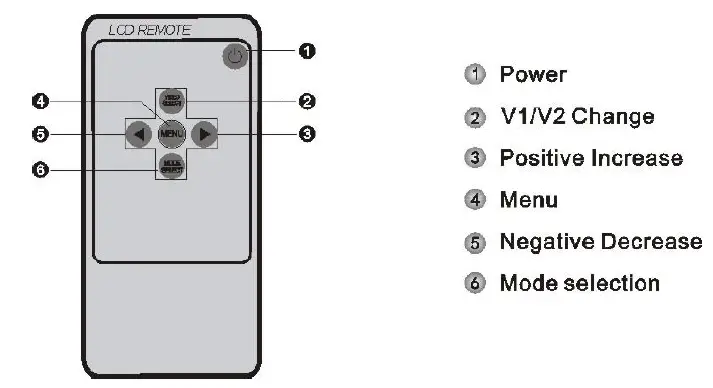
- POWER: Turn on/off the screen output display;
- VIDEO SELECT: Switching the picture splitter to output different display modes;
- The arrow keys are on the right;
- MENU: Enter menu function settings / OK;
- The left arrow of the direction key;
- MODE SELECT: Record or cancel recording/return; return to the previous menu function setting/exit menu function setting;
SPECIFICATION
| Item | Parameter | |
| Lcd Dimensions | 7’’ | |
| System language | Chinese, English | |
| Video compression format | H.264 | |
| OSD | Support time and date, channel characters, split borders | |
|
Video and video system | Video input | 2 channels of 1080P, 960P, 720P, 960H AHD or any CVBS video inputs; Compatible with CVBS and AHD signal mixing inputs; Compatible with PAL and NTSC mixed input; |
| Resolution | 1920*1080 | |
| Video resolution | 1920*1080 | |
| Video quality | Ultra-clear | |
| Video mode | Boot automatic recording | |
| storage card | SD | Support 128G memory card, full disk automatic deletion, loop coverage |
| Upgrade method | Support SD card upgrade | |
| Video playback | Video search | 1 Channel , 2 channel |
| playback | Single channel playback | |
|
Power and power consumption | Power management | Adaptive wide-format power input with protection functions such as low voltage, over voltage, and reverse short circuit; |
| Input voltage | DC: +12V ~ +36V (with camera operation requires input voltage of 13V or more) | |
| output voltage | +12V | |
| Power consumption | Normal working status <5W (without display and camera) | |
| working environment | temperature | -30℃ ~ +70℃ |
| humidity | 20% ~ 80% | |
Press the “M” button to open the menu
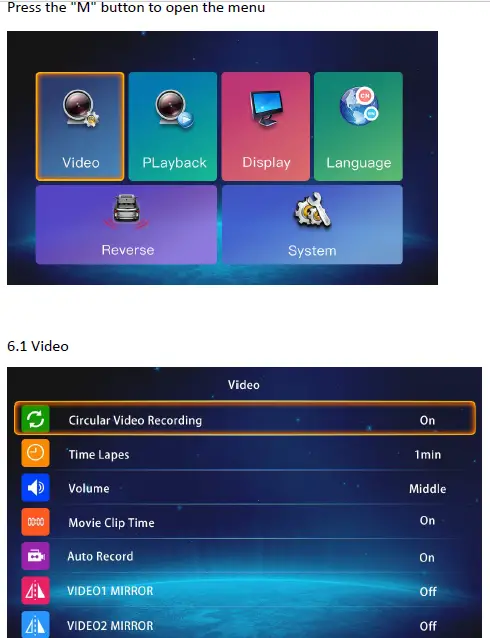 Press the “+” or “-” button to move the cursor to the option and press the “M” button to confirm the selection:
- Circular Video Recording: ON/OFF
- Time Lapes: Optional 1min/3min/5min/10min
- Volume: No sound;
- Movie Clip Time: ON/OFF;
- Auto Record: ON/OFF;
- VIDEO1 MIRROR:ON/OFF;
- VIDEO1 MIRROR:ON/OFF
Playback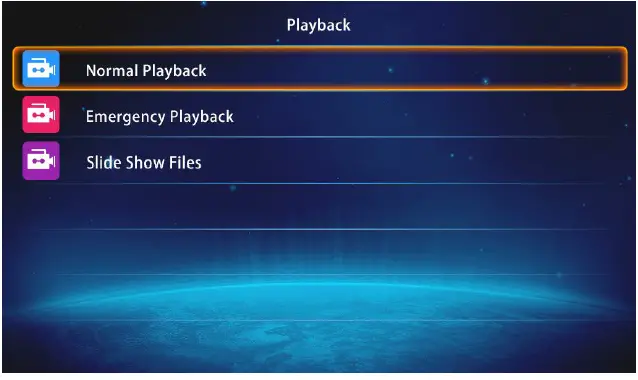 Display
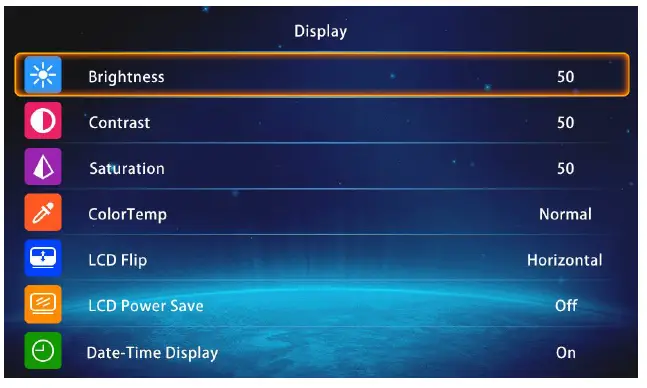 Press the “+” or “-” button to move the cursor to the option and press the “M” button to confirm the selection:
- Brightness: Press the “+” or “-” button to move the cursor to the “Brightness” option, press the “M” button to enter the adjustment menu, press the “+” button or the “-” button to adjust the brightness;
- Contrast: Press the “+” or “-” button to move the cursor to the “Contrast” option, press the “M” button to enter the adjustment menu, press the “+” button or the “-” button to adjust the contrast;
- Saturation: Press “+” or “-” to move the cursor to “Saturation” option, press “M” to enter the adjustment menu, press “+” or “-” to adjust the saturation;
- Color Temp: Normal / warmer / cooler color;
- LCD Flip: Horizontal/normal/vertical/horizontal vertical;
- LCD Power Save: OFF/1min/3min/5min;
- Date-Time Display: ON/OFF;
Language
 Press the “+” or “-” button to move the cursor to the option and press the “M” button to confirm the selection;
System language – English , Simplified Chinese, Traditional Chinese, (supports custom language menus in other countries);
Reverse
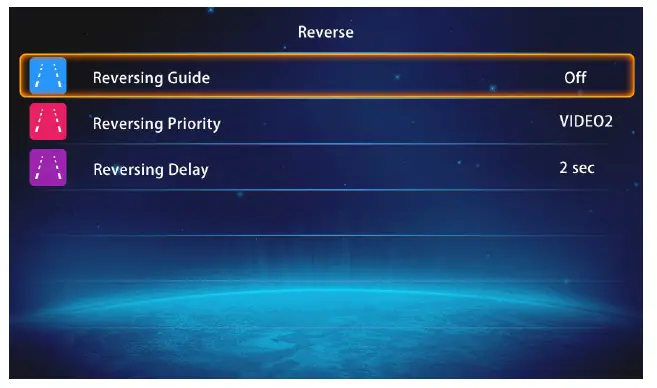 Press the “+” or “-” button to move the cursor to the option and press the “M” button to confirm the selection:
- Reversing Guide: ON/OFF;
- Reversing Priority: Channel one / channel two /OFF;
- Reversing Delay: OFF/2min/5min/10min;
General Settings
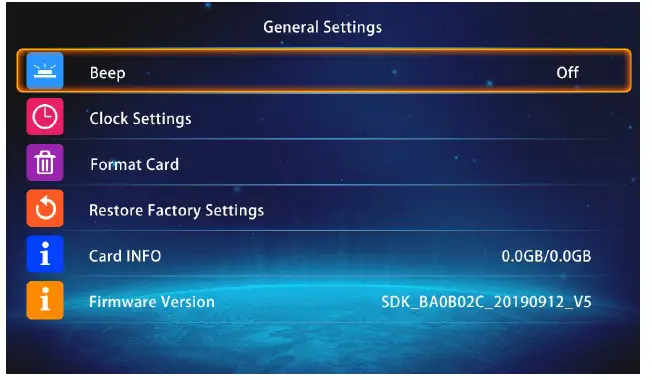 Press the “+” or “-” button to move the cursor to the option and press the “M” button to confirm the selection:
- Beep: No such feature;
- Clock Settings: Set the system time, press the “+” or “-” button to set the system time, press the “REC” button to move the cursor to year/month/day/hour/minute/second. After setting the time, press the “REC” button to move to the “OK” cursor, and press the “M” button to confirm;
- Format Card: Yes / No;
- Restore Factory Settings: Yes / No;
- Card INFO:SD card total capacity and used capacity information;
- Firmware Version: Machine version information;
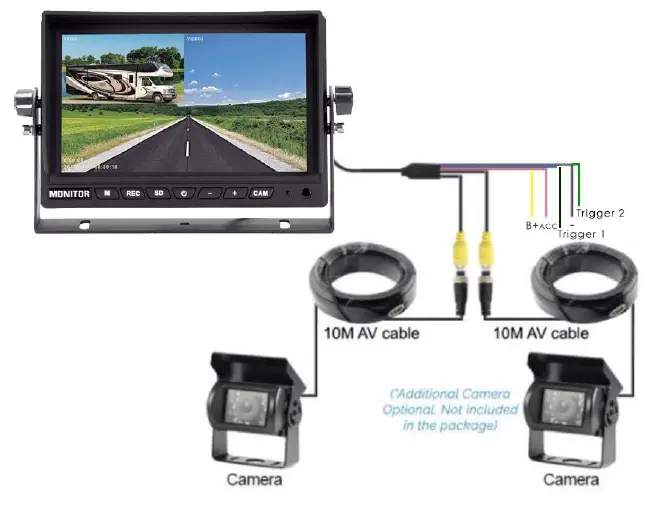
WIRING