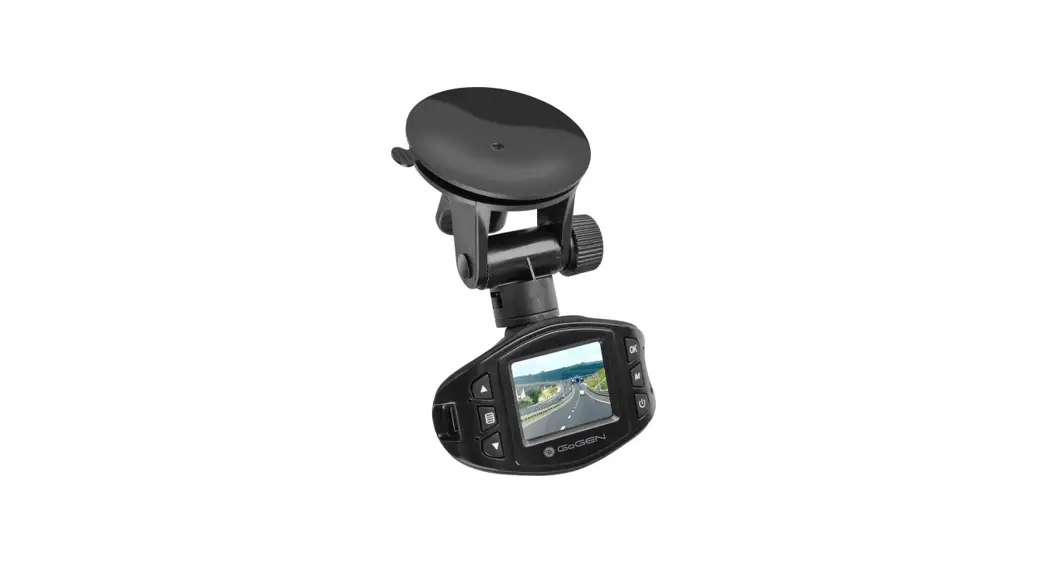
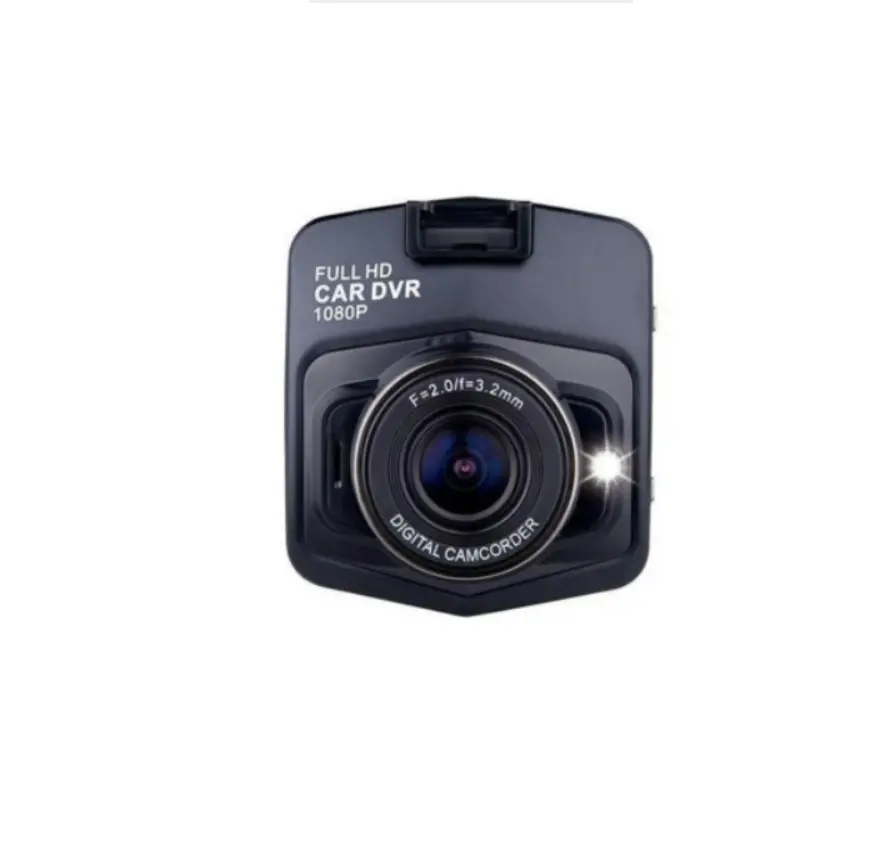
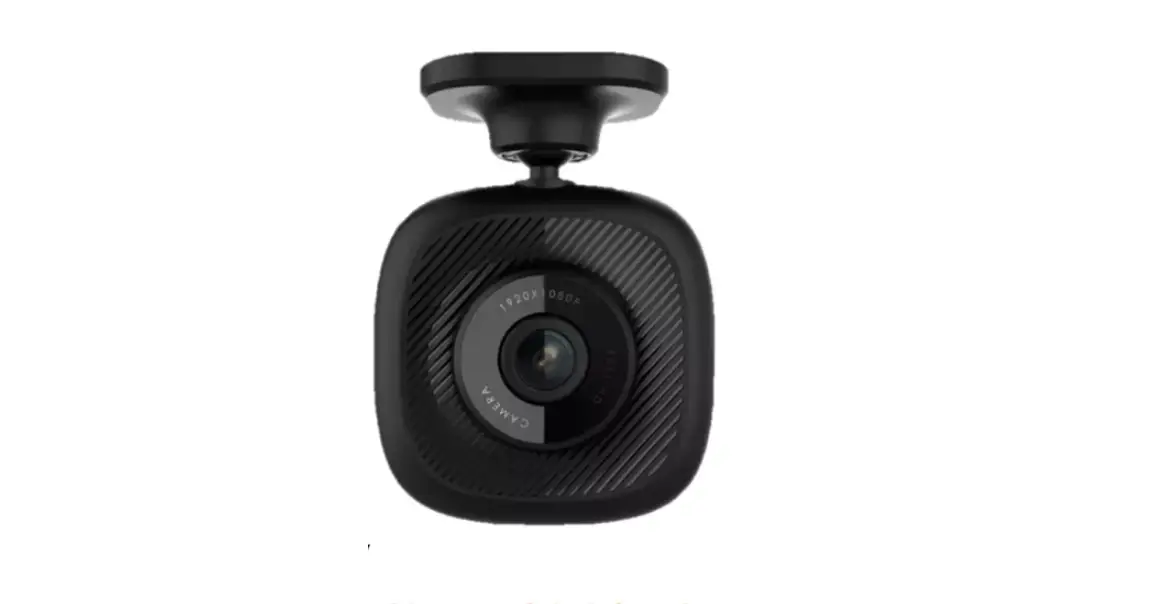
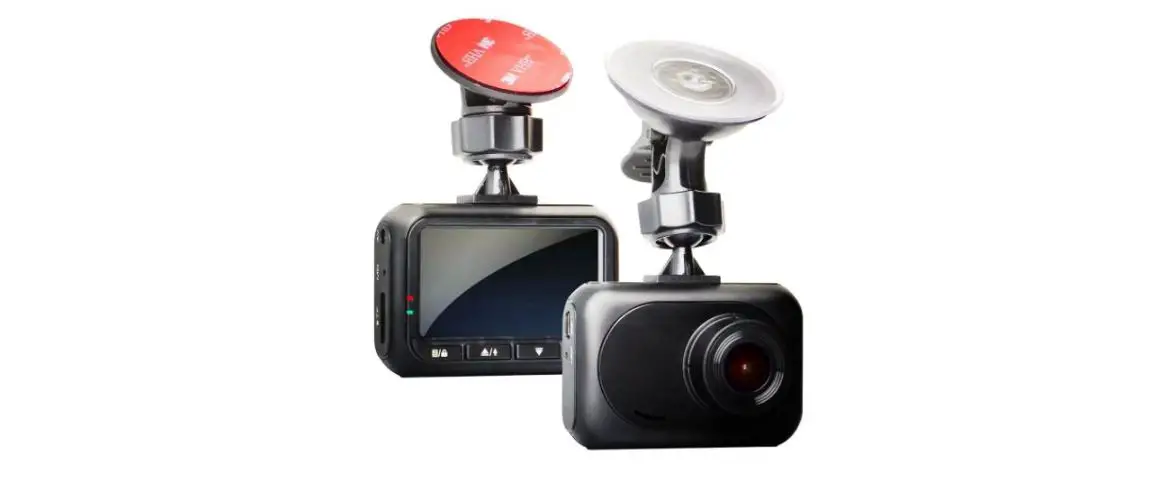
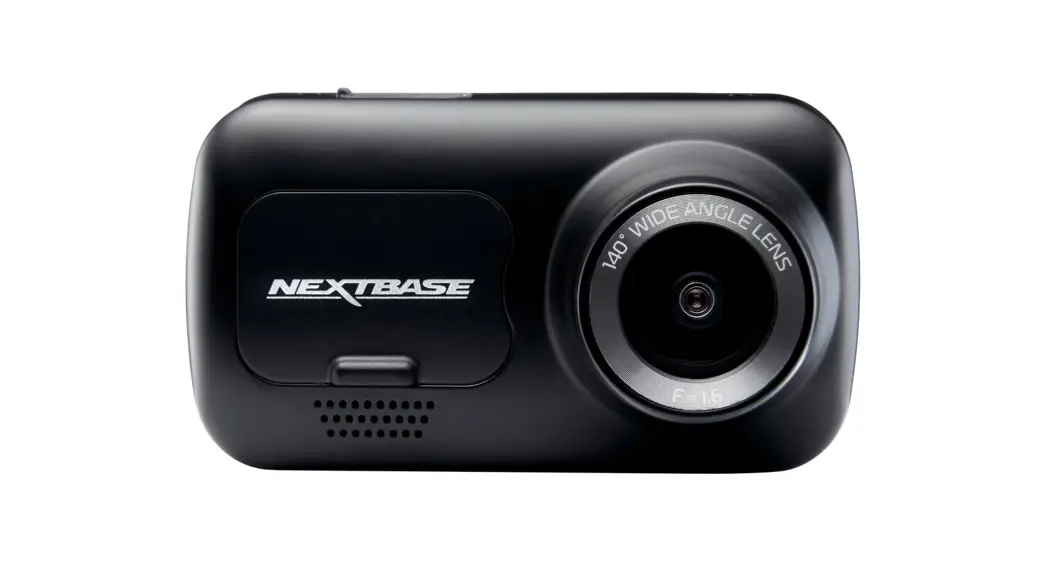
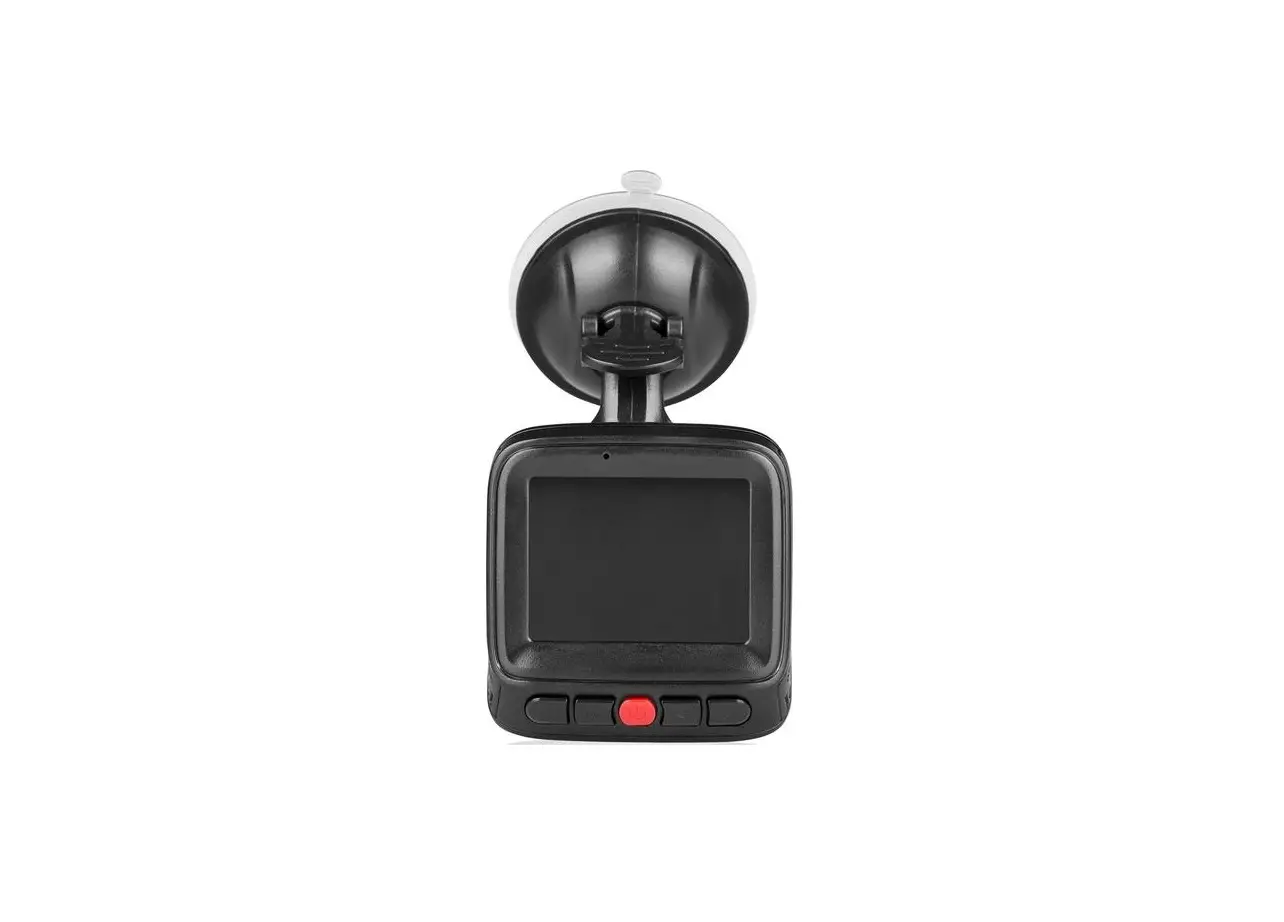
11232 Dash Cam DC 2 Car Camera
Product Information
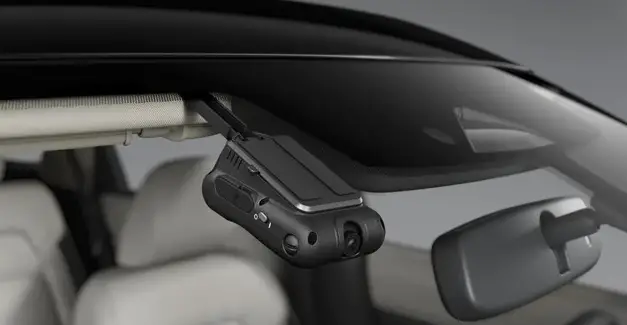
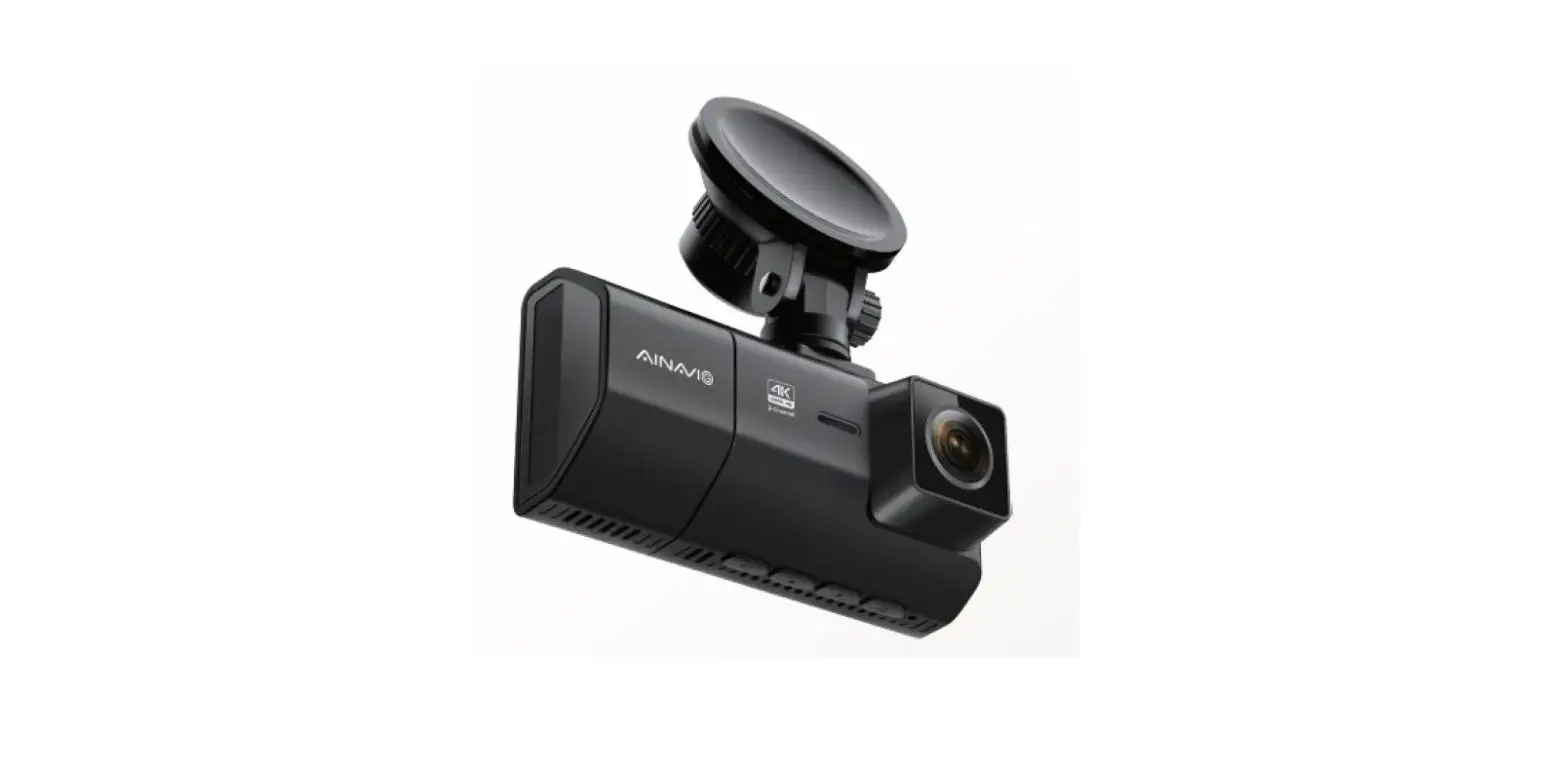
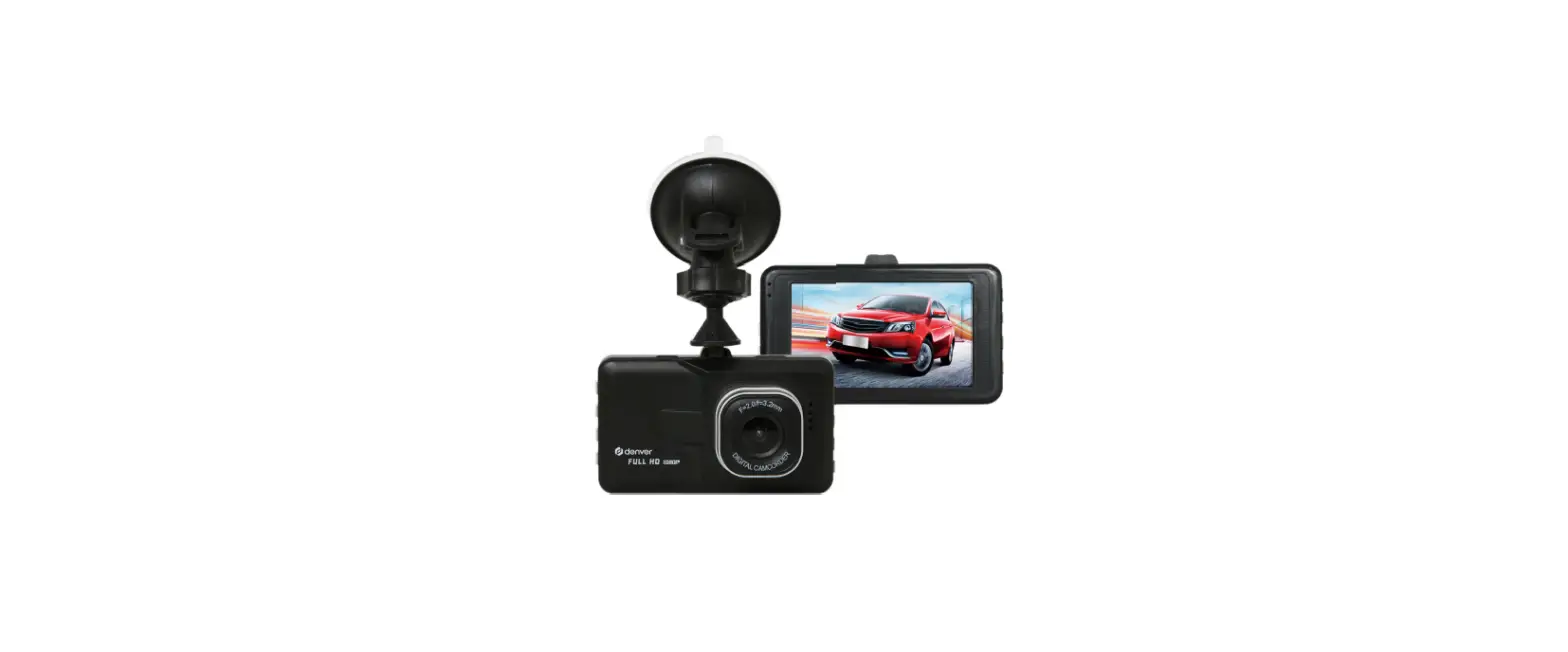
The Dashcam DC 2 is a camera designed for use in vehicles. It
has a 4.0-inch (10.16 cm) IPS WDR display and a multi-language user
interface. The camera records video in MOV (h.264) format and
captures images in JPEG format. It has a 2 MP lens and supports
loop-cycle recording. The camera also has an integrated Advanced
Driver Assistance System (ADAS) and park mode. It features an
integrated microphone and speaker, as well as a built-in
acceleration sensor. The camera is powered by a Li-Ion polymer
battery or via the car’s cigarette lighter (12 V DC). It supports
TF/micro-SD cards up to 128 GB (Class 10).
Product Usage Instructions
- Before using the Dashcam DC 2, read the instructions and follow
all recommendations. - To mount the camera, remove the license plate from its holder
and drill a hole in the cover area of the license plate with a 10mm
diameter drill bit. - Attach the front camera to the mounting plate using the screws
provided. - Connect the red wire of the camera cable to a 12V+ power supply
in the vehicle. - Connect the camera cable plug (20) to the camera’s front camera
port (1). - Insert a TF/micro-SD card (Class 10, max. 128 GB) into the
camera before first use and format it. - The camera will automatically start recording when motion is
detected within its field of view, if motion detection is
activated. - If the camera is not powered by the car’s cigarette lighter, it
will switch to standby mode and draw power from the built-in
battery when parked. If a collision is detected by the acceleration
sensor, the camera will start recording automatically.
11232
DE Bedienungsanleitung Dashcam DC 2
GB Instructions for use Dashcam DC 2
FR Mode d’emploi Dashcam DC 2
IT Manuale d’istruzioni Dashcam DC 2
CZ Návod k obsluze Palubní kamera DC 2
PL Instrukcja obslugi Kamera samochodowa DC 2
SK Návod na obsluhu Dashcam DC 2
Bedienungsanleitung
DE – Seite 3 Vor jeder Benutzung unbedingt lesen. Anleitung und Ratschläge befolgen.
GB – Page 25 Read these instructions before using the charger. Follow all instructions and recommendations.
FR – Page 43 Veuillez lire les présentes instructions avant toute utilisation de l’appareil et suivre les conseils mentionnés ici.
IT – Pagina 65 Leggere attentamente le istruzione i seguire tutti i consigli e gli avvisi prima di utilizzare il prodotto.
CZ – Strana 87 Ped pouzitim nabijecky si pectte tento navod. Dodrzujte vsechny pokyny a doporuceni.
PL – Strona 107 Przeczyta instrukcj przed kadym uyciem urzdzenia. Przestrzega instrukcji oraz porad.
SK – Strana 129 Pred pouzitim nabijacky si precitajte tento navod. Dodrzujte vsetky pokyny a odporucania.
DE
INhALT
Einleitung . . . . . . . . . . . . . . . . . . . . . . . . . . . . . . . . . . . . . . . . . . . . . . . . . . . . . . . . . . . . . . . . . . . . 4 Bestimmungsgemäßer Gebrauch. . . . . . . . . . . . . . . . . . . . . . . . . . . . . . . . . . . . . . . . . . . . .5 Lieferumfang . . . . . . . . . . . . . . . . . . . . . . . . . . . . . . . . . . . . . . . . . . . . . . . . . . . . . . . . . . . . . . .5 Technische Daten . . . . . . . . . . . . . . . . . . . . . . . . . . . . . . . . . . . . . . . . . . . . . . . . . . . . . . . . . . .5
Sicherheit . . . . . . . . . . . . . . . . . . . . . . . . . . . . . . . . . . . . . . . . . . . . . . . . . . . . . . . . . . . . . . . . . . . . .6 Produktbeschreibung . . . . . . . . . . . . . . . . . . . . . . . . . . . . . . . . . . . . . . . . . . . . . . . . . . . . . . . . . 12 Funktionen . . . . . . . . . . . . . . . . . . . . . . . . . . . . . . . . . . . . . . . . . . . . . . . . . . . . . . . . . . . . . . . . . . . 13 Montage. . . . . . . . . . . . . . . . . . . . . . . . . . . . . . . . . . . . . . . . . . . . . . . . . . . . . . . . . . . . . . . . . . . . . .14
Speicherkarte einsetzen . . . . . . . . . . . . . . . . . . . . . . . . . . . . . . . . . . . . . . . . . . . . . . . . . . . .14 heckkamera montieren. . . . . . . . . . . . . . . . . . . . . . . . . . . . . . . . . . . . . . . . . . . . . . . . . . . . .14 Frontkamera montieren . . . . . . . . . . . . . . . . . . . . . . . . . . . . . . . . . . . . . . . . . . . . . . . . . . . . 15 Bedienung. . . . . . . . . . . . . . . . . . . . . . . . . . . . . . . . . . . . . . . . . . . . . . . . . . . . . . . . . . . . . . . . . . . .16 hinweise zur Verwendung . . . . . . . . . . . . . . . . . . . . . . . . . . . . . . . . . . . . . . . . . . . . . . . . . .16 Kamera ein- und ausschalten . . . . . . . . . . . . . . . . . . . . . . . . . . . . . . . . . . . . . . . . . . . . . . .16 Speicherkarte formatieren . . . . . . . . . . . . . . . . . . . . . . . . . . . . . . . . . . . . . . . . . . . . . . . . . .16 Video aufnehmen (Video-Modus) . . . . . . . . . . . . . . . . . . . . . . . . . . . . . . . . . . . . . . . . . . .16 Foto aufnehmen (Foto-Modus) . . . . . . . . . . . . . . . . . . . . . . . . . . . . . . . . . . . . . . . . . . . . . 17 Aufnahmen ansehen (Wiedergabemodus) . . . . . . . . . . . . . . . . . . . . . . . . . . . . . . . . . . . 17 Aufnahmen schützen/Schutz aufheben. . . . . . . . . . . . . . . . . . . . . . . . . . . . . . . . . . . . . . 17 Aufnahmen löschen . . . . . . . . . . . . . . . . . . . . . . . . . . . . . . . . . . . . . . . . . . . . . . . . . . . . . . . . 17 Kameradarstellung ändern . . . . . . . . . . . . . . . . . . . . . . . . . . . . . . . . . . . . . . . . . . . . . . . . .18 Einstellungen . . . . . . . . . . . . . . . . . . . . . . . . . . . . . . . . . . . . . . . . . . . . . . . . . . . . . . . . . . . . . . . . .18 Spurhalteassistent kalibrieren . . . . . . . . . . . . . . . . . . . . . . . . . . . . . . . . . . . . . . . . . . . . . 20 Fehlersuche . . . . . . . . . . . . . . . . . . . . . . . . . . . . . . . . . . . . . . . . . . . . . . . . . . . . . . . . . . . . . . . . . . 21 Reinigung, Pflege und Wartung . . . . . . . . . . . . . . . . . . . . . . . . . . . . . . . . . . . . . . . . . . . . . . . .22 Sicherung wechseln . . . . . . . . . . . . . . . . . . . . . . . . . . . . . . . . . . . . . . . . . . . . . . . . . . . . . . . .22 Service . . . . . . . . . . . . . . . . . . . . . . . . . . . . . . . . . . . . . . . . . . . . . . . . . . . . . . . . . . . . . . . . . . . .22 Entsorgung. . . . . . . . . . . . . . . . . . . . . . . . . . . . . . . . . . . . . . . . . . . . . . . . . . . . . . . . . . . . . . . .22
4 www.aeg-automotive.com
EINLEITuNG
Erklärung der Symbole und Signalworte, die in dieser Bedienungsanleitung und/oder am Gerät verwendet werden:
Bedienungsanleitung lesen!
Lebens- und unfallgefahr für Kinder!
Achtung – Gefahr! Sicherheitsund Warnhinweise beachten!
Produkt nur an witterungsgeschützten Standorten verwenden!
Entsorgen Sie Gerät und Verpackung umweltfreundlich!
Das Gerät ist konform gemäß der Eu-Richtlinien
hinweis: Für die Dashcam wird in dieser Bedienungsanleitung auch der Begriff Gerät verwendet.
Deutsch 5
Bestimmungsgemäßer Gebrauch
Die DashCam dient zum Aufzeichnen von Geschehnissen (z.B. Straßenverkehr) aus der Fahrersicht. Je nach eingestelltem Modus können Filmsequenzen oder Fotos aufgenommen werden. Die Stromversorgung erfolgt über ein uSB-Anschlusskabel.
hinweis: Die Privatsphäre Anderer ist gesetzlich geschützt. Das Aufzeichnen Dritter kann eine strafbare handlung sein. Sie sind für Ihr handeln verantwortlich. Bitte informieren Sie sich hinsichtlich der gesetzlichen Bestimmungen. Für den Einsatz des Geräts im Straßenverkehr können entsprechend der örtlich geltenden Bestimmungen des jeweiligen Landes besondere Regelungen gelten.
Dieses Gerät ist nicht dafür bestimmt von Kindern oder Personen mit verringerten physischen, sensorischen oder mentalen Fähigkeiten oder Mangel an Erfahrung und Wissen benutzt zu werden, da sie die daraus resultierenden Gefahren nicht verstehen.
Das Gerät ist nicht für den gewerblichen Einsatz bestimmt.
Jede andere Verwendung oder Veränderung des Geräts gilt als nicht bestimmungsgemäß und birgt erhebliche Gefahren. Für Schäden, die aus bestimmungswidriger Verwendung entstanden sind, übernimmt der hersteller keine haftung.
Lieferumfang
Kontrollieren Sie unmittelbar nach dem Auspacken den Lieferumfang. Prüfen Sie das Gerät sowie alle Teile auf Beschädigungen. Nehmen Sie ein defektes Gerät oder Teile nicht in Betrieb.
· Frontkamera · heckkamera mit Anschlusskabel · Saugnapf-halterung · uSB-Anschlusskabel mit 12 V Kfz-
Stecker
· Bedienungsanleitung
Geben Sie alle unterlagen auch an andere Benutzer weiter!
Die Bedienungsanleitung ist auch unter der folgenden Internetadresse verfügbar: http://iuqr.de/11232
Technische Daten
Modell
Dashcam DC 2
Artikel-Nr.
11232
Bildschirm
4,0 Zoll (10,16 cm) IPS WDR Display
Objektiv
140° A+ hochauflösendes Super-WeitwinkelObjektiv
Sprache
mehrsprachig
Videoformat
MOV (h.264)
Videoauflösung bis zu 1296P
6 www.aeg-automotive.com
Aufnahmemodus
Loop-ZyklusAufnahme
Aufnahmelänge einstellbar
Bildformat
JPEG
Bildauflösung
2 MP
Speicher
TF/Micro-SD Class 10 max. 128 GB
Advanced Driver integriert Assistance Systems
(ADAS)
Parkmodus
integriert
Mikrofon
integriert
Lautsprecher
integriert
Sensor
Beschleunigungssensor
Stromversorgung Kfz-Stecker: 12 V DC uSB: 5 V DC
Akku
Li-Ionen Polymer
3,7 V, 200 mA,
0,74 Wh
Abmessungen (h x B x T)
116 x 63,5 x 31 mm
Gewicht
120,4 g
Sicherung
F3A250V
SIChERhEIT
Allgemeine Sicherheitshinweise Lesen Sie alle Sicherheitshinweise und Anweisungen. Versäumnisse bei der Einhaltung der Sicherheitshinweise und Anweisungen können elektrischen Schlag, Brand und/oder schwere Verletzungen verursachen. Bewahren Sie alle Sicherheitshinweise und Anweisungen für die Zukunft auf.
Geben Sie alle unterlagen auch an andere Benutzer oder nachfolgende Besitzer des Gerätes weiter!
Der hersteller ist nicht verantwortlich für Schäden verursacht durch: · unsachgemäßen Anschluss
und/oder Betrieb.
Deutsch 7
· Äußere Krafteinwirkung, Beschädigungen des Geräts und/oder Beschädigungen von Teilen des Geräts durch mechanische Einwirkungen oder Überlastung.
· Jede Art von Veränderungen des Geräts.
· Verwendung des Geräts zu Zwecken, die nicht in dieser Bedienungsanleitung beschrieben wurden.
· Folgeschäden durch nicht bestimmungsgemäße und/ oder unsachgemäße Verwendung.
· Folgeschäden durch Feuchtigkeit und/oder unzureichende Belüftung.
· Unberechtigtes Öffnen des Geräts.
Das führt zum Wegfall der Gewährleistung.
Warnung!
Lebens- und unfallgefahr für Kinder. Erstickungs- und Strangulationsgefahr! halten Sie das Produkt aus der Reichweite von Kindern fern. Kinder können die Gefahren, die durch das Produkt entstehen, nicht erkennen! Lassen Sie Kinder nicht mit den Bau- und Befestigungsteilen spielen, sie könnten verschluckt werden und zum Erstickungstod führen.
Lebensgefahr!
Beschädigte Leitungen können einen tödlichen elektrischen Schlag auslösen. Beschädigte Kabel nicht mehr verwenden.
8 www.aeg-automotive.com
Explosions- und Brandgefahr!
· Stellen Sie sicher, dass die Bordspannung mit der auf dem Gerät angegebenen Eingangsspannung übereinstimmt, um Brandgefahr und Geräteschäden zu vermeiden.
· Setzen Sie das Gerät nicht direkter Sonneneinstrahlung aus.
· Das Gerät erwärmt sich beim Betrieb. Platzieren Sie das Gerät immer an einem sicheren, gut belüfteten Standplatz.
· Decken Sie das Gerät während des Betriebes nicht ab, da es dann durch starke Erwärmung beschädigt werden kann.
· Stellen Sie die Verwendung des Geräts sofort ein, wenn Rauch sichtbar wird oder ein ungewöhnlicher Geruch wahrzunehmen ist.
· In das Gerät ist ein Akku integriert, werfen Sie daher weder das Gerät noch den Akku ins Feuer und setzen sie das Gerät/den Akku keiner extremen hitze aus. Der Akku kann sonst platzen oder explodieren.
Stromschlaggefahr!
· Setzen Sie den Monitor nicht Regen oder nassen Bedingungen aus. Vermeiden Sie es, Wasser oder andere Flüssigkeiten darüber zu verschütten oder zu tropfen. Dringt Wasser in elektrische Geräte ein, erhöht sich das Risiko eines Stromschlags.
· Stellen Sie sicher, dass alle Stecker und Kabel frei von Feuchtigkeit sind. Schließen Sie das Gerät niemals mit feuchten händen an das Bordnetz an.
· Der Stecker darf in keiner Weise verändert werden.
Deutsch 9
· Verwenden Sie kein beschädigtes Gerät. Beschädigungen erhöhen das Risiko eines Stromschlags.
· Versuchen Sie nicht das Gerät auseinander zu bauen oder es zu reparieren. Lassen Sie ein defektes Gerät umgehend von einer Fachwerkstatt reparieren oder ersetzen.
· Verwenden Sie das Kabel niemals, um das Gerät zu tragen oder zu ziehen.
· Betreiben Sie das Gerät niemals, wenn es heruntergefallen ist oder anderweitig beschädigt wurde. Bringen Sie es zur Inspektion und Reparatur zu einem qualifizierten Elektriker.
· Verwenden Sie keine anderen Kabel oder Zubehörteile. Verlängern Sie nicht die Kabel.
· Trennen Sie das Gerät immer durch Ziehen am Stecker von der Stromquelle, wenn Sie es nicht verwenden. Ziehen Sie zum Trennen niemals am Verbindungskabel!
Verletzungsgefahr!
· Sichern Sie das Fahrzeug vor der Montage sowie auch bei jedem Funktionstest des Geräts, so dass es nicht wegrollen kann. Immer die handbremse ziehen und einen Gang einlegen! Bei einem Automatikgetriebe muss die “Park-Position” eingestellt und die handbremse angezogen sein!
· Während der Montage des Geräts darf das Fahrzeug nicht betrieben oder gestartet werden!
10 www.aeg-automotive.com
· halten Sie die Sicherheitsvorschriften ein, wenn das Fahrzeug aufgebockt ist oder sich auf einer hebebühne oder ähnlichem befindet!
· Beachten Sie die Sicherheitshinweise und das handbuch des Fahrzeugherstellers!
· Führen Sie die Montage des Geräts nur in einer sicheren umgebung durch! halten Sie Kleidung, haare, Gliedmaßen und das Gerät fern von beweglichen und heißen Motor- und Fahrzeugteilen!
· Beim Einbau des Geräts stets darauf achten, dass die Sicherheit und Funktionsfähigkeit anderer Systeme und Geräte im Fahrzeug nicht beeinträchtigt wird! Bitte beachten Sie hierbei die hinweise im handbuch des Fahrzeugherstellers.
· Bei Betriebsstörungen und Beschädigungen des Geräts während des Betriebs muss das Gerät sofort von der 12 V Stromversorgung des Fahrzeugs getrennt werden!
· Stellen Sie sicher, dass die Zündung und alle Verbraucher im Fahrzeug ausgeschaltet sind, bevor Sie mit der Montage des Geräts beginnen!
Beschädigungsgefahr!
· Bei unsachgemäßem Einbau des Geräts könnten elektronische Bauteile des Fahrzeugs beschädigt werden.
Unfallgefahr!
· Das Verwenden eines mobilen Gerätes kann beim Führen eines Fahrzeugs vom Verkehrsgeschehen ablenken. Konzentrieren
Deutsch 11
Sie sich auf das Fahren des Fahrzeugs und die Verkehrssituation. · Verlassen Sie sich nicht ausschließlich auf die Assistenzsysteme des Geräts. Die Assistenzsysteme nehmen keinen Einfluss auf Ihr Fahrzeug, verhindern keine Kollision und verringern keine Schäden oder Verletzungen. · Die Verwendung der Assistenzsysteme befreit Sie nicht von Ihrer Sorgfaltspflicht, aufmerksam auf andere Verkehrsteilnehmer zu achten! · unsachgemäße Fahrweise und/oder mangelnde Aufmerksamkeit beim Führen eines Fahrzeugs können zu unfällen mit Todesfolge oder schweren Verletzungen führen. · Durch das Auslösen eines Airbags, können in der Nähe eines Airbags
befestigte Einrichtungen mit hoher Geschwindigkeit weggeschleudert werden und zu schweren Verletzungen führen. Befestigen Sie daher mobile Geräte niemals in der Nähe eines Airbags.
Spezielle Hinweise
· Nach der Reinigung eines Fahrzeugs in einer Autowaschanlage ist es möglich, dass aufgrund mechanischer Einwirkungen der Erfassungsbereich der Kamera verändert wurde. Bitte prüfen Sie dies und nehmen gegebenenfalls eine Neueinstellung der Kamera vor.
· Reinigen Sie die Abdeckung der Linse der Kamera beim Entfernen von Verschmutzungen oder Eis und Schnee so vorsichtig, dass diese nicht zerkratzt wird.
12 www.aeg-automotive.com
PRODuKTBESChREIBuNG
12 3 4
5
6 78
18 17 16
9 10 11 12 13
15 14
19
20
21
22
25
1. Anschlussbuchse für heckkamera 2. uSB-Anschlussbuchse 3. LED-Licht 4. Aufnahme für Saugnapfhalterung 5. Linse 6. Lautsprecher 7. Display 8. Status-LED 9. MODE-Taste 10. uP-Taste 11. OK-Taste 12. DOWN-Taste 13. MENu-Taste 14. Mikrofon 15. TF/Micro-SD-Karten-Slot 16. heckkamera 17. LED-Licht 18. Anschluss für 12 V Zuleitung 19. Steckerverbindung Anschlusskabel
heckkamera 20. Anschlussstecker heckkamera 21. Gewinde mit Rändelschraube 22. Feststellmutter 23. Saugfuß 24. Verriegelungshebel 25. uSB-Anschlusskabel mit Kfz-Stecker
23 24
FuNKTIONEN
Automatische Look-Zyklus-Aufnahme Aufnahmen erfolgen in Endlosschleife. Ist die Speicherkarte voll, werden die ältesten, nicht schreibgeschützten Aufnahmen überschrieben. So ist immer Speicherplatz vorhanden und es stehen ausreichend historische Aufnahmen zur Verfügung.
Beschleunigungssensor (G-Sensor) Der Beschleunigungssensor erkennt starke Beschleunigungen und Verzögerungen (z. B. bei einem unfall). Die Kamera schützt die aktive Aufnahme, so dass die Aufnahme später nicht überschrieben wird.
Nachtsicht halten Sie während der Aufnahme die MENu-Taste gedrückt, um das LEDLicht einzuschalten.
Bewegungserkennung Bei aktivierter Bewegungserkennung startet die Kamera automatisch die Aufnahme, wenn im Blickwinkel der Kamera eine Bewegung erkannt wird.
Parkmonitor Wenn die Kamera nicht mit Strom versorgt wird (z. B. beim Parken), bezieht die Kamera ihre Energie aus dem integrierten Akku und wechselt in den Standby-Betrieb. Erkennt der Beschleunigungssensor eine Kollision, startet die Kamera automatisch die Aufnahme.
Deutsch 13
Rückfahrkamera Durch umschalten des Kamerabilds am Display können Sie die Heckkamera als Rückfahrkamera verwenden, z. B. als Bild im Bild (siehe ,,Kameradarstellung ändern”).
Assistenzsysteme ADAS Die Kamera ist mit intelligenten Assistenzsystemen ADAS (engl. Advanced Driver Assistance Systems) ausgestattet. Die Systeme unterstützen den Fahrer und können dazu beitragen, Verkehrsunfälle durch unachtsamkeit zu verhindern.
Spurhalteassistent LDWS Der Spurhalteassistent LDWS (engl. Lane Departure Warning System) überwacht kontinuierlich die Fahrbahnbegrenzung und warnt den Fahrer, wenn das Fahrzeug die Fahrspur verlässt.
hinweis: Für die korrekte Funktionsweise muss das System vor der ersten Verwendung kalibriert werden (siehe ,,Spurhalteassistent kalibrieren”).
Abstandssassistent FCWS Der Abstandssassistent FCWS (engl. Front Collision Warning System) überwacht kontinuierlich den notwendigen Sicherheitsabstand zwischen Ihrem Fahrzeug und dem vorausfahrenden Fahrzeug. Wird der berechnete Sicherheitsabstand unterschritten, warnt das System den Fahrer.
14 www.aeg-automotive.com
MONTAGE
Speicherkarte einsetzen um Aufnahmen mit dem Gerät zu speichern benötigen Sie eine Speicherkarte. Setzen Sie eine TF/Micro-SD-Karte (nicht im Lieferumfang enthalten) in den TF/Micro-SD-Karten-Slot (15).
Wir empfehlen, die TF/Micro-SD-Karte vor der ersten Verwendung direkt in der Kamera zu formatieren (siehe ,,Speicherkarte formatieren”).
Heckkamera montieren Achtung! Aufgrund von verschiedenen technischen und konstruktionsbedingten Fahrzeugarten ist diese Installationsanleitung nicht für alle Fahrzeugtypen gültig und anwendbar.
1. Entnehmen Sie das Nummernschild aus der halterung.
2. Lösen Sie die Schrauben des Nummernschildhalters und nehmen Sie diesen ab.
3. Suchen Sie nun im Bereich des Nummernschildes nach einer Öffnung / Bohrung zum Fahrzeuginnenraum, damit der Stecker des Anschlusskabels der Kamera in das Fahrzeuginnere gelangen kann. Entfernen Sie zur besseren Einsicht und Montage die Innenverkleidung im Bereich des Nummernschildes. Sollte keine Öffnung am Fahrzeug vorhanden sein, bohren Sie ein Loch
mit einem 10 mm (Durchmesser) Bohrer im Abdeckungsbereich des Nummernschildes.
Achtung! Achten Sie darauf, dass sich an dieser Bohrstelle keine elektrischen Kabel oder sonstige Bauteile des Fahrzeugs befinden, welche durch die Bohrung beschädigt werden können!
4. um an der Bohrstelle das Fahrzeugblech vor Korrosion zu schützen, sollten Sie die Blechkanten der Bohrung mit einer geeigneten Lackschicht (z. B. Lackstift vom Fahrzeughersteller) versehen und diese ausreichend trocknen lassen.
Achtung! Die Positionierung der heckkamera darf die Funktion der Kennzeichenbeleuchtung nicht beeinträchtigen! Montieren Sie im Falle einer Beeinträchtigung der Kennzeichenbeleuchtung die heckkamera an einer anderen geeigneten Stelle.
5. Führen Sie den Stecker des Kamerakabels (19) in den Innenraum des Fahrzeugs bzw. Kofferraumdeckels.
6. Befestigen Sie die heckkamera mit geeignetem Befestigungsmaterial (nicht im Lieferumfang) am Fahrzeug.
Achten Sie darauf, dass der Kabelausgang auf der Rückseite der Kamera immer nach oben zeigt, damit der maximale Schwenkbereich erhalten bleibt.
Deutsch 15
Die Durchführung des Kamerakabels können Sie je nach Bedarf zusätzlich mit einer handelsüblichen Abdichtungsmasse von beiden Seiten gegen eindringendes Wasser abdichten.
7. Befestigen Sie die Montageplatte und den Nummernschildhalter am Fahrzeug.
8. Montieren Sie das Nummernschild.
Achtung! Vor dem Arbeiten am Fahrzeugstromkreis müssen Sie zuerst das Minuskabel von der Fahrzeugbatterie abklemmen! unter umständen können gespeicherte Daten, Codes und Programmierungen verloren gehen! um eventuell Schäden zu vermeiden, erkundigen Sie sich bitte zuvor bei Ihrem Fahrzeughersteller.
9. Verbinden Sie nun die rote Zuleitung des Kamerakabels mit einer 12 V + (Plus) Versorgung des Fahrzeugs.
Warnung!
Verlegen Sie die Kabel nicht im Entfaltungsbereich der Airbags.
10. Verlegen Sie das Kamerakabel (19) für die Verbindung mit der Frontkamera im Innenraum/hohlraum des Fahrzeugs. Achten Sie darauf, dass die Kabel nicht eingeklemmt oder verknotet sind.
11. Verbinden Sie den Stecker (20) des Kamerakabels mit der Anschlussbuchse (1) an der Frontkamera.
Die heckkamera ist in eine Richtung schwenkbar. Schwenken Sie die Kamera in die gewünschte Position.
Frontkamera montieren
Achtung! Achten Sie bei der Montage des Geräts darauf, dass Ihr Sichtfeld nicht eingeschränkt ist. Das Anschlusskabel darf Sie beim Fahren nicht beeinträchtigen und der Monitor muss sicher befestigt sein. Beachten Sie die geltenden Gesetze und Sicherheitsvorschriften für Kraftfahrzeuge!
1. Schrauben Sie das Gewinde (21) der Saugnapfhalterung in die Aufnahme (4) der Kamera. Drehen Sie die Rändelschraube zur Kamera, um die Verschraubung zu fixieren.
2. Reinigen Sie den Bereich der Windschutzscheibe, an der Sie den Saugfuß (23) befestigen möchten.
3. Drücken Sie den Saugfuß gegen die Windschutzscheibe und drücken Sie den Verriegelungshebel (24) in Richtung des Saugfußes.
4. Öffnen Sie die Feststellmutter (22) und stellen Sie den gewünschten Blickwinkel der Kamera ein. Anschließend die Feststellmutter wieder zudrehen, damit die Kamera fest fixiert ist.
5. Verbinden Sie das uSB-Anschlusskabel (25) mit der Anschlussbuchse (2).
16 www.aeg-automotive.com
6. Verlegen Sie das uSB-Anschlusskabel so, dass die Sicherheit des Fahrzeugs und der Fahrzeuginsassen nicht beeinträchtigt oder gefährdet ist.
7. Stecken Sie den Kfz-Stecker (25) in eine 12 V Kfz-Steckdose.
BEDIENuNG
Warnung! Bedienen Sie den Monitor nicht während der Fahrt, dies lenkt Sie vom Verkehrsgeschehen ab. Konzentrieren Sie sich auf das Fahren des Fahrzeugs und die Verkehrssituation.
Hinweise zur Verwendung
· Die 12 V Kfz-Steckdose am Fahrzeug
ist möglicherweise erst nach dem Einschalten der Zündung aktiv. Beachten Sie die Bedienungsanleitung Ihres Fahrzeugs. Kontaktieren Sie Ihre Fachwerkstatt, wenn Sie unsicher sind.
· Decken Sie das Gerät während der
Verwendung nicht ab und achten Sie auf eine gute Belüftung.
Kamera ein- und ausschalten
· Nach dem Starten des Motors schal-
tet sich die Kamera automatisch ein und der Video-Modus startet mit der Aufnahme.
· Wenn der Motor abgestellt wird,
speichert die Kamera die aktuelle Aufnahme und schaltet sich automatisch aus.
· Die Aufnahmen der Front- und heck-
kamera werden separat gespeichert.
1. um die Kamera manuell einzuschalten, drücken Sie kurz die OK-Taste.
2. halten Sie die OK-Taste gedrückt, um die Kamera auszuschalten.
hinweis: Ohne Stromversorgung schaltet sich die Kamera bei niedrigem Ladezustand des Akkus automatisch aus.
Speicherkarte formatieren
1. Drücken Sie die MENu-Taste. 2. Wählen Sie mit der uP/DOWN-Taste
die Einstellung ,,SD-Karte form.” aus. 3. Bestätigen Sie mit der OK-Taste. 4. Wählen Sie mit der uP/DOWN-Taste
,,Ja” aus. 5. Bestätigen Sie mit der OK-Taste. 6. Die Speicherkarte wird formatiert.
Warten Sie, bis der Vorgang abgeschlossen ist.
Video aufnehmen (Video-Modus) Nach dem Einschalten wechselt die Kamera automatisch in den Video-Modus und startet die Aufnahme.
1. um manuell eine Aufnahme zu starten, drücken Sie kurz die OK-Taste. Das rote Kamera-Symbol wird angezeigt und die blaue LED blinkt.
2. um die Aufnahme zu stoppen, drücken Sie die OK-Taste erneut.
Deutsch 17
Foto aufnehmen (Foto-Modus)
um ein Foto auszunehmen, drücken Sie kurz die DOWN-Taste.
Das Foto wird automatisch gespeichert und kann später im Wiedergabe-Modus angesehen werden.
Aufnahmen ansehen (Wiedergabemodus)
1. Wählen Sie mit der MODE-Taste den Wiedergabe-Modus aus (falls erforderlich).
2. Wählen Sie mit der uP/DOWN-Taste die gewünschte Kategorie aus:
· normale Aufnahmen · geschützte Aufnahmen · Parkmodus-Aufnahmen · Fotos
hinweis: Aufnahmen der Front- und heckkamera werden in eigenen Kategorien gespeichert.
3. Bestätigen Sie die Auswahl mit der OK-Taste.
4. Wählen Sie mit der uP/DOWN-Taste die gewünschte Aufnahme aus.
5. Drücken Sie die OK-Taste. Das Video wird abgespielt oder das Foto angezeigt.
6. um die Wiedergabe des Videos zu stoppen oder die Anzeige des Fotos zu schließen, drücken Sie die OKTaste erneut.
7. Drücken Sie die MODE-Taste, um zur Kategorieauswahl zurückzukehren.
8. Drücken Sie die MODE-Taste erneut, um zum Startbildschirm zurückzukehren.
Aufnahmen schützen/Schutz aufheben
1. Wählen Sie mit der MODE-Taste den Wiedergabe-Modus aus (falls erforderlich).
2. Wählen Sie die gewünschte Aufnahme aus. Wenn Sie alle Aufnahmen schützen oder entsperren möchte, wählen Sie eine beliebige Aufnahme aus.
3. Drücken Sie die MENu-Taste. 4. Wählen Sie ,,Schützen” aus. 5. Bestätigen Sie mit der OK-Taste. 6. Möglichkeit 1:
Wählen Sie ,,Eine schützen” oder ,,Schutz aufheben 1″ aus. 7. Möglichkeit 2: Wählen Sie ,,Alles schützen” oder ,,Schutz aufheben alle” aus. 8. Bestätigen Sie mit der OK-Taste.
Aufnahmen löschen
1. Wählen Sie mit der MODE-Taste den Wiedergabe-Modus aus (falls erforderlich).
2. Wählen Sie die gewünschte Aufnahme aus. Wenn Sie alle Aufnahmen löschen möchte, wählen Sie eine beliebige Aufnahme aus.
3. Drücken Sie die MENu-Taste. 4. Wählen Sie ,,Löschen” aus.
18 www.aeg-automotive.com
5. Bestätigen Sie mit der OK-Taste. 6. Möglichkeit 1:
Wählen Sie ,,Eine löschen” aus. 7. Möglichkeit 2:
Wählen Sie ,,Alles löschen” aus. 8. Bestätigen Sie mit der OK-Taste.
Kameradarstellung ändern Drücke Sie die uP-Taste, um die Darstellung der Kamerabilder auszuwählen:
· nur Frontkamera · nur heckkamera · Frontkamera groß, heckkamera PiP* · heckkamera groß, Frontkamera PiP*
*PiP = engl. Picture in Picture, Bild im Bild-Darstellung
EINSTELLuNGEN
1. Drücken Sie die MENu-Taste. 2. Wählen Sie mit der uP/DOWN-Taste
eine Einstellung. 3. Drücken Sie die OK-Taste, um eine
Auswahl zu bestätigen oder das entsprechende Untermenü zu öffnen. 4. Drücken Sie die MENu-Taste, um zurückzukehren oder den Menümodus zu beenden.
Einstellung Film-Endzeit
Filmclip-Zeit Filmmodus Tonaufnahme Sprache Signal
Beschreibung / Werte
Aufnahmedauer beim Ausschalten der Kamera oder nach dem Trennen der Stromversorgung. 0 Minuten, 5 Sekunden, 10 Sekunden, 30 Sekunden
Länge der Videoaufnahmen einstellen. Aus, 1 Minuten, 3 Minuten, 5 Minuten
Videoauflösung einstellen. 2304×1296 30fps, 1080P, 720P
Tonaufnahme während der Videoaufzeichnung. Ein, Aus
English, Deutsch, Italiano, Polski, Slovencina, Français, Cestina, Nederlands
Signal- und Tastentöne. Ein, Aus
Deutsch 19
Einstellung Lautstärke LCD-Energiesparen
Flimmern
LED-Licht
Schutzstufe
Parkplatz-Monitor
Motion Detection
Einrichtung zurücksetzen SD-Karte format. uhreinstellung LDWS
FCWS
LDWS Kalibrierung Belichtung
FW-Version
Beschreibung / Werte
1 – 10
Automatisches Abschalten des Displays zum Stromsparen. Aus, 30 Sekunden, 1 Minute, 3 Minuten
Einstellung der Bildwiederholfrequenz. 50 hz, 60 hz
LED-Licht (3) aktivieren oder deaktivieren. Ein, Aus
Einstellung der Empfindlichkeit des Beschleunigungssensors. Aus, hoch, Mittel, Gering
Empfindlichkeit für Aufnahmen im Park-Modus einstellen. Aus, hoch, Mittel, Gering
Empfindlichkeit der Bewegungserkennung einstellen. Aus, hoch, Mittel, Gering
Zurücksetzen auf Werkseinstellungen.
Formatieren der SD-Karte.
Datum/uhrzeit einstellen.
Spurhalteassistent aktivieren oder deaktivieren. Ein, Aus
Abstandssassistent aktivieren oder deaktiveren. Ein, Aus
siehe ,,Spurhalteassistent kalibrieren”
Belichtungskorrektur einstellen. -2, -1.7, -1.3, -1, -0.7, -0.3, 0, 0.3, 0.7, 1, 1.3, 1.7, 2
Anzeige der Firmwareversion
20 www.aeg-automotive.com
Spurhalteassistent kalibrieren
Warnung!
Führen Sie die Kalibrierung nur in einer sicheren umgebung durch. Führen Sie die Kalibrierung niemals auf öffentlichen Straßen oder im laufenden Verkehr durch.
1. Drücken Sie die MENu-Taste, um das Menü ,,Einstellungen” aufzurufen.
2. Wählen Sie mit der uP/DOWN-Taste die Einstellung ,,LDWS Kalibrierung” aus und drücken Sie die OK-Taste.
3. um mit der Kalibrierung zu beginnen, drücken Sie die OK-Taste erneut. um die Kalibrierung abzubrechen, drücken Sie die MENu-Taste.
Die aktive Einstellung wird mit einer roten Linie dargestellt. Die aktuelle Kalibrierung wird mit einem grünen Dreieck dargestellt, das sich entsprechend der neuen Einstellung verändert.
4. Drücken Sie die uP/DOWN-Taste, um die aktive Einstellung vertikal oder horizontal zu verschieben.
5. Bestätigen Sie die gewünschte Position der roten Linie jeweils mit der OK-Taste.
Oberer Schnittpunkt:
· Richten Sie die vertikale Linie auf die
Mitte der Straße aus.
· Richten Sie die horizontale Linie auf
den horizont aus. Linker Schnittpunkt:
· Richten Sie die vertikale Linie auf den
linken Fahrbahnrand aus.
· Richten Sie die horizontale Linie auf
das Ende der Motorhaube aus. Rechter Schnittpunkt:
· Richten Sie die vertikale Linie auf den
rechten Fahrbahnrand aus.
· Richten Sie die horizontale Linie auf
das Ende der Motorhaube aus.
6. Bestätigen Sie die Kalibrierung mit der OK-Taste.
FEhLERSuChE
Deutsch 21
Problem
Mögliche Ursache
Abhilfe
Die Kamera lässt sich nicht einschalten.
Der Kfz-Stecker wurde nicht in den Zigarettenanzünder oder eine 12-V-Buchse des Fahrzeugs eingesteckt.
Stecken Sie den Kfz-Stecker in den Zigarettenanzünder oder eine 12 V Buchse des Fahrzeugs.
Die Sicherung im Kfz-Stecker ist durchgebrannt und muss ersetzt werden.
Ersetzen Sie die defekte Sicherung im Kfz-Stecker durch eine neue Sicherung (siehe ,,Sicherung wechseln”).
Die Kamera schaltet sich wiederholt aus.
Der Kfz-Stecker sitzt nicht korrekt im Zigarettenanzünder oder der 12-V-Buchse des Fahrzeugs.
Prüfen Sie den korrekten Sitz des Kfz-Steckers. Die LED am Kfz-Stecker muss leuchten.
Die Speicherkarte wird nicht Speicherkarte nicht forma-
erkannt.
tiert.
Formatieren Sie die Speicherkarte (siehe ,,Speicherkarte formatieren”).
Speicherkarte defekt.
Speicherkarte prüfen und ggf. ersetzen.
Nach dem Einschalten startet die Kamera keine Aufnahme.
Speicherkarte voll (zu viele geschützte Aufnahmen).
Prüfen Sie die Speicherkarte und löschen Sie ggf. nicht benötigte Aufnahmen..
Kein Ton in der Videoaufnahme.
Tonaufnahme ist ausgeschaltet.
Tonaufnahme aktivieren (siehe ,,Einstellungen”).
22 www.aeg-automotive.com
REINIGuNG, PFLEGE uND WARTuNG
Ihr Gerät kann mit minimalem Pflegeaufwand über Jahre funktionsfähig gehalten werden.
· Rollen Sie die Kabel ordentlich auf,
wenn Sie das Gerät lagern. Das hilft, versehentliche Beschädigungen der Kabel und des Geräts zu vermeiden.
· Reinigen Sie das Gerät mit einem
weichen Tuch.
· Lagern Sie das Gerät an einem sau-
beren und trockenen Ort.
Sicherung wechseln
Das Gerät ist mit einer Sicherung in dem Kfz-Stecker abgesichert. Diese spricht bei Kurzschluss oder Spannungsspitzen an und muss dann ausgewechselt werden.
Achtung! Bauen Sie keine stärkere Sicherung ein. Die Elektronik kann sonst beschädigt werden.
23
4
1
1. Schrauben Sie den haltering (1) mit der Sicherungsabdeckung (2) von dem Kfz-Stecker (4) ab.
2. Setzen Sie eine neue Feinsicherung (3) mit gleicher Größe (siehe Technische Daten) ein.
3. Schrauben Sie den haltering (1) mit der Sicherungsabdeckung (2) wieder auf den Kfz-Stecker (4) auf.
Service
Sollten Sie trotz Studiums dieser Bedienungsanleitung noch Fragen zur Inbetriebnahme oder Bedienung haben, oder sollte wider Erwarten ein Problem auftreten, setzen Sie sich bitte mit Ihrem Fachhändler in Verbindung.
Entsorgung
Die Verpackung besteht aus umweltfreundlichen Materialien, die Sie über die örtlichen Recyclingstellen entsorgen können.
Werfen Sie Elektrogeräte nicht in den hausmüll! Gemäß Europäischer Richtlinie 2012/19/ Eu über Elektro- und ElektronikAltgeräte und umsetzung in nationales Recht müssen verbrauchte Elektrogeräte getrennt gesammelt und einer umweltgerechten Wiederverwertung zugeführt werden. Über Entsorgungsmöglichkeiten für Elektronik-Altgeräte informieren Sie sich bei Ihrer Gemeinde- oder Stadtverwaltung.
Gebrauchte Akkus gehören nicht in den hausmüll. Entladen Sie einen gebrauchten Akku und geben Sie den Akku bei einer öffentlichen Entsorgungs- oder Sammelstelle ab. Entsorgen Sie einen beschädigten oder defekten Akku fachgerecht entsprechend der örtlich geltenden Bestimmungen.
Abbildungen können geringfügig vom Produkt abweichen. Änderungen, die dem technischen Fortschritt dienen, vorbehalten. Dekoration nicht enthalten.
Deutsch 23
24 www.aeg-automotive.com
EN
TABLE OF CONTENTS
Introduction . . . . . . . . . . . . . . . . . . . . . . . . . . . . . . . . . . . . . . . . . . . . . . . . . . . . . . . . . . . . . . . . . 26 Normal use . . . . . . . . . . . . . . . . . . . . . . . . . . . . . . . . . . . . . . . . . . . . . . . . . . . . . . . . . . . . . . . .27 Contents . . . . . . . . . . . . . . . . . . . . . . . . . . . . . . . . . . . . . . . . . . . . . . . . . . . . . . . . . . . . . . . . . .27 Technical data . . . . . . . . . . . . . . . . . . . . . . . . . . . . . . . . . . . . . . . . . . . . . . . . . . . . . . . . . . . . .27
Safety . . . . . . . . . . . . . . . . . . . . . . . . . . . . . . . . . . . . . . . . . . . . . . . . . . . . . . . . . . . . . . . . . . . . . . . 28 Product Overview . . . . . . . . . . . . . . . . . . . . . . . . . . . . . . . . . . . . . . . . . . . . . . . . . . . . . . . . . . . . .33 Functions. . . . . . . . . . . . . . . . . . . . . . . . . . . . . . . . . . . . . . . . . . . . . . . . . . . . . . . . . . . . . . . . . . . . 34 Installation . . . . . . . . . . . . . . . . . . . . . . . . . . . . . . . . . . . . . . . . . . . . . . . . . . . . . . . . . . . . . . . . . . .35
Inserting the memory card. . . . . . . . . . . . . . . . . . . . . . . . . . . . . . . . . . . . . . . . . . . . . . . . . .35 Installing the rear facing camera . . . . . . . . . . . . . . . . . . . . . . . . . . . . . . . . . . . . . . . . . . . .35 Installing the front facing camera . . . . . . . . . . . . . . . . . . . . . . . . . . . . . . . . . . . . . . . . . . 36 Operation . . . . . . . . . . . . . . . . . . . . . . . . . . . . . . . . . . . . . . . . . . . . . . . . . . . . . . . . . . . . . . . . . . . 36 Information about use. . . . . . . . . . . . . . . . . . . . . . . . . . . . . . . . . . . . . . . . . . . . . . . . . . . . . 36 Switching the camera on and off . . . . . . . . . . . . . . . . . . . . . . . . . . . . . . . . . . . . . . . . . . . .37 Formatting the memory card . . . . . . . . . . . . . . . . . . . . . . . . . . . . . . . . . . . . . . . . . . . . . . .37 Recording video (video mode) . . . . . . . . . . . . . . . . . . . . . . . . . . . . . . . . . . . . . . . . . . . . . .37 Taking pictures (photo mode) . . . . . . . . . . . . . . . . . . . . . . . . . . . . . . . . . . . . . . . . . . . . . .37 Viewing recordings (playback mode) . . . . . . . . . . . . . . . . . . . . . . . . . . . . . . . . . . . . . . . .37 Protecting/unprotecting recordings . . . . . . . . . . . . . . . . . . . . . . . . . . . . . . . . . . . . . . . . 38 Deleting recordings . . . . . . . . . . . . . . . . . . . . . . . . . . . . . . . . . . . . . . . . . . . . . . . . . . . . . . . 38 Changing the camera view. . . . . . . . . . . . . . . . . . . . . . . . . . . . . . . . . . . . . . . . . . . . . . . . . 38 Settings . . . . . . . . . . . . . . . . . . . . . . . . . . . . . . . . . . . . . . . . . . . . . . . . . . . . . . . . . . . . . . . . . . . . . 38 Calibrating the lane departure warning system . . . . . . . . . . . . . . . . . . . . . . . . . . . . . 40 Troubleshooting . . . . . . . . . . . . . . . . . . . . . . . . . . . . . . . . . . . . . . . . . . . . . . . . . . . . . . . . . . . . . .41 Cleaning, Care and Maintenance . . . . . . . . . . . . . . . . . . . . . . . . . . . . . . . . . . . . . . . . . . . . . . 42 Changing the fuse . . . . . . . . . . . . . . . . . . . . . . . . . . . . . . . . . . . . . . . . . . . . . . . . . . . . . . . . 42 Service . . . . . . . . . . . . . . . . . . . . . . . . . . . . . . . . . . . . . . . . . . . . . . . . . . . . . . . . . . . . . . . . . . . 42 Disposal . . . . . . . . . . . . . . . . . . . . . . . . . . . . . . . . . . . . . . . . . . . . . . . . . . . . . . . . . . . . . . . . . . 42
26 www.aeg-automotive.com
INTRODuCTION
Explanation of symbols and signal words used in these operating instructions and/or the device:
Follow instructions when using the device.
Risk of injury or death for children!
Please note warnings and safety notices!
Only use the product in locations protected from weather!
Consider the environment when disposing of the packaging!
This device complies with Eu directives
Note: These instructions for use also refer to the dashcam as device.
English 27
Normal use
The DashCam is used to record events (e.g. traffic) from the driver’s perspective. Depending on the mode being used it will either record film sequences or take pictures. It is powered via uSB cable.
Note: The privacy of others is protected by law. Recording third parties can be a criminal offence. You are responsible for your actions. Please obtain information about the laws. Using the device in traffic may be subject to special local regulations in the respective country.
This device is not intended to be used by children or persons with reduced physical, sensory or mental capabilities or lack of experience and knowledge, as they do not understand the resulting dangers.
This device is not intended for commercial use.
Any other use or modification of the device is considered improper and involves significant risks. The manufacturer assumes no liability for damages due to improper use.
Contents Be sure to verify contents immediately upon opening the product. Check the product and all parts for damage. Do not use a defective product or parts.
· Front facing camera · Rear facing camera with connecting
cable
· Suction cup mount · uSB cable with 12 V car plug · Instructions For use
Please include all relevant documentation to other users!
The operating instructions are also available at the following Internet address: http://iuqr.de/11232
Technical data
Model
Dashcam DC 2
Item number
11232
Display
4.0 inch (10.16 cm) IPS WDR display
lens
140° A+
high-resolution
ultra-wide angle
lens
Language
multilingual
Video format
MOV (h.264)
Video resolution up to 1296P
record mode
loop cycle recording
28 www.aeg-automotive.com
recording length adjustable
Picture format
JPEG
picture resolution 2 MP
memory
TF/Micro-SD Class 10 max. 128 GB
advanced driver integrated assistance systems
(ADAS)
parked mode
integrated
Microphone
integrated
Speaker
integrated
Sensor
Acceleration sensor
Power supply
Car plug: 12 V DC uSB: 5 V DC
Rechargeable battery
Li-ion polymer 3.7 V, 200 mA, 0.74 Wh
Dimensions (h x w x d)
116 x 63.5 x 31 mm
Weight
120.4 g
Fuse
F3A250V
SAFETY
General Safety Guidelines Read all safety notes and instructions. Failure to observe the safety notes and instructions may result in electric shock, fire and/or serious injuries. Please keep all safety notes and instructions for future reference.
Include all documentation when passing this product on to other users or subsequent owners!
The manufacturer is not responsible for damages caused by: · Improper connection and/
or operation. · External forces, damage to
the device and/or damage to parts of the device due to mechanical impacts or overload. · Any type of modifications to the device.
English 29
· using the device for purposes not described in this operating manual.
· Subsequent damages from improper and/or incorrect use.
· Moisture and/or inadequate ventilation.
· unauthorised opening of the device.
This will void the warranty.
Warning!
Risk of bodily or fatal injury to children! Risk of suffocation or strangulation! Keep the machine out of the reach of children. Children are unable to assess the risks associated with use of this product! Do not allow children to play with the components or fasteners, as they could be swallowed and result in suffocation.
Danger!
Damaged leads may cause fatal electric shock. Discontinue use if leads are damaged.
Explosion and fire hazard!
· Verify the on-board voltage matches the input voltage specified on the device to prevent damage to the device.
· Never expose the device to direct sunlight.
· The equipment will heat up during use. Always place the backup camera system in a safe, well ventilated location.
· Do not cover the device during operation, as it may be damaged from extreme heating.
30 www.aeg-automotive.com
· Immediately stop using the device if you notice smoke or an unusual odour.
· The device has a builtin rechargeable battery, therefore do not throw the device or the rechargeable battery into fire and do not expose the device/rechargeable battery to extreme heat. The rechargeable battery may otherwise burst or explode.
Risk of electric shock!
· Do not expose the monitor to rain or wet conditions. Avoid spilling or dripping water or other liquids on it. Water entering electrical devices will increase the risk of electric shock.
· Do not allow the device to come into contact with water or other liquids. Water entering the electric device increases the risk of
electric shock. If the device
comes into contact with water, immediately unplug
the car plug. Discontinue
use of the device and consult a speciality shop. · Do not modify the plug in any way. · Always unplug the cable from the 12 V car outlet by the plug. The cable may
otherwise be damaged. · Do not use device if
damaged. Damage to the
device or the charging
cable increases the risk of
electrical shock. · Never use the cable to
carry or pull the device. · Never operate the device
if it has been dropped or damaged in any other way. For inspection and repair, take it to a qualified
electrician. · Do not use other cables or
accessories. Do not extend
the cables.
English 31
· Always unplug the device from the power source to disconnect it when not in use. Never pull on the connecting cable!
Risk of injury!
· Before installing the backup camera system and before each functionality test of the backup camera system, secure the vehicle to prevent it from rolling away. Attention risk of injury and property damage! Always engage the hand brake and shift into gear! Automatic transmissions must be put into Park and the hand brake engaged!
· Do not run or start the vehicle while installing the backup camera system!
· Always follow safety instructions if the vehicle is on jacks or a car lift or the like!
· Follow the automaker`s safety instructions and
manual! · Only install the backup
camera system in a safe
environment! Keep clo-
thing, hair, limbs and the backup camera system away from moving and hot
engine- and car parts! · When installing the device,
always be sure the safety and functionality of other systems and devices
inside the vehicle will not be affected! Please note
the information inside the
automaker’s manual. · If operation system mal-
functions and damage to the backup camera system
occurs during operation, immediately disconnect
the equipment from the 12 V vehicle power supply!
32 www.aeg-automotive.com
· Be sure the ignition and all vehicle loads are powered off before starting with installation of the backup camera system!
Risk of damage!
· Improper installation of the backup camera system may damage the vehicle`s electrical equipment.
Accident hazard!
· using a mobile device whilst driving may distract from traffic. Maintain your focus on driving and traffic.
· Do not solely rely on the assist systems of the device. The assist systems do not affect your vehicle, do not prevent collisions and do not reduce damages or injuries.
· Using the assist systems does not release you of your obligation to watch for other traffic!
· Reckless driving and/or a inattentiveness operating the vehicle may result in fatal accidents or serious
injuries. · The airbag being released
can project devices
mounted near the airbag
at high speeds, resulting
in serious injuries. Never
mount the mobile device
near airbags.
Special notes
· After using a car wash, the camera`s detection range may change due to mechanical effects. Be sure to check for this and readjust the camera if necessary.
· When removing dirt or ice and snow from the camera lens be extremely careful so as not to scratch it.
English 33
PRODuCT OVERVIEW
12 3 4
5
6 78
18 17 16
9 10 11 12 13
15 14
19
20
21
22
25
1. Socket for rear facing camera 2. uSB connecting socket 3. LED light 4. Intake for suction cup mount 5. Lens 6. Speaker 7. Display 8. Status LED 9. MODE button 10. uP button 11. OK button 12. DOWN button 13. MENu button 14. Microphone 15. TF/microSD card slot 16. Rear facing camera 17. LED light 18. Socket for 12 V cable 19. Plug connection rear facing camera
connecting cable 20. Rear facing camera connector plug 21. Thread with knurled screw 22. Lock nut 23. Suction cup 24. Locking lever 25. uSB connecting cable with car plug
23 24
34 www.aeg-automotive.com
FuNCTIONS
Automatic loop cycle recording The device records in an endless loop. When the memory card is full, the oldest recordings which are not write protected are erased. This ensures there is always room and an adequate recording history.
Acceleration sensor (G-Sensor) The acceleration sensor detects rapid acceleration and slowing (e.g. in an accident). The camera protects the active recording so the recording will not be overwritten later.
Night vision hold the MENu button whilst recording to switch on the LED light.
Motion detection When motion detection is active, the camera automatically starts recording if motion is detected with in the camera’s viewing angle.
Parking monitor When the camera is not being powered (e.g. whilst parked), the camera draws power from the integrated battery and switches to standby mode. If the acceleration sensor detects a collision, the camera automatically starts recording.
Reversing camera By switching the camera image on the display you can use the rear facing camera as a reversing camera, e.g. picture-in-picture (see “Changing the camera image”).
ADAS assist systems
The camera features ADAS (Advanced Driver Assistance Systems) smart assistance systems. The systems assist the drive and can help prevent accidents due to inattentiveness.
LDWS lane departure warning system The LDWS system (Lane Departure Warning System) continuously monitors the lane separator and warns the driver when departing the lane.
Note: The system must be calibrated prior to first use to work correctly (see “Calibrating the lane departure warning system”).
FCWS front collision warning system
The FCWS (Front Collision Warning System) continuously monitors the safety distance between your vehicle and the vehicle in front of you. If the distance is less than the calculated safety distance, the system warns the driver.
INSTALLATION
Inserting the memory card A memory card is required to save device recordings. Insert a TF/microSD card (not included) in the TF/microSD card slot (15).
We recommend formatting the TF/ microSD card directly in the camera prior to first use (see “Format memory card”).
Installing the rear facing camera
Attention! Due to differences in technical and design-related vehicle types, these instructions for use do not apply to all vehicle models.
1. Remove the number plate from its bracket.
2. unscrew and remove the number plate holder.
3. Now locate an opening / hole to the interior of the vehicle near the number plate to feed the plug of the connecting cable for the camera into the vehicle’s interior. Remove the interior trim around the number plate for easier visibility and installation. If there is no opening on the vehicle, drill a hole with a 10 mm (diameter) drill bit in the trim area around the number plate.
English 35
Attention! be sure there are no electrical wires or other automotive parts in the area where you will be drilling which could be damaged!
4. To protect the borehole in the metal panel from corrosion the metal edges should be coated with a suitable paint coating (e.g. automaker`s touchup pen) and allow to dry adequately.
Attention! The location of the rear facing camera must not affect the functionality of the number plate lamp! If it will affect the number plate lamp, install the rear facing camera in a different suitable location.
5. Feed the plug of the camera cable (19) into the interior of the vehicle or the boot lid.
6. Mount the rear facing camera to the vehicle with suitable fasteners (not included).
Be sure the cable output at the back of the camera is always up to maintain the maximum swivel range.
If desired, you may also use caulk to seal the opening for the camera cable from both sides to prevent water from entering.
7. Attach the mounting plate and the number plate holder to the vehicle.
8. Attach the number plate.
36 www.aeg-automotive.com
Attention! Disconnect the negative cable from the vehicle`s battery before working on the vehicle`s electric circuit! Stored information, codes and programming may be lost! To prevent possible damage, please first consult the vehicle manufacturer.
9. Now connect the red supply cable of the camera cable to a 12 V + (positive) supply of the vehicle.
Warning!
Do not route the cable near where the airbag deploys.
10. Route the camera cable (19) to connect to the front facing camera in the interior/void of the vehicle. Ensure the cables will not be pinched or tied.
11. Plug the connector (20) of the camera cable into the connecting socket (1) on the front facing camera.
The rear facing camera can be swivelled in one direction. Swivel the camera into the desired position.
Installing the front facing camera
Attention! When installing the device, ensure it will not obstruct your view. The connecting cable must not interfere with your ability to drive and the monitor must be firmly secured in place. Observe the applicable laws and safety rules for automobiles!
1. Screw the thread (21) of the suction cup mount into the intake (4) of the camera. Turn the knurled screw toward the camera to secure the screw joint.
2. Clean the area of the windscreen where you wish to attach the suction cup (23).
3. Press the suction cup against the windscreen and push the locking lever (24) toward the suction cup.
4. Open the lock nut (22) and adjust the camera to the desired viewing angle. Then tighten the lock nut again to fix the camera.
5. Plug the uSB connecting cable (25) into the connecting socket (2).
6. Route the uSB connecting cable so as not to impair or jeopardise the safety of the vehicle and occupants.
7. Plus the car plug (25) into a 12 V car socket.
OPERATION
Warning!
Do not operate the monitor whilst driving, as this distracts from traffic. Maintain your focus on driving and traffic.
Information about use
· You may have to turn the ignition to
activate the vehicle’s 12 V car outlet. Please refer to the owner’s manual for your vehicle. Contact a specialised shop if you are unsure.
· Do not cover the device during use
and ensure proper ventilation.
Switching the camera on and off
· The camera automatically switches
on and starts recording when starting the engine.
· When the engine is shut off, the
camera saves the current recording and automatically switches off.
· The recordings of the front and rear
facing camera are saved separately.
1. To manually switch on the camera, briefly press the OK button.
2. hold the OK button to switch the camera off.
Note: Without power supply, the camera automatically switches off when the battery is low.
Formatting the memory card
1. Press the MENu button. 2. use the uP/DOWN button to select
“Form. SD card”. 3. Press OK to confirm. 4. use the uP/DOWN button to select
“Yes”. 5. Press OK to confirm. 6. The memory card will now be
formatted. Wait for the process to complete.
Recording video (video mode)
After switching on, the camera automatically switches to video mode and starts recording.
English 37
1. To start recording manually, briefly press the OK button. The red camera symbol will appear and the blue LED will flash.
2. To stop recording, press the OK button again.
Taking pictures (photo mode) To take a picture, briefly press the DOWN button.
The picture will automatically be saved and can later be viewed in playback mode.
Viewing recordings (playback mode)
1. use the MODE button to select playback mode (if necessary).
2. use the uP/DOWN button to select the desired category:
· normal recordings · protected recordings · parked mode recordings · photos
Note: Recordings from the front and rear facing camera are saved under separate categories.
3. Press the OK button to confirm your selection.
4. use the uP/DOWN button to select the desired recording.
5. Press the OK button. The video will play or the picture will be shown.
6. To stop playback or close the picture, press the OK button again.
38 www.aeg-automotive.com
7. Press the MODE button to go back o the categories.
8. Press the MODE button again to go to the home screen.
Protecting/unprotecting recordings
1. use the MODE button to select playback mode (if necessary).
2. Select the desired recording. To protect or unlock all recordings, select any recording.
3. Press the MENu button. 4. Select “Protect”. 5. Press OK to confirm. 6. Option 1:
Select “Protect one” or “unprotect 1”. 7. Möglichkeit 2: Select “Protect all” or “unprotect all”. 8. Press OK to confirm.
Deleting recordings
1. use the MODE button to select playback mode (if necessary).
2. Select the desired recording. To delete all recordings, select any recording.
3. Press the MENu button. 4. Select “Delete”. 5. Press OK to confirm. 6. Option 1:
Select “Delete one”. 7. Option 2:
Select “Delete all”. 8. Press OK to confirm.
Changing the camera view Press the uP button to select the view of camera images:
· front facing camera only · rear facing camera only · front facing camera large, rear facing
camera PiP*
· rear facing camera large, front facing
camera PiP*
*PiP = Picture in Picture
SETTINGS
1. Press the MENu button. 2. use the uP/DOWN button to select
a setting. 3. Press the OK button to confirm a
selection or open the respective submenu. 4. Press the MENu button to go back or exit the menu.
Setting Film end time
Film clip length Film mode Audio recording Language Signal Volume LCD energy saver Flicker LED light Safety setting Parking monitor Motion Detection Reset Format SD card Clock
English 39
Description / values
Recording duration when switching off the camera or after disconnecting from power. 0 minutes, 5 seconds, 10 seconds, 30 seconds
Set the video length. Off, 1 minute, 3 minutes, 5 minutes
Set video resolution. 2304×1296 30fps, 1080P, 720P
Record audio whilst recording video. On, Off
English, Deutsch, Italiano, Polski, Slovencina, Français, Cestina, Nederlands
Signal and key tones. On, Off
1 – 10
Display automatically switches off to safe energy. Off, 30 seconds, 1 minute, 3 minutes
Set refresh rate. 50 hz, 60 hz
LED light (3) on or off. On, Off
Sets the sensitivity of the acceleration sensor. Off, High, Medium, Low
Set sensitivity for recording in parked mode. Off, High, Medium, Low
Set motion detection sensitivity. Off, High, Medium, Low
Restores the factory settings.
Formats the SD card.
Set the date/time.
40 www.aeg-automotive.com
Setting LDWS
FCWS
Calibrate LDWS Lighting
FW version
Description / values
Enable or disable lane departure warning system. On, Off
Enable or disable front collision warning system. On, Off
see “Calibrating the lane departure warning system”
Set exposure correction. -2, -1.7, -1.3, -1, -0.7, -0.3, 0, 0.3, 0.7, 1, 1.3, 1.7, 2
Shows the firmware version
Calibrating the lane departure warning system
Warning! Only calibrate the device in a safe environment. Never calibrate the device on public roads or in moving traffic.
1. Press the MENu button to open the “Settings” menu.
2. use the uP/DOWN button to select “Calibrate LDWS” and press the OK button.
3. Press the OK button again to start the calibration. To cancel the calibration process, press the MENu button.
The active setting will be displayed with a red line. The current calibration is shown with a green triangle which changes with the new setting.
4. Press the uP/DOWN button to move the active setting vertically or horizontally.
5. Press the OK button to confirm the desired position of the red line.
upper intersection point:
· Align the vertical line with the middle
of the road.
· Align the horizontal line with the
horizon.
Left intersection point:
· Align the vertical line with the left
roadside.
· Align the horizontal line with the end
of the bonnet.
Right intersection point:
· Align the vertical line with the right
roadside.
· Align the horizontal line with the end
of the bonnet.
6. Press the OK button to confirm the calibration.
TROuBLEShOOTING
English 41
Problem
Possible cause
Solution
The camera doesn’t switch on.
The car plug is not connected Plug the car plug into the to the cigarette lighter socket cigarette lighter socket or a or a 12 V socket in the vehicle. 12 V socket in the vehicle.
The fuse in the car plug is burnt out and needs to be replaced.
Replace the defective fuse in the car plug with a new fuse (see “Replacing the fuse”).
The camera keeps switching off.
The car plug is not correctly seated in the cigarette lighter socket or the 12 V socket in the vehicle.
Verify the car plug is seated correctly. The LED on the car
plug must be on.
The memory card is not detected.
The memory card is not formatted.
Format the memory card (see “Formatting the memory
card”).
Memory card defective.
Check the memory card and replace if necessary.
The camera does not start Memory card full (too many recording after switching on. protected recordings).
Check the memory card and if necessary delete recordings
which are no longer required.
Video has no sound.
Audio recording is switched Enable audio recording (see
off.
“Settings”).
42 www.aeg-automotive.com
CLEANING, CARE AND MAINTENANCE
Minimal care will ensure your device remains functional for years.
· Carefully wind the cable when storing
the device. This will help prevent accidental damage to the cable and the device.
· Clean the product with a soft, dry
cloth.
· Store the machine in a clean, dry
place.
Changing the fuse
The car plug of this device has a fuse. It is triggered by short-circuits or voltage peaks and will then require replacement.
Attention! Do not insert higher rated fuses. This may otherwise damage the electronics.
23
4
1
1. unscrew the retaining ring (1) with the safety cover (2) from the car plug (4).
2. Insert a new microfuse (3) of the same rating (see Technical Data).
3. Screw the retaining ring (1) with the safety cover (2) back onto the car plug (4).
Service Please contact your speciality retailer if you have any questions about using or operating the device after reading these instructions or if for any problems with your device.
Disposal
The packaging consists of non-contaminating materials that you can dispose of at your local recycling point.
Do not throw electrical appliances in withdomestic waste! In accordance with European Directive 2012/19/EC for waste electrical and electronic equipment (WEEE) and conversion to national law, used electrical appliances must be collected separately and taken to a recycling point. For ways to dispose of old electrical appliances please contact your community or city administration.
Do not dispose of waste batteries with household rubbish. Discharge used battery packs and return the battery packs to a public waste management or collection site. Properly dispose of damaged or defective battery packs in compliance with local regulations.
Illustrations may vary slightly from the product itself. We reserve the right to modify the product in accordance with technical advances. Decoration not included.
FR
SOMMAIRE
Introduction . . . . . . . . . . . . . . . . . . . . . . . . . . . . . . . . . . . . . . . . . . . . . . . . . . . . . . . . . . . . . . . . . 44 utilisation conforme. . . . . . . . . . . . . . . . . . . . . . . . . . . . . . . . . . . . . . . . . . . . . . . . . . . . . . . 45 Contenu de l`emballage. . . . . . . . . . . . . . . . . . . . . . . . . . . . . . . . . . . . . . . . . . . . . . . . . . . . 45 Données techniques . . . . . . . . . . . . . . . . . . . . . . . . . . . . . . . . . . . . . . . . . . . . . . . . . . . . . . 45
Sécurité . . . . . . . . . . . . . . . . . . . . . . . . . . . . . . . . . . . . . . . . . . . . . . . . . . . . . . . . . . . . . . . . . . . . . 46 Aperçu du produit. . . . . . . . . . . . . . . . . . . . . . . . . . . . . . . . . . . . . . . . . . . . . . . . . . . . . . . . . . . . .52 Fonctions. . . . . . . . . . . . . . . . . . . . . . . . . . . . . . . . . . . . . . . . . . . . . . . . . . . . . . . . . . . . . . . . . . . . .53 Montage. . . . . . . . . . . . . . . . . . . . . . . . . . . . . . . . . . . . . . . . . . . . . . . . . . . . . . . . . . . . . . . . . . . . . 54
Insérer la carte mémoire. . . . . . . . . . . . . . . . . . . . . . . . . . . . . . . . . . . . . . . . . . . . . . . . . . . 54 Monter la caméra arrière . . . . . . . . . . . . . . . . . . . . . . . . . . . . . . . . . . . . . . . . . . . . . . . . . . 54 Monter la caméra avant . . . . . . . . . . . . . . . . . . . . . . . . . . . . . . . . . . . . . . . . . . . . . . . . . . . .55 utilisation . . . . . . . . . . . . . . . . . . . . . . . . . . . . . . . . . . . . . . . . . . . . . . . . . . . . . . . . . . . . . . . . . . . 56 Conseils d`utilisation . . . . . . . . . . . . . . . . . . . . . . . . . . . . . . . . . . . . . . . . . . . . . . . . . . . . . . 56 Allumer et éteindre la caméra. . . . . . . . . . . . . . . . . . . . . . . . . . . . . . . . . . . . . . . . . . . . . . 56 Formater la carte mémoire. . . . . . . . . . . . . . . . . . . . . . . . . . . . . . . . . . . . . . . . . . . . . . . . . 56 Enregistrer une vidéo (mode Vidéo). . . . . . . . . . . . . . . . . . . . . . . . . . . . . . . . . . . . . . . . .57 Prendre une photo (mode Photo) . . . . . . . . . . . . . . . . . . . . . . . . . . . . . . . . . . . . . . . . . . .57 Visualiser un enregistrement (mode de lecture). . . . . . . . . . . . . . . . . . . . . . . . . . . . . .57 Protéger les enregistrements/Lever la protection . . . . . . . . . . . . . . . . . . . . . . . . . . . .57 Supprimer l’enregistrement . . . . . . . . . . . . . . . . . . . . . . . . . . . . . . . . . . . . . . . . . . . . . . . . 58 Modifier la représentation de caméra. . . . . . . . . . . . . . . . . . . . . . . . . . . . . . . . . . . . . . . 58 Réglages . . . . . . . . . . . . . . . . . . . . . . . . . . . . . . . . . . . . . . . . . . . . . . . . . . . . . . . . . . . . . . . . . . . . 58 Calibrer l’assistant d’alerte de franchissement involontaire de ligne . . . . . . . . . . 60 Dépistage des erreurs . . . . . . . . . . . . . . . . . . . . . . . . . . . . . . . . . . . . . . . . . . . . . . . . . . . . . . . .61 Nettoyage, entretien et maintenance . . . . . . . . . . . . . . . . . . . . . . . . . . . . . . . . . . . . . . . . . . 62 Remplacement du fusible. . . . . . . . . . . . . . . . . . . . . . . . . . . . . . . . . . . . . . . . . . . . . . . . . . 62 Service . . . . . . . . . . . . . . . . . . . . . . . . . . . . . . . . . . . . . . . . . . . . . . . . . . . . . . . . . . . . . . . . . . . 62 Mise au rebut . . . . . . . . . . . . . . . . . . . . . . . . . . . . . . . . . . . . . . . . . . . . . . . . . . . . . . . . . . . . . 62
44 www.aeg-automotive.com
INTRODuCTION
Explication des symboles et mots d`avertissements qui sont utilisés dans la présente notice d`explication et/ou sur l`appareil:
Lire la notice d`utilisation !
Risque d`accident et de mort pour les enfants !
Attention – Danger ! Respectez les consignes de sécurité et les avertissements !
N’utiliser le produit que dans des endroits protégés des intempéries !
Jetez l`appareil et l`emballage en respectant l`environnement !
L’appareil est conforme aux directives de l’uE
Remarque : Le terme « appareil » est aussi employé dans cette notice d’utilisation pour désigner la Dashcam (caméra embarquée).
Français 45
Utilisation conforme
La Dashcam sert à enregistrer les événements (par ex. le trafic routier) du point de vue du conducteur. En fonction du mode sélectionné, il est possible de faire des films ou de prendre des photos. L’alimentation électrique se fait à l’aide d’un câble de raccordement uSB.
Remarque : La sphère privée d’autrui est protégée par la loi. Prendre en photo ou filmer des tiers peut constituer un délit. Vous êtes responsable de vos actes. Merci de vous informer sur les dispositions légales. Concernant l’utilisation de l’appareil dans le trafic routier, certains règles particulières peuvent s’appliquer en fonction des directives locales en vigueur dans le pays concerné.
Cet appareil n’est pas destiné à être utilisé par des enfants ou des personnes ayant des capacités physiques, sensorielles ou mentales réduites ou un manque d’expérience et de connaissances, car ils ne comprennent pas les dangers qui en résultent.
Cet appareil n`est pas destiné à un usage commercial.
Toute autre utilisation ou modification de l`appareil est considérée comme non conforme à sa destination et présente des risques sérieux. Le fabricant ne peut être tenu responsable pour des dommages résultant d`une utilisation non conforme.
Contenu de l`emballage
Contrôlez le contenu de livraison immédiatement après le déballage. Contrôlez l’appareil et les pièces pour détecter tout dommage. Ne mettez pas un appareil endommagé en marche.
· Caméra avant · Caméra arrière avec câble de raccor-
dement uSB
· Support à ventouse · Câble de raccordement uSB avec
fiche allume-cigare 12 V
· Notice d`utilisation
Fournissez tous les documents aux autres utilisateurs !
Le mode d’emploi est également disponible à l’adresse Internet suivante: http://iuqr.de/11232
Données techniques
Modèle
Dashcam DC 2
Référence
11232
Écran
Écran IPS WDR 4,0 pouces (10,16 cm)
Objectif
140° A+ objectif ultra grand angle à haute résolution
Langue
multilingue
Format vidéo
MOV (h.264)
Résolution vidéo jusqu’à 1296P
Mode d’enregistrement
Enregistrement en cycle de boucle
46 www.aeg-automotive.com
Durée d’enregistrement
réglable
Format d`image JPEG
Résolution d’image 2 MP
Mémoire interne
TF/Micro-SD Class 10 max. 128 GO
Advanced Driver intégré Assistance Systems
(ADAS)
Mode de stationnement
intégré
Microphone
intégré
haut-parleur
intégré
Capteur
Capteur d’accélération
Alimentation électrique
Fiche allume-cigare : 12 V DC uSB: 5 V DC
Batterie
Li-ions-polymère 3,7 V, 200 mA, 0,74 Wh
Dimensions (h x L x P)
116 x 63,5 x 31 mm
Poids
120,4 g
Fusible
F3A250V
SÉCuRITÉ
Consignes generales de sécurité Veuillez lire toutes les consignes de sécurité et instructions. Les manquements au respect des consignes de sécurité et instructions peuvent provoquer des décharges électriques, un incendie et /ou des blessures graves. Veuillez conserver les consignes de sécurité et instructions pour toute consultation ultérieure.
Fournissez tous les documents aux autres utilisateurs ou aux prochains utilisateurs de l’appareil !
Le fabricant n`est pas responsable des dommages causés par : · un branchement et/ou
un fonctionnement non conformes.
Français 47
· L`intervention d`une force extérieure, les dégradations de l`appareil et/ou des pièces de l`appareil causées par des influences mécaniques ou une surcharge.
· Tout type de modification de l`appareil.
· L`utilisation de l`appareil à des fins non décrites dans la présente notice d`utilisation.
· Les dommages consécutifs causés par une utilisation non conforme et/ou incorrecte.
· L`humidité et/ou une aération insuffisante.
· L`ouverture non autorisée de l`appareil.
Cela conduit à l`annulation de la garantie.
Avertissement !
Risque d`accident et danger de mort pour les enfants ! Risque `étouffement et d`étranglement ! Maintenez l`appareil hors de portée des enfants. Les enfants ne peuvent pas reconnaître les risques liés à la machine ! Ne laissez pas les enfants jouer avec les éléments de construction et de fixation. Ils pourraient les avaler et s’asphyxier.
Risque pour la vie!
Des câbles endommagés peuvent déclencher un choc électrique mortel. Ne plus utiliser les câbles endommagés.
48 www.aeg-automotive.com
Risque d`explosion ou d`incendie !
· Assurez-vous que la tension du véhicule correspond à la tension d`entrée indiquée sur l`appareil afin d`éviter tout endommagement de l`appareil.
· N`exposez pas l`appareil aux rayons directs du soleil.
· L`appareil chauffe lorsqu`il fonctionne. Placez toujours le système de caméra de recul dans un endroit sûr et bien ventilé.
· Ne couvrez pas l’appareil pendant le fonctionnement car il pourrait être endommagé pour cause de surchauffe excessive.
· Arrêtez immédiatement l`utilisation de l`appareil si de la fumée est visible ou que vous sentez une odeur inhabituelle.
· une batterie est intégrée dans l`appareil, ne jetez donc pas l`appareil ni la batterie dans le feu et n`exposez pas l`appareil / la batterie à une chaleur extrême. Si c`était le cas, la batterie pourrait éclater ou exploser.
Risque de choc électrique !
· N’exposez pas le moniteur à la pluie ou à un environnement humide. Évitez de renverser ou de laisser goutter de l’eau ou tout autre liquide sur le moniteur. Si de l’eau pénètre dans des appareils électriques, le risque de décharge électrique s’en voit augmenté.
· L`appareil ne doit pas rentrer en contact avec de l`eau ou tout autre liquide. Si de l`eau pénètre dans un appareil électrique, il y
Français 49
a un risque accru de choc électrique. Si l`appareil entre en contact avec de l`eau, débrancher immédiatement la fiche allumecigare. Ne plus utiliser l`appareil et l`amener dans un atelier spécialisé. · La fiche ne doit être modifiée sous aucun prétexte. · Débranchez le câble de la prise allume-cigare 12 V uniquement en tirant par la fiche. Dans le cas contraire, le câble peut être endommagé. · N`utilisez pas un appareil défectueux. Les dommages de l`appareil ou du câble augmentent le risque de choc électrique. · N`utilisez jamais le câble pour porter ou tirer l`appareil. · N`utilisez jamais l`appareil, s`il est tombé ou a subi un quelconque dommage. Faites-le vérifier et réparer
par un électricien spécialisé. · N`utilisez aucun autre câble ni aucun autre accessoire. Ne rallongez pas les câbles. · Lorsque vous ne l’utilisez pas, déconnectez toujours l’appareil en débranchant la fiche de la source d’alimentation. Ne tirez jamais sur le câble de connexion pour le débrancher !
Risque de blessure !
· Sécurisez le véhicule avant le montage et à chaque test de fonctionnement de la caméra de sorte qu`il ne puisse pas rouler. Attention risque de blessures et de dommages matériels ! Tirez toujours le frein à main et enclenchez une vitesse ! Si vous avez une boîte automatique, la position » Park » doit être enclenchée et le frein à main doit être tiré !
50 www.aeg-automotive.com
· Pendant le montage du système, ne pas utiliser ni démarrer le véhicule !
· Respectez les consignes de sécurité lorsque le véhicule est sur cales, sur une plate-forme ou en position similaire !
· Observez les consignes de sécurité et le manuel du fabricant du véhicule !
· Montez le système de caméra uniquement dans un environnement sûr ! Maintenez vos vêtements, vos cheveux, vos membres et le système de caméra éloignés des pièces mobiles et chaudes du véhicule !
· Lors du montage de l’appareil, veillez toujours à ne pas entraver la sécurité et le bon fonctionnement d’autres dispositifs et appareils présents dans le véhicule ! Respectez les indications présentes dans
le manuel du constructeur du véhicule. · En cas de dysfonctionnement ou d`endommagement du système pendant son fonctionnement, l`appareil doit être immédiatement coupé de l`alimentation 12 V ! · Assurez-vous que l`allumage et tous les nconsommateurs du véhicule soient éteints avant de commencer à monter le système de caméra de recul !
Risque de dommages !
· En cas de montage incorrect du système, les composants électroniques du véhicule peuvent être endommagés. Cela pourrait avoir pour conséquence un accident ou un incendie.
Français 51
Risque d`accident !
· L`utilisation d`un appareil mobile peut distraire du trafic lors de la conduite d`un véhicule. Concentrezvous sur la conduite du véhicule et sur le trafic.
· Ne vous fiez pas complètement aux systèmes d’assistance de l’appareil. Les systèmes d’assistance n’ont aucune influence sur votre véhicule, n’évitent aucun collision et ne diminuent pas les risques de dommages ou blessures.
· L’utilisation des systèmes d’assistance ne vous dégage pas de votre obligation de prudence et d’attention vis-à-vis des autres usagers de la route !
· une conduite non appropriée et/ou une attention altérée lors de la conduite d’un véhicule peut causer un risque d’accidents
mortels ou de blessures graves. · Si un airbag se déclenche, les dispositifs fixés à proximité d`un airbag peuvent être projetés à grande vitesse ce qui peut entraîner des blessures graves. Ne fixez jamais l`appareil mobile à proximité d`un airbag.
Indication spéciale
· Après avoir nettoyé le véhicule dans une station de lavage, il est possible qu`en raison des sollicitations mécaniques, l`angle de vue de la caméra ait été modifié. Vérifiez cela et réglez à nouveau la caméra si nécessaire.
· Nettoyez le cache de la lentille de la caméra en éliminant la saleté ou la glace et la neige avec précaution de façon à ne pas la rayer.
52 www.aeg-automotive.com
APERçu Du PRODuIT
12 3 4
5
6 78
18 17 16
9 10 11 12 13
15 14
19
20
21
22
25
1. Prise de raccordement pour caméra arrière
2. Prise de raccordement uSB 3. Éclairage LED 4. Réception pour support à ventouse 5. Lentille 6. haut-parleur 7. Écran 8. Voyant LED d’état 9. Touche MODE 10. Touche uP 11. Touche OK 12. Touche DOWN 13. Touche MENu 14. Microphone 15. Fente pour carte TF / Micro SD 16. Caméra arrière 17. Éclairage LED 18. Raccordement pour câble 12 V 19. Connexion à fiche pour câble de
raccordement de caméra arrière 20. Fiche de raccordement pour caméra
arrière 21. Filetage avec vis moletée 22. Écrou de blocage 23. Pied à ventouse 24. Levier de verrouillage 25. Câble de raccordement uSB avec
fiche allume-cigare
23 24
FONCTIONS
Enregistrement automatique de cycle en boucle Les enregistrements sont effectués en boucle sans fin. Si la carte mémoire est pleine, les enregistrements les plus anciens et non protégés en écriture sont immédiatement remplacés par les nouveaux. Ainsi, de la place de mémoire est toujours disponible et un nombre suffisant d’anciens enregistrements est toujours disponible.
Capteur d’accélération (capteur G) Le capteur d’accélération détecte les accélérations et décélérations fortes (p. ex. lors d’un accident). La caméra protège l’enregistrement actif de telle sorte que l’enregistrement n’est pas remplacé plus tard.
Vision nocturne Pendant l’enregistrement, maintenez pressée la touche MENu pour activer l’éclairage LED.
Détection de mouvement En cas de détection de mouvement activée, la caméra démarre automatiquement l’enregistrement si un mouvement est détecté dans l’angle de vue de celle-ci.
Moniteur de stationnement Si la caméra n’est pas alimentée en courant électrique (p. ex. lors du stationnement), elle est alimentée en énergie par
Français 53
la batterie intégrée et passe en mode de veille. En cas de détection d’une collision par le capteur d’accélération, la caméra démarre automatiquement l’enregistrement.
Caméra de recul En commutant sur l’écran l’image de la caméra, vous pouvez utiliser la caméra arrière comme caméra de recul, p. ex. en mode d’incrustation PIP (voir « Modifier la représentation de caméra »).
Systèmes d’assistance ADAS La caméra est équipée de systèmes d’assistance intelligents ADAS (de l’anglais Advanced Driver Assistance Systems). Les systèmes assistent le conducteur et peuvent contribuer à éviter des accidents pour cause d’inattention.
Assistant d’alerte de franchissement involontaire de ligne LDWS L’assistant d’alerte de franchissement involontaire de ligne LDWS (de l’anglais Lane Departure Warning System) surveille en permanence le franchissement de ligne et avertit le conducteur lorsque le véhicule quitte sa voie de circulation.
Remarque : Pour un fonctionnement correct, le système doit être calibré avant la première utilisation (voir « Calibrer l’assistant d’alerte de franchissement involontaire de ligne »).
54 www.aeg-automotive.com
Assistant de respect des distances FCWS L’assistant de respect des distances FCWS (de l’anglais Front Collision Warning System) surveille en permanence la distance de sécurité nécessaire entre votre véhicule et le véhicule devant lui. Si la distance de sécurité calculée est insuffisante, le système avertit le conducteur.
MONTAGE
Insérer la carte mémoire Pour enregistrer des prises de vue effectués avec l’appareil, vous avez besoin d’une carte mémoire. Insérez une carte TF / Micro SD (non fournie) dans la fente pour cartes TF / Micro SD (15).
Avant la première utilisation, nous recommandons de formater la carte TF / Micro SD directement dans la caméra (voir « Formater la carte mémoire »).
Monter la caméra arrière Attention ! En raison des différents types de véhicules à la technologie et la structure variées, la présente notice de montage n`est pas valable pour tous les véhicules
1. Extrayez la plaque d’immatriculation du support.
2. Desserrez les vis du support de plaque d’immatriculation et retirezle.
3. Localisez dans la zone de plaque d’immatriculation une ouverture / un perçage vers l’habitacle du véhicule afin que la fiche du câble de raccordement de la caméra puisse être introduite à l’intérieur du véhicule. Pour un meilleur discernement et un montage facilité, retirez l’habillement intérieur dans la zone de la plaque d’immatriculation. Si aucune ouverture n’est présente sur le véhicule, percez un trou à l’aide d’un foret de 10 mm (diamètre) dans la zone de recouvrement de la plaque d’immatriculation.
Attention ! Veillez à ce que le point de perçage ne se trouve pas près de câbles électriques ou autres composants du véhicule car ils pourraient être endommagés lors du perçage !
4. Pour protéger la tôle du véhicule de la corrosion au point de perçage, appliquez sur les bords percés une couche de peinture adaptée (par ex. stylo de retouche du fabricant du véhicule) et laissez-la bien sécher.
Attention ! Le positionnement de la caméra arrière ne doit pas perturber le bon fonctionnement de l’éclairage de plaque d’immatriculation ! En cas de gêne de l’éclairage de plaque d’immatriculation, montez la caméra de recul à un autre endroit approprié.
Français 55
5. Passez la fiche du câble de caméra (19) dans l’habitacle du véhicule voire du couvercle du coffre.
6. Fixez la caméra arrière sur le véhicule au moyen de matériels de fixation adéquats (non fournis).
Veillez à ce que la sortie de câble sur la face arrière de la caméra soit toujours orientée vers le haut afin que la plage de basculement maximale reste conservée.
Afin d’éviter la pénétration d’eau, vous pouvez de plus sceller des deux côtés le passage du câble de caméra à l’aide d’un mastic du commerce.
7. Fixez la plaque de montage et le support de plaque d’immatriculation sur le véhicule.
8. Installez la plaque d’immatriculation.
Attention ! Avant de travailler sur le circuit électrique du véhicule, vous devez débrancher le câble moins de la batterie ! Sinon, les données, les codes et programmations pourraient être perdus ! Renseignez-vous auprès du constructeur de votre véhicule afin d`éviter tout dommage.
9. Reliez maintenant le fil rouge du câble de caméra au pôle + (positif) de l’alimentation 12 V du véhicule.
Avertissement !
Ne posez pas les câbles dans la zone de déploiement des airbags.
10. Passez le câble de caméra (19) destiné au branchement de la caméra avant dans l’habitacle/l’espace vide du véhicule. Veillez à ce que les câbles ne soient pas coincés ou noués.
11. Connectez la fiche (20) du câble de caméra à la prise de raccordement (1) sur la caméra avant.
La caméra arrière bascule dans une direction. Basculez la caméra dans la position souhaitée.
Monter la caméra avant
Attention ! Veillez, lors du montage de l’appareil, à ce que votre champ de vision ne soit pas limité. Le câble de raccordement ne doit pas vous gêner lors de la conduite et le moniteur doit être fixé en toute sécurité. Respectez la législation en vigueur ainsi que les directives de sécurité relatives aux véhicules à moteur !
1. Vissez le filetage (21) du support à ventouse dans la réception (4) de caméra. Tournez la vis moletée vers la caméra afin de fixer le vissage.
2. Nettoyez la zone de pare-brise sur laquelle vous souhaitez fixer le support à ventouse (23).
3. Pressez le support à ventouse contre le pare-brise et pressez le levier de verrouillage (24) en direction du support à ventouse.
56 www.aeg-automotive.com
4. Ouvrez l’écrou de blocage (22) et ajustez l’angle de vue de caméra souhaité. Resserrez ensuite l’écrou de blocage afin de fixer fermement la caméra.
5. Reliez le câble de raccordement uSB (25) à la prise de raccordement (2).
6. Passez le câble de raccordement uSB de manière à ce que la sécurité du véhicule et de ses occupants ne soit pas entravée ou mise en danger.
7. Branchez la fiche allume-cigare (25) dans une prise allume-cigare 12 V.
uTILISATION
Avertissement ! Ne manipulez pas le moniteur pendant la conduite, cela distrait de la circulation. Concentrez-vous sur la conduite du véhicule et sur le trafic.
Conseils d`utilisation
· La prise allume-cigare 12 V du
véhicule n`est éventuellement active qu`après la mise en marche de l`allumage. Veuillez respecter la notice d`utilisation du véhicule. En cas de doute, contactez votre garage.
· Ne pas recouvrir l`appareil pendant
son fonctionnement et veillez à une bonne aération.
Allumer et éteindre la caméra
· Après le démarrage du moteur, la
caméra s’allume automatiquement et le mode vidéo démarre l’enregistrement.
· Lorsque le moteur est arrêté, la
caméra mémorise l’enregistrement actuel et s’éteint automatiquement.
· Les enregistrements des caméras
avant et arrière sont mémorisés séparément.
1. Appuyez sur la touche OK pour allumer la caméra manuellement.
2. Maintenez la touche OK pressée pour éteindre la caméra.
Remarque : Sans alimentation électrique, la caméra s’éteint automatiquement en cas de batterie faible.
Formater la carte mémoire
1. Appuyez sur la touche MENU. 2. Au moyen de la touche UP/DOWN,
sélectionnez le réglage « Form. la carte SD ». 3. Confirmez au moyen de la touche OK. 4. Au moyen de la touche UP/DOWN, sélectionnez « Oui ». 5. Confirmez au moyen de la touche OK. 6. La carte mémoire est formatée. Attendez que le processus soit terminé.
Français 57
Enregistrer une vidéo (mode Vidéo) Après la mise en marche, la caméra passe automatiquement en mode Vidéo et démarre l’enregistrement.
1. Pour démarrer un enregistrement manuellement, appuyez brièvement sur la touche OK. Le symbole de caméra rouge est affiché et le voyant LED bleu clignote.
2. Pour stopper l’enregistrement, appuyez de nouveau sur la touche OK.
Prendre une photo (mode Photo) Pour prendre une photo, appuyez brièvement sur la touche DOWN.
La photo est automatiquement mémorisée et peut être visualisée ultérieurement en mode de lecture.
Visualiser un enregistrement (mode de lecture)
1. Sélectionnez le mode de lecture (si nécessaire) avec la touche MODE.
2. Au moyen de la touche UP/DOWN, sélectionnez la catégorie souhaitée :
· Enregistrements normaux · Enregistrements protégés · Enregistrements de mode de
stationnement
· Photos
Remarque : Les enregistrements des caméras avant et arrière sont mémorisés dans des catégories propres.
3. Confirmez votre choix à l’aide de la touche OK.
4. Au moyen de la touche UP/DOWN, sélectionnez l’enregistrement souhaité.
5. Appuyez sur la touche OK. La vidéo est lue ou la photo est affichée.
6. Pour stopper la lecture de la vidéo ou fermer l’affichage de la photo, appuyez de nouveau sur la touche OK.
7. Appuyez sur la touche MODE pour revenir à la sélection de catégorie.
8. Appuyez de nouveau sur la touche MODE pour revenir à l’écran d’accueil.
Protéger les enregistrements/Lever la protection
1. Sélectionnez le mode de lecture (si nécessaire) avec la touche MODE.
2. Sélectionnez l’enregistrement souhaité. Si vous souhaitez protéger ou déverrouiller tous les enregistrements, sélectionnez un enregistrement quelconque.
3. Appuyez sur la touche MENU. 4. Sélectionner « Protéger ». 5. Confirmez au moyen de la touche
OK.
58 www.aeg-automotive.com
6. Possibilité 1: Sélectionnez « En protéger un » ou « Lever la protection 1 ».
7. Possibilité 2: Sélectionnez « Protéger tous » ou « Lever la protection de tous ».
8. Confirmez au moyen de la touche OK.
Supprimer l’enregistrement
1. Sélectionnez le mode de lecture (si nécessaire) avec la touche MODE.
2. Sélectionnez l’enregistrement souhaité. Si vous souhaitez supprimer tous les enregistrements, sélectionnez un enregistrement quelconque.
3. Appuyez sur la touche MENU. 4. Sélectionnez « Supprimer ». 5. Confirmez au moyen de la touche
OK. 6. Possibilité 1:
Sélectionnez « En supprimer un ». 7. Possibilité 2:
Sélectionnez « Supprimer tous ». 8. Confirmez au moyen de la touche
OK.
Modifier la représentation de caméra Appuyez sur la touche UP pour sélectionner la représentation des vues de caméra.
· caméra avant uniquement · caméra arrière uniquement · Caméra avant en grand, caméra
arrière PiP*
· Caméra arrière en grand, caméra
avant PiP*
*PiP = de l’anglais Picture in Picture, pour représentation « image dans image »
RÉGLAGES
1. Appuyez sur la touche MENU. 2. Au moyen de la touche UP/DOWN,
sélectionnez un réglage. 3. Appuyez sur la touche OK pour
confirmer une sélection ou ouvrir le sous-menu correspondant. 4. Appuyez sur la touche MENU pour revenir en arrière ou quitter le mode de menu.
Français 59
Réglages Fin de film
Durée de clip Mode de film Prise de son Langue Signal Volume sonore Économiseur d’écran LCD
Scintillement Éclairage LED Niveau de protection Moniteur de stationnement
Détection de mouvement Remise à zéro des réglages Format. la carte SD
Description / Valeurs
Durée d’enregistrement lors de l’arrêt de la caméra ou après le débranchement de l’alimentation électrique. 0 minute, 5 secondes, 10 secondes, 30 secondes
Réglage de durée des enregistrements vidéo. Arrêt, 1 minute, 3 minutes, 5 minutes
Réglage de résolution vidéo 2304×1296 30fps, 1080P, 720P
Prise de son pendant l’enregistrement vidéo. Marche, Arrêt
English, Deutsch, Italiano, Polski, Slovencina, Français, Cestina, Nederlands
Sons du signal et des touches Marche, Arrêt
1 – 10
Désactivation automatique de l’écran pour économiser de l’énergie. Arrêt, 30 secondes, 1 minute, 3 minutes
Réglage du taux de rafraichissement d’image. 50 hz, 60 hz
Activer ou désactiver l’éclairage LED (3). Marche, Arrêt
Réglage de la sensibilité du capteur d’accélération. Arrêt, Haute, Moyenne, Faible
Régler la sensibilité pour enregistrements en mode de stationnement. Arrêt, Haute, Moyenne, Faible
Régler la sensibilité de la reconnaissance de mouvement. Arrêt, Haute, Moyenne, Faible
Réinitialisation aux paramètres d’usine.
Formater la carte SD.
60 www.aeg-automotive.com
Réglages Réglage de l’horloge LDWS
FCWS Calibration LDWS Éclairage Version FW
Description / Valeurs
Régler la date/l’heure.
Activer ou désactiver l’assistant d’alerte de franchissement involontaire de ligne. Marche, Arrêt
Activer ou désactiver l’assistant de respect des distances. Marche, Arrêt
voir « Calibration d’assistant d’alerte de franchissement involontaire de ligne »
Régler la correction d’exposition. -2, -1.7, -1.3, -1, -0.7, -0.3, 0, 0.3, 0.7, 1, 1.3, 1.7, 2
Affichage de version de progiciel
Calibrer l’assistant d’alerte de franchissement involontaire de ligne
Avertissement ! Effectuez la calibration uniquement dans un environnement sûr. N’effectuez jamais la calibration sur la voie publique ou dans le trafic routier.
1. Appuyez sur la touche MENU pour accéder au menu « Réglages ».
2. Au moyen de la touche UP/DOWN, sélectionnez le réglage « Calibration LDWS » et appuyez sur la touche OK.
3. Appuyez de nouveau sur la touche OK pour débuter la calibration. Appuyez sur la touche MENU pour interrompre la calibration.
Le réglage actif est représenté par une ligne rouge. La calibration actuelle
est représentée par un triangle vert se modifiant en fonction du nouveau réglage.
4. Appuyez sur la touche UP/DOWN pour déplacer le réglage actif en direction verticale ou horizontale.
5. Confirmez la position souhaitée de la ligne rouge resp. à l’aide de la touche OK.
Point d’intersection supérieur :
· Alignez la ligne verticale sur le milieu
de la route.
· Alignez la ligne horizontale sur
l’horizon.
Point d’intersection gauche :
· Alignez la ligne verticale sur le bord
gauche de la voie de circulation.
· Alignez la ligne horizontale sur
l’extrémité du capot.
Point d’intersection droit :
· Alignez la ligne verticale sur le bord
droit de la voie de circulation.
· Alignez la ligne horizontale sur
l’extrémité du capot.
Français 61
6. Confirmez la calibration à l’aide de la touche OK.
DÉPISTAGE DES ERREuRS
Problème
Cause possible
Mesures correctives
Impossible d’allumer la caméra.
La fiche allume-cigare n’a pas été branchée dans l’allumecigare ou une prise 12 V du véhicule.
Branchez la fiche allumecigare dans l’allume-cigare ou une prise 12 V du véhicule.
Le fusible de la fiche allumecigare a fondu et doit être remplacé.
Remplacez le fusible défectueux dans la fiche allume-cigare par un fusible neuf (voir « Remplacement du fusible »).
La caméra s’éteint de manière répétée.
La fiche allume-cigare est mal Vérifiez la bonne assise de la
connectée dans l’allume-
fiche allume-cigare. Le voyant
cigare ou une prise 12 V du LED sur la fiche allume-cigare
véhicule.
doit être allumé.
La carte mémoire n’est pas détectée.
Carte mémoire non formatée. Formatez la carte mémoire (voir « Formater la carte mémoire »).
Carte mémoire défectueuse. Contrôler la carte mémoire et la remplacer le cas échéant.
Après la mise en marche, la caméra ne débute pas d’enregistrement.
Carte mémoire pleine (trop d’enregistrements protégés).
Contrôlez la carte mémoire et supprimez le cas échéant les enregistrements non nécessaires.
Pas de son dans l’enregistre- La prise de son est désac-
ment vidéo.
tivée.
Activer la prise de son (voir « Réglages »).
62 www.aeg-automotive.com
NETTOYAGE, ENTRETIEN ET MAINTENANCE
Votre appareil peut fonctionner pendant des années avec un entretien minimal.
· Enroulez correctement le câble
lorsque vous rangez l`appareil. Cela permet d`éviter des dommages par inadvertance du câble et de l`appareil.
· Nettoyez le produit avec un chiffon
doux.
· Stocker l`appareil dans un endroit
propre et sec.
Remplacement du fusible
L’appareil est protégé par un fusible placé dans la fiche allume-cigare. Celui-ci saute en cas de court-circuit ou de pics de tension et doit alors être remplacé.
Attention ! N’installez pas de fusible plus puissant. L’électronique peut sinon être endommagée.
23
4
1
1. Dévissez la bague de retenue (1) avec le recouvrement de fusible (2) de la prise allume-cigare (4).
2. Insérez un nouveau micro-fusible (3) de la même taille (voir les Données techniques).
3. Revissez la bague de retenue (1) avec le recouvrement de fusible (2) sur la prise allume-cigare (4).
Service
Si, malgré la consultation de cette notice d’utilisation, vous deviez avoir d’autres questions concernant la mise en service ou le maniement, ou bien si contre toute attente un problème devait survenir, veuillez contacter votre revendeur.
Mise au rebut
L’emballage est composé de matériaux respectueux de ‘environnement que vous pourrez éliminer dans les points de recyclages locaux prévus à cet effet.
Ne jetez pas les appareils électriques avec vosdéchets ménagers ! Conformément à la directive européenne 2012/19/uE sur les appareils électriques et électroniques usagés et sa transposition dans le droit national, les appareils électriques usagés doivent être collectés séparément et recyclés en respect de l’environnement. Informezvous des possibilités de mise au rebut pour les appareils électroniques usagés auprès de vos autorités locales.
Les batteries usagées ne doivent pas être jetées dans les ordures ménagères. Déchargez une batterie usagée et rapportez-la à un point de collecte ou d’élimination public. Mettez correctement au rebut une batterie endommagée ou défectueuse conformément à la réglementation locale.
Les images peuvent différer légèrement du produit. Nous nous réservons le droit d’y apporter des modifications dans l’intérêt du progrès technique. Décoration non comprise.
Français 63
64 www.aeg-automotive.com
IT
INDICE
Introduzione . . . . . . . . . . . . . . . . . . . . . . . . . . . . . . . . . . . . . . . . . . . . . . . . . . . . . . . . . . . . . . . . . 66 uso conforme. . . . . . . . . . . . . . . . . . . . . . . . . . . . . . . . . . . . . . . . . . . . . . . . . . . . . . . . . . . . . 67 Fornitura . . . . . . . . . . . . . . . . . . . . . . . . . . . . . . . . . . . . . . . . . . . . . . . . . . . . . . . . . . . . . . . . . 67 Dati tecnici . . . . . . . . . . . . . . . . . . . . . . . . . . . . . . . . . . . . . . . . . . . . . . . . . . . . . . . . . . . . . . . 67
Sicurezza . . . . . . . . . . . . . . . . . . . . . . . . . . . . . . . . . . . . . . . . . . . . . . . . . . . . . . . . . . . . . . . . . . . . 68 Descrizione del prodotto . . . . . . . . . . . . . . . . . . . . . . . . . . . . . . . . . . . . . . . . . . . . . . . . . . . . . 74 Funzioni . . . . . . . . . . . . . . . . . . . . . . . . . . . . . . . . . . . . . . . . . . . . . . . . . . . . . . . . . . . . . . . . . . . . . .75 Montaggio. . . . . . . . . . . . . . . . . . . . . . . . . . . . . . . . . . . . . . . . . . . . . . . . . . . . . . . . . . . . . . . . . . . .76
Inserire la scheda di memoria . . . . . . . . . . . . . . . . . . . . . . . . . . . . . . . . . . . . . . . . . . . . . . .76 Montaggio della telecamera posteriore . . . . . . . . . . . . . . . . . . . . . . . . . . . . . . . . . . . . . .76 Montaggio della telecamera frontale . . . . . . . . . . . . . . . . . . . . . . . . . . . . . . . . . . . . . . . 77 utilizzo . . . . . . . . . . . . . . . . . . . . . . . . . . . . . . . . . . . . . . . . . . . . . . . . . . . . . . . . . . . . . . . . . . . . . . 78 Note per l’uso. . . . . . . . . . . . . . . . . . . . . . . . . . . . . . . . . . . . . . . . . . . . . . . . . . . . . . . . . . . . . 78 Accensione e spegnimento della telecamera . . . . . . . . . . . . . . . . . . . . . . . . . . . . . . . . 78 Formattazione della scheda di memoria . . . . . . . . . . . . . . . . . . . . . . . . . . . . . . . . . . . . 78 Registrazione di un video (modalità video) . . . . . . . . . . . . . . . . . . . . . . . . . . . . . . . . . 79 Scatto di una foto (modalità foto) . . . . . . . . . . . . . . . . . . . . . . . . . . . . . . . . . . . . . . . . . . 79 Visualizzazione di registrazioni (modalità riproduzione) . . . . . . . . . . . . . . . . . . . . . 79 Protezione delle registrazioni / Annullamento della protezione . . . . . . . . . . . . . . 79 Cancellare la registrazione. . . . . . . . . . . . . . . . . . . . . . . . . . . . . . . . . . . . . . . . . . . . . . . . . 80 Modifica della rappresentazione della telecamera . . . . . . . . . . . . . . . . . . . . . . . . . . . 80 Impostazioni . . . . . . . . . . . . . . . . . . . . . . . . . . . . . . . . . . . . . . . . . . . . . . . . . . . . . . . . . . . . . . . . . 80 Taratura del sistema di segnalazione cambio corsia . . . . . . . . . . . . . . . . . . . . . . . . . 82 Ricerca guasti . . . . . . . . . . . . . . . . . . . . . . . . . . . . . . . . . . . . . . . . . . . . . . . . . . . . . . . . . . . . . . . 83 Pulizia, manutenzione e riparazioni. . . . . . . . . . . . . . . . . . . . . . . . . . . . . . . . . . . . . . . . . . . . 84 Sostituzione del fusibile . . . . . . . . . . . . . . . . . . . . . . . . . . . . . . . . . . . . . . . . . . . . . . . . . . . 84 Assistenza. . . . . . . . . . . . . . . . . . . . . . . . . . . . . . . . . . . . . . . . . . . . . . . . . . . . . . . . . . . . . . . . 84 Smaltimento . . . . . . . . . . . . . . . . . . . . . . . . . . . . . . . . . . . . . . . . . . . . . . . . . . . . . . . . . . . . . . 84
66 www.aeg-automotive.com
INTRODuZIONE
Spiegazione dei simboli e dei termini di avvertenza che vengono utilizzati in queste istruzioni per l’uso e/o sull’apparecchio:
Leggere le istruzioni d`uso!
Pericolo di vita e di incidenti per i bambini!
Attenzione pericolo! Rispettare le avvertenze di sicurezza e di pericolo!
utilizzare il dispositivo esclusivamente in ambienti non soggetti agli agenti atmosferici!
Non disperdere nell`ambiente il dispositivo e la confezione!
Il dispositivo è conforme alle direttive uE
Nota: In queste istruzioni per l’uso la DashCam viene indicata anche con il termine `apparecchiatura’.
Italiano 67
Uso conforme
La DashCam serve per registrare avvenimenti (ad es. il traffico su strada) dalla prospettiva del guidatore. In base alla modalità impostata si possono registrare video o scattare foto. L’alimentazione elettrica avviene tramite un cavo di collegamento uSB.
Nota: La sfera privata di terzi è legalmente protetta. La registrazione di terzi può rappresentare un illecito penale. Siete responsabili del vostro comportamento. Raccomandiamo di informarsi sulle disposizioni legali. Per l’impiego dell’apparecchiatura nel traffico su strada possono avere validità normative speciali conformemente alle disposizioni locali vigenti.
Questo dispositivo non è destinato all’uso da parte di bambini o persone con capacità fisiche, sensoriali o mentali ridotte o prive di esperienza e conoscenza, poiché non comprendono i pericoli che ne derivano.
Questo caricabatterie è pensato esclusivamente per uso non commerciale.
Ogni altro uso o modifica della presa doppia è considerato improprio e può causare pericoli. Per i danni derivati da un uso improprio del dispositivo, il produttore è esonerato da qualunque responsabilità.
Fornitura
Controllare la fornitura subito dopo averla aperta. Controllare se il dispositivo o i pezzi sono danneggiati. Non utilizzare l`apparecchio o pezzi guasti.
· Telecamera frontale · Telecamera posteriore con cavo di
collegamento
· Supporto a ventosa · Cavo di collegamento uSB con spina
auto da 12 V
· Istruzioni per l’uso
Consegnare la documentazione completa agli altri utenti!
Le istruzioni per l’uso sono disponibili anche al seguente indirizzo Internet: http://iuqr.de/11232
Dati tecnici
Modello
Dashcam DC 2
Numero articolo 11232
Schermo
4,0 pollici (10,16 cm) IPS WDR Display
Obiettivo
140° A+ obiettivo supergrandangolare ad alta risoluzione
Seppia
plurilingue
Formato video
MOV (h.264)
Risoluzione video fino a 1296P
Modalità di registrazione
Registrazione loopcycle
68 www.aeg-automotive.com
Lunghezza della registrazione
regolabile
Formato immagine JPEG
Risoluzione
2 MP
immagine
Memoria
TF/Micro-SD Class 10 max. 128 GB
Advanced Driver integrati Assistance Systems
(ADAS)
Modalità di parcheggio
integrati
Microfono
integrati
Altoparlante
integrati
Sensore
Accelerometro
Alimentazione elettrica
Connettore per auto: 12 V DC uSB: 5 V DC
Batteria
Accumulatore litiopolimero 3,7 V, 200 mA, 0,74 Wh
Dimensioni (A x L x P)
116 x 63,5 x 31 mm
Peso
120,4 g
Fusibile
F3A250V
SICuREZZA
Indicationi di sicurezza generali Leggere tutte le avvertenze e le indicazioni in materia di sicurezza. un’eventuale inosservanza delle avvertenze e delle indicazioni in materia di sicurezza possono provocare folgorazione, incendi e/o lesioni gravi. Conservare tutte le avvertenze e le indicazioni in materia di sicurezza per il futuro.
Si consiglia di allegare l’intera documentazione anche agli altri utenti che usufruiranno del prodotto o cederla ai nuovi proprietari del dispositivo!
Il produttore non è da considerarsi responsabile per danni causati da: · Collegamento e/o uso non
conforme.
Italiano 69
· Sforzi esterni, danni all’apparecchio e/o a parti dell’apparecchio dovuti ad interventi meccanici o sovraccarico.
· Qualsiasi tentativo di modificare l’apparecchio.
· uso dell’apparecchio per scopi che non sono descritti nelle presenti istruzioni per l’uso.
· Danni dovuti ad un uso non previsto e/o non conforme.
· umidità e/o aerazione insufficiente.
· Apertura non autorizzata dell’apparecchio.
In tali casi la garanzia decade.
Avvertenza!
Pericolo di vita e di incidenti per i bambini!. Pericolo di soffocamento e strangolamento! Tenere l’apparecchio lontano dalla
portata dei bambini. I bambini non sanno riconoscere i pericoli legati al prodotto! Non permettere ai bambini di giocare con i componenti di montaggio e fissaggio poiché questi potrebbero venire ingeriti portando ad asfissia.
Pericolo di morte!
I fili danneggiati possono generare una scossa elettrica mortale.
Pericolo di esplosione e incendio!
· Accertarsi che la tensione di bordo corrisponda a quella d’ingresso dell’apparecchio, per evitare di danneggiare lo stesso.
· Non esporre l’apparecchio ad irradiazione solare diretta.
70 www.aeg-automotive.com
· Il dispositivo si riscalda durante il funzionamento. Posizionare il sistema video sempre in un luogo sicuro e ben areato.
· Durante il funzionamento non coprire l’apparecchiatura, dato che potrebbe subire danni a causa di un eccessivo surriscaldamento.
· Sospendere immediatamente l’utilizzo del dispositivo, nel caso in cui sia visibile del fumo o sia presente un odore insolito.
· Nell’apparecchiatura è integrata una batteria. Pertanto, non gettare l’apparecchiatura nel fuoco e non esporre questa e la batteria a fonti di calore intenso. Altrimenti la batteria può forarsi ed esplodere.
Rischio di folgorazione!
· Non esporre il monitor alla pioggia o all’umidità. Evitare di scuotere o far sgocciolare acqua o altri liquidi su di esso. La penetrazione di acqua negli apparecchi elettrici aumenta il rischio di folgorazione.
· L’apparecchio non deve entrare in contatto con l’acqua o con altri liquidi. Nel caso in cui l’acqua penetri nell’apparecchio, aumenta il rischio di scosse elettriche. Nel caso in cui l’apparecchio entri a contatto con l’acqua, scollegare immediatamente la spina auto. L’apparecchio non può più essere utilizzato e deve essere portato in un’officina specializzata.
· Non apportare alcuna modifica alla spina.
Italiano 71
· Sconnettere il cavo solo tramite la spina da 12 V del veicolo. Altrimenti il cavo può essere danneggiato.
· Non utilizzare apparecchi danneggiati. Danneggiamenti dell’apparecchio o del cavo di ricarica aumentano il rischio di folgorazione.
· Non utilizzare mai il cavo per spostare o trascinare l’apparecchio.
· Non mettere mai in funzione il dispositivo nel caso in cui fosse caduto per terra o risultasse danneggiato in altro modo. Portarlo da un elettricista qualificato per un controllo ed una riparazione.
· Non usare altri cavi oppure altri pezzi accessori. Non prolungare i cavi.
· Se non si utilizza l’apparecchiatura scollegarla sempre tirando la spina per staccarla dalla presa elettrica. Non tirare mai il cavo di collegamento!
Pericolo di lesioni!
· Assicurare l`auto prima del montaggio e durante ogni test di funzionamento del sistema video, in modo che esso non possa rotolare via. Attenzione pericolo di lesioni e danni a cose! Tirare sempre il freno a mano e inserire una marcia. In caso di cambio automatico inserire la ,,posizione parcheggio” e tirare il freno a mano!
· Durante il montaggio del sistema video il veicolo non deve essere acceso o essere avviato.
72 www.aeg-automotive.com
· Attenersi alle norme di sicurezza quando il veicolo è sollevato con un cric, si trova su un ponte sollevatore o simili!
· Osservare le avvertenze di sicurezza e il manuale del produttore del veicolo.
· Montare il sistema video solo in un luogo sicuro. Tenere abiti, capelli, parti del corpo e il sistema video lontano da componenti in movimento del veicolo e del motore.
· Nell’installare l’apparecchio accertarsi sempre che non vengano pregiudicate la sicurezza e la funzionalità di altri sistemi e dispositivi nel veicolo! Si prega di osservare a riguardo le avvertenze riportate nel manuale del produttore del veicolo.
· In caso di disturbi al funzionamento e danni al
sistema video durante il suo uso, il dispositivo deve essere subito staccato dall`alimentazione elettrica da 12 V dell`auto. · Assicurarsi che l`accensione e tutti gli utilizzatori nel veicolo siano spenti, prima di iniziare il montaggio del sistema video per retromarcia.
Pericolo di danneggiamento!
· In caso di montaggio non conforme del sistema video, possono essere danneggiate le componenti elettriche del veicolo. Ciò potrebbe provocare un incidente o un incendio.
Pericolo di incidenti!
· L’uso di un apparecchio mobile può distogliere dagli eventi legati al traffico durante la guida di un
veicolo. Concentrarsi sulla
guida del veicolo e sulla situazione del traffico. · Non affidarsi esclusivamente ai sistemi di assi-
stenza dell’apparecchiatu-
ra. I sistemi di assistenza non influiscono sul proprio veicolo, non impediscono
una collisione e non ridu-
cono danni o lesioni. · L’uso dei sistemi di as-
sistenza non sollevano
l’utente dall’obbligo di
cautela che impone di fare
attenzione agli altri utenti del traffico! · una guida non conforme e/o la mancanza di atten-
zione durante la guida
di un veicolo possono
provocare incidenti con
conseguenze mortali o
lesioni gravi. · Se si dovesse aprire un
airbag, le apparecchiature fissate vicino ad esso pos-
Italiano 73
sono essere scaraventate via e portare a gravi lesioni. Non fissare mai apparecchi mobili vicino ad un airbag.
Indicazioni particolari · Dopo la pulizia di un
veicolo in autolavaggio è possibile che, a causa di effetti meccanici, il raggio d`azione della videocamera sia modificato. Verificarlo ed eventualmente reimpostare la videocamera. · Pulire la copertura della lente della videocamera rimuovendo lo sporco o il ghiaccio e la neve con cautela, per non raschiarla.
74 www.aeg-automotive.com
DESCRIZIONE DEL PRODOTTO
12 3 4
5
6 78
18 17 16
9 10 11 12 13
15 14
19
20
21
22
25
1. Presa di collegamento per telecamera posteriore
2. Presa di collegamento uSB 3. Luce LED 4. Alloggiamento del supporto a
ventosa 5. Lente 6. Altoparlante 7. Display 8. LED di stato 9. Tasto MODE 10. Tasto uP 11. Tasto OK 12. Tasto DOWN 13. Tasto MENu 14. Microfono 15. Slot scheda TF/micro SD 16. Telecamera posteriore 17. Luce LED 18. Collegamento per cavo 12 V 19. Connettore per cavo di collegamen-
to telecamera posteriore 20. Spina di collegamento telecamera
posteriore 21. Filettatura con vite a testa zigrinata 22. Dado di registro 23. Piede a ventosa 24. Leva di bloccaggio 25. Cavo di collegamento uSB con
connettore per auto
23 24
FuNZIONI
Registrazione automatica in loop Le registrazioni vengono effettuate a ciclo continuo. Se la sceda di memoria è piena, le registrazioni più vecchie non protette da scrittura vengono sovrascritte. In questo modo c’è sempre spazio nella scheda di memoria ed è disponibile un numero sufficiente di registrazioni nello storico.
Accelerometro (sensore G) L’accelerometro rileva le forti accelerazioni e decelerazioni (ad es. in caso di incidente). La telecamera protegge la registrazione attiva in modo che la registrazione non venga sovrascritta in un secondo momento.
Visione notturna Durante la registrazione tenere premuto il tasto MENu per accendere la luce LED.
Rilevatore di movimento Se il rilevatore di movimento è attivato, la telecamera avvia automaticamente la registrazione nel caso in cui venga rilevato un movimento nell’angolo visuale della telecamera.
Monitor di parcheggio Se la telecamera non è alimentata da corrente (ad es. durante il parcheggio) riceve energia dalla batteria integrata e passa alla modalità di funzionamento
Italiano 75
standby. Se l’accelerometro rileva una collisione, la telecamera avvia automaticamente la registrazione.
Telecamera per retromarcia Commutando l’immagine della telecamera sul display è possibile utilizzare la telecamera posteriore come telecamera per retromarcia, ad es. come Picture in Picture (vedi ,,Modifica della rappresentazione della telecamera”).
Sistemi di assistenza ADAS La telecamera è dotata di sistemi di assistenza intelligenti (ingl. Advanced Driver Assistance Systems (ADAS). I sistemi assistono il conducente e possono contribuire a impedire gli incidenti stradali causati da distrazione.
Sistema di segnalazione cambio corsia LDWS Il sistema di segnalazione cambio corsia LDWS (ingl. Lane Departure Warning System) monitora continuamente il margine della carreggiata e avvisa il conducente se il veicolo esce dalla corsia.
Nota: Per il corretto funzionamento, prima del primo utilizzo il sistema deve essere calibrato (vedi ,,Calibratura del sistema di segnalazione cambio corsia”).
76 www.aeg-automotive.com
Sistema di avviso di collisione frontale FCWS Il sistema di avviso di collisione frontale FCWS (ingl. Front Collision Warning System) monitora costantemente la distanza di sicurezza necessaria tra il proprio veicolo e il veicolo che precede. Se la distanza di sicurezza calcolata è al di sotto del limite, il sistema avvisa il conducente.
MONTAGGIO
Inserire la scheda di memoria Per salvare le registrazioni con l’apparecchiatura è necessaria una scheda di memoria. Inserire una scheda TF/Micro-SD (non compresa nella confezione) nello slot schede TF/Micro-SD (15).
Prima del primo utilizzo si raccomanda di formattare la scheda TF/MicroSD direttamente nella telecamera (vedi ,,Formattazione della scheda di memoria”).
Montaggio della telecamera posteriore Cautela! A causa dei diversi tipi di tecnica e costruzione dei veicoli, queste istruzioni per l`installazione non sono valide e utilizzabili per tutti i tipi di auto.
1. Staccare la targhetta del numero dal supporto.
2. Allentare le viti del supporto della targhetta del numero e staccarla.
3. Cercare ora nell’area della targa un’apertura / un foro verso l’abitacolo del veicolo, affinché il connettore del cavo di collegamento della telecamera possa arrivare all’interno del veicolo. Per una visuale e un montaggio migliore rimuovere il rivestimento interno nell’area della targa. Se non dovesse esserci un’apertura nel veicolo, praticare un foro con un trapano la cui punta abbia un diametro di 10 mm nella copertura della targa.
Cautela! Accertarsi che nel punto in cui è stato fatto il foro non siano presenti cavi elettrici o particolari componenti del veicolo che possano essere danneggiati dalla perforazione!
4. Per proteggere dalla corrosione la carrozzeria nel punto perforato, i bordi della lamiera devono essere coperti con uno strato adeguato di vernice (per es. stick ritocco vernice del produttore del veicolo) e farlo asciugare sufficientemente.
Attenzione! Il posizionamento della telecamera posteriore non deve pregiudicare il funzionamento dell’illuminazione della targa! Nel caso in cui il funzionamento dell’illuminazione della targa sia pregiudicato montare la telecamera posteriore in un altro punto idoneo.
Italiano 77
5. Inserire la spina del cavo della telecamera (19) nell’abitacolo del veicolo o nello sportello del vano bagagli.
6. Fissare la telecamera posteriore al veicolo con un materiale di fissaggio appropriato (non compreso nel contenuto della fornitura).
Assicurarsi che l’uscita del cavo sulla parte posteriore della telecamera sia rivolta sempre verso l’alto, affinché sia garantita la massima oscillazione.
Se necessario, per impedire la penetrazione dell’acqua è possibile rendere ermetico l’anello di tenuta su entrambi i lati con una massa sigillante disponibile in commercio.
7. Fissare la piastra di montaggio e il supporto della targhetta del numero sul veicolo.
8. Montare la targhetta del numero.
Cautela! Prima di lavorare con il circuito elettrico, è necessario scollegare il cavo negativo della batteria del veicolo. In alcune circostanze i dati salvati, i codici e le programmazioni possono essere persi! Per evitare danneggiamenti, richiedere prima la consulenza del produttore del veicolo.
9. Collegare ora il cavo rosso della telecamera a un’alimentazione 12 V + (Plus) del veicolo.
Avvertenza!
Non posizionare il cavo nella zona di attivazione degli airbag.
10. Posizionare il cavo della telecamera (19) per il collegamento alla telecamera frontale nell’abitacolo / nella cavità del veicolo. Assicurarsi che il cavo non sia schiacciato o annodato.
11. Collegare il connettore (20) del cavo della telecamera alla presa di collegamento (1) della telecamera frontale.
La telecamera posteriore è orientabile in una direzione. Orientare la telecamera nella posizione desiderata.
Montaggio della telecamera frontale
Cautela! Quando si monta il dispositivo accertarsi che il campo visivo resti libero. Il cavo di collegamento non deve essere un impedimento durante la guida e il monitor deve essere ben fissato. Attenersi alle leggi e alle norme di sicurezza vigenti relative ai veicoli!
1. Avvitare la filettatura (21) del supporto a ventosa nel supporto (4) della telecamera. Avvitare la vite a testa zigrinata alla telecamera per fissare il collegamento a vite.
2. Pulire l’area del parabrezza al quale si desidera fissare il piede a ventosa (23).
78 www.aeg-automotive.com
3. Premere la ventosa contro il parabrezza e premere la leva di bloccaggio (24) in direzione della ventosa.
4. Svitare il dado di registro (22) e regolare l’angolazione della telecamera. Quindi serrare di nuovo il dado di registro in modo da fissare in posizione il la telecamera.
5. Collegare il cavo di collegamento uSB (25) alla presa di collegamento (2).
6. Posizionare il cavo di collegamento uSB in modo che la sicurezza del veicolo e degli occupanti del veicolo non venga messa in pericolo.
7. Inserire la spina auto (25) in una presa auto 12 V.
uTILIZZO
Avvertenza! Non maneggiare il monitor durante la guida perché ciò distoglie l’attenzione dalla guida. Concentrarsi sulla guida e sul traffico.
Note per l’uso
· La presa auto 12 V del veicolo sarà
attiva probabilmente soltanto dopo l’accensione. Attenersi alle istruzioni d’uso del proprio veicolo. In caso di dubbi contattare la propria officina di fiducia.
· Non coprire mai l’apparecchio
durante l’uso e assicurarsi una buona aerazione.
Accensione e spegnimento della telecamera
· Dopo l’avviamento del motore la tele-
camera si accende automaticamente e la modalità video viene avviata con la registrazione.
· Quando il motore viene spento, la
telecamera salva la registrazione attuale e si spegne automaticamente.
· Le registrazioni della telecamera
frontale e della telecamera posteriore vengono salvate separatamente.
1. Per accendere manualmente la telecamera, premere brevemente il tasto OK.
2. Tenere premuto il tasto OK per spegnere la telecamera.
Nota: Senza alimentazione elettrica, in presenza di uno stato di carica insufficiente della batteria la telecamera si spegne.
Formattazione della scheda di memoria
1. Premere il tasto MENu. 2. Selezionare l’impostazione ,,Form.
scheda SD” con il tasto uP/DOWN. 3. Confermare con il tasto OK. 4. Selezionare ,,Sì” con il tasto uP/
DOWN. 5. Confermare con il tasto OK. 6. La scheda di memoria viene for-
mattata. Attendere finché la procedura non è terminata.
Italiano 79
Registrazione di un video (modalità video) Dopo l’accensione la telecamera passa automaticamente alla modalità video e parte la registrazione.
1. Per avviare manualmente una registrazione premere brevemente il tasto OK. Il simbolo della videocamera rosso viene visualizzato e il LED blu lampeggia.
2. Premere nuovamente il tasto OK per interrompere la registrazione.
Scatto di una foto (modalità foto) Per scattare una foto premere brevemente il tasto DOWN.
La foto viene salvata automaticamente e può essere visualizzata in un secondo momento in modalità riproduzione.
Visualizzazione di registrazioni (modalità riproduzione)
1. Con il tasto MODE scegliere la modalità riproduzione (se necessario).
2. Selezionare la categoria desiderata con il tasto uP/DOWN.
· registrazioni normali · registrazioni protette · registrazioni in modalità di
parcheggio
· Foto
Nota: Le registrazioni della telecamera frontale e della telecamera posteriore vengono salvate nelle proprie categorie.
3. Con il tasto OK confermare la selezione.
4. Selezionare la registrazione desiderata con il tasto uP/DOWN.
5. Premere il tasto OK. Il video viene riprodotto o la foto viene visualizzata.
6. Premere nuovamente il tasto OK per interrompere la riproduzione del video o per chiudere la visualizzazione della foto.
7. Premere il tasto MODE per tornare alla selezione della categoria.
8. Premere nuovamente il tasto MODE per tornare alla schermata iniziale.
Protezione delle registrazioni / Annullamento della protezione
1. Con il tasto MODE scegliere la modalità riproduzione (se necessario).
2. Selezionare la registrazione desiderata. Se si desidera proteggere o sbloccare tutte le registrazioni, selezionare una registrazione a piacere.
3. Premere il tasto MENu. 4. Selezionare ,,Proteggere”. 5. Confermare con il tasto OK. 6. 1 possibilità:
Selezionare ,,Proteggere uno” o ,,Annullare protezione 1″. 7. 2 possibilità: Selezionare ,,Proteggere tutto” o ,,Annullare protezione tutti”. 8. Confermare con il tasto OK.
80 www.aeg-automotive.com
Cancellare la registrazione.
1. Con il tasto MODE scegliere la modalità riproduzione (se necessario).
2. Selezionare la registrazione desiderata. Se si desidera cancellare tutte le registrazioni, selezionare una registrazione a piacere.
3. Premere il tasto MENu. 4. Selezionare ,,Cancellare”. 5. Confermare con il tasto OK. 6. 1 possibilità:
Selezionare ,,Cancellare uno”. 7. 2 possibilità:
Selezionare ,,Cancellare tutto”. 8. Confermare con il tasto OK.
Modifica della rappresentazione della telecamera Premere il tasto uP per selezionare la rappresentazione delle immagini della telecamera.
· solo telecamera frontale · solo telecamera posteriore · Telecamera frontale grande, Teleca-
mera posteriore PiP*
· Telecamera posteriore grande, Tele-
camera frontale PiP*
*PiP = ingl. Picture in Picture
IMPOSTAZIONI
1. Premere il tasto MENu. 2. Selezionare un’impostazione con il
tasto uP/DOWN. 3. Premere il tasto OK per confermare
una selezione o aprire il rispettivo sottomenu. 4. Premere il tasto MENu per tornare indietro o chiudere la modalità menu.
Italiano 81
Impostazione Orario di fine del filmato
Tempo del filmato Modalità video Registrazione del suono Seppia Segnale Volume Risparmio energetico LCD
Sfarfallio Luce LED Livello di protezione Monitor di parcheggio
Motion Detection Resettare la configurazione Format. scheda SD
Descrizione / Valori
Durata della registrazione al momento dello spegnimento della telecamera o dopo il distacco dell’alimentazione elettrica. 0 minuti, 5 secondi, 10 secondi, 30 secondi
Impostare lunghezza delle videoregistrazioni. Off, 1 minuto, 3 minuti, 5 minuti
Impostare risoluzione video. 2304×1296 30fps, 1080P, 720P
Registrazione del suono durante la registrazione video On, Off
English, Deutsch, Italiano, Polski, Slovencina, Français, Cestina, Nederlands
Segnali acustici e toni dei tasti. On, Off
1 – 10
Spegnimento automatico del display per il risparmio energetico. Off, 30 secondi, 1 minuto, 3 minuti
Impostazione della frequenza di aggiornamento. 50 hz, 60 hz
Attivare o disattivare la luce LED-Licht (3). On, Off
Impostazione della sensibilità dell’accelerometro. Off, elevata, media, bassa
Impostazione della sensibilità per le registrazioni in modalità di parcheggio. Off, elevata, media, bassa
Impostare la sensibilità del rilevatore di movimento. Off, elevata, media, bassa
Tornare alle impostazioni di fabbrica.
Formattazione della scheda SD.
82 www.aeg-automotive.com
Impostazione Impostazione dell’orario LDWS
FCWS
Taratura LDWS Illuminazione
Versione FW
Descrizione / Valori
Impostare data/orario.
Attivare o disattivare il sistema di segnalazione cambio corsia. On, Off
Attivare o disattivare il sistema di avviso di collisione frontale. On, Off
vedi ,,Tarare sistema di segnalazione cambio corsia”
Impostare compensazione dell’esposizione. -2, -1.7, -1.3, -1, -0.7, -0.3, 0, 0.3, 0.7, 1, 1.3, 1.7, 2
Visualizzazione della versione del firmware
Taratura del sistema di segnalazione cambio corsia
Avvertenza! Effettuare la taratura solo in un ambiente sicuro. Non effettuare mai la taratura su strade pubbliche o nel traffico.
1. Premere il tasto MENu per richiamare il menu ,,Impostazioni”.
2. Selezionare l’impostazione ,,Taratura LDWS” con il tasto uP/DOWN e premere il tasto OK.
3. Per iniziare la taratura premere nuovamente il tasto OK. Per interrompere la taratura premere il tasto MENu.
L’impostazione attiva viene rappresentata con una linea rossa. L’attuale taratura viene rappresentata con un triangolo verde che cambia in base alla nuova impostazione.
4. Premere il tasto uP/DOWN per spostare verticalmente o orizzontalmente l’impostazione attiva.
5. Confermare la posizione desiderata della linea rossa con il tasto OK.
Punto d’interesezione superiore:
· Orientare la linea verticale al centro
della strada.
· Orientare la linea orizzontale all’o-
rizzonte.
Punto d’interesezione sinistro:
· Orientare la linea verticale al bordo
stradale sinistro.
· Orientare la linea orizzontale alla fine
del cofano.
Punto d’interesezione destro:
· Orientare la linea verticale al bordo
stradale destro.
· Orientare la linea orizzontale alla fine
del cofano.
6. Confermare la taratura con il tasto OK.
RICERCA GuASTI
Italiano 83
Problema
Possibili cause
Soluzione
Non è possibile accendere la telecamera.
Il connettore per auto non è stato inserito nell’accendisigari o in una presa 12-V del veicolo.
Inserire il connettore per auto nell’accendisigari o in una presa 12 V del veicolo.
Il fusibile del connettore per auto è bruciato e deve essere sostituito.
Sostituire il fusibile difettoso del connettore per auto con un nuovo fusibile (vedi ,,Sostituzione del fusibile”).
La telecamera si spegne ripetutamente.
La spina per auto non è posizionata correttamente nell’accendisigari o nella presa 12-V del veicolo.
Verificare la corretta posizione della spina per auto. Il LED della spina per auto deve essere illuminato.
La scheda di memoria non viene riconosciuta.
Scheda di memoria non formattata.
Formattare la scheda di memoria (vedi ,,Formattazione della scheda di memoria”).
Scheda di memoria difettosa. Verificare ed event. sostituire la scheda di memoria.
Dopo l’accensione la telecamera non avvia la registrazione.
Scheda di memoria piena (troppe registrazioni protette).
Verificare la scheda di memoria e cancellare event. le registrazioni non necessarie.
Nessun audio nella videore- L’audioregistrazione è
gistrazione.
disattivata:
Attivare la registrazione del suono (vedi ,,Impostazioni”).
84 www.aeg-automotive.com
PuLIZIA, MANuTENZIONE E RIPARAZIONI
Con una minima manutenzione il vostro apparecchio potrà funzionare per anni.
· Avvolgere con cura i cavi dell’appa-
recchio prima di riporlo. Ciò aiuta ad evitare danneggiamenti accidentali ai cavi dell’apparecchio.
· Pulire il prodotto con un panno
morbido e asciutto.
· Conservare l’apparecchio in un luogo
pulito e asciutto.
Sostituzione del fusibile
L’apparecchio è dotato di un fusibile nella spina auto. Questo si attiva in caso di corto circuito o di picchi di tensione e deve poi essere sostituito.
Cautela! Non montare un fusibile più grande. Altrimenti l’elettronica potrebbe essere danneggiata.
23
4
1
1. Svitare l’anello di tenuta (1) con il coperchio del fusibile (2) della spina auto (4).
2. Inserire un nuovo fusibile per correnti deboli (3) delle stesse dimensioni (vedi Dati tecnici).
3. Riavvitare l’anello di tenuta (1) con il coperchio del fusibile (2) sulla spina auto (4).
Assistenza
In caso di ulteriori richieste relative all’uso o al funzionamento non evincibili dalla lettura delle presenti istruzioni per l’uso, o in caso di problemi inaspettati, si prega di mettersi in contatto con il rivenditore di riferimento.
Smaltimento
La confezione è composta da materiali a basso impatto ambientale, riciclabili negli appositi siti di raccolta.
Non buttare i dispositivi elettrici nei rifiutidomestici! Secondo la Direttiva europea 2012/19/ UE sui rifiuti di apparecchiature elettriche ed elettroniche e il recepimento nell’ordinamento nazionale, gli apparecchi elettrici usati devono essere raccolti separatamente e riciclati in modo ecologicamente corretto. In merito alle opzioni di smaltimento per i dispositivi elettronici ci si può informare presso il comune o l’amministrazione cittadina.
Le batterie esauste non vanno smaltite con i normali rifiuti domestici. Scaricare una batteria esausta e portare la batteria presso un impianto di smaltimento o un centro di raccolta pubblico. Smaltire in modo appropriato una batteria danneggiata o difettosa conformemente alle disposizioni locali vigenti.
Le illustrazioni possono leggermente differire dal prodotto. Il produttore si riserva il diritto di apportare modifiche funzionali al miglioramento tecnico. Decorazione non inclusa.
Italiano 85
86 www.aeg-automotive.com
CZ
OBSAh
Úvod . . . . . . . . . . . . . . . . . . . . . . . . . . . . . . . . . . . . . . . . . . . . . . . . . . . . . . . . . . . . . . . . . . . . . . . . 88 Pouzití ke stanovenému úcelu . . . . . . . . . . . . . . . . . . . . . . . . . . . . . . . . . . . . . . . . . . . . . 89 Obsah dodávky . . . . . . . . . . . . . . . . . . . . . . . . . . . . . . . . . . . . . . . . . . . . . . . . . . . . . . . . . . . 89 Technická data . . . . . . . . . . . . . . . . . . . . . . . . . . . . . . . . . . . . . . . . . . . . . . . . . . . . . . . . . . . 89
Bezpecnost . . . . . . . . . . . . . . . . . . . . . . . . . . . . . . . . . . . . . . . . . . . . . . . . . . . . . . . . . . . . . . . . . . 90 Popis výrobku . . . . . . . . . . . . . . . . . . . . . . . . . . . . . . . . . . . . . . . . . . . . . . . . . . . . . . . . . . . . . . . 96 Funkce . . . . . . . . . . . . . . . . . . . . . . . . . . . . . . . . . . . . . . . . . . . . . . . . . . . . . . . . . . . . . . . . . . . . . . 97 Montáz . . . . . . . . . . . . . . . . . . . . . . . . . . . . . . . . . . . . . . . . . . . . . . . . . . . . . . . . . . . . . . . . . . . . . . 98
Nasazení pamové karty. . . . . . . . . . . . . . . . . . . . . . . . . . . . . . . . . . . . . . . . . . . . . . . . . . 98 Montáz zadní kamery . . . . . . . . . . . . . . . . . . . . . . . . . . . . . . . . . . . . . . . . . . . . . . . . . . . . . 98 Montáz celní kamery . . . . . . . . . . . . . . . . . . . . . . . . . . . . . . . . . . . . . . . . . . . . . . . . . . . . . . 99 Obsluha . . . . . . . . . . . . . . . . . . . . . . . . . . . . . . . . . . . . . . . . . . . . . . . . . . . . . . . . . . . . . . . . . . . . . 99 Pokyny k pouzití . . . . . . . . . . . . . . . . . . . . . . . . . . . . . . . . . . . . . . . . . . . . . . . . . . . . . . . . . 100 Zapínání a vypínání kamery . . . . . . . . . . . . . . . . . . . . . . . . . . . . . . . . . . . . . . . . . . . . . . 100 Formátování pamové karty . . . . . . . . . . . . . . . . . . . . . . . . . . . . . . . . . . . . . . . . . . . . . 100 Nahrávání videa (rezim videa) . . . . . . . . . . . . . . . . . . . . . . . . . . . . . . . . . . . . . . . . . . . . 100 Poízení fotografie (rezim fotografie). . . . . . . . . . . . . . . . . . . . . . . . . . . . . . . . . . . . . . 100 Prohlízení záznam (rezim pehrávání) . . . . . . . . . . . . . . . . . . . . . . . . . . . . . . . . . . . . 100 Ochrana záznam /odstranní ochrany . . . . . . . . . . . . . . . . . . . . . . . . . . . . . . . . . . . . .101 Smazání zábr. . . . . . . . . . . . . . . . . . . . . . . . . . . . . . . . . . . . . . . . . . . . . . . . . . . . . . . . . . .101 Zmna zobrazení kamery. . . . . . . . . . . . . . . . . . . . . . . . . . . . . . . . . . . . . . . . . . . . . . . . . .101 Nastavení. . . . . . . . . . . . . . . . . . . . . . . . . . . . . . . . . . . . . . . . . . . . . . . . . . . . . . . . . . . . . . . . . . . .101 Kalibrace asistenta pro varování pi vybocení z jízdního pruhu . . . . . . . . . . . . . . 103 Hledání chyb . . . . . . . . . . . . . . . . . . . . . . . . . . . . . . . . . . . . . . . . . . . . . . . . . . . . . . . . . . . . . . . 104 Cistní, osetování a údrzba . . . . . . . . . . . . . . . . . . . . . . . . . . . . . . . . . . . . . . . . . . . . . . . . . 105 Výmna pojistky . . . . . . . . . . . . . . . . . . . . . . . . . . . . . . . . . . . . . . . . . . . . . . . . . . . . . . . . . 105 Servis . . . . . . . . . . . . . . . . . . . . . . . . . . . . . . . . . . . . . . . . . . . . . . . . . . . . . . . . . . . . . . . . . . . 105 Likvidace . . . . . . . . . . . . . . . . . . . . . . . . . . . . . . . . . . . . . . . . . . . . . . . . . . . . . . . . . . . . . . . . 105
88 www.aeg-automotive.com
ÚVOD
Vysvtlení symbol a signální slov, pouzitých v tomto návodu k obsluze nebo na pístroji.
Císt návod k obsluze!
Nebezpecí ohrození zivota a zranní dtí!
Pozor nebezpecí! Dodrzujte bezpecnostní a výstrazná upozornní!
Pístroj pouzívat jen na místech chránných ped povtrnostními vlivy!
Pístroj, baterie a obalový materiál likvidujte do odpadu ekologicky!
Pístroj je konformní s EU smrnicemi
Poznámka: Pro palubní kameru se v tomto návodu k obsluze pouzívá také výraz pístroj.
Cesky 89
Pouzití ke stanovenému úcelu
Palubní kamera slouzí k záznamu událostí (nap. silnicního provozu) z pohledu idice. V závislosti na nastaveném rezimu lze zaznamenávat filmové sekvence nebo fotografie. Napájení probíhá prostednictvím pipojovacího kabelu pro USB.
Poznámka:
Soukromá sféra ostatních osob je chránná zákonem. Natácení a fotografování jiných osob mze být trestním cinem. Za Vase jednání nesete sami zodpovdnost. Prosíme, informujte se o právních pedpisech. Na pouzívání zaízení v silnicním provozu se mohou vztahovat zvlástní pedpisy v souladu s místn platnými pedpisy píslusné zem.
Tento prístroj nesmí pouzívat deti, osoby s omezenými dusevními schopnostmi anebo osoby, které nemají schopnosti, zkusenosti anebo vedomosti o jeho pouzívání.
Pístroj není urcen k pouzití pi zivnostenské resp. podnikatelské cinnosti.
Jiná pouzití nebo zmny pístroje platí jako pouzití k jinému nez ke stanovenému úcelu a pinásejí sebou závazná nebezpecí. Výrobce nerucí za skody zpsobené jiným pouzitím nez pouzitím ke stanovenému úcelu.
Obsah dodávky
Po rozbalení okamzit provete kontrolu kompletnosti dodávky. zkontrolujte, zda není poskozeno zaízení ani zádná z jeho soucástí. neuvádjte vadné zaízení nebo jeho cást do cinnosti.
· Celní kamera · Zadní kamera s pipojovacím
kabelem
· Drzák s písavkou · Pipojovací kabel USB s autozástrc-
kou na 12 V
· Návod k obsluze
Pedávejte tyto podklady i jiným uzivatelm!
Provozní pokyny jsou k dispozici také na následující internetové adrese: http://iuqr.de/11232
Technická data
Model
Palubní kamera DC 2
Císlo artiklu
11232
Monitor
Displej IPS WDR s úhlopíckou 4,0
palce (10,16 cm)
Objektiv
140° A+ Supersirokoúhlý objektiv s vysokým rozlisením
Language
vícejazycn