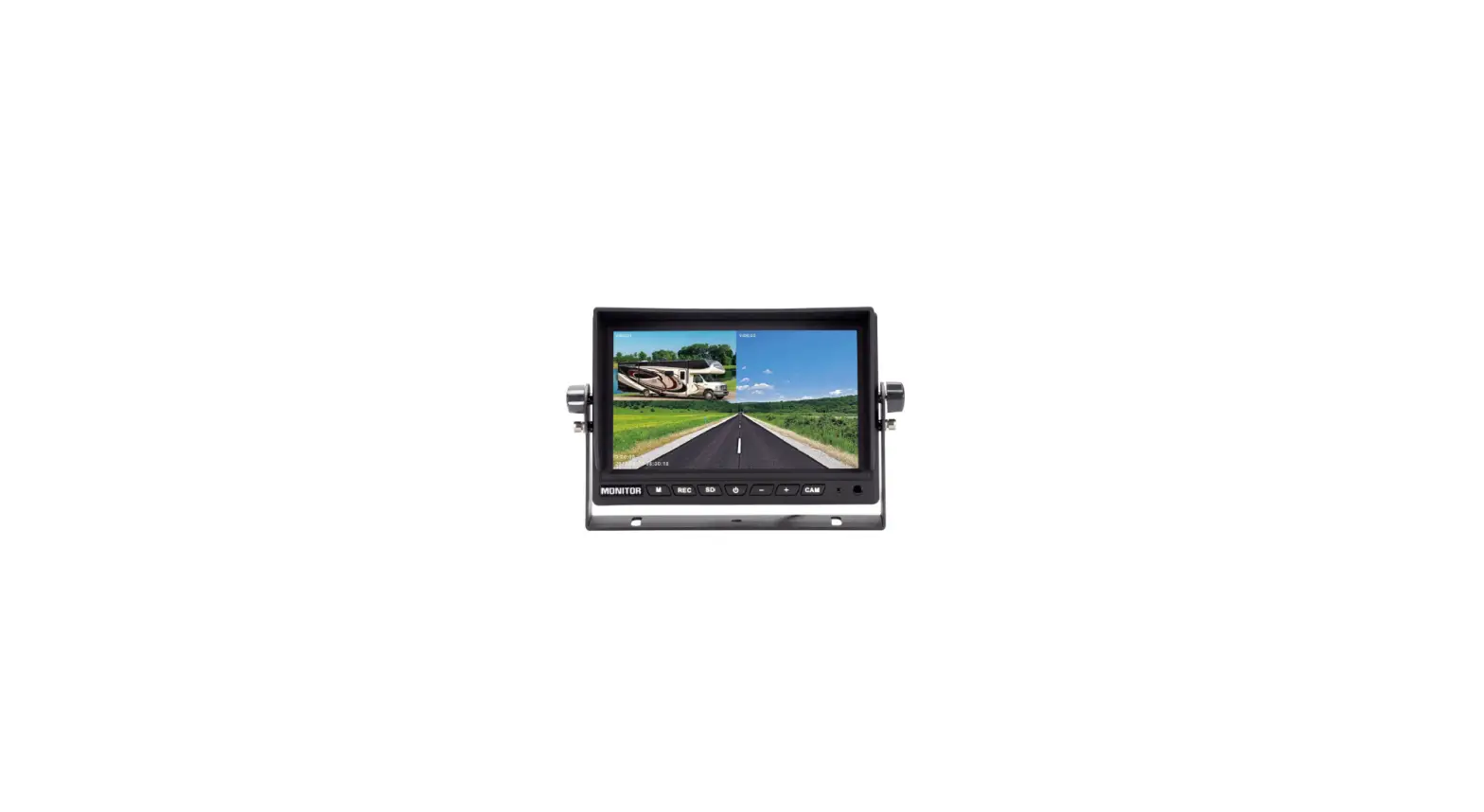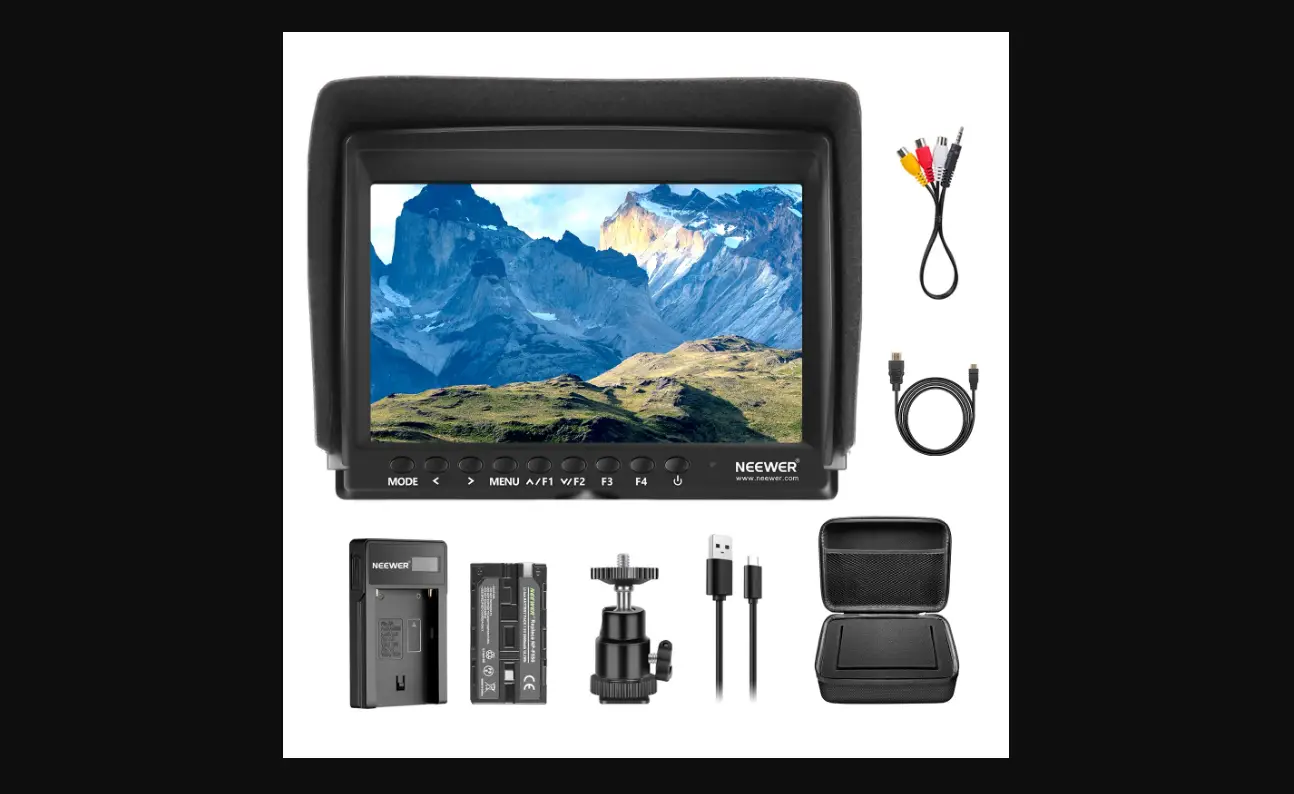
F100 7inch Camera Field Monitor
F100LCDFieldMonitor InstructionManual
AboutThisManual
Thankyouforpurchasing NEEWER F100LCDFieldMonitor. ThisManualcanhelpyouknow:
thebasicoperationprocedureandfunctionofF100. theapplicationenvironmentandsafeuseofF100. theaccessories’installationmethodsofF100.
TableofContents
1.PackageContents
1
2.ExtenalStructureDisplay
3
3.Application
5
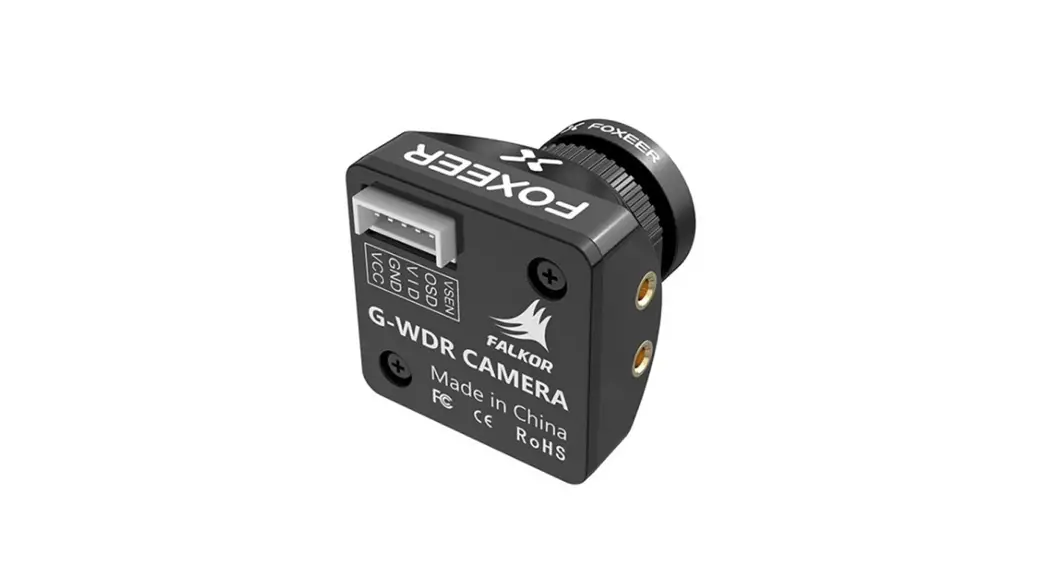
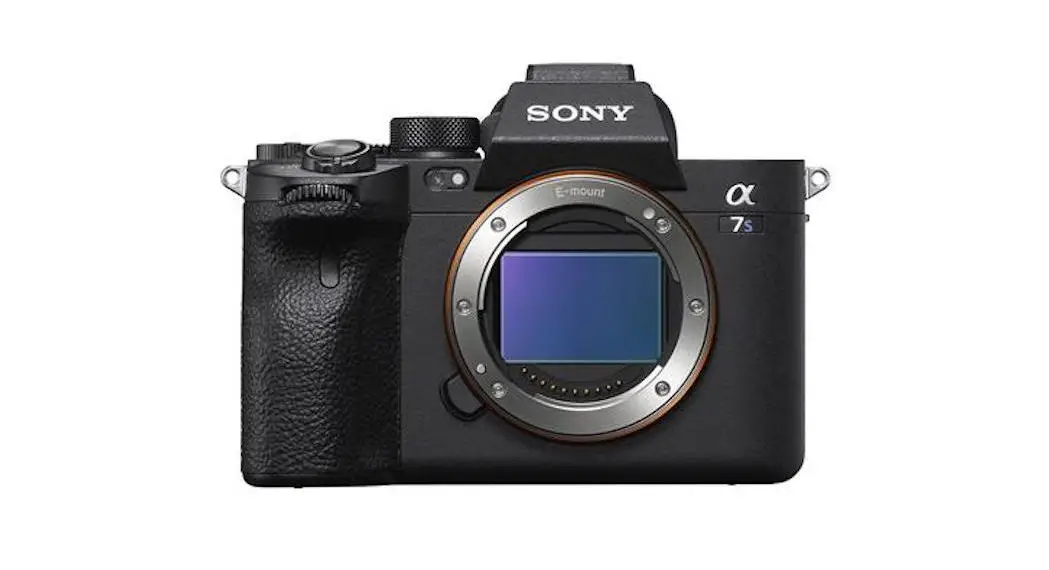
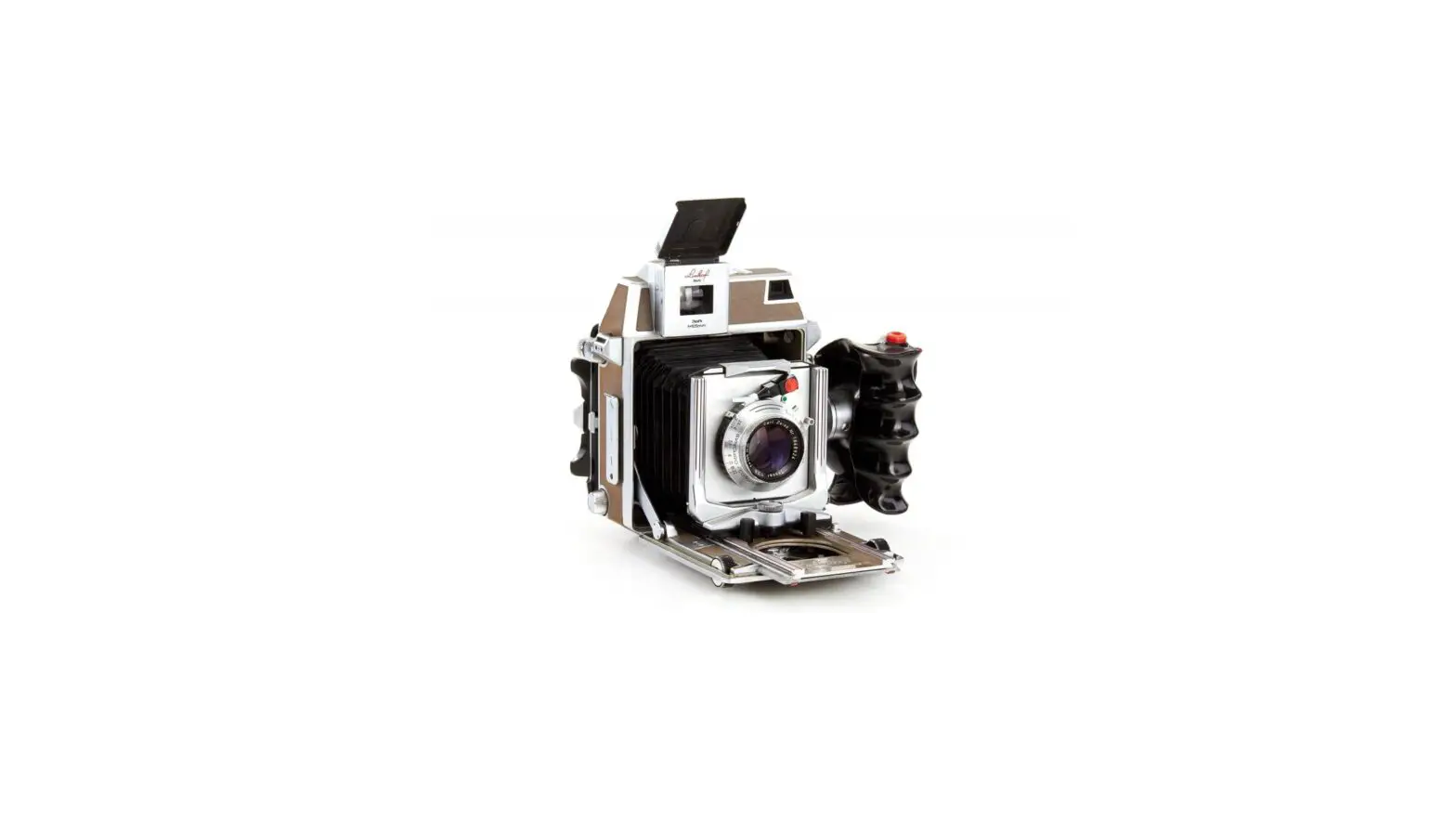
4.CompatiblePhotographicEquipment
5
5.PowerSupplyMode
6
6.InstallingtheCameraBallHead
7
7.InstallationofSunshadeHood
8
8.Functionalintroduction
9
9..Precautions
16
10.CAUTION
17
11.TechnicalParameters
18
12.WarrantyPolicy
19
13.TrademarkandStatement
20
14.ContactUs
20
> > >
1.PackageContents
LCDFieldMonitor
NEEWER®
www.neewer.com
Pleasecheckthepackagecontentcarefully.Pleasefeelfreetocontact usifthereisanymissingordamageditems. 1
2.ExtenalStructureDisplay
MOSE <
> MENU /F1 /F2 F3 F4
NEEWER®
www.neewer.com
PowerIndicatorlight Poweron/off Cu sto mb u tto n ,e n te rs e co n d a r ym e n ui te mF, thenself-definethefunctionasuserneed.
Custombutton,sameasF4operation. Multibutton.InOSDMenuisforupadjustment.SeeF4.
MultibuttonInOSDMenuisfordonadjustment.Itcanbecustom buttonwhennotinOSD.seeF4. Menubutton Volumeup,(inOSDmenutoincreasethevalueofanalogonthemenu) Volumedown,(inOSDmenutodecreasethevalueofananlogonthemenu) Signalswitchbutton
3
3.Application
AdvertisingFilm Recording
PerformanceShow Recording
Filmmaking
CreativePhotos&Videos
4.CompatiblePhotographicEquipment
Camera
Camcorder 5
6.InstallingtheCameraBallHead
Accessories
CHARGE NEEWER®
–
+
NEEWER F970
PowerAdapter
S a v i n g sbatte r y
Audioline
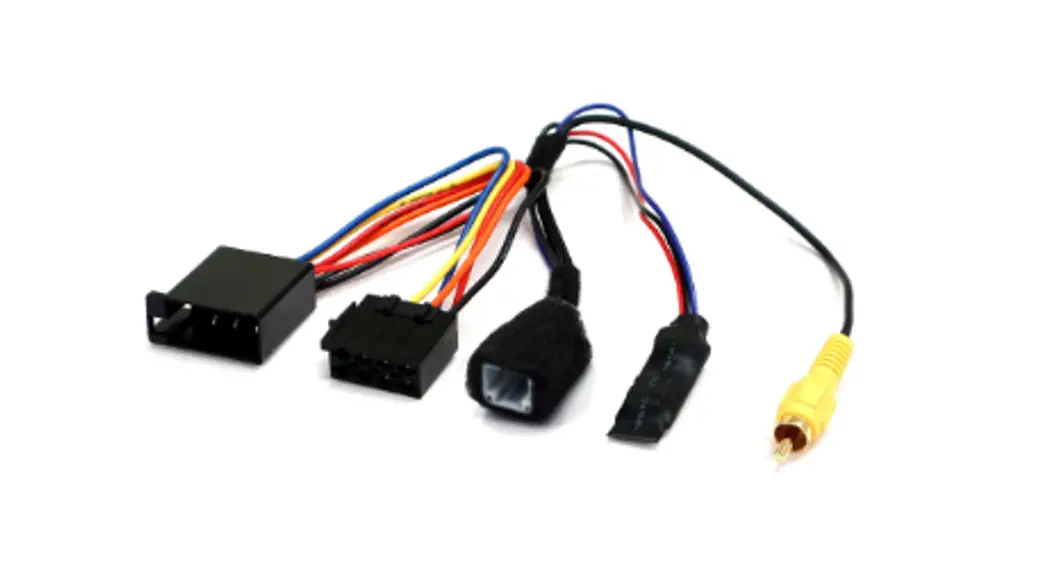
USBCable1
USBCable2
Adapter
2
Screw
HexWrench
USBUpgrade Port OSDController Earphoneport AVsignalinput
HDMIsignalinput
PowerSupply DC
built-inspeaker B atte r yC o m pa r t m e n t
4
5.PowerSupplyMode ViaPower
Adapter(AC)
V i aB atte r y( D C )
B atte r yM o u n t i n gPo s i t i o n 6
C o m pat i b l eB atte r y
7.InstallationofSunshadeHood
MonitorAssemblyTighteningScrew MonitorPositionFixingLever CameraHotShoeTighteningScrew
InserttheMonitorAssemblyTightening Screwintothethreadedholeonthe baseofthemonitor,thenscrewthe tighteningscrewclockwisetosecure themonitortightlytotheballhead.
1 SunshadeHoodLock
RotatetheAngleAdjustmentKnob ina counter-clockwisedirectionto loosen whichwillallowthecamera angletobe adjusted.Nexttighten theAngleAdjustmentKnobby rotatingitinaclockwisedirectionuntil tighttoholdthecameraatthedesired angle.
Ensure the Base Tightening Mount isloosenedbyrotatingitina counter-clockwisedirection.Insertthe basemountintothecold shoebracket byslidingitintothemountinthe bottom centerpositionofMonitor,then rotate theBaseMountTighteningScrewsan clockwisetotightlyaffixtheballheadOn thecamera.
7
8.Functionalintroduction Imagesetting
PictureMode Brightness Contrast Saturation Sharpness ColorTemp Red Green
standard
50 42 42 20 6500 128 128
PictureMode:Dynamic,standard,Mild,User Selec`t User’toadjustBrightness,Contrast, Saturation,Sharpness. Brightness:0~100 Toadjustimage’sbrightness. Contrast:0~100 Toadjustthebrightestandthedarkestratioof theimage,pleasenotethesenseofpicture whenadjust,proportiontoohighortoolowwill makethepicturelosethecolor. Saturation:0~100 Toadjustcolorconconentration.
Sharpness:0~100 Alsocalled`Resolution’,isanindicatorforthe imageplane.
9
Setup
OSD Language AspectRatio Nosignal OSDTrans ODSH ODSV Zoom all
English Auto Blue Off 50 50 0
OSDLanguage/EnglishSuomiSrpskiItaliano RomneteHrvatskiItalianoportguesNederlands FranaisEspaol
Selectthedisplaymenulanguage. AspectRatioJust Scan,Panorama,Auto,4:3, 16:9,Zoom2
ToselecttheimageAspectRatio. NosignalBlueBlackWhite,red,Green ToselectthescreenbackgroundcolorWhenNoSignal. OSDTrans:Off,low,middle,High Thetransparentofimagebackgroundwhenmenudisplay. OSDH:0~100 ToadjusttheOSDpositioninhorizontal. OSDV:0~100 ToadjusttheOSDpositioninvertical.
11
Functionsetting
CenterMarker
Off
Safe Frames
Off
Image Freeze
Off
Image Flip
Off
Check Field
Off
P2P
Off
Focus Assist
On
CenterMarker:offon Tosetcentermark(crossmark)display. Safe FramesOff,96%,93%,90%,85%,80%,2.35:1 Toselectthescreenmarker Image FreezeOff,On Thecurrentpicturestill(capturefunction) Image FlipOff,H_VFlip,HFlip,VFlip ImageFlipfunction. Check Fieldoff.Mono,Red.Green,Blue. ToswitchamongColor,Mono,Red,Green,Blue P2POff,On Thedisplaymodemakestheresolutionoftheimage consistentwithdisplayofthephysicalresolution Focus AssistOff,On
13
CustomizedShortcutKeySetting
F1
CenterMarker
CenterMarker
F2
SafeFrames
SafeFrames
F3
ImageFlip
CheckField
F4
CheckField
FocusAssist
AspectRatio
ImageFlip
MENU
MODE <
> MENU /F1 /F2 F3
>
F4
Userscanset4shortcutkeys(F1F2F3F4)forthese functions(CenterMarker/SafeFrames/CheckField/ Fo c u sA s s i st /A s p e ctR at i o / I m a geF l i p )tom e et customizedneeds. Steps: 1.Choose” F”menuatO^SDMENUinterface; 2.Nextpress” ^/F1″or” /F2″tohighlightF1/F2/F3/ F4functionsontheleftofthescreen; 3.Thenpress” >”buttontochoosethefunctionyouneed andpress” MENU”keytoconfirmyourchoice. Forexample:HowtosetF1asashortcutkeyforCenterMarker? 1.Choose” F”menuatOSDMENUinterface; 2.Nextpress” ^/F1″tohighlightF1/F2/F3/F4functionsonthe leftofthescreen; 3.Thenpress” >”buttontochoose” CenterMarker”andpress “MENU”keytoconfirm.NowF1buttonissetasshortcutkeyfor “CenterMarker”function.
15
10.CAUTION
Pleaseavoidtheheavyimpactanddropontothegroundwhenmovetheproduct. Pleasedonotcovertheventsandholesontheenclosureanddonotplacethe machineonabed,sofa,andrugtoensuregoodVentilation.Otherwiseitwillleadto overheatingandreducestheservicelife. Thescreenofthisproductismadeofglass.Pleasedonotimpactthescreentowards theground.Keepawayfrominjuryifthescreenisbroken. Keeptheproductawayfromtheheatsource,suchasradiator,waterheater,stovesof otherheatingproducts. AvoidprolongedexposurestothesunastheLCDscreenwillbedamaged. Pleaseusetheadapterinaccessory,orusethequalifiedbatteryifneed. Toaviddamagingtheproduct,pleasedonottakeapartorrepairtheunitbyyourself withoutadjustablecomponentintheunit.
TobettermaintaintheLCDscreen,pleasenoticethewayasbelowtoavoidthescratch, discolorationandorherdamage. 1.Pleaserefrainfromusinghardobjectstohitthescreen. 2.Pleasedonotforcetowipethescreen. 3.Pleasedonotusechemicalsolutionstocleanthescreen. 4.Pleasedonotsprayanydetergentonthescreen. 5.Pleasedonotwriteonthescreendirectly. 6.Pleasedonotstickonthescreen. 7.Pleasesimplywipewithacleansoftclothandmakesurenowateronthescreen.
Tobetterprotecttheplasticcover,pleasefollowthesewaysasbelowtoavoidthe damage: 1.Pleasedonotusechemicalsolutionstocleanthecover. 2.Pleasekeepawayfromthevolatilethings. 3.pleasekeepawayfromtherubber. 4.Pleasedonotcleanhardcasing. 5.Pleasesimplywipewithacleansoftclothandmakesurenowateronthecover.
17
12.WarrantyPolicy
WarrantyPeriod
YoucanregisteryourNEEWERproductforitsfree1-yearwarrantyat www.neewer.com.Thanks Yourquestionsorsuggestionarehighlyvaluedandappreciated.Pleasefeelfreeto contactus,andwewilldoourbesttofullysatisfyyou.E-MAIL:[email protected] Reminder:Pleasekeepthepackageboxforatleast15daysbeacauseitisnecessarytousethepackageboxto
protecttheproductduringtransportation.
WarrantyRestrictions ThefollowingconditionsareNOTcoveredbytheNEEWER®Warranty: (1)Theproducthasexpiredtheone-yearwarrantyperiod; (2)TheproductismalfunctionedordamagedbecausetheuserdidnotfollowtheF100 InstructionManualtouse,adjust,oroperatetheproduct; (3)Theproductismalfunctionedordamagedduetorain,hailstorm,fumigation, medicine,chemicalsornaturalwastage;andduetoforcemajeure(includebutnot limitedtoearthquake,Typhoon,fire,flood,violentcrime); (4)Theusermodify,dismantle,repairtheproductanditspartswithoutpermission; (5)userdamagedthepartsofF100byusingnon-originalaccessories,orchangedthe circuiThet,lineconfigurationwithoutpermission; (6)Theproductismalfunctionedordamagedbycollisionorfall-offduetotheuser; (7)WarrantyCard,After-saleServiceCard,invoiceoritemNodoesnotconformtothe product. (8)Theuserchangethewarrantyservicedateoftheproductanditspartswithout permission; (9)Thepanelandmainpartsarebeyondmaintantencerange;Thesecuritylabelon theproductismissingordamaged. (10)F100isusedasacommercialproduct.
19
Attachthefasteningtapeattheleft, rightandbacksidesofthemonitor.
Nextslidethesunshadehoodlockhooksintotheslotson theleftandrightsidesofthemonitor.Thiswillsecurethe sunshadetoyourmonitor.
8
ColorTemp:6500,9600,User Selectimagewhitecolortemperatureofthemonitor. Whenselec`t user,adjusttheR/G/Btomeetthedifferent user’srequirementforthedifferentColorTemp.
Red:0~255 Adjusttheredconcentration.
Green:0~255 Adjustthegreenconcentration.
Blue
128
Tint
50
Blue:0~255 Adjusttheconcentrationofblue. Tint:0~100 ColortintisadjustedbyTintwhendisplayvideo underNTSCSystem.
10
OsdTime
Off
U/D Zoom
0
L/R Zoom
0
SoftWareUpgrade
Reset
OSDTime:Off,5s,10s,15s Thefunctionistoadjustthemenutime U/DZoom:0~100 Whenselectthisfunction,toadjusttheproportion oftheimageUpandDowntoZoomInorZoomOut. L/RZoom:0~100 Whenselectthisfunction,toadjusttheproportion oftheimageLdftandRighttoZoomInorZoomOut. SoftWareUpgrade Reset
12
Custombuttonsettings
F1
SafeFrames
F2
SafeFrames
F3
Image Flip
F4
CheckField
F1F2F3F4Centermark/safetybox/monochromatic display/auxiliaryfocus/displayratio/imageflip Inthecontrolpanel,setup4F1,F2,F3andF4shortcut custombuttons.
14
9.Precautions
Pleasedonotusetheitemintherain. Waterdamageisnotcoveredbywarranty, andcouldalsoresultinseverephysical harmtotheoperatorviaelectricshock.
Pleasedonotdisposethebatteriesin afireoranincineratorastheymay explodeifexposedtoextremeheat.
50kg / 110lb
Pleasedonotputheavyobjectsonthe Monitor.Physicaldamageisnot coveredbythewarranty.
Pleasedonotdirectlyuseliquidlike wateroralcoholtowashorcleanthe Monitor.Adrymicrofiberorsoftcotton clothisrecommendedtoavoidhazing andscratchingofthepanel.
16
11.TechnicalParameters
Panel Size Panel Type Resolution Backlight Dot Pitch Aspect Ratio Brightness
Contrast Viewing Angle
Input Signal Video Color System
HDMI Support Format
Headphone Output Input Voltage
Power Consumption Unit Size
Unit Weight
Installation Method
Working Temperature Storage Temperature
7.0 inch IPS LCD 1920X1200 pixels
LED 0.07875(W)X0.07875(H)mm
16:10 450cd/m2 1200:1 80°/ 80°L/ R 80°/ 80°U/ D HDMI/ AV PAL-4.43/NTSC-3.58 480i/480p/576i/576p 720p(60/59.94/50/30/29/25/24/23.98) 1080i(60/59.94/50) 1080p(60/59.94/50/30/29.97/25/24/24sF/23.98/23.98sf 4K UHD 3840X2160p(30/29.97/25/24/23.98)
Stereo 3.5mm DC:7~24V 8W
176LX130HX17Dmm 270g/270(W/Sunshade) 1/4 inch bracket screw holes, can be easily connected to the hot shoe mount ,tripod fixed installation
-20~55 -30~65
18
13.TrademarkandStatement
NEEWERisaregisteredtrademarkofNEEWERTechnologyCompany,Ltd, whichisprotectedbylaw. NEEWERcompanyreservesallrightsforthis trademark. NEEWERhascontinuouslydevoteditselftodevelopnewproducts,upgrade existingproductsanddecreasedefectproductrate.Ifyoumeetany questionsorproblemsaboutourproduct,pleaserefertoourafter-sale serviceteamorauthorizedserviceproviderforhelp. Theactualproductmaydifferfromthepictureinthismanualincolorand appearance.
14.ContactUs
Yourquestionsorsuggestionarehighlyvaluedandappreciated.Pleasefeel freetocontactus,andwewilldoourbesttooffersatisfyingservicesforyou. E-MAIL:[email protected] WEB:www.neewer.com
20