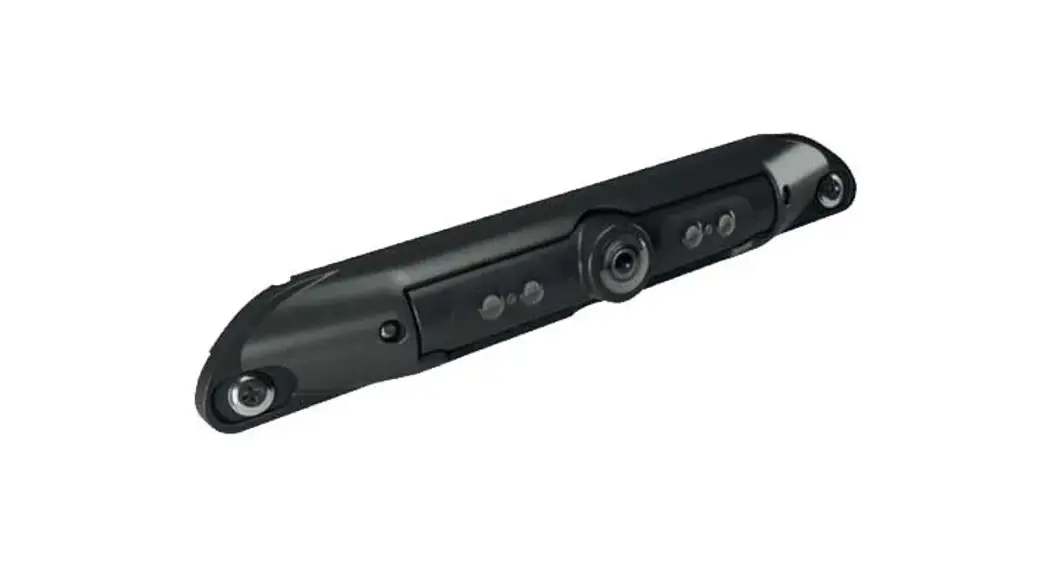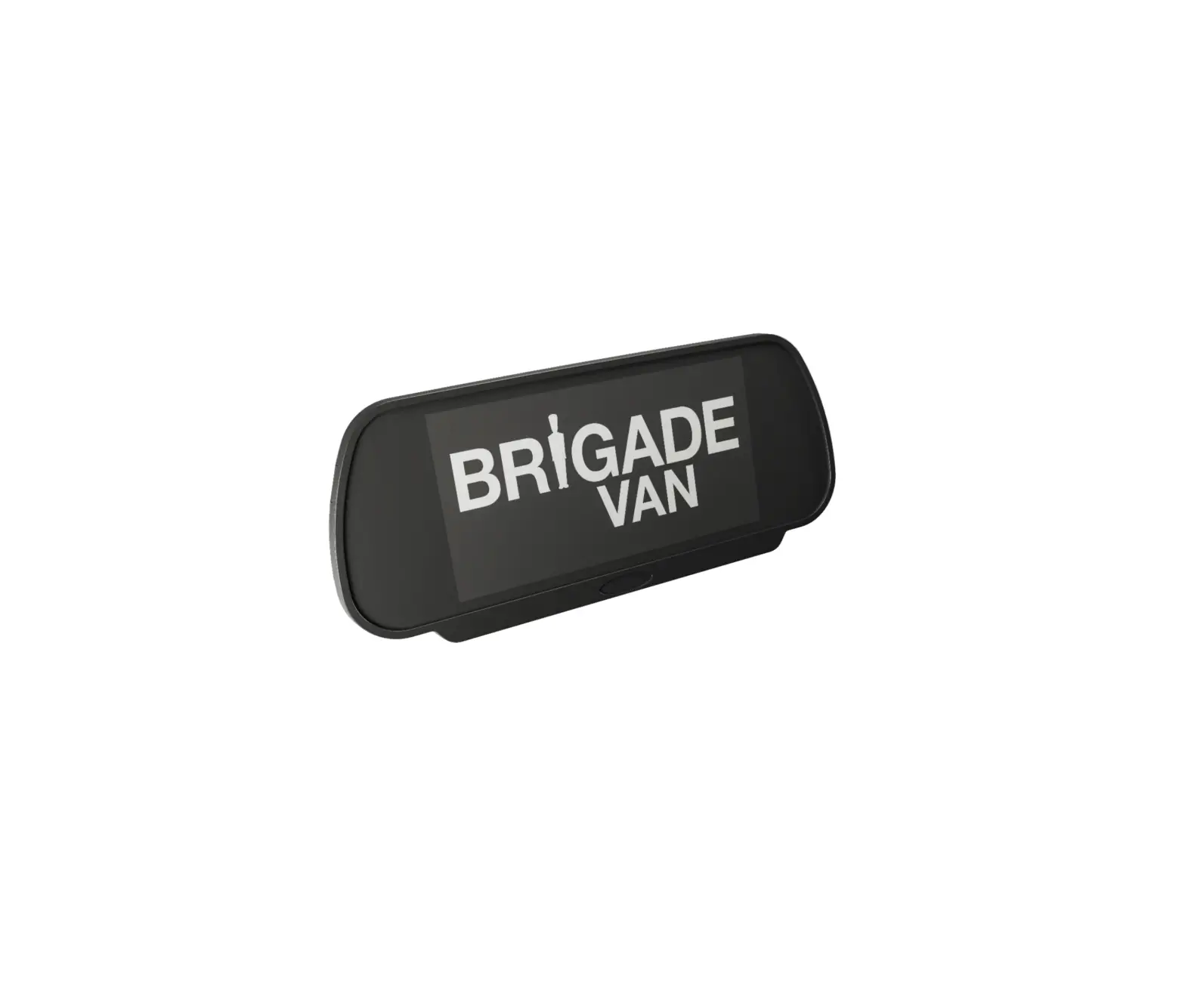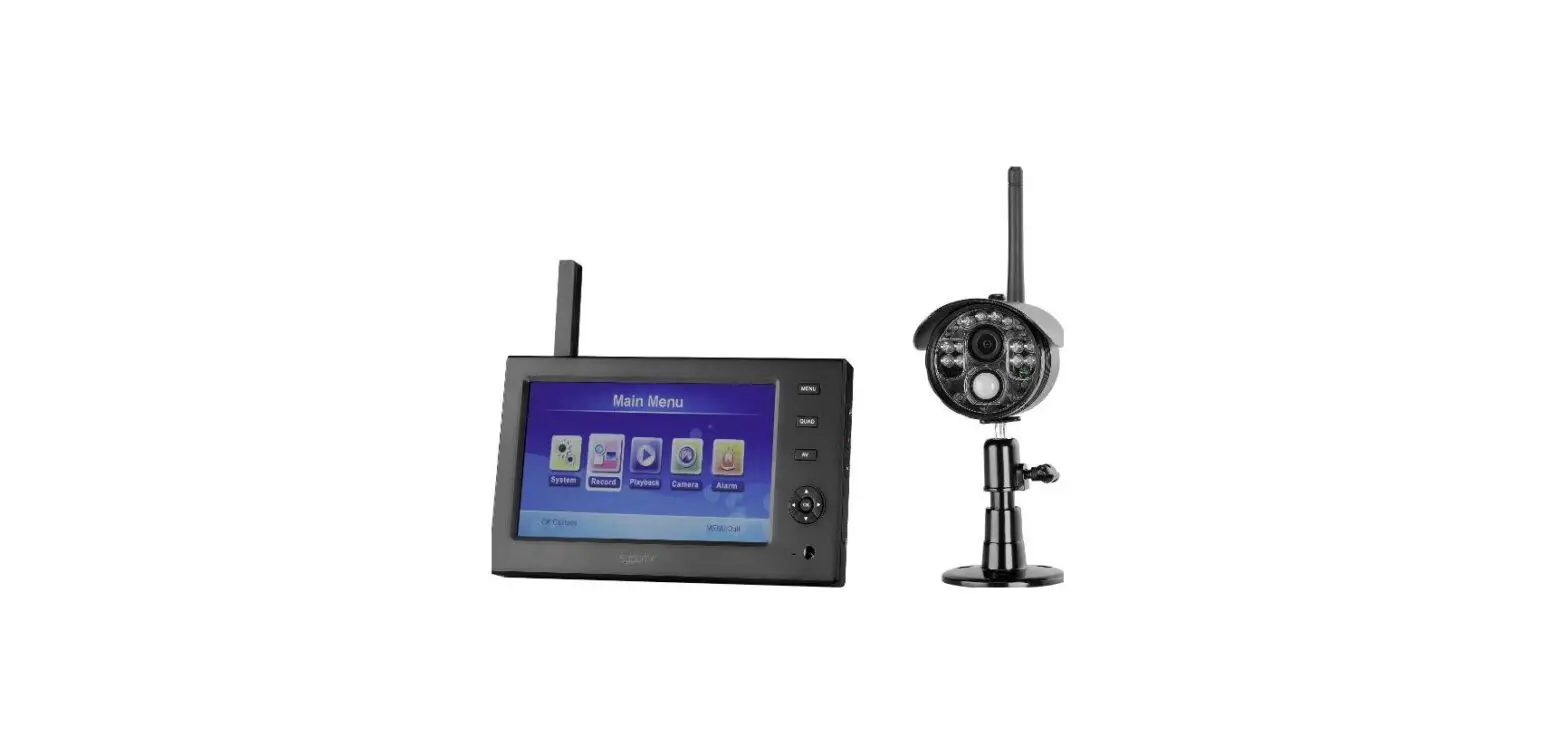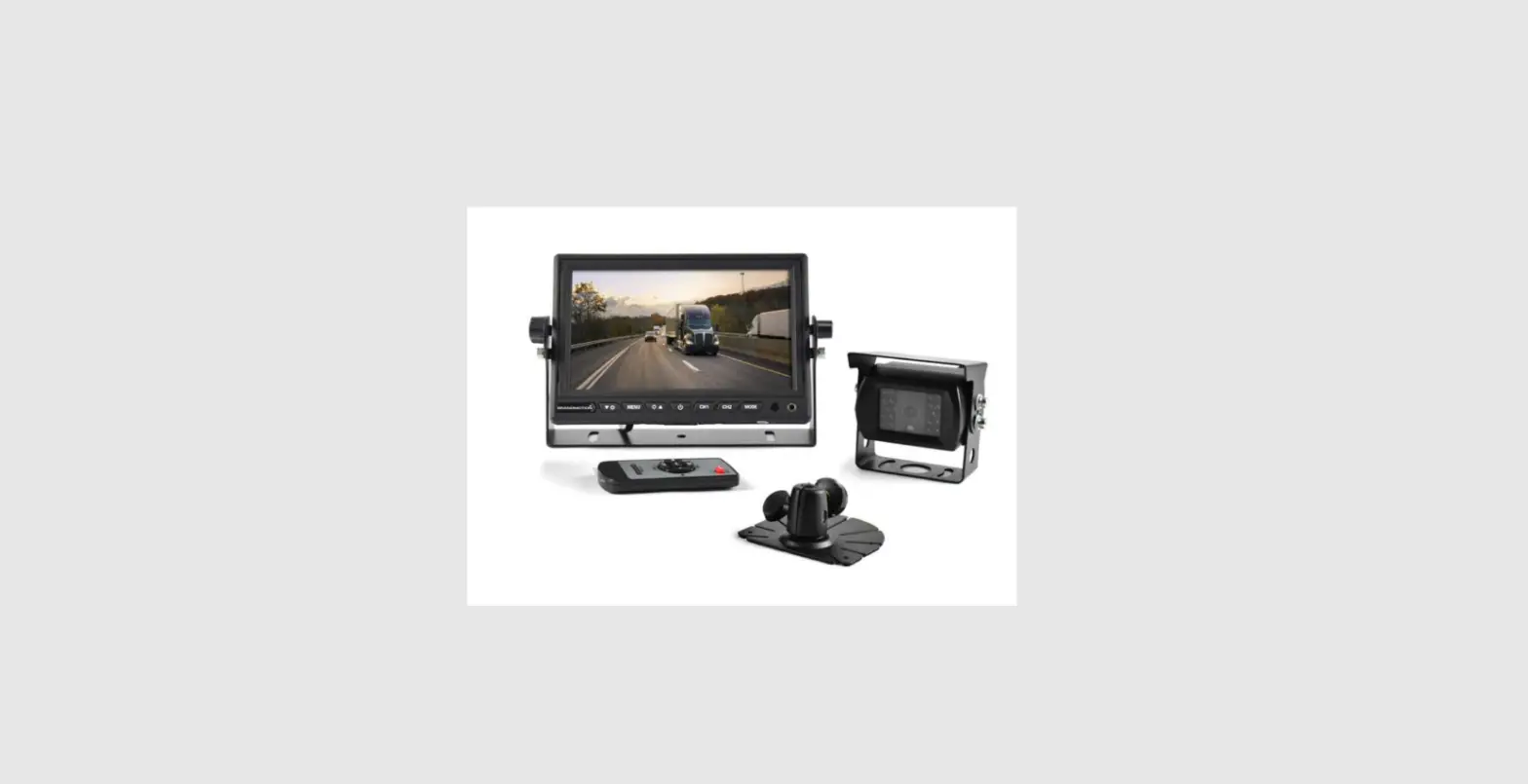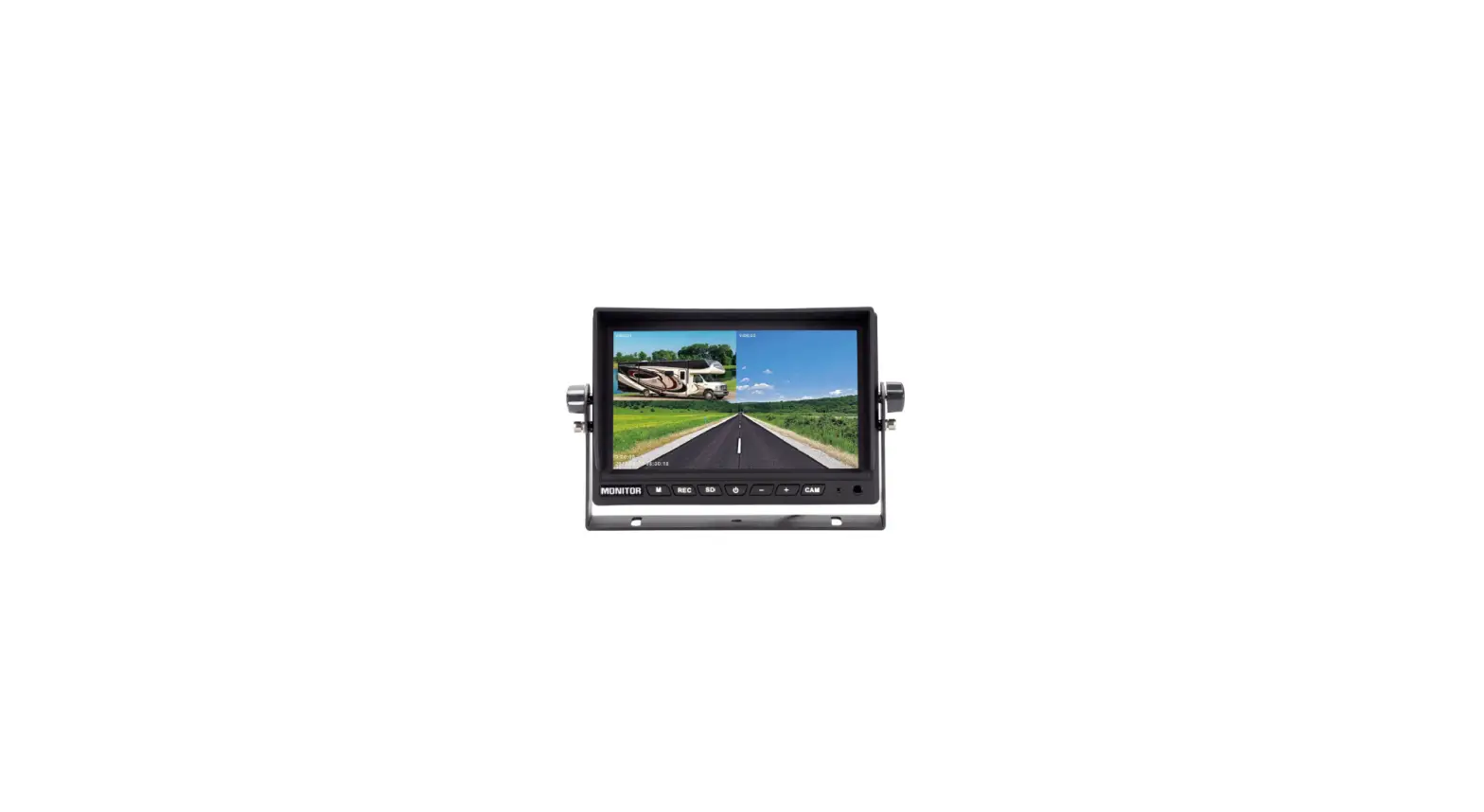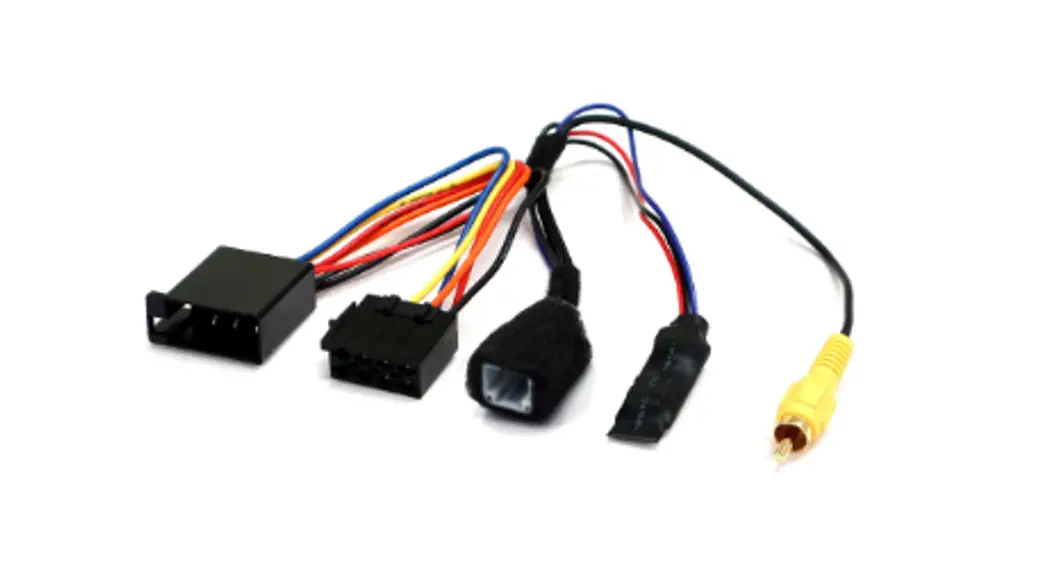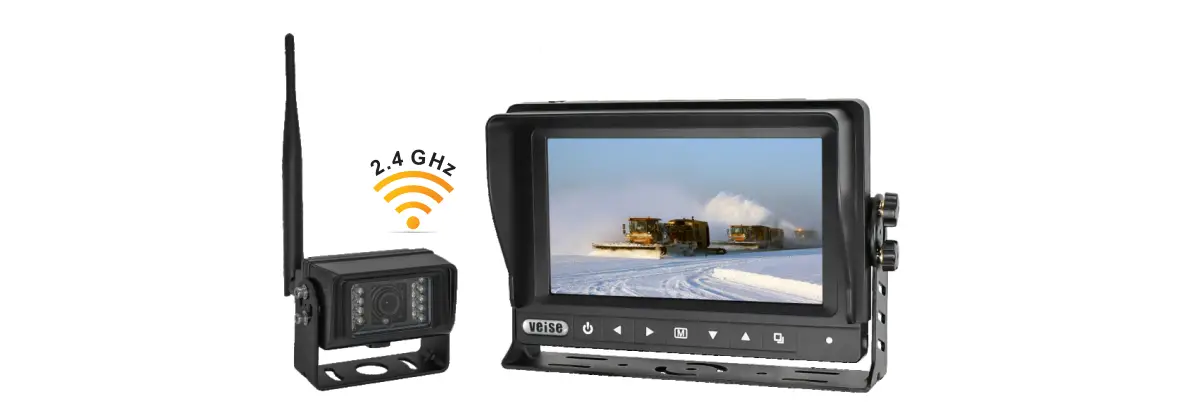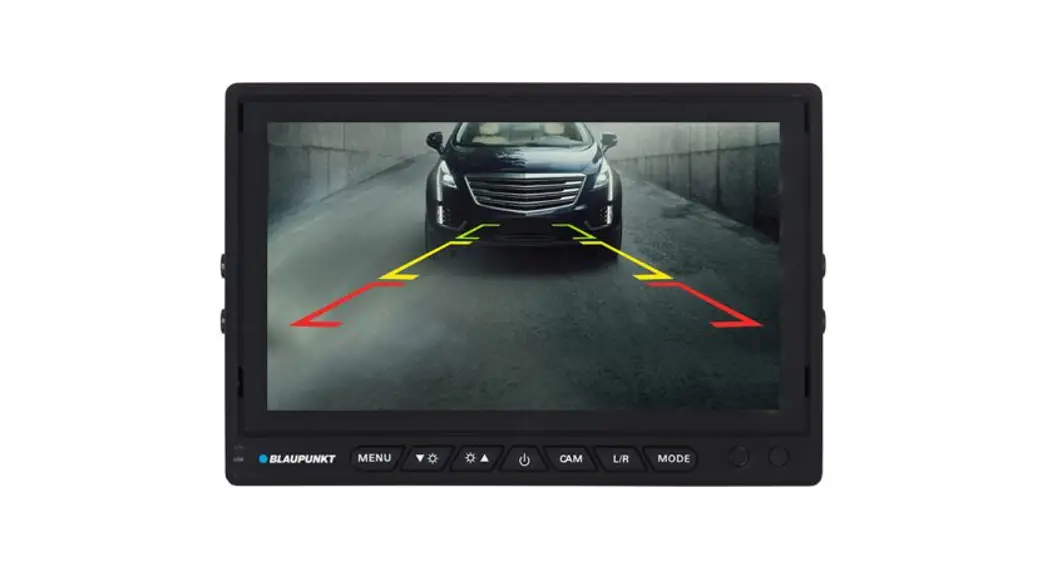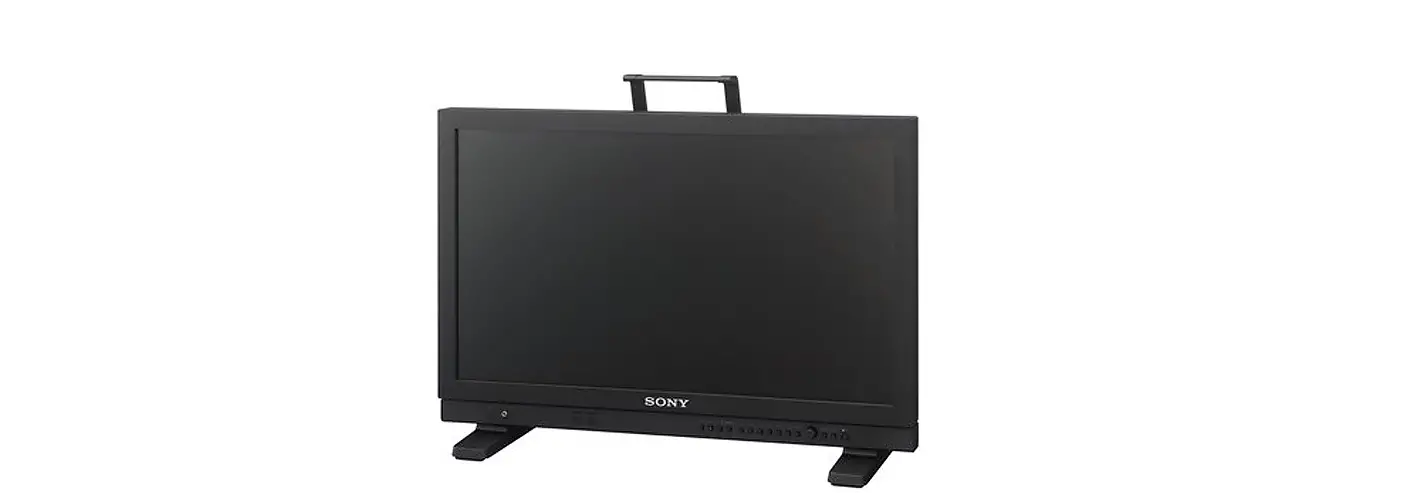
 BL-2120C AHD Front Camera Monitor System
User Manual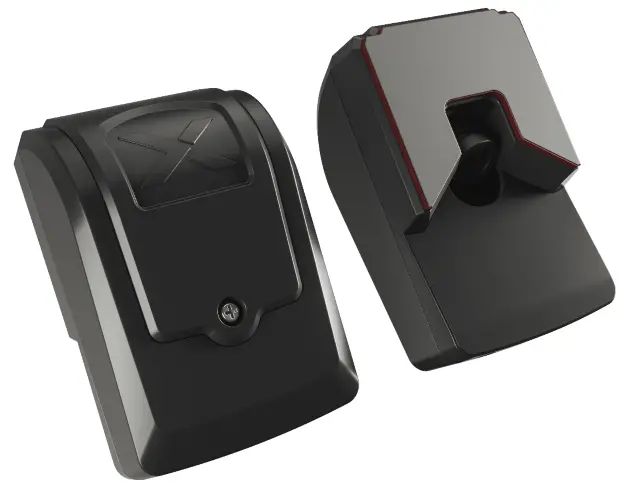 Adjusting the Angle of view
BL-2120C AHD Front Camera Monitor System
Please refer to https://brigade-electronics.com/product-support-area/ for more information and technical documents
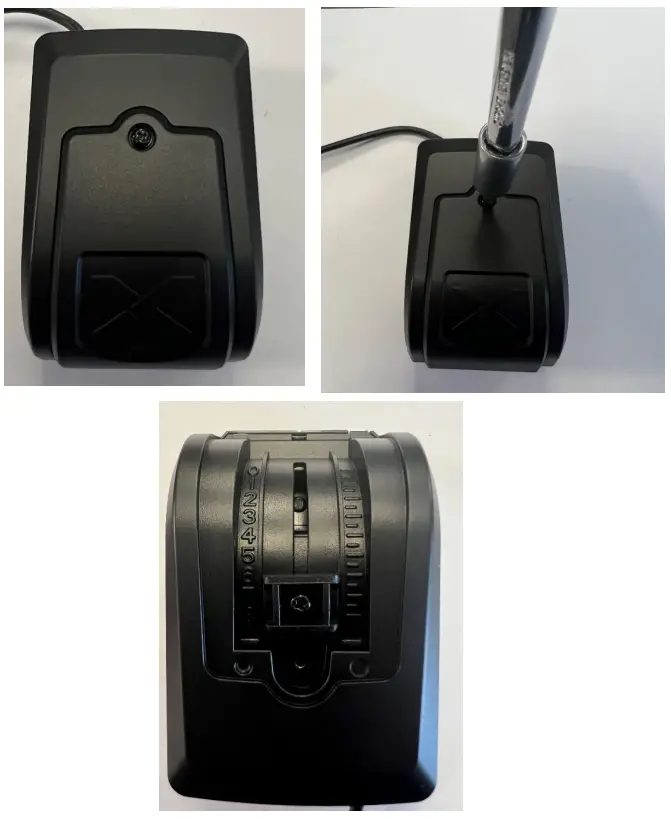
Step 1
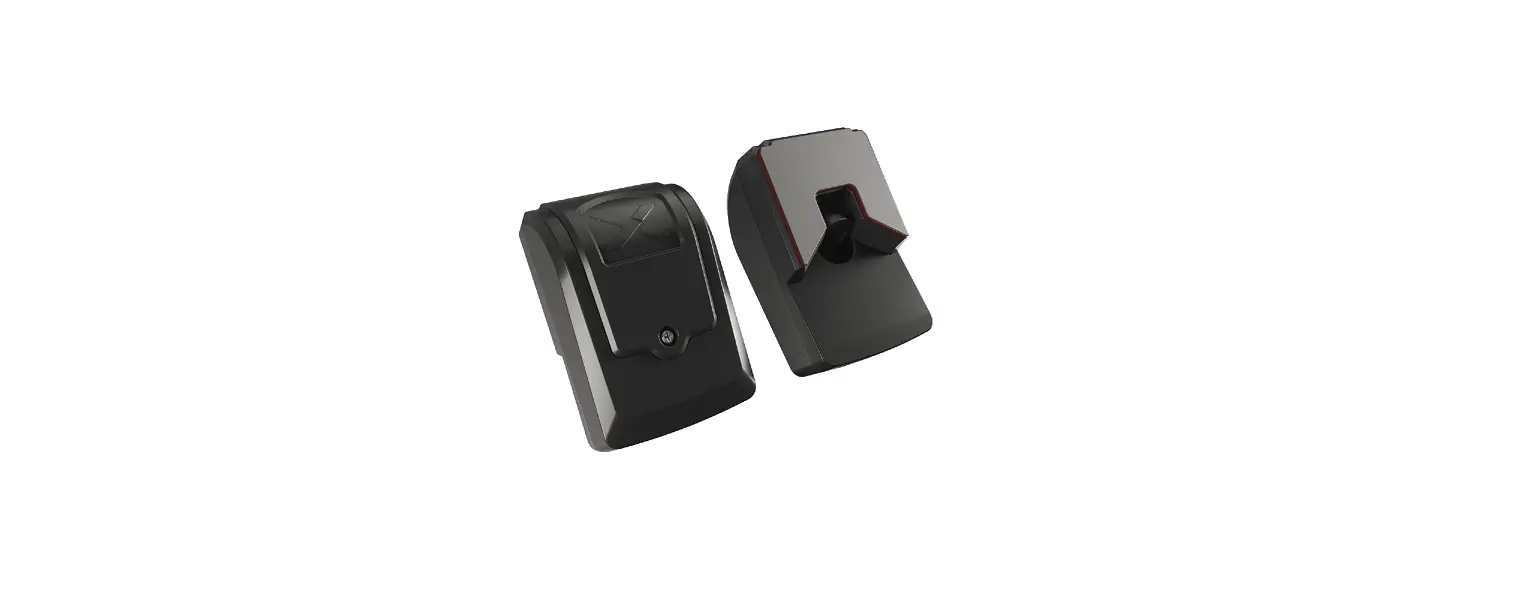
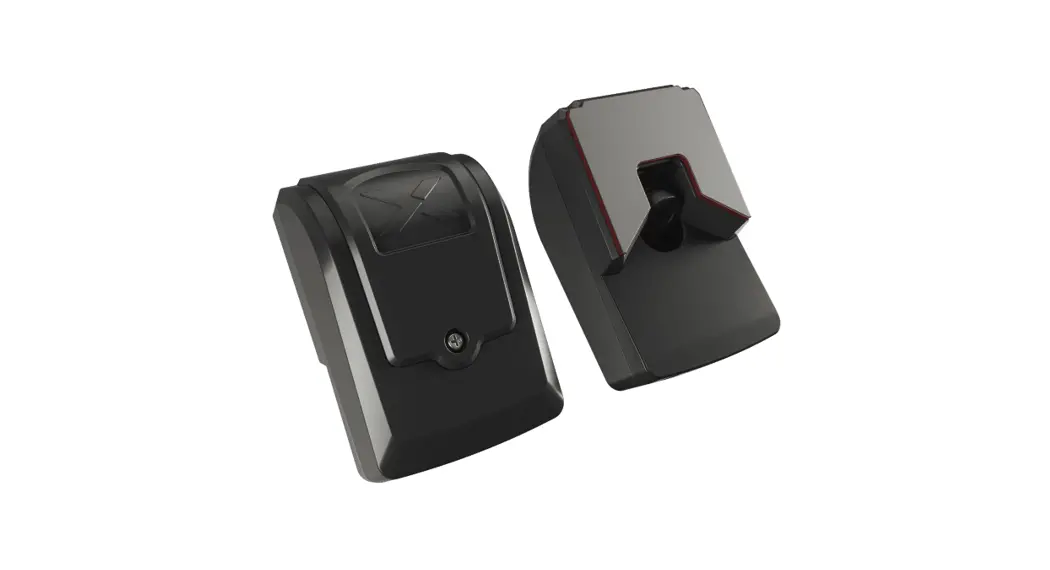
Remove the back case from the camera with a Philips head screwdriver to reveal the sliding arm.
Step 2
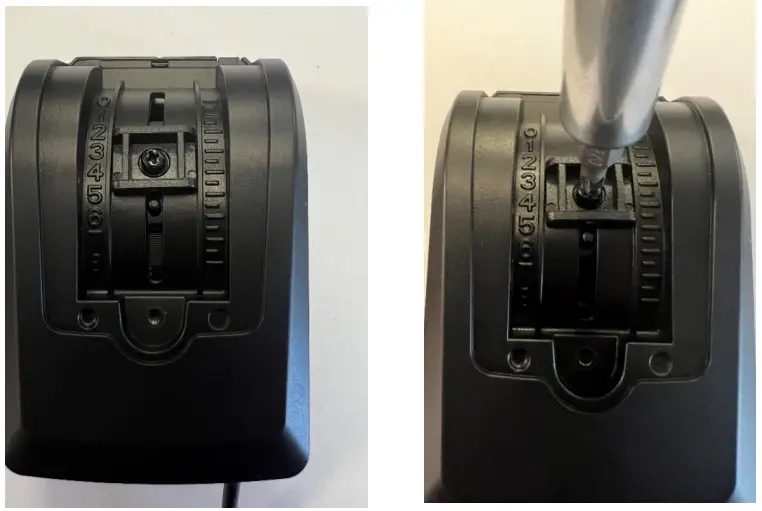
Loosen the sliding mechanism using the Philips head screwdriver.
Step 3
This will now allow the lens to slide up and down to find the desired viewing angle. Once the camera has been adjusted to the desired angle, tighten the screw on the sliding mechanism, then replace cover and fixing screw.
[email protected]
www.brigade-electronics.com
 electronics.com
 Brigade Electronics | Commercial Vehicle Camera Systems
 Product Support Area | FAQs | Brigade Electronics