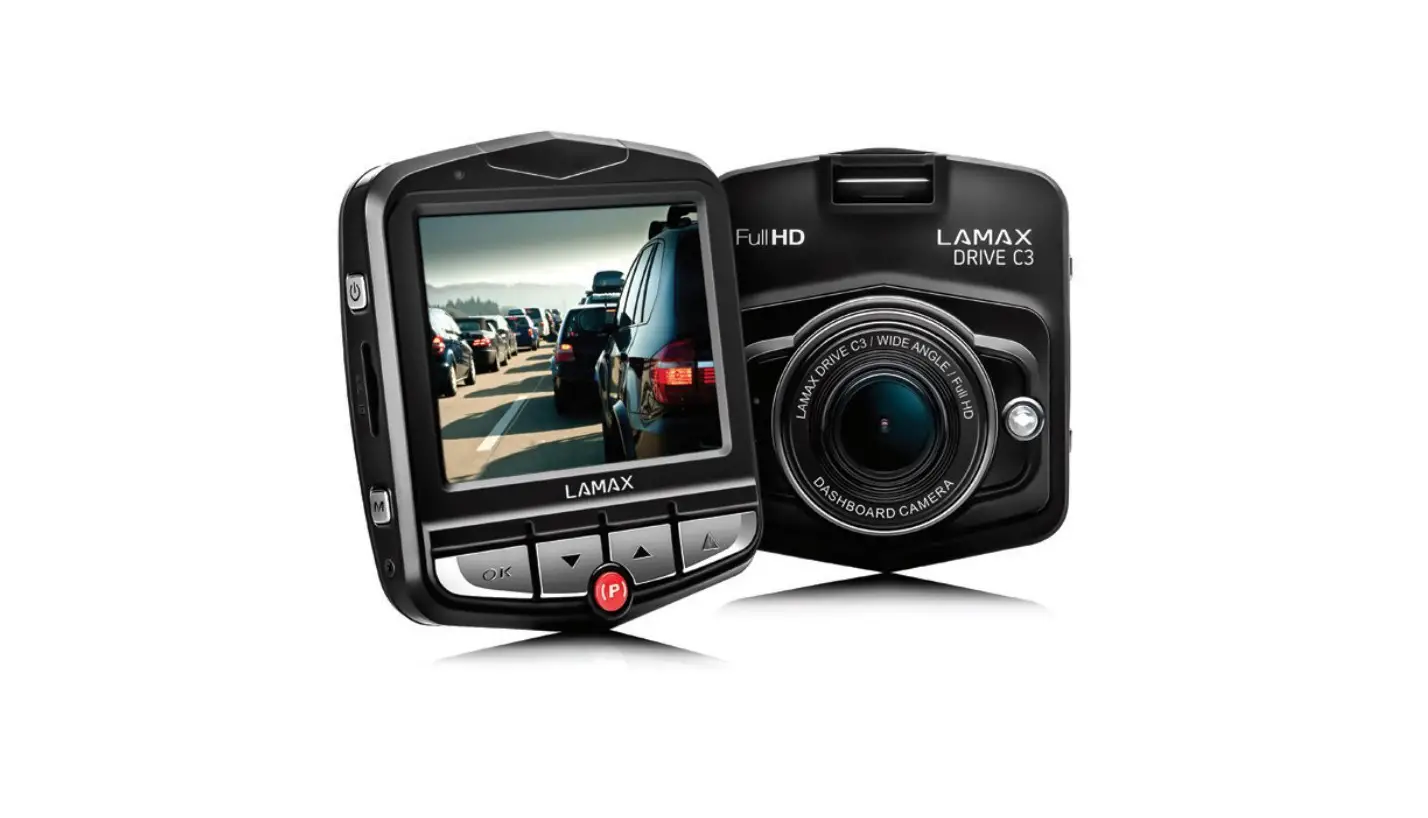
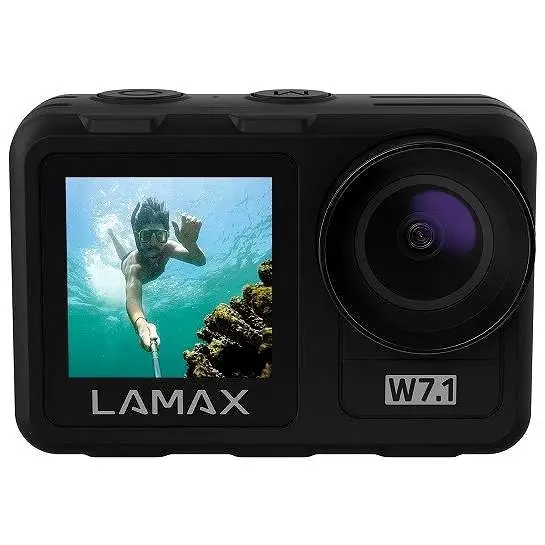
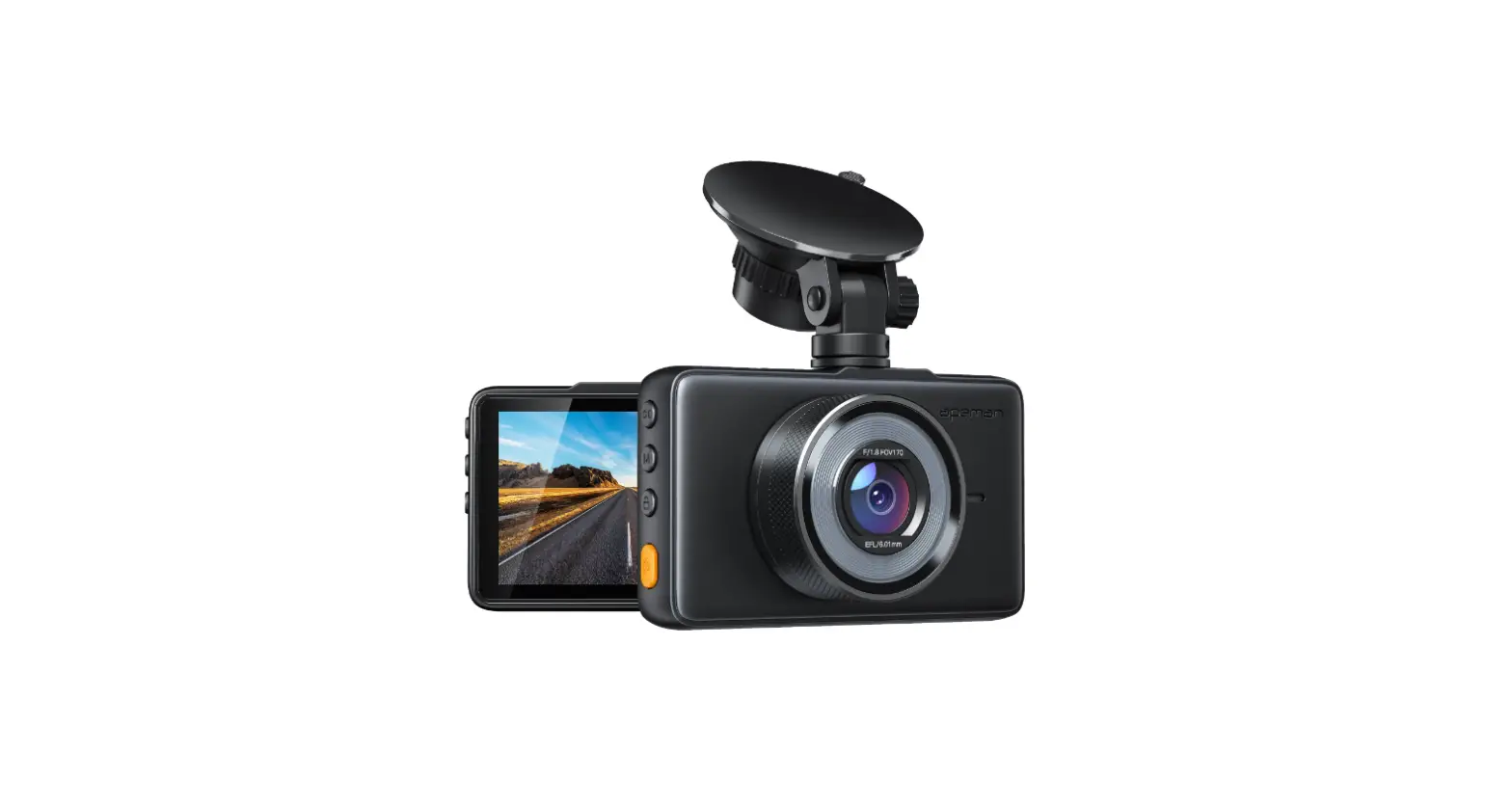
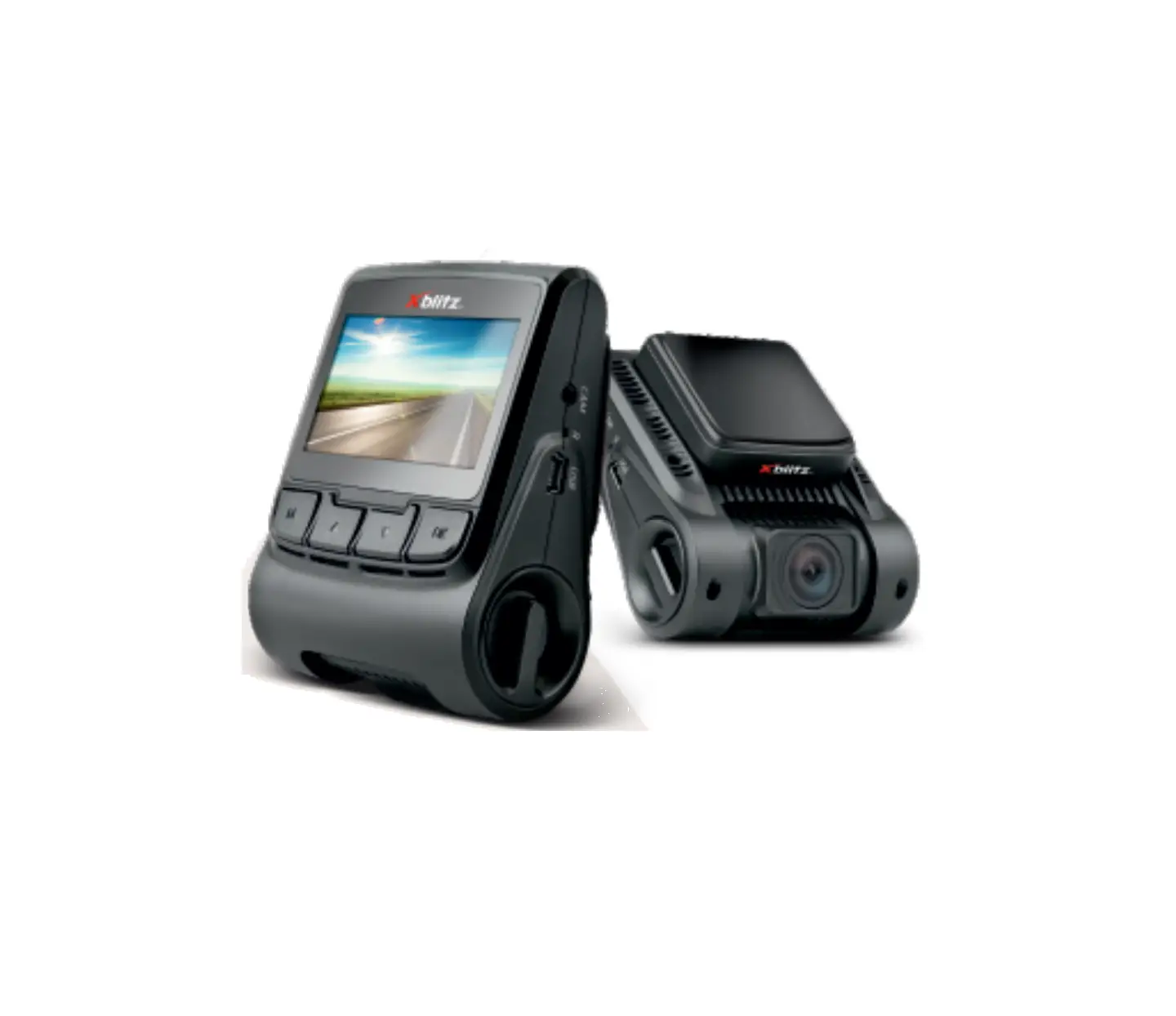
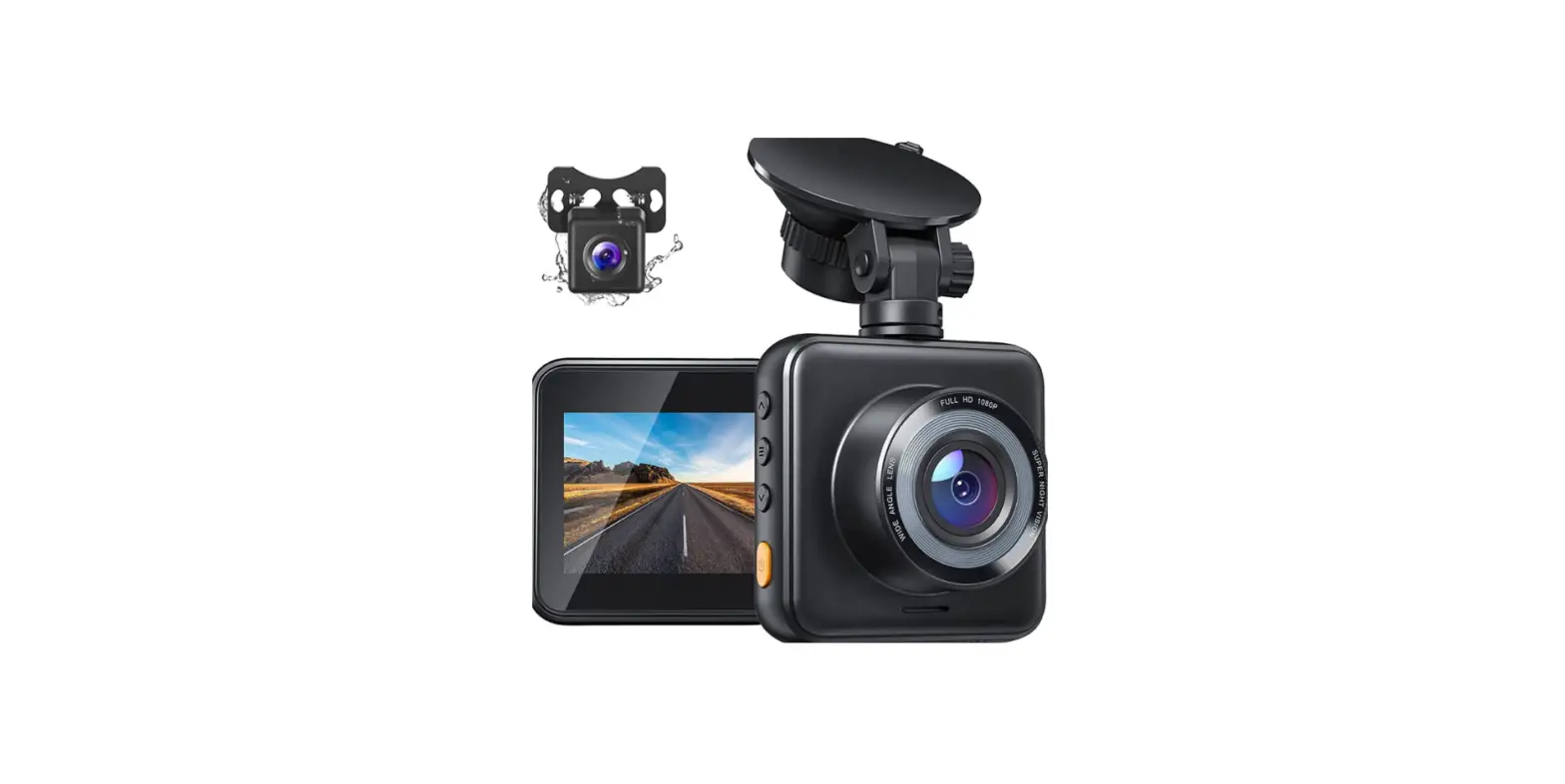
81410 C9 High End Dashboard Camera
Product Information: LAMAX C9 High-end Dashboard Camera with
GPS Tracking and Speed Camera Detection
The LAMAX C9 dashcam is a high-quality camera that provides
reliable evidence for insurance purposes or the police. It also
captures great footage of your holidays. The device comes with GPS
tracking and speed camera detection features.
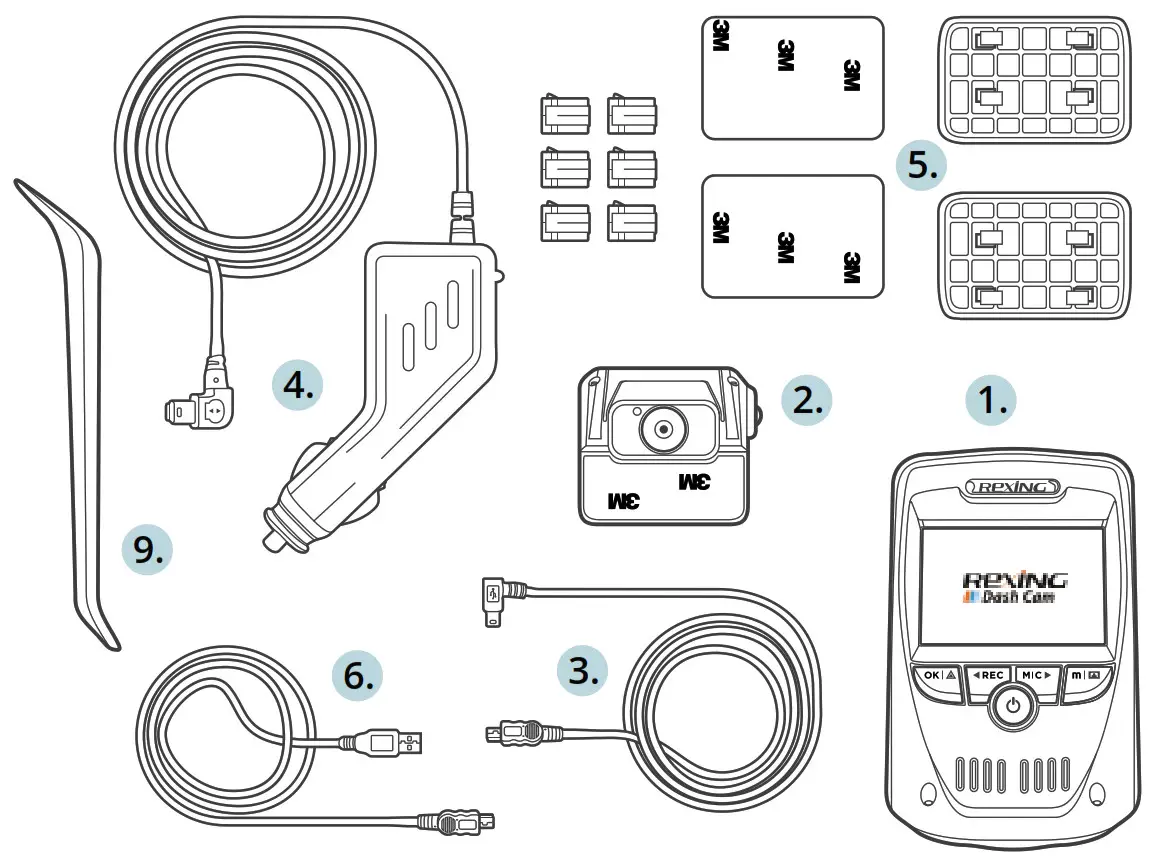
Pack Contents:
- 1 LAMAX C9 Dashcam
- 1 Mount
- 1 USB Cable
- 1 Car Charger
- 1 User Manual
Product Layout:
The product layout includes:
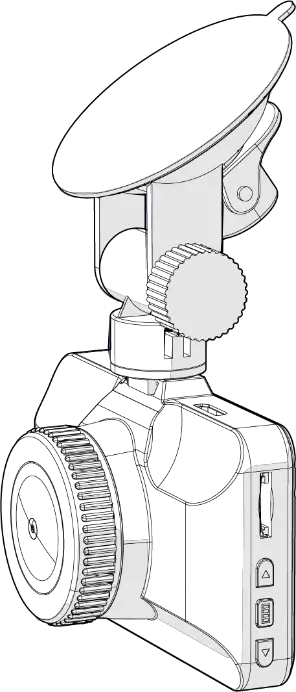
- 1 MENU button
- 1 ON/OFF (Power) button
- 1 UP arrow button
- 1 DOWN arrow button
- 1 MODE button
- 1 Rec/OK button
- 1 Mount
- 1 Display
- 1 Charging input
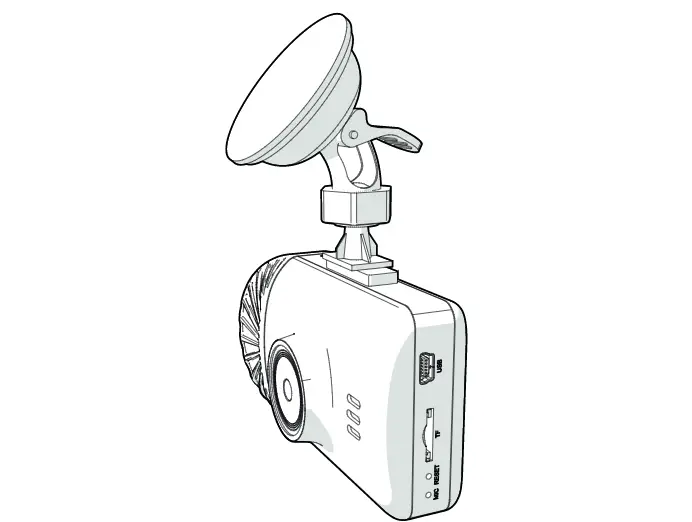
- 1 Micro SD slot
- 1 Lens
- 1 Mini USB input
- 1 Microphone
- 1 LED
- 1 RESET button
Installing the Device:
- Guide the power cable around the windscreen to the car
cigarette lighter, securing it in place. Attach the device between
the glass and the rear-view mirror for optimal shot. - Avoid installing the device in a position that obstructs the
driver’s view or may cause distraction. - If your vehicle does not cut power to the cigarette lighter
when the engine is off, unplug the cable from the cigarette lighter
before exiting the vehicle. - If the battery is low, manually connect the external power
cable to charge the battery before using the device for the first
time. - Use only a high-quality microSD card of class 10 or higher. For
optimal recording use, we recommend using cards with a capacity of
at least 8GB up to a maximum of 64GB. If this is the first use of
the card, we recommend formatting it first.
Using the LAMAX C9 Dashcam:
- Insert or remove the microSD card when the camera is switched
off and not connected to a computer or power supply. - The camera can be powered by both a USB cable or a car charger
plugged directly into the car cigarette lighter. The integrated
battery cannot be removed or replaced. - Turn the camera on by pressing the ON/OFF button. The camera
automatically turns on when connected to the power supply. Turn the
camera off by pressing and holding the ON/OFF button for 3-5
seconds. The camera automatically turns off when disconnected from
the power supply. - To access advanced settings, press the MENU button. Move
between parts using the UP and DOWN arrows. In each individual
section of the menu, move vertically using the UP and DOWN arrows
and press OK to confirm the selection. - Video/photo settings can only be accessed from the appropriate
mode. You can only access video settings from video mode and photo
settings from photo mode.
High-end Dashboard Camera with GPS Tracking and Speed Camera Detection
LAMAX C9
USER M- 1A-NUAL
Introduction
Thank you for purchasing the LAMAX C9 dashcam. Wherever you go, you now have a reliable travel companion for your car journeys. The high-quality shots it delivers will not only serve as evidence for your insurance company or the police, but also provide great footage from your holidays.
1. Pack Contents
LAMAX C9 dashcam Suction cup mount with GPS module Car charger MicroSD-USB adapter Manual and Safety Instructions Camera travel bag Microfiber cloth Other printed materials (stickers, Facebook card, registration card)
2. Product Layout
9 7
8
13 12
1. MENU 2. ON/OFF (Power) 3. UP arrow 4. DOWN arrow 5. MODE 6. Rec/OK 7. Mount 8. Display 9. Charging input
5 6
14 10
11
10. Micro SD slot 11. Lens 12. Mini USB input 13. Microphone 14. LED 15. RESET
2 1
3
4 15
– 1 –
3. Installing the Device
1) Guide the power cable around the windscreen to the car cigarette lighter so as not to obstruct the driver’s view and fasten it securely. To achieve the optimal shot, attach the device between the glass and the rear-view mirror.
2) Do not install the device in a position which obstructs the driver’s view or that may distract. 3) Some vehicles do not cut power to the cigarette lighter when the engine is off. In this case,
unplug the cable from the cigarette lighter before exiting the vehicle. 4) When using the device for the first time, the battery may be low. If you cannot switch on the
device due to low power, manually connect the external power cable to charge the battery. 5) Use only a high-quality microSD card of class 10 or higher. For optimal recording use, we re-
commend using cards with a capacity of at least 8GB up to a maximum of 64GB. If this is the first use of the card, we recommend formatting it first..
Important Notice: – For proper operation the LAMAX C9 and GPS module, the power cable must be plugged di-
rectly into the micro USB port of the GPS holder (not into the micro USB port on the camera). – To ensure the camera functions properly, it must be plugged securely into the holder (the camera must be snapped into the holder and be fully inserted). When removing the camera, it is necessary to press the safety lock at the front of the holder and then carefully pull the camera out. If the camera is not fully attached to the GPS module, there may be disruptions to the power supply or GPS operation.
4. Using the LAMAX C9 Dashcam 1) Inserting a MicroSD Card
Insert or remove the microSD card when the camera is switched off and not connected to a computer or power supply.
2) Charging a) Camera can be powered by both a USB cable or a car charger plugged directly into the car
cigarette lighter. b) Camera is designed to be powered continuously. Integrated battery cannot be removed or
replaced.
3) Turning the Camera On and Off a) Turn the camera on by pressing the ON/OFF button. b) Camera automatically turns on when connected to the power supply. c) Turn the camera off by pressing and holding the ON/OFF button for 3-5 seconds. d) Camera automatically turns off when disconnected from the power supply.
4) Switching Modes and Menu Navigation a) Tap the MODE button to toggle between modes: video mode (live view) » photo mode »
video gallery/photo gallery » entry lock. b) The camera menu is divided into three parts: database menu » basic camera settings »
advanced settings. Navigate between these parts using the UP and DOWN arrows. To enter the menu press the MENU button. In each individual section of the menu, move vertically using the UP and DOWN arrows and press OK to confirm the selection. c) Video / photo settings can only be accessed from the appropriate mode. This means you can only access video settings from video mode and photo settings from photo mode.
– 2 –
Obsah je uzamcen
Dokoncete, prosím, proces objednávky. Následn budete mít pístup k celému dokumentu.
Proc je dokument uzamcen? Nahnvat Vás rozhodn nechceme. Jsou k tomu dva hlavní dvody: 1) Vytvoit a udrzovat obsáhlou databázi návod stojí nejen spoustu úsilí a casu, ale i financní prostedky.
Dlali byste to Vy zadarmo? Ne*. Zakoupením této sluzby obdrzíte úplný návod a podpoíte provoz a rozvoj nasich stránek. Teba se Vám to bude jest nkdy hodit. *) Mozná zpocátku ano. Ale vzte, ze dotovat to dlouhodob nelze. A rozhodn na tom nezbohatneme. 2) Pak jsou tady ,,roboti”, kteí se pizivují na nasí práci a ,,vysávají” výsledky naseho úsilí pro svj prospch. Tímto krokem se jim to snazíme pekazit. A pokud nemáte zájem, respektujeme to. Urgujte svého prodejce. A kdyz neuspjete, rádi Vás uvidíme!