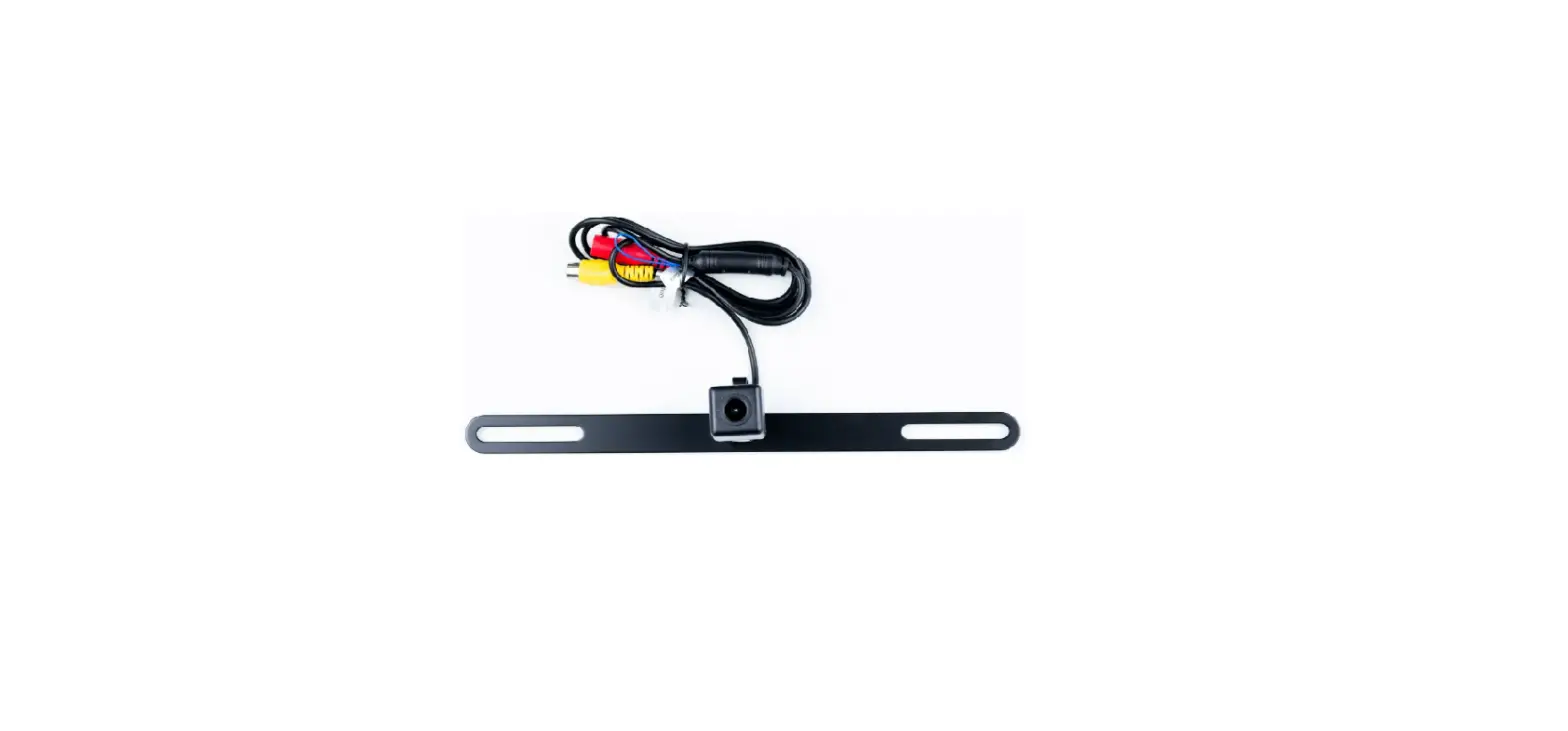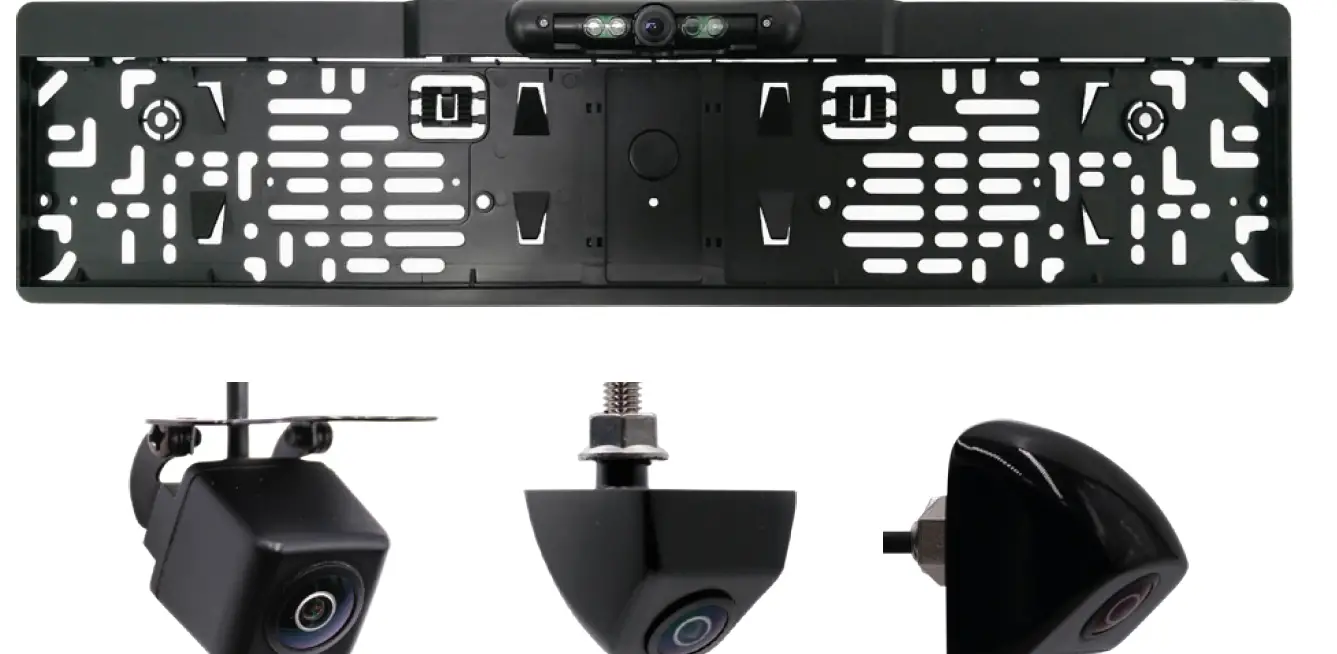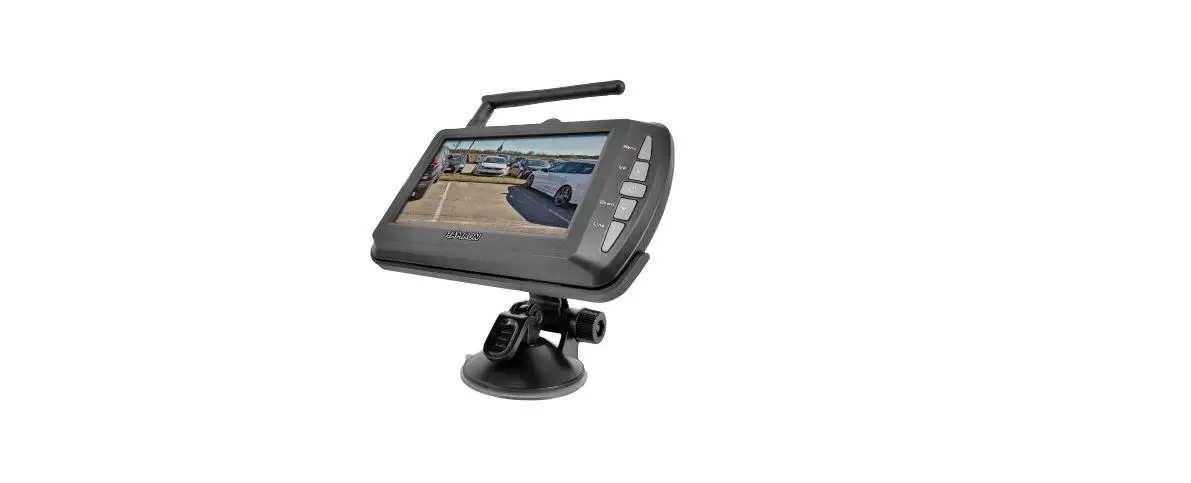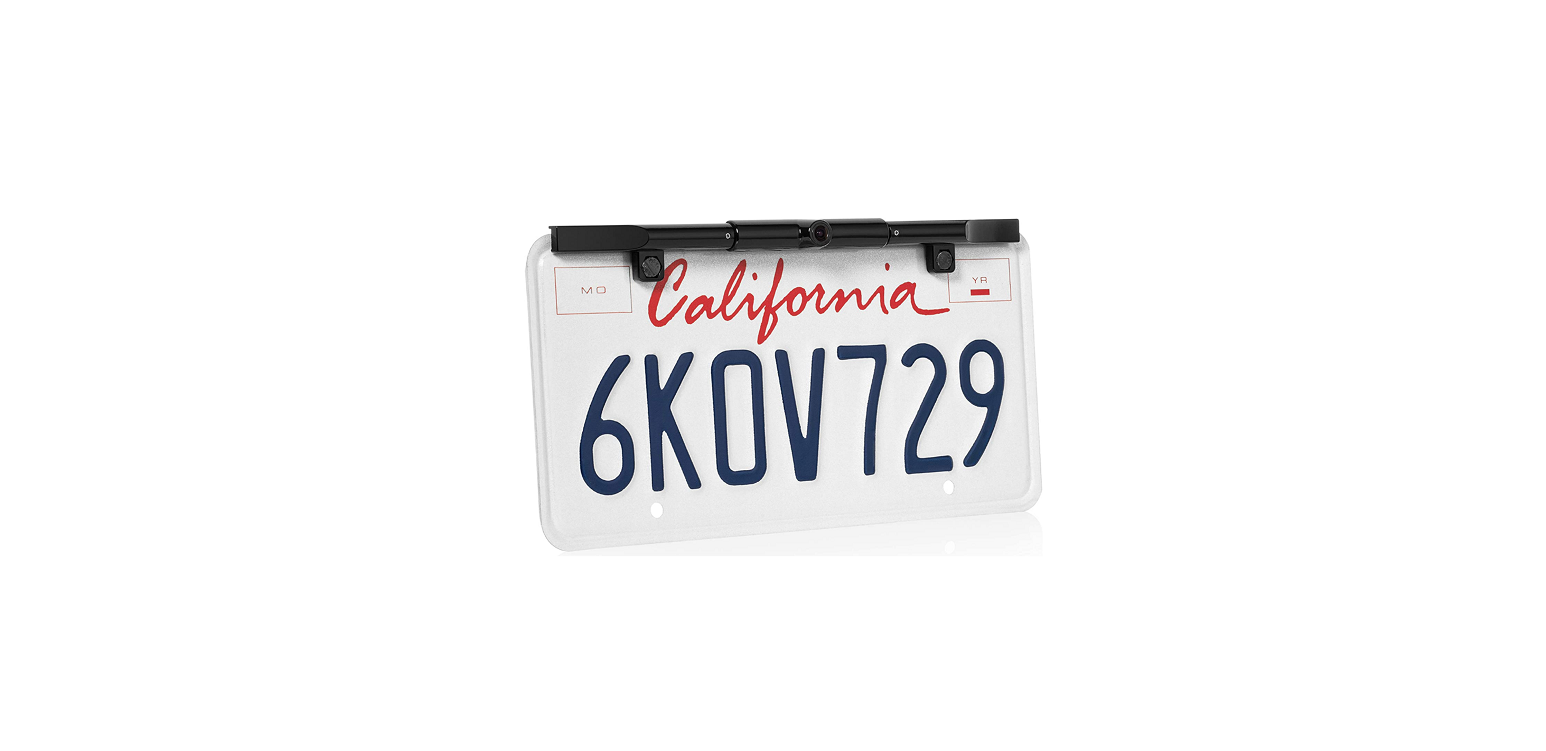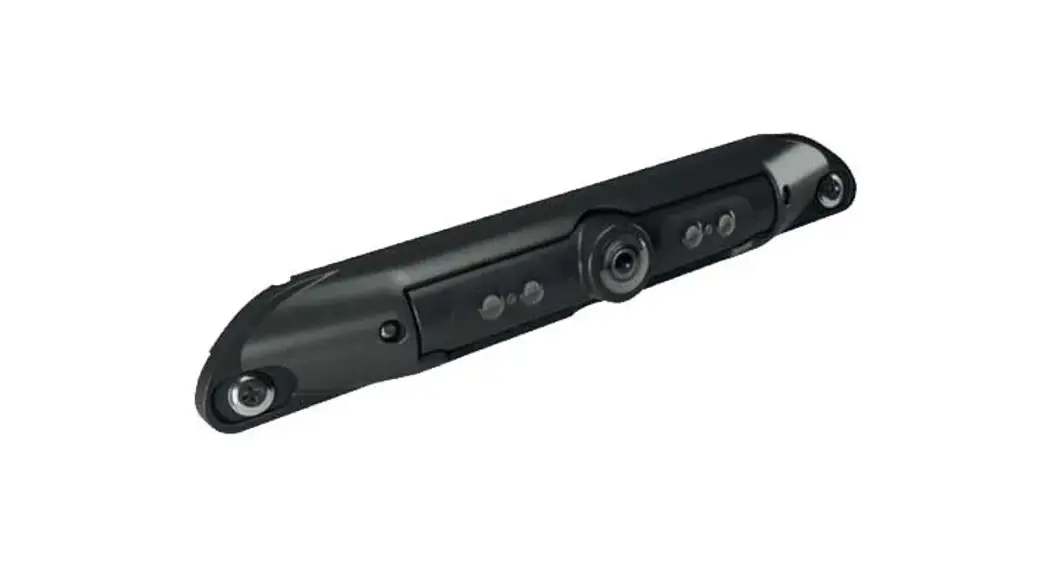
 BL-2130C Rear Facing Number Plate 720p AHD Camera
User Manual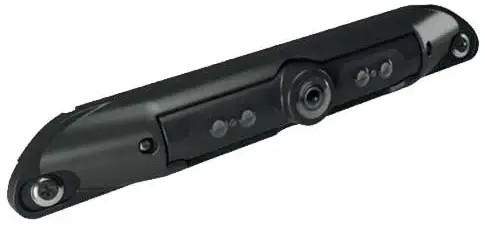 Adjusting the Angle of view
BL-2130C Rear Facing Number Plate 720p AHD Camera
Please refer to www.brigade-electronics.com/brigadevan for more information and technical documents
Step 1
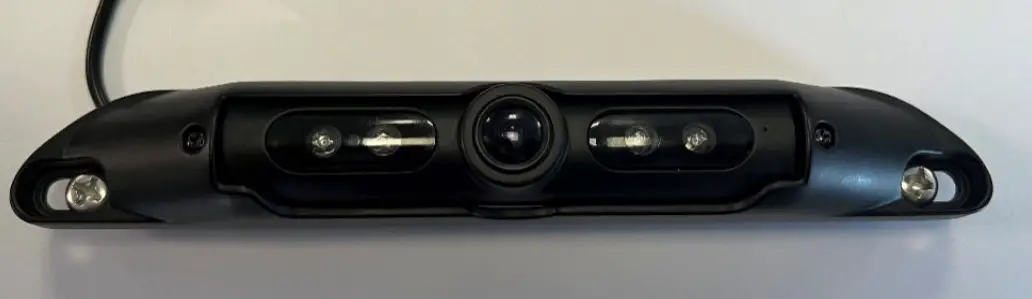
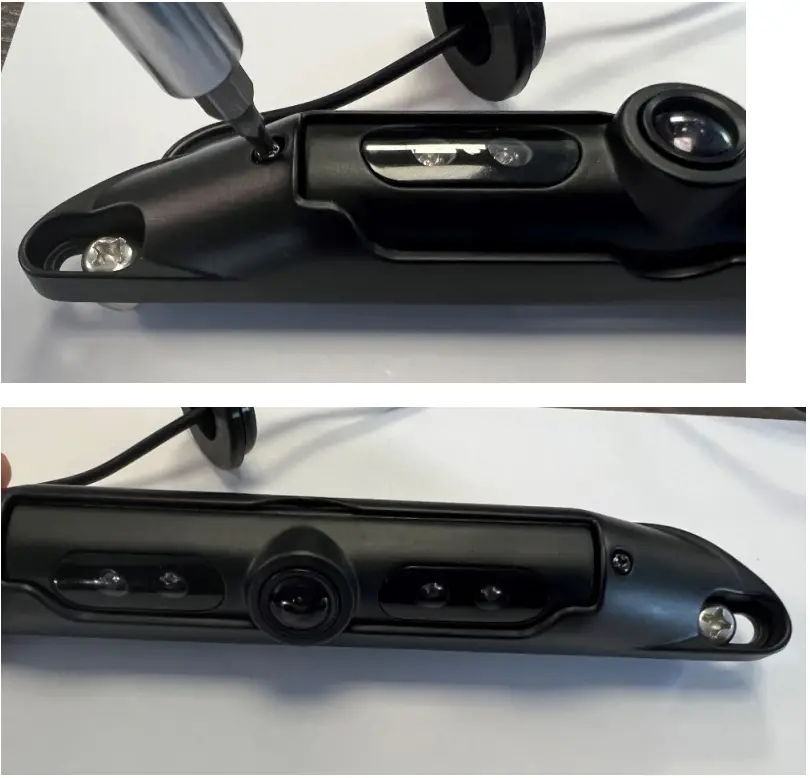
On the front of the camera, there are 2 screws either side of the camera lens, loosen these using a Philips head screwdriver *Do not fully remove.
Step 2
Once the screws are loose move the camera lens housing up or down, adjust to the preferred viewing angle and then tighten the screws.
[email protected]
www.brigade-electronics.com
 electronics.com
 Brigade Electronics | Commercial Vehicle Camera Systems