BRIGADE BL-270HM Van Camera
Please refer to https://brigade-electronics.com/product-support-area/ for more information and technical documents.
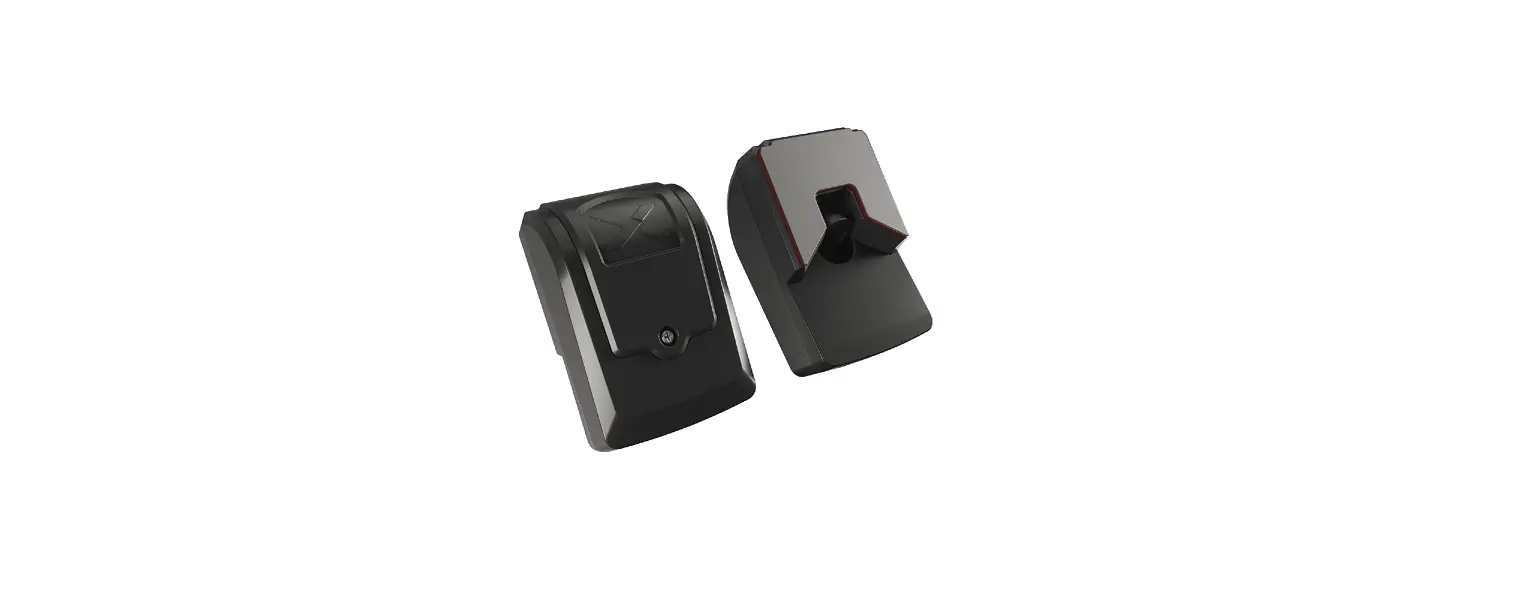
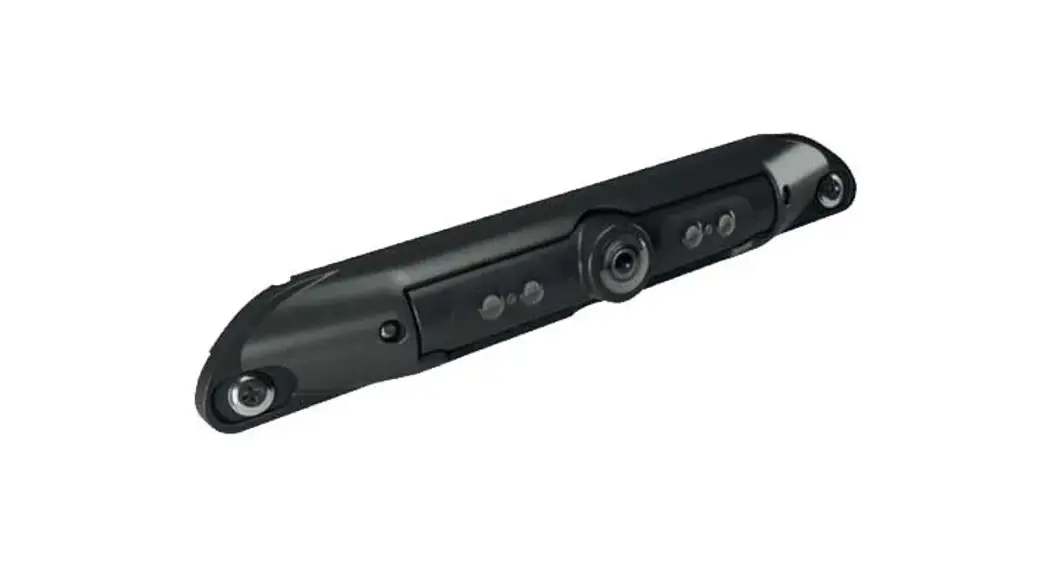
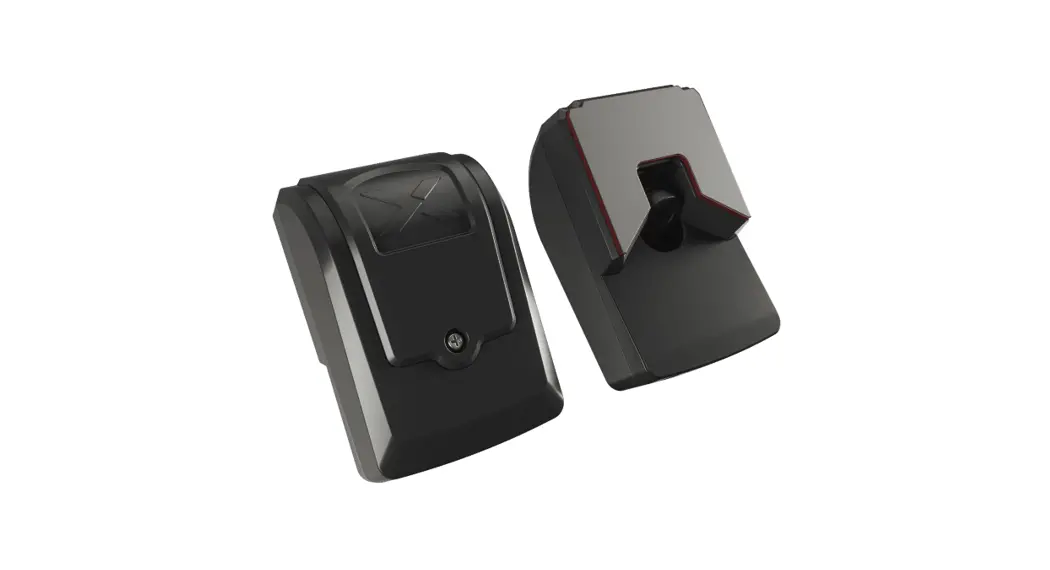
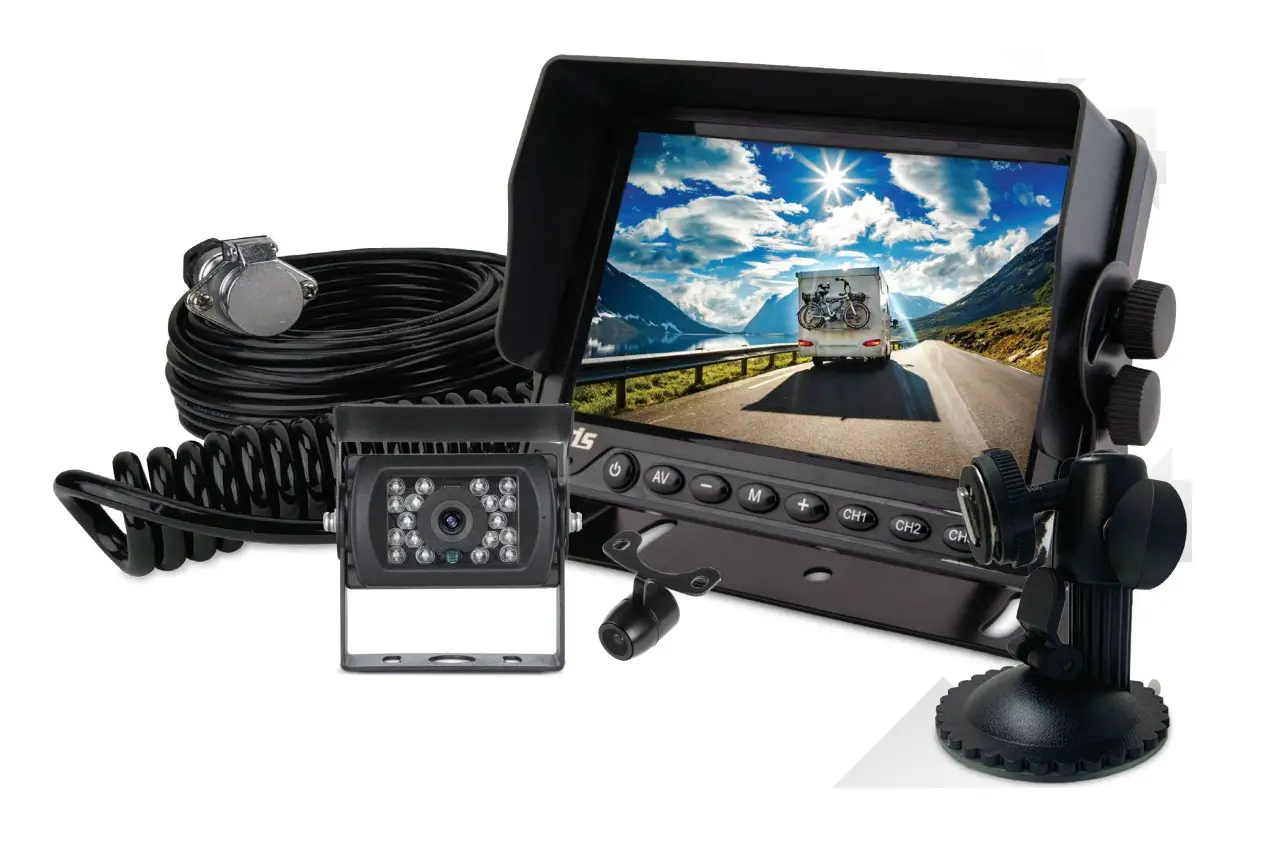
Kit Contents
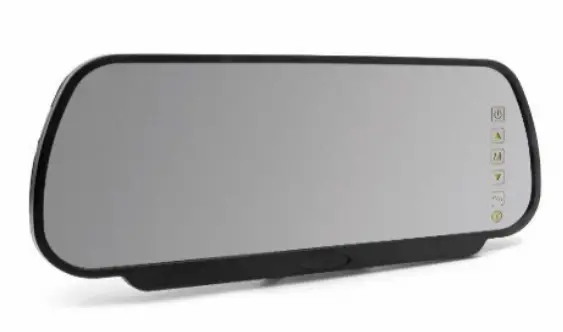 | 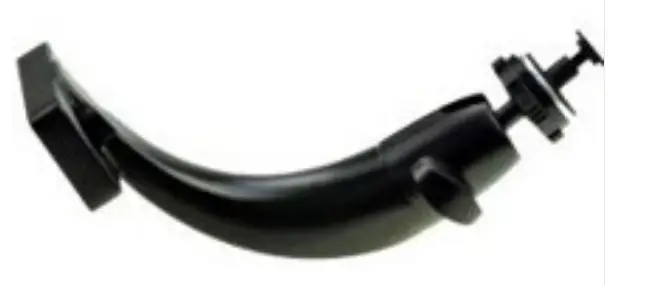 |
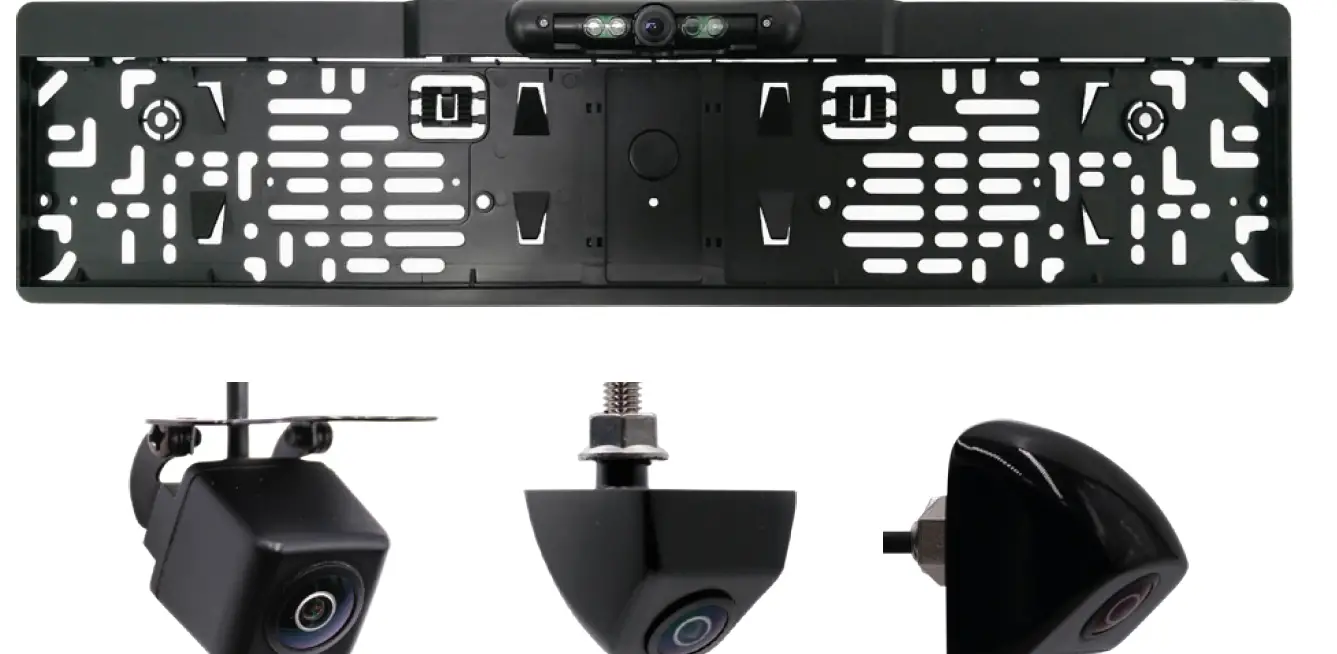
BL-270HM | BL-270HM-BKT |
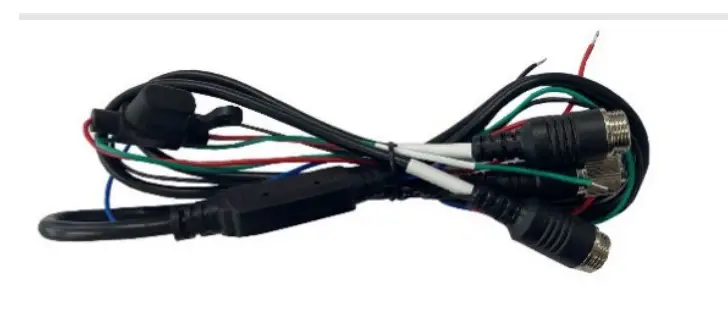 | |
BL-270HM-PC | |
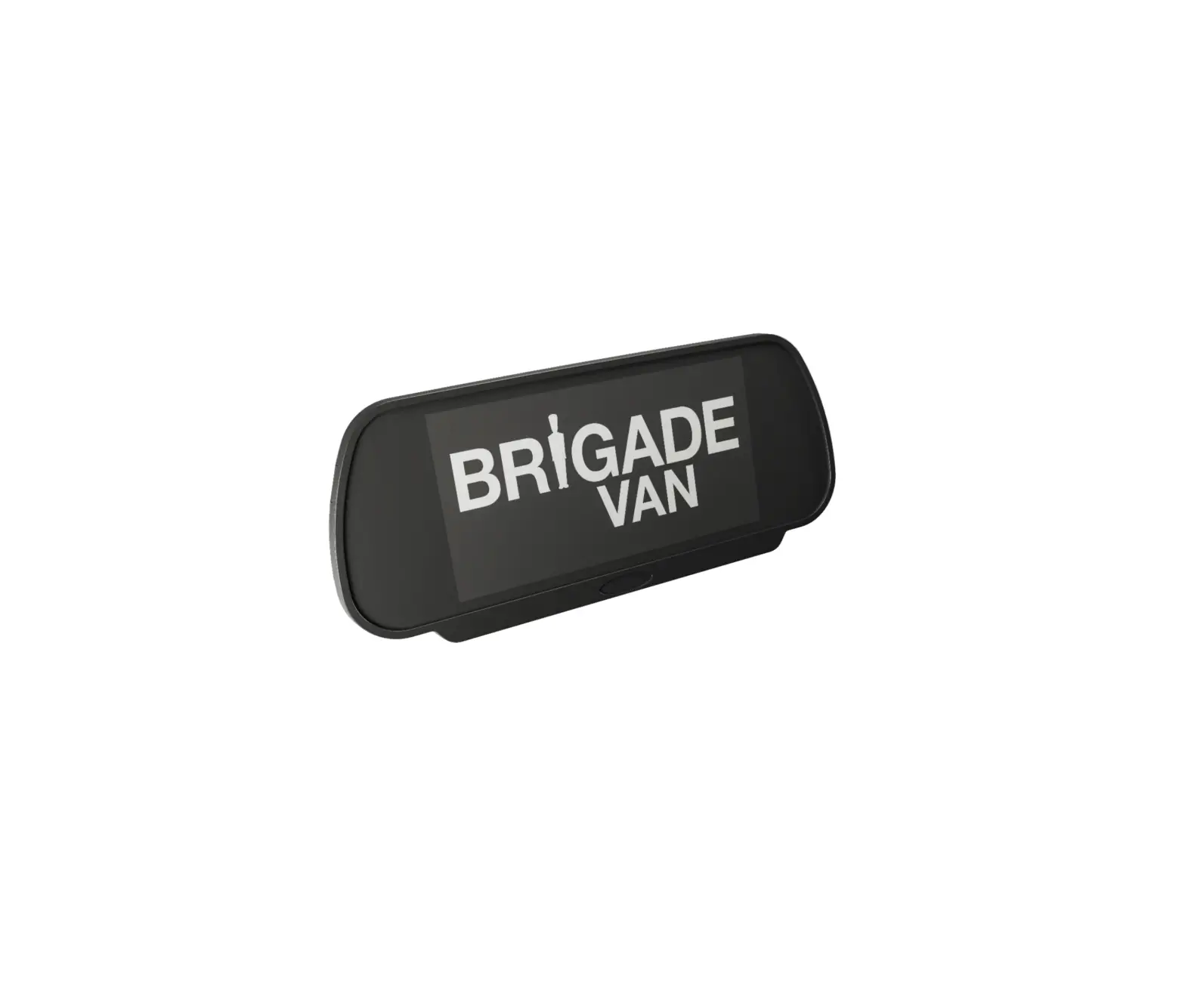
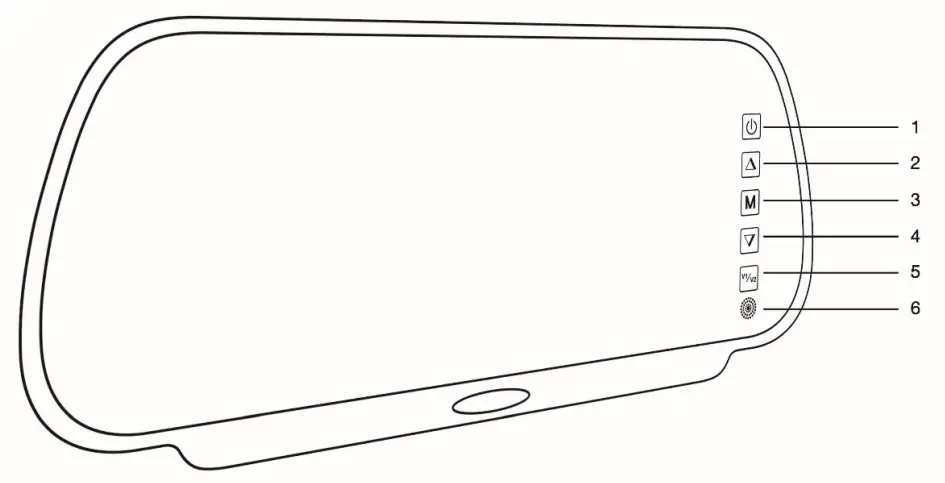
Mirror Monitor
- Power
- Up
- Menu
- Down
- Channel 1/ Channel 2
- IR

Monitor Specification
- Screen size: 7-inch new TFT panel
- Aspect Ratio: 10:9 image
- nput: 2-channel video input with 2 trigger cable inputs
- System: PAL and NTSC auto switching
- Resolution: 1024 x R.G.B x 600
- Brightness: 450cd/m2
- Power supply: 12-24V DC
- Built-in speaker
- Operation Temperature: -30℃~+70℃
- Storage Temperature: -40℃~+80℃.
Cable
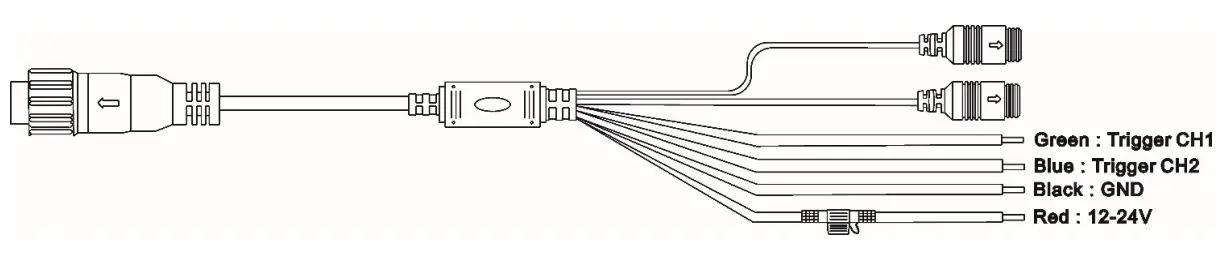
Note: Channel 1 video has priority over Channel 2 video if these are triggered at the same time.
Usual manual
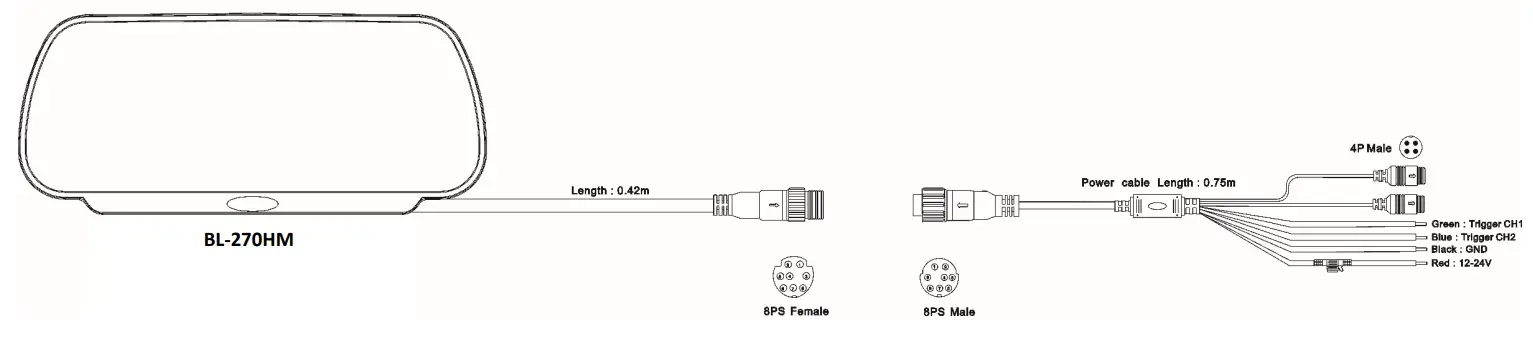
- Power connected, GND to Negative;12-24V to positive。
- AV1 – AV2 connect to camera 1 and camera 2。
- Trigger AV1 – Trigger AV2 cables to trigger the video AV1、AV2。
Wirirng Diagram
View
Brightness: 0-100
Saturation: 0-100
Contrast: 0-100
Hue: 0-100
System
Reversing Line: MODE 1(2/3)
Astern Delay: 3s/6s/9s
Language: English/Japanese/Chinese
Rotate:: LU/RD
VersionShows installed O/S/ Firmware version
Resolution: 720P/1080P/CVBS PAL/CVBS N
Audio Switch: OFF/ON
Backlight Mode: OFF/ON
Default Setting
Image Mirror
Customer Support
http://www.brigade-electronics.com/

 electronics.com
 Brigade Electronics | Commercial Vehicle Camera Systems
 Product Support Area | FAQs | Brigade Electronics