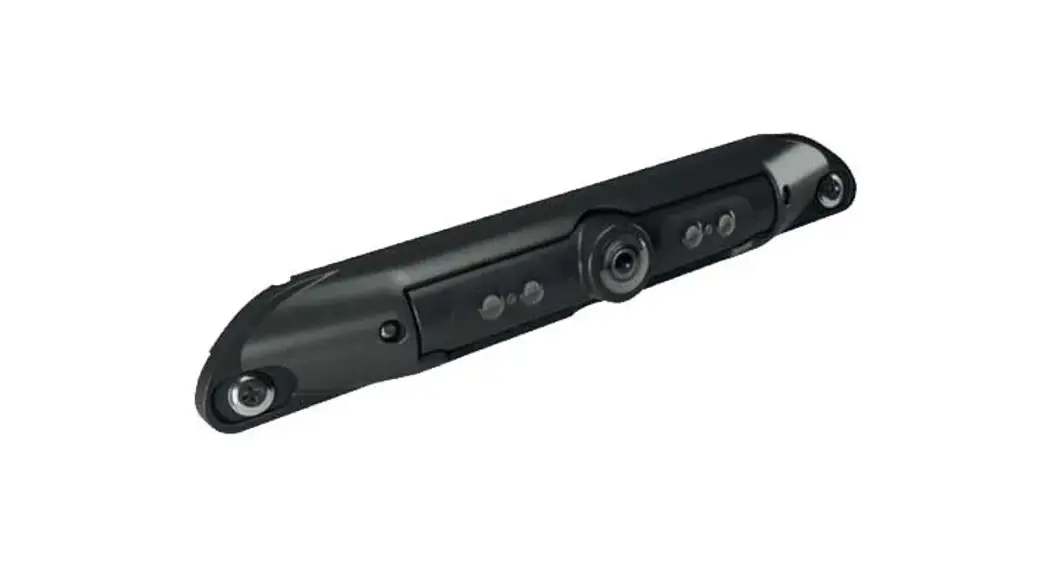
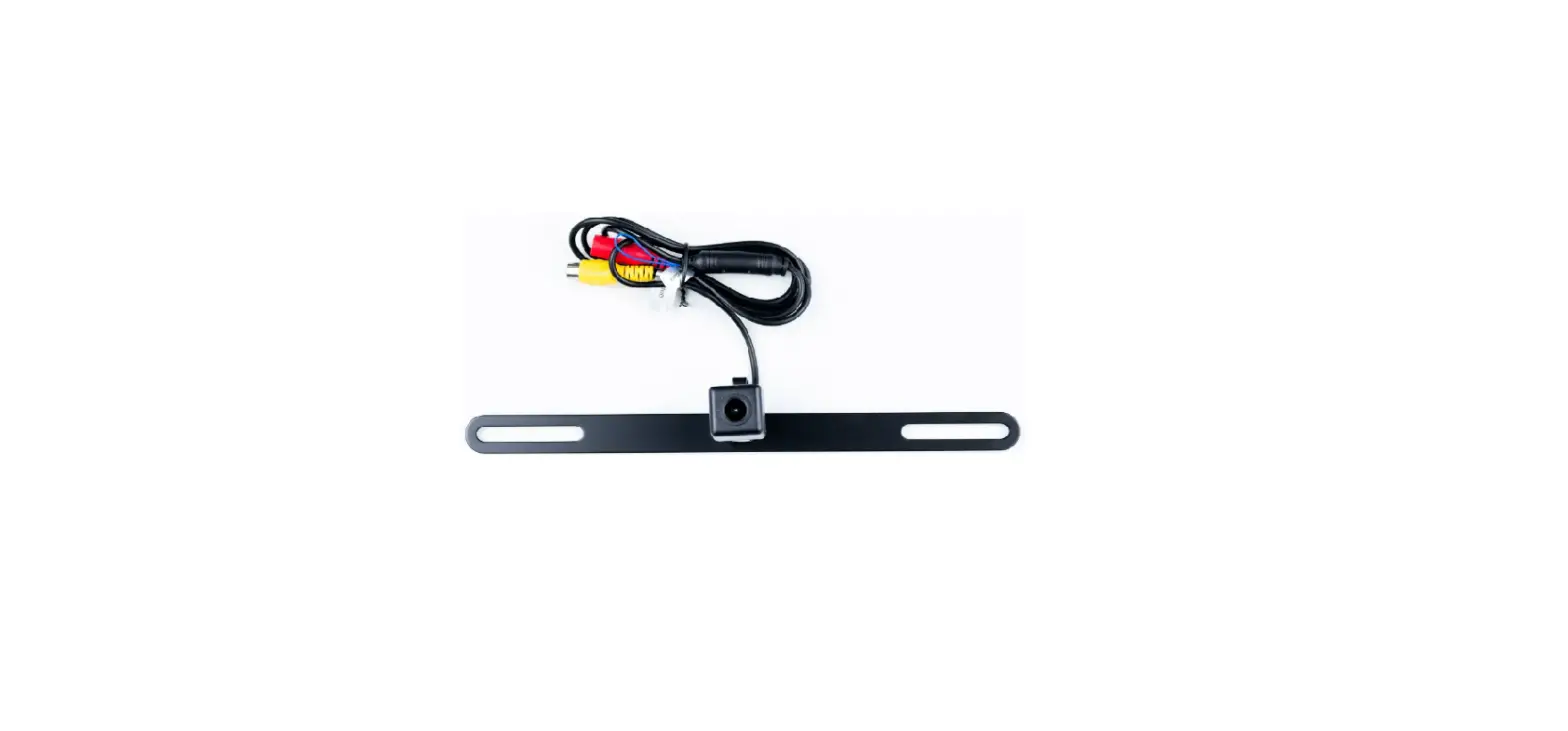
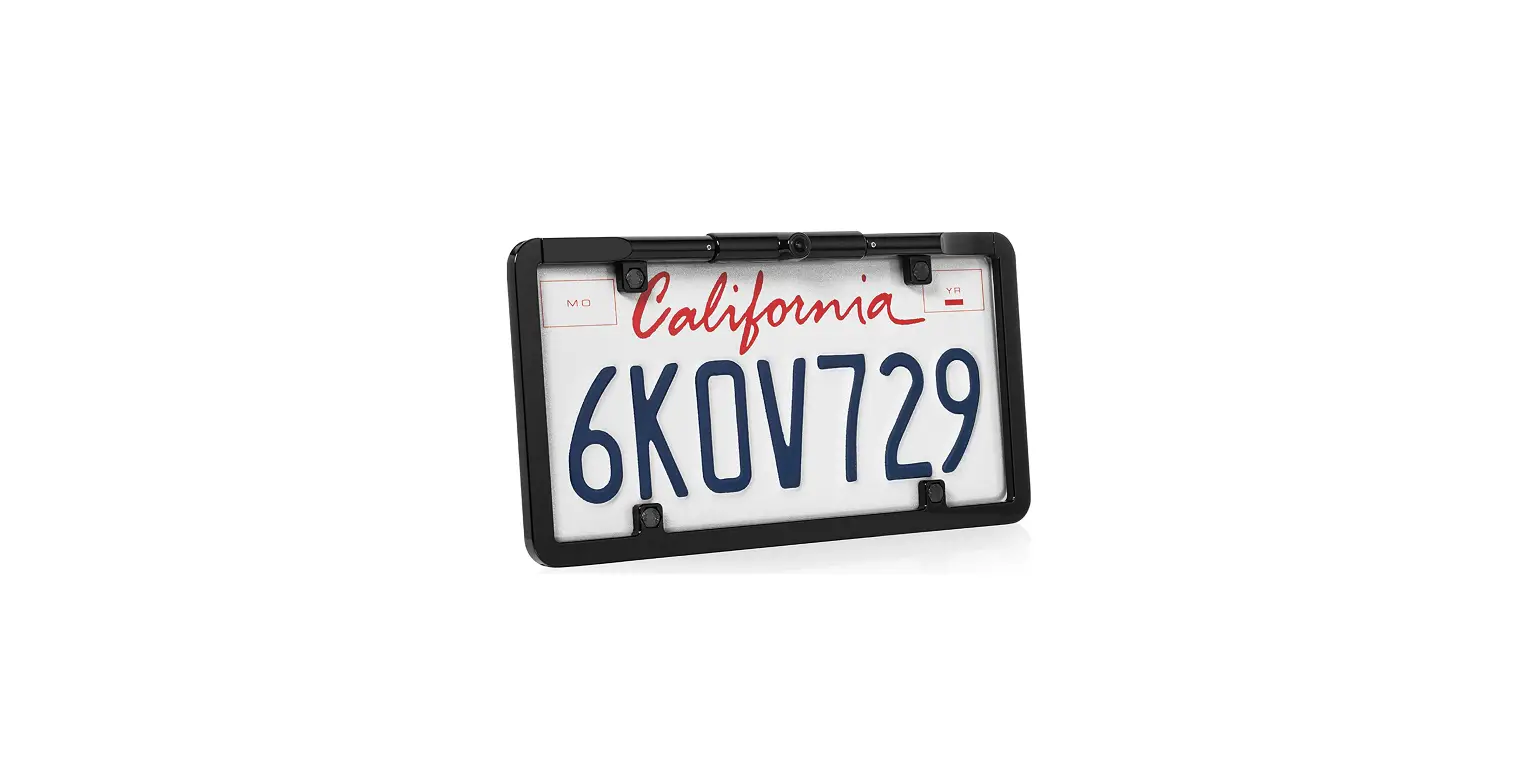
BL-2130C Van Lite Rear Facing Number Plate AHD Camera
Product Information: BL-2130C Manual
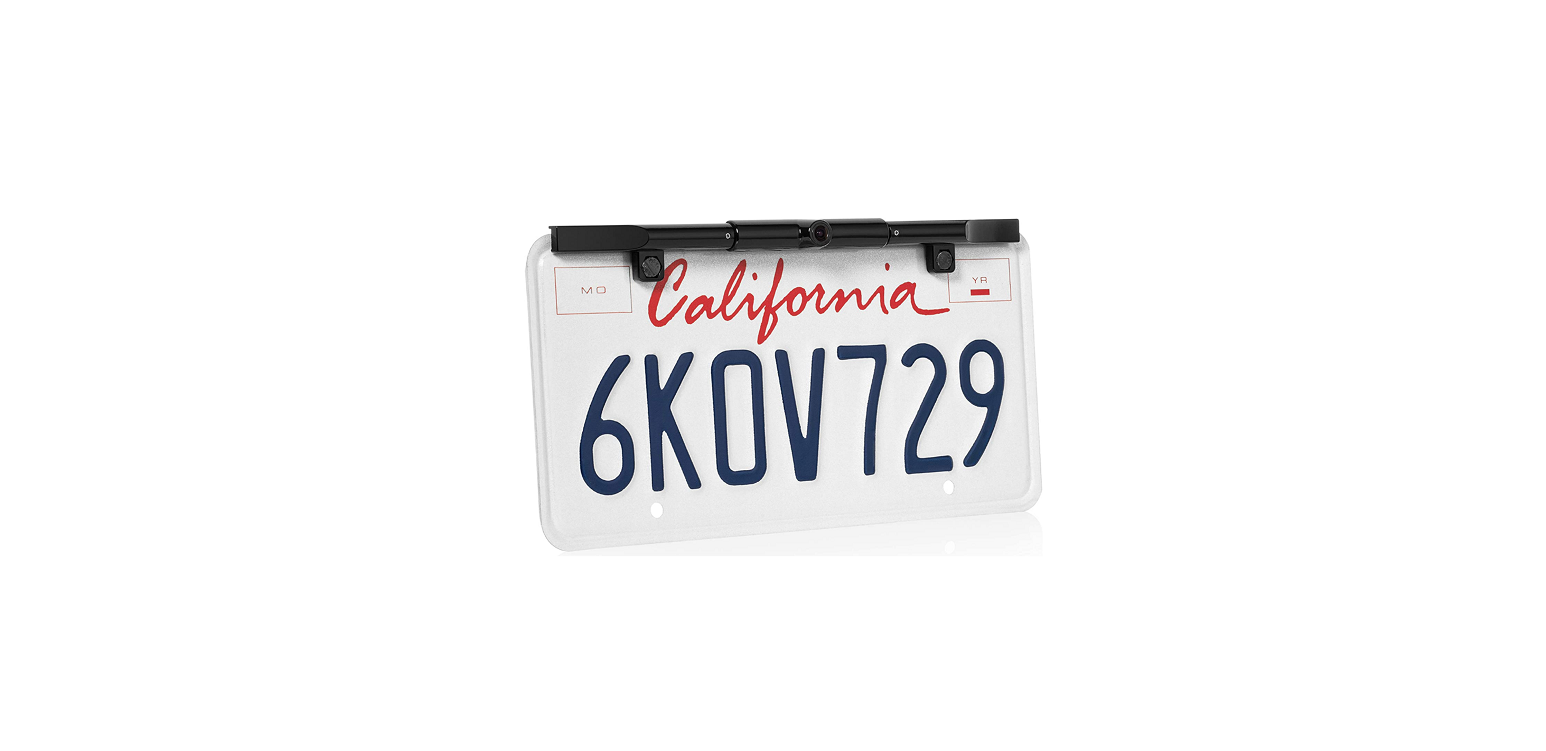
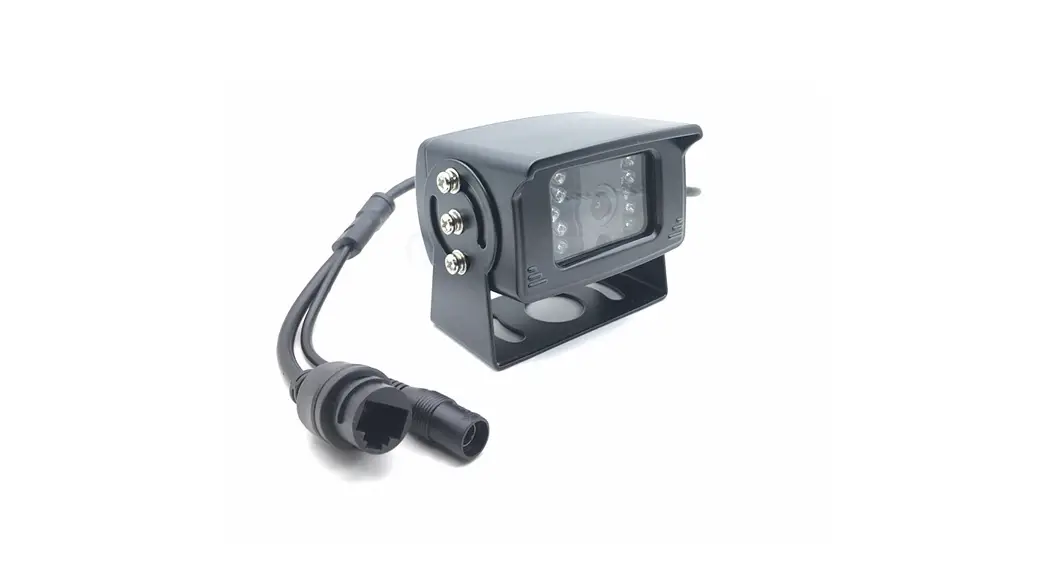
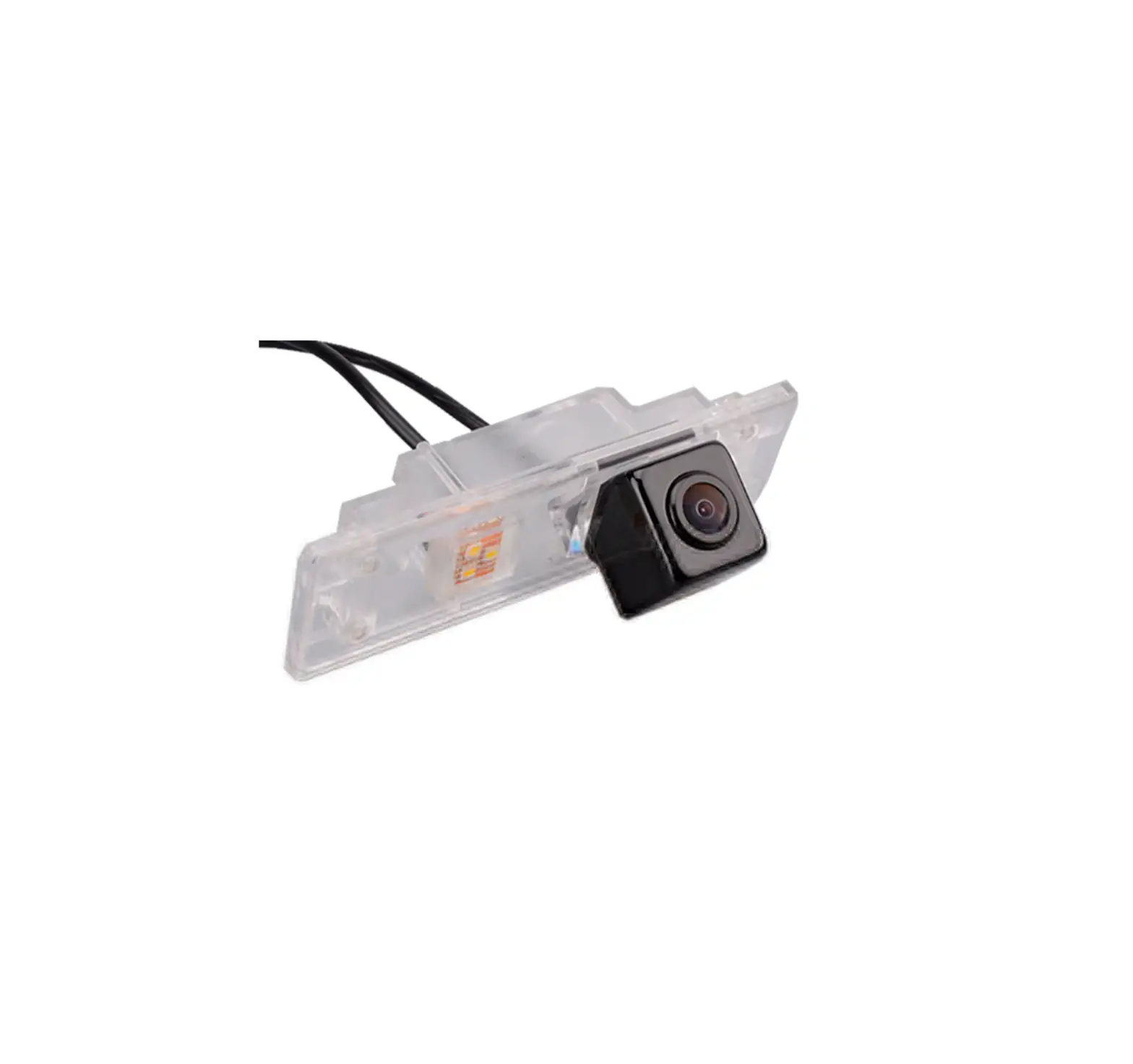
The BL-2130C is a camera designed for use in vehicles. It is
equipped with an adjustable lens that allows the user to change the
angle of view according to their preferences. For more information
and technical documents, please visit www.brigade-electronics.com/brigadevan.
Product Usage: Adjusting the Angle of View
Follow the steps below to adjust the camera lens angle:
- Locate the two screws on either side of the camera lens on the
front of the camera. - Using a Philips head screwdriver, loosen the screws. Do not
fully remove them. - Once the screws are loose, move the camera lens housing up or
down to adjust to the preferred viewing angle. - Tighten the screws to secure the camera lens in place.
If you have any technical questions or concerns, please contact
technical support at [email protected] or visit
www.brigade-electronics.com.
BL-2130C Manual
Adjusting the Angle of view
Please refer to www.brigade-electronics.com/brigadevan for more information and technical documents
7310
Step 1
On the front of the camera, there are 2 screws either side of the camera lens, loosen these using a Philips head screwdriver *Do not fully remove.
Step 2
Once the screws are loose move the camera lens housing up or down, adjust to the preferred viewing angle and then tighten the screws.
www.brigade-electronics.com
7310
 electronics.com
 Brigade Electronics | Commercial Vehicle Camera Systems