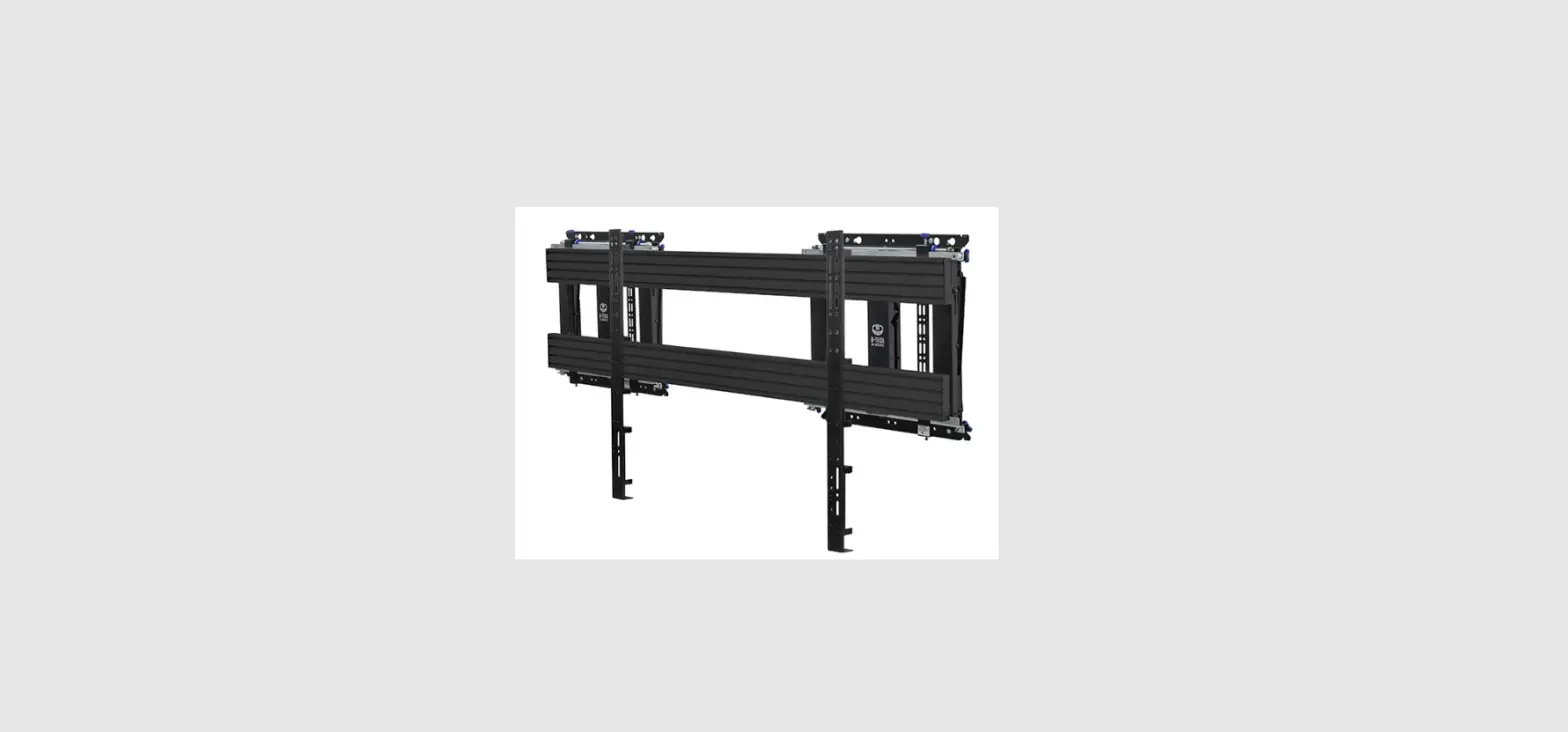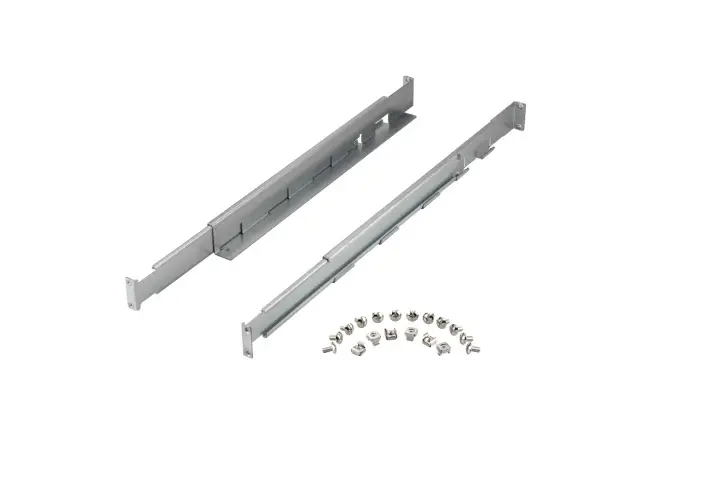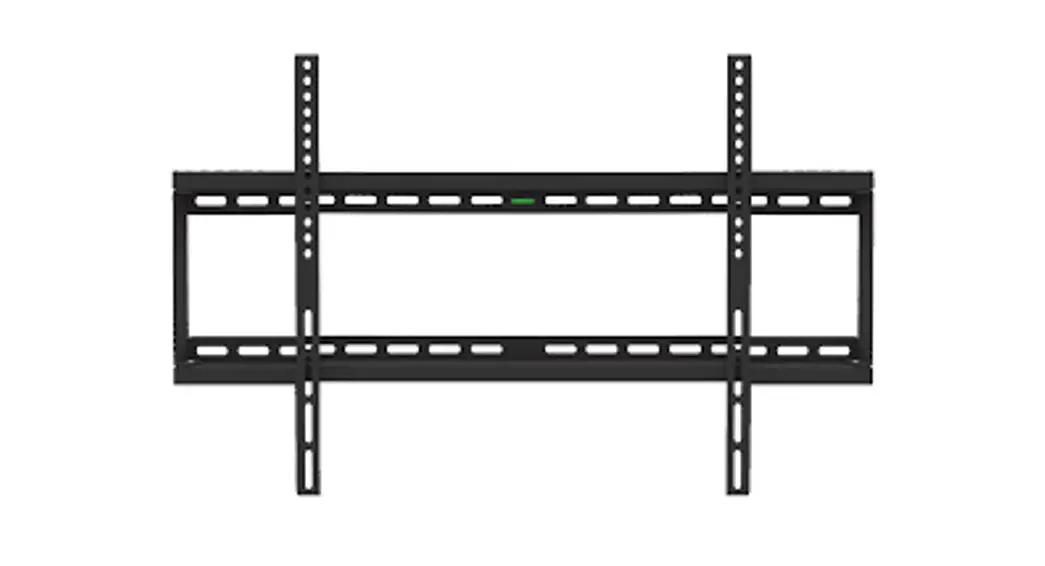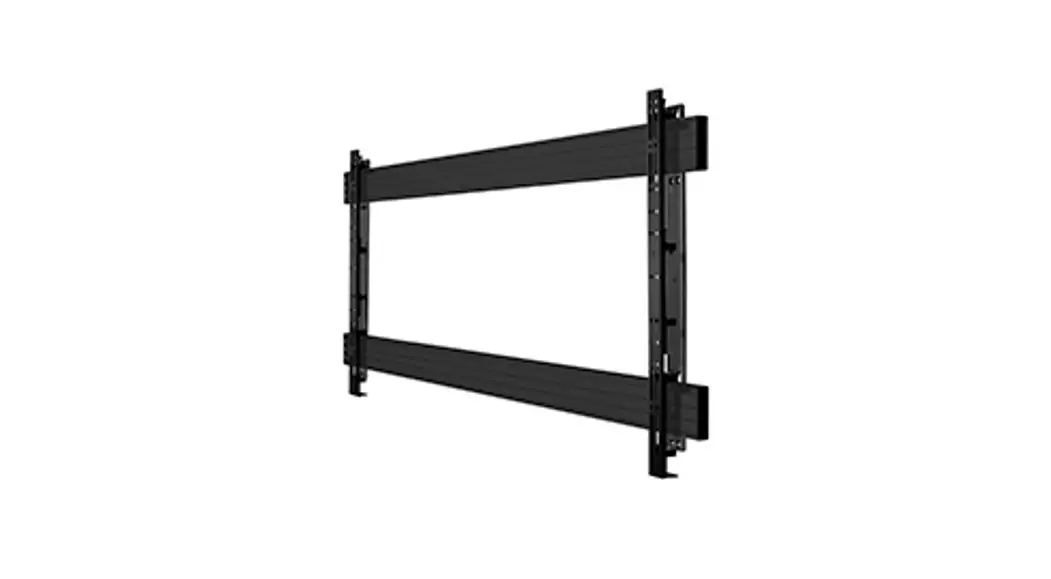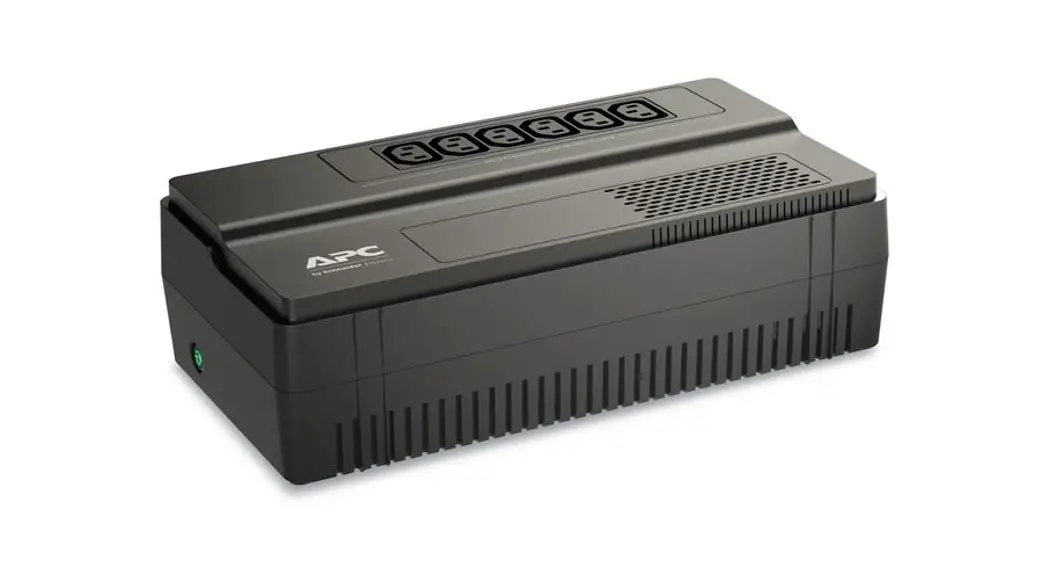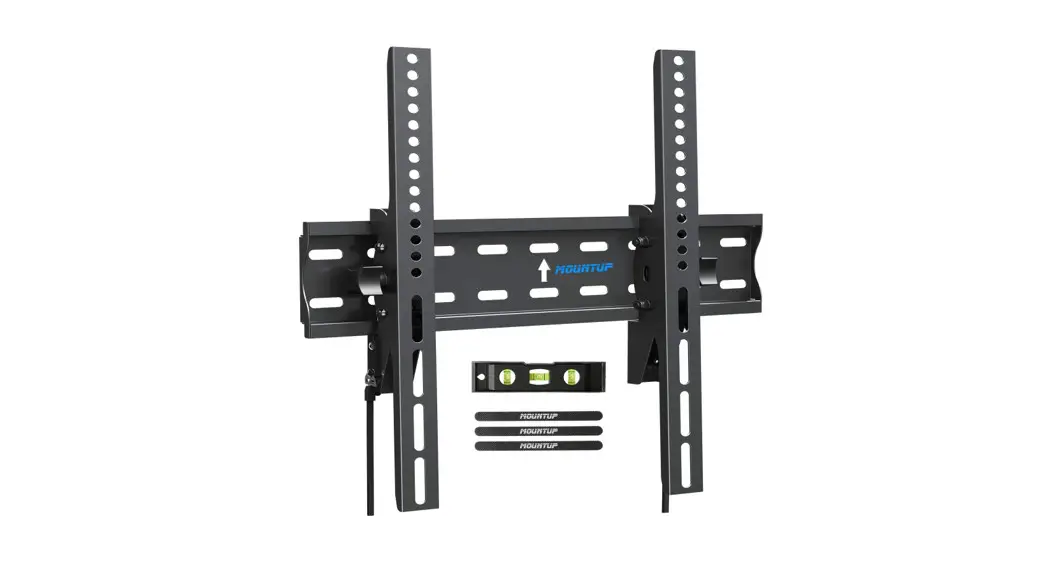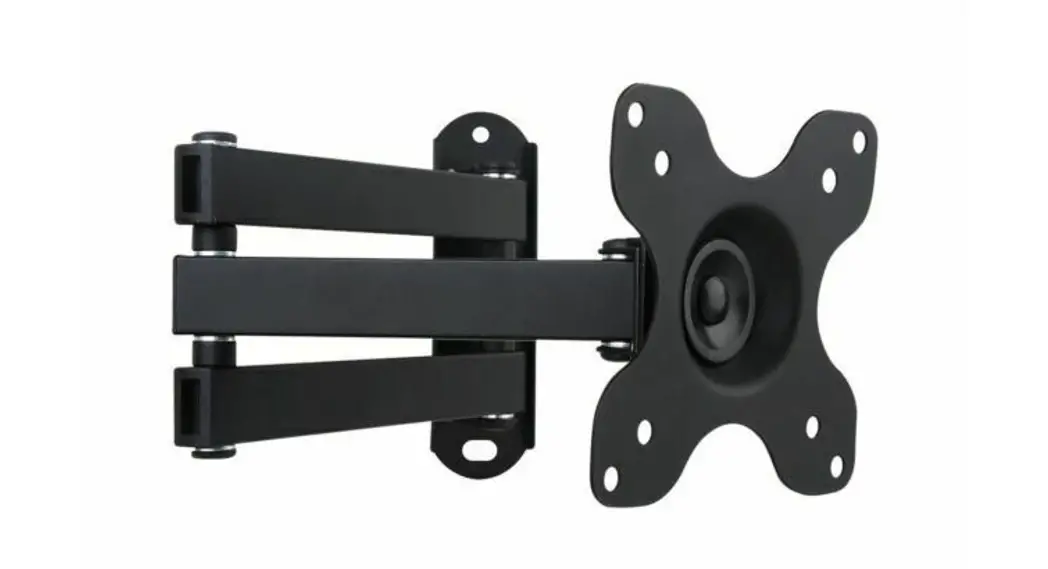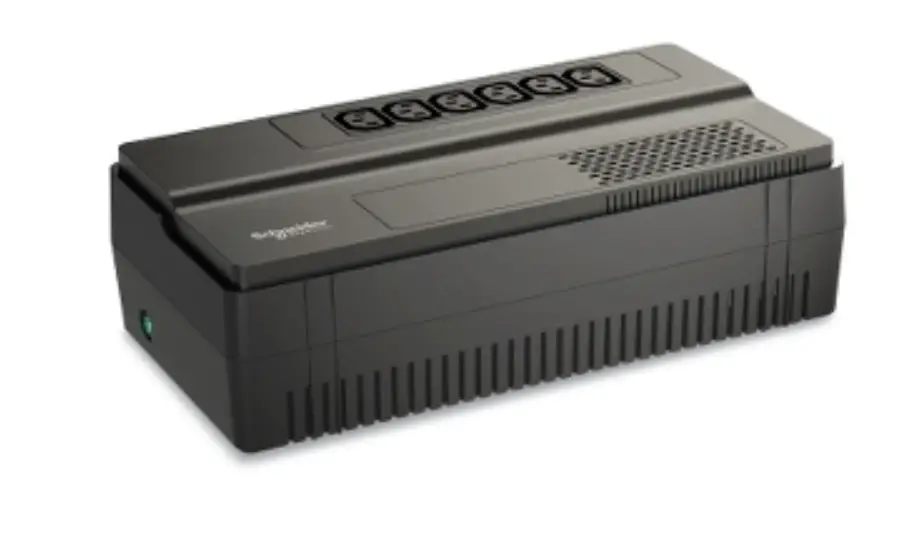

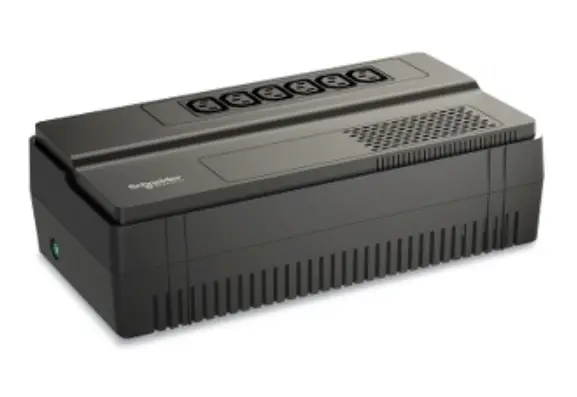
APC BV/BVS 650 Floor Wall Mount
Quick Installation Guide for Battery Cartridge Replacement
- Only qualified persons should replace the battery.
- Use APC authorized batteries only.
- Use authorized battery recycler. See www.apc.com/recycle for information on recycling services offered in your country.
EASY UPS
BV/BVS 650, 800 & 1000 VA
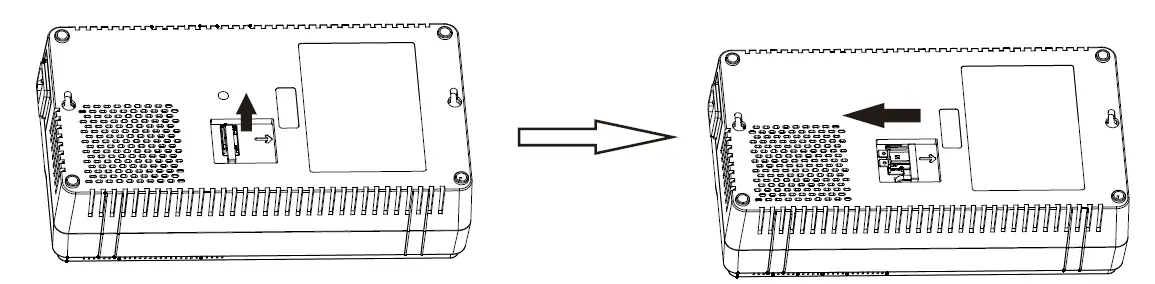
- Disconnect the battery by pulling the battery handle up, and then moving it to the left.

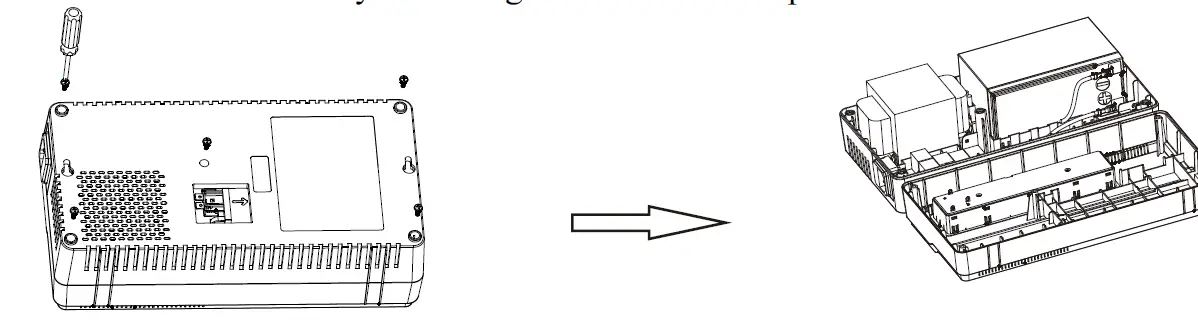
- Remove bottom cover by removing five screws and open the bottom cover.

- Disconnect battery wires. Replace the old battery with a new one and reconnect the battery wires. Assemble bottom cover back to the UPS unit.
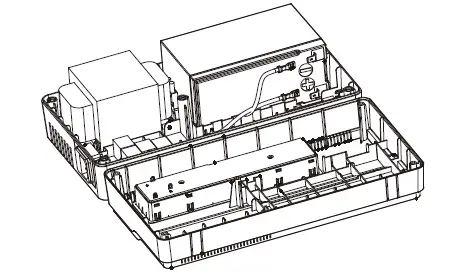
CAUTION: Be sure to connect the Red wire to the positive terminal and the Black wire to the negative terminal.
Do not interchange the connection.
© 2022 APC by Schneider Electric. APC, the APC logo are owned by Schneider Electric Industries S.A.S., or their affiliated companies. All other trademarks are property of their respective owners.
 APC, a flagship brand of Schneider Electric - APC USA