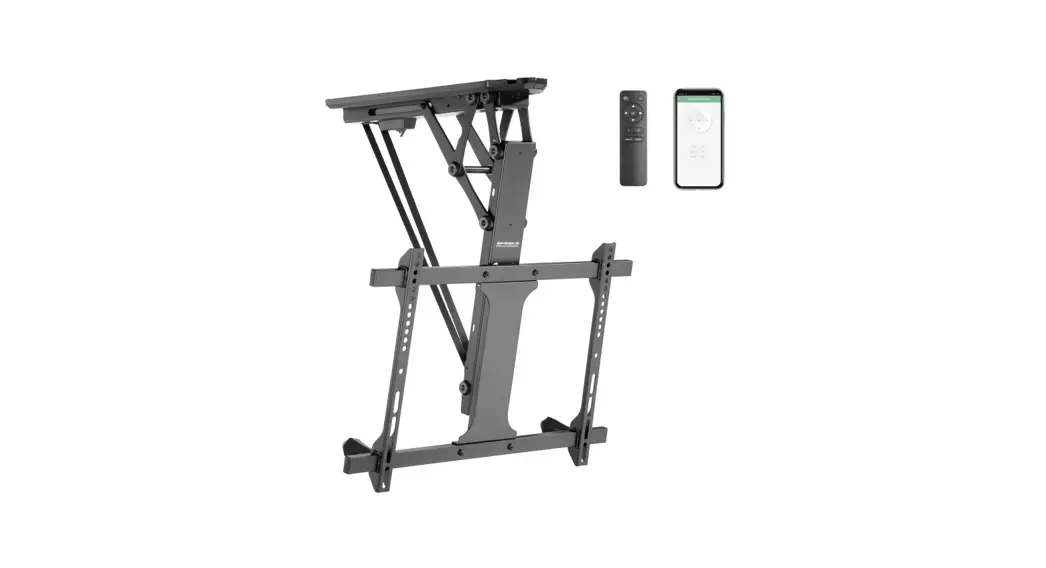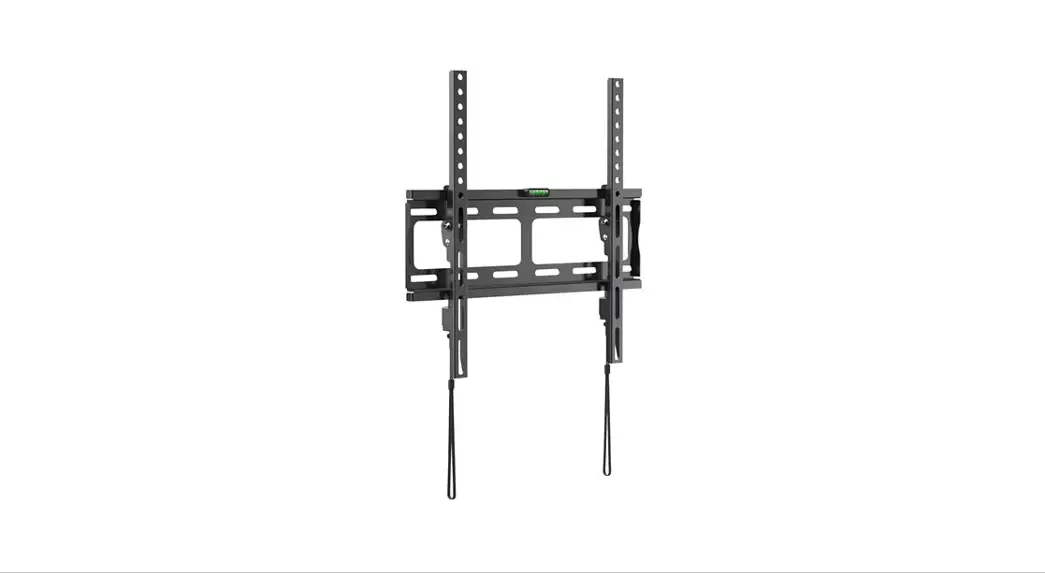
 Installation Guide
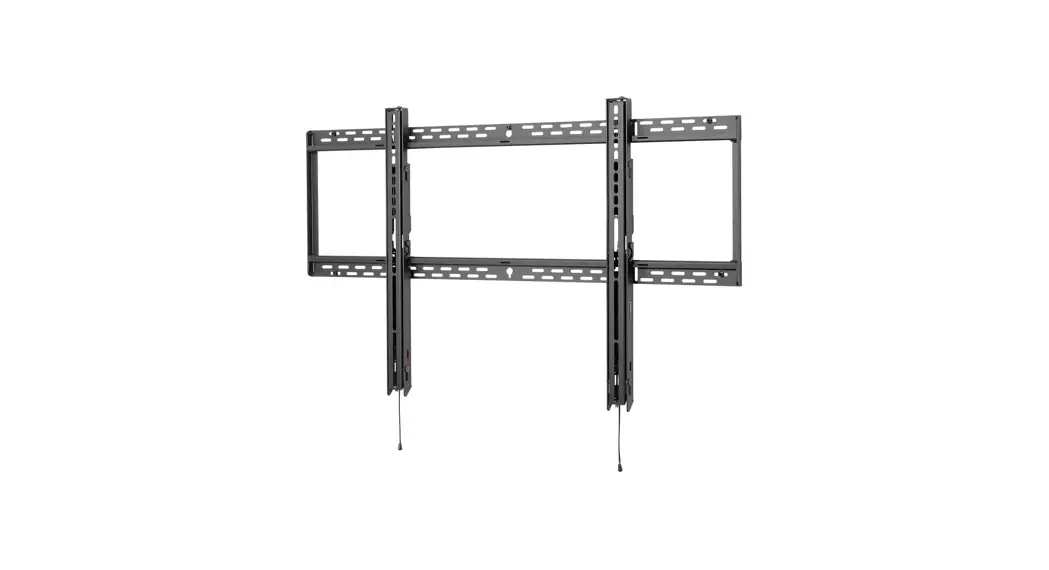
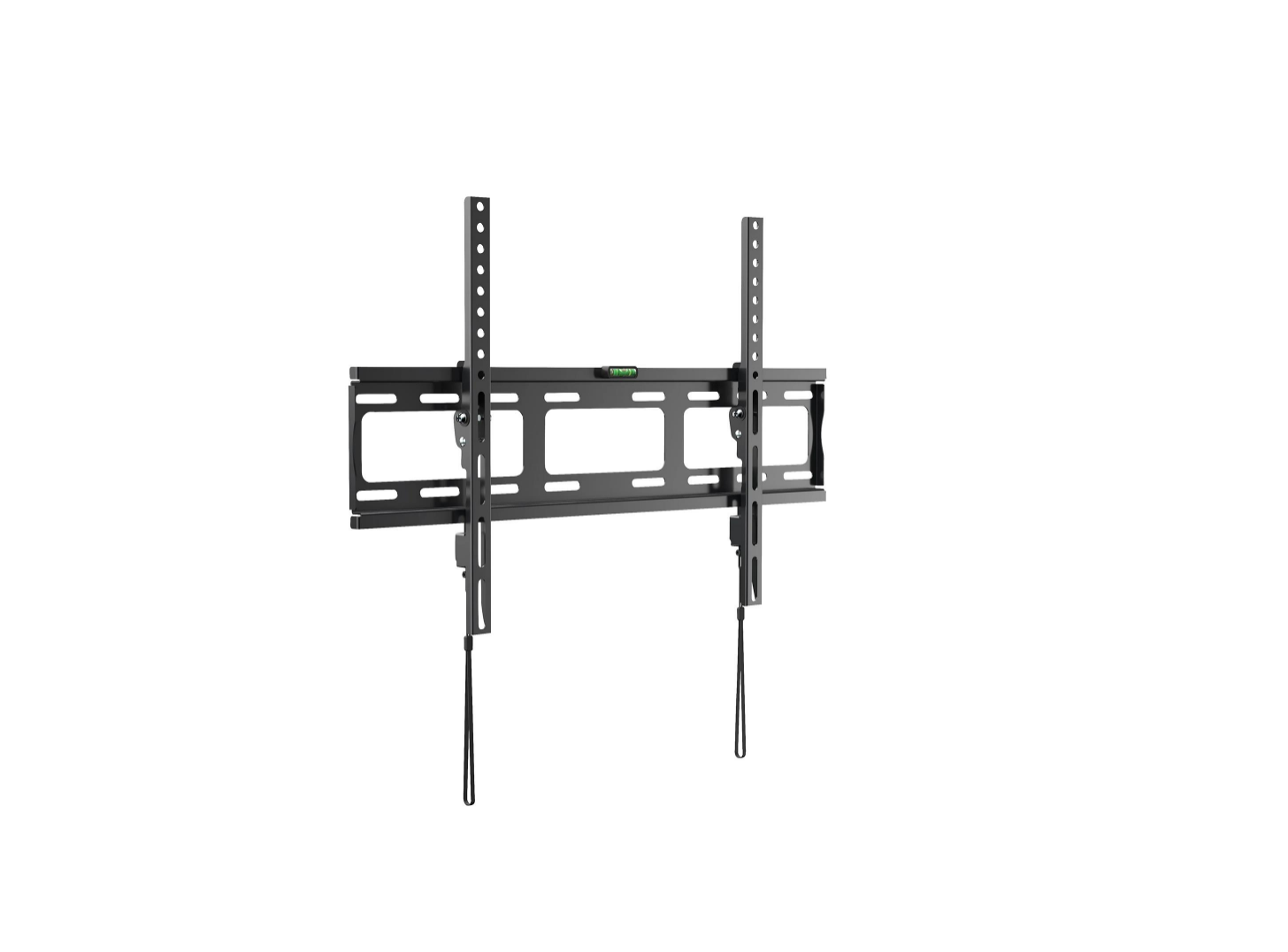
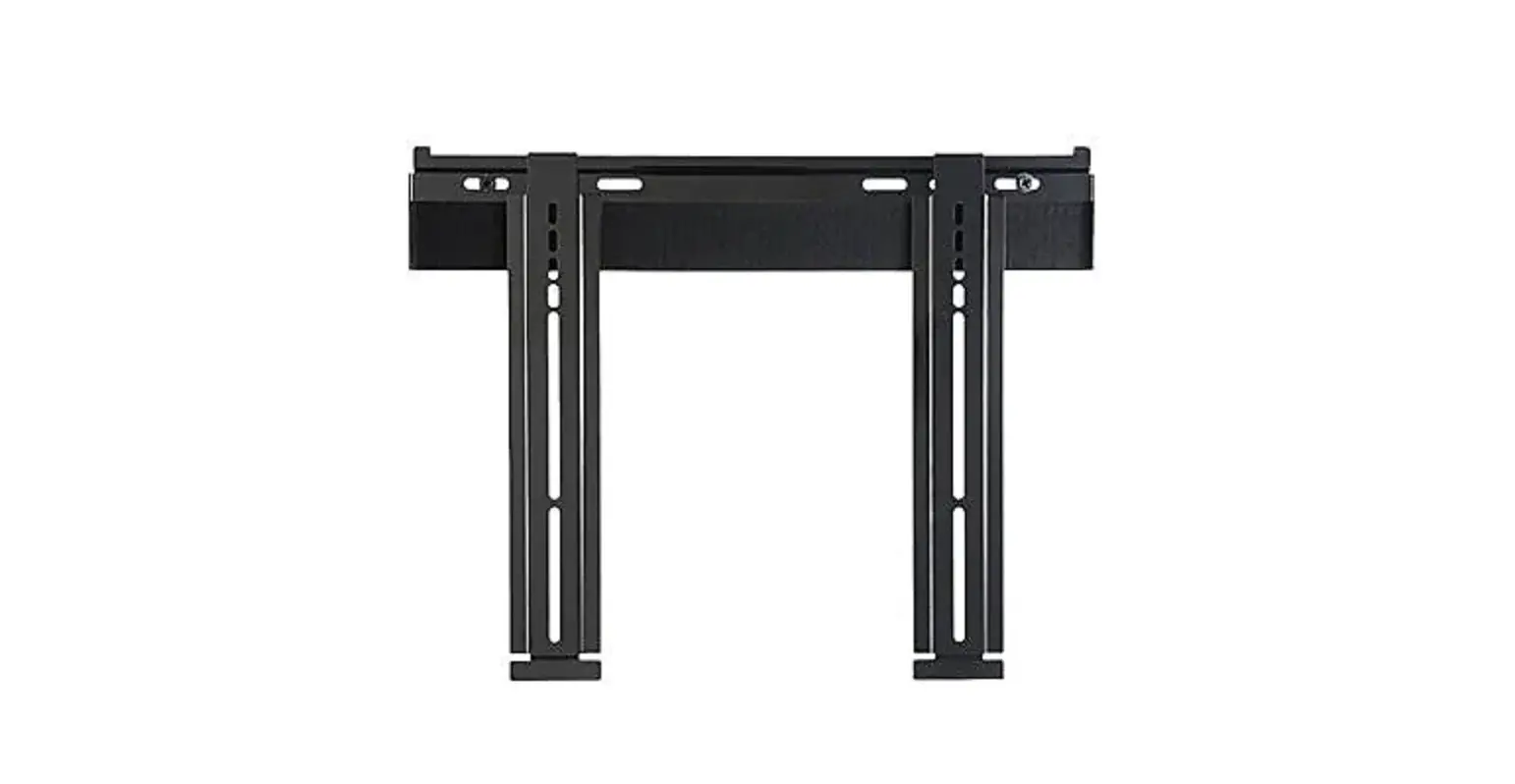
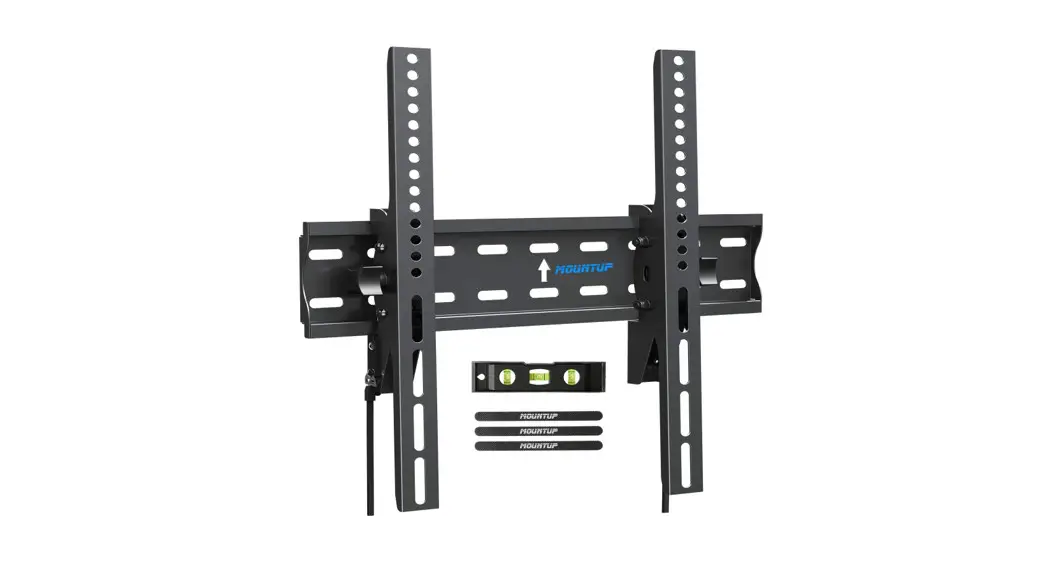
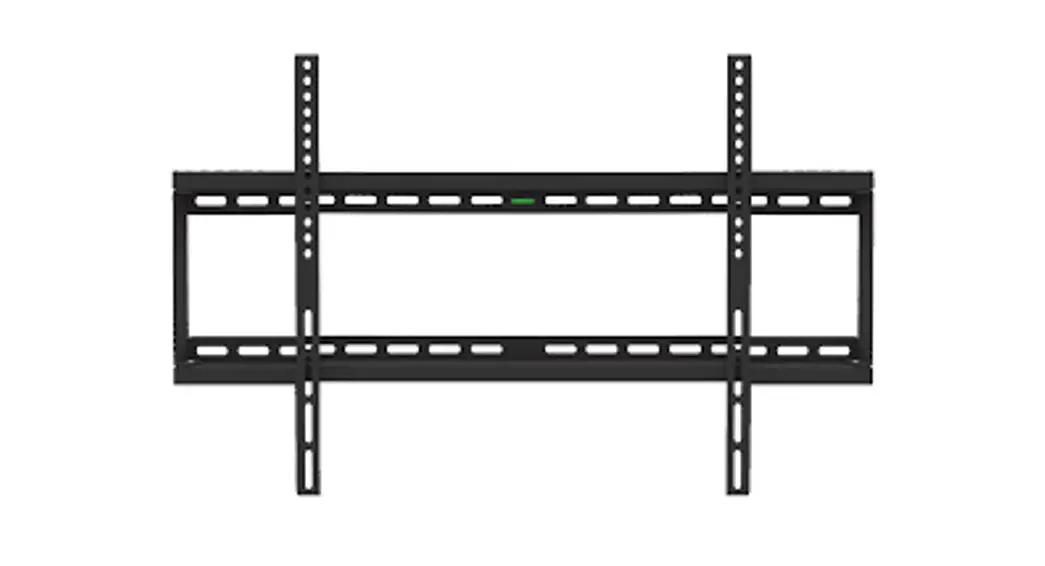
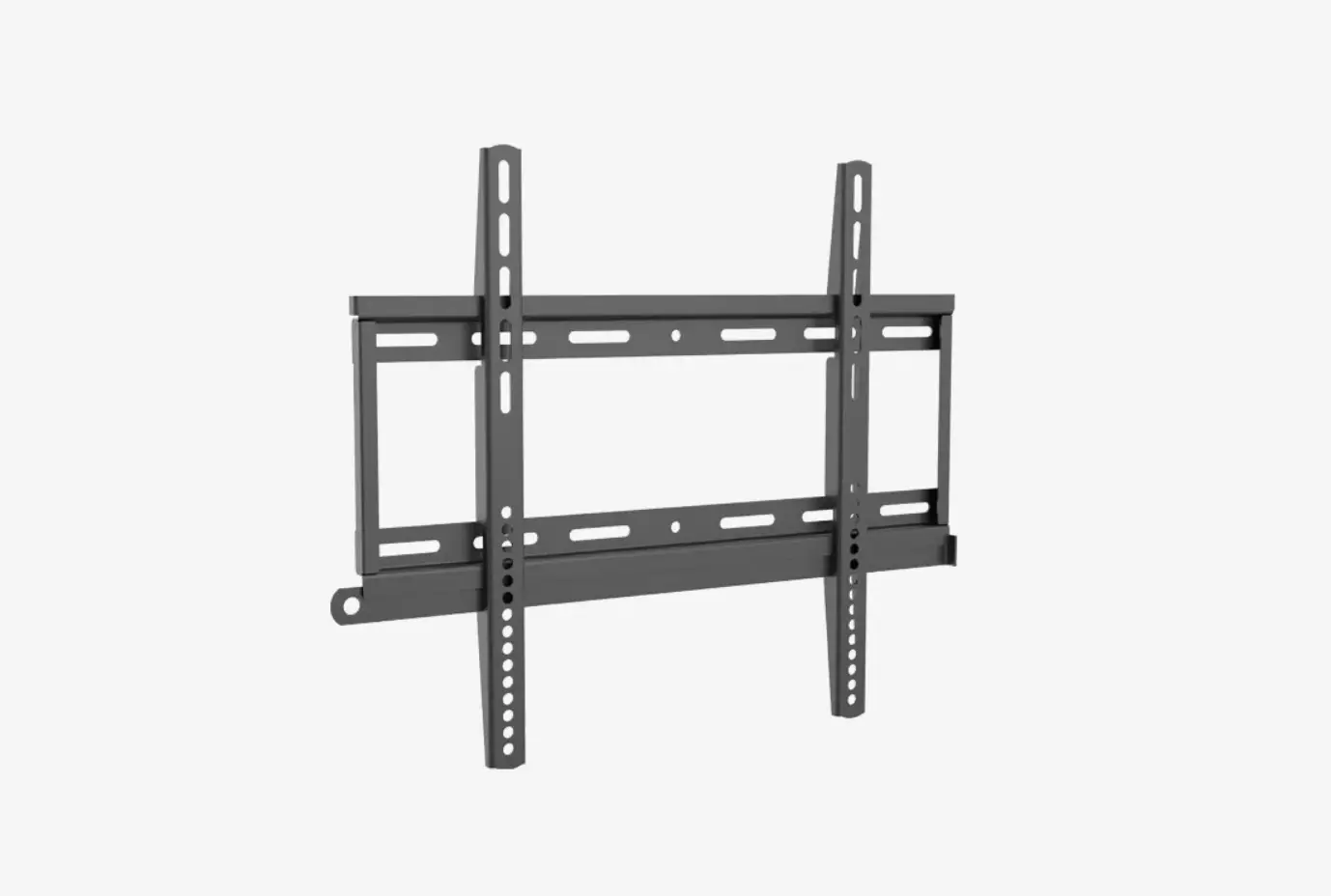
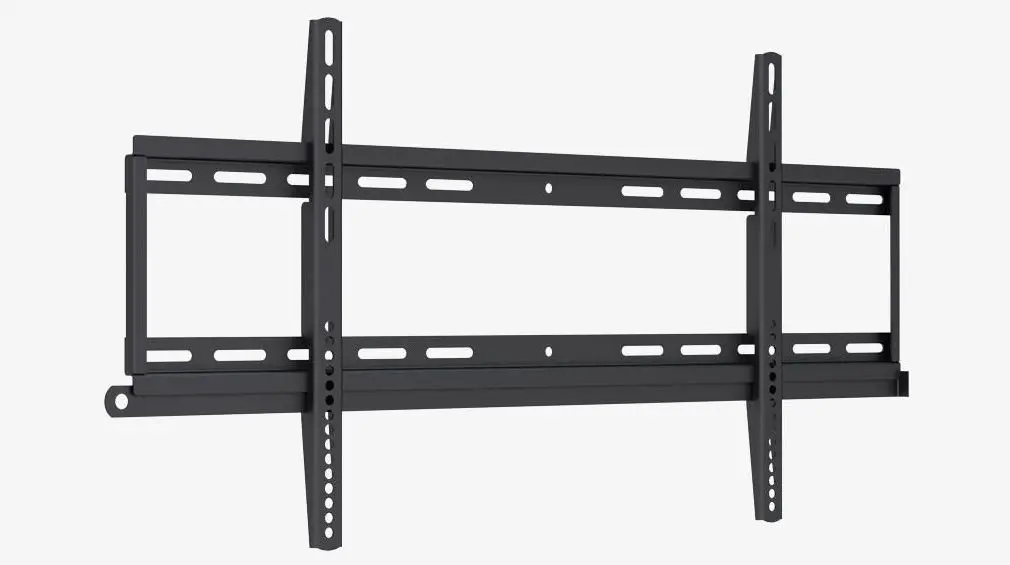
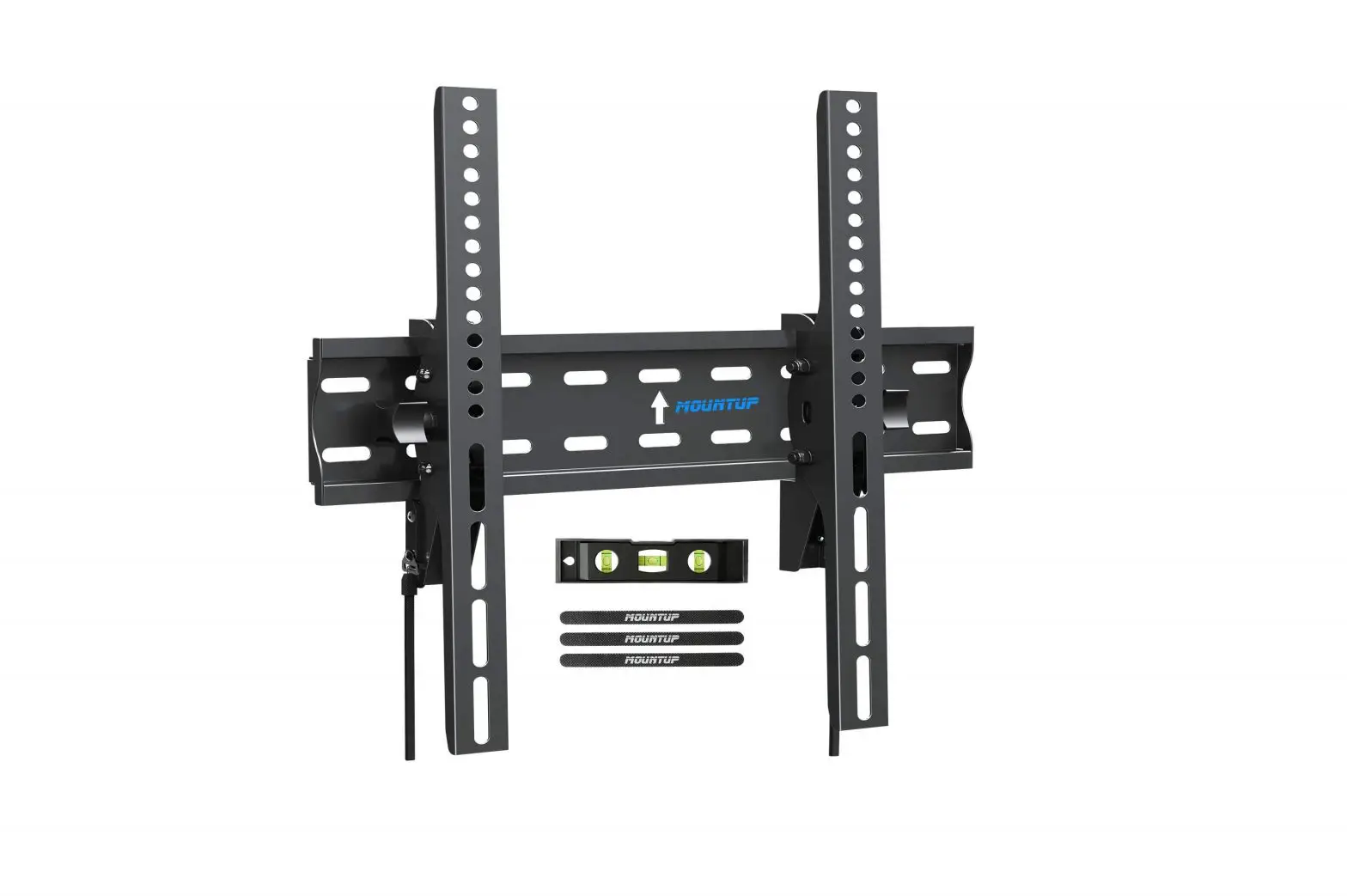
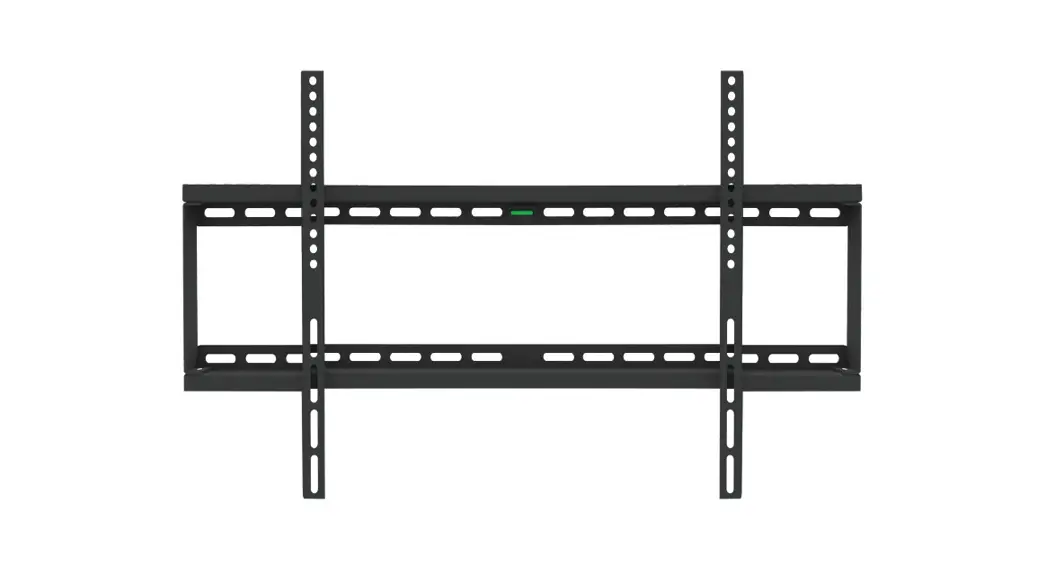
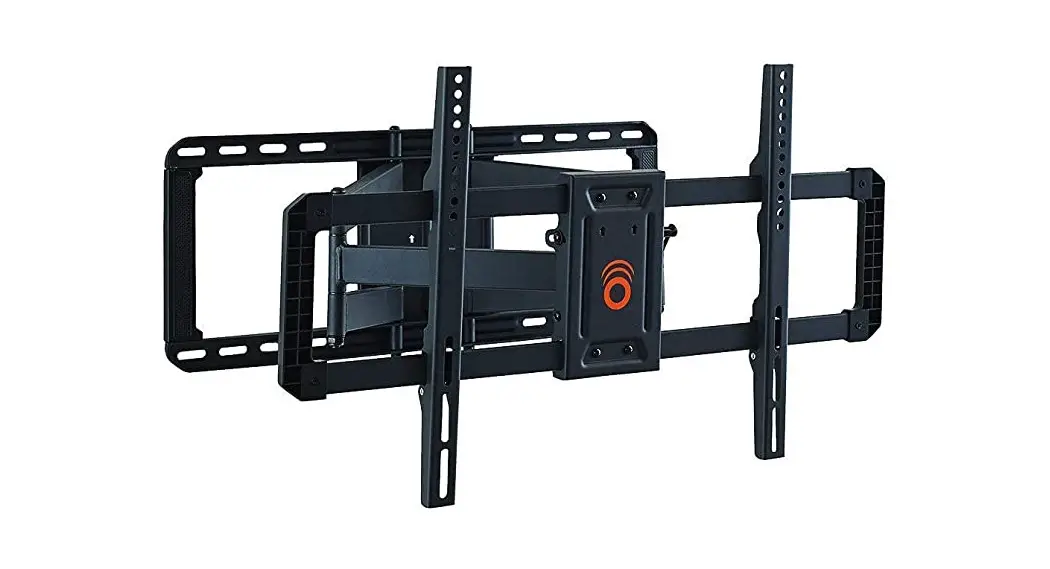
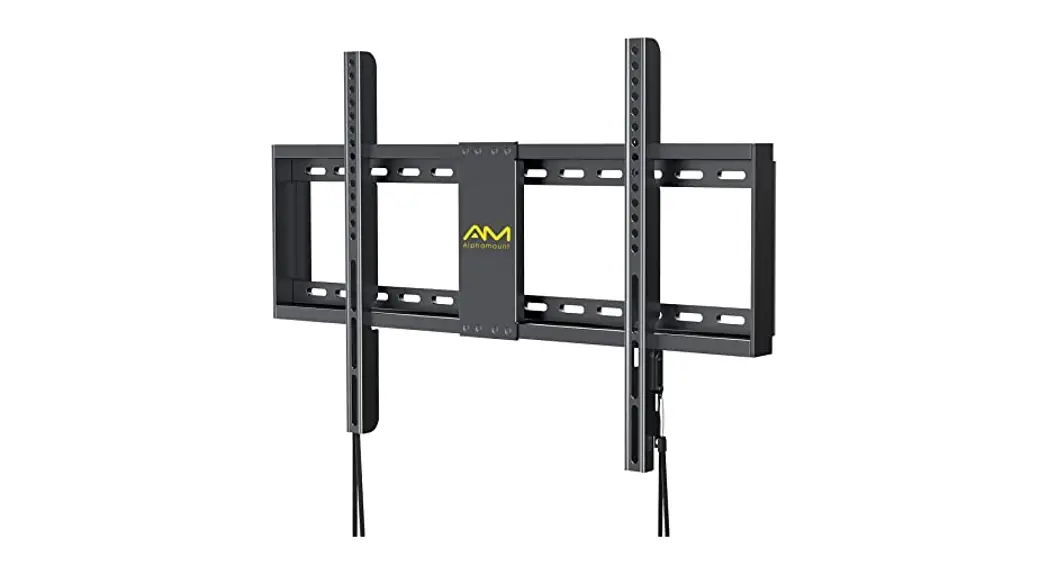
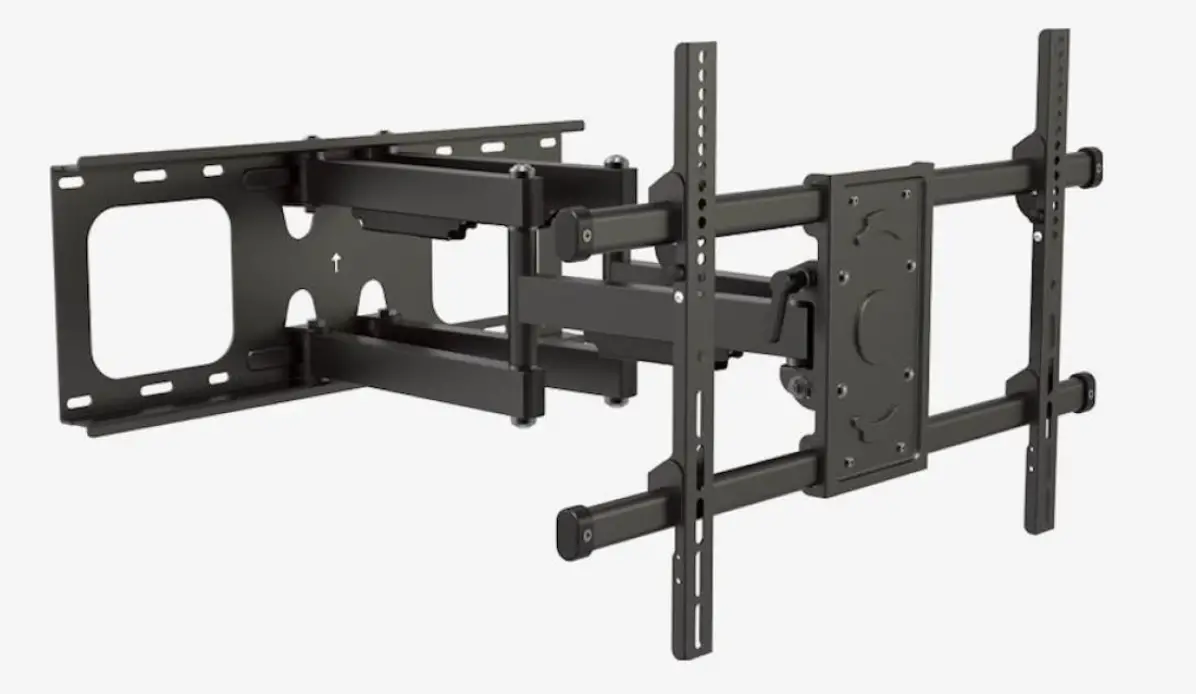
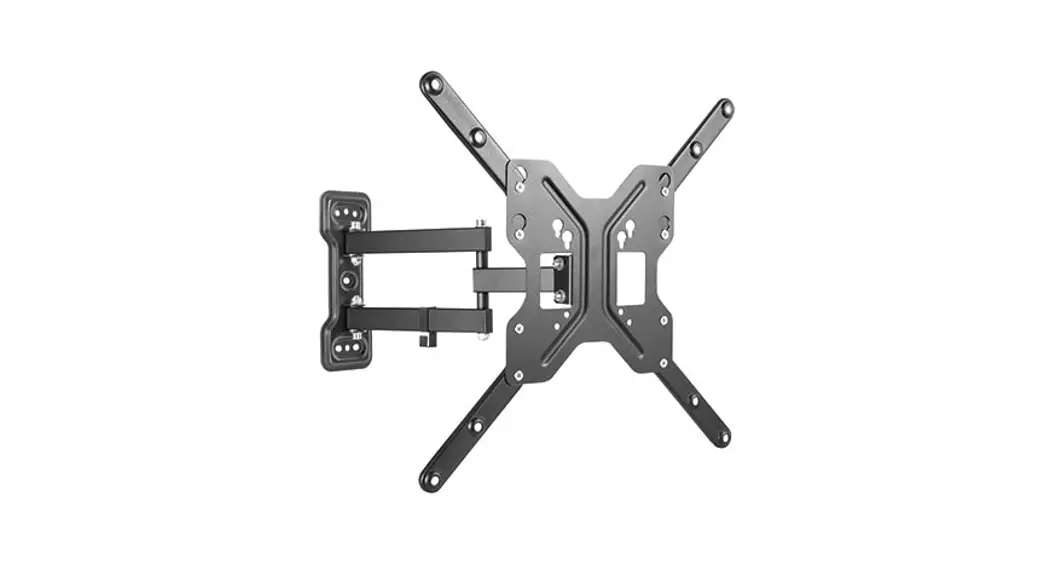
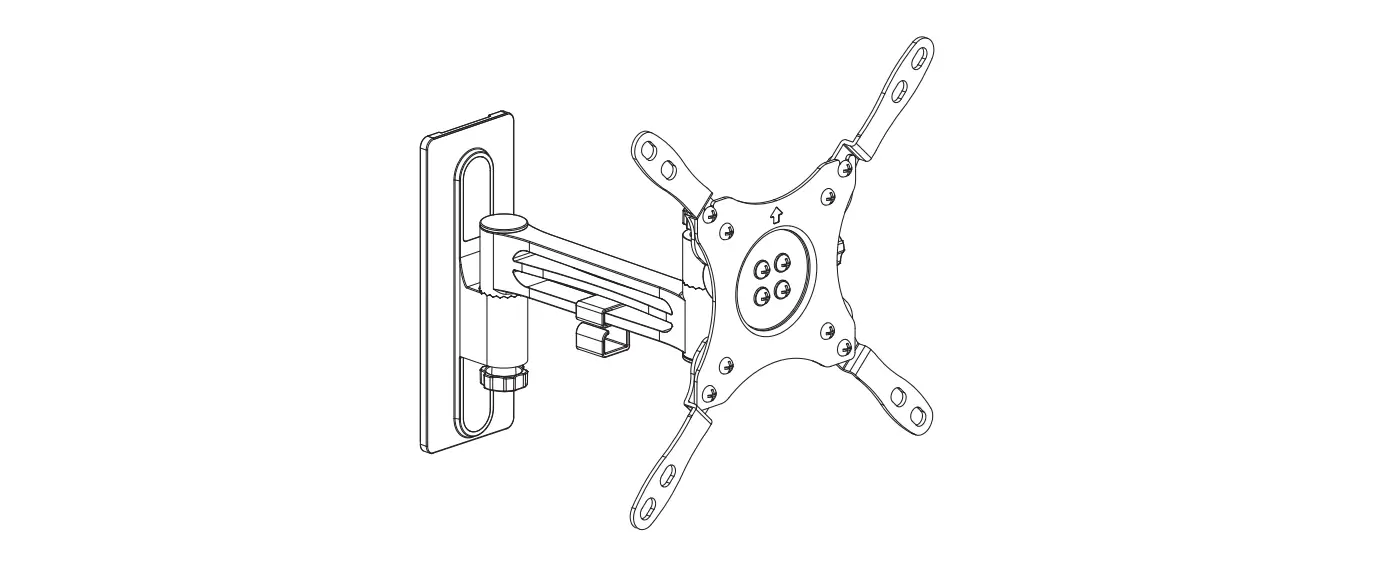
TVFT650 TV Wall Mount
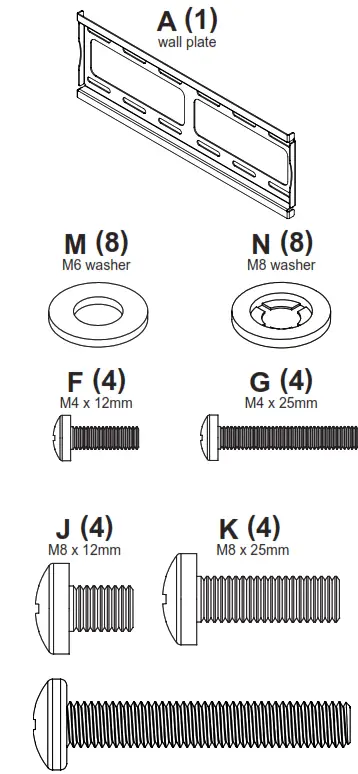
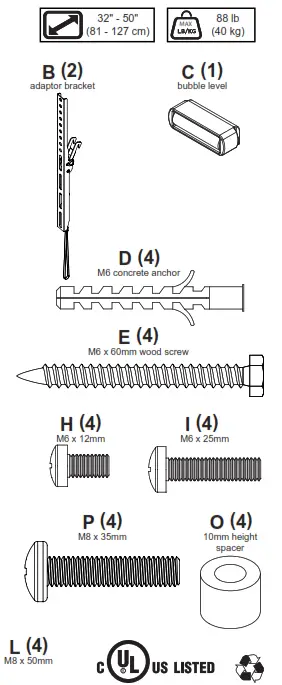
Parts List
| Description | Qty | |
| A | wall plate | 1 |
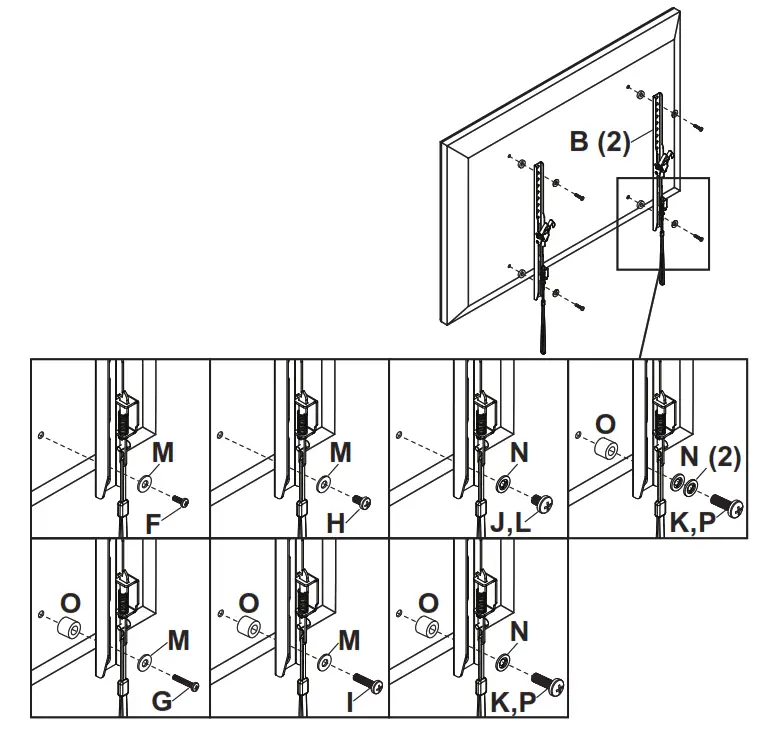
| B | adaptor bracket | 2 |
| C | bubble level | 1 |
| D | M6 concrete anchor | 4 |
| E | M6 x 60mm wood screw | 4 |
| F | M4 x 12mm | 4 |
| G | M4 X 25mm | 4 |
| H | M6 x 12mm | 4 |
| I | M6 x 25mm | 4 |
| J | M8 x 12mm | 4 |
| K | M8 x 25mm | 4 |
| L | M8 x 50mm | 4 |
| M | M6 washer | 8 |
| N | M8 washer | 8 |
| O | spacer | 4 |
| P | M8 x 35mm | 4 |
 |  |
 WARNING
This product is designed to be installed on wood stud or solid concrete walls. Hardware is included for wood stud and solid concrete installation. Before installing make sure the supporting surface will support the combined load of the equipment and hardware. Screws must be tightly secured. Do not overtighten screws or damage can occur and product may fail. Never exceed the Maximum Load Capacity. Always use an assistant or mechanical lifting equipment to safely lift and position equipment. This product is intended for indoor use only. Use of this product outdoors could lead to product failure or personal injury. Be careful not to pinch fingers when operating the mount. For support please call customer care at 905-503-7733.
Symbols WARNING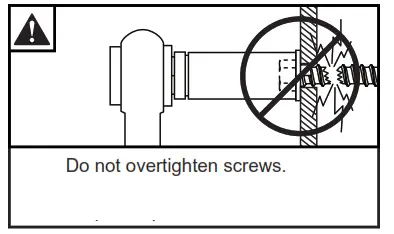
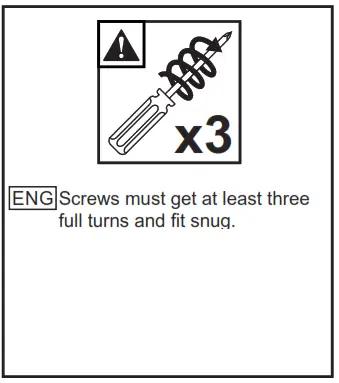
Tools Needed for Assembly.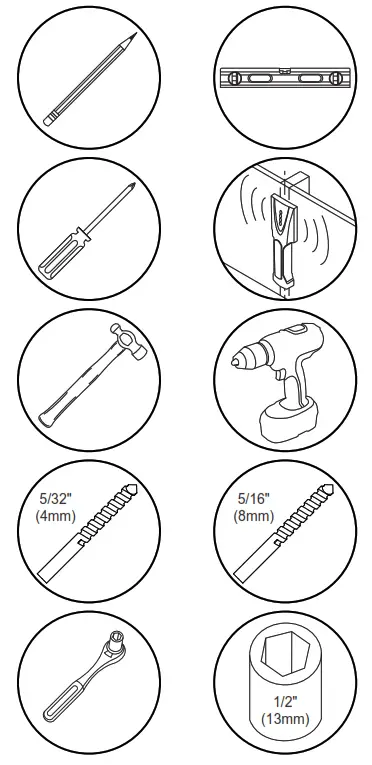 To properly tighten screws: Tighten until screw head makes contact, then tighten another 1/2 turn. Do not overtighten screws.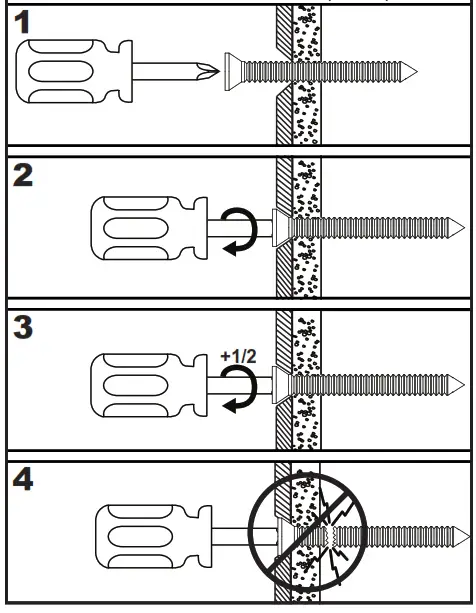
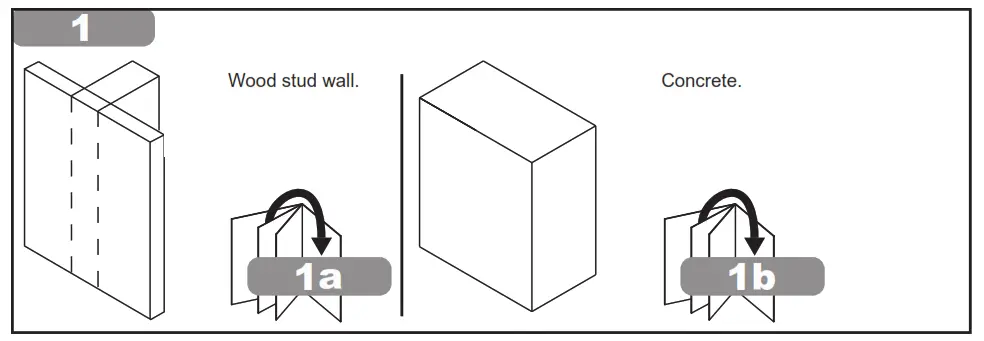 1a WARNING When installing Peerless wall mounts on a wood stud wall covered with gypsum board (drywall), verify that the wood studs are a minimum of 2″ x 4″ nominal size. Do not install over gypsum board thicker than 3/8″.
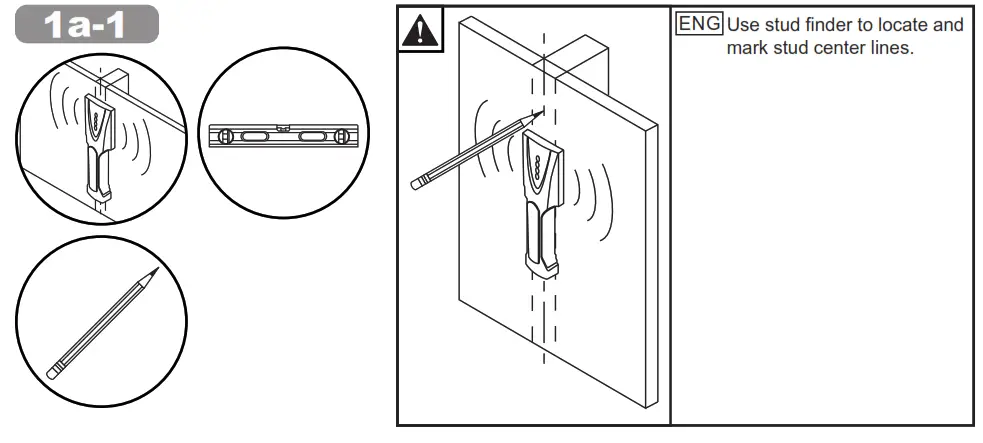 1a-2
1a-2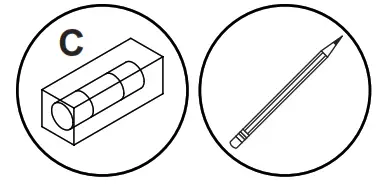 Level wallplate. Mark mounting holes on stud center lines.
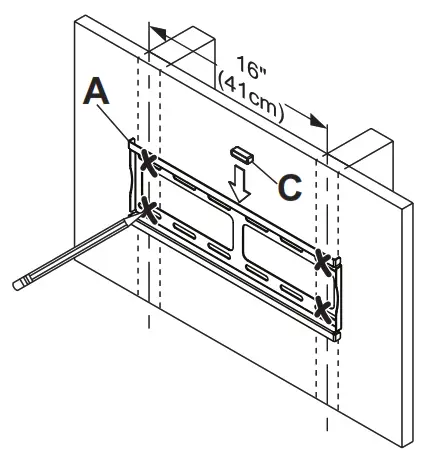 1a-3
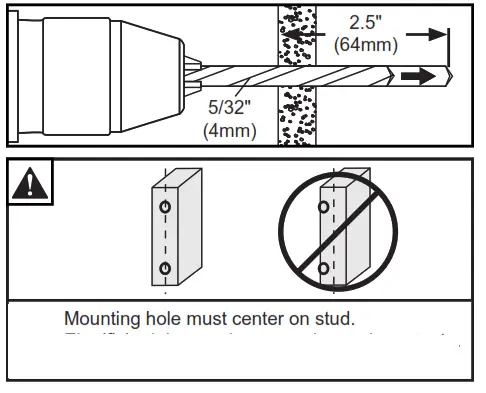
1a-3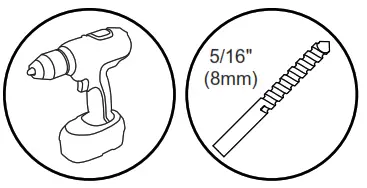 Drill mounting holes into supporting surface (2.5″ (64mm) minimum depth required).
 1a-4
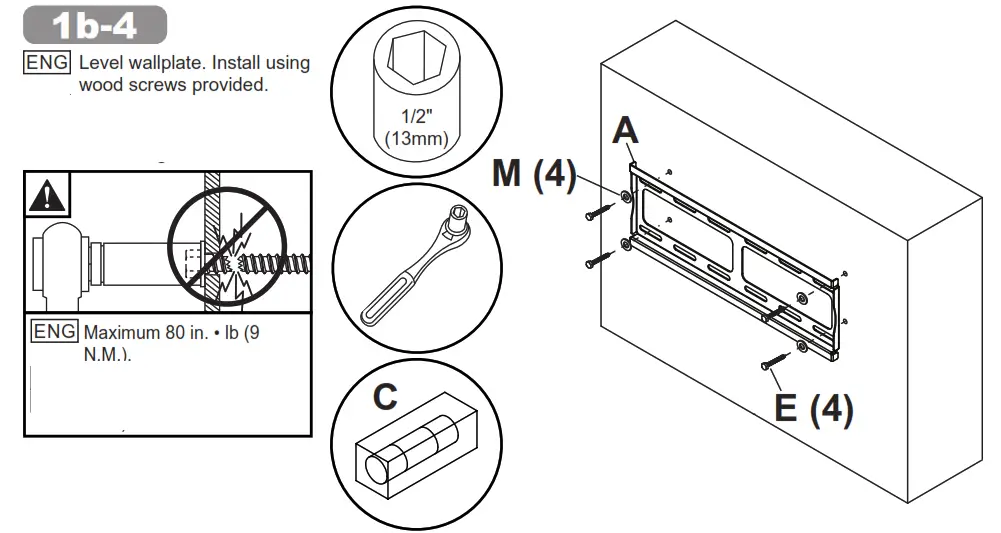
1a-4
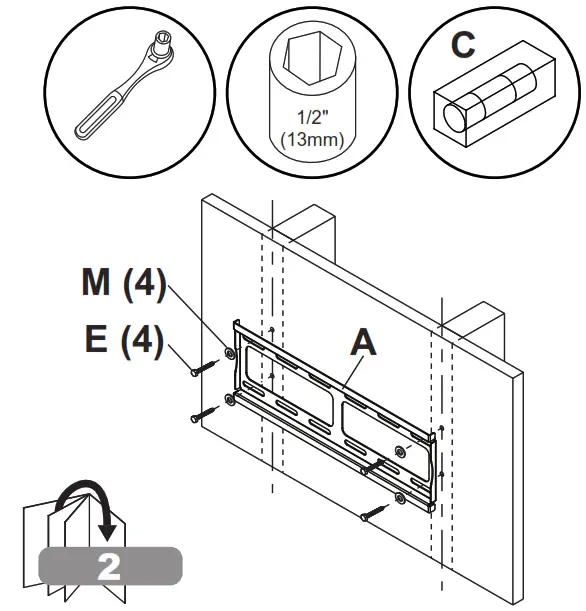
Level wallplate. Install using wood screws provided.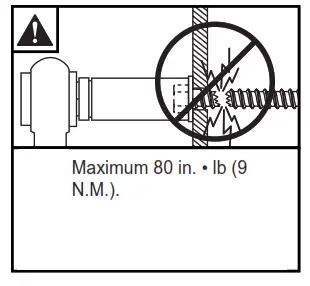
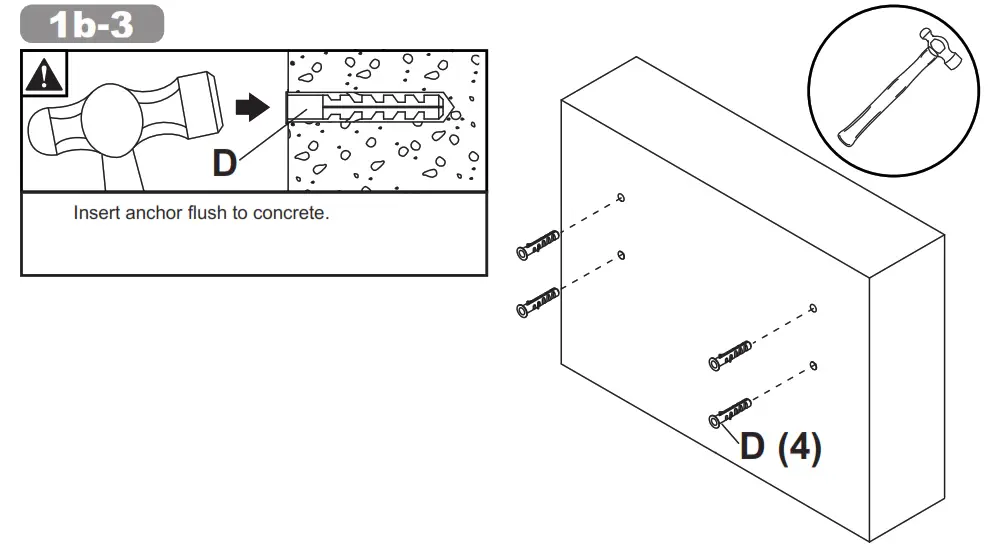
 1bWARNING When installing Peerless wall mounts on a concrete wall, the wall must be at least 8″ thick with a minimum compressive strength of 2000 psi. Never attach concrete expansion anchors to concrete covered with plaster, drywall or other finishing material.
1b-1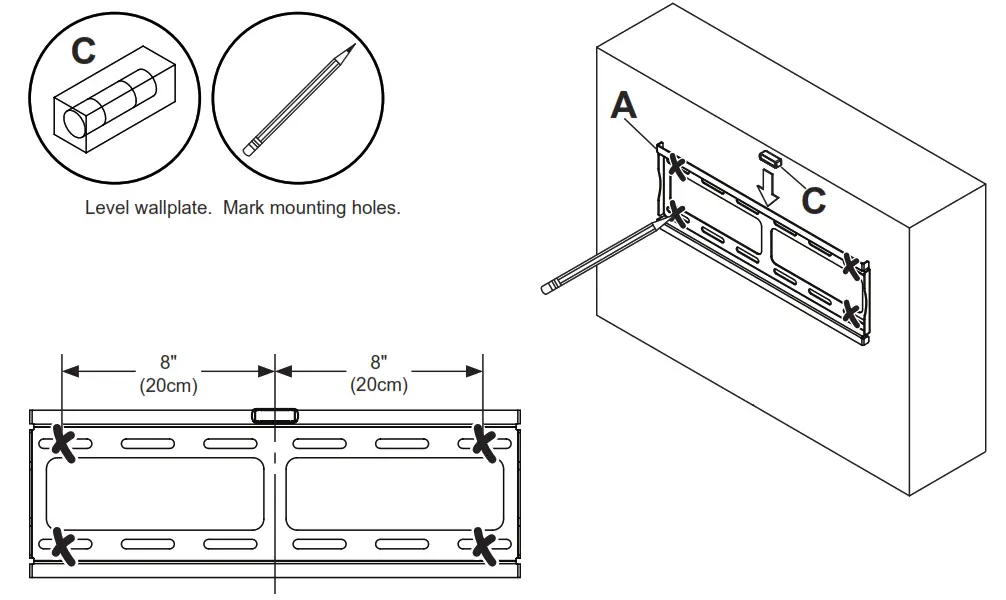 1b-2
1b-2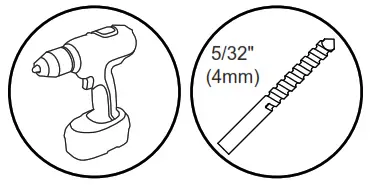 Drill mounting holes into supporting surface (2.5″ (64mm) minimum depth required).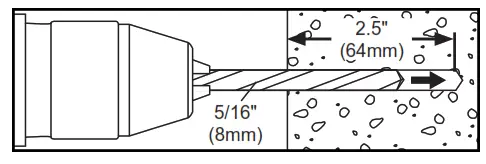
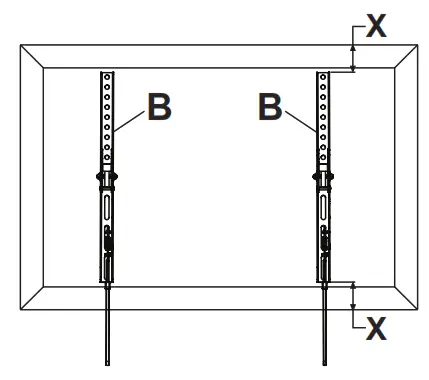
 2 Center adaptor brackets vertically on back of screen.
 3 Use of spacers and washers is optional.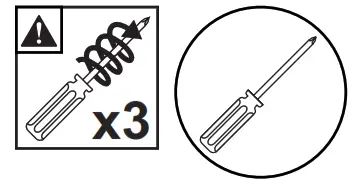
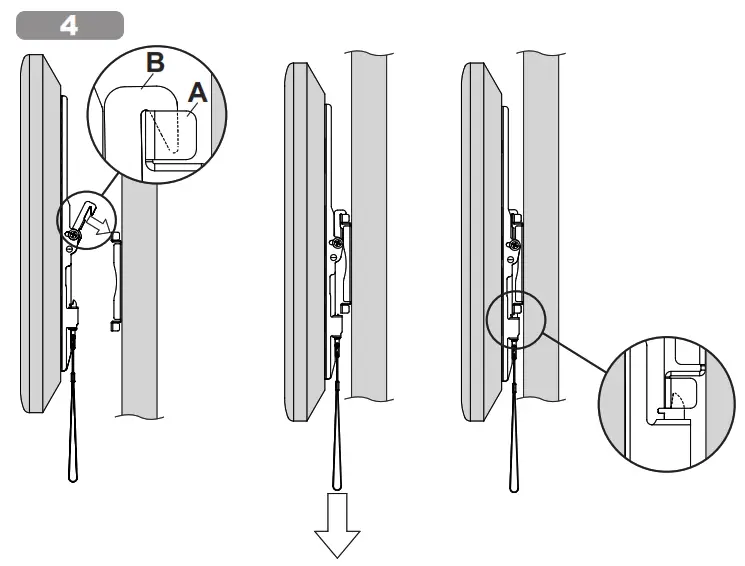
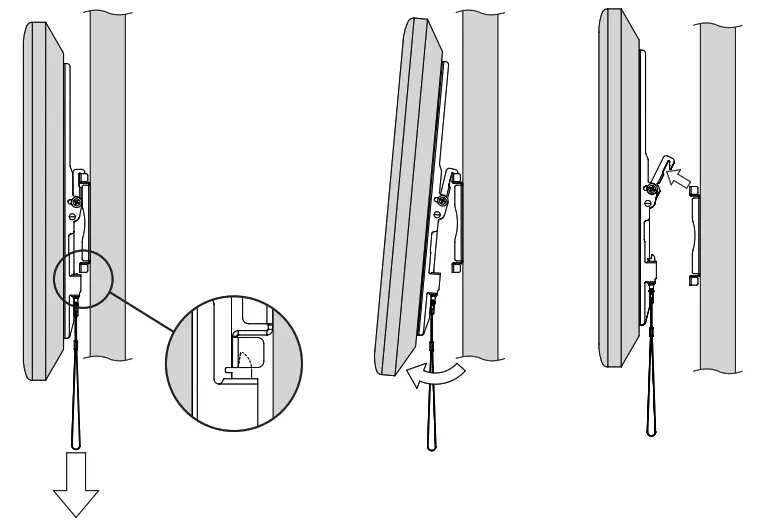
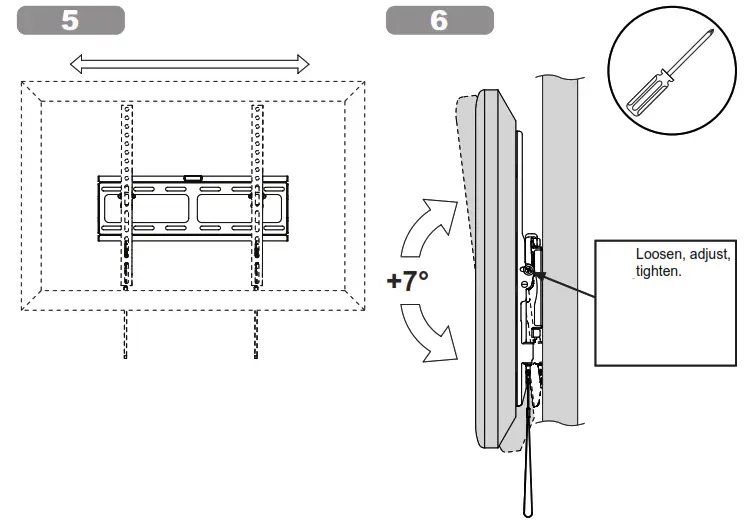 7 Optional: Remove display
 Model #: TVFT650
Part #: TVTM, TVFT4X4, TVFT650-XXX, IQMT443250, T4X4, HFT640, EFT320, TRFT640, TRWS2210/BK
This page intentionally left blank.
Warranty
www.peerless-av.com/warranty
Peerless-AV
2300 White Oak Circle
Aurora, IL 60502
Email: [email protected]
Ph: (800) 865-2112
Fax: (800) 359-6500
www.peerless-av.com
© 2020, Peerless Industries, Inc.
Peerless-AV Europe
Unit 3 Watford Interchange,
Colonial Way, Watford, Herts,
WD24 4WP, United Kingdom
Customer Care
44 (0) 1923 200 100
www.peerless-av.com
© 2020, Peerless Industries, Inc.
 Peerless-AV®