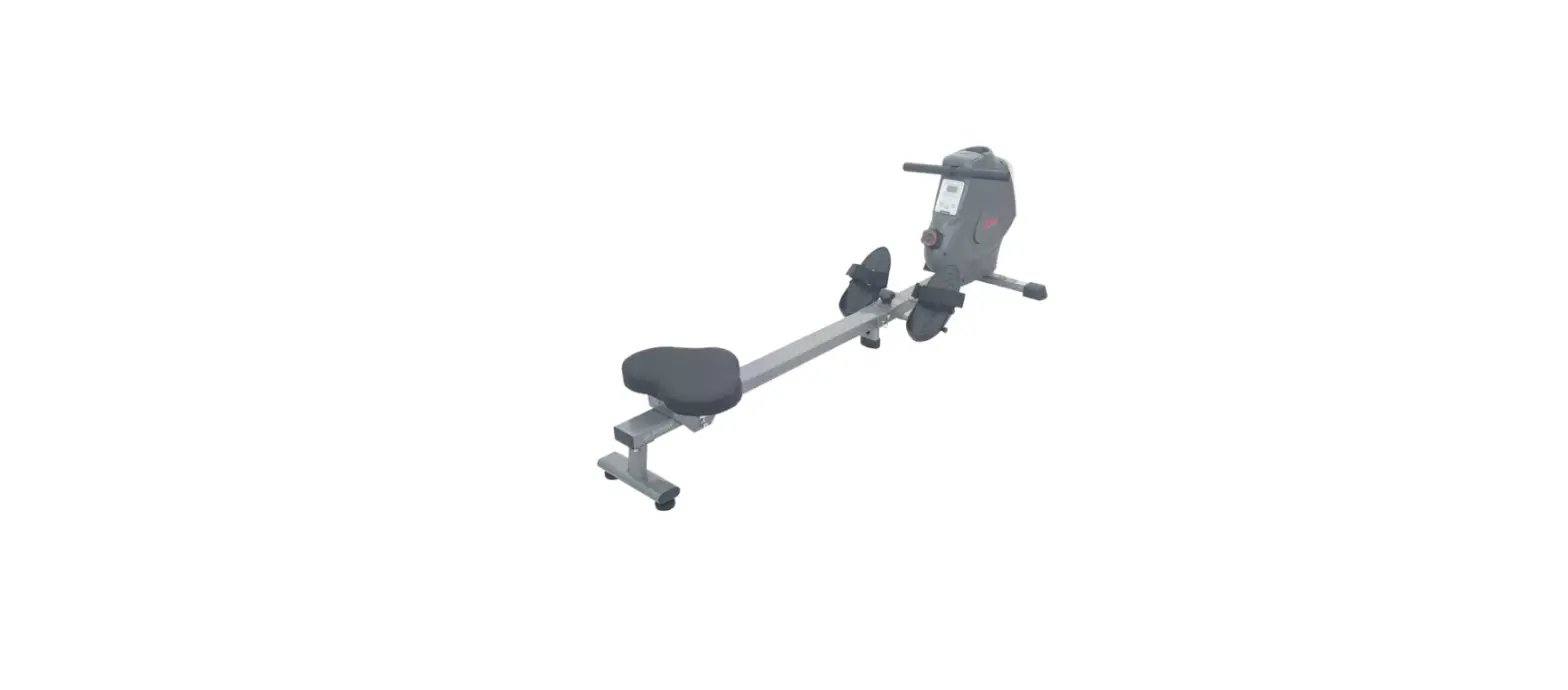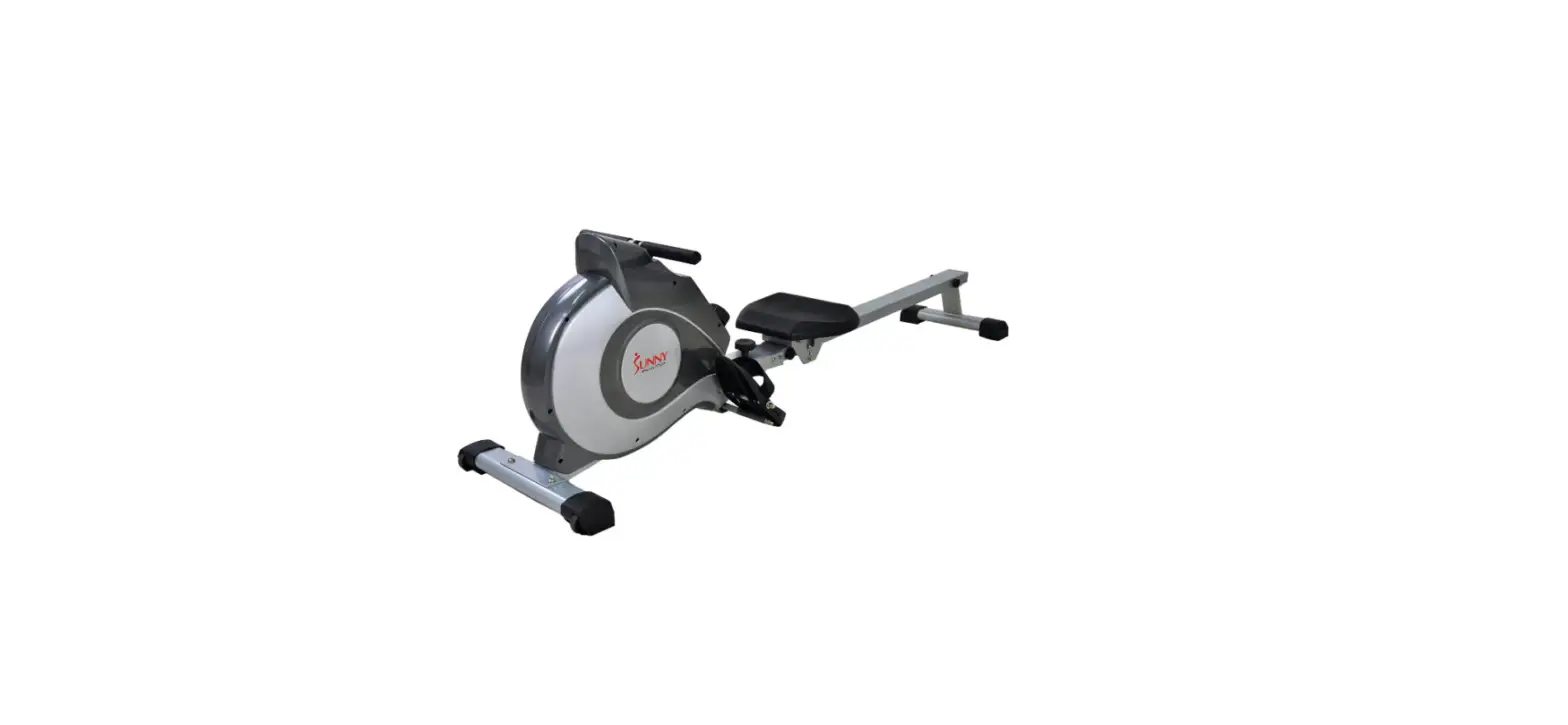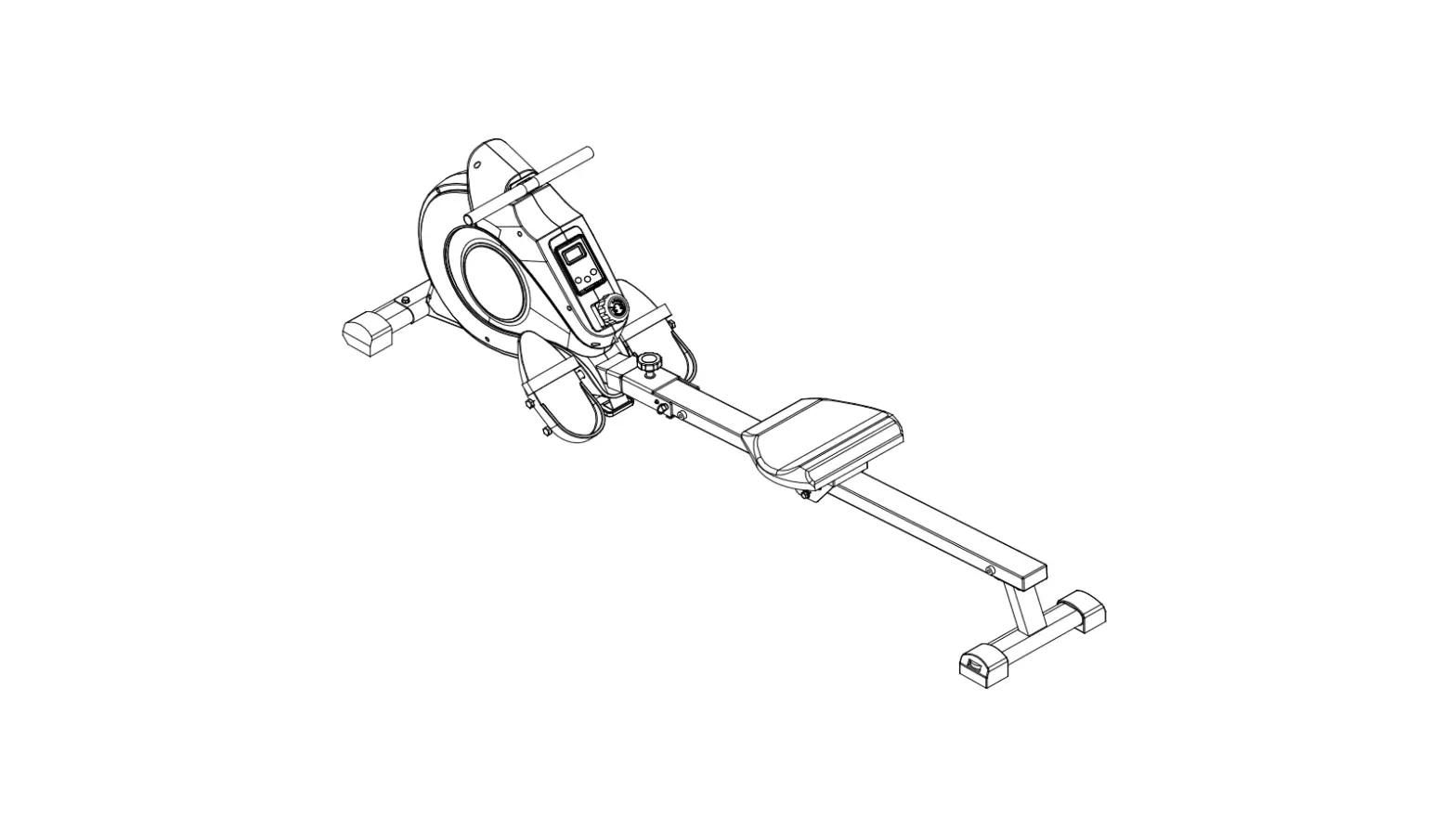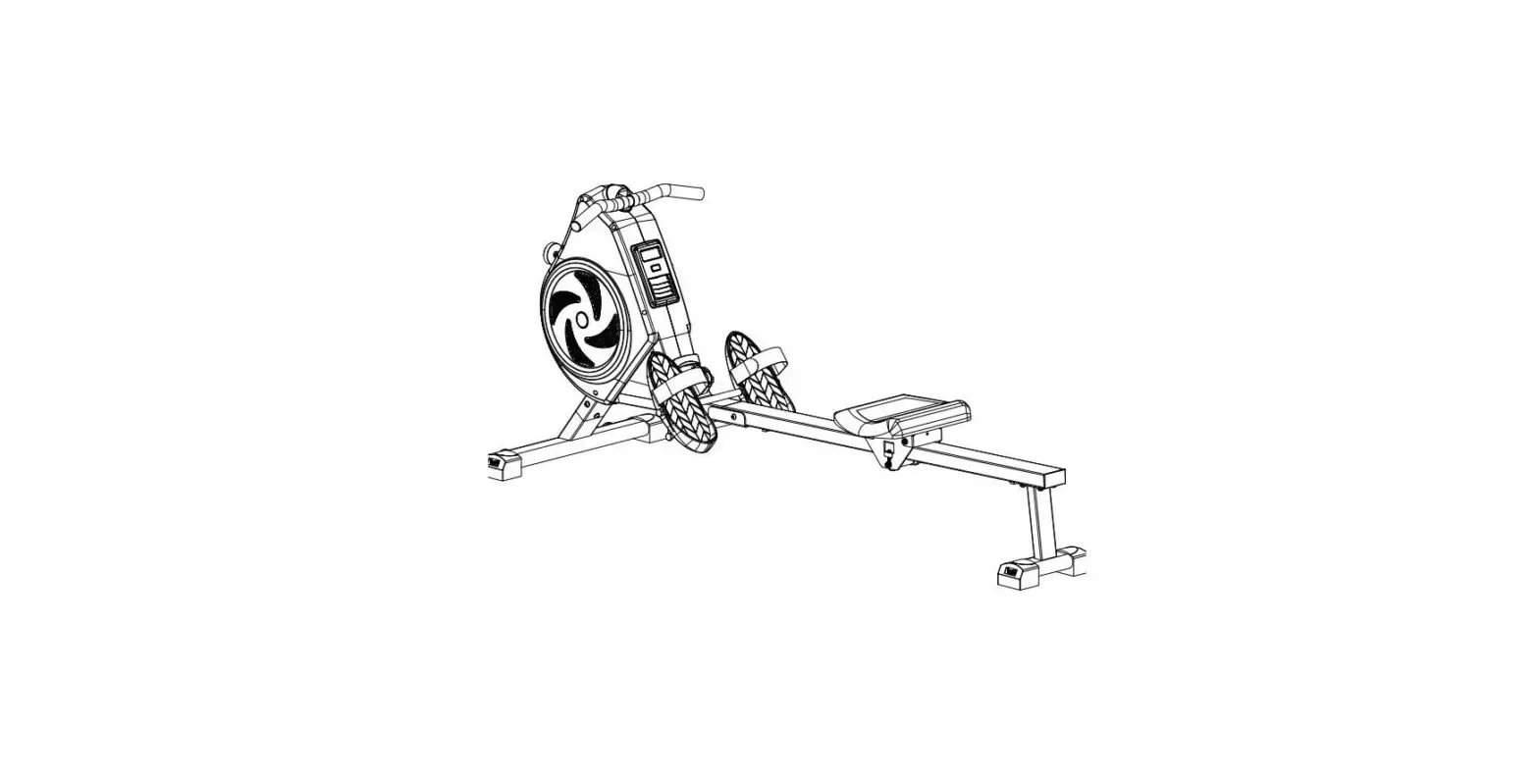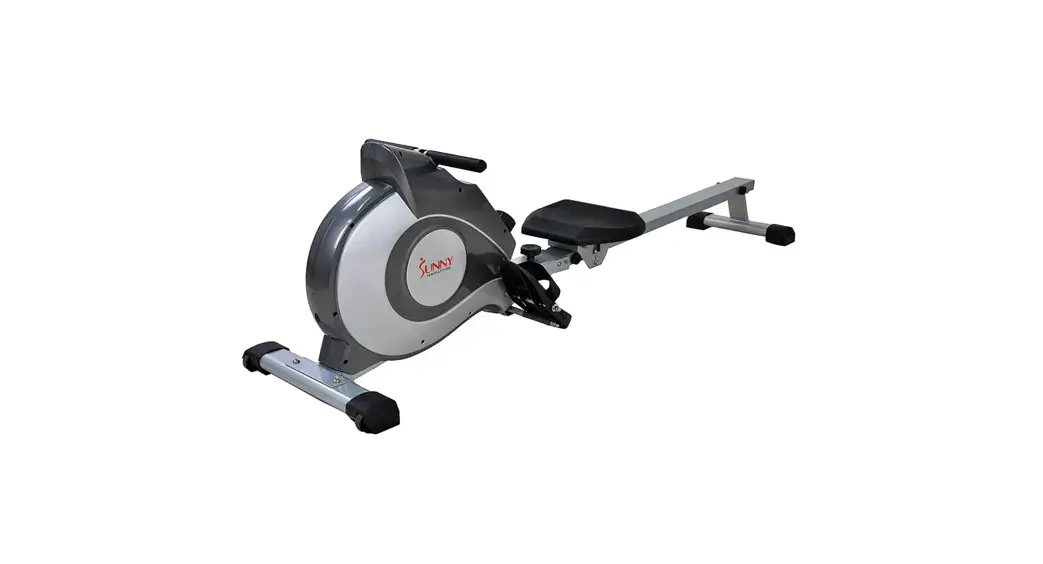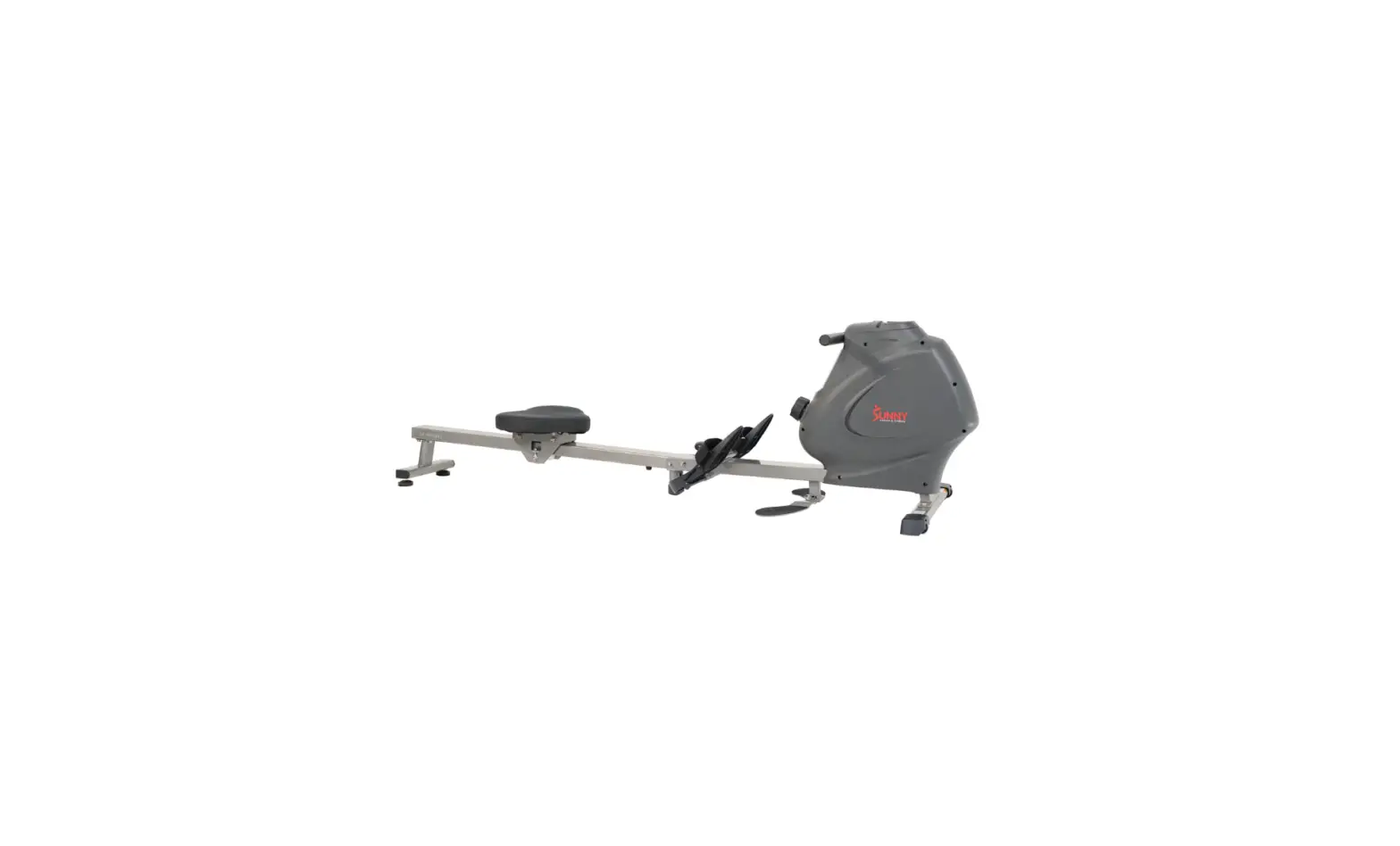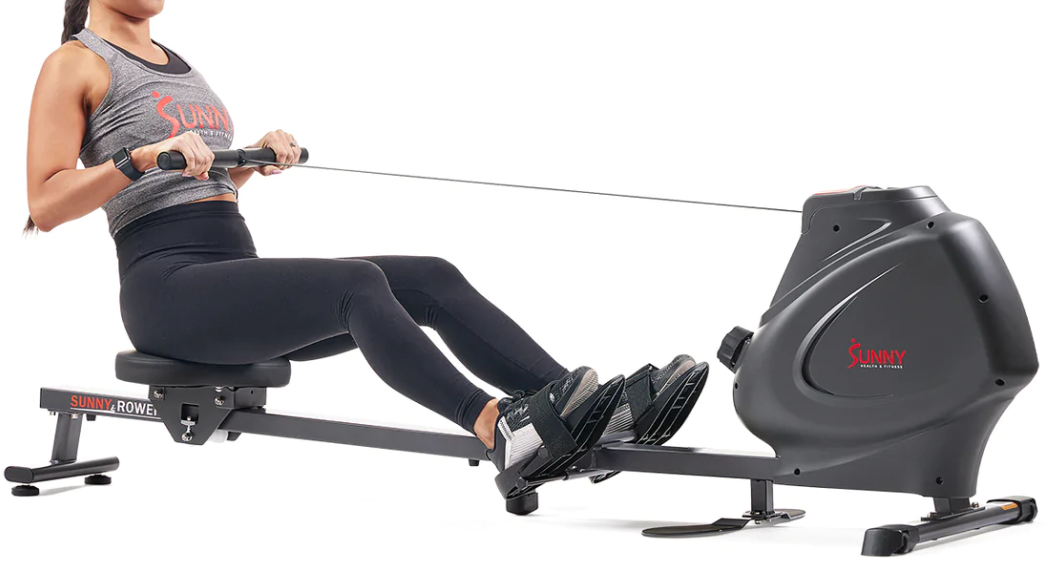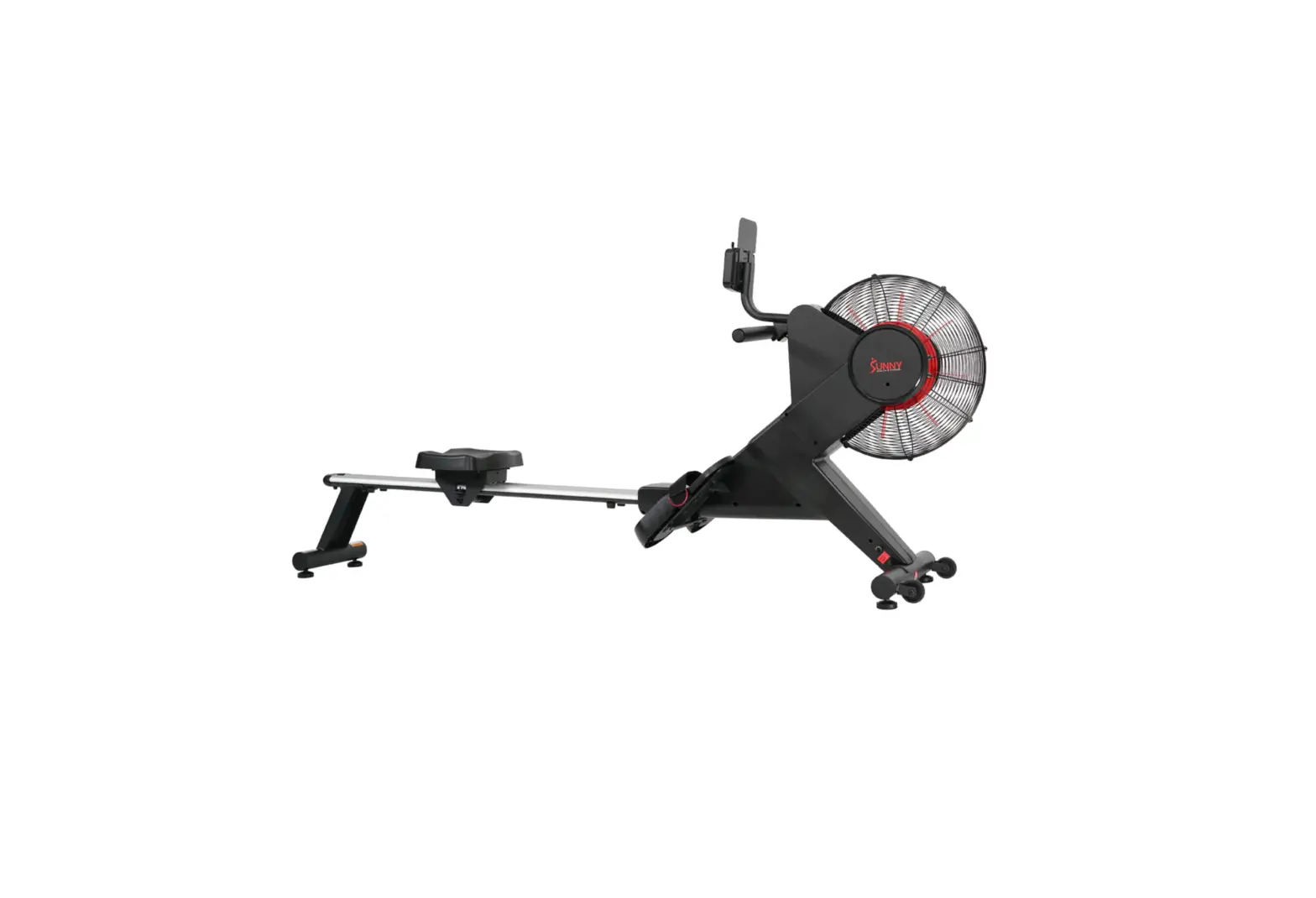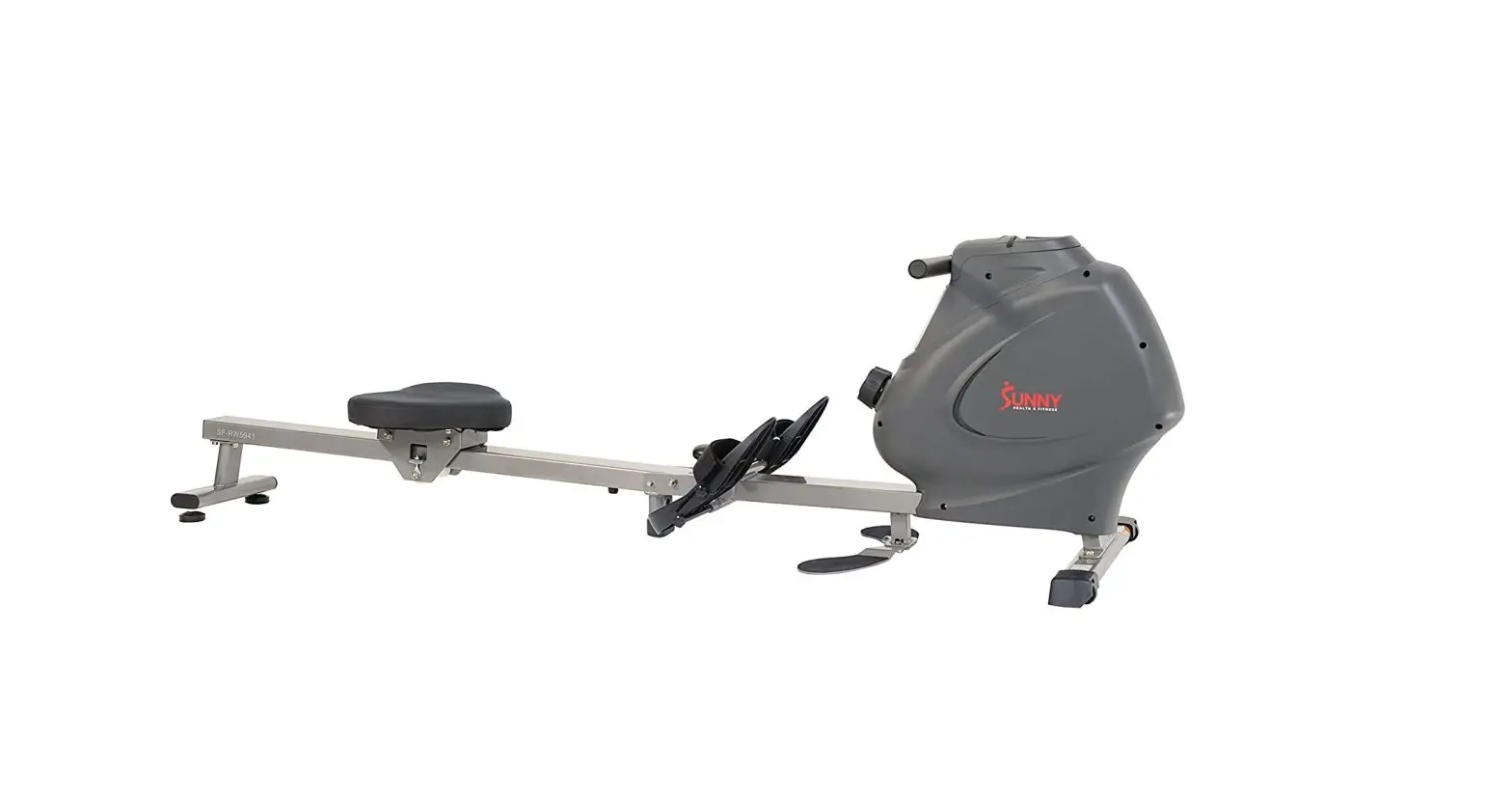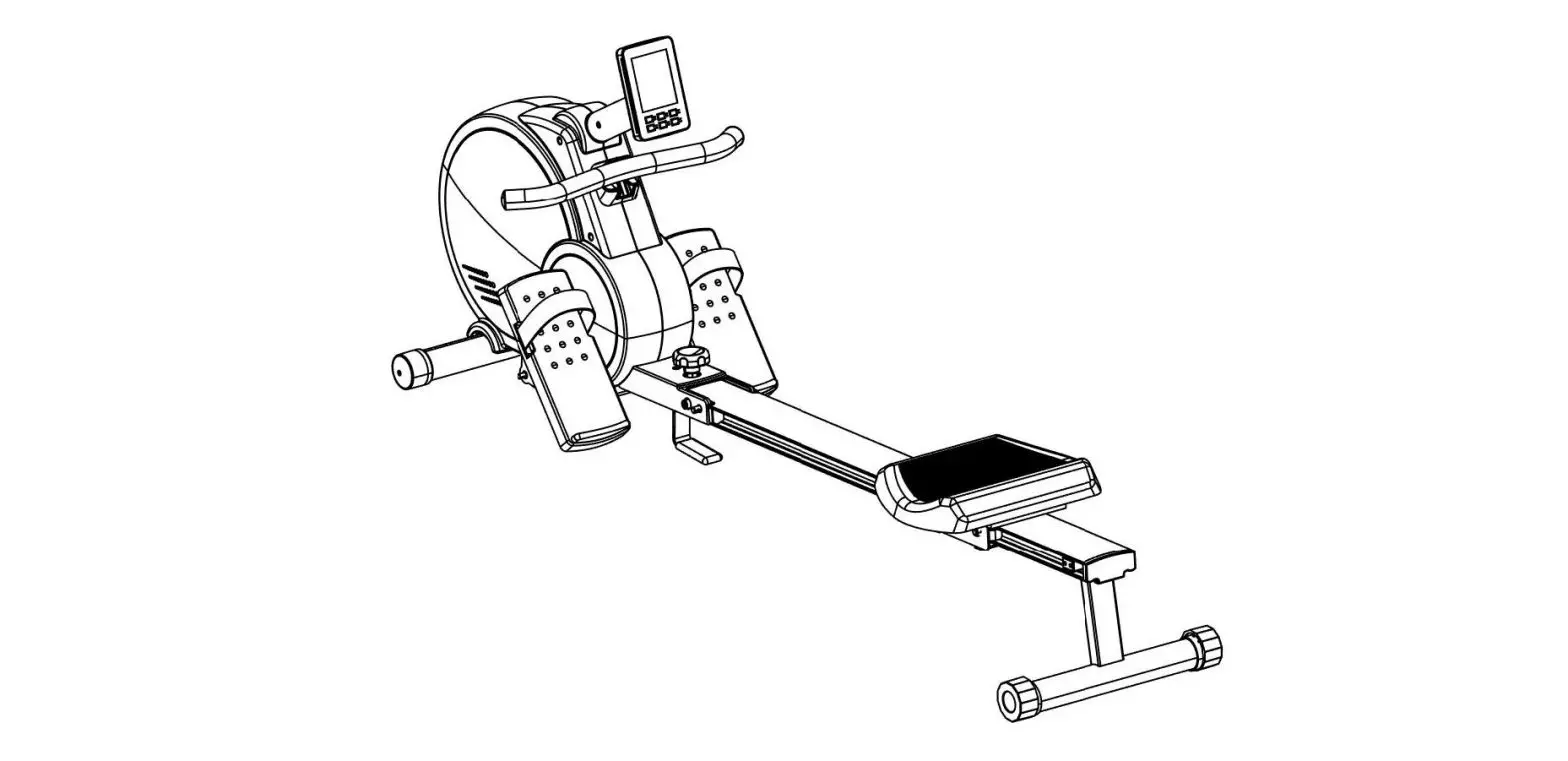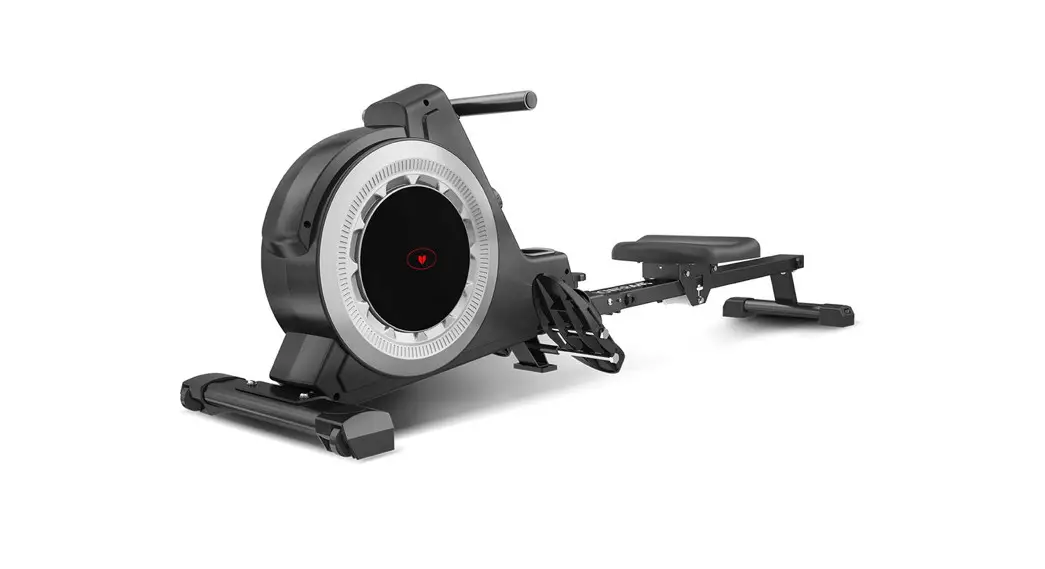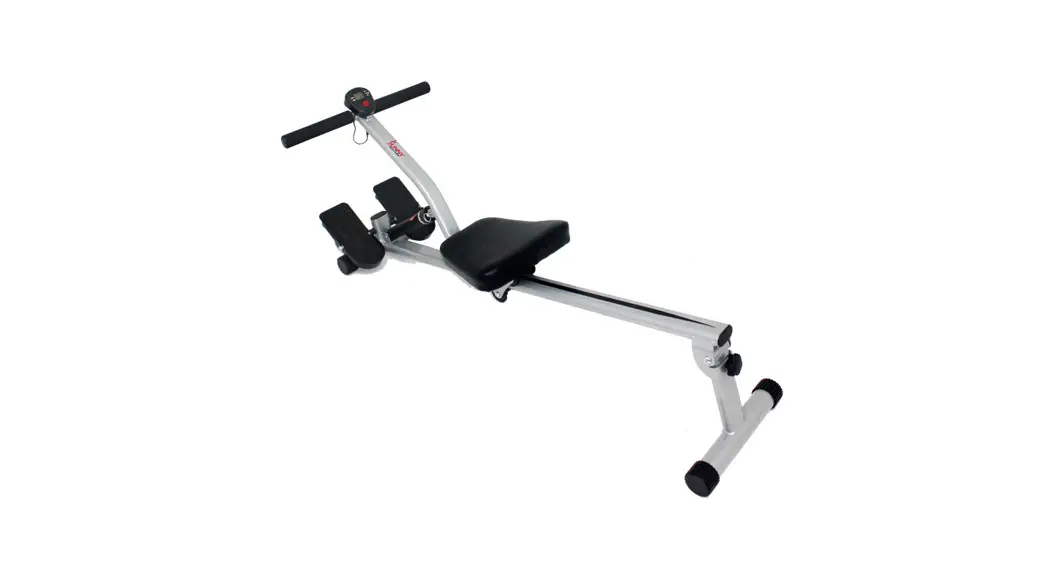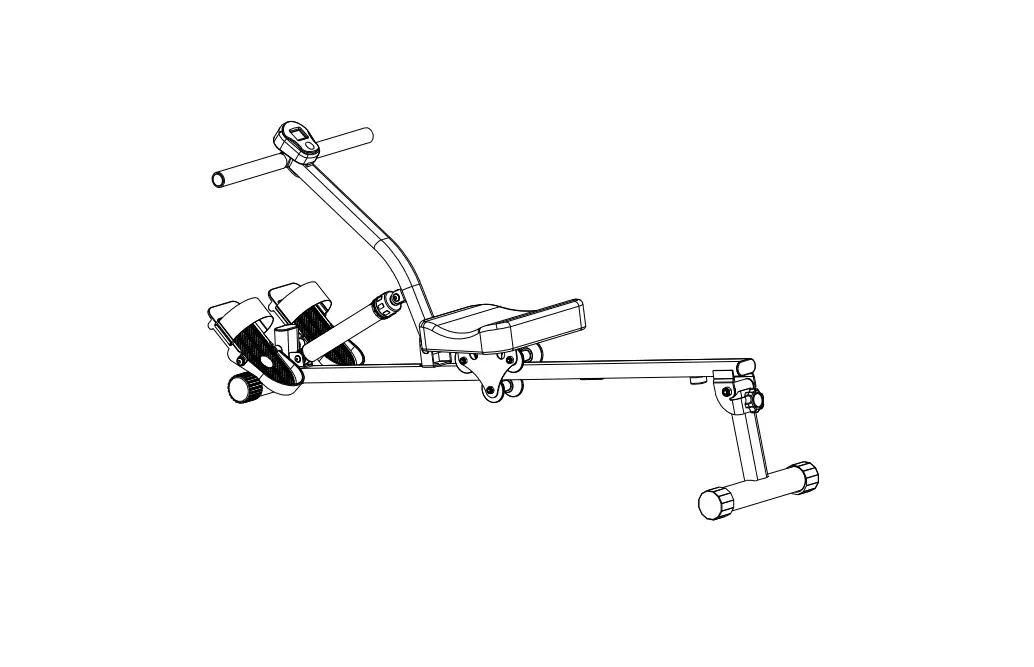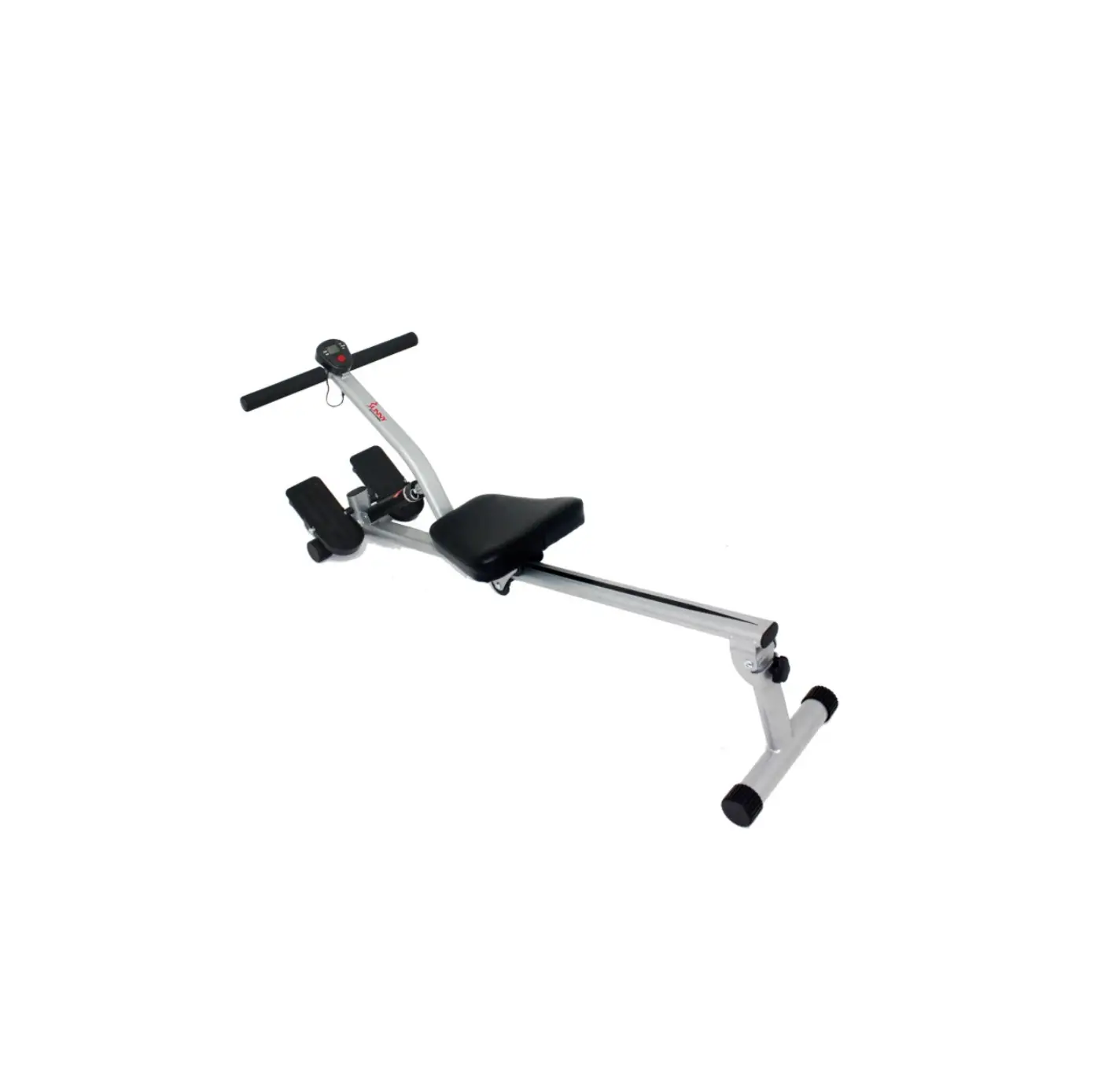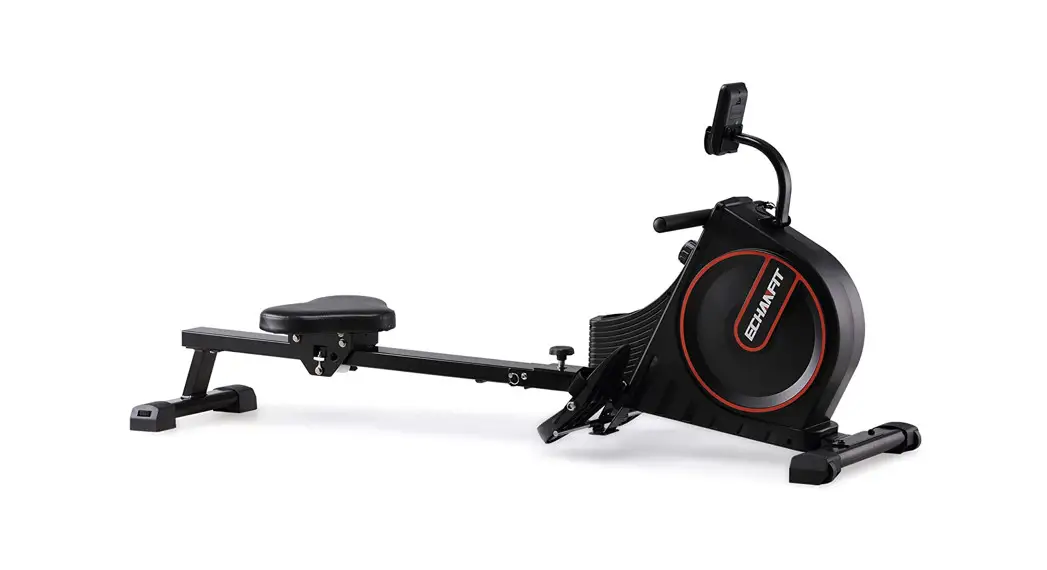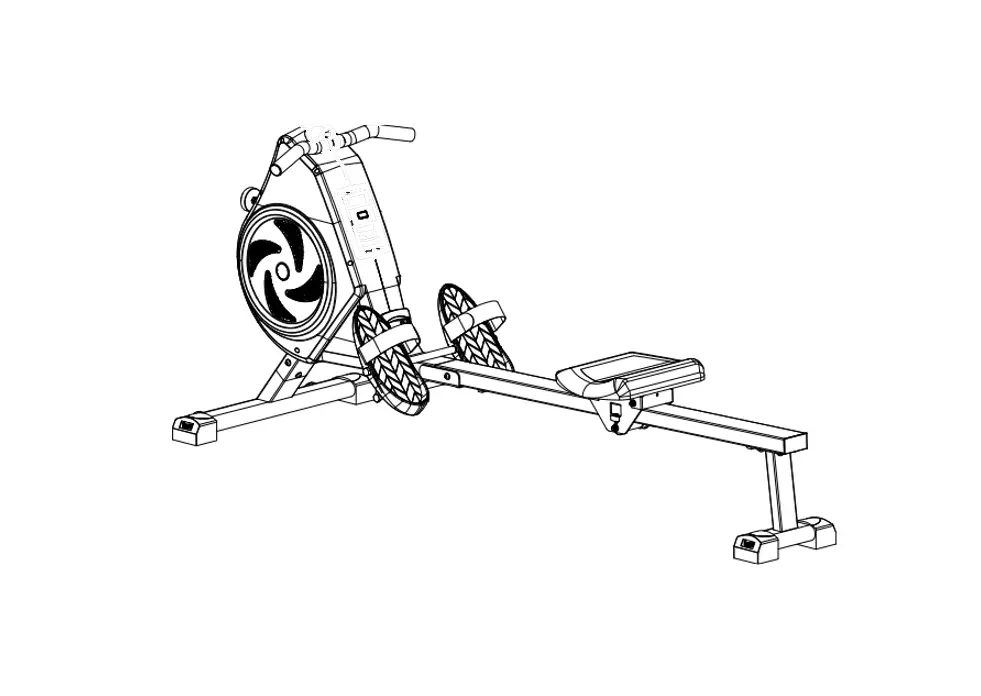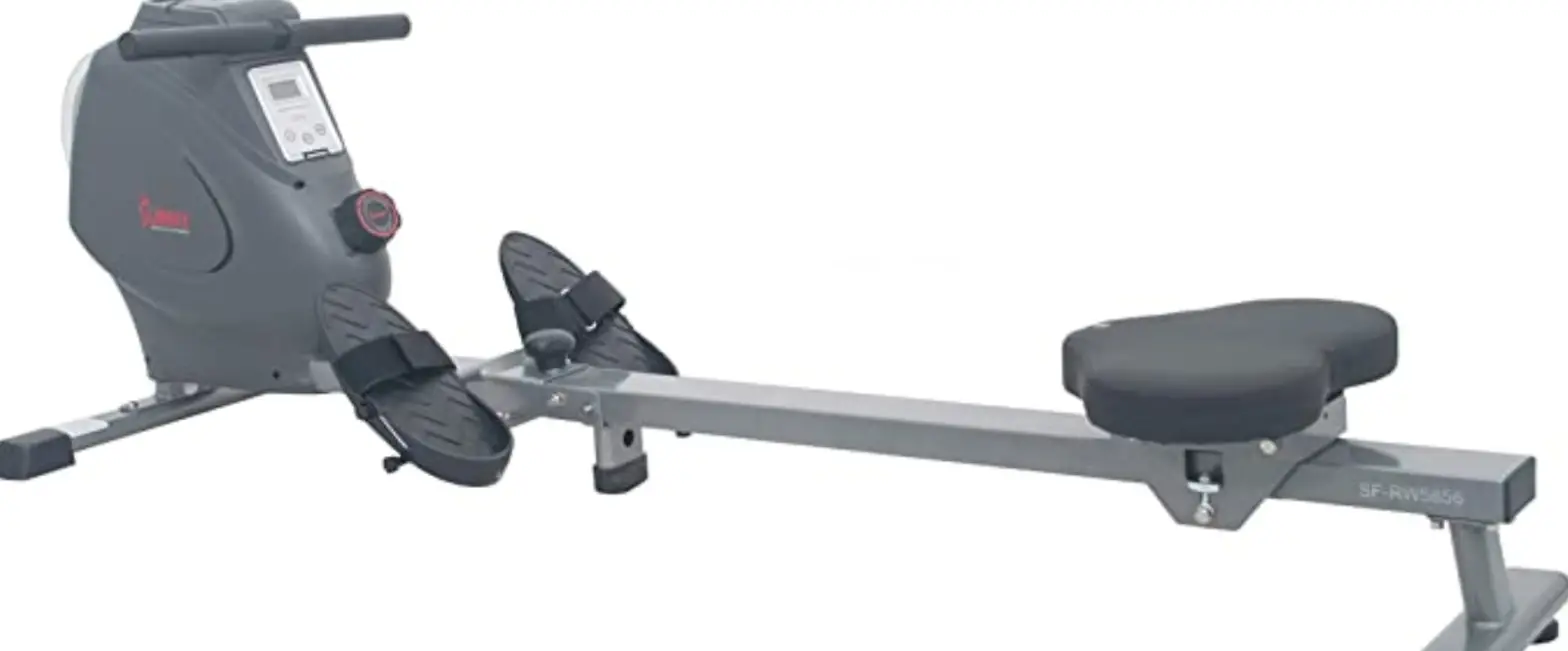

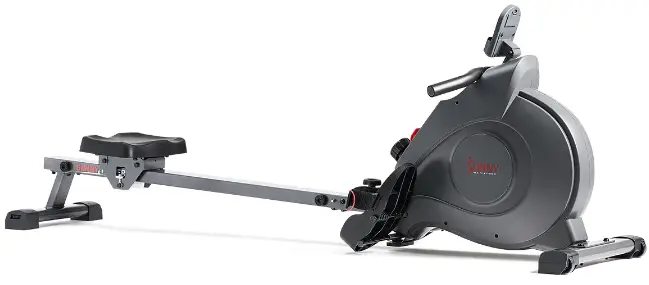
SUNNY SF-RW522016 Magnetic Rowing Machine Smart Rower With Bluetooth
IMPORTANT! Please retain owner’s manual for maintenance and adjustment instructions. Your satisfaction is very important to us, PLEASE DO NOT RETURN UNTIL
YOU HAVE CONTACTED US: [email protected] or 1- 877 – 90SUNNY (877-907-8669).
IMPORTANT SAFETY INFORMATION
We thank you for choosing our product. To ensure your safety and health, please use this equipment correctly. It is important to read this entire manual before assembling and using the equipment. Safe and effective use can only be achieved if the equipment is assembled, maintained, and used properly. It is your responsibility to ensure that all users of the equipment are informed of all warnings and precautions.
- Before starting any exercise program, you should consult your physician to determine if you have any medical or physical conditions that could put your health and safety at risk or prevent you from using the equipment properly. Your physician’s advice is essential if you are taking medication that affects your heart rate, blood pressure, or cholesterol level.
- Be aware of your body’s signals. Incorrect or excessive exercise can damage your health. Stop exercising if you experience any of the following symptoms: pain, tightness in your chest, irregular heartbeat, shortness of breath, lightheadedness, dizziness, or feelings of nausea. If you do experience any of these conditions, you should consult your physician before continuing with your exercise program.
- Keep children and pets away from the equipment. The equipment is designed for adult use only.
- Use the equipment on a solid, flat level surface with a protective cover for your floor or carpet. To ensure safety, the equipment should have at least 2 feet (60 CM) of free space all around it.
- Ensure that all nuts and bolts are securely tightened before using the equipment. The safety of the equipment can only be maintained if it is regularly examined for damage and/or wear and tear.
- Always use the equipment as indicated. If you find any defective components while assembling or checking the equipment, or if you hear any unusual noises coming from the equipment during exercise, discontinue use of the equipment immediately and do not use until the problem has been rectified.
- Wear suitable clothing while using the equipment. Avoid wearing loose clothing that may become entangled in the equipment.
- Do not place fingers or objects into the moving parts of the equipment.
- The maximum weight capacity of this unit is 250 pounds (110KG).
- This equipment is not suitable for therapeutic use.
- To avoid bodily injury and/or damage to the product or property, proper lifting and moving are required.
- Your product is intended for use in cool and dry conditions. You should avoid storage in extreme cold, hot or damp areas as this may lead to corrosion and other related problems.
- This equipment is designed for indoor and home use only; it is not intended for commercial use.
PRE-ASSEMBLY CHECK LIST
Before you start to assemble, please make sure all parts are included.
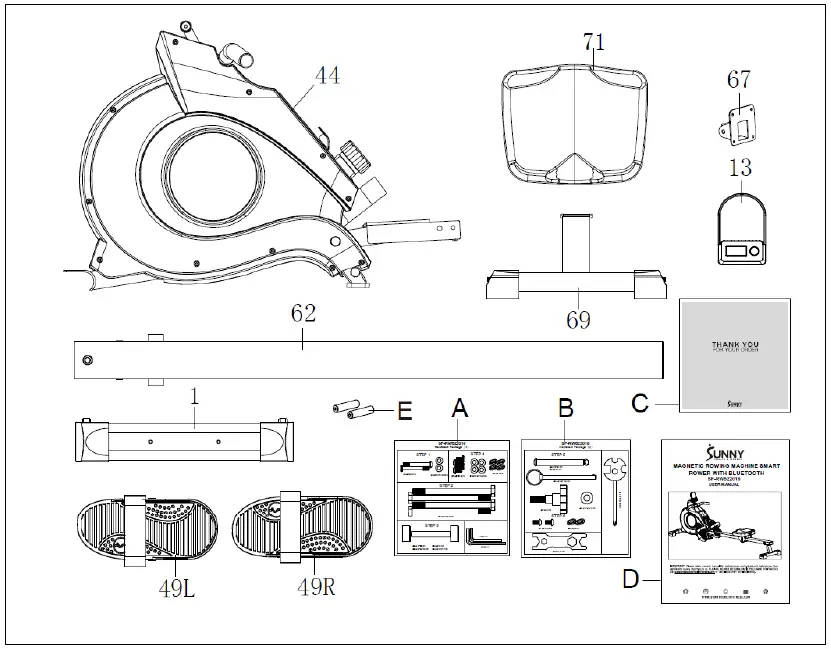
| No. | Description | Spec. | Qty. | No. | Description | Spec. | Qty. | |
| 44 | Main Frame | 1 | 13 | Computer | 1 | |||
| 62 | Sliding Rail | 1 | A | Hardware Package | 1 | |||
| 1 | Front Stabilizer | 1 | B | Hardware Package | 1 | |||
| 69 | Rear Stabilizer | 1 | C | Thank You Card | 1 | |||
| 71 | Seat | 1 | D | Manual | 1 | |||
| 67 | Computer Support | 1 | E | AAA Battery | 2 | |||
| 49L/R | Pedal L/R | 2 |
ASSEMBLY INSTRUCTIONS
We value your experience using Sunny Health and Fitness products. For assistance with parts or troubleshooting, please contact us at [email protected] or 1-877-90SUNNY (877-907-8669).
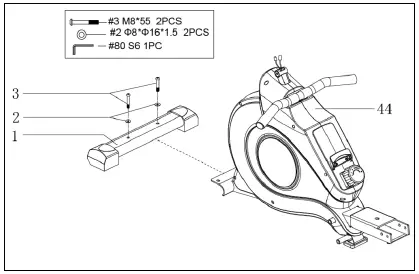
- STEP 1: Attach Front Stabilizer (No. 1) to Main Frame (No. 44) using 2 Bolts (No. 3) and 2 Washers (No. 2). Tighten and secure with Allen Wrench (No. 80).

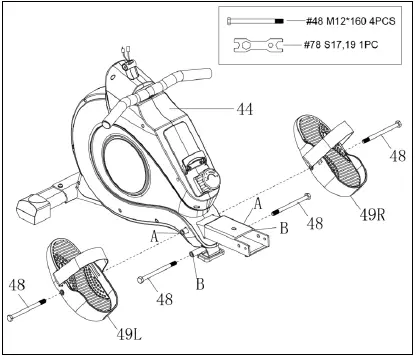
- STEP 2: Attach the 2 Bolts (No. 48) into the bottom hole in position B of Main Frame (No. 44), with Spanner (No. 78). Insert the 2 Bolts (No. 48) into the upper hole in position A of the Main Frame (No. 44) through the 2 Pedals (No. 49L/R). Tighten with Spanner (No. 78).
NOTE: The 2 Pedals (No. 49L/R) should rest on Bolts (No. 48) that are in position B.
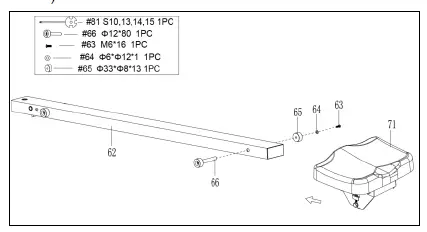
We value your experience using Sunny Health and Fitness products. For assistance with parts or troubleshooting, please contact us at [email protected] or 1-877-90SUNNY (877-907-8669). - STEP 3: Insert the Seat (No. 71) onto Sliding Rail (No. 62). Insert the Limit Axle (No. 66) into the hole on the back of the Sliding Rail (No. 62). Attach the Limit Mat (No. 65) onto the Limit Axle (No. 66) using 1 Screw (No. 63) and 1 Washer (No. 64), then tighten with Spanner (No. 81).

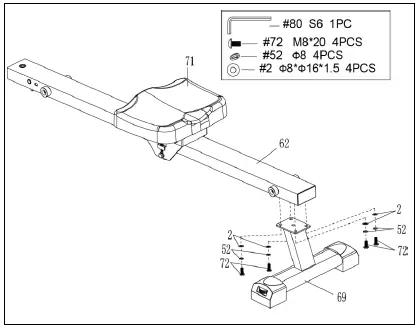
- STEP 4: Attach Sliding Rail (No. 62) onto Rear Support (No. 69) using 4 Screws (No. 72), 4 Spring Washers (No. 52), and 4 Washers (No. 2). Tighten and secure with Allen Wrench (No. 80).

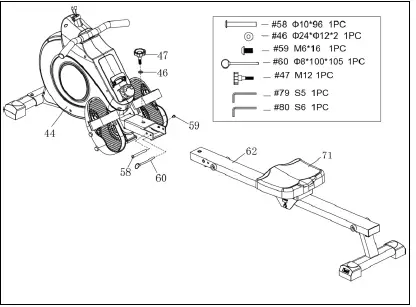
- STEP 5: Attach the Sliding Rail (No. 62) to Main Frame (No. 44) using 1 Bolt (No. 58) and 1 Screw (No. 59). Tighten and secure with Allen Wrench (No. 79) and Allen Wrench (No. 80). Next, secure Sliding Rail (No. 62) to the Main Frame (No. 44) using 1 Knob (No. 47) and 1 Washer (No. 46), then insert Pull Pin (No. 60).

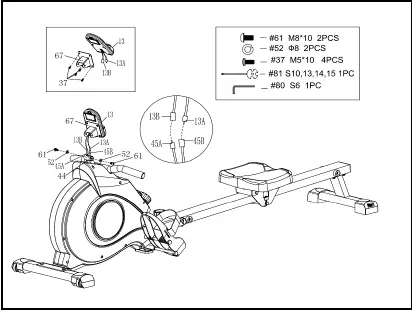
We value your experience using Sunny Health and Fitness products. For assistance with parts or troubleshooting, please contact us at [email protected] or 1-877-90SUNNY (877-907-8669). - STEP 6: Remove 4 Screws (No. 37) from the back of the Computer (No. 13) with the Spanner (No. 81). First insert Couputer Wire A/B (No.13A/B) though Computer Support (No. 67), then attach the Computer (No. 13) to the Computer Support (No. 67) using 4 Screws (No. 37) that were removed. Tighten and secure with Spanner (No. 81). Connect the Sensor Wire A (No. 45A) to the Computer Wire B (No. 13B) and connect the Sensor Wire B (No. 45B) to the Computer Wire A (No. 13A). Next, insert the connected wire into Main Frame (No. 44). Attach the Computer Support (No. 67) to Main Frame (No. 44) using 2 Bolts (No. 61) and 2 Spring Washers (No. 52). Tighten and secure with Allen Wrench (No. 80).

ADJUSTMENTS &USAGE GUIDE
CAUTION! Moving parts, such as the seat, can cut and crush. Keep hands clear of the sliding rail during use!
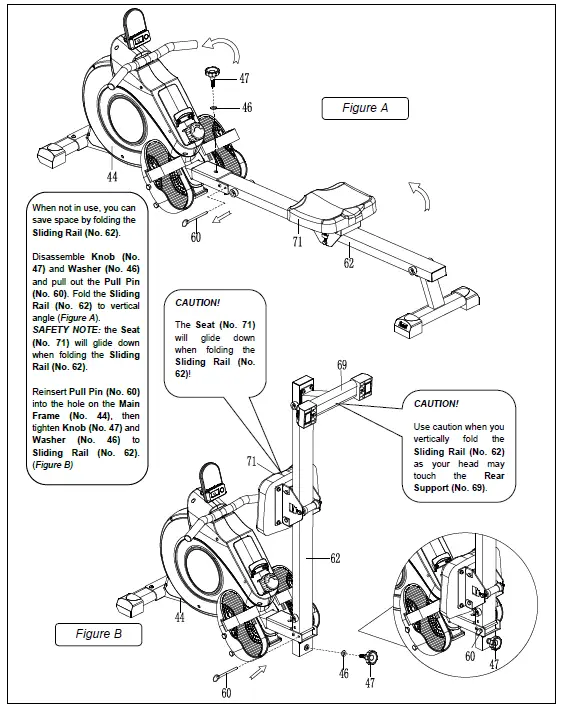
FOLDING GUIDE
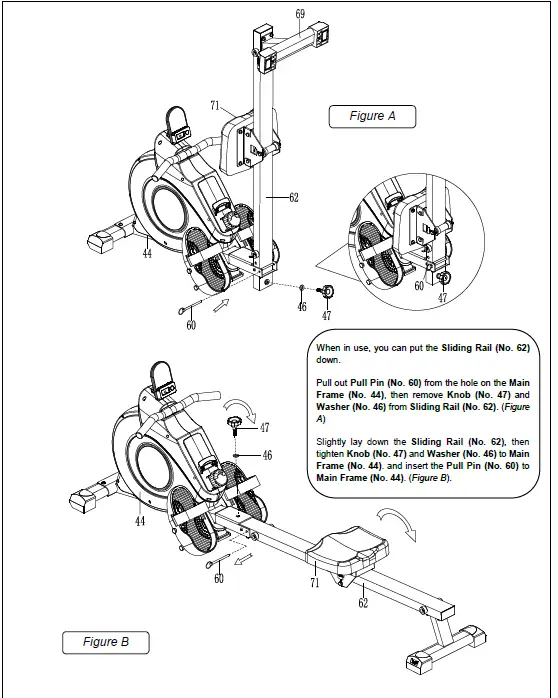
UNFOLDING GUIDE
BATTERY INSTALLATION & REPLACEMENT
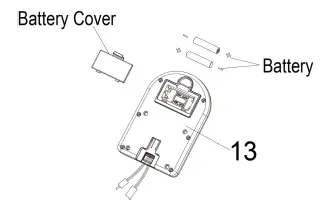
BATTERY INSTALLATION:
- Take out 2 AAA batteries from meter box.
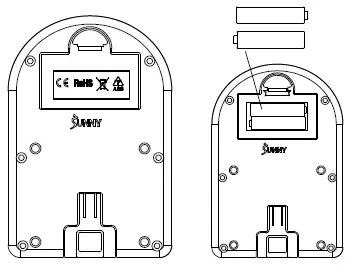
- Press the buckle of battery cover on the back of the Computer (No. 13), then remove battery cover.
- Install 2 AAA batteries into the battery case on the back of the Computer (No. 13). Pay attention to the battery + and – poles before installing.
- Press the buckle of battery cover, then put the battery cover back to the back of the Computer (No. 13).
The installation is complete!
BATTERY REPLACEMENT:
- Press the buckle of battery cover on the back of the Computer (No. 13), then remove battery cover.
- Remove the 2 old AAA batteries in the battery case and install 2 new AAA batteries into the battery case on the back of the Computer (No. 13). Pay attention to the battery + and – poles before installing.
- Press the buckle of battery cover, then put the battery cover back to the back of the Computer (No. 13). The replacement is complete!
NOTE: Always change both batteries at the same time. Do not mix battery types and do not mix old and new batteries. Dispose batteries according to your state and regional guidelines.
EXERCISE COMPUTER
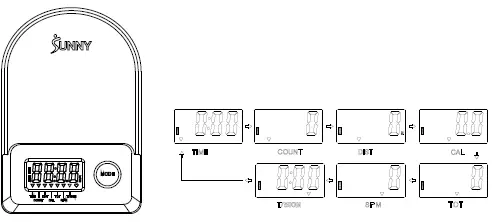
- KEY FUNCTIONS:
- Pressing the MODE key to select and lock on a function for following sequence: SCANTIME COUNT> DIST> CAL> TOTAL COUNT (TOT) > SPM>T/500M>SCAN
- Pressing and hold the MODE key with 3 seconds to reset the value to zero (without TOT).
- SLEEP MODE
- The system turns on when MODE key is pressed and system senses a signal input from the sensor. All of the value will be reset to zero (without TOT)
- The system turns off automatically when the sensor has no signal input or no key are pressed for approximately 4 minutes.
- FUNCTIONS:
- SCAN: Display changes according to the next diagram every 6 seconds.
- COUNT: The current count from starting exercise
- DIST: The current distance from starting exercise.
- TIME: The total working times elapsed from starting exercise.
- TOTAL COUNT (TOT): The total count from first inserting batteries
- CALORIES: The calorie burned from starting exercise.
- SPM: Number of strokes per minute, indicating the stroke speed during exercise.
- T/500M: The time for 500 meters during exercise
BATTERY INSTALLATION & REPLACEMENT
| SPECIFICATION | |
| SCAN | 6S |
| TIME | 99M:59S |
| COUNT | 0~9999 |
| DIST | 0~9999 Meters |
| TOT | 0~9999 |
| CALORIES | 0.0~999.9 Kcal |
| SPM | 0~299 |
| BATTYERY | SIZE-AAA *2 |
| Operating temperature | 0~40℃ (32℉-104℉) |
| Storage temperature | -10~60℃ (14℉-140℉) |
APP CONNECTION
- Scan the QR code below to download the SunnyFit app onto your mobile device

- If this is your first time using the SunnyFit app, follow the in-app instructions to register for your free SunnyFit account and log in.
- Ensure that the Bluetooth
 function is turned on from your mobile device.
 - To connect the equipment to the SunnyFit app:
- From the “Workout” tab, press on the “Search” button to search for your equipment.
- Once your equipment appears on the list, tap the “Select” button to confirm.
- Note: If your equipment does not appear on the “Searching for Equipment” list, check the EXERCISE COMPUTER on your equipment to ensure that it is not in sleep mode and your phone’s Bluetooth function is on, then tap “Retry” to search again.
- Once your equipment shows up on the “Workout” tab as “Currently Selected”, your equipment is now ready to display, track, and record your equipment’s workout stats on the app!
- If you are unable to replicate these steps, or have any other issues with the SunnyFit app, please contact SunnyFit support at [email protected], or use the in-app “Contact Us” form to request support (“Me” tab -> “Contact Us”).

 function is turned on from your mobile device.
EXPLODED DIAGRAM
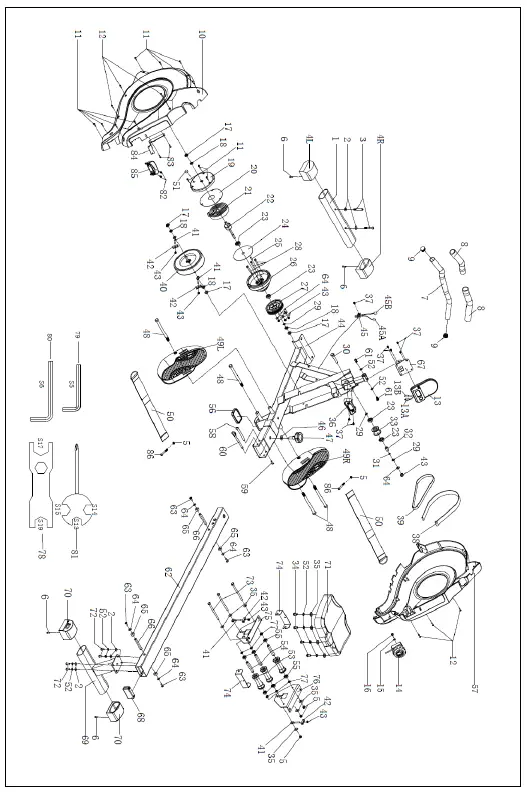
PARTS LIST
| No. | Description | Spec. | Qty. | No. | Description | Spec. | Qty. | |
| 1 | Front Stabilizer | 1 | 44 | Main Frame | 1 | |||
| 2 | Washer | Φ8*Φ16*1.5 | 6 | 45 | Sensor Wire | 1 | ||
| 3 | Bolt | M8*55 | 2 | 45A | Sensor Wire A | 1 | ||
| 4L/R | End Cap (Left / Right) | 2 | 45B | Sensor Wire B | 1 | |||
| 5 | Nut | M8 | 5 | 46 | Washer | Φ24*Φ12*2 | 1 | |
| 6 | Screw | ST4.2*25*Φ10.5 | 4 | 47 | Knob | M12 | 1 | |
| 7 | Handlebar | 1 | 48 | Bolt | M12*160 | 4 | ||
| 8 | Foam Grip | Φ26*3*215 | 2 | 49L/R | Pedal L/R | 2 | ||
| 9 | End Cap | Φ28*15 | 2 | 50 | Pedal Strap | 2 | ||
| 10 | Left Belt Cover | 1 | 51 | Magnet | Φ15*7 | 1 | ||
| 11 | Screw | ST4.2*19*Φ8 | 11 | 52 | Spring Washer | Φ8 | 8 | |
| 12 | Screw | ST4.2*16*Φ8 | 6 | 53 | Wheel | Φ40*92 | 3 | |
| 13 | Computer | 1 | 54 | Casing Pipe for Idler Wheel | Φ13*Φ8*78 | 3 | ||
| 13A | Computer Wire A | 1 | 55 | Bearing | 608Z | 6 | ||
| 13B | Computer Wire B | 1 | 56 | Rubber Pad | 1 | |||
| 14 | Tension Control Knob | 1 | 57 | Right Belt Cover | 1 | |||
| 15 | Washer | D5 | 1 | 58 | Bolt | Φ10*96 | 1 | |
| 16 | Screw | M5 | 1 | 59 | Screw | M6*16 | 1 | |
| 17 | Nut | M10*1*H8*S15 | 4 | 60 | Pull Pin | Φ8*100*105 | 1 | |
| 18 | Nut | M10*1*H5*S17 | 4 | 61 | Bolt | M8*10 | 2 | |
| 19 | Cover for Mesh Belt Wheel | Φ149*14 | 1 | 62 | Sliding Rail | 1 | ||
| 20 | Outer PC Board | 1 | 63 | Screw | M6*16 | 4 | ||
| 21 | Volute Spring | 1 | 64 | Washer | Φ6*Φ12*1 | 8 | ||
| 22 | Axle for Mesh Belt Wheel | 1 | 65 | Limit Mat | Φ33*Φ8*13 | 4 | ||
| 23 | Bearing | 6000-ZZ | 4 | 66 | Limit Axle | Φ12*80 | 2 | |
| 24 | PC Board | 1 | 67 | Computer Support | 1 | |||
| 25 | Bolt | M5*45*Φ4.8 | 1 | 68 | End Cap | J80*40*18 | 1 | |
| 26 | Mesh Belt Wheel | Φ145 | 1 | 69 | Rear Support | 1 | ||
| 27 | Belt Wheel | Φ104 | 1 | 70 | End Cap | 2 | ||
| 28 | Bolt | M6*55*S10 | 3 | 71 | Seat | DDPU986 | 1 | |
| 29 | Circlip | d10 | 3 | 72 | Screw | M8*20 | 4 | |
| 30 | Bolt | M6*55*15*S10 | 1 | 73 | Bolt | M8*125*15*S14 | 3 | |
| 31 | Wave Washer | Φ13.5*Φ10.2*0.4 | 1 | 74 | U Shape Bracket | 2 | ||
| 32 | Spacer | Φ10*Φ6.1*40 | 1 | 75 | Left Seat Supporting Board | 1 | ||
| 33 | Mesh Belt Pulley | Φ45*35 | 1 | 76 | Right Seat Supporting Board | 1 | ||
| 34 | Screw | M8*20*S6 | 4 | 77 | Spacer | d8*Φ15*4 | 6 | |
| 35 | Washer | d8*Φ20*1.5 | 10 | 78 | Spanner | S17,19 | 1 | |
| 36 | Handlebar Seat | 1 | 79 | Allen Wrench | S5 | 1 | ||
| 37 | Screw | M5*10*Φ10 | 7 | 80 | Allen Wrench | S6 | 1 | |
| 38 | Mesh Belt | t1.5*22*2270 | 1 | 81 | Spanner | S10,13,14,15 | 1 | |
| 39 | Belt | 6PJ250 | 1 | 82 | Screw | M5*15 | 2 | |
| 40 | Inertial Wheel | Φ176 | 1 | 83 | Screw | ST4.2*15 | 2 | |
| 41 | Adjusting Bolt | 4 | 84 | Tablet Fixing Plate | 1 | |||
| 42 | Adjusting U Seat | 30*10*1.5 | 4 | 85 | Tablet Holder | 1 | ||
| 43 | Nut | M6*H6*S10 | 8 | 86 | Bolt | M8*60 | 2 |