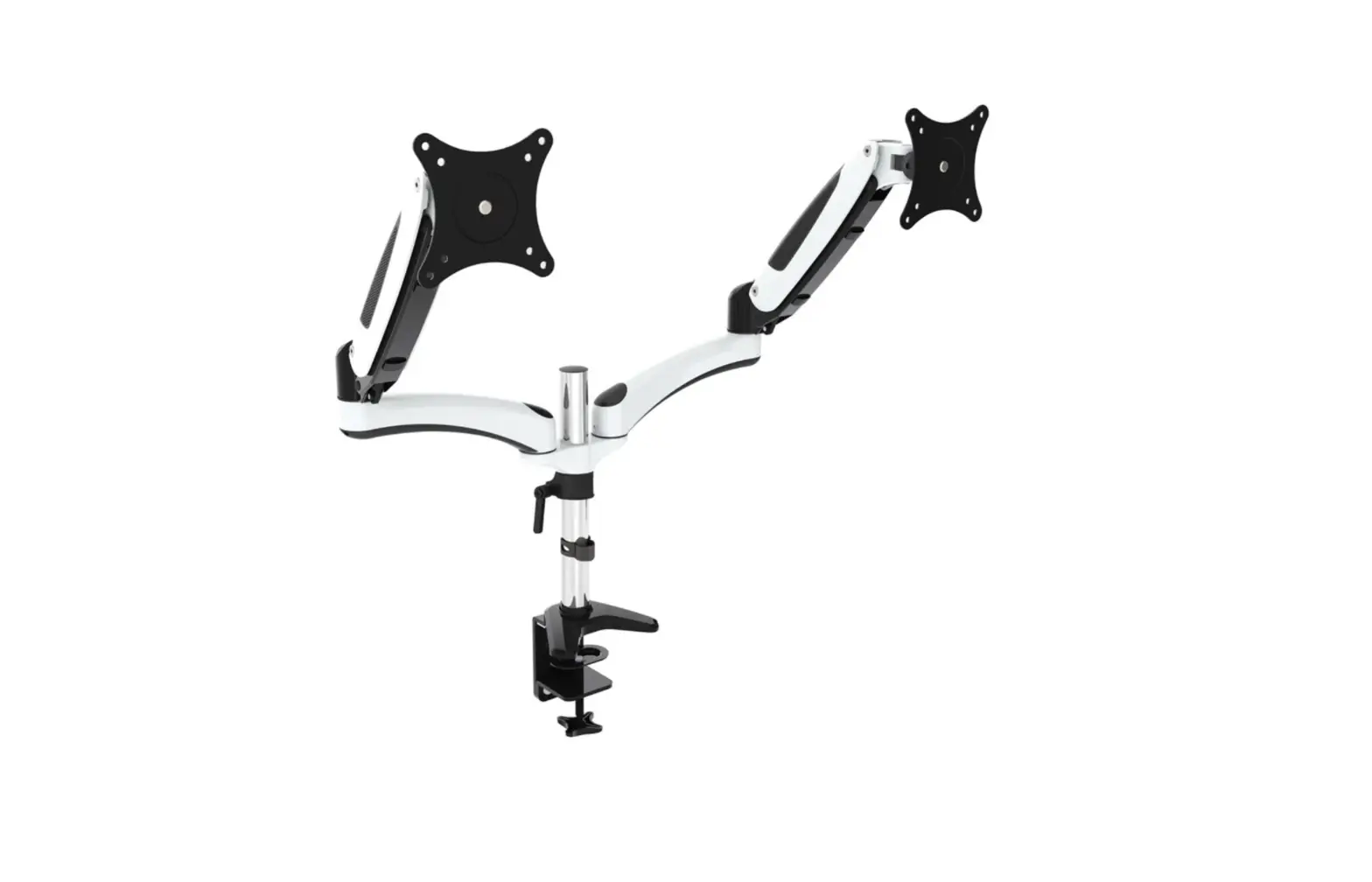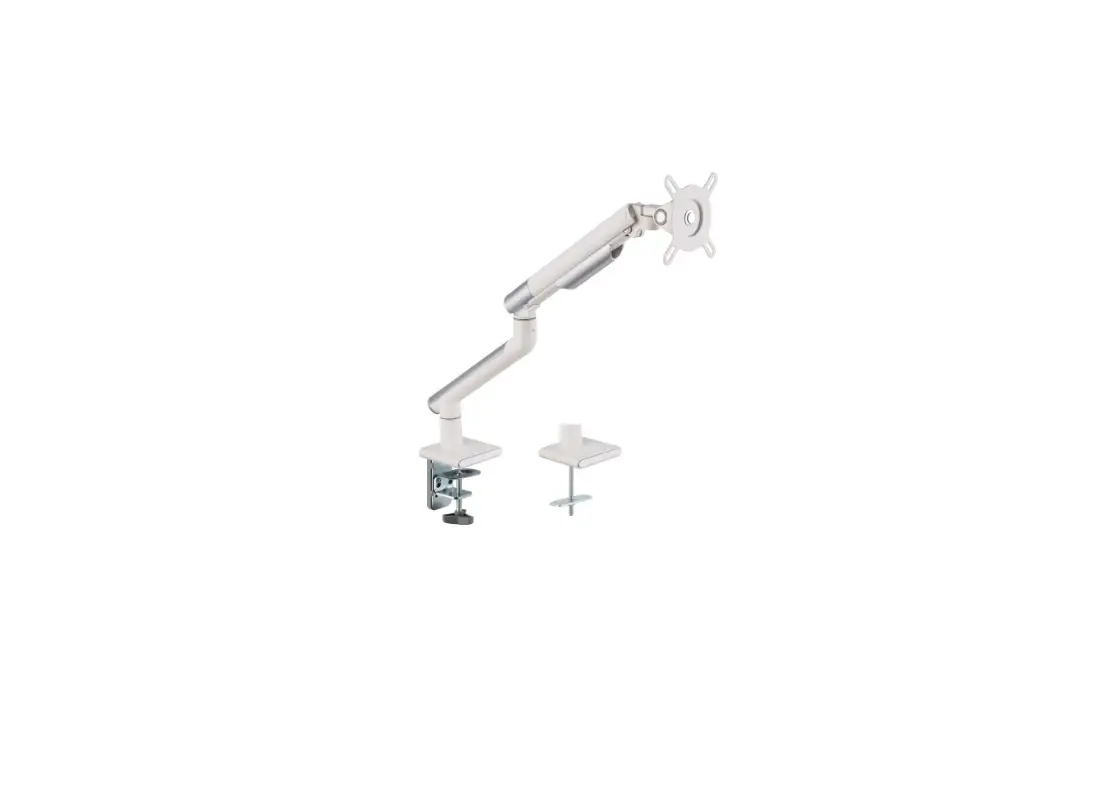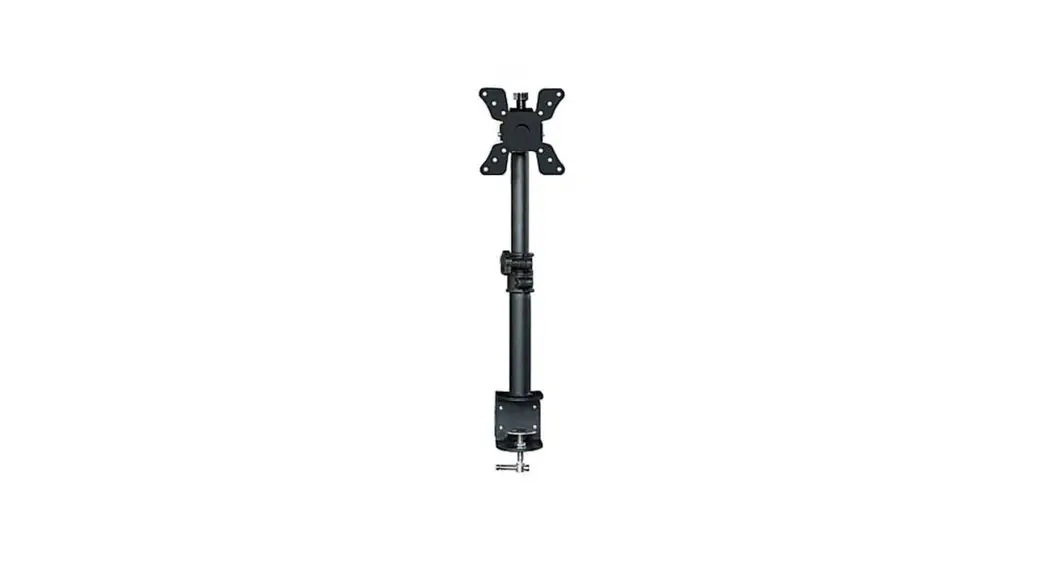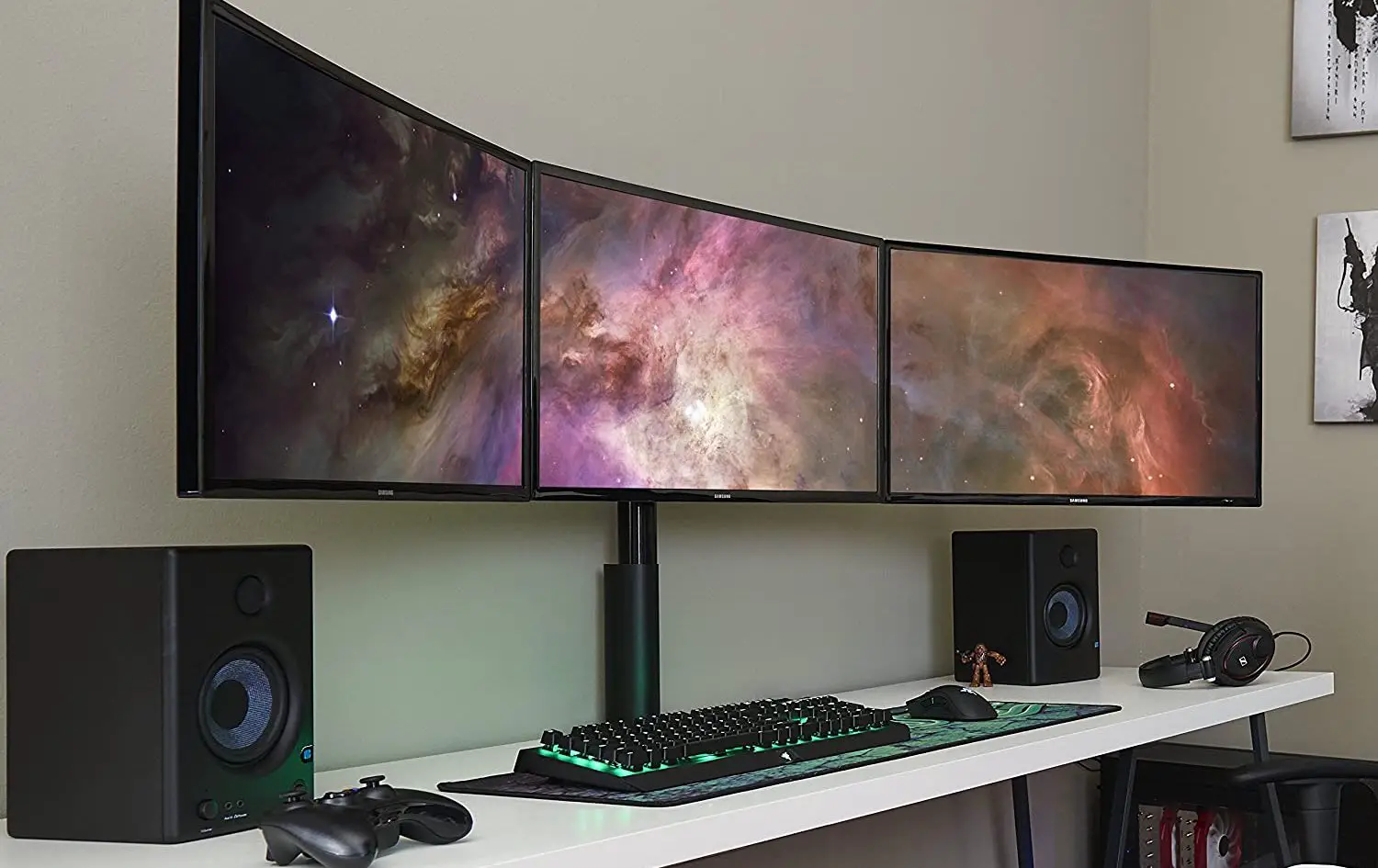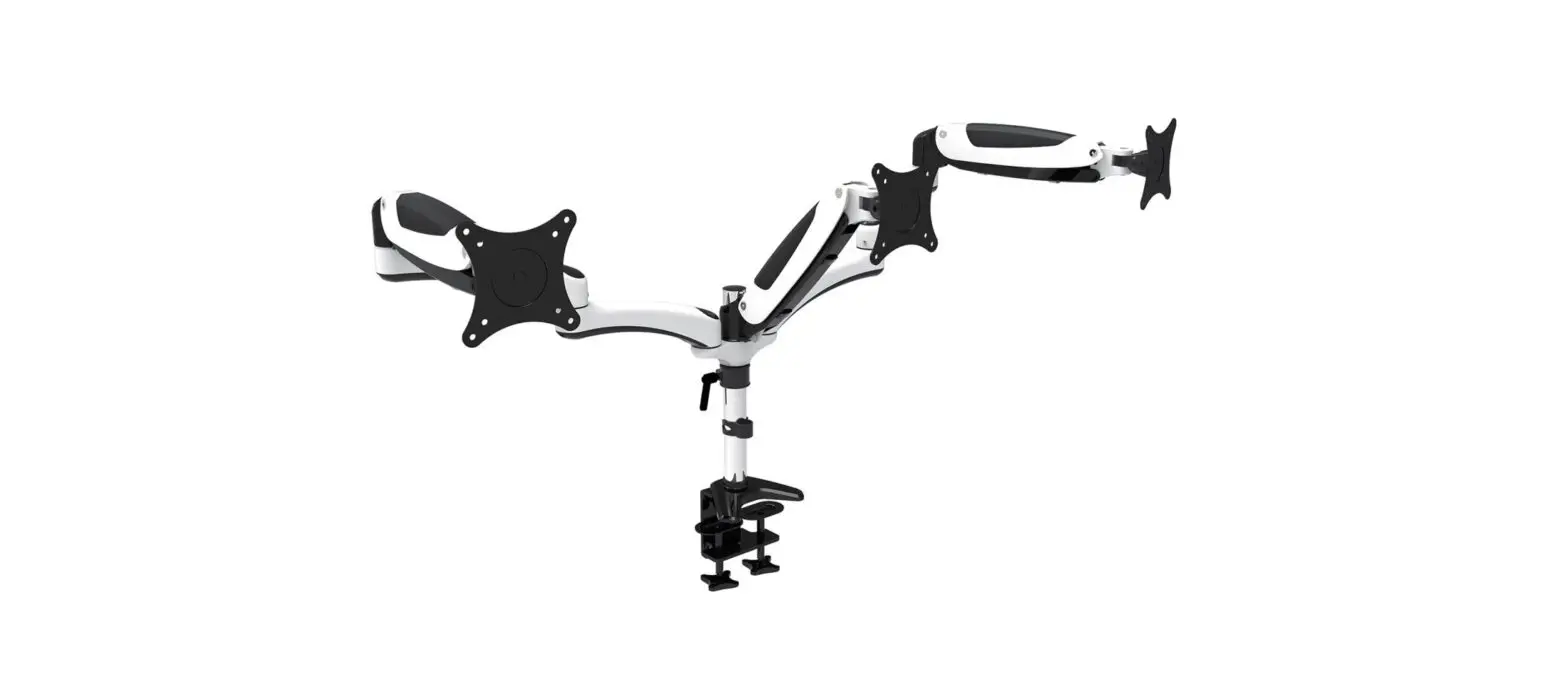
amer mounts HYDRA3XL Triple Monitor Mount Instructions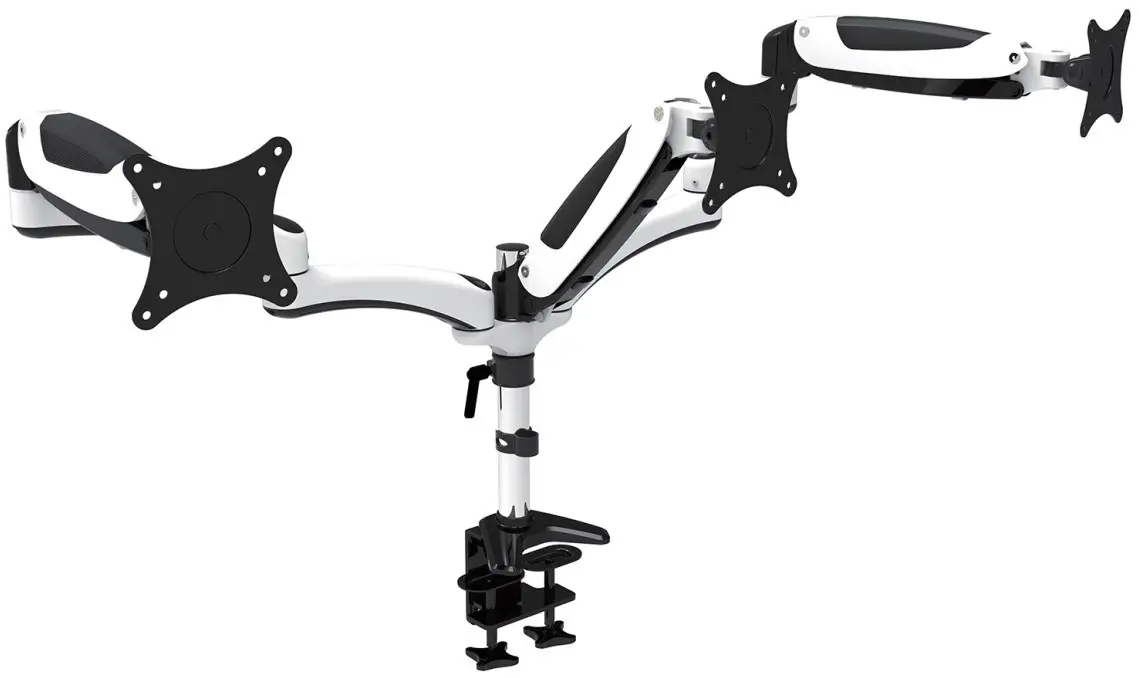
WARNING STATEMENTS
 Prior to the installation of this product, the installation instruction must be read and completely understood. Failure to do so may result in personal injury, property damage or voiding of factory warranty.
- Do not install on a structure that is prone to vibration, movement or chance of impact. Reinforce the structure as required before installation. Don’t use the product on particle board.
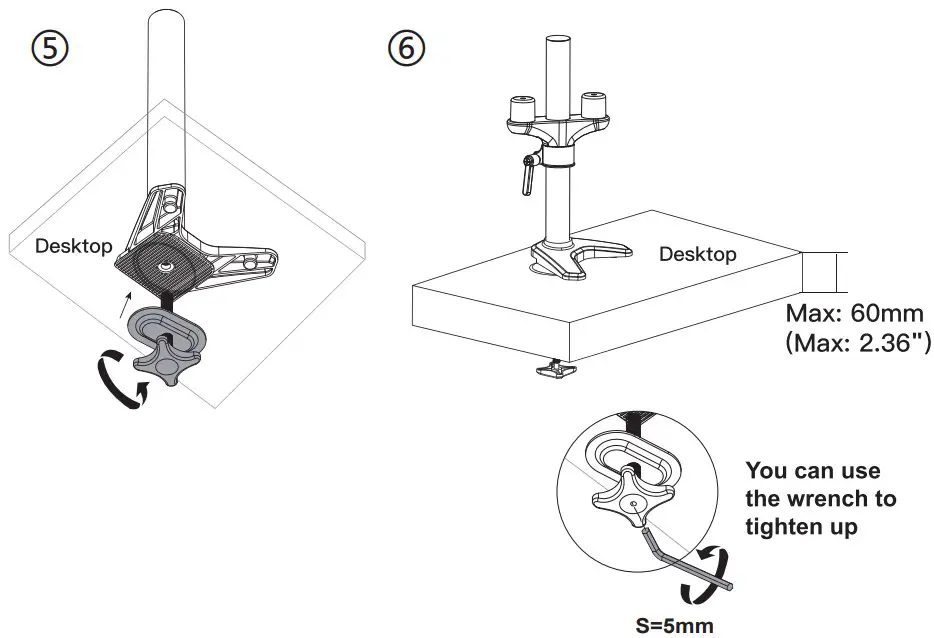
- The desk clamp can support a maximum thickness of 9 cm. Confirm the desk edge before installation.
- Pay attention to the weight capacity of the mount. Exceeding the limitation can result in function unworkable or even serious personal injury and property damage.
- Never operate the mount if parts are missing or damaged. Contact your local service center for warranty service.
 Prior to the installation of this product, the installation instruction must be read and completely understood. Failure to do so may result in personal injury, property damage or voiding of factory warranty.
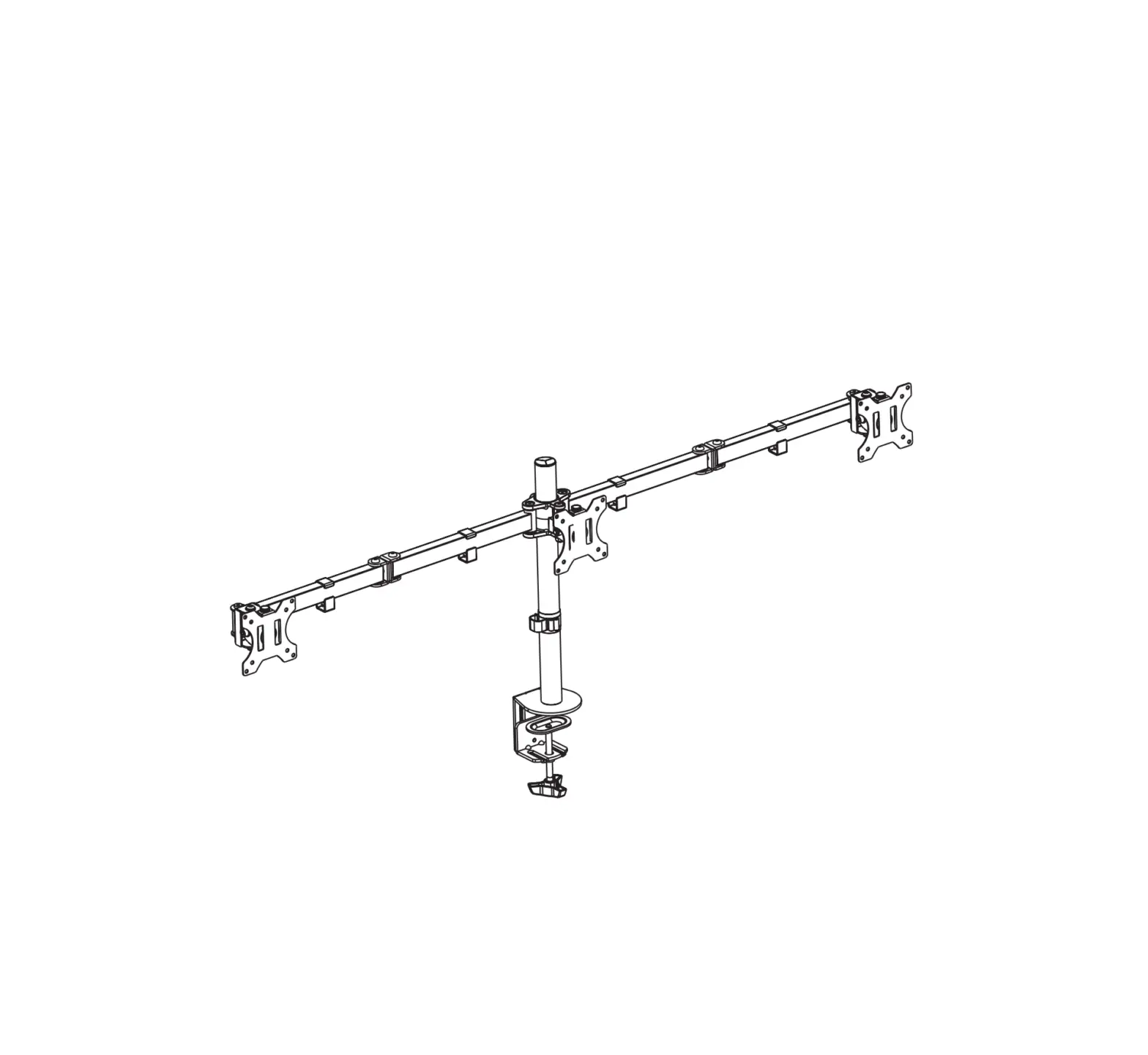
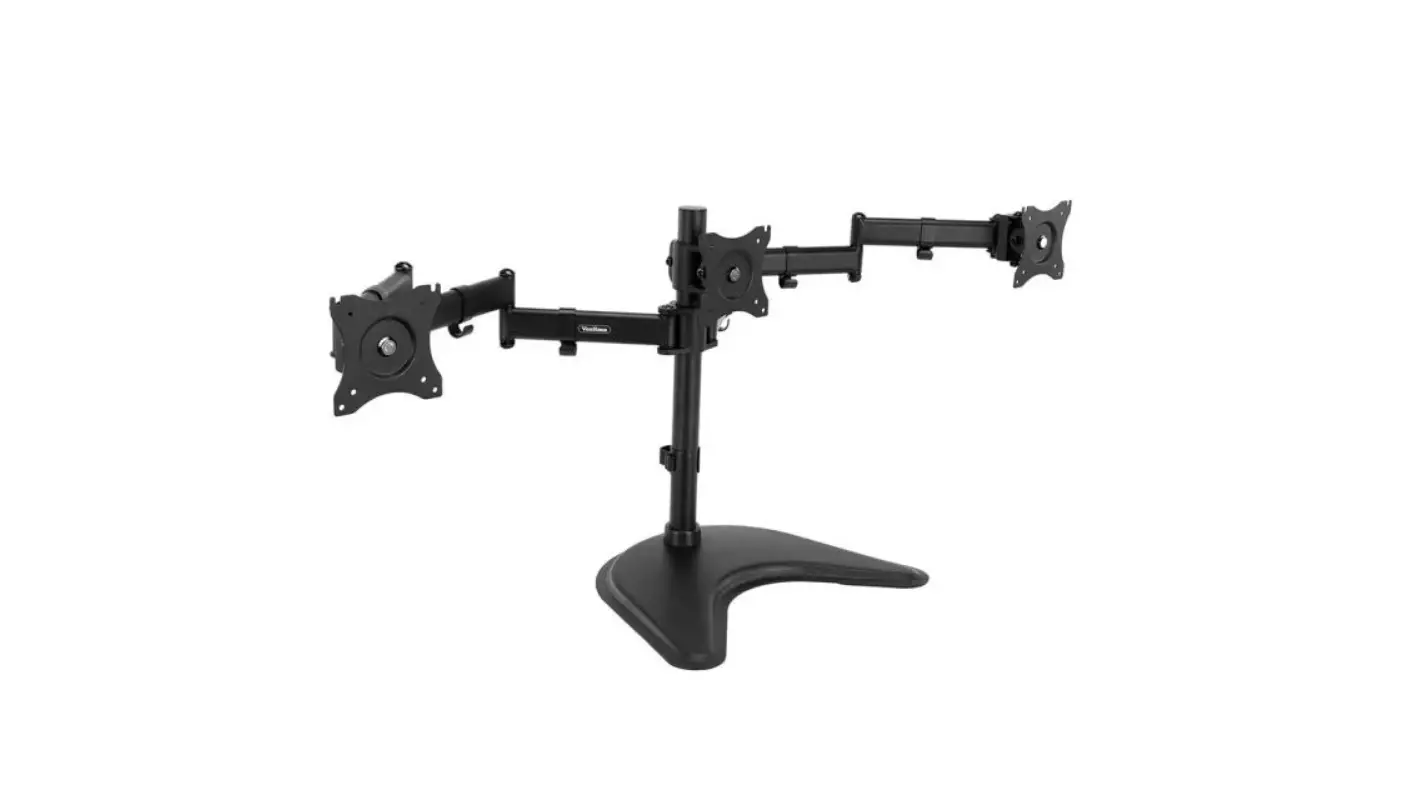
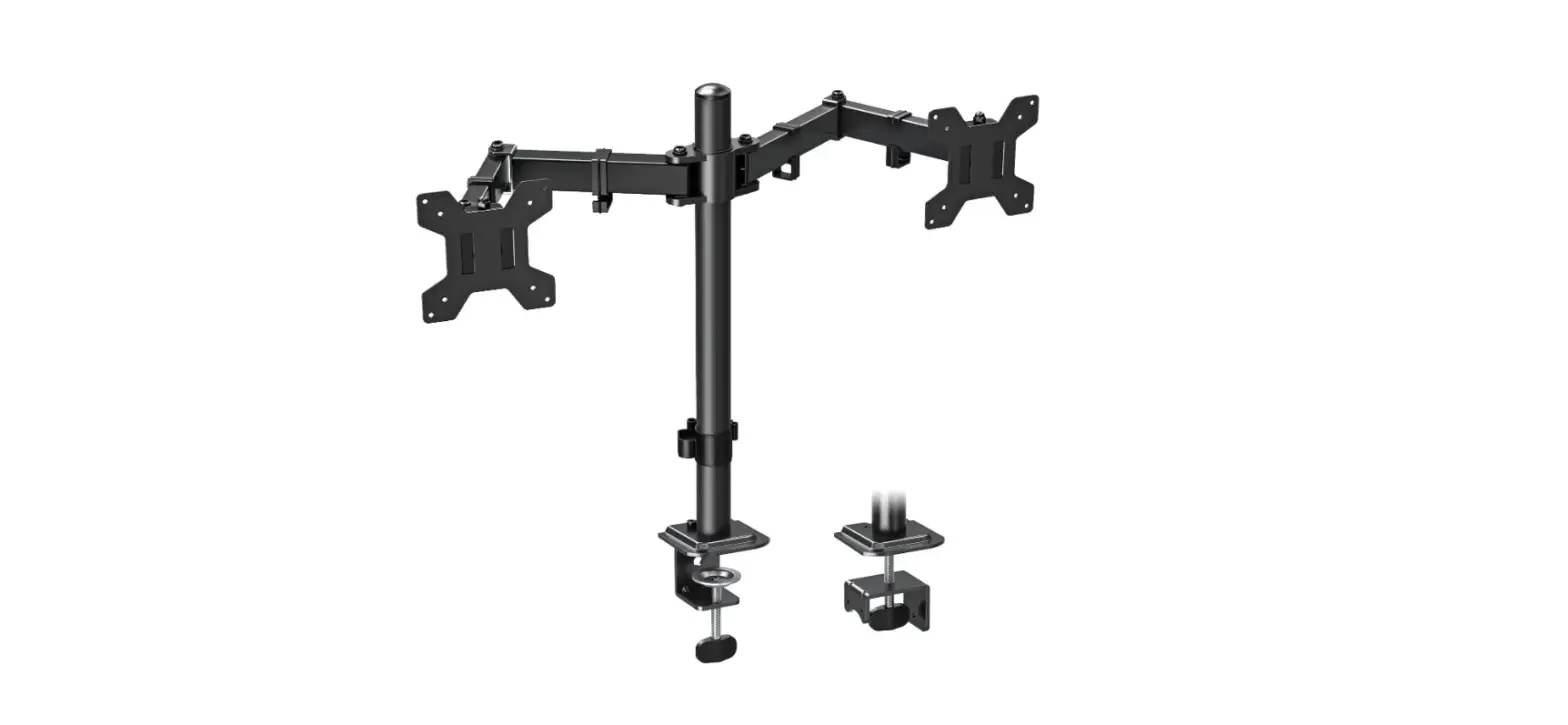
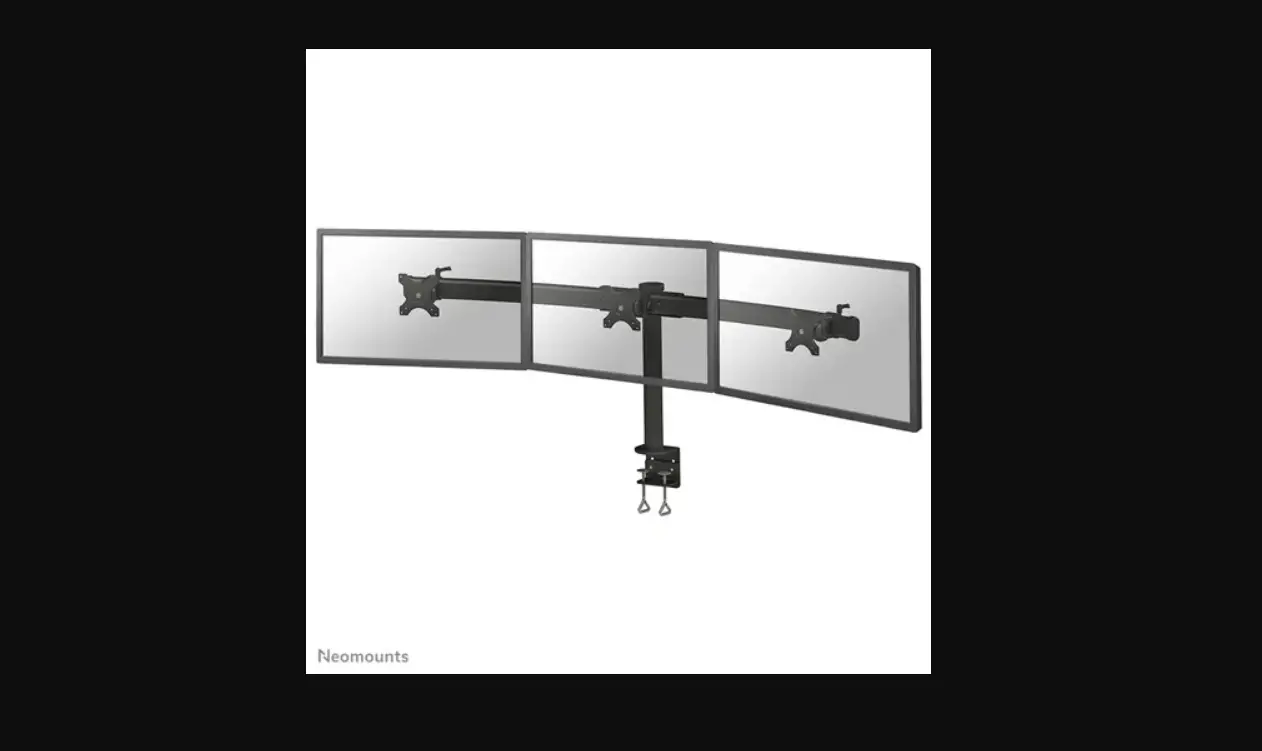
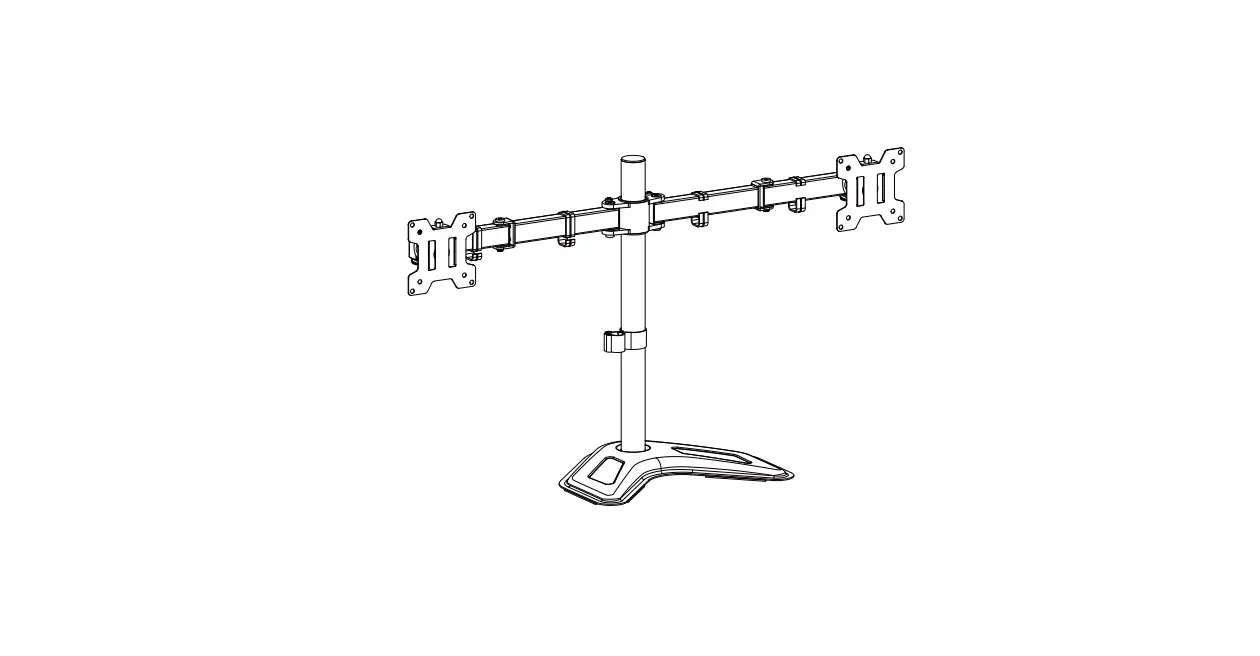
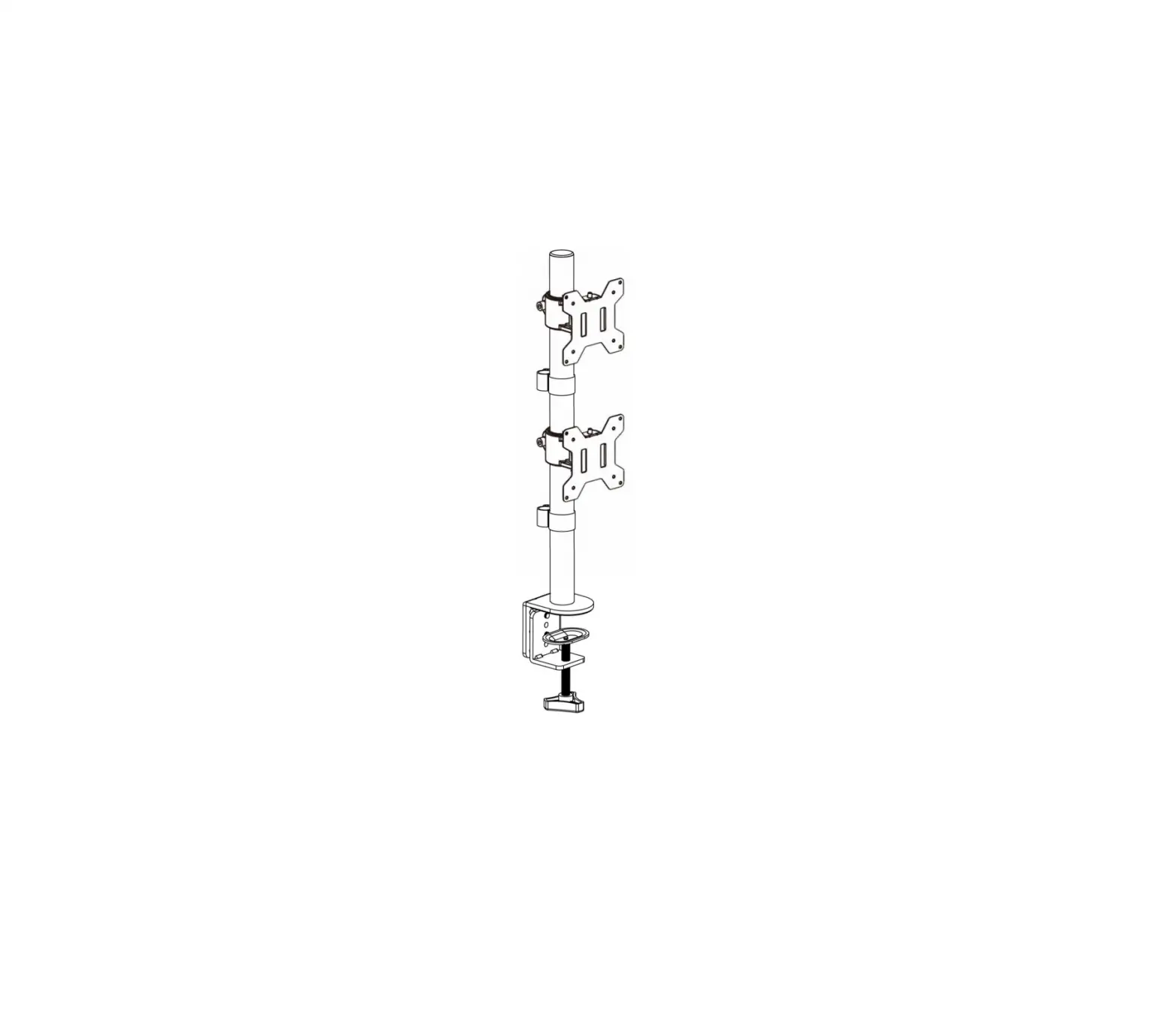
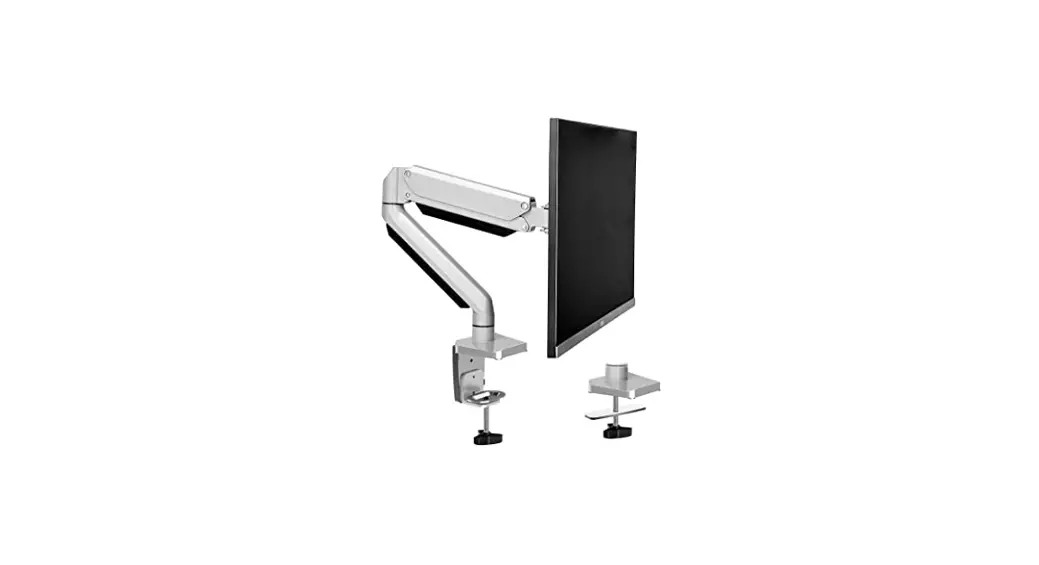
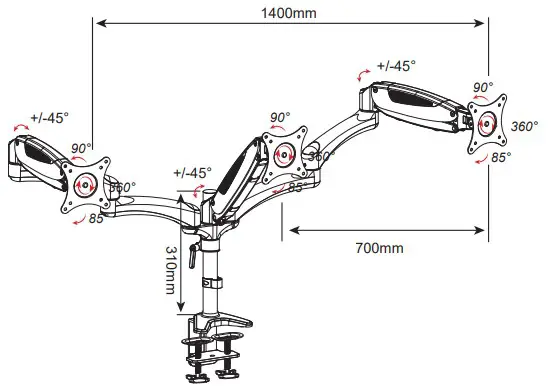
PRODUCT LINE GRAPH
TOOLS REQUIRED NOT INCLUDED
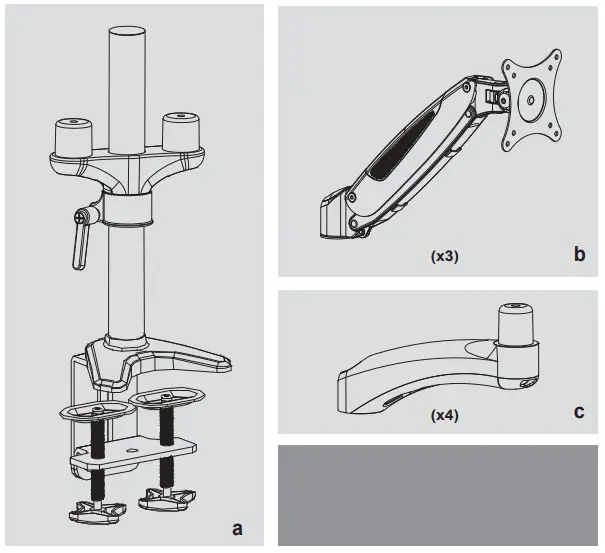
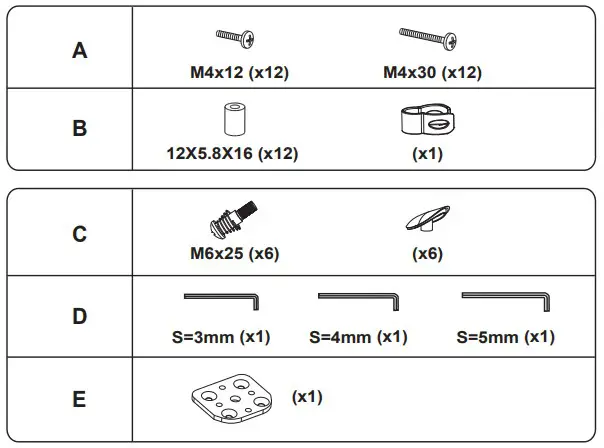
PARTS INCLUDED
Clamp Installation Steps
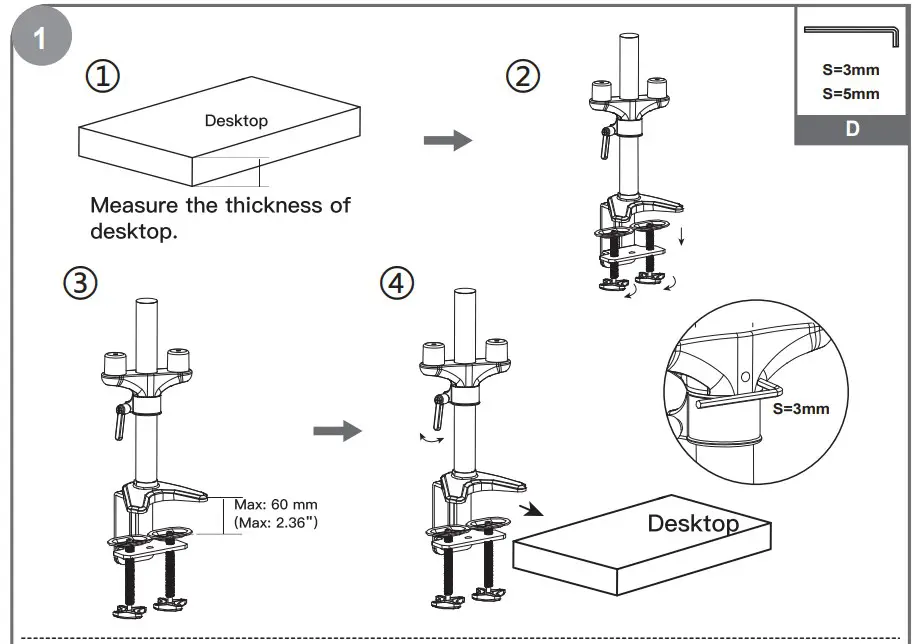
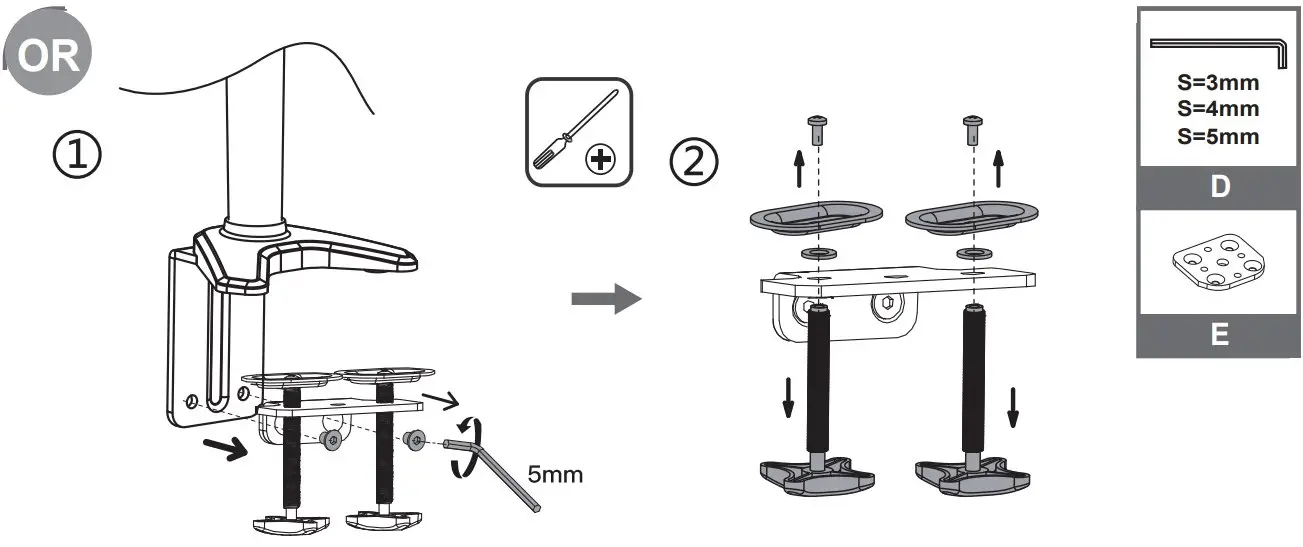
For desk thickness more than 2.36″(60mm) but within 3.35″(85mm), remove clamp screw and attachment entirely and reattach clamp screw with bottom plate upside-down.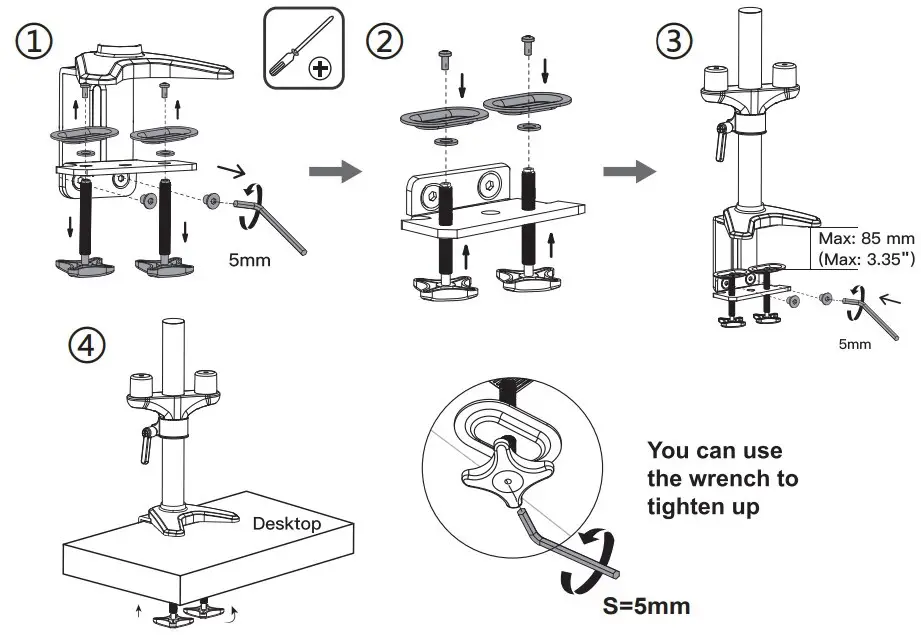
Grommet Installation Steps
Remove Clamp from the base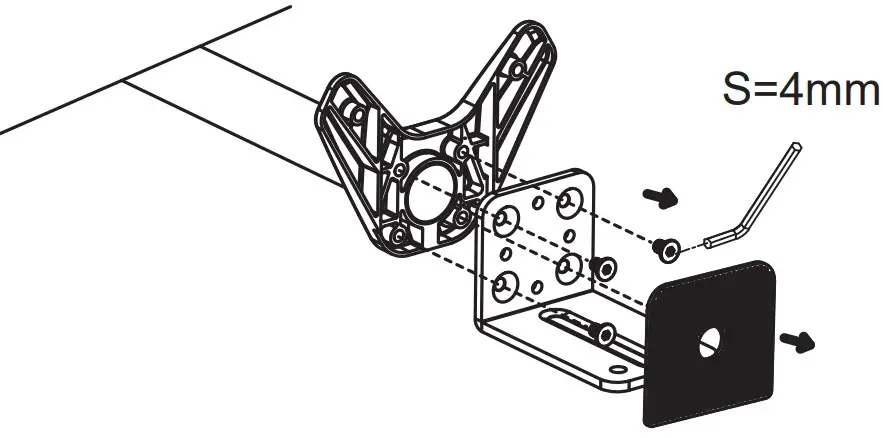
Install Grommet to the base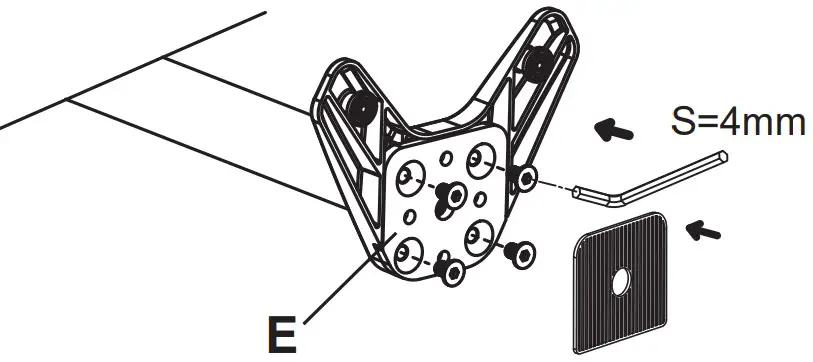
Arm Installation
Insert extension arms to the supporting part.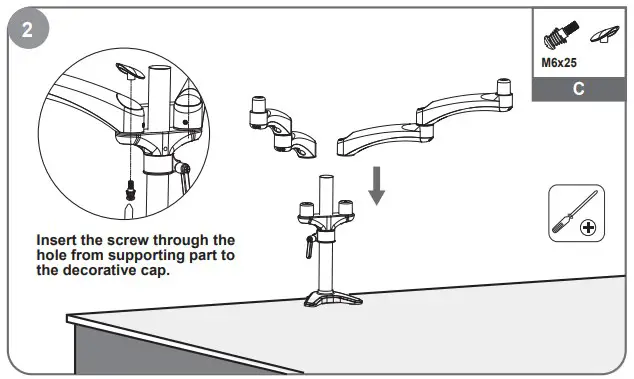
Monitor Installation
Recessed surface installation: Put 4 spacers between faceplate and monitor. Install 4 screws through faceplate, spacers to monitor via mounting holes.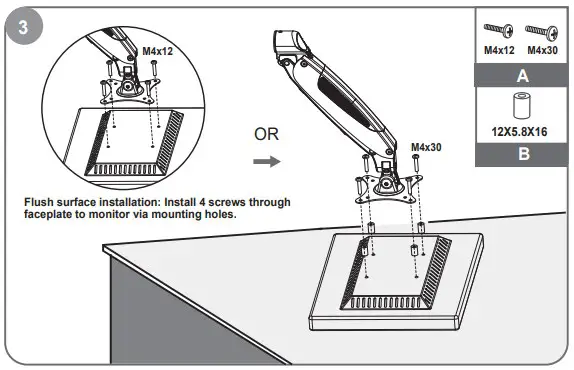
Lift the spring arm along with the monitor and put it on the supporting part.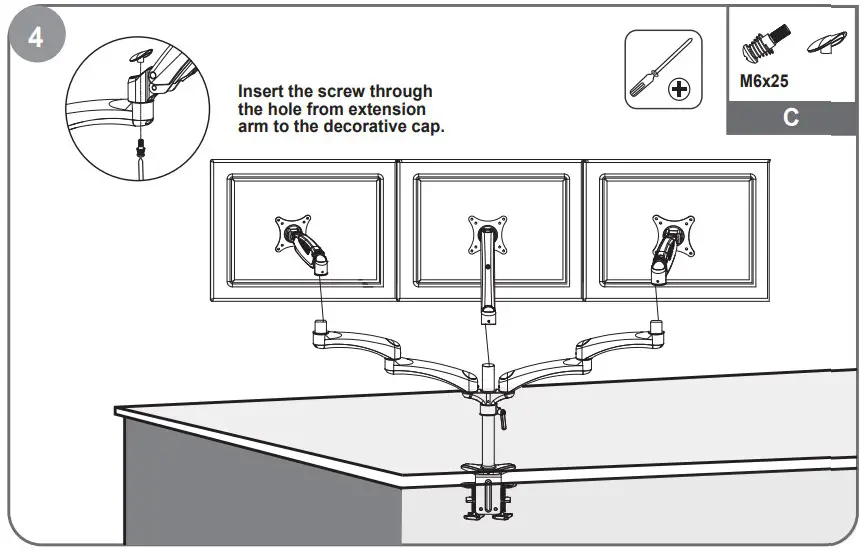
Gas Spring Tension Adjustment
Use a hex wrench to adjust the height tension of the gas spring arm, to keep different weight of monitors still at any position.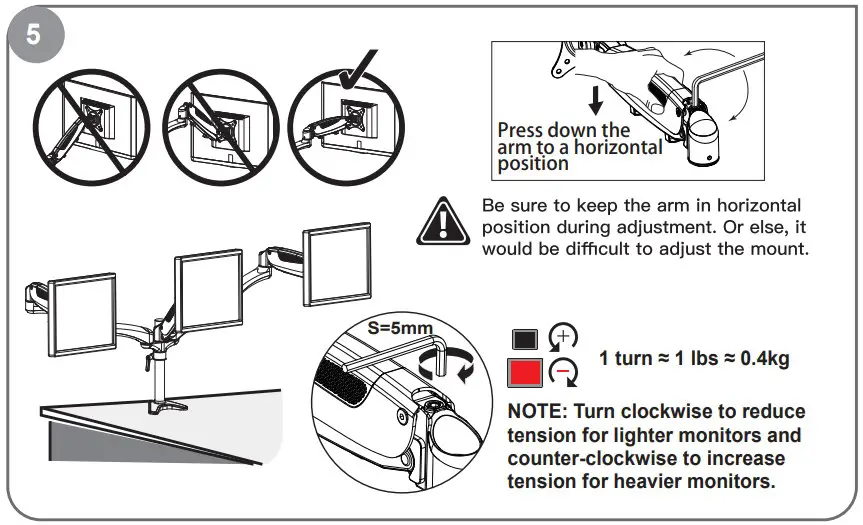
Tilt & Swivel Adjustment
Tighten the bolt with the Allen Key to make the tilt and swivel adjustment.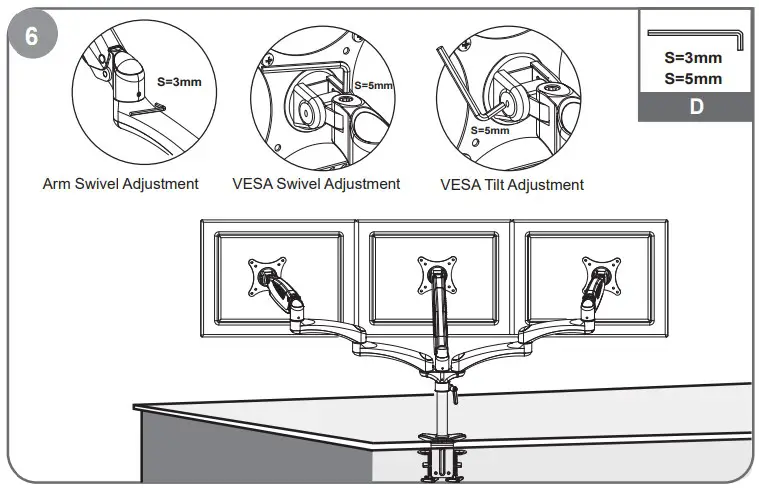
Cable Management Installation
Organize cables with cable management clips along the pole.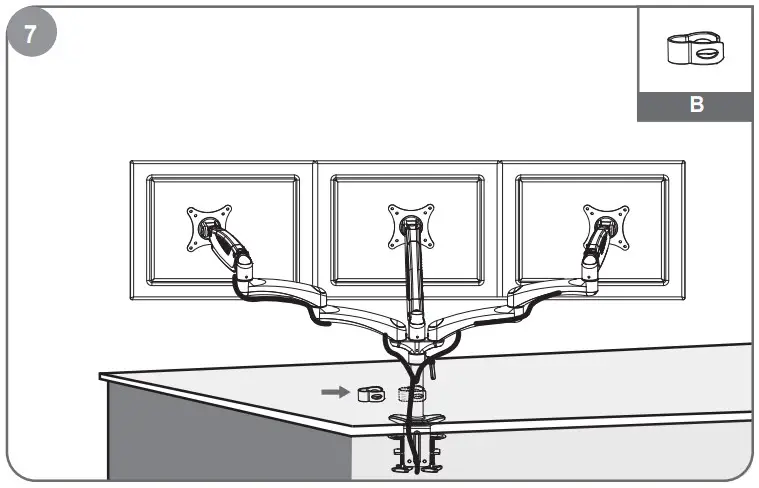
Support
Amer Mounts
1-800-262-9703
Fax: 1-800-314-6805
Email: [email protected]
Technical support
1-888-998-918 9
Email: [email protected]

 Amer Mounts - Home