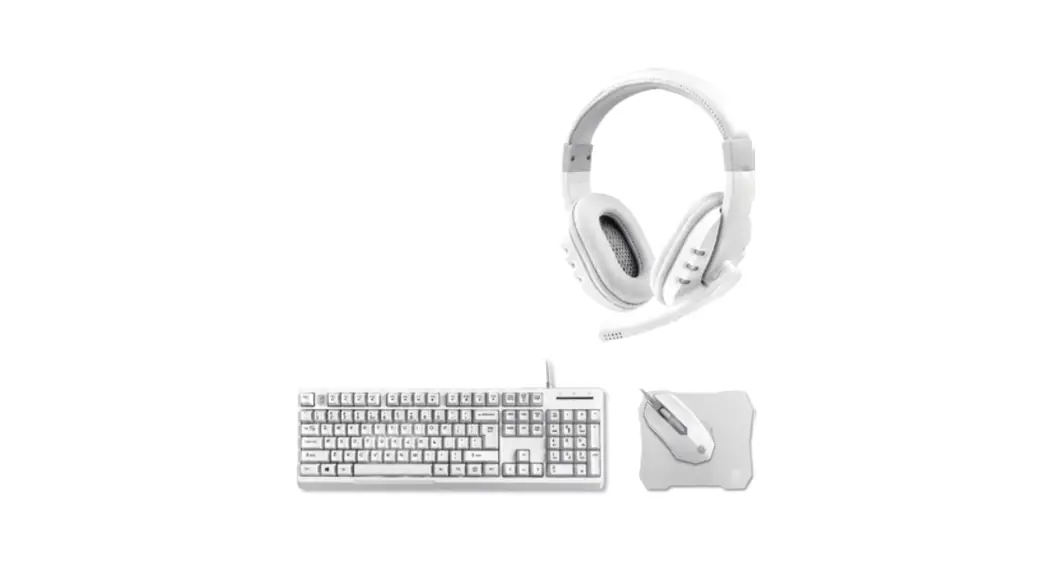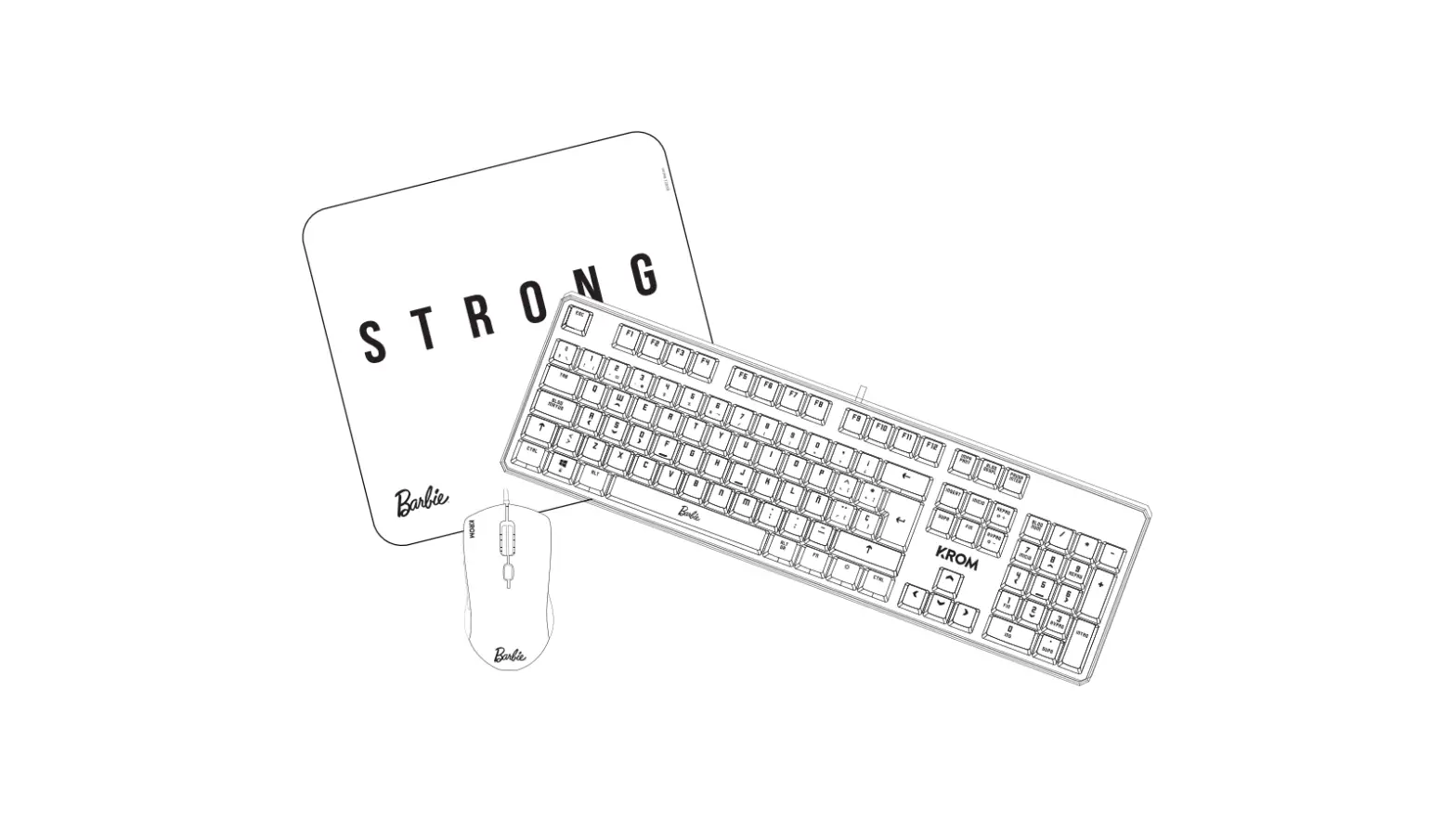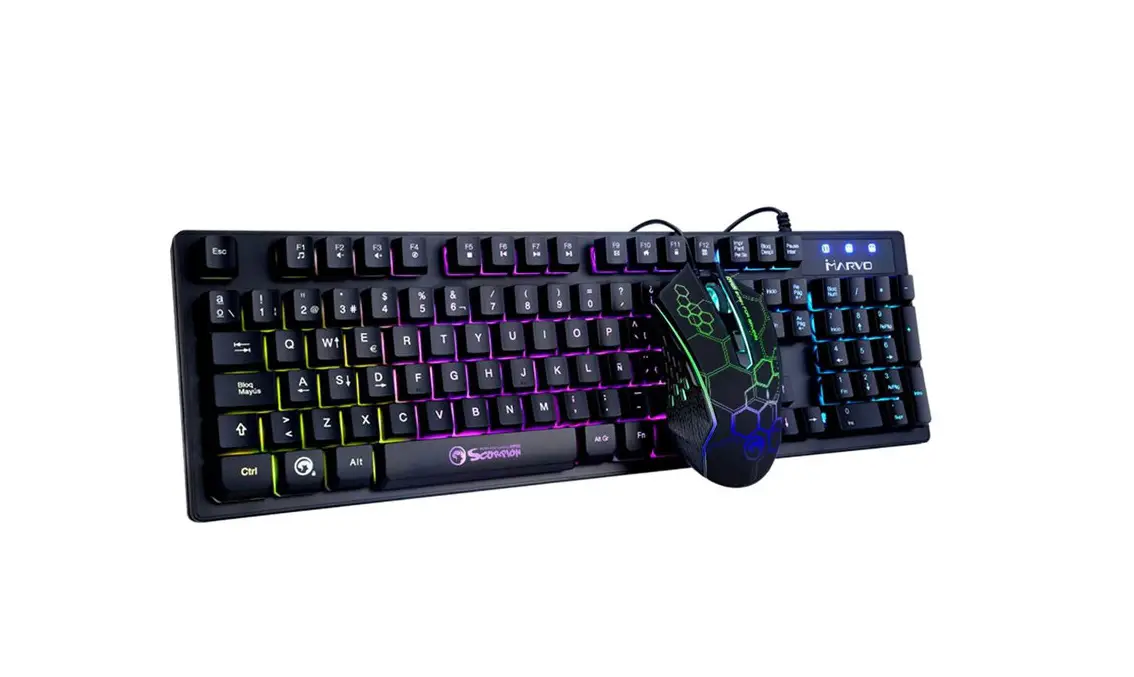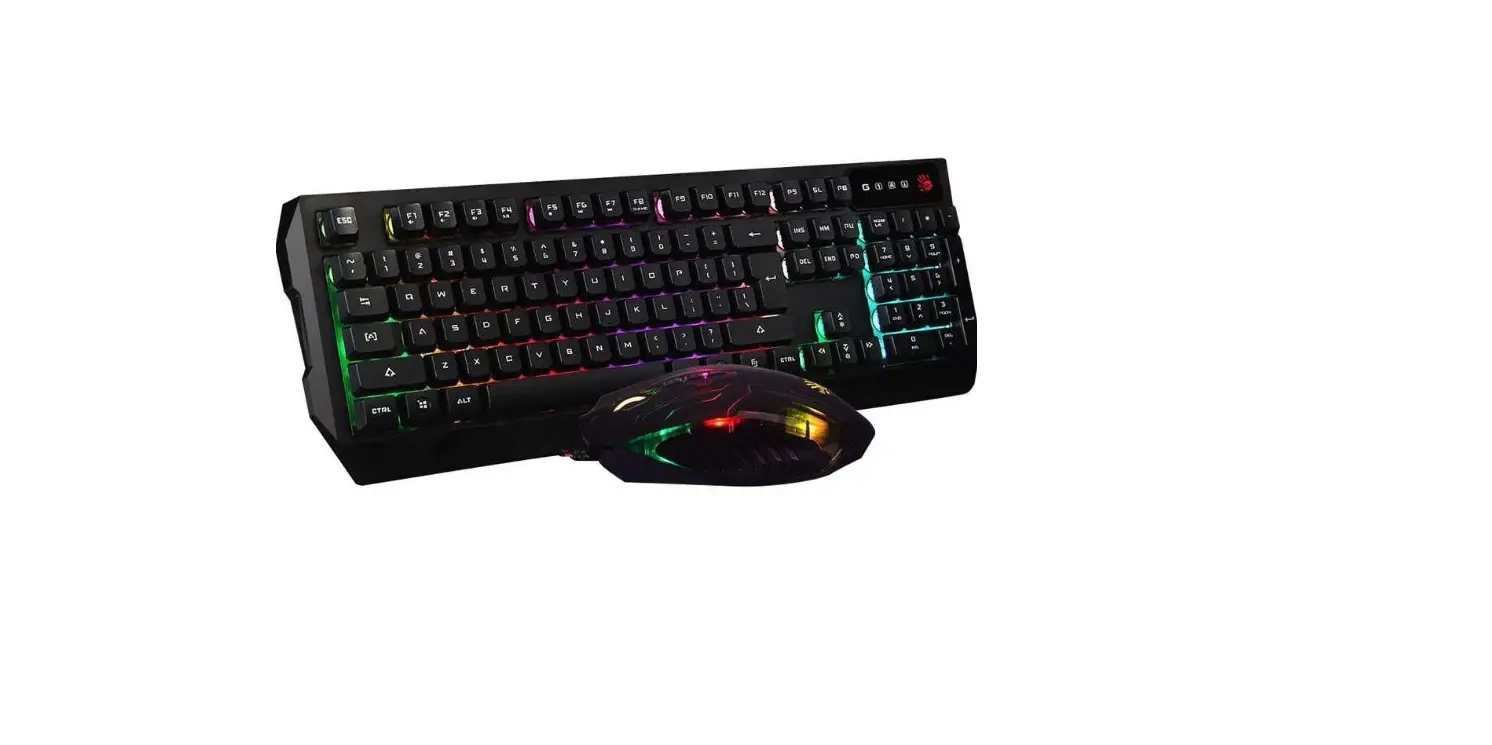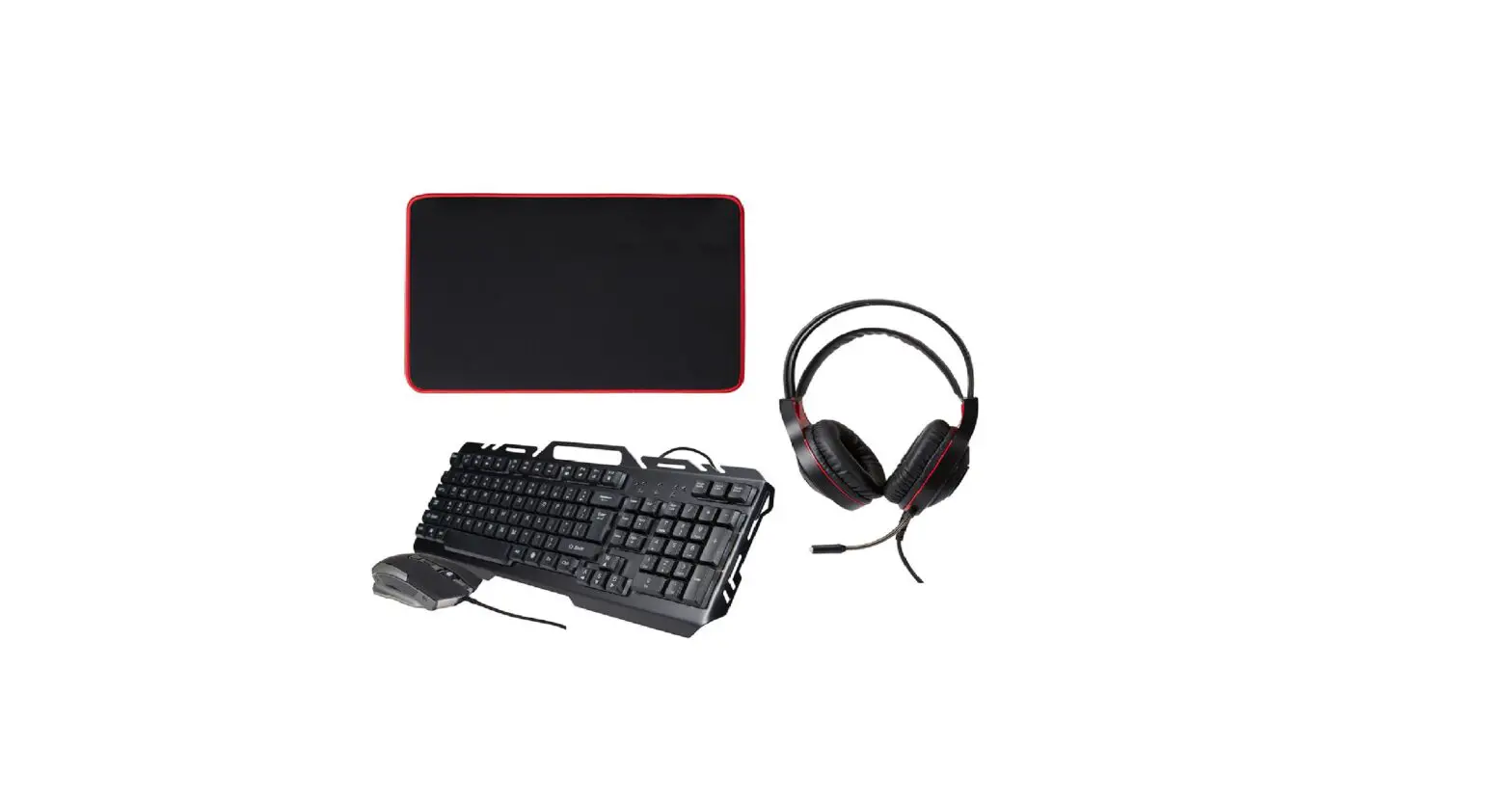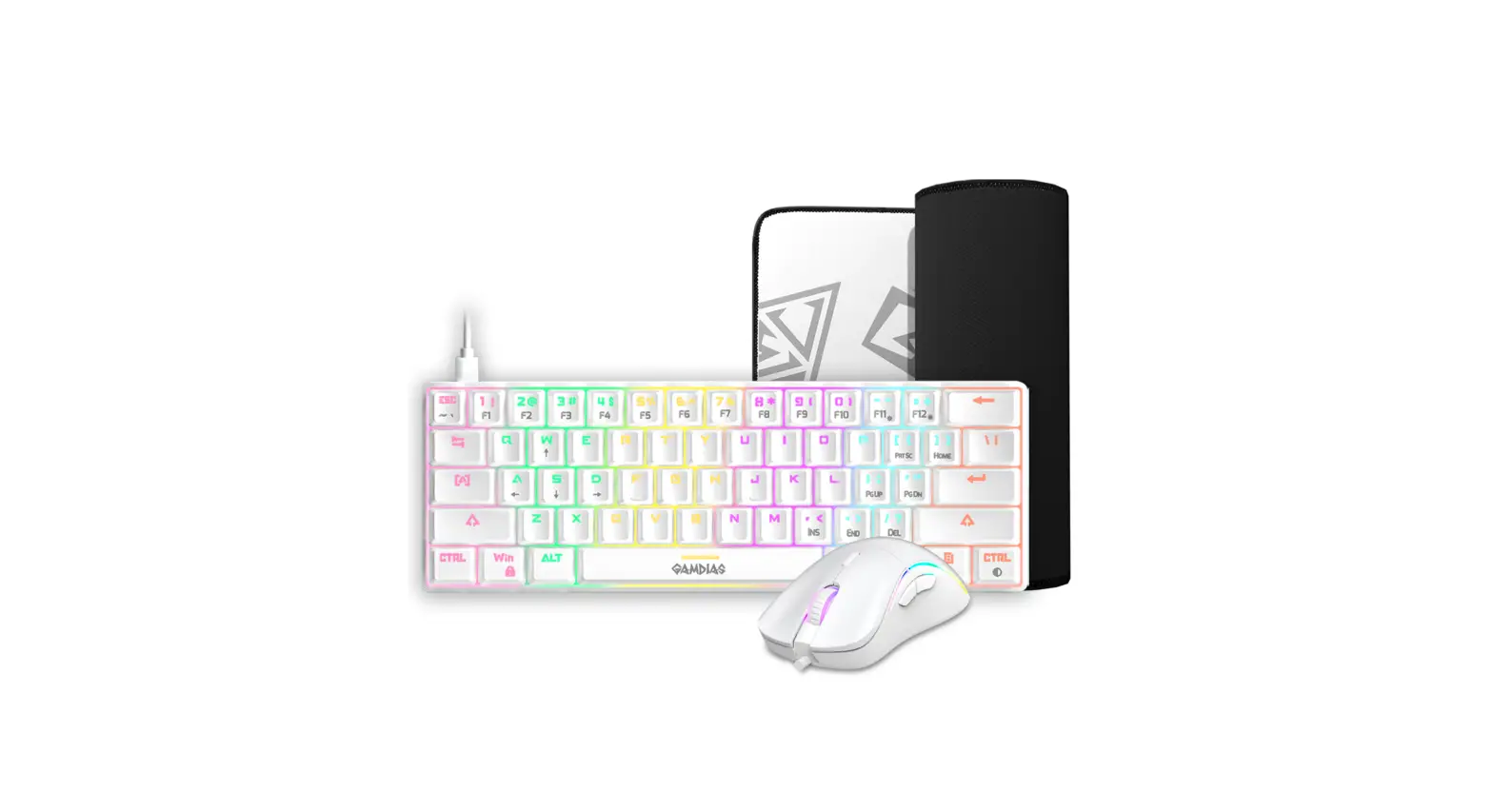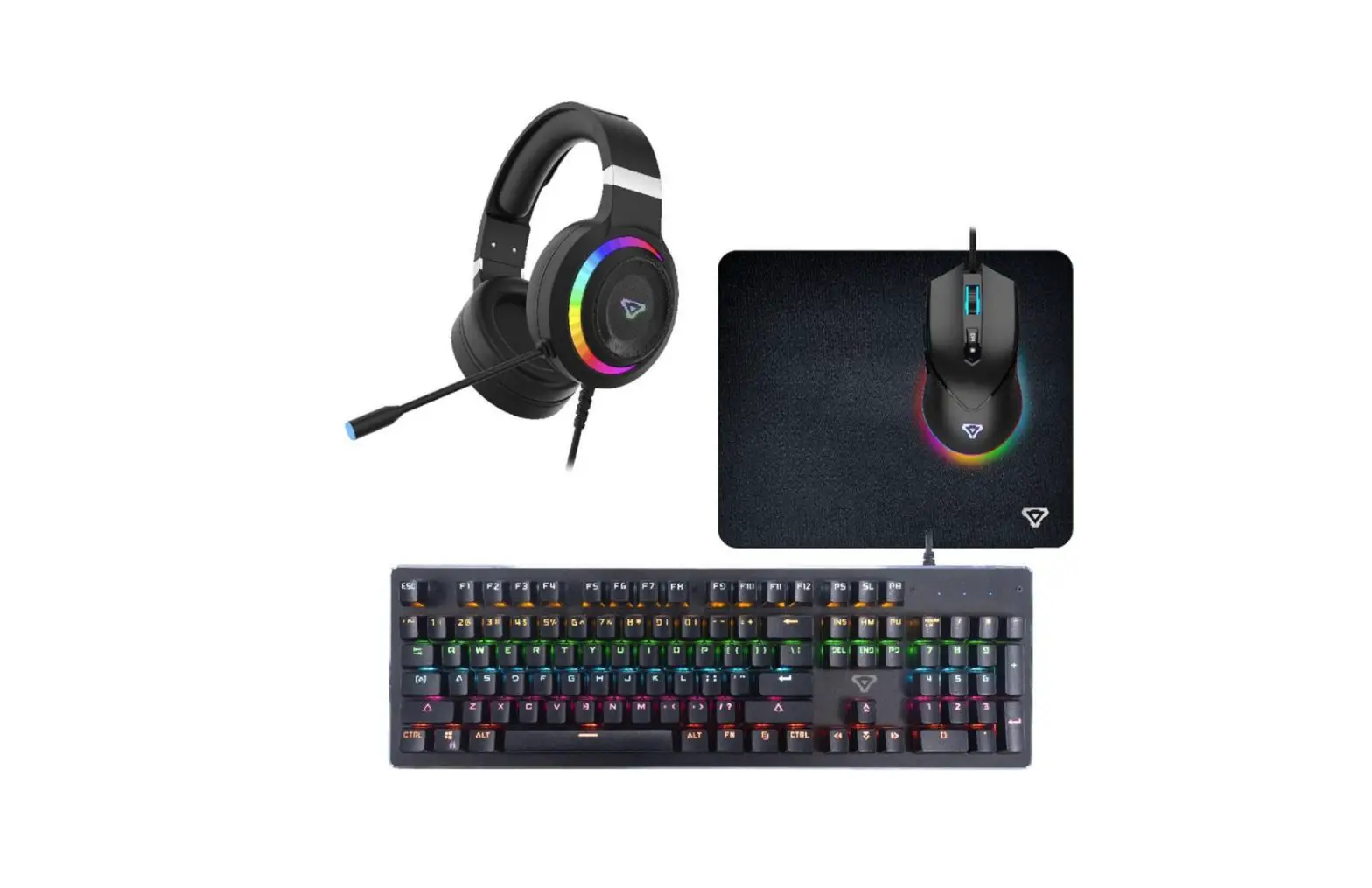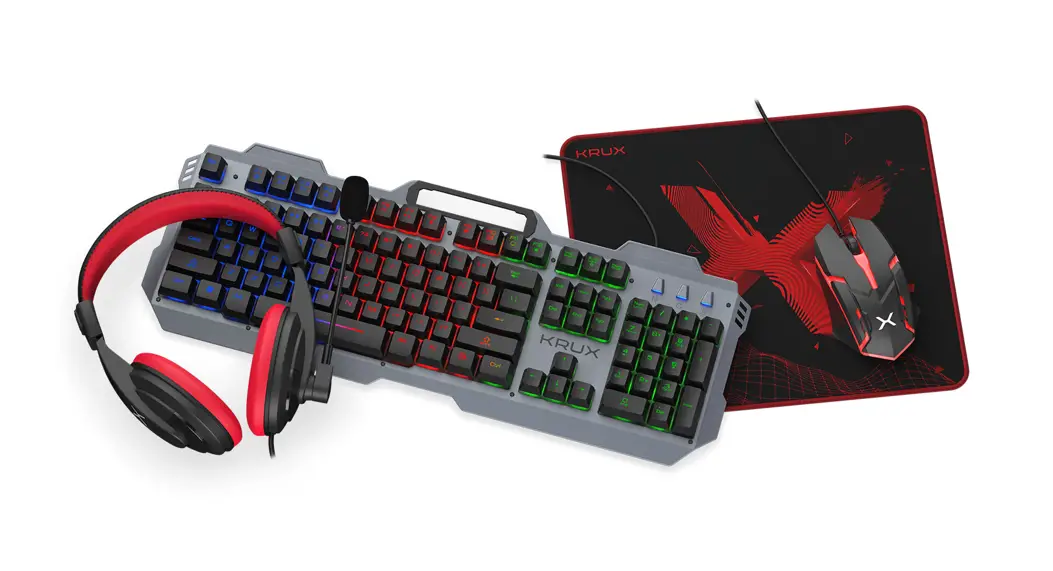

ATOMA 4 in 1
GAMING COMBO
USER’S GUIDE
KRX0112
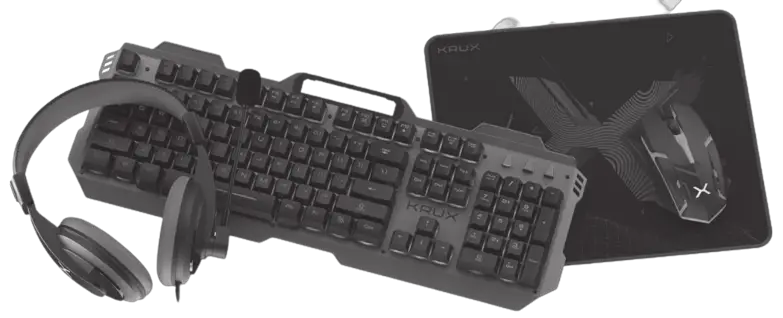
Installation:
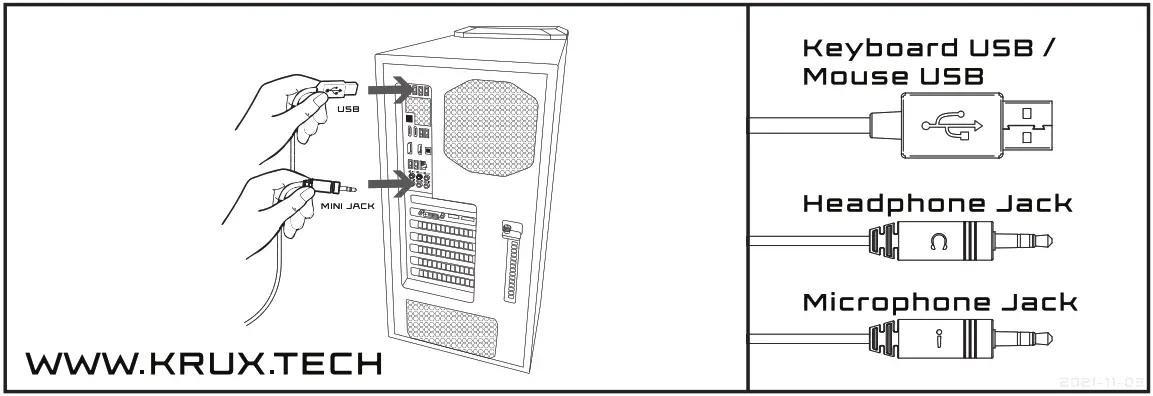
Connect the headset to 3.5mm jack port of your computer.
Connect the Keyboard and mouse to USB ports of your computer.
Technical specification HEADPHONES:
Cable length [cm]: 180
Driver [mm]: 40
Impedance [Ohm]: 32 415%
Frequency Response: [Hz]: 20 ~ 20,000
Sensivity [dB]: 105 +3
Connection: 2x 3.5 mm Mini-Jack
Microphone: Tak
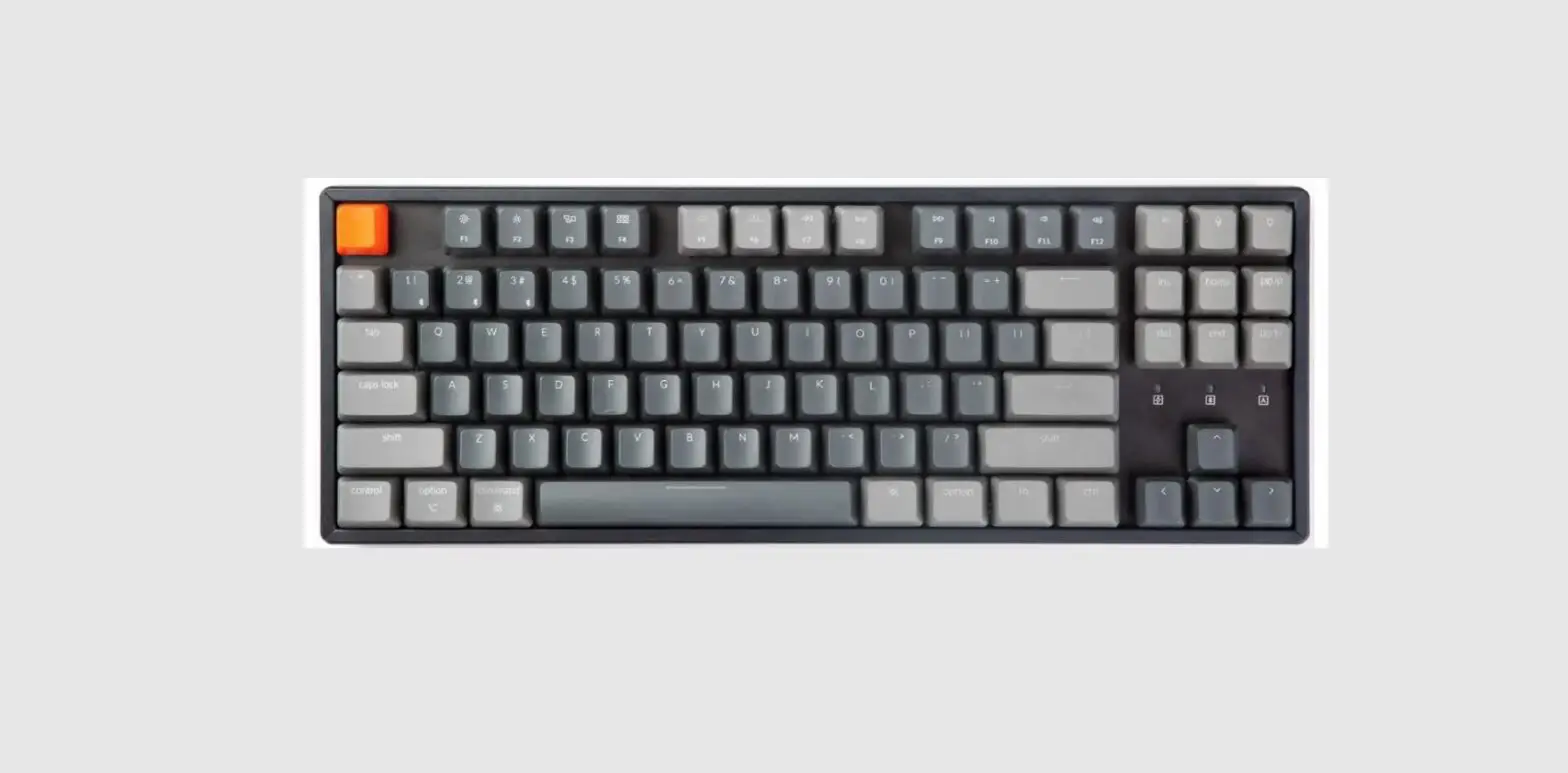
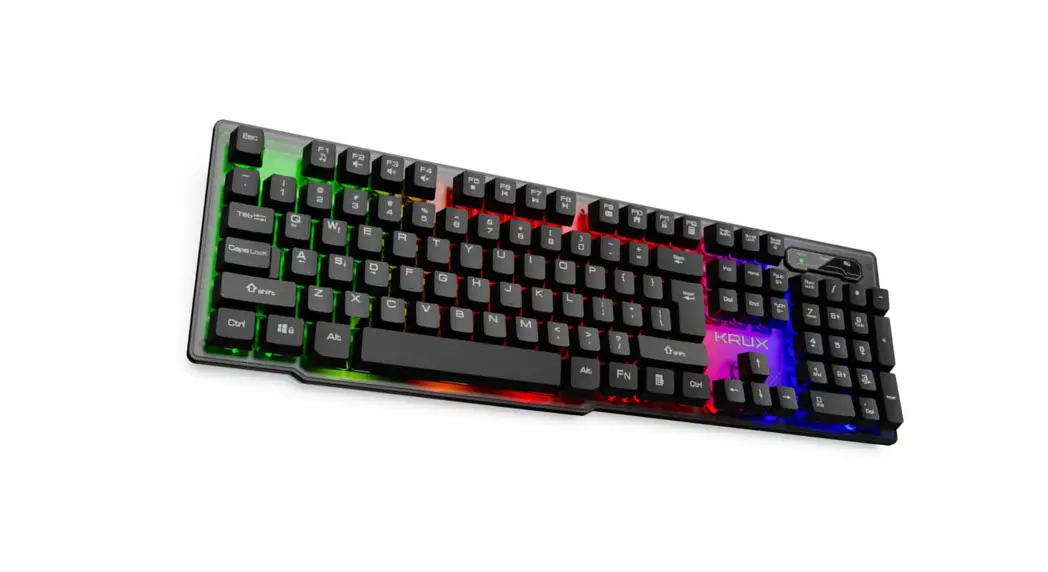
Technical specification KEYBOARD:
Cable length [cm]: 150
Keys: 104
Size [mm]: 470x175x38
Waga [g]: 635
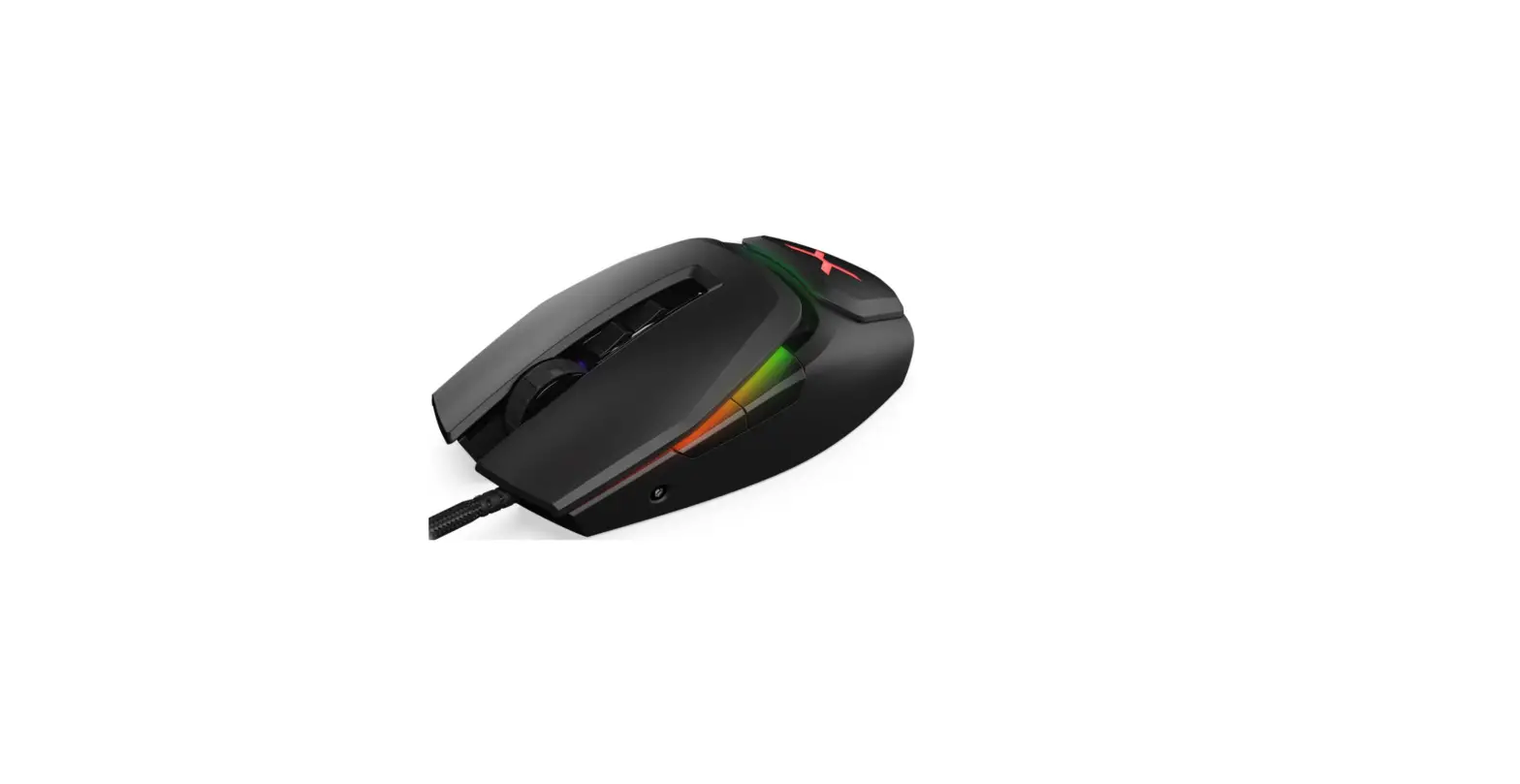
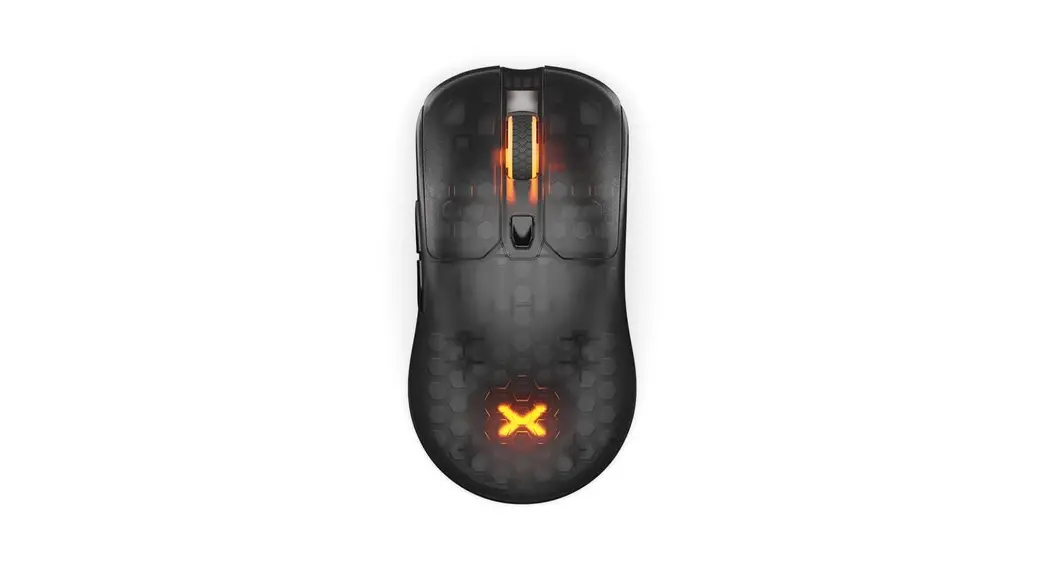
Technical specification GAMING MOUSE:
Cable length [cm]: 150
Buttons: 4+
size [mm]: 127x74x40
Weight [g]: 98
Software: YES
Technical specification MOUSEPAD:
Size [mm]: 300x250x3
Use and warranty limitations:
- Warranty: 1 year
- The product should be used according to its intended purpose. Incorrect use can damage the product and endanger the life of the user;
- Excessive humidity, dust, and other contaminations can result in product damage that is not covered by the warranty;
- Avoid exposure to rapid changes in ambient temperature. Should they occur, wait approx. 30 minutes before using the product until the temperature is leveled;
- You can find the warranty terms and conditions at https://krux.tech/.
MOUSE DPILEVELS
| 1200 DPI | 1600 OPI | 2’400 DPI | 3200 DPI |
| BLUE | PINK | REO | PURPLE |
KEYBOARD LED
Press partSc key to ON/Off LED