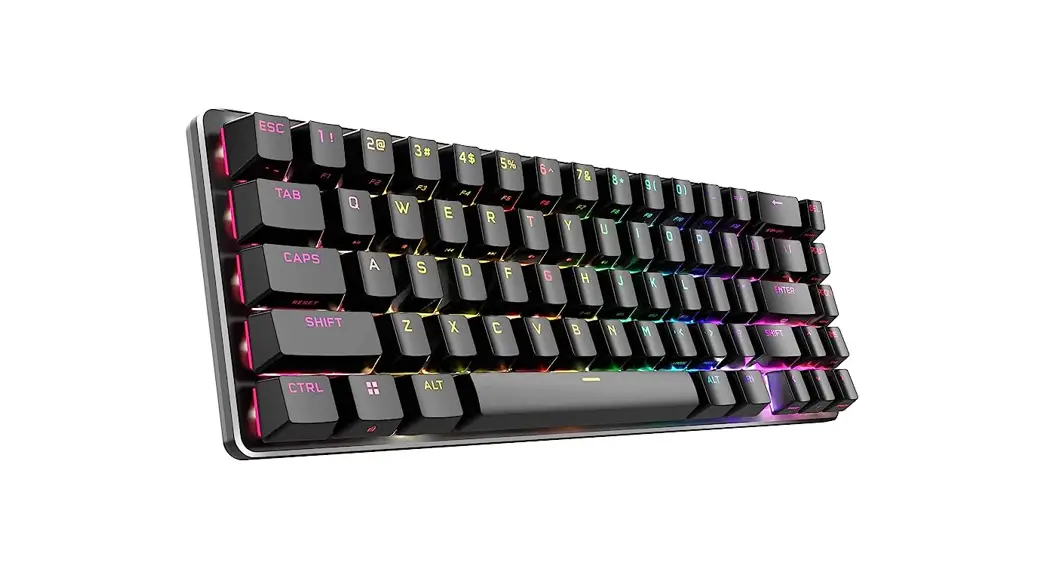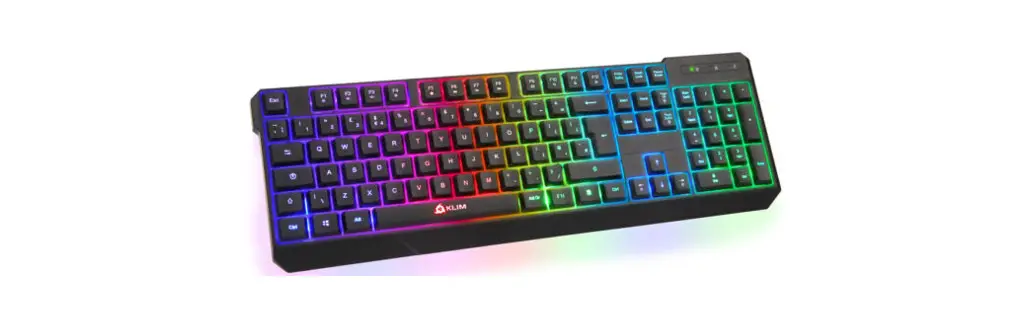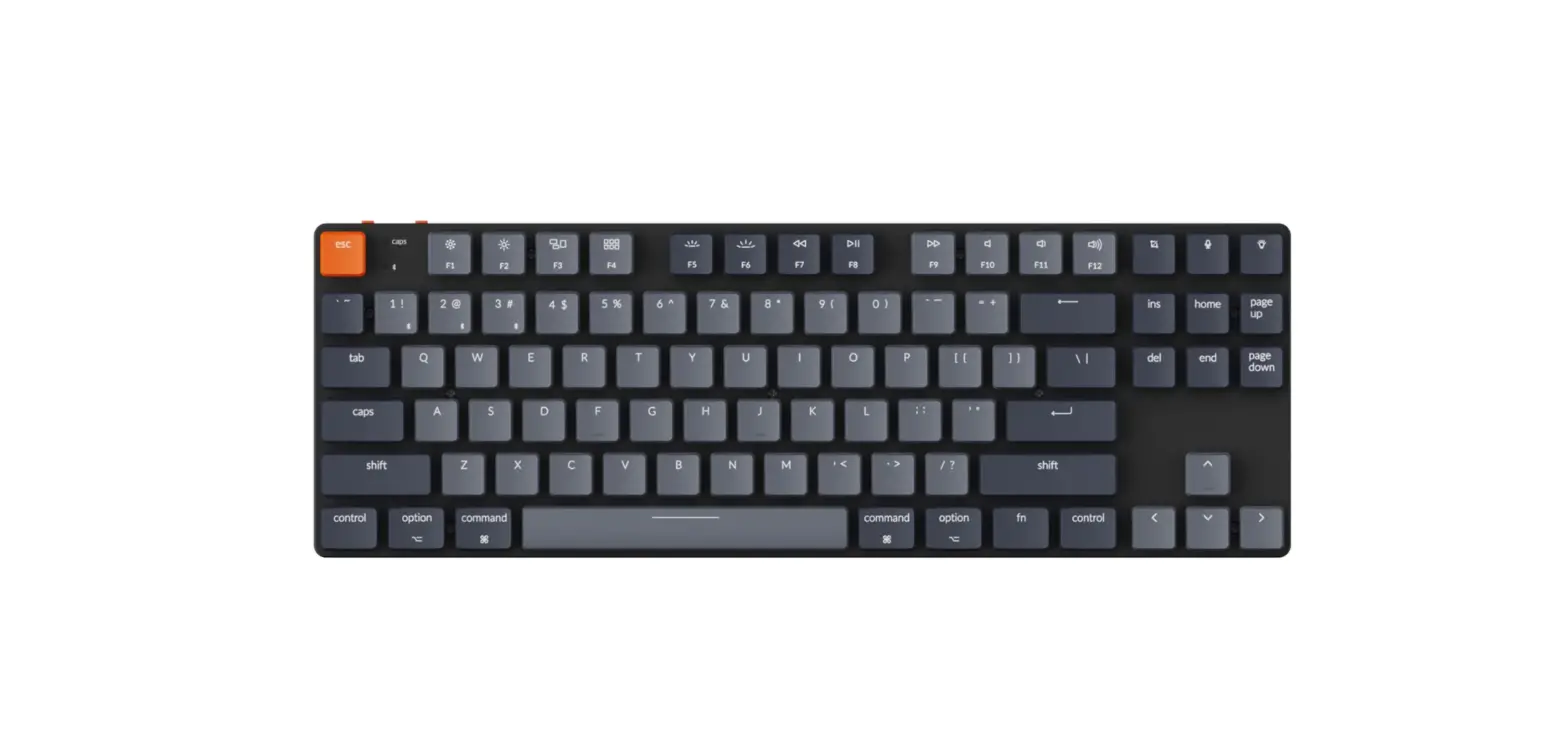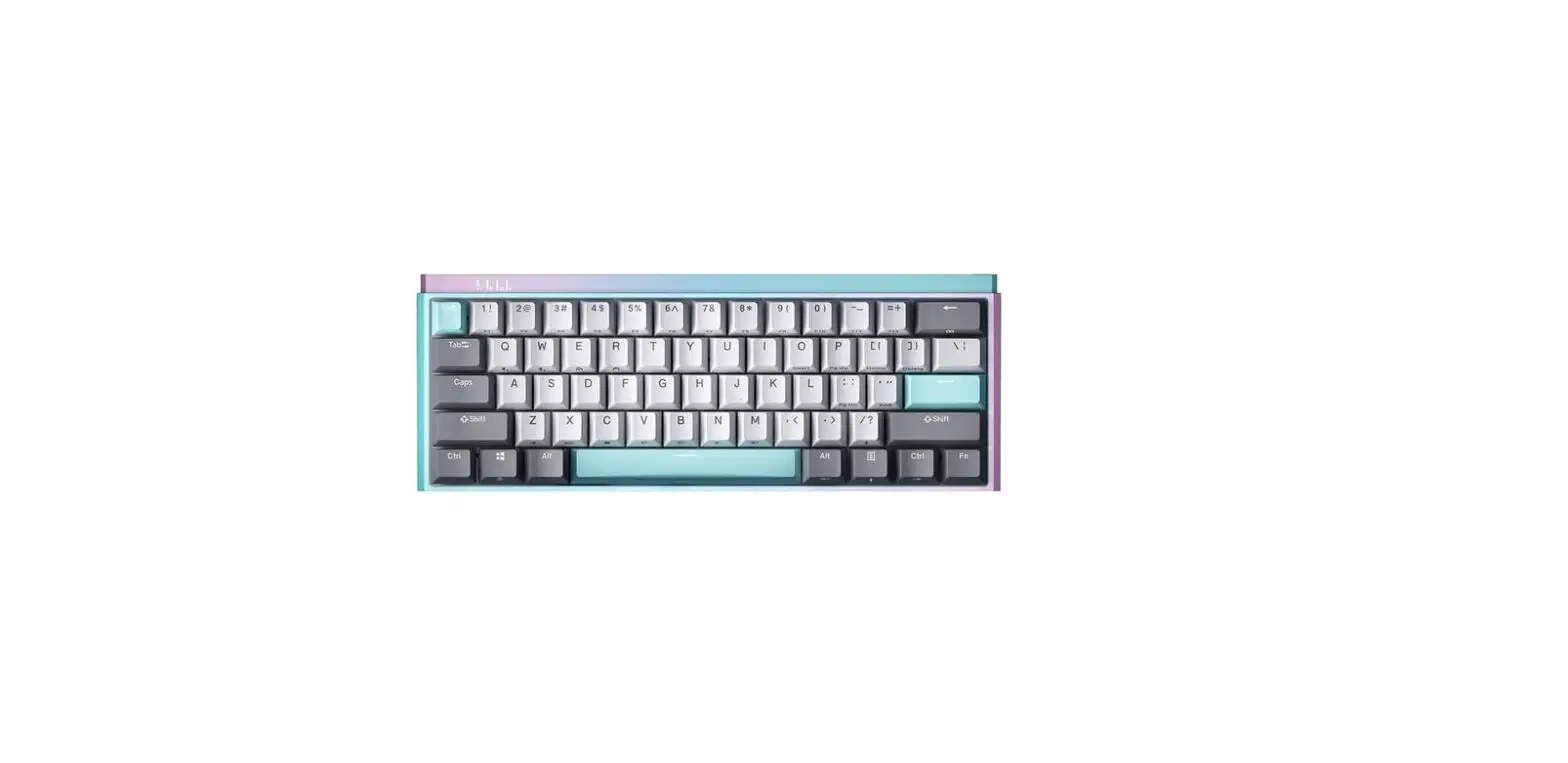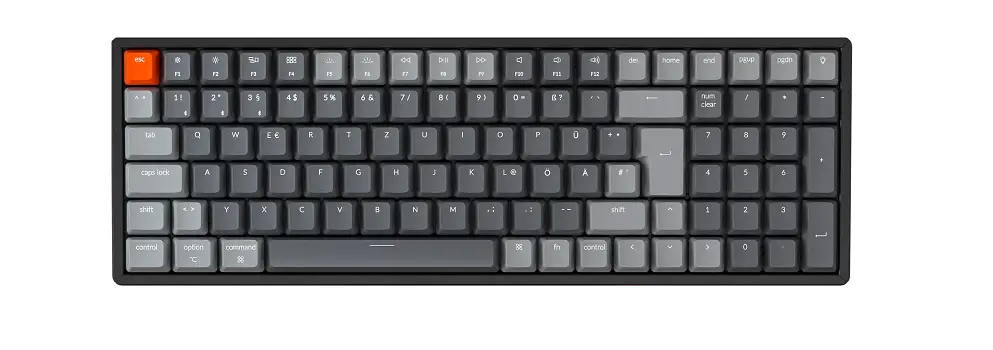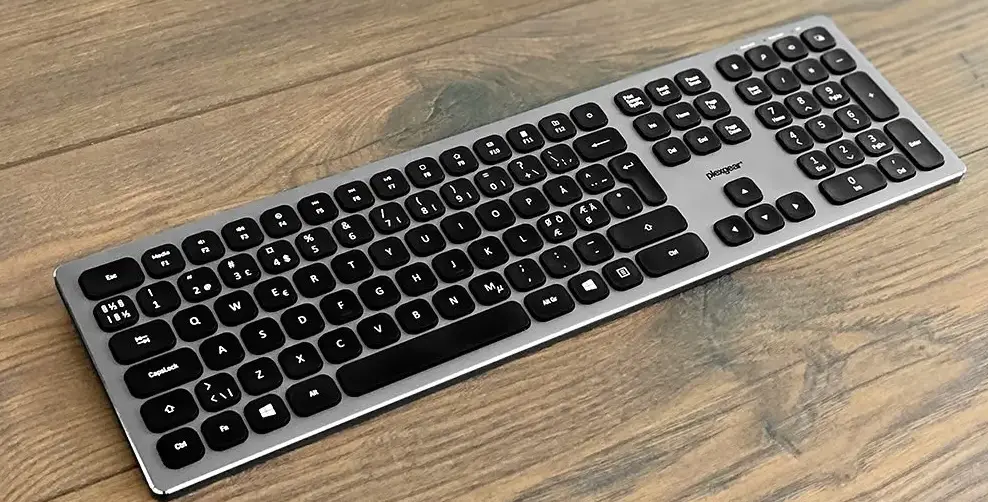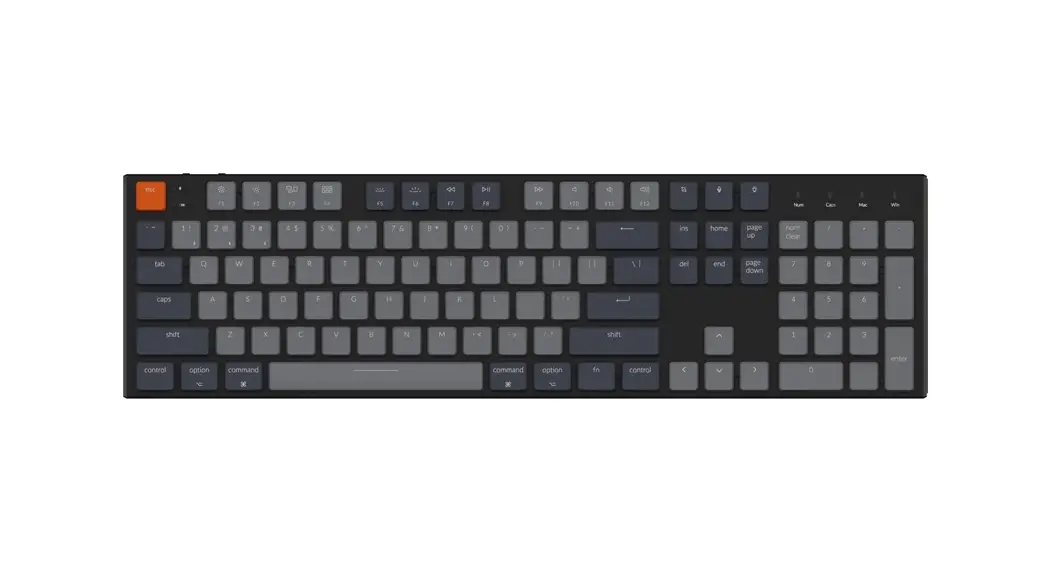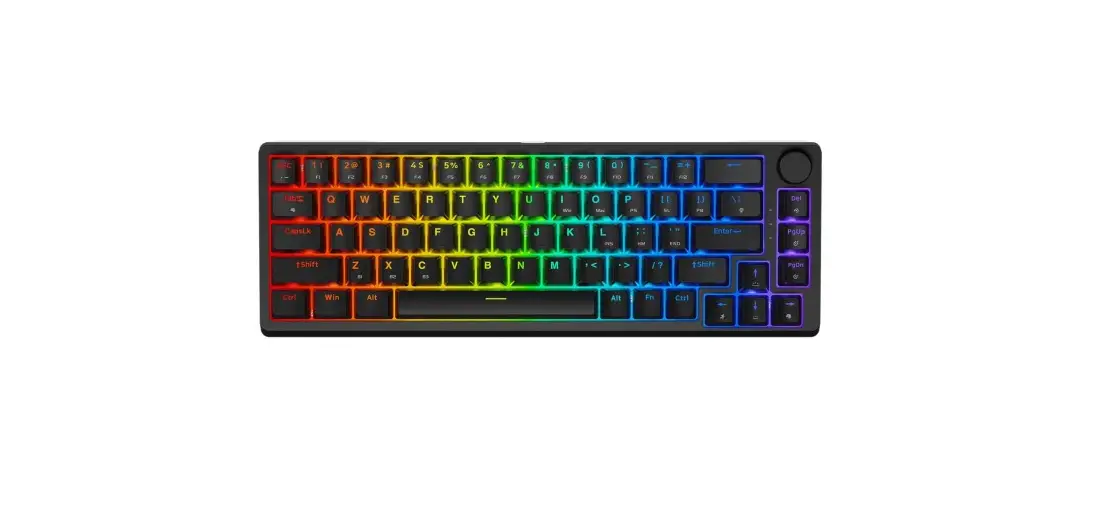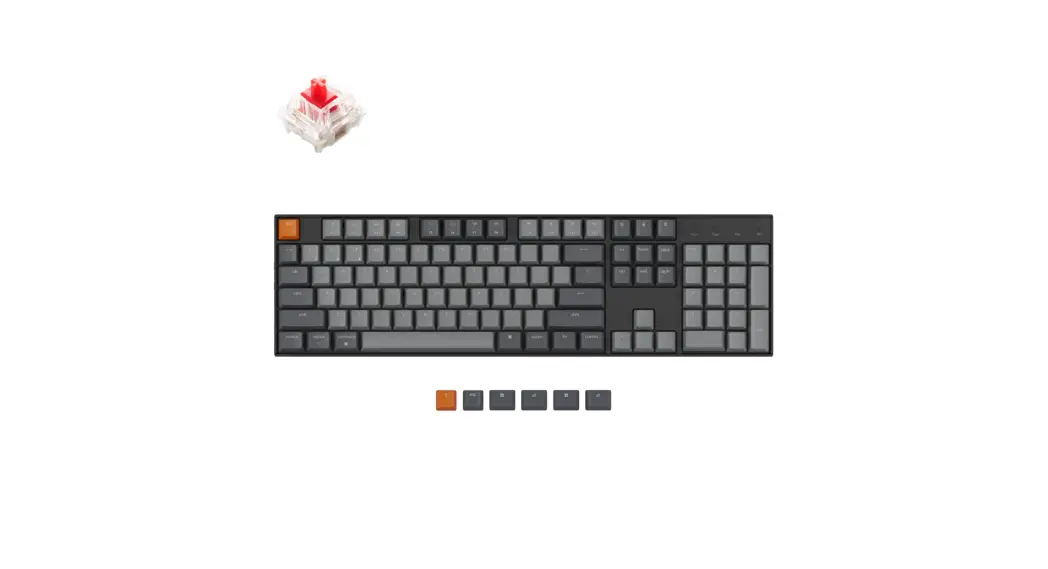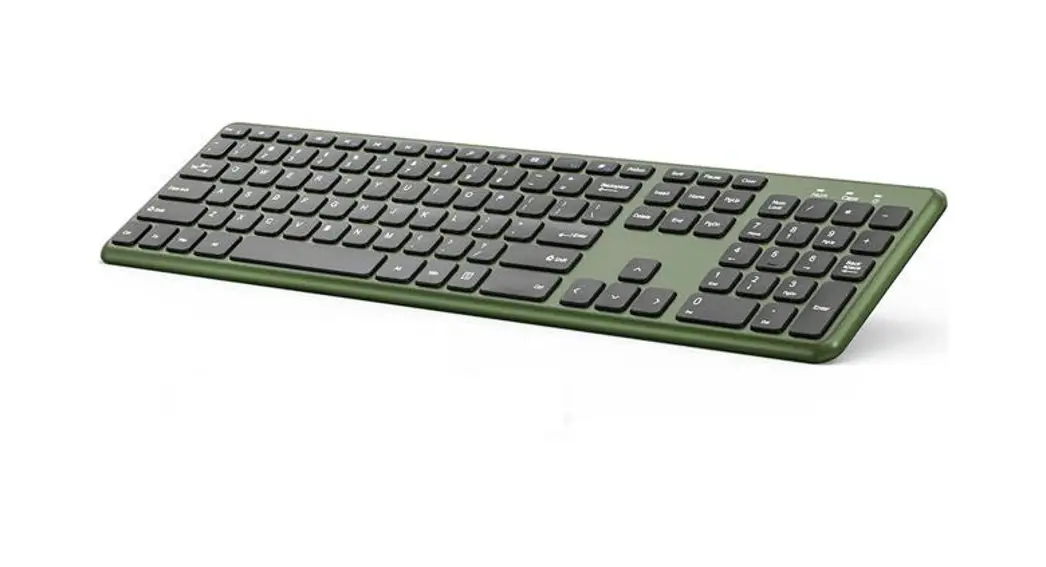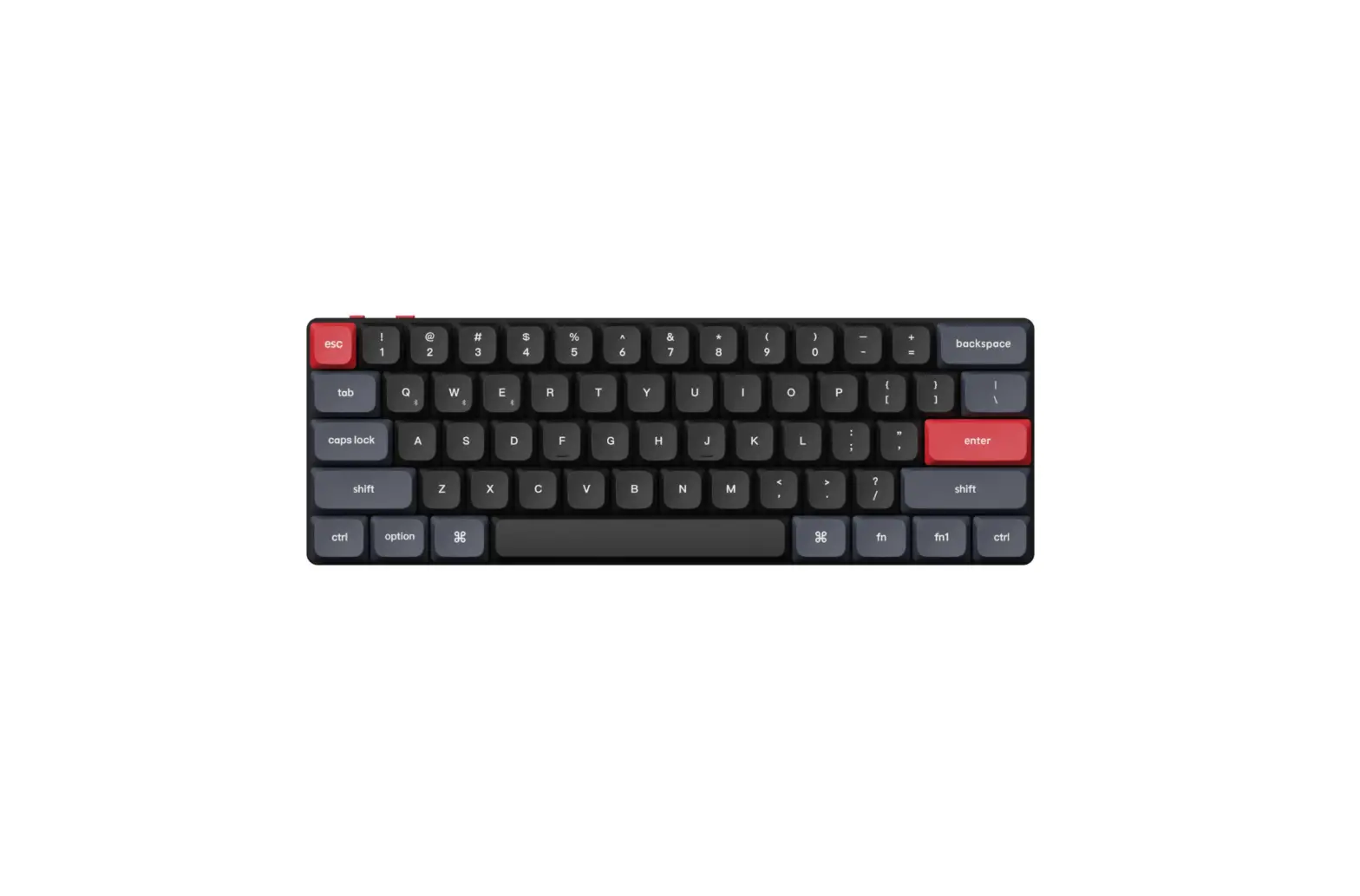
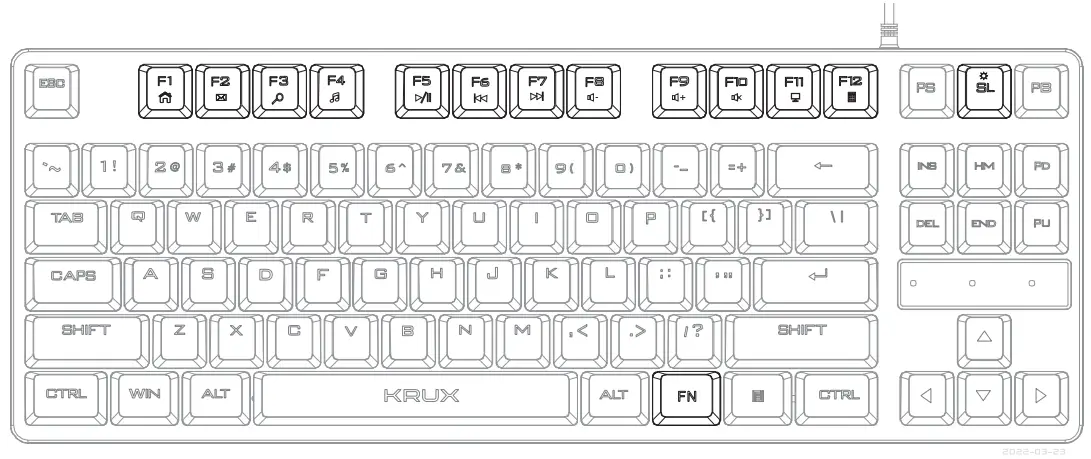
 SOLAR TKL RGB KRXOM4
 WWW.KRUX.TECH
BACKLIGHT SET:
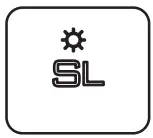 | Turn on/Turn off |
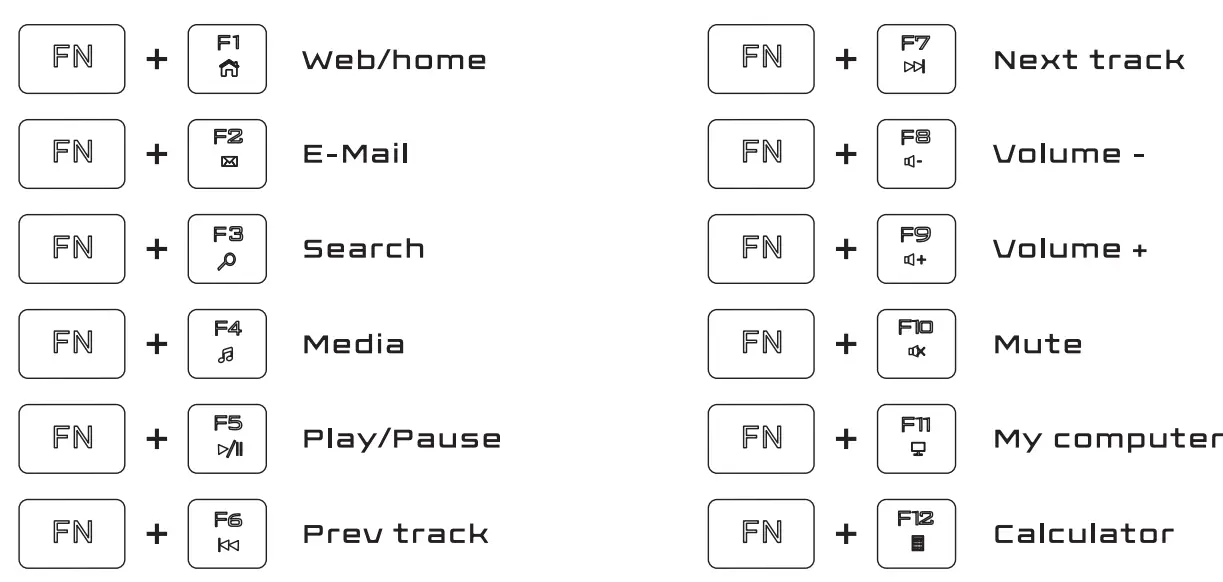
KEY FUNCTION:
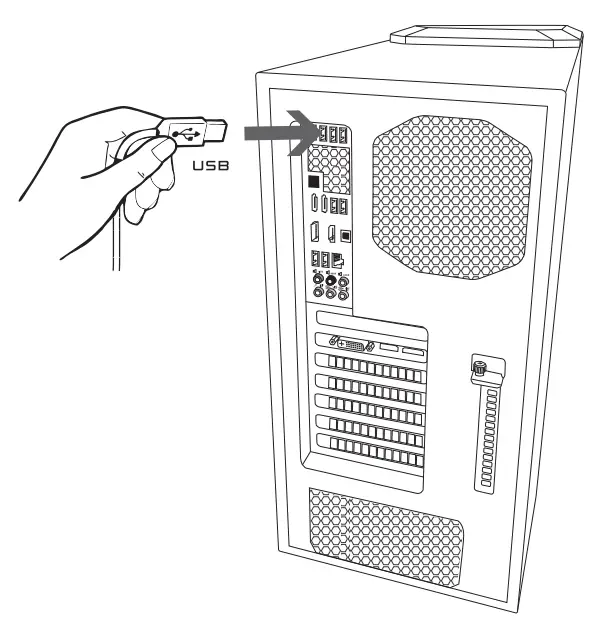
INSTALATION
Use and warranty limitations:
– The product should be used according to its intended purpose. Incorrect use can damage the Product and endanger the life of the user;
– Excessive humidity, dust, and other contaminations can result in product damage that is not covered by the warranty;
– Avoid exposure to rapid changes in ambient temperature. Should they occur, wait approx. 30 minutes before using the product until the temperature is leveled;
– You can find the warranty terms and conditions at https://Krux.tech/.

ENTITY RESPONSIBLE / POOMIOT ODPOWIEDZIALNY:
COOLING.PL ZOZIECH SPJ.
UL. SOKOLOWSKA 24
05-806 SOKOtLOW, POLAND
TEL. +48eee920130
BOO: 0OO000e200e25